MAXCORE INVESTMENT SP-11BT POWER BANK BLUETOOTH SPEAKER User Manual

MAXCORE INVESTMENT (HK) CO., LIMITED. POWER BANK BLUETOOTH SPEAKER

User Manual

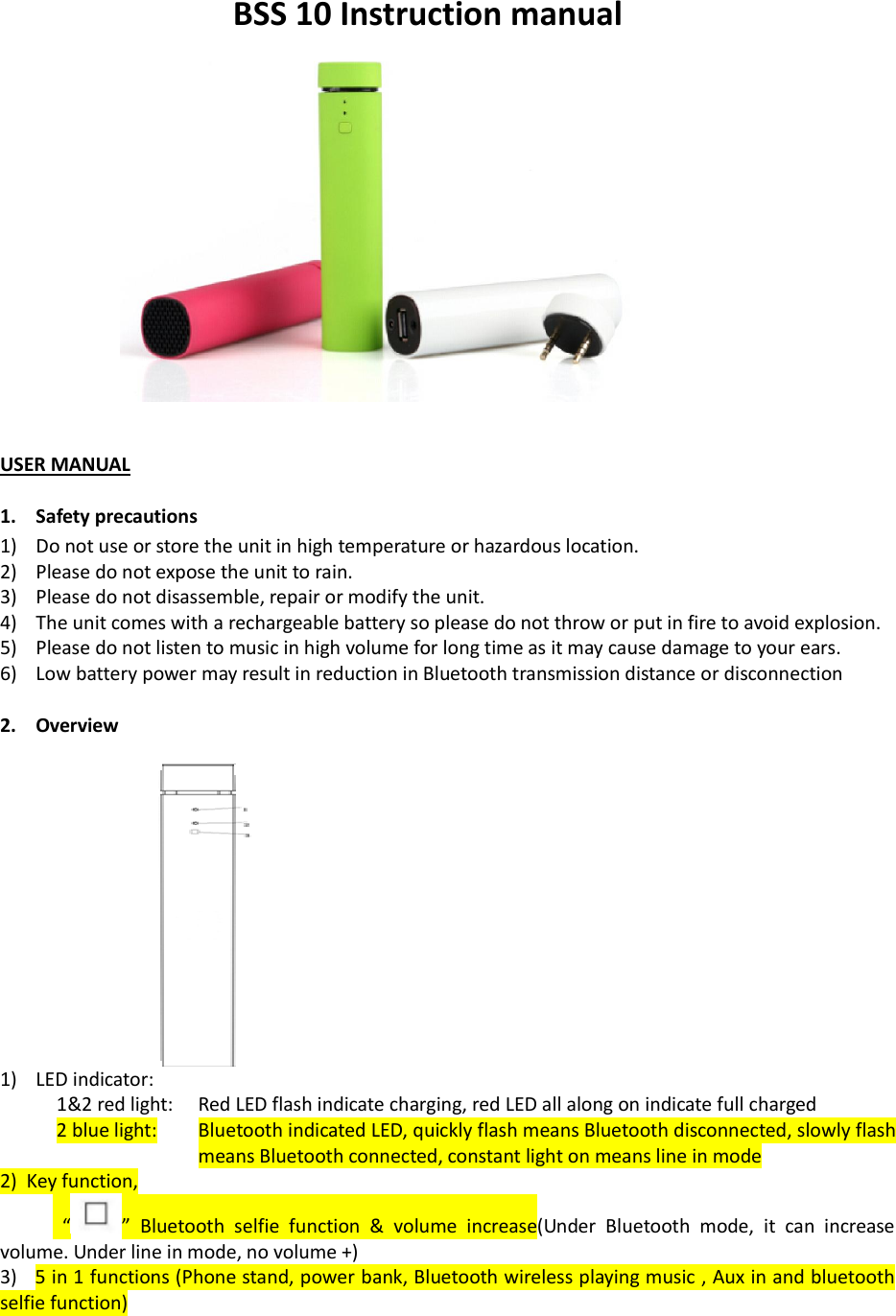
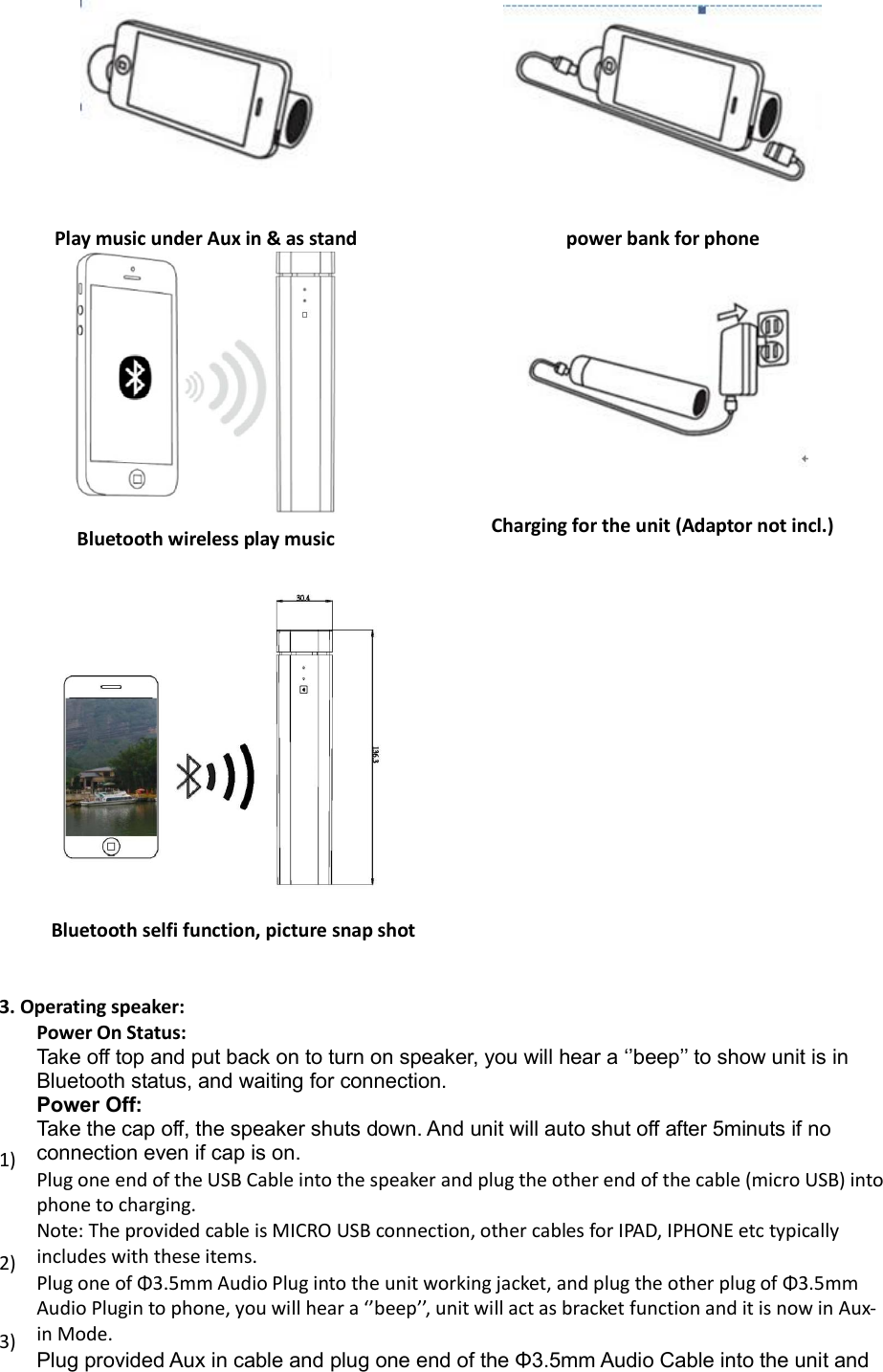
BSS 10 Instruction manual    USER MANUAL  1. Safety precautions 1) Do not use or store the unit in high temperature or hazardous location. 2) Please do not expose the unit to rain. 3) Please do not disassemble, repair or modify the unit. 4) The unit comes with a rechargeable battery so please do not throw or put in fire to avoid explosion. 5) Please do not listen to music in high volume for long time as it may cause damage to your ears. 6) Low battery power may result in reduction in Bluetooth transmission distance or disconnection  2. Overview   1) LED indicator:  1&2 red light:   Red LED flash indicate charging, red LED all along on indicate full charged 2 blue light:         Bluetooth indicated LED, quickly flash means Bluetooth disconnected, slowly flash means Bluetooth connected, constant light on means line in mode 2)  Key function,   “ ”  Bluetooth  selfie  function  &  volume  increase(Under  Bluetooth  mode,  it  can  increase volume. Under line in mode, no volume +) 3)   5 in 1 functions (Phone stand, power bank, Bluetooth wireless playing music , Aux in and bluetooth selfie function)
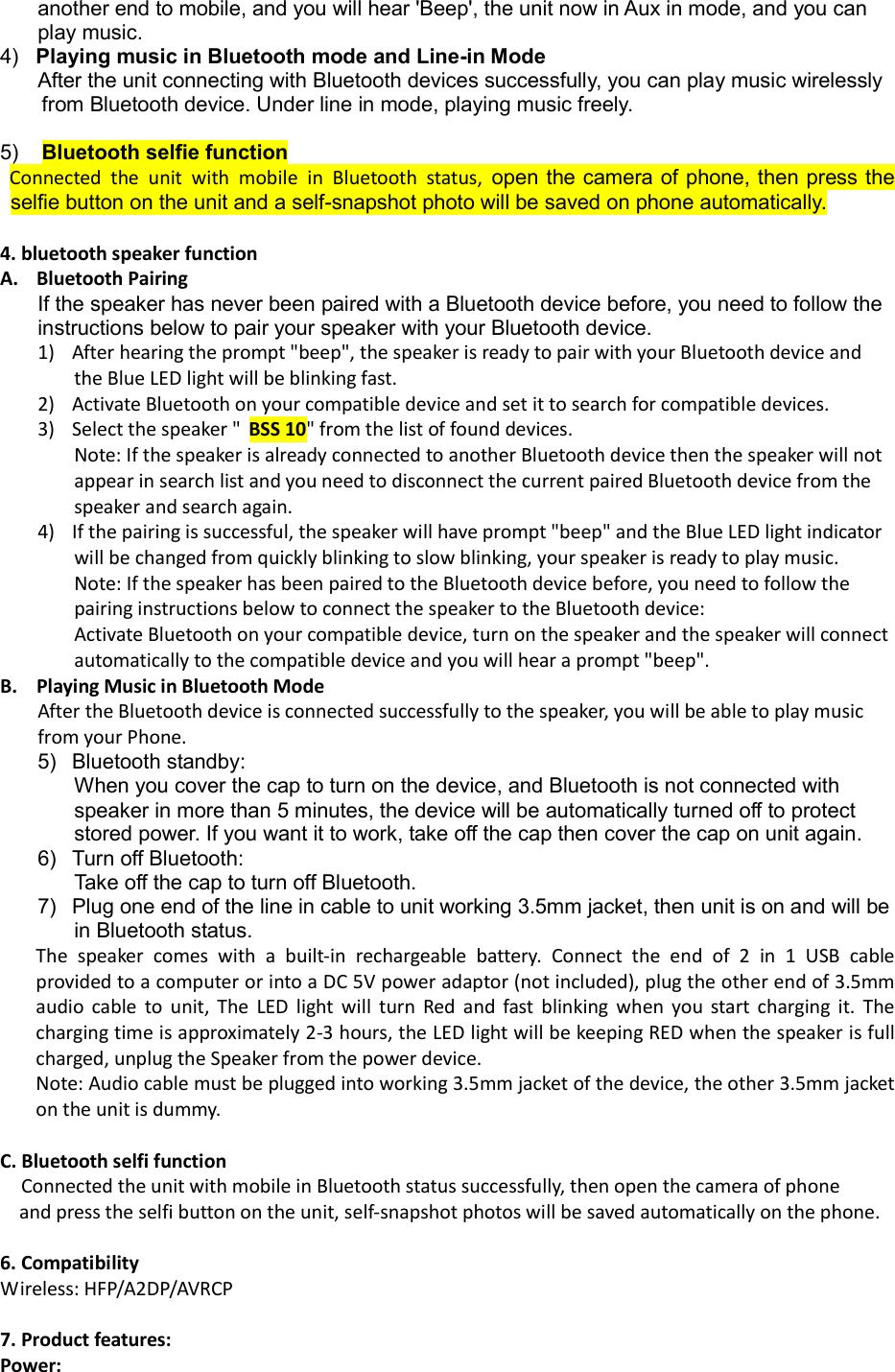
  Play music under Aux in & as stand  power bank for phone   Bluetooth wireless play music  Charging for the unit (Adaptor not incl.)                                           Bluetooth selfi function, picture snap shot   3. Operating speaker:  Power On Status:  Take off top and put back on to turn on speaker, you will hear a ‘’beep’’ to show unit is in Bluetooth status, and waiting for connection. Power Off:  Take the cap off, the speaker shuts down. And unit will auto shut off after 5minuts if no connection even if cap is on. 1)  Plug one end of the USB Cable into the speaker and plug the other end of the cable (micro USB) into phone to charging. Note: The provided cable is MICRO USB connection, other cables for IPAD, IPHONE etc typically includes with these items. 2)  Plug one of Φ3.5mm Audio Plug into the unit working jacket, and plug the other plug of Φ3.5mm Audio Plugin to phone, you will hear a ‘’beep’’, unit will act as bracket function and it is now in Aux-in Mode. 3)  Plug provided Aux in cable and plug one end of the Φ3.5mm Audio Cable into the unit and
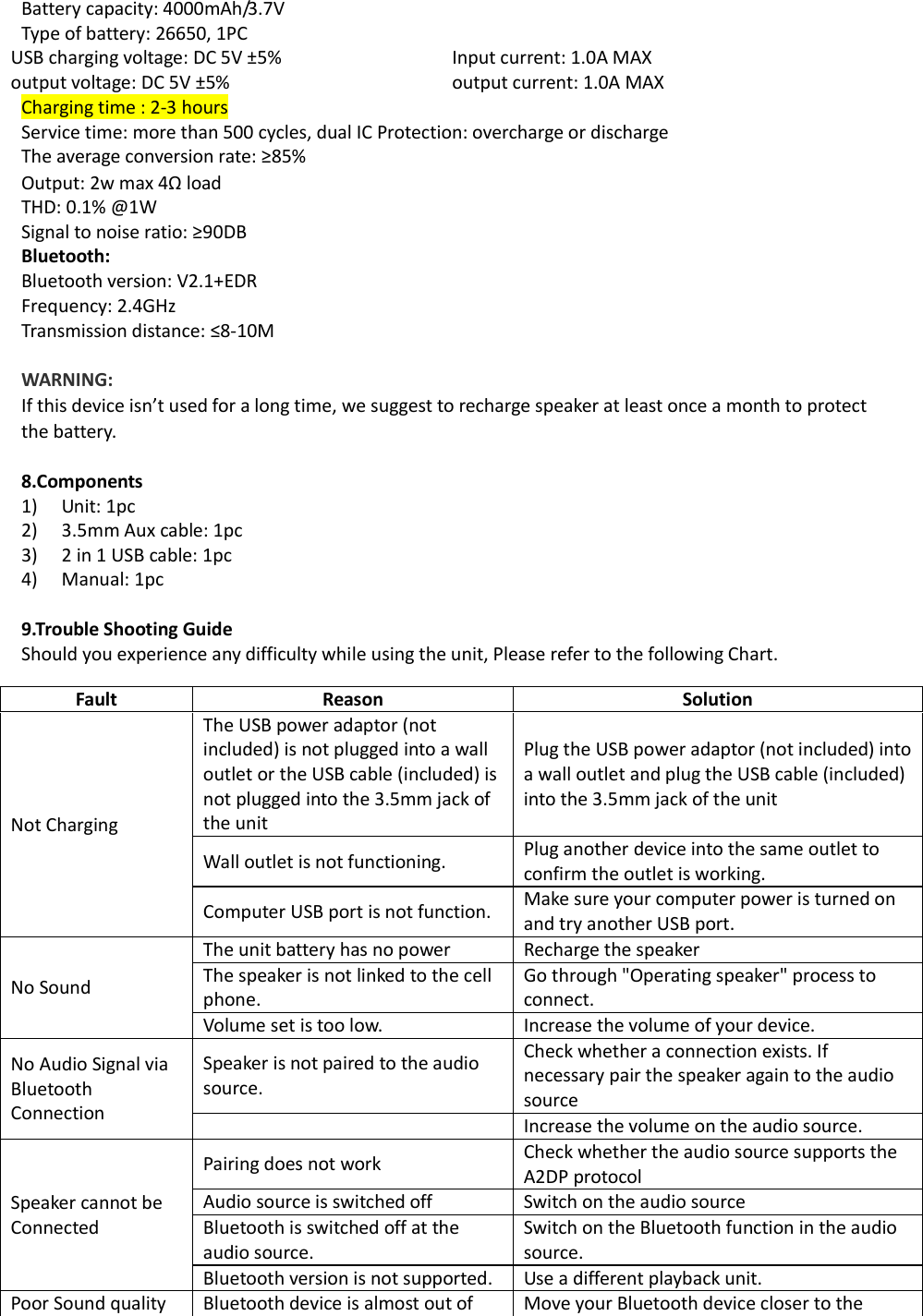
another end to mobile, and you will hear 'Beep', the unit now in Aux in mode, and you can play music. 4)   Playing music in Bluetooth mode and Line-in Mode After the unit connecting with Bluetooth devices successfully, you can play music wirelessly from Bluetooth device. Under line in mode, playing music freely.  5)    Bluetooth selfie function   Connected  the  unit  with  mobile  in  Bluetooth  status,  open the camera of phone, then press the selfie button on the unit and a self-snapshot photo will be saved on phone automatically.  4. bluetooth speaker function A. Bluetooth Pairing  If the speaker has never been paired with a Bluetooth device before, you need to follow the instructions below to pair your speaker with your Bluetooth device. 1) After hearing the prompt "beep", the speaker is ready to pair with your Bluetooth device and the Blue LED light will be blinking fast.  2) Activate Bluetooth on your compatible device and set it to search for compatible devices. 3) Select the speaker " BSS 10" from the list of found devices. Note: If the speaker is already connected to another Bluetooth device then the speaker will not appear in search list and you need to disconnect the current paired Bluetooth device from the speaker and search again. 4) If the pairing is successful, the speaker will have prompt "beep" and the Blue LED light indicator will be changed from quickly blinking to slow blinking, your speaker is ready to play music. Note: If the speaker has been paired to the Bluetooth device before, you need to follow the pairing instructions below to connect the speaker to the Bluetooth device:  Activate Bluetooth on your compatible device, turn on the speaker and the speaker will connect automatically to the compatible device and you will hear a prompt "beep". B. Playing Music in Bluetooth Mode After the Bluetooth device is connected successfully to the speaker, you will be able to play music from your Phone. 5)  Bluetooth standby:  When you cover the cap to turn on the device, and Bluetooth is not connected with speaker in more than 5 minutes, the device will be automatically turned off to protect stored power. If you want it to work, take off the cap then cover the cap on unit again. 6)  Turn off Bluetooth: Take off the cap to turn off Bluetooth. 7)  Plug one end of the line in cable to unit working 3.5mm jacket, then unit is on and will be in Bluetooth status. The  speaker  comes  with  a  built-in  rechargeable  battery.  Connect  the  end  of  2  in  1  USB cable provided to a computer or into a DC 5V power adaptor (not included), plug the other end of 3.5mm audio  cable  to  unit,  The  LED  light  will  turn  Red  and  fast  blinking  when  you  start  charging  it.  The charging time is approximately 2-3 hours, the LED light will be keeping RED when the speaker is full charged, unplug the Speaker from the power device.  Note: Audio cable must be plugged into working 3.5mm jacket of the device, the other 3.5mm jacket on the unit is dummy.  C. Bluetooth selfi function Connected the unit with mobile in Bluetooth status successfully, then open the camera of phone      and press the selfi button on the unit, self-snapshot photos will be saved automatically on the phone.  6. Compatibility Wireless: HFP/A2DP/AVRCP  7. Product features:  Power:
Battery capacity: 4000mAh/3.7V Type of battery: 26650, 1PC USB charging voltage: DC 5V ±5%  Input current: 1.0A MAX  output voltage: DC 5V ±5%  output current: 1.0A MAX Charging time : 2-3 hours Service time: more than 500 cycles, dual IC Protection: overcharge or discharge The average conversion rate: ≥85%  Output: 2w max 4Ω load THD: 0.1% @1W Signal to noise ratio: ≥90DB Bluetooth:  Bluetooth version: V2.1+EDR Frequency: 2.4GHz Transmission distance: ≤8-10M  WARNING:  If this device isn’t used for a long time, we suggest to recharge speaker at least once a month to protect the battery.   8.Components 1) Unit: 1pc 2) 3.5mm Aux cable: 1pc 3) 2 in 1 USB cable: 1pc 4) Manual: 1pc  9.Trouble Shooting Guide Should you experience any difficulty while using the unit, Please refer to the following Chart. Fault Reason Solution Not Charging The USB power adaptor (not included) is not plugged into a wall outlet or the USB cable (included) is not plugged into the 3.5mm jack of the unit Plug the USB power adaptor (not included) into a wall outlet and plug the USB cable (included) into the 3.5mm jack of the unit Wall outlet is not functioning.  Plug another device into the same outlet to confirm the outlet is working. Computer USB port is not function.  Make sure your computer power is turned on and try another USB port. No Sound The unit battery has no power  Recharge the speaker The speaker is not linked to the cell phone. Go through "Operating speaker" process to connect. Volume set is too low.  Increase the volume of your device. No Audio Signal via Bluetooth Connection Speaker is not paired to the audio source. Check whether a connection exists. If necessary pair the speaker again to the audio source   Increase the volume on the audio source. Speaker cannot be Connected Pairing does not work  Check whether the audio source supports the A2DP protocol Audio source is switched off  Switch on the audio source Bluetooth is switched off at the audio source. Switch on the Bluetooth function in the audio source. Bluetooth version is not supported.   Use a different playback unit. Poor Sound quality  Bluetooth device is almost out of  Move your Bluetooth device closer to the
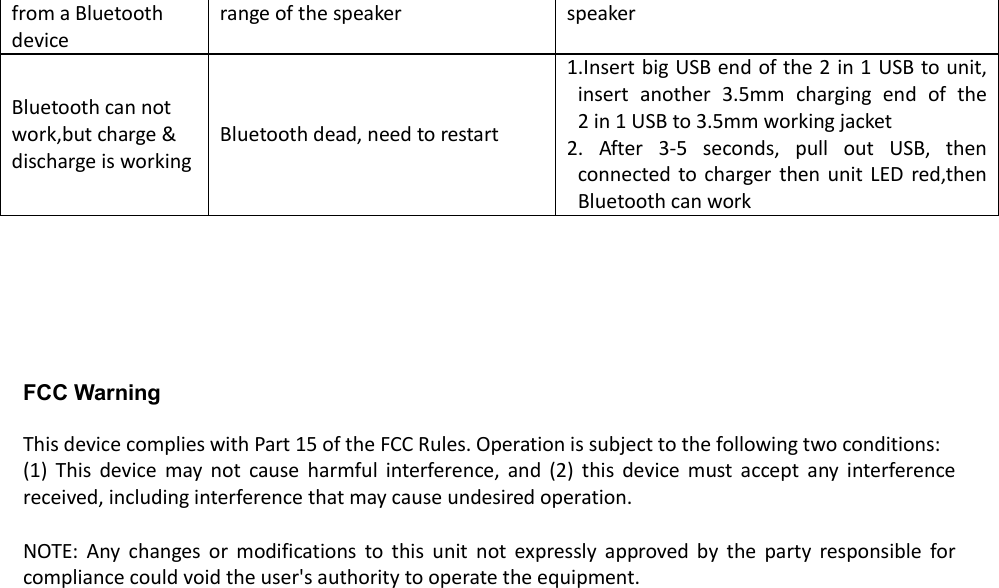
from a Bluetooth device range of the speaker speaker Bluetooth can not work,but charge & discharge is working Bluetooth dead, need to restart  1.Insert big USB end of the 2 in 1 USB to unit, insert  another  3.5mm  charging  end  of  the       2 in 1 USB to 3.5mm working jacket  2.  After  3-5  seconds,  pull  out  USB,  then connected  to charger then unit  LED red,then Bluetooth can work       FCC Warning  This device complies with Part 15 of the FCC Rules. Operation is subject to the following two conditions: (1)  This  device  may  not  cause  harmful  interference,  and  (2)  this  device  must  accept  any  interference received, including interference that may cause undesired operation.  NOTE:  Any  changes  or  modifications  to  this  unit  not  expressly  approved  by  the  party  responsible  for compliance could void the user's authority to operate the equipment.

Navigation menu