MSI WO011101001 Remote control for window operator User Manual window operator
MSI Manufacturing, LLC Remote control for window operator window operator
MSI >
Users Manual
Window Operator
Operating Instructions
Thank you for purchasing this product. Your remote is state-of-the-art and
you’ll find it easy to setup and use. Please take the time to read through this
manual carefully. It contains important operation and safety information.

DANGER
To help prevent severe personal injury or death:
Read and understand instructions completely before beginning installation.
Wiring must be installed by a qualified electrician according to local and
National Electrical Codes (N.E.C.)
Disconnect battery before beginning installation!
Connect battery only after motor connections and settings are verified.
This equipment does not provide a method to shut off power, and should
disconnect battery if you need power off.
The screen interlock MUST be correctly mounted and is a required part of
the installation. It is intended to help prevent injury that could result from
reaching into the window or skylight area during operation. The correct
installation of the screen interlock is the responsibility of the installer.
Do not allow children to operate remote control transmitter(s).
Additional Safety Guidelines
The window operator system must not be used on windows that are
intended to meet egress codes.
The system is intended for indoor use only, with screens in place.
When connecting the system to accessories, read the installation
instructions supplied with each accessory before beginning installation.
Save ALL instructions.
Installer – please be sure to give ALL instructions to the homeowner once
installation is complete.

Important Inforation
This remote is compatible with all LSS window or skylight motorization
systems. Setting up the remote first requires window system installation.
About RF Devices
This remote control is an RF (radio frequency) device and therefore does
not need to be pointed in any manner toward the intended window/skylight to
be operated. The effective range for this remote is approximately 50ft, but this
varies with application conditions such as: wall materials, mounting height of
receiver and interference from other devices radiating on RF frequencies.
Devices which could be affected or cause interference can include the
following: radio baby monitors, garage door openers and automotive keyless
entry / security systems.
Battery Information
This remote control uses 2 size “AA” batteries (not included). Insert with
the proper polarities (+ and -) aligned correctly. The use of alkaline batteries is
recommended for best service life. Do not mix alkaline and manganese battery
types, nor use old and new batteries together.
When the remote will not be used for a long time, remove the batteries to
avoid damage caused by battery leakage and corrosion.
A battery icon will become visible on the LCD when the
batteries are down to 20% of usable life. When the battery icon
display, the batteries no longer provide enough power to
operate the remote consistently, and therefore should be replaced.
Parts List
Remote control
Standard remote battery cover
Remote Overview
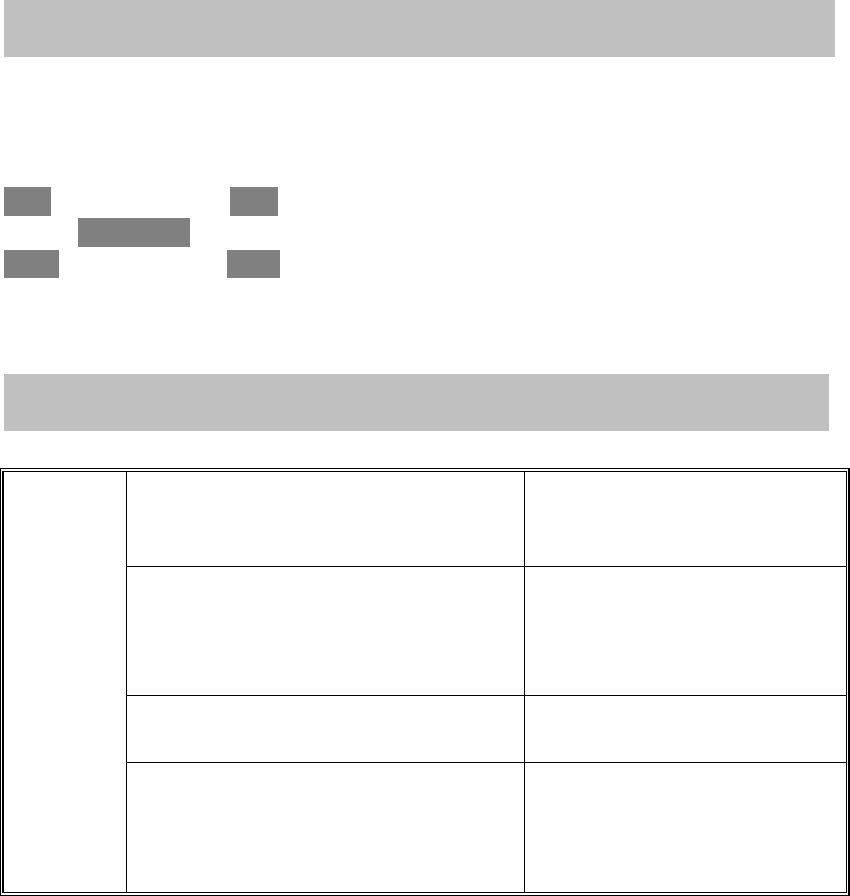
CONTROLSANDDISPLAYINDICATORS
Remotehasfivebuttonskeyboard,theyare:
ZONEOPEN
AUTO/ENTER
MODECLOSE
Remote key process
Basic
operations
LCD On/Off
auto off in 5 minutes if no keys
pressed, press any key to turn
the LCD on
Press ZONE key to select a particular
Zone of windows, Press OPEN /
CLOSE to open or close windows in
that Zone. Select "ALL" for all zones.
Press OPEN or CLOSE key
again will stop the window
movements
Press AUTO key to turn the AUTO
program control of windows on or off
Press MODE key to start any setting
operation, there is a long press of
MODE which goes into advanced
setting.
FCC STATEMENT
1. This device complies with Part 15 of the FCC Rules. Operation is subject to the following two
conditions:
(1) This device may not cause harmful interference.
(2) This device must accept any interference received, including interference that may cause
undesired operation.
2. Changes or modifications not expressly approved by the party responsible for compliance could
void the user's authority to operate the equipment.
NOTE: This equipment has been tested and found to comply with the limits for a Class B digital
device, pursuant to Part 15 of the FCC Rules. These limits are designed to provide reasonable
protection against harmful interference in a residential installation.
This equipment generates uses and can radiate radio frequency energy and, if not installed and
used in accordance with the instructions, may cause harmful interference to radio communications.
However, there is no guarantee that interference will not occur in a particular installation. If this
equipment does cause harmful interference to radio or television reception, which can be
determined by turning the equipment off and on, the user is encouraged to try to correct the
interference by one or more of the following measures:
ÿ Reorient or relocate the receiving antenna.
ÿ Increase the separation between the equipment and receiver.
ÿ Connect the equipment into an outlet on a circuit different from that to which the receiver is
connected.
ÿ Consult the dealer or an experienced radio/TV technician for help.
RF warning statement:
The device has been evaluated to meet general RF exposure requirement. The device can be used
in portable exposure condition without restriction.