MetroTel of Minnesota MT9100STM Satellite Tank Monitor with 915MHz ISM Radio User Manual
MetroTel Corp of Minnesota Satellite Tank Monitor with 915MHz ISM Radio
User Manual

WESROC
®
RMS Satellite Tank Monitor (STM)
Model MT-9100STM - Quick Installation Guide
1] Complete the STM Installation Information Worksheet on the reverse side of this document and send it to your
WESROC host administrator. You MUST record the STM electronic serial number (ESN) on the worksheet to
match the installation location to the monitoring hardware.
2] If not already present, install the correct Rochester remote ready dial or ITC large dial assembly on the tank
gauge. Remote ready dials and large dial assemblies are available for a wide variety of gauge types.
3] Remove the STM from the box and make sure the small round programming magnet is secured in the OFF
position on the STM enclosure. (Off mode.)
4] Mount the STM on or near the tank to be monitored using the attached mounting magnets or a mounting
bracket. Try not to place the STM right next to a vertical metal object such as a tank dome or hood. The ideal
location for the STM is where is has the best view of the entire sky.
5] Connect the STM sensor cable to the remote ready dial. Large dial installations use an in-line connector to
attach the STM to the dial. When attaching the connector, make sure the connector is fully seated and that the
locking ring has been fully turned to ensure a weather tight seal.
6] (Option A) Force a Configuration Report to Host using the default STM configuration settings.
oRemove the programming magnet from the OFF position on the STM and walk away. (Normal mode)
6] (Option B) Make STM configuration settings changes and force a Configuration Report to Host.
oPlace programming magnets in the OFF and INIT positions on the STM. (Configuration mode.)
oMake system and application configuration changes using a WESROC Portable Diagnostic Unit (PDU).
oRemove both programming magnets from the STM at the same time and walk away. (Normal mode.)
The STM will now perform a Configuration Report to the Host. Most reports are completed in just a few minutes.
However, due to the nature of the Globalstar Simplex system, a complete report could take an hour.
7] Once a successful report has been completed, secure the sensor cable using the appropriate fasteners (cable
ties, etc.). Route the sensor cable to make sure the cable will not be damaged by a moving object such as a tank
dome or hood.
8] (Optional) Initialize the STM to a WESROC Base Unit if you are using the local display feature.
oPlace a programming magnet in the INIT position on the STM. (Initialization mode.)
oPlace the Base Unit into Initialization mode.
oWait for the STM tank level to appear on the Base Unit display.
oRemove programming magnet from the STM, and return the Base Unit to normal operation.
Remove all programming magnets from the STM enclosure before leaving the installation site.
Refer to the WESROC Satellite Tank Monitor Operation Manual for more detailed operating instructions.
Compliance Information:
Changes or modifications not expressly approved by the manufacturer could void the user’s authority to operate this equipment.
This product meets the applicable FCC Part 15 rules and Industry Canada's license exempt RSSs. Operation is subject to the following
two conditions: (1) this device may not cause interference, and (2) this device must accept any interference, including interference that
may cause undesired operation of the device.
In order to meet FCC and ISED requirements for safety from exposure to radio-frequency energy, ensure that you maintain at least 20cm
(8 inches) from the device.
Le présent materiel est conforme aux CNRexempts de licence d'Industrie Canada. Son fonctionnement est soumis aux deux conditions
suivantes: (1) cet appareil ne peut pas provoquer d'interférences, et (2) cet appareil doit accepter toute interférence, y compris celles
susceptibles de provoquer le fonctionnement du dispositif.
Independent Technologies, Inc. Blair, NE - (866) 493-7762
www.wesroc.net
WESROC
®
RMS Satellite Tank Monitor (STM)
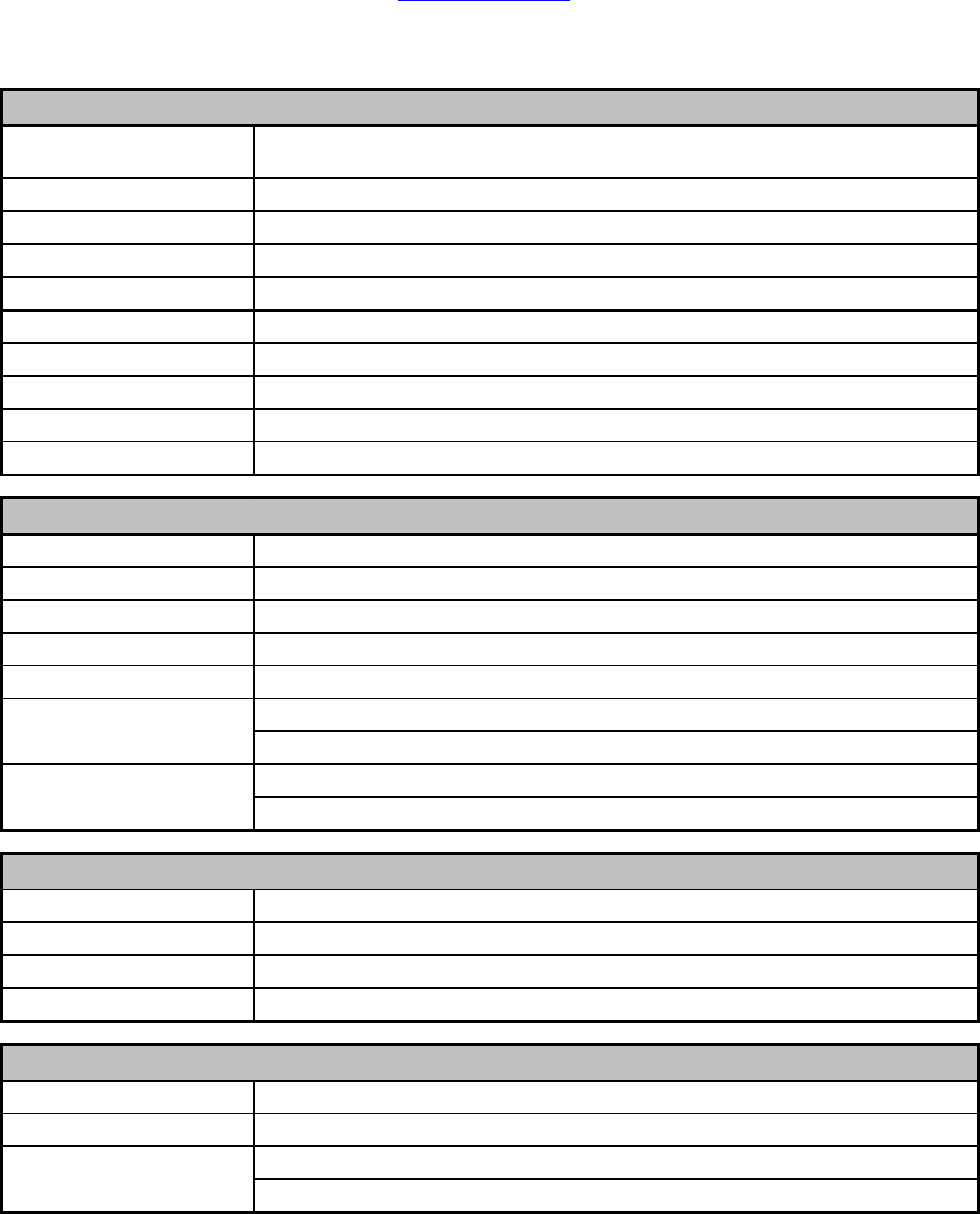
Installation Information Worksheet
REQUIRED INSTALLATION INFORMATION!!!
STM Electronic Serial
Number (ESN)
(ESN can be found on bottom of STM enclosure.)
Tank Capacity / Contents
Gallons ___________ /
Tank Serial# / Access
S/N ______________ /
Gauge/Dial Type
(Default is standard horizontal tank with small dial.)
Scheduled Report Interval
(Default is 24 hours.)
Propane/Fuel Company
Customer / Facility
/
Street Address
City / State / Zip
/ /
Route / Stop / Time Zone
/ /
STM - WESROC
®
System Information
Corporate Email List
Customer Email List
Tank Event/Alarm Information
Tank Fill Event Alert Enable (Y/N) [ ] Threshold = _______ % Corp Email [ ] Cust Email [ ]
Tank Draw Event Alert Enable (Y/N) [ ] Threshold = _______ % Corp Email [ ] Cust Email [ ]
Tank Warning Alarm Enable (Y/N) [ ] Threshold = _______ % Corp Email [ ] Cust Email [ ]
Tank Critical Alarm Enable (Y/N) [ ] Threshold = _______ % Corp Email [ ] Cust Email [ ]
Technician Contact Information
Name / Phone Number
/
Email / Texting Address
/
Install Date / Comments
Complete and fax this page to (402) 426-3705 or call (866) 493-7762.