Micro Innovations Ic710C Users Manual
IC710C to the manual c866ed46-09e3-99f4-7950-b2b77cc3671c
2015-02-09
: Micro-Innovations Micro-Innovations-Ic710C-Users-Manual-555762 micro-innovations-ic710c-users-manual-555762 micro-innovations pdf
Open the PDF directly: View PDF  .
.
Page Count: 2
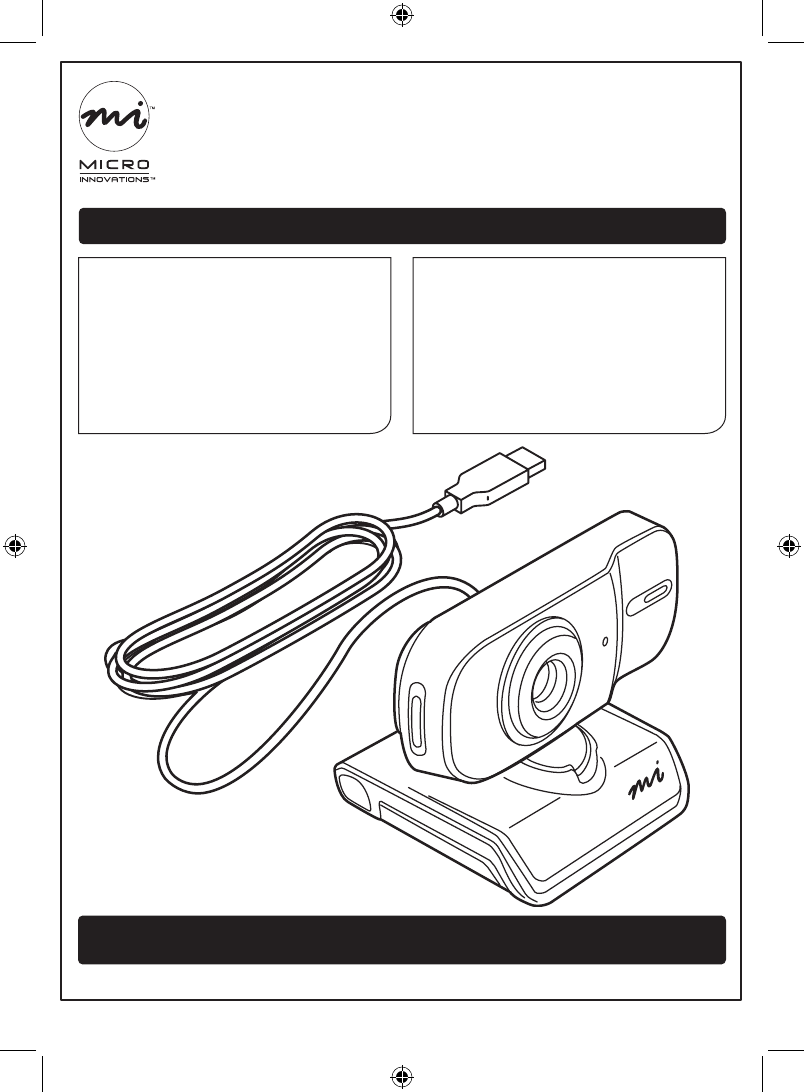
We supply (package contents):
• Webcam and cable
• Installation CD
• User manual
• Quick installation guide
• Warranty
You supply (requirements):
• A computer with an available
USB port and CD drive
• Windows® XP, or Vista™
2.0 MP Webcam (IC710C)
For assistance, visit www.microinv.com or call toll free: 1-877-550-5534
Technical support hours: Monday - Friday 8:30am to 7:00pm EST.
Quick Installation Guide
2.0 MP Webcam (IC710C) Page 1
The Windows® name and logo are registered trademarks of Microsoft Corporation.
All brand and product names are trademarks or registered trademarks of their respective companies.
IC710C_qig.indd 1 4/15/2008 11:26:47 AM
For assistance, visit www.microinv.com or call toll free: 1-877-550-5534
Technical support hours: Monday - Friday 8:30am to 7:00pm EST.
Quick Installation Guide
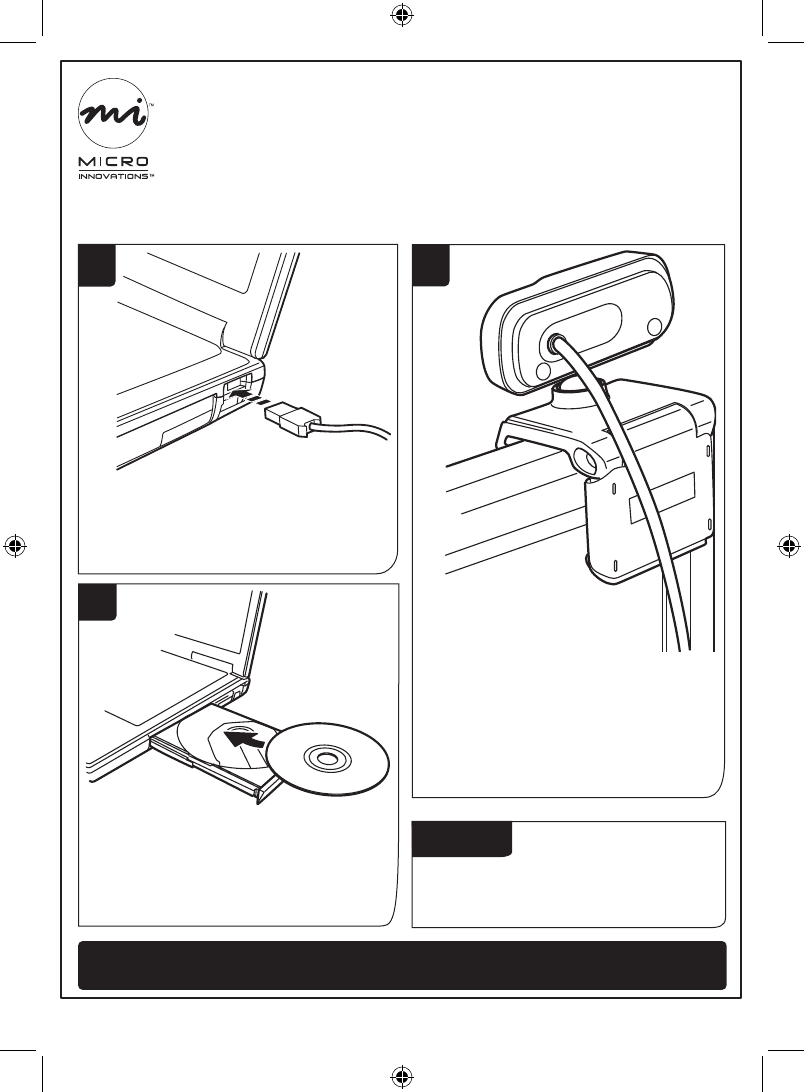
1
Connect the USB cable to an
available USB port on your
computer.
2
Mount the webcam on your
monitor. Unfold the foot and
rotate the ball joint as desired.
3
Insert the CD into your CD drive
and follow the instructions on
the screen.
2.0 MP Webcam (IC710C) Page 2
Note:
More information on the software
is available in the User Manual.
IC710C_qig.indd 2 4/15/2008 11:26:47 AM
