Choosing The Right Machine Vision Applications Session2Choosingthe
2011-02-01
: Microscan Session2Choosingtherightmachinevisionapplications Session2ChoosingtheRightMachineVisionApplications Webinars
Open the PDF directly: View PDF  .
.
Page Count: 21
- Choosing the Right Machine Vision Applications
- About your Instructors
- Today’s Objectives
- Today’s Topics
- Successful Machine Vision Applications
- 1. Looking For Single Decision Point
- 2. Clear Application Requirements
- 3. Application is Consistent
- 4. Parts Are High Value or Critical
- 5. Some False Rejects Are OK
- Challenging Machine Vision Applications
- 1. Non-Industrial Vision Applications
- 2. Organic Materials Applications
- Application examples
- Ideal Machine Vision Applications
- Machine Vision Hardware Platforms
- Smart Cameras: Integrated Solution
- PC-Based Solutions
- LIGHTS!
- Introduction to Machine Vision for New Users
- Thank you!

Track, Trace & Control Solutions
© 2010 Microscan Systems, Inc.
Choosing the Right Machine
Vision Applications
Part 2 of a 3-part webinar series: Introduction to Machine Vision
© 2010 Microscan Systems, Inc. © 2010 Microscan Systems, Inc.
About your Instructors
Dr. Jonathan Ludlow
Machine Vision Product Manager
Juan Worle
Technical Training Coordinator
© 2010 Microscan Systems, Inc. © 2010 Microscan Systems, Inc.
Today’s Objectives
By the end of this webinar, you will know:
How to identify a good Machine Vision application
and which applications to avoid
Machine Vision hardware platforms and what to
consider when choosing one for an application
© 2010 Microscan Systems, Inc. © 2010 Microscan Systems, Inc.
Today’s Topics
Today we will discuss:
Successful Machine Vision Applications
Challenging Machine Vision Applications
Application Examples
Machine Vision Hardware Platforms
© 2010 Microscan Systems, Inc. © 2010 Microscan Systems, Inc.
Successful Machine Vision Applications
As a new user, you should choose an application that will not be overly complex.
Successful applications have the following attributes:
1. Looking for a single decision point
2. Clear application requirements
3. Application is consistent
4. Parts are high value or critical
5. Some false rejects are OK

© 2010 Microscan Systems, Inc. © 2010 Microscan Systems, Inc.
1. Looking For Single Decision Point
The inspection will look for good and bad, rather than sorting through
parts.
Good vs. bad applications have a single decision point
Failures should be clearly visible
Some sorting is OK –(but not much)
GOOD vs. BAD: Reject defective product
SORTING: Identifying each
battery type and vendor by
shape, color, and text
© 2010 Microscan Systems, Inc. © 2010 Microscan Systems, Inc.
2. Clear Application Requirements
The application requirements have been clearly defined.
The list of requirements is small, such as fitting on a single page
Samples of good and bad parts are available
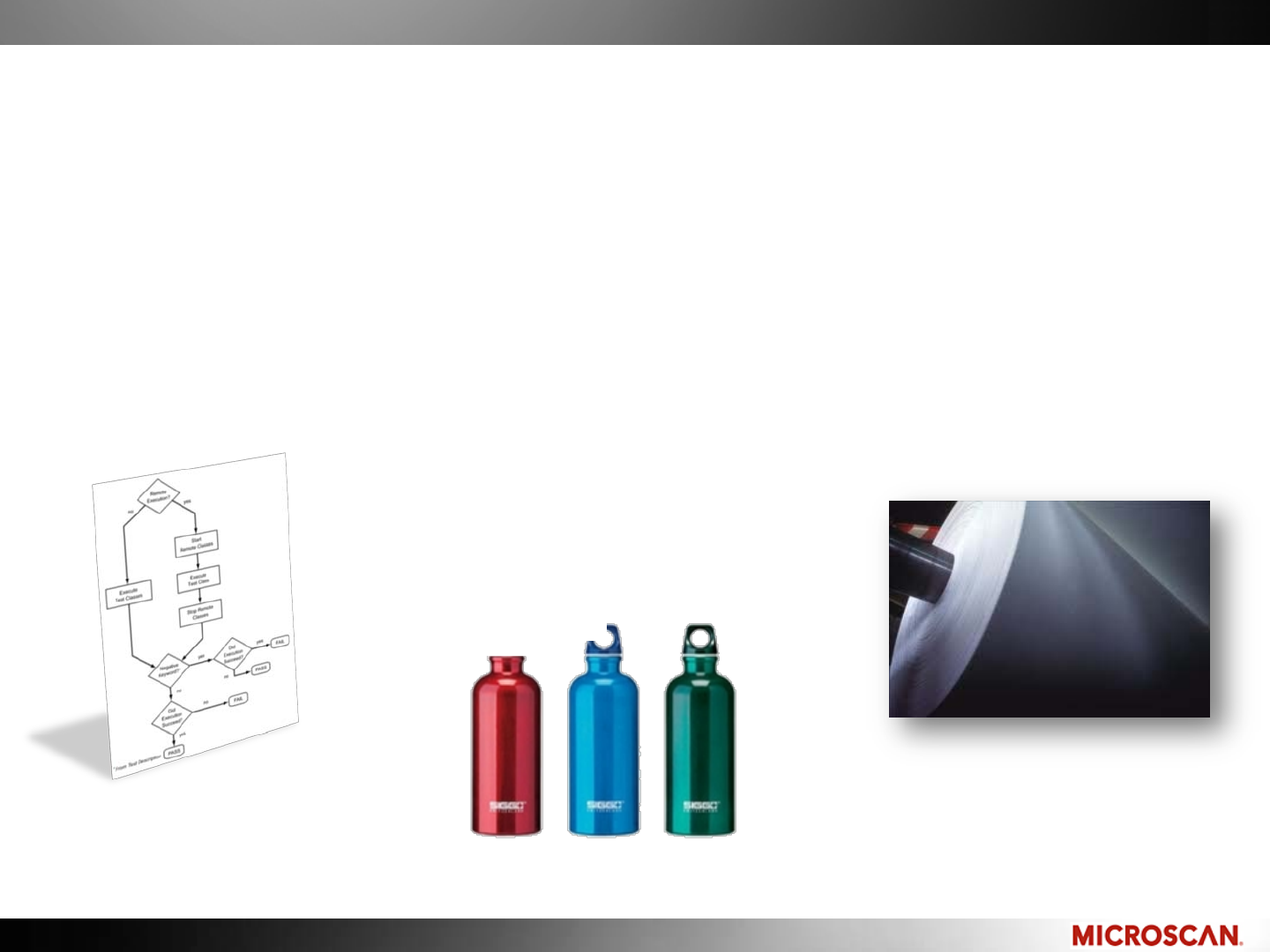
The part to be inspected has a beginning and end, rather than continuous
Inspection requirements
should be one page
Avoid continuous web
inspection
Samples of good and bad
parts should be available
© 2010 Microscan Systems, Inc. © 2010 Microscan Systems, Inc.
3. Application is Consistent
The parts are always positioned the same way, at the same distance
from the camera, with consistent lighting.
Designing tight application parameters allows a simple Machine Vision system.
Good applications include consistent
part shape, positioning, and lighting.
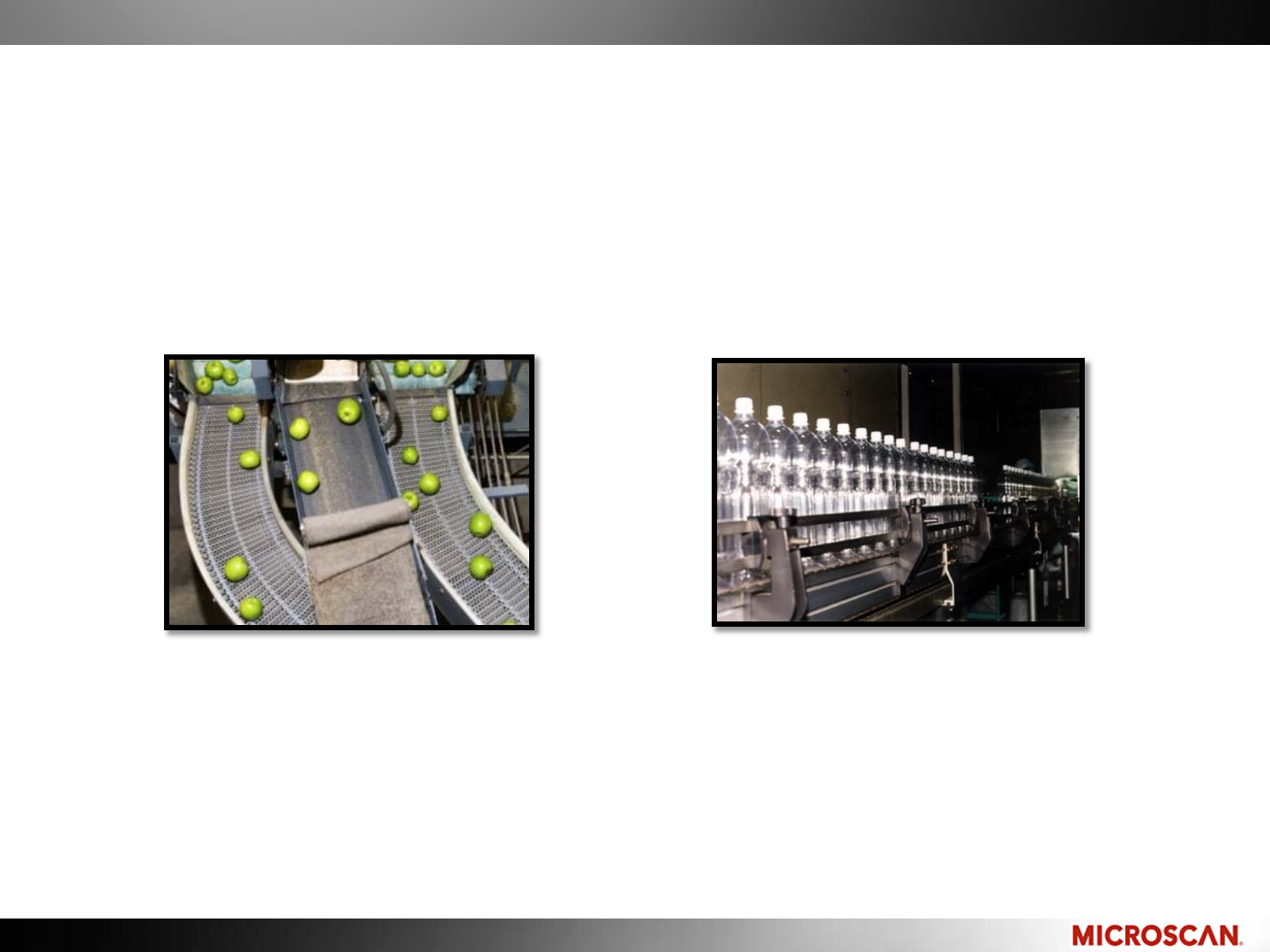
Organic items are inconsistent in
size and shape; items randomly
placed are difficult to locate.
© 2010 Microscan Systems, Inc. © 2010 Microscan Systems, Inc.
4. Parts Are High Value or Critical
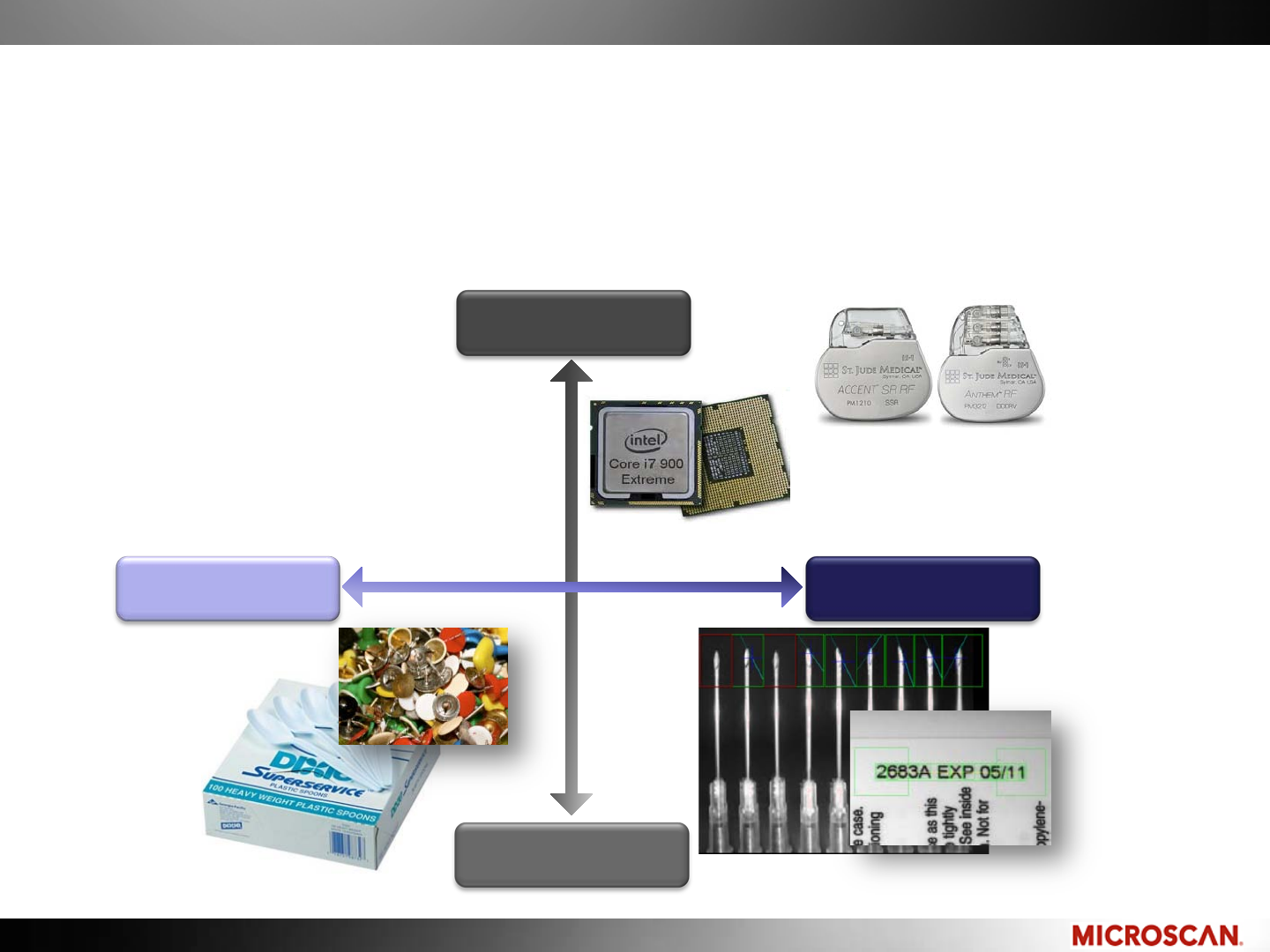
The value of the part is high, or the consequence of a flawed part is
high.
Low Consequence High Consequence
High Value
Low Value
© 2010 Microscan Systems, Inc. © 2010 Microscan Systems, Inc.
5. Some False Rejects Are OK
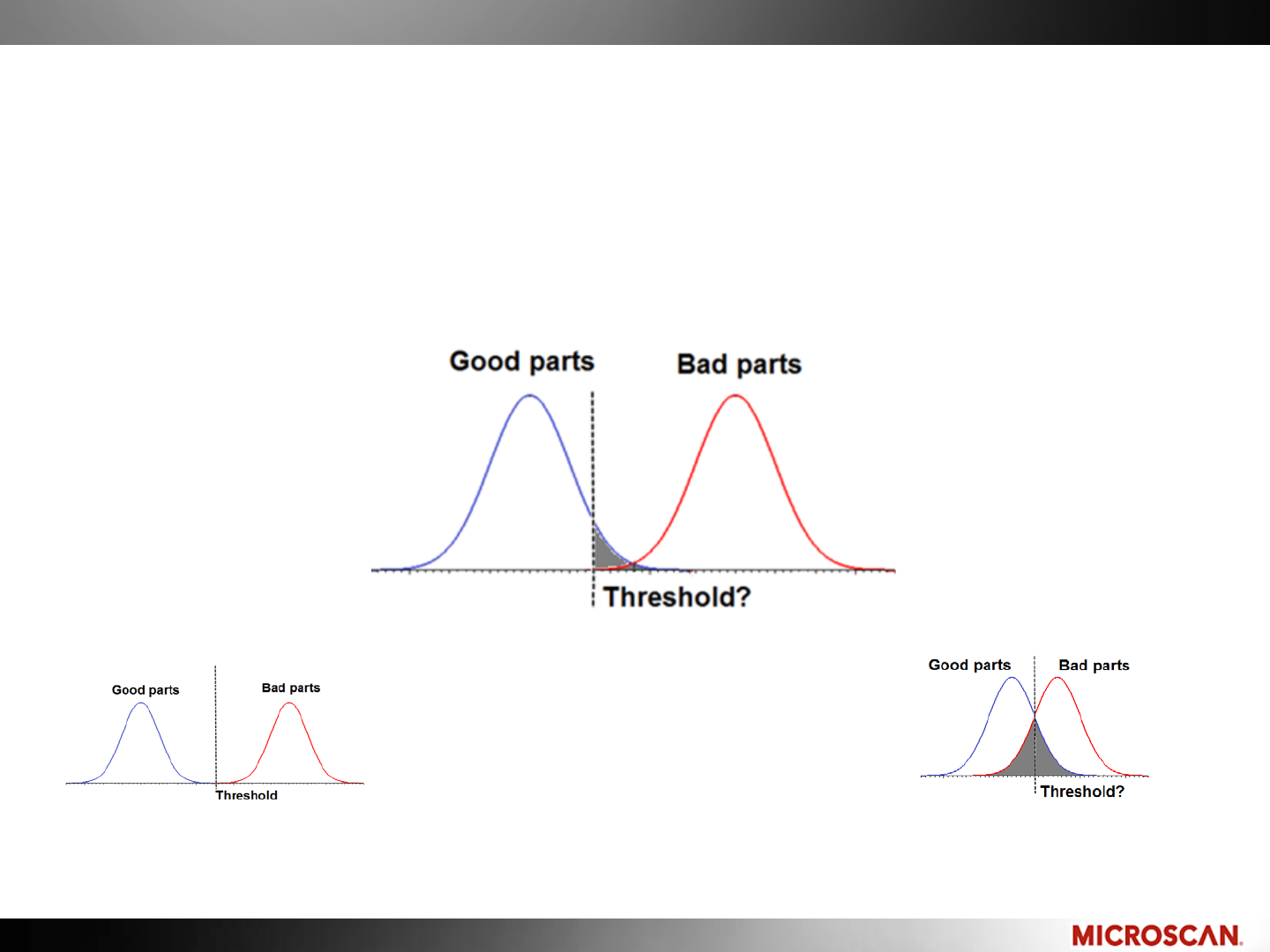
The price for catching all the defects may be some false rejects. The
customer will need to make a decision on what will be the acceptable
level of rejects.
Ideally, there is a large separation
between good and bad parts.
As good and bad parts appear to be similar,
some false rejects must be acceptable to
catch all the bad parts
As good and bad parts become more
similar, the grey area becomes larger

© 2010 Microscan Systems, Inc. © 2010 Microscan Systems, Inc.
Challenging Machine Vision Applications
Applications that are not impossible, but are specialized and time
consuming:
1. Non-industrial applications
2. Organic materials applications
ANYTHING IS PO$$IBLE!
Time consuming projects cost money
Consider the Return on Investment (ROI)

© 2010 Microscan Systems, Inc. © 2010 Microscan Systems, Inc.
1. Non-Industrial Vision Applications
Machine Vision is a specific branch of Vision that is specialized for
industrial applications.
Pursue these applications: Industrial, Manufacturing
These types of applications typically follow the 5 guidelines we
discussed earlier.
Non-industrial applications include: Medical, Scientific, Security,
These applications have different requirements and use different
tools.
Security, Scientific and Medical applications have
specific challenges that take a lot of time to overcome.

© 2010 Microscan Systems, Inc. © 2010 Microscan Systems, Inc.
2. Organic Materials Applications
Organic materials are inconsistent in size and shape -Difficult to
identify and inspect.
Avoid forest products, wood, vegetables, sorting trash
Watching vegetation grow
is not an ideal application
Sorting trash is
hard work!

© 2010 Microscan Systems, Inc. © 2010 Microscan Systems, Inc.
Application examples
Ideal Machine Vision applications:
–There is a part handling solution in place
–Application can be replicated over 20 lines
–You are inspecting/gauging expensive parts
–There are good and bad parts available for evaluation
–The inspection/gauging criteria can be expressed in numbers
Challenging Machine Vision Applications:
–The application is inspecting plastic knives and forks
–The “spec” is a book with fuzzy pictures of bad parts
–The current process is manual
Ideal Machine Vision
applications have criteria
expressed in numbers
© 2010 Microscan Systems, Inc. © 2010 Microscan Systems, Inc.
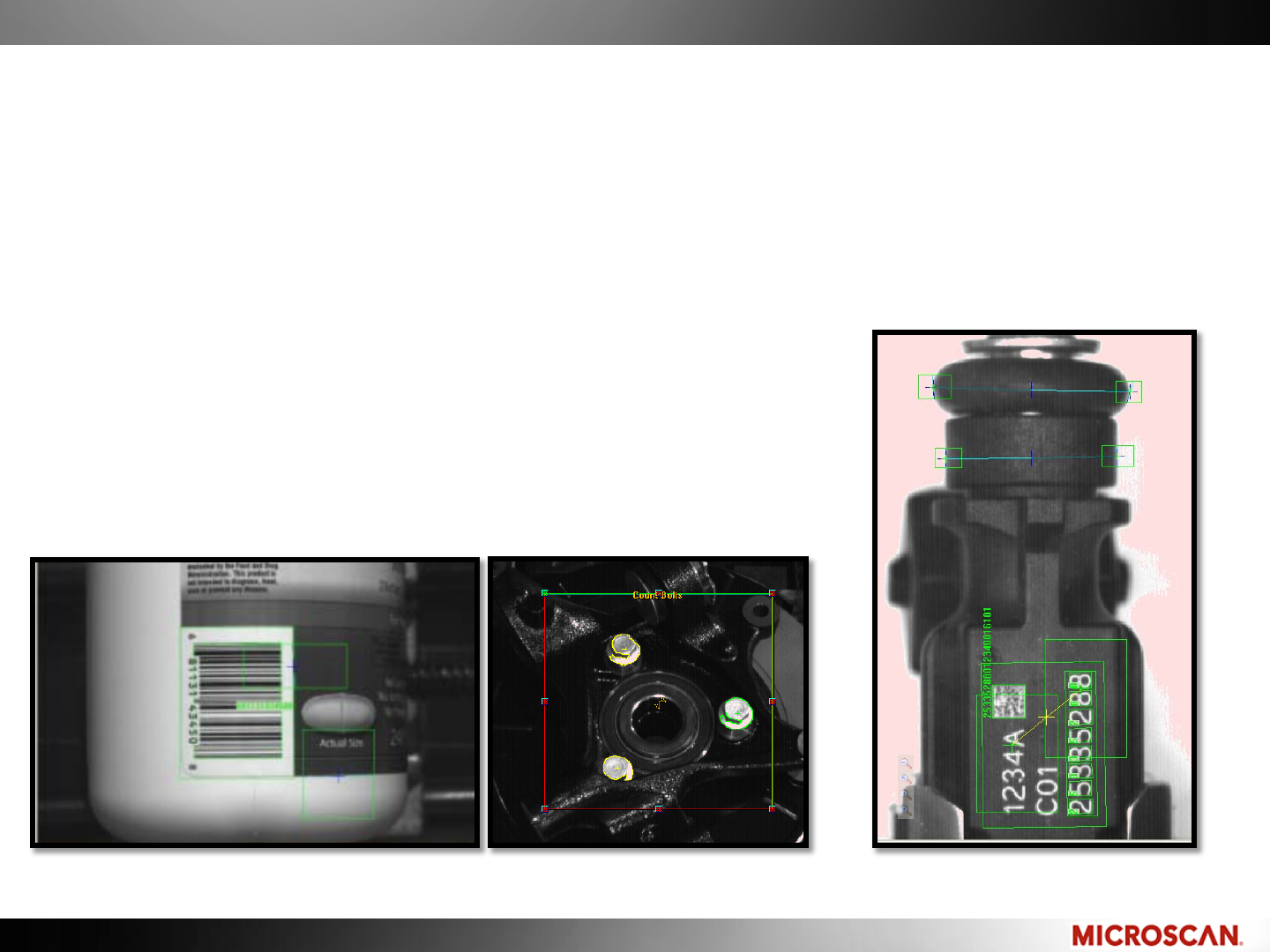
Ideal Machine Vision Applications
Here are a few examples of successful applications for new users.
These applications have the traits of a successful application:
1. Looking for a single decision point
2. Clear application requirements
3. Application is consistent
4. Parts are high value or critical
Read barcode and check label position Count that 3 bolts installed Validate 2D and OCR data
Measure part to tolerance

© 2010 Microscan Systems, Inc. © 2010 Microscan Systems, Inc.
Machine Vision Hardware Platforms
Hardware Platforms for Machine Vision Applications
Smart camera:
Integrated Machine Vision
solution
PC Based:
PC-based image processing
using cameras for acquisition

© 2010 Microscan Systems, Inc. © 2010 Microscan Systems, Inc.
Smart Cameras: Integrated Solution
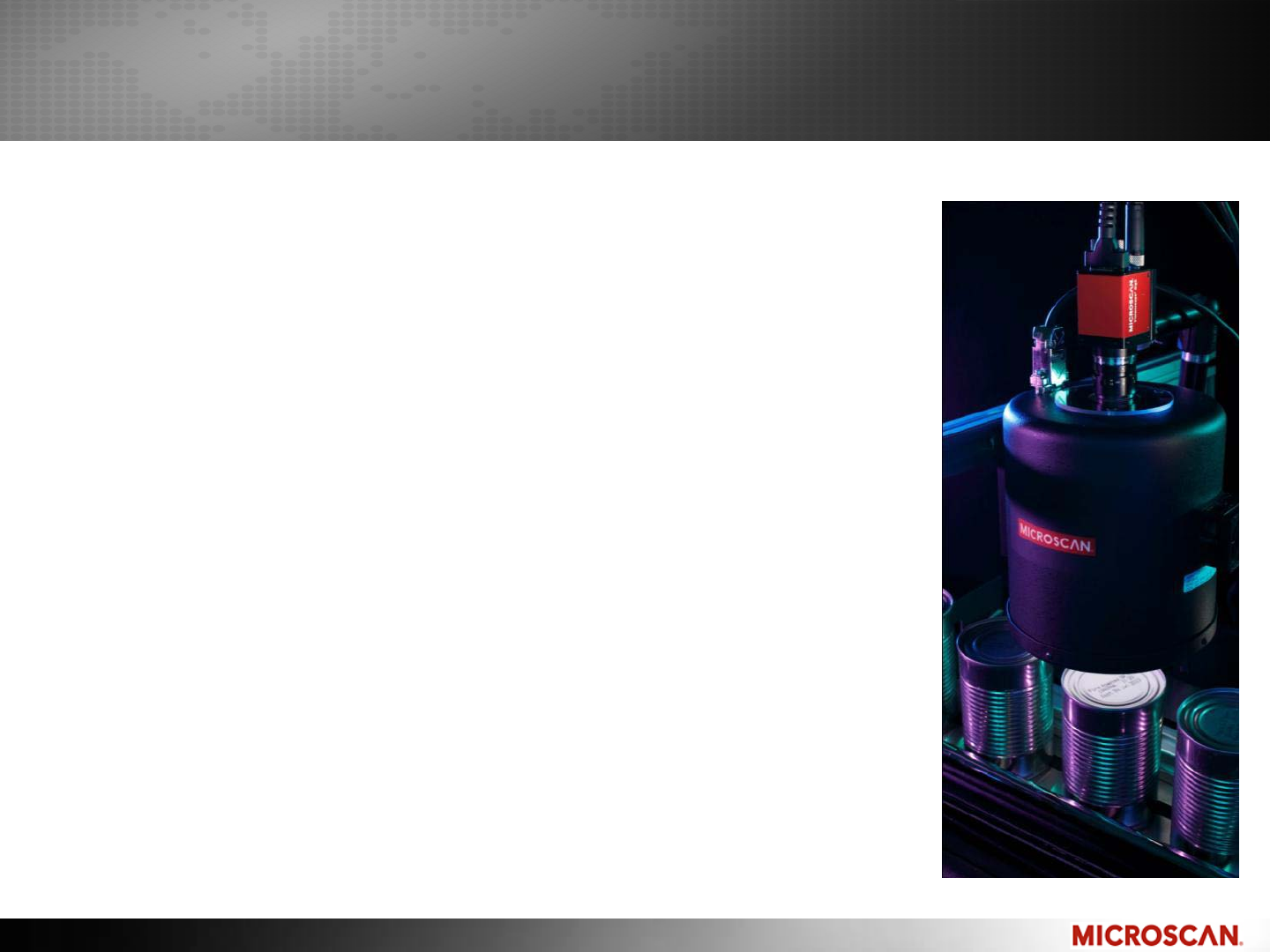
Smart cameras can vary in processor power and capabilities. Be sure to match
the smart camera with the application.
Sometimes includes integral lighting and lens
Vision processing is done in the camera
Good for a single or few tasks with moderate processing speeds
Single camera operation, no multiple camera operations
Fewer I/O points, less sensor options
A computer is only required for programming. When programming is complete,
the smart camera can run on its own.
Benefits of a Smart Camera:
•No PC on the floor
•Compact
•Low cost
•All-in-one
Smart Cameras:
Includes lighting, lens,
sensor, Image processor,
and I/O
© 2010 Microscan Systems, Inc. © 2010 Microscan Systems, Inc.
PC-Based Solutions
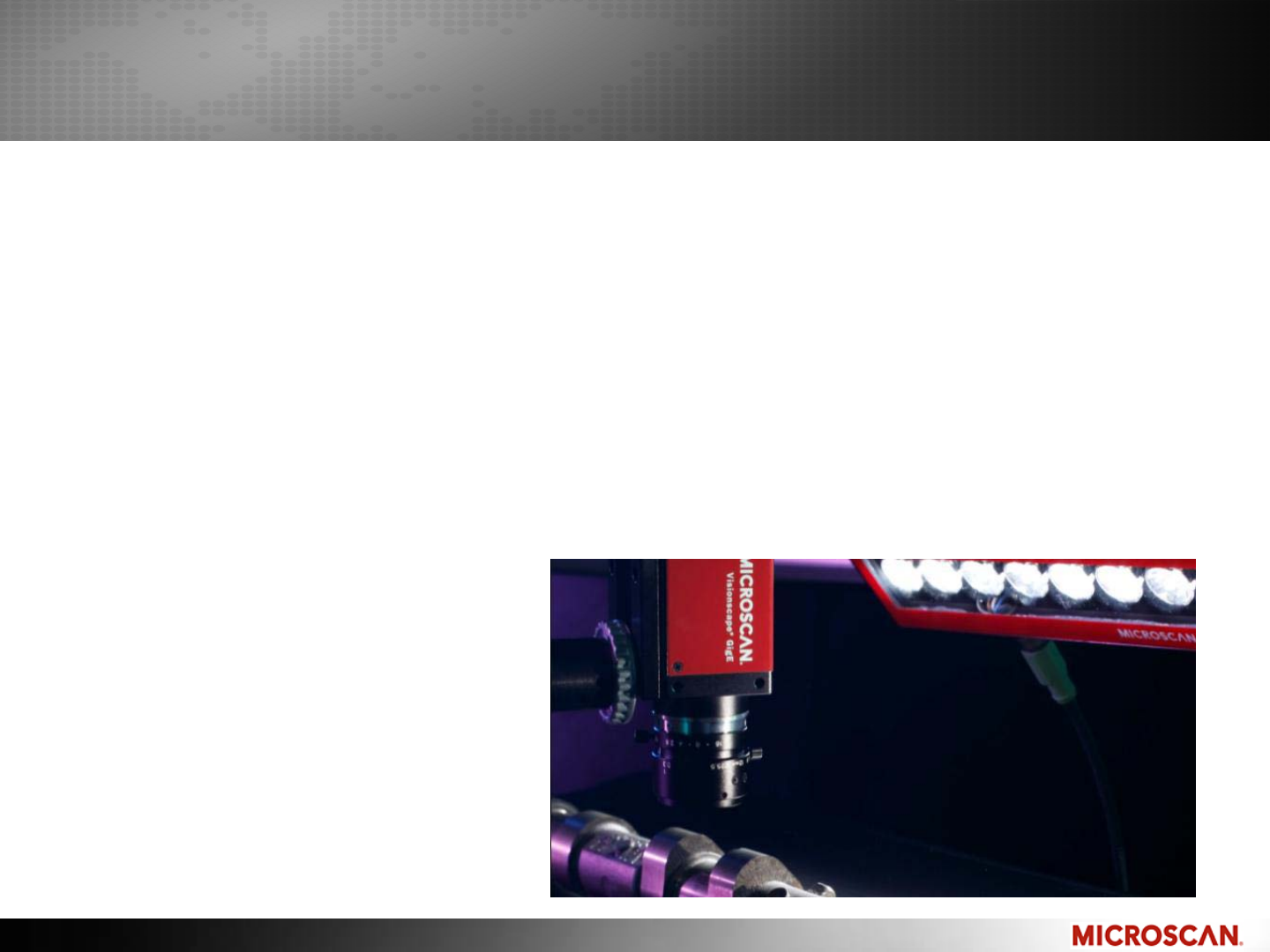
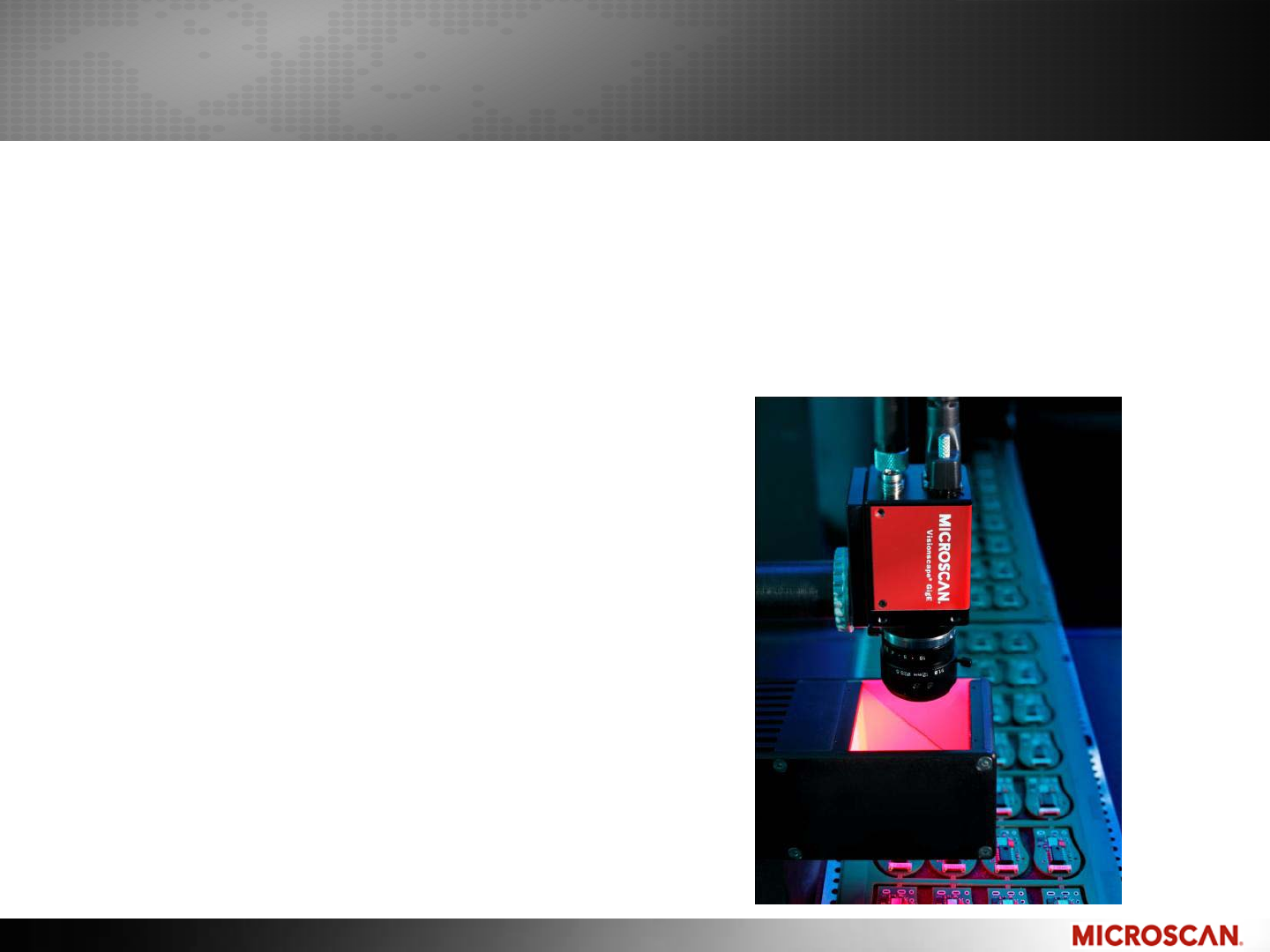
GigE Machine Vision uses a camera transporting the image over Gigabit
Ethernet to a PC for vision processing.
Fewer system components than frame grabbers
More processor power than smart cameras
Multiple cameras in a single inspection
More I/O points than smart cameras
PC required for operation
GigE:
Ethernet transports an image into a PC
Similar configurations: USB, IEEE1394, 10/100 Ethernet, Frame Grabbers
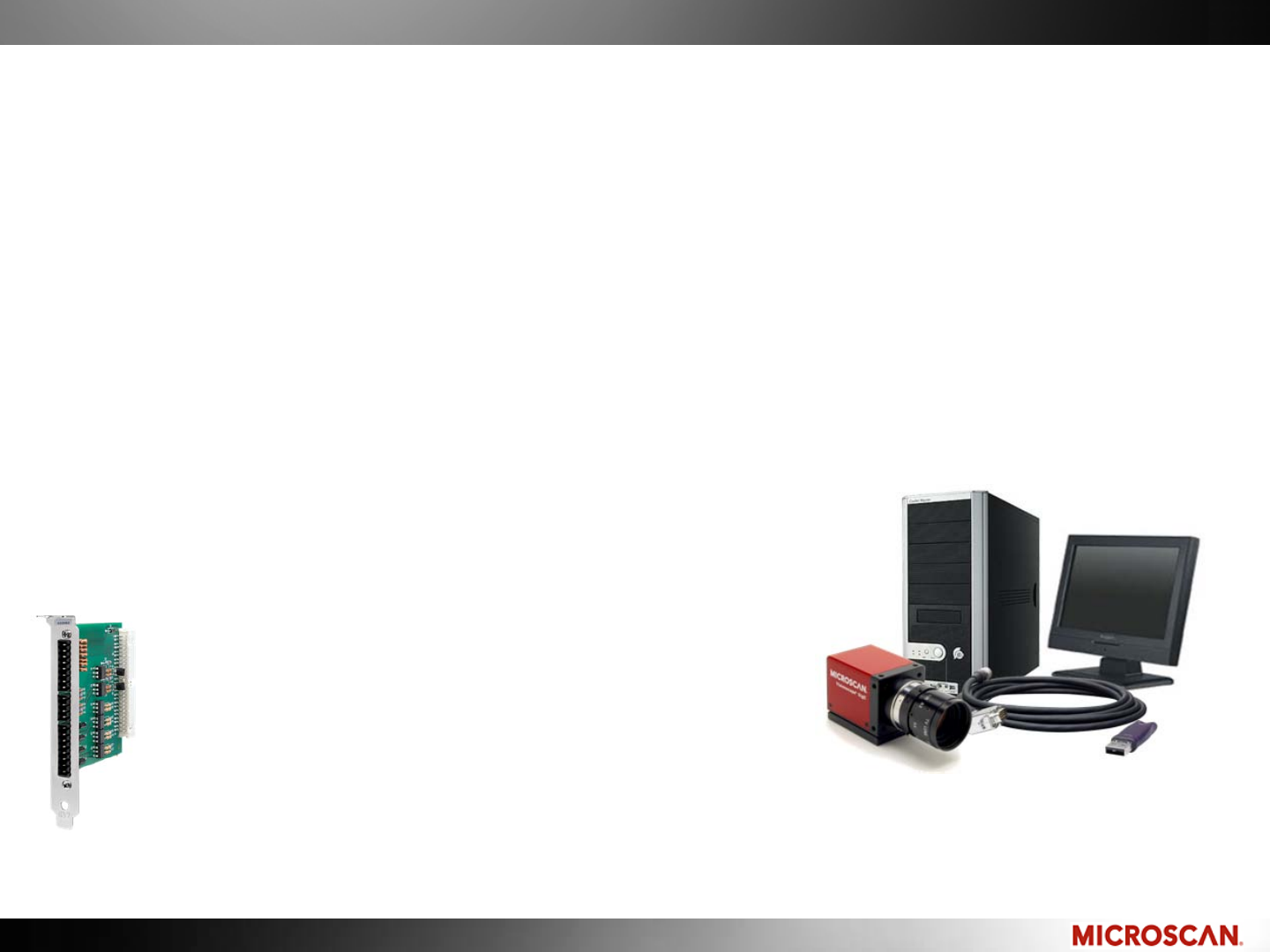
I/O Expansion:
PC-based Machine Vision like
GigE and frame grabbers allow
for more I/O
© 2010 Microscan Systems, Inc. © 2010 Microscan Systems, Inc.
LIGHTS!
The Machine Vision platforms discussed today did not include Machine
Vision lighting.
To learn more about Machine Vision lighting, visit www.microscan.com
and select Training/Lighting.
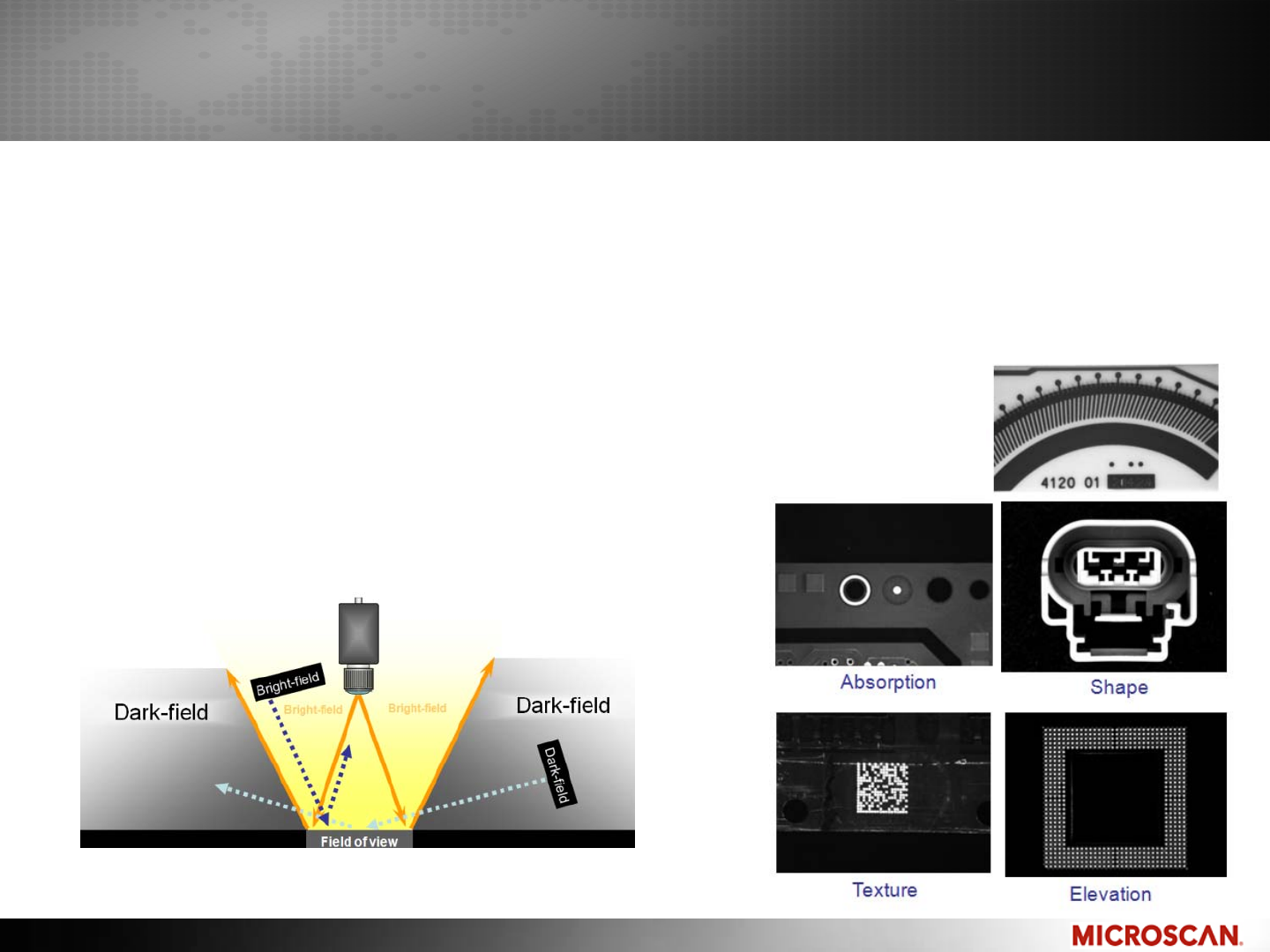
Learn about:
–Geometry
–Feature analysis
Geometry
Feature Analysis
–Lighting types
–Effect of lighting

© 2010 Microscan Systems, Inc. © 2010 Microscan Systems, Inc.
Introduction to Machine Vision for New Users
Conclusion
When entering the Machine Vision world, consider applications for:
Measuring, Decoding, Counting and Locating.
By following the guidelines discussed here, your first Machine Vision
applications will result in success and low maintenance.
Other types of applications are not impossible or unsuccessful, but they are
highly specialized and sometimes require specific equipment or other tools.
Selecting the right platform for an application is a balance between cost,
performance and portability.
Don’t forget to visit www.microscan.com to view training courses about
Machine Vision Lighting.
Let us help you define an application and hardware platform!

© 2010 Microscan Systems, Inc. © 2010 Microscan Systems, Inc.
Thank you!
For More information
Website: www.microscan.com
–Online courses
–Spec sheets
– Technology Brochures
– Support Self-help and support request form
Instructors:
Juan Worle, Technical Training Coordinator
Email: jworle@microscan.com
Dr. Jonathan Ludlow, Machine Vision Product Manager
Email: jludlow@microscan.com
Feedback on this webinar: www.microscan.com/feedback
Additional contacts:
Additional product information: info@microscan.com
Training: training@microscan.com
Support: helpdesk@microscan.com
