Microsoft P Data Matrix Train Intro
P Data Matrix P Data Matrix P Data Matrix 2f90e780-a728-49af-8d81-e07922b80bfc _att microscan :
Train Intro-Data-Matrix train_intro-data-matrix train_intro-data-matrix resources microscan :
P Data Matrix P Data Matrix P Data Matrix 78c02990-0ed6-4334-b13b-d595c18e385e _att microscan :
Tech Intro-Data-Matrix tech_intro-data-matrix tech_intro-data-matrix know-your-tech microscan :
P Data Matrix P Data Matrix P Data Matrix abfb6095-2b41-4ede-8c6a-810231a061ca _att microscan :
2015-07-29
: Microscan Train Intro-Data-Matrix train_intro-data-matrix Training
Open the PDF directly: View PDF  .
.
Page Count: 7

Microscan Training Materials ©Microscan Systems, Inc. All rights reserved.
Introduction to Data Matrix
Bar Codes 101
Microscan Training Materials ©Microscan Systems, Inc. All rights reserved.
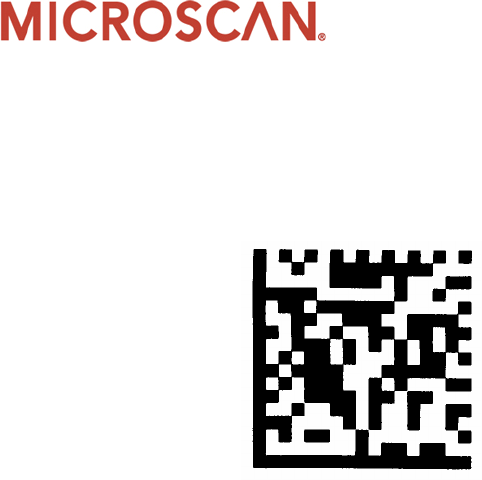
Symbology profile
•Introduced in 1995
•AIM standard released in 1996
•Quiet zone required around perimeter
•The border is composed of 2 slides forming an “L” pattern and 2 sides
alternating light and dark elements
•The border is known as the finder pattern and used for determining
size, orientation, and symbol distortion
•Symbol sizes range from 10x10 to 144x144
•Maximum size capacity: 2,335 alphanumeric, 3116 numerical, or 1556
bytes
Microscan Training Materials ©Microscan Systems, Inc. All rights reserved.
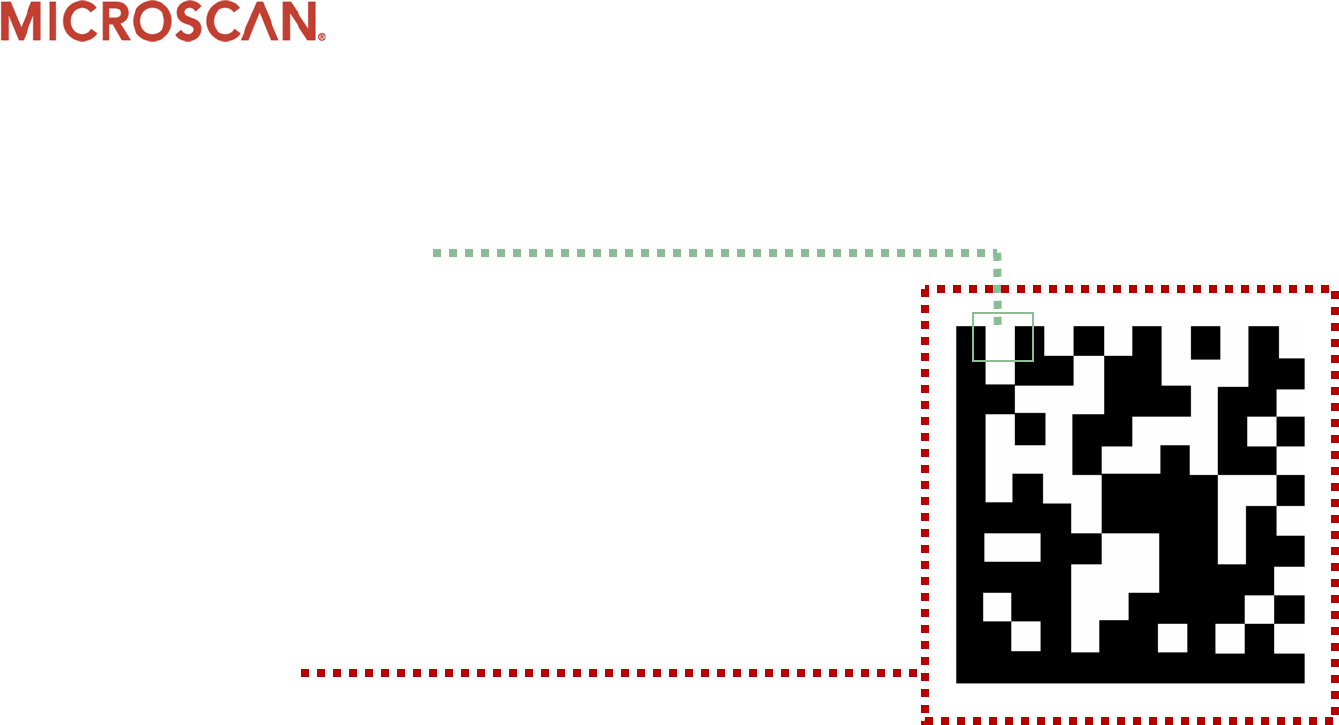
Symbol structure
•Element (module)
•Square shaped cell that encodes
one bit of binary data
•= Binary “0”
•= Binary “1”
•Consistent size throughout code
•Dependent on finder pattern
color
•Quiet zone
•AIM specification calls for a
minimum of one element width
(1x) on each side of the symbol
Microscan Training Materials ©Microscan Systems, Inc. All rights reserved.
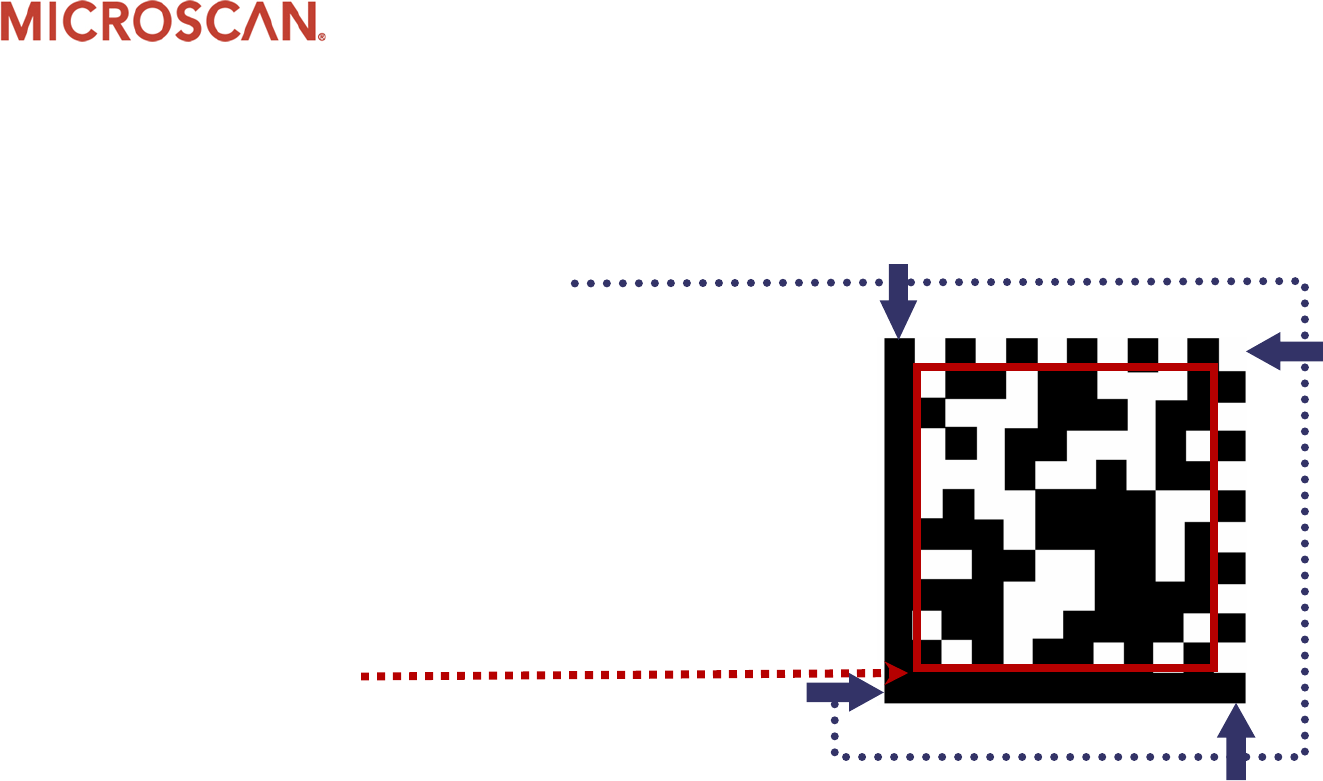
Symbol structure continued
•Structure Finder Pattern
•The outermost rows and columns
•Composed of two solid lines and two
alternating dark/light lines
•Used to define physical size,
orientation, distortion and the
number of rows and columns
•Data Region
•The area inside the finder pattern
•Contains data and error correction
code words
Microscan Training Materials ©Microscan Systems, Inc. All rights reserved.
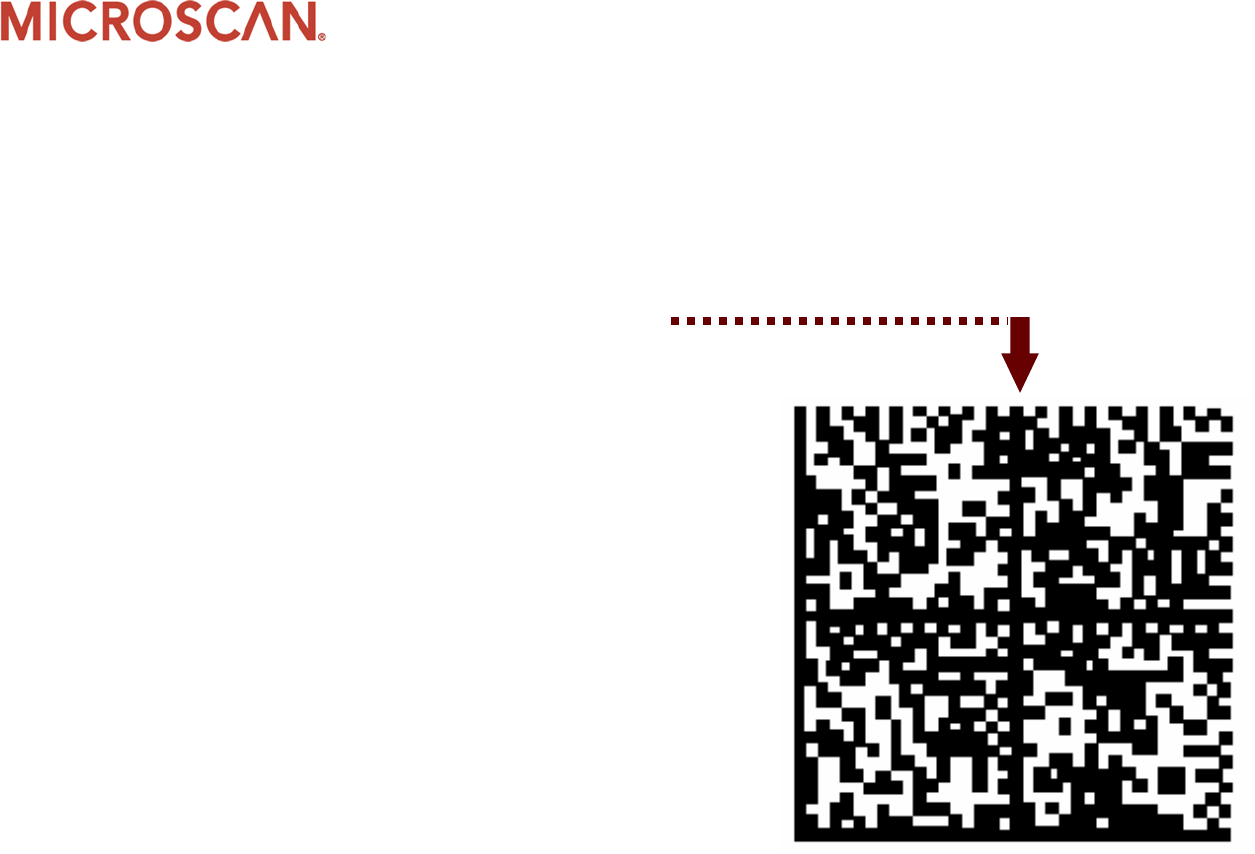
Symbol data regions
•Symbol can have multiple data
regions
•Maximum capacity for a
single data region
•88 numeric
•64 alpha/numeric
•Symbol shape can be square or
rectangular
•Rectangular shape
applicable only to ECC 200
"Alignment pattern"
separates regions
Microscan Training Materials ©Microscan Systems, Inc. All rights reserved.
Additional features
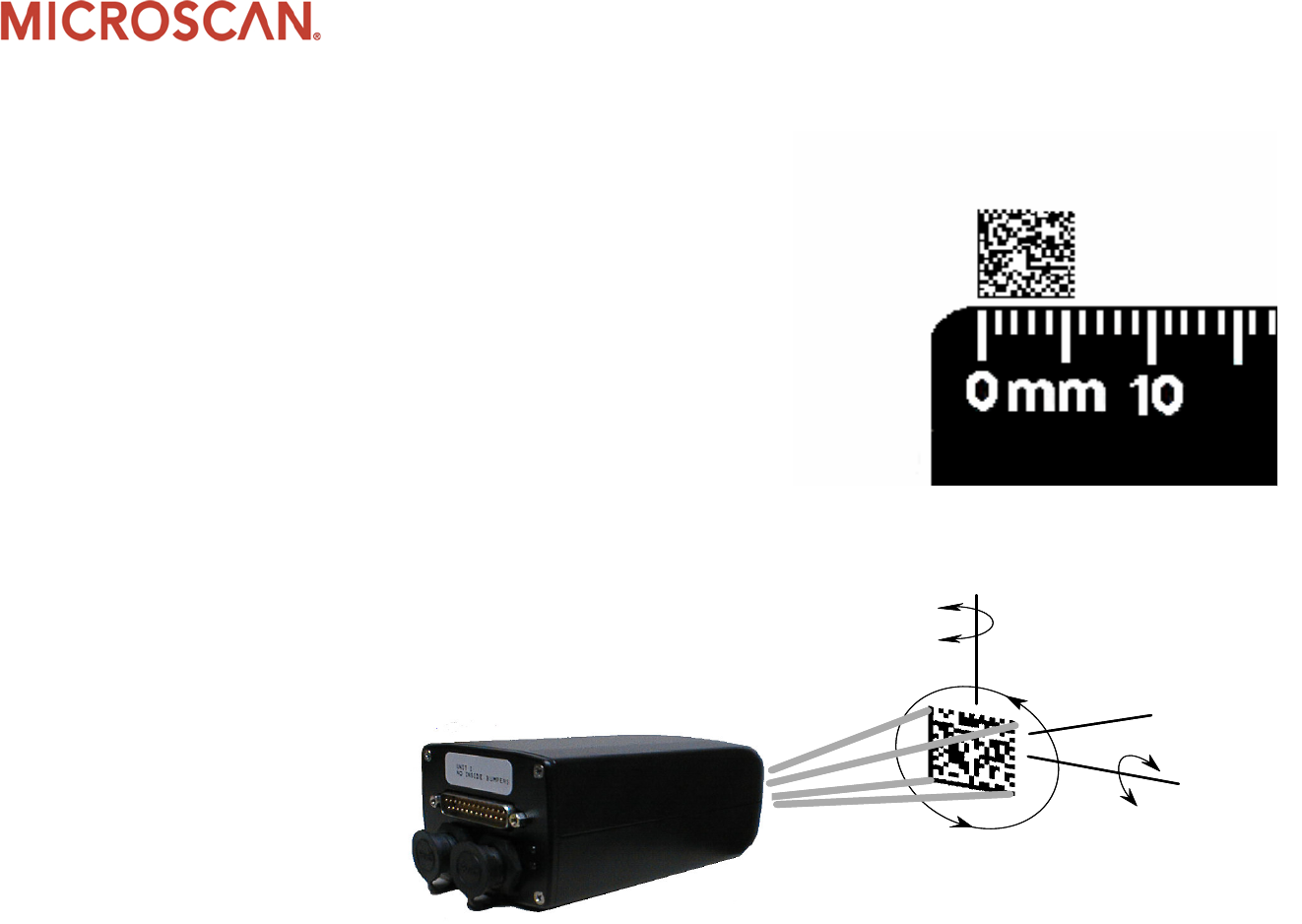
•Symbol density
•Encodes 50 characters in 6mm x
6mm square
•Symbol versatility
•Readable in 360° with 2D CCD
technology
Tilt axis
360°
Pitch axis
±30°
Skew axis
±30°

Microscan Training Materials ©Microscan Systems, Inc. All rights reserved.
More information
•If you have questions regarding this topic, send us an e-mail to
training@microscan.com
•If you would like further information about bar code
symbologies, we recommend you view Intro to PDF417 or Intro
to Linear Bar Codes
