Mitsubishi Electronics Servo Amplifier Mr J2S A Users Manual
MR-J2S- A to the manual 570ee6a6-de75-4e9b-95aa-43a8279a318e
2015-02-09
: Mitsubishi-Electronics Mitsubishi-Electronics-Servo-Amplifier-Mr-J2S-A-Users-Manual-556533 mitsubishi-electronics-servo-amplifier-mr-j2s-a-users-manual-556533 mitsubishi-electronics pdf
Open the PDF directly: View PDF  .
.
Page Count: 323 [warning: Documents this large are best viewed by clicking the View PDF Link!]
- Safety Instructions
- COMPLIANCE WITH EC DIRECTIVES
- CONFORMANCE WITH UL/C-UL STANDARD
- CONTENTS
- Optional Servo Motor Instruction Manual CONTENTS
- 1. FUNCTIONS AND CONFIGURATION
- 2. INSTALLATION
- 3. SIGNALS AND WIRING
- 3.1 Standard connection example
- 3.2 Internal connection diagram of servo amplifier
- 3.3 I/O signals
- 3.4 Detailed description of the signals
- 3.5 Alarm occurrence timing chart
- 3.6 Interfaces
- 3.7 Input power supply circuit
- 3.8 Connection of servo amplifier and servo motor
- 3.9 Servo motor with electromagnetic brake
- 3.10 Grounding
- 3.11 Servo amplifier terminal block (TE2) wiring method
- 3.12 Instructions for the 3M connector
- 4. OPERATION
- 5. PARAMETERS
- 6. DISPLAY AND OPERATION
- 7. GENERAL GAIN ADJUSTMENT
- 8. SPECIAL ADJUSTMENT FUNCTIONS
- 9. INSPECTION
- 10. TROUBLESHOOTING
- 11. OUTLINE DIMENSION DRAWINGS
- 12. CHARACTERISTICS
- 13. OPTIONS AND AUXILIARY EQUIPMENT
- 14. COMMUNICATION FUNCTIONS
- 14.1 Configuration
- 14.2 Communication specifications
- 14.3 Protocol
- 14.4 Character codes
- 14.5 Error codes
- 14.6 Checksum
- 14.7 Time-out operation
- 14.8 Retry operation
- 14.9 Initialization
- 14.10 Communication procedure example
- 14.11 Command and data No. list
- 14.12 Detailed explanations of commands
- 14.12.1 Data processing
- 14.12.2 Status display
- 14.12.3 Parameter
- 14.12.4 External I/O pin statuses (DIO diagnosis)
- 14.12.5 Disable/enable of external I/O signals (DIO)
- 14.12.6 External input signal ON/OFF (test operation)
- 14.12.7 Test operation mode
- 14.12.8 Output signal pin ON/OFF (DO forced output)
- 14.12.9 Alarm history
- 14.12.10 Current alarm
- 14.12.11 Other commands
- 15. ABSOLUTE POSITION DETECTION SYSTEM
- 15.1 Outline
- 15.2 Specifications
- 15.3 Battery installation procedure
- 15.4 Standard connection diagram
- 15.5 Signal explanation
- 15.6 Startup procedure
- 15.7 Absolute position data transfer protocol
- 15.8 Examples of use
- 15.9 Confirmation of absolute position detection data
- 15.10 Absolute position data transfer errors
- Appendix
- REVISIONS

General-Purpose AC Servo
J2-SuperSeries
General-Purpose Interface
MR-J2S- A
Servo Amplifier
Instruction Manual
B
A - 1
Safety Instructions
(Always read these instructions before using the equipment.)
Do not attempt to install, operate, maintain or inspect the servo amplifier and servo motor until you have read
through this Instruction Manual, Installation guide, Servo motor Instruction Manual and appended documents
carefully and can use the equipment correctly. Do not use the servo amplifier and servo motor until you have a
full knowledge of the equipment, safety information and instructions.
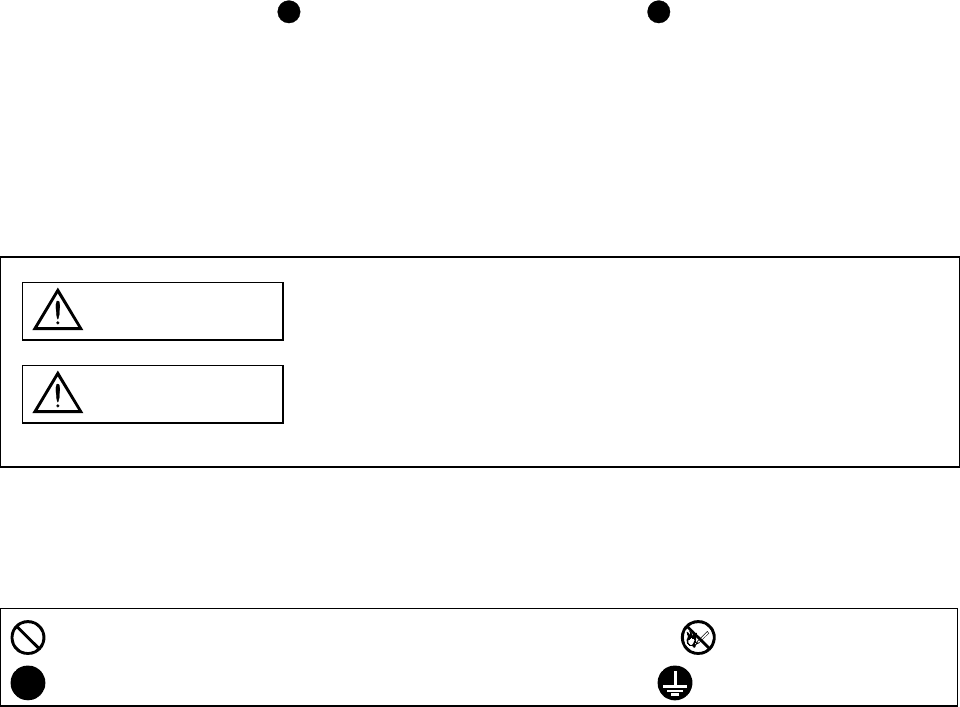
In this Instruction Manual, the safety instruction levels are classified into "WARNING" and "CAUTION".
WARNING Indicates that incorrect handling may cause hazardous conditions,
resulting in death or severe injury.
CAUTION Indicates that incorrect handling may cause hazardous conditions,
resulting in medium or slight injury to personnel or may cause physical
damage.
Note that the CAUTION level may lead to a serious consequence according to conditions. Please follow the
instructions of both levels because they are important to personnel safety.
What must not be done and what must be done are indicated by the following diagrammatic symbols:
: Indicates what must not be done. For example, "No Fire" is indicated by .
: Indicates what must be done. For example, grounding is indicated by .
In this Instruction Manual, instructions at a lower level than the above, instructions for other functions, and so
on are classified into "POINT".
After reading this installation guide, always keep it accessible to the operator.
A - 2
1. To prevent electric shock, note the following:
WARNING
Before wiring or inspection, switch power off and wait for more than 10 minutes. Then, confirm the voltage
is safe with voltage tester. Otherwise, you may get an electric shock.
Connect the servo amplifier and servo motor to ground.
Any person who is involved in wiring and inspection should be fully competent to do the work.
Do not attempt to wire the servo amplifier and servo motor until they have been installed. Otherwise, you
may get an electric shock.
Operate the switches with dry hand to prevent an electric shock.
The cables should not be damaged, stressed, loaded, or pinched. Otherwise, you may get an electric shock.
2. To prevent fire, note the following:
CAUTION
Do not install the servo amplifier, servo motor and regenerative brake resistor on or near combustibles.
Otherwise a fire may cause.
When the servo amplifier has become faulty, switch off the main servo amplifier power side. Continuous
flow of a large current may cause a fire.
When a regenerative brake resistor is used, use an alarm signal to switch main power off. Otherwise, a
regenerative brake transistor fault or the like may overheat the regenerative brake resistor, causing a fire.
3. To prevent injury, note the follow
CAUTION
Only the voltage specified in the Instruction Manual should be applied to each terminal, Otherwise, a
burst, damage, etc. may occur.
Connect the terminals correctly to prevent a burst, damage, etc.
Ensure that polarity ( , ) is correct. Otherwise, a burst, damage, etc. may occur.
During power-on or for some time after power-off, do not touch or close a parts (cable etc.) to the servo
amplifier heat sink, regenerative brake resistor, servo motor, etc. Their temperatures may be high and you
may get burnt or a parts may damaged.
A - 3
4. Additional instructions
The following instructions should also be fully noted. Incorrect handling may cause a fault, injury, electric
shock, etc.
(1) Transportation and installation
CAUTION
Transport the products correctly according to their weights.
Stacking in excess of the specified number of products is not allowed.
Do not carry the motor by the cables, shaft or encoder.
Do not hold the front cover to transport the controller. The controller may drop.
Install the servo amplifier in a load-bearing place in accordance with the Instruction Manual.
Do not climb or stand on servo equipment. Do not put heavy objects on equipment.
The controller and servo motor must be installed in the specified direction.
Leave specified clearances between the servo amplifier and control enclosure walls or other equipment.
Do not install or operate the servo amplifier and servo motor which has been damaged or has any parts
missing.
Provide adequate protection to prevent screws and other conductive matter, oil and other combustible
matter from entering the servo amplifier.
Do not drop or strike servo amplifier or servo motor. Isolate from all impact loads.
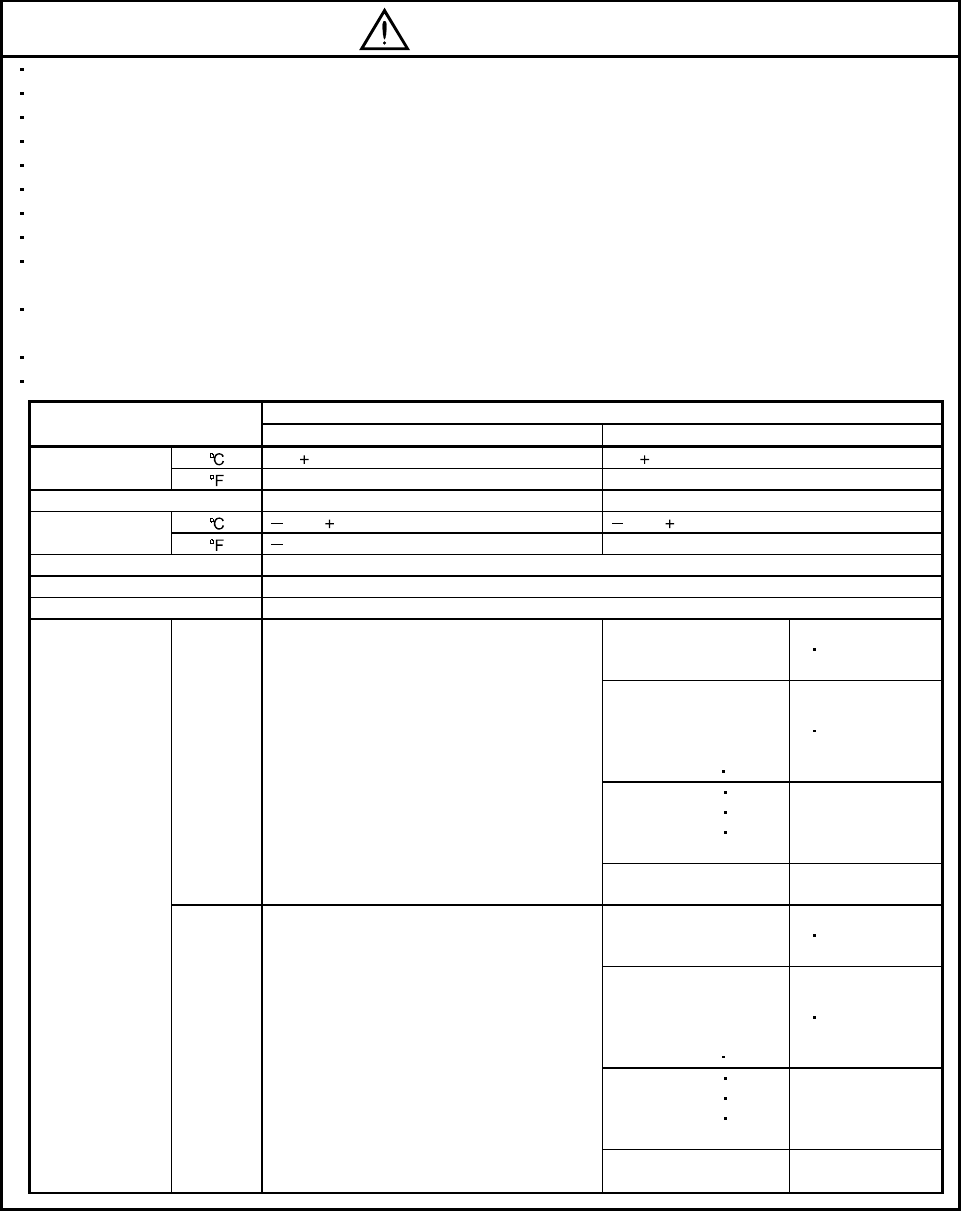
Use the servo amplifier and servo motor under the following environmental conditions:
Conditions
Environment Servo amplifier Servo motor
[]0 to 55 (non-freezing) 0 to 40 (non-freezing)
Ambient
temperature [] 32 to 131 (non-freezing) 32 to 104 (non-freezing)
Ambient humidity 90%RH or less (non-condensing) 80%RH or less (non-condensing)
[ ] 20 to 65 (non-freezing) 15 to 70 (non-freezing)
Storage
temperature []4 to 149 (non-freezing) 5 to 158 (non-freezing)
Storage humidity 90%RH or less (non-condensing)
Ambience Indoors (no direct sunlight) Free from corrosive gas, flammable gas, oil mist, dust and dirt
Altitude Max. 1000m (3280 ft) above sea level
HC-KFS Series
HC-MFS Series
HC-UFS13 to 73
XY : 49
HC-SFS81
HC-SFS52 to 152
HC-SFS53 to 153
HC-RFS Series
HC-UFS 72 152
XY : 24.5
HC-SFS121 201
HC-SFS202 352
HC-SFS203 353
HC-UFS202
X : 24.5
Y : 49
[m/s2]5.9 or less
HC-SFS301 X : 24.5
Y : 29.4
HC-KFS Series
HC-MFS Series
HC-UFS 13 to 73
XY : 161
HC-SFS81
HC-SFS52 to 152
HC-SFS53 to 153
HC-RFS Series
HC-UFS 72 152
XY : 80
HC-SFS121 201
HC-SFS202 352
HC-SFS203 353
HC-UFS202
X : 80
Y : 161
Vibration
[ft/s2] 19.4 or less
HC-SFS301 X : 80
Y : 96
A - 4
CAUTION
Securely attach the servo motor to the machine. If attach insecurely, the servo motor may come off during
operation.
The servo motor with reduction gear must be installed in the specified direction to prevent oil leakage.
For safety of personnel, always cover rotating and moving parts.
Never hit the servo motor or shaft, especially when coupling the servo motor to the machine. The encoder
may become faulty.
Do not subject the servo motor shaft to more than the permissible load. Otherwise, the shaft may break.
When the equipment has been stored for an extended period of time, consult Mitsubishi.
(2) Wiring
CAUTION
Wire the equipment correctly and securely. Otherwise, the servo motor may misoperate.
Do not install a power capacitor, surge absorber or radio noise filter (FR-BIF option) between the servo
motor and servo amplifier.
Connect the output terminals (U, V, W) correctly. Otherwise, the servo motor will operate improperly.
Do not connect AC power directly to the servo motor. Otherwise, a fault may occur.
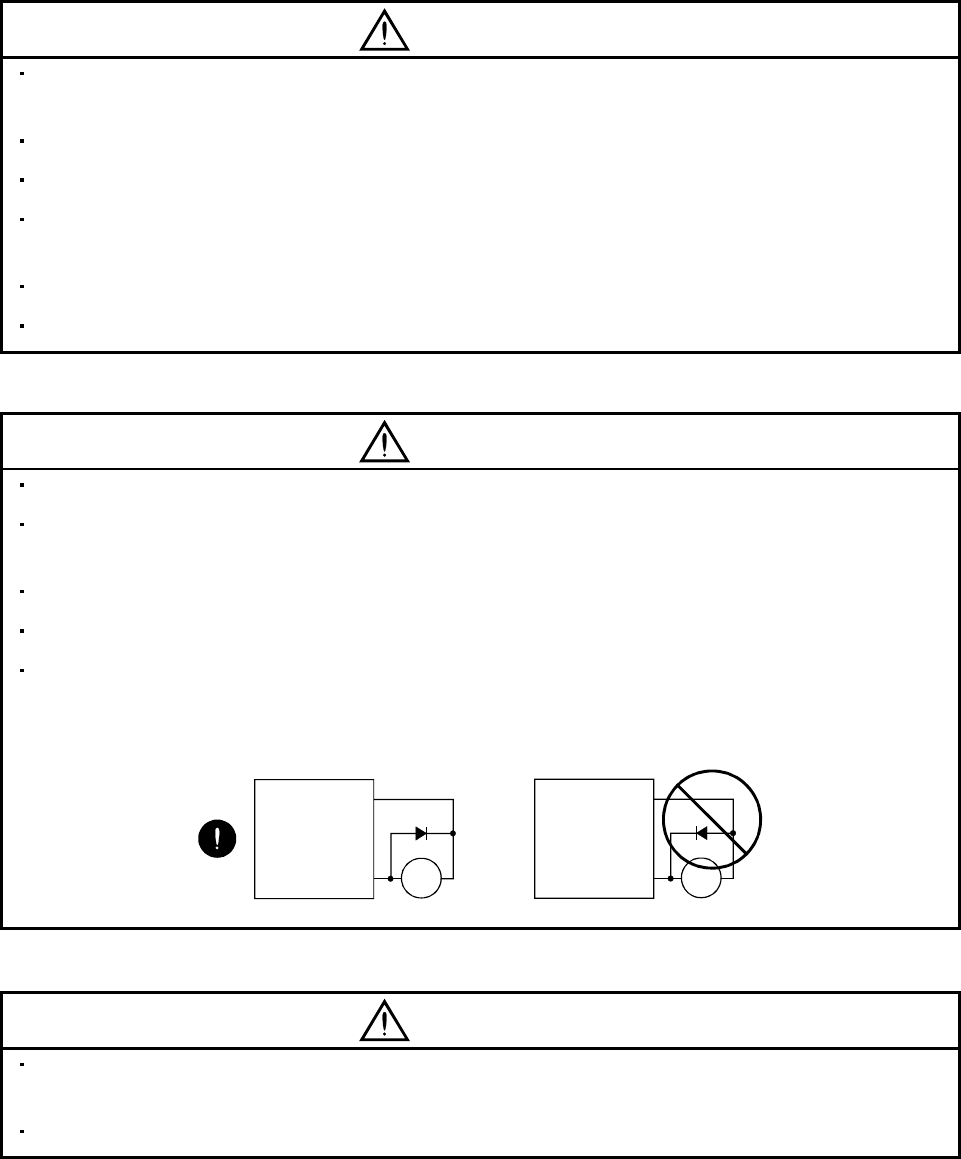
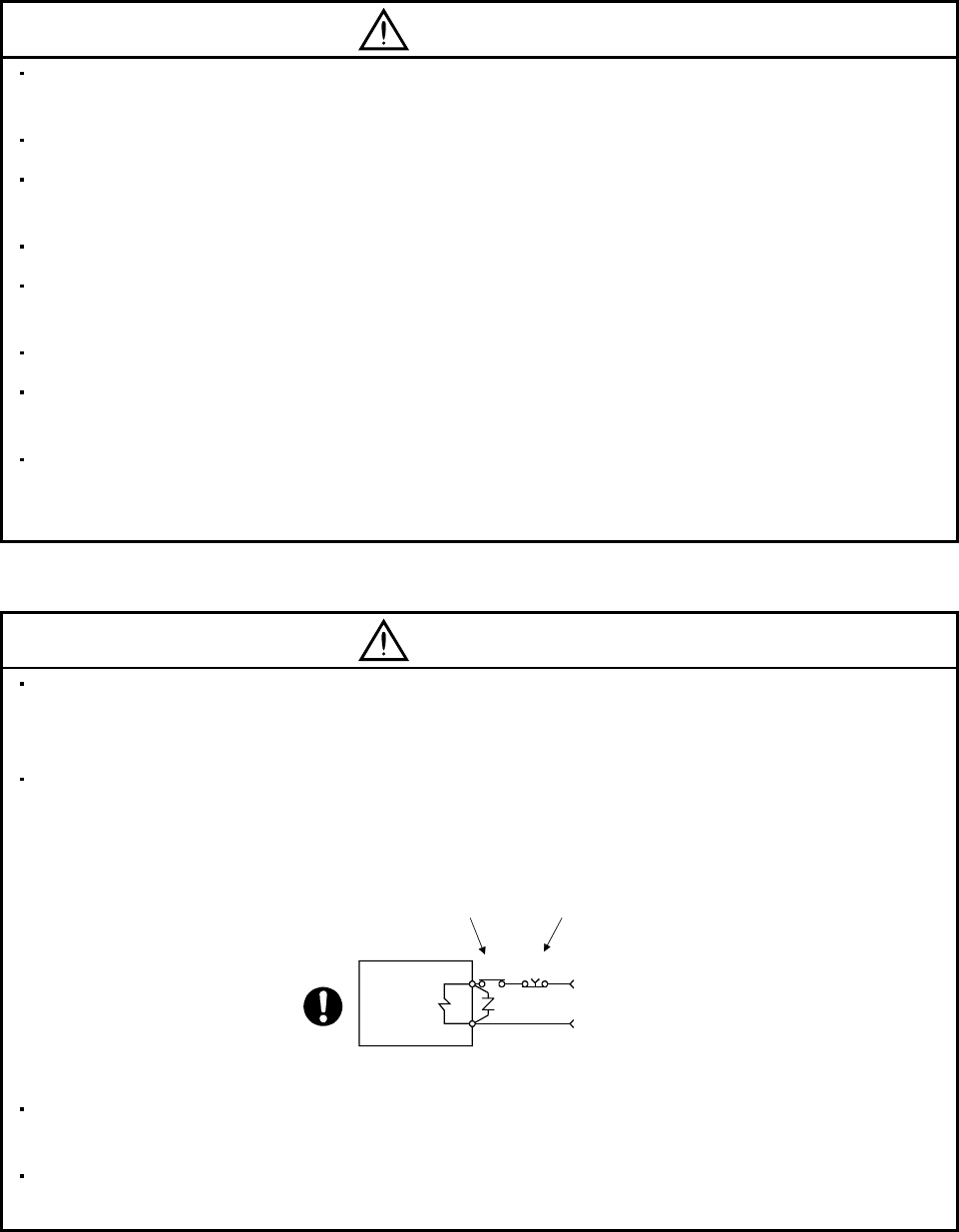
The surge absorbing diode installed on the DC output signal relay must be wired in the specified direction.
Otherwise, the emergency stop and other protective circuits may not operate.
COM
(24VDC)
Servo
Amplifier
RA
Control
output
signal
RA
Servo
Amplifier
COM
(24VDC)
Control
output
signal
(3) Test run adjustment
CAUTION
Before operation, check the parameter settings. Improper settings may cause some machines to perform
unexpected operation.
The parameter settings must not be changed excessively. Operation will be insatiable.
A - 5
(4) Usage
CAUTION
Provide an external emergency stop circuit to ensure that operation can be stopped and power switched
off immediately.
Any person who is involved in disassembly and repair should be fully competent to do the work.
Before resetting an alarm, make sure that the run signal is off to prevent an accident. A sudden restart is
made if an alarm is reset with the run signal on.
Do not modify the equipment.
Use a noise filter, etc. to minimize the influence of electromagnetic interference, which may be caused by
electronic equipment used near the servo amplifier.
Use the servo amplifier with the specified servo motor.
The electromagnetic brake on the servo motor is designed to hold the motor shaft and should not be used
for ordinary braking.
For such reasons as service life and mechanical structure (e.g. where a ballscrew and the servo motor
are coupled via a timing belt), the electromagnetic brake may not hold the motor shaft. To ensure safety,
install a stopper on the machine side.
(5) Corrective actions
CAUTION
When it is assumed that a hazardous condition may take place at the occur due to a power failure or a
product fault, use a servo motor with electromagnetic brake or an external brake mechanism for the
purpose of prevention.
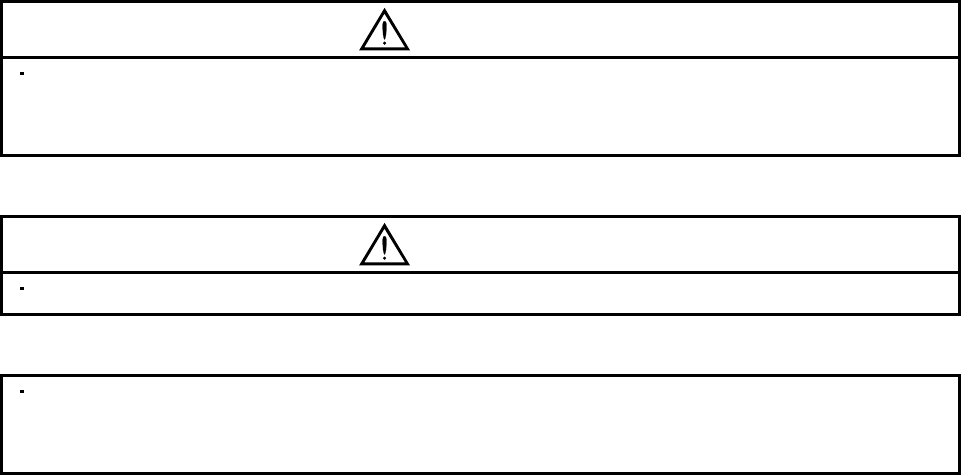
Configure the electromagnetic brake circuit so that it is activated not only by the servo amplifier signals
but also by an external emergency stop signal.
EMGRA
24VDC
Contacts must be open when
servo-on signal is off, when an
alarm (trouble) is present and when
an electromagnetic brake signal.
Electroma
g
netic brake
Servo motor
Circuit must be
opened during
emergency stop signal.
When any alarm has occurred, eliminate its cause, ensure safety, and deactivate the alarm before
restarting operation.
When power is restored after an instantaneous power failure, keep away from the machine because the
machine may be restarted suddenly (design the machine so that it is secured against hazard if restarted).
A - 6
(6) Maintenance, inspection and parts replacement
CAUTION
With age, the electrolytic capacitor will deteriorate. To prevent a secondary accident due to a fault, it is
recommended to replace the electrolytic capacitor every 10 years when used in general environment.
Please consult our sales representative.
(7) Disposal
CAUTION
Dispose of the product as general industrial waste.
(8) General instruction
To illustrate details, the equipment in the diagrams of this Instruction Manual may have been drawn
without covers and safety guards. When the equipment is operated, the covers and safety guards must be
installed as specified. Operation must be performed in accordance with this Instruction Manual.
A - 7
COMPLIANCE WITH EC DIRECTIVES
1. WHAT ARE EC DIRECTIVES?
The EC directives were issued to standardize the regulations of the EU countries and ensure smooth
distribution of safety-guaranteed products. In the EU countries, the machinery directive (effective in
January, 1995), EMC directive (effective in January, 1996) and low voltage directive (effective in January,
1997) of the EC directives require that products to be sold should meet their fundamental safety
requirements and carry the CE marks (CE marking). CE marking applies to machines and equipment
into which servo amplifiers have been installed.
(1) EMC directive
The EMC directive applies not to the servo units alone but to servo-incorporated machines and
equipment. This requires the EMC filters to be used with the servo-incorporated machines and
equipment to comply with the EMC directive. For specific EMC directive conforming methods, refer to
the EMC Installation Guidelines (IB(NA)67310).
This servo is certified by TUV, third-party assessment organization, to comply with the EMC directive
in the conforming methods of the EMC Installation Guidelines.
(2) Low voltage directive
The low voltage directive applies also to servo units alone. Hence, they are designed to comply with
the low voltage directive.
This servo is certified by TUV, third-party assessment organization, to comply with the low voltage
directive.
(3) Machine directive
Not being machines, the servo amplifiers need not comply with this directive.
2. PRECAUTIONS FOR COMPLIANCE
(1) Servo amplifiers and servo motors used
Use the servo amplifiers and servo motors which comply with the standard model.
Servo amplifier series :MR-J2S-10A(1) to MR-J2S-350A(1)
Servo motor series :HC-KFS
HC-MFS
HC-SFS
HC-RFS
HC-UFS
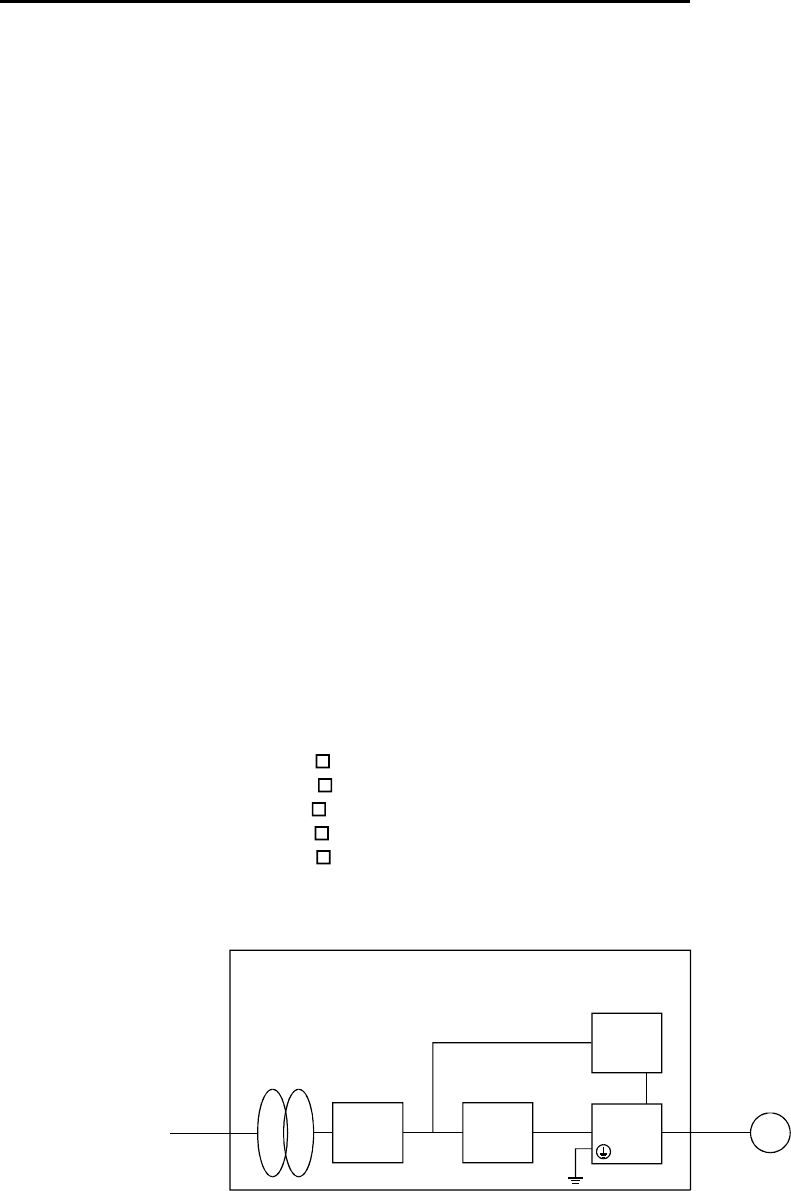
(2) Configuration
Reinforced
insulating
transformer
NFB MC SM
No-fuse
breaker Magnetic
contactor
Reinforced
insulating type
24VDC
power
supply
Servo
amplifier
Servo
motor
Control box
(3) Environment
Operate the servo amplifier at or above the contamination level 2 set forth in IEC664. For this
purpose, install the servo amplifier in a control box which is protected against water, oil, carbon, dust,
dirt, etc. (IP54).
A - 8
(4) Power supply
(a) Operate the servo amplifier to meet the requirements of the overvoltage category II set forth in
IEC664. For this purpose, a reinforced insulating transformer conforming to the IEC or EN
Standard should be used in the power input section.
(b) When supplying interface power from external, use a 24VDC power supply which has been
insulation-reinforced in I/O.
(5) Grounding
(a) To prevent an electric shock, always connect the protective earth (PE) terminals (marked ) of the
servo amplifier to the protective earth (PE) of the control box.
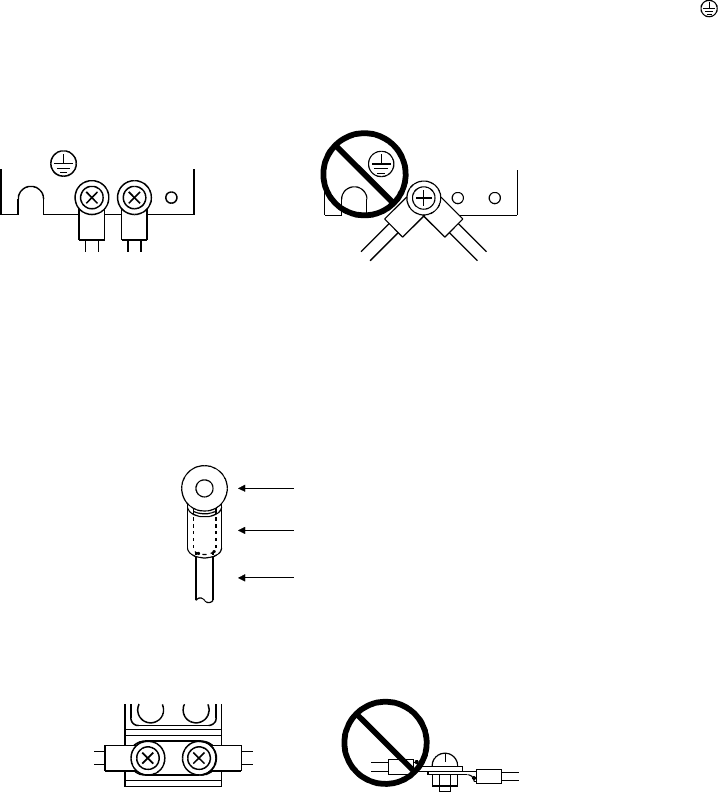
(b) Do not connect two ground cables to the same protective earth (PE) terminal. Always connect the
cables to the terminals one-to-one.
PE terminals PE terminals
(c) If a leakage current breaker is used to prevent an electric shock, the protective earth (PE) terminals
of the servo amplifier must be connected to the corresponding earth terminals.
(6) Wiring
(a) The cables to be connected to the terminal block of the servo amplifier must have crimping
terminals provided with insulating tubes to prevent contact with adjacent terminals.
Crimping terminal
Insulating tube
Cable
(b) When the servo motor has a power supply lead, use a fixed terminal block to connect it with the
servo amplifier. Do not connect cables directly.
Terminal block

A - 9
(7) Auxiliary equipment and options
(a) The no-fuse breaker and magnetic contactor used should be the EN or IEC standard-compliant
products of the models described in Section 13.2.2.
(b) The sizes of the cables described in Section 13.2.1 meet the following requirements. To meet the
other requirements, follow Table 5 and Appendix C in EN60204-1.
Ambient temperature: 40 (104) [ ( )]
Sheath: PVC (polyvinyl chloride)
Installed on wall surface or open table tray
(c) Use the EMC filter for noise reduction. The radio noise filter (FR-BIF) is not required.
(8) Performing EMC tests
When EMC tests are run on a machine/device into which the servo amplifier has been installed, it
must conform to the electromagnetic compatibility (immunity/emission) standards after it has
satisfied the operating environment/electrical equipment specifications.
For the other EMC directive guidelines on the servo amplifier, refer to the EMC Installation
Guidelines(IB(NA)67310).
A - 10
CONFORMANCE WITH UL/C-UL STANDARD
(1) Servo amplifiers and servo motors used
Use the servo amplifiers and servo motors which comply with the standard model.
Servo amplifier series :MR-J2S-10A(1) to MR-J2S-350A(1)
Servo motor series :HC-KFS
HC-MFS
HC-SFS
HC-RFS
HC-UFS
(2) Installation
Install a fan of 100CFM air flow 10.16 cm (4 in) above the servo amplifier or provide cooling of at least
equivalent capability.
(3) Short circuit rating
This servo amplifier conforms to the circuit whose peak current is limited to 5000A or less. Having
been subjected to the short-circuit tests of the UL in the alternating-current circuit, the servo
amplifier conforms to the above circuit.
(4) Capacitor discharge time
The capacitor discharge time is as listed below. To ensure safety, do not touch the charging section for
10 minutes after power-off.
Servo amplifier Discharge time
[min]
MR-J2S-10A(1) 20A(1) 1
MR-J2S-40A(1) 60A 2
MR-J2S-70A to 350A 3
(5) Options and auxiliary equipment
Use UL/C-UL standard-compliant products.
<<About the manuals>>
This Instruction Manual and the MELSERVO Servo Motor Instruction Manual are required if you use
the General-Purpose AC servo MR-J2S-A for the first time. Always purchase them and use the MR-
J2S-A safely.
Relevant manuals
Manual name Manual No.
MELSERVO-J2-Super Series To Use the AC Servo Safely IB(NA)0300010
MELSERVO Servo Motor Instruction Manual SH(NA)3181 (Ver-D or later)
EMC Installation Guidelines IB(NA)67310
1
CONTENTS
1. FUNCTIONS AND CONFIGURATION 1- 1 to 1-12
1.1 Introduction..............................................................................................................................................1- 1
1.2 Function block diagram ..........................................................................................................................1- 2
1.3 Servo amplifier standard specifications................................................................................................1- 3
1.4 Function list.............................................................................................................................................1- 4
1.5 Model code definition ..............................................................................................................................1- 5
1.6 Combination with servo motor...............................................................................................................1- 6
1.7 Parts identification..................................................................................................................................1- 7
1.8 Servo system with auxiliary equipment...............................................................................................1-10
2. INSTALLATION 2- 1 to 2- 4
2.1 Environmental conditions.......................................................................................................................2- 1
2.2 Installation direction and clearances ....................................................................................................2- 2
2.3 Keep out foreign materials.....................................................................................................................2- 3
2.4 Cable stress..............................................................................................................................................2- 4
3. SIGNALS AND WIRING 3- 1 to 3- 58
3.1 Standard connection example ................................................................................................................3- 2
3.1.1 Position control mode.......................................................................................................................3- 2
3.1.2 Speed control mode...........................................................................................................................3- 6
3.1.3 Torque control mode.........................................................................................................................3- 8
3.2 Internal connection diagram of servo amplifier ..................................................................................3-10
3.3 I/O signals................................................................................................................................................3-11
3.3.1 Connectors and signal arrangements............................................................................................3-11
3.3.2 Signal explanations.........................................................................................................................3-14
3.4 Detailed description of the signals........................................................................................................3-23
3.4.1 Position control mode......................................................................................................................3-23
3.4.2 Speed control mode..........................................................................................................................3-28
3.4.3 Torque control mode........................................................................................................................3-30
3.4.4 Position/speed control change mode ..............................................................................................3-33
3.4.5 Speed/torque control change mode.................................................................................................3-35
3.4.6 Torque/position control change mode ............................................................................................3-37
3.5 Alarm occurrence timing chart .............................................................................................................3-38
3.6 Interfaces.................................................................................................................................................3-39
3.6.1 Common line ....................................................................................................................................3-39
3.6.2 Detailed description of the interfaces............................................................................................3-40
3.7 Input power supply circuit.....................................................................................................................3-45
3.7.1 Connection example.........................................................................................................................3-45
3.7.2 Terminals..........................................................................................................................................3-46
3.7.3 Power-on sequence...........................................................................................................................3-47
3.8 Connection of servo amplifier and servo motor...................................................................................3-48
3.8.1 Connection instructions ..................................................................................................................3-48
3.8.2 Connection diagram.........................................................................................................................3-48
3.8.3 I/O terminals....................................................................................................................................3-50

2
3.9 Servo motor with electromagnetic brake .............................................................................................3-52
3.10 Grounding .............................................................................................................................................3-55
3.11 Servo amplifier terminal block (TE2) wiring method.......................................................................3-56
3.12 Instructions for the 3M connector.......................................................................................................3-57
4. OPERATION 4- 1 to 4- 6
4.1 When switching power on for the first time..........................................................................................4- 1
4.2 Startup......................................................................................................................................................4- 2
4.2.1 Selection of control mode..................................................................................................................4- 2
4.2.2 Position control mode.......................................................................................................................4- 2
4.2.3 Speed control mode...........................................................................................................................4- 4
4.2.4 Torque control mode.........................................................................................................................4- 5
4.3 Multidrop communication ......................................................................................................................4- 6
5. PARAMETERS 5- 1 to 5- 32
5.1 Parameter list..........................................................................................................................................5- 1
5.1.1 Parameter write inhibit...................................................................................................................5- 1
5.1.2 Lists....................................................................................................................................................5- 2
5.2 Detailed description ...............................................................................................................................5-25
5.2.1 Electronic gear .................................................................................................................................5-25
5.2.2 Analog output...................................................................................................................................5-29
5.2.3 Using forward/reverse rotation stroke end to change the stopping pattern..............................5-30
5.2.4 Alarm history clear..........................................................................................................................5-30
5.2.5 Position smoothing ..........................................................................................................................5-31
6. DISPLAY AND OPERATION 6- 1 to 6-16
6.1 Display flowchart.....................................................................................................................................6- 1
6.2 Status display ..........................................................................................................................................6- 2
6.2.1 Display examples..............................................................................................................................6- 2
6.2.2 Status display list.............................................................................................................................6- 3
6.2.3 Changing the status display screen................................................................................................6- 4
6.3 Diagnostic mode.......................................................................................................................................6- 5
6.4 Alarm mode..............................................................................................................................................6- 7
6.5 Parameter mode ......................................................................................................................................6- 8
6.6 External I/O signal display.....................................................................................................................6- 9
6.7 Output signal forced output (DO forced output) .................................................................................6-12
6.8 Test operation mode...............................................................................................................................6-13
6.8.1 Mode change.....................................................................................................................................6-13
6.8.2 Jog operation....................................................................................................................................6-14
6.8.3 Positioning operation.......................................................................................................................6-15
6.8.4 Motor-less operation........................................................................................................................6-16
7. GENERAL GAIN ADJUSTMENT 7- 1 to 7-12
7.1 Different adjustment methods ...............................................................................................................7- 1
7.1.1 Adjustment on a single servo amplifier..........................................................................................7- 1
3
7.1.2 Adjustment using servo configuration software............................................................................7- 2
7.2 Auto tuning ..............................................................................................................................................7- 3
7.2.1 Auto tuning mode .............................................................................................................................7- 3
7.2.2 Auto tuning mode operation............................................................................................................7- 4
7.2.3 Adjustment procedure by auto tuning............................................................................................7- 5
7.2.4 Response level setting in auto tuning mode...................................................................................7- 6
7.3 Manual mode 1 (simple manual adjustment).......................................................................................7- 7
7.3.1 Operation of manual mode 1 ...........................................................................................................7- 7
7.3.2 Adjustment by manual mode 1 .......................................................................................................7- 7
7.4 Interpolation mode.................................................................................................................................7-10
7.5 Differences in auto tuning between MELSERVO-J2 and MELSERVO-J2-Super..........................7-11
7.5.1 Response level setting.....................................................................................................................7-11
7.5.2 Auto tuning selection.......................................................................................................................7-11
8. SPECIAL ADJUSTMENT FUNCTIONS 8- 1 to 8-10
8.1 Machine resonance suppression filter and adaptive vibration suppression control.........................8- 1
8.1.1 Function block diagram....................................................................................................................8- 1
8.1.2 Machine resonance suppression filter............................................................................................8- 1
8.1.3 Adaptive vibration suppression control..........................................................................................8- 3
8.2 Low-pass filter .........................................................................................................................................8- 4
8.3 Gain changing function...........................................................................................................................8- 5
8.3.1 Applications.......................................................................................................................................8- 5
8.3.2 Function block diagram....................................................................................................................8- 5
8.3.3 Parameters........................................................................................................................................8- 6
8.3.4 Gain changing operation..................................................................................................................8- 8
9. INSPECTION 9- 1 to 9- 2
10. TROUBLESHOOTING 10- 1 to 10-12
10.1 Trouble at start-up..............................................................................................................................10- 1
10.1.1 Position control mode...................................................................................................................10- 1
10.1.2 Speed control mode.......................................................................................................................10- 4
10.1.3 Torque control mode.....................................................................................................................10- 5
10.2 When alarm or warning has occurred...............................................................................................10- 6
10.2.1 Alarms and warning list..............................................................................................................10- 6
10.2.2 Remedies for alarms.....................................................................................................................10- 7
10.2.3 Remedies for warnings................................................................................................................10-12
11. OUTLINE DIMENSION DRAWINGS 11- 1 to 11- 6
11.1 Servo amplifiers...................................................................................................................................11- 1
11.2 Connectors............................................................................................................................................11- 4
12. CHARACTERISTICS 12- 1 to 12- 6
12.1 Overload protection characteristics...................................................................................................12- 1
12.2 Power supply equipment capacity and generated loss....................................................................12- 2

4
12.3 Dynamic brake characteristics...........................................................................................................12- 4
12.4 Encoder cable flexing life....................................................................................................................12- 6
13. OPTIONS AND AUXILIARY EQUIPMENT 13- 1 to 13-30
13.1 Options..................................................................................................................................................13- 1
13.1.1 Regenerative brake options.........................................................................................................13- 1
13.1.2 Cables and connectors..................................................................................................................13- 5
13.1.3 Junction terminal block (MR-TB20)..........................................................................................13-13
13.1.4 Maintenance junction card (MR-J2CN3TM)............................................................................13-15
13.1.5 Battery (MR-BAT, A6BAT).........................................................................................................13-16
13.1.6 Servo configurations software....................................................................................................13-17
13.2 Auxiliary equipment ..........................................................................................................................13-19
13.2.1 Recommended wires....................................................................................................................13-19
13.2.2 No-fuse breakers, fuses, magnetic contactors...........................................................................13-21
13.2.3 Power factor improving reactors................................................................................................13-21
13.2.4 Relays............................................................................................................................................13-22
13.2.5 Surge absorbers ...........................................................................................................................13-22
13.2.6 Noise reduction techniques.........................................................................................................13-22
13.2.7 Leakage current breaker.............................................................................................................13-28
13.2.8 EMC filter.....................................................................................................................................13-30
14. COMMUNICATION FUNCTIONS 14- 1 to 14- 28
14.1 Configuration.......................................................................................................................................14- 1
14.1.1 RS-422 configuration....................................................................................................................14- 1
14.1.2 RS-232C configuration.................................................................................................................14- 2
14.2 Communication specifications............................................................................................................14- 3
14.2.1 Communication overview.............................................................................................................14- 3
14.2.2 Parameter setting.........................................................................................................................14- 4
14.3 Protocol.................................................................................................................................................14- 5
14.4 Character codes ...................................................................................................................................14- 7
14.5 Error codes...........................................................................................................................................14- 8
14.6 Checksum.............................................................................................................................................14- 8
14.7 Time-out operation..............................................................................................................................14- 9
14.8 Retry operation....................................................................................................................................14- 9
14.9 Initialization........................................................................................................................................14-10
14.10 Communication procedure example...............................................................................................14-10
14.11 Command and data No. list.............................................................................................................14-11
14.11.1 Read commands.........................................................................................................................14-11
14.11.2 Write commands........................................................................................................................14-12
14.12 Detailed explanations of commands...............................................................................................14-14
14.12.1 Data processing..........................................................................................................................14-14
14.12.2 Status display ............................................................................................................................14-16
14.12.3 Parameter...................................................................................................................................14-17
14.12.4 External I/O pin statuses (DIO diagnosis)..............................................................................14-19
14.12.5 Disable/enable of external I/O signals (DIO)..........................................................................14-20
14.12.6 External input signal ON/OFF (test operation).....................................................................14-21
14.12.7 Test operation mode..................................................................................................................14-22

5
14.12.8 Output signal pin ON/OFF (DO forced output)......................................................................14-24
14.12.9 Alarm history.............................................................................................................................14-25
14.12.10 Current alarm..........................................................................................................................14-26
14.12.11 Other commands......................................................................................................................14-27
15. ABSOLUTE POSITION DETECTION SYSTEM 15- 1 to 15- 66
15.1 Outline..................................................................................................................................................15- 1
15.1.1 Features.........................................................................................................................................15- 1
15.1.2 Restrictions....................................................................................................................................15- 1
15.2 Specifications.......................................................................................................................................15- 2
15.3 Battery installation procedure...........................................................................................................15- 3
15.4 Standard connection diagram ............................................................................................................15- 4
15.5 Signal explanation...............................................................................................................................15- 5
15.6 Startup procedure................................................................................................................................15- 6
15.7 Absolute position data transfer protocol...........................................................................................15- 7
15.7.1 Data transfer procedure...............................................................................................................15- 7
15.7.2 Transfer method ...........................................................................................................................15- 8
15.7.3 Home position setting..................................................................................................................15-17
15.7.4 Use of servo motor with electromagnetic brake .......................................................................15-19
15.7.5 How to process the absolute position data at detection of stroke end....................................15-20
15.8 Examples of use..................................................................................................................................15-21
15.8.1 MELSEC-A1S (A1SD71).............................................................................................................15-21
15.8.2 MELSEC FX(2N)-32MT (FX(2N)-1PG)........................................................................................15-35
15.8.3 MELSEC A1SD75(AD75) ...........................................................................................................15-48
15.9 Confirmation of absolute position detection data............................................................................15-63
15.10 Absolute position data transfer errors ...........................................................................................15-64
15.10.1 Corrective actions......................................................................................................................15-64
15.10.2 Error resetting conditions.........................................................................................................15-66
Appendix App- 1 to App- 4
App 1. Signal arrangement recording sheets.........................................................................................App- 1
App 2. Analog monitor block diagram....................................................................................................App- 2
App 3. Status display block diagram......................................................................................................App- 3

6
Optional Servo Motor Instruction Manual CONTENTS
The rough table of contents of the optional MELSERVO Servo Motor Instruction Manual is introduced
here for your reference. Note that the contents of the Servo Motor Instruction Manual are not included
in the Servo Amplifier Instruction Manual.
1. INTRODUCTION
2. INSTALLATION
3. CONNECTORS USED FOR SERVO MOTOR WIRING
4. INSPECTION
5. SPECIFICATIONS
6. CHARACTERISTICS
7. OUTLINE DIMENSION DRAWINGS
8. CALCULATION METHODS FOR DESIGNING

1 - 1
1. FUNCTIONS AND CONFIGURATION
1. FUNCTIONS AND CONFIGURATION
1.1 Introduction
The Mitsubishi MELSERVO-J2-Super series general-purpose AC servo is based on the MELSERVO-J2
series and has further higher performance and higher functions.
It has position control, speed control and torque control modes. Further, it can perform operation with the
control modes changed, e.g. position/speed control, speed/torque control and torque/position control.
Hence, it is applicable to a wide range of fields, not only precision positioning and smooth speed control of
machine tools and general industrial machines but also line control and tension control.
As this new series has the RS-232C or RS-422 serial communication function, a servo configuration
software-installed personal computer or the like can be used to perform parameter setting, test operation,
status display monitoring, gain adjustment, etc.
With real-time auto tuning, you can automatically adjust the servo gains according to the machine.
The MELSERVO-J2-Super series servo motor is equipped with an absolute position encoder which has
the resolution of 131072 pulses/rev to ensure more accurate control as compared to the MELSERVO-J2
series. Simply adding a battery to the servo amplifier makes up an absolute position detection system.
This makes home position return unnecessary at power-on or alarm occurrence by setting a home position
once.
(1) Position control mode
An up to 500kpps high-speed pulse train is used to control the speed and direction of a motor and
execute precision positioning of 131072 pulses/rev resolution.
The position smoothing function provides a choice of two different modes appropriate for a machine, so
a smoother start/stop can be made in response to a sudden position command.
A torque limit is imposed on the servo amplifier by the clamp circuit to protect the power transistor in
the main circuit from overcurrent due to sudden acceleration/deceleration or overload. This torque
limit value can be changed to any value with an external analog input or the parameter.
(2) Speed control mode
An external analog speed command (0 to 10VDC) or parameter-driven internal speed command
(max. 7 speeds) is used to control the speed and direction of a servo motor smoothly.
There are also the acceleration/deceleration time constant setting in response to speed command, the
servo lock function at a stop time, and automatic offset adjustment function in response to external
analog speed command.
(3) Torque control mode
An external analog torque command (0 to 8VDC) or parameter-driven internal torque command is
used to control the torque output by the servo motor.
To protect misoperation under no load, the speed limit function (external or internal setting) is also
available for application to tension control, etc.
1 - 2
1. FUNCTIONS AND CONFIGURATION
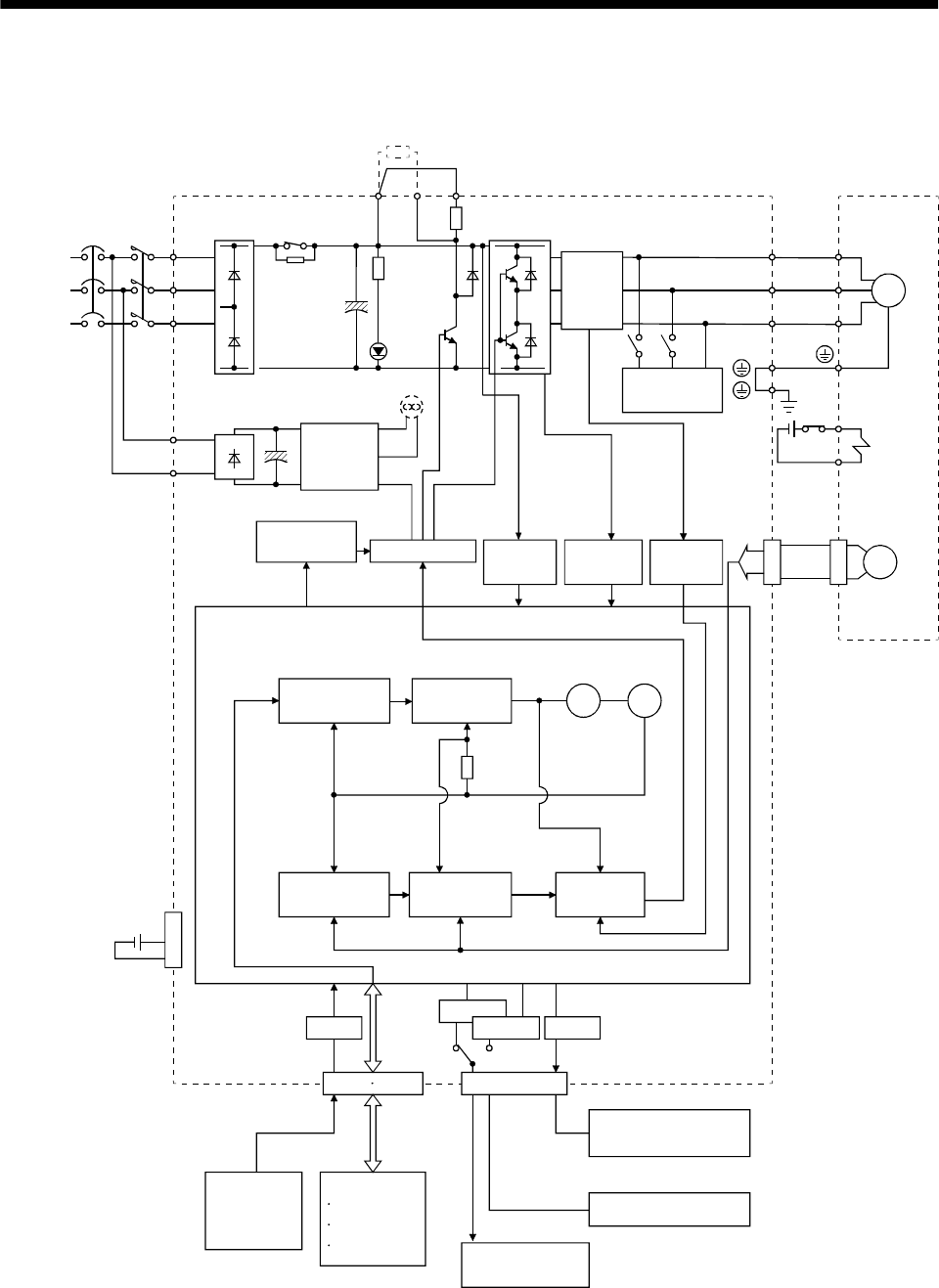
1.2 Function block diagram
The function block diagram of this servo is shown below.
Regenerative
brake Base amplifier Voltage
detection
Overcurrent
protection
Encoder
Dynamic
brake
Current
detector
CHARGE
lamp
RADS
Control
power
supply
(MR-J2S-200A or more)
Fan
Electro-
magnetic
brake
Servo motor
D
C
P
Regenerative brake option
NFB
Power
supply
3-phase
200 to
230VAC,
1-phase
230VACor
1-phase
100to120VAC
MC L1
L2
L3
L11
L21
A/D
CN1A CN1B
D I/O control
Servo on
Start
Failure, etc.
RS-232C
CN3
RS-422 D/A
Analog
(2 channels) RS-422/RS-232C
Controller
To other servo
amplifier
E2
I/F
Servo amplifier
Analog monitor
(2 channels)
Model position
control
Model speed
control
Pulse
input
Model
position
Actual position
control
Actual speed
control
Current
control
Model torque
Virtual
motor
Virtual
encoder
CN2
CON1
MR-BAT
Optional battery
(for absolute position)
U
V
W
U
V
W
SM
E1
Regenerative
brake
transistor
Current
detection
Model
speed
(Note2) (Note1)
Note:1.
2. For 1-phase 230VAC, connect the power supply to L1,L2 and leave L3 open.
L3 is not provided for a 1-phase 100 to120VAC power supply.
The built-in regenerative brake resistor is not provided for the MR-J2S-10A(1).
1 - 3
1. FUNCTIONS AND CONFIGURATION
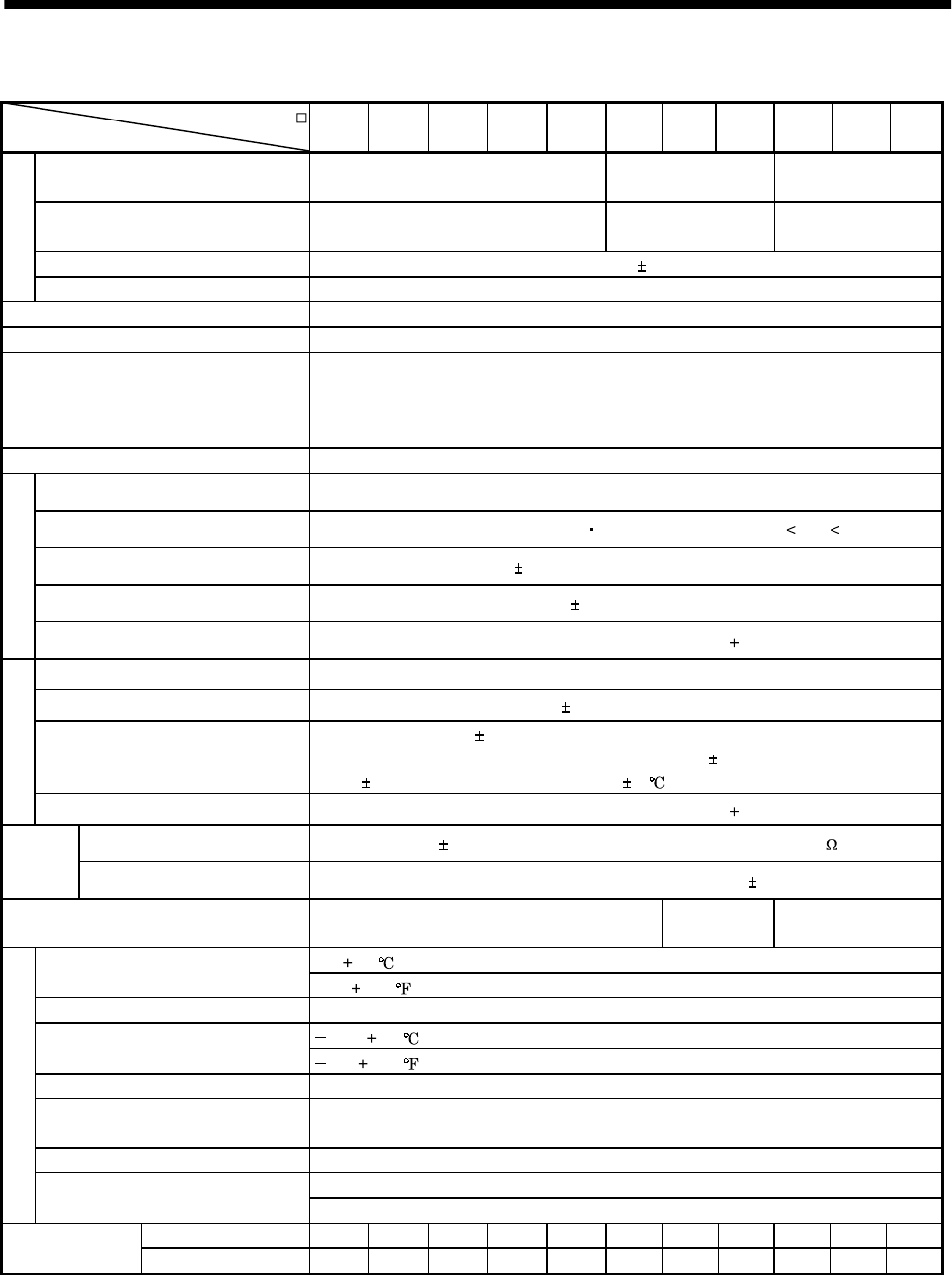
1.3 Servo amplifier standard specifications
Servo Amplifier MR-J2S-
Item 10A 20A 40A 60A 70A 100A 200A 350A 10A1 20A1 40A1
Voltage/frequency 3-phase 200 to 230VAC, 50/60Hz or
1-phase 230VAC, 50/60Hz 3-phase 200 to
230VAC, 50/60Hz 1-phase 100 to
120VAC 50/60Hz
Permissible voltage fluctuation 3-phase 200 to 230VAC:170 to 253VAC
1-phase 230VAC: 207 to 253VAC 3-phase 170 to
253VAC 1-phase
85 to 127VAC
Permissible frequency fluctuation Within 5%
Power supply
Power supply capacity Refer to Section12.2
System Sine-wave PWM control, current control system
Dynamic brake Built-in
Protective functions
Overcurrent shut-off, regenerative overvoltage shut-off, overload shut-off (electronic
thermal relay), servo motor overheat protection, encoder error protection, regenerative
brake error protection, undervoltage, instantaneous power failure protection, overspeed
protection, excessive error protection
Speed frequency response 550Hz or more
Max. input pulse frequency 500kpps (for differential receiver), 200kpps (for open collector)
Command pulse multiplying factor Electronic gear A:1 to 65535 131072 B:1 to 65535, 1/50 A/B 500
In-position range setting 0 to 10000 pulse (command pulse unit)
Error excessive 10 revolutions
Position control mode
Torque limit Set by parameter setting or external analog input (0 to 10VDC/maximum torque)
Speed control range Analog speed command 1: 2000, internal speed command 1: 5000
Analog speed command input 0 to 10VDC / Rated speed
Speed fluctuation ratio 0.01% or less (load fluctuation 0 to 100%)
0% or less (power fluctuation 10%)
0.2% max.(ambient temperature 25 10 ) for external speed setting only
Speed control mode
Torque limit Set by parameter setting or external analog input (0 to 10VDC/maximum torque)
Analog torque command input 0 to 8VDC / Maximum torque (input impedance 10 to 12k )
Torque
control
mode Speed limit Set by parameter setting or external analog input (0 to 10VDC/Rated speed)
Structure Self-cooled, open (IP00) Force-cooling,
open (IP00) Self-cooled, open(IP00)
0 to 55 [ ] (non-freezing)
Ambient temperature 32 to 131 [ ] (non-freezing)
Ambient humidity 90%RH or less (non-condensing)
20 to 65 [ ] (non-freezing)
Storage temperature 4 to 149 [ ] (non-freezing)
Storage humidity 90%RH or less (non-condensing)
Ambient Indoors (no direct sunlight)
Free from corrosive gas, flammable gas, oil mist, dust and dirt
Altitude Max. 1000m (3280ft) above sea level
5.9 [m/s2] or less
Environment
Vibration 19.4 [ft/s2] or less
[kg] 0.7 0.7 1.1 1.1 1.7 1.7 2.0 2.0 0.7 0.7 1.1
Weight [lb] 1.5 1.5 2.4 2.4 3.75 3.75 4.4 4.4 1.5 1.5 2.4
1 - 4
1. FUNCTIONS AND CONFIGURATION
1.4 Function list
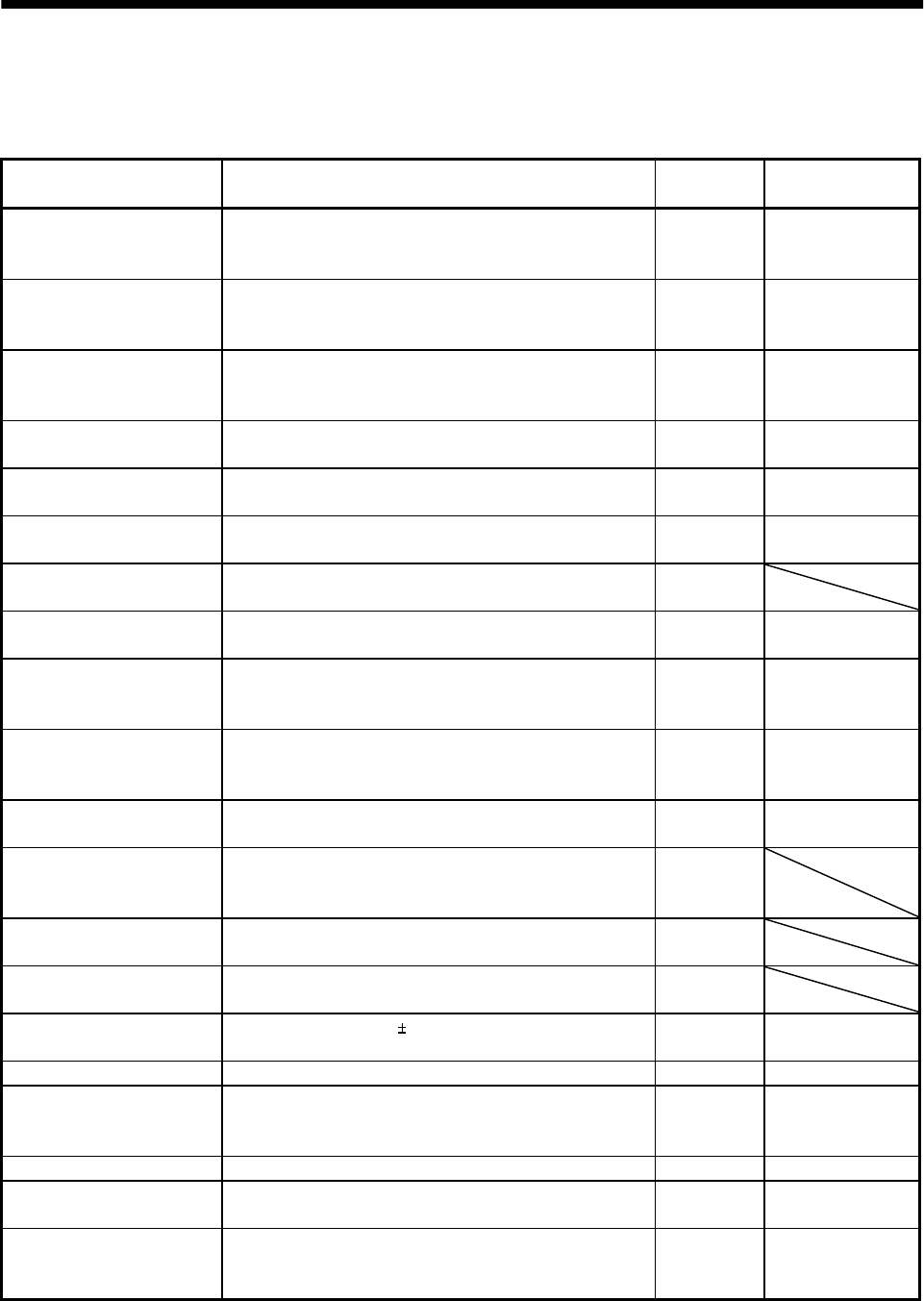
The following table lists the functions of this servo. For details of the functions, refer to the corresponding
chapters and sections.
Function Description (Note)
Control mode Refer to
Position control mode This servo is used as position control servo. P Section 3.1.1
Section 3.4.1
Section 4.2.2
Speed control mode This servo is used as speed control servo. S Section 3.1.2
Section 3.4.2
Section 4.2.3
Torque control mode This servo is used as torque control servo. T Section 3.1.3
Section 3.4.3
Section 4.2.4
Position/speed control change
mode Using external input signal, control can be switched
between position control and speed control. P/S Section 3.4.4
Speed/torque control change
mode Using external input signal, control can be switched
between speed control and torque control. S/T Section 3.4.5
Torque/position control
change mode Using external input signal, control can be switched
between torque control and position control. T/P Section 3.4.6
High-resolution encoder High-resolution encoder of 131072 pulses/rev is used as a
servo motor encoder. P, S, T
Absolute position detection
system Merely setting a home position once makes home position
return unnecessary at every power-on. PChapter 15
Gain changing function You can switch between gains during rotation and gains
during stop or use an external signal to change gains
during operation. P, S Section 8.3
Adaptive vibration
suppression control
Servo amplifier detects mechanical resonance and sets filter
characteristics automatically to suppress mechanical
vibration. P, S, T Section 8.1
Low-pass filter Suppresses high-frequency resonance which occurs as servo
system response is increased. P, S, T Section 8.2
Machine analyzer function Analyzes the frequency characteristic of the mechanical
system by simply connecting a servo configuration software-
installed personal computer and servo amplifier. P
Machine simulation Can simulate machine motions on a personal computer
screen on the basis of the machine analyzer results. P
Gain search function Personal computer changes gains automatically and
searches for overshoot-free gains in a short time. P
Slight vibration suppression
control Suppresses vibration of 1 pulse produced at a servo motor
stop. P Section 7.5
Electronic gear Input pulses can be multiplied by 1/50 to 50. P Parameters No. 3, 4
Auto tuning Automatically adjusts the gain to optimum value if load
applied to the servo motor shaft varies. Higher in
performance than MR-J2-A servo amplifier. P, S Chapter 7
Position smoothing Speed can be increased smoothly in response to input pulse. P Parameter No. 7
S-pattern acceleration/
deceleration time constant Speed can be increased and decreased smoothly. S, T Parameter No. 13
Regenerative brake option Used when the built-in regenerative brake resistor of the
servo amplifier does not have sufficient regenerative
capability for the regenerative power generated. P, S, T Section 13.1.1
1 - 5
1. FUNCTIONS AND CONFIGURATION
Function Description (Note)
Control mode Refer to
Alarm history clear Alarm history is cleared. P, S, T Parameter No. 16
Restart after instantaneous
power failure
If the input power supply voltage had reduced to cause an
alarm but has returned to normal, the servo motor can be
restarted by merely switching on the start signal. S Parameter No. 20
Command pulse selection Command pulse train form can be selected from among four
different types. P Parameter No. 21
Input signal selection Forward rotation start, reverse rotation start, servo-on and
other input signals can be assigned to any pins. P, S, T Parameters
No. 43 to 48
Torque limit Servo motor-generated torque can be limited to any value. P, S Section 3.4.1 (5)
Parameter No. 28
Speed limit Servo motor speed can be limited to any value. T Section 3.4.3 (3)
Parameter No. 8
to 10,72 to 75
Status display Servo status is shown on the 5-digit, 7-segment LED
display P, S, T Section 6.2
External I/O display ON/OFF statuses of external I/O signals are shown on the
display. P, S, T Section 6.6
Output signal forced output Output signal can be forced on/off independently of the
servo status.
Use this function for output signal wiring check, etc. P, S, T Section 6.7
Automatic VC offset Voltage is automatically offset to stop the servo motor if it
does not come to a stop at the analog speed command (VC)
or analog speed limit (VLA) of 0V. S, T Section 6.3
Test operation mode Servo motor can be run from the operation section of the
servo amplifier without the start signal entered. P, S, T Section 6.8
Analog monitor output Servo status is output in terms of voltage in real time. P, S, T Parameter No. 17
Servo configuration software Using a personal computer, parameter setting, test
operation, status display, etc. can be performed. P, S, T Section 13.1.6
Alarm code output If an alarm has occurred, the corresponding alarm number
is output in 3-bit code. P, S, T Section 10.2.1
Note:P: Position control mode, S: Speed control mode, T: Torque control mode
P/S: Position/speed control change mode, S/T: Speed/torque control change mode, T/P: Torque/position control change mode
1.5 Model code definition
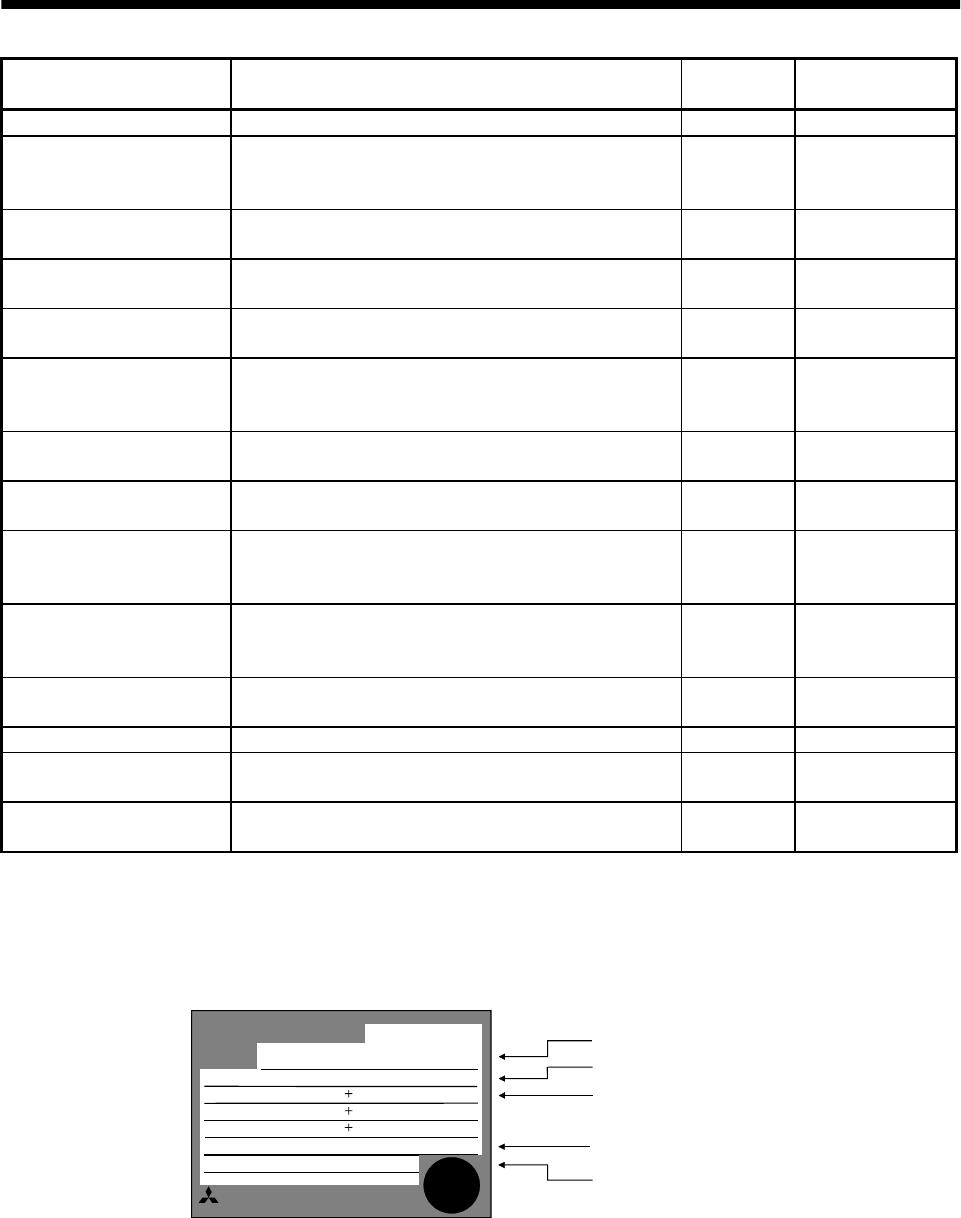
(1) Rating plate
POWER
MITSUBISHI AC SERVO
MADE IN JAPAN
MODEL MR-J2S-60A
MITSUBISHI ELECTRIC CORPORATION
600W
3.2A 3PH 1PH200-230V 50Hz
170V 0-360Hz 3.6A
POWER :
INPUT :
OUTPUT :
SERIAL :
AC SERVO
TC3XXAAAAG52
PASSED
Model
Capacity
Applicable power supply
Rated output current
Serial number
3PH 1PH200-230V 60Hz
5.5A 1PH 230V 50/60Hz
1 - 6
1. FUNCTIONS AND CONFIGURATION
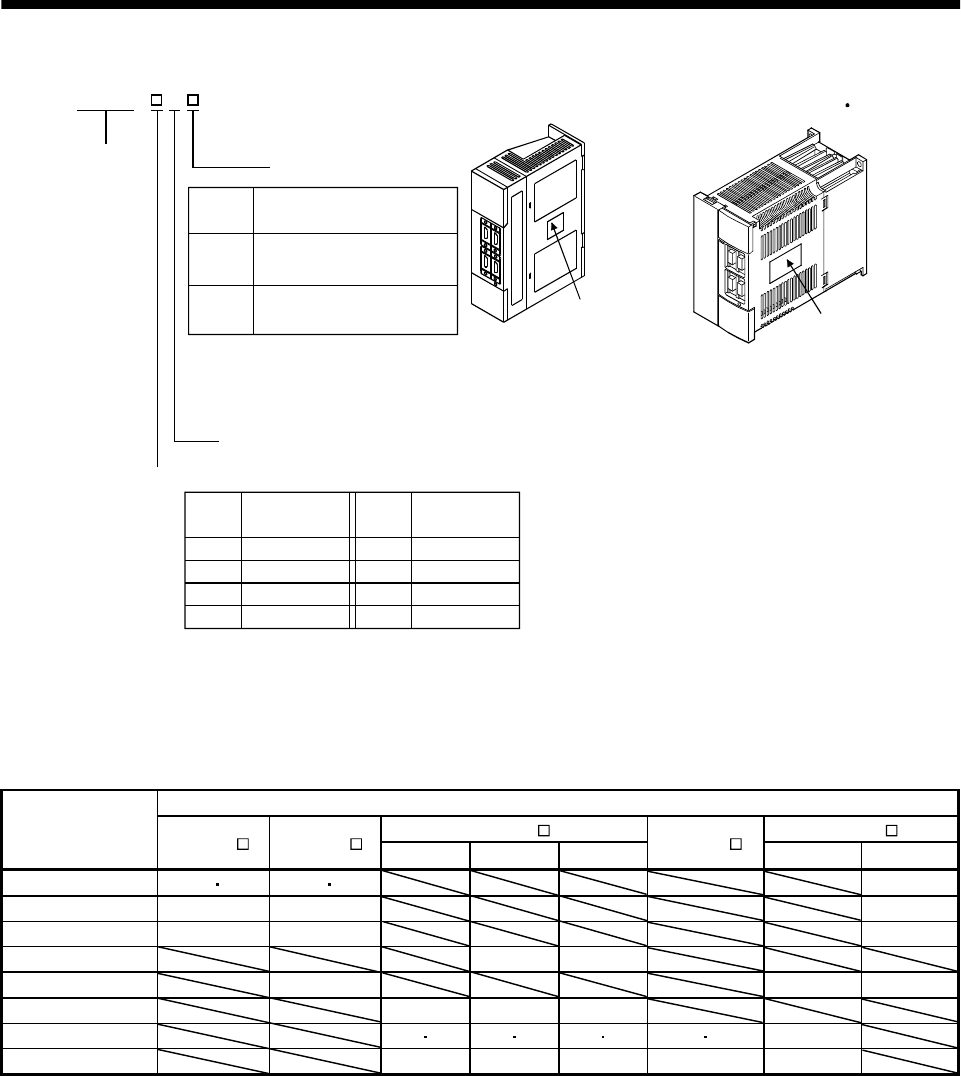
(2) Model
MR–J2S–100A or less MR–J2S–200A 350A
General-purpose interface
Rated
output [W]
10010
Symbol
Rated output
20020 40040 60060
70070 1000100 2000200 3500350
Rated
output [W]
Symbol
Rating plate Rating plate
MR–J2S–
Series
A
Note:1. Not supplied to the servo amplifier of MR-J2S-60A or more.
2. Not supplied to the servo amplifier of MR-J2S-100A or more.
Power Supply
Power supply
None 3-phase 200 to230V
(Note2) 1-phase 230V
(Note1)
11-phase 100V to 120V
Symbol
1.6 Combination with servo motor
The following table lists combinations of servo amplifiers and servo motors. The same combinations apply
to the models with electromagnetic brakes and the models with reduction gears.
Servo motors
HC-SFS HC-UFS
Servo amplifier HC-KFS HC-MFS 1000r/min 2000r/min 3000r/min HC-RFS 2000r/min 3000r/min
MR-J2S-10A(1) 053 13 053 13 13
MR-J2S-20A(1) 23 23 23
MR-J2S-40A(1) 43 43 43
MR-J2S-60A 52 53
MR-J2S-70A 73 72 73
MR-J2S-100A 81 102 103
MR-J2S-200A 121 201 152 202 153 203 103 153 152
MR-J2S-350A 301 352 353 203 202
1 - 7
1. FUNCTIONS AND CONFIGURATION
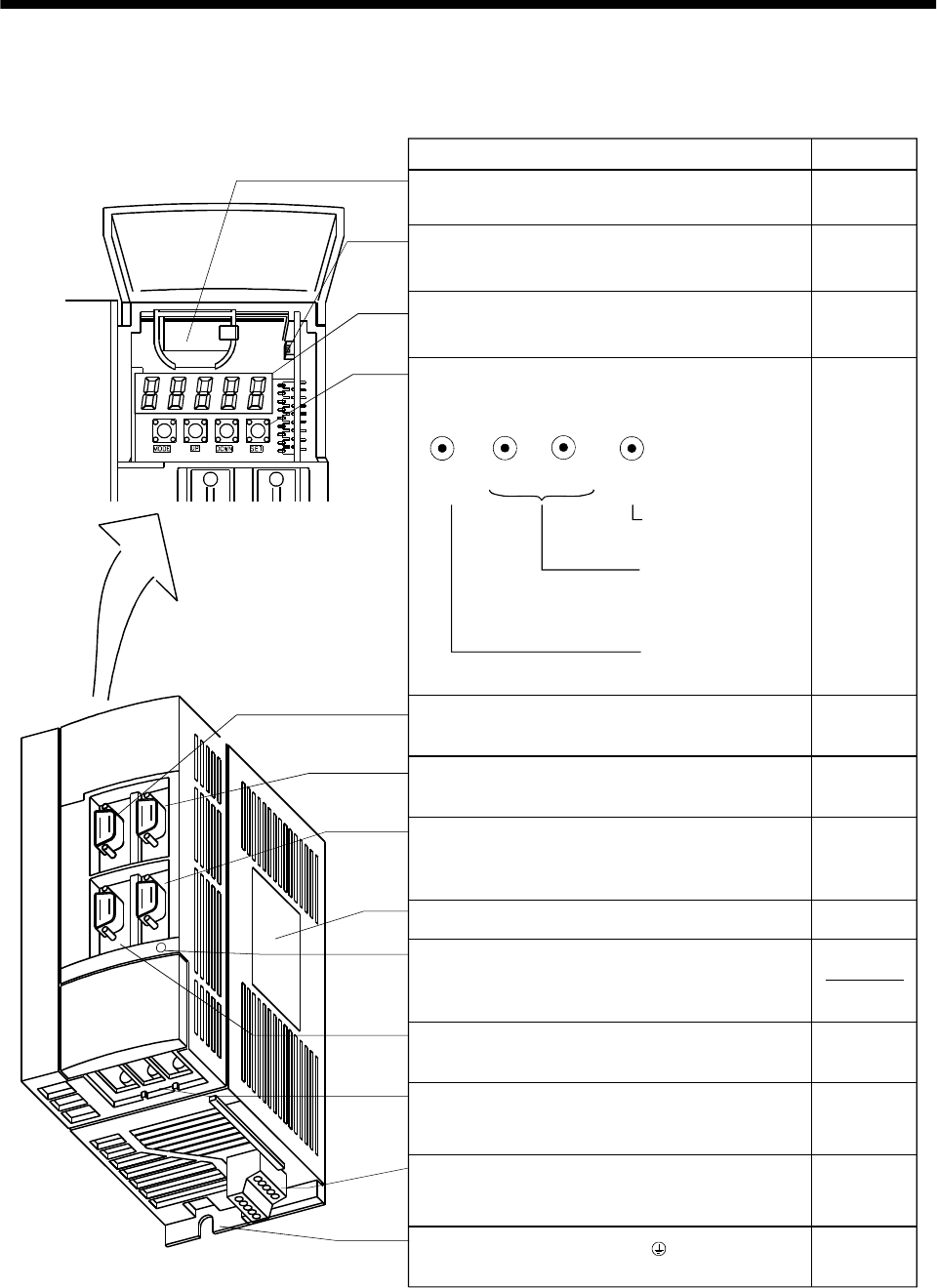
1.7 Parts identification
(1) MR-J2S-100A or less
Used to set data.
Used to change the
display or data in each
mode.
Used to change the
mode.
Refer to
Section15.3
Chapter6
Name/Application
Battery holder
Contains the battery for absolute position data backup.
Battery connector (CON1)
Used to connect the battery for absolute position data
backup.
Display
The 5-digit, seven-segment LED shows the servo
status and alarm number.
MODE UP DOWN SET
I/O signal connector (CN1A)
Used to connect digital I/O signals.
Communication connector (CN3)
Used to connect a command device (RS-422/RS-232C)
and output analog monitor data.
Name plate
Charge lamp
Lit to indicate that the main circuit is charged. While
this lamp is lit, do not reconnect the cables.
Encoder connector (CN2)
Connector for connection of the servo motor encoder.
Main circuit terminal block (TE1)
Used to connect the input power supply and servo
motor.
Protective earth (PE) terminal ( )
Ground terminal.
Section15.3
Operation section
Used to perform status display, diagnostic, alarm and
parameter setting operations.
Chapter6
Section3.3
I/O signal connector (CN1B)
Used to connect digital I/O signals. Section3.3
Chapter14
Section13.1.2
Section1.5
Section3.3
Section13.1.2
Control circuit terminal block (TE2)
Used to connect the control circuit power supply and
regenerative brake option.
Section3.7
Section3.7
Section13.1.1
Section3.10
1 - 8
1. FUNCTIONS AND CONFIGURATION
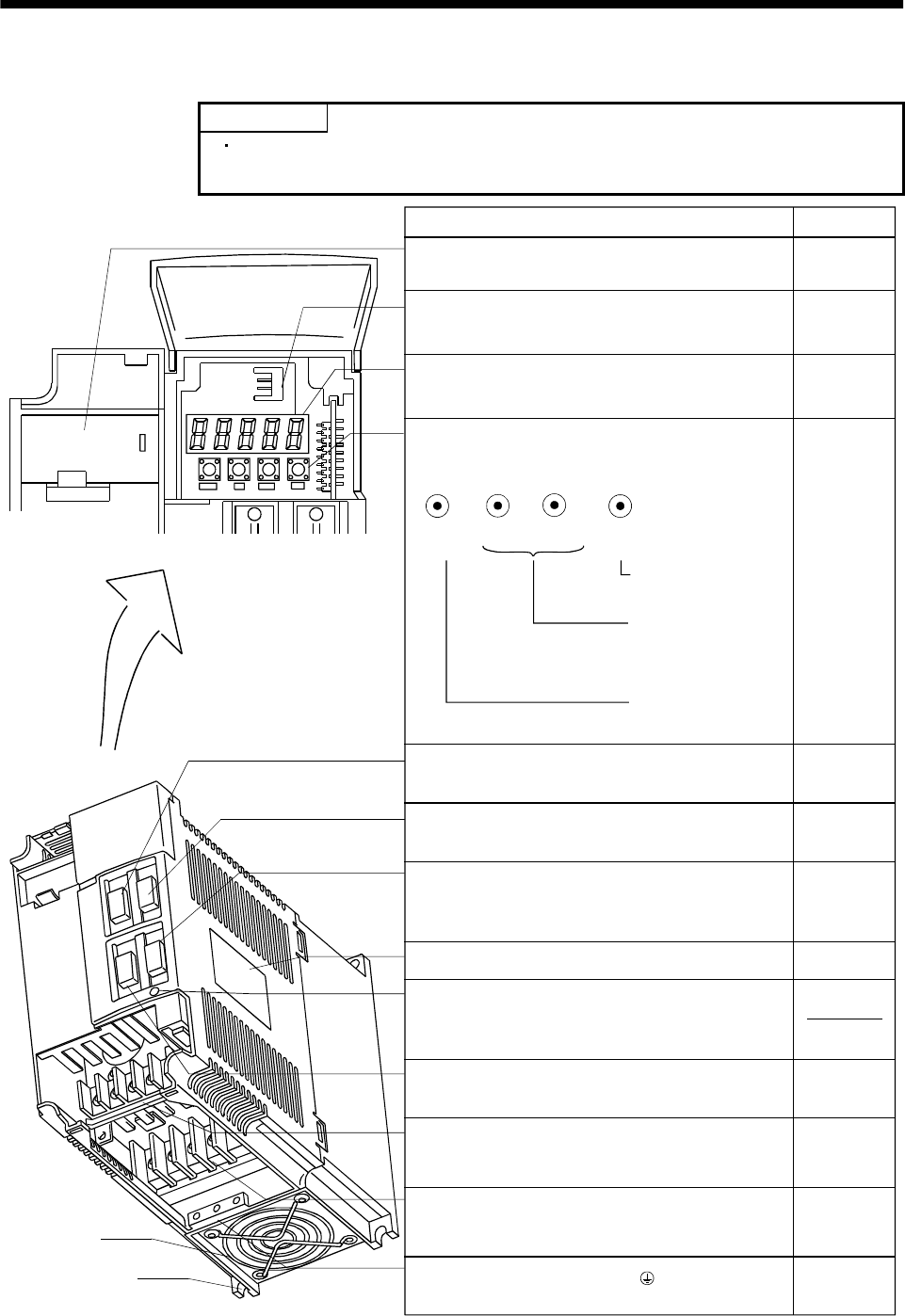
(2) MR-J2S-200A or more
POINT
The servo amplifier is shown without the front cover. For removal of the
front cover, refer to next page.
Used to set data.
Used to change the
display or data in each
mode.
Used to change the
mode.
Refer to
Section15.3
Chapter6
Name/Application
Battery holder
Contains the battery for absolute position data backup.
Battery connector (CON1)
Used to connect the battery for absolute position data
backup.
Display
The 5-digit, seven-segment LED shows the servo
status and alarm number.
MODE UP DOWN SET
I/O signal connector (CN1A)
Used to connect digital I/O signals.
Communication connector (CN3)
Used to connect a command device (RS-422/RS232C)
and output analog monitor data.
Name plate
Charge lamp
Lit to indicate that the main circuit is charged. While
this lamp is lit, do not reconnect the cables.
Encoder connector (CN2)
Connector for connection of the servo motor encoder.
Main circuit terminal block (TE1)
Used to connect the input power supply and servo
motor.
Protective earth (PE) terminal ( )
Ground terminal.
Section15.3
Operation section
Used to perform status display, diagnostic, alarm and
parameter setting operations.
Chapter6
Section3.3
I/O signal connector (CN1B)
Used to connect digital I/O signals. Section3.3
Chapter14
Section13.1.2
Section1.5
Section3.3
Section13.1.2
Control circuit terminal block (TE2)
Used to connect the control circuit power supply and
regenerative brake option.
Section3.7
Section3.7
Section13.1.1
Section3.10
Cooling fan
Installation notch
(4 places)
1 - 9
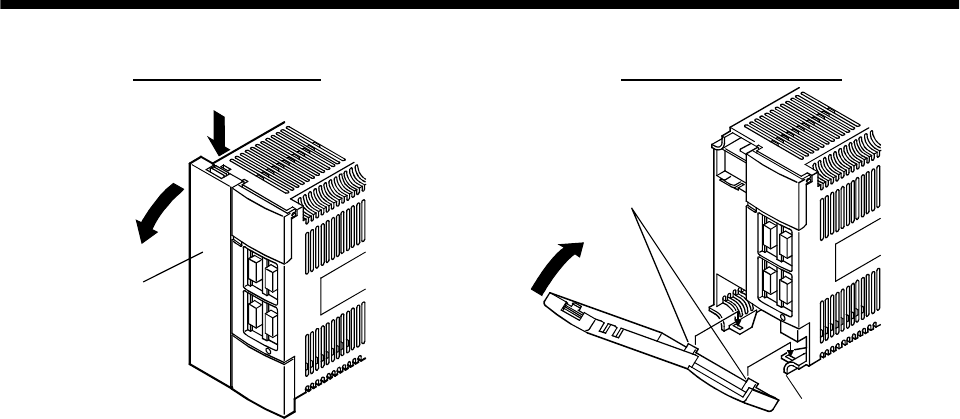
1. FUNCTIONS AND CONFIGURATION
Removal of the front cover Reinstallation of the front cover
Front cover
2)
1)
Front cover hook
(2 places)
Front cover socket
(2 places)
2)
1)
1) Hold down the removing knob.
2) Pull the front cover toward you.
1) Insert the front cover hooks into the front cover sockets of
the servo amplifier.
2) Press the front cover against the servo amplifier until the
removing knob clicks.
1 - 10
1. FUNCTIONS AND CONFIGURATION
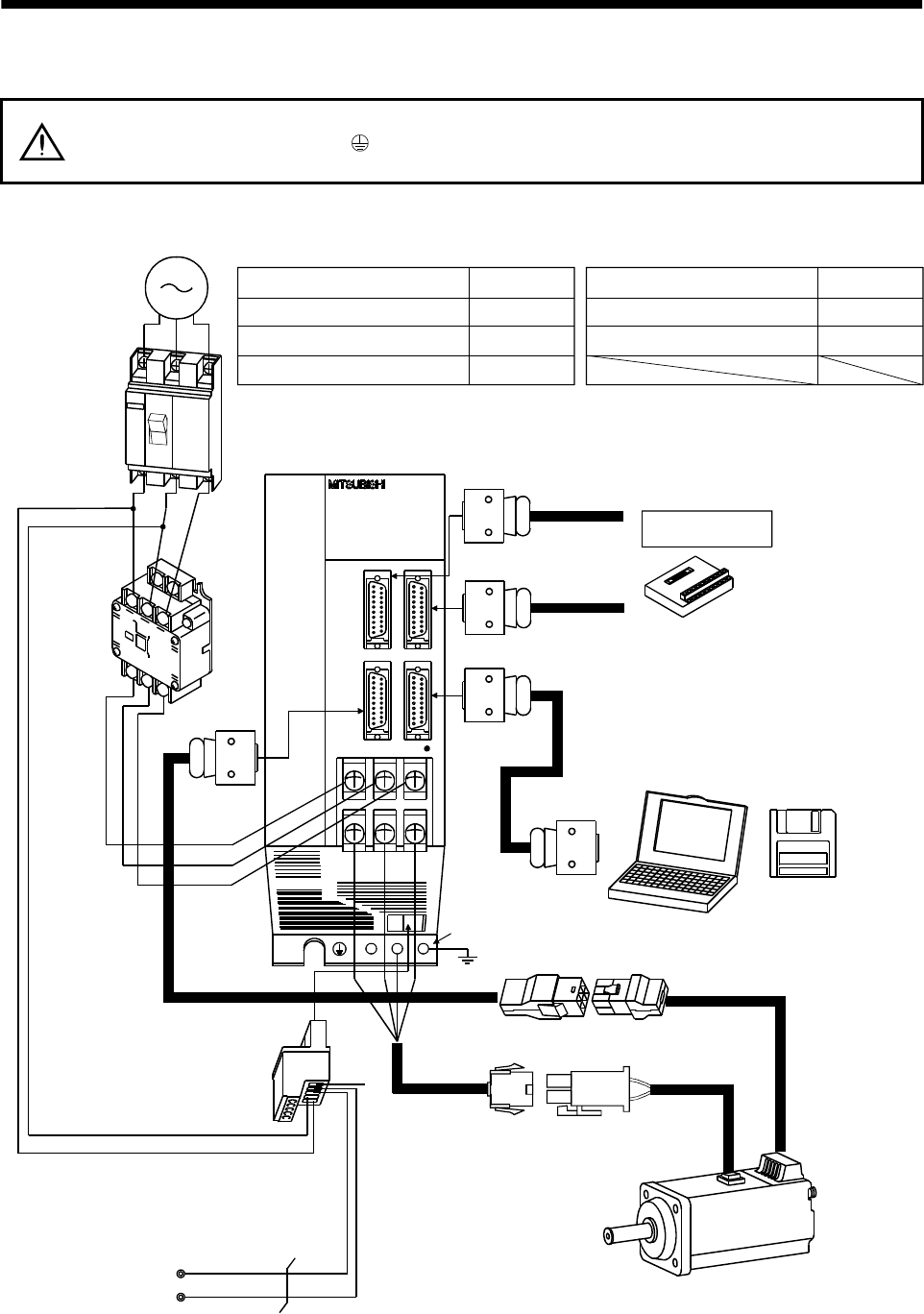
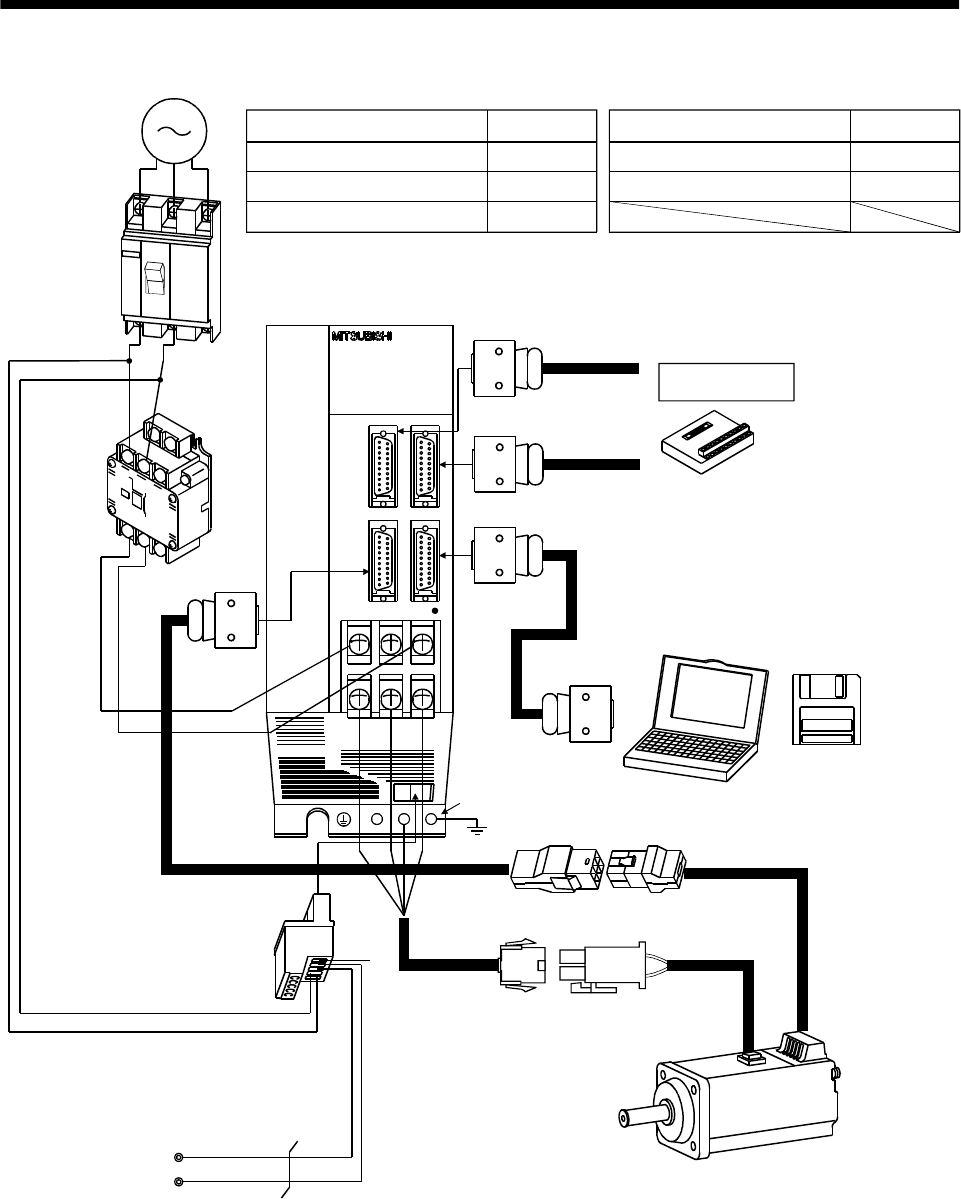
1.8 Servo system with auxiliary equipment
WARNING To prevent an electric shock, always connect the protective earth (PE) terminal
(terminal marked ) of the servo amplifier to the protective earth (PE) of the control
box.
(1) MR-J2S-100A or less
(a) For 3-phase 200V to 230VAC or 1-phase 230VAC
(Note2)
3-phase 200V
to 230VAC power
supply or
1-phase 230VAC
power supply
No-fuse breaker
(NFB) or fuse
Magnetic
contactor
(MC)
To CN2
To CN3
To CN1B
Junction terminal block
To CN1A
L1
L2
L21
L11
Protective earth(PE) terminal
Servo motor
Personal
computer
UVW
Servo configuration
software
MRZJW3-SETUP121
E
Servo amplifier
Regenerative brake
option
D
P
C
CHARGE
Options and auxiliary equipment
No-fuse breaker
Magnetic contactor
Servo configuration software
Regenerative brake option
Refer to
Section 13.2.2
Section 13.2.2
Section 13.1.6
Section 13.1.1
Control circuit terminal block
(Note1)
Encoder cable
Options and auxiliary equipment Refer to
Cables Section 13.2.1
Command device
(Note1)
Power supply lead
L3
Note: 1. The HC-SFS, HC-RFS series have cannon connectors.
2. A 1-phase 230V power supply may be used with the servo amplifier of MR-J2S-70A or less. Connect the power supply to
L1 and L2 terminals and leave L3 open.
1 - 11
1. FUNCTIONS AND CONFIGURATION
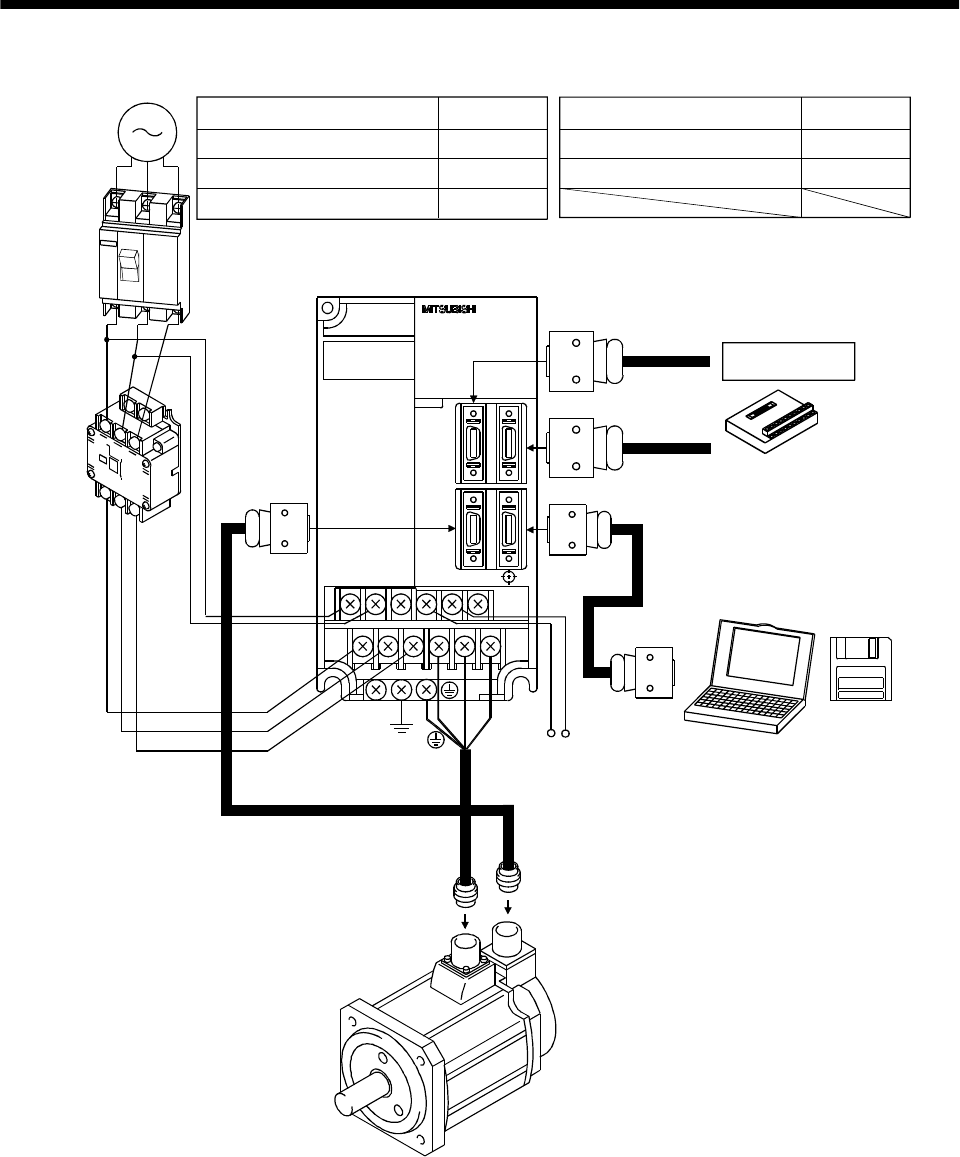
(b) For 1-phase 100V to 120VAC
1-phase 100V
to 120VAC
power supply
No-fuse breaker
(NFB) or fuse
Magnetic
contactor
(MC)
To CN2
To CN3
To CN1B
Junction terminal block
To CN1A
L1
L2
L21
L11
Protective earth(PE) terminal
Servo motor
Personal
computer
UVW
Servo configuration
software
MRZJW3-SETUP121E
Servo amplifier
Regenerative brake
option
D
P
C
CHARGE
Options and auxiliary equipment
No-fuse breaker
Magnetic contactor
Servo configuration software
Regenerative brake option
Refer to
Section 13.2.2
Section 13.2.2
Section 13.1.6
Section 13.1.1
Control circuit terminal block
(Note)
Encoder cable
Note: The HC-SFS, HC-RFS series have cannon connectors.
Options and auxiliary equipment Refer to
Cables Section 13.2.1
Command device
(Note)
Power supply lead
1 - 12
1. FUNCTIONS AND CONFIGURATION
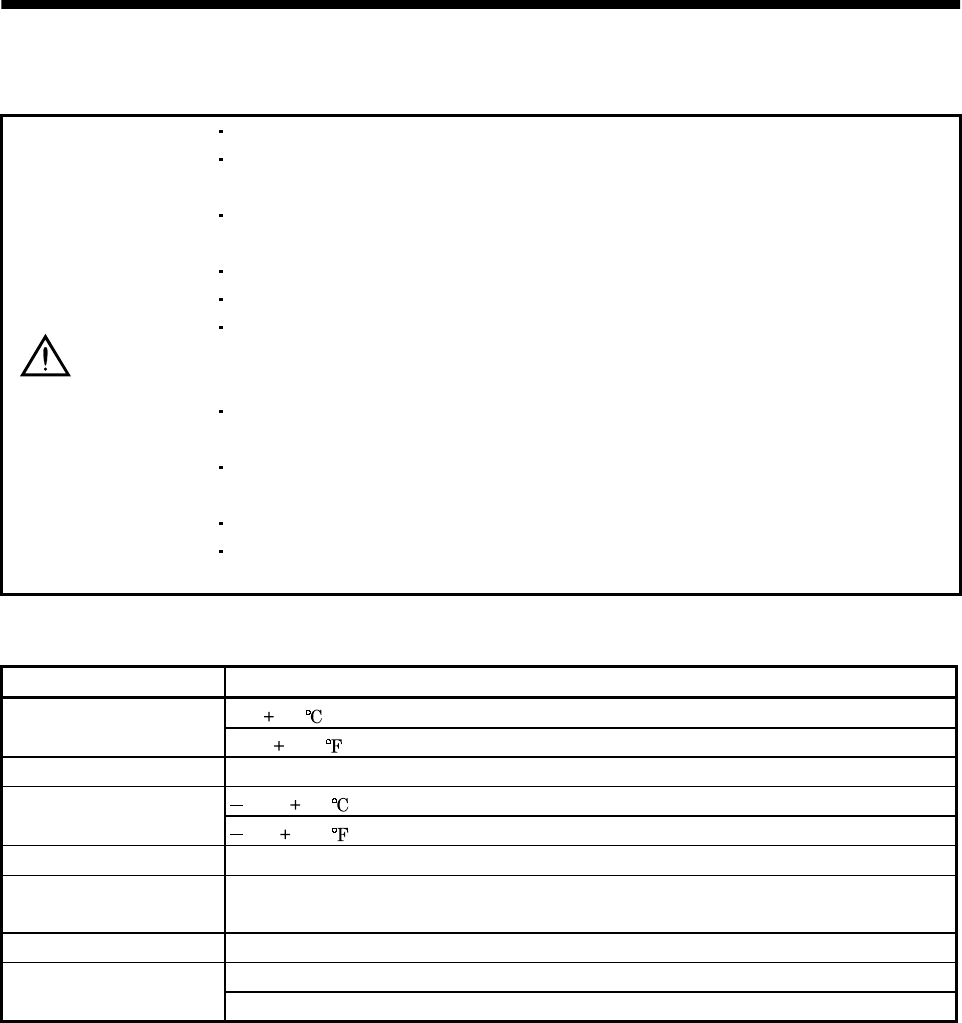
(2) MR-J2S-200A or more
3-phase 200V
to 230VAC
power supply
No-fuse
breaker
(NFB) or
fuse
Magnetic
contactor
(MC)
To CN2 To CN3
To CN1B
Junction terminal
block
To CN1A
L1
L2
L3
L21
L11
Servo amplifier
Regenerative brake option
PC
UVW
Options and auxiliary equipment
No-fuse breaker
Magnetic contactor
Servo configuration software
Regenerative brake option
Refer to
Section 13.2.2
Section 13.2.2
Section 13.1.6
Section 13.1.1
Options and auxiliary equipment Refer to
Personal
computer
Servo
configuration
software
MRZJW3-
SETUP121E
Cables Section 13.2.1
Command device
2 - 1
2. INSTALLATION
2. INSTALLATION
CAUTION
Stacking in excess of the limited number of products is not allowed.
Install the equipment to incombustibles. Installing them directly or close to
combustibles will led to a fire.
Install the equipment in a load-bearing place in accordance with this Instruction
Manual.
Do not get on or put heavy load on the equipment to prevent injury.
Use the equipment within the specified environmental condition range.
Provide an adequate protection to prevent screws, metallic detritus and other
conductive matter or oil and other combustible matter from entering the servo
amplifier.
Do not block the intake/exhaust ports of the servo amplifier. Otherwise, a fault may
occur.
Do not subject the servo amplifier to drop impact or shock loads as they are
precision equipment.
Do not install or operate a faulty servo amplifier.
When the product has been stored for an extended period of time, consult
Mitsubishi.
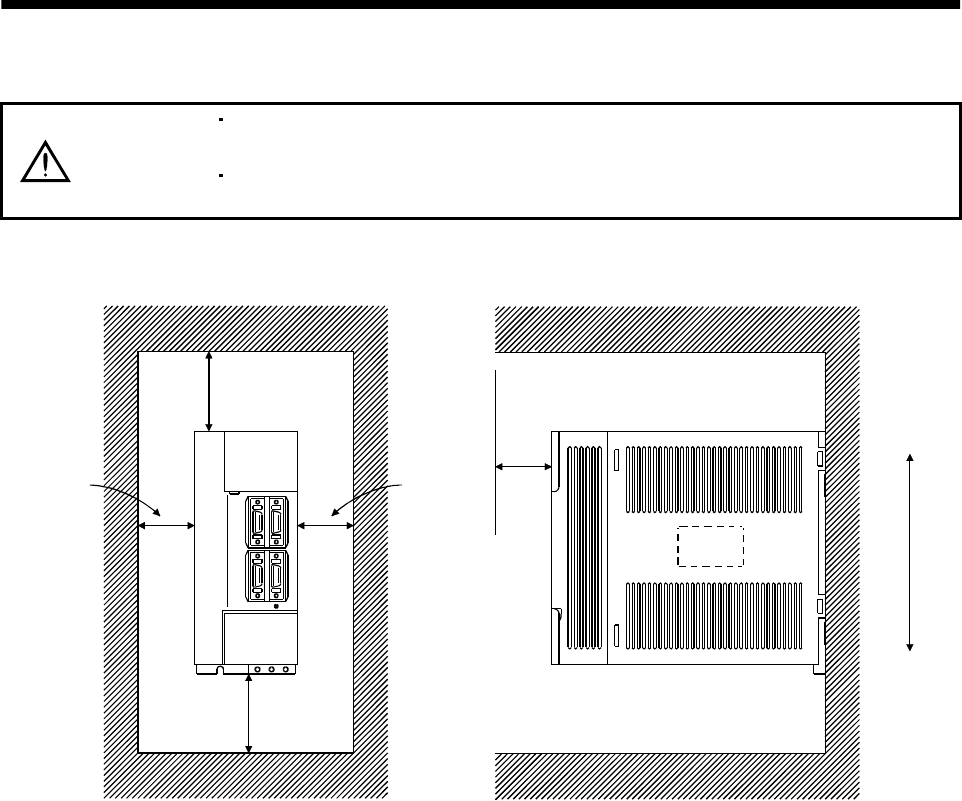
2.1 Environmental conditions
Environment Conditions
0 to 55 [ ] (non-freezing)
Ambient temperature 32 to 131 [ ] (non-freezing)
Ambient humidity 90%RH or less (non-condensing)
20 to 65 [ ] (non-freezing)
Storage temperature 4 to 149 [ ] (non-freezing)
Storage humidity 90%RH or less (non-condensing)
Ambient Indoors (no direct sunlight)
Free from corrosive gas, flammable gas, oil mist, dust and dirt
Altitude Max. 1000m (3280 ft) above sea level
5.9 [m/s2] or less
Vibration 19.4 [ft/s2] or less
2 - 2
2. INSTALLATION
2.2 Installation direction and clearances
CAUTION
The equipment must be installed in the specified direction. Otherwise, a fault may
occur.
Leave specified clearances between the servo amplifier and control box inside
walls or other equipment.
(1) Installation of one servo amplifier
Control box Control box
10mm
(0.4 in.)
or more
10mm
(0.4 in.)
or more
40mm
(1.6 in.)
or more
Servo amplifier
40mm
(1.6 in.)
or more
Wiring clearance
70mm
(2.8 in.) Top
Bottom
2 - 3
2. INSTALLATION
(2) Installation of two or more servo amplifiers
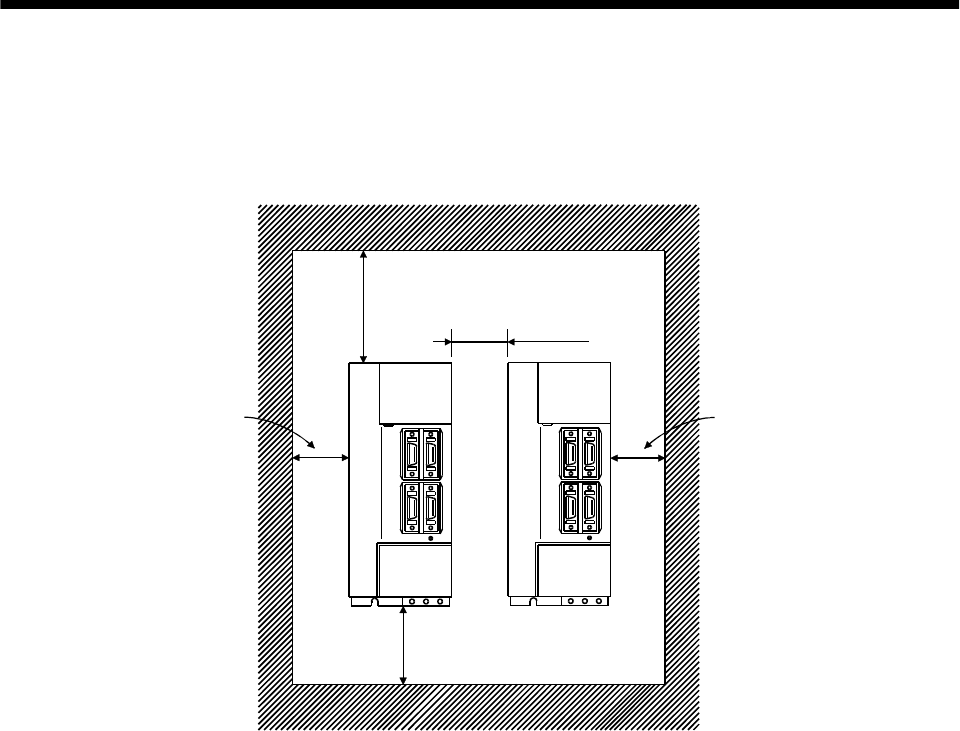
Leave a large clearance between the top of the servo amplifier and the internal surface of the control
box, and install a fan to prevent the internal temperature of the control box from exceeding the
environmental conditions.
Control box
30mm
(1.2 in.)
or more
30mm
(1.2 in.)
or more
10mm
(0.4 in.)
or more
40mm
(1.6 in.)
or more
100mm
(4.0 in.)
or more
Servo
amplifier
(3) Others
When using heat generating equipment such as the regenerative brake option, install them with full
consideration of heat generation so that the servo amplifier is not affected.
Install the servo amplifier on a perpendicular wall in the correct vertical direction.
2.3 Keep out foreign materials
(1) When installing the unit in a control box, prevent drill chips and wire fragments from entering the
servo amplifier.
(2) Prevent oil, water, metallic dust, etc. from entering the servo amplifier through openings in the control
box or a fan installed on the ceiling.
(3) When installing the control box in a place where there are toxic gas, dirt and dust, provide positive
pressure in the control box by forcing in clean air to prevent such materials from entering the control
box.

2 - 4
2. INSTALLATION
2.4 Cable stress
(1) The way of clamping the cable must be fully examined so that flexing stress and cable's own weight
stress are not applied to the cable connection.
(2) In any application where the servo motor moves, the cables should be free from excessive stress. For
use in any application where the servo motor moves run the cables so that their flexing portions fall
within the optional encoder cable range. Fix the encoder cable and power cable of the servo motor.
(3) Avoid any probability that the cable sheath might be cut by sharp chips, rubbed by a machine corner
or stamped by workers or vehicles.
(4) For installation on a machine where the servo motor will move, the flexing radius should be made as
large as possible. Refer to section 12.4 for the flexing life.
3 - 1
3. SIGNALS AND WIRING
3. SIGNALS AND WIRING
WARNING
Any person who is involved in wiring should be fully competent to do the work.
Before starting wiring, make sure that the voltage is safe in the tester more than 10
minutes after power-off. Otherwise, you may get an electric shock.
Ground the servo amplifier and the servo motor securely.
Do not attempt to wire the servo amplifier and servo motor until they have been
installed. Otherwise, you may get an electric shock.
The cables should not be damaged, stressed excessively, loaded heavily, or
pinched. Otherwise, you may get an electric shock.
CAUTION
Wire the equipment correctly and securely. Otherwise, the servo motor may
misoperate, resulting in injury.
Connect cables to correct terminals to prevent a burst, fault, etc.
Ensure that polarity ( , ) is correct. Otherwise, a burst, damage, etc. may occur.
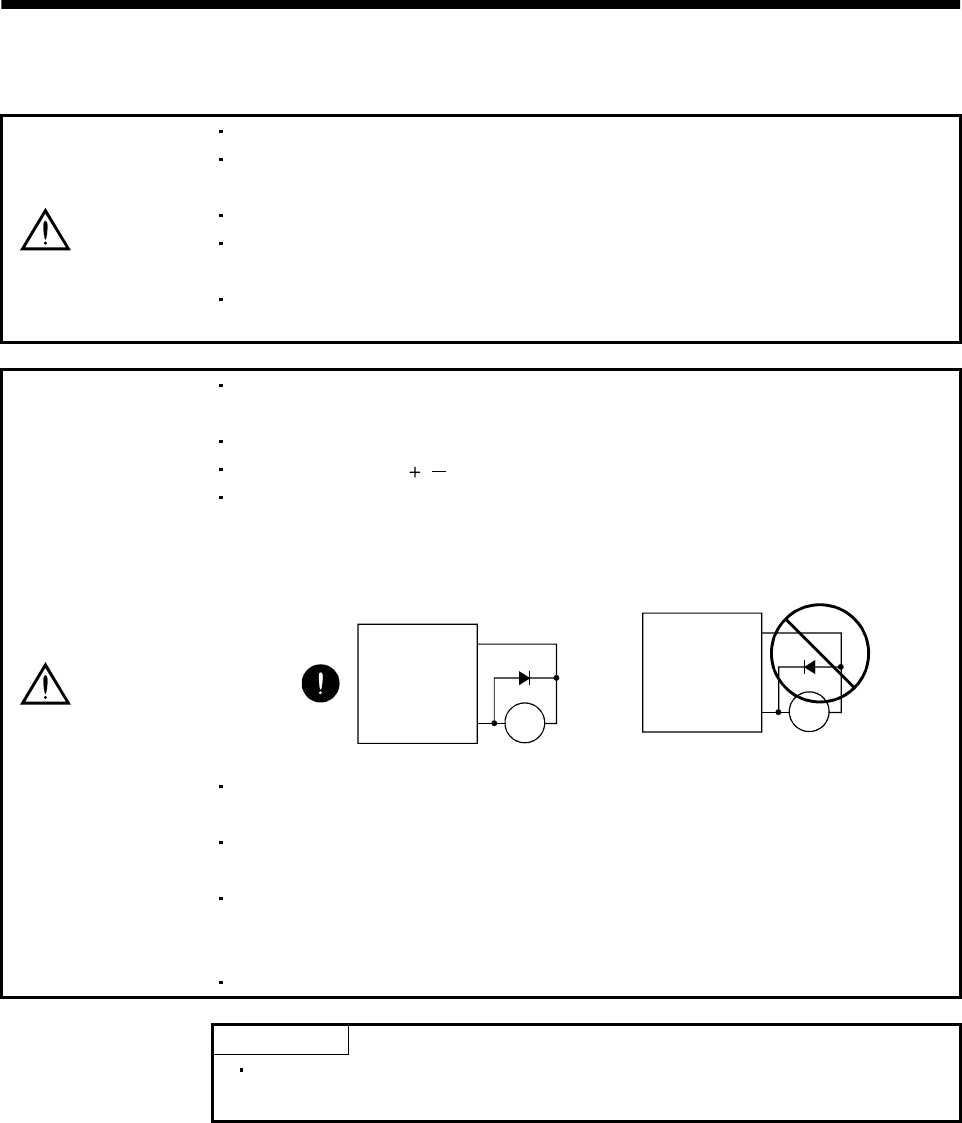
The surge absorbing diode installed to the DC relay designed for control output
should be fitted in the specified direction. Otherwise, the signal is not output due to
a fault, disabling the emergency stop and other protective circuits.
Control output
signal
COM
(DC24V)
Servo amplifier
RA
RA
Servo
Amplifier
COM
(24VDC)
Control
output
signal
Use a noise filter, etc. to minimize the influence of electromagnetic interference,
which may be given to electronic equipment used near the servo amplifier.
Do not install a power capacitor, surge suppressor or radio noise filter (FR-BIF
option) with the power line of the servo motor.
When using the regenerative brake resistor, switch power off with the alarm signal.
Otherwise, a transistor fault or the like may overheat the regenerative brake
resistor, causing a fire.
Do not modify the equipment.
POINT
CN1A, CN1B, CN2 and CN3 have the same shape. Wrong connection of
the connectors will lead to a failure. Connect them correctly.
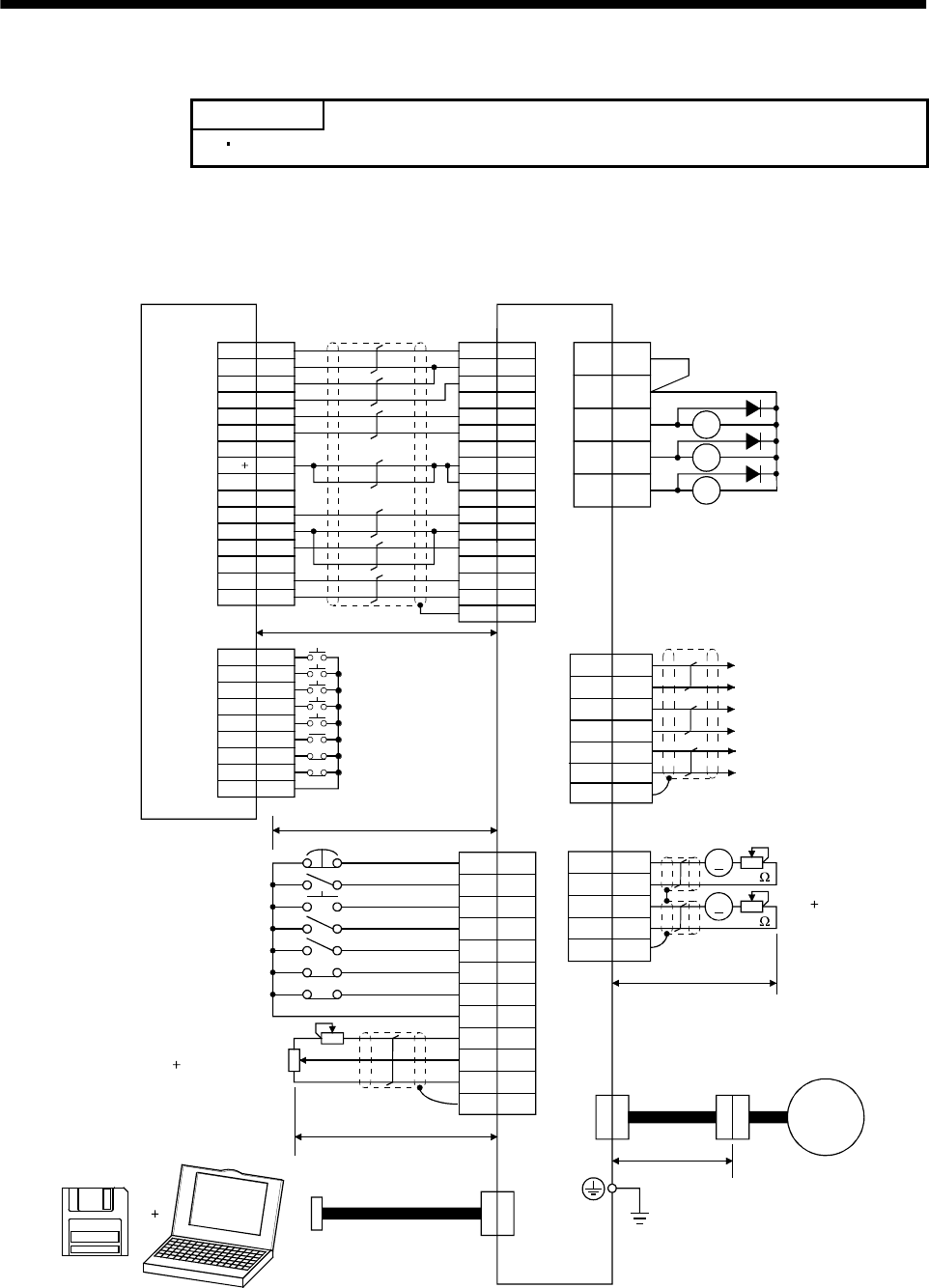
3 - 2
3. SIGNALS AND WIRING
3.1 Standard connection example
POINT
For the connection of the power supply system, refer to Section 3.7.1.
3.1.1 Position control mode
(1) FX-10GM
VDD
RA1
RA2
RA3
18
15
5
14
8
9
16
17
12
EMG
SON
RES
PC
TL
LSP
LSN
SD
SG
P15R
LG
10
11
ALM
19 ZSP
6TLC
CN1B
CN2
13 COM
3
TLA
CN1A
4
13
3
SD
LG
14
MO1
LG
MO2
CN3
A
A
18
19
9
4
14
1
11
9
3
10
2
8
20
START
STO
FWD
RVS
DOG
LSR
COM1
1
2
4
5
6
8
9,19
3
7
ZRN
LSF
FX-10GM
1
CN3
Positioning module
SVRDY
COM2
COM2
SVEND
COM4
PG0
24
VC
FPO
FP
COM5
RP
RP0
CLR
4
(Note 3, 6) Emergency stop
Servo-on
Reset
Proportion control
Torque limit selection
(Note 6) Forward rotation stroke end
Reverse rotation stroke end
Upper limit setting
Analog torque limit
(Note 11)
Servo configuration
software
Personal
computer
10V/max. torque
(Note 10) 2m(6.5ft) max.
10m(32ft) max.
2m(6.5ft) max.
(Note 8)
Communication cable
Servo amplifier
(Note 4, 9) (Note 4)
CN1A CN1B
1
2
12
11
14
13
7,17
8,18
5
6
9,19
16
15
3
(Note 12)
(Note 2, 5) (Note 7)
Trouble
Zero speed
Limiting torque
(Note 4, 9)
7
6
16
Plate
17
LB
LA
LAR
SD
LBR
Encoder A-phase pulse
(differential line driver)
Encoder B-phase pulse
(differential line driver)
(Note 4, 9)(Note 4, 9)
Plate
Plate
(Note 8)
Monitor output
Max. 1mA
Reading in both
directions
10k
10k
2m (6.5ft) max.
(Note 4, 9) Encoder cable
Servo
motor
50m (164ft) max.
(Note 4, 9) (Note 1)
Plate
RD
COM
INP
P15R
OP
LG
COM
PP
SG
NP
CR
SD
SG
COM3
OPC
(Note 13)
5
15
LZ
LZR
Encoder Z-phase pulse
(differential line driver)

3 - 3
3. SIGNALS AND WIRING
Note: 1. To prevent an electric shock, always connect the protective earth (PE) terminal (terminal
marked ) of the servo amplifier to the protective earth (PE) of the control box.
2. Connect the diode in the correct direction. If it is connected reversely, the servo amplifier will
be faulty and will not output signals, disabling the emergency stop and other protective
circuits.
3. The emergency stop switch (normally closed contact) must be installed.
4. CN1A, CN1B, CN2 and CN3 have the same shape. Wrong connection of the connectors will
lead to a fault.
5. The sum of currents that flow in the external relays should be 80mA max. If it exceeds 80mA,
supply interface power from external. (Refer to Section 3.6.2)
6. When starting operation, always connect the emergency stop signal (EMG) and forward/
reverse rotation stroke end signal (LSN/LSP) with SG. (Normally closed contacts)
7. Trouble (ALM) is connected with COM in normal alarm-free condition. When this signal is
switched off (at occurrence of an alarm), the output of the controller should be stopped by the
sequence program.
8. When connecting the personal computer together with monitor outputs 1, 2, use the
maintenance junction card (MR-J2CN3TM).
9. The pins with the same signal name are connected in the servo amplifier.
10. This length applies to the command pulse train input in the opencollector system. It is 10m
(32ft) or less in the differential line driver system.
11. Use MRZJW3-SETUP 121E.
12. When using the internal power supply (VDD), always connect VDD-COM. Do not connect them
when supplying external power. Refer to Section 3.6.2.
13. Connect to CN1A-10 when using the junction terminal block (MR-TB20).
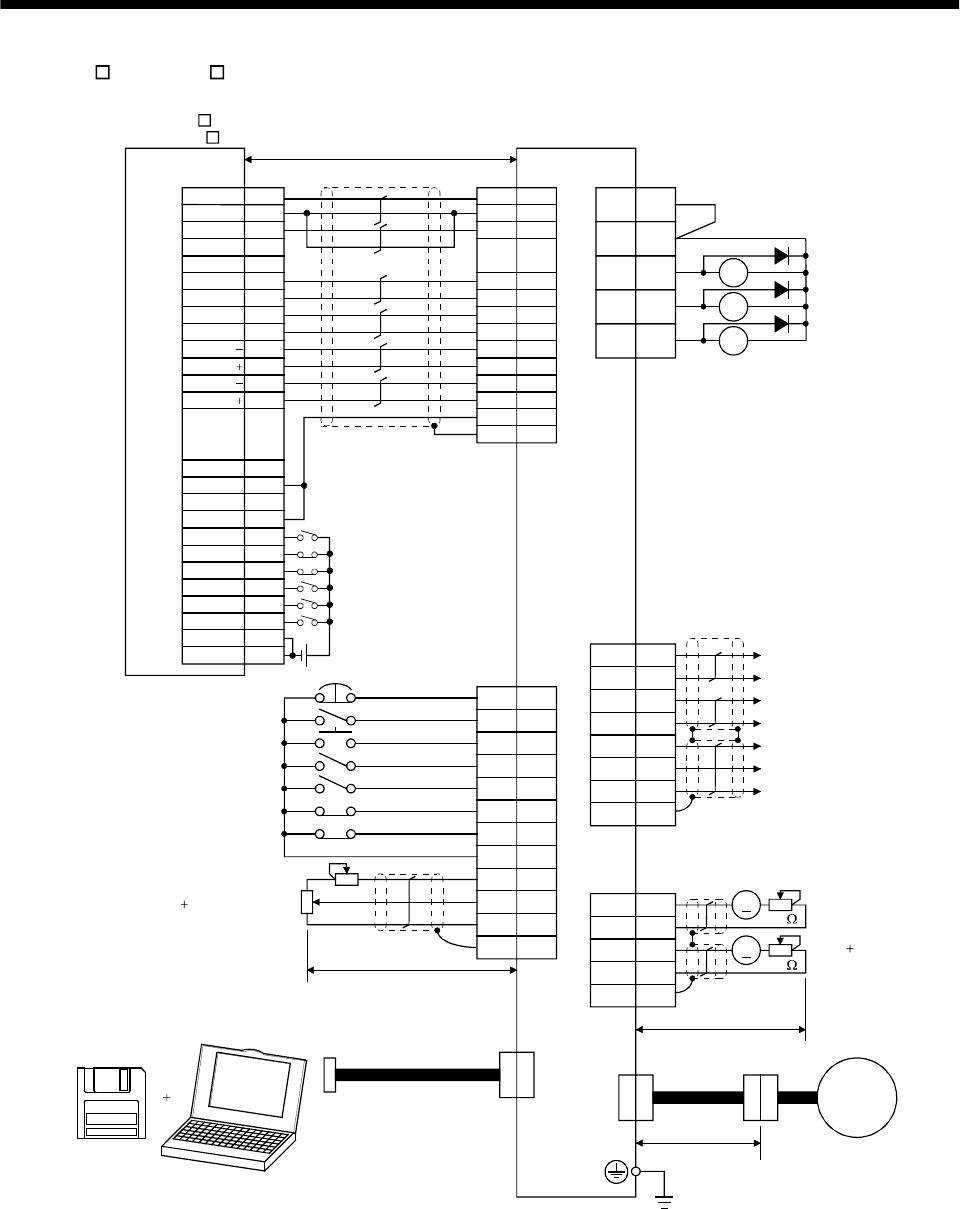
3 - 4
3. SIGNALS AND WIRING
(2) AD75P (A1SD75P )
VDD
RA1
RA2
RA3
18
15
5
14
8
9
16
17
1
11
EMG
SON
RES
PC
TL
LSP
LSN
SD
SG
P15R
LG
10
12
ALM
19 ZSP
6TLC
14
7
16
17
4
LA
LAR
LB
LBR
LG
OP
P15R
SD
1
6
CN1B
CN2
CN3
13 COM
3
TLA
(Note 4,9)
CN1A
4
13
3
SD
LG
14
MO1
LG
MO2
CN3
A
A
COM
INP
LZ
CR
PG
NP
NG
RD
SG
PP
LZR
SD
LG 1
26
8
24
5
21
4
22
7
23
3
25
6
1
20
12
14
35
16
DOG
COM
RLS
START
CHG
FLS
13
15
11
STOP
COM
2
36
19
DC24V
Positioning module
AD75P
(A1SD75P )
Ready
COM
INPS
PGO(24V)
PGO(5V)
PGO COM
CLEAR
CLEAR COM
PULSE F
PULSE F
PULSE R
PULSE R
PULSE F
PULSE R
(Note 10) 10m(32ft) max. Servo amplifier
(Note 4,9)
CN1A
(Note 4)
CN1B
(Note 12)
(Note 7)
(Note 2,5) Trouble
Zero speed
Limiting torque
Encoder A-phase pulse
(differential line driver)
Encoder B-phase pulse
(differential line driver)
Control common
Encoder Z-phase pulse
(open collector)
(Note 4,9)
(Note 4,9)
Plate
Plate
(Note 3, 6) Emergency stop
Servo-on
Reset
Proportion control
Torque limit selection
(Note 6) Forward rotation stroke end
Reverse rotation stroke end
Upper limit setting
Analog torque limit
10V/max. torque
(Note 11)
Servo configuration
software
Personal
computer (Note 8)
Communication cable
50m (164ft) max.
(Note 1)
(Note 8)
Monitor output
Max. 1mA
Reading in both
directions
2m(6.5ft) max.
Encoder cable
Servo
motor
10k
10k
Plate
(Note 4,9)
19
9
18
5
15
2
10
12
3
8
13
Plate
(Note 4,9)
2m(6.5ft) max.
(Note 13)
PULSE COM
PULSE COM

3 - 5
3. SIGNALS AND WIRING
Note: 1. To prevent an electric shock, always connect the protective earth (PE) terminal (terminal
marked ) of the servo amplifier to the protective earth (PE) of the control box.
2. Connect the diode in the correct direction. If it is connected reversely, the servo amplifier will
be faulty and will not output signals, disabling the emergency stop and other protective
circuits.
3. The emergency stop switch (normally closed contact) must be installed.
4. CN1A, CN1B, CN2 and CN3 have the same shape. Wrong connection of the connectors will
lead to a fault.
5. The sum of currents that flow in the external relays should be 80mA max. If it exceeds 80mA,
supply interface power from external.(Refer to Section 3.6.2)
6. When starting operation, always connect the emergency stop signal (EMG) and forward/
reverse rotation stroke end signal (LSN/LSP) with SG. (Normally closed contacts)
7. Trouble (ALM) is connected with COM in normal alarm-free condition. When this signal is
switched off (at occurrence of an alarm), the output of the controller should be stopped by the
sequence program.
8. When connecting the personal computer together with monitor outputs 1, 2, use the
maintenance junction card (MR-J2CN3TM).
9. The pins with the same signal name are connected in the servo amplifier.
10. This length applies to the command pulse train input in the differential line driver system.
It is 2m (6.5ft) or less in the opencollector system.
11. Use MRZJW3-SETUP 121E.
12. When using the internal power supply (VDD), always connect VDD-COM. Do not connect
them when supplying external power. Refer to Section 3.6.2.
13. Connect LG and pulse output COM to increase noise immunity.
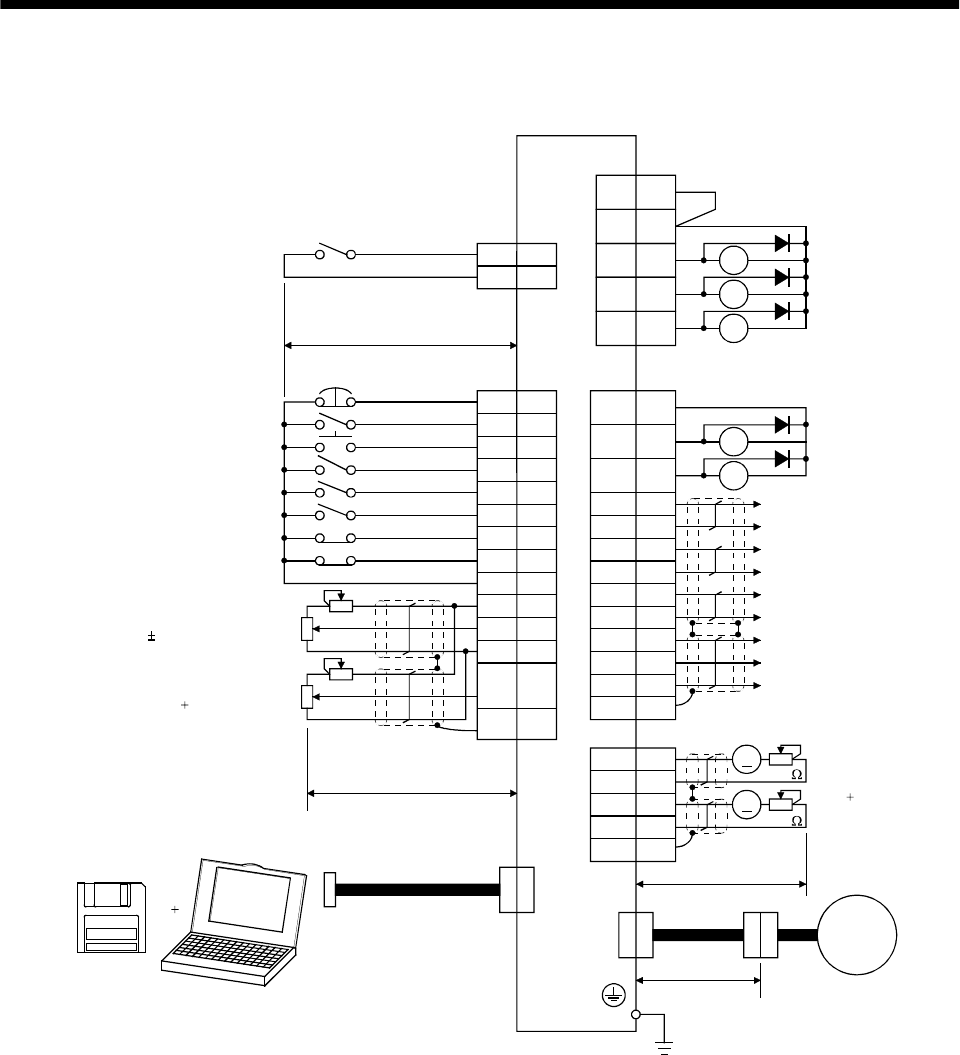
3 - 6
3. SIGNALS AND WIRING
3.1.2 Speed control mode
RA1
RA2
RA3
18
10
SP1
SG
CN1A
15
5
14
8
9
16
17
1
11
EMG
SON
RES
ST1
ST2
LSP
LSN
SD
SG
P15R
LG
10
2
ALM
19 ZSP
6TLC
15
5
14
7
16
17
4
LZ
LZR
LA
LAR
LB
LBR
LG
OP
P15R
SD
1
6
CN2
CN3
13
8
7SP2
VC
12TLA
19
18 SA
RD
RA5
RA4
CN1A
3VDD
COM
9COM
4
13
3
SD
LG
14
MO1
LG
MO2
CN3
A
A
Speed selection 1
(Note 3, 6) Emergency stop
Servo-on
Reset
Forward rotation start
Reverse rotation start
(Note 6) Forward rotation stroke end
Reverse rotation stroke end
Speed selection 2
10m(32ft) max.
Upper limit setting
(Note 10) Analog torque limit
10V/max. torque
Upper limit setting
Analog speed command
10V/rated speed
2m(6.5ft) max.
Plate
Plate
(Note 11)
Servo configuration
software
Personal
computer
(Note 4,9)
CN1B
(Note 4)
(Note 12)
(Note 7)
Trouble
Zero speed
Limiting torque
(Note 2,5)
(Note 4,9) (Note 4,9)
Speed reached
Ready
Control common
Encoder Z-phase pulse
(open collector)
Encoder Z-phase pulse
(differential line driver)
Encoder A-phase pulse
(differential line driver)
Encoder B-phase pulse
(differential line driver)
(Note 4,9)
(Note 4,9)
Plate
(Note 8)
Communication cable
Encoder cable
2m(6.5ft) max.
(Note 8)
Monitor output
Max. 1mA
Reading in
both directions
10k
10k
(Note 1)
50m (164ft) max.
Servo amplifier
Servo
motor
(Note 4,9)
(Note 13)
CN1B

3 - 7
3. SIGNALS AND WIRING
Note: 1. To prevent an electric shock, always connect the protective earth (PE) terminal (terminal
marked ) of the servo amplifier to the protective earth (PE) of the control box.
2. Connect the diode in the correct direction. If it is connected reversely, the servo amplifier will
be faulty and will not output signals, disabling the emergency stop and other protective
circuits.
3. The emergency stop switch (normally closed contact) must be installed.
4. CN1A, CN1B, CN2 and CN3 have the same shape. Wrong connection of the connectors will
lead to a fault.
5. The sum of currents that flow in the external relays should be 80mA max. If it exceeds 80mA,
supply interface power from external.(Refer to Section 3.6.2)
6. When starting operation, always connect the emergency stop signal (EMG) and forward/
reverse rotation stroke end signal (LSN/LSP) with SG. (Normally closed contacts)
7. Trouble (ALM) is connected with COM in normal alarm-free condition.
8. When connecting the personal computer together with monitor outputs 1, 2, use the
maintenance junction card (MR-J2CN3TM).
9. The pins with the same signal name are connected in the servo amplifier.
10. By setting parameters No.43 to 48 to make TL available, TLA can be used.
11. Use MRZJW3-SETUP 121E.
12. When using the internal power supply (VDD), always connect VDD-COM. Do not connect
them when supplying external power. Refer to Section 3.6.2.
13. Use an external power supply when inputting a negative voltage.
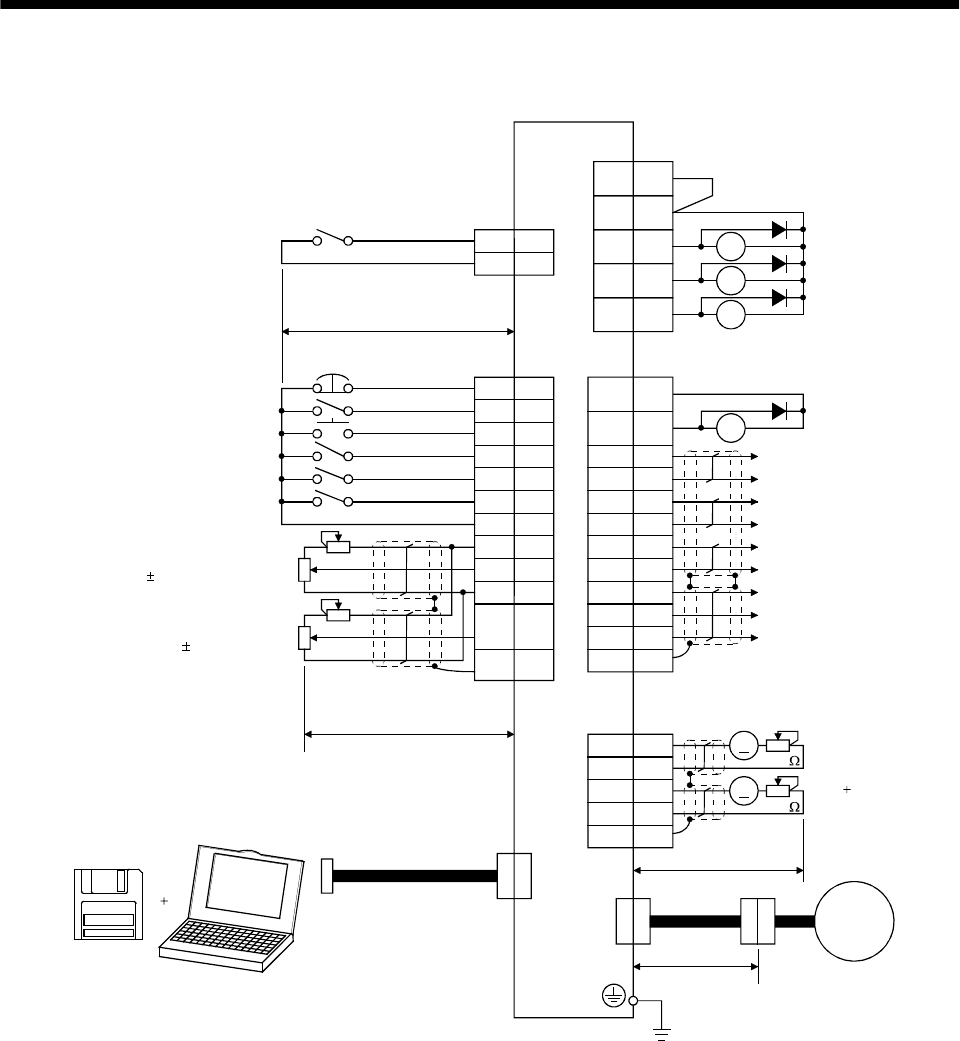
3 - 8
3. SIGNALS AND WIRING
3.1.3 Torque control mode
RA1
RA2
RA3
18
10
SP1
SG
15
5
14
9
8
10
1
11
EMG
SON
RES
RS1
RS2
SG
SD
P15R
LG
12
ALM
19 ZSP
6VLC
15
5
14
7
16
17
4
LZ
LZR
LA
LAR
LB
LBR
LG
OP
P15R
SD
1
6
CN1B
CN2
CN3
13
8
7SP2
TC
2VLA
19 RD RA4
CN1A
3VDD
COM
9COM
4
13
3
SD
LG
14
MO1
LG
MO2
CN3
A
A
Speed selection 1
Servo amplifier
CN1A
(Note 4,8)
CN1B
(Note 4)
10m(32ft) max.
(Note 4,8) (Note 4,8)
Plate
(Note 3) Emergency stop
Servo-on
Reset
Forward rotation start
Reverse rotation start
Speed selection 2
Upper limit setting
Analog speed limit
0 to 10V/rated speed
Upper limit setting
Analog torque command
8V/max. torque
(Note 9)
Servo configuration
software
Personal
computer (Note 7)
Communication cable 2m(6.5ft) max.
50m (164ft) max.
Plate
Plate
(Note 7)
Monitor output
Max. 1mA
Reading in both
directions
10k
10k
2m(6.5ft) max.
(Note 4,8)
(Note 4,8)
Encoder cable Servo
Motor
(Note 1)
Control common
Encoder Z-phase pulse
(open collector)
Encoder Z-phase pulse
(differential line driver)
Encoder A-phase pulse
(differential line driver)
Encoder B-phase pulse
(differential line driver)
(Note 10)
Trouble
Zero speed
Limiting torque
(Note 2,5)
Ready
(Note 6)
(Note 4,8)
(Note 11)

3 - 9
3. SIGNALS AND WIRING
Note: 1. To prevent an electric shock, always connect the protective earth (PE) terminal of the (terminal
marked ) servo amplifier to the protective earth (PE) of the control box.
2. Connect the diode in the correct direction. If it is connected reversely, the servo amplifier will be
faulty and will not output signals, disabling the emergency stop and other protective circuits.
3. The emergency stop switch(normally closed contact) must be installed.
4. CN1A, CN1B, CN2 and CN3 have the same shape. Wrong connection of the connectors will lead
to a fault.
5. The sum of currents that flow in the external relays should be 80mA max. If it exceeds 80mA,
supply interface power from external. (Refer to Section 3.6.2)
6. Trouble (ALM) is connected with COM in normal alarm-free condition.
7. When connecting the personal computer together with monitor outputs 1, 2, use the maintenance
junction card (MR-J2CN3TM).
8. The pins with the same signal name are connected in the servo amplifier.
9. Use MRZJW3-SETUP 121E.
10. When using the internal power supply (VDD), always connect VDD-COM. Do not connect them
when supplying external power. Refer to Section 3.6.2.
11. Use an external power supply when inputting a negative voltage.
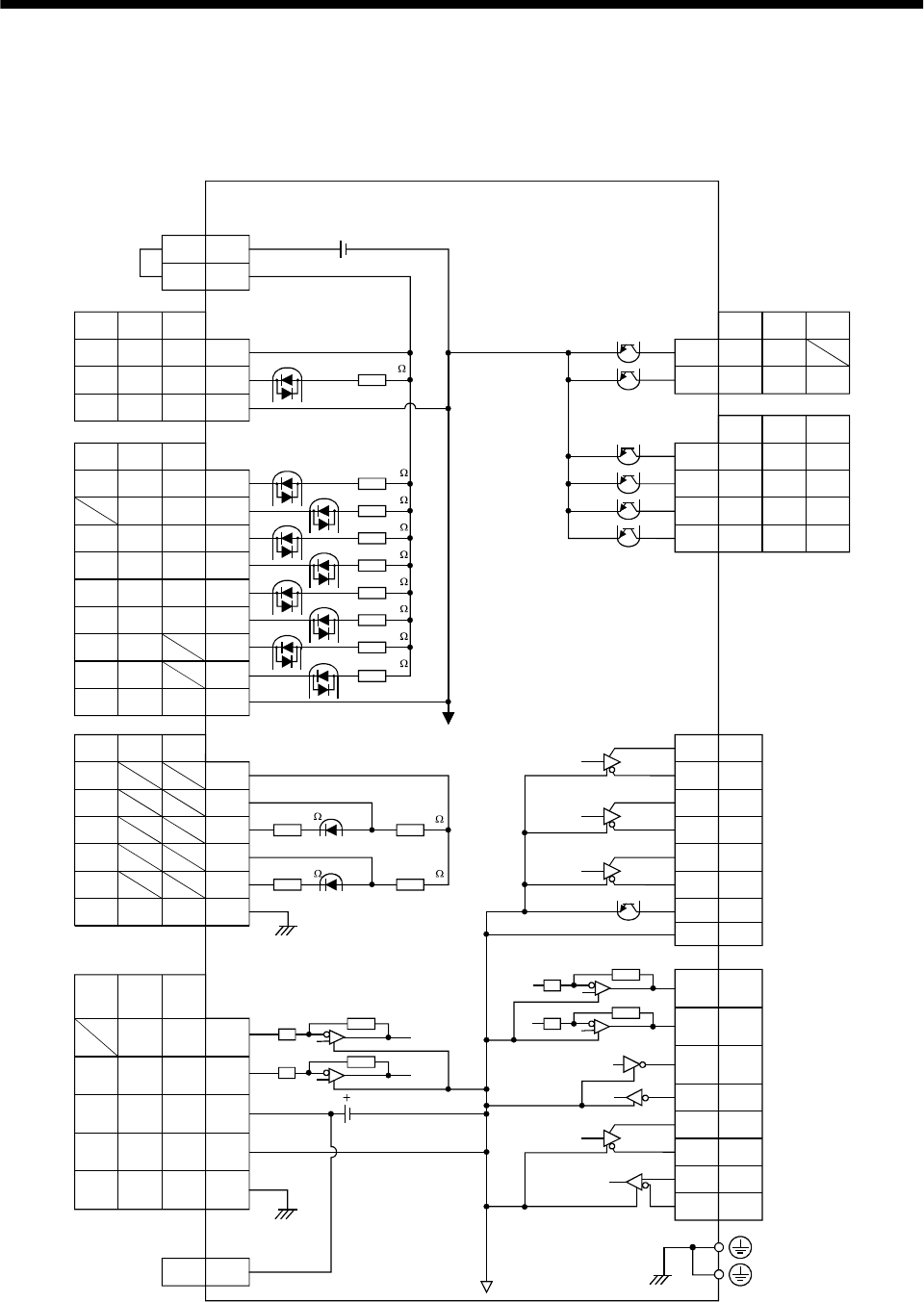
3 - 10
3. SIGNALS AND WIRING
3.2 Internal connection diagram of servo amplifier
The following is the internal connection diagram where the signal assignment has been made in the
initial status in each control mode.
13
3
DC 15V
CN1A
CN1B
CN1B
CN1A
CN1A
CN1B
CN1A
PS
SON SON SON
SP2 SP2
5
7
PST
PC ST1 RS2
TL ST2 RS1
RES
EMG
LSP
LSN
SG
8
9
14
15
16
17
10,20
CR SP1 SP1
SG SG SG
8
10,20
EMG EMG
LSP
LSN
SG SG
RES RES
OPC
PST
PST
SD SD
PG
PP
NG
NP
SD
11
13
3
12
2
VC VLA 2
TLA TC 12
P15R
LG
SD
TLA
P15R
LG
SD
TLA
P15R
LG
SD
P15R
LG
SD
11
1
4P15R
PST
PST
INP SA18
RD RD RD19
TLC TLC VLC6
ALM ALM ALM18
ZSP ZSP ZSP19
DO14 DO1 DO1
6
16
17
7
15
14
5
LA
LAR
LBR
LB
LZR
OP
LZ
COM COM COM 9
T CN1A
COM
VDD
CN1B
4MO1
14
2
MO2
TXD
CN3
12 RXD
9SDP
19 SDN
5 RDP
15 RDN
PE
DC24V
Servo amplifier
(Note)
Approx. 4.7k
(Note)
Approx. 4.7k
Approx. 4.7k
Approx. 4.7k
Approx. 4.7k
Approx. 4.7k
Approx. 4.7k
Approx. 4.7k
Approx. 4.7k
Approx. 100k Approx. 1.2k
Approx. 100k Approx. 1.2k
Case
(Note)
(Note)
(Note)
(Note)
Case
Note. P: Position control mode, S: S
p
eed control mode, T: Tor
q
ue control mode
1LG
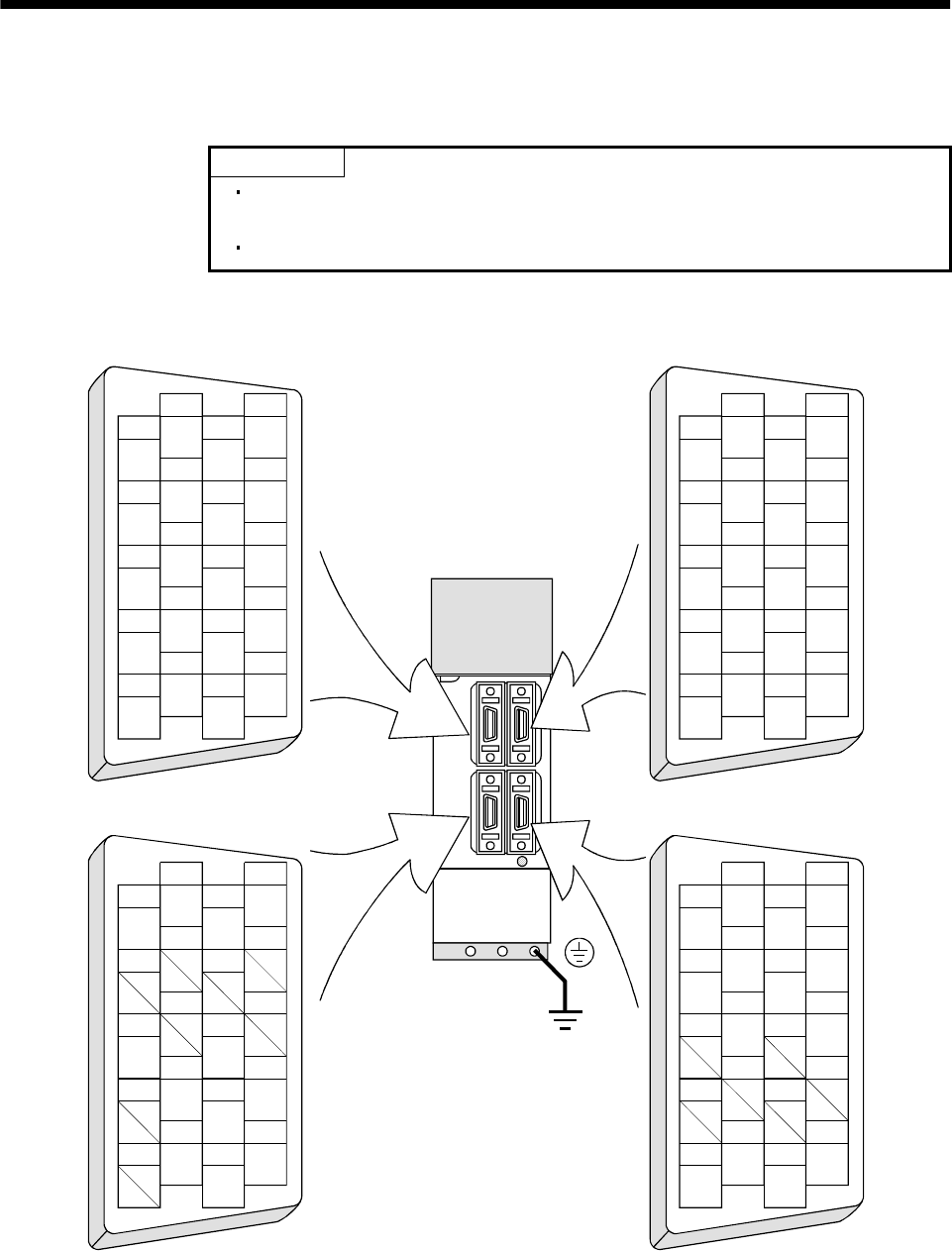
3 - 11
3. SIGNALS AND WIRING
3.3 I/O signals
3.3.1 Connectors and signal arrangements
POINT
The connector pin-outs shown above are viewed from the cable connector
wiring section side.
Refer to the next page for CN1A and CN1B signal assignment.
(1) Signal arrangement
1
2
3
5
4
6
7
9
8
10
11
12
13
14
15
16
17
18
19
20
RXD
MO1
TRE
LG
LG
RDP
SDP
TXD
MO2
P5
LG
LG
RDN
SDN
1
2
3
5
4
6
7
9
8
10
11
12
13
14
15
16
17
18
19
20
1
2
3
5
4
6
7
9
8
10
11
12
13
14
15
16
17
18
19
20
1
2
3
5
4
6
7
9
8
10
11
12
13
14
15
16
17
18
19
20
MD
LG
MDR
P5
LG
MRR
P5
LG
P5
BAT
MR
LG
MITSUBISHI
MELSERVO-J2
CN2 CN3
CN1A CN1B
The connector frames are
connected with the PE (earth)
terminal inside the servo amplifier.
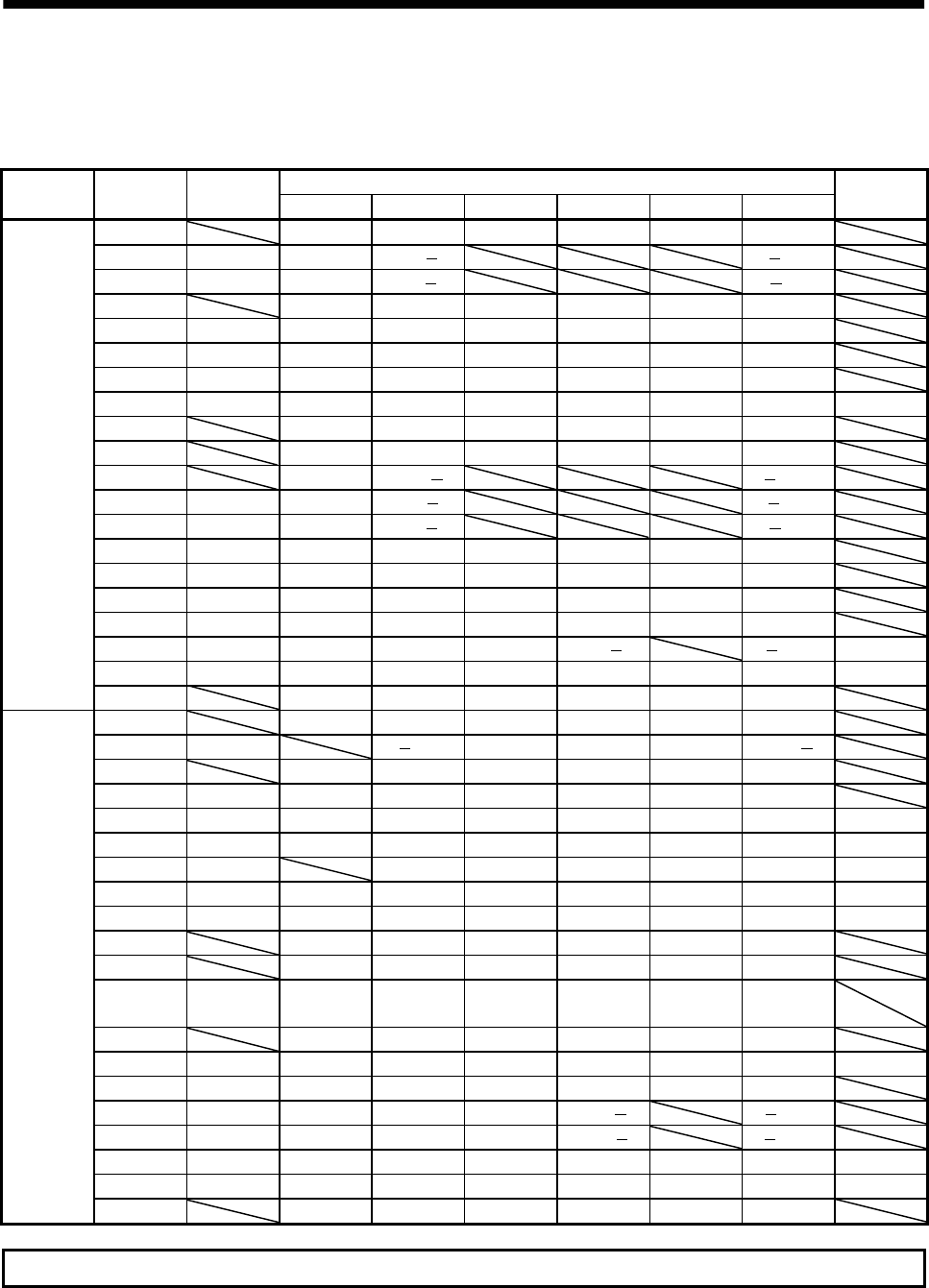
3 - 12
3. SIGNALS AND WIRING
(2) CN1A and CN1B signal assignment
The signal assignment of connector changes with the control mode as indicated below;
For the pins which are given parameter No.s in the related parameter column, their signals can be
changed using those parameters.
(Note2)I/O Signals in control modes
Connector Pin No. (Note1)I/O P P/S S S/T T T/P
Related
parameter
1 LGLGLGLGLGLG
2 I NP NP/ /NP
3I PP PP/ /PP
4 P15R P15R/P15R P15R P15R P15R P15R
5 O LZ LZ LZ LZ LZ LZ
6 O LA LA LA LA LA LA
7 O LB LB LB LB LB LB
8 I CR CR/SP1 SP1 SP1/SP1 SP1 SP1/CR No.43 to 48
9 COM COM COM COM COM COM
10 SG SG SG SG SG SG
11 OPC OPC/ /OPC
12 I NG NG/ /NG
13 I PG PG/ /PG
14O OPOPOPOPOPOP
15 O LZR LZR LZR LZR LZR LZR
16 O LAR LAR LAR LAR LAR LAR
17 O LBR LBR LBR LBR LBR LBR
18 O INP INP/SA SA SA/ /INP No.49
19O RDRDRDRDRDRDNo.49
CN1A
20 SG SG SG SG SG SG
1 LGLGLGLGLGLG
2I /VC VC VC/VLA VLA VLA/
3 VDD VDD VDD VDD VDD VDD
(Note 4)4 O DO1 DO1 DO1 DO1 DO1 DO1
5 I SON SON SON SON SON SON No.43 to 48
6 O TLC TLC TLC TLC/VLC VLC VLC/TLC No.49
7 I LOP SP2 LOP SP2 LOP No.43 to 48
8 I PC PC/ST1 ST1 ST1/RS2 RS2 RS2/PC No.43 to 48
9 I TL TL/ST2 ST2 ST2/RS1 RS1 RS1/TL No.43 to 48
10 SG SG SG SG SG SG
11 P15R P15R P15R P15R P15R P15R
12 I TLA (Note3)
TLA/TLA (Note3) TLA
(Note3)
TLA/TC
TC TC/TLA
13 COM COM COM COM COM COM
14 I RES RES RES RES RES RES No.43 to 48
15 I EMG EMG EMG EMG EMG EMG
16 I LSP LSP LSP LSP/ /LSP
17 I LSN LSN LSN LSN/ /LSN
18 O ALM ALM ALM ALM ALM ALM No.49
19 O ZSP ZSP ZSP ZSP ZSP ZSP No.1, 49
CN1B
20 SG SG SG SG SG SG
For note, refer to the next page.

3 - 13
3. SIGNALS AND WIRING
Note: 1. I : Input signal, O: Output signal
2. P : Position control mode, S: Speed control mode, T: Torque control mode, P/S: Position/speed
control change mode, S/T: Speed/torque control change mode, T/P: Torque/position control
change mode
3. By setting parameters No. 43 to 48 to make TL available, TLA can be used.
4. The signal of CN1A-18 is always output.
(3) Symbols and signal names
Symbol Signal name Symbol Signal name
SON Servo-on VLC Limiting speed
LSP Forward rotation stroke end RD Ready
LSN Reverse rotation stroke end ZSP Zero speed
CR Clear INP In position
SP1 Speed selection 1 SA Speed reached
SP2 Speed selection 2 ALM Trouble
PC Proportion control WNG Warning
ST1 Forward rotation start BWNG Battery warning
ST2 Reverse rotation start OP Encoder Z-phase pulse (open collector)
TL Torque limit selection MBR Electromagnetic brake interlock
RES Reset LZ
EMG Forced stop LZR Encoder Z-phase pulse
(differential line driver)
LOP Control change LA
VC Analog speed command LAR Encoder A-phase pulse
(differential line driver)
VLA Analog speed limit LB
TLA Analog torque limit LBR Encoder B-phase pulse
(differential line driver)
TC Analog torque command VDD I/F internal power supply
RS1 Forward rotation selection COM Digital I/F power supply input
RS2 Reverse rotation selection OPC Open collector power input
PP SG Digital I/F common
NP P15R 15VDC power supply
PG LG Control common
NG
Forward/reverse rotation pulse train
SD Shield
TLC Limiting torque
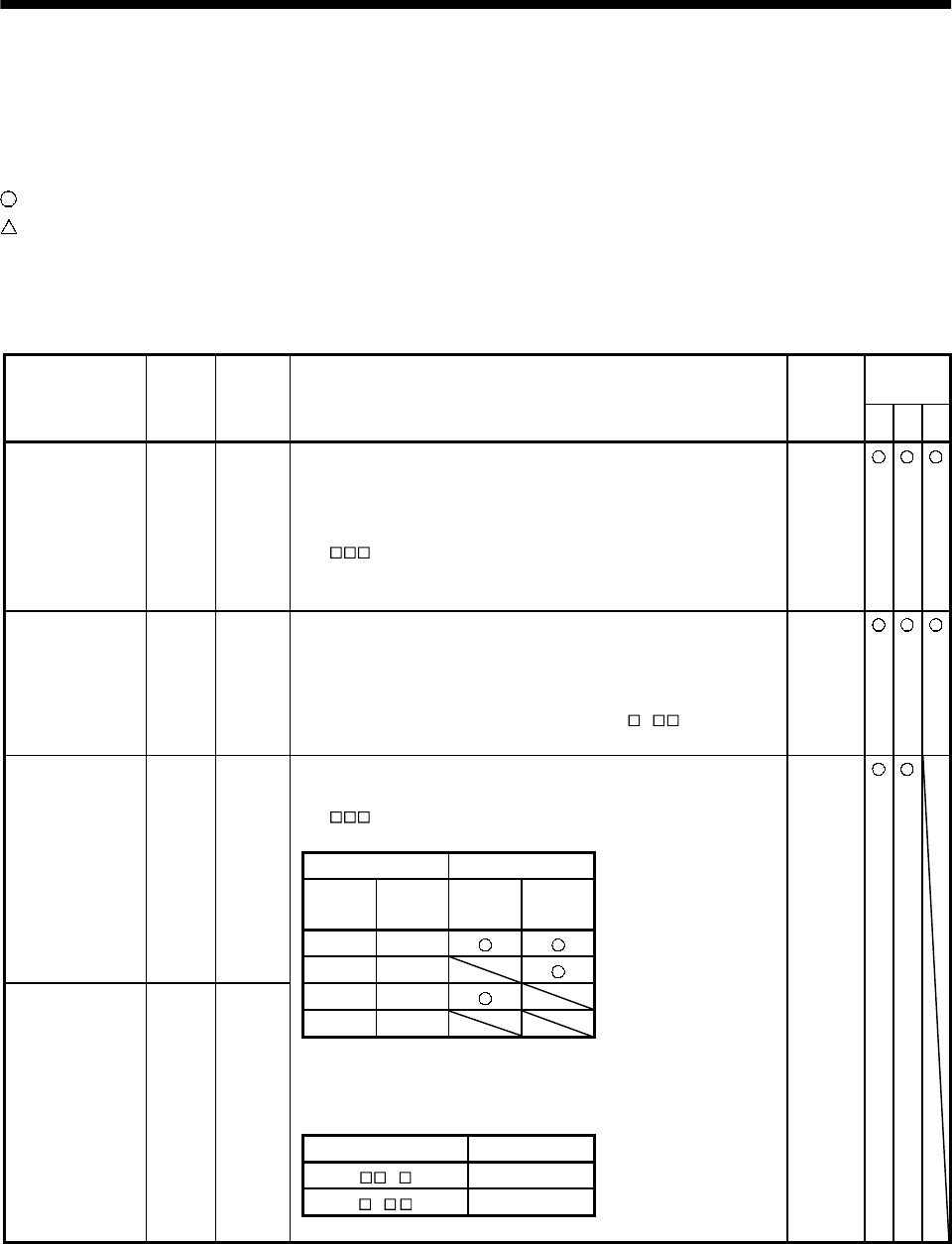
3 - 14
3. SIGNALS AND WIRING
3.3.2 Signal explanations
For the I/O interfaces (symbols in I/O column in the table), refer to Section 3.6.2.
In the control mode field of the table
P : Position control mode, S: Speed control mode, T: Torque control mode
: Denotes that the signal may be used in the initial setting status.
: Denotes that the signal may be used by setting the corresponding parameter among parameters 43 to
49.
The pin No.s in the connector pin No. column are those in the initial status.
(1) Input signals
Control
mode
Signal Symbol
Connec-
tor pin
No.
Functions/Applications I/O
division PST
Servo-on SON CN1B
5Connect SON-SG to switch on the base circuit and make the servo
amplifier ready to operate (servo-on).
Disconnect SON-SG to shut off the base circuit and coast the
servo motor (servo off) .
Set " 1" in parameter No. 41 to switch this signal on
(keep terminals connected) automatically in the servo
amplifier.
DI-1
Reset RES CN1B
14 Disconnect RES-SG for more than 50ms to reset the alarm.
Some alarms cannot be deactivated by the reset signal. Refer to
Section 10.2.
Shorting RES-SG in an alarm-free status shuts off the base
circuit. The base circuit is not shut off when " 1 " is set in
parameter No. 51.
DI-1
To start operation, short LSP-SG and/or LSN-SG. Open them to
bring the motor to a sudden stop and make it servo-locked.
Set " 1" in parameter No. 22 to make a slow stop.
(Refer to Section 5.2.3.)
(Note) Input signals Operation
LSP LSN CCW
direction
CW
direction
11
Forward rotation
stroke end LSP CN1B
16
01
10
00
Note. 0: LSP/LSN-SG off (open)
1: SP/LSN-SG on (short)
Set parameter No. 41 as indicated below to switch on the signals
(keep terminals connected) automatically in the servo amplifier:
Parameter No.41 Automatic ON
1 LSP
1 LSN
Reverse rotation
stroke end LSN CN1B
17
DI-1
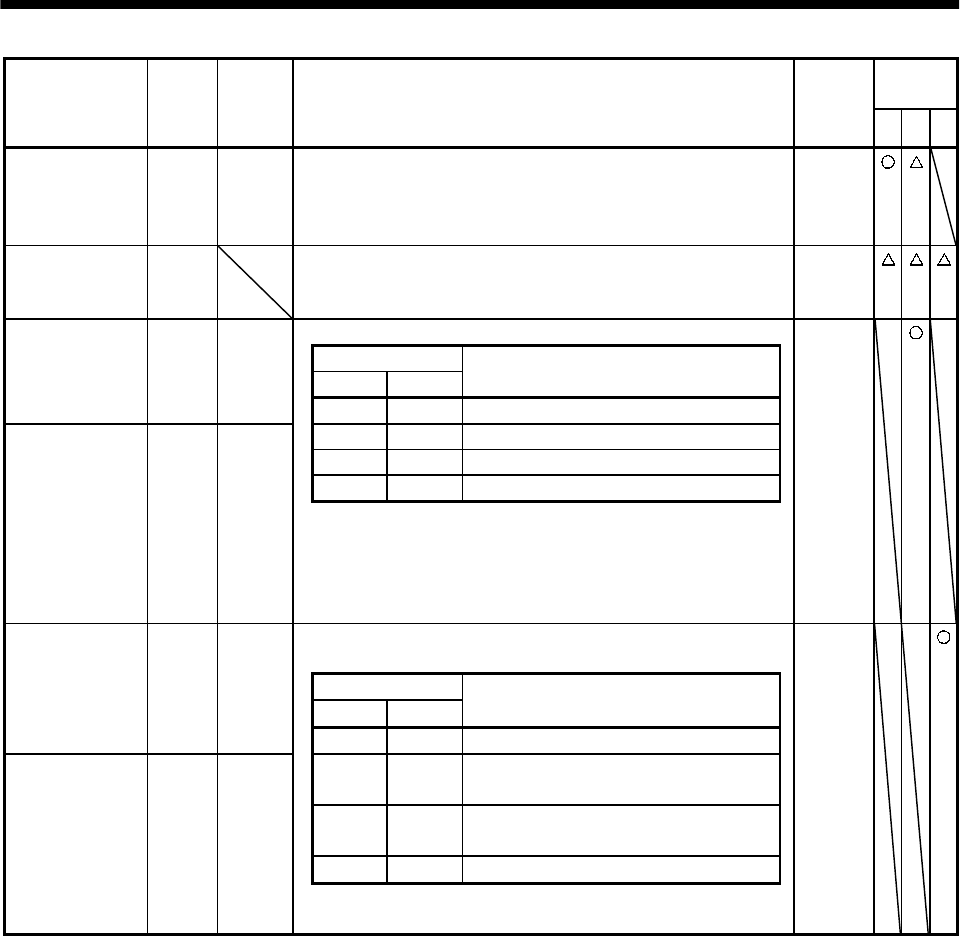
3 - 15
3. SIGNALS AND WIRING
Control
mode
Signal Symbol
Connec-
tor pin
No.
Functions/Applications I/O
division PST
Torque limit
selection TL CN1B
9Torque limit selection disconnecting TL-SG makes internal torque
limit 1 (parameter No. 28) valid and connecting them makes
analog torque limit (TLA) valid.
For details, refer to (5), Section 3.4.1.
DI-1
Internal
torque limit
selection
TL1 When using this signal, make it usable by making the setting of
parameter No. 43 to 48.
For details, refer to (5), Section 3.4.1.
DI-1
Used to start the servo motor in any of the following directions:
(Note) Input signals
ST2 ST1 Servo motor starting direction
Forward rotation
start ST1 CN1B
8
0 0 Stop (servo lock)
0 1 CCW
10 CW
1 1 Stop (servo lock)
Reverse rotation
start ST2 CN1B
9
Note. 0: ST1/ST2-SG off (open)
1: ST1/ST2-SG on (short)
If both ST1 and ST2 are switched on or off during operation, the
servo motor will be decelerated to a stop according to the
parameter No. 12 setting and servo-locked.
DI-1
Used to select any of the following servo motor torque generation
directions:
(Note) Input signals
RS2 RS1 Torque generation direction
Forward rotation
selection RS1 CN1B
9
0 0 Torque is not generated.
01
Forward rotation in driving mode /
reverse rotation in regenerative mode
10
Reverse rotation in driving mode /
forward rotation in regenerative mode
1 1 Torque is not generated.
Reverse rotation
selection RS2 CN1B
8
Note. 0: RS1/RS2-SG off (open)
1: RS1/RS2-SG on (short)
DI-1
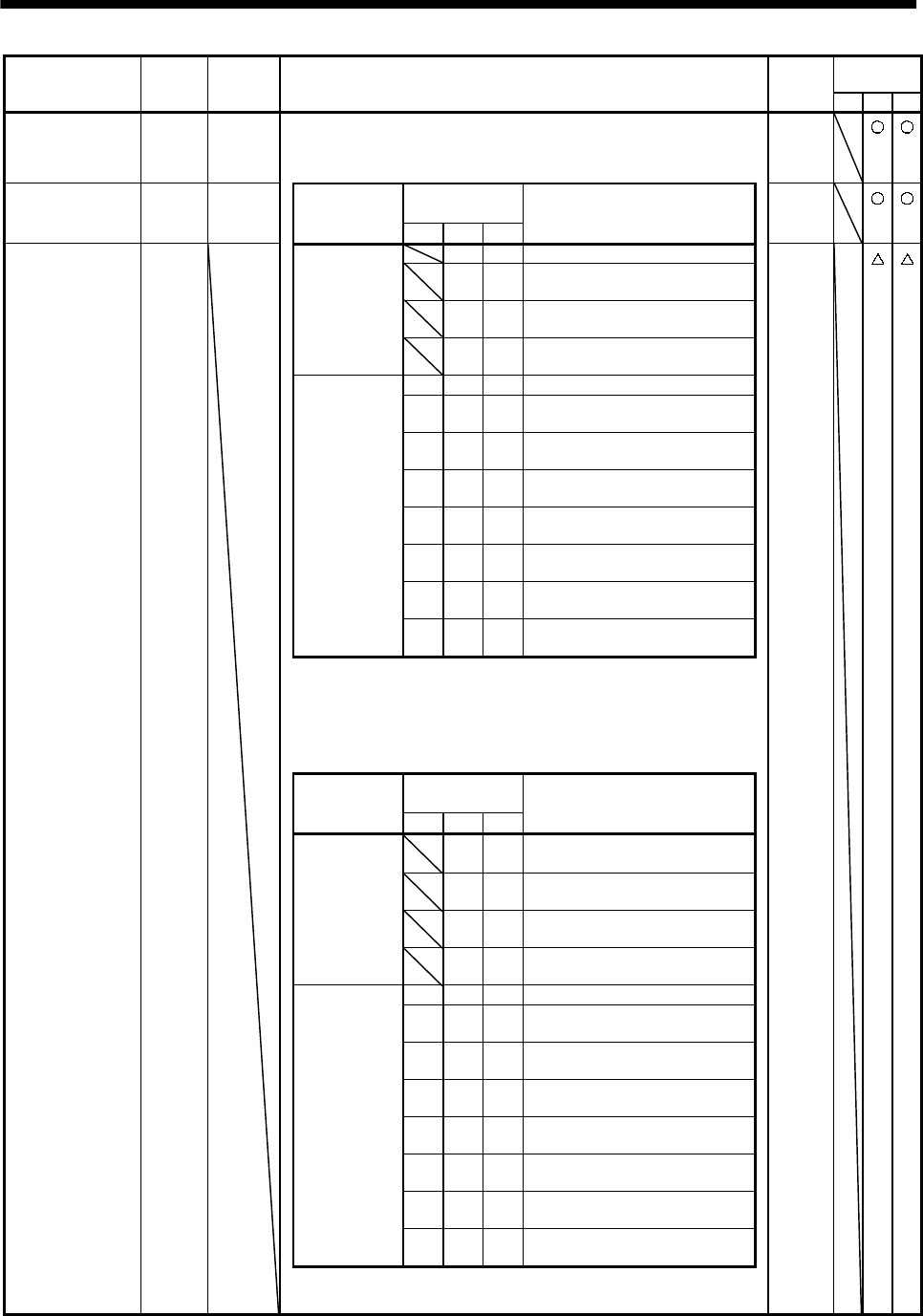
3 - 16
3. SIGNALS AND WIRING
Control
mode
Signal Symbol Connec-
tor pin
No. Functions/Applications I/O
division PST
Speed selection 1 SP1 CN1A
8<Speed control mode>
Used to select the command speed for operation.
When using SP3, make it usable by making the setting of
parameter No. 43 to 48.
DI-1
(Note) Input
signals
Speed selection 2 SP2 CN1B
7Setting of
parameter
No. 43 to 48 SP3 SP2 SP1
Speed command DI-1
0 0 Analog speed command (VC)
01
Internal speed command 1
(parameter No. 8)
10
Internal speed command 2
(parameter No. 9)
When speed
selection
(SP3) is not
used
(initial status) 11
Internal speed command 3
(parameter No. 10)
0 0 0 Analog speed command (VC)
001
Internal speed command 1
(parameter No. 8)
010
Internal speed command 2
(parameter No. 9)
011
Internal speed command 3
(parameter No.10)
100
Internal speed command 4
(parameter No. 72)
101
Internal speed command 5
(parameter No. 73)
110
Internal speed command 6
(parameter No. 74)
When speed
selection
(SP3) is made
valid
111
Internal speed command 7
(parameter No. 75)
Note 0: SP1/SP2/SP3-SG off (open)
1: SP1/SP2/SP3-SG on (short)
<Torque control mode>
Used to select the limit speed for operation.
When using SP3, make it usable by making the setting of
parameter No. 43 to 48.
(Note) Input
signals
Setting of
parameter
No. 43 to 48 SP3 SP2 SP1
Speed limit
0 0 Analog speed limit (VLA)
01
Internal speed command 1
(parameter No. 8)
10
Internal speed command 2
(parameter No. 9)
When speed
selection
(SP3) is not
used
(initial status) 11
Internal speed command 3
(parameter No. 10)
0 0 0 Analog speed limit (VLA)
001
Internal speed command 1
(parameter No. 8)
010
Internal speed command 2
(parameter No. 9)
011
Internal speed command 3
(parameter No.10)
100
Internal speed command 4
(parameter No. 72)
101
Internal speed command 5
(parameter No. 73)
110
Internal speed command 6
(parameter No. 74)
When speed
selection
(SP3) is made
valid
111
Internal speed command 7
(parameter No. 75)
Speed selection 3 SP3
Note. 0: SP1/SP2/SP3-SG off (open)
1: SP1/SP2/SP3-SG on (short)
DI-1
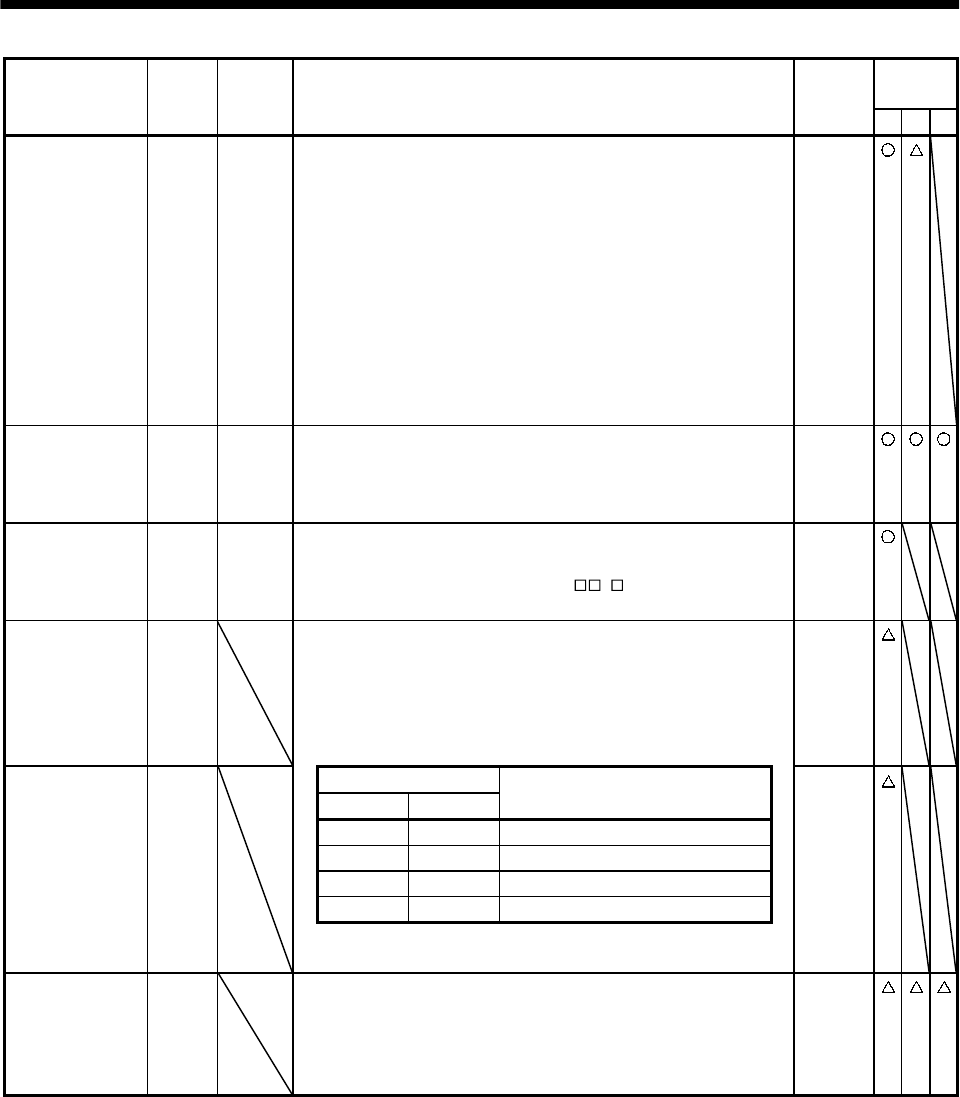
3 - 17
3. SIGNALS AND WIRING
Control
mode
Signal Symbol
Connec-
tor pin
No.
Functions/Applications I/O
division PST
Proportion
control PC CN1B
8Connect PC-SG to switch the speed amplifier from the
proportional integral type to the proportional type.
If the servo motor at a stop is rotated even one pulse due to any
external factor, it generates torque to compensate for a position
shift. When the servo motor shaft is to be locked mechanically
after positioning completion (stop), switching on the proportion
control signal (PC) upon positioning completion will suppress the
unnecessary torque generated to compensate for a position shift.
When the shaft is to be locked for a long time, switch on the
proportion control signal and torque control signal (TL) at the
same time to make the torque less than the rated by the analog
torque limit.
DI-1
Emergency stop EMG CN1B
15 Disconnect EMG-SG to bring the servo motor to emergency stop
state, in which the servo is switched off and the dynamic brake is
operated.
Connect EMG-SG in the emergency stop state to reset that state.
DI-1
Clear CR CN1A
8Connect CR-SG to clear the position control counter droop pulses
on its leading edge. The pulse width should be 10ms or more.
When the parameter No.42 setting is " 1 ", the pulses are
always cleared while CR-SG are connected.
DI-1
Electronic gear
selection 1 CM1 When using CM1 and CM2, make them usable by the setting of
parameters No. 43 to 48.
The combination of CM1-SG and CM2-SG gives you a choice of
four different electronic gear numerators set in the parameters.
CM1 and CM2 cannot be used in the absolute position detection
system.
DI-1
(Note) Input signals
CM2 CM1 Electronic gear denominator
00 Parameter No. 3 (CMX)
0 1 Parameter No. 69 (CM2)
1 0 Parameter No. 70 (CM3)
1 1 Parameter No. 71 (CM4)
Electronic gear
selection 2 CM2
Note. 0: CM1/CM2-SG off (open)
1: CM1/CM2-SG on (short)
DI-1
Gain changing CDP When using this signal, make it usable by the setting of
parameter No. 43 to 48.
Connect CDP-SG to change the load inertia moment ratio into the
parameter No. 61 setting and the gain values into the values
multiplied by the parameter No. 62 to 64 settings.
DI-1
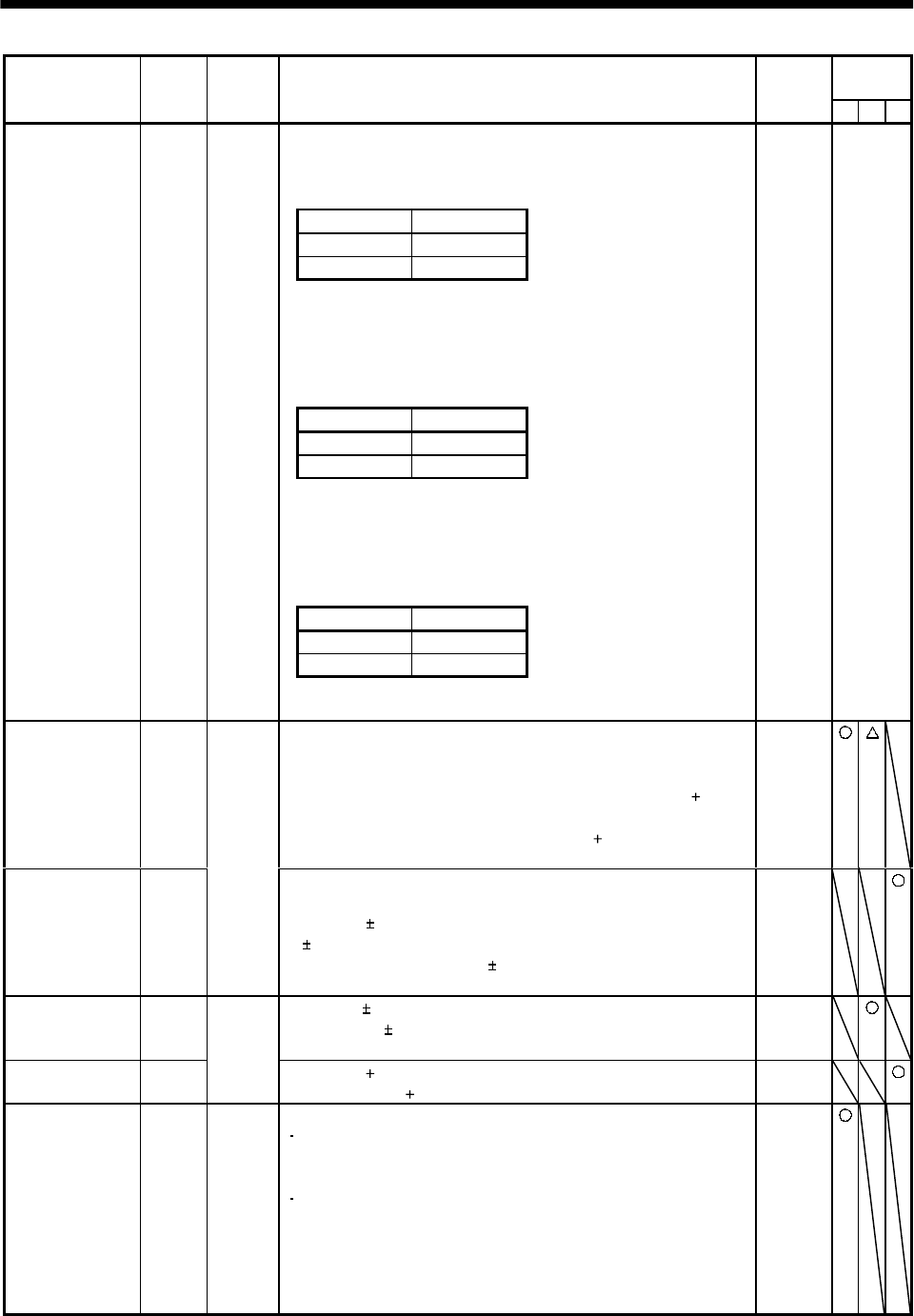
3 - 18
3. SIGNALS AND WIRING
Control
mode
Signal Symbol
Connec-
tor pin
No.
Functions/Applications I/O
division PST
<Position/speed control change mode>
Used to select the control mode in the position/speed control
change mode.
(Note) LOP Control mode
0Position
1 Speed
Note.0: LOP-SG off (open)
1: LOP-SG on (short)
<Speed/torque control change mode>
Used to select the control mode in the speed/torque control change
mode.
(Note) LOP Control mode
0 Speed
1Torque
Note.0: LOP-SG off (open)
1: LOP-SG on (short)
<Torque/position control mode>
Used to select the control mode in the torque/position control
change mode.
(Note) LOP Control mode
0Torque
1Position
Control change LOP CN1B
7
Note.0: LOP-SG off (open)
1: LOP-SG on (short)
DI-1 Refer to
Functions/
Appli-
cations.
Analog torque
limit TLA To use this signal in the speed control mode, set any of
parameters No. 43 to 48 to make TL available.
When the analog torque limit (TLA) is valid, torque is limited in
the full servo motor output torque range. Apply 0 to 10VDC
across TLA-LG. Connect the positive terminal of the power supply
to TLA. Maximum torque is generated at 10V. (Refer to (5) in
Section 3.4.1.) Resolution:10bit
Analog
input
Analog torque
command TC
CN1B
12
Used to control torque in the full servo motor output torque
range.
Apply 0 to 8VDC across TC-LG. Maximum torque is generated
at 8V. (Refer to (1) in Section 3.4.3.)
The torque generated at 8V input can be changed using
parameter No. 26.
Analog
input
Analog speed
command VC Apply 0 to 10VDC across VC-LG. Speed set in parameter No. 25
is provided at 10V. (Refer to (1) in Section 3.4.2.)
Resolution:14bit or equivalent
Analog
input
Analog speed
limit VLA
CN1B
2
Apply 0 to 10VDC across VLA-LG. Speed set in parameter No.
25 is provided at 10V (Refer to (3) in Section 3.4.3.). Analog
input
Forward rotation
pulse train
Reverse rotation
pulse train
PP
NP
PG
NG
CN1A
3
CN1A
2
CN1A
13
CN1A
12
Used to enter a command pulse train.
In the open collector system (max. input frequency 200kpps):
Forward rotation pulse train across PP-SG
Reverse rotation pulse train across NP-SG
In the differential receiver system (max. input frequency
500kpps):
Forward rotation pulse train across PG-PP
Reverse rotation pulse train across NG-NP
The command pulse train form can be changed using
parameter No. 21.
DI-2
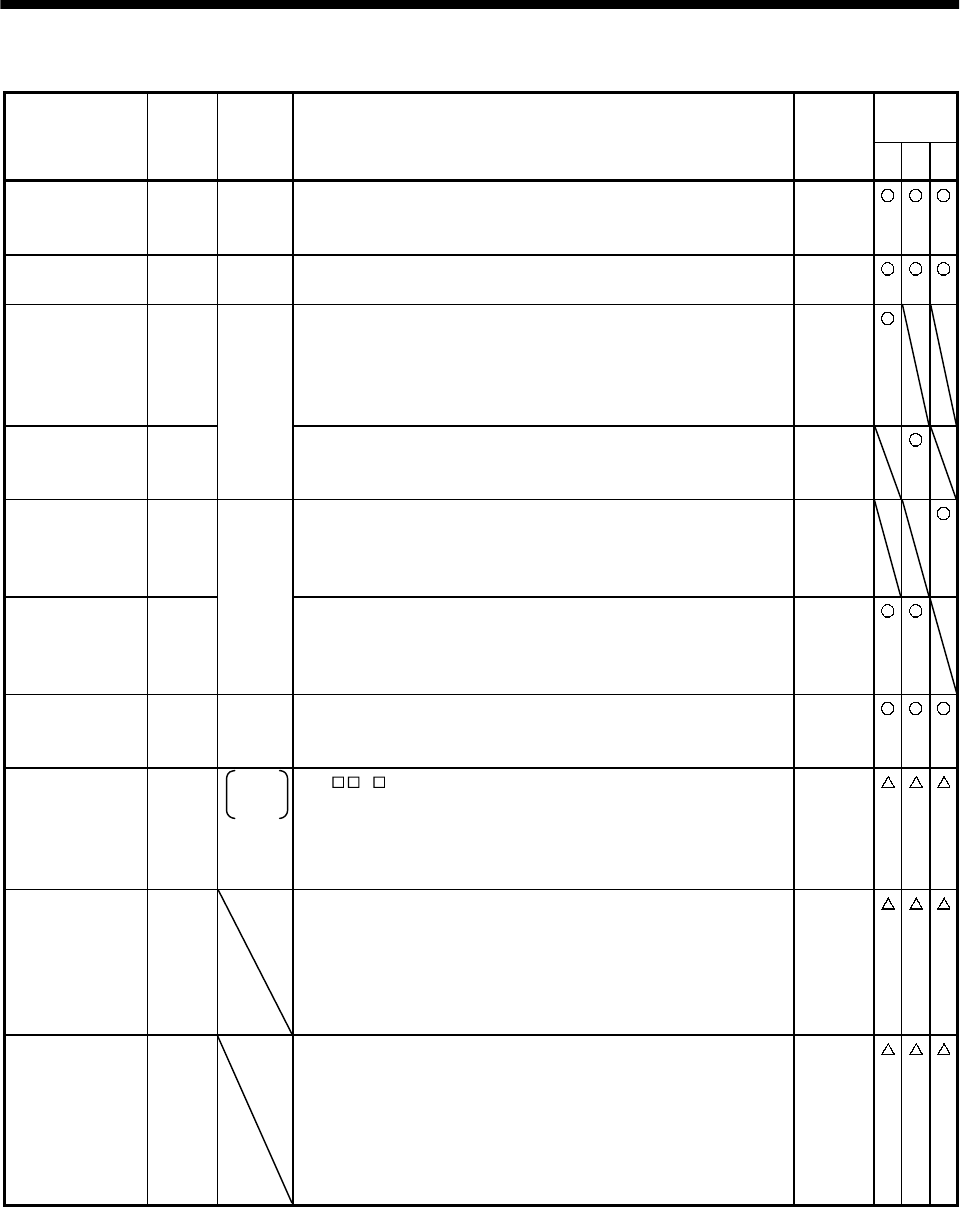
3 - 19
3. SIGNALS AND WIRING
(2) Output signals
Control
mode
Signal Symbol
Connec-
tor pin
No.
Functions/Applications I/O
division PST
Trouble ALM CN1B
18 ALM-SG are disconnected when power is switched off or the
protective circuit is activated to shut off the base circuit. Without
alarm, ALM-SG are connected within 1 after power on.
DO-1
Ready RD CN1A
19 RD-SG are connected when the servo is switched on and the servo
amplifier is ready to operate. DO-1
In position INP INP-SG are connected when the number of droop pulses is in the
preset in-position range. The in-position range can be changed
using parameter No. 5.
When the in-position range is increased, INP-SG may be kept
connected during low-speed rotation.
DO-1
Speed reached SA
CN1A
18
SA-SG are connected when the servo motor speed has nearly
reached the preset speed. When the preset speed is 50r/min or
less, SA-SG are kept connected.
DO-1
Limiting speed VLC VLC-SG are connected when speed reaches the value set to any of
the internal speed limits 1 to 7 (parameters No. 8 to 10, 72 to 75)
or the analog speed limit (VLA) in the torque control mode. They
are disconnected when the servo-on signal (SON) switches off.
DO-1
Limiting torque TLC
CN1B
6
TLC-SG are connected when the torque generated reaches the
value set to the internal torque limit 1 (parameter No. 28) or
analog torque limit (TLA). They are disconnected when the servo-
on signal (SON) switches off.
DO-1
Zero speed ZSP CN1B
19 ZSP-SG are connected when the servo motor speed is zero speed
(50r/min) or less. Zero speed can be changed using parameter No.
24.
DO-1
Electromagnetic
brake interlock MBR CN1B
19 Set " 1 " in parameter No. 1 to use this parameter. Note that
ZSP will be unusable.
In the servo-off or alarm status, MBR-SG are disconnected.
When an alarm occurs, they are disconnected independently of
the base circuit status.
DO-1
Warning WNG To use this signal, assign the connector pin for output using
parameter No.49. The old signal before assignment will be
unusable.
When warning has occurred, WNG-SG are connected.
When there is no warning, WNG-SG are disconnected within 1
second after power-on.
DO-1
Battery warning BWNG To use this signal, assign the connector pin for output using
parameter No.49. The old signal before assignment will be
unusable.
BWNG-SG are connected when battery cable breakage warning
(AL.92) or battery warning (AL.9F) has occurred.
When there is no battery warning, BWNG-SG are disconnected
within 1 second after power-on.
DO-1
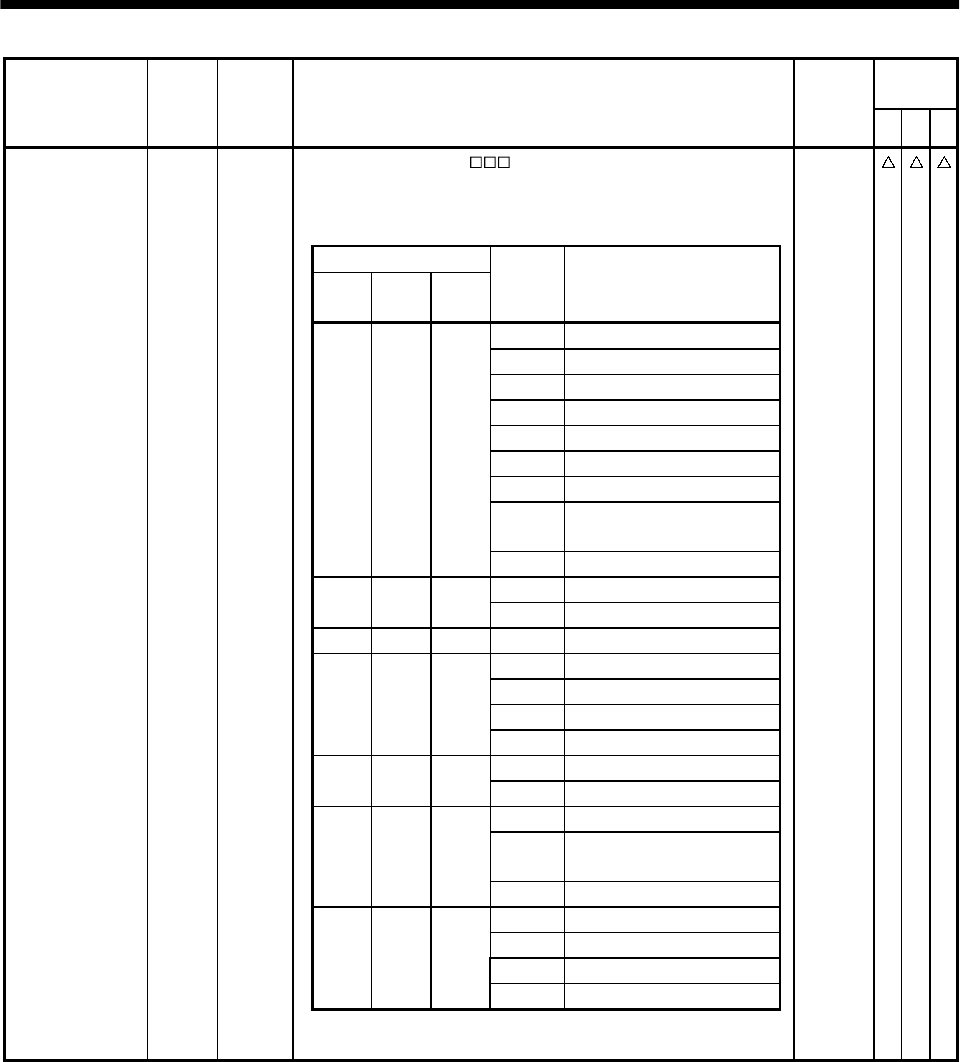
3 - 20
3. SIGNALS AND WIRING
Control
mode
Signal Symbol
Connec-
tor pin
No.
Functions/Applications I/O
division PST
To use this signal, set " 1" in parameter No.49.
This signal is output when an alarm occurs. When there is no
alarm, respective ordinary signals (RD, INP, SA, ZSP) are output.
Alarm codes and alarm names are listed below:
(Note) Alarm code
CN1B
19 Pin
CN1A
18 Pin
CN1A
19 Pin
Alarm
display Name
88888 Watchdog
AL.12 Memory error 1
AL.13 Clock error
AL.15 Memory error 2
AL.17 Board error 2
AL.19 Memory error 3
AL.37 Parameter error
AL.8A Serial communication
timeout
000
AL.8E Serial communication error
AL.30 Regenerative error
001
AL.33 Overvoltage
010AL.10Undervoltage
AL.45 Main circuit device
AL.46 Servo motor overheat
AL.50 Overload 1
011
AL.51 Overload 2
AL.24 Motor output ground fault
100
AL.32 Overcurrent
AL.31 Overspeed
AL.35 Command pulse frequency
alarm
101
AL.52 Error excessive
AL.16 Encoder error 1
AL.1A Monitor combination error
AL.20 Encoder error 2
110
AL.25 Absolute position erase
Alarm code CN1A
19
CN1A
18
CN1B
19
Note.0: Pin-SG off (open)
1: Pin-SG on (short)
DO-1
3 - 21
3. SIGNALS AND WIRING
Control
mode
Signal Symbol
Connec-
tor pin
No.
Functions/Applications I/O
division PST
Encoder Z-phase
pulse
(Open collector)
OP CN1A
14 Outputs the zero-point signal of the encoder. One pulse is output
per servo motor revolution. OP and LG are connected when the
zero-point position is reached. (Negative logic)
The minimum pulse width is about 400 s. For home position
return using this pulse, set the creep speed to 100r/min. or less.
DO-2
Encoder A-phase
pulse
(Differential line
driver)
LA
LAR
CN1A
6
CN1A
16
Encoder B-phase
pulse
(Differential line
driver)
LB
LBR
CN1A
7
CN1A
17
Outputs pulses per servo motor revolution set in parameter No.
27 in the differential line driver system. In CCW rotation of the
servo motor, the encoder B-phase pulse lags the encoder A-phase
pulse by a phase angle of /2.
The relationships between rotation direction and phase difference
of the A- and B-phase pulses can be changed using parameter No.
54.
DO-2
Encoder Z-phase
pulse
(Differential line
driver)
LZ
LZR
CN1A
5
CN1A
15
The same signal as OP is output in the differential line driver
system. DO-2
Analog monitor 1 MO1 CN3
4Used to output the data set in parameter No.17 to across MO1-LG
in terms of voltage. Resolution 10 bits Analog
output
Analog monitor 2 MO2 CN3
14 Used to output the data set in parameter No.17 to across MO2-LG
in terms of voltage. Resolution 10 bits Analog
output
(3) Communication
POINT
Refer to Chapter 14 for the communication function.
Control
mode
Signal Symbol
Connec-
tor pin
No.
Functions/Applications I/O
division PST
RS-422 I/F SDP
SDN
RDP
RDN
CN3
9
CN3
19
CN3
5
CN3
15
RS-485 and RS-232C functions cannot be used together.
Choose either one in parameter No. 16.
Short “15” and “10” at the last axis.
RS-422
termination TRE CN3
10 Termination resistor connection terminal of RS-422 interface.
When the servo amplifier is the termination axis, connect this
terminal to RDN (CN3-15).
RS-232C I/F RXD
TXD
CN3
2
CN3
12
RS-485 and RS-232C functions cannot be used together.
Choose either one in parameter No. 16.
3 - 22
3. SIGNALS AND WIRING
(4) Power supply
Control
mode
Signal Symbol
Connec-
tor pin
No.
Functions/Applications I/O
division PST
I/F internal
power supply VDD CN1B
3Used to output 24V 10% to across VDD-COM.
When using this power supply for digital interface, connect it with
COM.
Permissible current : 80mA
Digital I/F power
supply input COM CN1A
9
CN1B
13
Used to input 24VDC for input interface.
Connect the positive terminal of the 24VDC external power
supply.
24VDC 10%
Open collector
power input OPC CN1A
11 When inputting a pulse train in the open collector system, supply
this terminal with the positive ( ) power of 24VDC.
Digital I/F
common SG CN1A
10
20
CN1B
10
20
Common terminal for input signals such as SON and EMG. Pins
are connected internally.
Separated from LG.
15VDC power
supply P15R CN1A
4
CN1B
11
Outputs 15VDC to across P15R-LG. Available as power for TC,
TLA, VC, VLA.
Permissible current: 30mA
Control common LG CN1A
1
CN1B
1
CN3
1
3
5
11
13
15
Common terminal for TLA, TC, VC, VLA, FPA, FPB, OP ,MO1,
MO2 and P15R.
Pins are connected internally.
Shield SD Plate Connect the external conductor of the shield cable.
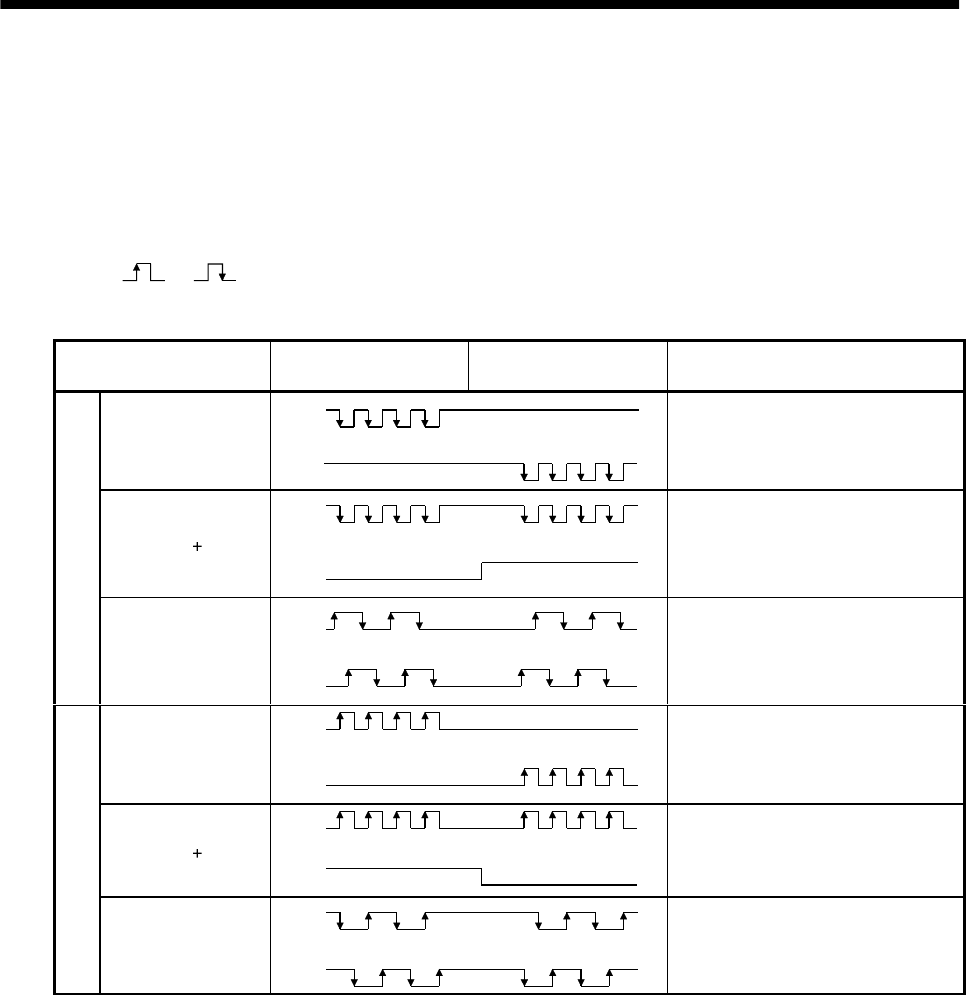
3 - 23
3. SIGNALS AND WIRING
3.4 Detailed description of the signals
3.4.1 Position control mode
(1) Pulse train input
(a) Input pulse waveform selection
Encoder pulses may be input in any of three different forms, for which positive or negative logic
can be chosen. Set the command pulse train form in parameter No. 21.
Arrow or in the table indicates the timing of importing a pulse train.
A- and B-phase pulse trains are imported after they have been multiplied by 4.
Pulse train form Forward rotation
command
Reverse rotation
command
Parameter No. 21
(Command pulse train)
Forward rotation
pulse train
Reverse rotation
pulse train
PP
NP 0010
Pulse train sign
PP
NP LH
0011
Negative logic
A-phase pulse train
B-phase pulse train
PP
NP
0012
Forward rotation
pulse train
Reverse rotation
pulse train
PP
NP
0000
Pulse train sign PP
NP HL0001
Positive logic
A-phase pulse train
B-phase pulse train
PP
NP 0002
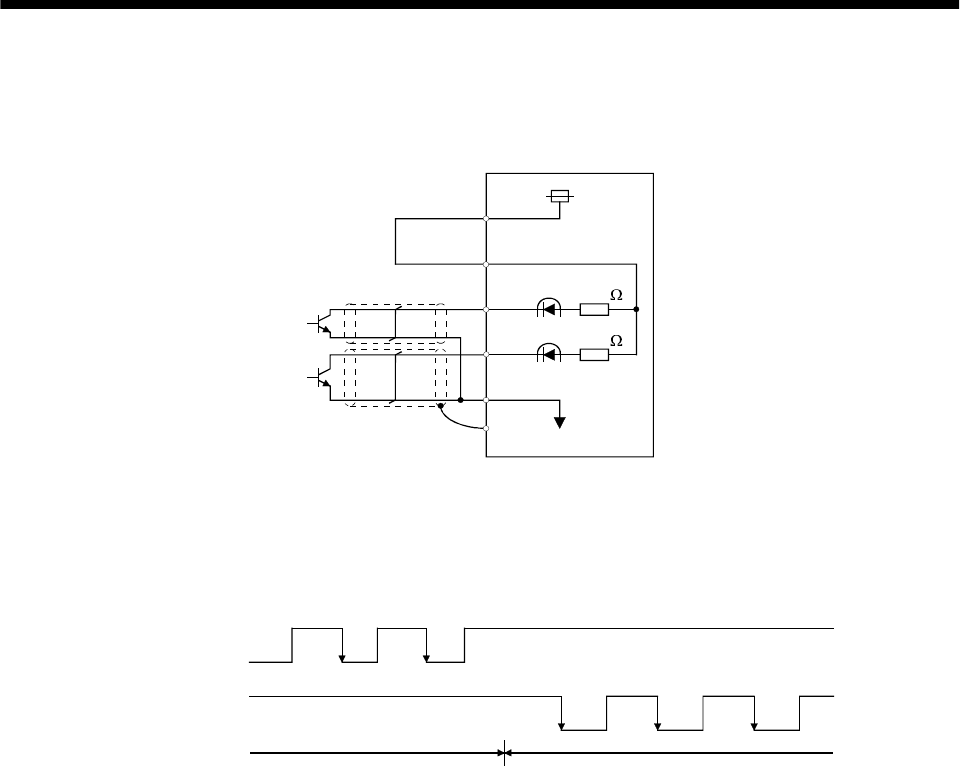
3 - 24
3. SIGNALS AND WIRING
(b) Connections and waveforms
1) Open collector system
Connect as shown below:
Approx.
1.2k
Approx.
1.2k
SG
SD
NP
PP
OPC
VDD
Servo amplifier
The explanation assumes that the input waveform has been set to the negative logic and forward
and reverse rotation pulse trains (parameter No.21 has been set to 0010). The waveforms in the
table in (a), (1) of this section are voltage waveforms of PP and NP based on SG. Their
relationships with transistor ON/OFF are as follows:
(ON)(OFF)
(ON) (OFF) (ON) (OFF) (ON)
(OFF)
Forward rotation
pulse train
(transistor)
Reverse rotation
pulse train
(transistor)
(ON)(OFF)
Forward rotation command Reverse rotation command
(OFF)
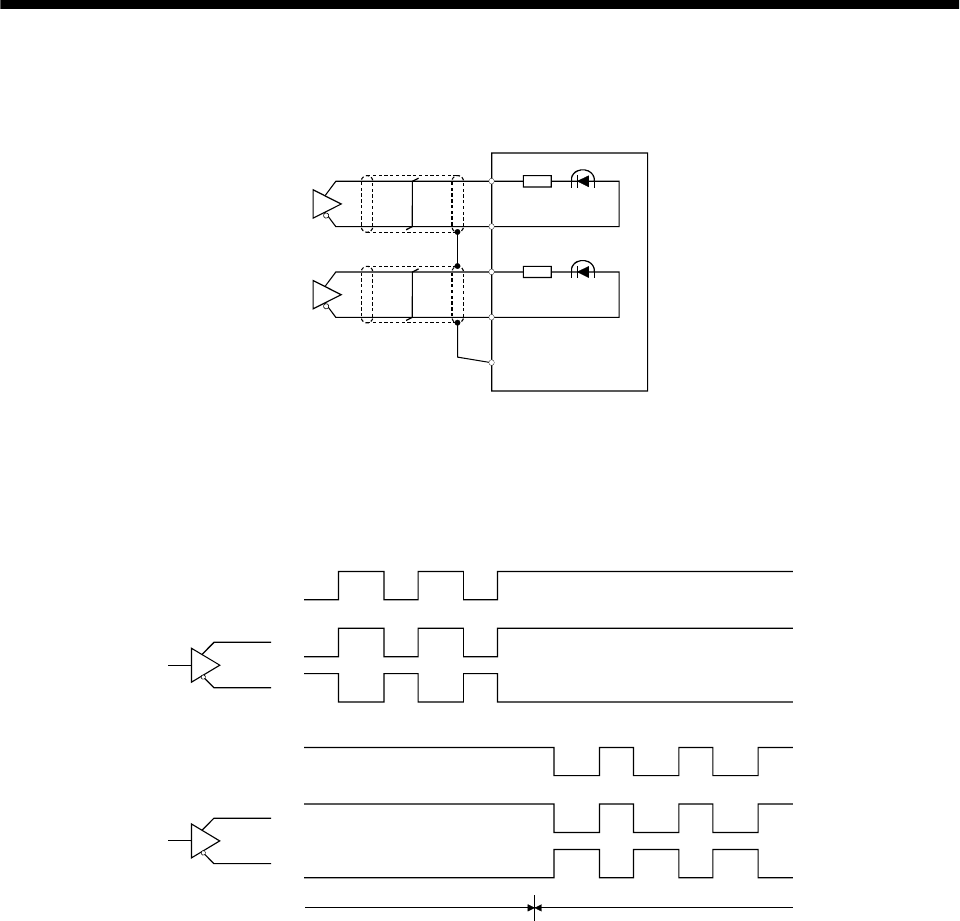
3 - 25
3. SIGNALS AND WIRING
2) Differential line driver system
Connect as shown below:
PP
NP
Servo amplifier
PG
NG
SD
The explanation assumes that the input waveform has been set to the negative logic and forward
and reverse rotation pulse trains (parameter No.21 has been set to 0010).
For the differential line driver, the waveforms in the table in (a), (1) of this section are as follows.
The waveforms of PP, PG, NP and NG are based on that of the ground of the differential line
driver.
PP
PG
NP
NG
Forward rotation
pulse train
Reverse rotation
pulse train
Forward rotation command Reverse rotation command
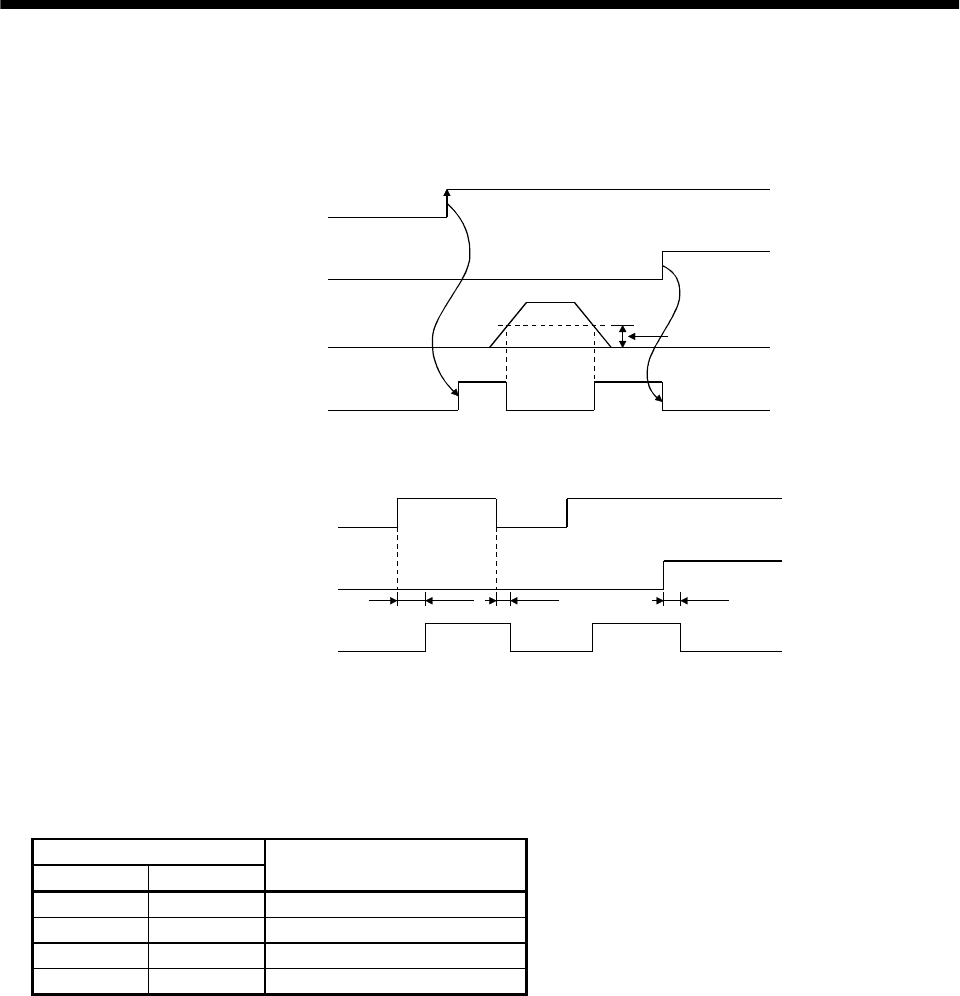
3 - 26
3. SIGNALS AND WIRING
(2) In-position (INP)
PF-SG are connected when the number of droop pulses in the deviation counter falls within the preset
in-position range (parameter No. 5). INP-SG may remain connected when low-speed operation is
performed with a large value set as the in-position range.
Servo-on (SON)
Alarm
Droop pulses
In position (INP)
ON
OFF
Yes
No
In-position range
ON
OFF
(3) Ready (RD)
Servo-on (SON)
Alarm
Ready (RD)
ON
OFF
Yes
No
80ms or less 10ms or less 10ms or less
ON
OFF
(4) Electronic gear switching
The combination of CM1-SG and CM2-SG gives you a choice of four different electronic gear
numerators set in the parameters.
As soon as CM1/CM2 is turned ON or OFF, the denominator of the electronic gear changes. Therefore,
if any shock occurs at this change, use position smoothing (parameter No. 7) to relieve shock.
(Note) External input signal
CM2 CM1 Electronic gear denomination
00Parameter No. 3 (CMX)
0 1 Parameter No. 69 (CM2)
1 0 Parameter No. 70 (CM3)
1 1 Parameter No. 71 (CM4)
Note.0: CM1/CM2-SG off(open)
1: CM1/CM2-SG on(short)
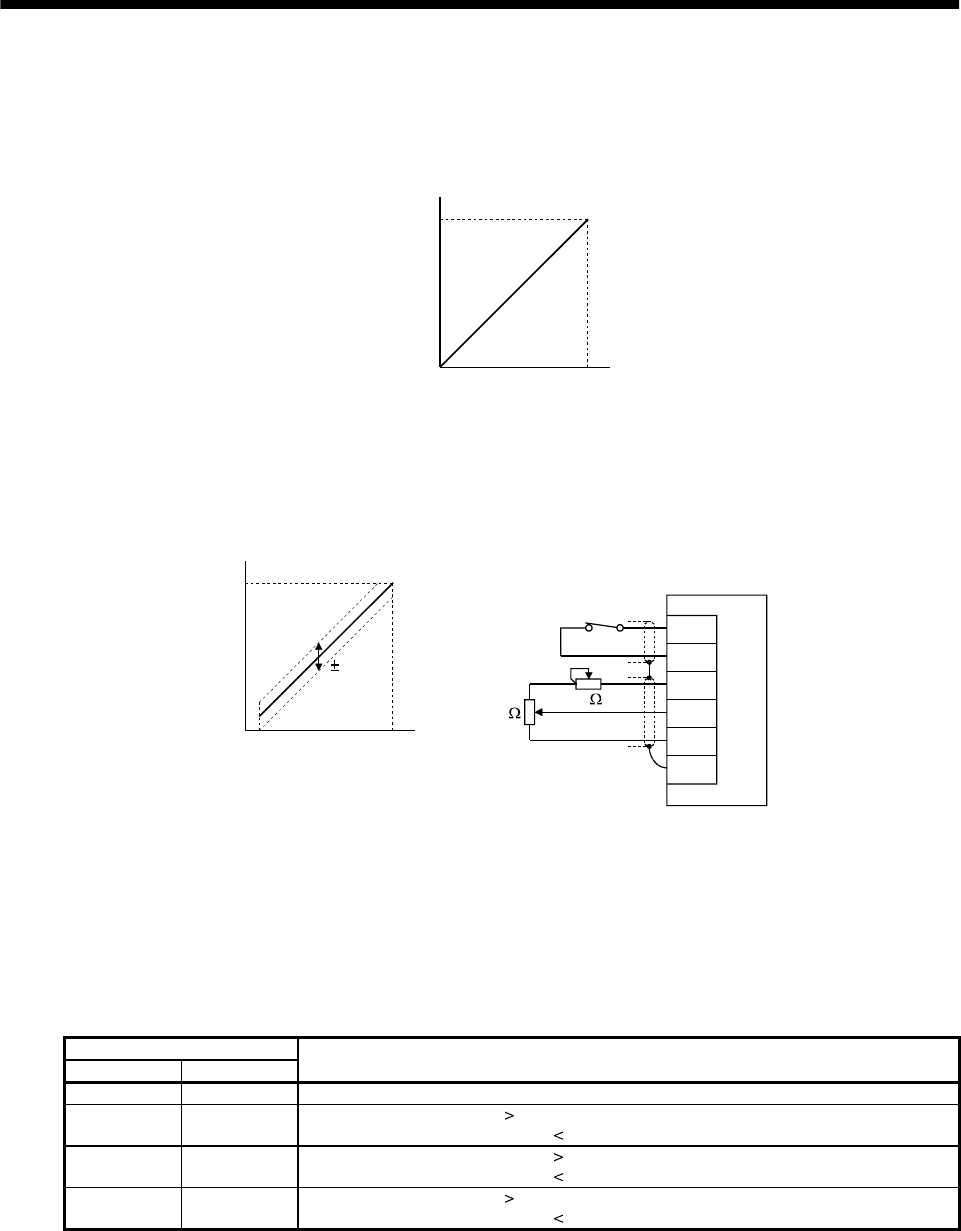
3 - 27
3. SIGNALS AND WIRING
(5) Torque limit
(a) Torque limit and generated torque
By setting parameter No. 28 (internal torque limit 1), torque is always limited to the maximum
value during operation. A relationship between the limit value and servo motor-generated torque is
shown below.
00 100
Max. torque
Generated torque
Torque limit value [%]
A relationship between the applied voltage of the analog torque limit (TLA) and the torque limit
value of the servo motor is shown below. Generated torque limit values will vary about 5% relative
to the voltage depending on products.
At the voltage of less than 0.05V, generated torque may vary as it may not be limited sufficiently.
Therefore, use this function at the voltage of 0.05V or more.
2k 2k
Servo amplifier
Japan resistor
RRS10 or equivalent
TL
SG
P15R
TLA
LG
SD
100
0
010
5%
0.05
Torque limit value [%]
TLA application voltage vs.
torque limit value
TLA application voltage [V]
(b) Torque limit value selection
Choose the torque limit made valid by the internal torque limit value 1 (parameter No. 28) using
the external torque limit selection (TL) or the torque limit made valid by the analog torque limit
(TLA) as indicated below.
When internal torque limit selection (TL1) is made usable by parameter No. 43 to 48, internal
torque limit 2 (parameter No. 76) can be selected. However, if the parameter No. 28 value is less
than the limit value selected by TL/TL1, the parameter No. 28 value is made valid.
(Note) External input signals
TL1 TL Torque limit value made valid
0 0 Internal torque limit value 1 (parameter No. 28)
01 TLA Parameter No. 28: Parameter No. 28
TLA Parameter No. 28: TLA
10 Parameter No. 76 Parameter No. 28: Parameter No. 28
Parameter No. 76 Parameter No. 28: Parameter No. 76
11 TLA Parameter No. 76: Parameter No. 76
TLA Parameter No. 76: TLA
Note.0: TL/TL1-SG off (open)
1: TL/TL1-SG on (short)
(c) Limiting torque (TLC)
TLC-SG are connected when the torque generated by the servo motor reaches the torque set to
internal torque limit value 1 or analog torque limit.
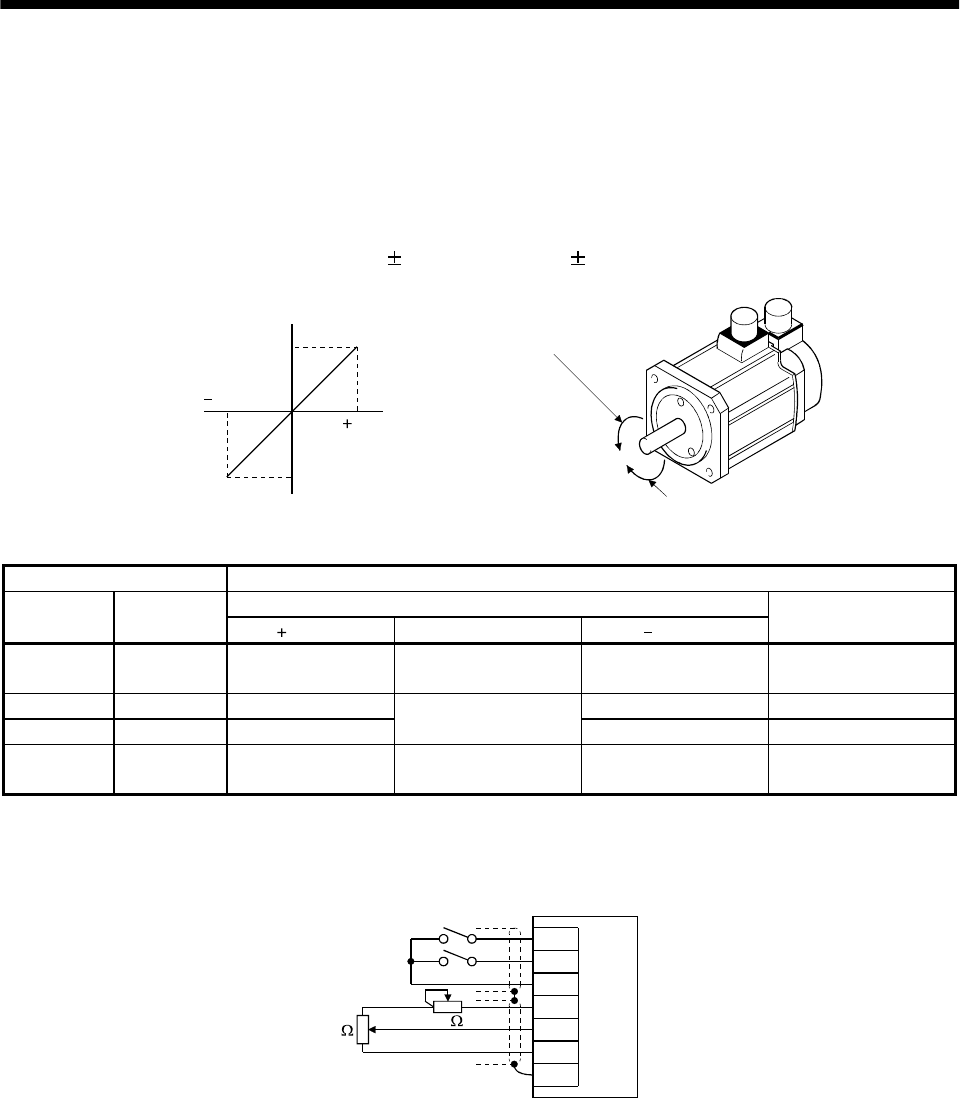
3 - 28
3. SIGNALS AND WIRING
3.4.2 Speed control mode
(1) Speed setting
(a) Speed command and speed
The servo motor is run at the speeds set in the parameters or at the speed set in the applied
voltage of the analog speed command (VC). A relationship between the analog speed command
(VC) applied voltage and the servo motor speed is shown below:
The maximum speed is achieved at 10V. The speed at 10V can be changed using parameter No.
25.
10
010
Rated speed [r/min]
Speed [r/min]
CW direction VC applied voltage [V]
CCW direction
Rated speed
Forward rotation (CCW)
Reverse rotation (CW)
The following table indicates the rotation direction according to forward rotation start (ST1) and
reverse rotation start (ST2) combination:
(Note) External input signals Rotation direction
Analog speed command (VC)
ST2 ST1 Polarity 0V Polarity
Internal speed
commands
00 Stop
(Servo lock) Stop
(Servo lock) Stop
(Servo lock) Stop
(Servo lock)
0 1 CCW CW CCW
10 CW Stop
(No servo lock) CCW CW
11 Stop
(Servo lock) Stop
(Servo lock) Stop
(Servo lock) Stop
(Servo lock)
Note.0: ST1/ST2-SG off (open)
1: ST1/ST2-SG on (short)
Generally, make connection as shown below:
SP1
SP2
SG
P15R
VC
LG
SD
2k
2k
Servo amplifier
Japan resistor
RRS10 or equivalent
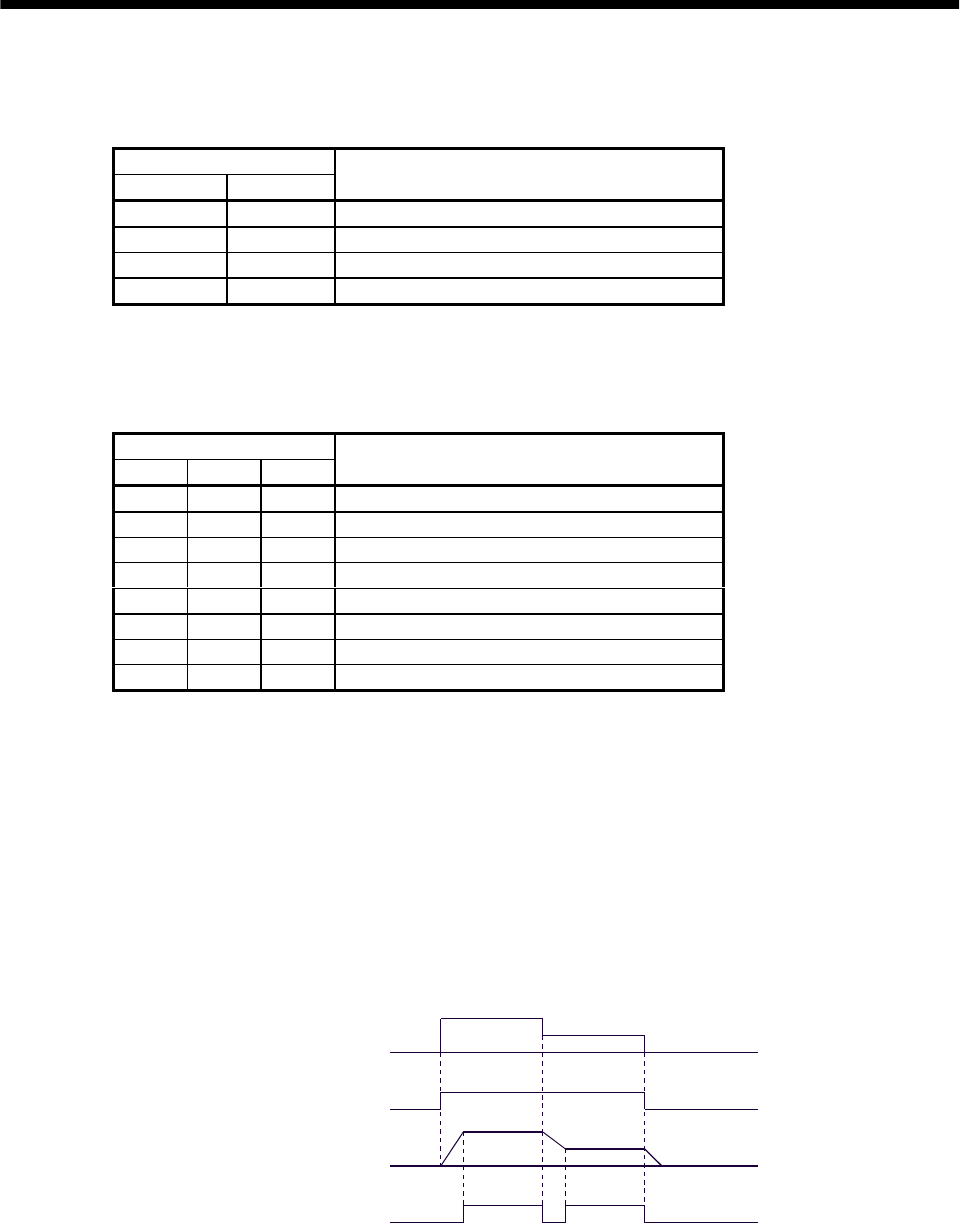
3 - 29
3. SIGNALS AND WIRING
(b) Speed selection 1 (SP1), speed selection 2 (SP2) and speed command value
Choose any of the speed settings made by the internal speed commands 1 to 3 using speed selection
1 (SP1) and speed selection 2 (SP2) or the speed setting made by the analog speed command (VC).
(Note) External input signals
SP2 SP1 Speed command value
0 0 Analog speed command (VC)
0 1 Internal speed command 1 (parameter No. 8)
1 0 Internal speed command 2 (parameter No. 9)
1 1 Internal speed command 3 (parameter No. 10)
Note.0: SP1/SP2-SG off (open)
1: SP1/SP2-SG on (short)
By making speed selection 3 (SP3) usable by setting of parameter No. 43 to 48, you can choose
the speed command values of analog speed command (VC) and internal speed commands 1 to 7.
(Note) External input signals
SP3 SP2 SP1 Speed command value
0 0 0 Analog speed command (VC)
0 0 1 Internal speed command 1 (parameter No. 8)
0 1 0 Internal speed command 2 (parameter No. 9)
0 1 1 Internal speed command 3 (parameter No. 10)
1 0 0 Internal speed command 4 (parameter No. 72)
1 0 1 Internal speed command 5 (parameter No. 73)
1 1 0 Internal speed command 6 (parameter No. 74)
1 1 1 Internal speed command 7 (parameter No. 75)
Note.0 : SP1/SP2/SP3-SG off (open)
1 : SP1/SP2/SP3-SG on (short)
The speed may be changed during rotation. In this case, the values set in parameters No. 11 and
12 are used for acceleration/deceleration.
When the speed has been specified under any internal speed command, it does not vary due to the
ambient temperature.
(2) Speed reached (SA)
SA-SG are connected when the servo motor speed nearly reaches the speed set to the internal speed
command or analog speed command.
ON
OFF
ON
OFF
Set speed selection Internal speed
command 1
Internal speed
command 2
Start (ST1,ST2)
Servo motor speed
Speed reached (SA)
(3) Torque limit
As in Section 3.4.1 (5).
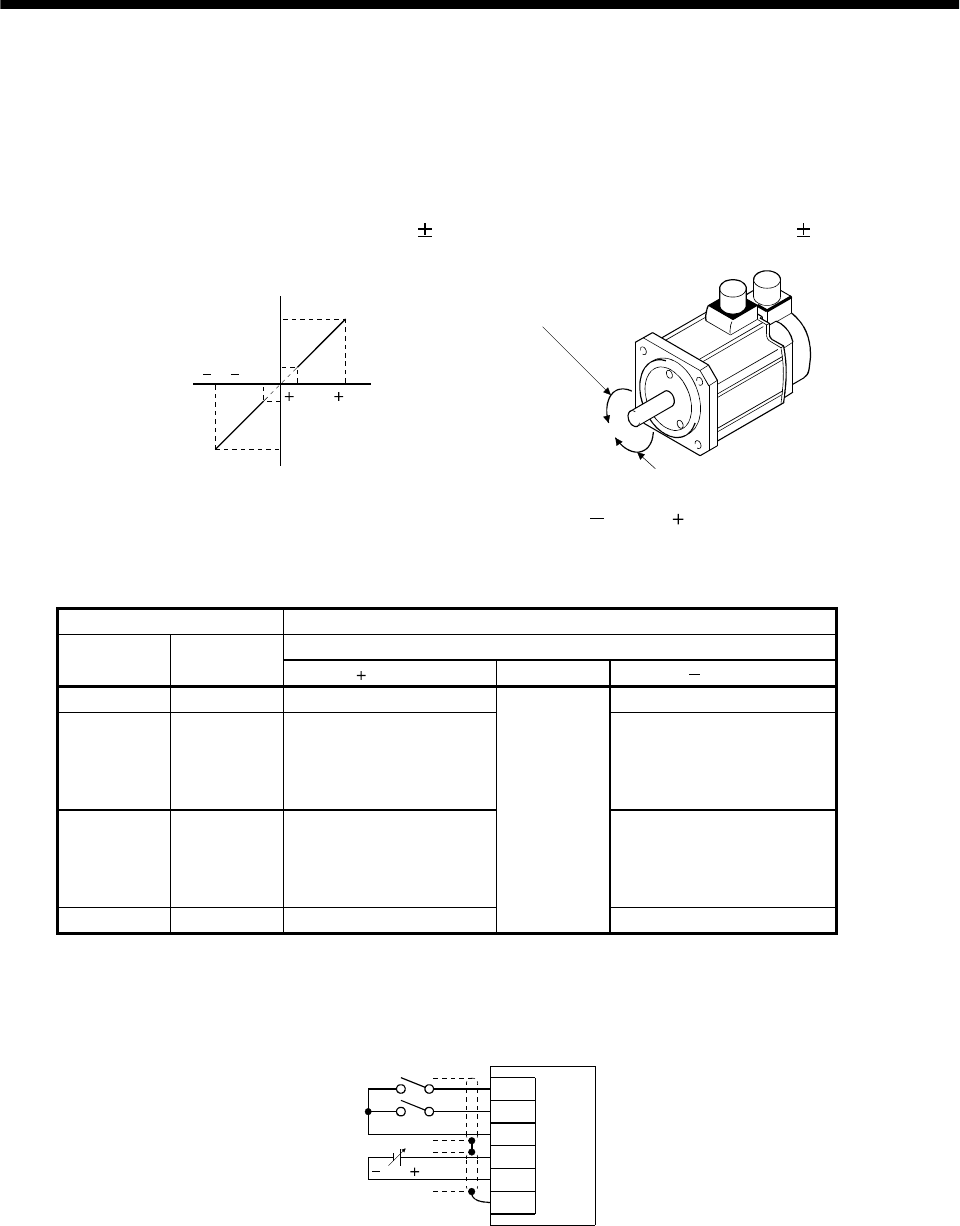
3 - 30
3. SIGNALS AND WIRING
3.4.3 Torque control mode
(1) Torque control
(a) Torque command and generated torque
A relationship between the applied voltage of the analog torque command (TC) and the torque
generated by the servo motor is shown below.
The maximum torque is generated at 8V. Note that the torque generated at 8V input can be
changed with parameter No. 26.
8
0.05 8
0.05
Max. torque
Generated torque
CCW direction
CW direction Max. torque (Note)
TC applied voltage [V]
Forward rotation (CCW)
Reverse rotation (CW)
Generated torque limit values will vary about 5% relative to the voltage depending on products.
Also the generated torque may vary if the voltage is low ( 0.05 to 0.05V) and the actual speed
is close to the limit value. In such a case, increase the speed limit value.
The following table indicates the torque generation directions determined by the forward rotation
selection (RS1) and reverse rotation selection (RS2) when the analog torque command (TC) is used.
(Note) External input signals Rotation direction
Torque control command (TC)
RS2 RS1 Polarity 0V Polarity
0 0 Torque is not generated. Torque is not generated.
01
CCW (reverse rotation in
driving mode/forward
rotation in regenerative
mode)
CW (forward rotation in
driving mode/reverse
rotation in regenerative
mode)
10
CW (forward rotation in
driving mode/reverse
rotation in regenerative
mode)
CCW (reverse rotation in
driving mode/forward
rotation in regenerative
mode)
1 1 Torque is not generated.
Torque is not
generated.
Torque is not generated.
Note. 0: RS1/RS2-SG off (open)
1: RS1/RS2-SG on (short)
Generally, make connection as shown below:
RS1
RS2
SG
TC
LG
SD
8 to 8V
Servo amplifier
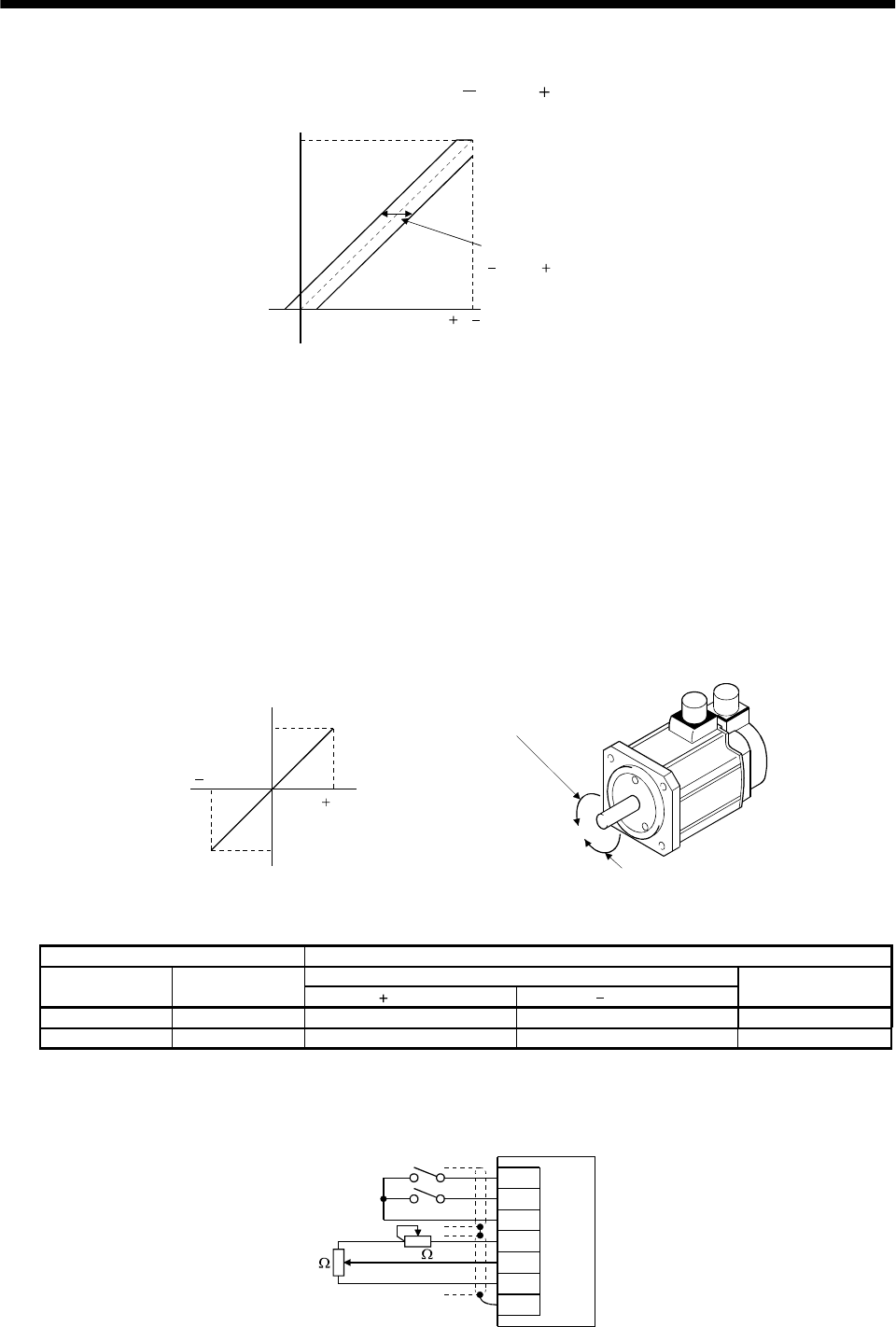
3 - 31
3. SIGNALS AND WIRING
(b) Analog torque command offset
Using parameter No. 30, the offset voltage of 999 to 999mV can be added to the TC applied
voltage as shown below.
08( 8)
Max. torque
Generated torque
TC applied voltage [V]
Parameter No.30 offset rang
e
999 to 999mV
(2) Torque limit
By setting parameter No. 28 (internal torque limit 1), torque is always limited to the maximum value
during operation. A relationship between limit value and servo motor-generated torque is as in (5) in
section 3.4.1. Note that the analog torque limit (TLA) is unavailable.
(3) Speed limit
(a) Speed limit value and speed
The speed is limited to the values set in parameters No. 8 to 10, 72 to 75 (internal speed limits 1 to
7) or the value set in the applied voltage of the analog speed limit (VLA).
A relationship between the analog speed limit (VLA) applied voltage and the servo motor speed is
shown below.
When the motor speed reaches the speed limit value, torque control may become unstable. Make
the set value more than 100r/m greater than the desired speed limit value.
10
010
Rated speed
Speed [r/min] CCW direction
CW direction VLA applied voltage [V]
Forward rotation (CCW)
Reverse rotation (CW)
Rated speed
The following table indicates the limit direction according to forward rotation selection (RS1) and
reverse rotation selection (RS2) combination:
(Note) External input signals Speed limit direction
Analog speed limit (VLA)
RS1 RS2 Polarity Polarity
Internal speed
commands
1 0 CCW CW CCW
01 CW CCW CW
Note.0: RS1/RS2-SG off (open)
1: RS1/RS2-SG on (short)
Generally, make connection as shown below:
SP1
SP2
SG
P15R
VC
LG
SD
2k
2k
Servo amplifier
Japan resistor
RRS10 or equivalent
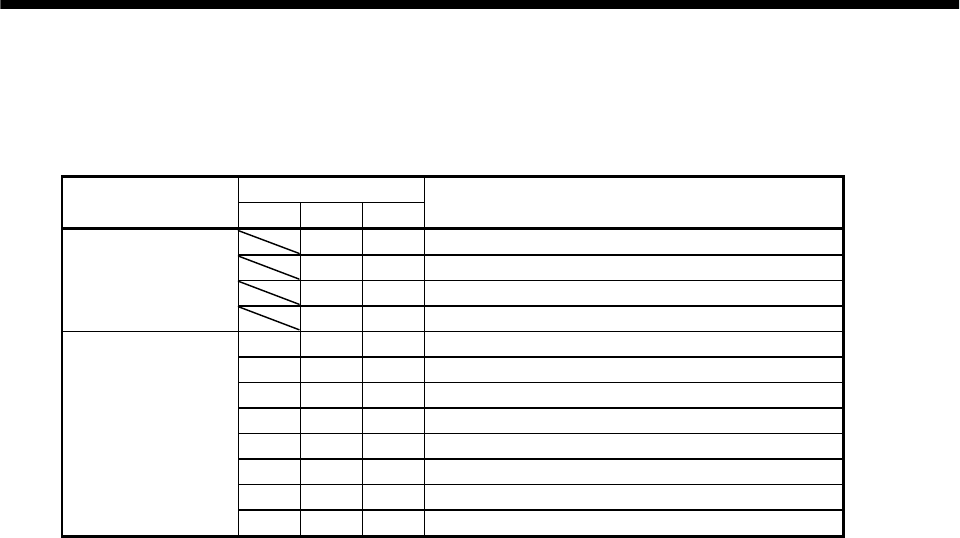
3 - 32
3. SIGNALS AND WIRING
(b) Speed selection 1(SP1)/speed selection 2(SP2)/speed selection 3(SP3) and speed limit values
Choose any of the speed settings made by the internal speed limits 1 to 7 using speed selection
1(SP1), speed selection 2(SP2) and speed selection 3(SP3) or the speed setting made by the speed
limit command (VLA), as indicated below.
(Note) Input signals
Setting of parameter
No. 43 to 48 SP3 SP2 SP1 Speed limit value
0 0 Analog speed command (VLA)
0 1 Internal speed command 1 (parameter No. 8)
1 0 Internal speed command 2 (parameter No. 9)
When speed selection
(SP3) is not used
(initial status) 1 1 Internal speed command 3 (parameter No. 10)
0 0 0 Analog speed command (VLA)
0 0 1 Internal speed command 1 (parameter No. 8)
0 1 0 Internal speed command 2 (parameter No. 9)
0 1 1 Internal speed command 3 (parameter No. 10)
1 0 0 Internal speed command 4 (parameter No. 72)
1 0 1 Internal speed command 5 (parameter No. 73)
1 1 0 Internal speed command 6 (parameter No. 74)
When speed selection
(SP3) is made valid
1 1 1 Internal speed command 7 (parameter No. 75)
Note.0: SP1/SP2/SP3-SG off (open)
1: SP1/SP2/SP3-SG on (short)
When the internal speed limits 1 to 7 are used to command the speed, the speed does not vary
with the ambient temperature.
(c) Limiting speed (VLC)
VLC-SG are connected when the servo motor speed reaches the limit speed set to any of the
internal speed limits 1 to 3 or analog speed limit.
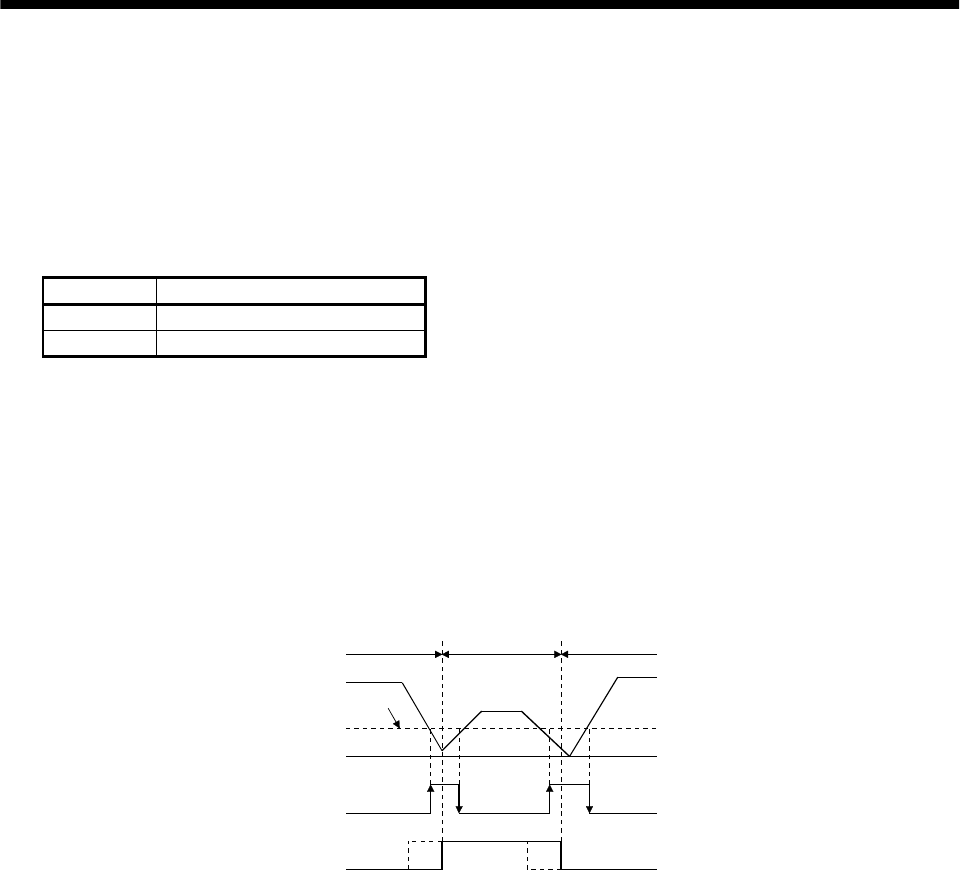
3 - 33
3. SIGNALS AND WIRING
3.4.4 Position/speed control change mode
Set "0001" in parameter No. 0 to switch to the position/speed control change mode. This function is not
available in the absolute position detection system.
(1) Control change (LOP)
Use control change (LOP) to switch between the position control mode and the speed control mode
from an external contact. Relationships between LOP-SG status and control modes are indicated
below:
(Note) LOP Servo control mode
0 Position control mode
1 Speed control mode
Note.0: LOP-SG off (open)
1: LOP-SG on (short)
The control mode may be changed in the zero-speed status. To ensure safety, change control after the
servo motor has stopped. When position control mode is changed to speed control mode, droop pulses are
reset.
If the signal has been switched on-off at the speed higher than the zero speed and the speed is then
reduced to the zero speed or less, the control mode cannot be changed. A change timing chart is shown
below:
ON
OFF
ON
OFF
Position
control mode
Speed
control mode
Servo motor speed
Zero speed (ZSP)
Control change (LOP)
Zero speed
level
(Note)
Note: When ZSP is not on, control cannot be changed if LOP is switched on-off.
If ZSP switches on after that, control cannot not be changed.
(Note)
Position
control mode
(2) Torque limit in position control mode
As in Section 3.4.1 (5).
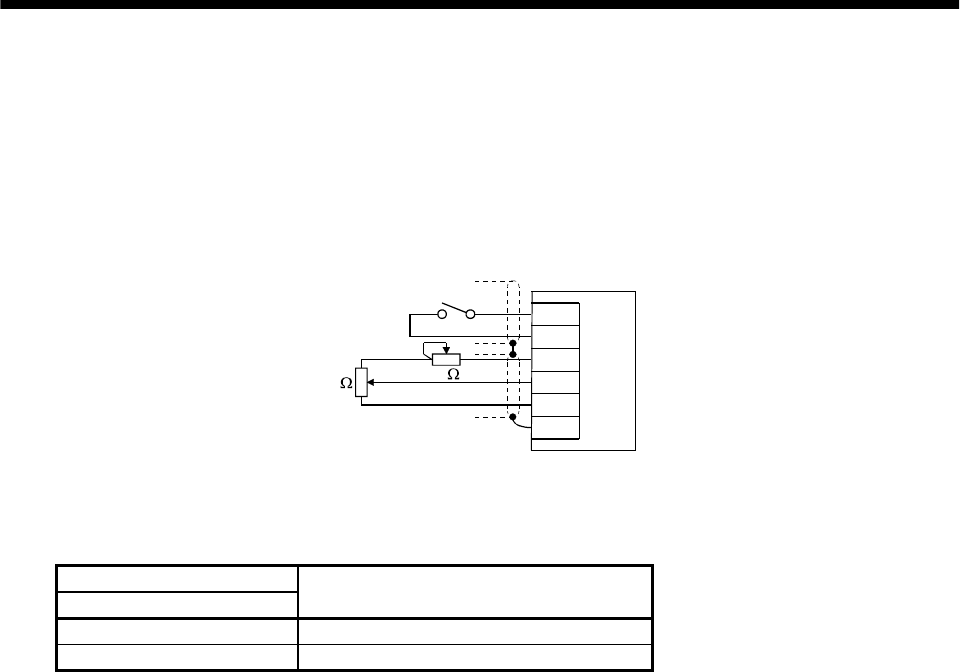
3 - 34
3. SIGNALS AND WIRING
(3) Speed setting in speed control mode
(a) Speed command and speed
The servo motor is run at the speed set in parameter No. 8 (internal speed command 1) or at the
speed set in the applied voltage of the analog speed command (VC). A relationship between analog
speed command (VC) applied voltage and servo motor speed and the rotation directions determined
by the forward rotation start signal (ST1) and reverse rotation start signal (ST2) are as in (a), (1) in
section 3.4.2.
Generally, make connection as shown below:
Japan resistor
RRS10 or equivalent
SP1
SG
P15R
VC
LG
SD
Servo amplifier
2
k2k
(b) Speed selection 1 (SP1) and speed command value
Use speed selection 1 (SP1) to select between the speed set by the internal speed command 1 and
the speed set by the analog speed command (VC) as indicated in the following table:
(Note) External input signals
SP1 Speed command value
0 Analog speed command (VC)
1 Internal speed command 1 (parameter No. 8)
Note.0: SP1-SG off (open)
1: SP1-SG on (short)
The speed may also be changed during rotation. In this case, it is increased or decreased according
to the value set in parameter No. 11 or 12.
When the internal speed command 1 is used to command the speed, the speed does not vary with
the ambient temperature.
(c) Speed reached (SA)
As in Section 3.4.2 (2).
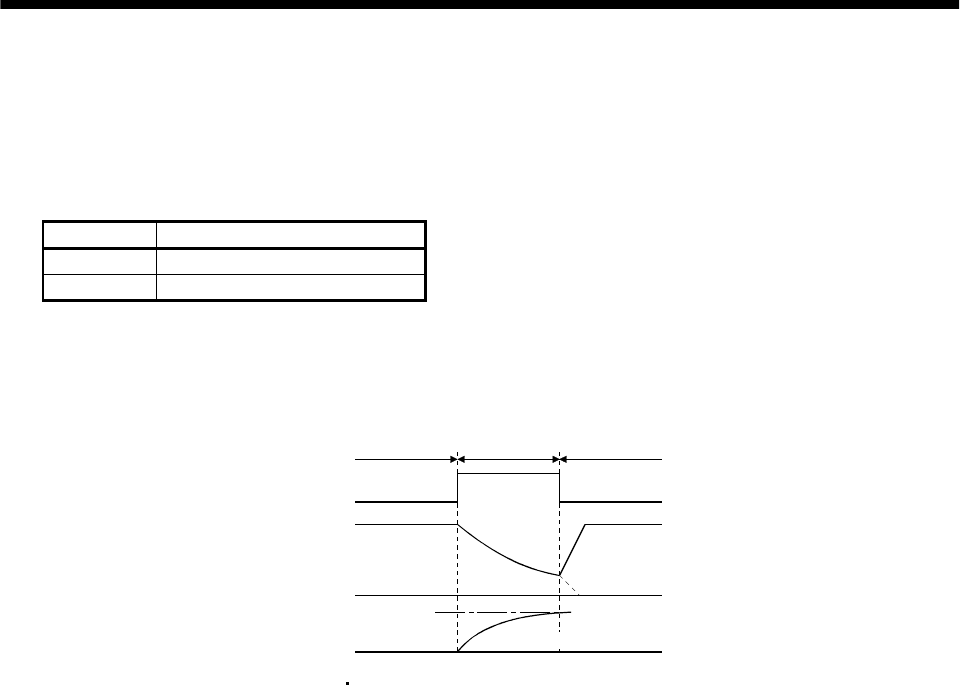
3 - 35
3. SIGNALS AND WIRING
3.4.5 Speed/torque control change mode
Set "0003" in parameter No. 0 to switch to the speed/torque control change mode.
(1) Control change (LOP)
Use control change (LOP) to switch between the speed control mode and the torque control mode from
an external contact. Relationships between LOP-SG status and control modes are indicated below:
(Note) LOP Servo control mode
0 Speed control mode
1 Torque control mode
Note.0: LOP-SG off (open)
1: LOP-SG on (short)
The control mode may be changed at any time. A change timing chart is shown below:
10V
0
ON
OFF
Torque
control mode
Servo motor speed
Control change (LOP)
(Note)
Speed
control mode
Speed
control mode
Analog torque
command (TC)
Load torque
Forward rotation in driving mode
Note: When the start signal (ST1 ST2) is switched off as soon as the mode is changed to speed control,
the servo motor comes to a stop according to the deceleration time constant.
(2) Speed setting in speed control mode
As in Section 3.4.2 (1).
(3) Torque limit in speed control mode
As in Section 3.4.1 (5).
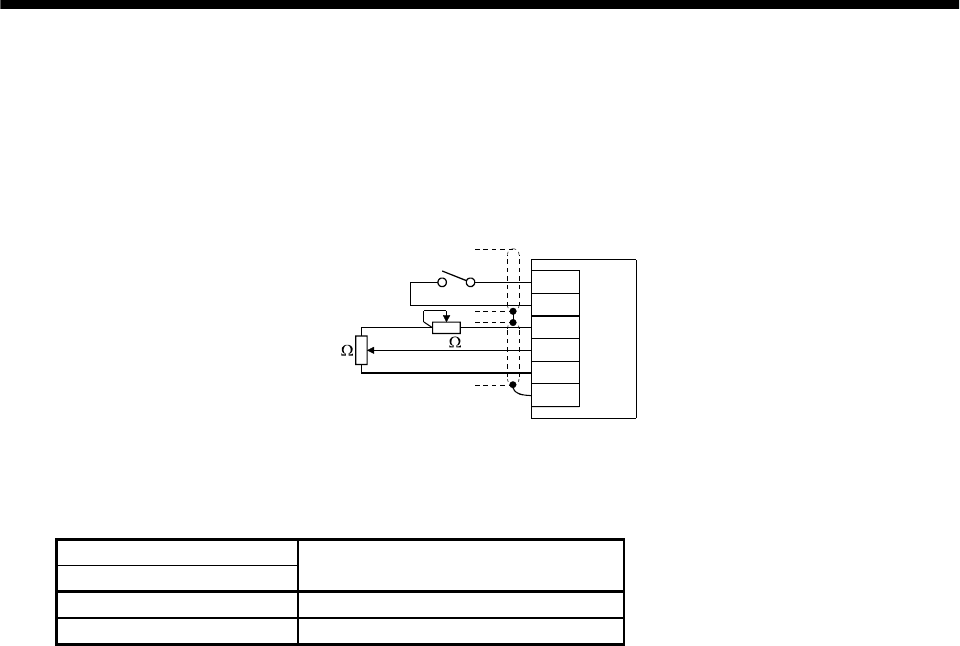
3 - 36
3. SIGNALS AND WIRING
(4) Speed limit in torque control mode
(a) Speed limit value and speed
The speed is limited to the limit value set in parameter No. 8 (internal speed limit 1) or the value
set in the applied voltage of the analog speed limit (VLA). A relationship between the analog speed
limit (VLA) applied voltage and the servo motor speed is as in (a), (3) in section 3.4.3.
Generally, make connection as shown below:
Japan resistor
RRS10 or equivalent
SP1
SG
P15R
VLA
LG
SD
Servo amplifie
r
2k 2k
(b) Speed selection 1 (SP1) and speed limit value
Use speed selection 1 (SP1) to select between the speed set by the internal speed command 1 and
the speed set by the analog speed limit (VLA) as indicated in the following table:
(Note) External input signals
SP1 Speed command value
0 Analog speed limit (VLA)
1 Internal speed limit 1 (parameter No. 8)
Note.0: SP1-SG off (open)
1: SP1-SG on (short)
When the internal speed limit 1 is used to command the speed, the speed does not vary with the
ambient temperature.
(c) Limiting speed (VLC)
As in (c), (3) in section 3.4.3.
(5) Torque control in torque control mode
As in Section 3.4.3 (1).
(6) Torque limit in torque control mode
As in Section 3.4.3 (2).
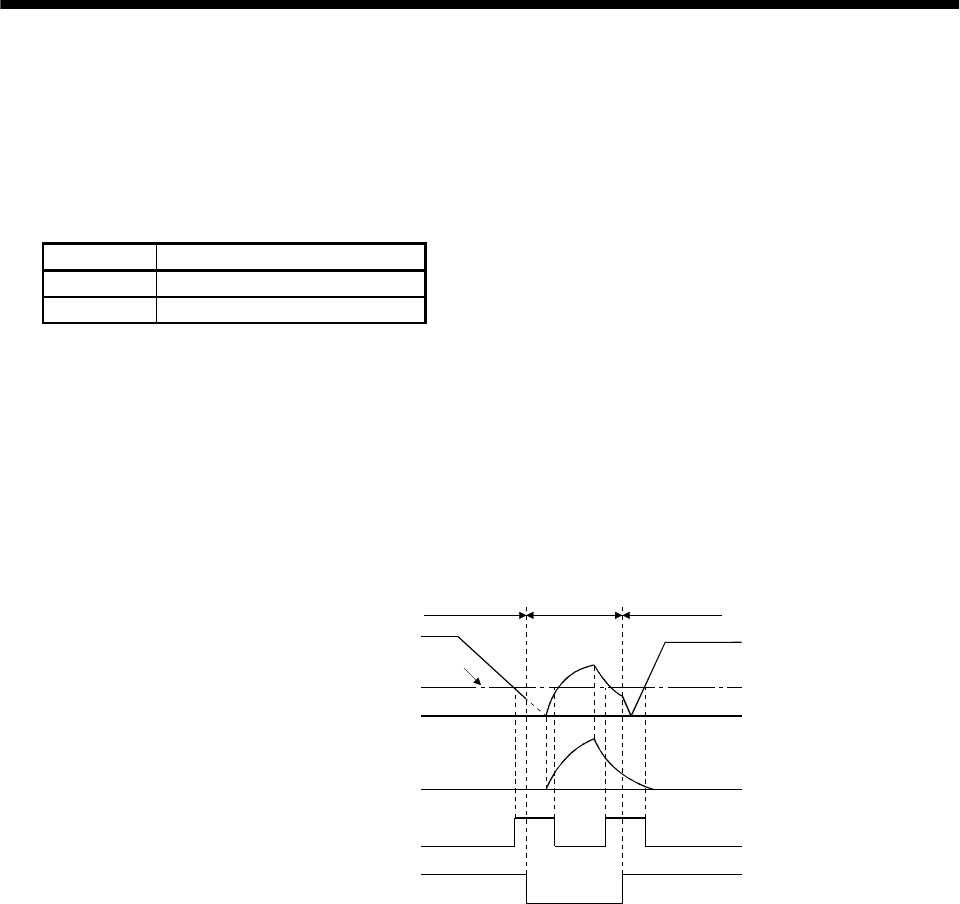
3 - 37
3. SIGNALS AND WIRING
3.4.6 Torque/position control change mode
Set "0005" in parameter No. 0 to switch to the torque/position control change mode.
(1) Control change (LOP)
Use control change (LOP) to switch between the torque control mode and the position control mode
from an external contact. Relationships between LOP-SG status and control modes are indicated
below:
(Note) LOP Servo control mode
0 Torque control mode
1 Position control mode
Note.0: LOP-SG off (open)
1: LOP-SG on (short)
The control mode may be changed in the zero-speed status.
To ensure safety, change control after the servo motor has stopped. When position control mode is
changed to torque control mode, droop pulses are reset.
If the signal has been switched on-off at the speed higher than the zero speed and the speed is then
reduced to the zero speed or less, the control mode cannot be changed. A change timing chart is shown
below:
0V
10V
ON
OFF
ON
OFF
Servo motor speed
Zero speed (ZSP)
Control change (LOP)
Zero speed
level
Analog torque
command (TLA)
Speed
control mode Torque
control mode Speed
control mode
(2) Speed limit in torque control mode
As in Section 3.4.3 (3).
(3) Torque control in torque control mode
As in Section 3.4.3 (1).
(4) Torque limit in torque control mode
As in Section 3.4.3 (2).
(5) Torque limit in position control mode
As in Section 3.4.1 (5).
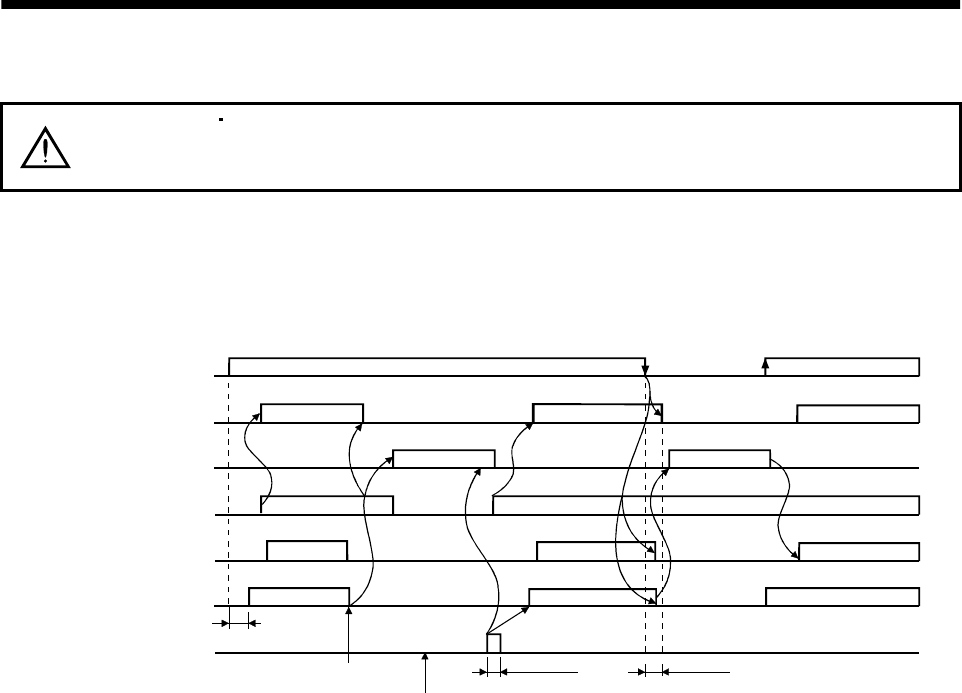
3 - 38
3. SIGNALS AND WIRING
3.5 Alarm occurrence timing chart
CAUTION
When an alarm has occurred, remove its cause, make sure that the operation
signal is not being input, ensure safety, and reset the alarm before restarting
operation.
When an alarm occurs in the servo amplifier, the base circuit is shut off and the servo motor is coated to a
stop. Switch off the main circuit power supply in the external sequence. To reset the alarm, switch the
control circuit power supply off, then on.
However, the alarm cannot be reset unless its cause of occurrence is removed.
ON
OFF
ON
OFF
ON
OFF
ON
OFF
ON
OFF
ON
OFF
1s
Brake operation
50ms or more 60ms or more
Alarm occurs.
Remove cause of trouble.
Brake operation
Power off Power on
Valid
Invalid
Control power
supply
Base circuit
Dynamic brake
Servo-on
(SON)
Reset
(RES)
Ready
(RD)
Trouble
(ALM)
Precautions for alarm occurrence
1) Overcurrent, overload 1 or overload 2
If operation is repeated by switching control circuit power off, then on to reset the overcurrent
(AL.32), overload 1 (AL.50) or overload 2 (AL.51) alarm after its occurrence, without removing
its cause, the servo amplifier and servo motor may become faulty due to temperature rise.
Securely remove the cause of the alarm and also allow about 30 minutes for cooling before
resuming operation.
2) Regenerative alarm
If operation is repeated by switching control circuit power off, then on to reset the regenerative
(AL.30) alarm after its occurrence, the external regenerative brake resistor will generate heat,
resulting in an accident.
3) Instantaneous power failure
Undervoltage (AL.10) occurs if power is restored after a 60ms or longer power failure of the
control power supply or after a drop of the bus voltage to or below 200VDC. If the power failure
persists further, the control power switches off. When the power failure is reset in this state, the
alarm is reset and the servo motor will start suddenly if the servo-on signal (SON) is on. To
prevent hazard, make up a sequence which will switch off the servo-on signal (SON) if an alarm
occurs.
4) In position control mode (incremental)
When an alarm occurs, the home position is lost. When resuming operation after deactivating
the alarm, make a home position return.
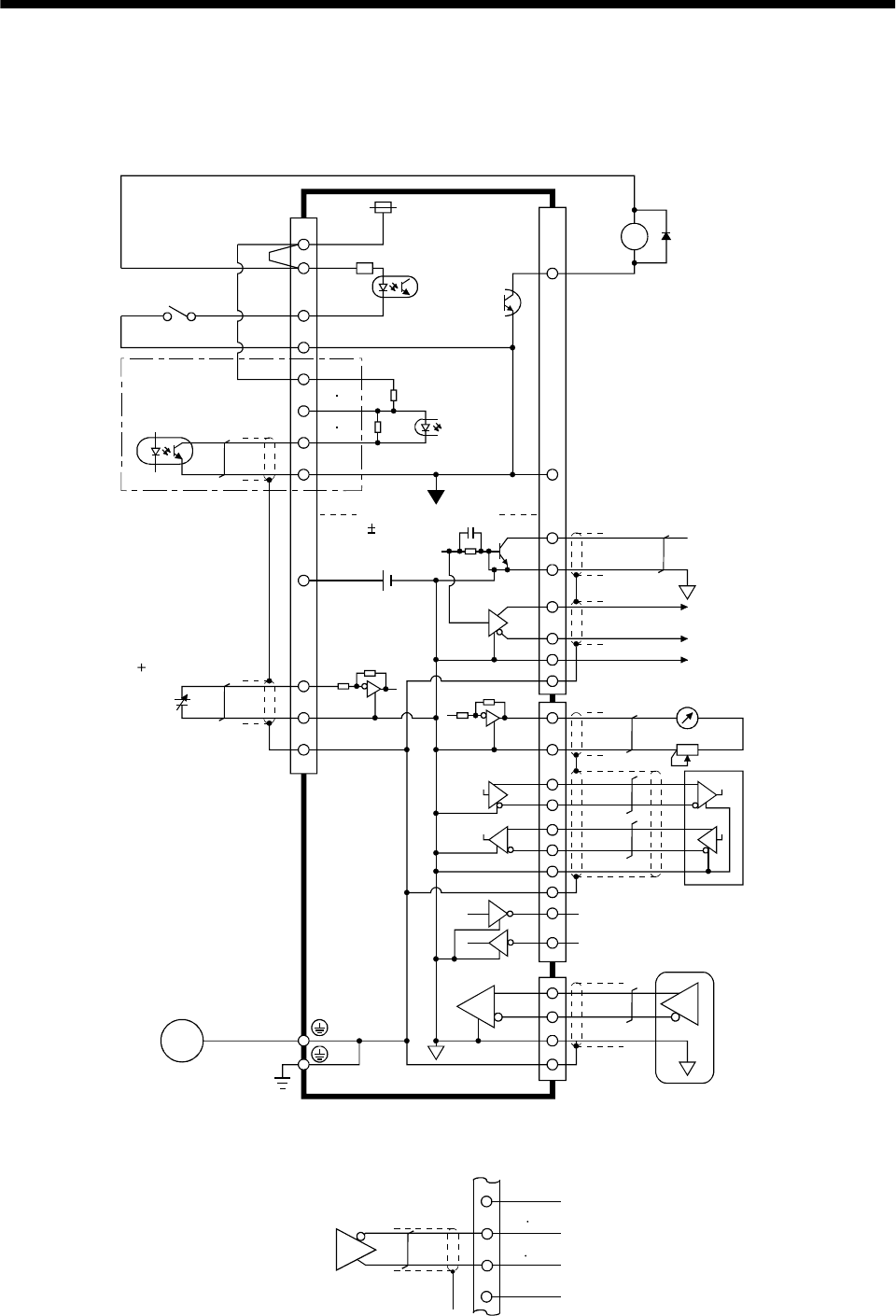
3 - 39
3. SIGNALS AND WIRING
3.6 Interfaces
3.6.1 Common line
The following diagram shows the power supply and its common line.
DC24V
CN1A
CN1B
CN1A
CN1B
DO-1
SG
OPC
PG NG
SG
P15R
LG
TLA
VC etc.
SD
OP
MR
MRR
SM
DI-1
COM
VDD
ALM .etc
LG
SD
RDP
RDN
SDP
SDN
LG
CN3
RA
CN2
SD
MO1
MO2
LG
SG
TXD
RXD RS-232C
RS-422
(Note)
Analog input
( 10V/max. current)
Servo motor
Ground
SD
LG
Servo motor encoder
Isolated
15VDC 10%
30mA
LA etc.
Monitor analog output
SON, etc.
PP NP
LG
Note: For the open collection pulse train input. Make the following
connection for the different line driver
p
ulse train in
p
ut.
Differential line
driver output
35mA max.
LAR
etc.
SG
PP NP
PG NG
OPC
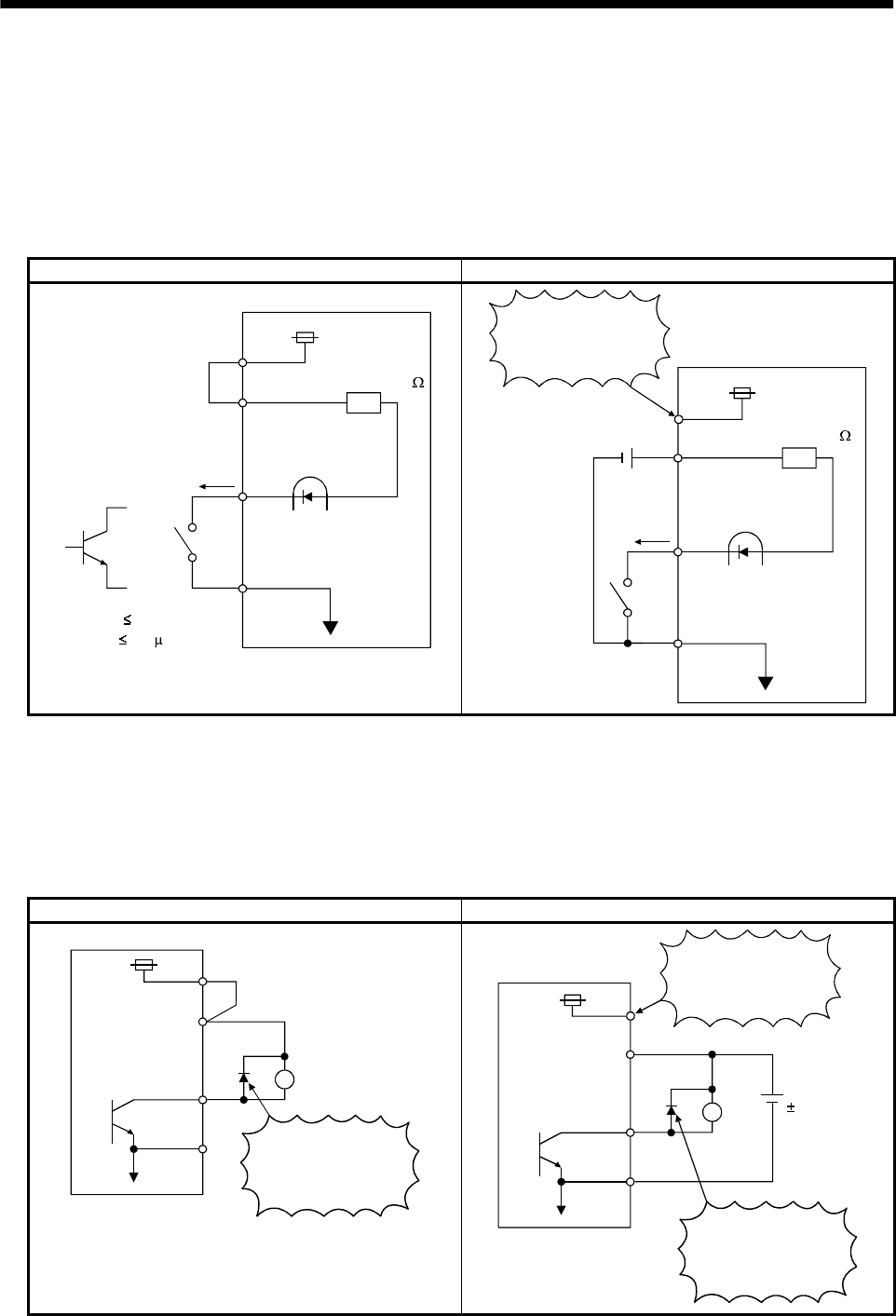
3 - 40
3. SIGNALS AND WIRING
3.6.2 Detailed description of the interfaces
This section gives the details of the I/O signal interfaces (refer to I/O Division in the table) indicated in
Sections 3.3.2.
Refer to this section and connect the interfaces with the external equipment.
(1) Digital input interface DI-1
Give a signal with a relay or open collector transistor.
Source input is also possible. Refer to (7) in this section.
For use of internal power supply For use of external power supply
VDD
COM
24VDC
SGTR
Servo amplifier
R: Approx. 4.7
SON, etc.
(Note)
For a transistor
Approx. 5mA
V CES 1.0V
I CEO 100 A
Switch
COM
SG
Switch
SON, etc.
24VDC
200mA or more
Servo amplifier
R: Approx. 4.7
VDD 24VDC
Do not connect
VDD-COM.
Note: This also applies to the use of the external power supply.
(2) Digital output interface DO-1
A lamp, relay or photocoupler can be driven. Provide a diode (D) for an inductive load, or an inrush
current suppressing resister (R) for a lamp load. (Permissible current: 40mA or less, inrush current:
100mA or less)
(a) Inductive load
For use of internal power supply For use of external power supply
VDD
24VDC
COM
SG
Servo amplifier
If the diode is not
connected as shown,
the servo amplifier
will be damaged.
Load
ALM, etc. 24VDC
10%
COM
SG
Servo amplifier
Load
ALM, etc.
If the diode is not
connected as shown,
the servo amplifier
will be damaged.
VDD
24VDC
Do not connect
VDD-COM.
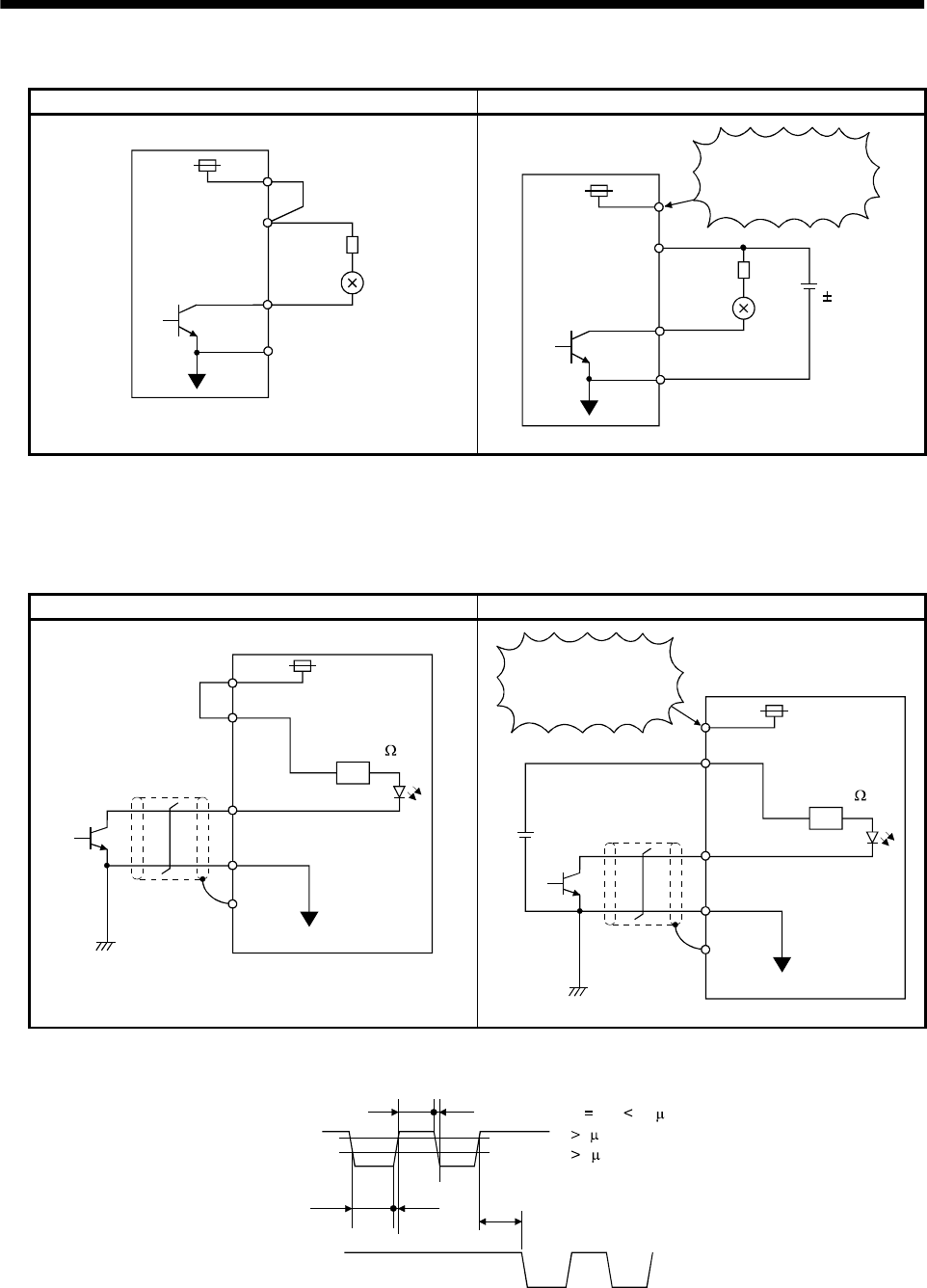
3 - 41
3. SIGNALS AND WIRING
(b) Lamp load
For use of internal power supply For use of external power supply
24VDC VDD
COM
R
Servo amplifier
ALM, etc.
SG
COM
SG
R24VDC
10%
Servo amplifier
ALM, etc.
VDD
24VDC
Do not connect
VDD-COM.
(3) Pulse train input interface DI-2
Provide a pulse train signal in the open collector or differential line driver system.
(a) Open collector system
1) Interface
For use of internal power supply For use of external power supply
VDD
OPC
PP, NP
SG
SD
Servo amplifier
Max. input pulse
frequency 200kpps
About 1.2k
24VDC
OPC
PP, NP
SG
SD
24VDC
Servo amplifier
Max. input pulse
frequency 200kpps
About 1.2k
VDD 24VDC
Do not connect
VDD-COM.
2) Conditions of the input pulse
0.9
0.1
tc tHL
tc tLH tF
tLH tHL 0.2 s
tc
2 s
tF
3 s
PP
NP
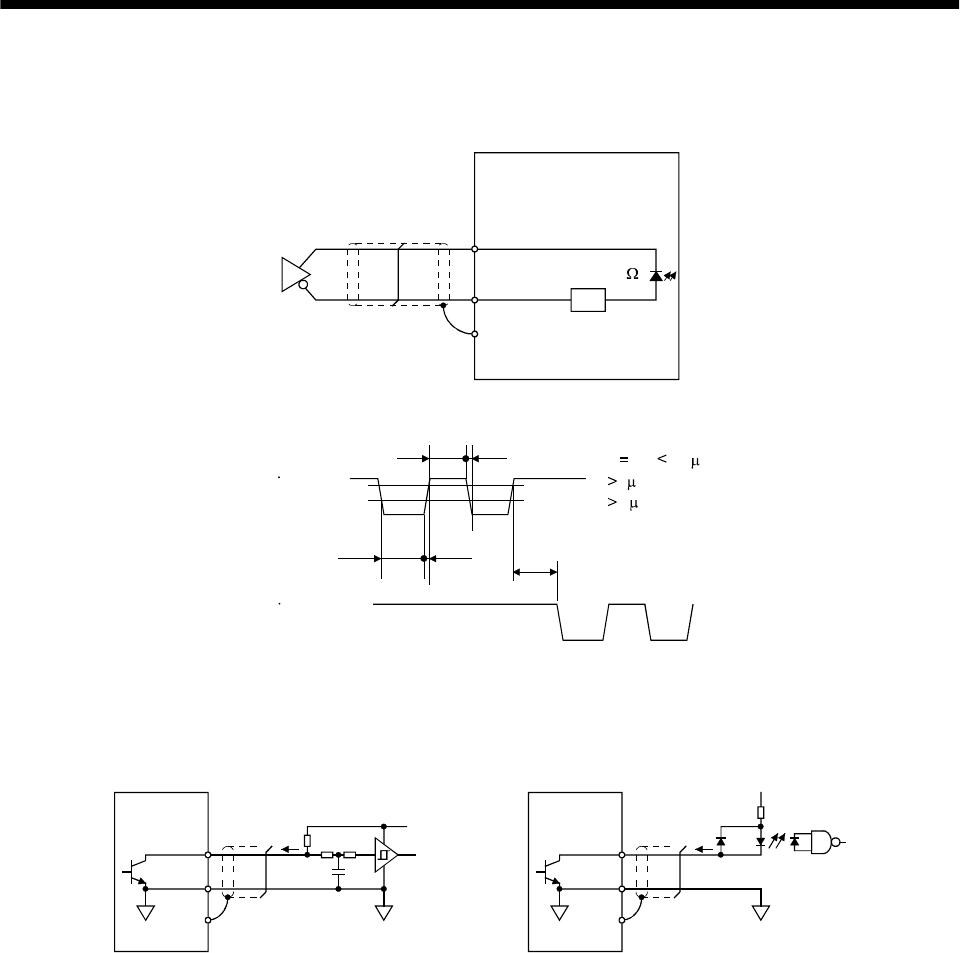
3 - 42
3. SIGNALS AND WIRING
(b) Differential line driver system
1) Interface
SD
PG(NG)
PP(NP)
Max. input pulse
frequency 500kpps
Servo amplifier
Am26LS31 or equivalent
About 100
2) Conditions of the input pulse
0.9
PP PG
tc tHL
tc tLH tF
tLH tHL 0.1 s
tc 1 s
tF 3 s
NP NG
0.1
(4) Encoder pulse output DO-2
(a) Open collector system
Interface
Servo amplifier
OP
5 to 24VDC
Photocoupler
SD
Max. output current : 35mA
LG
Servo amplifier
OP
SD
LG
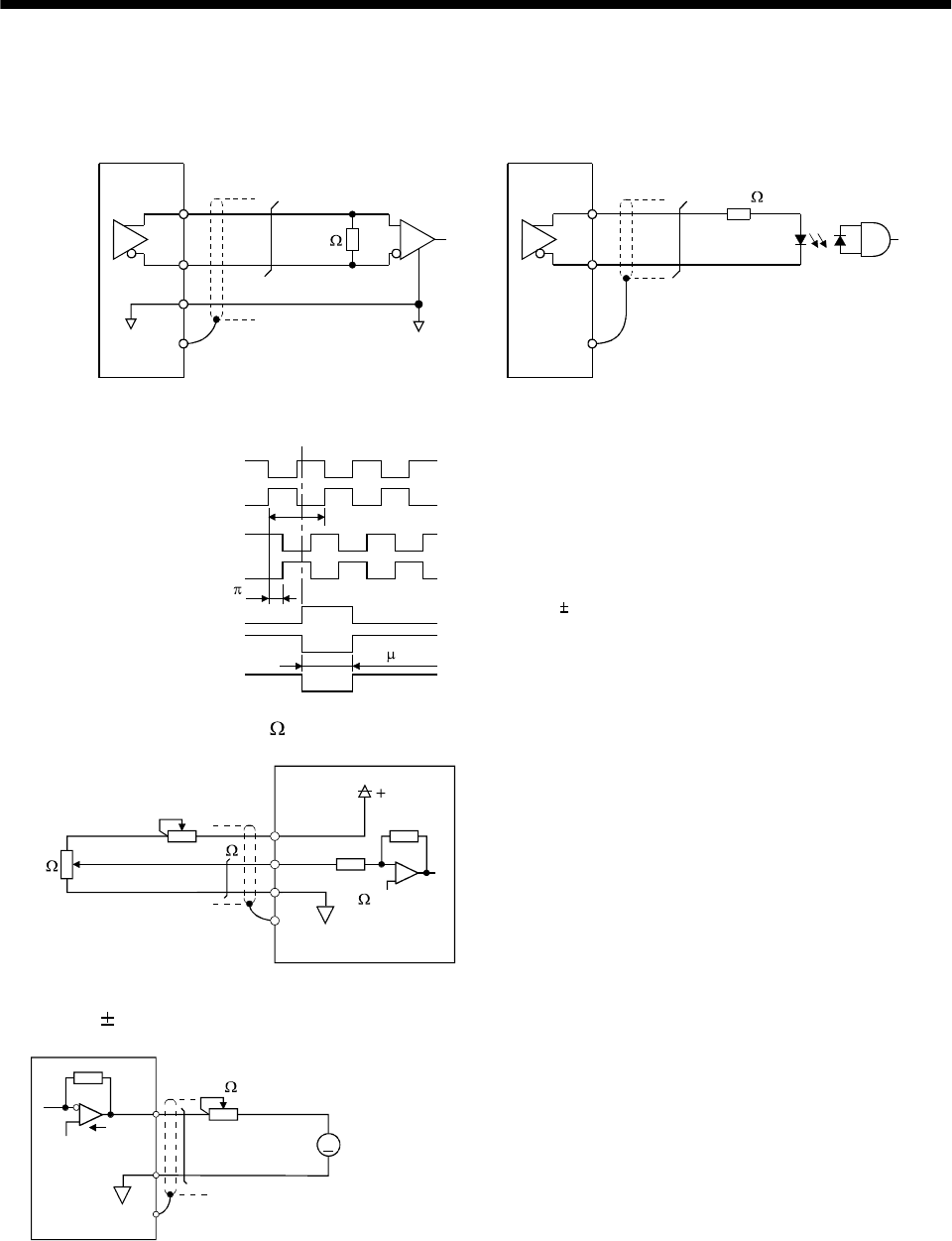
3 - 43
3. SIGNALS AND WIRING
(b) Differential line driver system
1) Interface
Max. output current: 35mA
LA
(LB, LZ)
LAR
(LBR, LZR)
LG
SD
LA
(LB, LZ)
LAR
(LBR, LZR)
SD
Servo amplifier Servo amplifier
Am26LS32 or equivalent High-speed photocoupler
150
100
2) Output pulse
Servo motor CCW rotation
LA
LAR
LB
LBR
LZ
LZR
T
/2
400 s or more
OP
LZ signal varies 3/8T on its leading edge.
(5) Analog input
Input impedance 10 to 12k
Upper limit setting 2k
15VDC
P15R
VC‚ etc
LG
SD
2k
Servo amplifier
Approx.
10k
(6) Analog output
Output 10V Max.1mA
MO1
(MO2)
LG
SD
A
Servo amplifier
Reading in one or
both directions
1mA meter
10k
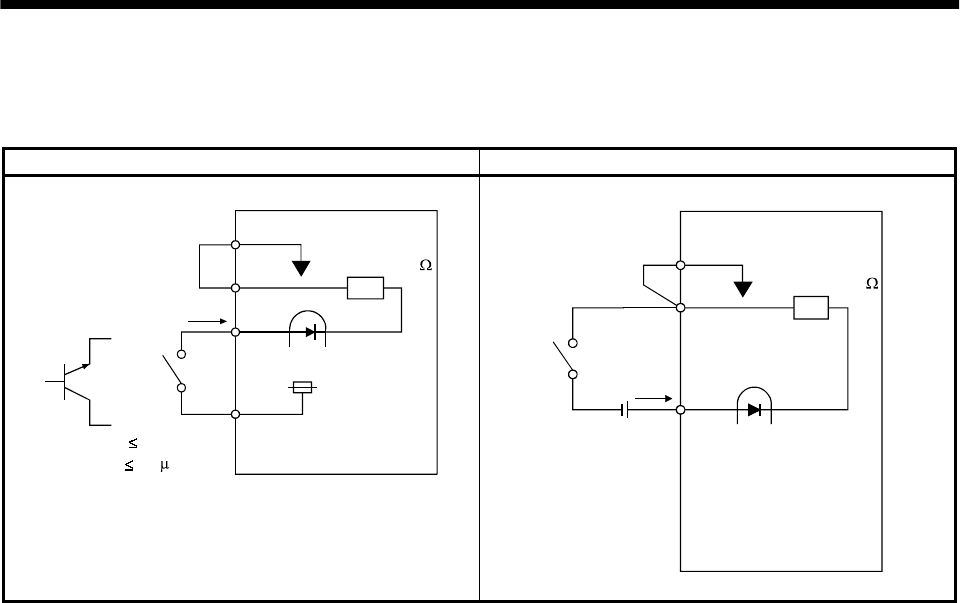
3 - 44
3. SIGNALS AND WIRING
(7) Source input interface
When using the input interface of source type, all Dl-1 input signals are of source type.
Source output cannot be provided.
For use of internal power supply For use of external power supply
SG
COM
24VDC
VDD
TR
R: Approx. 4.7
SON,
etc.
(Note)
For a transistor
Approx. 5mA
VCES 1.0V
ICEO 100 A
Switch
Servo amplifier
SG
COM
24VDC
200mA or more
R: Approx. 4.7
SON,etc.
Switch
Servo amplifier
Note: This also applies to the use of the external power supply.
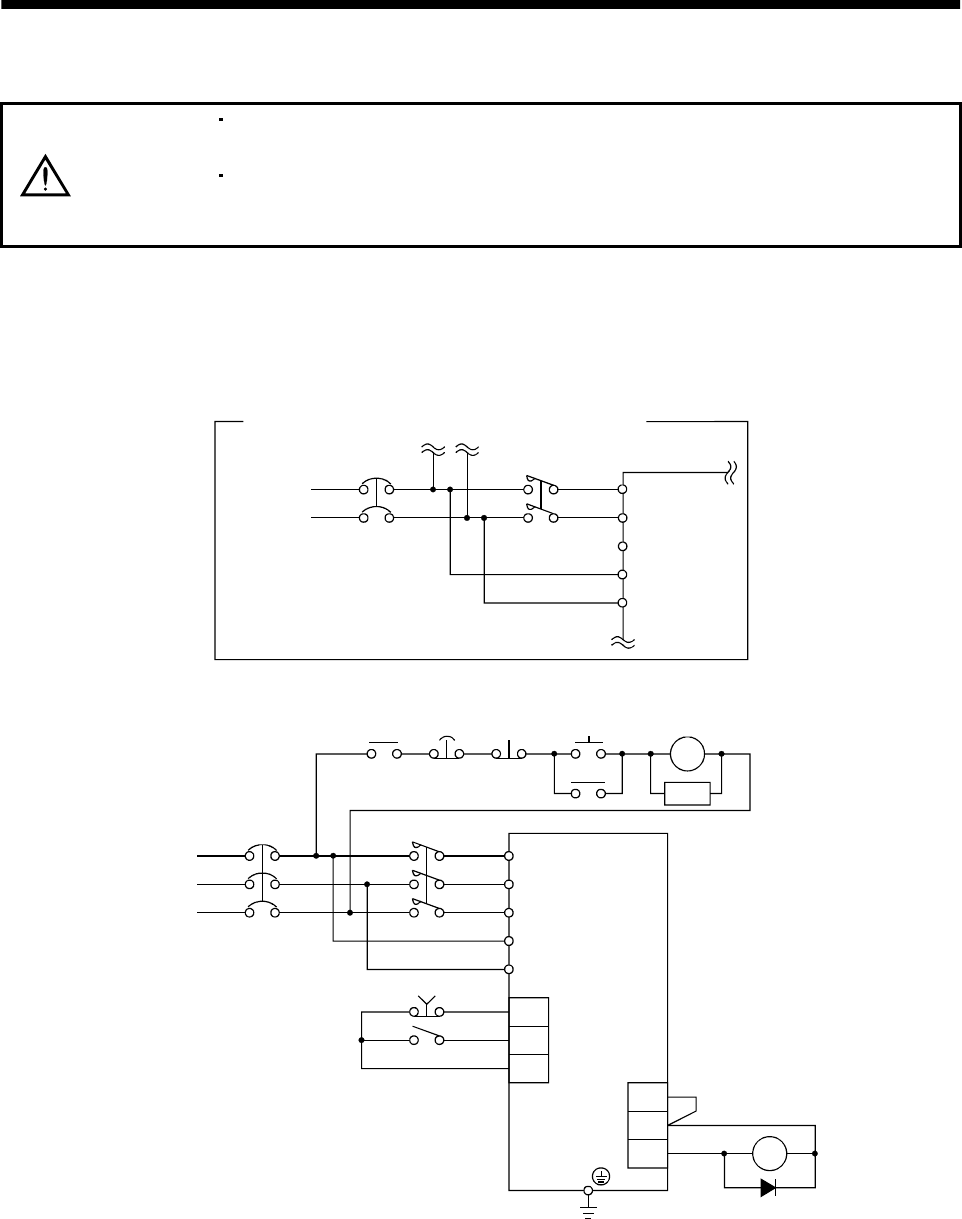
3 - 45
3. SIGNALS AND WIRING
3.7 Input power supply circuit
CAUTION
When the servo amplifier has become faulty, switch power off on the servo
amplifier power side. Continuous flow of a large current may cause a fire.
Use the trouble signal to switch power off. Otherwise, a regenerative brake
transistor fault or the like may overheat the regenerative brake resistor, causing a
fire.
3.7.1 Connection example
Wire the power supply and main circuit as shown below so that the servo-on signal turns off as soon as
alarm occurrence is detected and power is shut off.
A no-fuse breaker (NFB) must be used with the input cables of the power supply.
L1
L2
L11
L21
MCNFB Servo amplifier
For 1-phase 100VAC or 1-phase 230VAC power supply
Note. Not provided for 1-phase 100 to 120VAC.
1-phase
100 to 120
VAC
or 1-phase
230VAC L3 (Note)
MC MC
SK
NFB MC
L1
L2
L3
L11
L21
EMG
SON
SG
VDD
COM
ALM RA
3-phase
2
00 to 230VAC
Servo amplifier
Trouble
Emergency stop
ON
OFF
Emergency
stop
RA
Servo-on
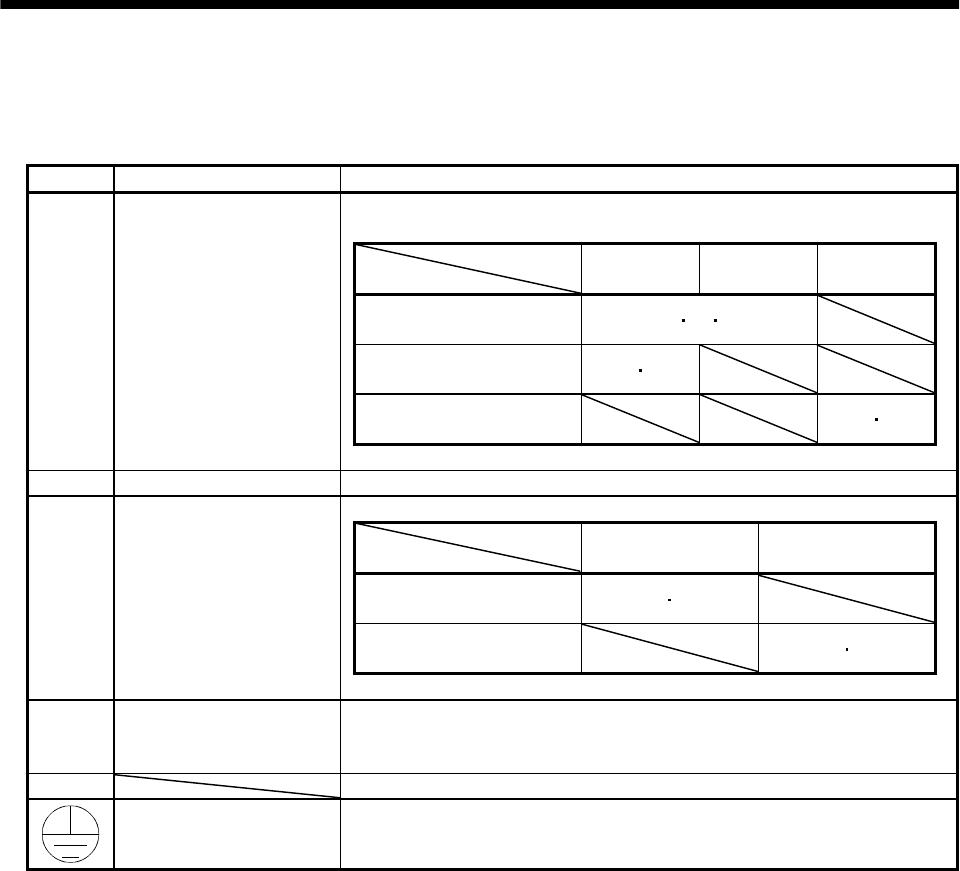
3 - 46
3. SIGNALS AND WIRING
3.7.2 Terminals
The positions and signal arrangements of the terminal blocks change with the capacity of the servo
amplifier. Refer to Section 11.2.1.
Symbol Signal Description
Supply L1, L2 and L3 with the following power:
For 1-phase 230VAC, connect the power supply to L1/L2 and leave L3 open.
Servo amplifier
Power supply
MR-J2S-10A to
70A
MR-J2S-100A
to 350A
MR-J2S-10A1
to 40A1
3-phase 200 to 230VAC,
50/60Hz L1L2L3
1-phase 230VAC,
50/60Hz L1L2
1-phase 100 to 120VAC,
50/60Hz L1L2
L1, L2, L3Main circuit power supply
U, V, W Servo motor output Connect to the servo motor power supply terminals (U, V, W).
Servo amplifier
Power supply MR-J2S-10A to 350A MR-J2S-10A1 to 40A1
1-phase 200 to 230VAC,
50/60Hz L11 L21
1-phase 100 to 120VAC,
50/60Hz L11 L21
L11, L21 Control circuit power supply
P, C, D Regenerative brake option P and D are factory-connected.
When using the regenerative brake option, always remove wiring from across P-D
and connect the regenerative brake option across P-C.
N Do not connect.
Protective earth (PE) Connect this terminal to the protective earth (PE) terminals of the servo motor
and control box for grounding.
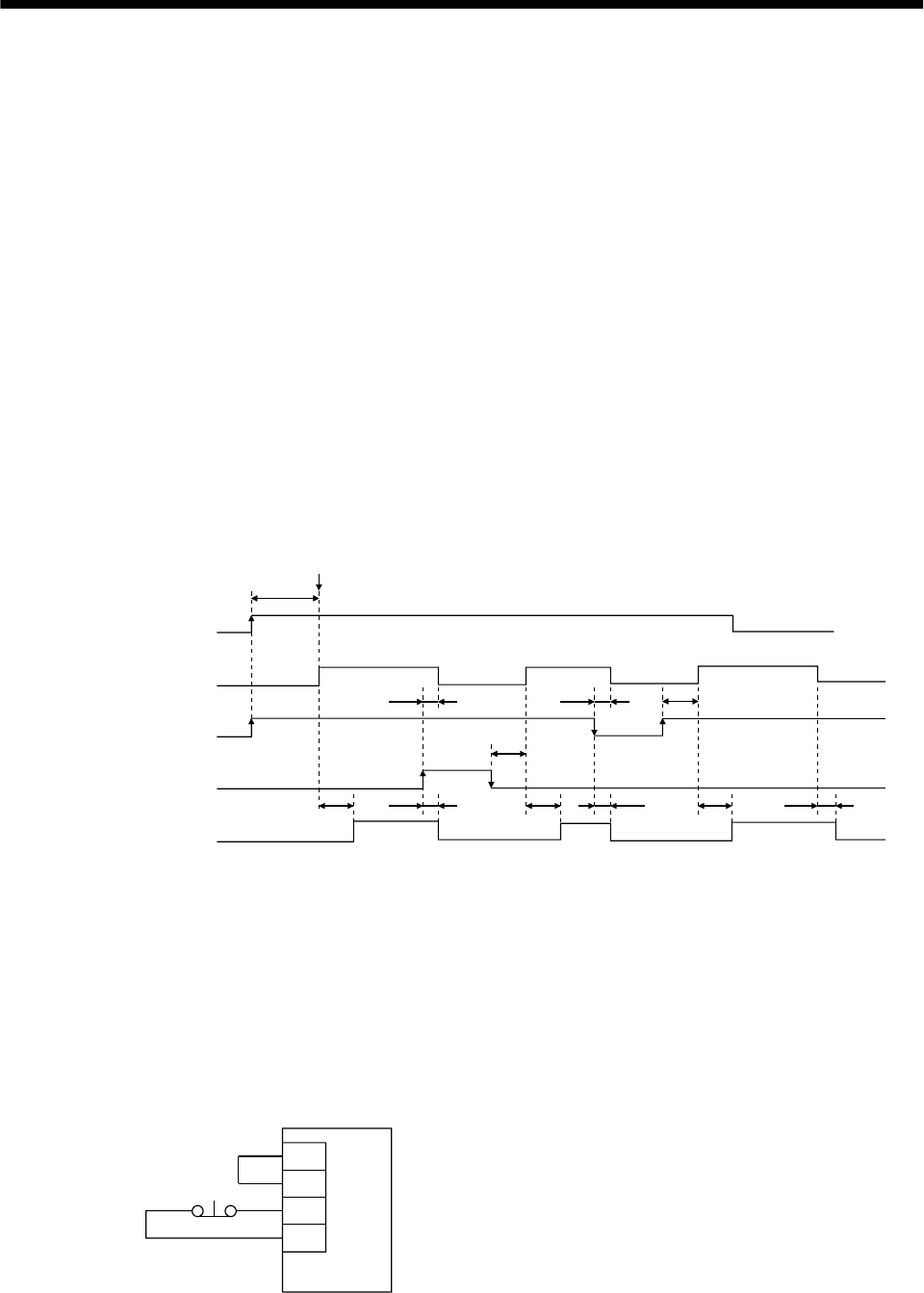
3 - 47
3. SIGNALS AND WIRING
3.7.3 Power-on sequence
(1) Power-on procedure
1) Always wire the power supply as shown in above Section 3.7.1 using the magnetic contactor with
the main circuit power supply (three-phase 200V: L1, L2, L3, single-phase 230V: L1, L2). Configure
up an external sequence to switch off the magnetic contactor as soon as an alarm occurs.
2) Switch on the control circuit power supply L11, L21 simultaneously with the main circuit power
supply or before switching on the main circuit power supply. If the main circuit power supply is not
on, the display shows the corresponding warning. However, by switching on the main circuit power
supply, the warning disappears and the servo amplifier will operate properly.
3) The servo amplifier can accept the servo-on signal (SON) about 1 second after the main circuit
power supply is switched on. Therefore, when SON is switched on simultaneously with the main
circuit power supply, the base circuit will switch on in about 1 second, and the ready signal (RD)
will switch on in further about 20ms, making the servo amplifier ready to operate. (Refer to
paragraph (2) in this section.)
4) When the reset signal (RES) is switched on, the base circuit is shut off and the servo motor shaft
coasts.
(2) Timing chart
20ms 20ms 20ms10ms 10ms
10ms10ms
10ms
60ms
60ms
SON accepted
(1s)
ON
OFF
ON
OFF
ON
OFF
ON
OFF
ON
OFF
power supply
Base circuit
Servo-on
(SON)
Reset
(RES)
Ready
(RD)
(3) Emergency stop
Make up a circuit which shuts off main circuit power as soon as EMG-SG are opened at an emergency
stop. To ensure safety, always install an external emergency stop switch across EMG-SG. By
disconnecting EMG-SG, the dynamic brake is operated to bring the servo motor to a sudden stop. At
this time, the display shows the servo emergency stop warning (AL.E6).
During ordinary operation, do not use the external emergency stop signal to alternate stop and run.
Also, if the start signal is on or a pulse train is input during an emergency stop, the servo motor will
rotate as soon as the warning is reset. During an emergency stop, always shut off the run command.
Servo amplifier
EMG
SG
VDD
COM
Emergency stop
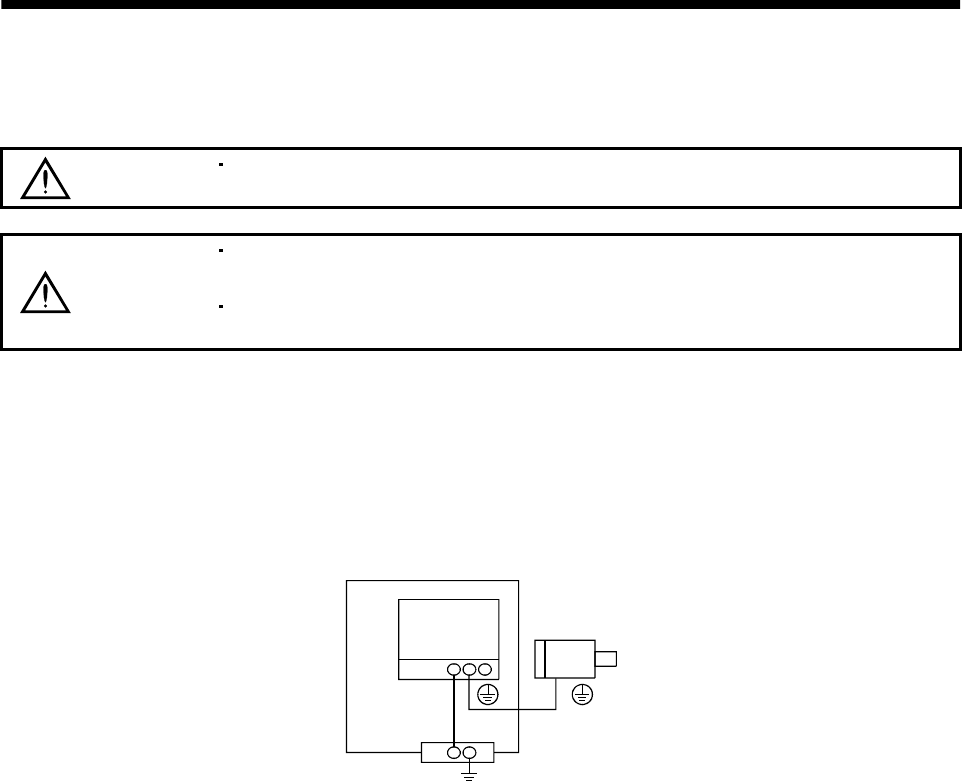
3 - 48
3. SIGNALS AND WIRING
3.8 Connection of servo amplifier and servo motor
3.8.1 Connection instructions
WARNING Insulate the connections of the power supply terminals to prevent an electric
shock.
CAUTION
Connect the wires to the correct phase terminals (U, V, W) of the servo amplifier
and servo motor. Otherwise, the servo motor will operate improperly.
Do not connect AC power supply directly to the servo motor. Otherwise, a fault
may occur.
The connection method differs according to the series and capacity of the servo motor and whether or not
the servo motor has the electromagnetic brake. Perform wiring in accordance with this section.
(1) For grounding, connect the earth cable of the servo motor to the protective earth (PE) terminal of the
servo amplifier and connect the ground cable of the servo amplifier to the earth via the protective
earth of the control box.
Servo
amplifier Servo motor
PE terminal
Control box
(2) Supply exclusive 24VDC power to the brake lead of the servo motor with electromagnetic brake.
3.8.2 Connection diagram
The following table lists wiring methods according to the servo motor types. Use the connection diagram
which conforms to the servo motor used. For cables required for wiring, refer to Section 13.2.1. For
encoder cable connection, refer to Section 13.1.2.
For the servo motor connector, refer to Chapter 3 of the Servo Motor Instruction Manual.
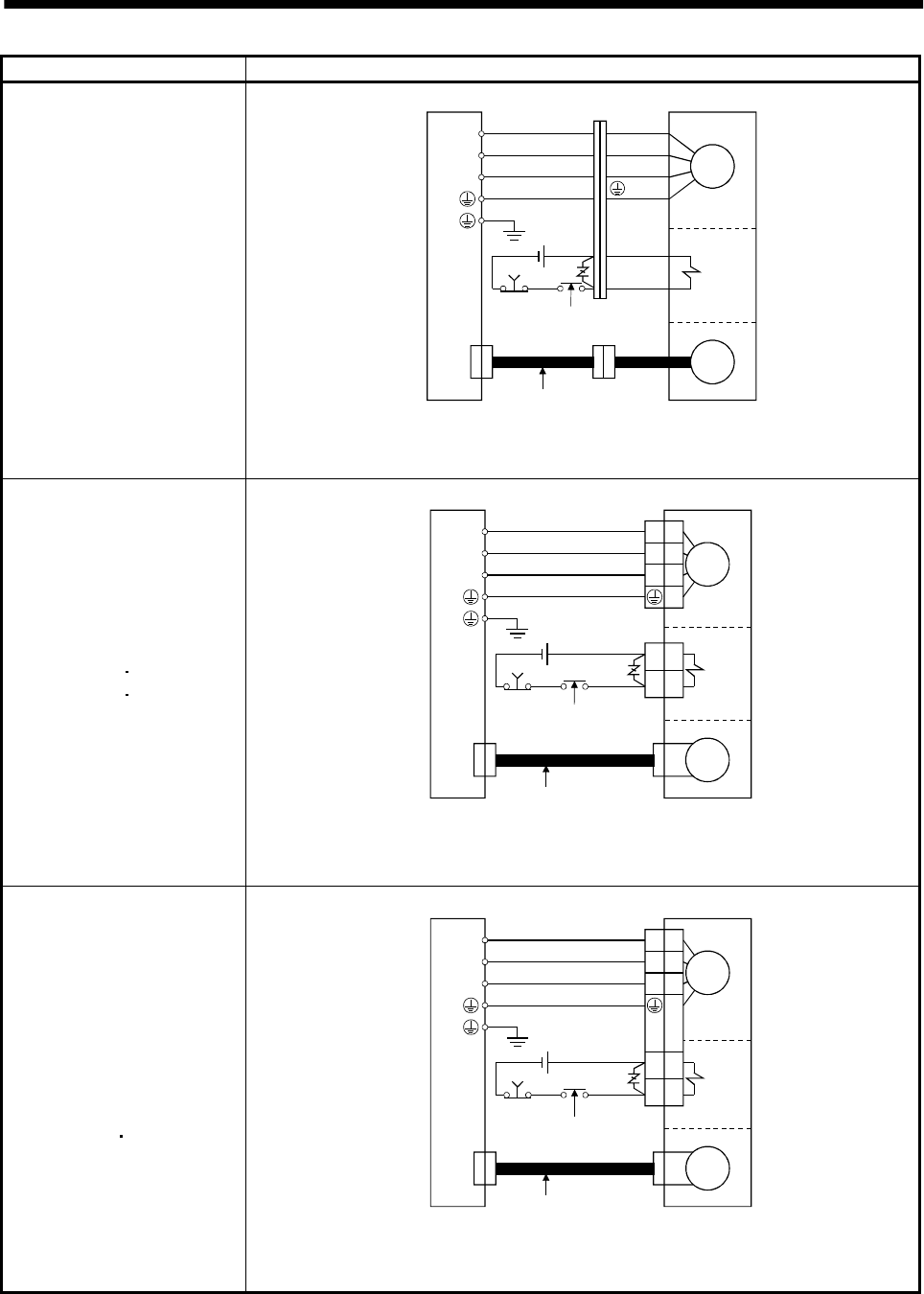
3 - 49
3. SIGNALS AND WIRING
Servo motor Connection diagram
HC-KFS053 (B) to 43 (B)
HC-MFS053 (B) to 73 (B)
HC-UFS13 (B) to 73 (B)
U
V
W
Servo amplifier
B1
B2
24VDC
EMG
CN2
(Note 1)
Encoder
Electro-
magnetic
brake
To be shut off when servo
on signal switches off or by
alarm signal
Encoder cable
U (Red)
V (White)
W (Black)
(Green)
Motor
Servo motor
(Note2)
Note:1. To prevent an electric shock, always connect the protective earth (PE) terminal of the
servo amplifier to the protective earth (PE) of the control box.
2. This circuit applies to the servo motor with electromagnetic brake.
HC-SFS121 (B) to 301 (B)
HC-SFS202 (B) 352 (B)
HC-SFS203 (B) 353 (B)
HC-UFS202 (B)
U
V
W
Servo amplifier
B1
B2
24VDC
EMG
CN2
(Note 1)
Encoder
Electro-
magnetic
brake
To be shut off when servo
on signal switches off or by
alarm signal
Encoder cable
Motor
Servo motor
(Note2)
U
V
W
Note:1. To prevent an electric shock, always connect the protective earth (PE) terminal of the
servo amplifier to the protective earth (PE) of the control box.
2. This circuit applies to the servo motor with electromagnetic brake.
HC-SFS81 (B)
HC-SFS52 (B) to 152 (B)
HC-SFS53 (B) to 153 (B)
HC-RFS103 (B) to 203 (B)
HC-UFS72 (B) 152 (B)
U
V
W
Servo amplifier
B1
B2
24VDC
EMG
CN2
(Note 1)
Encoder
Electro-
magnetic
brake
To be shut off when servo
on signal switches off or by
alarm signal
Encoder cable
Motor
Servo motor
(Note2)
U
V
W
Note:1. To prevent an electric shock, always connect the protective earth (PE) terminal of the
servo amplifier to the protective earth (PE) of the control box.
2. This circuit applies to the servo motor with electromagnetic brake.
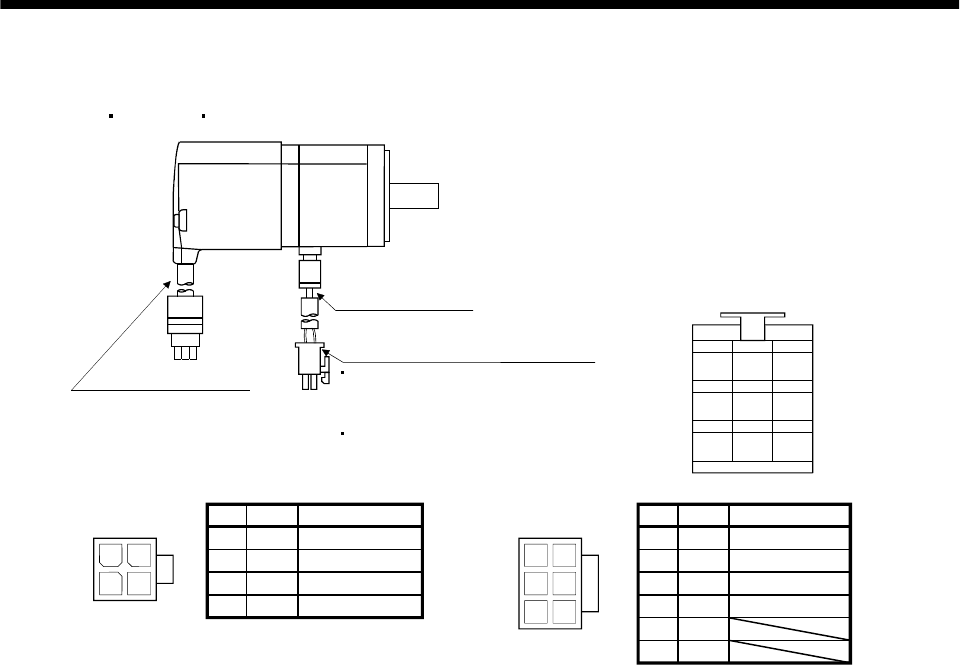
3 - 50
3. SIGNALS AND WIRING
3.8.3 I/O terminals
(1) HC-KFS HC-MFS HC-UFS3000r/min series
24
13
4
Power supply connector (Molex make)
Without electromagnetic brake
5557-04R-210 (receptacle)
5556PBTL (Female terminal)
With electromagnetic brake
5557-06R-210 (receptacle)
5556PBTL (Female terminal)
Encoder cable 0.3m
Power supply lead
4-AWG19 0.3m
With connector 1-172169-9
(AMP make)
1
2
3
4
1
25
4
36
1
2
3
5
6
Power supply
connector
5557-04R-210 Pin Signal Lead wire color
Earth
Red
U
V
WWhite
Black
Green/yellow
Power supply
connector
5557-06R-210 Pin Signal Lead wire color
Red
White
Black
Green/yellowEarth
U
V
W
MR
123
MRR BAT
MD
456
MDR
P5
789
LG SHD
Encoder connector signal arrangement
CNT
B1
B2
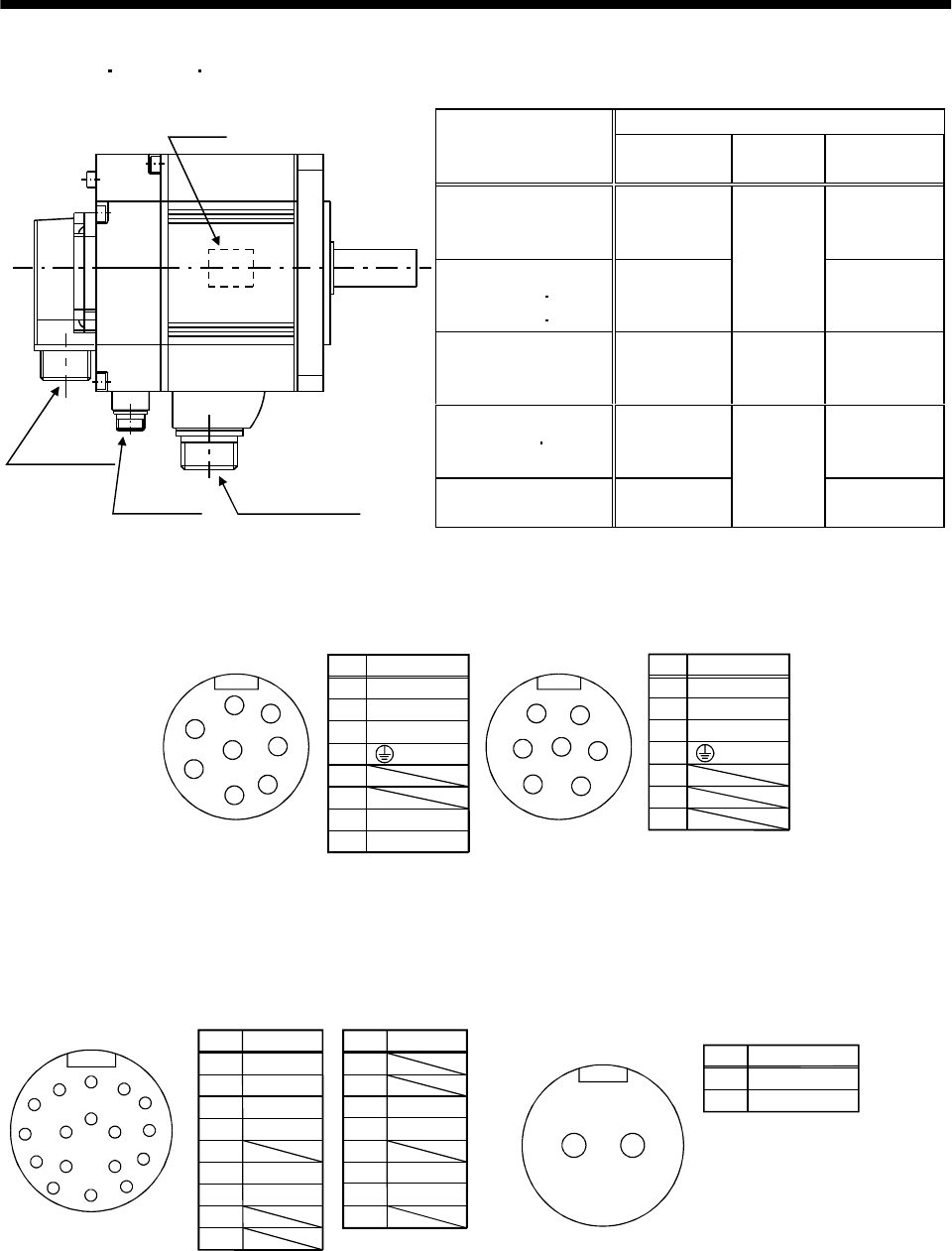
3 - 51
3. SIGNALS AND WIRING
(2) HC-SFS HC-RFS HC-UFS2000 r/min series
Servo motor side connectors
Servo motor For power supply For encoder Electromagnetic
brake connector
HC-SFS81(B)
HC-SFS52(B) to 152(B)
HC-SFS53(B) to 153(B)
CE05-2A22-
23PD-B
The connector
for power is
shared.
HC-SFS121(B) to 301(B)
HC-SFS202(B) 352(B)
HC-SFS203(B) 353(B)
CE05-2A24-
10PD-B
MS3102A20-
29P MS3102A10SL-
4P
HC-RFS103(B) to 203 (B) CE05-2A22-
23PD-B MS3102A20-
29P
The connector
for power is
shared.
HC-UFS72(B) 152(B) CE05-2A22-
23PD-B
The connector
for power is
shared.
Encoder connector
DOWN
UP
Brake connector Power supply connector
Motor plate
(Opposite side)
HC-UFS202(B) CE05-2A24-
10PD-B
MS3102A20-
29P MS3102A10SL-
4P
Pin
A
B
C
D
E
F
G
H
Signal
U
V
W
(Note) B2
(Earth)
Key
A
B
C
D
E
FG
H
(Note) B1
Note:24VDC,without
polarity
CE05-2A22-23PD-B
Power supply connector signal arrangement
Pin
A
B
C
D
E
F
G
U
V
W
CE05-2A24-10PD-B
Key
A
B
C
D
E
F
G
Signal
(Earth)
H
J
K
M
LN
TP
SR
C
AB
D
E
F
G
Pin
A
B
C
D
E
F
G
H
J
Signal
MR
MRR
BAT
LG
Pin
K
L
M
N
P
R
S
T
Signal
SD
LG
P5
Encoder connector signal arrangement
MS3102A20-29P
Key
MD
MDR CNT
AB
Pin
A
B
Signal
(Note)B1
(Note)B2
Electromagnetic brake connector signal arrangement
MS3102A10SL-4P
Note:24VDC without
polarity
Key
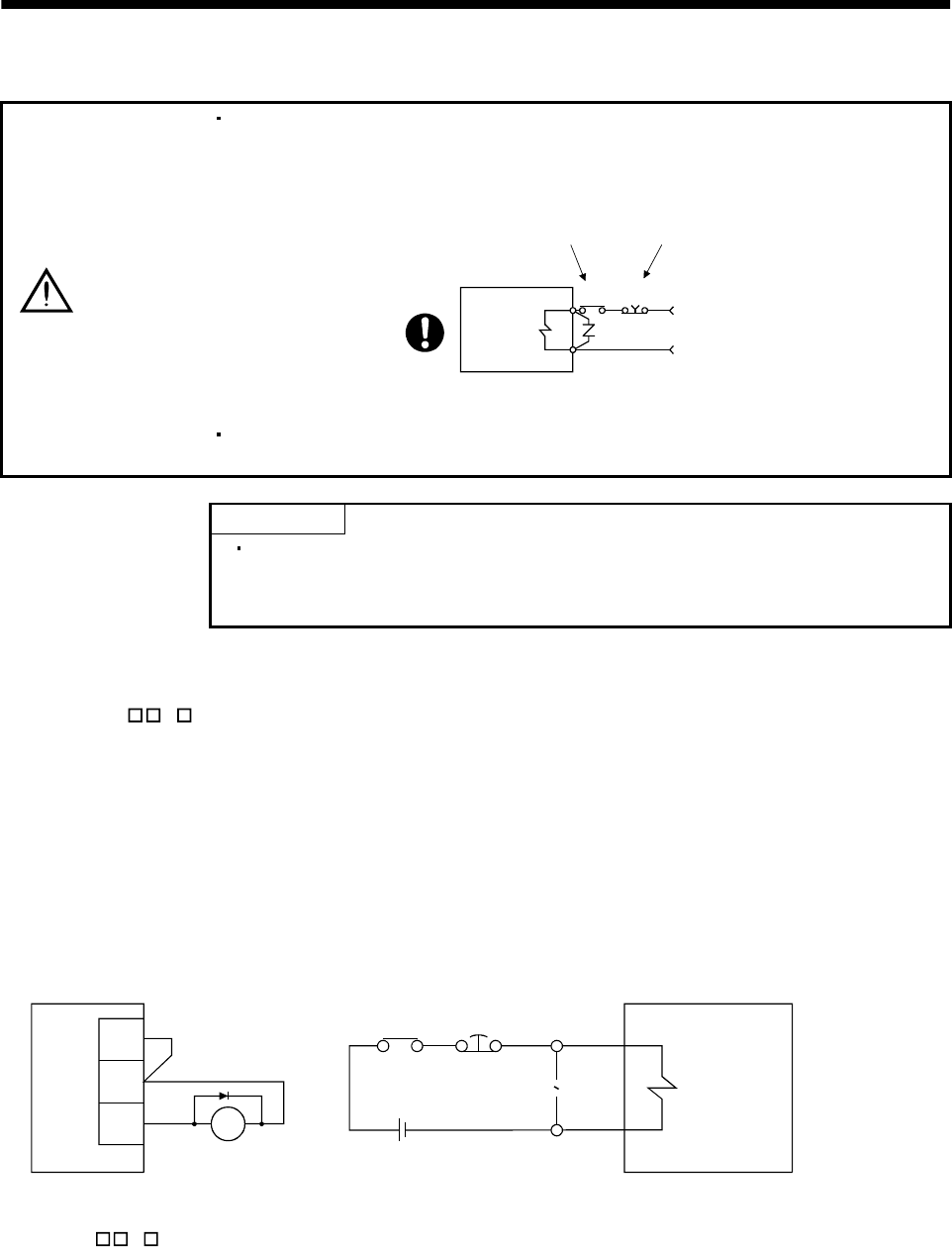
3 - 52
3. SIGNALS AND WIRING
3.9 Servo motor with electromagnetic brake
CAUTION
Configure the electromagnetic brake operation circuit so that it is activated not only
by the servo amplifier signals but also by an external emergency stop signal.
EMGRA
24VDC
Contacts must be open when
servo-on signal is off or when an
alarm (trouble) is present and when
an electromagnetic brake signal.
Electromagnetic brake
Servo motor
Circuit must be
opened during
emergency stop signal.
The electromagnetic brake is provided for holding purpose and must not be used
for ordinary braking.
POINT
Refer to the Servo Motor Instruction Manual for specifications such as the
power supply capacity and operation delay time of the electromagnetic
brake.
Note the following when the servo motor equipped with electromagnetic brake is used for applications
requiring a brake to hold the motor shaft (vertical lift applications):
1) Set " 1 " in parameter No.1 to make the electromagnetic brake interlock signal (MBR) valid.
Note that this will make the zero speed signal (ZSP) unavailable.
2) Do not share the 24VDC interface power supply between the interface and electromagnetic
brake. Always use the power supply designed exclusively for the electromagnetic brake.
3) The brake will operate when the power (24VDC) switches off.
4) While the reset signal is on, the base circuit is shut off. When using the servo motor with a
vertical shaft, use the electromagnetic brake interlock signal (MBR).
5) Switch off the servo-on signal after the servo motor has stopped.
(1) Connection diagram
MBR
COM
Servo amplifier Servo motor
Z
B1
B2
Emergency
stop
RA
24VDC
RA
VDD
(2) Setting
1) Set " 1 " in parameter No.1 to make the electromagnetic brake interlock signal (MBR) valid.
2) Using parameter No.33 (electromagnetic brake sequence output), set a time delay from
electromagnetic brake operation to base circuit shut-off as in the timing chart shown in (3) in this
section.
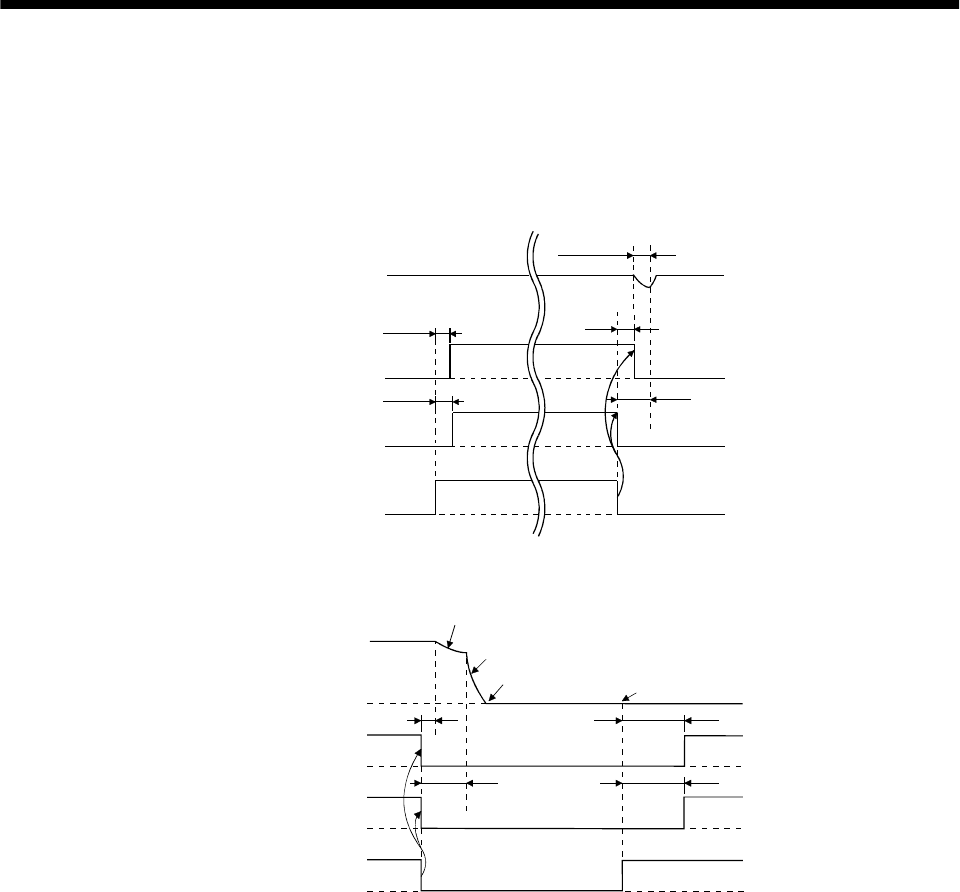
3 - 53
3. SIGNALS AND WIRING
(3) Timing charts
(a) Servo-on signal command (from controller) ON/OFF
Tb (ms) after the servo-on (SON) signal is switched off, the servo lock is released and the servo
motor coasts. If the electromagnetic brake is made valid in the servo lock status, the brake life may
be shorter. Therefore, when using the electromagnetic brake in a vertical lift application or the
like, set Tb to about the same as the electromagnetic brake operation delay time to prevent a drop.
Servo motor speed
Electromagnetic
brake (MBR)
ON
OFF
Base circuit
Invalid(ON)
Valid(OFF)
ON
OFF
Servo-on(SON)
Electromagnetic brake
operation delay time
Tb
Coasting
0 r/min
(60ms)
(80ms)
(b) Emergency stop signal (EMG) ON/OFF
Servo motor speed
Electromagnetic
brake interlock (MBR)
ON
OFF
Base circuit
Invalid (ON)
Valid (OFF)
Emergency stop (EMG)
(10ms) (180ms)
(180ms)
Dynamic brake
Dynamic brake
Electromagnetic brake
Electromagnetic brake
Invalid (ON)
Valid (OFF)
Electromagnetic brake
operation delay time
Electromagnetic brake release
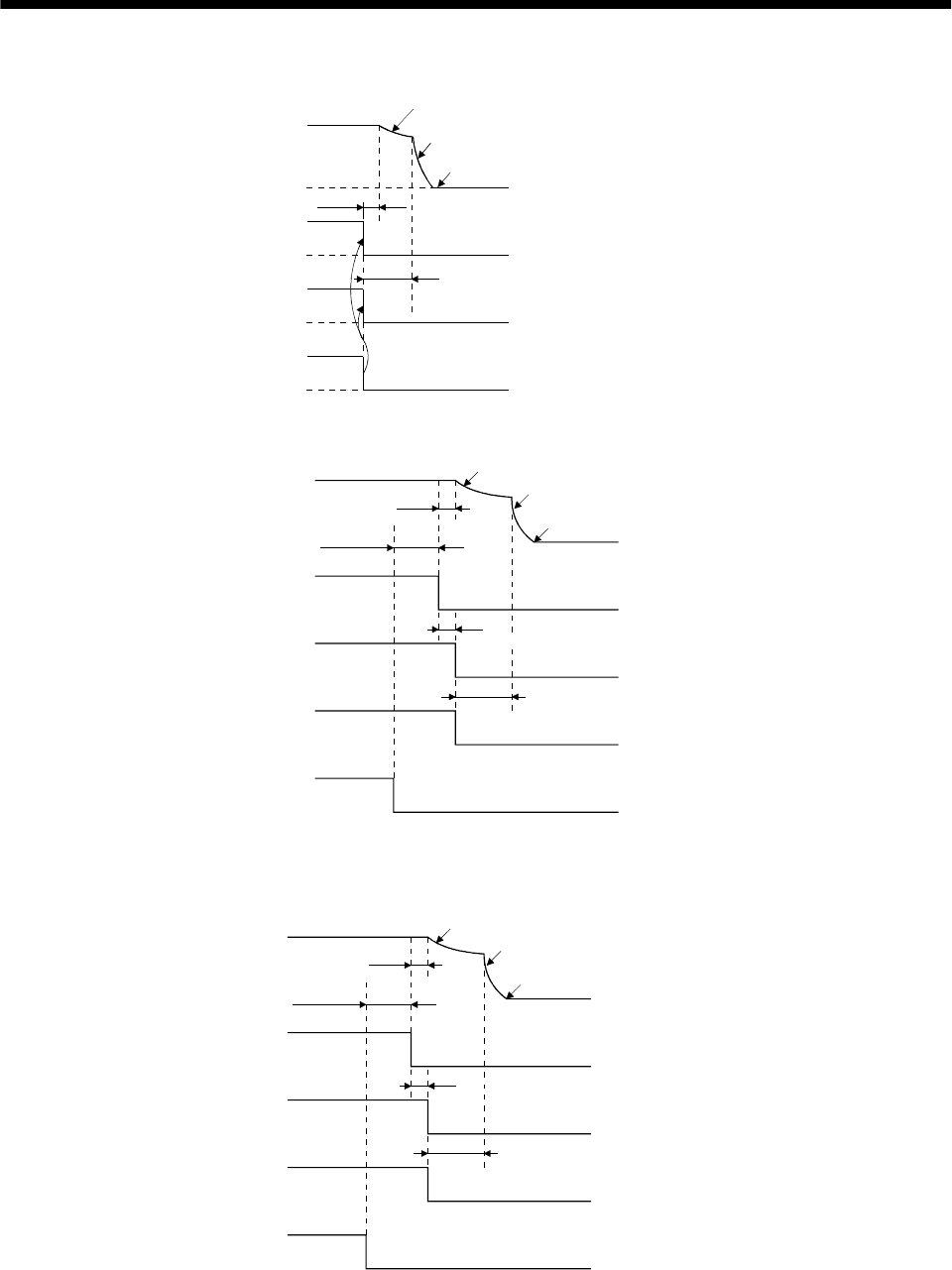
3 - 54
3. SIGNALS AND WIRING
(c) Alarm occurrence
Servo motor speed
ON
OFF
Base circuit
Electromagnetic
brake interlock (MBR)
Invalid(ON)
Valid(OFF)
Trouble (ALM) No(ON)
Yes(OFF)
Dynamic brake
Dynamic brake
Electromagnetic brake
Electromagnetic brake
operation delay time
Electromagnetic brake
(10ms)
(d) Both main and control circuit power supplies off
Servo motor speed
ON
OFF
Base circuit
Electromagnetic
brake interlock(MBR)
Invalid(ON)
Valid(OFF)
Trouble (ALM) No(ON)
Yes(OFF)
ON
OFF
Main circuit
Dynamic brake
Dynamic brake
Electromagnetic brake
Electromagnetic brake
Control circuit
power
(Note)
15 to 100ms
(10ms)
(10ms or less)
Electromagnetic brake
operation delay time
Note: Changes with the operating status.
(Note 2)
(e) Only main circuit power supply off (control circuit power supply remains on)
Servo motor speed
ON
OFF
Base circuit
Electromagnetic
brake interlock
(MBR)
Invalid(ON)
Valid(OFF)
Trouble (ALM) No(ON)
Yes(OFF)
ON
OFF
Main circuit power
supply
Dynamic brake
Dynamic brake
Electromagnetic brake
Electromagnetic brake
(Note 1)
15ms or more
Electromagnetic brake
operation delay time
(Note 2)
10ms or less
Note: 1. Changes with the operating status.
2. When the main circuit power supply is off in a motor stop status,
the main circuit off warning (A.E9) occurs and the ALM signal does not turn off.
(10ms)
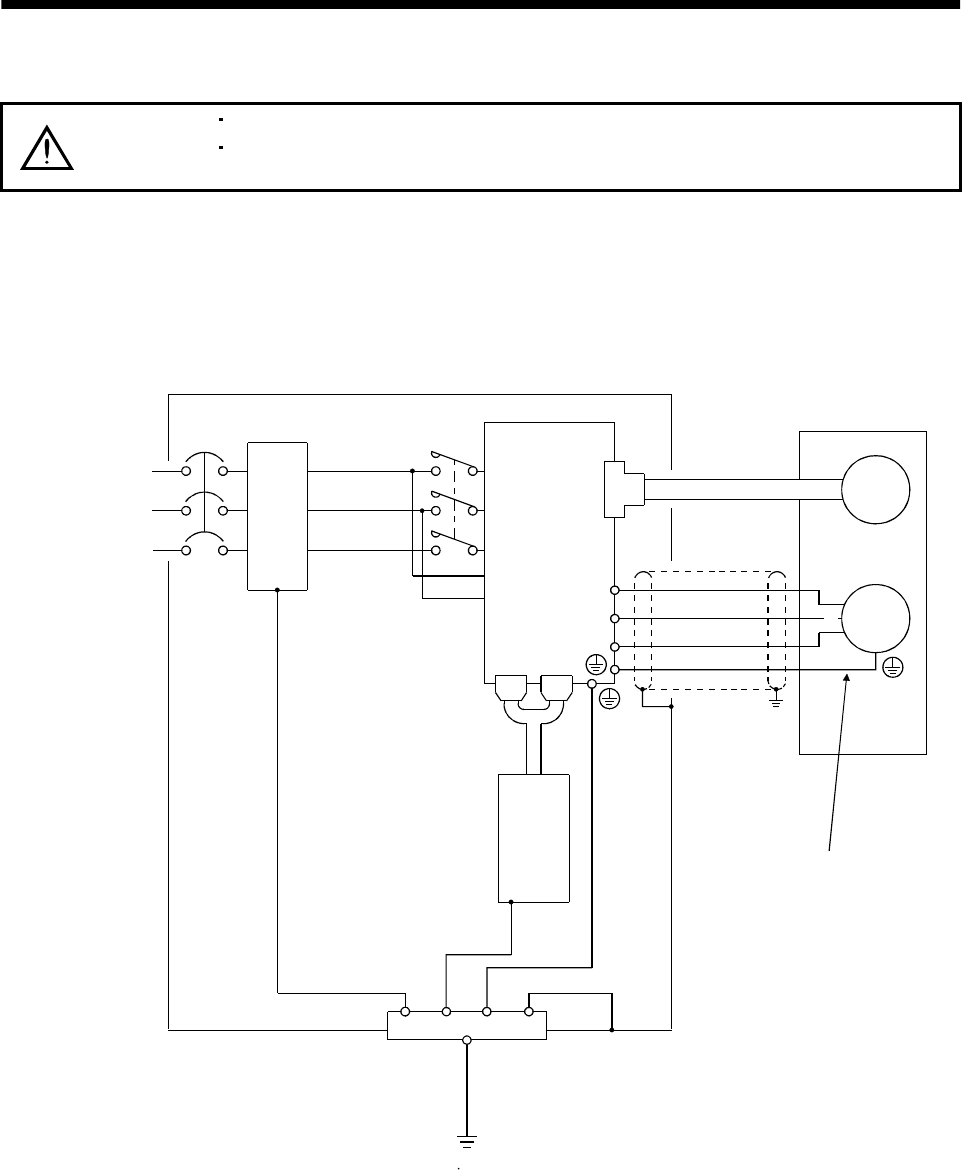
3 - 55
3. SIGNALS AND WIRING
3.10 Grounding
WARNING
Ground the servo amplifier and servo motor securely.
To prevent an electric shock, always connect the protective earth (PE) terminal of
the servo amplifier with the protective earth (PE) of the control box.
The servo amplifier switches the power transistor on-off to supply power to the servo motor. Depending on
the wiring and ground cablerouting, the servo amplifier may be affected by the switching noise (due to
di/dt and dv/dt) of the transistor. To prevent such a fault, refer to the following diagram and always
ground.
To conform to the EMC Directive, refer to the EMC Installation Guidelines (IB(NA)67310).
Control box
Servo amplifier
L1
L2
L3
L11
L21
CN1A CN1B
Line filter
NFB MC
Protective earth(PE)
CN2
U
V
W
Outer
box
Servo motor
Must be grounded by cable.
Encoder
SM
U
V
W
(Note)
3-phase
200 to 230VAC,
1-phase
230VAC or
1-phase
100 to 120VAC
Note: For 1-phase 230VAC, connect the power supply to L1 L2 and leave L3 open.
Programmable
controller
There is no L3 for 1-phase 100 to 120VAC power supply.
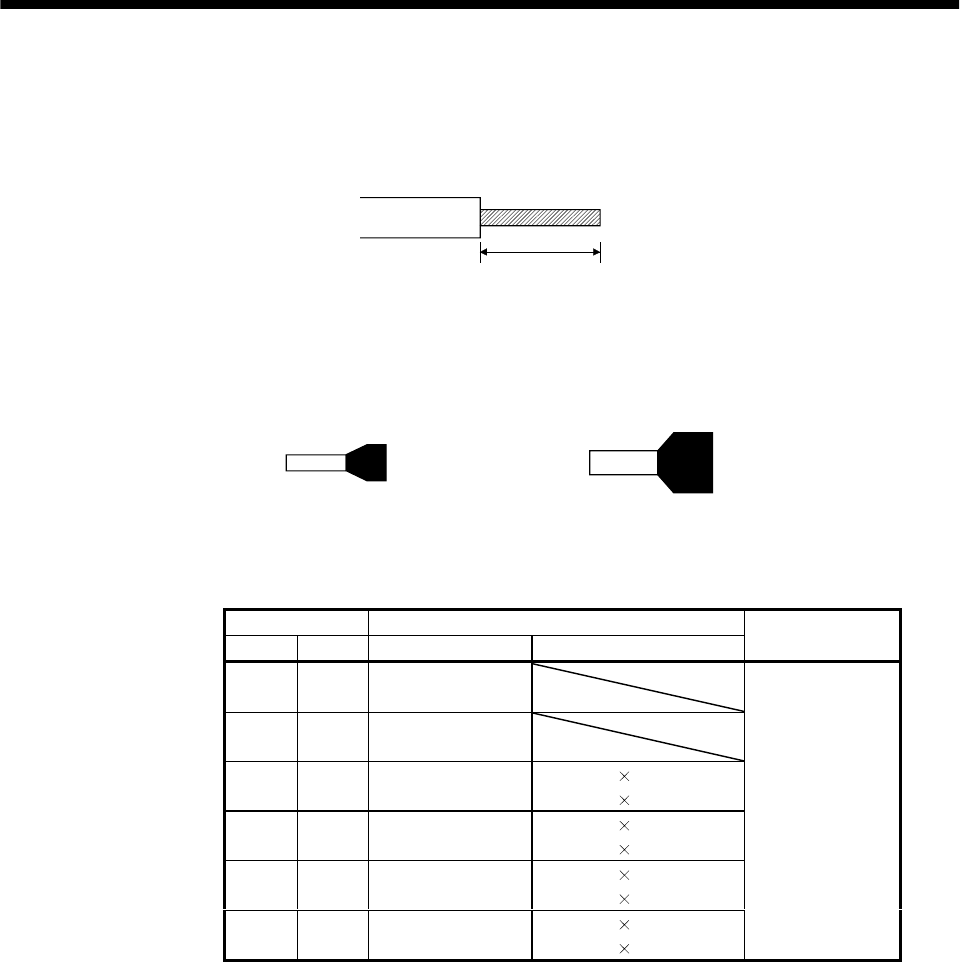
3 - 56
3. SIGNALS AND WIRING
3.11 Servo amplifier terminal block (TE2) wiring method
(1) Termination of the cables
Solid wire: After the sheath has been stripped, the cable can be used as it is. (Cable size: 0.2 to
2.5mm2)
Approx. 10mm
Twisted wire: Use the cable after stripping the sheath and twisting the core. At this time, take care to
avoid a short caused by the loose wires of the core and the adjacent pole. Do not solder
the core as it may cause a contact fault. (Cable size: 0.2 to 2.5mm2)Alternatively, a bar
terminal may be used to put the wires together.(Phoenix contact make)
Bar terminal for 1 cable
(Bar terminal ferrule with insulation sleeve)
Bar terminal for 2 cable
(Twin ferrule with insulation sleeve)
Cable size Bar terminal type
[mm2] AWG For 1 cable For 2 cables
Crimping
tool
0.25 24 Al0.25-6YE
Al0.25-8YE
0.5 20 Al0.5-6WH
Al0.5-8WH
0.75 18 Al0.75-6GY
Al0.75-8GY Al-TWIN2 0.75-8GY
Al-TWIN2 0.75-10GY
118
Al1-6RD
Al1-8RD Al-TWIN2 1-8RD
Al-TWIN2 1-10RD
1.5 16 Al1.5-6BK
Al1.5-8BK Al-TWIN2 1.5-8BK
Al-TWIN2 1.5-12BK
2.5 14 Al2.5-8BU
Al2.5-8BU-1000 Al-TWIN2 2.5-10BU
Al-TWIN2 2.5-13BU
CRIMPFOX-UD6
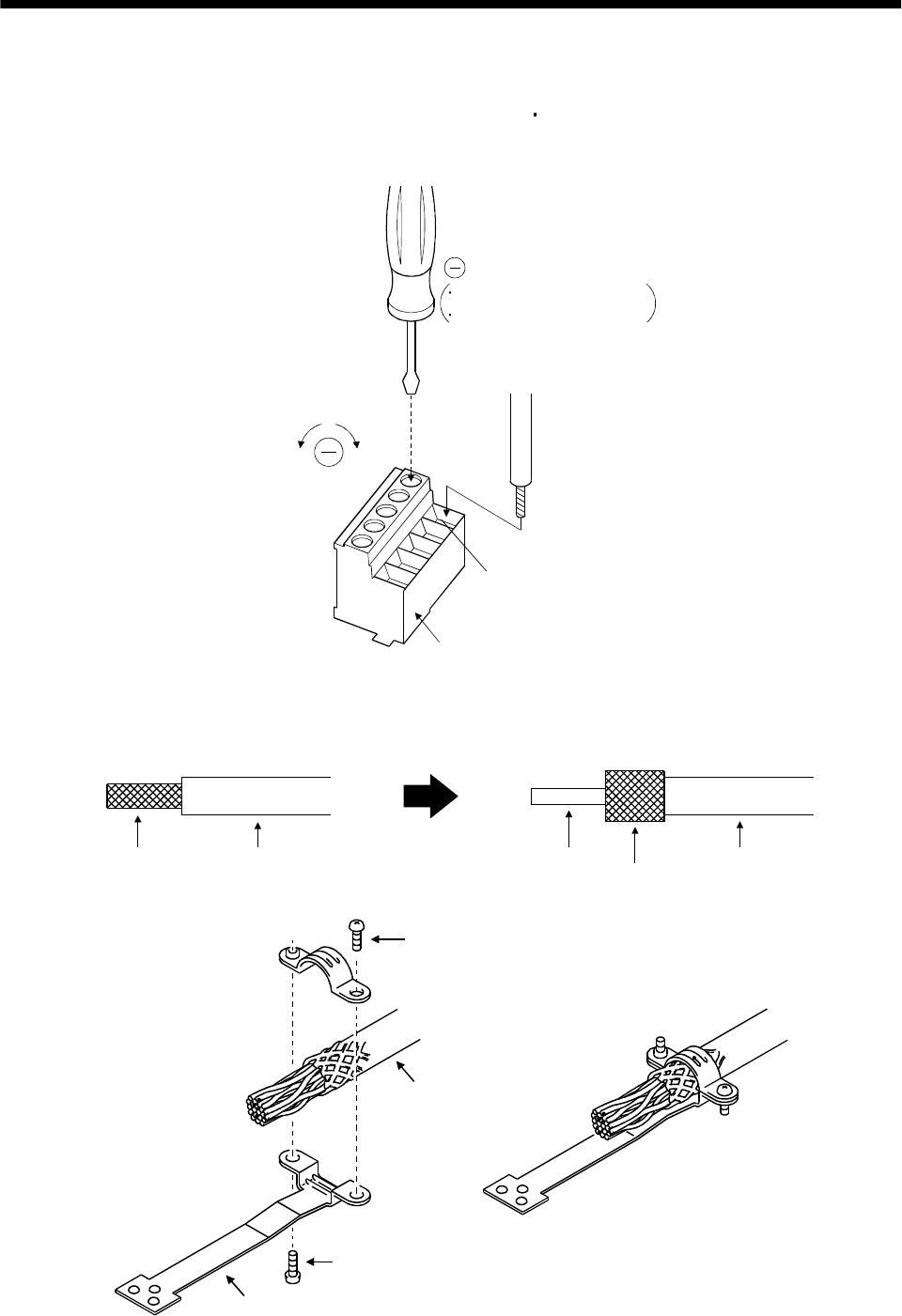
3 - 57
3. SIGNALS AND WIRING
(2) Connection
Insert the core of the cable into the opening and tighten the screw with a flat-blade screwdriver so that
the cable does not come off. (Tightening torque: 0.5 to 0.6N m) Before inserting the cable into the
opening, make sure that the screw of the terminal is fully loose.
When using a cable of 1.5mm2 or less, two cables may be inserted into one opening.
To loosen. To tighten.
Opening
Control circuit terminal block
Cable
Flat-blade screwdriver
Tip thickness 0.4 to 0.6mm
Overall width 2.5 to 3.5mm
3.12 Instructions for the 3M connector
When fabricating an encoder cable or the like, securely connect the shielded external conductor of the
cable to the ground plate as shown in this section and fix it to the connector shell.
External conductor Sheath External conductor
Pull back the external conductor to cover the sheath
SheathCore
Strip the sheath.
Screw
Screw
Ground plate
Cable
3 - 58
3. SIGNALS AND WIRING
MEMO

4 - 1
4. OPERATION
4. OPERATION
4.1 When switching power on for the first time
Before starting operation, check the following:
(1) Wiring
(a) A correct power supply is connected to the power input terminals (L1, L2, L3, L11, L21) of the servo
amplifier.
(b) The servo motor power supply terminals (U, V, W) of the servo amplifier match in phase with the
power input terminals (U, V, W) of the servo motor.
(c) The servo motor power supply terminals (U, V, W) of the servo amplifier are not shorted to the
power input terminals (L1, L2, L3).
(d) The servo amplifier and servo motor are grounded securely.
(e) When the regenerative brake option is used, the lead has been removed across D-P of the control
circuit terminal block. Also, twisted cables are used for its wiring.
(f) When stroke end limit switches are used, the signals across LSP-SG and LSN-SG are on during
operation.
(g) 24VDC or higher voltages are not applied to the pins of connectors CN1A and CN1B.
(h) SD and SG of connectors CN1A and CN1B are not shorted.
(i) The wiring cables are free from excessive force.
(2) Environment
Signal cables and power cables are not shorted by wire offcuts, metallic dust or the like.
(3) Machine
(a) The screws in the servo motor installation part and shaft-to-machine connection are tight.
(b) The servo motor and the machine connected with the servo motor can be operated.
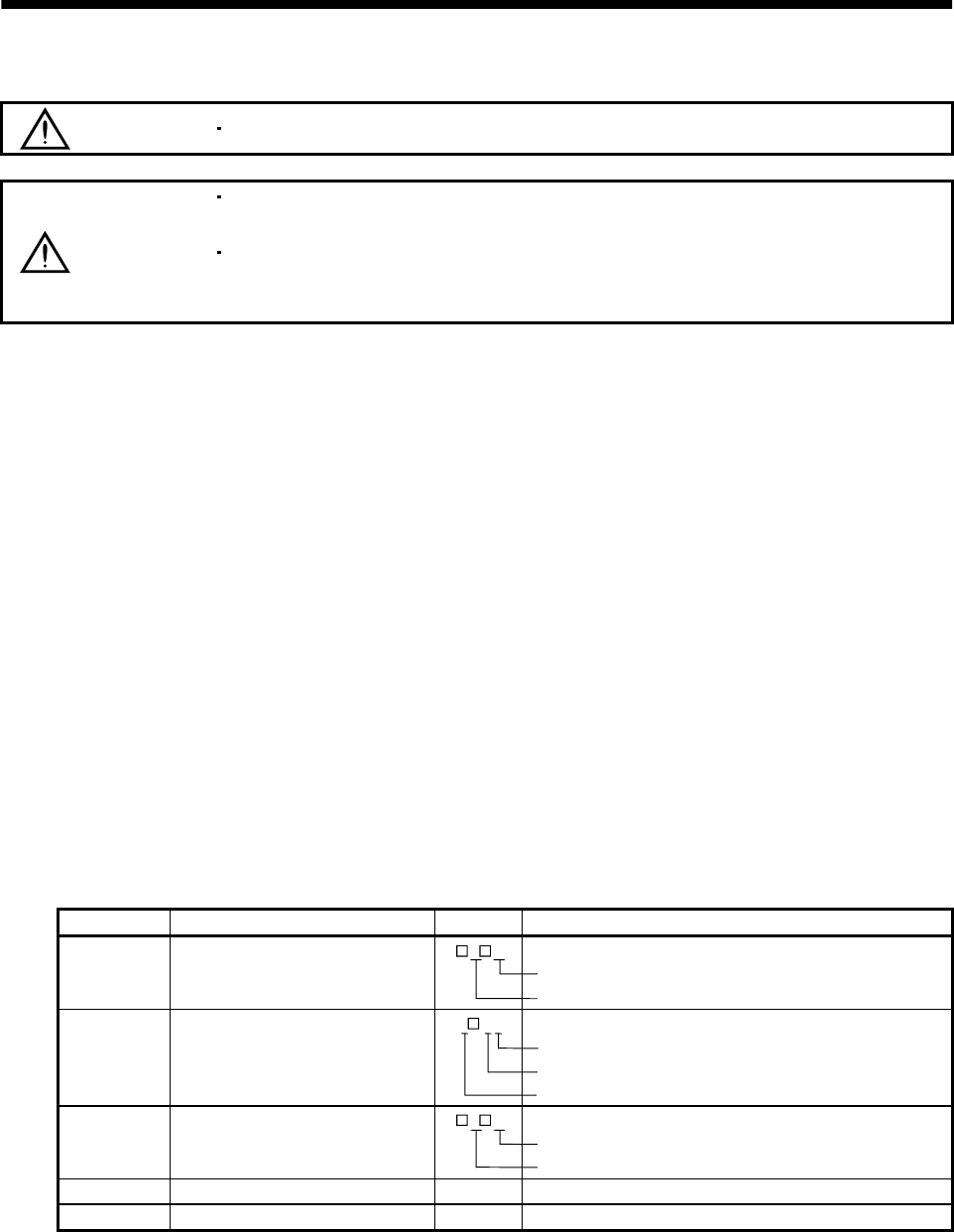
4 - 2
4. OPERATION
4.2 Startup
WARNING Do not operate the switches with wet hands. You may get an electric shock.
CAUTION
Before starting operation, check the parameters. Some machines may perform
unexpected operation.
During power-on for some after power-off, do not touch or close a parts (cable etc.)
to the servo amplifier heat sink, regenerative brake resistor, the servo motor, etc.
Their temperatures may be high and you may get burnt or a parts may damaged.
Connect the servo motor with a machine after confirming that the servo motor operates properly alone.
4.2.1 Selection of control mode
Use parameter No. 0 to choose the control mode used. After setting, this parameter is made valid by
switching power off, then on.
4.2.2 Position control mode
(1) Power on
(a) Switch off the servo-on (SON) signal.
(b) When main circuit power/control circuit power is switched on, the display shows "C (Cumulative
feedback pulses)", and in two second later, shows data.
(2) Test operation 1
Using jog operation in the test operation mode, make sure that the servo motor operates. (Refer to
Section 6.8.2.)
(3) Parameter setting
Set the parameters according to the structure and specifications of the machine. Refer to Chapter 5 for
the parameter definitions and to Sections 6.5 for the setting method.
Parameter No. Name Setting Description
0Control mode, regenerative brake
option selection
3 0 Position control mode
MR-RB12 regenerative brake option is used.
1 Function selection 1
0 0 2 Input filter 3.555ms (initial value)
Electromagnetic brake interlock signal is not used.
Used in incremental positioning system.
2 Auto tuning 1 5 Middle response (initial value) is selected.
Auto tuning mode 1 is selected.
3 Electronic gear numerator (CMX) 2 Electronic gear numerator
4 Electronic gear denominator (CDV) 1 Electronic gear denominator
After setting the above parameters, switch power off once. Then switch power on again to make
the set parameter values valid.

4 - 3
4. OPERATION
(4) Servo-on
Switch the servo-on in the following procedure:
(a) Switch on main circuit/control power.
(b) Switch on the servo-on signal (SON).
When placed in the servo-on status, the servo amplifier is ready to operate and the servo motor is
locked.
(5) Command pulse input
Entry of a pulse train from the positioning device rotates the servo motor. At first, run it at low speed
and check the rotation direction, etc. If it does not run in the intended direction, check the input
signal.
On the status display, check the speed, command pulse frequency, load factor, etc. of the servo motor.
When machine operation check is over, check automatic operation with the program of the positioning
device.
This servo amplifier has a real-time auto tuning function under model adaptive control. Performing
operation automatically adjusts gains. The optimum tuning results are provided by setting the
response level appropriate for the machine in parameter No. 2. (Refer to chapter 7)
(6) Home position return
Make home position return as required.
(7) Stop
In any of the following statuses, the servo amplifier interrupts and stops the operation of the servo
motor:
Refer to Section 3.9, (2) for the servo motor equipped with electromagnetic brake. Note that the stop
pattern of stroke end (LSP/LSN) OFF is as described below.
(a) Servo-on (SON) OFF
The base circuit is shut off and the servo motor coasts.
(b) Alarm occurrence
When an alarm occurs, the base circuit is shut off and the dynamic brake is operated to bring the
servo motor to a sudden stop.
(c) Emergency stop (EMG) OFF
The base circuit is shut off and the dynamic brake is operated to bring the servo motor to a sudden
stop. Alarm AL.E6 occurs.
(d) Stroke end (LSP/LSN) OFF
The servo motor is brought to a sudden stop and servo-locked. The motor may be run in the
opposite direction.
POINT
A sudden stop indicates that a stop is made with the droop pulses erased.
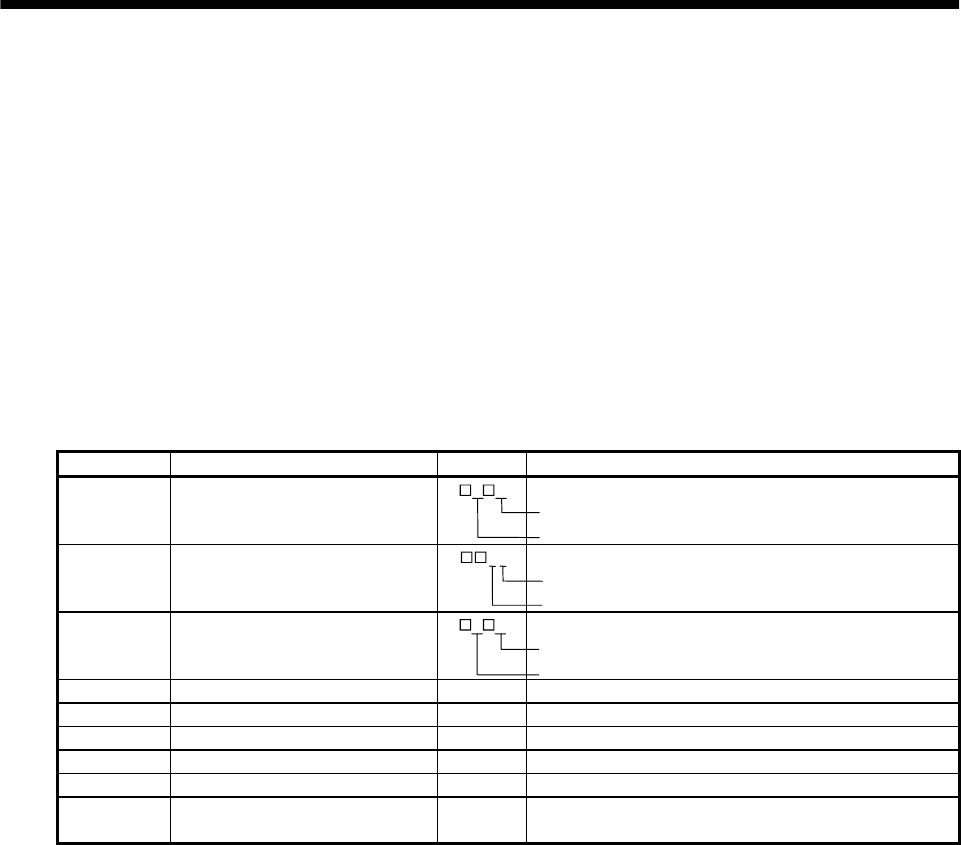
4 - 4
4. OPERATION
4.2.3 Speed control mode
(1) Power on
(a) Switch off the servo-on (SON) signal.
(b) When main circuit power/control circuit power is switched on, the display shows "r (servo motor
speed)", and in two second later, shows data.
(2) Test operation
Using jog operation in the test operation mode, make sure that the servo motor operates. (Refer to
Section 6.8.2.)
(3) Parameter setting
Set the parameters according to the structure and specifications of the machine. Refer to Chapter 5 for
the parameter definitions and to Sections 6.5 for the setting method.
Parameter No. Name Setting Description
0Control mode, regenerative brake
option selection
0 2 Speed control mode
Regenerative brake option is not used.
1 Function selection 1 1 2 Input filter 3.555ms (initial value)
Electromagnetic brake interlock signal is used.
2 Auto tuning 1 5 Middle response (initial value) is selected.
Auto tuning mode 1 is selected.
8 Internal speed command 1 1000 Set 1000r/min.
9 Internal speed command 2 1500 Set 1500r/min.
10 Internal speed command 3 2000 Set 2000r/min.
11 Acceleration time constant 1000 Set 1000ms.
12 Deceleration time constant 500 Set 500ms.
13 S-pattern acceleration/deceleration
time constant 0 Not used
After setting the above parameters, switch power off once. Then switch power on again to make
the set parameter values valid.
(4) Servo-on
Switch the servo-on in the following procedure:
(a) Switch on main circuit/control power.
(b) Switch on the servo-on signal (SON) (short SON-SG).
When placed in the servo-on status, the servo amplifier is ready to operate and the servo motor is
locked.
(5) Start
Using speed selection 1 (SP1) and speed selection 2 (SP2), choose the servo motor speed. Turn on
forward rotation start (ST1) to run the motor in the forward rotation (CCW) direction or reverse
rotation start (ST2) to run it in the reverse rotation (CW) direction. At first, set a low speed and check
the rotation direction, etc. If it does not run in the intended direction, check the input signal.
On the status display, check the speed, load factor, etc. of the servo motor.
When machine operation check is over, check automatic operation with the host controller or the like.
This servo amplifier has a real-time auto tuning function under model adaptive control. Performing
operation automatically adjusts gains. The optimum tuning results are provided by setting the
response level appropriate for the machine in parameter No. 2. (Refer to chapter 7)
4 - 5
4. OPERATION
(6) Stop
In any of the following statuses, the servo amplifier interrupts and stops the operation of the servo
motor:
Refer to Section 3.9, (2) for the servo motor equipped with electromagnetic brake. Note that
simultaneous ON or simultaneous OFF of stroke end (LSP, LSN) OFF and forward rotation start
(ST1) or reverse rotation start (ST2) signal has the same stop pattern as described below.
(a) Servo-on (SON) OFF
The base circuit is shut off and the servo motor coasts.
(b) Alarm occurrence
When an alarm occurs, the base circuit is shut off and the dynamic brake is operated to bring the
servo motor to a sudden stop.
(c) Emergency stop (EMG) OFF
The base circuit is shut off and the dynamic brake is operated to bring the servo motor to a sudden
stop. Alarm AL.E6 occurs.
(d) Stroke end (LSP/LSN) OFF
The servo motor is brought to a sudden stop and servo-locked. The motor may be run in the
opposite direction.
(e) Simultaneous ON or simultaneous OFF of forward rotation start (ST1) and reverse rotation start
(ST2) signals
The servo motor is decelerated to a stop.
POINT
A sudden stop indicates that a stop is made at the deceleration time
constant of zero.
4.2.4 Torque control mode
(1) Power on
(a) Switch off the servo-on (SON) signal.
(b) When main circuit power/control circuit power is switched on, the display shows "U (torque
command voltage)", and in two second later, shows data.
(2) Test operation
Using jog operation in the test operation mode, make sure that the servo motor operates. (Refer to
Section 6.8.2.)
(3) Parameter setting
Set the parameters according to the structure and specifications of the machine. Refer to Chapter 5 for
the parameter definitions and to Sections 6.5 for the setting method.
Parameter No. Name Setting Description
0Control mode, regenerative brake
option selection 0 4 Torque control mode
Regenerative brake option is not used.
1 Function selection 1 0 2 Input filter 3.555ms (initial value)
Electromagnetic brake interlock signal is not used.
8 Internal speed limit 1 1000 Set 1000r/min.
9 Internal speed limit 2 1500 Set 1500r/min.
10 Internal speed limit 3 2000 Set 2000r/min.
11 Acceleration time constant 1000 Set 1000ms.
12 Deceleration time constant 500 Set 500ms.
13 S-pattern acceleration/deceleration time
constant 0 Not used
14 Torque command time constant 2000 Set 2000ms
28 Internal torque limit 1 50 Controlled to 50% output
After setting the above parameters, switch power off once. Then switch power on again to make the set
parameter values valid.
4 - 6
4. OPERATION
(4) Servo-on
Switch the servo-on in the following procedure:
(a) Switch on main circuit/control power.
(b) Switch on the servo-on signal (SON) (short SON-SG).
When placed in the servo-on status, the servo amplifier is ready to operate and the servo motor is
locked.
(5) Start
Using speed selection 1 (SP1) and speed selection 2 (SP2), choose the servo motor speed. Turn on
forward rotation select (DI4) to run the motor in the forward rotation (CCW) direction or reverse
rotation select (DI3) to run it in the reverse rotation (CW) direction, generating torque. At first, set a
low speed and check the rotation direction, etc. If it does not run in the intended direction, check the
input signal.
On the status display, check the speed, load factor, etc. of the servo motor.
When machine operation check is over, check automatic operation with the host controller or the like.
(6) Stop
In any of the following statuses, the servo amplifier interrupts and stops the operation of the servo
motor:
Refer to Section 3.9, (2) for the servo motor equipped with electromagnetic brake.
(a) Servo-on (SON) OFF
The base circuit is shut off and the servo motor coasts.
(b) Alarm occurrence
When an alarm occurs, the base circuit is shut off and the dynamic brake is operated to bring the
servo motor to a sudden stop.
(c) Emergency stop (EMG) OFF
The base circuit is shut off and the dynamic brake is operated to bring the servo motor to a sudden
stop. Alarm AL.E6 occurs.
(d) Simultaneous ON or simultaneous OFF of forward rotation selection (RS1) and reverse rotation
selection (RS2) signals
The servo motor coasts.
POINT
A sudden stop indicates that a stop is made at the deceleration time
constant of zero.
4.3 Multidrop communication
You can use the RS-422 communication function (parameter No.16) to operate two or more servo
amplifiers on the same bus. In this case, set station numbers to the servo amplifiers to recognize the servo
amplifier to which the current data is being sent. Use parameter No. 15 to set the station numbers.
Always set one station number to one servo amplifier. Normal communication cannot be made if the same
station number is set to two or more servo amplifiers.
For details, refer to Chapter 14.
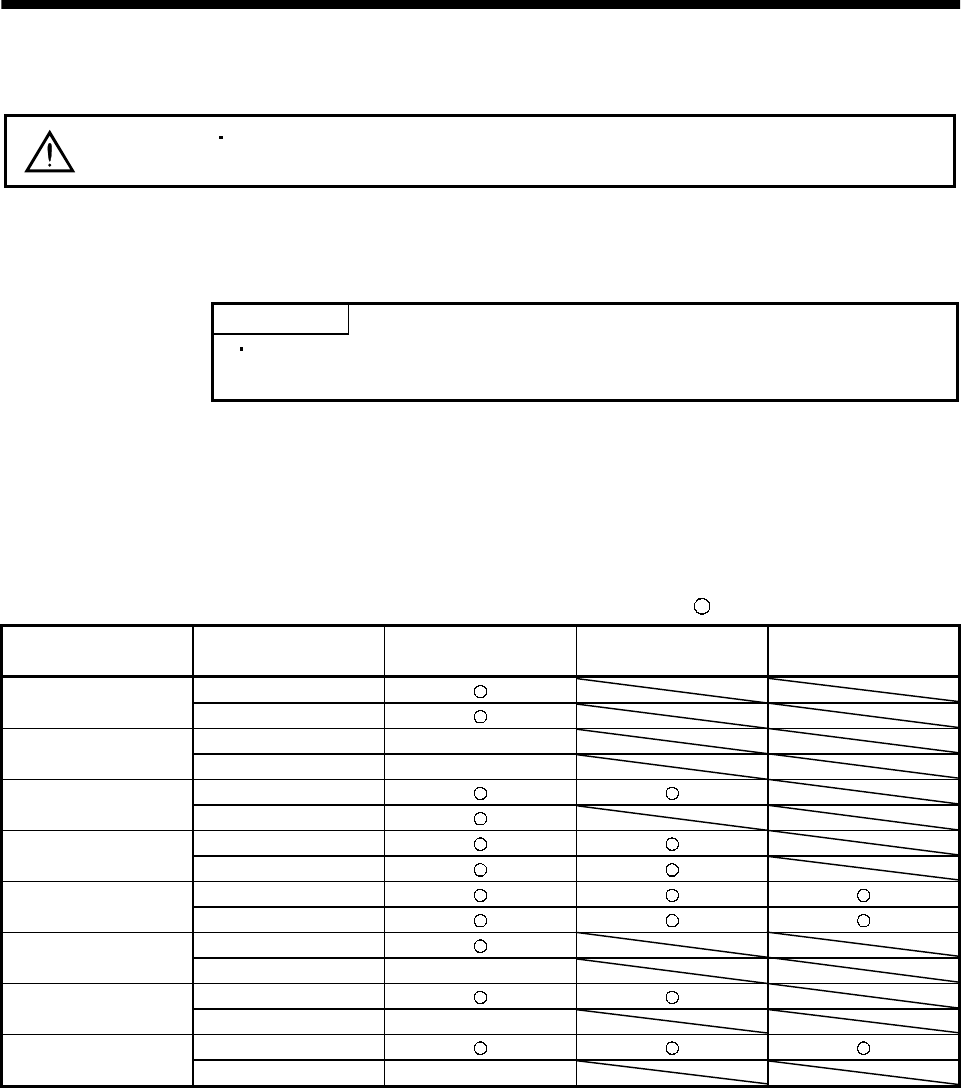
5 - 1
5. PARAMETERS
5. PARAMETERS
CAUTION Never adjust or change the parameter values extremely as it will make operation
instable.
5.1 Parameter list
5.1.1 Parameter write inhibit
POINT
After setting the parameter No. 19 value, switch power off, then on to
make that setting valid.
In the MR-J2S-A servo amplifier, its parameters are classified into the basic parameters (No. 0 to 19),
expansion parameters 1 (No. 20 to 49) and expansion parameters 2 (No.50 to 84) according to their
safety aspects and frequencies of use. In the factory setting condition, the customer can change the
basic parameter values but cannot change the expansion parameter values. When fine adjustment, e.g.
gain adjustment, is required, change the parameter No. 19 setting to make the expansion parameters
write-enabled.
The following table indicates the parameters which are enabled for reference and write by the setting of
parameter No. 19. Operation can be performed for the parameters marked .
Parameter No. 19 setting Operation Basic parameters
No. 0 to No. 19
Expansion parameters 1
No. 20 to No. 49
Expansion parameters 2
No. 50 to No. 84
Reference
0000
(initial value) Write
Reference No. 19 only
000A Write No. 19 only
Reference
000B Write
Reference
000C Write
Reference
000E Write
Reference
100B Write No. 19 only
Reference
100C Write No. 19 only
Reference
100E Write No. 19 only
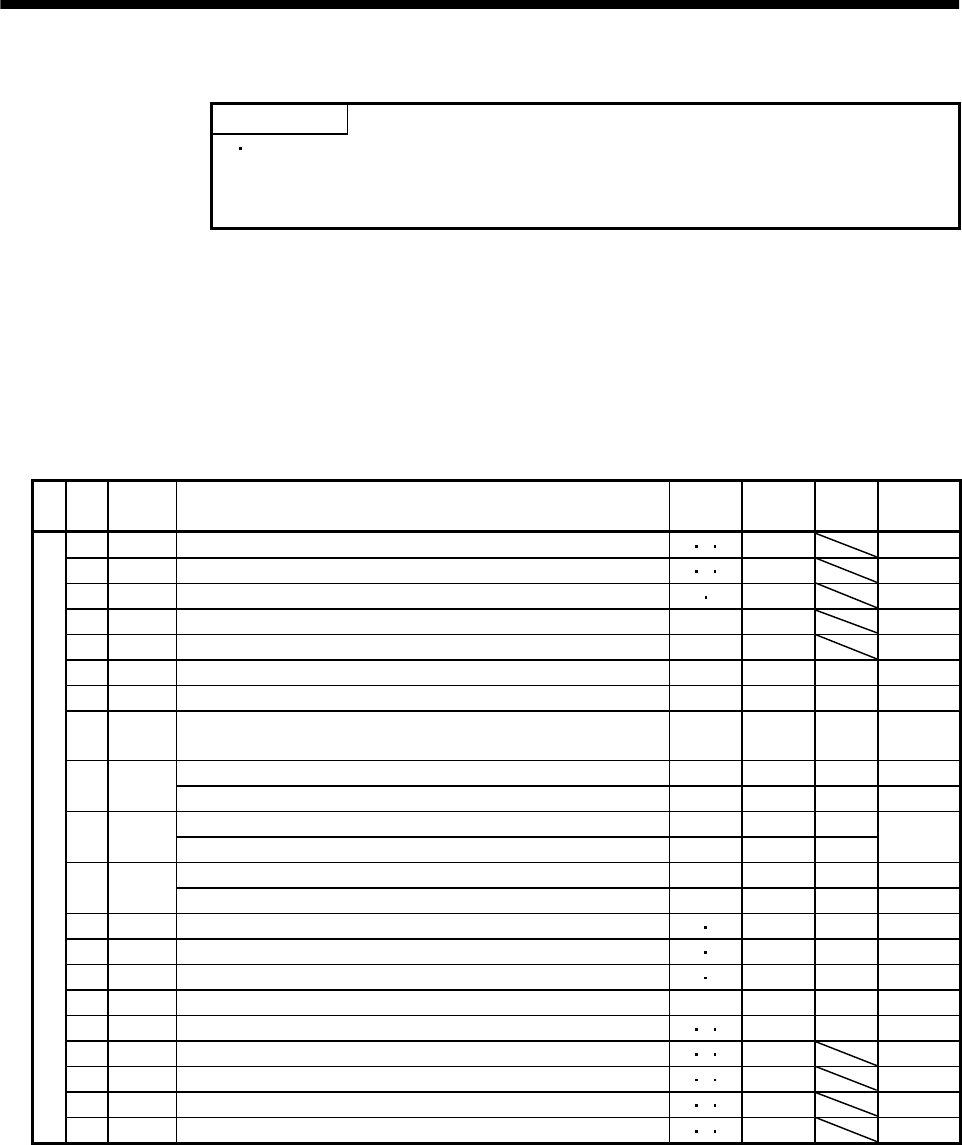
5 - 2
5. PARAMETERS
5.1.2 Lists
POINT
For any parameter whose symbol is preceded by *, set the parameter
value and switch power off once, then switch it on again to make that
parameter setting valid.
For details of the parameters, refer to the corresponding items.
The symbols in the control mode column of the table indicate the following
modes:
P : Position control mode
S : Speed control mode
T : Torque control mode
(1) Item list
No. Symbol Name Control
mode
Initial
value Unit Customer
setting
0 *STY Control mode ,regenerative brake option selection P ST 0000
1 *OP1 Function selection 1 P ST 0002
2 ATU Auto tuning P S 0105
3 CMX Electronic gear numerator P 1
4 CDV Electronic gear denominator P 1
5 INP In-position range P 100 pulse
6 PG1 Position loop gain 1 P 35 rad/s
7PST
Position command acceleration/deceleration time constant
(Smoothing) P3ms
Internal speed command 1 S 100 r/min
8SC1
Internal speed limit 1 T 100 r/min
Internal speed command 2 S 500 r/min
9SC2
Internal speed limit 2 T 500 r/min
Internal speed command 3 S 1000 r/min
10 SC3 Internal speed limit 3 T 1000 r/min
11 STA Acceleration time constant S T0ms
12 STB Deceleration time constant S T0ms
13 STC S-pattern acceleration/deceleration time constant S T0ms
14 TQC Torque command time constant T 0 ms
15 *SNO Station number setting P ST0station
16 *BPS Communication baudrate selection, alarm history clear P ST 0000
17 MOD Analog monitor output P ST 0100
18 *DMD Status display selection P ST 0000
Basic parameters
19 *BLK Parameter block P ST 0000
5 - 3
5. PARAMETERS
No. Symbol Name Control
mode
Initial
value Unit Customer
setting
20 *OP2 Function selection 2 P ST 0000
21 *OP3 Function selection 3 (Command pulse selection) P 0000
22 *OP4 Function selection 4 P ST 0000
23 FFC Feed forward gain P 0 %
24 ZSP Zero speed P ST50r/min
Analog speed command maximum speed S (Note1)0 (r/min)
25 VCM Analog speed limit maximum speed T (Note1)0 (r/min)
26 TLC Analog torque command maximum output T 100 %
27 *ENR Encoder output pulses P ST 4000 pulse
28 TL1 Internal torque limit 1 P ST 100 %
Analog speed command offset S (Note2) mV
29 VCO Analog speed limit offset T (Note2) mV
Analog torque command offset T 0 mV
30 TLO Analog torque limit offset S 0 mV
31 MO1 Analog monitor ch1 offset P ST0 mV
32 MO2 Analog monitor ch2 offset P ST0 mV
33 MBR Electromagnetic brake sequence output P ST 100 ms
34 GD2 Ratio of load inertia moment to servo motor inertia moment P S700.1
times
35 PG2 Position loop gain 2 P 35 rad/s
36 VG1 Speed loop gain 1 P S 177 rad/s
37 VG2 Speed loop gain 2 P S 817 rad/s
38 VIC Speed integral compensation P S48ms
39 VDC Speed differential compensation P S 980
40 For manufacturer setting 0
41 *DIA Input signal automatic ON selection P ST 0000
42 *DI1 Input signal selection 1 P ST 0003
43 *DI2 Input signal selection 2 (CN1B-pin 5) P ST 0111
44 *DI3 Input signal selection 3 (CN1B-pin 14) P ST 0222
45 *DI4 Input signal selection 4 (CN1A-pin 8) P ST 0665
46 *DI5 Input signal selection 5 (CN1B-pin 7) P ST 0770
47 *DI6 Input signal selection 6 (CN1B-pin 8) P ST 0883
48 *DI7 Input signal selection 7 (CN1B-pin 9) P ST 0994
Expansion parameters 1
49 *DO1 Output signal selection 1 P ST 0000
For notes, refer to next page.
5 - 4
5. PARAMETERS
No. Symbol Name Control
mode
Initial
value Unit Customer
setting
50 For manufacturer setting 0000
51 *OP6 Function selection 6 P ST 0000
52 For manufacturer setting 0000
53 *OP8 Function selection 8 P ST 0000
54 *OP9 Function selection 9 P ST 0000
55 *OPA Function selection A P 0000
56 SIC Serial communication time-out selection P ST0 s
57 For manufacturer setting 10
58 NH1 Machine resonance suppression filter 1 P ST 0000
59 NH2 Machine resonance suppression filter 2 P ST 0000
60 LPF Low-pass filter, adaptive vibration suppression control P ST 0000
61 GD2B Ratio of load inertia moment to Servo motor inertia moment 2 P S700.1
times
62 PG2B Position control gain 2 changing ratio P 100 %
63 VG2B Speed control gain 2 changing ratio P S 100 %
64 VICB Speed integral compensation changing ratio P S 100 %
65 *CDP Gain changing selection P S 0000
66 CDS Gain changing condition P S10(Note3)
67 CDT Gain changing time constant P S1ms
68 For manufacturer setting 0
69 CMX2 Command pulse multiplying factor numerator 2 P 1
70 CMX3 Command pulse multiplying factor numerator 3 P 1
71 CMX4 Command pulse multiplying factor numerator 4 P 1
Internal speed command 4 S
72 SC4 Internal speed limit 4 T 200 r/min
Internal speed command 5 S
73 SC5 Internal speed limit 5 T 300 r/min
Internal speed command 6 S
74 SC6 Internal speed limit 6 T 500 r/min
Internal speed command 7 S
75 SC7 Internal speed limit 7 T 800 r/min
76 TL2 Internal torque limit 2 P ST 100 %
77 100
78 10000
79 10
80 10
81 100
82 100
83 100
Expansion parameters 2
84
For manufacturer setting
0
Note 1. The setting of "0" provides the rated servo motor speed.
2. Depends on the servo amplifier.
3. Depends on the parameter No. 65 setting.
5 - 5
5. PARAMETERS
(2) Details list
Class No. Symbol Name and function Initial
value Unit Setting
range
Control
mode
Control mode, regenerative brake option selection
Used to select the control mode and regenerative brake option.
Select the control mode.
0:Position
1:Position and speed
2:Speed
3:Speed and torque
4:Torque
5:Torque and position
00
Selection of regenerative brake option
0:Not used
1:Spare(do not set)
2:MR-RB032
3:MR-RB12
4:MR-RB32
5:MR-RB30
6:MR-RB50
POINT
Wrong setting may cause the regenerative brake option to burn.
If the regenerative brake option selected is not for use with the
servo amplifier, parameter error (AL.37) occurs.
0*STY 0000 0000h
to
0605h
PS T
Basic parameters
1 *OP1 Function selection 1
Used to select the input signal filter, pin CN1B-19 function and
absolute position detection system.
Input signal filter
If external input signal causes chattering
due to noise, etc., input filter is used to
suppress it.
0:None
1:1.777[ms]
2:3.555[ms]
3:5.333[ms]
CN1B-pin 19's function selection
0:Zero Speed detection signal
1:Electromagnetic brake interlock signal
Selection of absolute position detection system
(Refer to Chapter 15)
0:Incremental system
1:Absolute position detection system
0
0002 0000h
to
1013h
PS T
5 - 6
5. PARAMETERS
Class No. Symbol Name and function Initial
value Unit Setting
range
Control
mode
2 ATU Auto tuning
Used to set the response level, etc. for execution of auto tuning.
Refer to Chapter 7.
Auto tuning response level setting
If the machine hunts or generates
large gear sound, decrease the
set value.
To improve performance, e.g.
shorten the settling time, increase
the set value.
Set
value
Response
level
1Low
response
Middle
response
High
response
Auto tuning selection(For more information, refer to Section 7.1.1.)
Machine resonance
frequency guideline
15Hz
220Hz
325Hz
430Hz
535Hz
645Hz
755Hz
870Hz
985Hz
A105Hz
B130Hz
C160Hz
D200Hz
E240Hz
F300Hz
Set value Gain adjustment
0
Description
1
3 Simple manual adjustment.
4 Manual adjustment of all gains.
Interpolation mode Fixes position control gain
(parameter No. 6).
Auto tuning mode 1 Fixes the load inertia moment
ratio set in parameter No. 34.
Response level setting can be
changed.
Manual mode 1
Manual mode 2
2Auto tuning mode 2 Ordinary auto tuning.
0 0
0105 0001h
to
040Fh
PS
3 CMX Electronic gear numerator
Used to set the electronic gear numerator value.
For the setting, refer to Section 5.2.1.
Setting "0" automatically sets the resolution of the servo motor
connected.
For the HC-MFS series, 131072 pulses are set for example.
10
1
to
65535
P
Basic parameters
4 CDV Electronic gear denominator
Used to set the electronic gear denominator value.
For the setting, refer to Section 5.2.1.
11
to
65535
P
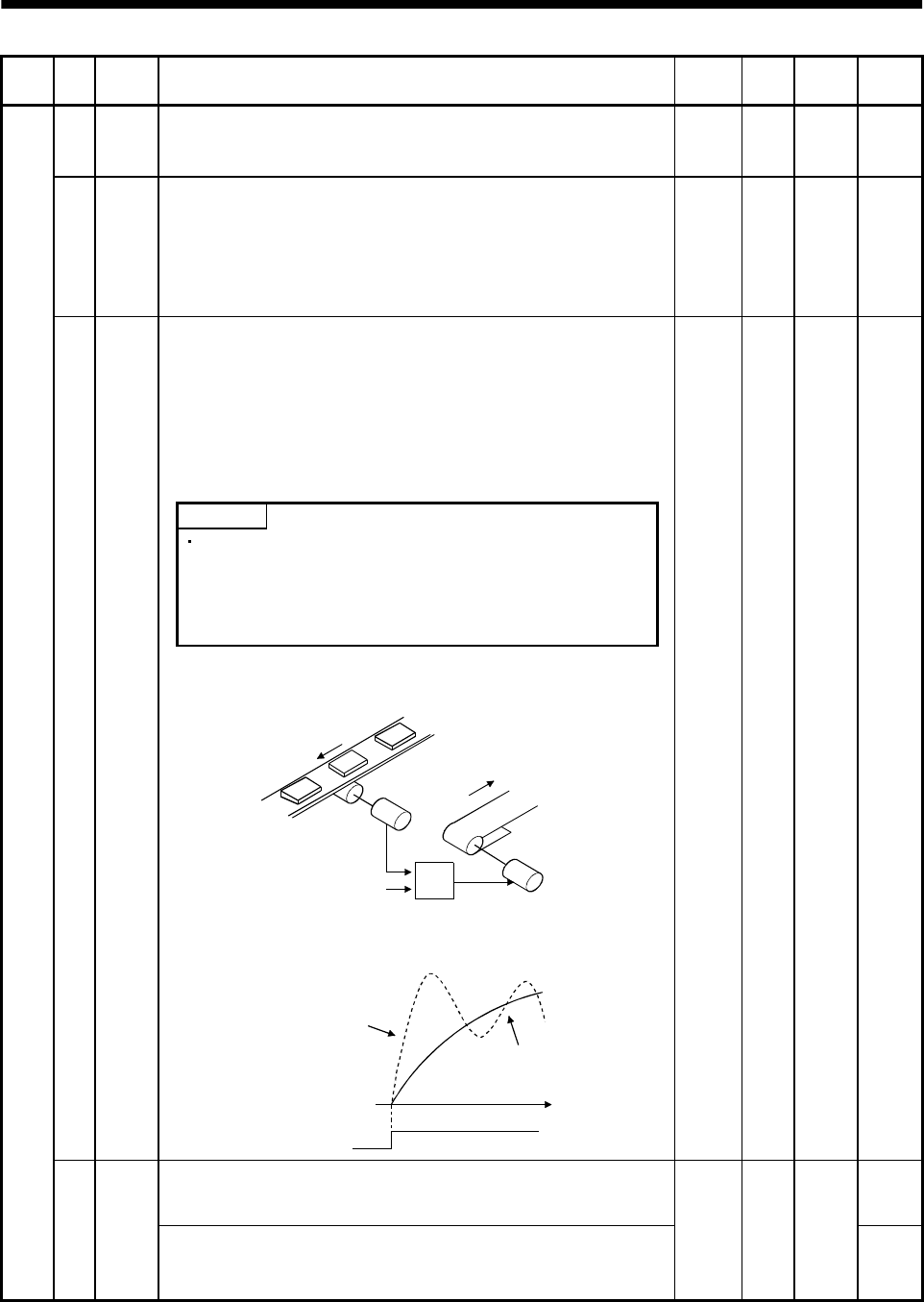
5 - 7
5. PARAMETERS
Class No. Symbol Name and function Initial
value Unit Setting
range
Control
mode
5 INP In-position range
Used to set the in-position (INP) signal output range in the command
pulse increments prior to electronic gear calculation.
100 pulse 0
to
10000
P
6 PG1 Position loop gain 1
Used to set the gain of position loop 1.
Increase the gain to improve trackability in response to the position
command.
The result of auto tuning is automatically provided when auto tuning
is selected.
35 red/s 4
to
2000
P
Position command acceleration/deceleration time constant
(position smoothing)
Used to set the time constant of a low pass filter in response to the
position command.
You can use parameter No. 55 to choose the primary delay or linear
acceleration/deceleration control system. When you choose linear
acceleration/deceleration, the setting range is 0 to 10ms. Setting of
longer than 10ms is recognized as 10ms.
POINT
7PST
When you have chosen linear acceleration/deceleration, do not
select control selection (parameter No. 0) and restart after
instantaneous power failure (parameter No. 20). Doing so will
cause the servo motor to make a sudden stop at the time of
position control switching or restart.
3ms0
to
20000
P
Example: When a command is given from a synchronizing detector,
synchronous operation can be started smoothly if started during line
operation.
Synchronizing
detector
Start
Servo amplifier
Servo motor
Without time
constant setting
Servo motor
speed
Start
With time
constant setting
ON
OFF t
Internal speed command 1
Used to set speed 1 of internal speed commands. S
Basic parameters
8SC1
Internal speed limit 1
Used to set speed 1 of internal speed limits.
100 r/min 0 to
instan-
taneous
permi-
ssible
speed
T
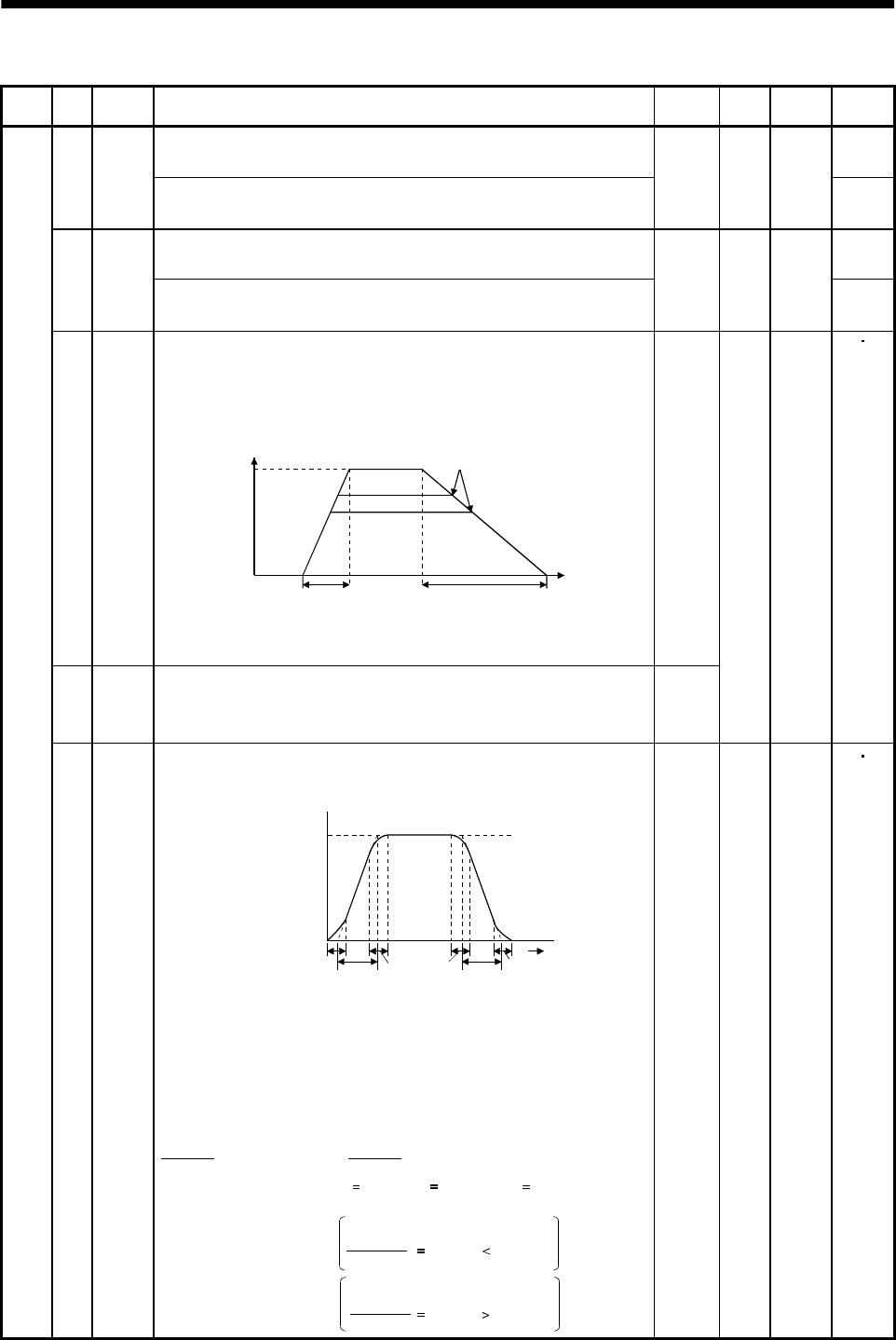
5 - 8
5. PARAMETERS
Class No. Symbol Name and function Initial
value Unit Setting
range
Control
mode
Internal speed command 2
Used to set speed 2 of internal speed commands. S9SC2
Internal speed limit 2
Used to set speed 2 of internal speed limits.
500 r/min 0 to
instan-
taneous
permi-
ssible
speed
T
Internal speed command 3
Used to set speed 3 of internal speed commands. S10 SC3
Internal speed limit 3
Used to set speed 3 of internal speed limits.
1000 r/min 0 to
instan-
taneous
permi-
ssible
speed
T
11 STA Acceleration time constant
Used to set the acceleration time required to reach the rated speed
from 0r/min in response to the analog speed command and internal
speed commands 1 to 7.
Time
Parameter
No.12 setting
Parameter
No.11 setting
Zero
speed
Rated
speed
Speed
If the preset command speed is
lower than the rated speed,
acceleration/deceleration time
will be shorter.
Example: For the servo motor of 3000r/min rated speed, set 3000 (3s)
to increase speed from 0r/min to 1000r/min in 1 second.
0
12 STB Deceleration time constant
Used to set the deceleration time required to reach 0r/min from the
rated speed in response to the analog speed command and internal
speed commands 1 to 7.
0
ms 0
to
20000
ST
Basic parameters
13 STC S-pattern acceleration/deceleration time constant
Used to smooth start/stop of the servo motor.
Set the time of the arc part for S-pattern acceleration/deceleration.
STA: Acceleration time constant (parameter No.11)
STB: Deceleration time constant (parameter No.12)
STC: S-pattern acceleration/deceleration time con-
stant (parameter No.13)
Command speed
Servo motor
Speed
0r/min
STCSTA STC STC STB STC
Time
Long setting of STA (acceleration time constant) or STB (deceleration time
constant) may produce an error in the time of the arc part for the setting of the
S-pattern acceleration/deceleration time constant.
The upper limit value of the actual arc part time is limited by
At the setting of STA 20000, STB 5000 and STC 200,
the actual arc part times are as follows:
for acceleration or by for deceleration.
(Example)
During acceleration: 100[ms] 2000000
20000 100[ms] 200[ms].
Limited to 100[ms] since
During deceleration: 200[ms] 2000000
5000 400[ms] 200[ms].
200[ms] as set since
2000000
STA 2000000
STB
0ms0
to
1000
ST
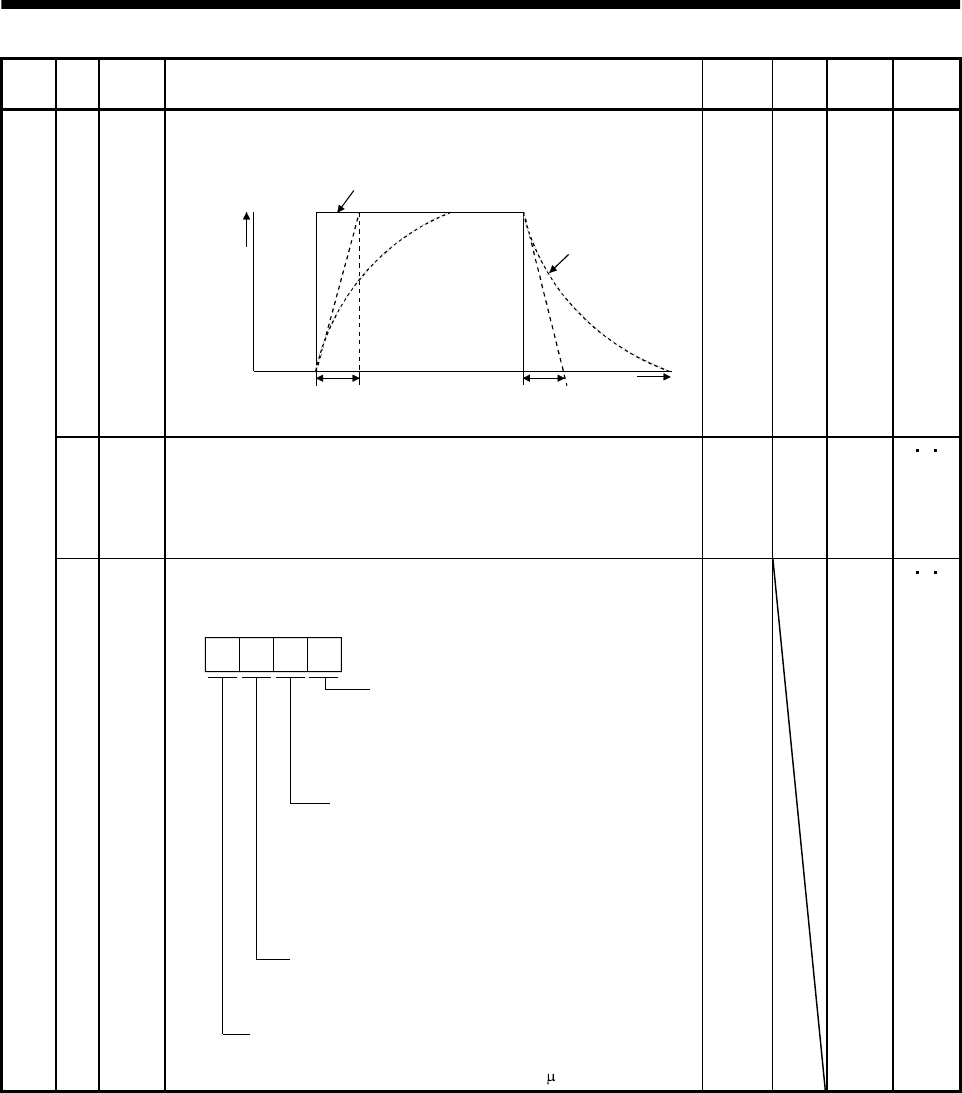
5 - 9
5. PARAMETERS
Class No. Symbol Name and function Initial
value Unit Setting
range
Control
mode
14 TQC Torque command time constant
Used to set the constant of a low pass filter in response to the torque
command. Torque command
TQC TQC Time
After
filtered
TQC: Torque command time constant
Torque
0ms0
to
20000
T
15 *SNO Station number setting
Used to specify the station number for serial communication.
Always set one station to one axis of servo amplifier. If one station
number is set to two or more stations, normal communication cannot
be made.
0sta-
tion 0
to
31
PS T
Basic parameters
16 *BPS Communication baudrate selection, alarm history clear
Used to select the RS-422/RS-232C communication baudrate, select
various communication conditions, and clear the alarm history.
RS-422/RS-232C baudrate selection
0: 9600 [bps]
1: 19200[bps]
2: 38400[bps]
3: 57600[bps]
Alarm history clear
0: Invalid
1: Valid
When alarm history clear is made valid,
the alarm history is cleared at next power-on.
After the alarm history is cleared, the setting
is automatically made invalid (reset to 0).
RS-422/RS-232C communication standard selection
0: RS-232C used
1: RS-485 used
Communication response delay time
0: Invalid
1: Valid, reply sent after delay time of 800 s or more
0000 0000h
to
1113h
PS T
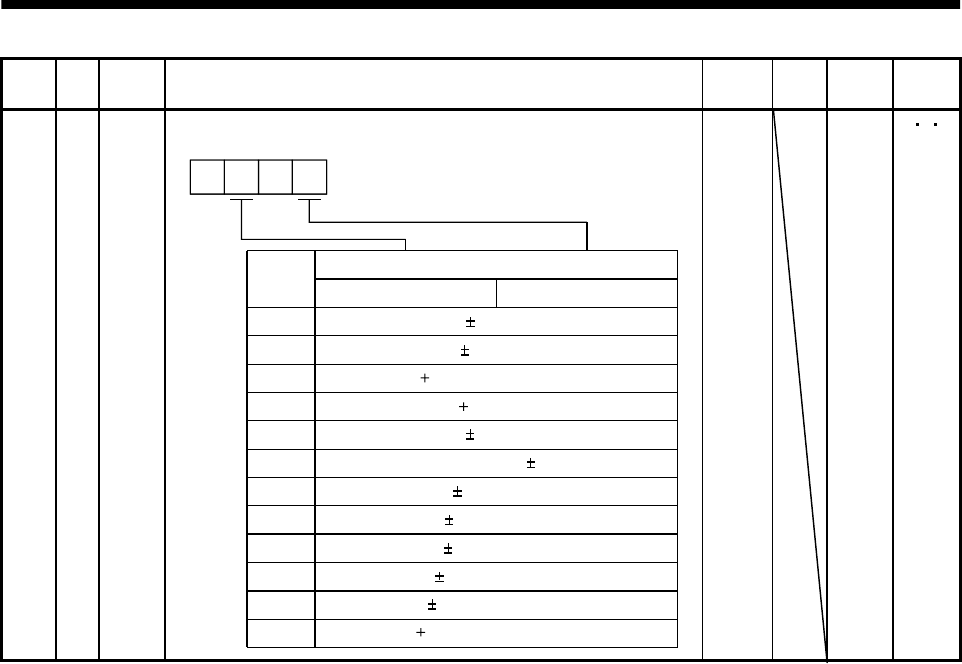
5 - 10
5. PARAMETERS
Class No. Symbol Name and function Initial
value Unit Setting
range
Control
mode
Basic parameters
17 MOD Analog monitor output
Used to set the signal provided to the analog monitor output.
ch1ch2
Setting
0
Analog monitor output selection
Servo motor speed ( 8V/max. speed)
1 Generated torque ( 8V/max. torque)
2 Motor speed ( 8V/max. speed)
3 Generated torque ( 8V/max. torque)
4 Current command ( 8V/max. current command)
5 Command pulse frequency ( 8/500kpulse/s)
6 Droop pulses ( 10V/128 pulses)
7 Droop pulses ( 10V/2048 pulses)
8 Droop pulses ( 10V/8192 pulses)
9 Droop pulses ( 10V/32768 pulses)
A Droop pulses ( 10V/131072 pulses)
00
B Bus voltage ( 8V/400V)
0100 0000h
to
0B0Bh
PS T
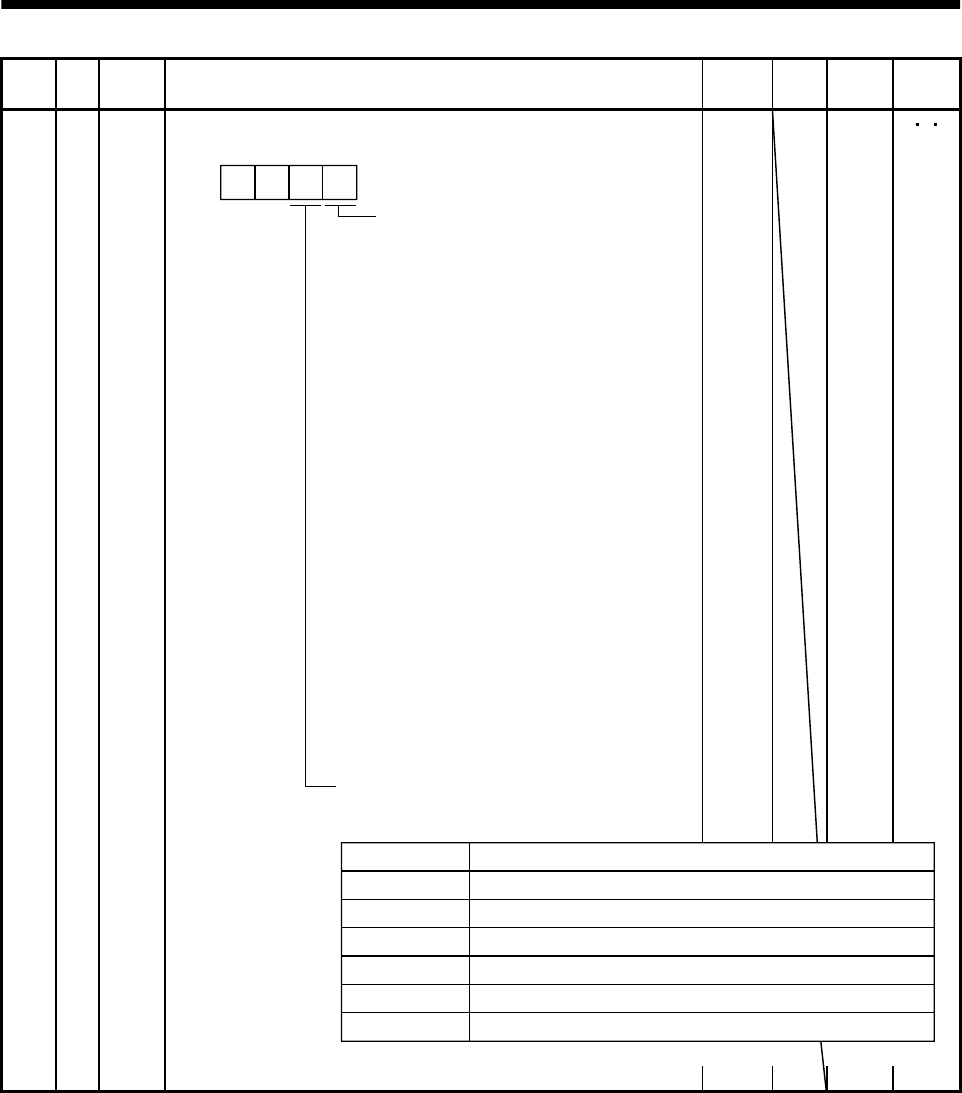
5 - 11
5. PARAMETERS
Class No. Symbol Name and function Initial
value Unit Setting
range
Control
mode
18 *DMD Status display selection
Used to select the status display shown at power-on.
Selection of status display at
power-on
0: Cumulative feedback pulses
1: Servo motor speed
2: Droop pulses
3: Cumulative command pulses
4: Command pulse frequency
5: Analog speed command voltage
(Note 1)
6: Analog torque command voltage
(Note 2)
7: Regenerative load ratio
8: Effective load ratio
9: Peak load ratio
A: Instantaneous torque
B: Within one-revolution position low
C: Within one-revolution position high
D: ABS counter
E: Load inertia moment ratio
F: Bus voltage
In speed control mode. Analog
speed limit voltage in torque
control mode.
In torque control mode. Analog
torque limit voltage in speed or
position control mode.
Note: 1.
2.
Status display at power-on in
corresponding control mode
0: Depends on the control mode.
0 0
0000 0000h
to
001Fh
PS T
Control Mode
Position
Position/speed
Speed
Speed/torque
Torque
Torque/position
Status display at power-on
Cumulative feedback pulses
Cumulative feedback pulses/servo motor speed
Servo motor speed
Servo motor speed/analog torque command voltage
Analog torque command voltage
Analog torque command voltage/cumulative feedback pulses
1: Depends on the first digit setting of this parameter.
Basic parameters
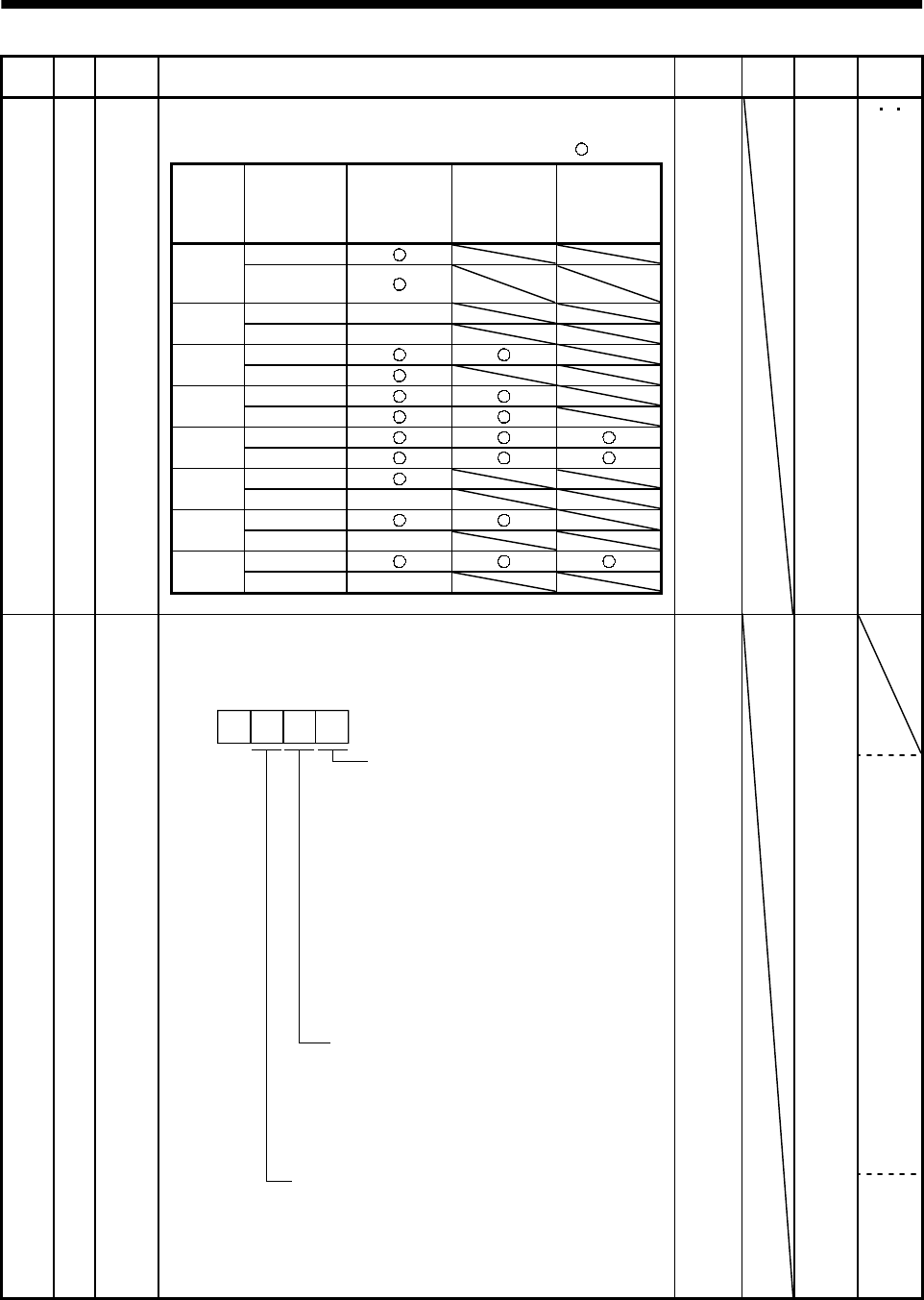
5 - 12
5. PARAMETERS
Class No. Symbol Name and function Initial
value Unit Setting
range
Control
mode
Parameter block
Used to select the reference and write ranges of the parameters.
Operation can be performed for the parameters marked .
Set
value Operation
Basic
parameters
No. 0
to No. 19
Expansion
parameters 1
No. 20
to No. 49
Expansion
parameters 2
No. 50
to No. 84
Reference0000
(Initial
value) Write
Reference No. 19 only
000A Write No. 19 only
Reference
000B Write
Reference
000C Write
Reference
000E Write
Reference
100B Write No. 19 only
Reference
100C Write No. 19 only
Reference
100E Write No. 19 only
Basic parameters
19 *BLK 0000 0000h
to
000Ch
000Eh
100Bh
100Ch
100Eh
PS T
20 *OP2 0000 0000h
to
0111h
S
Expansion parameters 1
Function selection 2
Used to select restart after instantaneous power failure,
servo lock at a stop in speed control mode, and slight vibration
suppression control.
0: Invalid
1: Valid
If the input power supply voltage
had reduced in the speed control
mode to stop the servo motor due
to the undervoltage alarm (AL.10)
but the supply voltage has return-
ed to normal, the servo motor can
be restarted by merely switching
on the start signal without resett-
ing the alarm.
Restart after instantaneous
power failure
Stop-time servo lock selection
The shaft can be servo-locked to
remain still at a stop in the speed
control mode.
0: Valid
1: Invalid
Slight vibration suppression control
Made valid when auto tuning selection is
set to "0400" in parameter No. 2.
Used to suppress vibration at a stop.
0: Invalid
1: Valid
0
P
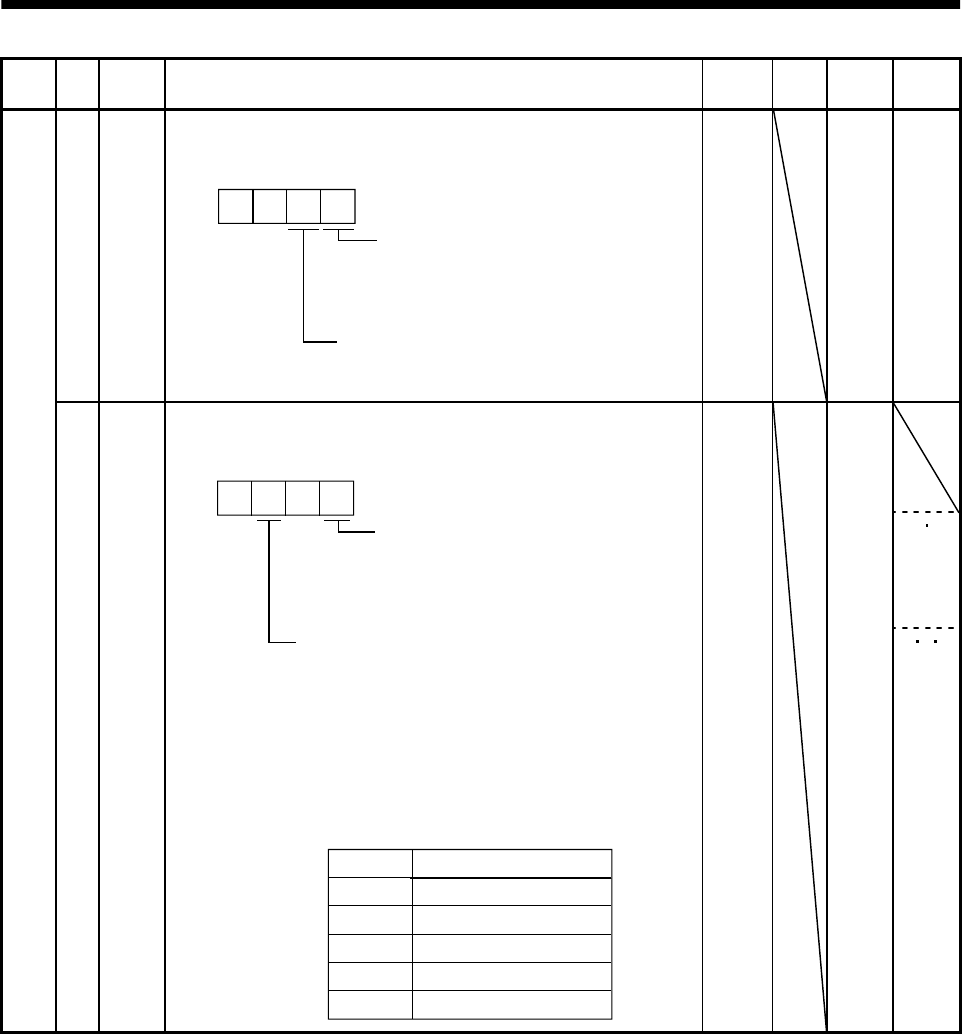
5 - 13
5. PARAMETERS
Class No. Symbol Name and function Initial
value Unit Setting
range
Control
mode
21 *OP3 Function selection 3 (Command pulse selection)
Used to select the input form of the pulse train input signal.
(Refer to Section 3.4.1.)
Command pulse train input form
0: Forward/reverse rotation pulse train
1: Signed pulse train
2: A/B phase pulse train
Pulse train logic selection
0: Positive logic
1: Negative logic
0 0
0000 0000h
to
0012h
P
22 *OP4 0000 0000h
to
0401h
P S
Expansion parameters 1
Function selection 4
Used to select stop processing at LSP/LSN signal off and choose
VC/VLA voltage averaging.
How to make a stop when LSP/LSN
signal is valid. (Refer to Section 5.2.3.)
0: Sudden stop
1: Slow stop
Set value
0
1
2
Filtering time [ms]
0
0.444
0.888
3 1.777
VC/VLA voltage averaging
Used to set the filtering time when the
analog speed command (VC) voltage
or analog speed limit (VLA) is imported.
Set 0 to vary the speed to voltage fluctua-
tion in real time. Increase the set value
to vary the speed slower to voltage flu-
ctuation.
4 3.555
0 0
P S T
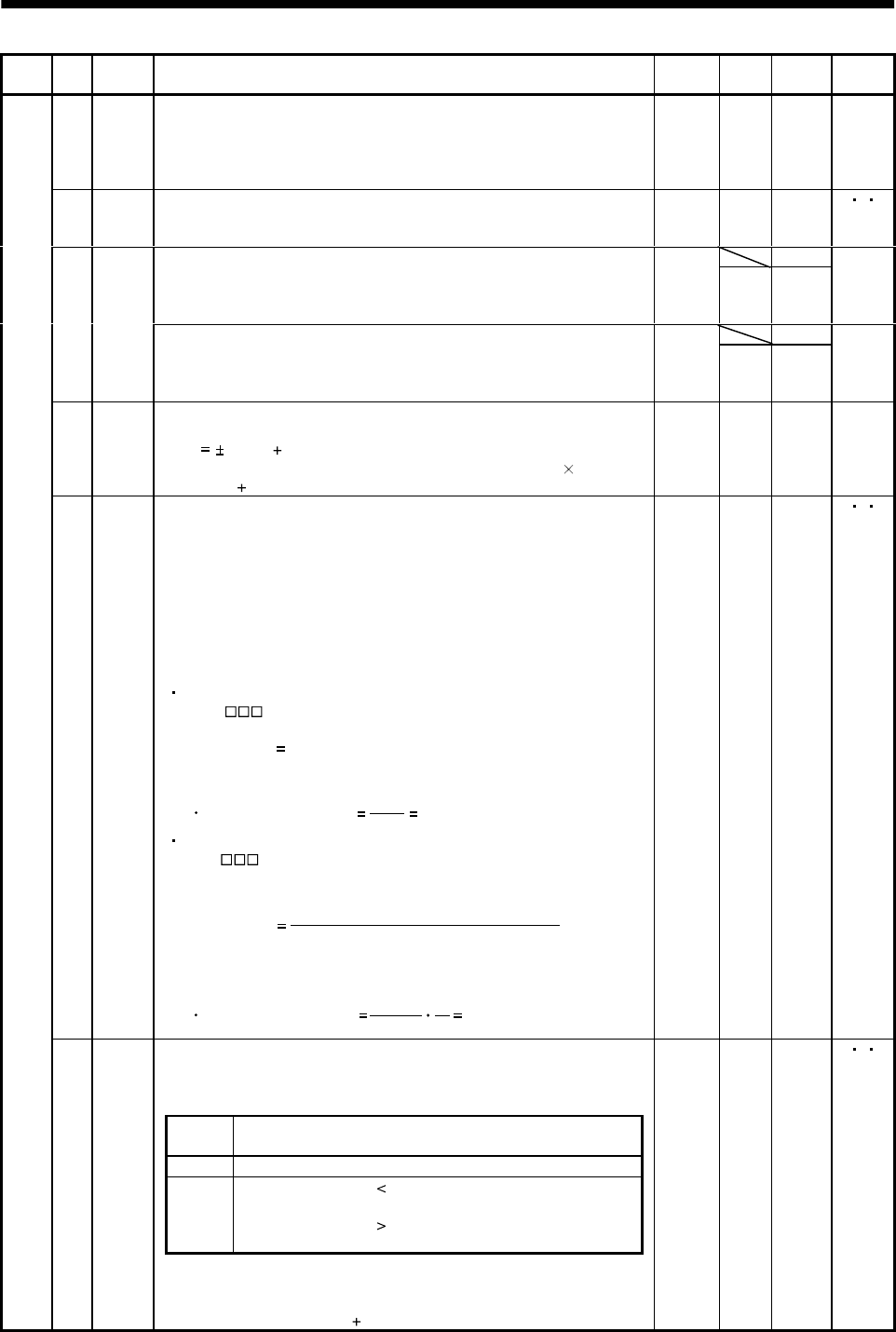
5 - 14
5. PARAMETERS
Class No. Symbol Name and function Initial
value Unit Setting
range
Control
mode
23 FFC Feed forward gain
Used to set the fee forward gain.
At the setting of 100%, droop pulses during constant-speed operation
will be almost zero.
Note that sudden acceleration/deceleration will increase overshoot.
0%0
to
100
P
24 ZSP Zero speed
Used to set the output range of the zero speed signal (ZSP). 50 r/min 0
to
10000
P S T
0Analog speed command maximum speed
Used to set the speed at the maximum input voltage (10V) of the
analog speed command (VC).
Set "0" to select the rated speed of the servo motor connected.
0r/min 1
to
50000
S
0
25 VCM
Analog speed limit maximum speed
Used to set the speed at the maximum input voltage (10V) of the
analog speed limit (VLA).
Set "0" to select the rated speed of the servo motor connected.
0r/min 1
to
50000
T
26 TLC Analog torque command maximum output
Used to set the output torque at the analog torque command voltage
(TC 8V) of 8V on the assumption that the maximum torque is
100[%]. For example, set 50 to output (maximum torque 50/100) at
the TC of 8V.
100 % 0
to
1000
T
27 *ENR Encoder output pulses
Used to set the encoder pulses (A-phase, B-phase) output by the
servo amplifier.
Set the value 4 times greater than the A-phase or B-phase pulses.
You can use parameter No. 54 to choose the output pulse setting or
output division ratio setting.
The number of A/B-phase pulses actually output is 1/4 times greater
than the preset number of pulses.
The maximum output frequency is 1.3Mpps (after multiplication by
4). Use this parameter within this range.
For output pulse designation
Set " 0 " (initial value) in parameter No. 54.
Set the number of pulses per servo motor revolution.
Output pulse set value [pulses/rev]
At the setting of 5600, for example, the actually output A/B-phase
pulses are as indicated below:
4
5600
A B-phase output pulses 1400[pulse]
For output division ratio setting
Set " 1 " in parameter No. 54.
The number of pulses per servo motor revolution is divided by the
set value.
Output pulse [pulses/rev]
Resolution per servo motor revolution
Set value
At the setting of 8, for example, the actually output A/B-phase
pulses are as indicated below:
A B-phase output pulses 4096[pulse]
8
131072 4
1
4000 pulse/
rev 1
to
32768
P S T
Internal torque limit 1
Set this parameter to limit servo motor-generated torque on the
assumption that the maximum torque is 100[%].
When 0 is set, torque is not produced.
(Note)
TL Torque limit
0 Internal torque limit 1 (Parameter No. 28)
1 Analog torque limit internal torque limit 1
: Analog torque limit
Analog torque limit internal torque limit 1
: Internal torque limit 1
Expansion parameters 1
28 TL1
Note.0 :TL-SG off (open)
1 :TL-SG on(short)
When torque is output in analog monitor output, this set value is the
maximum output voltage ( 8V). (Refer to Section 3.4.1, (5))
100 % 0
to
100
PS T
5 - 15
5. PARAMETERS
Class No. Symbol Name and function Initial
value Unit Setting
range
Control
mode
Analog speed command offset
Used to set the offset voltage of the analog speed command (VC).
For example, if CCW rotation is provided by switching on forward
rotation start (ST1) with 0V applied to VC, set a negative value.
When automatic VC offset is used, the automatically offset value is
set to this parameter. (Refer to Section6.3.)
The initial value is the value provided by the automatic VC offset
function before shipment at the VC-LG voltage of 0V.
S
29 VCO
Analog speed limit offset
Used to set the offset voltage of the analog speed limit (VLA).
For example, if CCW rotation is provided by switching on forward
rotation selection (RS1) with 0V applied to VLA, set a negative value.
When automatic VC offset is used, the automatically offset value is
set to this parameter. (Refer to Section6.3.)
The initial value is the value provided by the automatic VC offset
function before shipment at the VLA-LG voltage of 0V.
Depends
on servo
amplifier
mV 999
to
999
T
Analog torque command offset
Used to set the offset voltage of the analog torque command (TC). T30 TLO
Analog torque limit offset
Used to set the offset voltage of the analog torque limit (TLA).
0mV999
to
999 S
31 MO1 Analog monitor ch1 offset
Used to set the offset voltage of the analog monitor ch1 output (MO1). 0mV 999
to 999 PS T
32 MO2 Analog monitor ch2 offset
Used to set the offset voltage of the analog monitor ch2 output (MO2). 0mV 999
to 999 PS T
33 MBR Electromagnetic brake sequence output
Used to set the delay time (Tb) between electronic brake interlock
signal (MBR) and the base drive circuit is shut-off.
100 ms 0
to
1000
PS T
34 GD2 Ratio of load inertia moment to servo motor inertia moment
Used to set the ratio of the load inertia moment to the servo motor
shaft inertia moment. When auto tuning is selected, the result of
auto tuning is automatically set.
In this case, it varies between 0 and 1000.
70 0.1
times 0
to
3000
P S
35 PG2 Position loop gain 2
Used to set the gain of the position loop.
Set this parameter to increase the position response to level load
disturbance. Higher setting increases the response level but is liable
to generate vibration and/or noise.
When auto tuning is selected, the result of auto tuning is
automatically set.
35 rad/s 1
to
1000
P
36 VG1 Speed loop gain 1
Normally this parameter setting need not be changed.
Higher setting increases the response level but is liable to generate
vibration and/or noise.
When auto tuning is selected, the result of auto tuning is
automatically set.
177 rad/s 20
to
8000
PS
37 VG2 Speed loop gain 2
Set this parameter when vibration occurs on machines of low rigidity
or large backlash. Higher setting increases the response level but is
liable to generate vibration and/or noise.
When auto tuning is selected, the result of auto tuning is
automatically set.
817 rad/s 20
to
20000
PS
Expansion parameters 1
38 VIC Speed integral compensation
Used to set the integral time constant of the speed loop.
Higher setting increases the response level but is liable to generate
vibration and/or noise.
When auto tuning is selected, the result of auto tuning is
automatically set.
48 ms 1
to
1000
PS
5 - 16
5. PARAMETERS
Class No. Symbol Name and function Initial
value Unit Setting
range
Control
mode
39 VDC Speed differential compensation
Used to set the differential compensation.
Made valid when the proportion control signal is switched on.
980 0
to
1000
PS
40 For manufacturer setting
Must not be changed. 0
P S T41 *DIA Input signal automatic ON selection
Used to set automatic ON of SON, LSP and LSN.
Servo-on signal (SON) input selection
0: Switched on/off by external input.
1: Switched on automatically in servo
amplifier.
(No need of external wiring)
0: Switched on/off by external input.
1: Switched on automatically in servo
amplifier.
(No need of external wiring)
0: Switched on/off by external input.
1: Switched on automatically in servo
amplifier.
(No need of external wiring)
Reverse rotation stroke end signal (LSN)
input selection
Forward rotation stroke end signal
(LSP) input selection
0
0000 0000h
to
0111h
PS
P/S
S/T
T/P
Expansion parameters 1
42 *DI1 Input signal selection 1
Used to assign the control mode changing signal input pins and to set
the clear signal.
Control change signal (LOP) in-
put pin assignment
Used to set the control mode
change signal input connector
pins. Note that this parameter is
made valid when parameter No.
0 is set to select the position/spe-
ed, speed/torque or torque/posi-
tion change mode.
Set value
0
1
2
Connector pin No.
CN1B-5
CN1B-14
CN1A-8
3CN1B-7
Clear signal (CR) selection
0: Droop pulses are cleared on the
leading edge.
1: While on, droop pulses are always cleared.
4CN1B-8
5CN1B-9
0 0
0003 0000h
to
0015h
PS T
5 - 17
5. PARAMETERS
Class No. Symbol Name and function Initial
value Unit Setting
range
Control
mode
43 *DI2 Input signal selection 2 (CN1B-pin 5)
This parameter is unavailable when parameter No.42 is set to assign
the control change signal (LOP) to CN1B-pin 5.
Allows any input signal to be assigned to CN1B-pin 5.
Note that the setting digit and assigned signal differ according to the
control mode.
Position
control mode Input signals of
CN1B-pin 5
selected.
Torque control mode
Speed control
mode
0
Signals that may be assigned in each control mode are indicated
below by their symbols.
Setting of any other signal will be invalid.
Set value (Note) Control mode
PST
0
1
2
3
4
5
6
7
8
9
SON SON SON
RES RES RES
PC PC
TL TL
SP1 SP1
SP2 SP2
ST1 RS2
ST2 RS1
CR CR CR
ASP3 SP3
B
C
DTL1 TL1
ECDP CDP
CM1
CM2
TL1
CDP
Note: P: Position control mode
S: Speed control mode
T: Torque control mode
0111 0000h
to
0EEEh
PS T
Expansion parameters 1
44 *DI3 Input signal selection 3 (CN1B-pin 14)
Allows any input signal to be assigned to CN1B-pin 14.
The assignable signals and setting method are the same as in input
signal selection 2 (parameter No. 43).
Position
control mode Input signals of
CN1B-pin 14
selected.
Torque control mode
Speed control
mode
0
This parameter is unavailable when parameter No. 42 is set to
assign the control change signal (LOP) to CN1B-pin 14.
0222 0000h
to
0EEEh
PS T
5 - 18
5. PARAMETERS
Class No. Symbol Name and function Initial
value Unit Setting
range
Control
mode
45 *DI4 Input signal selection 4 (CN1A-pin 8)
Allows any input signal to be assigned to CN1A-pin 8.
The assignable signals and setting method are the same as in input
signal selection 2 (parameter No. 43).
Position
control mode Input signals of
CN1A-pin 8
selected.
Torque control mode
Speed control
mode
0
This parameter is unavailable when parameter No. 42 is set to
assign the control change signal (LOP) to CN1 A-pin 8.
0665 0000h
to
0EEEh
PS T
46 *DI5 Input signal selection 5 (CN1B-pin 7)
Allows any input signal to be assigned to CN1B-pin 7.
The assignable signals and setting method are the same as in input
signal selection 2 (parameter No. 43).
Position
control mode Input signals of
CN1B-pin 7
selected.
Tor
q
ue control mode
Speed control
mode
0
This parameter is unavailable when parameter No. 42 is set to
assign the control change signal (LOP) to CN1 B-pin 7.
0770 0000h
to
0EEEh
PS T
47 *DI6 Input signal selection 6 (CN1B-pin 8)
Allows any input signal to be assigned to CN1B-pin 8.
The assignable signals and setting method are the same as in input
signal selection 2 (parameter No. 43).
Position
control mode Input signals of
CN1B-pin 8
selected.
Tor
q
ue control mode
Speed control
mode
0
This parameter is unavailable when parameter No. 42 is set to
assign the control change signal (LOP) to CN1B-pin 8.
When "Used in absolute position detection system" is selected in
parameter No. 1, CN1B-pin 8 is in the ABS transfer mode (ABSM).
(Refer to Section 15.5.)
0883 0000h
to
0EEEh
PS T
Expansion parameters 1
48 *DI7 Input signal selection 7 (CN1B-pin 9)
Allows any input signal to be assigned to CN1B-pin 9.
The assignable signals and setting method are the same as in input
signal selection 2 (parameter No. 43).
Position
control mode Input signals of
CN1B-pin 9
selected.
Tor
q
ue control mode
Speed control
mode
0
This parameter is unavailable when parameter No. 42 is set to
assign the control change signal (LOP) to CN1B-pin 9.
When "Used in absolute position detection system" is selected in
parameter No. 1, CN1B-pin 9 is in the ABS request mode (ABSR).
(Refer to Section 15.5.)
0994 0000h
to
0EEEh
PS T
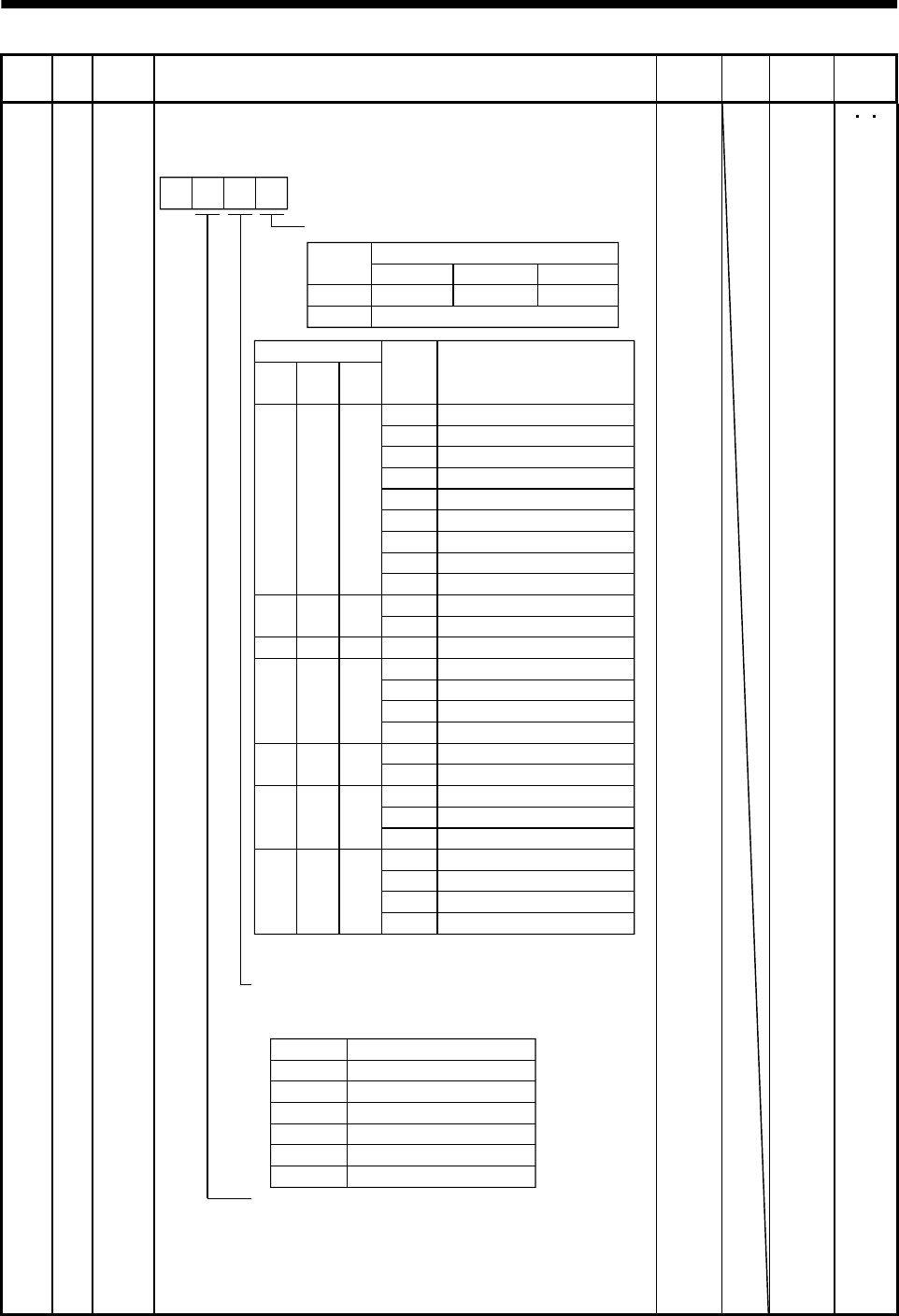
5 - 19
5. PARAMETERS
Class No. Symbol Name and function Initial
value Unit Setting
range
Control
mode
Expansion parameters 1
49 *DO1 Output signal selection 1
Used to select the connector pins to output the alarm code, warning
(WNG) and battery warning (BWNG).
Setting of alarm code output
Connector pins
Set value CN1B-19 CN1A-18 CN1A-19
0ZSP INP or SA RD
1
88888
AL.12
AL.13
AL.15
AL.17
AL.8A
AL.8E
AL.30
AL.45
AL.50
AL.51
AL.24
AL.32
AL.31
AL.35
AL.52
AL.16
AL.20
Name
Watchdog
Memory error 1
Clock error
Memory error 2
Board error 2
Serial communication time-out
Serial communication error
Regenerative error
Main circuit device overheat
Overload 1
Overload 2
Motor output ground fault
Overcurrent
Overspeed
Command pulse frequency error
Error excessive
Encoder error 1
Encoder error 2
Alarm
display
(Note) Alarm code
CN1B
pin 19
0
000
1
CN1A
pin 18
001
1
01
CN1A
pin 19
1
1
0
10
10
Set value Connector pin No.
Note: 0:Pin-SG off (open)
1:Pin-SG on (short)
Setting of warning (WNG) output
Select the connector pin to output warning.
The old signal before selection will be unavailable.
AL.19 Memory error 3
AL.37 Parameter error
AL.33 Overvoltage
AL.46 Servo motor overheat
AL.10 Undervoltage
1
00
AL.1A
AL.25
Motor combination error
Absolute position erase
Setting of battery warning (BWNG) output
Select the connector pin to output battery warning.
The old signal before selection will be unavailable.
Set this function as in the second digit of this
parameter.
Parameter No. 1 setting has priority.
0Not output.
1CN1A-19
2CN1B-18
3CN1A-18
4CN1B-19
5CN1B-6
0
Alarm code is output at alarm occurrence.
0000 0000h
to
0551h
PS T
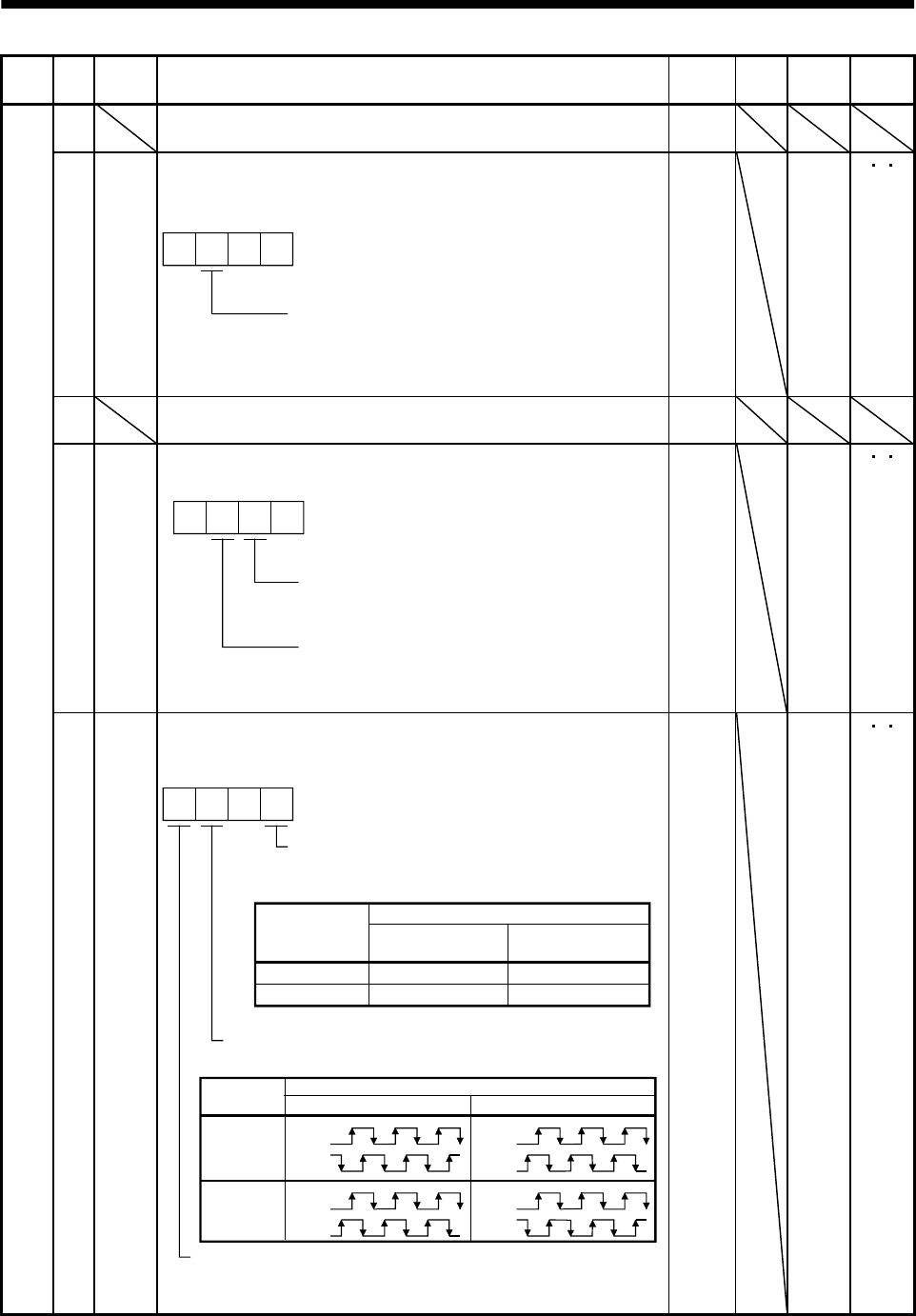
5 - 20
5. PARAMETERS
Class No. Symbol Name and function Initial
value Unit Setting
range
Control
mode
50 For manufacturer setting
Must not be changed. 0000
51 *OP6 Function selection 6
Used to select the operation to be performed when the alarm reset
signal switches on.
000
Operation to be performed when the
alarm reset signal switches on
0: Base circuit not switched off
1: Base circuit switched off
0000 0000h
to
0100h
PS T
52 For manufacturer setting
Must not be changed. 0000
53 *OP8 Function selection 8
Used to select the protocol of serial communication.
0 0
Protocol checksum selection
0: Yes (checksum added)
1: No (checksum not added)
Protocol checksum selection
0: With station numbers
1: No station numbers
0000 0000h
to
0110h
PS T
Expansion parameters 2
54 *OP9 Function selection 9
Use to select the command pulse rotation direction, encoder output
pulse direction and encoder pulse output setting.
0
0
1CCW
CW CW
CCW
Servo motor rotation direction changing
Changes the servo motor rotation
direction for the input pulse train.
Set value
Servo motor rotation direction
At forward rotation
pulse input (Note)
At reverse rotation
pulse input (Note)
Note. Refer to Section 3.4.1, (1), (a).
Encoder output pulse phase changing
Changes the phases of A, B-phase encoder output pulses.
Encoder pulse output setting selection (refer to parameter No. 27)
0: Output pulse setting
1: Division ratio setting
Servo motor rotation direction
Set value CCW CW
0
1
A phase
B phase
A phase
B phase
A phase
B phase
A phase
B phase
0000 0000h
to
1101h
PS T
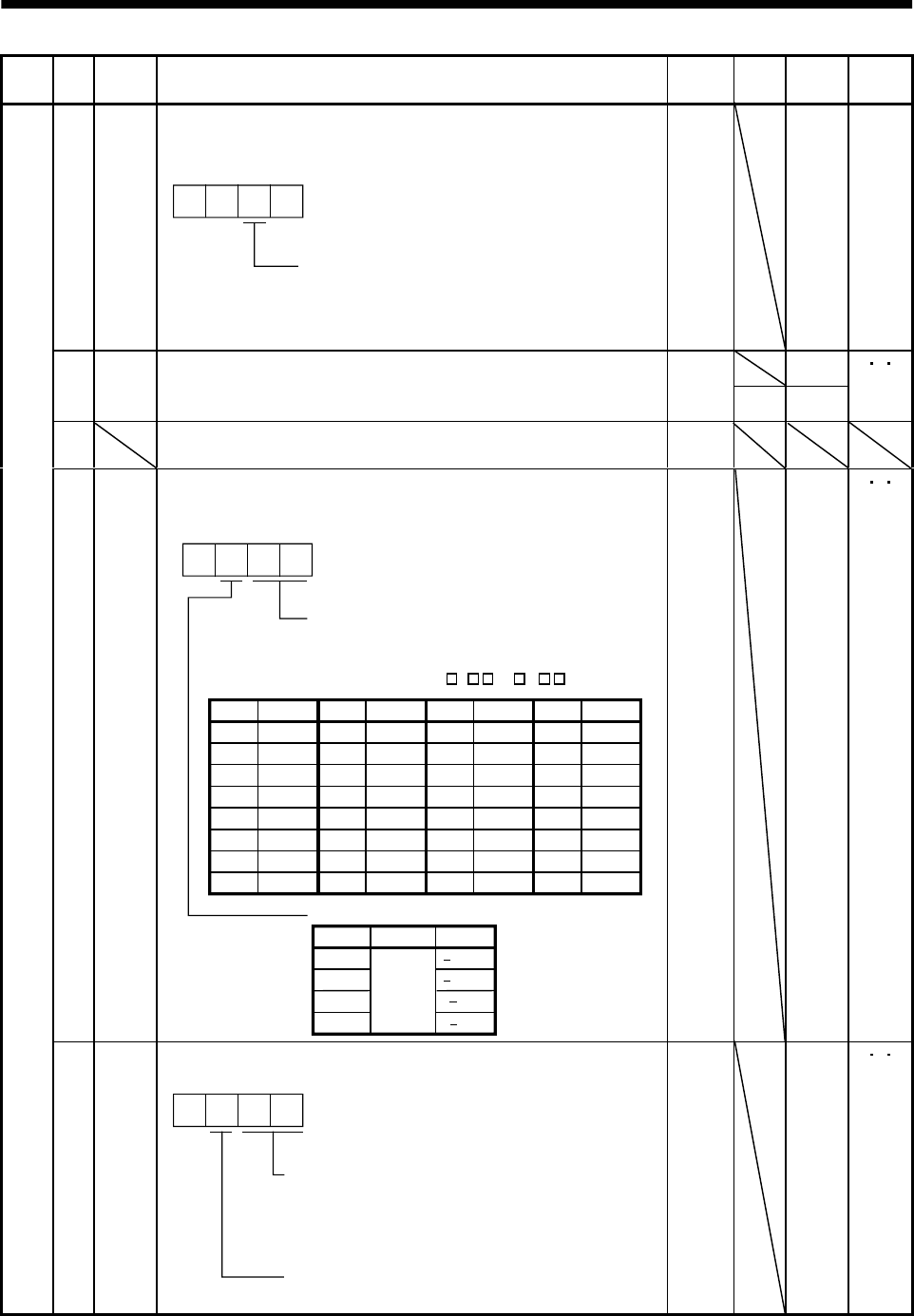
5 - 21
5. PARAMETERS
Class No. Symbol Name and function Initial
value Unit Setting
range
Control
mode
55 *OPA Function selection A
Used to select the position command acceleration/deceleration time
constant (parameter No. 7) control system.
000
0: Primary delay
1: Linear acceleration/deceleration
Position command acceleration/deceleration
time constant control
0000 0000h
to
0010h
P
0
56 SIC Serial communication time-out selection
Used to set the communication protocol time-out period in [s].
When you set "0", time-out check is not made.
0
s1 to 60
PS T
57 For manufacturer setting
Must not be changed. 10
58 NH1 Machine resonance suppression filter 1
Used to set the machine resonance suppression filter.
(Refer to Section 8.1.)
2
3
0
0
140dB
14dB
8dB
4dB
Notch frequency
Set "00" when you have set adaptive vibration
suppression control to be "valid" or "held"
(parameter No. 60: 1 or 2 ).
00
01
02
03
04
05
06
07
Setting Frequency
Invalid
4500
2250
1500
1125
900
750
642.9
08
09
0A
0B
0C
0D
0E
0F
Setting
562.5
500
450
409.1
375
346.2
321.4
300
Frequency
10
11
12
13
14
15
16
17
Setting
281.3
264.7
250
236.8
225
214.3
204.5
195.7
Frequency
18
19
1A
1B
1C
1D
1E
1F
Setting
187.5
180
173.1
166.7
160.1
155.2
150
145.2
Frequency
Notch depth
Setting Depth Gain
Deep
Shallow
to
0000 0000h
to
031Fh
PS T
Expansion parameters 2
59 NH2 Machine resonance suppression filter 2
Used to set the machine resonance suppression filter.
0
Notch frequency
Same setting as in parameter No. 58
However, you need not set "00" if you have
set adaptive vibration suppression control to
be "valid" or "held".
Notch depth
Same setting as in parameter No. 58
0000 0000h
to
031Fh
PS T
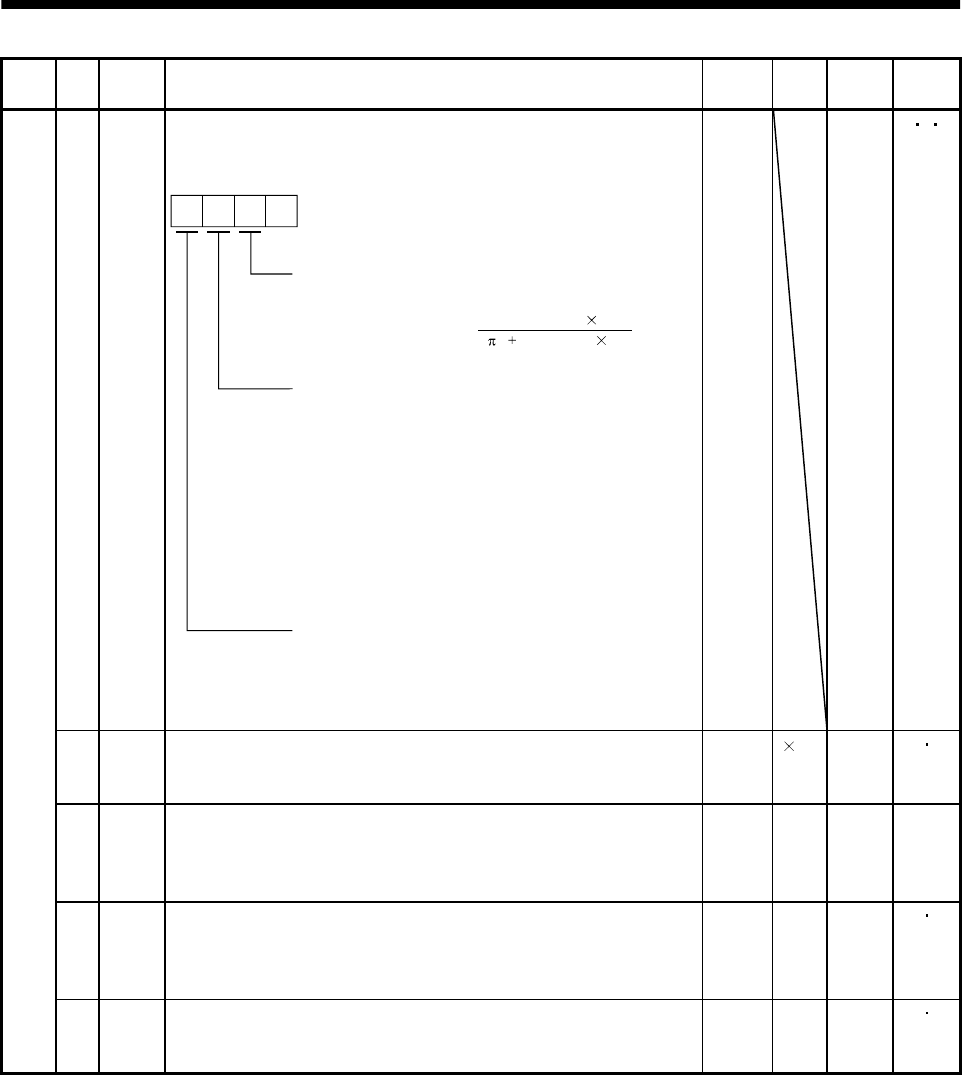
5 - 22
5. PARAMETERS
Class No. Symbol Name and function Initial
value Unit Setting
range
Control
mode
60 LPF Low-pass filter/adaptive vibration suppression control
Used to set the low-pass filter and adaptive vibration suppression
control. (Refer to Chapter 8.)
0
Low-pass filter selection
0: Valid
1: Invalid
When you choose "valid", 2 (1 GD2 setting 0.1)
VG2 setting 10
bandwidth filter is set automatically.
Adaptive vibration suppression control selection
Choosing "valid" or "held" in adaptive vibration
suppression control selection makes the machine
resonance control filter 1 (parameter No. 58) invalid.
0: Invalid
1: Valid
Machine resonance frequency is always detected
and the filter is generated in response to resonance to
suppress machine vibration.
2: Held
The characteristics of the filter generated so far are held,
and detection of machine resonance is stopped.
Adaptive vibration suppression control sensitivity
Used to set the sensitivity of machine resonance detection.
0: Normal
1: Large sensitivity
[Hz]
0000 0000h
to
1210h
PS T
61 GD2B Ratio of load inertia moment to servo motor inertia moment 2
Used to set the ratio of load inertia moment to servo motor inertia
moment when gain changing is valid.
70 0.1
times 0
to
3000
PS
62 PG2B Position control gain 2 changing ratio
Used to set the ratio of changing the position control gain 2 when
gain changing is valid.
Made valid when auto tuning is invalid.
100 % 10
to
200
P
63 VG2B Speed control gain 2 changing ratio
Used to set the ratio of changing the speed control gain 2 when gain
changing is valid.
Made valid when auto tuning is invalid.
100 % 10
to
200
PS
Expansion parameters 2
64 VICB Speed integral compensation changing ratio
Used to set the ratio of changing the speed integral compensation
when gain changing is valid. Made valid when auto tuning is invalid.
100 % 50
to
1000
PS
5 - 23
5. PARAMETERS
Class No. Symbol Name and function Initial
value Unit Setting
range
Control
mode
65 *CDP Gain changing selection
Used to select the gain changing condition. (Refer to Section 8.3.)
000
Gain changing selection
Gains are changed in accordance with the settings
of parameters No. 61 to 64 under any of the following
conditions:
0: Invalid
1: Gain changing (CDP) signal is ON
2: Command frequency is equal to higher than
parameter No. 66 setting
3: Droop pulse value is equal to higher than
parameter No. 66 setting
4: Servo motor speed is equal to higher than
parameter No. 66 setting
0000 0000h
to
1210h
PS
66 CDS Gain changing condition
Used to set the value of gain changing condition (command
frequency, droop pulses, servo motor speed) selected in parameter
No. 65.The set value unit changes with the changing condition item.
(Refer to Section 8.3.)
10 kpps
pulse
r/min
10
to
9999
PS
67 CDT Gain changing time constant
Used to set the time constant at which the gains will change in
response to the conditions set in parameters No. 65 and 66.
(Refer to Section 8.3.)
1ms0
to
100
PS
68 For manufacturer setting
Must not be changed. 0
69 CMX2 Command pulse multiplying factor numerator 2
Used to set the multiplier for the command pulse.
Setting "0" automatically sets the connected motor resolution.
10
1
to
65535
P
70 CMX3 Command pulse multiplying factor numerator 3
Used to set the multiplier for the command pulse.
Setting "0" automatically sets the connected motor resolution.
10
1
to
65535
P
71 CMX4 Command pulse multiplying factor numerator 4
Used to set the multiplier for the command pulse.
Setting "0" automatically sets the connected motor resolution.
10
1
to
65535
P
Internal speed command 4
Used to set speed 4 of internal speed commands. S
Expansion parameters 2
72 SC4
Internal speed limit 4
Used to set speed 4 of internal speed limits.
200 r/min 0 to in-
stanta-
neous
permi-
ssible
speed
T
5 - 24
5. PARAMETERS
Class No. Symbol Name and function Initial
value Unit Setting
range
Control
mode
Internal speed command 5
Used to set speed 5 of internal speed commands. S73 SC5
Internal speed limit 5
Used to set speed 5 of internal speed limits.
300 r/min 0 to in-
stanta-
neous
permi-
ssible
speed
T
Internal speed command 6
Used to set speed 6 of internal speed commands. S74 SC6
Internal speed limit 6
Used to set speed 6 of internal speed limits.
500 r/min 0 to in-
stanta-
neous
permi-
ssible
speed
T
Internal speed command 7
Used to set speed 7 of internal speed commands. S75 SC7
Internal speed limit 7
Used to set speed 7 of internal speed limits.
800 r/min 0 to in-
stanta-
neous
permi-
ssible
speed
T
76 TL2 Internal torque limit 2
Set this parameter to limit servo motor-generated torque on the
assumption that the maximum torque is 100[%].
When 0 is set, torque is not produced.
When torque is output in analog monitor output, this set value is the
maximum output voltage ( 8V). (Refer to Section 3.4.1, (5))
100 % 0
to
100
PS T
77 00
78 10000
79 10
80 10
81 100
82 100
83 100
Expansion parameters 2
84
For manufacturer setting
Must not be changed.
0
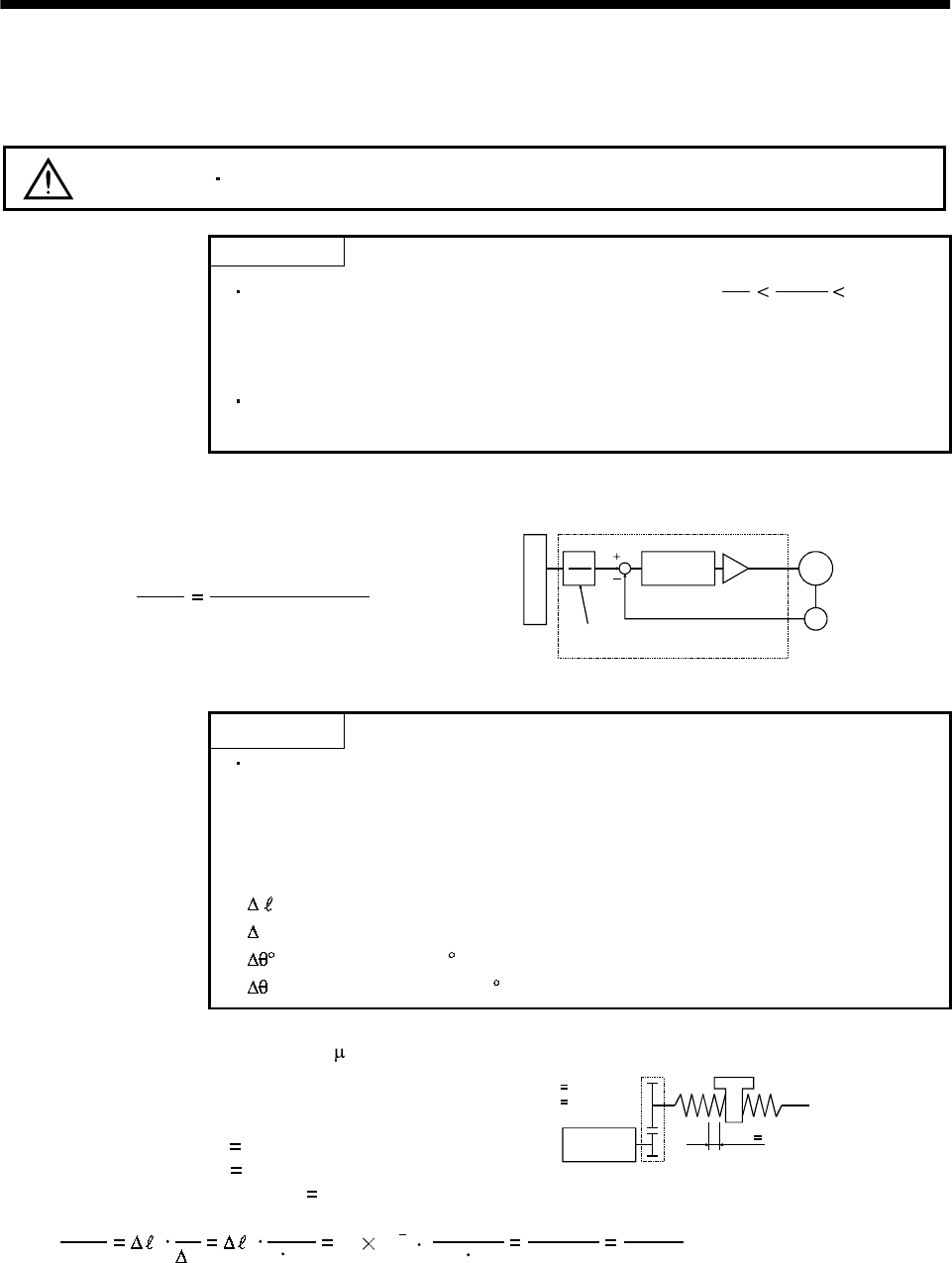
5 - 25
5. PARAMETERS
5.2 Detailed description
5.2.1 Electronic gear
CAUTION Wrong setting can lead to unexpected fast rotation, causing injury.
POINT
The guideline of the electronic gear setting range is 50
1CDV
CMX 500.
If the set value is outside this range, noise may be generated during
acceleration/ deceleration or operation may not be performed at the preset
speed and/or acceleration/deceleration time constants.
The following specification symbols are required to calculate the electronic
gear.
(1) Concept of electronic gear
The machine can be moved at any multiplication factor to input pulses.
CDV
CMX Parameter No.4
Parameter No.3
Electronic gear
Feedback pulse
CMX
CDV Deviation
counter
Motor
Encoder
Input pulse train
The following setting examples are used to explain how to calculate the electronic gear:
POINT
The following specification symbols are required to calculate the electronic
gear
Pb : Ballscrew lead [mm]
n : Reduction ratio
Pt : Servo motor resolution [pulses/rev]
0: Travel per command pulse [mm/pulse]
S: Travel per servo motor revolution [mm/rev]
: Angle per pulse [ /pulse]
: Angle per revolution [ /rev]
(a) For motion in increments of 10 m per pulse
Machine specifications
Ballscrew lead Pb 10 [mm]
Reduction ratio: n 1/2
Servo motor resolution: Pt 131072 [pulses/rev] Servo motor
131072 [pulse/rev]
n
NM
NL
Pb 10[mm]
n NL/NM
1/2
CDV
CMX 0Pt
S0Pt
nPb 10 10 31/2 10
131072 262144
1000 32768
125
Hence, set 32768 to CMX and 125 to CDV.
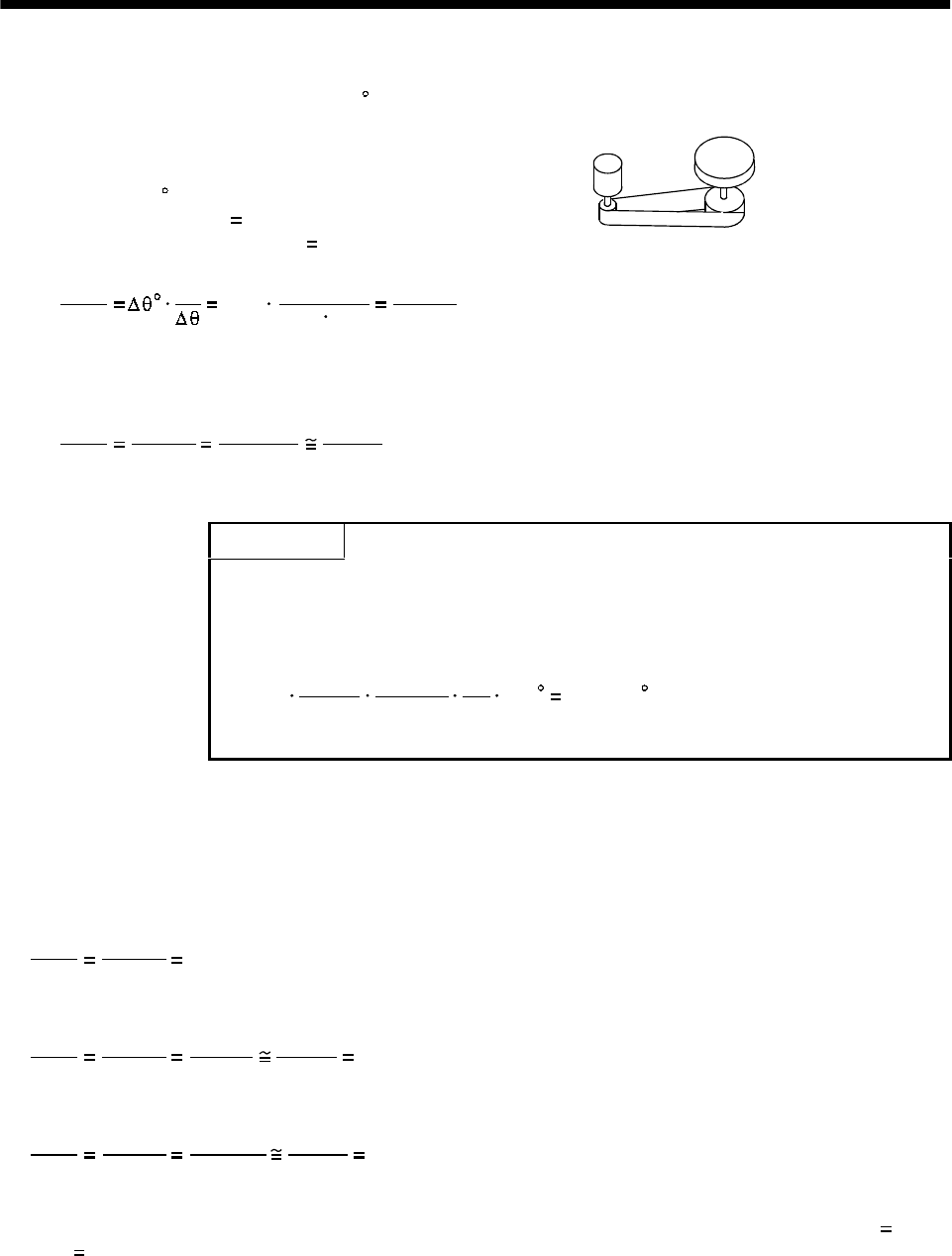
5 - 26
5. PARAMETERS
(b) Conveyor setting example
For rotation in increments of 0.01 per pulse
Machine specifications
Table : 360 /rev
Reduction ratio: n 4/64
Servo motor resolution: Pt 131072 [pulses/rev]
Table
Timing belt : 4/64
Servo motor
131072 [pulse/rev]
CDV
CMX Pt 131072 65536
1125
0.01 4/64 360 .................................................................................(5.1)
Since CMX is not within the setting range in this status, it must be reduced to the lowest term.
When CMX has been reduced to a value within the setting range, round off the value to the
nearest unit.
CDV
CMX 65536
1125 26214.4
450 26214
450
Hence, set 26214 to CMX and 450 to CDV.
POINT
For unlimited one-way rotation, e.g. an index table, indexing positions will
be missed due to cumulative error produced by rounding off.
For example, entering a command of 36000 pulses in the above example
causes the table to rotate only:
26214
450
36000 1
131072 4
64 360 359.995
Therefore, indexing cannot be done in the same position on the table.
(2) Instructions for reduction
The calculated value before reduction must be as near as possible to the calculated value after
reduction.
In the case of (1), (b) in this section, an error will be smaller if reduction is made to provide no fraction
for CDV. The fraction of Expression (5.1) before reduction is calculated as follows.
CDV
CMX 65536
1125 58.25422.................................................................................................................... (5.2)
The result of reduction to provide no fraction for CMX is as follows.
CDV
CMX 65536
1125 32768
562.5 32768
563 58.20249....................................................................................(5.3)
The result of reduction to provide no fraction for CDV is as follows.
CDV
CMX 65536
1125 26214.4
450 26214
450 58.25333..................................................................................(5.4)
As a result, it is understood that the value nearer to the calculation result of Expression (5.2) is the
result of Expression (5.4). Accordingly, the set values of (1), (b) in this section are CMX 26214,
CDV 450.
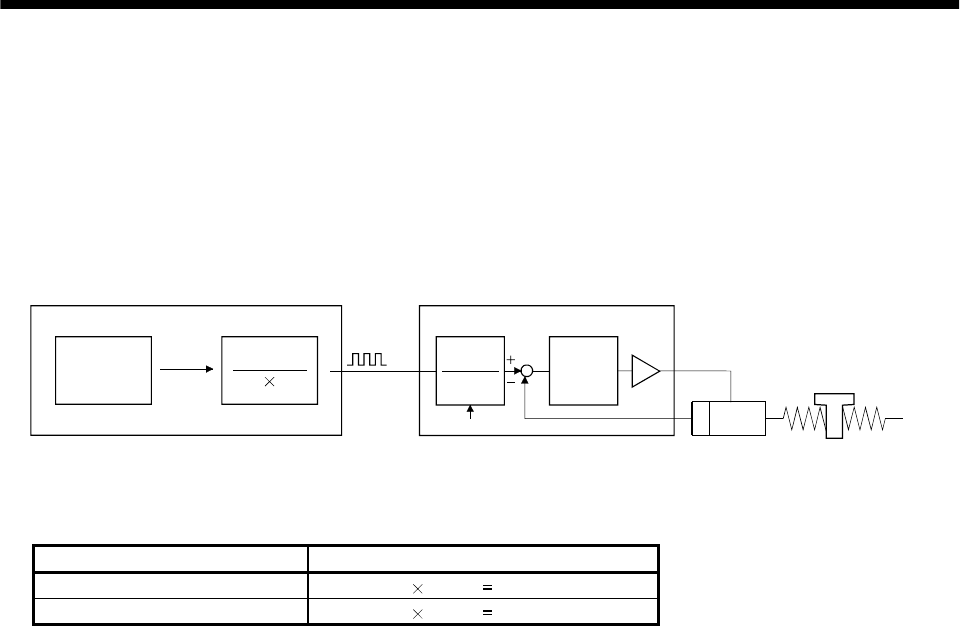
5 - 27
5. PARAMETERS
(3) Setting for use of AD75P
The AD75P also has the following electronic gear parameters. Normally, the servo amplifier side
electronic gear must also be set due to the restriction on the command pulse frequency (differential
400kpulse/s, open collector 200kpulse/s).
AP: Number of pulses per motor revolution
AL: Moving distance per motor revolution
AM: Unit scale factor
Command
value Control
unit
AP
AMAL
CMX
CDV
Deviation
counter
Electronic gear Feedback pulse
Command
pulse
Servo amplifierAP75P
Servo motor
Electronic gear
The resolution of the servo motor is 131072 pulses/rev. For example, the pulse command needed to
rotate the servo motor is as follows
Servo motor speed [r/min] Required pulse command
2000 131072 2000/60 4369066 pulse/s
3000 131072 3000/60 6553600 pulse/s
For the AD75P, the maximum value of the pulse command that may be output is 200kpulse/s in the
open collector system or 400kpulse/s in the differential line driver system. Hence, either of the servo
motor speeds exceeds the maximum output pulse command of the AD75P.
Use the electronic gear of the servo amplifier to run the servo motor under the maximum output pulse
command of the AD75P.
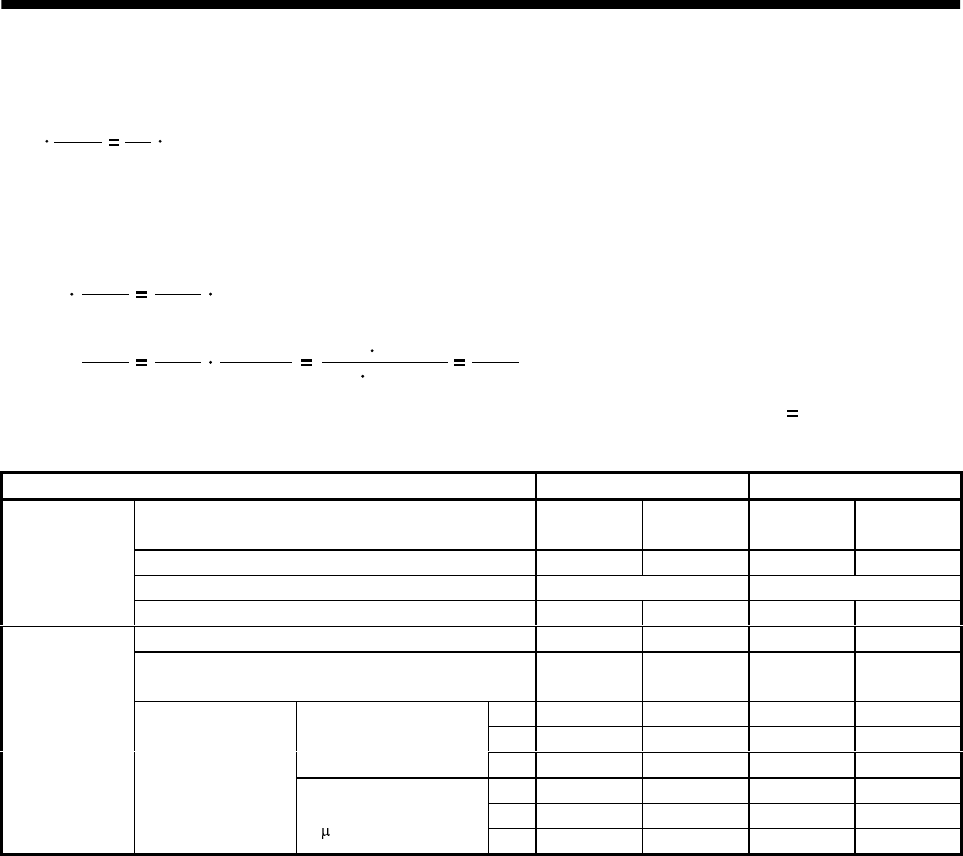
5 - 28
5. PARAMETERS
To rotate the servo motor at 3000r/min in the open collector system (200kpulse/s), set the electronic
gear as follows
CDV
CMX N0
f60 pt
f : Input pulses [pulse/s]
N0: Servo motor speed [r/min]
Pt : Servo motor resolution [pulse/rev]
CDV
CMX 3000
60
200 131072
CDV
CMX 3000
60 131072
200 60 200000
3000 131072 4096
125
The following table indicates the electronic gear setting example (ballscrew lead 10mm) when the
AD75P is used in this way.
Rated servo motor speed 3000r/min 2000r/min
Input system Open
collector Differential
line driver Open
collector Differential
line driver
Max. input pulse frequency [kpulse/s] 200 500 200 500
Feedback pulse/revolution [pulse/rev] 131072 131072
Servo amplifier
Electronic gear (CMX/CDV) 4096/125 2048/125 8192/375 4096/375
Command pulse frequency [kpulse/s] (Note) 200 400 200 400
Number of pulses per servo motor revolution as
viewed from AD75P[pulse/rev] 4000 10000 6000 15000
AP1111
AL1111
Minimum command unit
1pulse AM1111
AP 4000 10000 6000 15000
AL 1000 1000 1000 1000
AD75P
Electronic gear Minimum command unit
0.1 mAM 10 10 10 10
Note: Command pulse frequency at rated speed
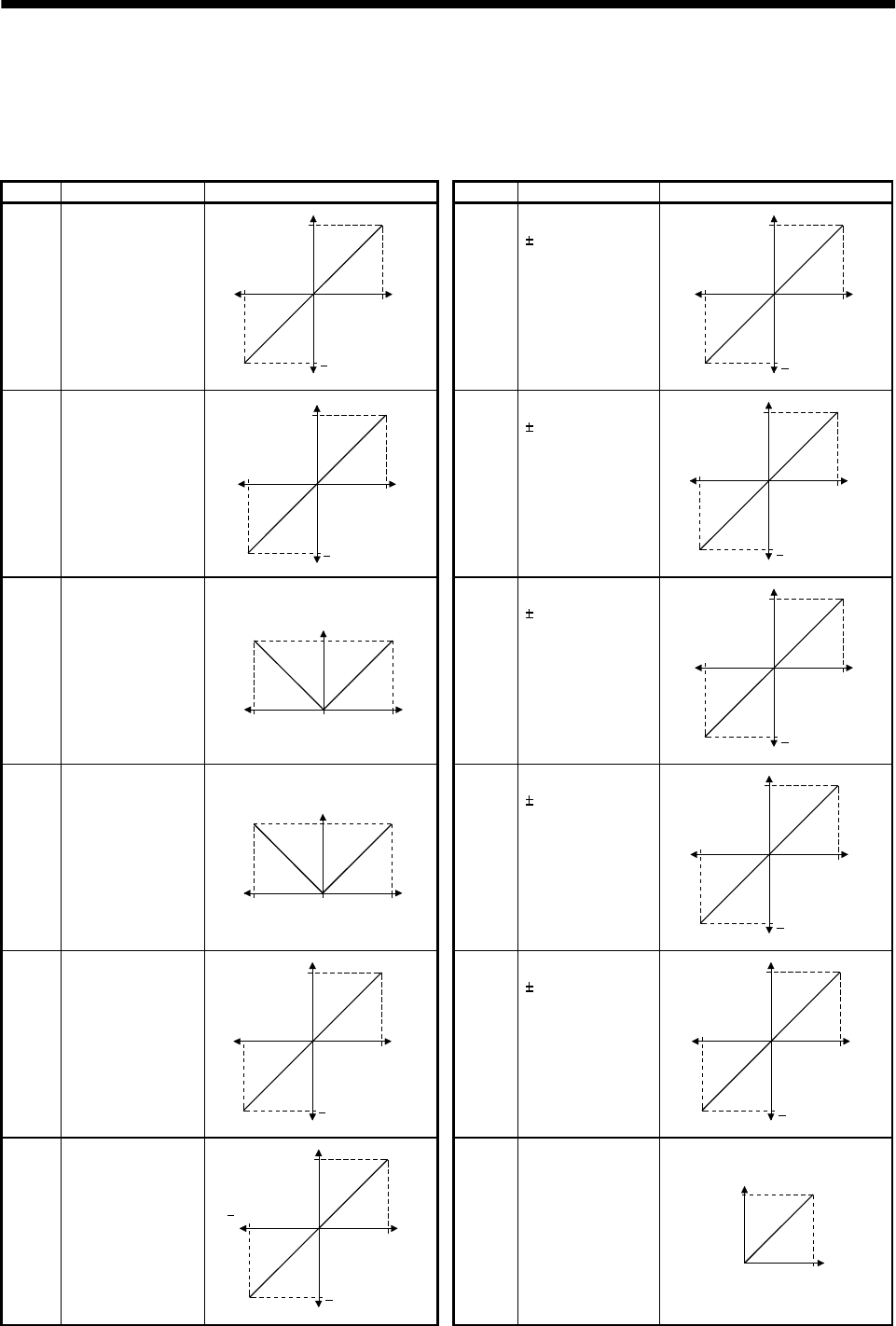
5 - 29
5. PARAMETERS
5.2.2 Analog output
The servo status can be output to two channels in terms of voltage. Use this function when using an
ammeter to monitor the servo status or synchronizing the torque/speed with the other servo.
The servo amplifier is factory-set to output the motor speed to ch1 and the generated torque to ch2. The
setting can be changed as listed below by changing the parameter No.17 value:
Refer to Appendix 2 for the measurement point.
Setting Output item Description Setting Output item Description
0 Motor speed 8[V]
Max. speed
0Max. speed
8[V]
CCW direction
CW direction
6 Droop pulses
(10V/128pulse) 10[V]
0128[pulse]
10[V]
CCW direction
CW direction
128[pulse]
1 Generated torque 8[V]
Max. torque
0Max. torque
8[V]
Driving in CW direction
Driving in CCW direction 7 Droop pulses
(10V/2048pulse) 10[V]
02048[pulse]
10[V]
CCW direction
CW direction
2048[pulse]
2 Motor speed
8[V]
Max. speed 0Max. speed
CCW
direction
CW
direction
8 Droop pulses
(10V/8192pulse) 10[V]
08192[pulse]
10[V]
CCW direction
CW direction
8192[pulse]
3 Generated torque
8[V]
Max. torque 0Max. torque
Driving in
CW direction Driving in
CCW direction
9 Droop pulses
(10V/32768pulse) 10[V]
032768[pulse]
10[V]
CCW direction
CW direction
32768[pulse]
4 Current command
(Torque command) 8[V]
Max. command
current
(Max. torque
command)
0Max. command
current
(Max. torque
command)
8[V]
CCW direction
CW direction
A Droop pulses
(10V/131072pulse) 10[V]
0131072[pulse]
10[V]
CCW direction
CW direction
131072[pulse]
5Command pulse
frequency 8[V]
500kpps
0500kpps
8[V]
CCW direction
CW direction
BBus voltage
8[V]
0400[V]
5 - 30
5. PARAMETERS
Change the following digits of parameter No.17:
Analog monitor ch1 output selection
(Signal output to across MO1-LG)
Analog monitor ch2 output selection
(Signal output to across MO2-LG)
Parameter No. 17
00
Parameters No.31 and 32 can be used to set the offset voltages to the analog output voltages. The setting
range is between 999 and 999mV.
Parameter No. Description Setting range [mV]
31 Used to set the offset voltage for the analog monitor ch1 output.
32 Used to set the offset voltage for the analog monitor ch2 output. 999 to 999
5.2.3 Using forward/reverse rotation stroke end to change the stopping pattern
The stopping pattern is factory-set to make a sudden stop when the forward/reverse rotation stroke end is
made valid. A slow stop can be made by changing the parameter No. 22 value.
Parameter No.22 Setting Stopping method
0
(initial value)
Sudden stop
Position control mode : Motor stops with droop pulses cleared.
Speed control mode : Motor stops at deceleration time constant of zero.
1
Slow stop
Position control mode : The motor is decelerated to a stop in accordance with the
parameter No. 7 value.
Speed control mode : The motor is decelerated to a stop in accordance with the
parameter No. 12 value.
5.2.4 Alarm history clear
The servo amplifier stores one current alarm and five past alarms from when its power is switched on
first. To control alarms which will occur during operation, clear the alarm history using parameter No.16
before starting operation.
Clearing the alarm history automatically returns to " 0 ".
After setting, this parameter is made valid by switch power from OFF to ON.
Alarm history clear
0: Invalid (not cleared)
1: Valid (cleared)
Parameter No.16
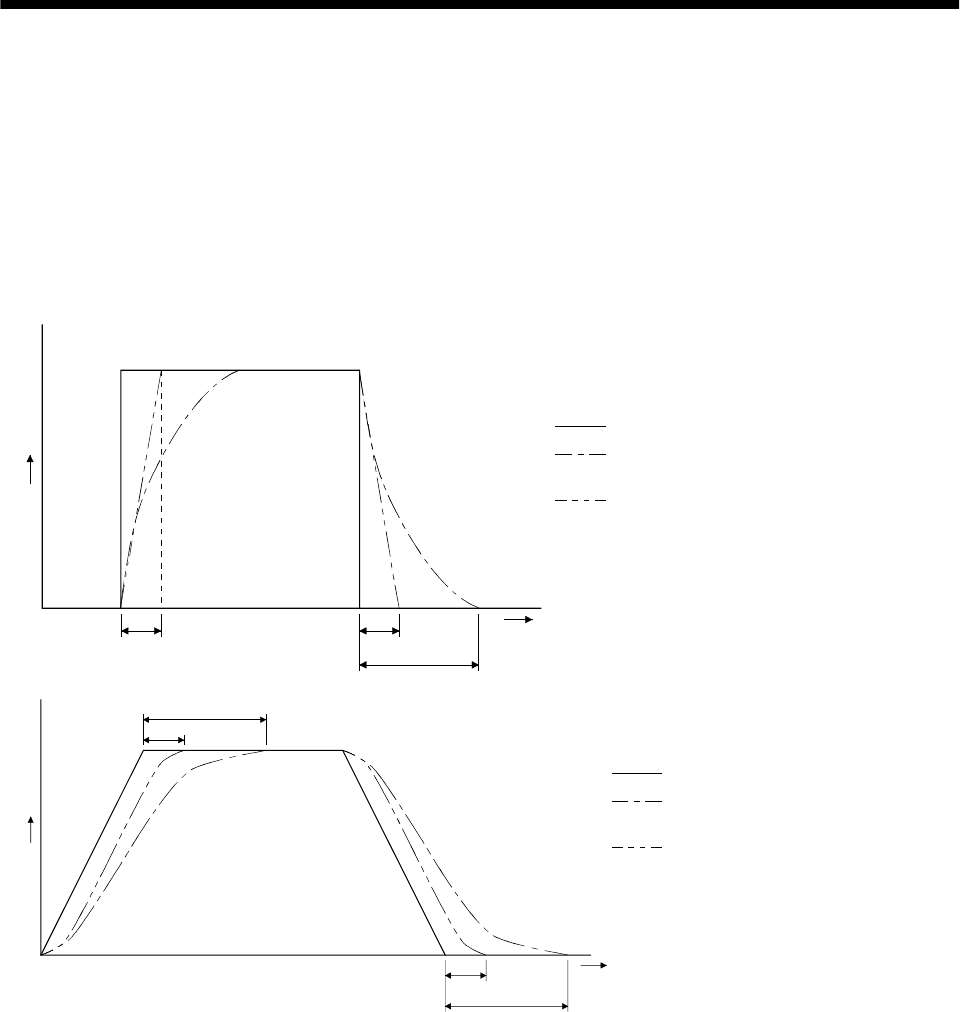
5 - 31
5. PARAMETERS
5.2.5 Position smoothing
By setting the position command acceleration/deceleration time constant (parameter No.7), you can run
the servo motor smoothly in response to a sudden position command.
The following diagrams show the operation patterns of the servo motor in response to a position command
when you have set the position command acceleration/deceleration time constant.
Choose the primary delay or linear acceleration/deceleration in parameter No. 55 according to the
machine used.
(1) For step input
Command
(3t)
tt
Time
t
: Input position command
: Position command after
filtering for primary delay
: Position command after filtering
for linear acceleration/deceleration
: Position command acceleration/
deceleration time constant (parameter No. 7)
(2) For trapezoidal input
Command
Tim
e
t
(3t)
t
(3t)
t
: Input position command
: Position command after
filtering for primary delay
: Position command after filtering
for linear acceleration/deceleration
: Position command acceleration/
deceleration time constant
(parameter No. 7)
5 - 32
5. PARAMETERS
MEMO
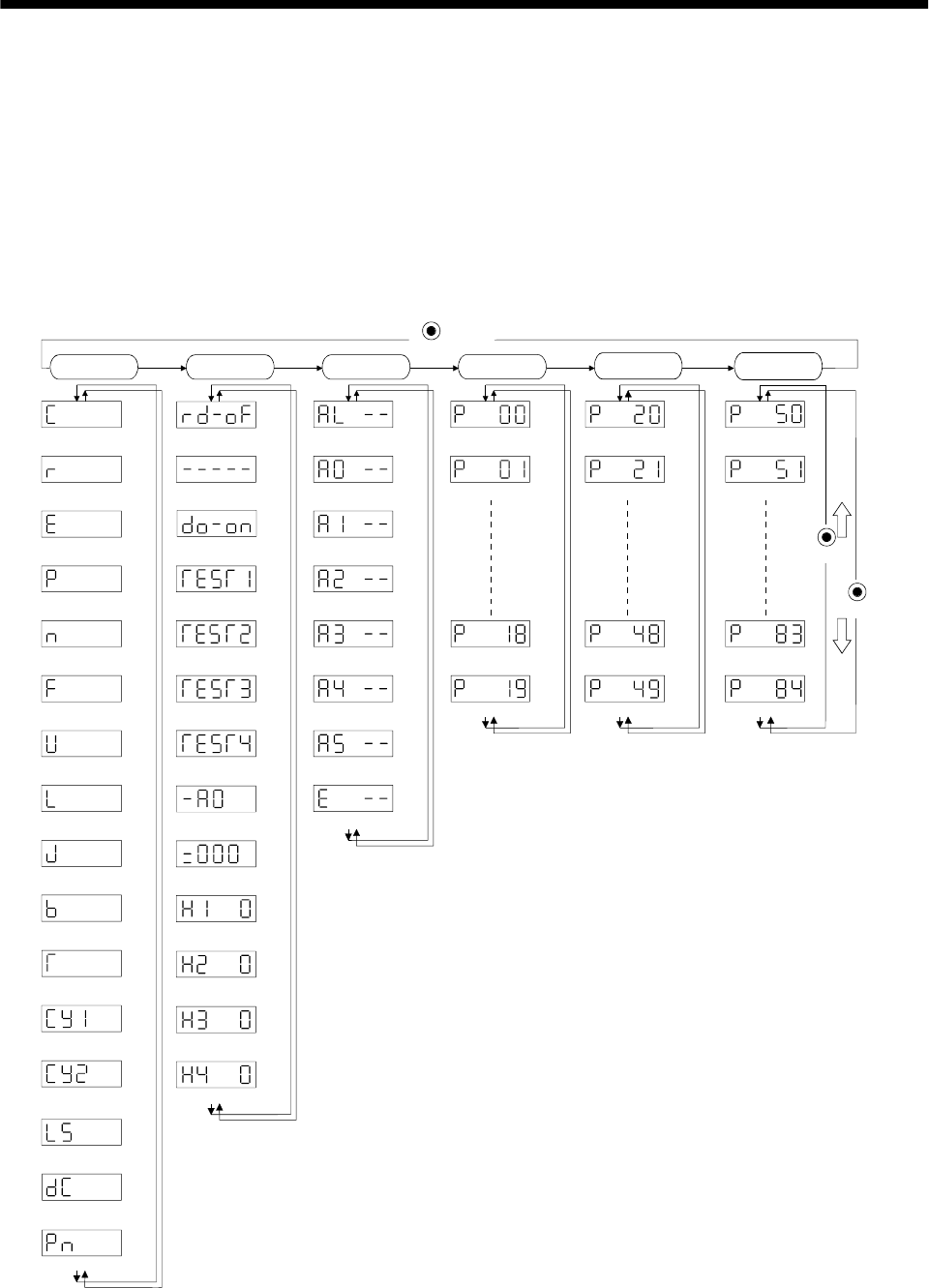
6 - 1
6. DISPLAY AND OPERATION
6. DISPLAY AND OPERATION
6.1 Display flowchart
Use the display (5-digit, 7-segment LED) on the front panel of the servo amplifier for status display,
parameter setting, etc. Set the parameters before operation, diagnose an alarm, confirm external
sequences, and/or confirm the operation status. Press the "MODE" "UP" or "DOWN" button once to move
to the next screen.
To refer to or set the expansion parameters, make them valid with parameter No. 19 (parameter write
disable).
Cumulative feedback
pulses [pulse]
Motor speed
[r/min]
Droop pulses
[pulse]
Cumulative command
pulses [pulse]
Command pulse
frequency [kpps]
Speed command voltage
Speed limit voltage[mV]
Torque limit voltage
Torque command voltage
Regenerative load
ratio [%]
Effective load ratio
[%]
Peak load ratio
[%]
Within one-revolution
position low [pulse]
ABS counter
[rev]
Load inertia moment
ratio [times]
Sequence
External I/O
signal display
Output signal
forced output
Test operation
Jog feed
Test operation
Positioning operation
Test operation
Motor-less operation
Software version L
Software version H
Automatic VC offset
Current alarm
Last alarm
Second alarm in past
Third alarm in past
Fourth alarm in past
Fifth alarm in past
Sixth alarm in past
Parameter error No.
Parameter No. 0
Parameter No. 1
Parameter No. 18
Parameter No. 19
Parameter No. 20
Parameter No. 21
Parameter No. 48
Parameter No. 49
(Note)
Note: The initial status display at power-on depends on the control mode.
Position control mode: Cumulative feedback pulses(C), Speed control mode: Motor speed(r),
Torque control mode: Torque command voltage(U)
Also, parameter No. 18 can be used to change the initial indication of the status display at power-on.
MODE
button
DOWN
UP
Status display Diagnosis Basic
parameters Expansion
parameters 1
Alarm Expansion
parameters 2
Parameter No. 50
Parameter No. 51
Parameter No. 83
Parameter No. 84
Instantaneous torque
[%]
Within one-revolution
position, high [100 pulses]
Bus voltage [V]
Test operation
Machine analyzer operation
Motor series ID
Motor type ID
Encoder ID
[mV]
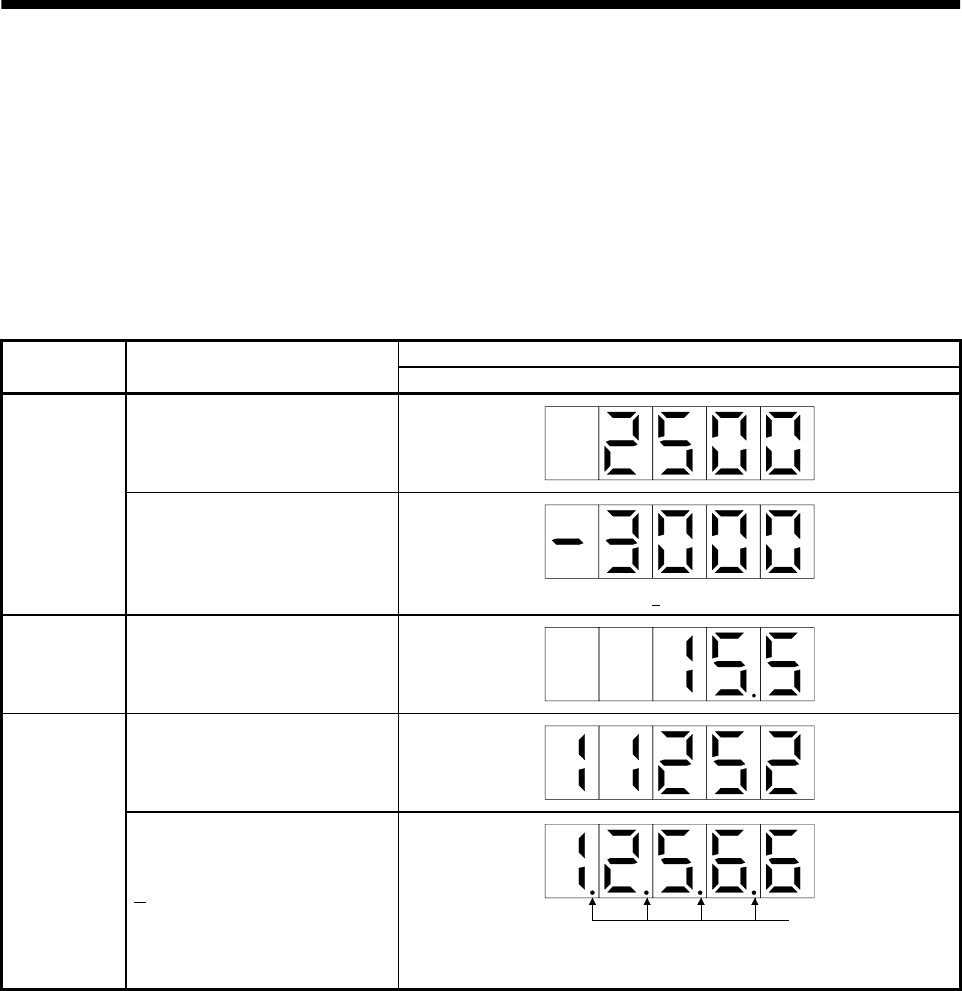
6 - 2
6. DISPLAY AND OPERATION
6.2 Status display
The servo status during operation is shown on the 5-digit, 7-segment LED display. Press the "UP" or
"DOWN" button to change display data as desired. When the required data is selected, the corresponding
symbol appears. Press the "SET" button to display its data. At only power-on, however, data appears after
the symbol of the status display selected in parameter No. 18 has been shown for 2[s].
The servo amplifier display shows the lower five digits of 16 data items such as the motor speed.
6.2.1 Display examples
The following table lists display examples:
Displayed data
Item Status Servo amplifier display
Forward rotation at 3000r/min
Motor speed
Reverse rotation at 3000r/min
Reverse rotation is indicated by " ".
Load inertia
moment 15.5 times
11252pulse
Multi-
revolution
counter 12566pulse Lit
Negative value is indicated by the lit decimal points in the upper four
digits.
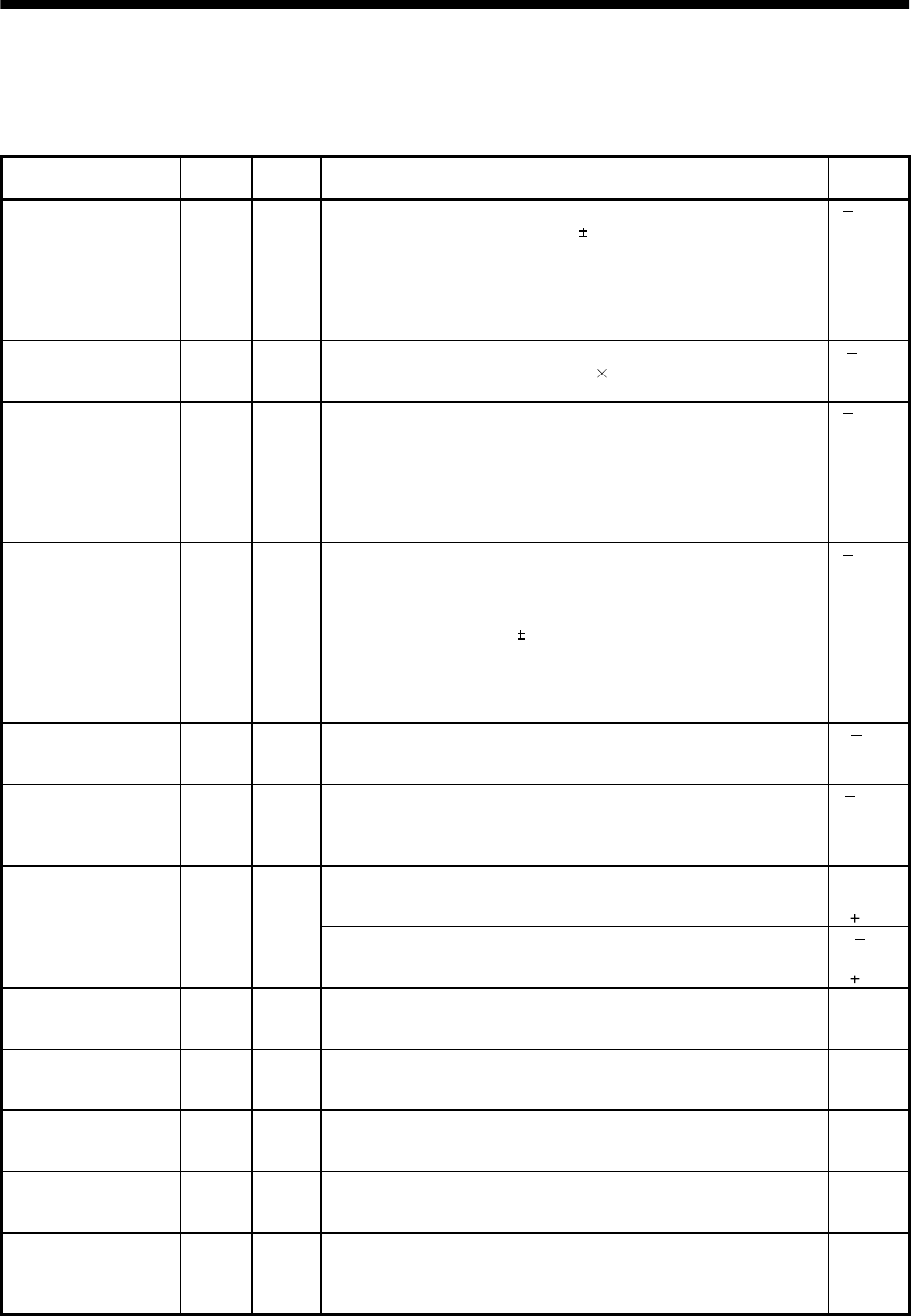
6 - 3
6. DISPLAY AND OPERATION
6.2.2 Status display list
The following table lists the servo statuses that may be shown:
Refer to Appendix 3 for the measurement point.
Name Symbol Unit Description Display
range
Cumulative feedback
pulses C pulse Feedback pulses from the servo motor encoder are counted and
displayed. The value in excess of 99999 is counted, bus since the
servo amplifier display is five digits, it shows the lower five digits of
the actual value. Press the "SET" button to reset the display value to
zero.
Reverse rotation is indicated by the lit decimal points in the upper
four digits.
99999
to
99999
Servo motor speed r r/min The servo motor speed is displayed.
The value rounded off is displayed in 0.1r/min. 5400
to
5400
Droop pulses E pulse The number of droop pulses in the deviation counter is displayed.
When the servo motor is rotating in the reverse direction, the
decimal points in the upper four digits are lit.
Since the servo amplifier display is five digits, it shows the lower five
digits of the actual value.
The number of pulses displayed is not yet multiplied by the electronic
gear.
99999
to
99999
Cumulative command
pulses P pulse The position command input pulses are counted and displayed.
As the value displayed is not yet multiplied by the electronic gear
(CMX/CDV), it may not match the indication of the cumulative
feedback pulses.
The value in excess of 99999 is counted, but since the servo
amplifier display is five digits, it shows the lower five digits of the
actual value. Press the "SET" button to reset the display value to
zero. When the servo motor is rotating in the reverse direction, the
decimal points in the upper four digits are lit.
99999
to
99999
Command pulse
frequency n kpps The frequency of the position command input pulses is displayed.
The value displayed is not multiplied by the electronic gear
(CMX/CDV).
800
to
800
Analog speed
command voltage
Analog speed limit
voltage
F V (1) Torque control mode
Analog speed limit (VLA) voltage is displayed.
(2) Speed control mode
Analog speed command (VC) voltage is displayed.
10.00
to
10.00
U V (1) Position control mode, speed control mode
Analog torque limit (TLA) voltage is displayed. 0
to
10V
Analog torque
command voltage
Analog torque limit
voltage (2) Torque control mode
Analog torque command (TLA) voltage is displayed. 10
to
10V
Regenerative load
ratio L % The ratio of regenerative power to permissible regenerative power is
displayed in %. 0
to
100
Effective load ratio J % The continuous effective load torque is displayed.
The effective value is displayed relative to the rated torque of 100%. 0
to
300
Peak load ratio b % The maximum torque generated during acceleration/deceleration, etc.
The highest value in the past 15 seconds is displayed relative to the
rated torque of 100%.
0
to
400
Instantaneous torque T % Torque that occurred instantaneously is displayed.
The value of the torque that occurred is displayed in real time
relative to the rate torque of 100%.
0
to
400
Within one-revolution
position low Cy1 pulse Position within one revolution is displayed in encoder pulses.
The value returns to 0 when it exceeds the maximum number of
pulses.
The value is incremented in the CCW direction of rotation.
0
to
99999
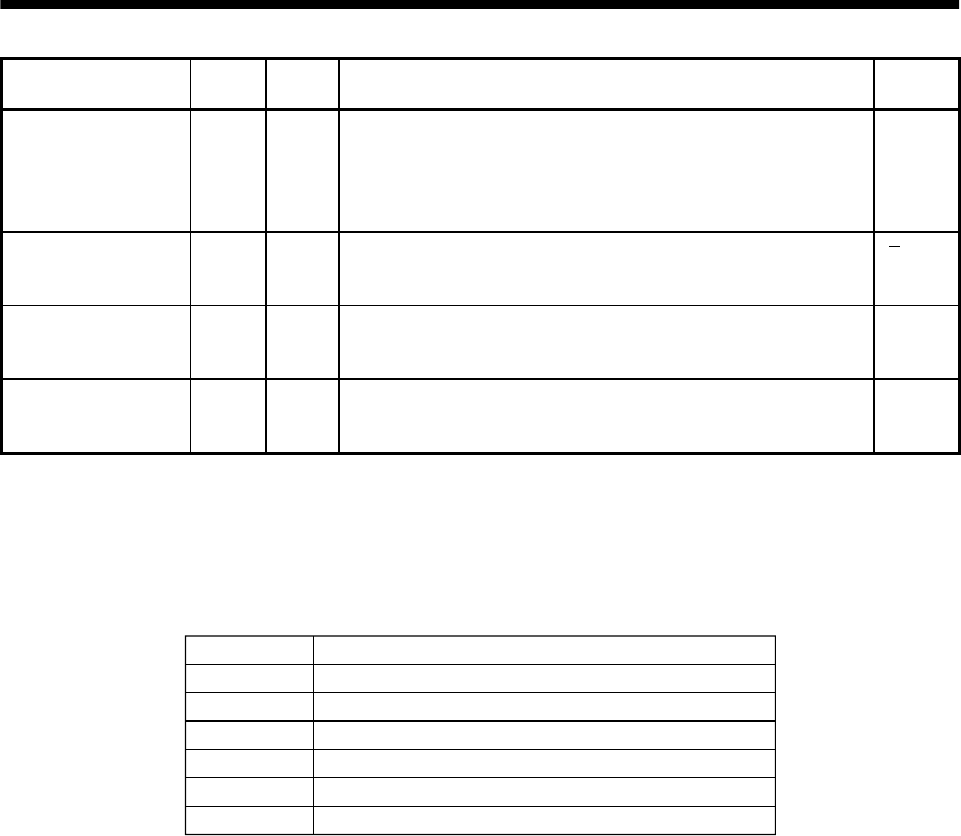
6 - 4
6. DISPLAY AND OPERATION
Name Symbol Unit Description Display
range
Within one-revolution
position high Cy2 100
pulse The within one-revolution position is displayed in 100 pulse
increments of the encoder.
The value returns to 0 when it exceeds the maximum number of
pulses.
The value is incremented in the CCW direction of rotation.
0
to
1310
ABS counter LS rev Travel value from the home position in the absolute position
detection systems is displayed in terms of the absolute position
detectors counter value.
32768
to
32767
Load inertia moment
ratio dC 0.1
Times The estimated ratio of the load inertia moment to the servo motor
shaft inertia moment is displayed. 0.0
to
300.0
Bus voltage Pn V The voltage (across P-N) of the main circuit converter is displayed. 0
to
450
6.2.3 Changing the status display screen
The status display item of the servo amplifier display shown at power-on can be changed by changing the
parameter No. 18 settings.
The item displayed in the initial status changes with the control mode as follows:
Control mode
Position
Position/speed
Speed
Speed/torque
Torque
Torque/position
Status display at power-on
Cumulative feedback pulses
Cumulative feedback pulses/servo motor speed
Servo motor speed
Servo motor speed/analog torque command voltage
Analog torque command voltage
Analog torque command voltage/cumulative feedback pulses
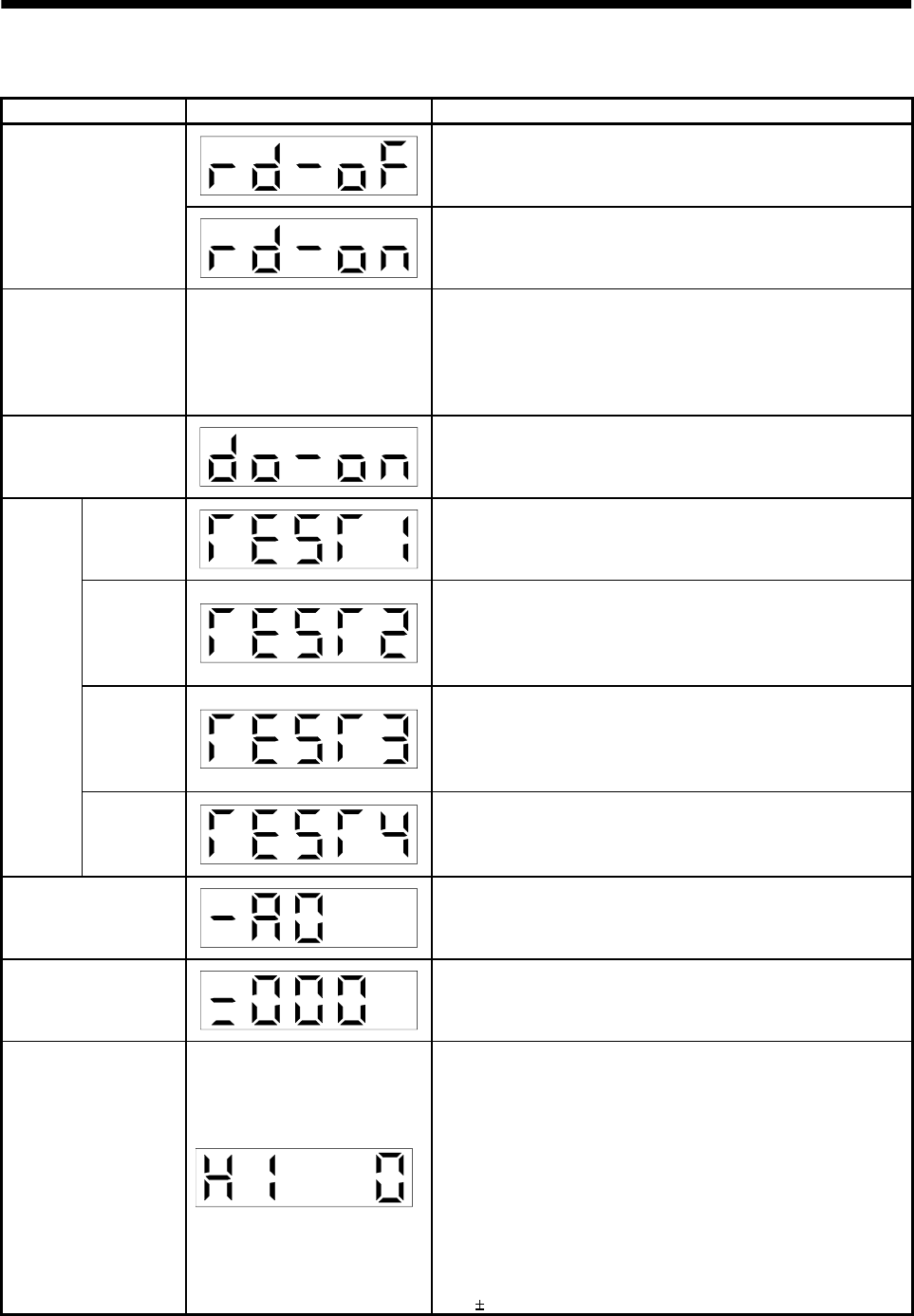
6 - 5
6. DISPLAY AND OPERATION
6.3 Diagnostic mode
Name Display Description
Not ready.
Indicates that the servo amplifier is being initialized or an alarm
has occurred.
Sequence Ready.
Indicates that the servo was switched on after completion of
initialization and the servo amplifier is ready to operate.
External I/O signal
display
Refer to section 6.6. Indicates the ON-OFF states of the external I/O signals.
The upper segments correspond to the input signals and the
lower segments to the output signals.
Lit: ON
Extinguished: OFF
The I/O signals can be changed using parameters No. 43 to 49.
Output signal forced
output The digital output signal can be forced on/off. For more
information, refer to section 6.7.
Jog feed Jog operation can be performed when there is no command from
the external command device.
For details, refer to section 6.8.2.
Positioning
operation
The servo configuration software (MRZJW3-SETUP111E) is
required for positioning operation. This operation cannot be
performed from the operation section of the servo amplifier.
Positioning operation can be performed once when there is no
command from the external command device.
Motorless
operation
Without connection of the servo motor, the servo amplifier
provides output signals and displays the status as if the servo
motor is running actually in response to the external input
signal.
For details, refer to section 6.8.4.
Test
operation
mode
Machine
analyzer
operation
Merely connecting the servo amplifier allows the resonance point
of the mechanical system to be measured.
The servo configuration software (MRZJW3-SETUP111E or later)
is required for machine analyzer operation.
Software version Low Indicates the version of the software.
Software version High Indicates the system number of the software.
Automatic VC offset
If offset voltages in the analog circuits inside and outside the
servo amplifier cause the servo motor to rotate slowly at the
analog speed command (VC) or analog speed limit (VLA) of 0V,
this function automatically makes zero-adjustment of offset
voltages.
When using this function, make it valid in the following
procedure. Making it valid causes the parameter No. 29 value to
be the automatically adjusted offset voltage.
1) Press "SET" once.
2) Set the number in the first digit to 1 with "UP"/"DOWN".
3) Press "SET".
You cannot use this function if the input voltage of VC or VLA
is 0.4V or more.
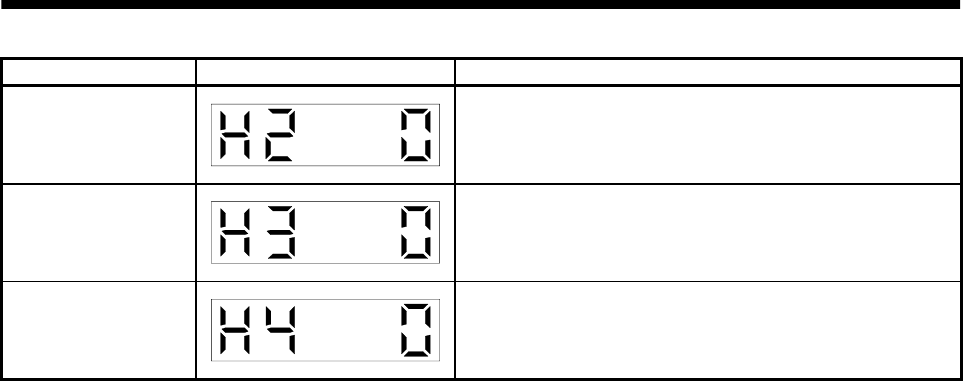
6 - 6
6. DISPLAY AND OPERATION
Name Display Description
Motor series
Press the "SET" button to show the motor series ID of the servo
motor currently connected.
For indication details, refer to the optional MELSERVO Servo
Motor Instruction Manual.
Motor type
Press the "SET" button to show the motor type ID of the servo
motor currently connected.
For indication details, refer to the optional MELSERVO Servo
Motor Instruction Manual.
Encoder
Press the "SET" button to show the encoder ID of the servo motor
currently connected.
For indication details, refer to the optional MELSERVO Servo
Motor Instruction Manual.
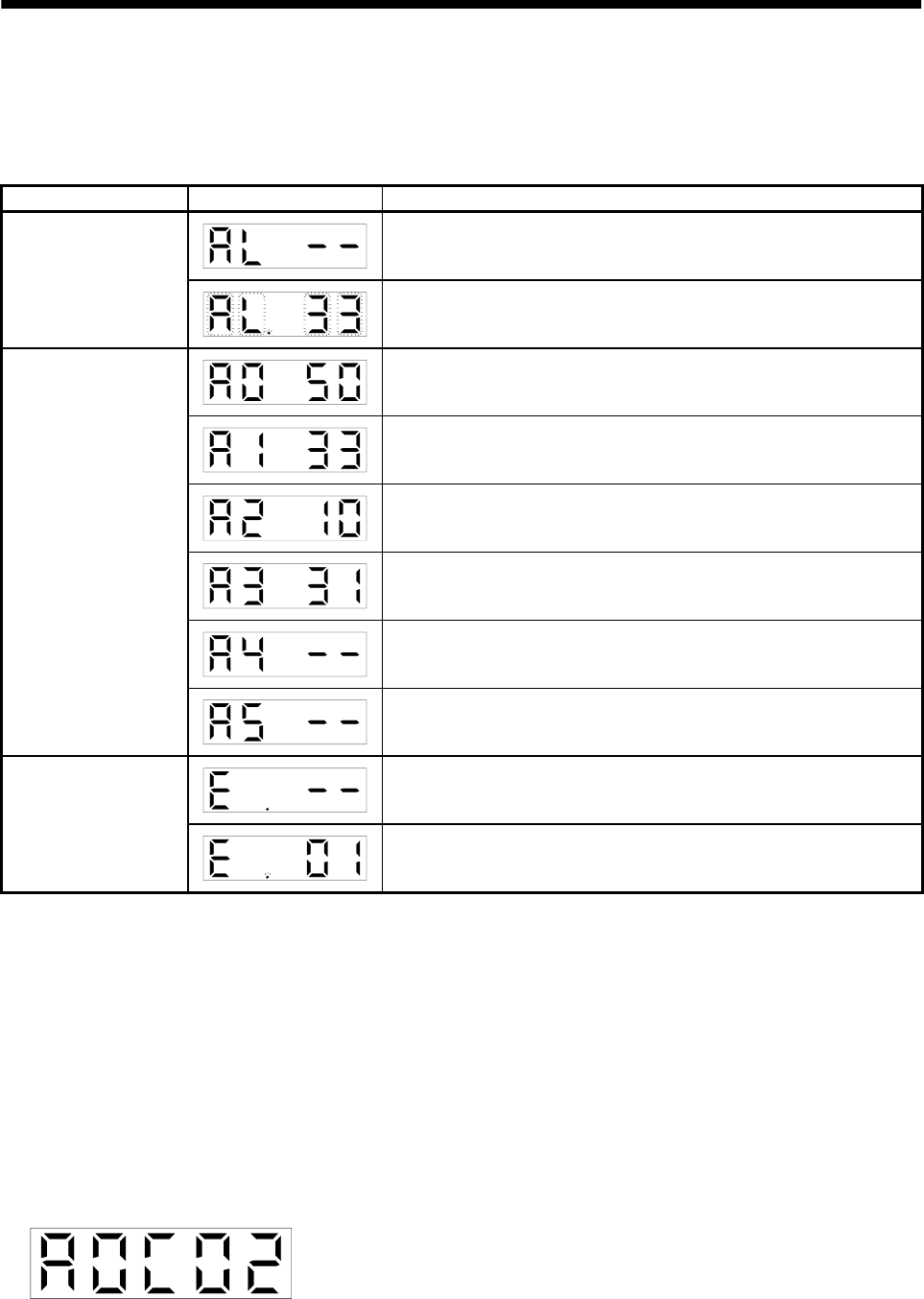
6 - 7
6. DISPLAY AND OPERATION
6.4 Alarm mode
The current alarm, past alarm history and parameter error are displayed. The lower 2 digits on the
display indicate the alarm number that has occurred or the parameter number in error. Display examples
are shown below.
Name Display Description
Indicates no occurrence of an alarm.
Current alarm Indicates the occurrence of overvoltage (AL.33).
Flickers at occurrence of the alarm.
Indicates that the last alarm is overload 1 (AL.50).
Indicates that the second alarm in the past is overvoltage (AL.33).
Indicates that the third alarm in the past is undervoltage (AL.10).
Indicates that the fourth alarm in the past is overspeed (AL.31).
Indicates that there is no fifth alarm in the past.
Alarm history
Indicates that there is no sixth alarm in the past.
Indicates no occurrence of parameter error (AL.37).
Parameter error
Indicates that the data of parameter No. 1 is faulty.
Functions at occurrence of an alarm
(1) Any mode screen displays the current alarm.
(2) The other screen is visible during occurrence of an alarm. At this time, the decimal point in the fourth
digit flickers.
(3) For any alarm, remove its cause and clear it in any of the following methods:
(a) Switch power OFF, then ON.
(b) Press the "SET" button on the current alarm screen.
(c) Turn on the alarm reset (RES) signal (for clearable alarms, refer to Section 10.2.1).
(4) Use parameter No. 16 to clear the alarm history.
(5) Pressing "SET" on the alarm history display screen for 2s or longer shows the following detailed
information display screen. Note that this is provided for maintenance by the manufacturer.
(6) Press "UP" or "DOWN" to move to the next history.
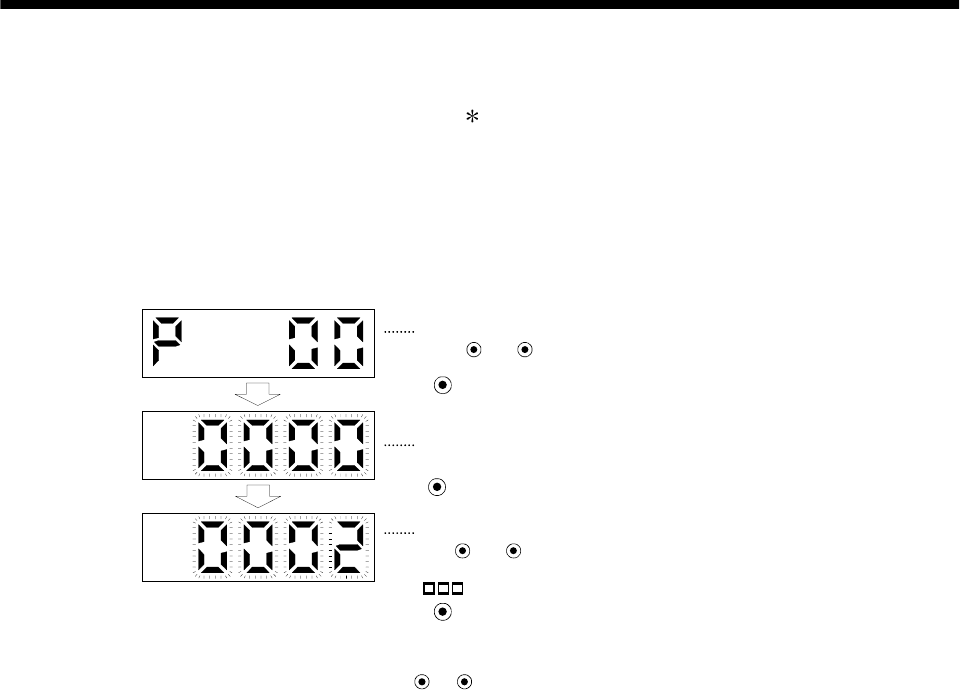
6 - 8
6. DISPLAY AND OPERATION
6.5 Parameter mode
The parameters whose abbreviations are marked are made valid by changing the setting and then
switching power off once and switching it on again. Refer to Section 5.1.2.
(1) Operation example
The following example shows the operation procedure performed after power-on to change the control
mode (parameter No. 0) to the speed control mode.
Using the "MODE" button, show the basic parameter screen.
The set value of the specified parameter number flickers.
UP DOWN
The parameter number is displayed.
Press or to change the number.
Press SET twice.
Press UP once.
During flickering, the set value can be changed.
Use or .
Press SET to enter.
( 2: Speed control mode)
UP DOWN
To shift to the next parameter, press the UP DOWN
/ button.
When changing the parameter No. 0 setting, change its set value, then switch power off once and
switch it on again to make the new value valid.
(2) Expansion parameters
To use the expansion parameters, change the setting of parameter No. 19 (parameter write disable).
Refer to section 5.1.1.
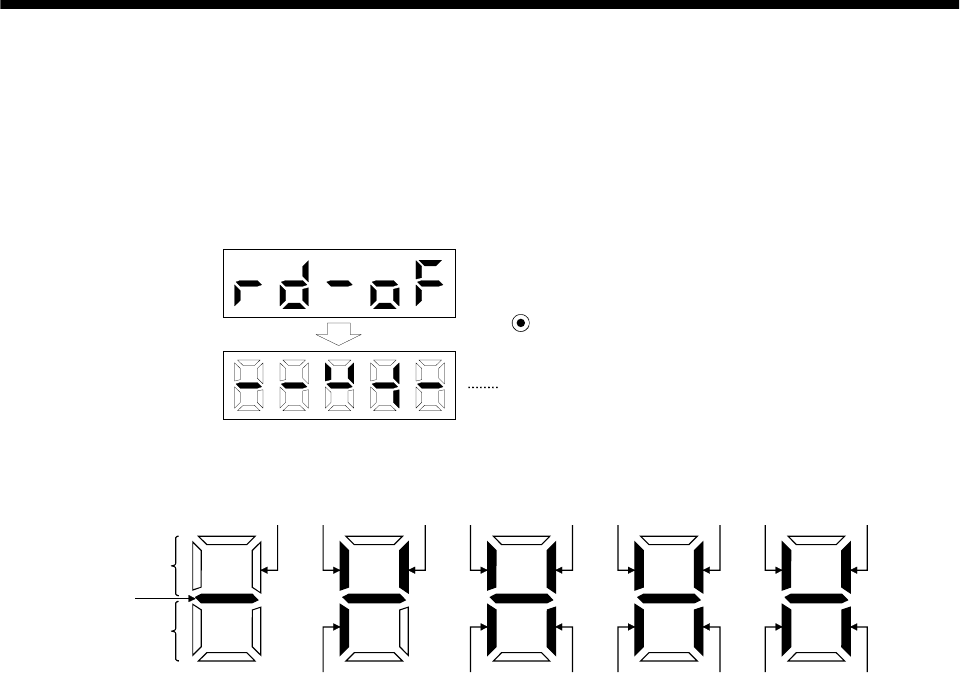
6 - 9
6. DISPLAY AND OPERATION
6.6 External I/O signal display
The ON/OFF states of the digital I/O signals connected to the servo amplifier can be confirmed.
(1) Operation
Call the display screen shown after power-on.
Using the "MODE" button, show the diagnostic screen.
Press UP once.
External I/O signal display screen
(2) Display definition
CN1B
7
CN1B
9CN1B
8
CN1A
14
CN1A
8
CN1B
4
CN1B
18
CN1B
14 CN1B
5CN1B
17 CN1B
16
CN1B
19
CN1B
6CN1A
19
CN1A
18
Lit: ON
Extinguished: OFF
Input signals
Output signals
CN1B
15
A
lways lit
The 7-segment LED shown above indicates ON/OFF.
Each segment at top indicates the input signal and each segment at bottom indicates the output signal.
The signals corresponding to the pins in the respective control modes are indicated below:
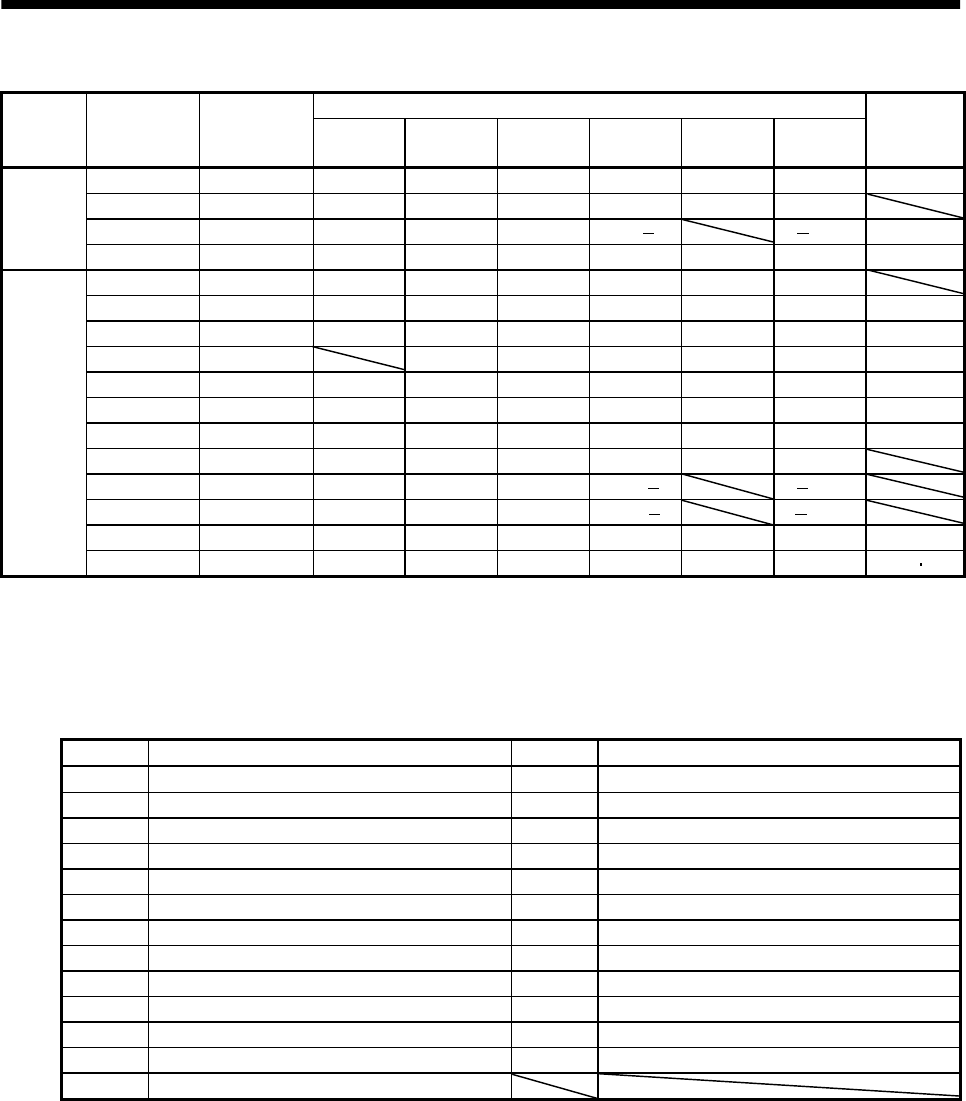
6 - 10
6. DISPLAY AND OPERATION
(a) Control modes and I/O signals
(Note 2) Symbols of I/O signals in control modes
Connector Pin No.
Signal
input/output
(Note 1) I/O P P/S S S/T T T/P
Related
parameter
8 I CR CR/SP1 SP1 SP1 SP1 SP1/CR No.43 to 48
14O OPOPOPOPOPOP
18 O INP INP/SA SA SA/ /INP No.49
CN1A
19O RDRDRDRDRDRDNo.49
(Note 3) 4 O DO1 DO1 DO1 DO1 DO1 DO1
5 I SON SON SON SON SON SON No.43 to 48
6 O TLC TLC TLC TLC/VLC VLC VLC/TLC No.49
7 I LOP SP2 LOP SP2 LOP No.43 to 48
8 I PC PC/ST1 ST1 ST1/RS2 RS2 RS2/PC No.43 to 48
9 I TL TL/ST2 ST2 ST2/RS1 RS1 RS1/TL No.43 to 48
14 I RES RES RES RES RES RES No.43 to 48
15 I EMG EMG EMG EMG EMG EMG
16 I LSP LSP LSP LSP/ /LSP
17 I LSN LSN LSN LSN/ /LSN
18 O ALM ALM ALM ALM ALM ALM No.49
CN1B
19 O ZSP ZSP ZSP ZSP ZSP ZSP No.1 49
Note: 1. I: Input signal, O: Output signal
2. P: Position control mode, S: Speed control mode, T: Torque control mode, P/S: Position/speed control change mode, S/T:
Speed/torque control change mode, T/P: Torque/position control change mode
3. The signal of CN1A-18 is always output.
(b) Symbol and signal names
Symbol Signal name Symbol Signal name
SON Servo-on EMG Emergency stop
LSP Forward rotation stroke end LOP Control change
LSN Reverse rotation stroke end TLC Limiting torque
CR Clear VLC Limiting speed
SP1 Speed selection 1 RD Ready
SP2 Speed selection 2 ZSP Zero speed
PC Proportion control INP In position
ST1 Forward rotation start SA Speed reached
ST2 Reverse rotation start ALM Trouble
RS1 Forward rotation selection WNG Warning
RS2 Reverse rotation selection OP Encoder Z-phase pulse (open collector)
TL Torque limit BWNG Battery warning
RES Reset
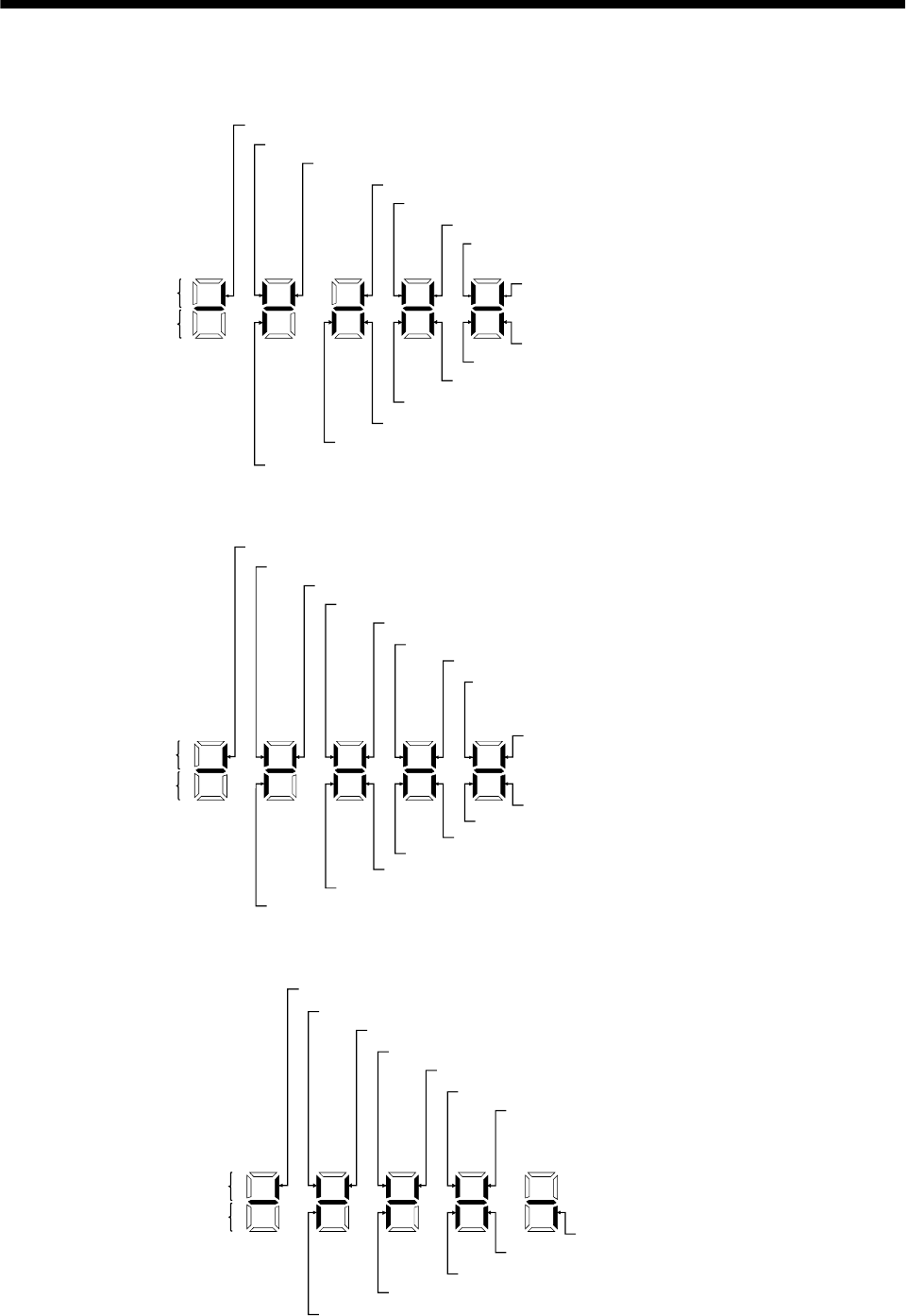
6 - 11
6. DISPLAY AND OPERATION
(3) Default signal indications
(a) Position control mode
Lit: ON
Extinguished:OFF
Input signals
Output signals
TL (CN 1 B-9) Torque limit
PC (CN 1 B-8) Proportional control
CR (CN 1 A-8) Clear
RES (CN 1 B-14) Reset
SON(CN 1 B-5) Servo-on
LSN (CN 1 B-17) Reverse rotation stroke end
LSP (CN 1 B-16) Forward rotation stroke end
RD (CN 1 A-19) Ready
LNP (CN 1 A-18) In position
ZSP (CN 1 B-19) Zero speed
TLC (CN 1 B-6) Limiting torque
DO1 (CN 1 B-4) In position
ALM (CN 1 B-18) Trouble
OP (CN 1 A-14) Encoder Z-phase pulse
EMG(CN 1 B-15) Emergency stop
(b) Speed control mode
SP1 (CN 1 A-8) Speed selection 1
RES (CN 1 B-14) Reset
SON (CN 1 B-5) Servo-on
LSN (CN 1 B-17) External emergency stop
LSP (CN 1 B-16) Forward rotation stroke end
Lit: ON
Extinguished: OFF
RD (CN 1 A-19) Ready
SA (CN 1 A-18) Limiting speed
ZSP (CN 1 B-19) Zero speed
TLC (CN 1 B-6) Limiting torque
DO1 (CN 1 B-4) Limiting speed
ALM (CN 1 B-18) Trouble
OP (CN 1 A-14) Encoder Z-phase pulse
Input signals
Output signals
SP2 (CN 1 B-7) Speed selection 2
ST1 (CN 1 B-8) For ward rotation start
ST2 (CN 1 B-9) Reverse rotation start
EMG(CN 1 B-15) Emergency stop
(c) Torque control mode
RS1 (CN 1 B-9) Forward rotation selection
RS2 (CN 1 B-8) Reverse rotation selection
SP2 (CN 1 B-7) Speed selection 2
SP1 (CN 1 A-8) Speed selection 1
RES (CN 1 B-14) Reset
SON (CN 1 B-5) Servo-on
Lit: ON
Extinguished: OFF
RD (CN 1 A-19) Ready
ZSP (CN 1 B-19) Zero speed
VLC (CN 1 B-6) Speed reached
ALM (CN 1 B-18) Trouble
Input signals
Output signals
OP (CN 1 A-14) Encoder Z-phase pulse
EMG(CN 1 B-15) Emergency stop
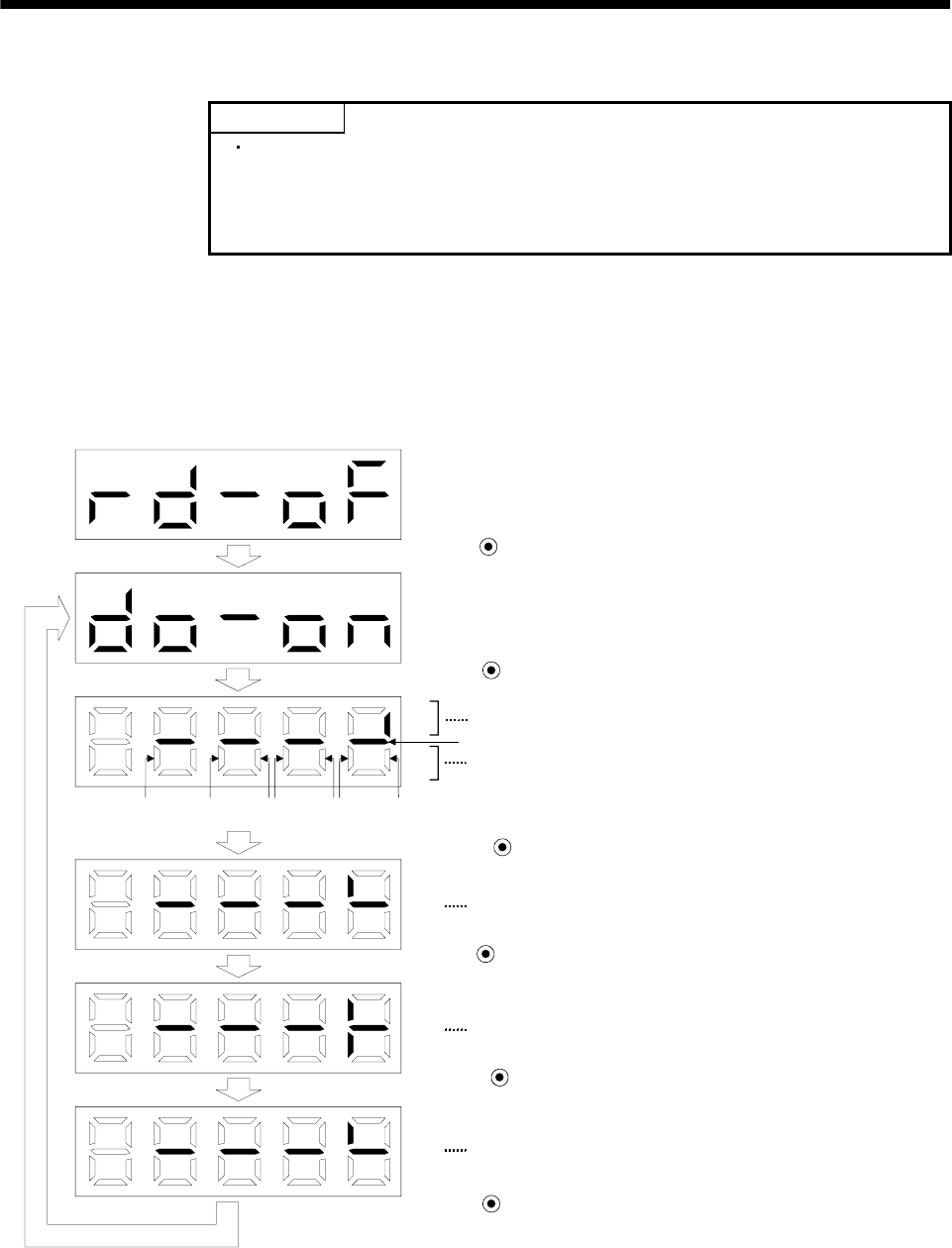
6 - 12
6. DISPLAY AND OPERATION
6.7 Output signal forced output (DO forced output)
POINT
When the servo system is used in a vertical lift application, turning on the
electromagnetic brake interlock signal after assigning it to pin CN1B-19
will release the electromagnetic brake, causing a drop. Take drop
preventive measures on the machine side.
The output signal can be forced on/off independently of the servo status. This function is used for output
signal wiring check, etc. This operation must be performed in the servo off state (SON signal off).
Operation
Call the display screen shown after power-on.
Using the "MODE" button, show the diagnostic screen.
Press UP twice.
Press SET for more than 2 seconds.
Switch on/off the signal below the lit segment.
Indicates the ON/OFF of the output signal. The correspondences
between segments and signals are as in the output signals of the
external I/O signal display.
(Lit: ON, extinguished: OFF)
Press MODE once.
The segment above CN1A-pin 18 is lit.
Press UP once.
CN1A-pin 18 is switched on.
(CN1A-pin 18-SG conduct.)
Press DOWN once.
CN1A-pin 18 is switched off.
Press SET for more than 2 seconds.
CN1A
14 CN1B
18 CN1B
4CN1B
6CN1B
19 CN1A
18 CN1A
19
Always lit
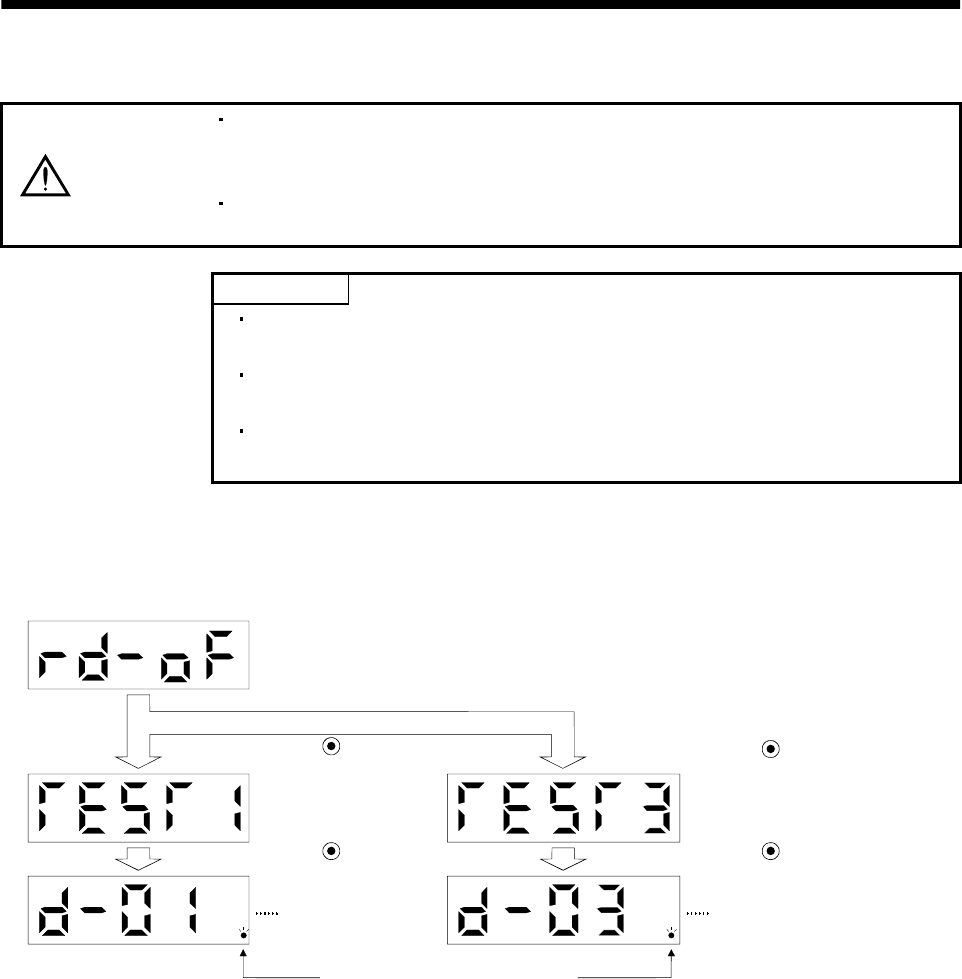
6 - 13
6. DISPLAY AND OPERATION
6.8 Test operation mode
CAUTION
The test operation mode is designed to confirm servo operation and not to confirm
machine operation. In this mode, do not use the servo motor with the machine.
Always use the servo motor alone.
If any operational fault has occurred, stop operation using the forced stop (EMG)
signal.
POINT
The test operation mode cannot be used in the absolute position detection
system. Use it after choosing "Incremental system" in parameter No. 1.
The servo configuration software is required to perform positioning
operation.
Test operation cannot be performed if the servo-on (SON) signal is not
turned OFF.
6.8.1 Mode change
Call the display screen shown after power-on. Choose jog operation/motor-less operation in the following
procedure. Using the "MODE" button, show the diagnostic screen.
When this screen
appears, jog feed can
be performed.
Press UP three times.
Press SET for more
than 2s.
Flickers in the test operation mode.
Press UP five times.
Press SET for more than 2s.
When this screen is displayed,
motor-less operation can be
performed.
6 - 14
6. DISPLAY AND OPERATION
6.8.2 Jog operation
Jog operation can be performed when there is no command from the external command device.
(1) Operation
Connect EMG-SG to start jog operation and connect VDD-COM to use the internal power supply.
Hold down the "UP" or "DOWN" button to run the servo motor. Release it to stop. When using the
servo configuration software, you can change the operation conditions. The initial conditions and
setting ranges for operation are listed below:
Item Initial setting Setting range
Speed [r/min] 200 0 to instantaneous permissible speed
Acceleration/deceleration time constant [ms] 1000 0 to 50000
How to use the buttons is explained below:
Button Description
"UP" Press to start CCW rotation.
Release to stop.
"DOWN" Press to start CW rotation.
Release to stop.
If the communication cable is disconnected during jog operation performed by using the servo
configuration software, the servo motor will be decelerated to a stop.
(2) Status display
You can confirm the servo status during jog operation.
Pressing the "MODE" button in the jog operation-ready status calls the status display screen. With
this screen being shown, perform jog operation with the "UP" or "DOWN" button. Every time you
press the "MODE" button, the next status display screen appears, and on completion of a screen cycle,
pressing that button returns to the jog operation-ready status screen. For full information of the status
display, refer to Section 6.2. In the test operation mode, you cannot use the "UP" and "DOWN" buttons
to change the status display screen from one to another.
(3) Termination of jog operation
To end the jog operation, switch power off once or press the "MODE" button to switch to the next
screen and then hold down the "SET" button for 2 or more seconds.
6 - 15
6. DISPLAY AND OPERATION
6.8.3 Positioning operation
POINT
The servo configuration software is required to perform positioning
operation.
Positioning operation can be performed once when there is no command from the external command
device.
(1) Operation
Connect EMG-SG to start positioning operation and connect VDD-COM to use the internal power
supply.
Pressing the "Forward" or "Reverse" button on the servo configuration software starts the servo motor,
which will then stop after moving the preset travel distance. You can change the operation conditions
on the servo configuration software. The initial conditions and setting ranges for operation are listed
below:
Item Initial setting Setting range
Travel distance [pulse] 10000 0 to 9999999
Speed [r/min] 200 0 to instantaneous permissible speed
Acceleration/deceleration time constant [ms] 1000 0 to 50000
How to use the keys is explained below:
Key Description
"Forward" Press to start positioning operation CCW.
"Reverse" Press to start positioning operation CW.
"Pause"
Press during operation to make a temporary stop. Pressing
the "Pause" button again erases the remaining distance.
To resume operation, press the button that was pressed to
start the operation.
If the communication cable is disconnected during positioning operation, the servo motor will come
to a sudden stop.
(2) Status display
You can monitor the status display even during positioning operation.

6 - 16
6. DISPLAY AND OPERATION
6.8.4 Motor-less operation
Without connecting the servo motor, you can provide output signals or monitor the status display as if the
servo motor is running in response to external input signals. This operation can be used to check the
sequence of a host programmable controller or the like.
(1) Operation
After turning off the signal across SON-SG, choose motor-less operation. After that, perform external
operation as in ordinary operation.
(2) Status display
You can confirm the servo status during motor-less operation.
Pressing the "MODE" button in the motor-less operation-ready status calls the status display screen.
With this screen being shown, perform motor-less operation. Every time you press the "MODE"
button, the next status display screen appears, and on completion of a screen cycle, pressing that
button returns to the motor-less operation-ready status screen. For full information of the status
display, refer to Section 6.2. In the test operation mode, you cannot use the "UP" and "DOWN" buttons
to change the status display screen from one to another.
(3) Termination of motor-less operation
To terminate the motor-less operation, switch power off.
7 - 1
7. GENERAL GAIN ADJUSTMENT
7. GENERAL GAIN ADJUSTMENT
POINT
For use in the torque control mode, you need not make gain adjustment.
7.1 Different adjustment methods
7.1.1 Adjustment on a single servo amplifier
The gain adjustment in this section can be made on a single servo amplifier. For gain adjustment, first
execute auto tuning mode 1. If you are not satisfied with the results, execute auto tuning mode 2, manual
mode 1 and manual mode 2 in this order.
(1) Gain adjustment mode explanation
Gain adjustment mode Parameter No. 2
setting
Estimation of load inertia
moment ratio
Automatically set
parameters Manually set parameters
Auto tuning mode 1
(initial value) 010 Always estimated PG1 (parameter No. 6)
GD2 (parameter No. 34)
PG2 (parameter No. 35)
VG1 (parameter No. 36)
VG2 (parameter No. 37)
VIC (parameter No. 38)
Response level setting of
parameter No. 2
Auto tuning mode 2 020 PG1 (parameter No. 6)
PG2 (parameter No. 35)
VG1 (parameter No. 36)
VG2 (parameter No. 37)
VIC (parameter No. 38)
GD2 (parameter No. 34)
Response level setting of
parameter No. 2
Manual mode 1 030 PG2 (parameter No. 35)
VG1 (parameter No. 36) PG1 (parameter No. 6)
GD2 (parameter No. 34)
VG2 (parameter No. 37)
VIC (parameter No. 38)
Manual mode 2 040
Fixed to parameter No.
34 value
PG1 (parameter No. 6)
GD2 (parameter No. 34)
PG2 (parameter No. 35)
VG1 (parameter No. 36)
VG2 (parameter No. 37)
VIC (parameter No. 38)
Interpolation mode 000 Always estimated GD2 (parameter No. 34)
PG2 (parameter No. 35)
VG2 (parameter No. 37)
VIC (parameter No. 38)
PG1 (parameter No. 6)
VG1 (parameter No. 36)
7 - 2
7. GENERAL GAIN ADJUSTMENT
(2) Adjustment sequence and mode usage
Usage
Used when you want to
match the position gain
(PG1) between 2 or more
axes. Normally not used for
other purposes.
Allows adjustment by
merely changing the
response level setting.
First use this mode to make
adjustment.
Used when the conditions of
auto tuning mode 1 are not
met and the load inertia
moment ratio could not be
estimated properly, for
example.
This mode permits
adjustment easily with three
gains if you were not
satisfied with auto tuning
results.
END
Interpolation
made for 2 or more
axes?
START
Operation
Auto tuning mode 2
OK?
Manual mode 1
OK?
Manual mode 2
OK?
OK?
No
No
Yes
No
Yes
No
Yes
No
Yes
Auto tuning mode 1
Operation
Interpolation mode
Operation
Operation
Yes
You can adjust all gains
manually when you want to
do fast settling or the like.
7.1.2 Adjustment using servo configuration software
This section gives the functions and adjustment that may be performed by using the servo amplifier with
the servo configuration software which operates on a personal computer.
Function Description Adjustment
Machine analyzer With the machine and servo motor
coupled, the characteristic of the
mechanical system can be measured by
giving a random vibration command from
the personal computer to the servo and
measuring the machine response.
You can grasp the machine resonance frequency and
determine the notch frequency of the machine
resonance suppression filter.
You can automatically set the optimum gains in
response to the machine characteristic. This simple
adjustment is suitable for a machine which has large
machine resonance and does not require much settling
time.
Gain search Executing gain search under to-and-fro
positioning command measures settling
characteristic while simultaneously
changing gains, and automatically
searches for gains which make settling
time shortest.
You can automatically set gains which make positioning
settling time shortest.
Machine simulation Response at positioning settling of a
machine can be simulated from machine
analyzer results on personal computer.
You can optimize gain adjustment and command
pattern on personal computer.
7 - 3
7. GENERAL GAIN ADJUSTMENT
7.2 Auto tuning
7.2.1 Auto tuning mode
The servo amplifier has a real-time auto tuning function which estimates the machine characteristic (load
inertia moment ratio) in real time and automatically sets the optimum gains according to that value. This
function permits ease of gain adjustment of the servo amplifier.
(1) Auto tuning mode 1
The servo amplifier is factory-set to the auto tuning mode 1.
In this mode, the load inertia moment ratio of a machine is always estimated to set the optimum gains
automatically.
The following parameters are automatically adjusted in the auto tuning mode 1.
Parameter No. Abbreviation Name
6PG1Position control gain 1
34 GD2 Ratio of load inertia moment to servo motor inertia moment
35 PG2 Position control gain 2
36 VG1 Speed control gain 1
37 VG2 Speed control gain 2
38 VIC Speed integral compensation
POINT
The auto tuning mode 1 may not be performed properly if the following
conditions are not satisfied.
Time to reach 2000rpm is the acceleration/deceleration time constant of 5s or
less.
Speed is 150r/min or higher.
The ratio of load inertia moment to motor inertia moment is not more
than 100 times.
The acceleration/deceleration torque is 10% or more of the rated torque.
Under operating conditions which will impose sudden disturbance torque
during acceleration/deceleration or on a machine which is extremely loose,
auto tuning may not function properly, either. In such cases, use the auto
tuning mode 2 or manual mode to make gain adjustment.
(2) Auto tuning mode 2
Use the auto tuning mode 2 when proper gain adjustment cannot be made by auto tuning mode 1.
Since the load inertia moment ratio is not estimated in this mode, set the value of a correct load
inertia moment ratio in parameter No. 34.
The following parameters are automatically adjusted in the auto tuning mode 2.
Parameter No. Abbreviation Name
6PG1Position control gain 1
35 PG2 Position control gain 2
36 VG1 Speed control gain 1
37 VG2 Speed control gain 2
38 VIC Speed integral compensation
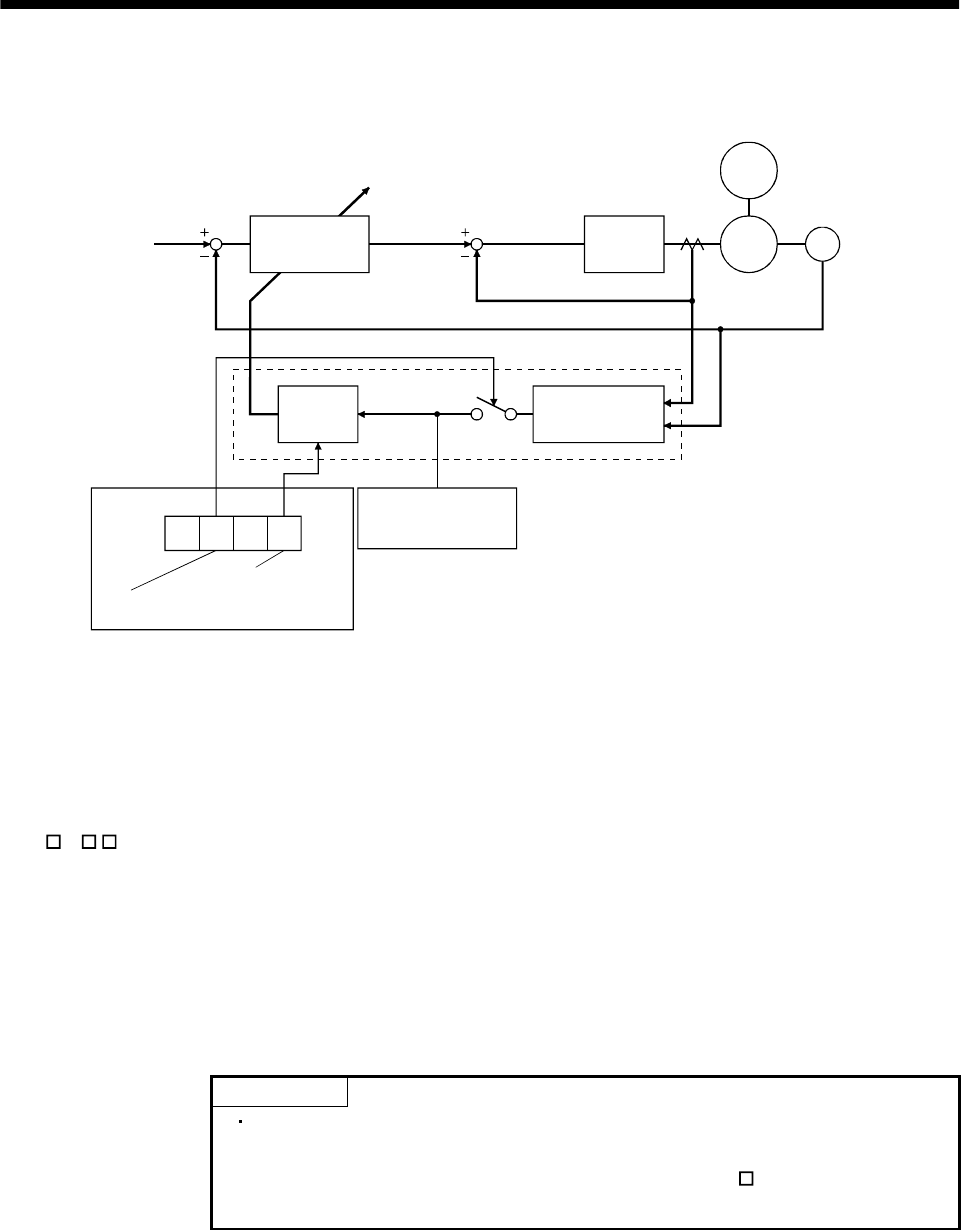
7 - 4
7. GENERAL GAIN ADJUSTMENT
7.2.2 Auto tuning mode operation
The block diagram of real-time auto tuning is shown below.
Motor
7010
SW1
Command
Automatic setting
Control gains
PG1,VG1
PG2,VG2,VIC
Current
control
Current feedback
Load inertia
moment
Encoder
Position/speed
feedback
Real-time auto
tuning section
Speed feedback
Load inertia
moment ratio
estimation section
Gain
table
Parameter No. 2
Third digit
Auto tuning selection
First digit
Response level setting
Parameter No. 34
Load inertia moment
ratio estimation value
Set 0 or 1 to turn on.
When a motor is accelerated/decelerated, the load inertia moment ratio estimation section always
estimates the load inertia moment ratio from the current and speed of the motor. The results of
estimation are written to parameter No. 34 (load inertia moment ratio). These results can be confirmed on
the status display screen of the servo amplifier display section.
If the value of the load inertia moment ratio is already known or if estimation cannot be made properly,
set " 2 " in parameter No. 2 (auto tuning) to stop the estimation of the load inertia moment ratio
(SW1 in above diagram turned off), and set the load inertia moment ratio in parameter No. 34 manually.
From the value of parameter No. 34 and the first digit (response level setting) of parameter No. 2, the
optimum control gains are automatically set on the basis of the internal gain table.
The auto tuning results are saved in the EEP-ROM of the servo amplifier every 6 minutes since power-on.
At power-on, auto tuning is performed with the value of each control gain saved in the EEP-ROM being
used as an initial value.
POINT
If sudden disturbance torque is imposed during operation, the estimation
of the inertia moment ratio may malfunction temporarily. In such a case,
choose the auto tuning mode 2 (parameter No. 2: 020 ) and set the correct
load inertia moment ratio in parameter No. 34.
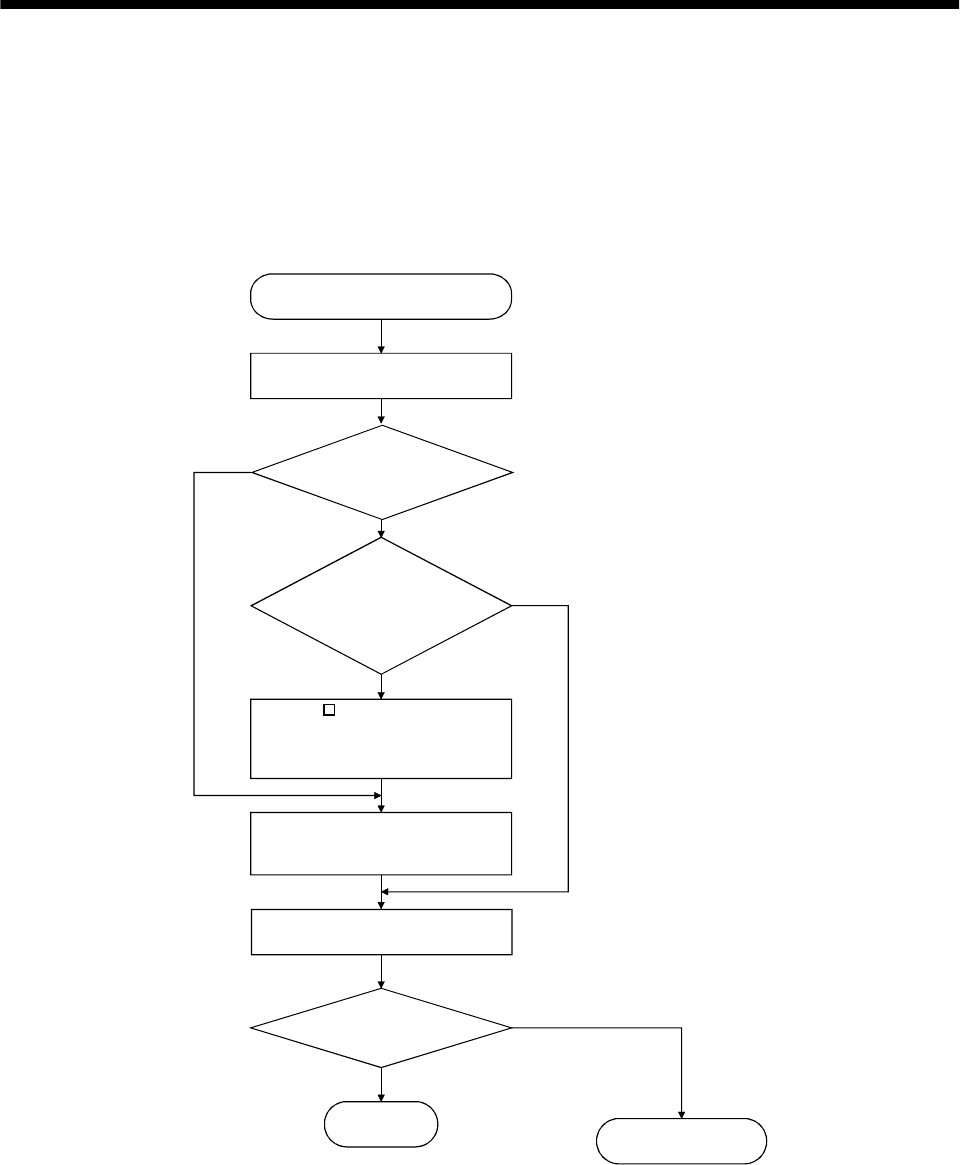
7 - 5
7. GENERAL GAIN ADJUSTMENT
7.2.3 Adjustment procedure by auto tuning
Since auto tuning is made valid before shipment from the factory, simply running the servo motor
automatically sets the optimum gains that match the machine. Merely changing the response level
setting value as required completes the adjustment. The adjustment procedure is as follows.
(1) Basic procedure
END
Yes
No
Yes
No
No
Yes
Auto tuning adjustment
Acceleration/deceleration repeated
Load inertia moment ratio
estimation value stable?
Auto tuning
conditions not satisfied.
(Estimation of load inertia
moment ratio is difficult)
Set "020 " in parameter No. 2
(auto tuning) and set parameter
No. 34 (load inertia moment ratio)
manually.
Adjust response level setting
so that desired response is
achieved on vibration-free level.
Acceleration/deceleration repeated
Requested
performance satisfied?
To manual mode
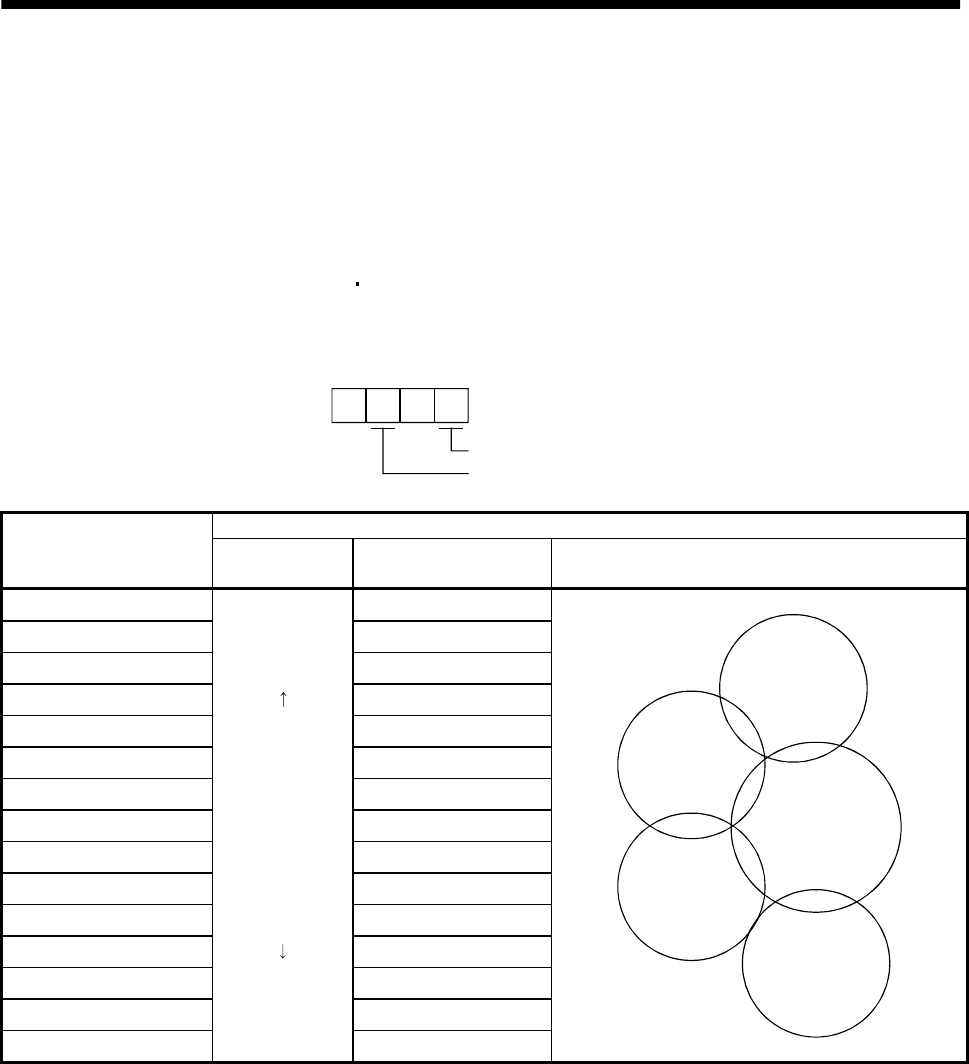
7 - 6
7. GENERAL GAIN ADJUSTMENT
7.2.4 Response level setting in auto tuning mode
Set the response of the whole servo system in the first digit (response level setting) of parameter No. 2. As
the response level setting is increased, the trackability and settling time for a command decreases, but a
too high response level will generate vibration. Hence, make setting until desired response is obtained
within the vibration-free range.
If the response level setting cannot be increased up to the desired response because of machine resonance
beyond 100Hz, adaptive vibration suppression control (parameter No. 60) or machine resonance
suppression filter (parameter No. 58 59) may be used to suppress machine resonance. Suppressing
machine resonance may allow the response level setting to increase. Refer to Section 8.1 for adaptive
vibration suppression control and machine resonance suppression filter.
7010
Parameter No. 2
Response level setting
Auto tuning selection
Machine characteristic
Response level setting Machine rigidity Machine resonance
frequency guideline Guideline of corresponding machine
1 Low 15Hz
2 20Hz
3 25Hz
430Hz
5 35Hz
6 45Hz
7 55Hz
8 Middle 70Hz
9 85Hz
A 105Hz
B 130Hz
C160Hz
D 200Hz
E 240Hz
F High 300Hz
Large conveyor
Arm robot
General machine
tool conveyor
Precision
working
machine
Inserter
Mounter
Bonder
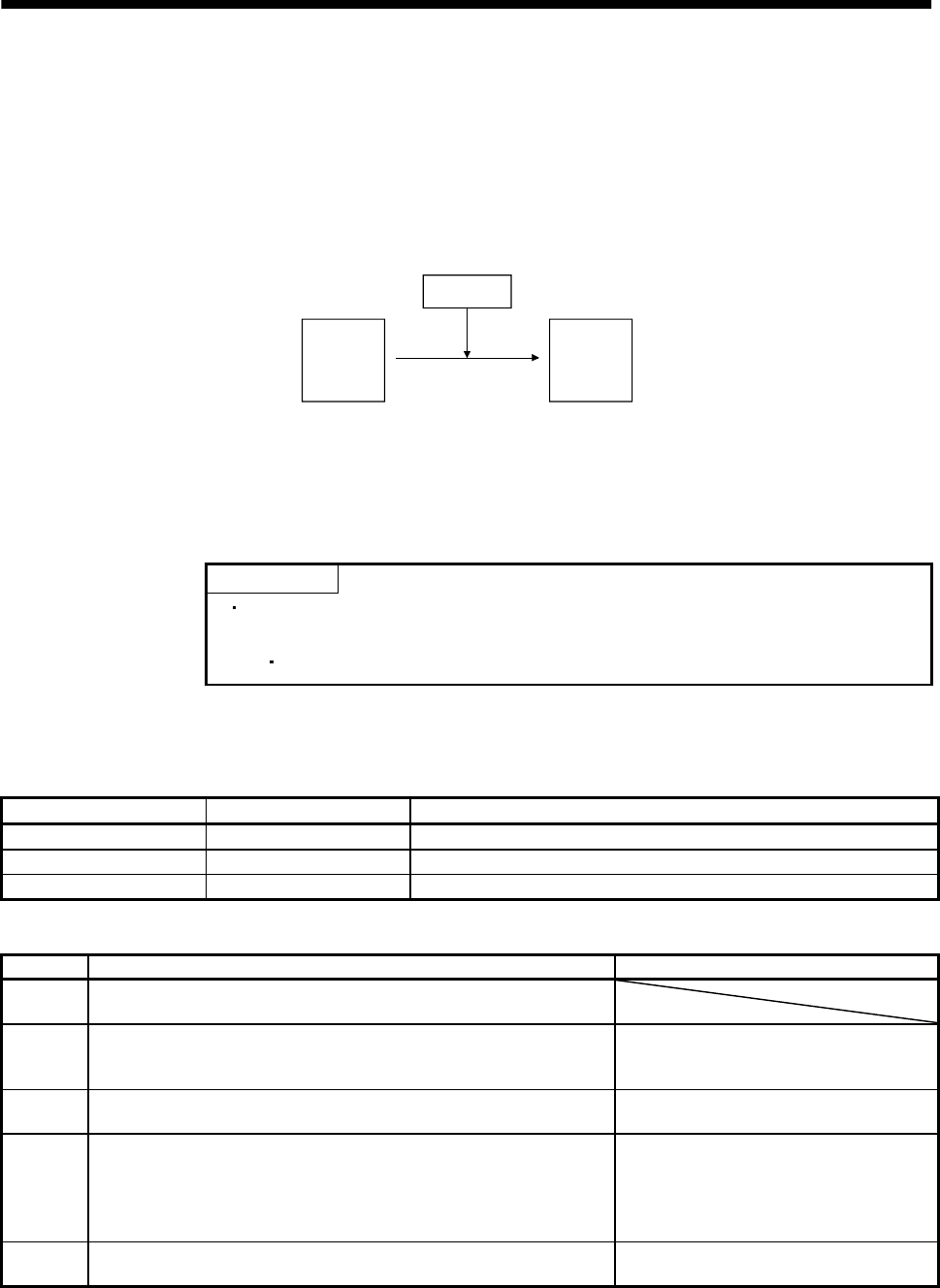
7 - 7
7. GENERAL GAIN ADJUSTMENT
7.3 Manual mode 1 (simple manual adjustment)
If you are not satisfied with the adjustment of auto tuning, you can make simple manual adjustment with
three parameters.
7.3.1 Operation of manual mode 1
In this mode, setting the three gains of PG1 (position control gain 1), VG2 (speed control gain 2) and VIC
(speed integral compensation) automatically sets the other gains to the optimum values according to
these gains.
PG1
VG2
VIC
PG2
VG1
GD2
Automatic setting
User setting
Therefore, you can adjust the model adaptive control system in the same image as the general PI control
system (position gain, speed gain, speed integral time constant). Here, the position gain corresponds to
PG1, the speed gain to VG2 and the speed integral time constant to VIC. When making gain adjustment
in this mode, set the load inertia moment ratio (parameter No. 34) correctly.
7.3.2 Adjustment by manual mode 1
POINT
If machine resonance occurs, adaptive vibration suppression control
(parameter No. 60) or machine resonance suppression filter (parameter No.
58 59) may be used to suppress machine resonance. (Refer to Section 8.1.)
(1) For speed control
(a) Parameters
The following parameters are used for gain adjustment:
Parameter No. Abbreviation Name
34 GD2 Ratio of load inertia moment to servo motor inertia moment
37 VG2 Speed control gain 2
38 VIC Speed integral compensation
(b) Adjustment procedure
Step Operation Description
1Set an estimated value to the ratio of load inertia moment to servo
motor inertia moment (parameter No. 34).
2Increase the speed control gain 2 (parameter No. 37) within the
vibration- and unusual noise-free range, and return slightly if vibration
takes place.
Increase the speed control gain.
3Decrease the speed integral compensation (parameter No. 38) within
the vibration-free range, and return slightly if vibration takes place. Decrease the time constant of the speed
integral compensation.
4
If the gains cannot be increased due to mechanical system resonance or
the like and the desired response cannot be achieved, response may be
increased by suppressing resonance with adaptive vibration
suppression control or machine resonance suppression filter and then
executing steps 2 and 3.
Suppression of machine resonance
Refer to Section 8.1.
5While checking the settling characteristic and rotational status, fine-
adjust each gain. Fine adjustment
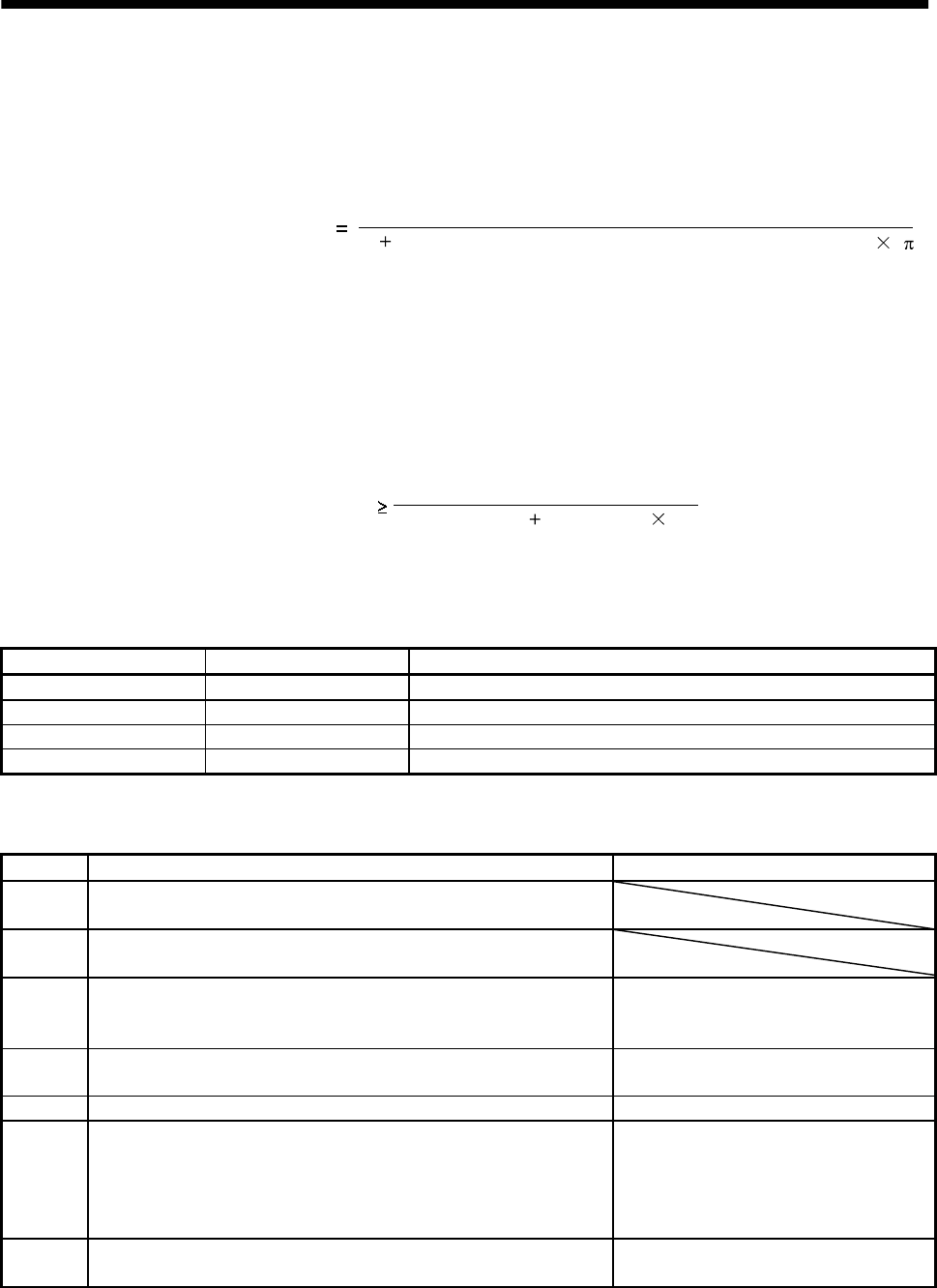
7 - 8
7. GENERAL GAIN ADJUSTMENT
(c)Adjustment description
1) Speed control gain 2 (VG2: parameter No. 37)
This parameter determines the response level of the speed control loop. Increasing this value
enhances response but a too high value will make the mechanical system liable to vibrate. The
actual response frequency of the speed loop is as indicated in the following expression:
Speed loop response frequency(Hz) VG2 setting
(1 ratio of load inertia moment to motor inertia moment) 2
2) Speed integral compensation (VIC: parameter No. 38)
To eliminate stationary deviation against a command, the speed control loop is under
proportional integral control. For the speed integral compensation (VIC), set the time constant
of this integral control. Increasing the setting lowers the response level. However, if the load
inertia moment ratio is large or the mechanical system has any vibratory element, the
mechanical system is liable to vibrate unless the setting is increased to some degree. The
guideline is as indicated in the following expression:
VIC setting(ms) 2000 to 3000
(1 GD2 setting 0.1)
VG2 setting/
(2) For position control
(a) Parameters
The following parameters are used for gain adjustment:
Parameter No. Abbreviation Name
6PG1Position control gain 1
34 GD2 Ratio of load inertia moment to servo motor inertia moment
37 VG2 Speed control gain 2
38 VIC Speed integral compensation
(b) Adjustment procedure
Step Operation Description
1Set an estimated value to the ratio of load inertia moment to servo
motor inertia moment (parameter No. 34).
2Set a slightly smaller value to the position control gain 1 (parameter
No. 6).
3Increase the speed control gain 2 (parameter No. 37) within the
vibration- and unusual noise-free range, and return slightly if vibration
takes place.
Increase the speed control gain.
4Decrease the speed integral compensation (parameter No. 38) within
the vibration-free range, and return slightly if vibration takes place. Decrease the time constant of the speed
integral compensation.
5 Increase the position control gain 1 (parameter No. 6). Increase the position control gain.
6
If the gains cannot be increased due to mechanical system resonance or
the like and the desired response cannot be achieved, response may be
increased by suppressing resonance with adaptive vibration
suppression control or machine resonance suppression filter and then
executing steps 3 to 5.
Suppression of machine resonance
Refer to Section 8.1.
7While checking the settling characteristic and rotational status, fine-
adjust each gain. Fine adjustment
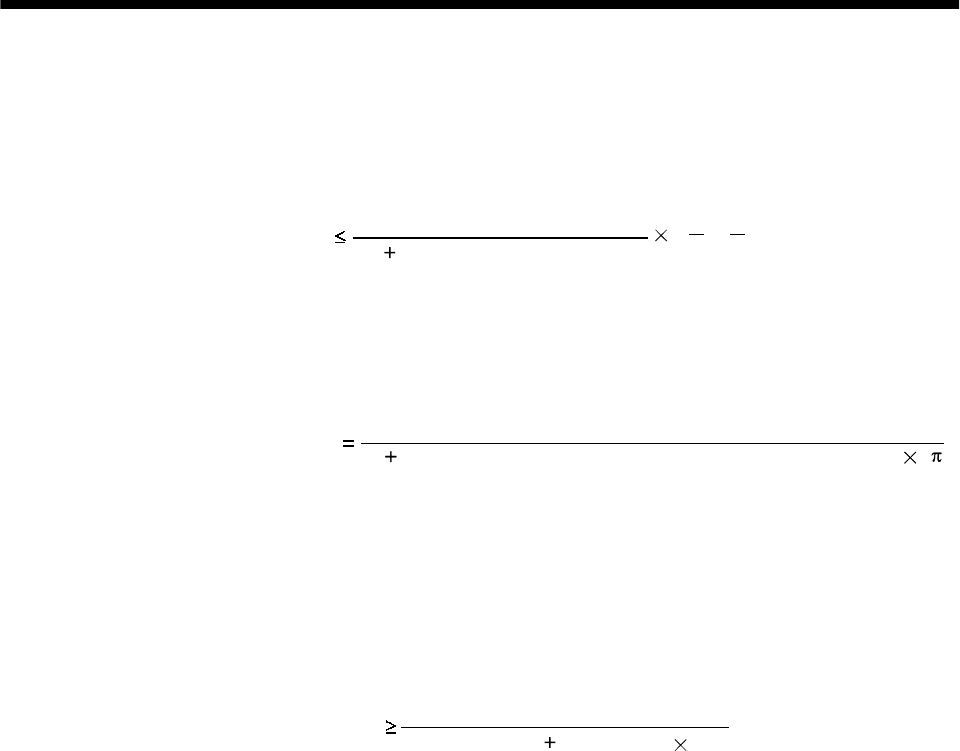
7 - 9
7. GENERAL GAIN ADJUSTMENT
(c) Adjustment description
1) Position control gain 1 (PG1: parameter No. 6)
This parameter determines the response level of the position control loop. Increasing PG1
improves trackability to a position command but a too high value will make overshooting liable
to occur at the time of settling.
PG1 guideline VG2 setting
(1 load inertia moment ratio) ( to 1
5
1
3)
2) Speed control gain 2 (VG2: parameter No. 37)
This parameter determines the response level of the speed control loop. Increasing this value
enhances response but a too high value will make the mechanical system liable to vibrate. The
actual response frequency of the speed loop is as indicated in the following expression:
Speed loop response frequency(Hz) VG2 setting
(1 ratio of load inertia moment to motor inertia moment) 2
2
3) Speed integral compensation (VIC: parameter No. 38)
To eliminate stationary deviation against a command, the speed control loop is under
proportional integral control. For the speed integral compensation (VIC), set the time constant of
this integral control. Increasing the setting lowers the response level. However, if the load
inertia moment ratio is large or the mechanical system has any vibratory element, the
mechanical system is liable to vibrate unless the setting is increased to some degree. The
guideline is as indicated in the following expression:
VIC setting(ms) 2000 to 3000
(1 GD2 setting 0.1)VG2 setting/
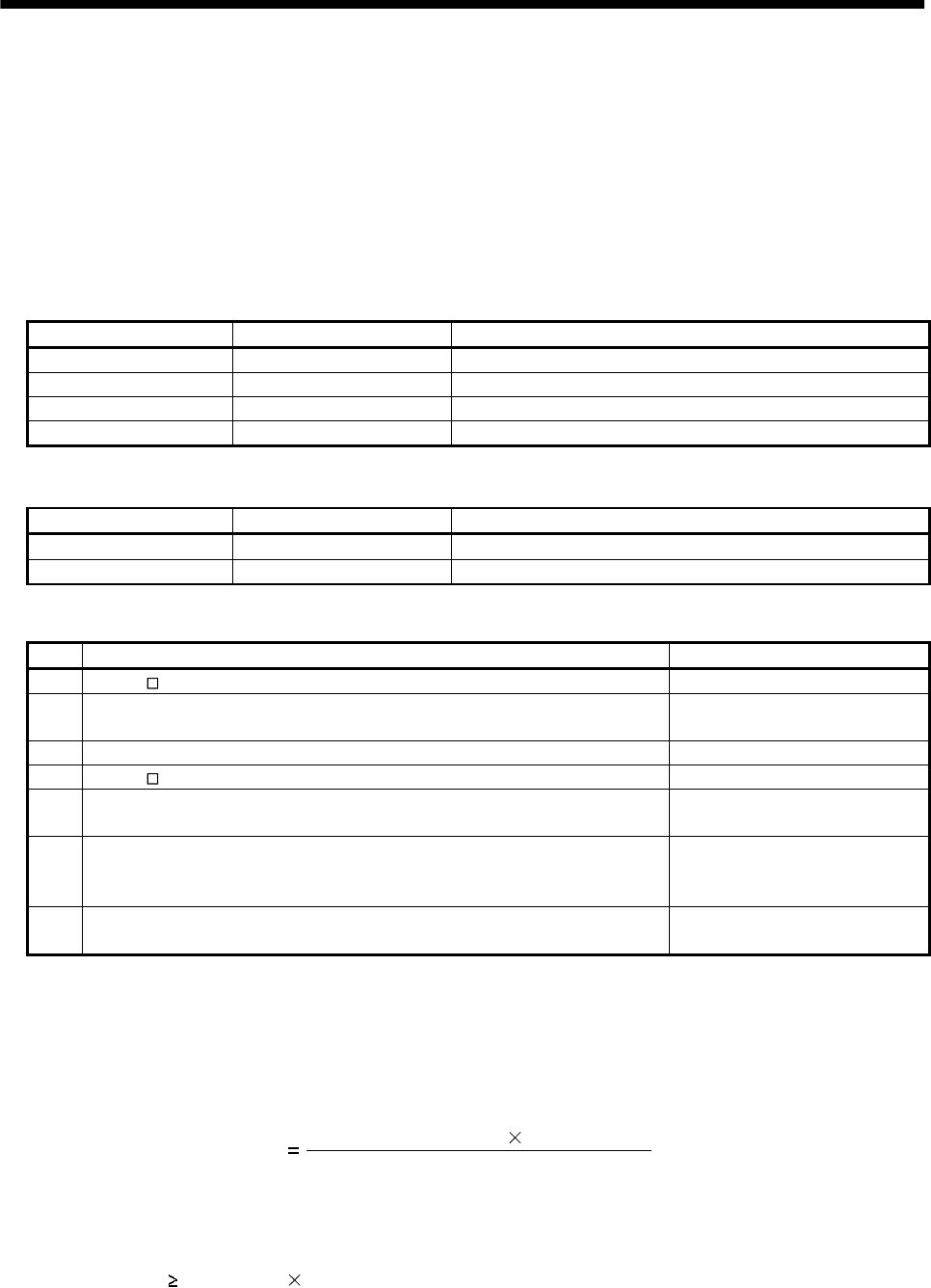
7 - 10
7. GENERAL GAIN ADJUSTMENT
7.4 Interpolation mode
The interpolation mode is used to match the position control gains of the axes when performing the
interpolation operation of servo motors of two or more axes for an X-Y table or the like. In this mode, the
model control gains (PG1, VG1) which determine command trackability are set manually and the other
gains are set automatically.
(1) Parameter
PG1 and VG1 can be set manually but the following parameters are automatically adjusted by auto
tuning.
Parameter No. Abbreviation Name
34 GD2 Ratio of load inertia moment to servo motor inertia moment
35 PG2 Position control gain 2
37 VG2 Speed control gain 2
38 VIC Speed integral compensation
The following parameters are adjustable manually.
Parameter No. Abbreviation Name
6PG1Position control gain 1
36 VG1 Speed control gain 1
(2) Adjustment procedure
Step Operation Description
1 Set "010 " in parameter No. 2. Select the auto tuning mode 1.
2During operation, increase the response level setting (parameter No. 2), and
return the setting if vibration occurs. Adjustment in auto tuning mode
1.
3 Check the values of PG1 (parameter No. 6) and VG1 (parameter No. 36). Check the upper setting limits.
4 Set "000 " in parameter No. 2. Select the interpolation mode.
5Using the PG1 value checked in step 3 as the guideline of the upper limit, set in
PG1 the value identical to the position loop gain of the axis to be interpolated. Set PG1.
6Using the VG1 value checked in step 3 as the guideline of the upper limit, look
at the rotation status and set in VG1 the value three or more times greater than
the PG1 setting. Set VG1.
7Looking at the interpolation characteristic and rotation status, fine-adjust the
gains and response level setting. Fine adjustment.
(3) Adjustment description
(a) Position control gain 1 (PG1: parameter No.6)
This parameter determines the response level of the position control loop. Increasing PG1 improves
trackability to a position command but a too high value will make overshooting liable to occur at
the time of settling. The droop pulse value is determined by the following expression.
Droop pulse value (pulse) PG1 setting
Rotation speed (r/min) 131,072(pulse)
(b) Speed control gain 1 (VG1: parameter No. 36)
Set the response level of the speed loop of the model. Make setting using the following expression
as a guideline.
VG1 setting PG1 setting 3
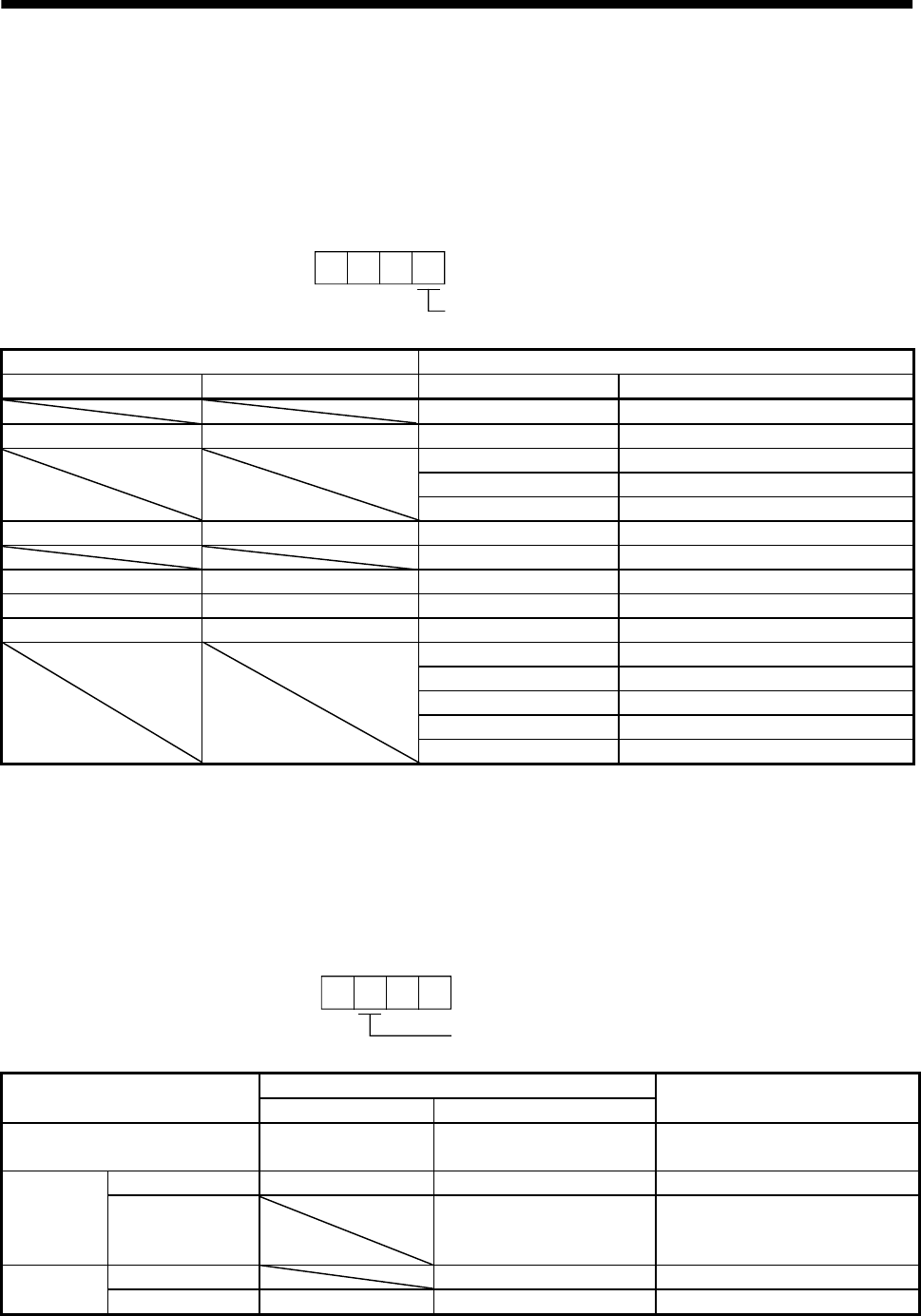
7 - 11
7. GENERAL GAIN ADJUSTMENT
7.5 Differences in auto tuning between MELSERVO-J2 and MELSERVO-J2-Super
7.5.1 Response level setting
To meet higher response demands, the MELSERVO-J2-Super series has been changed in response level
setting range from the MELSERVO-J2 series. The following table lists comparison of the response level
setting.
2
Response level setting
Parameter No. 2
MELSERVO-J2 series MELSERVO-J2-Super series
Response level setting Machine resonance frequency Response level setting Machine resonance frequency guideline
1 15Hz
1 20Hz 2 20Hz
3 25Hz
4 30Hz
5 35Hz
2 40Hz 6 45Hz
7 55Hz
3 60Hz 8 70Hz
4 80Hz 9 85Hz
5 100Hz A 105Hz
B 130Hz
C 160Hz
D 200Hz
E 240Hz
F 300Hz
Note that because of a slight difference in gain adjustment pattern, response may not be the same if the
resonance frequency is set to the same value.
7.5.2 Auto tuning selection
The MELSERVO-J2-Super series has an addition of the load inertia moment ratio fixing mode. It also has
the addition of the manual mode 1 which permits manual adjustment with three parameters.
1
Parameter No. 2
Auto tuning selection
Auto tuning selection (Third digit setting)
Gain adjustment mode MELSERVO-J2 series MELSERVO-J2-Super series Remarks
Interpolation mode 0 0 Position control gain 1 (PG1) is
fixed.
Auto tuning mode 1 1 1 Ordinary auto tuning
Auto tuning Auto tuning mode 2 2 Estimation of load inertia moment
ratio stopped.
Response level setting valid.
Manual mode 1 3 Simple manual adjustment
Auto tuning
invalid Manual mode 2 2 4 Manual adjustment of all gains
7 - 12
7. GENERAL GAIN ADJUSTMENT
MEMO
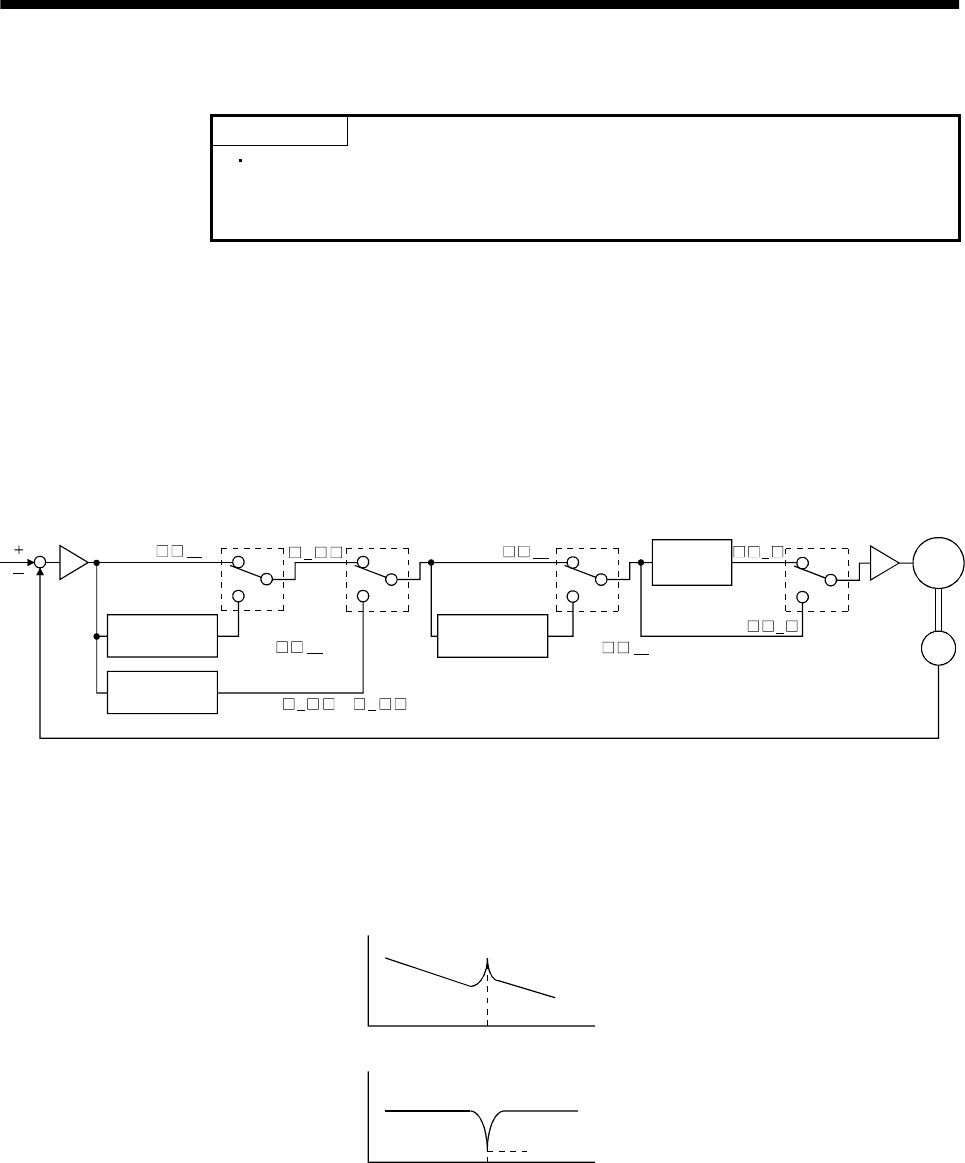
8 - 1
8. SPECIAL ADJUSTMENT FUNCTIONS
8. SPECIAL ADJUSTMENT FUNCTIONS
POINT
The functions given in this chapter need not be used generally. Use them
if you are not satisfied with the machine status after making adjustment
in the methods in Chapter 7.
8.1 Machine resonance suppression filter and adaptive vibration suppression control
If a mechanical system has a natural resonance point, increasing the servo system response may cause
the mechanical system to produce resonance (vibration or unusual noise) at that resonance frequency.
Using the machine resonance suppression filter and adaptive vibration suppression control functions can
suppress the resonance of the mechanical system.
8.1.1 Function block diagram
Speed
control
Machine resonance
suppression filter 2
Motor
Encoder
Current
command
Low-pass
filter
Parameter
No.58
Parameter
No.60 Parameter
No.59 Parameter
No.60
Machine resonance
suppression filter 1
Adaptive vibration
suppression control
00
or1 2
000 0
1
00
except 00
except
8.1.2 Machine resonance suppression filter
(1) Function
The machine resonance suppression filter is a filter function (notch filter) which decreases the gain of
the specific frequency to suppress the resonance of the mechanical system. You can set the gain
decreasing frequency (notch frequency) and gain decreasing depth.
Mechanical
system
response
Machine resonance point
Frequenc
y
Notch
depth
Notch frequency Frequency
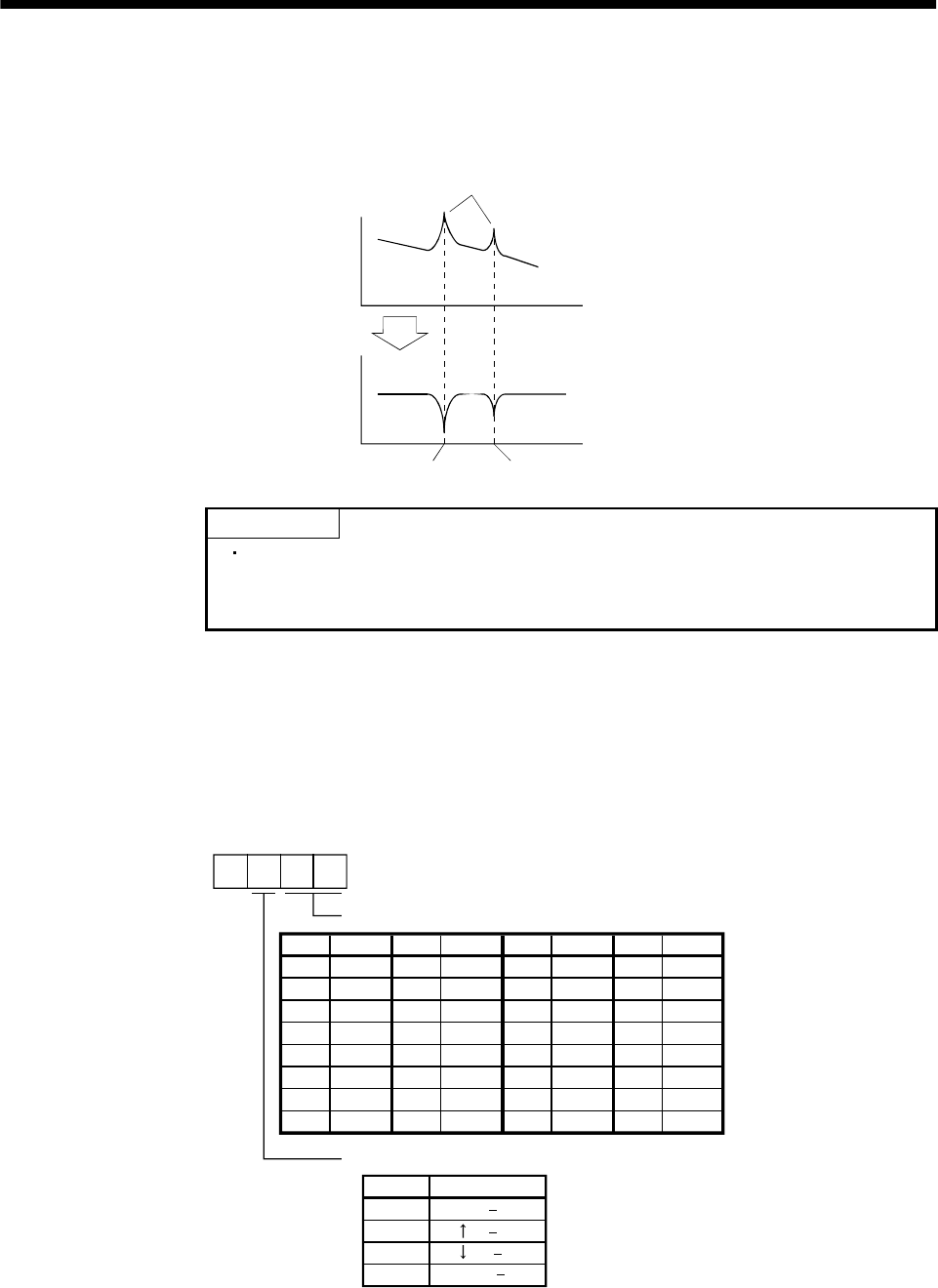
8 - 2
8. SPECIAL ADJUSTMENT FUNCTIONS
You can use the machine resonance suppression filter 1 (parameter No. 58) and machine resonance
suppression filter 2 (parameter No. 59) to suppress the vibration of two resonance frequencies. Note
that if adaptive vibration suppression control is made valid, the machine resonance suppression filter
1 (parameter No. 58) is made invalid.
Mechanical
system
response
Machine resonance point
Frequency
Notch
depth
Parameter No. 58 Parameter No. 59
Frequency
POINT
The machine resonance suppression filter is a delay factor for the servo
system. Hence, vibration may increase if you set a wrong resonance
frequency or a too deep notch.
(2) Parameters
(a) Machine resonance suppression filter 1 (parameter No. 58)
Using parameter No. 58, set the notch frequency and notch depth of the machine resonance
suppression filter 1.
When you have made adaptive vibration suppression control selection valid or held in parameter
No. 60, set "0000" to make the machine resonance suppression filter 1 invalid.
0
3
1
2
0 ( 14dB)
( 8dB)
00
01
02
03
04
05
06
07
Invalid
4500
2250
08
09
0A
0B
0C
0D
0E
0F
10
11
12
13
14
15
16
17
18
19
1A
1B
1C
1D
1E
1F
1500
1125
900
750
642.9
500
450
409.1
375
346.2
321.4
300
562.5 281.3
264.7
250
236.8
225
214.3
204.5
195.7
187.5
180
173.1
166.7
160.1
155.2
150
145.2
Setting FrequencySetting Frequency Setting Frequency Setting Frequency
Parameter No. 58
Notch frequency
Notch depth
Setting Depth (Gain)
Deep ( 40dB)
Shallow( 4dB)
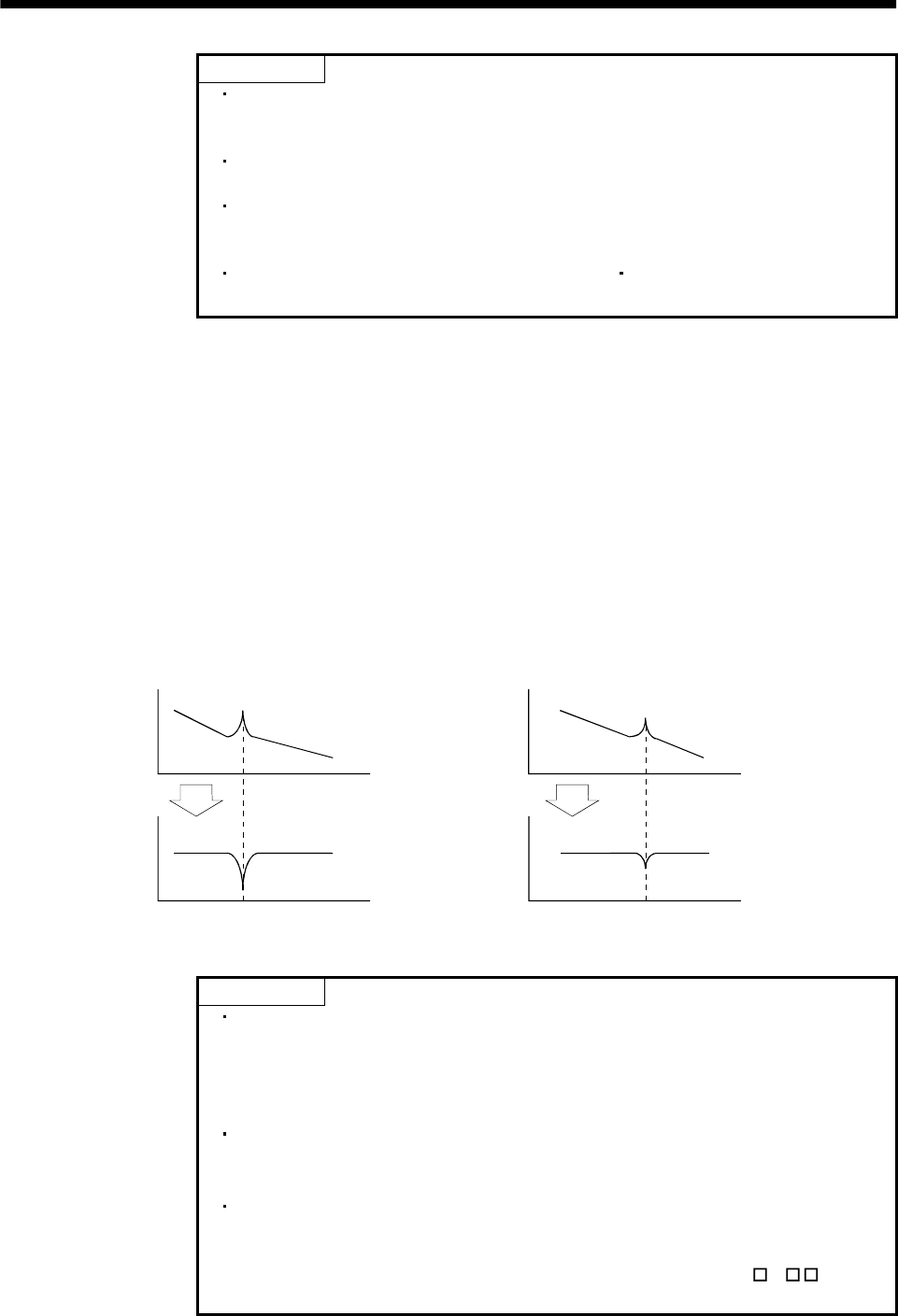
8 - 3
8. SPECIAL ADJUSTMENT FUNCTIONS
POINT
If the frequency of machine resonance is unknown, decrease the notch
frequency from higher to lower ones in order. The optimum notch
frequency is set at the point where vibration is minimal.
A deeper notch has a higher effect on machine resonance suppression but
increases a phase delay and may increase vibration.
The machine characteristic can be grasped beforehand by the machine
analyzer on the servo configuration software. This allows the required
notch frequency and depth to be determined.
Resonance may occur if parameter No. 58 59 is used to select a close
notch frequency and set a deep notch.
(b) Machine resonance suppression filter 2 (parameter No. 59)
The setting method of parameter No. 59 is the same as that of parameter No. 58. However, the
machine resonance suppression filter 2 can be set independently of whether adaptive vibration
suppression control is valid or invalid.
8.1.3 Adaptive vibration suppression control
(1) Function
Adaptive vibration suppression control is a function in which the servo amplifier detects machine
resonance and sets the filter characteristics automatically to suppress mechanical system vibration.
Since the filter characteristics (frequency, depth) are set automatically, you need not be conscious of
the resonance frequency of a mechanical system. Also, while adaptive vibration suppression control is
valid, the servo amplifier always detects machine resonance, and if the resonance frequency changes,
it changes the filter characteristics in response to that frequency.
Mechanical
system
response
Mechanical
system
response
Machine resonance point Machine resonance point
Frequency Frequenc
y
Notch
depth Notch
depth
Notch frequency Notch frequency
Frequency Frequenc
y
When machine resonance is large and frequency is low When machine resonance is small and frequency is high
POINT
The machine resonance frequency which adaptive vibration suppression
control can respond to is about 150 to 500Hz. Adaptive vibration
suppression control has no effect on the resonance frequency outside this
range. Use the machine resonance suppression filter for the machine
resonance of such frequency.
Adaptive vibration suppression control may provide no effect on a
mechanical system which has complex resonance characteristics or which
has too large resonance.
Under operating conditions in which sudden disturbance torque is imposed
during operation, the detection of the resonance frequency may malfunction
temporarily, causing machine vibration. In such a case, set adaptive
vibration suppression control to be "held" (parameter No. 60: 2 ) to fix
the characteristics of the adaptive vibration suppression control filter.
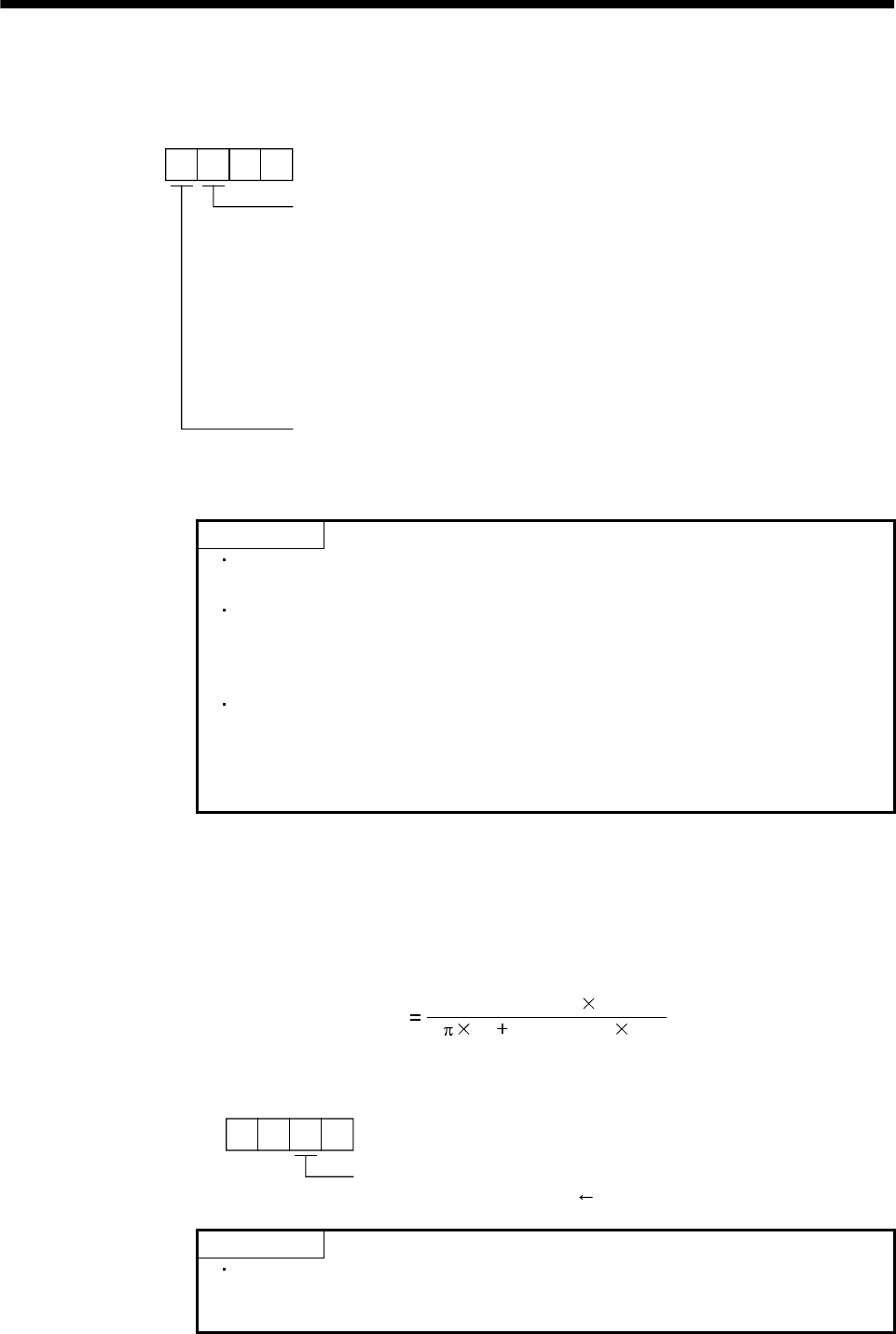
8 - 4
8. SPECIAL ADJUSTMENT FUNCTIONS
(2) Parameters
Set the operation of adaptive vibration suppression control in the third and fourth digits of parameter
No. 60.
00
Parameter No. 60
Adaptive vibration suppression control selection
Choosing "valid" or "held" in adaptive vibration suppression
control selection makes the machine resonance suppression
filter 1 (parameter No. 58) invalid.
0: Invalid
1: Valid
Machine resonance frequency is always detected to
generate the filter in response to resonance, suppressing
machine vibration.
2: Held
Adaptive vibration suppression control sensitivity
Set the sensitivity of detecting machine resonance.
0: Normal
1: Large sensitivity
Filter characteristics generated so far is held, and detection o
f
machine resonance is stopped.
POINT
Adaptive vibration suppression control is factory-set to be invalid
(parameter No. 60: 0000).
The filter characteristics generated are saved in the EEP-ROM every 6
minutes since power-on. At next power-on, vibration suppression control is
performed with this data saved in the EEP-ROM being used as an initial
value.
Setting the adaptive vibration suppression control sensitivity can change
the sensitivity of detecting machine resonance. Setting of "large sensitivity"
detects smaller machine resonance and generates a filter to suppress
machine vibration. However, since a phase delay will also increase, the
response of the servo system may not increase.
8.2 Low-pass filter
(1) Function
When a ballscrew or the like is used, resonance of high frequency may occur as the response of the
servo system is increased. To prevent this, the low-pass filter is factory-set to be valid for a torque
command. The filter frequency of this low-pass filter is automatically adjusted to the value in the
following expression:
Filter frequency(Hz) (1 GD2 setting 0.1)
2VG2 setting 10
(2) Parameter
You can set the operation of the low-pass filter in the second digit of parameter No. 60.
0
Parameter No. 60
Low-pass filter selection
0: Valid (automatic adjustment) initial value
1: Invalid
POINT
In a mechanical system where rigidity is extremely high and resonance is
difficult to occur, setting the low-pass filter to be "invalid" may increase
the servo system response to shorten the settling time.
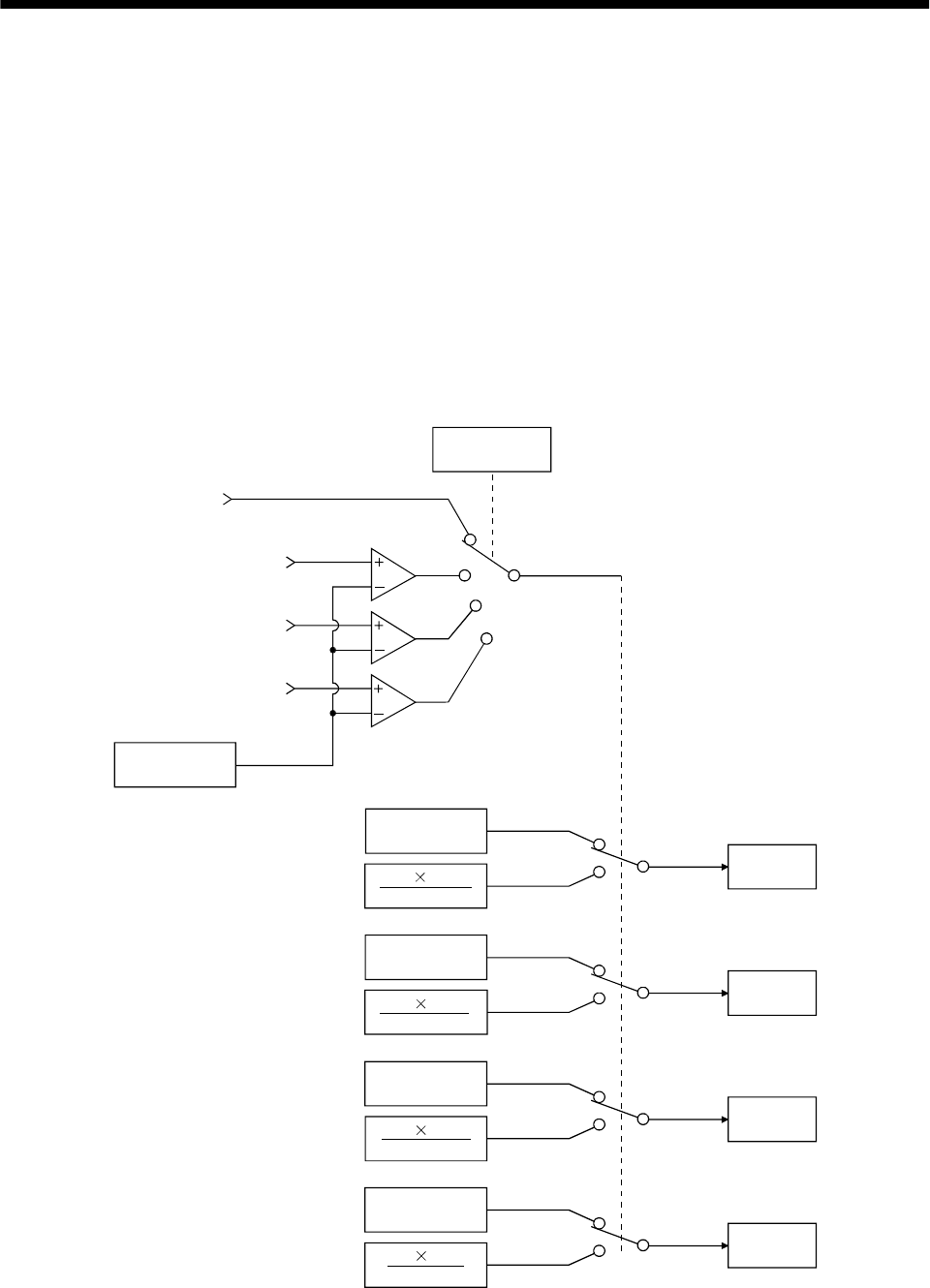
8 - 5
8. SPECIAL ADJUSTMENT FUNCTIONS
8.3 Gain changing function
This function can change the gains. You can change between gains during rotation and gains during stop
or can use an external signal to change gains during operation.
8.3.1 Applications
This function is used when:
(1) You want to increase the gains during servo lock but decrease the gains to reduce noise during rotation.
(2) You want to increase the gains during settling to shorten the stop settling time.
(3) You want to change the gains using an external signal to ensure stability of the servo system since the
load inertia moment ratio varies greatly during a stop (e.g. a large load is mounted on a carrier).
8.3.2 Function block diagram
The valid control gains PG2, VG2, VIC and GD2 of the actual loop are changed according to the conditions
selected by parameters CDP (parameter No. 65) and CDS (parameter No. 66).
Valid
GD2 value
GD2
ParameterNo.34
CDS
ParameterNo.66
Command pulse
frequency
Droop pulses
Model speed
External signal
CDP
Comparator
Valid
PG2 value
PG2
ParameterNo.35
Valid
VG2 value
VG2
ParameterNo.37
Valid
VIC value
VIC
ParameterNo.38
CDP
ParameterNo.65
Changing
PG2 PG2B
100
VIC VICB
100
VG2 VG2B
100
GD2 GD2B
100
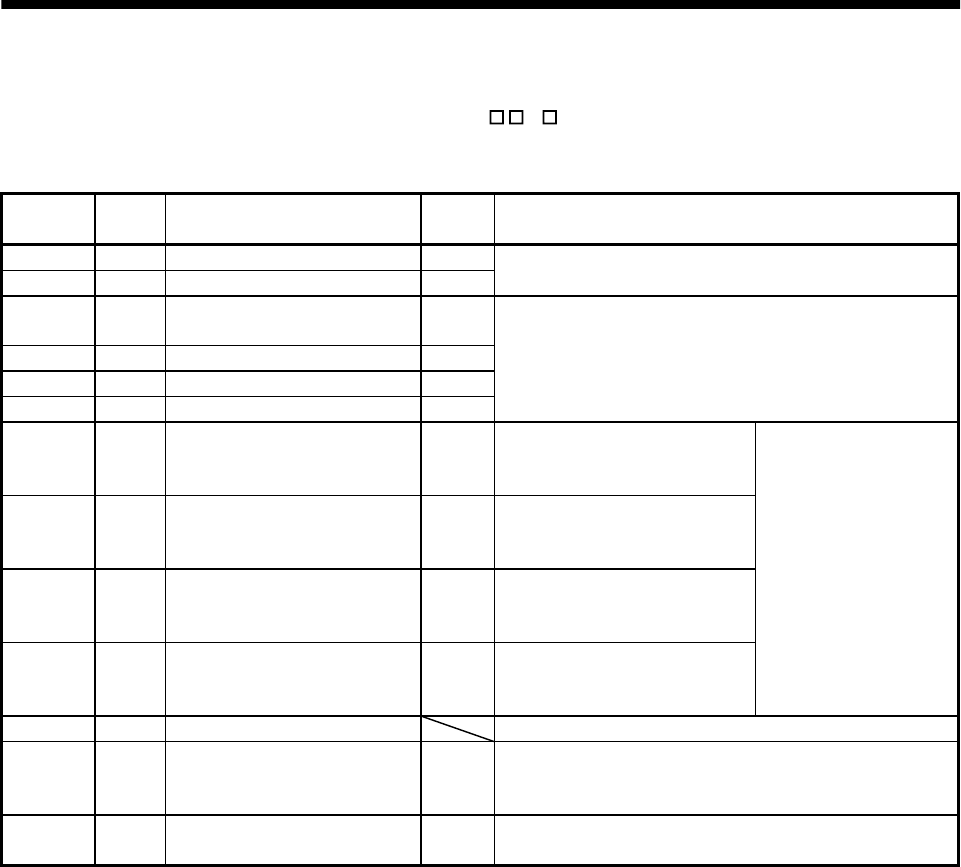
8 - 6
8. SPECIAL ADJUSTMENT FUNCTIONS
8.3.3 Parameters
When using the gain changing function, always set " 4 " in parameter No.2 (auto tuning) to choose
the manual mode of the gain adjustment modes. The gain changing function cannot be used in the auto
tuning mode.
Parameter
No.
Abbrevi
ation Name Unit Description
6 PG1 Position control gain 1 rad/s
36 VG1 Speed control gain 1 rad/s Position and speed gains of a model used to set the response
level to a command. Always valid.
34 GD2 Ratio of load inertia moment to
servo motor inertia moment 0.1
times
35 PG2 Position control gain 2 rad/s
37 VG2 Speed control gain 2 rad/s
38 VIC Speed integral compensation ms
Control parameters before changing
61 GD2B Ratio of load inertia moment to
servo motor inertia moment 2 0.1
times
Used to set the ratio of load
inertia moment to servo motor
inertia moment after changing.
62 PG2B Position control gain 2 changing
ratio %Used to set the ratio (%) of the
after-changing position control
gain 2 to PG2.
63 VG2B Speed control gain 2 changing
ratio %Used to set the ratio (%) of the
after-changing speed control gain
2 to VG2.
64 VICB Speed integral compensation
changing ratio %Used to set the ratio (%) of the
after-changing speed integral
compensation to VIC.
Control parameters after
changing
65 CDP Gain changing selection Used to select the changing condition.
66 CDS Gain changing condition kpps,
pulse,
r/min
Used to set the changing condition values.
67 CDT Gain changing time constant ms You can set the filter time constant for a gain change at
changing.
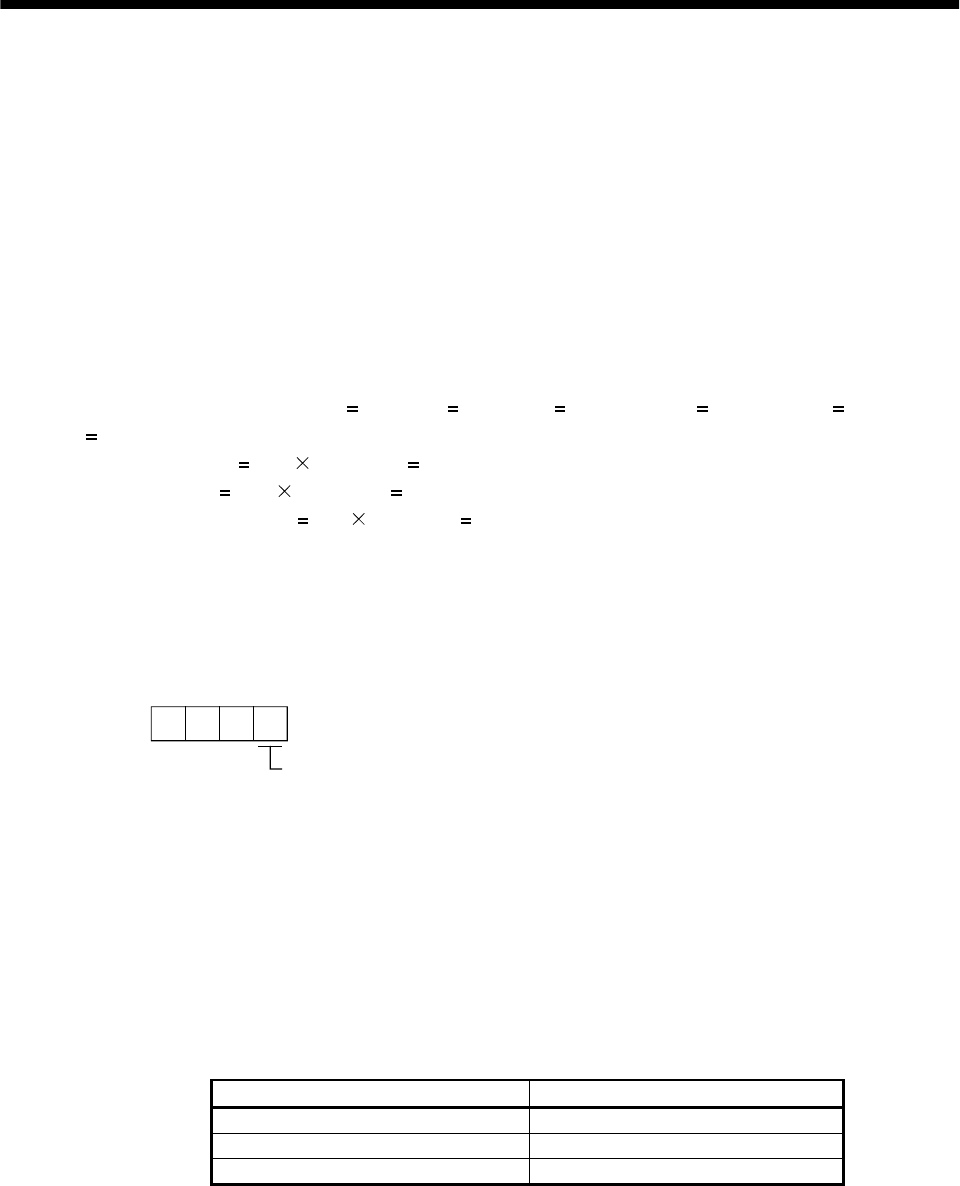
8 - 7
8. SPECIAL ADJUSTMENT FUNCTIONS
(1) Parameters No. 6, 34 to 38
These parameters are the same as in ordinary manual adjustment. Gain changing allows the values of
GD2, PG2, VG2 and VIC to be changed.
(2) Ratio of load inertia moment to servo motor inertia moment 2 (GD2B: parameter No. 61)
Set the ratio of load inertia moment to servo motor inertia moment after changing. If the load inertia
moment ratio does not change, set it to the same value as GD2 (parameter No. 34).
(3) Position control gain 2 changing ratio (PG2B: parameter No. 62), speed control gain 2 changing ratio
(VG2B: parameter No. 63), speed integral compensation changing ratio (VICB: parameter No. 64)
Set the values of after-changing position control gain 2, speed control gain 2 and speed integral
compensation in ratio (%). 100% setting means no gain change.
For example, at the setting of PG2 100, VG2 2000, VIC 20 and PG2B 180%, VG2B 150% and
VICB 80%, the after-changing values are as follows:
Position control gain 2 PG2 PG2B/100 180rad/s
Speed control gain 2 VG2 VG2B/100 3000rad/s
Speed integral compensation VIC VICB/100 16ms
(4) Gain changing selection (CDP: parameter No. 65)
Used to set the gain changing condition. Choose the changing condition in the first digit. If you set "1"
here, you can use the gain changing (CDP) external input signal for gain changing. The gain changing
(CDP) signal can be assigned to the pins using parameters No. 43 to 48.
000
Parameter No. 65
Gain changing selection
Gains are changed in accordance with the settings of
parameters No. 61 to 64 under any of the following conditions:
0: Invalid
1: Gain changing (CDP) input signal is ON
2: Command frequency is equal to higher than parameter No. 66 setting
3: Droop pulse value is equal to higher than parameter No. 66 setting
4: Servo motor speed is equal to higher than parameter No. 66 setting
(5) Gain changing condition (CDS: parameter No. 66)
When you selected "command frequency", "droop pulses" or "servo motor speed" in gain changing
selection (parameter No.65), set the gain changing level.
The setting unit is as follows:
Gain changing condition Unit
Command frequency kpulse/s
Droop pulses pulse
Servo motor speed r/min
(6) Gain changing time constant (CDT: parameter No. 67)
You can set the primary delay filter to each gain at gain changing. This parameter is used to suppress
shock given to the machine if the gain difference is large at gain changing, for example.
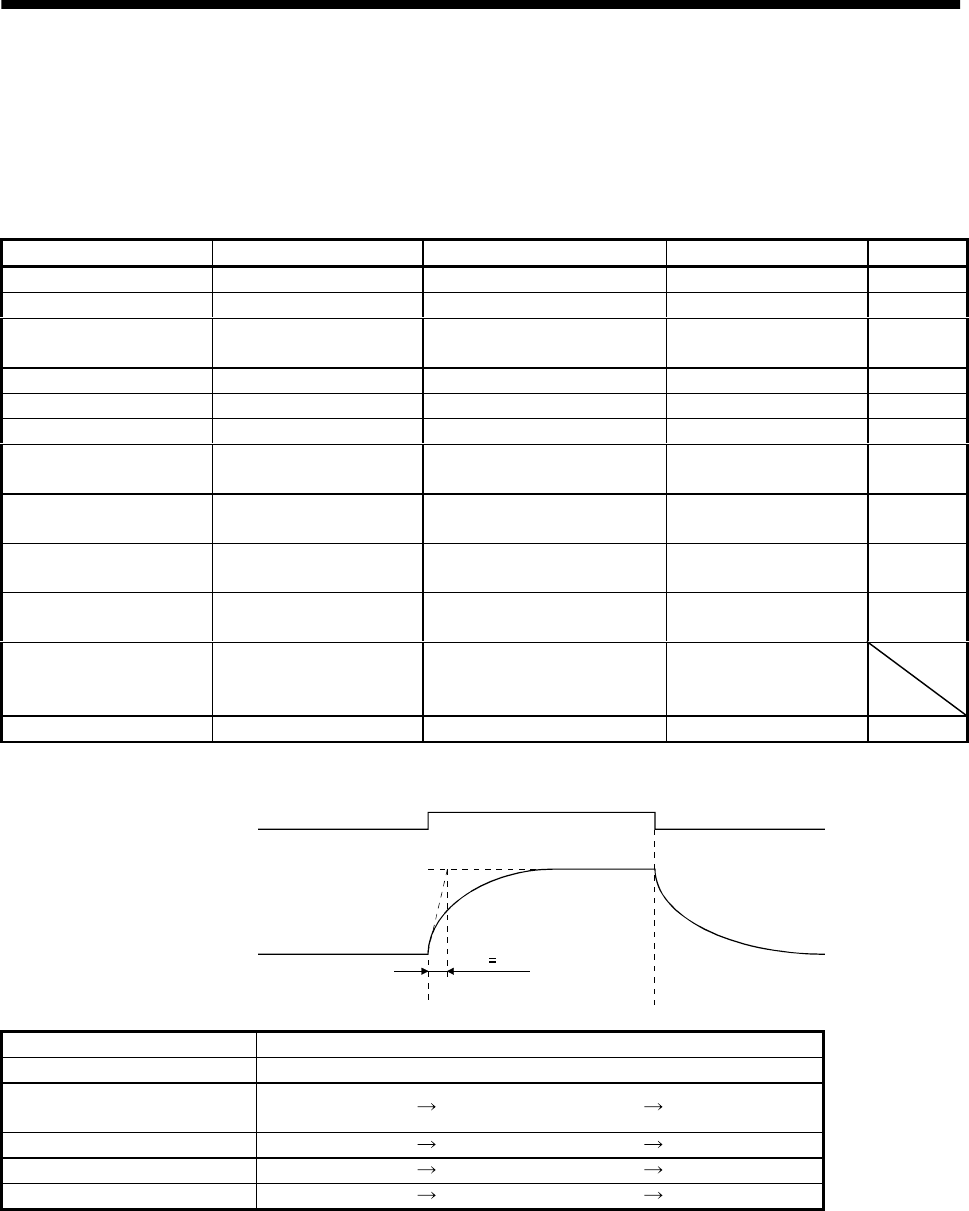
8 - 8
8. SPECIAL ADJUSTMENT FUNCTIONS
8.3.4 Gain changing operation
This operation will be described by way of setting examples.
(1) When you choose changing by external input
(a) Setting
Parameter No. Abbreviation Name Setting Unit
6 PG1 Position control gain 1 100 rad/s
36 VG1 Speed control gain 1 1000 rad/s
34 GD2 Ratio of load inertia moment to
servo motor inertia moment 40.1 times
35 PG2 Position control gain 2 120 rad/s
37 VG2 Speed control gain 2 3000 rad/s
38 VIC Speed integral compensation 20 ms
61 GD2B Ratio of load inertia moment to
servo motor inertia moment 2 100 0.1 times
62 PG2B Position control gain 2
changing ratio 70 %
63 VG2B Speed control gain 2 changing
ratio 133 %
64 VICB Speed integral compensation
changing ratio 250 %
65 CDP Gain changing selection 0001
(Changed by ON/OFF of
pin CN1A-8)
67 CDT Gain changing time constant 100 ms
(b) Changing operation
OFF ON OFF
Gain changing
(CDP)
Change of
each gain
Before-changing gain
After-changing gain
CDT 100ms
Position control gain 1 100
Speed control gain 1 1000
Ratio of load inertia moment
to servo motor inertia moment 4.0 10.0 4.0
Position control gain 2 120 84 120
Speed control gain 2 3000 4000 3000
Speed integral compensation 20 50 20
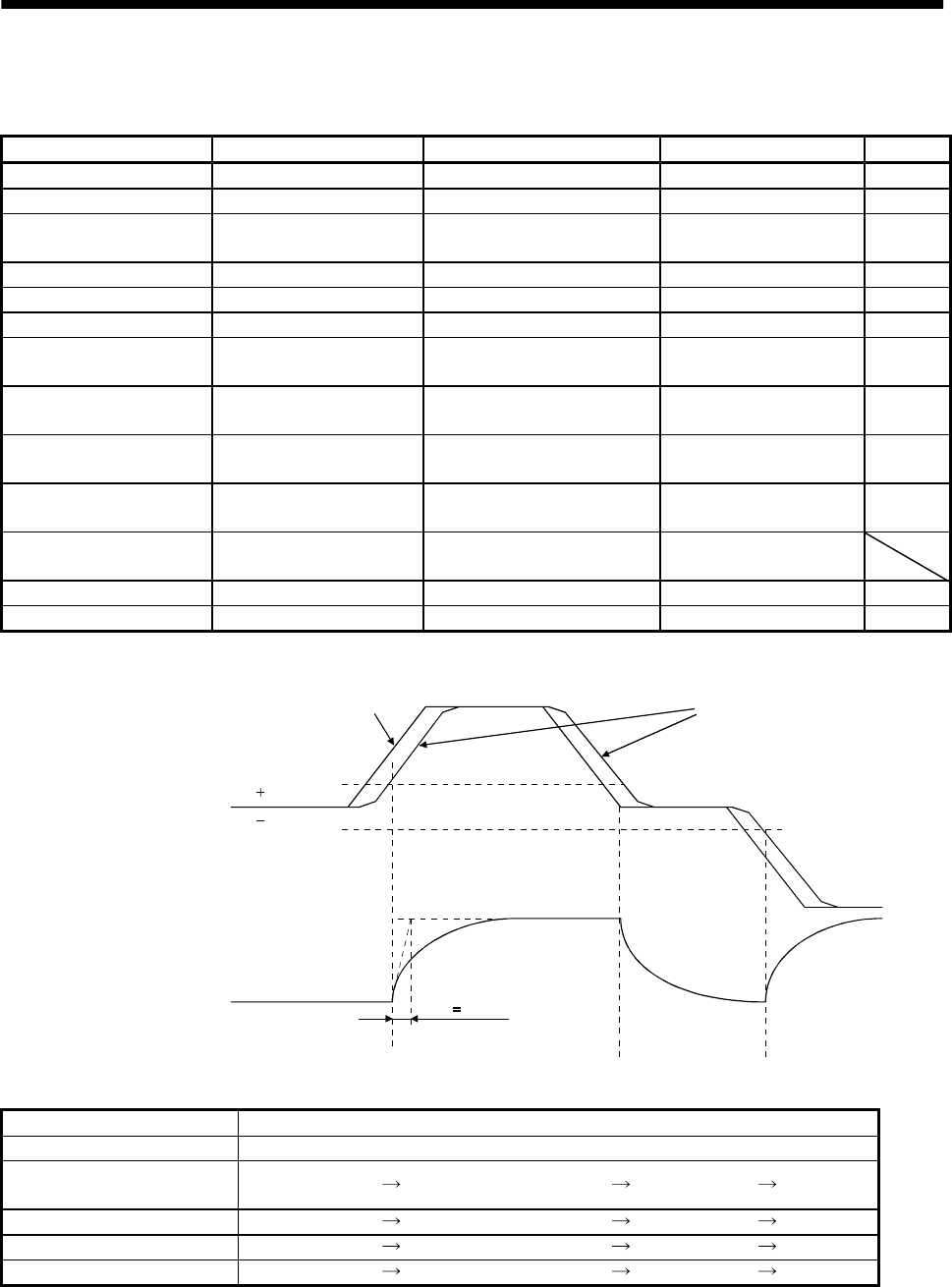
8 - 9
8. SPECIAL ADJUSTMENT FUNCTIONS
(2) When you choose changing by droop pulses
(a) Setting
Parameter No. Abbreviation Name Setting Unit
6 PG1 Position control gain 1 100 rad/s
36 VG1 Speed control gain 1 1000 rad/s
34 GD2 Ratio of load inertia moment to
servo motor inertia moment 40 0.1 times
35 PG2 Position control gain 2 120 rad/s
37 VG2 Speed control gain 2 3000 rad/s
38 VIC Speed integral compensation 20 ms
61 GD2B Ratio of load inertia moment to
servo motor inertia moment 2 100 0.1 times
62 PG2B Position control gain 2
changing ratio 70 %
63 VG2B Speed control gain 2 changing
ratio 133 %
64 VICB Speed integral compensation
changing ratio 250 %
65 CDP Gain changing selection 0003
(Changed by droop pulses)
66 CDS Gain changing condition 50 pulse
67 CDT Gain changing time constant 100 ms
(b) Changing operation
CDT 100ms
0
Droop pulses [pulses]
Change of each gain
CDS
CDS
Before-changing gain
After-changing gain
Command pulse Droop pulses
Position control gain 1 100
Speed control gain 1 1000
Ratio of load inertia moment
to servo motor inertia moment 4.0 10.0 4.0 10.0
Position control gain 2 120 84 120 84
Speed control gain 2 3000 4000 3000 4000
Speed integral compensation 20 50 20 50
8 - 10
8. SPECIAL ADJUSTMENT FUNCTIONS
MEMO
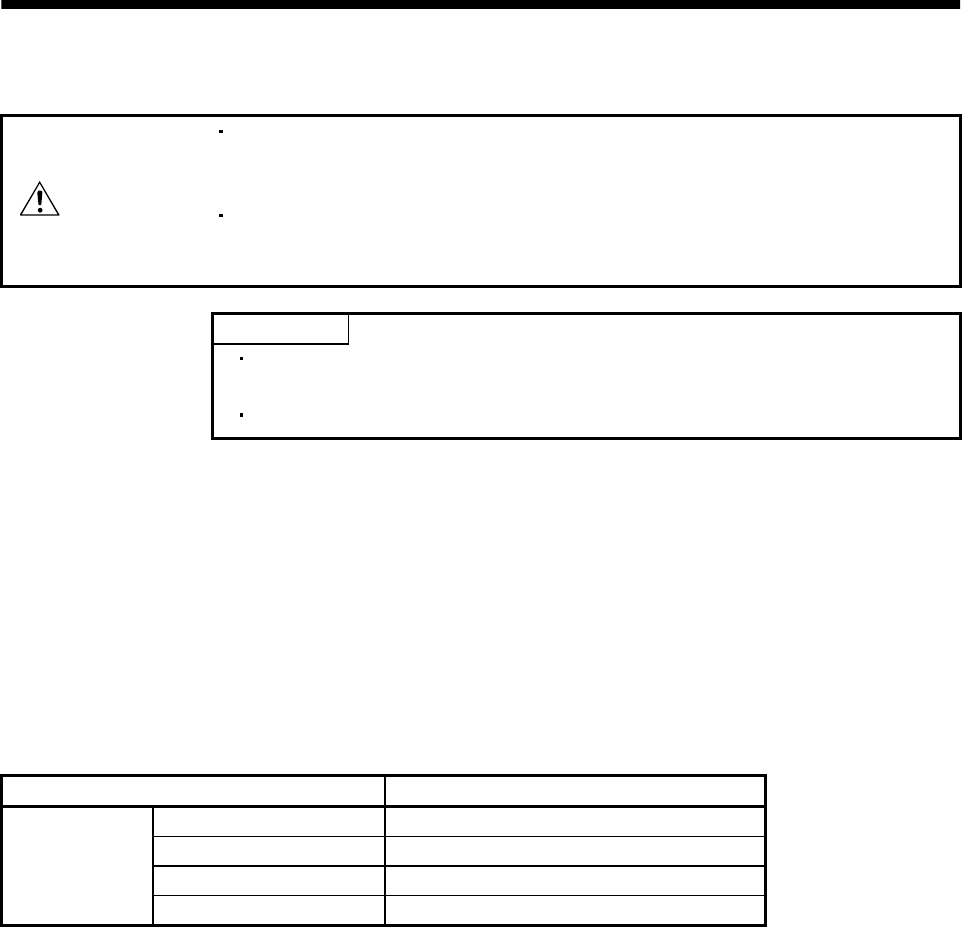
9 - 1
9. INSPECTION
9. INSPECTION
WARNING
Before starting maintenance and/or inspection, make sure that the charge lamp is
off more than 10 minutes after power-off. Then, confirm that the voltage is safe in
the tester or the like. Otherwise, you may get an electric shock.
Any person who is involved in inspection should be fully competent to do the work.
Otherwise, you may get an electric shock. For repair and parts replacement,
contact your safes representative.
POINT
Do not test the servo amplifier with a megger (measure insulation
resistance), or it may become faulty.
Do not disassemble and/or repair the equipment on customer side.
(1) Inspection
It is recommended to make the following checks periodically:
(a) Check for loose terminal block screws. Retighten any loose screws.
(b) Check the cables and the like for scratches and cracks. Perform periodic inspection according to
operating conditions.
(2) Life
The following parts must be changed periodically as listed below. If any part is found faulty, it must be
changed immediately even when it has not yet reached the end of its life, which depends on the
operating method and environmental conditions. For parts replacement, please contact your sales
representative.
Part name Life guideline
Smoothing capacitor 10 years
Relay 100,000 times
Cooling fan 10,000 to 30,000hours (2 to 3 years)
Servo amplifier
Absolute position battery Refer to Section 15.2
(a) Smoothing capacitor
Affected by ripple currents, etc. and deteriorates in characteristic. The life of the capacitor greatly
depends on ambient temperature and operating conditions. The capacitor will reach the end of its
life in 10 years of continuous operation in normal air-conditioned environment.
(b) Relays
Their contacts will wear due to switching currents and contact faults occur. Relays reach the end of
their life at cumulative 100,000 switching times (switching life), which depends on the power
supply capacity.
(c) Servo amplifier cooling fan
The cooling fan bearings reach the end of their life in 10,000 to 30,000 hours. Normally, therefore,
the fan must be changed in a few years of continuous operation as a guideline.
It must also be changed if unusual noise or vibration is found during inspection.
9 - 2
9. INSPECTION
MEMO
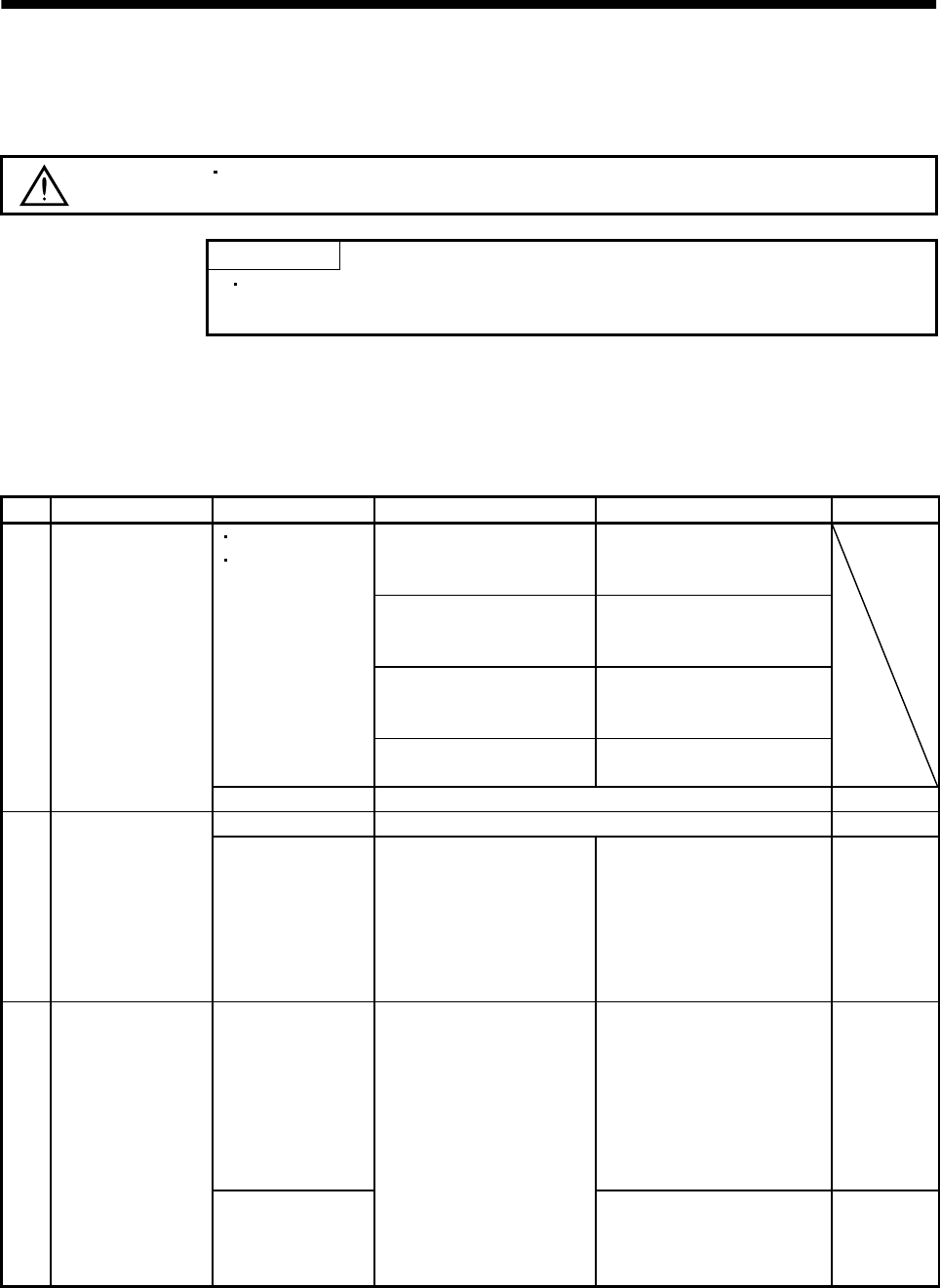
10 - 1
10. TROUBLESHOOTING
10. TROUBLESHOOTING
10.1 Trouble at start-up
CAUTION Excessive adjustment or change of parameter setting must not be made as it will
make operation instable.
POINT
Using the optional servo configuration software, you can refer to unrotated
servo motor reasons, etc.
The following faults may occur at start-up. If any of such faults occurs, take the corresponding action.
10.1.1 Position control mode
(1) Troubleshooting
No. Start-up sequence Fault Investigation Possible cause Refer to
Not improved if connectors
CN1A, CN1B, CN2 and CN3
are disconnected.
1. Power supply voltage fault
2. Servo amplifier is faulty.
Improved when connectors
CN1A and CN1B are
disconnected.
Power supply of CNP1 cabling
is shorted.
Improved when connector
CN2 is disconnected. 1. Power supply of encoder
cabling is shorted.
2. Encoder is faulty.
LED is not lit.
LED flickers.
Improved when connector
CN3 is disconnected. Power supply of CN3 cabling is
shorted.
1 Power on
Alarm occurs. Refer to Section 10.2 and remove cause. Section 10.2
Alarm occurs. Refer to Section 10.2 and remove cause. Section 10.22 Switch on servo-on
signal. Servo motor shaft is
not servo-locked
(is free).
1. Check the display to see if
the servo amplifier is
ready to operate.
2. Check the external I/O
signal indication to see if
the servo-on (SON) signal
is ON.
1. Servo-on signal is not input.
(Wiring mistake)
2. 24VDC power is not
supplied to COM.
Section 6.6
Servo motor does
not rotate. 1. Wiring mistake
(a) For open collector pulse
train input, 24VDC
power is not supplied to
OPC.
(b) LSP/LSN-SG are not
connected.
2. No pulses is input.
Section 6.2
3Enter input
command.
(Test operation)
Servo motor run in
reverse direction.
Check cumulative command
pulses.
1. Mistake in wiring to
controller.
2. Mistake in setting of
parameter No. 54.
Chapter 5

10 - 2
10. TROUBLESHOOTING
No. Start-up sequence Fault Investigation Possible cause Refer to
Rotation ripples
(speed fluctuations)
are large at low
speed.
Make gain adjustment in the
following procedure:
1. Increase the auto tuning
response level.
2. Repeat acceleration and
deceleration several times
to complete auto tuning.
Gain adjustment fault Chapter 7
4 Gain adjustment
Large load inertia
moment causes the
servo motor shaft to
oscillate side to side.
Make gain adjustment in the
following procedure:
If the servo motor may be
run with safety, repeat
acceleration and
deceleration several times
to complete auto tuning.
Gain adjustment fault Chapter 7
5 Cyclic operation Position shift occurs Confirm the cumulative
command pulses, cumulative
feedback pulses and actual
servo motor position.
Pulse counting error, etc.
due to noise. (2) in this
section
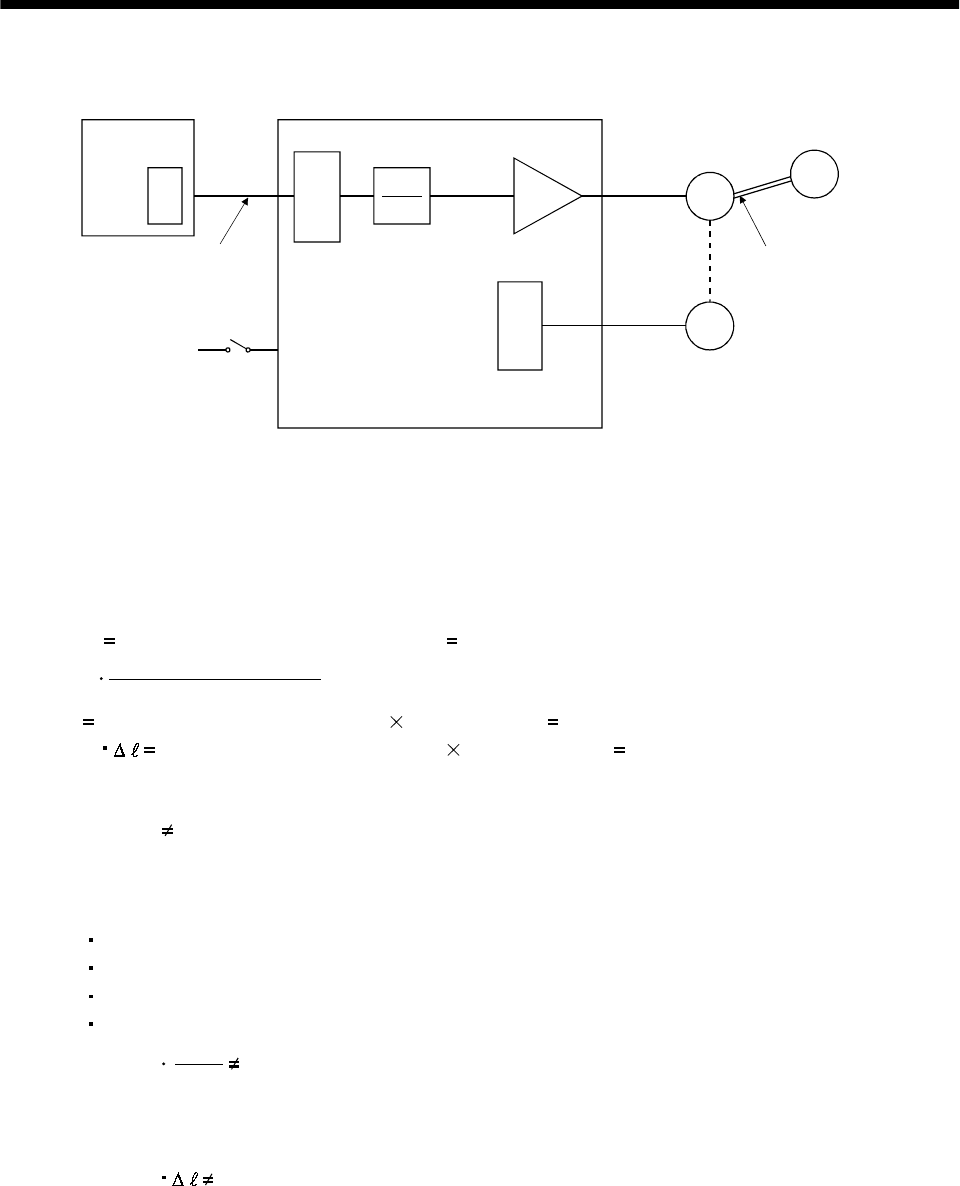
10 - 3
10. TROUBLESHOOTING
(2) How to find the cause of position shift
Positioning unit
(a) Output pulse
counter
QPCMX
CDV
(C) Servo-on (SON),
stroke end
(LSP/LSN) input
(A) (b) Cumulative command
pulses
Electronic gear (parameters No. 3, 4)
C
Servo motor
SM
Encoder
L
Machine
(d) Machine sto
p
position M
(B)
(c) Cumulative
feedback pulses
Servo amplifier
When a position shift occurs, check (a) output pulse counter, (b) cumulative command pulse display, (c)
cumulative feedback pulse display, and (d) machine stop position in the above diagram.
(A), (B) and (C) indicate position shift causes. For example, (A) indicates that noise entered the wiring
between positioning unit and servo amplifier, causing pulses to be mis-counted.
In a normal status without position shift, there are the following relationships:
1) Q P (positioning unit's output counter servo amplifier's cumulative command pulses)
2) CMX(parameter No.3)
CDV(parameter No.4)
P
C (cumulative command pulses electronic gear cumulative feedback pulses)
3) C M (cumulative feedback pulses travel per pulse machine position)
Check for a position shift in the following sequence:
1) When Q P
Noise entered the pulse train signal wiring between positioning unit and servo amplifier,
causing pulses to be miss-counted. (Cause A)
Make the following check or take the following measures:
Check how the shielding is done.
Change the open collector system to the differential line driver system.
Run wiring away from the power circuit.
Install a data line filter. (Refer to Section 13.2.6.)
2) CMX
CDV
P C
When
During operation, the servo-on signal (SON) or forward/reverse rotation stroke end signal was
switched off or the clear signal (CR) and the reset signal (RES) switched on. (Cause C)
If a malfunction may occur due to much noise, increase the input filter setting (parameter No. 1).
3) When C M
Mechanical slip occurred between the servo motor and machine. (Cause B)
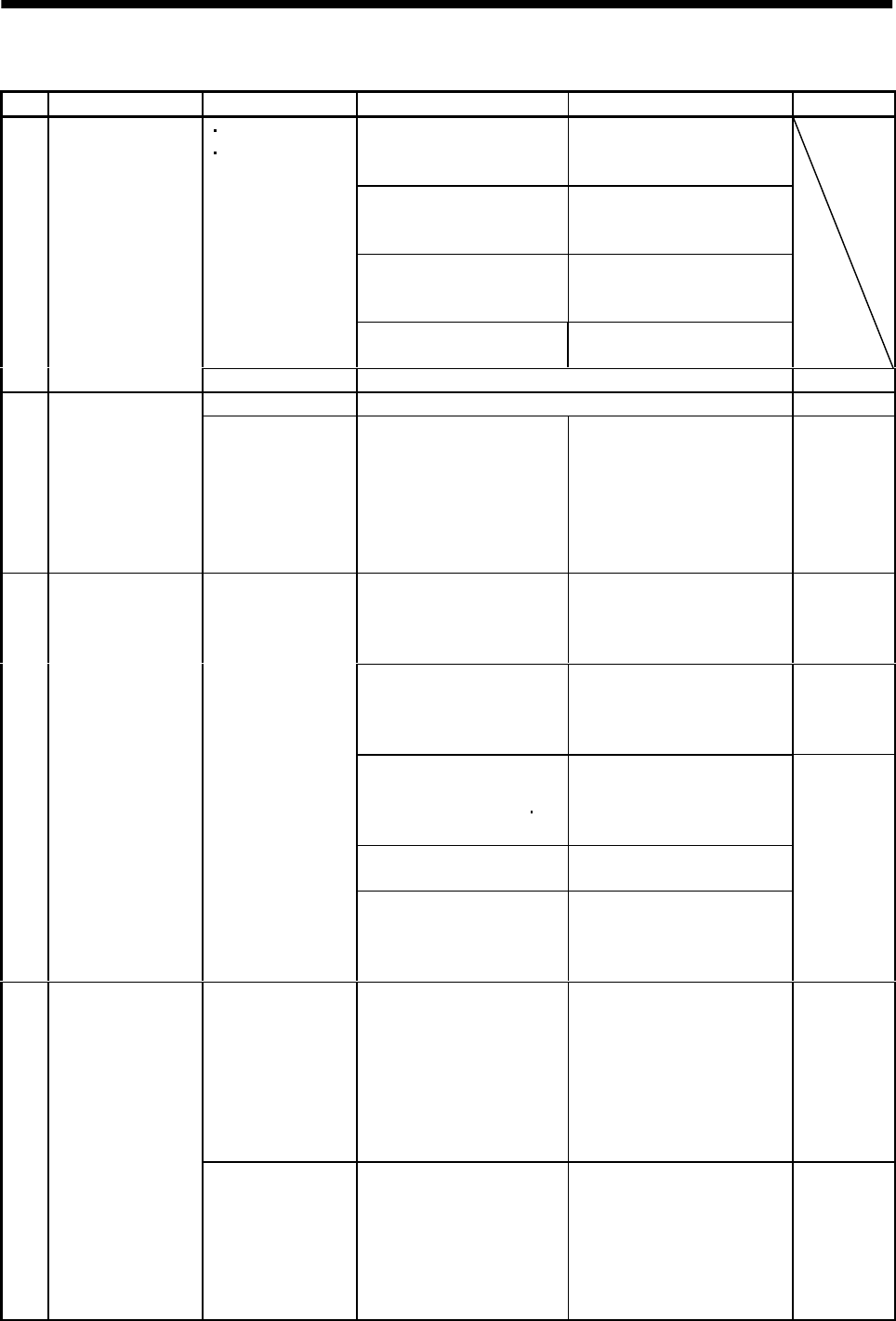
10 - 4
10. TROUBLESHOOTING
10.1.2 Speed control mode
No. Start-up sequence Fault Investigation Possible cause Refer to
Not improved if connectors
CN1A, CN1B, CN2 and CN3
are disconnected.
1. Power supply voltage fault
2. Servo amplifier is faulty.
Improved when connectors
CN1A and CN1B are
disconnected.
Power supply of CN1 cabling is
shorted.
Improved when connector
CN2 is disconnected. 1. Power supply of encoder
cabling is shorted.
2. Encoder is faulty.
LED is not lit.
LED flickers.
Improved when connector
CN3 is disconnected. Power supply of CN3 cabling is
shorted.
1 Power on
Alarm occurs. Refer to Section 10.2 and remove cause. Section 10.2
Alarm occurs. Refer to Section 10.2 and remove cause. Section 10.22 Switch on servo-on
signal. Servo motor shaft is
not servo-locked
(is free).
1. Check the display to see if
the servo amplifier is
ready to operate.
2. Check the external I/O
signal indication to see if
the servo-on (SON) signal
is ON.
1. Servo-on signal is not input.
(Wiring mistake)
2. 24VDC power is not
supplied to COM.
Section 6.6
Call the status display and
check the input voltage of
the analog speed command
(VC).
Analog speed command is 0V. Section 6.2
Call the external I/O signal
display and check the
ON/OFF status of the input
signal.
LSP, LSN, ST1 or ST2 is off. Section 6.6
Check the internal speed
commands 1 to 7
(parameters No. 8 to 10 72
to 75).
Set value is 0.
Check the internal torque
limit 1 (parameter No. 28). Torque limit level is too low as
compared to the load torque.
3Switch on forward
rotation start (ST1)
or reverse rotation
start (ST2).
Servo motor does
not rotate.
When the analog torque
limit (TLA) is usable, check
the input voltage on the
status display.
Torque limit level is too low as
compared to the load torque.
(1), Section
5.1.2
Rotation ripples
(speed fluctuations)
are large at low
speed.
Make gain adjustment in the
following procedure:
1. Increase the auto tuning
response level.
2. Repeat acceleration and
deceleration several
times to complete auto
tuning.
Gain adjustment fault Chapter 7
4 Gain adjustment
Large load inertia
moment causes the
servo motor shaft to
oscillate side to side.
Make gain adjustment in the
following procedure:
If the servo motor may be
run with safety, repeat
acceleration and
deceleration several times
to complete auto tuning.
Gain adjustment fault Chapter 7
10 - 5
10. TROUBLESHOOTING
10.1.3 Torque control mode
No. Start-up sequence Fault Investigation Possible cause Refer to
Not improved if connectors
CN1A, CN1B, CN2 and CN3
are disconnected.
1. Power supply voltage fault
2. Servo amplifier is faulty.
Improved when connectors
CN1A and CN1B are
disconnected.
Power supply of CN1 cabling is
shorted.
Improved when connector
CN2 is disconnected. 1. Power supply of encoder
cabling is shorted.
2. Encoder is faulty.
LED is not lit.
LED flickers.
Improved when connector
CN3 is disconnected. Power supply of CN3 cabling is
shorted.
1 Power on
Alarm occurs. Refer to Section 10.2 and remove cause. Section 10.2
Alarm occurs. Refer to Section 10.2 and remove cause. Section 10.22 Switch on servo-on
signal. Servo motor shaft is
free. Call the external I/O signal
display and check the
ON/OFF status of the input
signal.
1. Servo-on signal is not input.
(Wiring mistake)
2. 24VDC power is not
supplied to COM.
Section 6.6
Call the status display and
check the analog torque
command (TC).
Analog torque command is 0V. Section 6.2
Call the external I/O signal
display and check the
ON/OFF status of the input
signal.
RS1 or RS2 is off. Section 6.6
Check the internal speed
limits 1 to 7
(parameters No. 8 to 10 72
to 75).
Set value is 0.
Check the analog torque
command maximum output
(parameter No. 26) value.
Torque command level is too
low as compared to the load
torque.
3Switch on forward
rotation start (RS1)
or reverse rotation
start (RS2).
Servo motor does
not rotate.
Check the internal torque
limit 1 (parameter No. 28). Set value is 0.
(1),
Section 5.1.2
10 - 6
10. TROUBLESHOOTING
10.2 When alarm or warning has occurred
POINT
Configure up a circuit which will detect the trouble (ALM) signal and turn
off the servo-on (SON) signal at occurrence of an alarm.
10.2.1 Alarms and warning list
When a fault occurs during operation, the corresponding alarm or warning is displayed. If any alarm or
warning has occurred, refer to Section 10.2.2 or 10.2.3 and take the appropriate action.
Set " 1" in parameter No. 49 to output the alarm code in ON/OFF status across the corresponding
pin and SG. Warnings (AL.92 to AL.EA) have no alarm codes. Any alarm code is output at occurrence of
the corresponding alarm. In the normal status, the signals available before alarm code setting (CN1B-19:
ZSP, CN1A-18: INP or SA, CN1A-19: RD) are output.
The alarms marked in the alarm deactivation column can be deactivated by the corresponding
operations.
(Note 2) Alarm code Alarm deactivation
Display CN1B-19
pin
CN1A-18
pin
CN1A-19
pin
Name Power
OFF ON
Press
"SET" on
current
alarm
screen.
Alarm
reset
(RES)
signal
AL.10010Undervoltage
AL.12 0 0 0 Memory error 1
AL.13 0 0 0 Clock error
AL.15 0 0 0 Memory error 2
AL.16 1 1 0 Encoder error 1
AL.17 0 0 0 Board error 2
AL.19 0 0 0 Memory error 3
AL.1A 1 1 0 Motor combination error
AL.20 1 1 0 Encoder error 2
AL.24 1 0 0 Motor output ground fault
AL.25 1 1 0 Absolute position erase
AL.30 0 0 1 Regenerative error
AL.31101Overspeed
AL.32100Overcurrent
AL.33001Overvoltage
AL.35 1 0 1 Command pulse frequency error
AL.37 0 0 0 Parameter error
AL.45 0 1 1 Main circuit device overheat
AL.46 0 1 1 Servo motor overheat
AL.50011Overload 1 (Note 1) (Note 1) (Note 1)
AL.51011Overload 2 (Note 1) (Note 1) (Note 1)
AL.52 1 0 1 Error excessive
AL.8A 0 0 0 Serial communication time-out
AL.8E 0 0 0 Serial communication error
Alarms
88888 0 0 0 Watchdog
AL.92 Open battery cable warning
AL.96 Home position setting warning
AL.9F Battery warning
AL.E0 Excessive regenerative warning
AL.E1 Overload warning
AL.E3 Absolute position counter warning
AL.E5 ABS time-out warning
AL.E6 Servo emergency stop
AL.E9 Main circuit off warning
Warnings
AL.EA ABS servo-on warning
Removing the cause of occurrence
deactivates the alarm
automatically.
Note: 1. Deactivate the alarm about 30 minutes of cooling time after removing the cause of occurrence.
2. 0: Pin-SG off (open)
1: Pin-SG on (short)
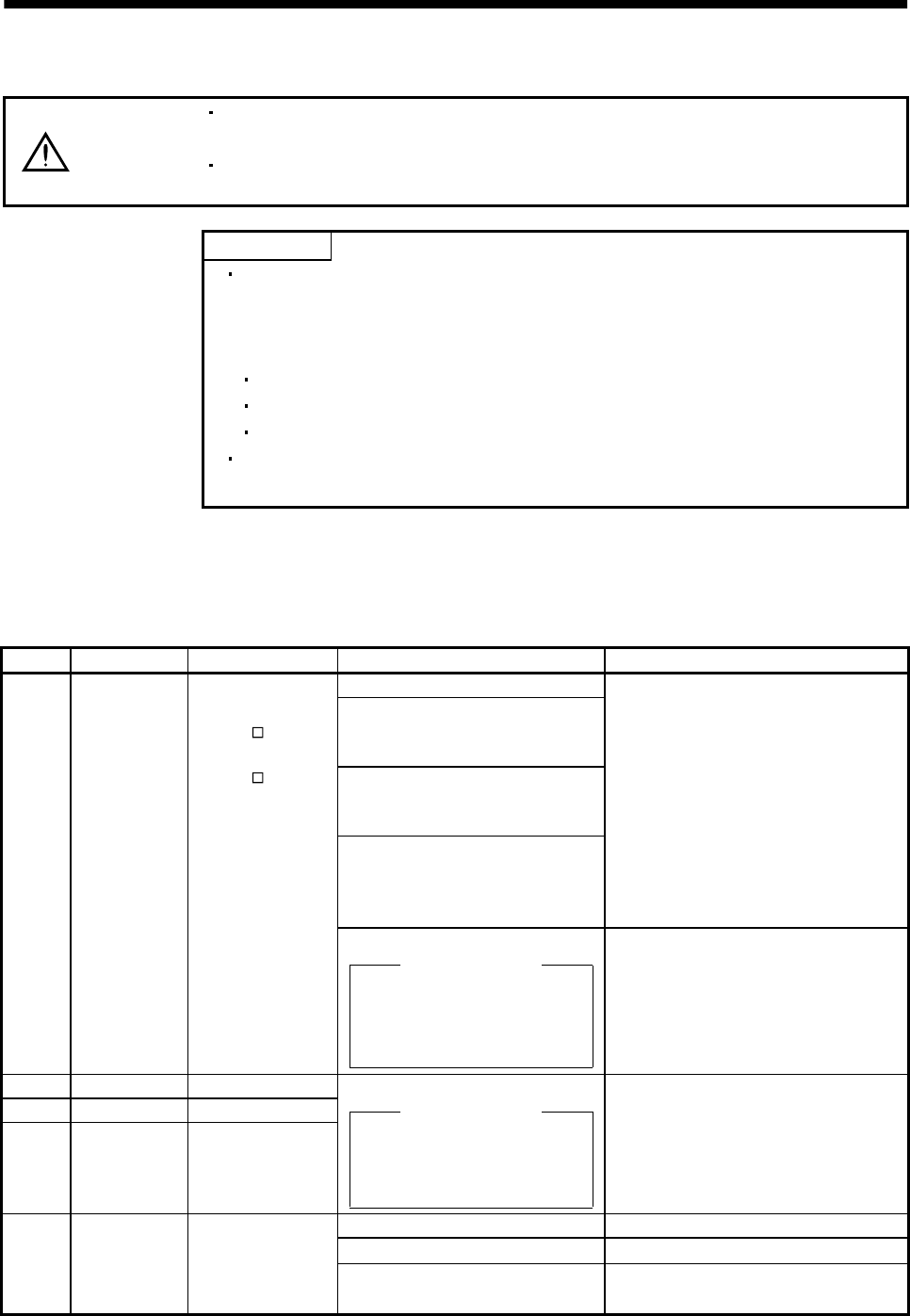
10 - 7
10. TROUBLESHOOTING
10.2.2 Remedies for alarms
CAUTION
When any alarm has occurred, eliminate its cause, ensure safety, then reset the
alarm, and restart operation. Otherwise, injury may occur.
If an absolute position erase alarm (AL.25) occurred, always make home position
setting again. Otherwise, misoperation may occur.
POINT
When any of the following alarms has occurred, always remove its cause
and allow about 30 minutes for cooling before resuming operation. If
operation is resumed by switching control circuit power off, then on to reset
the alarm, the servo amplifier and servo motor may become faulty.
Regenerative error (AL.30)
Overload 1 (AL.50)
Overload 2 (AL.51)
The alarm can be deactivated by switching power off, then on or by turning
on the reset signal (RES). For details, refer to Section 10.2.1.
When an alarm occurs, the trouble signal (ALM) switches off and the dynamic brake is operated to stop
the servomotor. At this time, the display indicates the alarm No.
The servo motor comes to a stop. Remove the cause of the alarm in accordance with this section. The
optional servo configuration software may be used to refer to the cause.
Display Name Definition Cause Action
1. Power supply voltage is low.
2. There was an instantaneous
control power failure of 60ms or
longer.
3. Shortage of power supply capacity
caused the power supply voltage to
drop at start, etc.
4. Power was restored after the bus
voltage had dropped to 200VDC.
(Main circuit power switched on
within 5s after it had switched off.)
Review the power supply.
AL.10 Undervoltage Power supply
voltage dropped.
MR-J2S- A:160V or
less
MR-J2S- A1:83V or
less
5. Faulty parts in the servo amplifier
Checking method
Alarm (AL.10) occurs if power is
switched on after CN1A, CN1B
and CN3 connectors are
disconnected.
Change the servo amplifier.
AL.12 Memory error 1 RAM, memory fault
AL.13 Clock error Printed board fault
AL.15 Memory error 2 EEP-ROM fault
Faulty parts in the servo amplifier
Checking method
Alarm (any of AL.12,13 and 15)
occurs if power is switched on
after CN1A, CN1B and CN3
all connectors are disconnected.
Change the servo amplifier.
1. CN2 connector disconnected. Connect correctly.
2. Encoder fault Change the servo motor.
AL.16 Encoder error 1 Communication
error occurred
between encoder
and servo amplifier. 3. Encoder cable faulty
(Wire breakage or shorted) Repair or change cable.
10 - 8
10. TROUBLESHOOTING
Display Name Definition Cause Action
AL.17 Board error 2 CPU/parts fault
AL.19 Memory error 3 ROM memory fault Faulty parts in the servo amplifier
Checking method
Alarm (AL.17 or AL.19) occurs if
power is switched on after CN1A,
CN1B and CN3 connectors are
disconnected.
Change the servo amplifier.
AL.1A Motor
combination
error
Wrong combination
of servo anplifier
and servo motor.
Wrong combination of servo
amplifier and servo motor connected. Use correct combination.
1. Encoder connector (CN2)
disconnected. Connect correctly.AL.20 Encoder error 2 Communication
error occurred
between encoder
and servo amplifier. 2. Encoder cable faulty
(Wire breakage or shorted) Repair or change the cable.
1. Power input wires and servo motor
output wires are in contact at
main circuit terminal block (TE1).
Connect correctly.
2. Sheathes of servo motor power
cables deteriorated, resulting in
ground fault.
Change the cable.
AL.24 Motor outout
ground fault Ground fault
occurred at the
servo motor outputs
(U,V and W phases)
of the servo
amplififer. 3. Main circuit of servo amplifier
failed. Checking method
AL.24 occurs if the servo is
switched on after disconnecting
the U, V, W power cables from
the servo amplifier.
Change the servo amplifier.
1. Reduced voltage of super capacitor
in encoder After leaving the alarm occurring for a few
minutes, switch power off, then on again.
Always make home position setting again.
2. Battery voltage low
Absolute position
data in error
3. Battery cable or battery is faulty. Change battery.
Always make home position setting again.
AL.25 Absolute
position erase
Power was switched
on for the first time
in the absolute
position detection
system.
4. Super capacitor of the absolute
position encoder is not charged After leaving the alarm occurring for a few
minutes, switch power off, then on again.
Always make home position setting again.
1. Wrong setting of parameter No. 0 Set correctly.
2. Built-in regenerative brake
resistor or regenerative brake
option is not connected.
Connect correctly
3. High-duty operation or continuous
regenerative operation caused the
permissible regenerative power of
the regenerative brake option to
be exceeded.
Checking method
Call the status display and check
the regenerative load ratio.
1. Reduce the frequency of positioning.
2. Use the regenerative brake option of
larger capacity.
3. Reduce the load.
Permissible
regenerative power
of the built-in
regenerative brake
resistor or
regenerative brake
option is exceeded.
4. Power supply voltage is abnormal.
MR-J2S- A:260V or more
MR-J2S- A1:135V or more
Review power supply
5. Regenerative transistor faulty.
Checking method
1) The regenerative brake option
has overheated abnormally.
2) The alarm occurs even after
removal of the built-in
regenerative brake resistor or
regenerative brake option.
Change the servo amplifier.
Regenerative
transistor fault
6. Built-in regenerative brake
resistor or regenerative brake
option faulty.
Change servo amplifier or regenerative
brake option.
AL.30 Regenerative
alarm
Cooling fan stop
(MR-J2S-200A 350A) 7. Unusual overheat due to cooling
fan stop. 1. Change the servo amplifier or cooling
fan.
2. Reduce ambient temperature.
10 - 9
10. TROUBLESHOOTING
Display Name Definition Cause Action
1. Input command pulse frequency
exceeded the permissible
instantaneous speed frequency.
Set command pulses correctly.
2. Small acceleration/deceleration
time constant caused overshoot to
be large.
Increase acceleration/deceleration time
constant.
3. Servo system is instable to cause
overshoot. 1. Re-set servo gain to proper value.
2. If servo gain cannot be set to proper
value:
1) Reduce load inertia moment ratio; or
2) Reexamine acceleration/
deceleration time constant.
4. Electronic gear ratio is large
(parameters No. 3, 4) Set correctly.
AL.31 Overspeed Speed has exceeded
the instantaneous
permissible speed.
5. Encoder faulty. Change the servo motor.
1. Short occurred in servo amplifier
output phases U, V and W. Correct the wiring.AL.32 Overcurrent Current that flew is
higher than the
permissible current
of the servo
amplifier.
2. Transistor (IPM) of the servo
amplifier faulty.
Checking method
Alarm (AL.32) occurs if power is
switched on after U,V and W
are disconnected.
Change the servo amplifier.
3. Ground fault occurred in servo
amplifier output phases U, V and
W.
Correct the wiring.
4. External noise caused the
overcurrent detection circuit to
misoperate.
Take noise suppression measures.
1. Lead of built-in regenerative brake
resistor or regenerative brake
option is open or disconnected.
1. Change lead.
2. Connect correctly.
2. Regenerative transistor faulty. Change servo amplifier
3. Wire breakage of built-in
regenerative brake resistor or
regenerative brake option
1. For wire breakage of built-in
regenerative brake resistor, change
servo amplifier.
2. For wire breakage of regenerative brake
option, change regenerative brake
option.
4. Capacity of built-in regenerative
brake resistor or regenerative
brake option is insufficient.
Add regenerative brake option or increase
capacity.
AL.33 Overvoltage Converter bus
voltage exceeded
400V.
5. Power supply voltage high. Review the power supply.
10 - 10
10. TROUBLESHOOTING
Display Name Definition Cause Action
1. Pulse frequency of the command
pulse is too high. Change the command pulse frequency to a
proper value.
2. Noise entered command pulses. Take action against noise.
AL.35 Command
pulse frequency
error
Input pulse
frequency of the
command pulse is
too high. 3. Command device failure Change the command device.
1. Servo amplifier fault caused the
parameter setting to be rewritten. Change the servo amplifier.AL.37 Parameter
error Parameter setting is
wrong. 2. Regenerative brake option not
used with servo amplifier was
selected in parameter No.0.
Set parameter No.0 correctly.
1. Servo amplifier faulty. Change the servo amplifier.
2. The power supply was turned on
and off continuously by overloaded
status.
The drive method is reviewed.
AL.45 Main circuit
device overheat Main circuit device
overheat
3. Air cooling fan of servo amplifier
stops. Repair the cooling fan of the servo
amplifier.
1. Ambient temperature of servo
motor is over 40 .Review environment so that ambient
temperature is 0 to 40 .
2. Servo motor is overloaded. 1. Reduce load.
2. Review operation pattern.
3. Use servo motor that provides larger
output.
AL.46 Servo motor
overheat Servo motor
temperature rise
actuated the
thermal protector.
3. Thermal protector in encoder is
faulty. Change servo motor.
1. Servo amplifier is used in excess
of its continuous output current. 1. Reduce load.
2. Review operation pattern.
3. Use servo motor that provides larger
output.
2. Servo system is instable and
hunting. 1. Repeat acceleration/
deceleration to execute auto tuning.
2. Change auto tuning response setting.
3. Set auto tuning to OFF and make gain
adjustment manually.
3. Machine struck something. 1. Review operation pattern.
2. Install limit switches.
4. Wrong connection of servo motor.
Servo amplifier's output terminals
U, V, W do not match servo
motor's input terminals U, V, W.
Connect correctly.
AL.50 Overload 1 Load exceeded
overload protection
characteristic of
servo amplifier.
Load ratio 300%:
2.5s or more
Load ratio 200%:
100s or more
5. Encoder faulty.
Checking method
When the servo motor shaft is
rotated slowly with the servo off,
the cumulative feedback pulses
should vary in proportion to the
rotary angle. If the indication
skips or returns midway, the
encoder is faulty.
Change the servo motor.
10 - 11
10. TROUBLESHOOTING
Display Name Definition Cause Action
1. Machine struck something. 1. Review operation pattern.
2. Install limit switches.
2. Wrong connection of servo motor.
Servo amplifier's output terminals
U, V, W do not match servo
motor's input terminals U, V, W.
Connect correctly.
3. Servo system is instable and
hunting. 1. Repeat acceleration/deceleration to
execute auto tuning.
2. Change auto tuning response setting.
3. Set auto tuning to OFF and make gain
adjustment manually.
AL.51 Overload 2 Machine collision or
the like caused max.
output current to
flow successively for
several seconds.
Servo motor locked:
1s or more
4. Encoder faulty.
Checking method
When the servo motor shaft is
rotated slowly with the servo off,
the cumulative feedback pulses
should vary in proportion to the
rotary angle. If the indication
skips or returns midway, the
encoder is faulty.
Change the servo motor.
1. Acceleration/deceleration time
constant is too small. Increase the acceleration/deceleration
time constant.
2. Torque limit value (parameter
No.28) is too small. Increase the torque limit value.
3. Motor cannot be started due to
torque shortage caused by power
supply voltage drop.
1. Review the power supply capacity.
2. Use servo motor which provides larger
output.
4. Position control gain 1 (parameter
No.6) value is small. Increase set value and adjust to ensure
proper operation.
5. Servo motor shaft was rotated by
external force. 1. When torque is limited, increase the
limit value.
2. Reduce load.
3. Use servo motor that provides larger
output.
6. Machine struck something. 1. Review operation pattern.
2. Install limit switches.
7. Encoder faulty Change the servo motor.
AL.52 Error excessive Droop pulse value of
the deviation
counter exceeded
80k pulses.
8. Wrong connection of servo motor.
Servo amplifier's output terminals
U, V, W do not match servo
motor's input terminals U, V, W.
Connect correctly.
1. Communication cable breakage. Repair or change communication cable
2. Communication cycle longer than
parameter No. 56 setting. Set correct value in parameter.
AL.8A Serial
communication
time-out
RS-232C or RS-422
communication
stopped for longer
than the time set in
parameter No.56. 3. Wrong protocol. Correct protocol.
1. Communication connector is
disconnected. Connect correctly.
2. Communication cable fault
(Open cable or short circuit) Repair or change the cable.
AL.8E Serial
communication
error
Serial
communication
error occurred
between servo
amplifier and
communication
device (e.g. personal
computer).
3. Communication device (e.g.
personal computer) faulty Change the communication device (e.g.
personal computer).
10 - 12
10. TROUBLESHOOTING
Display Name Definition Cause Action
88888 Watchdog CPU, parts faulty Fault of parts in servo amplifier
Checking method
Alarm (88888) occurs if power
is switched on after CN1A, CN1B
and CN3 connectors are
disconnected.
Change servo amplifier.
10.2.3 Remedies for warnings
If AL.E6 or AL.E9 occurs, the servo off status is established. If any other warning occurs, operation can be
continued but an alarm may take place or proper operation may not be performed. Eliminate the cause of
the warning according to this section. Use the optional servo configuration software to refer to the cause
of warning.
Display Name Definition Cause Action
1. Battery cable is open. Repair cable or changed.AL.92 Open battery
cable warning Absolute position
detection system battery
voltage is low. 2. Battery voltage dropped to 2.8V or less. Change battery.
1. Droop pulses remaining are greater
than the in-position range setting. Remove the cause of droop pulse
occurrence
2. Command pulse entered after clearing
of droop pulses. Do not enter command pulse
after clearing of droop pulses.
AL.96 Home position
setting warning Home position setting
could not be made.
3. Creep speed high. Reduce creep speed.
AL.9F Battery warning Voltage of battery for
absolute position
detection system reduced.
Battery voltage fell to 3.2V or less. Change the battery.
AL.E0 Excessive
regenerative
warning
There is a possibility that
regenerative power may
exceed permissible
regenerative power of
built-in regenerative
brake resistor or
regenerative brake
option.
Regenerative power increased to 85% or
more of permissible regenerative power of
built-in regenerative brake resistor or
regenerative brake option.
Checking method
Call the status display and check
regenerative load ratio.
1. Reduce frequency of
positioning.
2. Change regenerative brake
option for the one with larger
capacity.
3. Reduce load.
AL.E1 Overload
warning There is a possibility that
overload alarm 1 or 2
may occur.
Load increased to 85% or more of overload
alarm 1 or 2 occurrence level.
Cause, checking method
Refer to AL.50,51.
Refer to AL.50, AL.51.
1. Noise entered the encoder. Take noise suppression
measures.
AL.E3 Absolute position
counter warning Absolute position encoder
pulses faulty. 2. Encoder faulty. Change servo motor.
1. PC lader program wrong. Contact the program.AL.E5 ABS time-out
warning 2. ST2 TLC signal mis-wiring Connect properly.
AL.E6 Servo emergency
stop EMG-SG are open. External emergency stop was made valid.
(EMG-SG opened.) Ensure safety and deactivate
emergency stop.
AL.E9 Main circuit off
warning Servo was switched on
with main circuit power
off.
Switch on main circuit power.
1. PC ladder program wrong. 1. Correct the program.AL.EA ABS
servo-on warning Servo-on signal (SON)
turned on more than 1s
after servo amplifier had
entered absolute position
data transfer mode.
2. SON signal mis-wiring. 2. Connect properly.
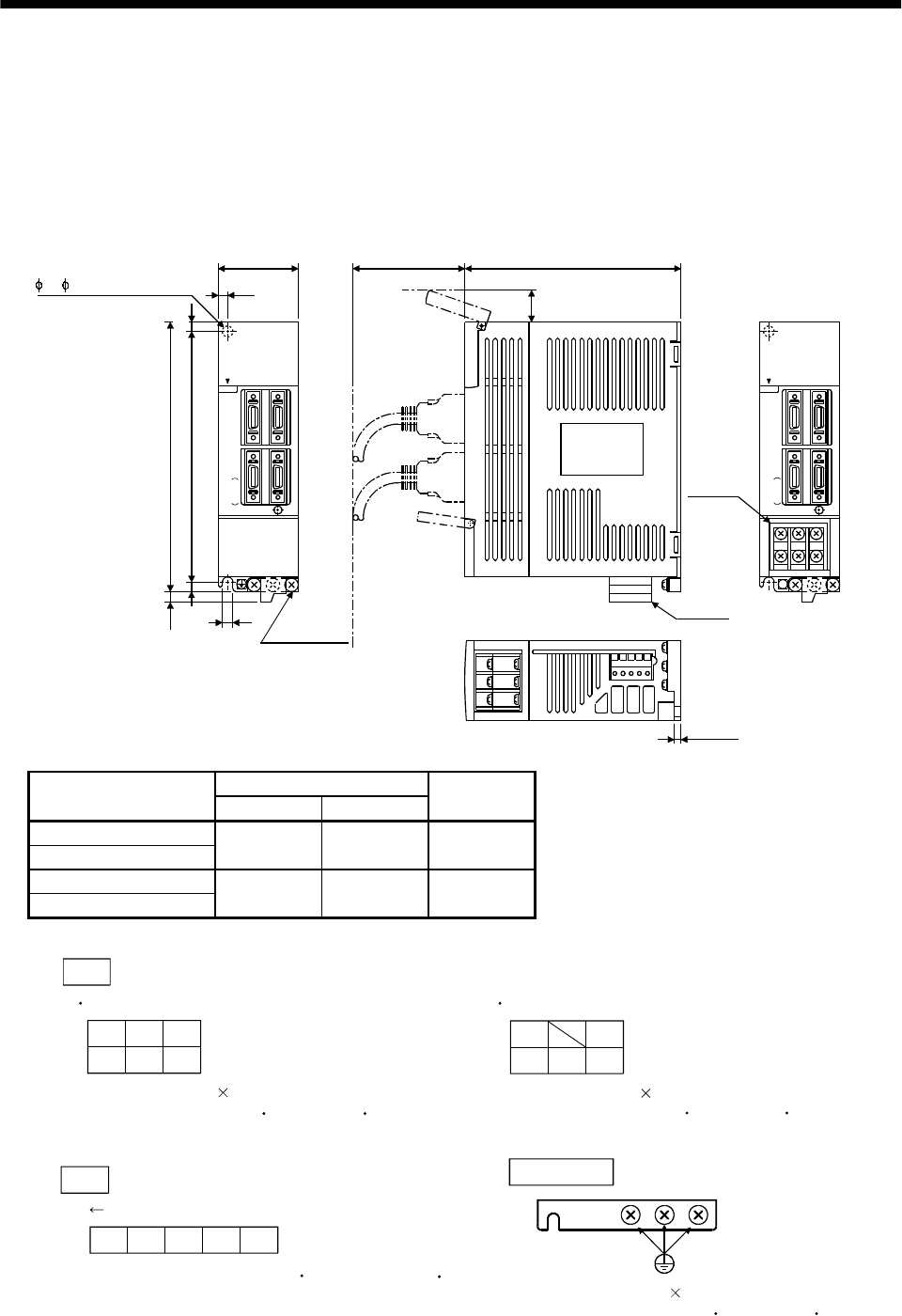
11 - 1
11. OUTLINE DIMENSION DRAWINGS
11. OUTLINE DIMENSION DRAWINGS
11.1 Servo amplifiers
(1) MR-J2S-10A to MR-J2S-60A
MR-J2S-10A1 to MR-J2S-40A1
[Unit: mm]
6 ( 0.24) mounting hole
A 70 (2.76) 135 (5.32)
TE1
TE2
4(0.16)
B
168 (6.61)
7 (0.28)
156 (6.14)
6 (0.24)
6
(0.24)
C
N
1
A
OPEN
L1 L2 L3
UVW
MITSUBISHI
C
N
1
B
C
N
2
E
N
C
C
N
3
20
C
N
1
A
OPEN
MITSUBISHI
C
N
1
B
C
N
2
E
N
C
C
N
3
([Unit: in])
Terminal layout
(Terminal cover open)
Name plate
PE terminal
(0.79)
6
(0.24)
(Note)
Variable dimensions
Servo amplifier AB
Weight
[kg]([lb])
MR-J2S-10A(1)
MR-J2S-20A(1) 50 (1.97) 6 (0.24) 0.7 (1.54)
MR-J2S-40A(1)
MR-J2S-60A 70 (2.76) 22 (0.87) 1.1 (2.43)
Note: This data applies to the 3-phase 200 to 230VAC and 1-phase 230VAC power supply models.
TE2
Front
DCPL
21 L11
Tightening torque: 0.5 to 0.6 [N m] (70.8 to 85.0 [oz in])
FRONT MSTB2,5/5-ST-5,08
(Phoenix Contact make)
PE terminals
Terminal screw: M4 0.7
Tightening torque: 1.24 [N m] (175.6 [oz in])
TE1
L1
UVW
Terminal screw: M4 0.7
Tightening torque: 1.24 [N m] (175.6 [oz in])
UVW
Terminal screw: M4 0.7
Tightening torque: 1.24 [N m] (175.6 [oz in])
For 3-phase 200 to 230VAC and 1-phase 230VAC For 1-phase 100 to 120VAC
L2L3L1L2
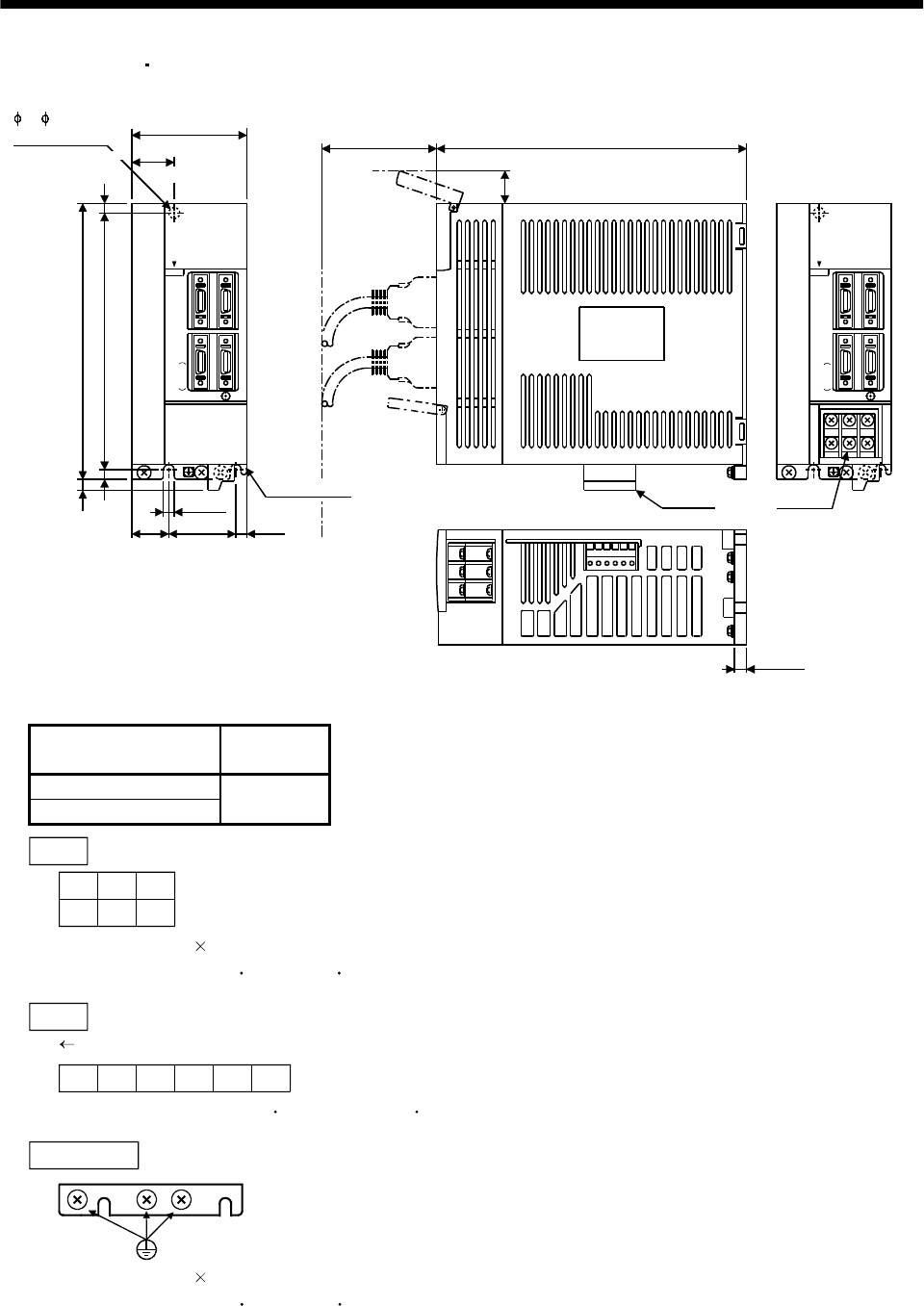
11 - 2
11. OUTLINE DIMENSION DRAWINGS
(2) MR-J2S-70A MR-J2S-100A
C
N
1
A
OPEN
MITSUBISHI
C
N
1
B
C
N
2
E
N
C
C
N
3
7 (0.28)
C
N
1
A
OPEN
L1 L2 L3
UVW
MITSUBISHI
C
N
1
B
C
N
2
E
N
C
C
N
3
[Unit: mm]
([Unit: in])
70(2.76)
70(2.76) 190(7.48)
22
TE1
TE2
6(0.24)
20
(0.79)
Name plate
Terminal layout
(Terminal cover open)
6 ( 0.24)
mounting hole
168(6.61)
156(6.14)
6(0.24)
6(0.24)
42
(1.65)
22
(0.87)
6(0.24)
PE terminal
6
(0.24)
(0.87)
Servo amplifier Weight
[kg]([lb])
MR-J2S-70A
MR-J2S-100A 1.7
(3.75)
TE1
L1
UVW
Terminal screw: M4 0.7
Tightening torque: 1.24 [N m] (175.6 [oz in])
TE2
FRONT MSTB2,5/6-ST-5,08
(Phoenix Contact make)
DCP N
Tightening torque: 0.5 to 0.6 [N m] (70.8 to 85.0 [oz in])
PE terminals
Terminal screw: M4 0.7
Tightening torque: 1.24 [N m] (175.6 [oz in])
L2L3
L21 L11
Front
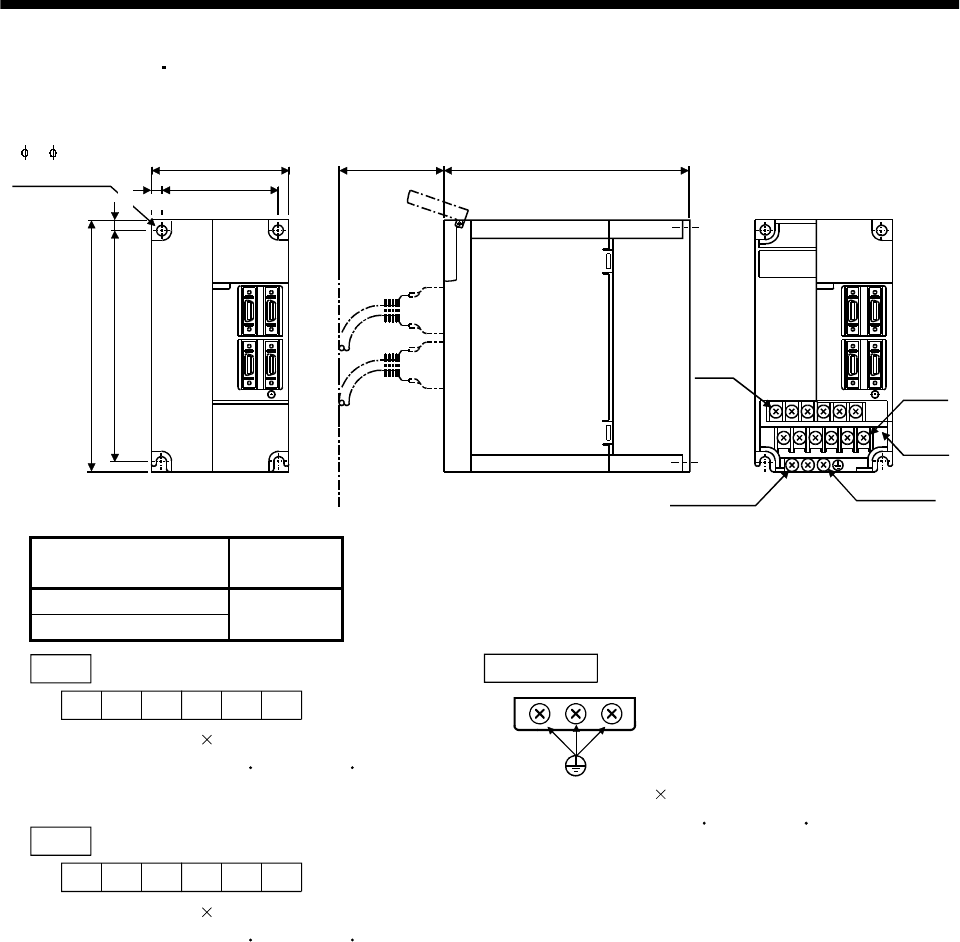
11 - 3
11. OUTLINE DIMENSION DRAWINGS
(3) MR-J2S-200A MR-J2S-350A
MITSUBISHI MITSUBISHI
70(2.76) 195(7.68)
90(3.54)
78(3.07)
6
168(6.61)
156(6.14) 6
6 ( 0.24)
mounting hole
Terminal layout
3-M4 screw
TE1
12-M4
screw
[Unit: mm]
([Unit: in])
TE2
PE terminal
(0.24)
(0.24)
Servo amplifier Weight
[kg]([lb])
MR-J2S-200A
MR-J2S-350A 2.0
(4.41)
TE1
L1L2L3UVW
L11 L21 DPCN
Terminal screw: M4 0.7
Tightening torque: 1.24 [N m] (175.6 [oz in])
Terminal screw: M4 0.7
Tightening torque: 1.24 [N m] (175.6 [oz in])
TE2
PE terminals
Terminal screw: M4 0.7
Tightening torque: 1.24 [N m] (175.6 [oz in])
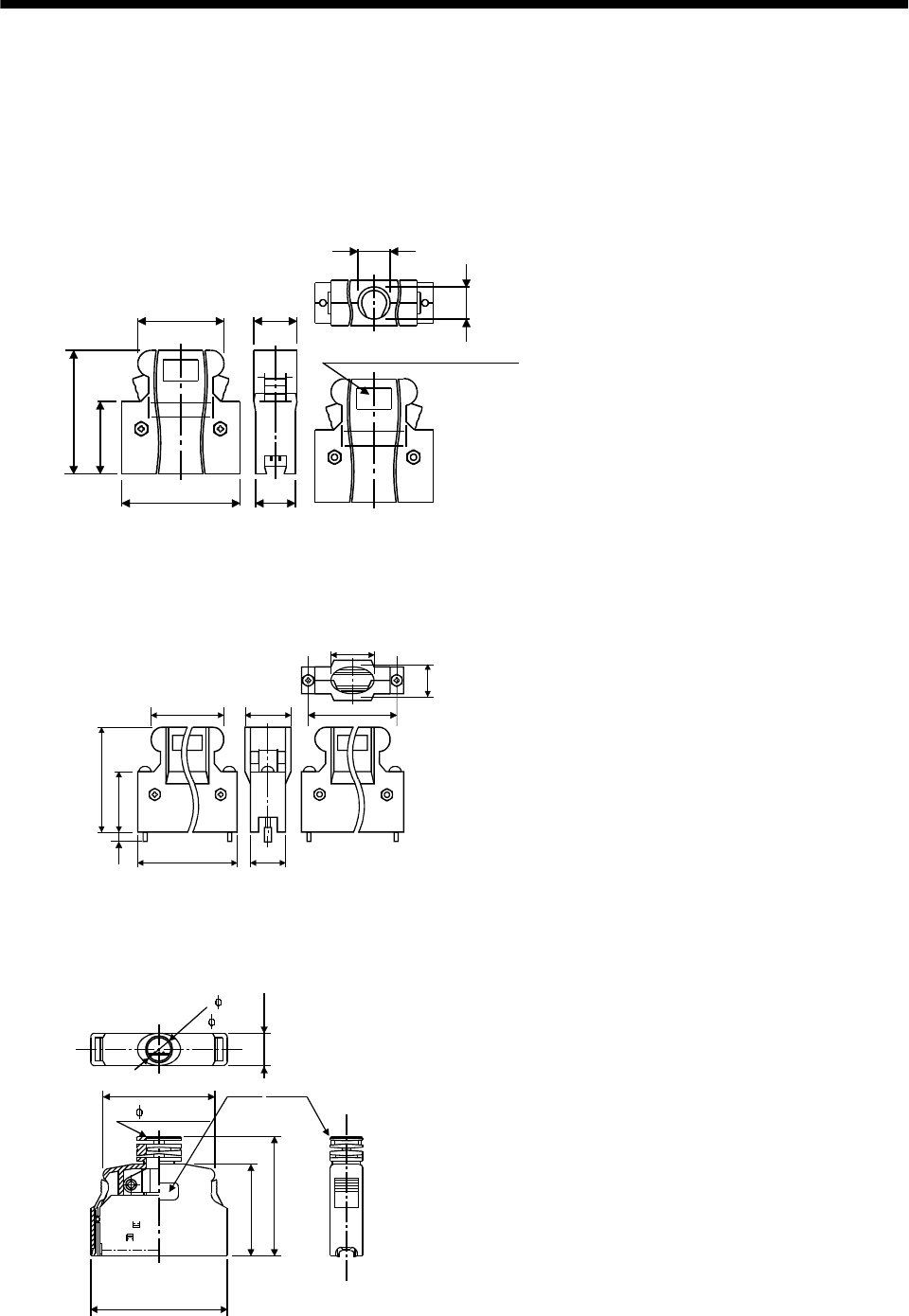
11 - 4
11. OUTLINE DIMENSION DRAWINGS
11.2 Connectors
(1) Servo amplifier side
<Sumitomo 3M make>
(a) Soldered type
Model
Connector : 10120-3000VE
Shell kit : 10320-52F0-008
[Unit: mm]
([Unit: in])
10.0(0.39)
Logo, etc. are indicated here.
12.0(0.47)
22.0 (0.87)
39.0 (1.54)
23.8 (0.94)
14.0
(0.55)
12.7(0.50)
33.3 (1.31)
(b) Threaded type
[Unit: mm]
([Unit: in])
10.0
12.0
22.0
39.0
23.8
14.0
12.7
33.3
5.7
27.4
(1.31) (0.50)
(0.22) (0.94)
(1.54)
(0.39)
(0.87)
(0.55) (1.08)
(0.47)
Model
Connector : 10120-3000VE
Shell kit : 10320-52A0-008
Note. This is not available as option
and should be user-prepared.
(c) Insulation displacement type
Model
Connector : 10120-6000EL
Shell kit : 10320-3210-000
[Unit: mm]
([Unit: in])
42.0 (1.65) 11.5(0.45)
6.7
( 0.26)
20.9 (0.82)
2- 0.5 (0.02)
29.7 (1.17)
Logo, etc. are indicated here.
33.0 (1.30)
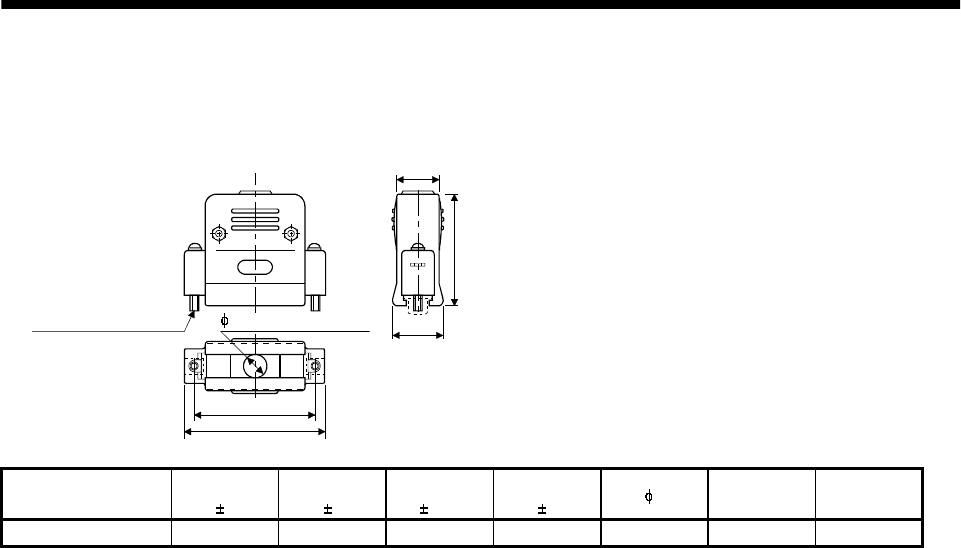
11 - 5
11. OUTLINE DIMENSION DRAWINGS
(2) Communication cable connector
<Japan Aviation Electronics Industry make>
C
D
F
A
B
[Unit: mm]
([Unit: in])
Fitting fixing screw G E (max. diameter of
cable used)
Type A
1
B
1
C
0.25
D
1EF
Reference G
DE-C1-J6-S6 34.5(1.36) 19(0.75) 24.99(0.98) 33(1.30) 6(0.24) 18(0.71) #4-40
11 - 6
11. OUTLINE DIMENSION DRAWINGS
MEMO
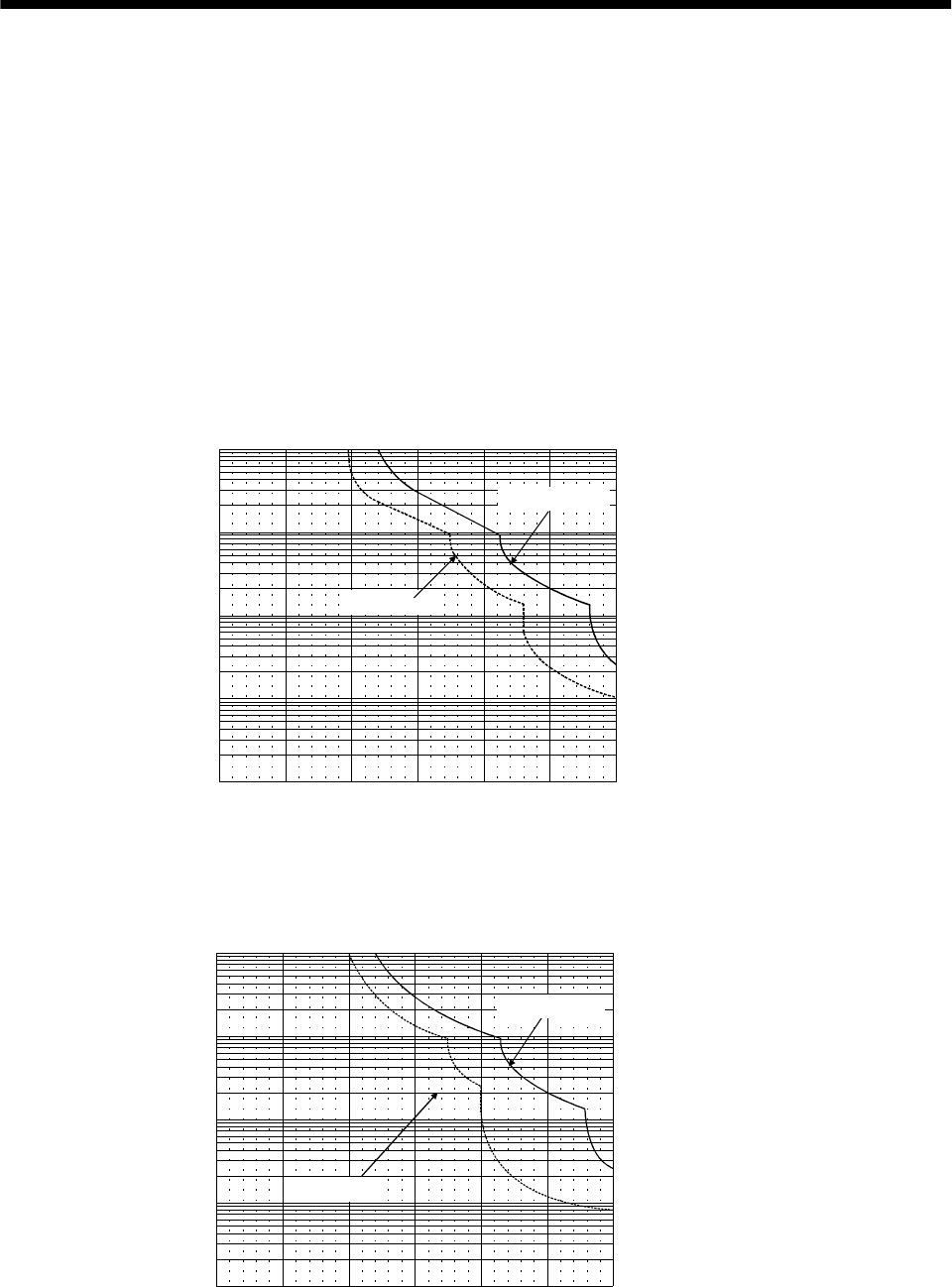
12 - 1
12. CHARACTERISTICS
12. CHARACTERISTICS
12.1 Overload protection characteristics
An electronic thermal relay is built in the servo amplifier to protect the servo motor and servo amplifier
from overloads. The operation characteristics of the electronic thermal relay are shown below. Overload 1
alarm (AL.50) occurs if overload operation performed is above the electronic thermal relay protection
curve shown below. Overload 2 alarm (AL.51) occurs if the maximum current flew continuously for
several seconds due to machine collision, etc. Use the equipment on the left-hand side area of the
continuous or broken line in the graph.
In a machine like the one for vertical lift application where unbalanced torque will be produced, it is
recommended to use the machine so that the unbalanced torque is 70% or less of the rated torque.
(1) MR-J2S-10A to MR-J2S-100A
1000
100
10
1
0.1
0 50 150 200 250 300
HC-KFS series
HC-MFS series
HC-SFS series
HC-UFS series
Load ratio [%]
Operation time[s]
During rotation
During stop
100
Fig 12.1 Electronic thermal relay protection characteristics 1
(2) MR-J2S-200A to MR-J2S-350A
1000
100
10
1
0.1
0 50 100 150 200 250 300
HC-SFS series
Load ratio [%]
Operation time [s]
During rotation
During stop
HC-RFS series
HC-UFS series
Fig 12.2 Electronic thermal relay protection characteristics 2
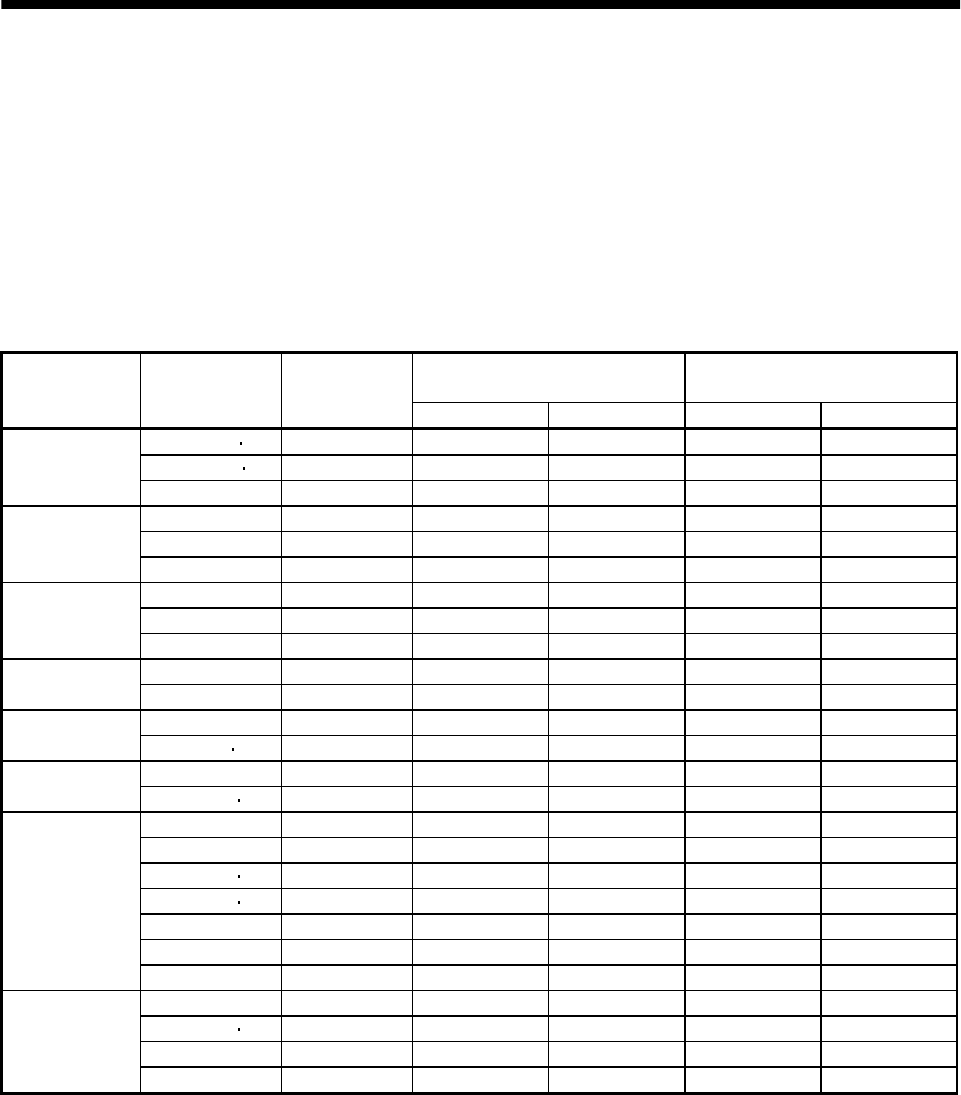
12 - 2
12. CHARACTERISTICS
12.2 Power supply equipment capacity and generated loss
(1) Amount of heat generated by the servo amplifier
Table 12.1 indicates servo amplifiers' power supply capacities and losses generated under rated load.
For thermal design of an enclosure, use the values in Table 12.1 in consideration for the worst
operating conditions. The actual amount of generated heat will be intermediate between values at
rated torque and zero torque according to the duty used during operation. When the servo motor is run
at less than the maximum speed, the power supply capacity will be smaller than the value in the
table, but the servo amplifier's generated heat will not change.
Table 12.1 Power supply capacity and generated heat per servo amplifier at rated output
(Note 2)
Servo amplifier-generated heat[W] Area required for heat dissipation
Servo amplifier Servo motor
(Note 1)
Power supply
capacity[kVA] At rated torque With servo off [m2] [ft2]
HC-KFS053 13 0.3 25 15 0.5 5.4
HC-MFS053 13 0.3 25 15 0.5 5.4
MR-J2S-10A(1) HC-UFS13 0.3 25 15 0.5 5.4
HC-KFS23 0.5 25 15 0.5 5.4
HC-MFS23 0.5 25 15 0.5 5.4MR-J2S-20A(1) HC-UFS23 0.5 25 15 0.5 5.4
HC-KFS43 0.9 35 15 0.7 7.5
HC-MFS43 0.9 35 15 0.7 7.5MR-J2S-40A(1) HC-UFS43 0.9 35 15 0.7 7.5
HC-SFS52 1.0 40 15 0.8 8.6
MR-J2S-60A HC-SFS53 1.0 40 15 1.0 10.8
HC-MFS73 1.3 50 15 1.0 10.8
MR-J2S-70A HC-UFS72 73 1.3 50 15 1.0 10.8
HC-SFS81 1.5 50 15 1.0 10.8
MR-J2S-100A HC-SFS102 103 1.7 50 15 1.0 10.8
HC-SFS121 2.1 90 20 1.8 19.4
HC-SFS201 3.5 90 20 1.8 19.4
HC-SFS152 153 2.5 90 20 1.8 19.4
HC-SFS202 203 3.5 90 20 1.8 19.4
HC-RFS103 1.8 90 20 1.8 19.4
HC-RFS153 2.5 90 20 1.8 19.4
MR-J2S-200A
HC-UFS152 2.5 90 20 1.8 19.4
HC-SFS301 4.8 120 20 2.7 29.1
HC-SFS352 353 5.5 130 20 2.7 29.1
HC-RFS203 3.5 90 20 1.8 19.4
MR-J2S-350A
HC-UFS202 3.5 90 20 1.8 19.4
Note:1. Note that the power supply capacity will vary according to the power supply impedance.
2. Heat generated during regeneration is not included in the servo amplifier-generated heat. To calculate heat generated by
the regenerative brake option, use Equation 13.1 in Section 13.1.1.
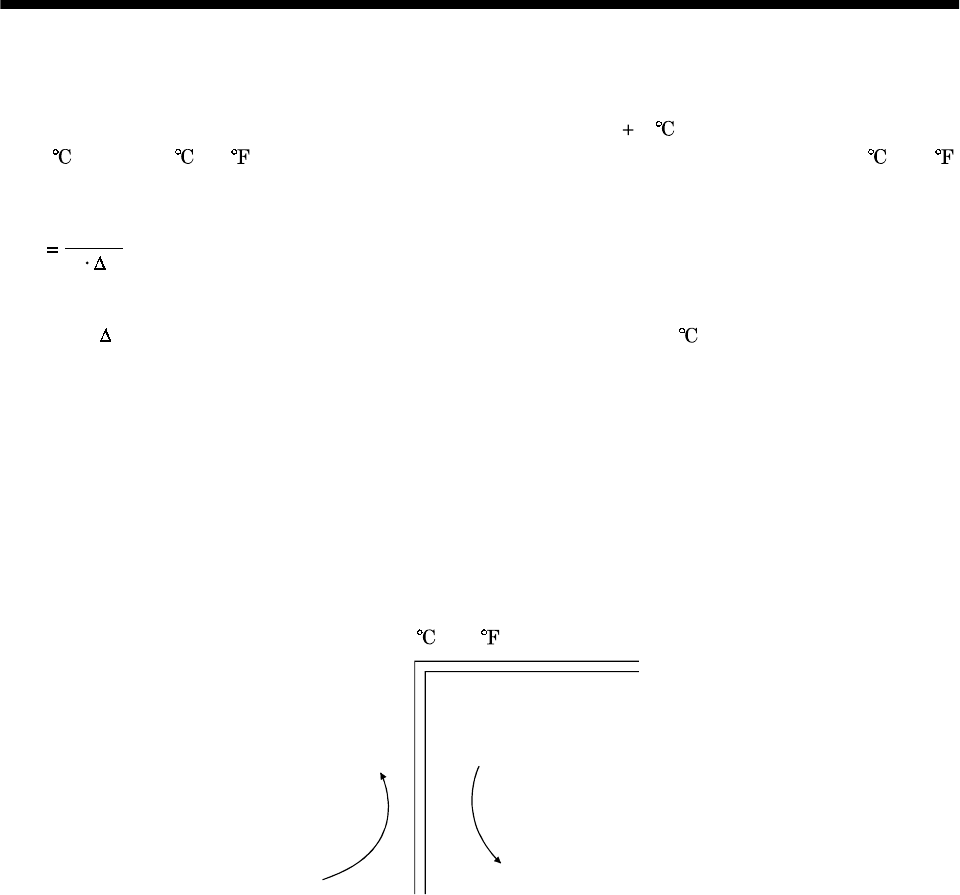
12 - 3
12. CHARACTERISTICS
(2) Heat dissipation area for enclosed servo amplifier
The enclosed control box (hereafter called the control box) which will contain the servo amplifier
should be designed to ensure that its temperature rise is within 10 at the ambient temperature of
40 . (With a 5 (41 ) safety margin, the system should operate within a maximum 55 (131 )
limit.) The necessary enclosure heat dissipation area can be calculated by Equation 12.1:
P
AKT
.............................................................................................................................................(12.1)
where, A : Heat dissipation area [m2]
P : Loss generated in the control box [W]
T : Difference between internal and ambient temperatures [ ]
K : Heat dissipation coefficient [5 to 6]
When calculating the heat dissipation area with Equation 12.1, assume that P is the sum of all losses
generated in the enclosure. Refer to Table 12.1 for heat generated by the servo amplifier. "A" indicates
the effective area for heat dissipation, but if the enclosure is directly installed on an insulated wall,
that extra amount must be added to the enclosure's surface area.
The required heat dissipation area will vary wit the conditions in the enclosure. If convection in the
enclosure is poor and heat builds up, effective heat dissipation will not be possible. Therefore,
arrangement of the equipment in the enclosure and the use of a fan should be considered.
Table 12.1 lists the enclosure dissipation area for each servo amplifier when the servo amplifier is
operated at the ambient temperature of 40 (104 ) under rated load.
(Outside) (Inside)
Air flow
Fig. 12.3 Temperature distribution in enclosure
When air flows along the outer wall of the enclosure, effective heat exchange will be possible, because
the temperature slope inside and outside the enclosure will be steeper.
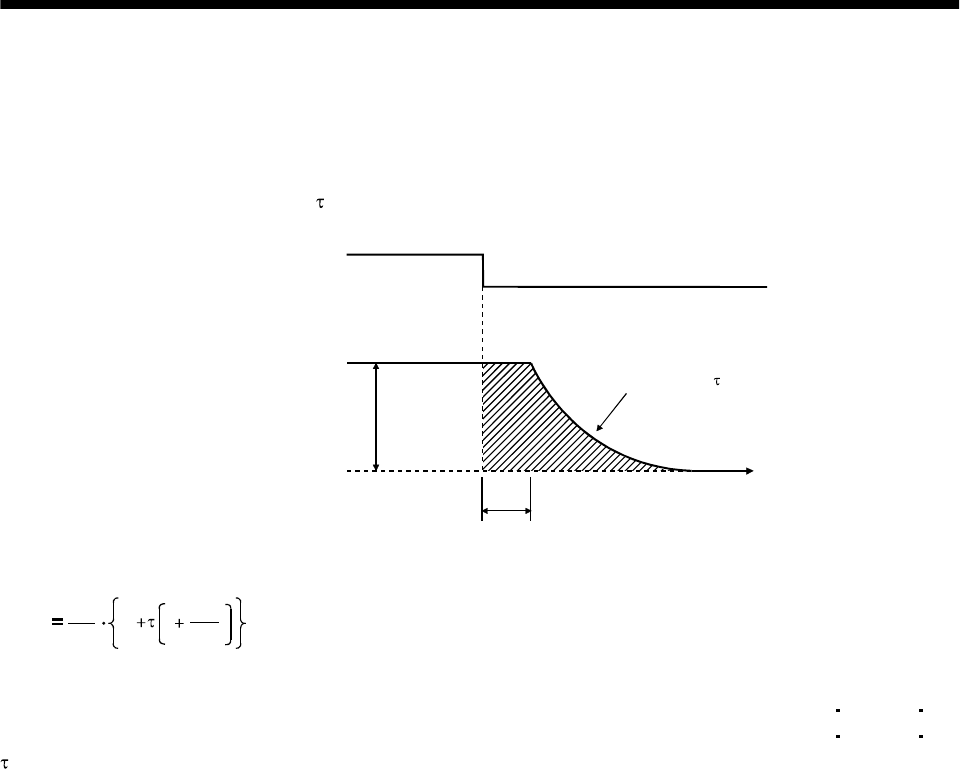
12 - 4
12. CHARACTERISTICS
12.3 Dynamic brake characteristics
When an alarm, emergency stop or power failure occurs, the dynamic brake is operated to bring the servo
motor to a sudden stop. Fig. 12.4 shows the pattern in which the servo motor comes to a stop when the
dynamic brake is operated. Use Equation 12.2 to calculate an approximate coasting distance to a stop.
The dynamic brake time constant varies with the servo motor and machine operation speeds. (Refer to
Fig. 12.5)
V0Time constant
Emergency stop(EMG) OFF
ON
Machine speed
teTime
Fig. 12.4 Dynamic brake operation diagram
Lmax 60
V0JL
JM
te1.......................................................................................................................(12.2)
Lmax : Maximum coasting distance.................................................................................................[mm][in]
Vo : Machine rapid feedrate......................................................................................... [mm/min][in/min]
JM: Servo motor inertial moment.................................................................................[kg cm2][oz in2]
JL: Load inertia moment converted into equivalent value on servo motor shaft.....[kg cm2][oz in2]
: Brake time constant (Fig. 12.5)......................................................................................................[s]
te: Delay time of control section (Fig. 12.4).........................................................................................[s]
(There is internal relay delay time of about 30ms.)
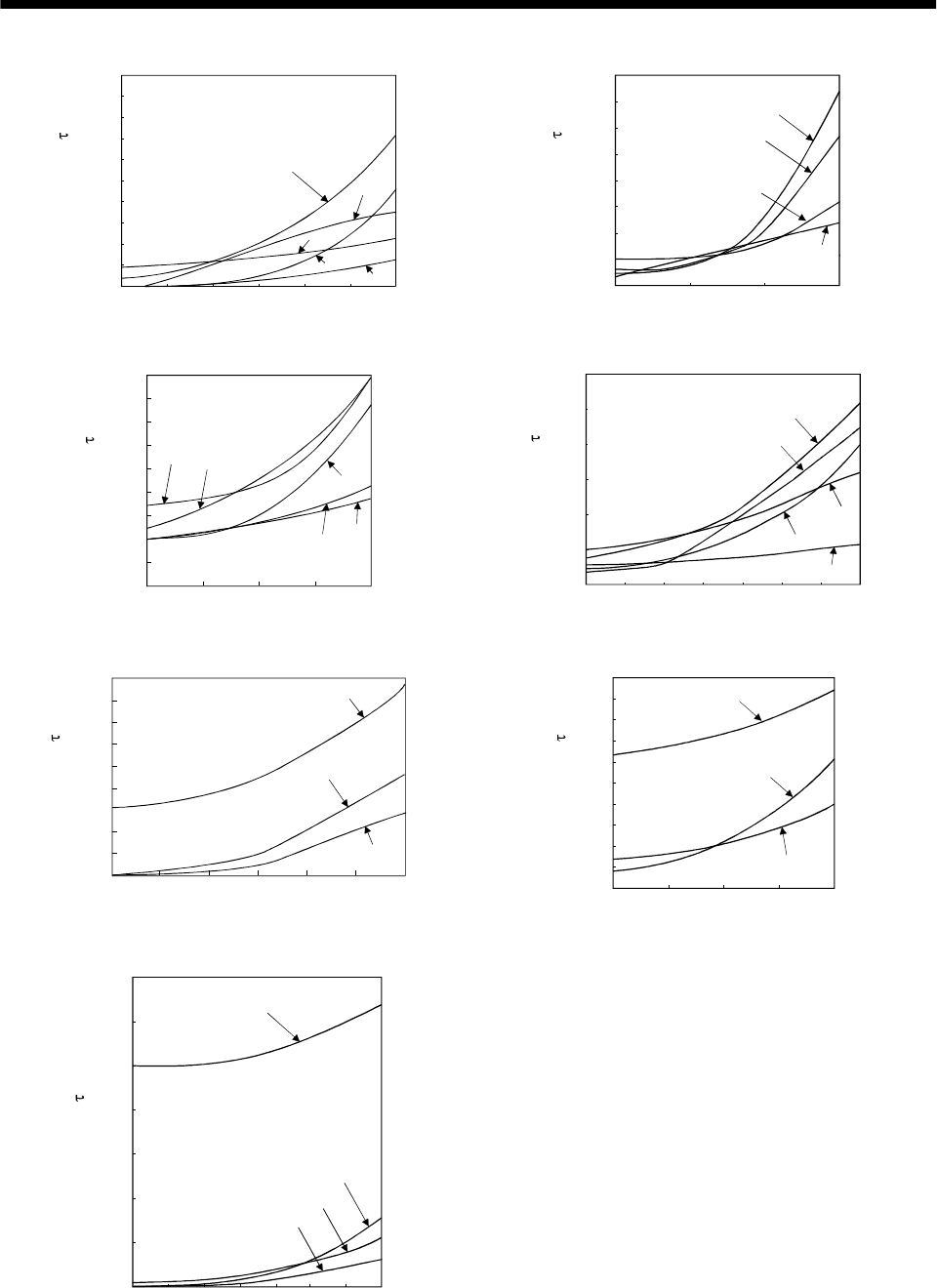
12 - 5
12. CHARACTERISTICS
0
0.002
0.004
0.006
0.008
0.01
0.012
0.014
0.016
0.018
0.02
0 500 1000 1500 2000 2500 3000
73
23
43
053
13
Speed [r/min]
Time constant [s]
Time constant [s]
0.005
0.01
0.015
0.02
0.025
0.03
0.035
0.04
050 5000 100
0
121
201
301
81
S
p
eed
[
r/min
]
a. HC-MFS series b. HC-SFS1000r/min series
0
0.005
0.01
0.015
0.02
0.025
0.03
0.035
0.04
0.045
0 500 1000 1500 2000
202
352
52
102 152
Time constant [s]
Speed [r/min]
0
0.02
0.04
0.06
0.08
0.1
0.12
50 500 1000 1500 2000 2500 30000
203
353
53
103
153
Speed [r/min]
Time constant [s]
c. HC-SFS2000r/min series d. HC-SFS3000r/min series
0
0.002
0.004
0.006
0.008
0.01
0.012
0.014
0.016
0.018
0 500 1000 1500 2000 2500 3000
103
153
203
Speed [r/min]
Time constant [s]
500 1000 1500 20000
0
0.01
0.02
0.03
0.04
0.05
0.06
0.07
0.08
0.09
0.1 72
202
152
Time constant [s]
Speed [r/min]
e. HC-RFS series f. HC-UFS 2000r/min series
0
0.01
0.02
0.03
0.04
0.05
0.06
50 500 100015002000250030000
43
23
0.07
13
73
Speed [r/min]
Time constant [s]
g. HC-UFS3000r/min series
Fig. 12.5 Dynamic brake time constant
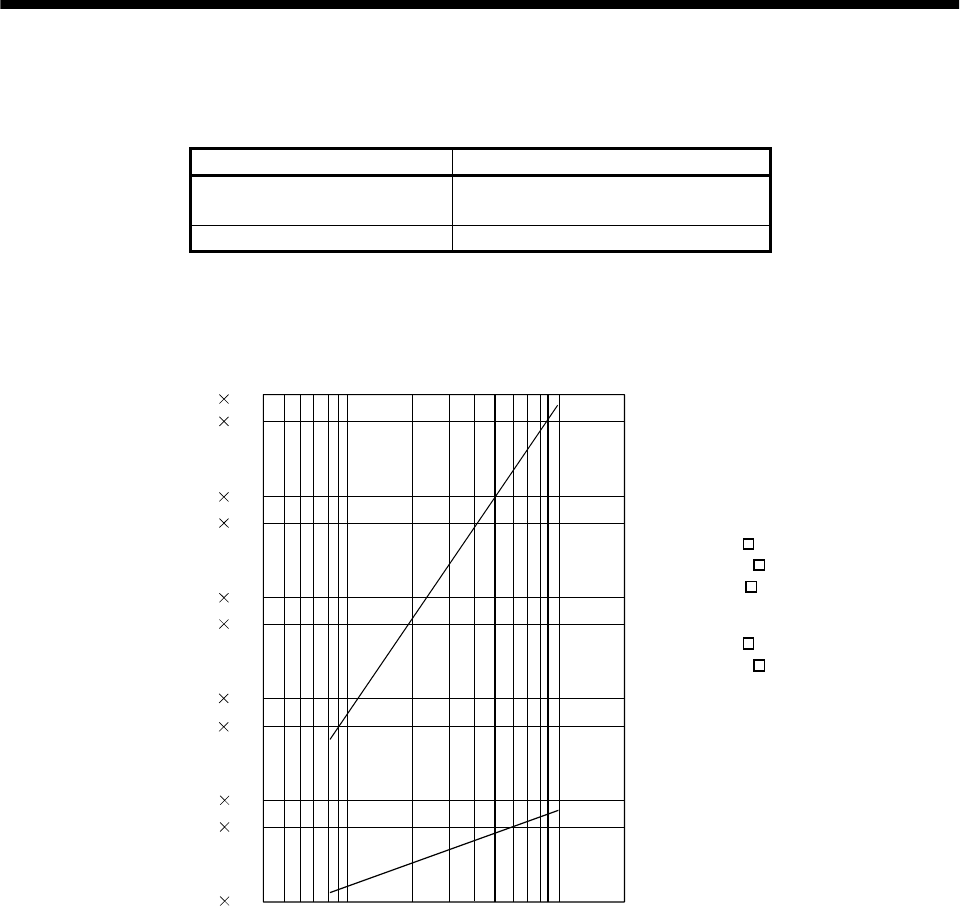
12 - 6
12. CHARACTERISTICS
Use the dynamic brake at the load inertia moment indicated in the following table. If the load inertia
moment is higher than this value, the built-in dynamic brake may burn. If there is a possibility that the
load inertia moment may exceed the value, contact Mitsubishi.
Servo amplifier Load inertia moment ratio [times]
MR-J2S-10A to MR-J2S-200A
MR-J2S-10A1 to MR-J2S-40A1 30
MR-J2S-350A 16
12.4 Encoder cable flexing life
The flexing life of the cables is shown below. This graph calculated values. Since they are not guaranteed
values, provide a little allowance for these values.
1 107
5 107
1 108
5 106
1 106
5 105
1 105
5 104
1 104
5 103
1 103
a
b
Flexing life [times]
4 7 10 20 40 70 100 200
Flexing radius [mm]
a : Long flexing-life encoder cable
MR-JCCBL M-H
MR-JHSCBL M-H
MR-ENCBL M-H
b : Standard encoder cable
MR-JCCBL M-L
MR-JHSCBL M-L
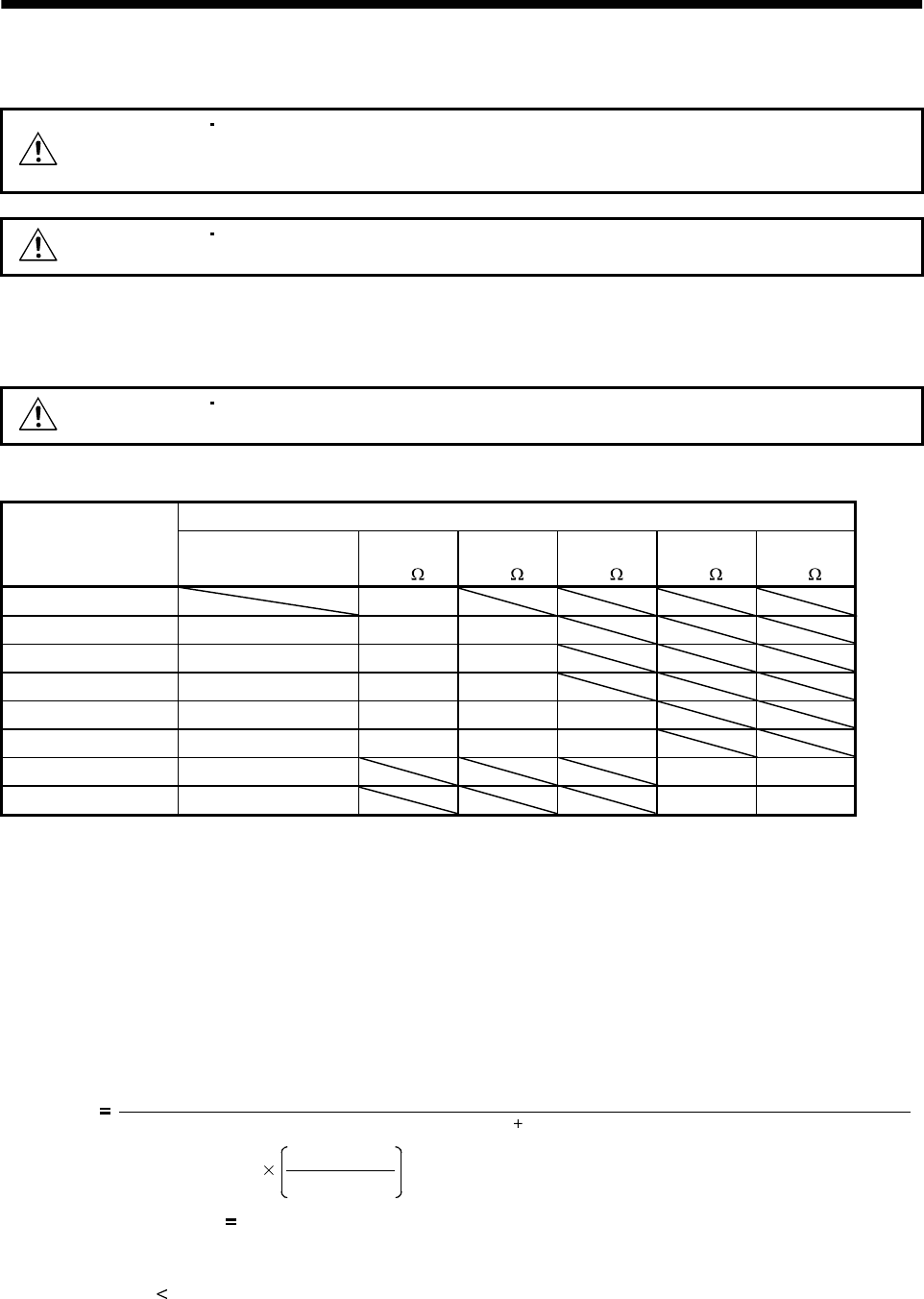
13 - 1
13. OPTIONS AND AUXILIARY EQUIPMENT
13. OPTIONS AND AUXILIARY EQUIPMENT
WARNING
Before connecting any option or auxiliary equipment, make sure that the charge
lamp is off more than 10 minutes after power-off, then confirm the voltage with a
tester or the like. Otherwise, you may get an electric shock.
CAUTION Use the specified auxiliary equipment and options. Unspecified ones may lead to a
fault or fire.
13.1 Options
13.1.1 Regenerative brake options
CAUTION The specified combinations of regenerative brake options and servo amplifiers
may only be used. Otherwise, a fire may occur.
(1) Combination and regenerative power
(Note) Regenerative power[W]
Servo amplifier Built-in regenerative
brake resistor
MR-RB032
[40 ]
MR-RB12
[40 ]
MR-RB32
[40 ]
MR-RB30
[13 ]
MR-RB50
[13 ]
MR-J2S-10A(1) 30
MR-J2S-20A(1) 10 30 100
MR-J2S-40A(1) 10 30 100
MR-J2S-60A 10 30 100
MR-J2S-70A 20 30 100 300
MR-J2S-100A 20 30 100 300
MR-J2S-200A 100 300 500
MR-J2S-350A 100 300 500
Note: This value is the regenerative power of the resistor and is not the rated power.
(2) Selection of the regenerative brake option
(a) Simple selection method
In horizontal motion applications, select the regenerative brake option as described below:
When the servo motor is run without load in the regenerative mode from the running speed to a
stop, the permissible duty is as indicated in Section 5.1 of the separately available Servo Motor
Instruction Manual.
For the servo motor with a load, the permissible duty changes according to the inertia moment of
the load and can be calculated by the following formula:
Permissible
duty Permissible duty for servo motor with no load (value indication Section 5.1 in Servo Motor Instruction Manual)
(m 1)
ratedspeed
running speed [times/min]
2
where m load inertia moment/servo motor inertia moment
From the permissible duty, find whether the regenerative brake option is required or not.
Permissible duty number of positioning times [times/min]
Select the regenerative brake option out of the combinations in (1) in this section.
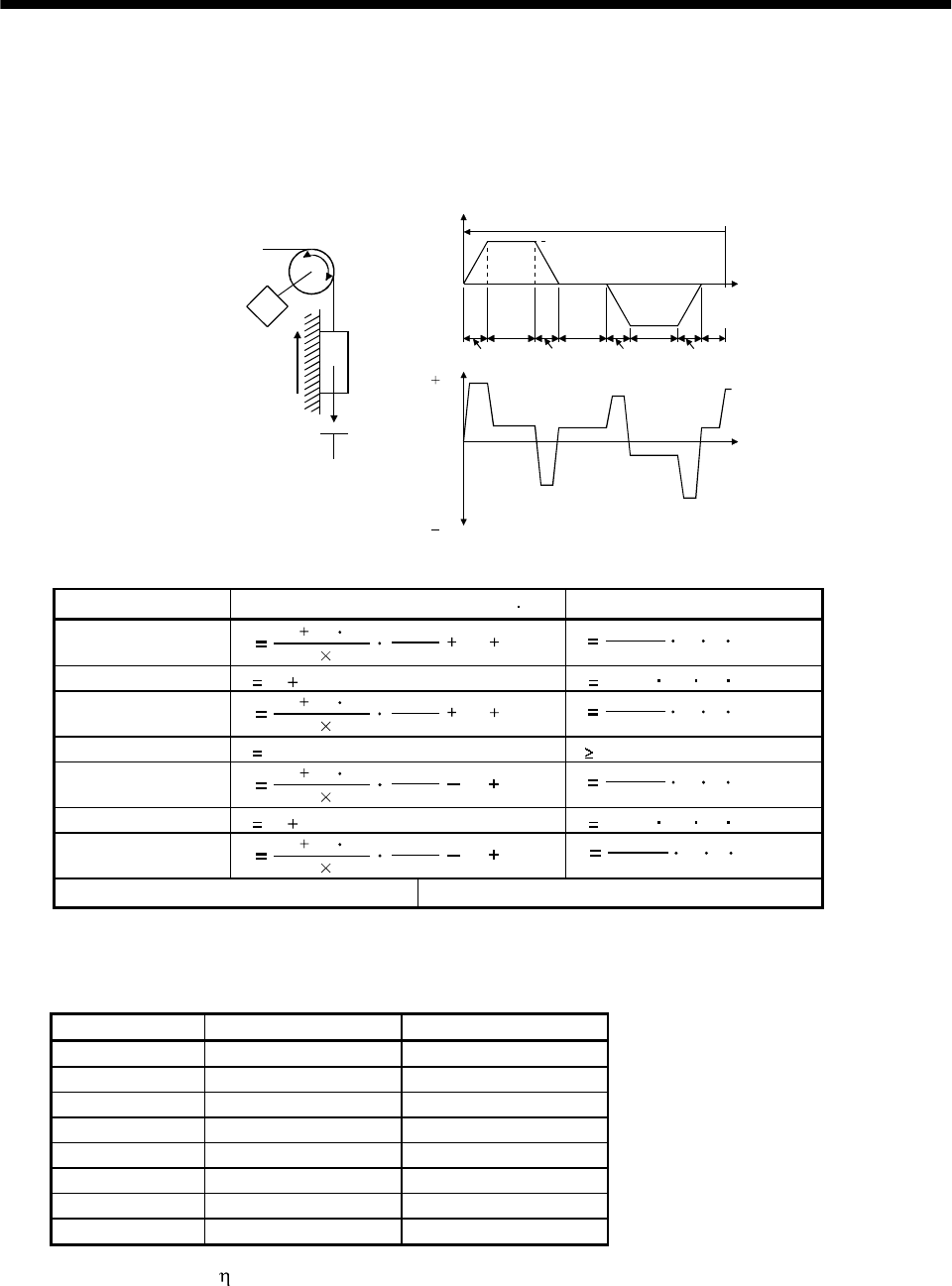
13 - 2
13. OPTIONS AND AUXILIARY EQUIPMENT
(b) To make selection according to regenerative energy
Use the following method when regeneration occurs continuously in vertical motion applications or
when it is desired to make an in-depth selection of the regenerative brake option:
a. Regenerative energy calculation
Use the following table to calculate the regenerative energy.
M
Friction
torque
Unbalance torque
TF
TU
Servo motor speed
Generated torque
Time
Up
No
tf(1 cycle)
Down
( )
( )
(Driving)
(Regenerative)
Tpsd2
t2 t3 t4t1
Tpsa2
Tpsd1
Tpsa1
1)
2)
3)
4) 5)
6)
7)
8)
Formulas for calculating torque and energy in operation
Regenerative power Torque applied to servo motor [N m] Energy [J]
1) T1(JL JM)
9.55 104
No 1
Tpsa1 TUTFE12
0.1047 No T1Tpsa1
2) T2 TU TFE2 0.1047 No T2t1
3) T3(JL JM)
9.55 104
No 1
Tpsd1 TUTFE32
0.1047 No T3Tpsd1
4), 8) T4 TUE40 (No regeneration)
5) T5(JL JM)
9.55 104
No 1
Tpsa2 TUTFE52
0.1047 No T5Tpsa2
6) T6 TU TFE6 0.1047 No T6t3
7) T7(JL JM)
9.55 104
No 1
Tpsd2 TUTFE72
0.1047 No T7Tpsd2
Sum total of regenerative energies Sum total of negative energies in 1) to 8)
b. Losses of servo motor and servo amplifier in regenerative mode
The following table lists the efficiencies and other data of the servo motor and servo amplifier in
the regenerative mode.
Servo amplifier Inverse efficiency[%] Capacitor charging[J]
MR-J2S-10A(1) 55 9
MR-J2S-20A(1) 70 9
MR-J2S-40A(1) 85 11
MR-J2S-60A 85 11
MR-J2S-70A 80 18
MR-J2S-100A 80 18
MR-J2S-200A 85 40
MR-J2S-350A 85 40
Inverse efficiency ( ) :Efficiency including some efficiencies of the servo motor and servo
amplifier when rated (regenerative) torque is generated at rated speed.
Since the efficiency varies with the speed and generated torque, allow for
about 10%.
Capacitor charging (Ec) :Energy charged into the electrolytic capacitor in the servo amplifier.
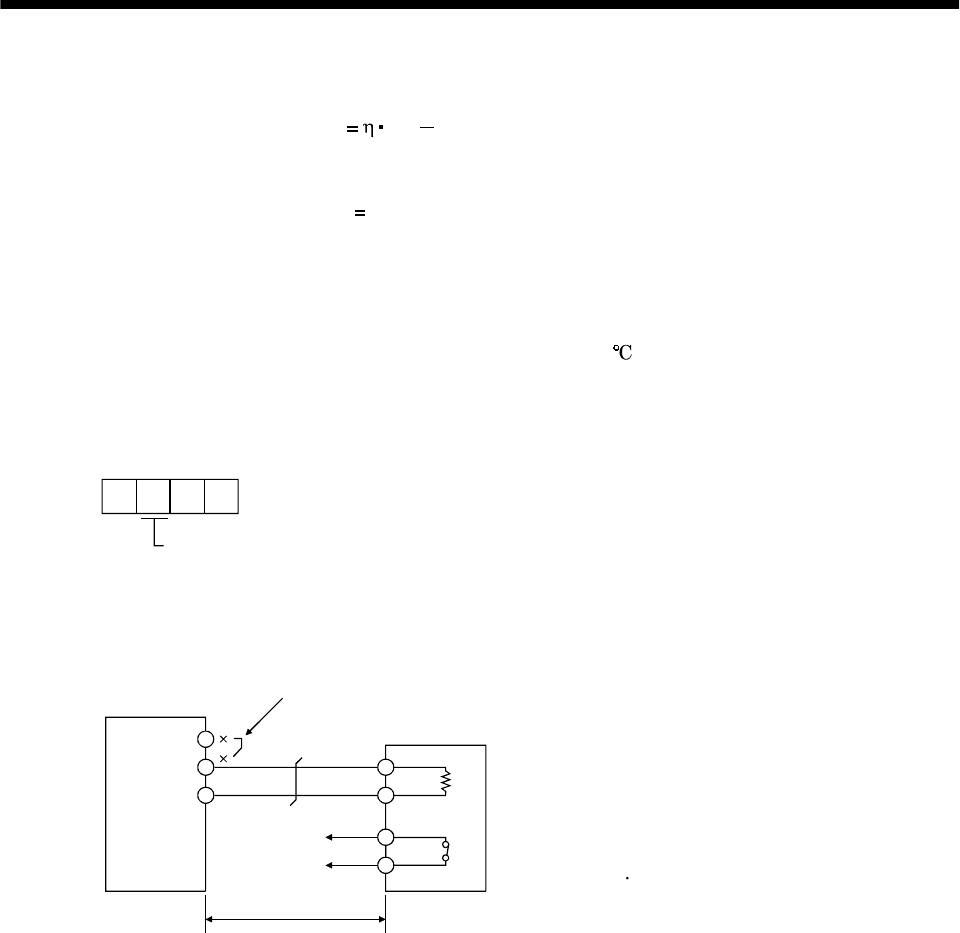
13 - 3
13. OPTIONS AND AUXILIARY EQUIPMENT
Subtract the capacitor charging from the result of multiplying the sum total of regenerative energies by
the inverse efficiency to calculate the energy consumed by the regenerative brake option.
ER [J] Es Ec
Calculate the power consumption of the regenerative brake option on the basis of single-cycle operation
period tf [s] to select the necessary regenerative brake option.
PR [W] ER/tf............................................................................................(13.1)
(3) Connection of the regenerative brake option
When using the regenerative brake option, always remove wiring from across P-D and install the
regenerative brake option across P-C. Set parameter No.0 according to the option to be used. The
regenerative brake option will generate heat of about 100 . Fully examine heat dissipation,
installation position, used cables, etc. before installing the option. For wiring, use flame-resistant
cables and keep them clear of the regenerative brake option body. Always use twisted cables of max.
5m length for connection with the servo amplifier.
Parameter No.0
Selection of regenerative
0: Not used.
2: MR-RB032
3: MR-RB12
4: MR-RB32
5: MR-RB30
6: MR-RB50
Servo amplifier
Regenerative brake option
Note: Make up a sequence which will switch off the magnetic contactor
(MC) when abnormal heating occurs.
(Note)
5m (16.4 ft) max.
G3 G4: Thermal protector terminals.
Abnormal heating will dis-
connect G3-G4.
D
PP
C
G3
G4
C
Always remove the lead from across P-D.
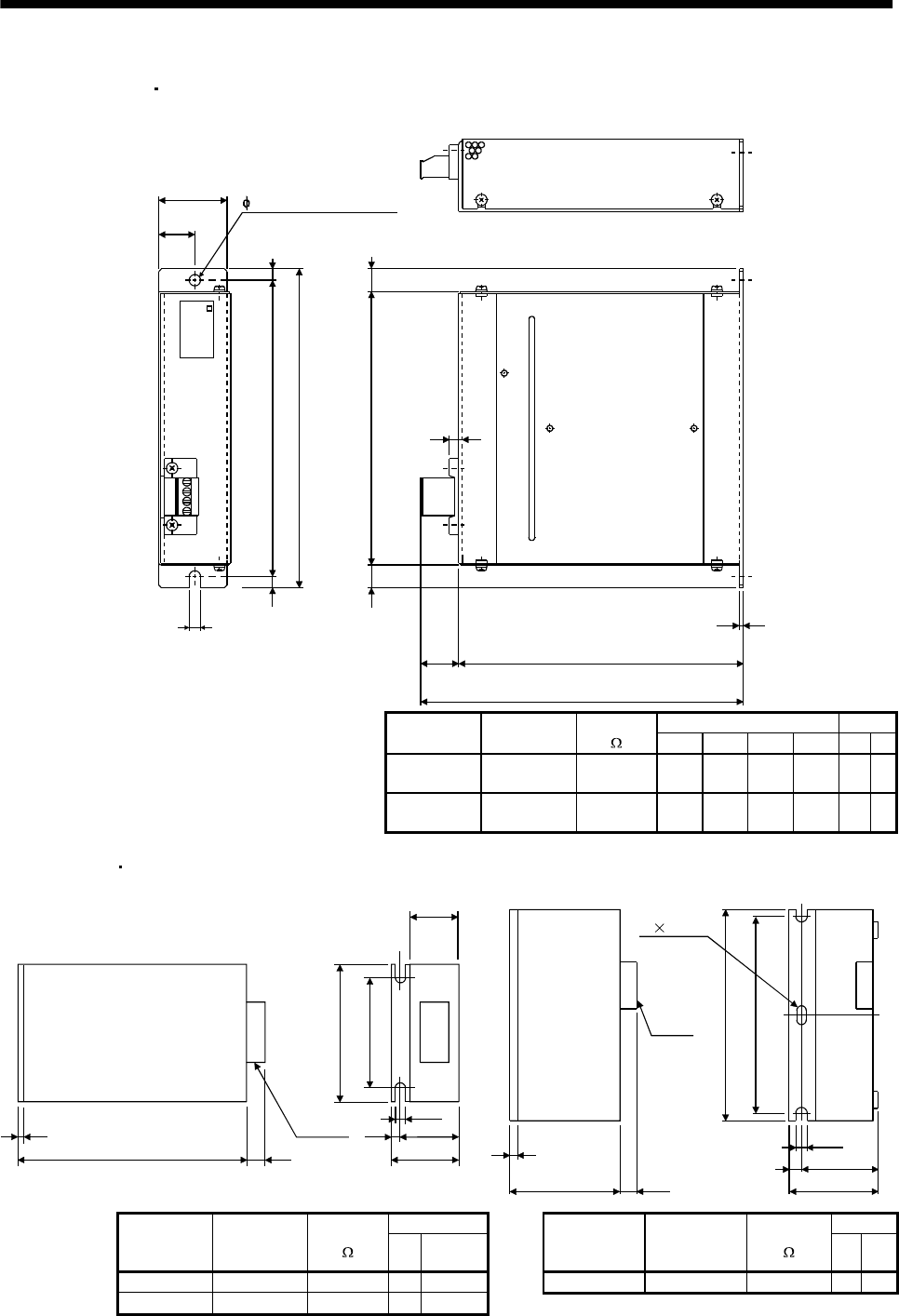
13 - 4
13. OPTIONS AND AUXILIARY EQUIPMENT
(4) Outline drawing
(a) MR-RB032 MR-RB12
LA
5 (0.20)
LB
TE1
6 (0.23)
6 (0.23) 156 (6.14)
168 (6.61)
144 (5.67)
12 (0.47)
6 (0.23)
12 (0.47)
20
(0.79) LD
1.6 (0.06)
LC
G3
G4
P
C
[Unit: mm (in)]
6 (0.24) mounting hole
MR-RB
Variable dimensions Weight
Regenerative
brake option
Regenerative
power[W]
Resistance
[]LA LB LC LD [kg] [lb]
MR-RB032 30 40 30
(1.18) 15
(0.59) 119
(4.69) 99
(3.9) 0.5 1.1
MR-RB12 100 40 40
(1.57) 15
(0.59) 169
(6.69) 149
(5.87) 1.1 2.4
(b) MR-RB32 MR-RB30 (c) MR-RB50
79
(7.05)
150(5.91)
125(4.92)
Terminal
block 7(0.28)
10
(0.39)
3.2(0.13)
318(12.52) 17
(0.67)
90
(3.54)
100(3.94)
[Unit: mm (in)] [Unit: mm (in)]
7 14 slot
7(0.28)
12
(0.47)
116(4.57)
128(5.04)
17(0.67)
200(7.87)
2.3(0.09)
350(13.78)
325(12.80)
Terminal
block
Weight Weight
Regenerative
brake option
Regenerative
power
[W]
Resistance
[][kg] [lb]
Regenerative
brake option
Regenerative
power
[W]
Resistance
[ ] [kg] [lb]
MR-RB32 300 40 2.9 6.4 MR-RB50 500 13 5.6 12.3
MR-RB30 300 13 2.9 6.4
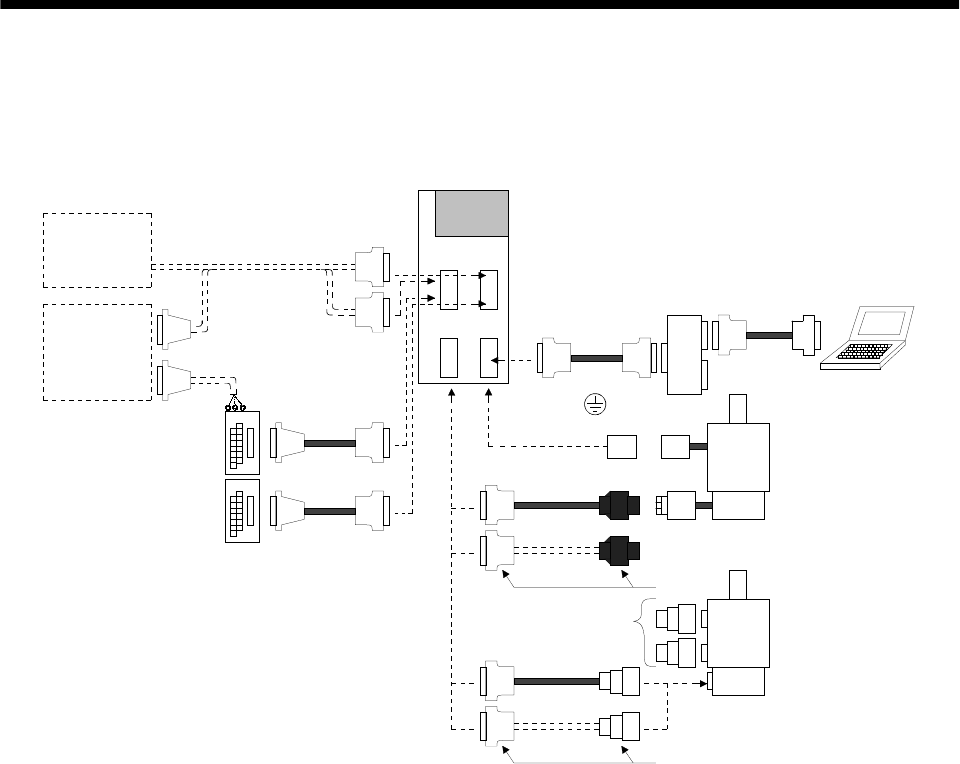
13 - 5
13. OPTIONS AND AUXILIARY EQUIPMENT
13.1.2 Cables and connectors
(1) Cable make-up
The following cables are used for connection with the servo motor and other models.
HC-SFS
HC-RFS
HC-UFS 2000r/min
HC-KFS
HC-MFS
HC-UFS 3000 r/min
CN1A CN1B
CN2 CN3
1) 2)
3) 4) 5)
7) 8)
6)
11) 10)
10)
11)
12)
13) 14)
15) 16) 17)
Note: Those indicated by broken lines
are not available as options.
Operation
panel
Controller
Servo amplifier
Personal
computer
9)
18) 19)
To U, V, W,
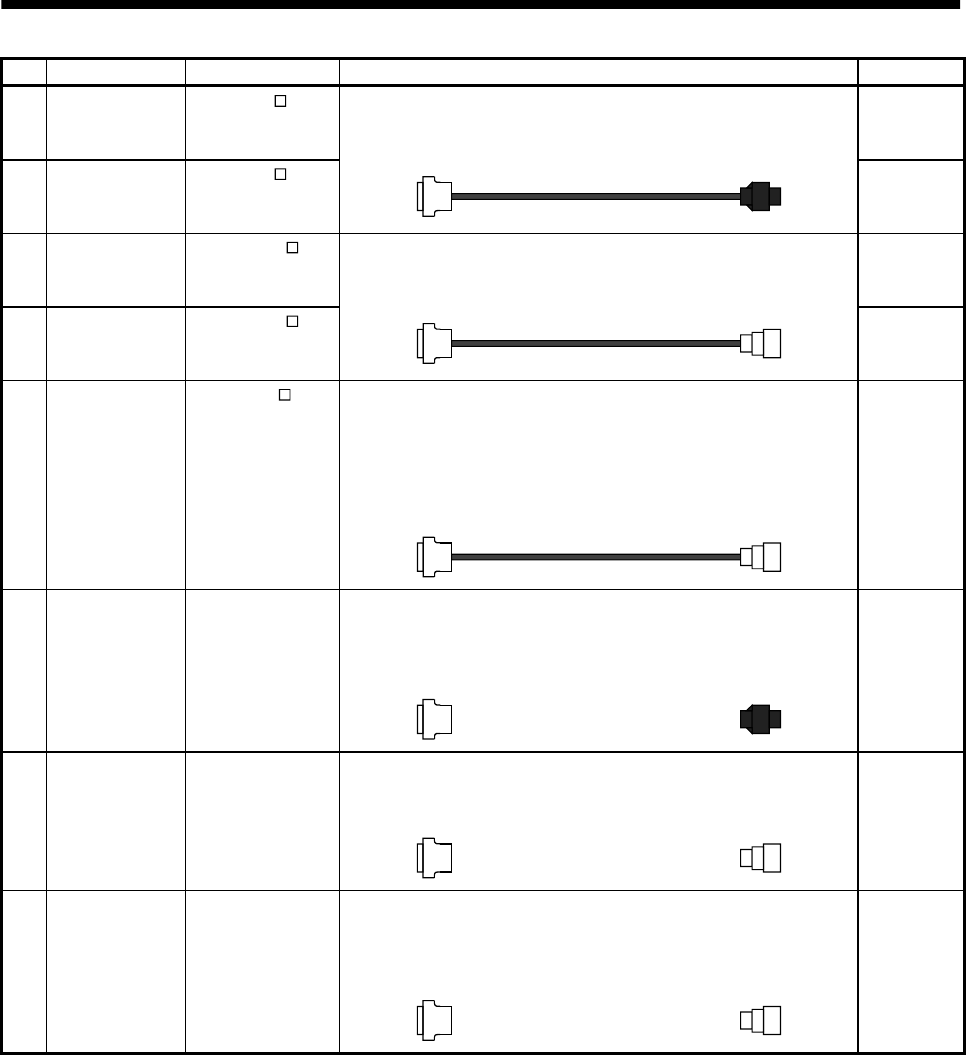
13 - 6
13. OPTIONS AND AUXILIARY EQUIPMENT
No. Product Model Description Application
1) Standard encoder
cable MR-JCCBL M-L
Refer to (2) in this
section.
Connector: 10120-3000VE
Shell kit: 10320-52F0-008
(3M or equivalent)
Housing : 1-172161-9
Connector pin : 170359-1
(AMP or equivalent)
Standard
flexing life
IP20
2) Long flexing life
encoder cable MR-JCCBL M-H
Refer to (2) in this
section.
Long flexing
life
IP20
3) Standard encoder
cable MR-JHSCBL M-L
Refer to (2) in this
section.
Connector: 10120-3000VE
Shell kit: 10320-52F0-008
(3M or equivalent)
Connector: MS3106B20-29S
Cable clamp: MS3057-12A
(Japan Aviation Electronics)
Standard
flexing life
IP20
4) Long flexing life
encoder cable MR-JHSCBL M-H
Refer to (2) in this
section.
Long flexing
life
Connector: 10120-3000VE
Shell kit: 10320-52F0-008
(3M or equivalent)
Connector
: MS3106A20-29S (D190)
Cable clamp
: CE3057-12A-3 (D265)
Back shell: CE02-20BS-S
(DDK)
5) IP65-compliant
encoder cable MR-ENCBL M-H
Refer to (2) in this
section.
Long flexing
life
IP65
IP67
Not oil-
resistant.
Connector: 10120-3000VE
Shell kit: 10320-52F0-008
(3M or equivalent)
Housing : 1-172161-9
Pin : 170359-1
Cable clamp: MTI-0002
(AMP or equivalent)
6) Encoder
connector set MR-J2CNM IP20
Connector: 10120-3000VE
Shell kit: 10320-52F0-008
(3M or equivalent)
Connector: MS3106B20-29S
Cable clamp: MS3057-12A
(Japan Aviation Electronics)
7) Encoder
connector set MR-J2CNS IP20
Connector: 10120-3000VE
Shell kit: 10320-52F0-008
(3M or equivalent)
Connector: MS3106A20-29S (D190)
Cable clamp: CE3057-12A-3 (D265)
Back shell: CE02-20BS-S
(DDK)
8) Encoder
connector set MR-ENCNS IP65
IP67
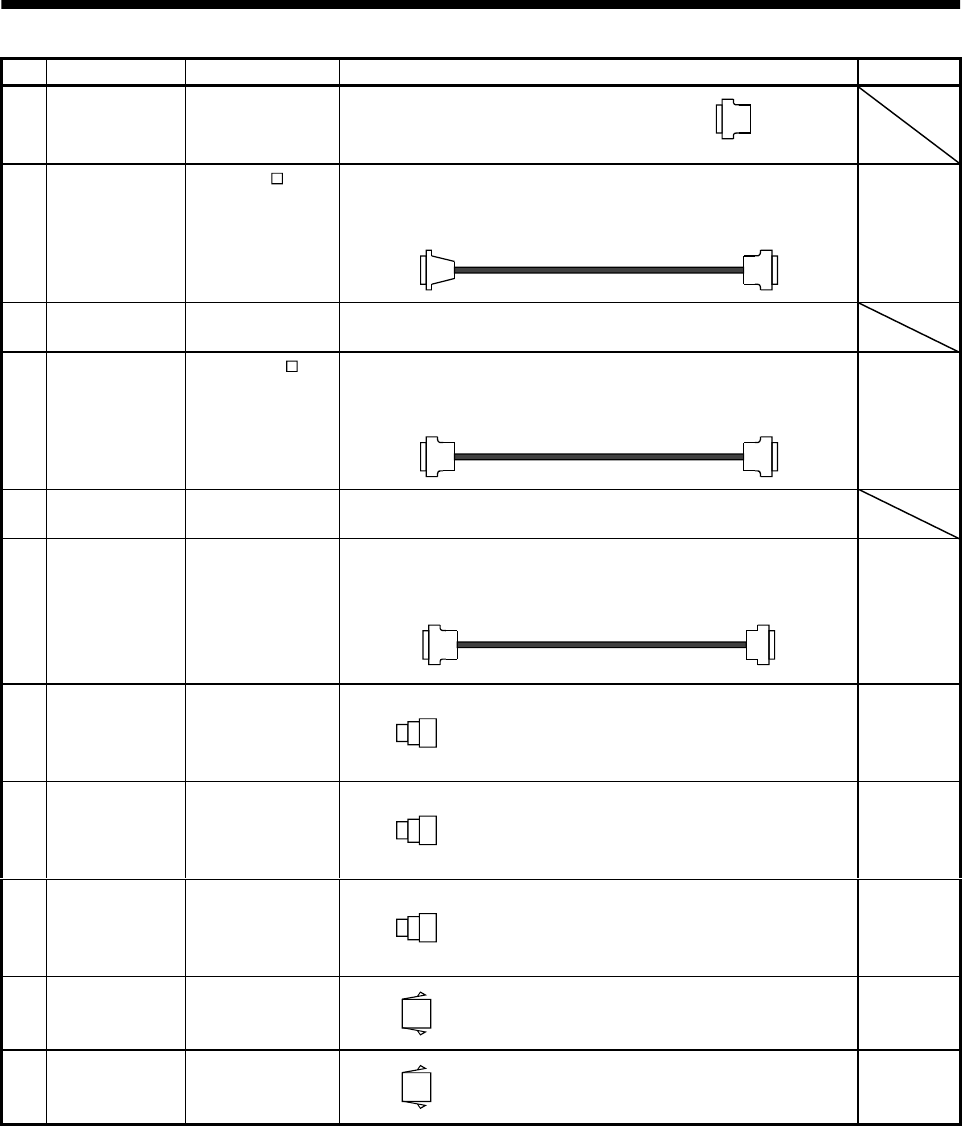
13 - 7
13. OPTIONS AND AUXILIARY EQUIPMENT
No. Product Model Description Application
9) Control signal
connector set MR-J2CN1 Connector: 10120-3000VE
Shell kit: 10320-52F0-008
(3M or equivalent) Qty: 2 each
Connector: HIF3BA-20D-2.54R
(Hirose Electric) Connector: 10120-6000EL
Shell kit: 10320-3210-000
(3M or equivalent)
10)
Junction
terminal block
cable
MR-J2TBL M
Refer to
Section13.1.3.
For junction
terminal
block
connection
11) Junction
terminal block MR-TB20 Refer to Section 13.1.3.
Connector: 10120-6000EL
Shell kit: 10320-3210-000
(3M or equivalent)
Connector: 10120-6000EL
Shell kit: 10320-3210-000
(3M or equivalent)
12)
Bus cable MR-J2HBUS M
Refer to
section13.1.4.
For
maintenance
junction
card
connection
13) Maintenance
junction card MR-J2CN3TM Refer to Section 13.1.4.
Connector: 10120-6000EL
Shell kit: 10320-3210-000
(3M or equivalent)
Connector: DE-9SF-N
Case: DE-C1-J6-S6
(Japan Aviation Electronics)
14)
Communication
cable MR-CPCATCBL3M
Refer to (3) in this
section.
For
connection
with PC-AT-
compatible
personal
computer
15)
Power supply
connector set MR-PWCNS1 Connector: CE05-6A22-23SD-B-BSS
Cable clamp:CE3057-12A-2 (D265)
(DDK)
EN
Standard-
compliant
IP65 IP67
16)
Power supply
connector set MR-PWCNS2 Connector: CE05-6A24-10SD-B-BSS
Cable clamp: CE3057-16A-2 (D265)
(DDK)
EN
Standard-
compliant
IP65 IP67
17)
Brake connector
set MR-BKCN Plug: MS3106A10SL-4S (D190) (DDK)
Cable connector: YS010-5-8 (Daiwa Dengyo) EN
Standard-
compliant
IP65 IP67
18) Power supply
connector set MR-PWCNK1 Plug: 5559-04P-210
Terminal: 5558PBT3L (For AWG16)(6 pcs.)
(Molex make)
IP20
19) Power supply
connector set MR-PWCNK2 Plug: 5559-06P-210
Terminal: 5558PBT3L (For AWG16)(8 pcs.)
(Molex make)
For motor
with brake
IP20
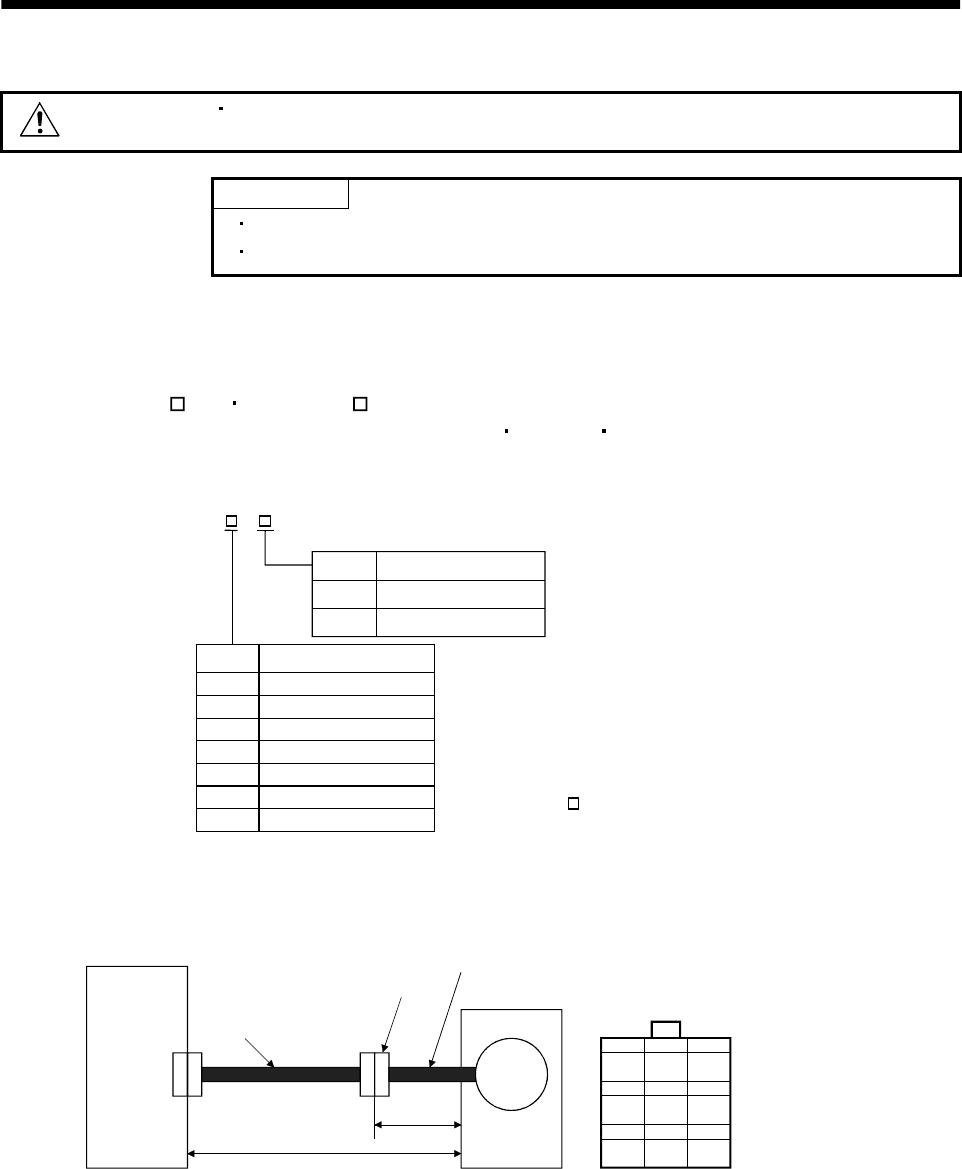
13 - 8
13. OPTIONS AND AUXILIARY EQUIPMENT
(2) Encoder cable
CAUTION If you have fabricated the encoder cable, connect it correctly.
Otherwise, misoperation or explosion may occur.
POINT
The encoder cable is not oil resistant.
Refer to Section 12.4 for the flexing life of the encoder cable.
Generally use the encoder cable available as our options. If the required length is not found in the
options, fabricate the cable on the customer side.
(a) MR-JCCBL M-L MR-JCCBL M-H
These encoder cables are used with the HC-KFS HC-MFS HC-UFS3000r/min series servo
motors.
1) Model explanation
L
H
2
5
10
20
30
2
5
10
20
30
40
50 40
50
Symbol Specifications
Standard flexing life
Long flexing life
Symbol (Note) Cable length [m]
Note: MR-JCCBL M-H has
no 40 and 50m sizes.
Model: MR-JCCBL M-
2) Connection diagram
For the pin assignment on the servo amplifier side, refer to Section 3.3.1.
CN2
30cm
Servo amplifier
Encoder connector
Encoder cable
supplied to servo motor
Servo motor
Encoder
50m max.
Encoder cable
(option or fabricated) 123
456
789
MR MRR BAT
MD MDR CNT
P5 LG SHD
Encoder connector
172161-9 (AMP)
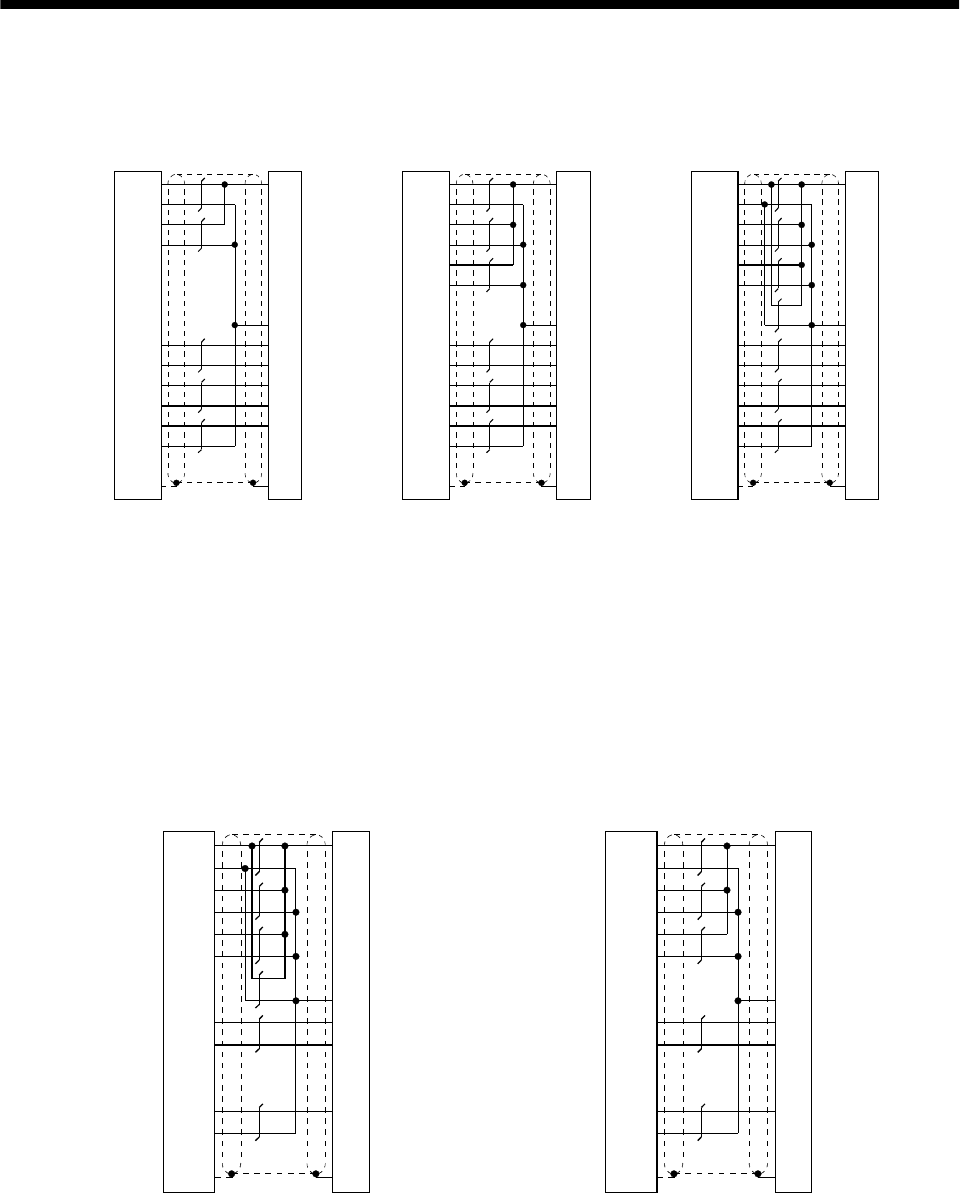
13 - 9
13. OPTIONS AND AUXILIARY EQUIPMENT
MR-JCCBL2M-L
MR-JCCBL5M-L
MR-JCCBL2M-H
MR-JCCBL5M-H
19
11
20
12
18
2
7
17
9
1
7
8
1
2
3
9
P5
LG
P5
LG
P5
LG
MR
MRR
BT
LG
SD
MD
MDR
6
16
4
5
MR-JCCBL10M-L
to
MR-JCCBL30M-L
19
11
20
12
18
2
7
17
9
1
7
8
1
2
3
9
P5
LG
P5
LG
P5
LG
MR
MRR
BT
LG
SD
MD
MDR
6
16
4
5
MR-JCCBL10M-H
to
MR-JCCBL50M-H
19
11
20
12
18
2
7
17
9
1
7
8
1
2
3
9
P5
LG
P5
LG
P5
LG
MR
MRR
BT
LG
SD
MD
MDR
6
16
4
5
Servo amplifier side Encoder side
Plate
Servo amplifier side Encoder side
Plate
Servo amplifier side Encoder side
Plate
When fabricating an encoder cable, use the recommended wires given in Section 13.2.1 and the
MR-J2CNM connector set for encoder cable fabrication, and fabricate an encoder cable as shown
in the following wiring diagram. Referring to this wiring diagram, you can fabricate an encoder
cable of up to 50m length including the length of the encoder cable supplied to the servo motor.
When the encoder cable is to be fabricated by the customer, the wiring of MD and MDR is not
required.
Refer to Chapter 3 of the servo motor instruction guide and choose the encode side connector
according to the servo motor installation environment.
19
11
20
12
18
2
7
17
9
1
7
8
1
2
3
9
19
11
20
12
18
2
7
17
9
1
7
8
1
2
3
9
P5
LG
P5
LG
P5
LG
MR
MRR
BT
LG
SD
P5
LG
P5
LG
P5
LG
MR
MRR
BT
LG
SD
For use of AWG24
Servo amplifier side
(3M) Encoder side
Plate
For use of AWG22
Servo amplifier side
(3M) Encoder side
Plate
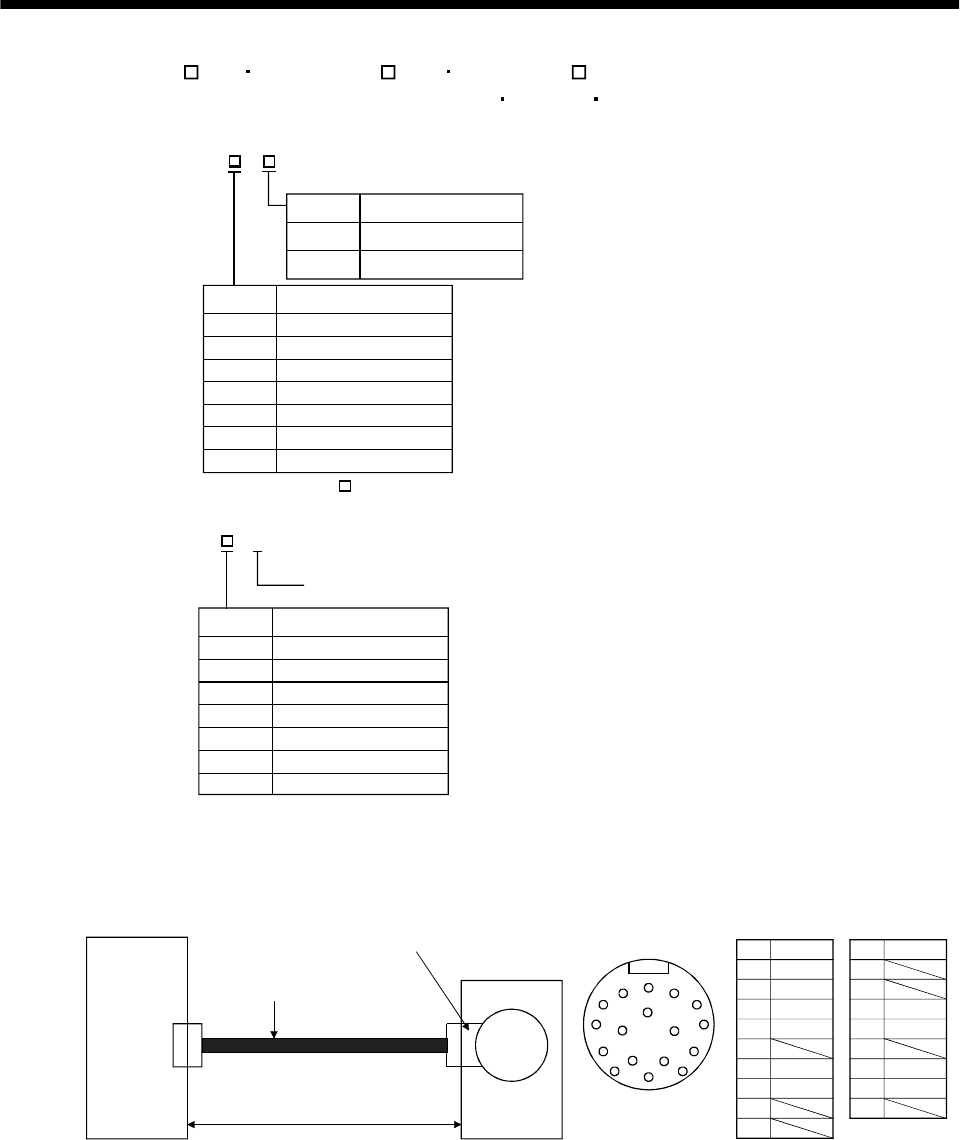
13 - 10
13. OPTIONS AND AUXILIARY EQUIPMENT
(b) MR-JHSCBL M-L MR-JHSCBL M-H MR-ENCBL M-H
These encoder cables are used with the HC-SFS HC-RFS HC-UFS2000r/min series servo motors.
1) Model explanation
L
H
2
5
10
20
30
2
5
10
20
30
Symbol Specifications
Standard flexing life
Long flexing life
Symbol Cable length [m]
Model: MR-JHSCBL M-
40
50 40
50
2
5
10
20
30
2
5
10
20
30
Long flexing life
Symbol Cable length [m]
Model: MR-ENCBL M-H
40
50 40
50
Note: MR-JHSCBL M-L has
no 40 and 50m sizes.
2) Connection diagram
For the pin assignment on the servo amplifier side, refer to Section 3.3.1.
CN2
ABC
D
E
F
G
H
J
K
LMA
B
CMR
DMRR
E
FBAT
GLG
H
J
K
L
M
NSHD
P
RLG
SP5
T
Servo amplifier
50m max.
Encoder connector
Servo motor
Encoder
Encoder connector Pin Signal
Encoder cable
(Optional or fabricated)
Pin Signal
R
S
TP
N
MD
MDR CNT
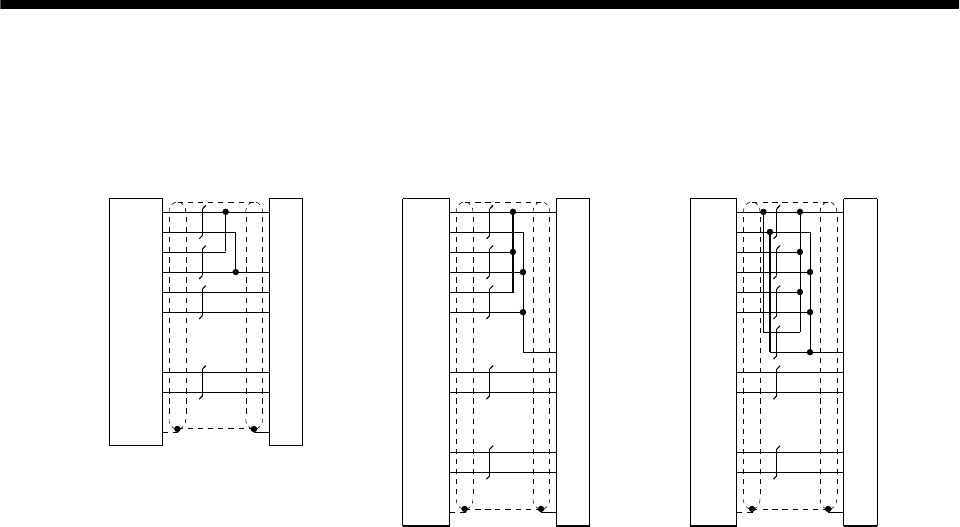
13 - 11
13. OPTIONS AND AUXILIARY EQUIPMENT
MR-JHSCBL2M-L
MR-JHSCBL5M-L
MR-JHSCBL2M-H
MR-JHSCBL5M-H
MR-ENCBL2M-H
MR-ENCBL5M-H
MR-JHSCBL10M-L
to
MR-JHSCBL30M-L
P5
LG
P5
LG
P5
LG
MR
MRR
BAT
LG
SD
MR-JHSCBL10M-H
to
MR-JHSCBL50M-H
MR-ENCBL10M-H
to
MR-ENCBL50M-H
Servo amplifier side Encoder side
P5
LG
P5
LG
MR
MRR
P5
LG
BAT
LG
SD
19
11
20
12
7
17
18
2
9
1
S
R
F
G
N
C
D
Plate
(Note) Use of AWG24
(Less than 10m)
Note: AWG28 can be used for 5m or less.
Servo amplifier side Encoder side
19
11
20
12
18
2
7
17
9
1
S
R
C
D
F
N
G
Plate
Servo amplifier side Encoder side
P5
LG
P5
LG
P5
LG
MR
MRR
BAT
LG
SD
S
R
C
D
F
N
19
11
20
12
18
2
7
17
9
1G
Plate
Use of AWG22
(10m to 50m)
Use of AWG24
(10m to 50m)
When fabricating an encoder cable, use the recommended wires given in Section 13.2.1 and the
MR-J2CNS connector set for encoder cable fabrication, and fabricate an encoder cable in
accordance with the optional encoder cable wiring diagram given in this section. You can
fabricate an encoder cable of up to 50m length.
Refer to Chapter 3 of the servo motor instruction guide and choose the encode side connector
according to the servo motor installation environment.
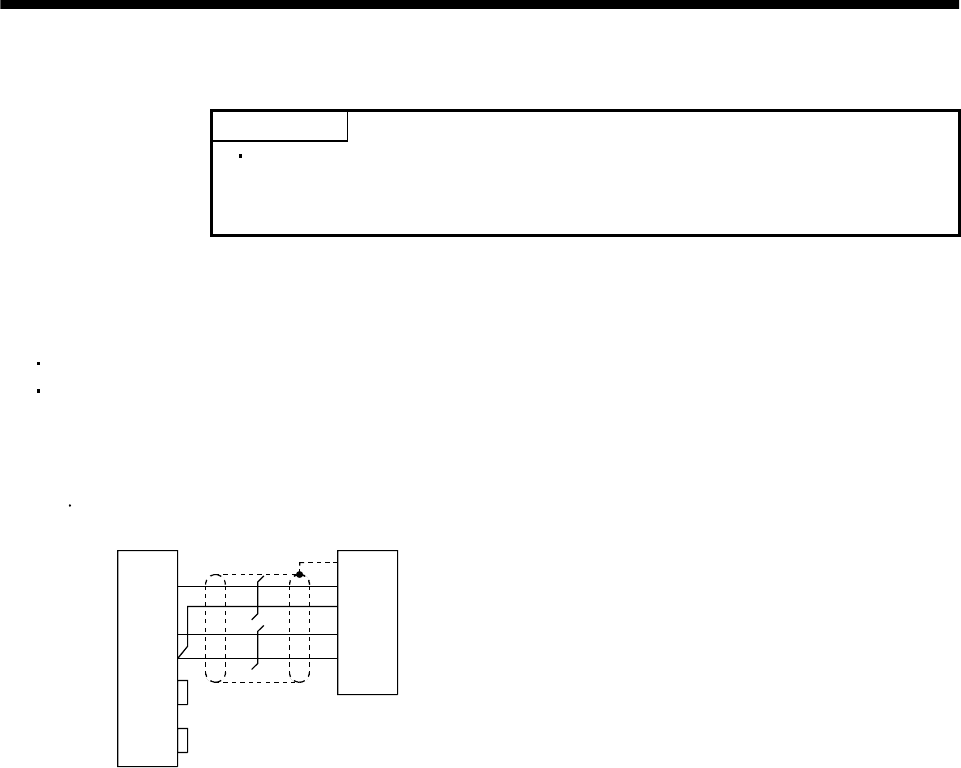
13 - 12
13. OPTIONS AND AUXILIARY EQUIPMENT
(3) Communication cable
POINT
This cable may not be used with some personal computers. After fully
examining the signals of the RS-232C connector, refer to this section and
fabricate the cable.
Select the communication cable according to the shape of the RS-232C connector of the personal
computer used. When fabricating the cable, refer to the connection diagram in this section.
The following must be observed in fabrication:
Always use a shielded, multi-core cable and connect the shield with FG securely.
The optional communication cable is 3m(10ft) long. When the cable is fabricated, its maximum
length is 15m(49ft) in offices of good environment with minimal noise.
Connection diagram
Half-pitch 20 pins
D-SUB9 pins
3
2
5
7
8
6
4
TXD
RXD
GND
RTS
CTS
DSR
DTR
FG
RXD
GND
TXD
GND
Servo amplifier side
Plate
2
1
12
11
Personal computer side
MR-CPCATCBL3M
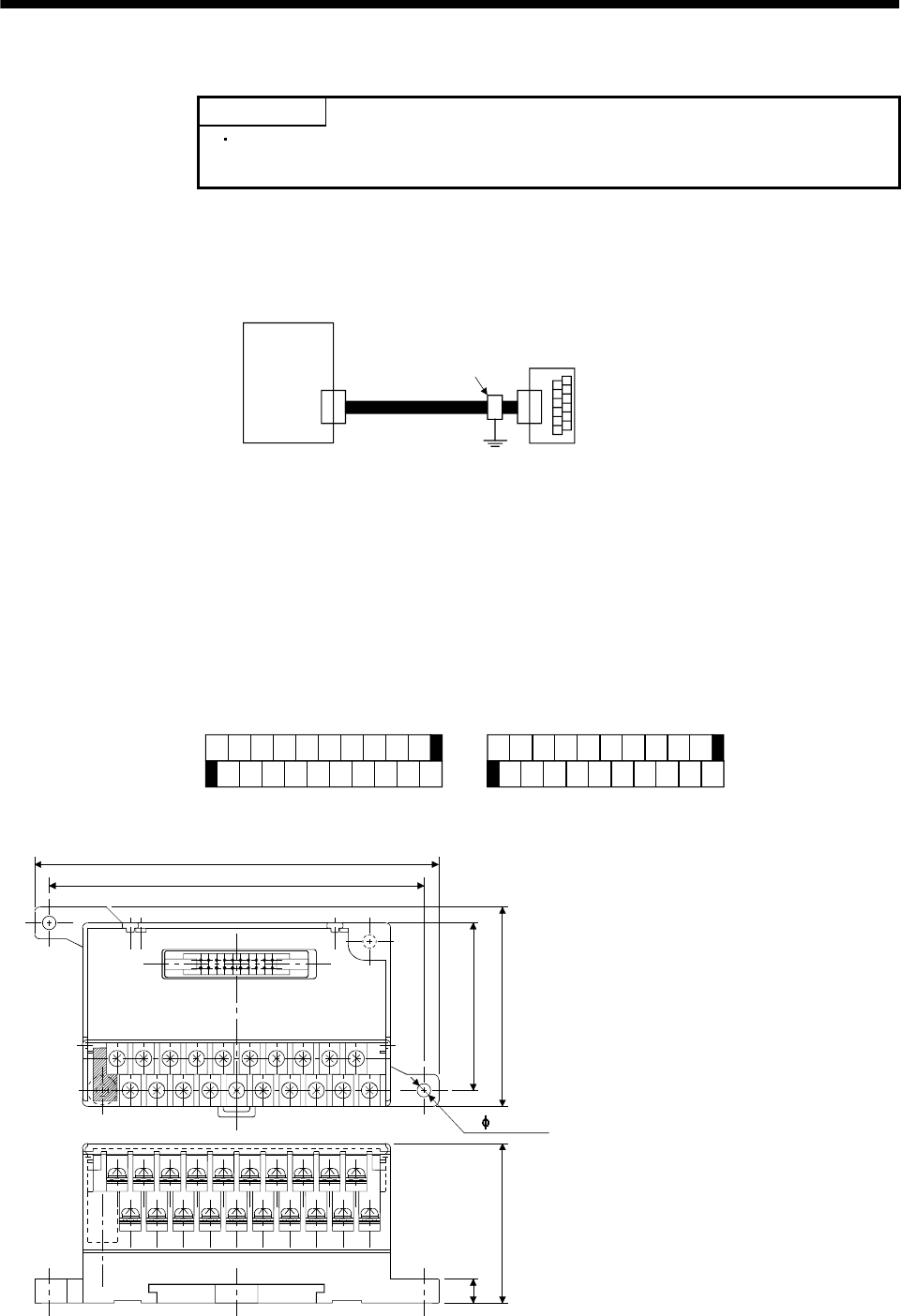
13 - 13
13. OPTIONS AND AUXILIARY EQUIPMENT
13.1.3 Junction terminal block (MR-TB20)
POINT
When using the junction terminal block, you cannot use SG of CN1A-20
and CN1B-20. Use SG of CN1A-4 and CN1B-4.
(1) How to use the junction terminal block
Always use the junction terminal block (MR-TB20) with the junction terminal block cable (MR-
J2TBL05M) as a set. A connection example is shown below:
Servo amplifier
Junction terminal bloc
k
MR-TB20
CN1A
or
CN1B
Cable clamp
(AERSBAN-ESET)
Junction terminal
block cable
(MR-J2TBL05M)
Ground the junction terminal block cable on the junction terminal block side with the standard
accessory cable clamp fitting (AERSBAN-ESET). For the use of the cable clamp fitting, refer to Section
13.2.6, (2).
(2) Terminal labels
Among the terminal block labels for the junction terminal block, use the two for the MR-J2S-A(MR-J2-
A). When changing the input signals in parameters No. 43 to 48, refer to (4) in this section and Section
3.3 and apply the accessory signal seals to the labels.
0
1
2
3
4
5
6
7
8
9
10
11
12
13
14
15
16
17
18
19
1) For CN1A
0
1
2
3
4
5
6
7
8
9
10
11
12
13
14
15
16
17
18
19
2) For CN1B
PP
LG OPC
COM PG
P15R
NP NG
SG
CR SD
INP DO1
VC TLC SG
PC TLA
VDD
LG SON TL P15R
RES LSP
COM EMG
ALM SD
LSN ZSP
LZ LB LZR LBR RD
OP LAR
LA
(3) Outline drawing
[Unit: mm]
([Unit: in.])
60(2.36)
750(1.97)
117(4.61)
126(4.96)
(0.28)
MITSUBISHI
MR-TB20
46.2(1.82)
Terminal screw: M3.5
Applicable cable: Max. 2mm
(Crimping terminal width: 7.2mm (0.283 in) max.
)
2
2- 4.5(0.18)
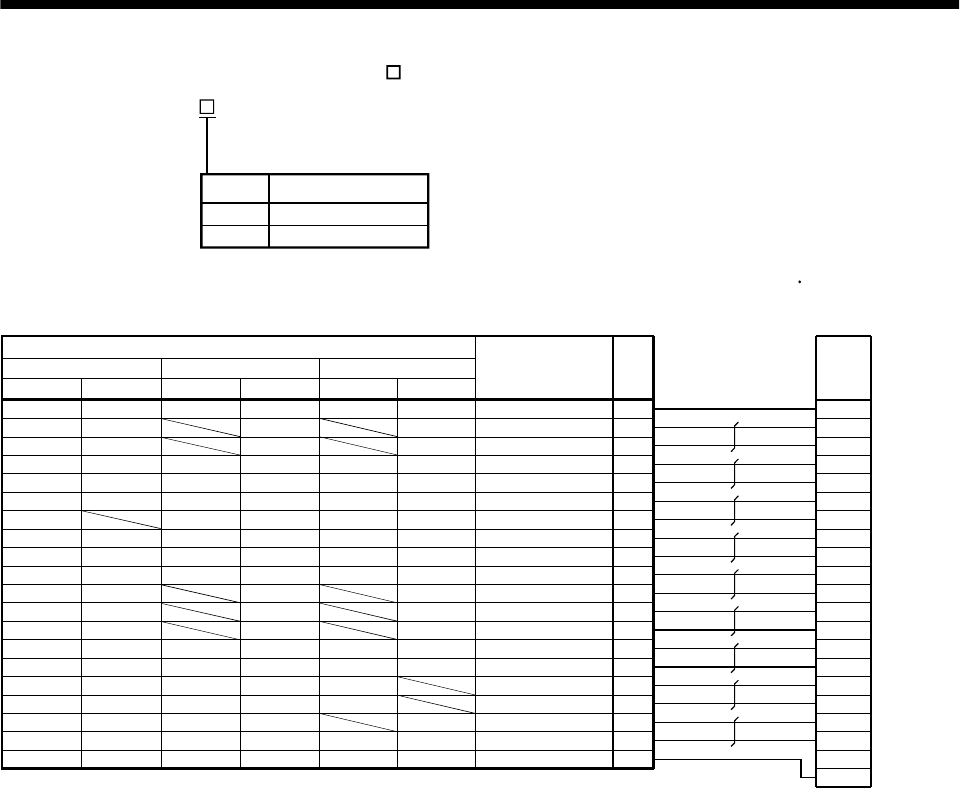
13 - 14
13. OPTIONS AND AUXILIARY EQUIPMENT
(4) Junction terminal block cable (MR-J2TBL M)
Model : MR-J2TBL M
Cable length[m]Symbol
05
1
0.5
1
Junction terminal block side connector (Hirose Electric)
HIF3BA-20D-2.54R (connector) Servo amplifier side (CN1A CN1B) connector (3M)
10 B1
0A1
11 B2
1A2
12 B3
2A3
13 B4
3A4
14 B5
4A5
15 B6
5A6
16 B7
6A7
17 B8
7A8
18 B9
8A9
19 B10
9A10
1
2
3
4
5
6
7
8
9
10
11
12
13
14
15
16
17
18
19
20
(Note) Symbol Junction terminal
block terminal No.
For CN1A For CN1B
Pin
No.
Pin
No.
Plate
LG
P15R
COM
SG
SD
SP1
LZ
LA
LB
OP
LZR
LAR
LBR
RD
LG
P15R
COM
SG
SA
SD
SP1
LZ
LA
LB
OP
LZR
LAR
LBR
RD
LG
VC
VDD
DO1
SON
TLC
PC
TLC
SG
P15R
TLA
COM
RES
EMG
LSP
LSN
ALM
ZSP
SD
LG
NP
PP
P15R
COM
SG
OPC
NG
PG
INP
SD
CR
LZ
LA
LB
OP
LZR
LAR
LBR
RD
LG
VC
VDD
DO1
SON
TLC
ST1
ST2
SG
P15R
TLA
COM
RES
EMG
LSP
LSN
ALM
ZSP
SD
SP2
LG
VLA
VDD
DO1
SON
VLC
RS2
RS1
SG
P15R
TC
COM
RES
EMG
ALM
ZSP
SD
SP2
For CN1A For CN1B For CN1A For CN1B
Position control mode Speed control mode Torque control mode
Note: The labels supplied to the junction terminal block are designed for the position control mode. When using the junction
terminal block in the speed or torque control mode, change the signal abbreviations using the accessory signal seals.
10120-6000EL (connector)
10320-3210-000 (shell kit)
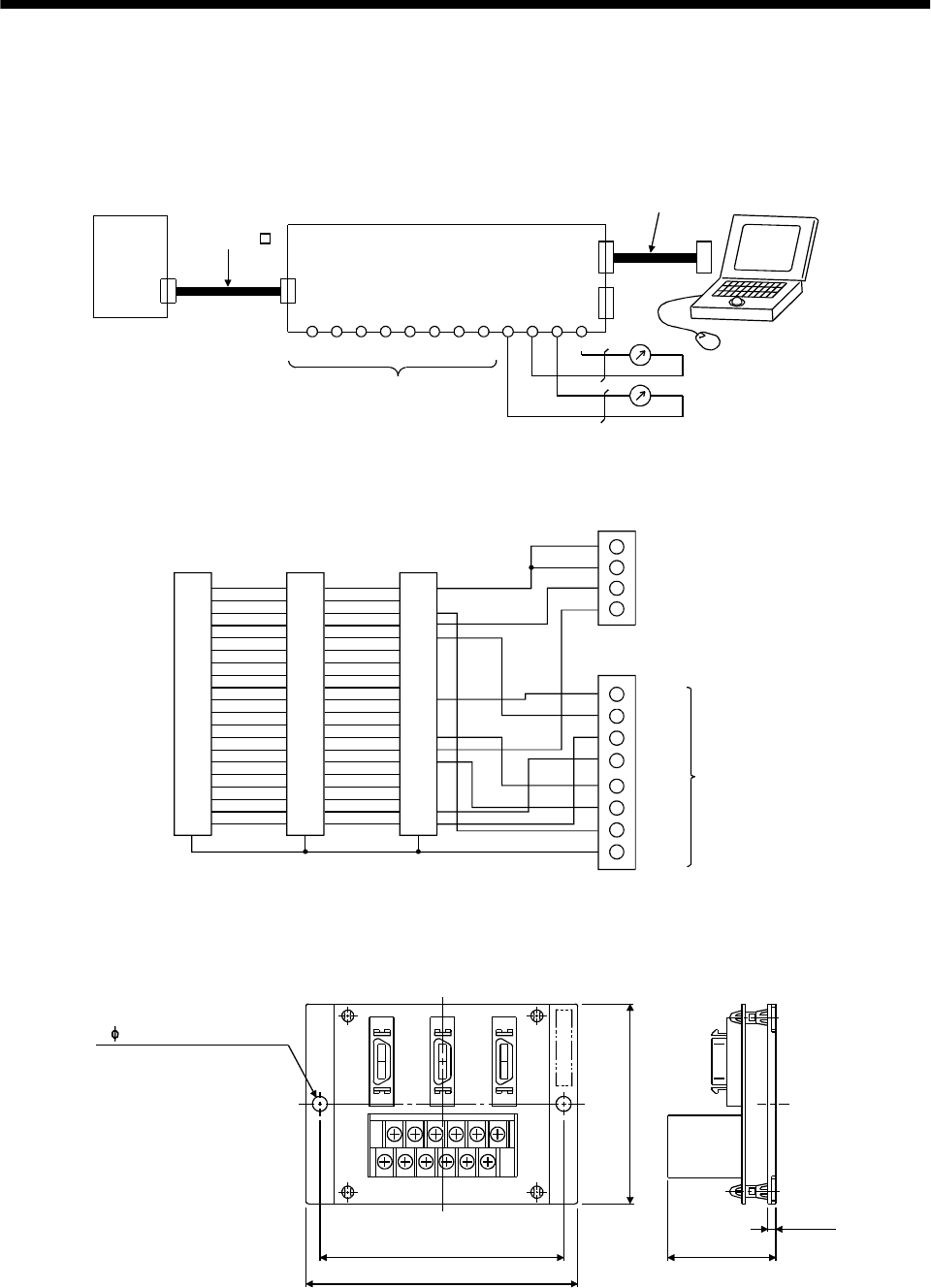
13 - 15
13. OPTIONS AND AUXILIARY EQUIPMENT
13.1.4 Maintenance junction card (MR-J2CN3TM)
(1) Usage
The maintenance junction card (MR-J2CN3TM) is designed for use when a personal computer and
analog monitor outputs are used at the same time.
Communication cable
Maintenance junction card (MR-J2CN3TM)
CN3A
CN3B
CN3C
A1 A2 A3 A4 B4 B3 B2 B1 B5 B6 A5 A6
VDD
COM
EMI DI MBR
EMGO
SG PE LG LG MO2
Analog monitor output 2
Analog monitor output 1
Servo amplifier
CN3
Not used
MO1
Bus cable
MR-J2HBUS M
(2) Connection diagram
1
2
3
4
5
6
7
8
9
10
11
12
13
14
15
16
17
18
19
20
1
3
4
5
10
13
14
15
19
Shell
20
LG
LG
MO1
MO2
B5
B6
A5
A6
TE1
CN3A
VDD
COM
EMI
DI
MBR
EMGO
SG
PE
A1
A2
A3
A4
B4
B3
B2
B1
Not used
1
2
3
4
5
6
7
8
9
10
11
12
13
14
15
16
17
18
19
20
CN3B
1
2
3
4
5
6
7
8
9
10
11
12
13
14
15
16
17
18
19
20
CN3C
Shell Shell
(3) Outline drawing
3(0.12)
41.5(1.63)
75(2.95)
88(3.47)
100(3.94)
MR-J2CN3TM
CN3A CN3B CN3C
A1
B1
A6
B6
TE1
[Unit: mm]
([Unit: in])
Weight: 110g(0.24Ib)
2- 5.3(0.21)(mounting hole)
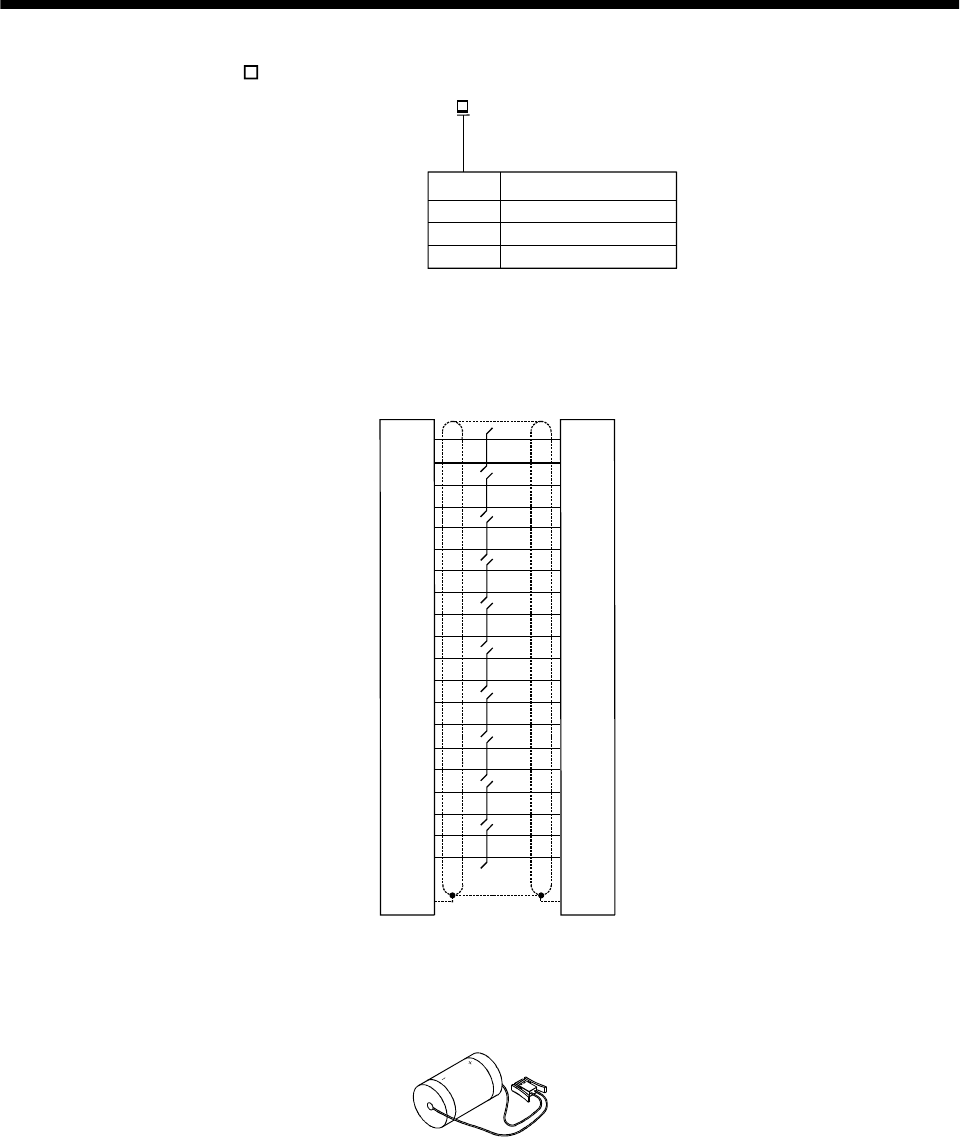
13 - 16
13. OPTIONS AND AUXILIARY EQUIPMENT
(4) Bus cable (MR-J2HBUS M)
10120-6000EL (connector)
10320-3210-000 (shell kit)
LG
LG
RD
TD
LG
LG
EMG
BAT
SD
MR-J2HBUS05M
MR-J2HBUS1M
MR-J2HBUS5M
1
11
2
12
3
13
4
14
5
15
6
16
7
17
8
18
9
19
10
20
1
11
2
12
3
13
4
14
5
15
6
16
7
17
8
18
9
19
10
20
10120-6000EL (connector)
10320-3210-000 (shell kit)
PlatePlate
EMG*
TD*
RD*
05
1
5
0.5
1
5
Symbol Cable length [m]
Model: MR-J2HBUS M
13.1.5 Battery (MR-BAT, A6BAT)
Use the battery to build an absolute position detection system.
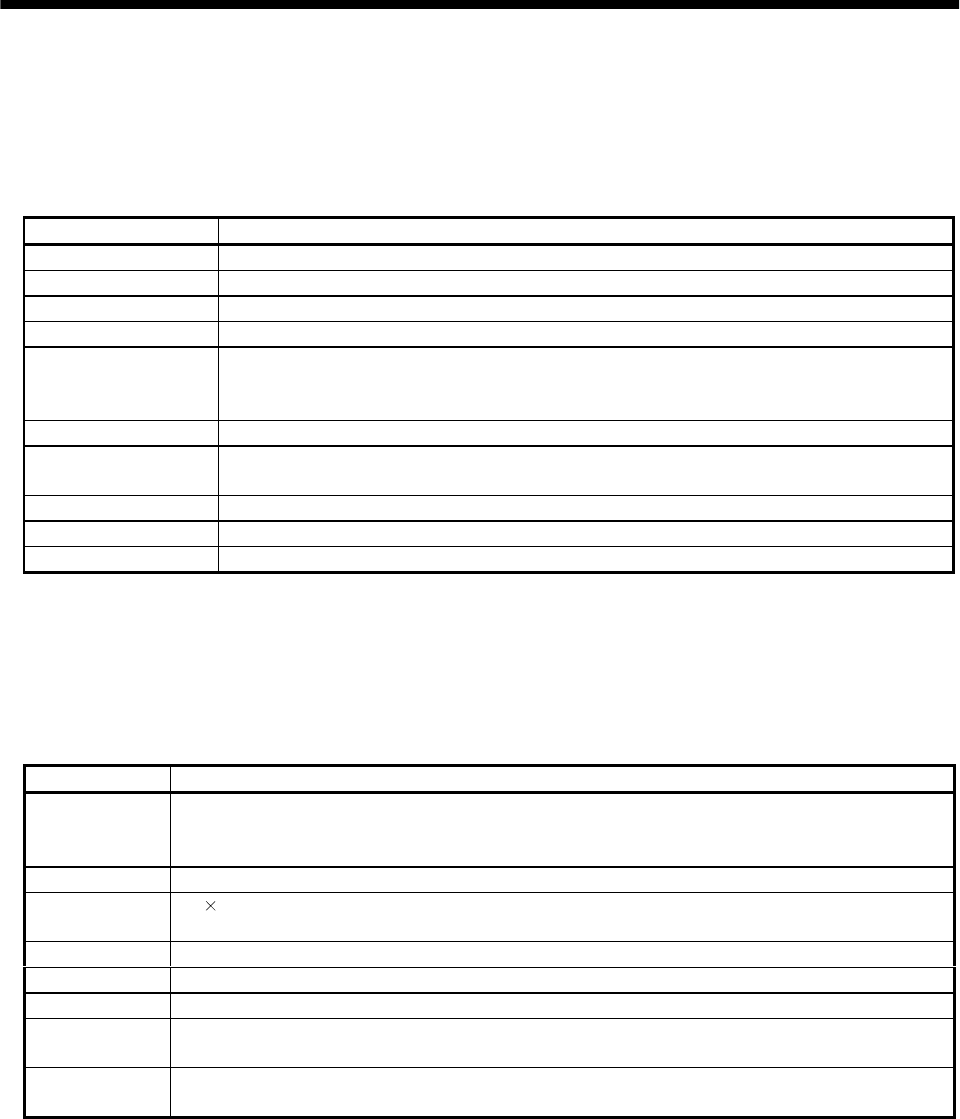
13 - 17
13. OPTIONS AND AUXILIARY EQUIPMENT
13.1.6 Servo configurations software
The servo configuration software uses the communication function of the servo amplifier to perform
parameter setting changes, graph display, test operation, etc. on a personal computer.
(1) Specifications
Item (Note 1) Description
Communication signal Conforms to RS-232C.
Baudrate [bps] 57600, 38400, 19200, 9600
(Note 2) Monitor Batch display, high-speed display, graph display
Alarm Alarm display, alarm history, data display at alarm occurrence
Diagnostic External I/O signal display, no-rotation reason display, cumulative power-on time display,
software number display, motor information display, tuning data display, ABS data display,
automatic VC offset display, shaft name setting.
Parameters Data setting, list display, change list display, detailed information display, turning
Test operation Jog operation, positioning operation, motor-less operation, output signal forced output, program
operation in simple language.
Advanced function Machine analyzer, gain search, machine simulation.
File operation Data read, save, print
Others Automatic operation, station setting, help display
Note: 1. On some personal computers, this software may not run properly.
2. Minimum resolution changes with the processing speed of the personal computer.
(2) System configuration
(a) Components
To use this software, the following components are required in addition to the servo amplifier and
servo motor:
Model Description
Personal
computer
Which contains a DX4,75MHz or higher CPU and on which Windows 95 or 98(English) runs
(Pentium or higher recommended).Memory: 16MB or more, hard disk free space: 5MB or more, serial port
used.
OS Windows 95/98 (English)
Display 800 600 or more, 256-color or 16-scale monochrome display which can be used with Windows 95/98
(English).
Keyboard Which can be connected to the personal computer.
Mouse Which can be used with Windows 95/98(English). Note that a serial mouse is not used.
Printer Which can be used with Windows 95/98(English).
Communication
cable MR-CPCATCBL3M
When this cannot be used, refer to (3) Section 13.1.2 and fabricate.
RS-232C/RS-422
converter Needed to use the RS-422 multidrop communication function of the servo amplifier.
Note: Windows is a trade mark of Microsoft Corporation.
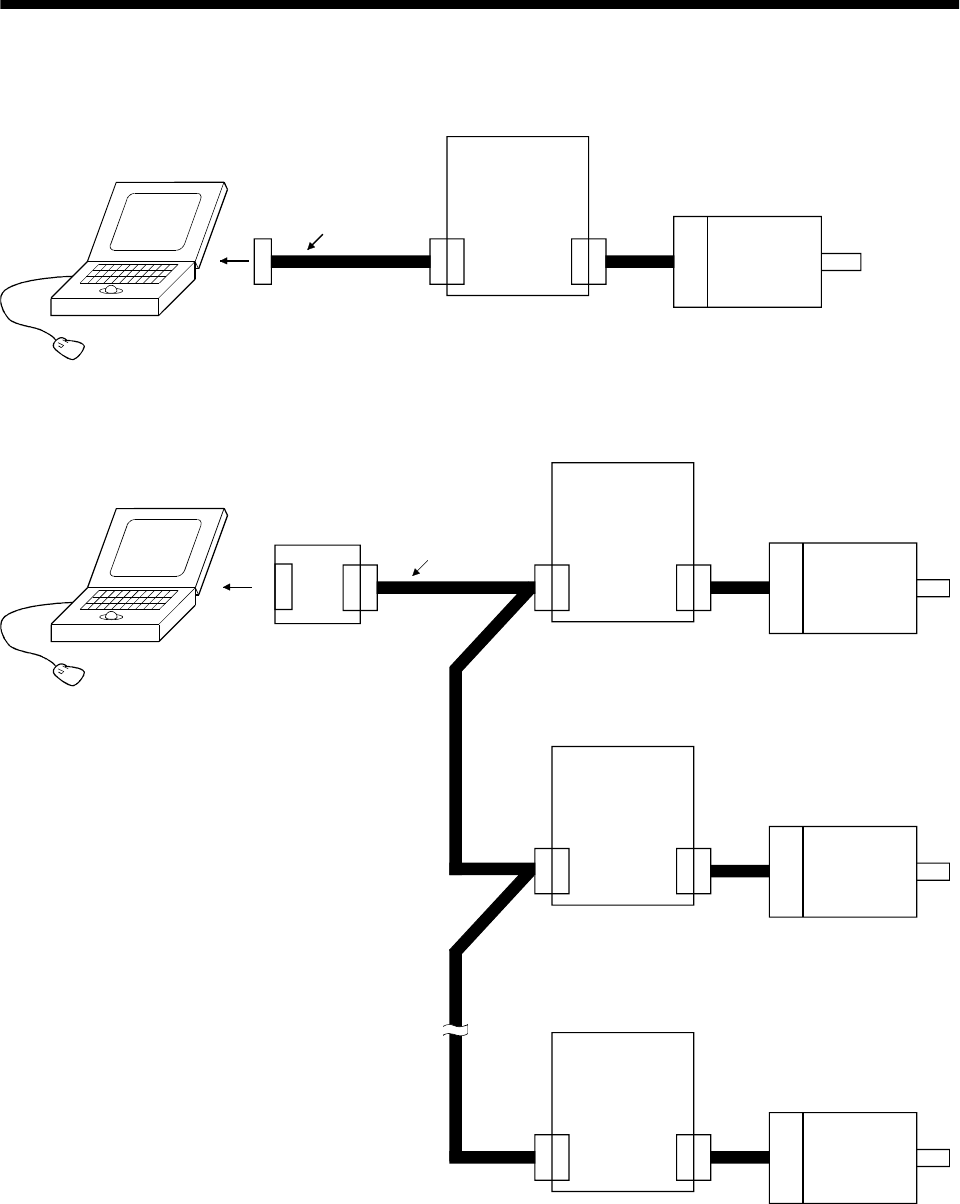
13 - 18
13. OPTIONS AND AUXILIARY EQUIPMENT
(b) Configuration diagram
1) When using RS-232C
CN3 CN2
Personal computer
To RS-232C
connector
Communication cable
Servo amplifier
Servo motor
2) When using RS-422
You can make multidrop connection of up to 32 axes.
Personal computer
CN3 CN2
Servo amplifier
Servo motor
Servo motor
Servo motor
Servo amplifier
Servo amplifier
(Axis 1)
(Axis 2)
(Axis 32)
RS-232C/RS-422
converter
To RS-232C
connector
(Note 1)
Communication cable
Note: For cable connection, refer to section 14.1.1.
CN3 CN2
CN3 CN2
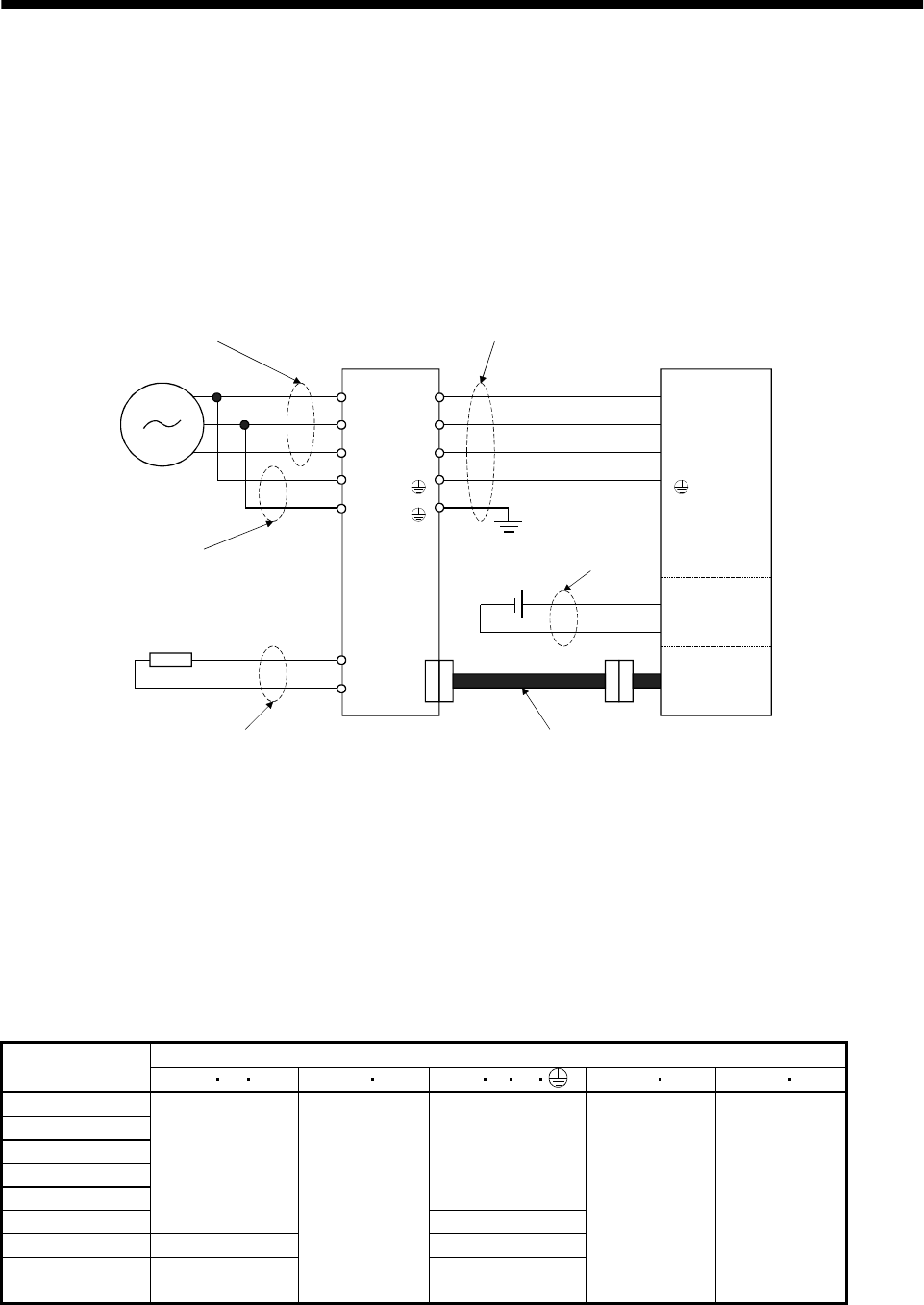
13 - 19
13. OPTIONS AND AUXILIARY EQUIPMENT
13.2 Auxiliary equipment
Always use the devices indicated in this section or equivalent. To comply with the EN Standard or UL/C-
UL Standard, use the products which conform to the corresponding standard.
13.2.1 Recommended wires
(1) Wires for power supply wiring
The following diagram shows the wires used for wiring. Use the wires given in this section or
equivalent.
C
P
U
V
W
L11
L21
B1
B2
U
V
W
L1
L2
L3
1) Main circuit power supply lead
Power supply
2) Control power supply lead
Regenerative brake option
4) Regenerative brake option lead
Servo amplifier
3) Motor power supply lead
5) Electromagnetic
brake lead
Servo motor
Motor
Electro-
magnetic
brake
Encoder
Encoder cable (refer to Section 13.1.2)
The following table lists wire sizes. The wires used assume that they are 600V vinyl wires and the
wiring distance is 30m max. If the wiring distance is over 30m, choose the wire size in consideration of
voltage drop.
The alphabets (a, b) in the table correspond to the crimping terminals (Table 13.2) used to wire the
servo amplifier. For connection with the terminal block TE2 of the MR-J2S-100A or less, refer to
Section 3.11.
The servo motor side connection method depends on the type and capacity of the servo motor. Refer to
Section 3.8.
Table 13.1 Recommended wires
(Note 1) Wires [mm2]
Servo amplifier 1) L1L2L32) L11 L21 3) U V W 4) P C5) B1B2
MR-J2S-10A(1)
MR-J2S-20A(1)
MR-J2S-40A(1)
MR-J2S-60A
MR-J2S-70A
1.25 (AWG16) : a
MR-J2S-100A
2 (AWG14) : a
2 (AWG14) : a
MR-J2S-200A 3.5 (AWG12) : b 3.5 (AWG12) : b
MR-J2S-350A 5.5 (AWG10) : b
1.25 (AWG16)
(Note 2)
5.5 (AWG10) : b
2 (AWG14) : a 1.25 (AWG16)
Note: 1. For the crimping terminals and applicable tools, see the following table:
2. 3.5mm2 for use of the HC-RFS203 servo motor.
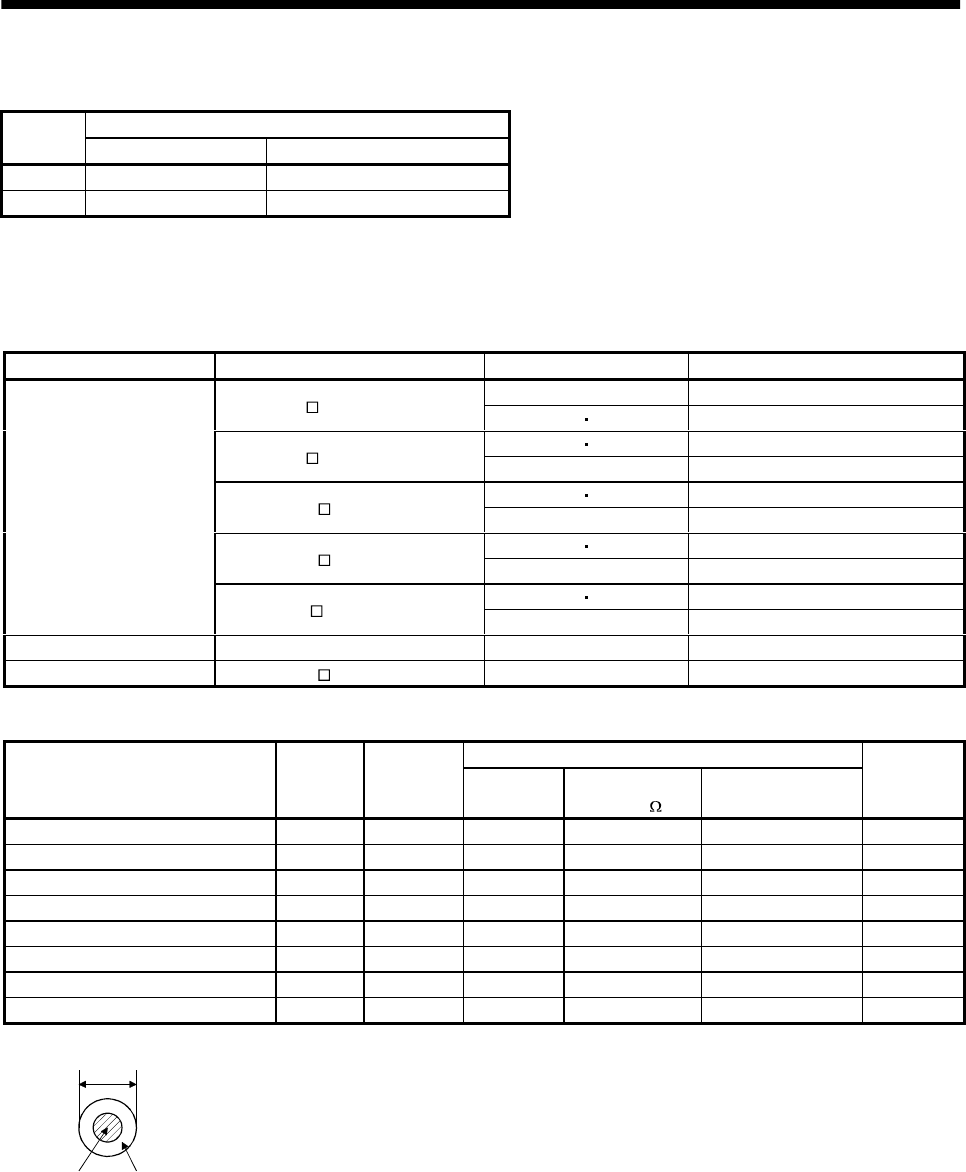
13 - 20
13. OPTIONS AND AUXILIARY EQUIPMENT
Table 13.2 Recommended crimping terminals
Servo amplifier side crimping terminals (AMP)
Symbol Crimping terminal Applicable tool
a 32959 47387
b 32968 59239
(2) Wires for cables
When fabricating a cable, use the wire models given in the following table or equivalent:
Table 13.3 Wires for option cables
Type Model Length [m] Wire model
2 to 10 UL20276 AWG#28 7pair(BLAC)
MR-JCCBL M-L 20 30 UL20276 AWG#22 6pair(BLAC)
25 A14B2343 6P
MR-JCCBL M-H 10 to 50 A14B0238 7P
25 UL20276 AWG#28 4pair(BLAC)
MR-JHSCBL M-L 10 to 30 UL20276 AWG#22 6pair(BLAC)
25 A14B2339 4P
MR-JHSCBL M-H 10 to 50 A14B2343 6P
25 A14B2339 4P
Encoder cable
MR-ENCBL M-H 10 to 50 A14B2343 6P
Communication cable MR-CPCATCBL3M 3 UL20276 AWG#28 3pair(BLAC)
Bus cable MR-J2HBUS M 0.5 to 5 UL20276 AWG#28 10pair(CREAM)
Table 13.4 Wire specifications
Characteristics of one core
Wire model Core size
[mm2]
Number of
Cores Structure
[Wires/mm]
Conductor
resistance [ /mm]
Insulation coating OD
d[mm] (Note 1)
(Note 3)
Finishing OD
[mm]
UL20276 AWG#28 7pair(BLAC) 0.08 14(7 pairs) 7/0.127 222 0.38 5.6
UL20276 AWG#28 4pair(BLAC) 0.08 8(4 pairs) 7/0.127 222 0.38 4.7
UL20276 AWG#28 3pair(BLAC) 0.08 6(3 pairs) 7/0.127 222 0.38 4.6
UL20276 AWG#28 10pair(CREAM) 0.08 20(10 pairs) 7/0.127 222 0.38 6.1
UL20276 AWG#22 6pair(BLAC) 0.3 12(6 pairs) 12/0.18 62 1.2 8.2
(Note 2) A14B2343 6P 0.2 12(6 pairs) 40/0.08 105 0.88 7.2
(Note 2) A14B2339 4P 0.2 8(4 pairs) 40/0.08 105 0.88 6.5
(Note 2) A14B0238 7P 0.2 14(7 pairs) 40/0.08 105 0.88 8.0
Note 1: d is as shown below:
d
Conductor Insulation sheath
2: Purchased from Toa Electric Industry
3: Standard OD. Max. OD is about 10% greater.
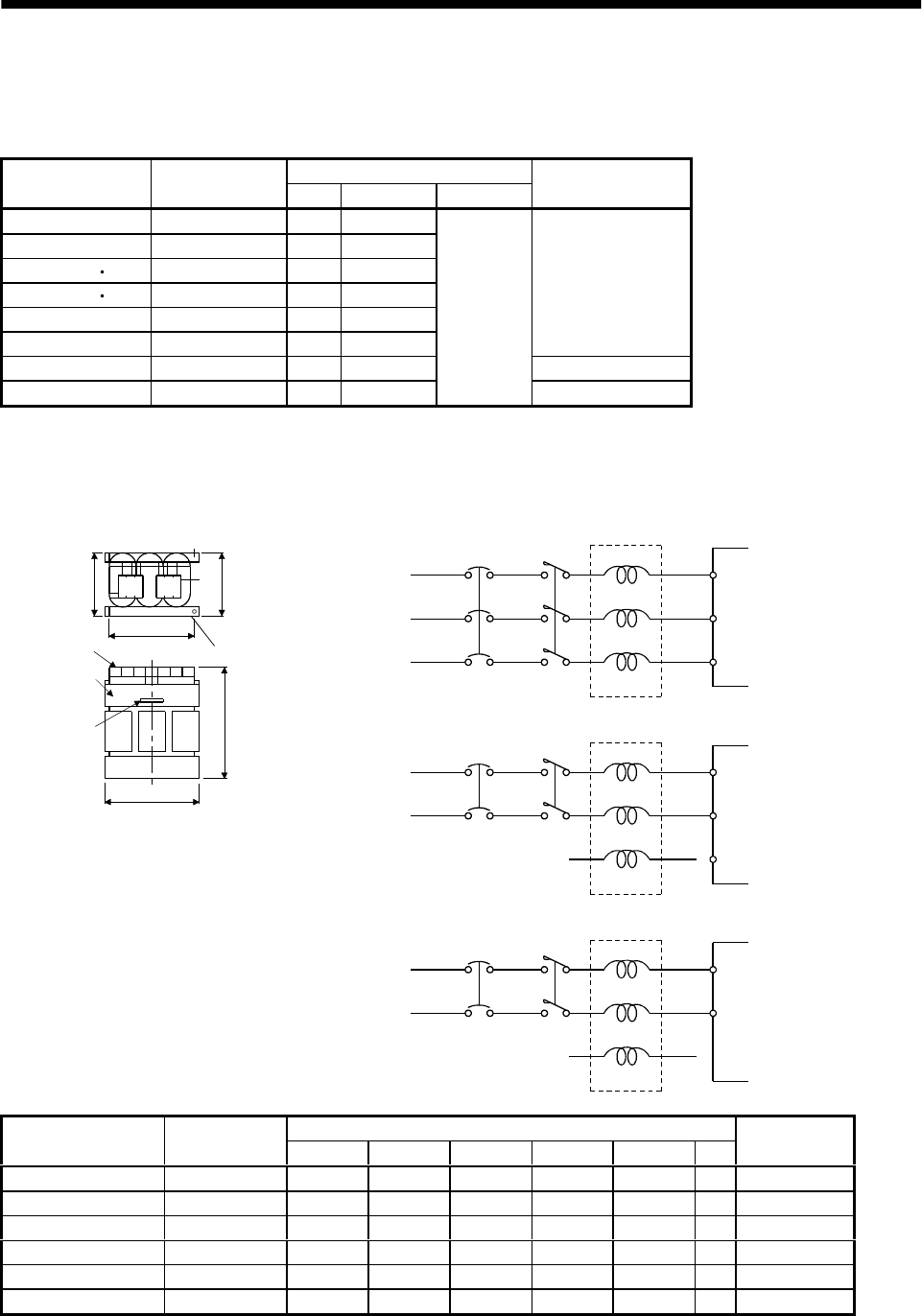
13 - 21
13. OPTIONS AND AUXILIARY EQUIPMENT
13.2.2 No-fuse breakers, fuses, magnetic contactors
Always use one no-fuse breaker and one magnetic contactor with one servo amplifier. When using a fuse
instead of the no-fuse breaker, use the one having the specifications given in this section.
Fuse
Servo amplifier No-fuse breaker Class Current [A] Voltage [V] Magnetic contactor
MR-J2S-10A(1) NF30 type 5A K5 10
MR-J2S-20A NF30 type 5A K5 10
MR-J2S-40A 20A1 NF30 type 10A K5 15
MR-J2S-60A 40A1 NF30 type 15A K5 20
MR-J2S-70A NF30 type 15A K5 20
MR-J2S-100A NF30 type 15A K5 25
S-N10
MR-J2S-200A NF30 type 20A K5 40 S-N18
MR-J2S-350A NF30 type 30A K5 70
AC250
S-N20
13.2.3 Power factor improving reactors
The input power factor is improved to be about 90%. For use with a 1-phase power supply, it may be
slightly lower than 90%.
3-phase
200 to 230VAC
NFB
FR-BAL Servo amplifier
R
S
T
X
Y
Z
L1
L2
L3
MC
1-phase
230VAC
NFB
FR-BAL Servo amplifier
R
S
T
X
Y
Z
L1
L2
L3
MC
B or less
F mounting screw
Terminal block
Specification
number
Serial
number
C or less
E
D
A
RXS YTZ
1-phase
100 to120VAC
NFB
FR-BAL Servo amplifier
R
S
T
X
Y
Z
L1
L2
MC
Dimensions [mm (in) ]
Servo amplifier Model ABCDEF
Weight [kg (lb)]
MR-J2S-10A(1)/20A FR-BAL-0.4K 135 (5.31) 64 (2.25) 120 (4.72) 120 (4.72) 45 (1.77) M4 2 (4.4)
MR-J2S-40A/20A1 FR-BAL-0.75K 135 (5.31) 74 (2.91) 120 (4.72) 120 (4.72) 57 (2.24) M4 3 (6.6)
MR-J2S-60A/70A/40A1 FR-BAL-1.5K 160 (6.30) 76 (2.99) 145 (5.71) 145 (5.71) 55 (2.17) M4 4 (8.8)
MR-J2S-100A FR-BAL-2.2K 160 (6.30) 96 (3.78) 145 (5.71) 145 (5.71) 75 (2.95) M4 6 (13.2)
MR-J2S-200A FR-BAL-3.7K 220 (8.66) 95 (3.74) 200 (7.87) 200 (7.87) 70 (2.76) M5 8.5 (18.7)
MR-J2S-350A FR-BAL-7.5K 220 (8.66) 125 (4.92) 205 (8.07) 200 (7.87) 100 (3.94) M5 14.5 (32.0)
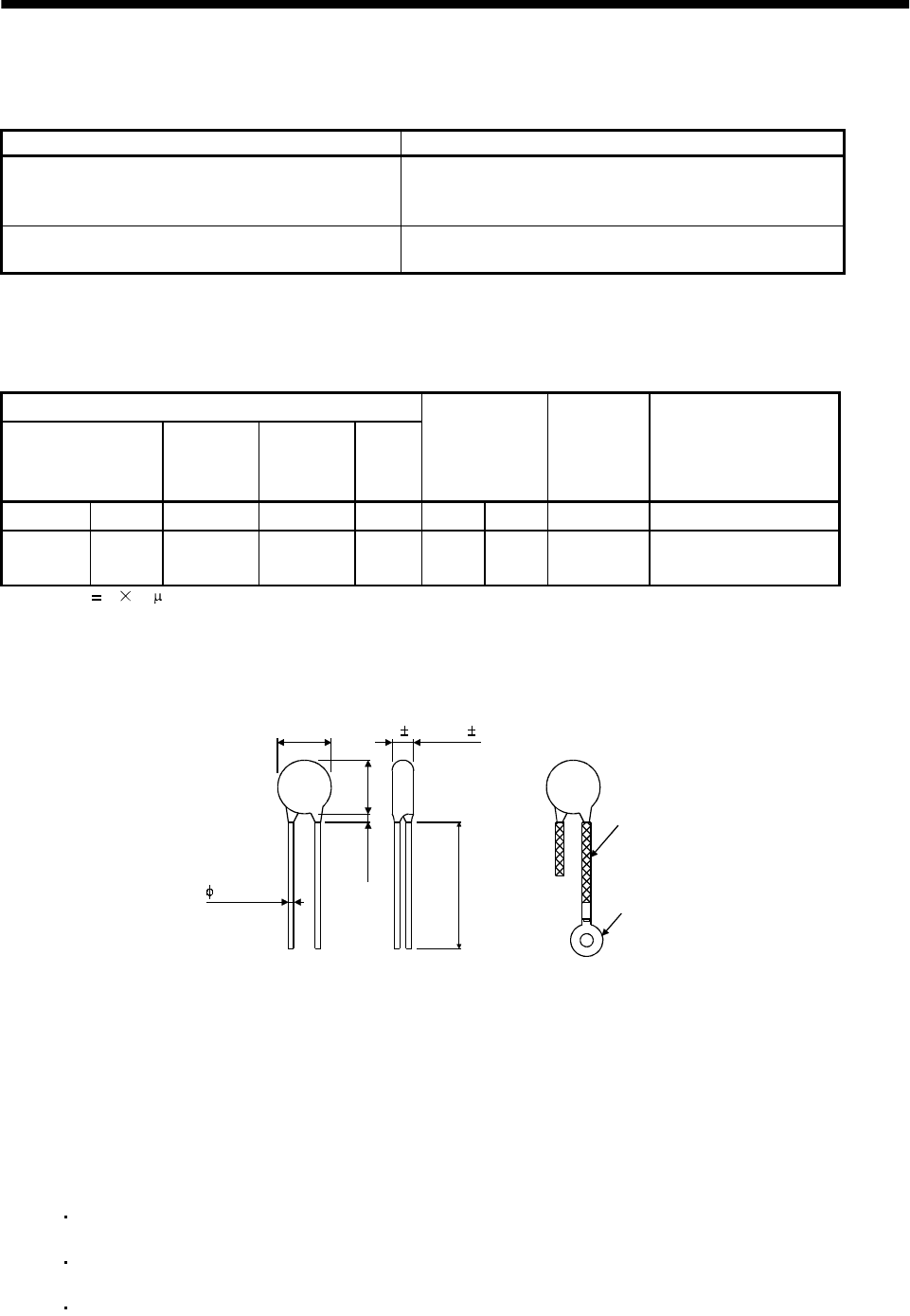
13 - 22
13. OPTIONS AND AUXILIARY EQUIPMENT
13.2.4 Relays
The following relays should be used with the interfaces:
Interface Selection example
Relay used especially for switching on-off analog input
command and input command (interface DI-1) signals To prevent defective contacts , use a relay for small signal
(twin contacts).
(Ex.) Omron : type G2A , MY
Relay used for digital output signals (interface DO-1) Small relay with 12VDC or 24VDC of 40mA or less
(Ex.) Omron : type MY
13.2.5 Surge absorbers
A surge absorber is required for the electromagnetic brake. Use the following surge absorber or equivalent.
Insulate the wiring as shown in the diagram.
Maximum rating
Permissible circuit
voltage
Surge
immunity
Energy
immunity
Rated
power
Maximum
limit voltage
Static
capacity
(reference
value)
Varistor voltage
rating (range) V1mA
AC[Vma] DC[V] [A] [J] [W] [A] [V] [pF] [V]
140 180 (Note)
500/time 5 0.4 25 360 300 220
(198 to 242)
Note: 1 time 8 20 s
(Example) ERZV10D221 (Matsushita Electric)
TNR-12G221K (Marcon Electronics)
Outline drawing [mm] ( [in] ) (ERZ-C10DK221)
13.5 (0.53)
16.5
(0.65)
3.0 (0.12)
or less
30.0 (1.18)
or more
Crimping terminal
for M4 screw
Vinyl tube
4.7 1.0 (0.19 0.04)
0.8 (0.03)
13.2.6 Noise reduction techniques
Noises are classified into external noises which enter the servo amplifier to cause it to malfunction and
those radiated by the servo amplifier to cause peripheral devices to malfunction. Since the servo amplifier
is an electronic device which handles small signals, the following general noise reduction techniques are
required.
Also, the servo amplifier can be a source of noise as its outputs are chopped by high carrier frequencies. If
peripheral devices malfunction due to noises produced by the servo amplifier, noise suppression measures
must be taken. The measures will vary slightly with the routes of noise transmission.
(1) Noise reduction techniques
(a) General reduction techniques
Avoid laying power lines (input and output cables) and signal cables side by side or do not bundle
them together. Separate power lines from signal cables.
Use shielded, twisted pair cables for connection with the encoder and for control signal
transmission, and connect the shield to the SD terminal.
Ground the servo amplifier, servo motor, etc. together at one point (refer to Section 3.10).
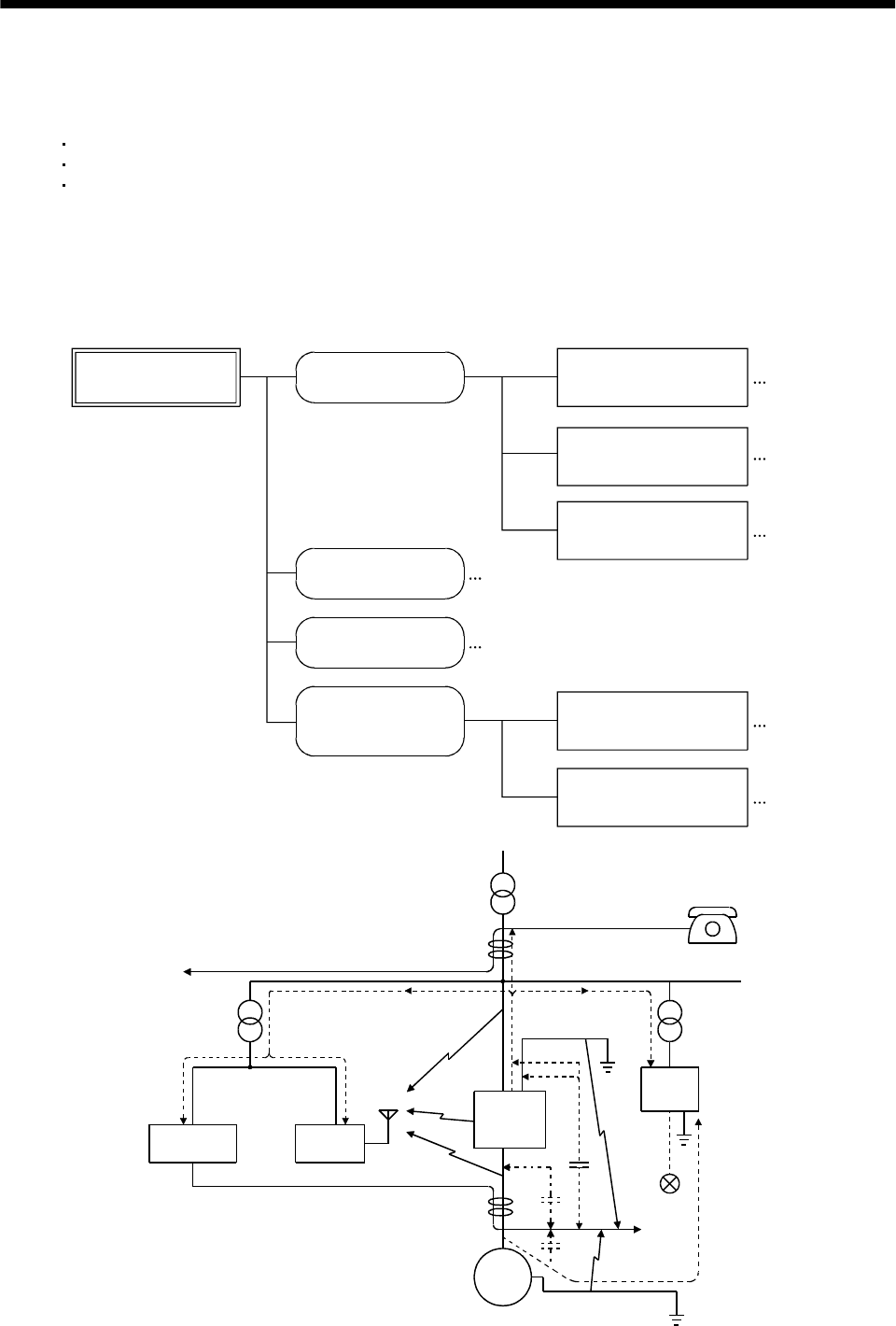
13 - 23
13. OPTIONS AND AUXILIARY EQUIPMENT
(b) Reduction techniques for external noises that cause the servo amplifier to malfunction
If there are noise sources (such as a magnetic contactor, an electromagnetic brake, and many
relays which make a large amount of noise) near the servo amplifier and the servo amplifier may
malfunction, the following countermeasures are required.
Provide surge absorbers on the noise sources to suppress noises.
Attach data line filters to the signal cables.
Ground the shields of the encoder connecting cable and the control signal cables with cable clamp
fittings.
(c) Techniques for noises radiated by the servo amplifier that cause peripheral devices to malfunction
Noises produced by the servo amplifier are classified into those radiated from the cables connected
to the servo amplifier and its main circuits (input and output circuits), those induced
electromagnetically or statically by the signal cables of the peripheral devices located near the
main circuit cables, and those transmitted through the power supply cables.
Noises produced
by servo amplifier Noises transmitted
in the air Noise radiated directly
from servo amplifier
Magnetic induction
noise
Static induction
noise
Noises transmitted
through electric
channels
Noise radiated from the
power supply cable
Noise radiated from
servo motor cable
Noise transmitted through
power supply cable
Noise sneaking from
grounding cable due to
leakage current
Routes 4) and 5)
Route 1)
Route 2)
Route 3)
Route 7)
Route 8)
Route 6)
Instrument Receiver
Servo
amplifier
Servo motor SM
2)
2)
8)
1)
7)
7) 7)
5)
3)
4)
6)
3)
Sensor
power
supply
Sensor
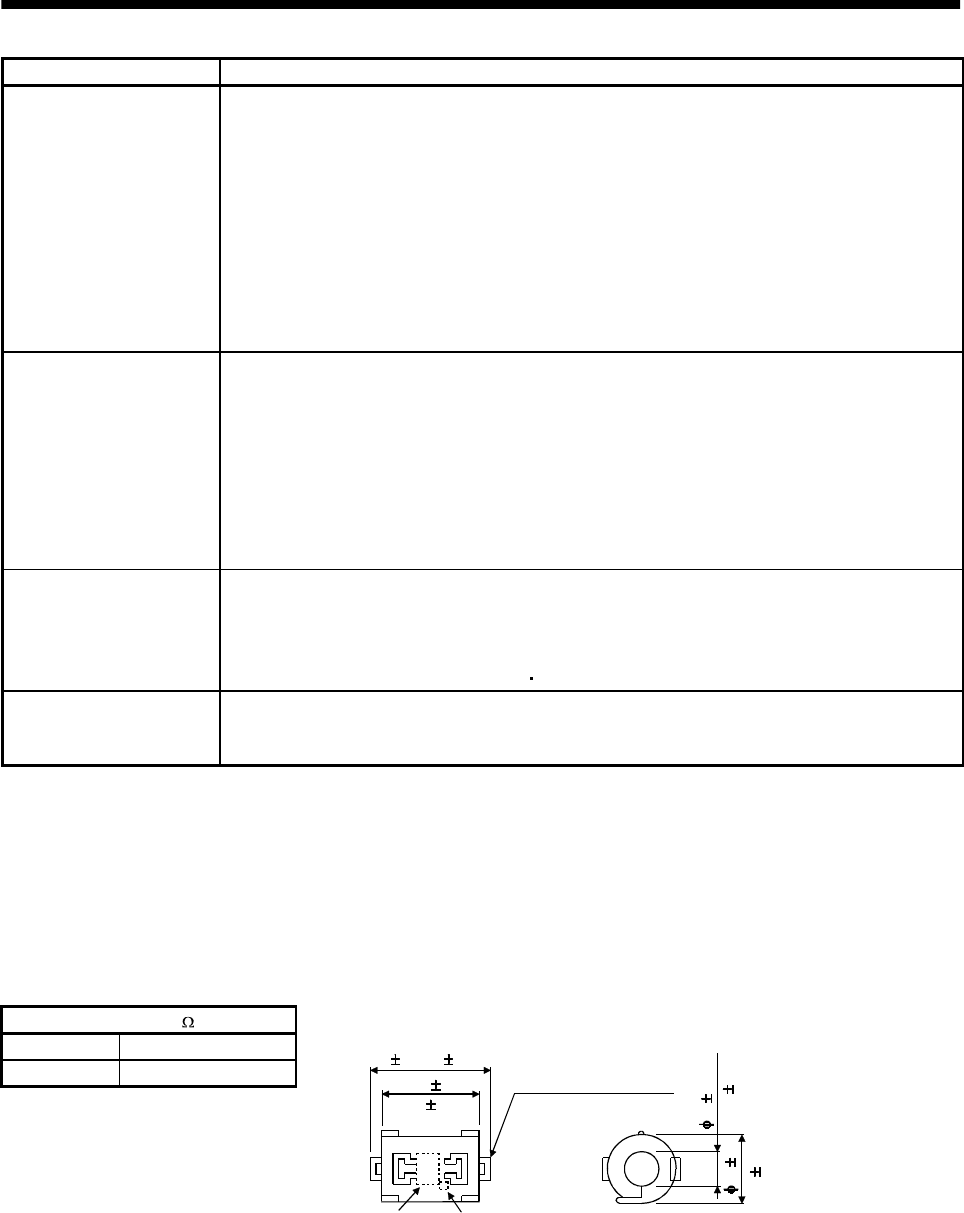
13 - 24
13. OPTIONS AND AUXILIARY EQUIPMENT
Noise transmission route Suppression techniques
1) 2) 3)
When measuring instruments, receivers, sensors, etc. which handle weak signals and may
malfunction due to noise and/or their signal cables are contained in a control box together with the
servo amplifier or run near the servo amplifier, such devices may malfunction due to noises
transmitted through the air. The following techniques are required.
(1) Provide maximum clearance between easily affected devices and the servo amplifier.
(2) Provide maximum clearance between easily affected signal cables and the I/O cables of the servo
amplifier.
(3) Avoid laying the power lines (I/O cables of the servo amplifier) and signal cables side by side or
bundling them together.
(4) Insert a line noise filter to the I/O cables or a radio noise filter on the input line.
(5) Use shielded wires for signal and power cables or put cables in separate metal conduits.
4) 5) 6)
When the power lines and the signal cables are laid side by side or bundled together, magnetic
induction noise and static induction noise will be transmitted through the signal cables and
malfunction may occur. The following techniques are required.
(1) Provide maximum clearance between easily affected devices and the servo amplifier.
(2) Provide maximum clearance between easily affected signal cables and the I/O cables of the servo
amplifier.
(3) Avoid laying the power lines (I/O cables of the servo amplifier) and signal cables side by side or
bundling them together.
(4) Use shielded wires for signal and power cables or put the cables in separate metal conduits.
7)
When the power supply of peripheral devices is connected to the power supply of the servo
amplifier system, noises produced by the servo amplifier may be transmitted back through the
power supply cable and the devices may malfunction. The following techniques are required.
(1) Insert the radio noise filter (FR-BIF) on the power cables (I/O cables) of the servo amplifier.
(2) Insert the line noise filter (FR-BSF01 FR-BLF) on the power cables of the servo amplifier.
8) When the cables of peripheral devices are connected to the servo amplifier to make a closed loop
circuit, leakage current may flow to malfunction the peripheral devices. If so, malfunction may be
prevented by disconnecting the grounding cable of the peripheral device.
(2) Noise reduction products
(a) Data line filter
Noise can be prevented by installing a data line filter onto the encoder cable, etc.
For example, the ZCAT3035-1330 of TDK make and the ESD-SR-25 of Tokin make are available as
data line filters.
As a reference example, the impedance specifications of the ZCAT3035-1330 (TDK make) are
indicated below.
This impedances are reference values and not guaranteed values.
Impedance[ ]
10 to 100MHZ 100 to 500MHZ
80 150
Outline drawin
g
(
ZCAT3035-1330
)
[Unit: mm]([Unit: in.])
Loop for fixing the
cable band
Lot number Product name
TDK
39 1(1.54 0.04)
34 1
(1.34 0.04)
13 1
(0.51 0.04)
30 1
(1.18 0.04)
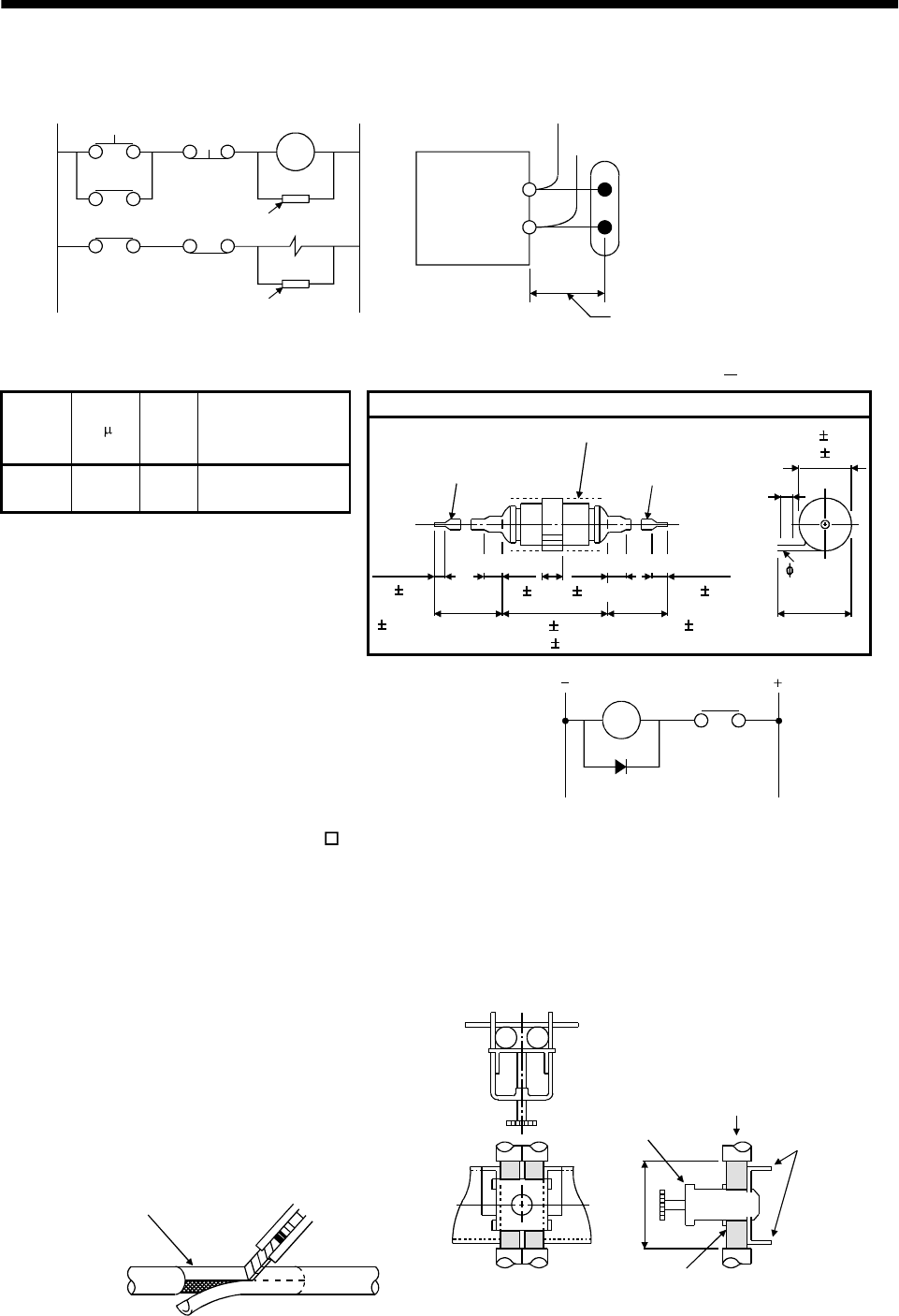
13 - 25
13. OPTIONS AND AUXILIARY EQUIPMENT
(b) Surge suppressor
The recommended surge suppressor for installation to an AC relay, AC valve, AC electromagnetic
brake or the like near the servo amplifier is shown below. Use this product or equivalent.
MS
Surge suppressor Relay
This distance should be short
(within 20cm(0.79 in.)).
Surge suppressor
Surge suppressor
(Ex.) 972A.2003 50411
(Matsuo Electric Co.,Ltd. 200VAC rating)
Outline drawing [Unit: mm] ([Unit: in.])
Rated
voltage
AC[V]
C [ F] R [Ω] Test voltage AC[V]
200 0.5 50
(1W) Across
T-C 1000(1 to 5s)
Blue vinyl cord Red vinyl cord
Vinyl sheath
200(7.87)
or more 200(7.87)
or more
6(0.24)
31(1.22)
10(0.39)or less 10(0.39)or less
15 1(0.59 0.04)
48 1.5
(
1.89 0.06
)
10 3
(0.39
0.15)
10 3
(0.39
0.12)
4(0.16)
18 1.5
(0.71 0.06)
Note that a diode should be installed to a DC relay, DC valve or
the like.
Maximum voltage: Not less than 4 times the drive voltage of
the relay or the like
Maximum current: Not less than twice the drive current of
the relay or the like
RA
Diode
(c) Cable clamp fitting (AERSBAN -SET)
Generally, the earth of the shielded cable may only be connected to the connector's SD terminal.
However, the effect can be increased by directly connecting the cable to an earth plate as shown
below.
Install the earth plate near the servo amplifier for the encoder cable. Peel part of the cable sheath
to expose the external conductor, and press that part against the earth plate with the cable clamp.
If the cable is thin, clamp several cables in a bunch.
The clamp comes as a set with the earth plate.
Strip the cable sheath of
the clamped area. cutter
cable
Cable clamp
(A,B)
Cable
Earth plate
External conductor
Clamp section diagram
40(1.57)
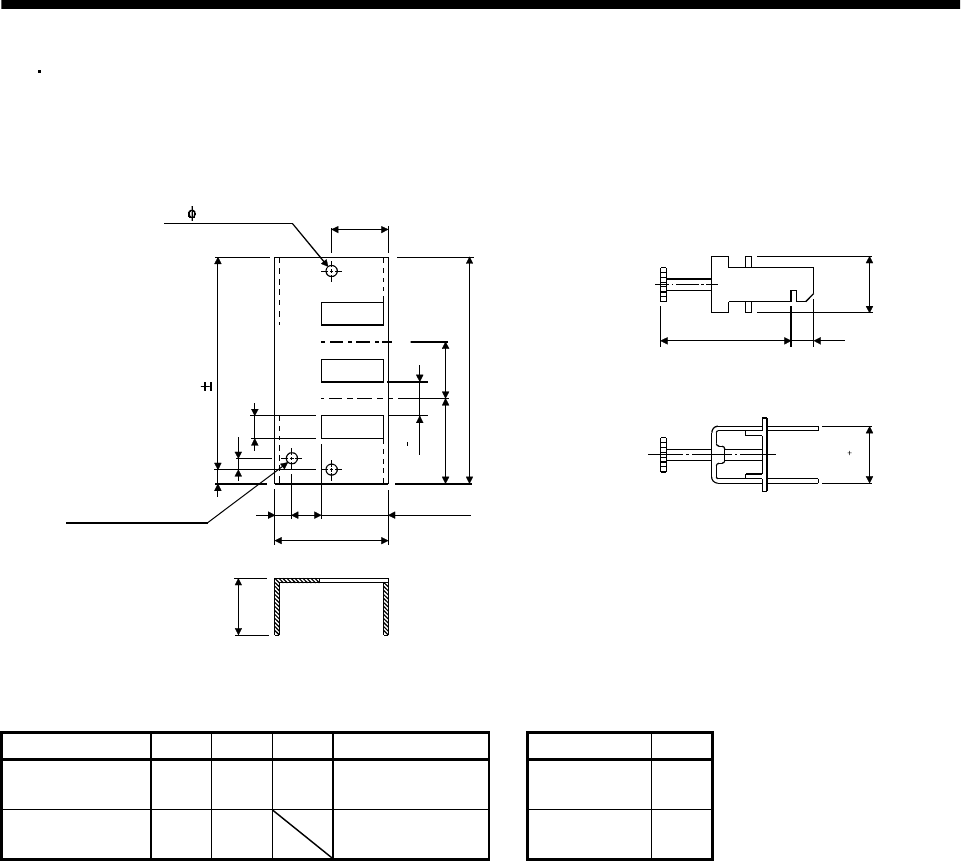
13 - 26
13. OPTIONS AND AUXILIARY EQUIPMENT
Outline drawing
Earth plate Clamp section diagram
(Note)M4 screw
11(0.43) 3 (0.12)
6 (0.24)
C
A
622(0.87)
17.5(0.69)
35(1.38)
35 (1.38)
L or less 10(0.39)
30(1.18)
7 (0.28)
24
0
0.2
Note: Screw hole for grounding. Connect it to
the earth plate of the control box.
(0.24)
24
0.3
0
(0.940)
(0.940)
[Unit: mm]
([Unit: in.])
B 0.3(0.01)
2- 5(0.20) hole
installation hole
Type A B C Accessory fittings Clamp fitting L
AERSBAN-DSET 100
(3.94) 86
(3.39) 30
(1.18) clamp A: 2pcs. A 70
(2.76)
AERSBAN-ESET 70
(2.76) 56
(2.20) clamp B: 1pc. B 45
(1.77)
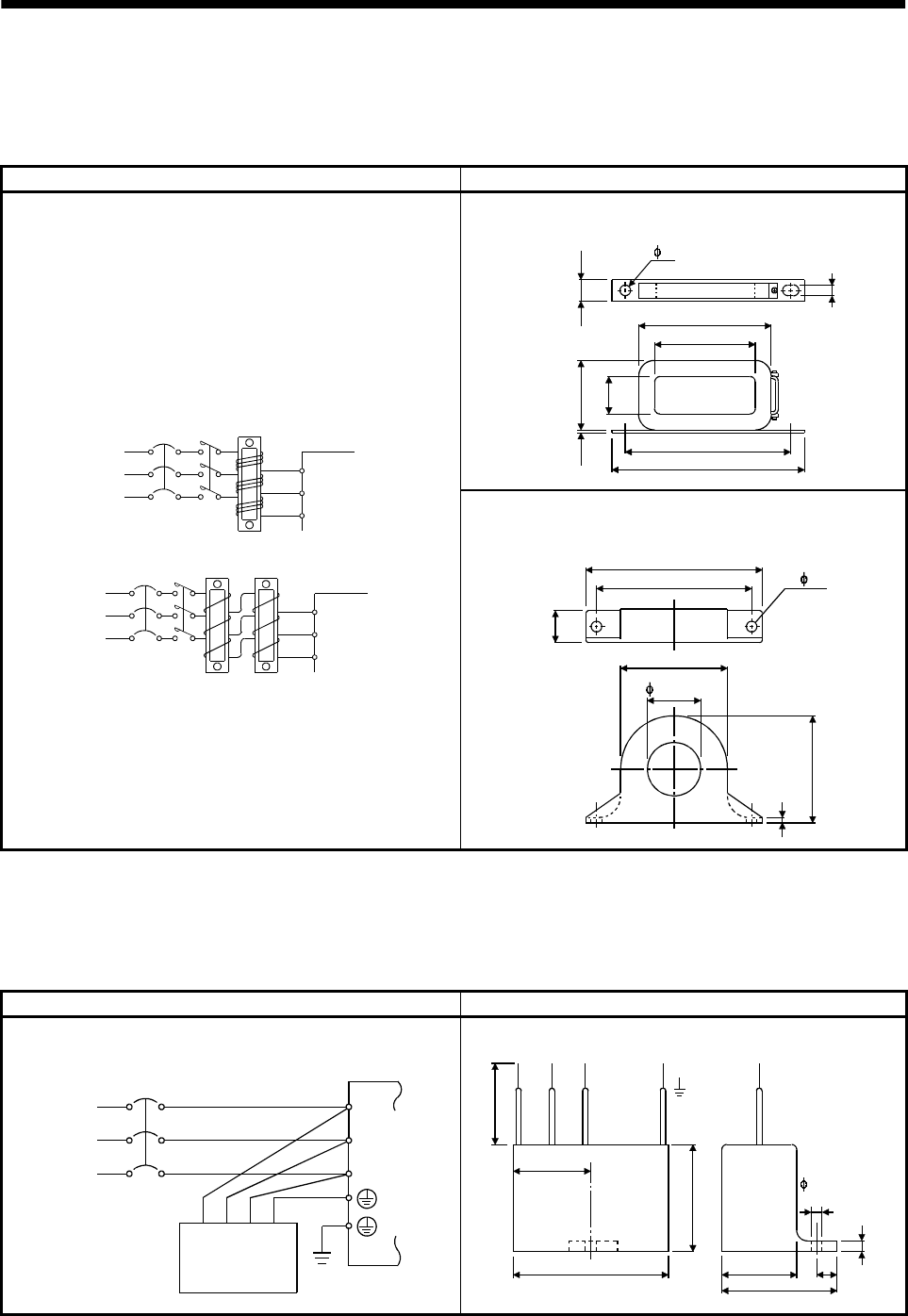
13 - 27
13. OPTIONS AND AUXILIARY EQUIPMENT
(d) Line noise filter (FR-BLF, FR-BSF01)
This filter is effective in suppressing noises radiated from the power supply side and output side of
the servo amplifier and also in suppressing high-frequency leakage current (zero-phase current)
especially within 0.5MHz to 5MHz band.
Connection diagram Outline drawing [Unit: mm] ([Unit: in.])
FR-BLF(MR-J2S-350A)
160 (6.30)
180 (7.09)
130 (5.12)
85 (3.35)
80 (3.15)
2.3
(0.09)
35 (1.38)
7 (0.28)
31.5 (1.24)
7 (0.28)
Wind the 3-phase wires by the equal number of times in the
same direction, and connect the filter to the power supply side
and output side of the servo amplifier.
The effect of the filter on the power supply side is higher as the
number of winds is larger. The number of turns is generally four.
If the wires are too thick to be wound, use two or more filters
and make the total number of turns as mentioned above.
On the output side, the number of turns must be four or less.
Do not wind the grounding wire together with the 3-phase wires.
The filter effect will decrease. Use a separate wire for grounding.
Example 2
Two filters are used
(Total number of turns: 4)
Power
supply
Servo amplifier
Line noise
filter
NFB
L3
L1
L2
Example 1
(Number of turns: 4)
Power
supply
NFB
L1
L2
L3
Servo amplifier
Line noise
filter
3 (0.12)
FR-BSF01(for MR-J2S-200A or less)
110 (4.33)
95 (3.74)
22 (0.87)
65 (2.56)
65 (2.56)
33 (1.3)
2- 5 (0.20)
(e) Radio noise filter (FR-BIF)...for the input side only
This filter is effective in suppressing noises radiated from the power supply side of the servo
amplifier especially in 10MHz and lower radio frequency bands. The FR-BIF is designed for the
input only.
Connection diagram Outline drawing (Unit: mm) ([Unit: in.])
Make the connection cables as short as possible.
Grounding is always required.
NFB
Power
supply
Servo amplifier
Radio noise
filter FR-BIF
L1
L2
L3
Leakage current: 4mA
29 (1.14)
58 (2.28)
42 (1.65)
4 (0.16)
Red BlueWhite Green
44
(
1.73
)
29 (1.14) 7 (0.28)
hole
About 300(11.81)
5 (0.20)
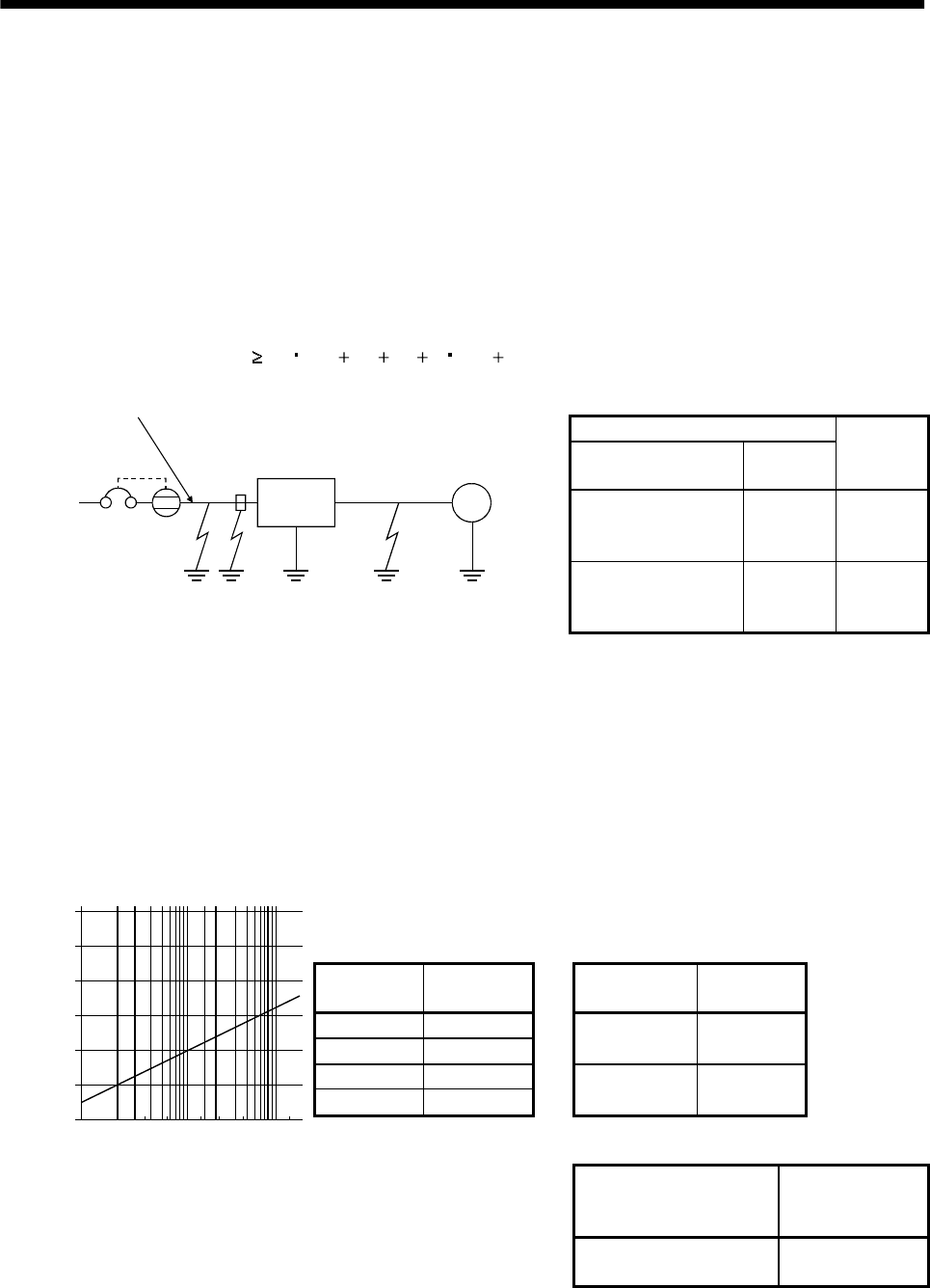
13 - 28
13. OPTIONS AND AUXILIARY EQUIPMENT
13.2.7 Leakage current breaker
(1) Selection method
High-frequency chopper currents controlled by pulse width modulation flow in the AC servo circuits.
Leakage currents containing harmonic contents are larger than those of the motor which is run with a
commercial power supply.
Select a leakage current breaker according to the following formula, and ground the servo amplifier,
servo motor, etc. securely.
Make the input and output cables as short as possible, and also make the grounding cable as long as
possible (about 30cm (11.8 in)) to minimize leakage currents.
Rated sensitivity current 10 {Ig1 Ign Iga K(Ig2 Igm)} [mA] ..........(13.2)
K: Constant considering the harmonic contents
Leakage current breaker
Type Mitsubishi
products
K
Models provided with
harmonic and surge
reduction techniques
NV-SF
NV-CF 1
General models NV-CA
NV-CS
NV-SS 3
SM
Servo
amplifier
Noise
filter
NV
Ig1 Ign Iga Ig2 Igm
Cable
Cable
Ig1: Leakage current on the electric channel from the leakage current breaker to the input terminals
of the servo amplifier (Found from Fig. 13.1.)
Ig2: Leakage current on the electric channel from the output terminals of the servo amplifier to the
servo motor (Found from Fig. 13.1.)
Ign: Leakage current when a filter is connected to the input side (4.4mA per one FR-BIF)
Iga: Leakage current of the servo amplifier (Found from Table 13.6.)
Igm: Leakage current of the servo motor (Found from Table 13.5.)
Table 13.5 Servo motor's
leakage current
example (Igm)
Table 13.6 Servo amplifier's
leakage current
example (Iga)
Servo motor
output [kW]
Leakage
current [mA]
Servo amplifier
capacity [kW]
Leakage
current [mA]
0.05 to 0.5 0.1
0.6 to 1.0 0.1 0.1 to 0.6 0.1
1.2 to 2.2 0.2
3 to 3.5 0.3 0.7 to 3.5 0.15
Table 13.7 Leakage circuit breaker selection example
Servo amplifier
Rated sensitivity
current of leakage
circuit breaker
120
100
80
60
40
20
023.5
5.5
81422388015
0
30 60 100
Fig. 13.1 Leakage current example
(Ig1, Ig2) for CV cable run
in metal conduit
Cable size[mm2]
[mA]
Leakage current
MR-J2S-10A to MR-J2S-350A
MR-J2S-10A1 to MR-J2S-40A1 15 [mA]
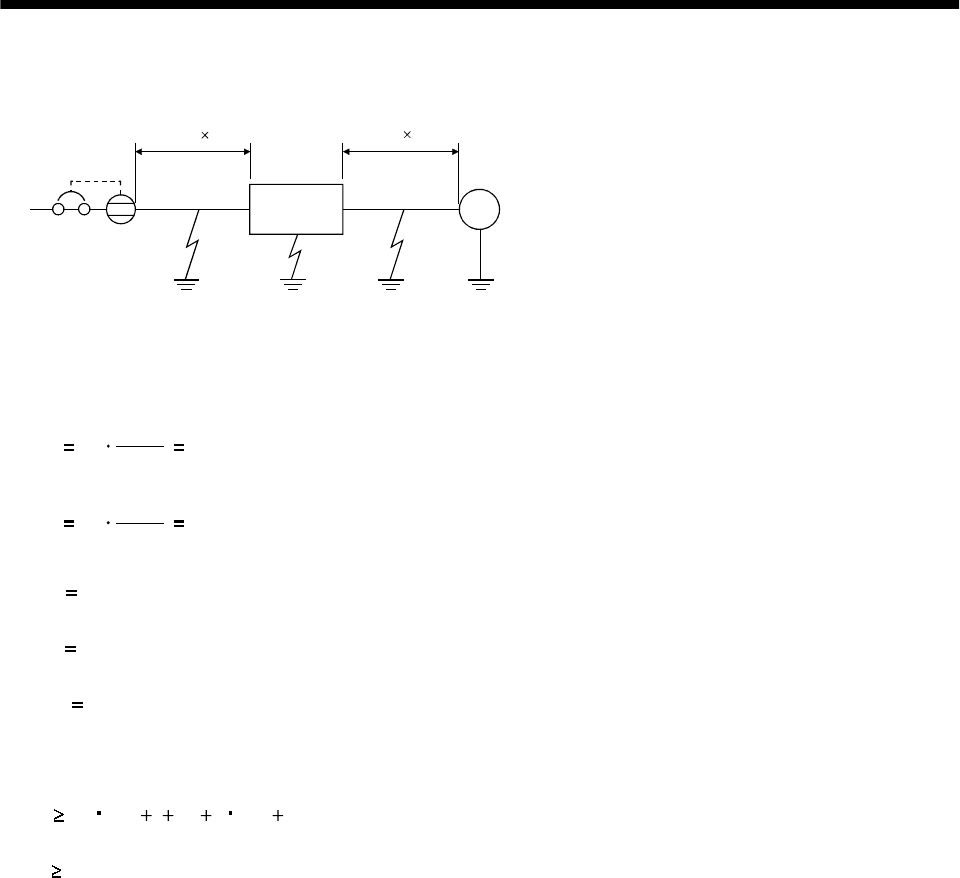
13 - 29
13. OPTIONS AND AUXILIARY EQUIPMENT
(2) Selection example
Indicated below is an example of selecting a leakage current breaker under the following conditions:
SM
Servo
amplifier
MR-J2S-60A
Servo motor
HC-MFS73
Ig1 Ig2
Iga Igm
NV
2mm2 5m 2mm2 5m
Use a leakage current breaker generally available.
Find the terms of Equation (13.2) from the diagram:
Ig1 20 1000
50.1 [mA]
Ig2 20 1000
50.1 [mA]
Ign 0 (not used)
Iga 0.1 [mA]
Igm 0.1 [mA]
Insert these values in Equation (13.2):
Ig 10 {0.1 00.1 3(0.1 0.1)}
8.0 [mA]
According to the result of calculation, use a leakage current breaker having the rated sensitivity
current (Ig) of 8.0[mA] or more. A leakage current breaker having Ig of 15[mA] is used with the NV-
CA/CS/SS series.
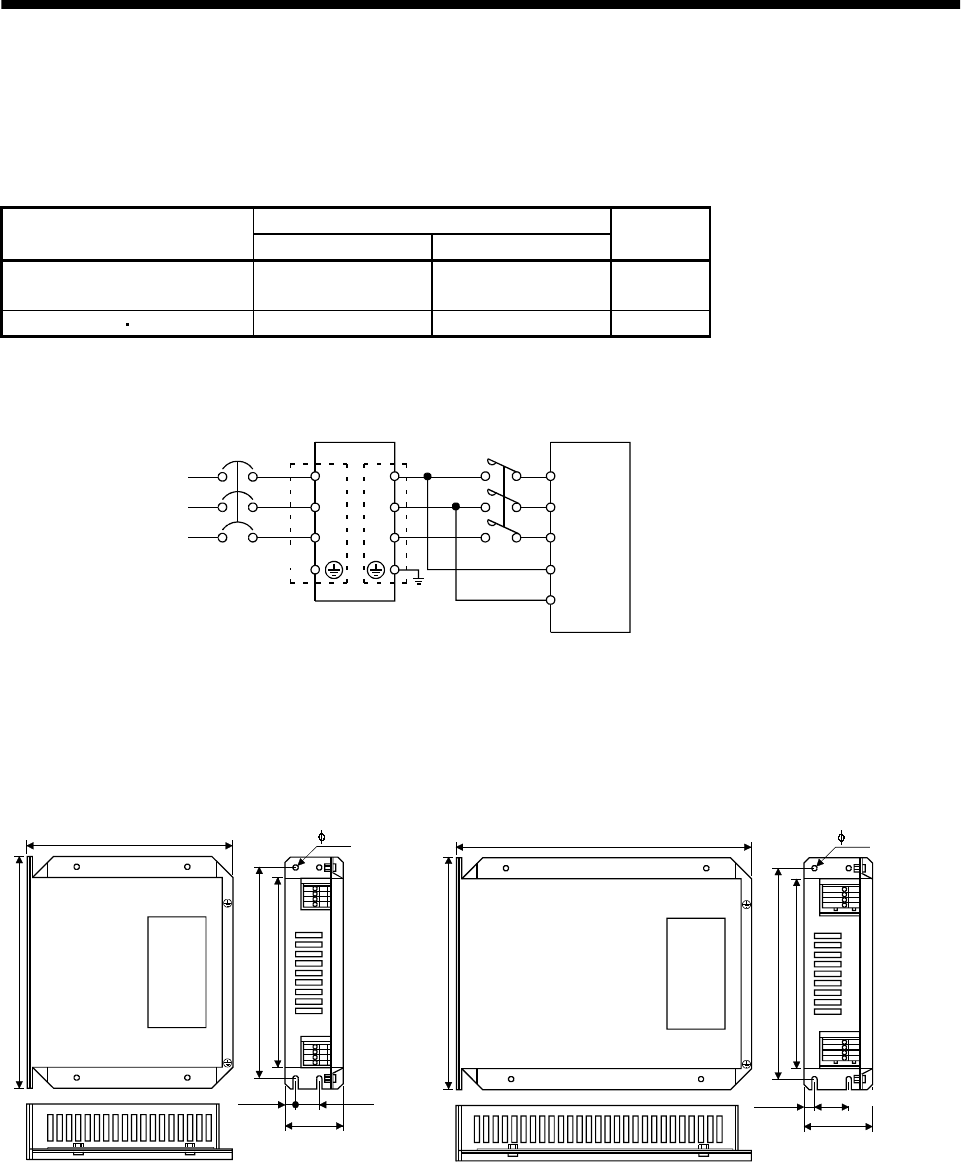
13 - 30
13. OPTIONS AND AUXILIARY EQUIPMENT
13.2.8 EMC filter
For compliance with the EMC Directive of the EN Standard, it is recommended to use the following filter:
(1) Combination with the servo amplifier
Recommended filter
Servo amplifier (Note) Model Leakage current [mA] Weight [kg]
MR-J2S-10A to MR-J2S-100A
MR-J2S-10A1 to MR-J2S-40A1 SF1252 38 0.75
MR-J2S-200A MR-J2S-350A SF1253 57 1.37
Note: ROXBURGH make
(2) Connection example
NFB
L1
L2
L3
L11
L21
L1
L2
L3
LINE LOAD
3-phase
200 to 230V AC,
1-phase
230VAC or
1-phase
100 to120VAC
EMC filter Servo amplifier
(Note 1) Power supply
(Note 2)
Note: 1. For 1-phase 230VAC power supply, connect the power supply
to L1,L2 and leave L3 open.There is no L3 for 1-phase 100 to 120VAC
power supply.
2. Connect when the power supply has earth.
L1
L2
L3
(3) Outline drawing
23.0(0.906)
LABEL
LINELOAD
168.0(6.614)
L1'
L2'
L3'
L1
L2
L3
149.5(5.886)
LINE
(input side)
LOAD
(output side)
140.0(5.512)
156.0(6.142)
16.0(0.63)
42.0
8.5
SF1252
LABEL
LINELOAD
168.0(6.614)
L1'
L2'
L3'
L1
L2
L3
209.5(8.248)
LINE
(input side)
LOAD
(output side)
140.0(5.512)
156.0(6.142)
49.0
8.5
SF1253 [Unit: mm(in)]
(0.335)
(1.654)
(0.335)
(1.929)
6.0(0.236) 6.0(0.236)
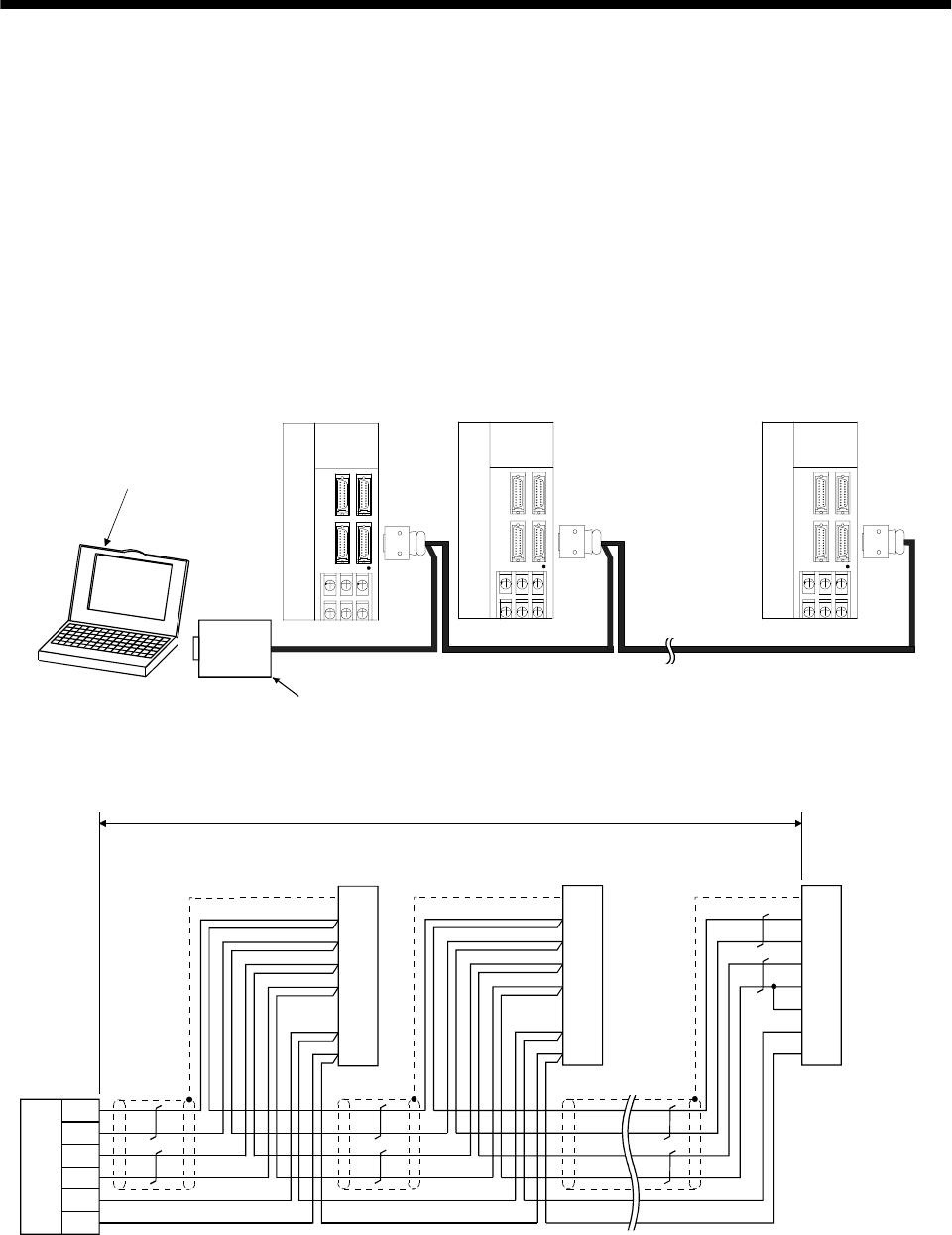
14 - 1
14. COMMUNICATION FUNCTIONS
14. COMMUNICATION FUNCTIONS
This servo amplifier has the RS-422 and RS-232C serial communication functions. These functions can be
used to perform servo operation, parameter changing, monitor function, etc.
However, the RS-422 and RS-232C communication functions cannot be used together. Select between RS-
422 and RS-232C with parameter No.16. (Refer to Section 14.2.2.)
14.1 Configuration
14.1.1 RS-422 configuration
(1) Outline
Up to 32 axes of servo amplifiers from stations 0 to 31 can be operated on the same bus.
CHARGE
MITSUBISHI
CHARGE
MITSUBISHI
CHARGE
MITSUBISHI
RS-422
Controller such as
personal computer
RS-232C/
RS-422
converter
To CN3
Axis 1 (Station 0) Axis 2 (Station 1) Axis 32 (Station 31)
Unavailable as option.
To be prepared by customer.
To CN3 To CN3
Servo amplifier Servo amplifier Servo amplifier
(2) Cable connection diagram
Wire as shown below:
RDP
RDN
SDP
SDN
GND
GND
5
15
9
19
11
1
10
RDP
RDN
SDP
SDN
LG
LG
TRE
SD
5
15
9
19
11
1
10
RDP
RDN
SDP
SDN
LG
LG
TRE
SD
5
15
9
19
11
1
10
RDP
RDN
SDP
SDN
LG
LG
TRE
SD
(Note 3) 30m max.
Plate
(Note 1)
Axis 2 servo amplifier
CN3 connector
Plate Plate
(Note 2)
RS-422
output unit
(Note 1)
Axis 1 servo amplifier
CN3 connector
(Note 1)
Axis 32 (last axis)
servo amplifier
CN3 connector
Note: 1. Connector set MR-J2CN1(3M or equivalent)
Connector: 10120-3000VE
Shell kit: 10320-52F0-008
2. In the last axis, connect TRE and RDN.
3. 30m max. in environment of little noise.
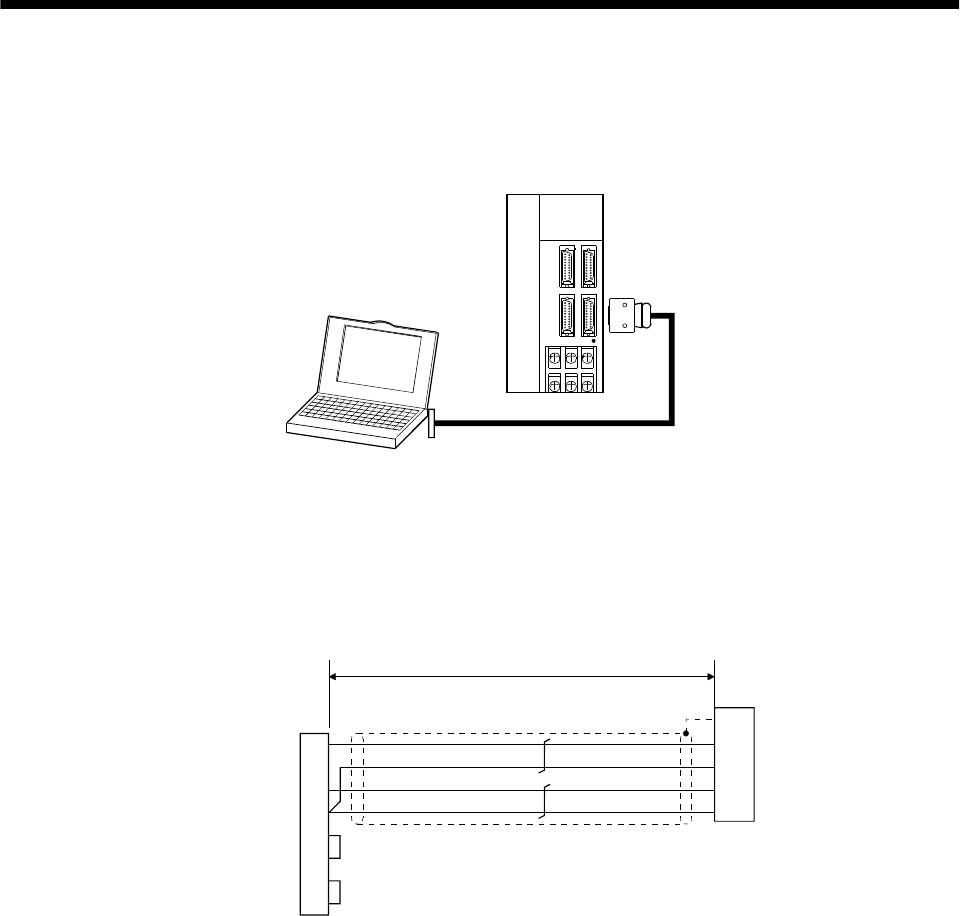
14 - 2
14. COMMUNICATION FUNCTIONS
14.1.2 RS-232C configuration
(1) Outline
A single axis of servo amplifier is operated.
CHARGE
MITSUBISHI
RS-232C
Controller such as
personal computer
Servo amplifier
To CN3
(2) Cable connection diagram
Wire as shown below. The communication cable for connection with the personal computer (MR-
CPCATCBL3M) is available. (Refer to Section 13.1.2.)
TXD
RXD
GND
RTS
CTS
12
11
2
1
TXD
GND
RXD
GND
FG
3
2
5
7
8
Personal computer
connector D-SUB25 (socket)
(Note 3)
(Note 2) 15m max. (Note 1)
Servo amplifie
r
CN3 connecto
r
Plate
DSR
DTR
6
4
Note: 1. 3M's CN3 connector
Connector: 10120-6000EL
Shell kit: 10320-3210-000
2. 15m max. in environment of little noise. However, this distance should be 3m max. for use at
38400bps or more baudrate.
3. For PC-AT compatible controller.
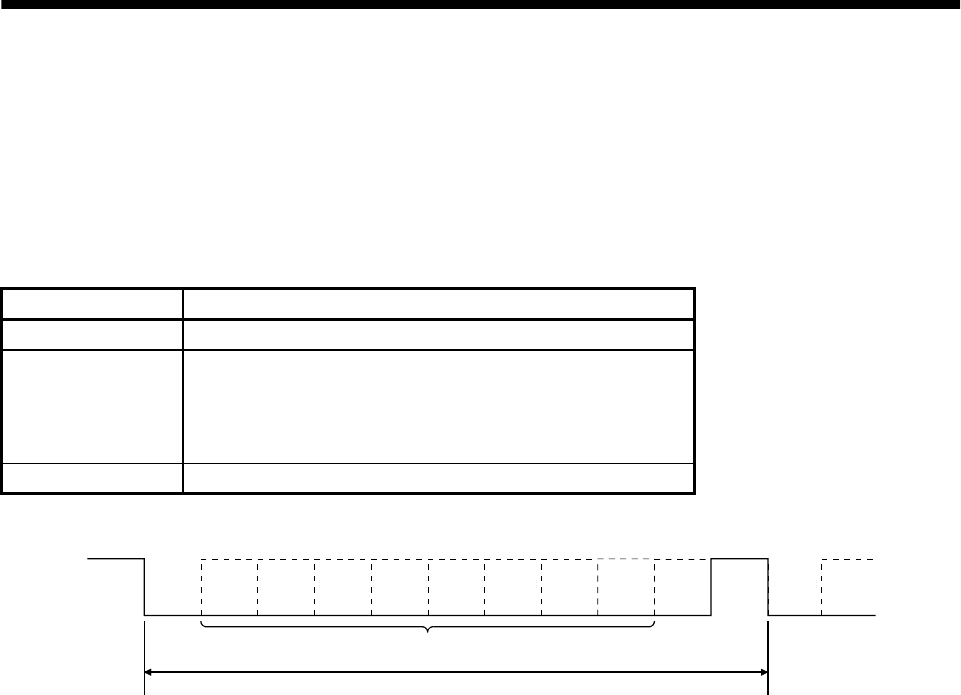
14 - 3
14. COMMUNICATION FUNCTIONS
14.2 Communication specifications
14.2.1 Communication overview
This servo amplifier is designed to send a reply on receipt of an instruction. The device which gives this
instruction (e.g. personal computer) is called a master station and the device which sends a reply in
response to the instruction (servo amplifier) is called a slave station. When fetching data successively, the
master station repeatedly commands the slave station to send data.
Item Description
Baudrate 9600/19200/38400/57600 asynchronous system
Transfer code
Start bit : 1 bit
Data bit : 8 bits
Parity bit : 1 bit (even)
Stop bit : 1 bit
Transfer protocol Character system, half-duplex communication system
1 frame (11bits)
Data
01234567
(LSB) (MSB)
Start Parity Stop
Next
start
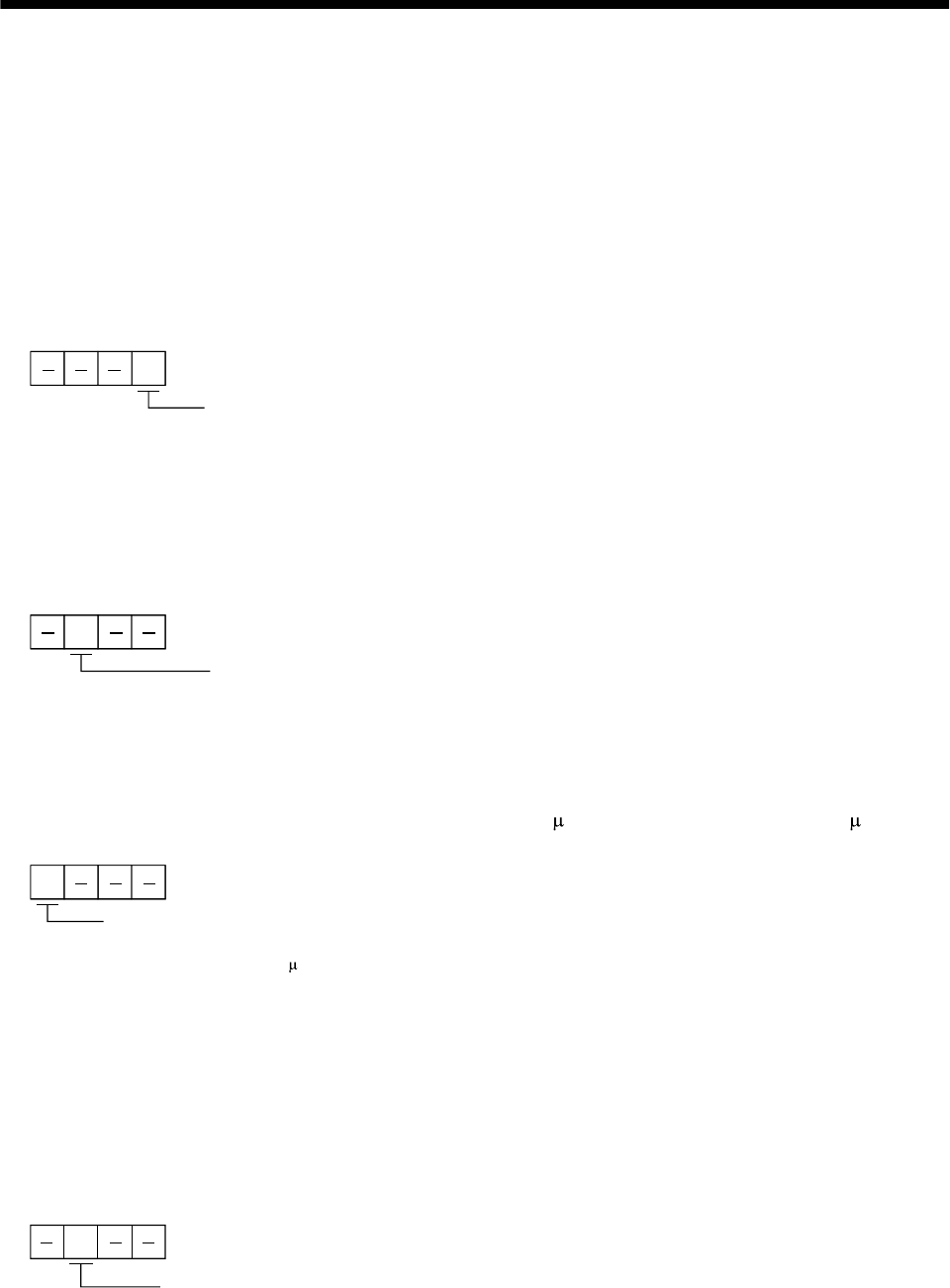
14 - 4
14. COMMUNICATION FUNCTIONS
14.2.2 Parameter setting
When the RS-422/RS-232C communication function is used to operate the servo, set the communication
specifications of the servo amplifier in the corresponding parameters.
After setting the values of these parameters, they are made valid by switching power off once, then on
again.
(1) Communication baudrate
Choose the communication speed. Match this value to the communication speed of the sending end
(master station).
Communication baudrate
0: 9600[bps]
1: 19200[bps]
2: 38400[bps]
3: 57600[bps]
Parameter No. 16
(2) RS-422/RS-232C serial interface selection
Select the RS-422 or RS-232C communication standard. RS-422 and RS-232C cannot be used together.
RS-422/RS-232C communication standard selection
0: RS-232C used
1: RS-422 used
Parameter No. 16
(3) Communication delay time
Set the time from when the servo amplifier (slave station) receives communication data to when it
sends back data. Set "0" to send back data in less than 800 s or "1" to send back data in 800 s or more.
Communication delay time
0: Invalid
1: Valid, reply sent in 800 s or more
Parameter No. 16
(4) Station number setting
Set the station number of the servo amplifier in parameter No. 15. The setting range is stations 0 to 31.
(5) Protocol station number selection
When communication is made without setting station numbers to servo amplifiers as in the MR-J2-A
servo amplifiers, choose "no station numbers" in parameter No. 53. The communication protocol will
be free of station numbers.
Parameter No. 53
Protocol station number selection
0: With station numbers
1: No station numbers
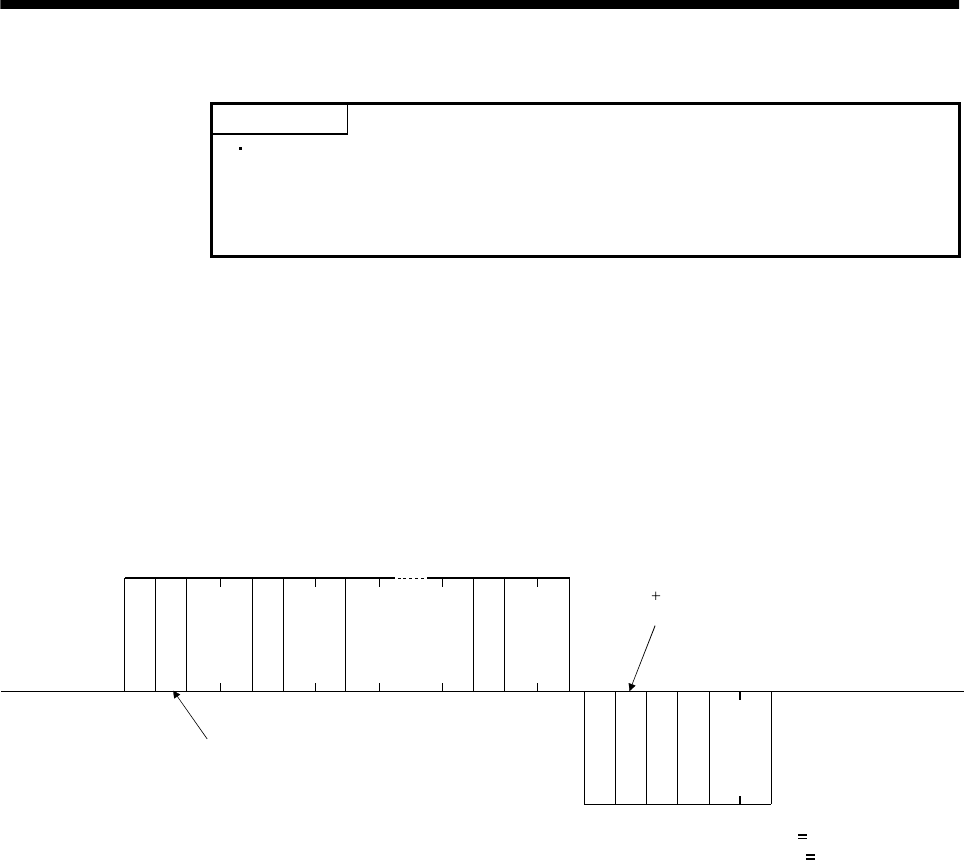
14 - 5
14. COMMUNICATION FUNCTIONS
14.3 Protocol
POINT
Whether station number setting will be made or not must be selected if
the RS-232C communication function is used. Note that choosing "no
station numbers" in parameter No. 53 will make the communication
protocol free of station numbers as in the MR-J2-A servo amplifiers.
Since up to 32 axes may be connected to the bus, add a station number or group to the command, data
No., etc. to determine the destination servo amplifier of data communication. Set the station number to
each servo amplifier using the parameter and set the group to each station using the communication
command. Transmission data is valid for the servo amplifier of the specified station number or group.
When "*" is set as the station number added to the transmission data, the transmission data is made
valid for all servo amplifiers connected. However, when return data is required from the servo amplifier
in response to the transmission data, set "0" to the station number of the servo amplifier which must
provide the return data.
(1) Transmission of data from the controller to the servo
S
O
H
S
T
X
E
T
X
S
T
X
E
T
X
Data
No. Data* Check
sum
10 frames (data)
Station number
or
group
Error code
Check
sum
6 frames
Positive response: Error code A
Negative response: Error code other than A
Servo side
(Slave station)
Controller side
(Master station)
Command
Station number
or
group
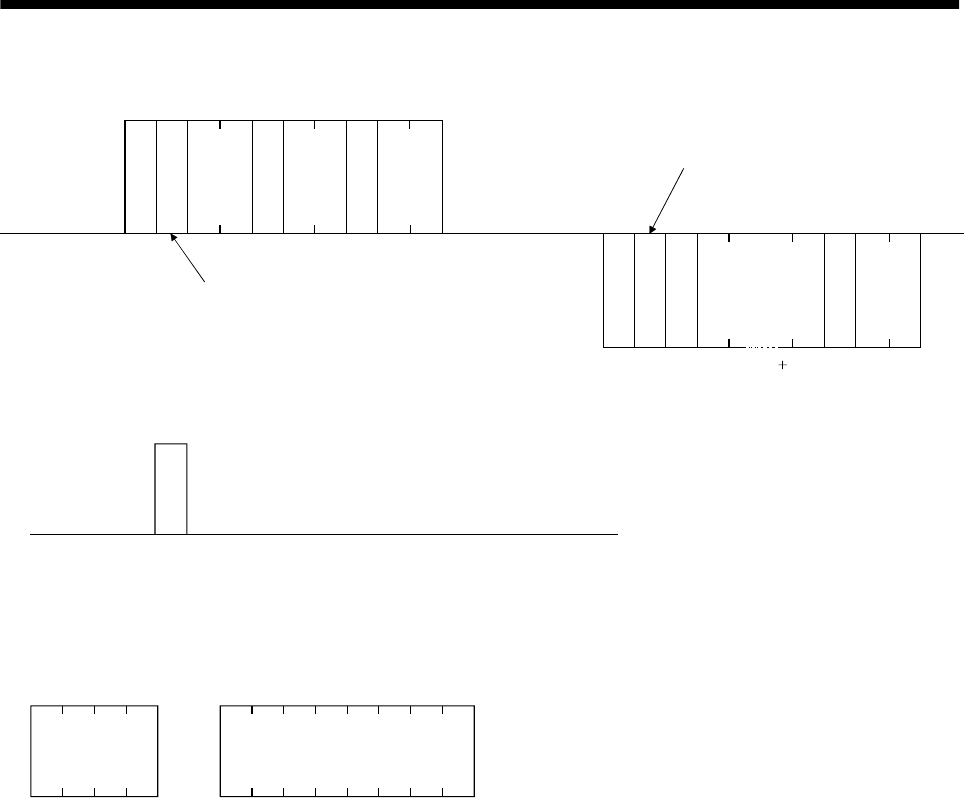
14 - 6
14. COMMUNICATION FUNCTIONS
(2) Transmission of data request from the controller to the servo
S
O
H
S
T
X
E
T
X
S
T
X
E
T
X
Controller side
(Master station)
Servo side
(Slave station)
10 frames
Command
Data
No.
Check
sum
Error code
Data* Check
sum
6 frames (data)
Station number
or
group
Station number
or
group
(3) Recovery of communication status by time-out
E
O
T
Controller side
(Master station)
Servo side
(Slave station)
EOT causes the servo to return to
the receive neutral status.
(4) Data frames
The data length depends on the command.
or
Data
4 frames
Data
8 frames
or 12 frames or 16 frames
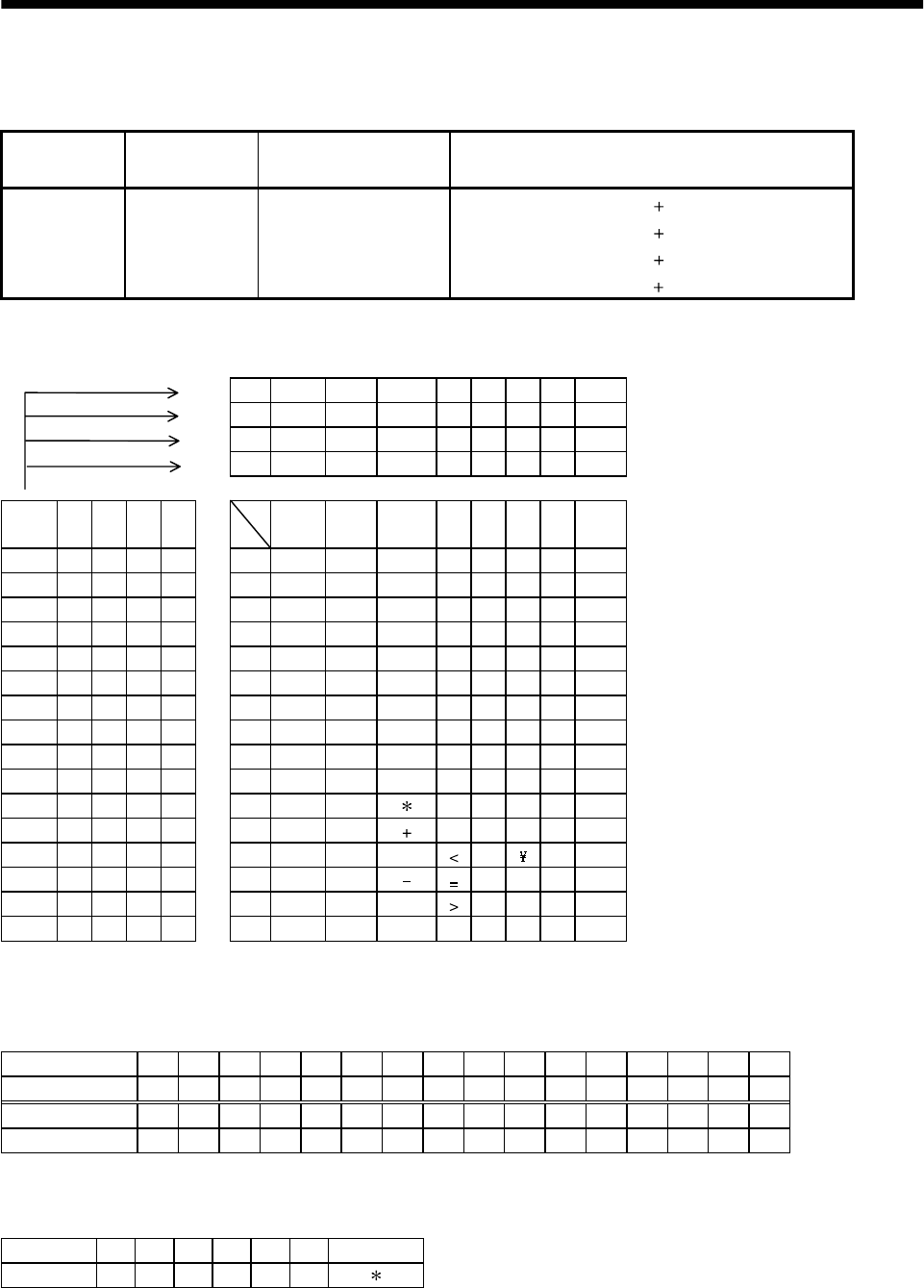
14 - 7
14. COMMUNICATION FUNCTIONS
14.4 Character codes
(1) Control codes
Code name Hexadecimal
(ASCII code) Description Personal computer terminal key operation
(General)
SOH
STX
ETX
EOT
01H
02H
03H
04H
start of head
start of text
end of text
end of transmission
ctrl A
ctrl B
ctrl C
ctrl D
(2) Codes for data
JIS8 unit codes are used.
b80 0 0 0000 0
b70 0 0 0111 1
b60 0 1 1001 1
b50 1 0 1010 1
b8 to
b5b4b3b2b1C
R0 1 2 3456 7
0000 0NULDLESpace0@P` p
0001 1SOHDC
1!1AQaq
0010 2STXDC
2“2BRbr
0011 3ETXDC
3#3CScs
0100 4 $ 4DTd t
0101 5 % 5EUe u
0110 6 & 6FVf v
0111 7 ‘ 7GWg w
1000 8 ( 8HXh x
1001 9 ) 9IYi y
1010 10 :JZj z
1011 11 ;K[k {
1100 12 , Ll|
1101 13 M]m }
1110 14 . N^n
1111 15 / ?O_oDEL
(3) Station numbers
You may set 32 station numbers from station 0 to station 31 and the JIS8 unit codes are used to
specify the stations.
Station number 0123456789101112131415
JIS8 code 0123456789ABCDEF
Station number 16 17 18 19 20 21 22 23 24 25 26 27 28 29 30 31
JIS8 code GHI J KLMNOPQRSTUV
For example, "30H" is transmitted in hexadecimal for the station number of "0" (axis 1).
(4) Group
Group a b c d e f All group
JIS8 code abcdef
For example, "61H" is transmitted in hexadecimal for group a.
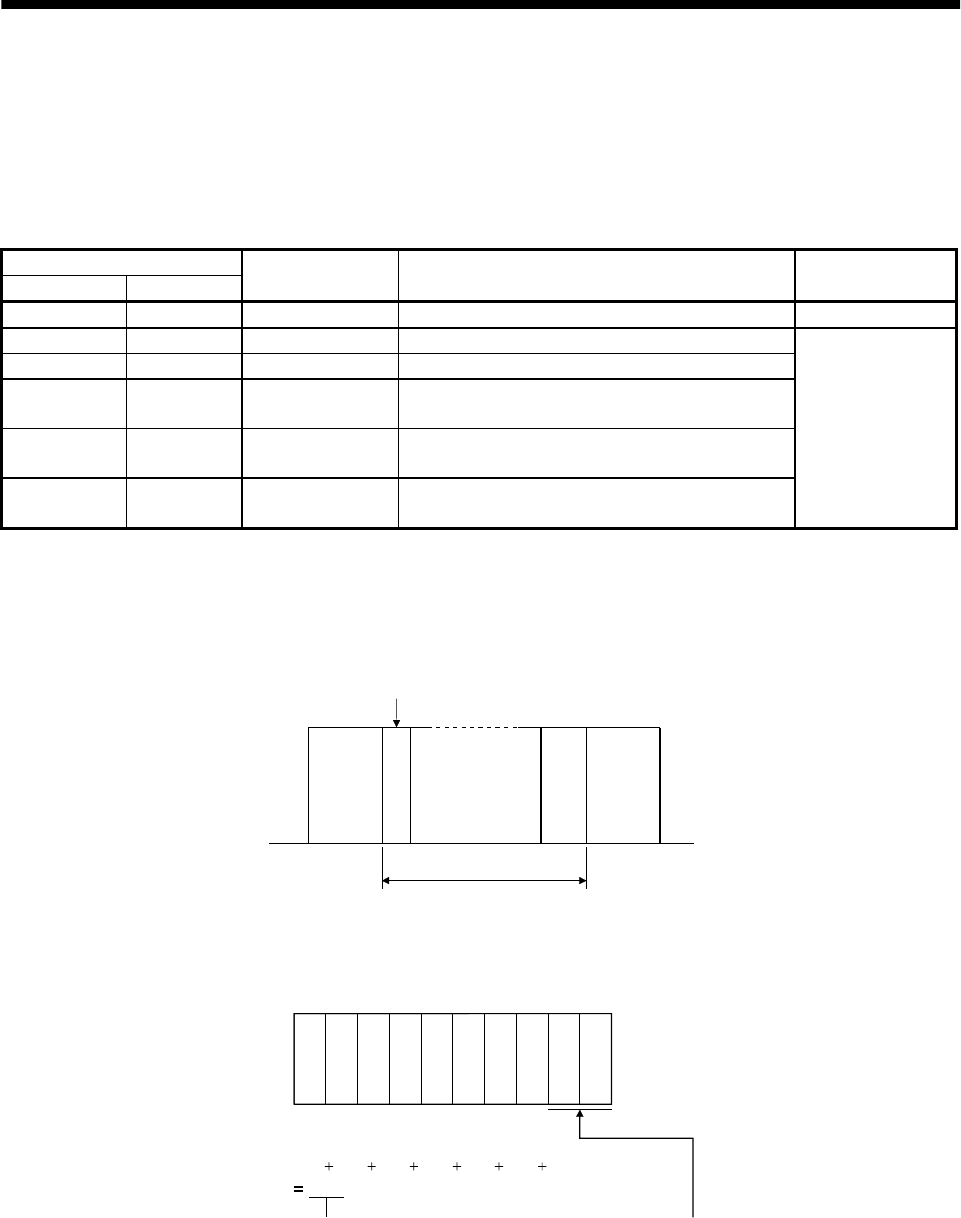
14 - 8
14. COMMUNICATION FUNCTIONS
14.5 Error codes
Error codes are used in the following cases and an error code of single-code length is transmitted.
On receipt of data from the master station, the slave station sends the error code corresponding to that
data to the master station.
The error code sent in upper case indicates that the servo is normal and the one in lower case indicates
that an alarm occurred.
Error code
Servo normal Servo alarm Error name Description Remarks
[A] [a] Normal operation Data transmitted was processed properly. Positive response
[B] [b] Parity error Parity error occurred in the transmitted data.
[C] [c] Checksum error Checksum error occurred in the transmitted data.
[D] [d] Character error Character not existing in the specifications was
transmitted.
[E] [e] Command error Command not existing in the specifications was
transmitted.
[F] [f] Data No. error Data No. not existing in the specifications was
transmitted.
Negative response
14.6 Checksum
Checksum range
Check
Checksum range
ETXSTX or
SOH
Station number
or
group
The check sum is a JIS8-coded hexadecimal representing the lower two digits of the sum of JIS8-coded
hexadecimal numbers up to ETX, with the exception of the first control code (STX or S0H).
S
T
X
02H
[0]
30H
[A]
41H
[1]
31H
[2]
32H
[5]
35H
[F]
46H
E
T
X
[5] [2]
03H
30H 41H 31H 32H 35H 46H 03H
152H
(Example)
Lower 2 digits 52 is sent after conversion into ASCII code [5][2].
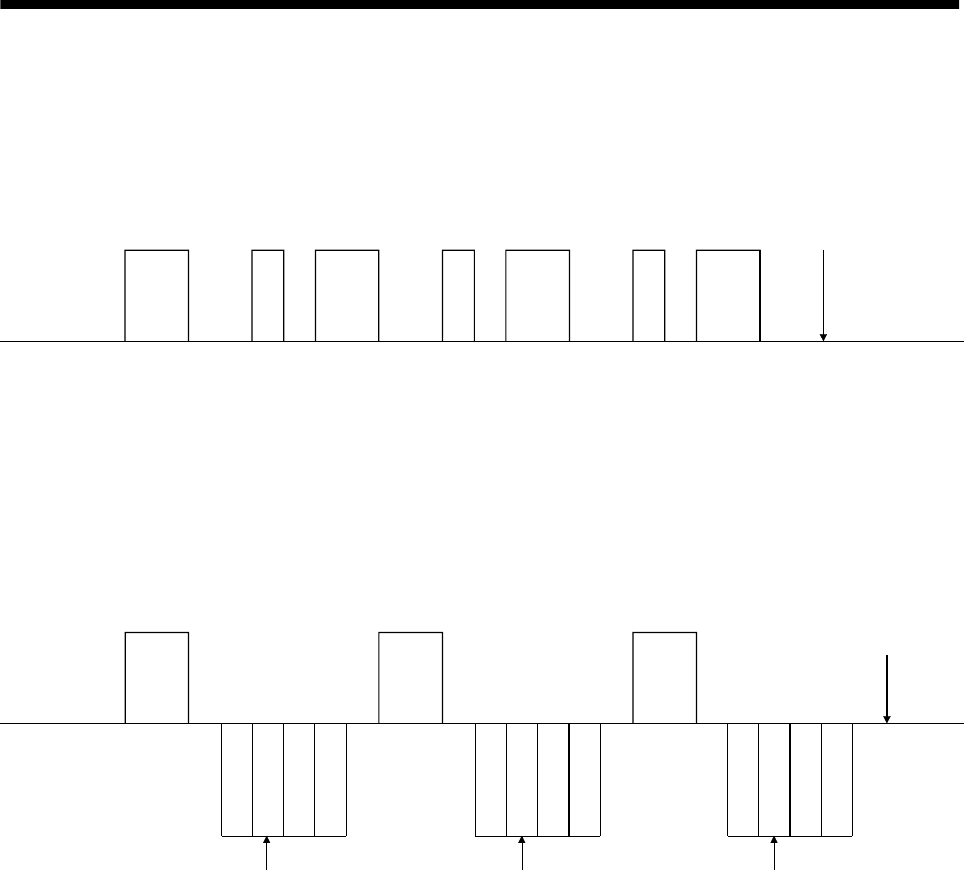
14 - 9
14. COMMUNICATION FUNCTIONS
14.7 Time-out operation
The master station transmits EOT when the slave station does not start reply operation (STX is not
received) 300[ms] after the master station has ended communication operation. 100[ms] after that, the
master station retransmits the message. Time-out occurs if the slave station does not answer after the
master station has performed the above operation three times. (Communication error)
E
O
T
300ms 100ms
E
O
T
300ms 100ms
E
O
T
300ms 100ms 300ms
Message
Message
Message
Message
*Time-out
Controller
(Master station)
Servo
(Slave station)
14.8 Retry operation
When a fault occurs in communication between the master and slave stations, the error code in the
response data from the slave station is a negative response code ([B] to [F], [b] to [f]). In this case, the
master station retransmits the message which was sent at the occurrence of the fault (Retry operation). A
communication error occurs if the above operation is repeated and results in the error three or more
consecutive times.
Message
Message
Message
*Communication error
Controller
(Master station)
Servo
(Slave station) S
T
X
S
T
X
S
T
X
Station number
or
group
Station number
or
group
Station number
or
group
Similarly, when the master station detects a fault (e.g. checksum, parity) in the response data from the
slave station, the master station retransmits the message which was sent at the occurrence of the fault. A
communication error occurs if the retry operation is performed three times.
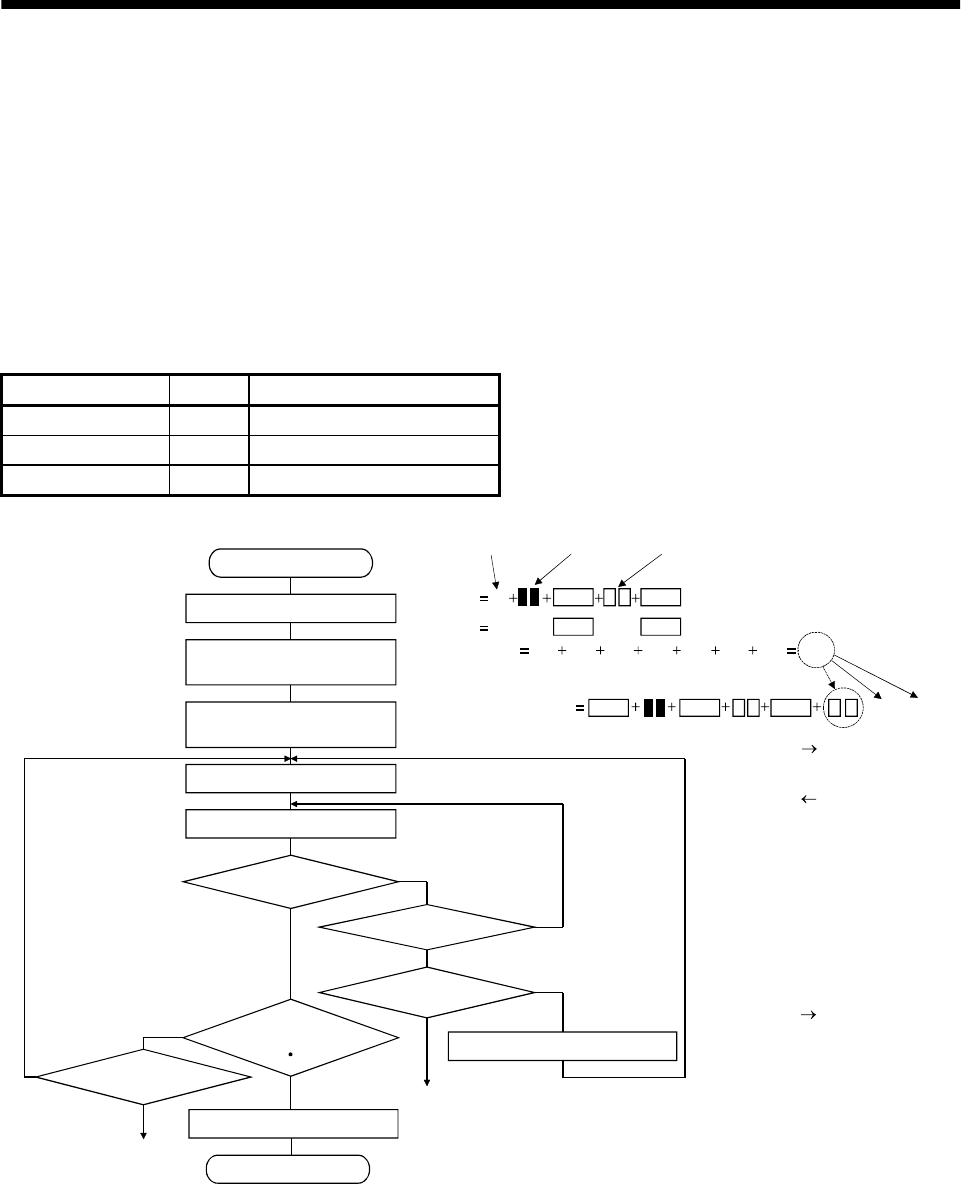
14 - 10
14. COMMUNICATION FUNCTIONS
14.9 Initialization
After the slave station is switched on, it cannot reply to communication until the internal initialization
processing terminates. Hence, at power-on, ordinary communication should be started after:
(1) 1s or more time has elapsed after the slave station is switched on; and
(2) Making sure that normal communication can be made by reading the parameter or other data which
does not pose any safety problems.
14.10 Communication procedure example
The following example reads the set value of parameter No.2 "function selection 1" from the servo
amplifier of station 0:
Data item Value Description
Station number 0 Servo amplifier station 0
Command 05 Read command
Data No. 02 Parameter No.2
Checksum 30H 30H 35H 02H 30H 32H 03H FCH
02STX ETX
5
0
Yes
No
Yes
No
No
No
Yes
Yes
Yes
No
[0][0][5] [0][2]
[0]
Axis No. Command Data No.
Data
Start
Data make-up
Checksum calculation and
addition
Addition of SOH to make
up transmission data
Data transmission
Data receive
Is there receive data?
3 consecutive times?
Error processing
Other than error code
[A] [a]?
Receive data analysis
End
300ms elapsed?
3 consecutive times?
Error processing
100ms after EOT transmission
STX ETX
46H 43HSOH FCTransmission data 50 STX 02ETX
Master station slave station
Master station slave station
Master station slave station
14 - 11
14. COMMUNICATION FUNCTIONS
14.11 Command and data No. list
14.11.1 Read commands
(1) Status display (Command [0][1])
Command Data No. Description Display item Frame length
[0][1] [8][0] cumulative feedback pulses 12
[0][1] [8][1] servo motor speed 12
[0][1] [8][2] droop pulses 12
[0][1] [8][3] cumulative command pulses 12
[0][1] [8][4] command pulse frequency 12
[0][1] [8][5] analog speed command voltage
analog speed limit voltage 12
[0][1] [8][6] analog torque command voltage
analog torque limit voltage 12
[0][1] [8][7] regenerative load ratio 12
[0][1] [8][8] effective load ratio 12
[0][1] [8][9] peak load ratio 12
[0][1] [8][A] Instantaneous torque 12
[0][1] [8][B] within one-revolution position 12
[0][1] [8][C] ABS counter 12
[0][1] [8][D] load inertia moment ratio 12
[0][1] [8][E]
Status display data value and
processing information
Bus voltage 12
(2) Parameter (Command [0][5])
Command Data No. Description Frame length
[0][5] [0][0] to
[5][4] Current value of each parameter
The decimal equivalent of the data No. value (hexadecimal) corresponds
to the parameter number.
8
(3) External I/O signals (Command [1][2])
Command Data No. Description Frame length
[1][2] [4][0] External input pin statuses 8
[1][2] [C][0] External output pin statuses 8
(4) Alarm history (Command [3][3])
Command Data No. Description Alarm occurrence sequence Frame length
[3][3] [1][0] most recent alarm 4
[3][3] [1][1] first alarm in past 4
[3][3] [1][2] second alarm in past 4
[3][3] [1][3] third alarm in past 4
[3][3] [1][4] fourth alarm in past 4
[3][3] [1][5]
Alarm number in alarm history
fifth alarm in past 4
[3][3] [2][0] most recent alarm 8
[3][3] [2][1] first alarm in past 8
[3][3] [2][2] second alarm in past 8
[3][3] [2][3] third alarm in past 8
[3][3] [2][4] fourth alarm in past 8
[3][3] [2][5]
Alarm occurrence time in alarm
history
fifth alarm in past 8
14 - 12
14. COMMUNICATION FUNCTIONS
(5) Current alarm (Command [0][2] [3][5])
Command Data No. Description Frame length
[0][2] [0][0] Current alarm number 4
Command Data No. Description Display item Frame length
[3][5] [8][0] cumulative feedback pulses 12
[3][5] [8][1] servo motor speed 12
[3][5] [8][2] droop pulses 12
[3][5] [8][3] cumulative command pulses 12
[3][5] [8][4] command pulse frequency 12
[3][5] [8][5] analog speed command voltage
analog speed limit voltage 12
[3][5] [8][6] analog torque command voltage
analog torque limit voltage 12
[3][5] [8][7] regenerative load ratio 12
[3][5] [8][8] effective load ratio 12
[3][5] [8][9] peak load ratio 12
[3][5] [8][A] Instantaneous torque 12
[3][5] [8][B] within one-revolution position 12
[3][5] [8][C] ABS counter 12
[3][5] [8][D] load inertia moment ratio 12
[3][5] [8][E]
Status display data value and
processing information at alarm
occurrence
Bus voltage 12
(6) Group setting (Command [1][F])
Command Data No. Description Frame length
[1][F] [0][0] Reading of group setting value 4
(7) Others
Command Data No. Description Frame length
[0][2] [9][0] Servo motor end pulse unit absolute position 8
[0][2] [9][1] Command unit absolute position 8
[0][2] [7][0] Software version 16
14.11.2 Write commands
(1) Status display (Command [8][1])
Command Data No. Description Setting range Frame length
[8][1] [0][0] Status display data clear 1EA5 4
(2) Parameter (Command [8][4])
Command Data No. Description Setting range Frame length
[8][4] [0][0] to
[5][4] Each parameter write
The decimal equivalent of the data No. value
(hexadecimal) corresponds to the parameter
number.
Depends on the
parameter. 8
(3) Alarm history (Command [8][2])
Command Data No. Description Setting range Frame length
[8][2] [2][0] Alarm history clear 1EA5 4
(4) Current alarm (Command [8][2])
Command Data No. Description Setting range Frame length
[8][2] [0][0] Alarm reset 1EA5 4
14 - 13
14. COMMUNICATION FUNCTIONS
(5) Operation mode selection (Command [8][B])
Command Data No. Description Setting range Frame length
[8][B] [0][0] Operation mode changing
0000: Exit from test operation mode
0001: Jog operation
0002: Positioning operation
0003: Motor-less operation
0004: DO forced output (output signal forced output)
0000 to 0004 4
(6) External input signal disable (Command [9][0])
Command Data No. Description Setting range Frame length
[9][0] [0][0] Turns off the external input signals (DI), external analog
input signals and pulse train inputs with the exception of
EMG, LSP and LSN, independently of the external ON/OFF
statuses.
1EA5 4
[9][0] [0][3] Changes the external output signals (DO) into the value of
command [8][B] or command [A][0] data No. [0][1]. 1EA5 4
[9][0] [1][0] Enables the disabled external input signals (DI), external
analog input signals and pulse train inputs with the
exception of EMG, LSP and LSN.
1EA5 4
[9][0] [1][3] Enables the disabled external output signals (DO). 1EA5 4
(7) Data for test operation mode (Command [9][2] [A][0])
Command Data No. Description Setting range Frame length
[9][2] [0][0] Input signal for test operation 8
[9][2] [A][0] Forced output from signal pin 8
Command Data No. Description Setting range Frame length
[A][0] [1][0] Writes the speed of the test operation mode (jog operation,
positioning operation). 0000 to 7FFF 4
[A][0] [1][1] Writes the acceleration/deceleration time constant of the test
operation mode (jog operation, positioning operation). 00000000 to
7FFFFFFF 8
[A][0] [1][2] Clears the acceleration/deceleration time constant of the test
operation mode (jog operation, positioning operation). 1EA5 4
[A][0] [1][3] Writes the moving distance (in pulses) of the test operation
mode (jog operation, positioning operation). 80000000 to
7FFFFFFF 8
[A][0] [1][5] Temporary stop command of the test operation mode (jog
operation, positioning operation) 1EA5 4
(8) Group setting (Command [9][F])
Command Data No. Description Setting range Frame length
[9][F] [0][0] Setting of group 4
14 - 14
14. COMMUNICATION FUNCTIONS
14.12 Detailed explanations of commands
14.12.1 Data processing
When the master station transmits a command data No. or a command data No. data to a slave
station, the servo amplifier returns a reply or data according to the purpose.
When numerical values are represented in these send data and receive data, they are represented in
decimal, hexadecimal, etc.
Therefore, data must be processed according to the application.
Since whether data must be processed or not and how to process data depend on the monitoring,
parameters, etc., follow the detailed explanation of the corresponding command.
The following methods are how to process send and receive data when reading and writing data.
(1) Processing the read data
When the display type is 0, the eight-character data is converted from hexadecimal to decimal and a
decimal point is placed according to the decimal point position information.
When the display type is 1, the eight-character data is used unchanged.
The following example indicates how to process the receive data "003000000929" given to show.
The receive data is as follows.
00
Data 32-bit length (hexadecimal representation)
(Data conversion is required as indicated in the display type
)
Display type
0: Data must be converted into decimal.
1: Data is used unchanged in hexadecimal.
Decimal point position
0: No decimal point
1: First least significant digit (normally not used)
2: Second least significant digit
3: Third least significant digit
4: Forth least significant digit
5: Fifth least significant digit
6: Sixth least significant digit
3000000929
Since the display type is "0" in this case, the hexadecimal data is converted into decimal.
00000929H 2345
As the decimal point position is "3", a decimal point is placed in the third least significant digit.
Hence, "23.45" is displayed.
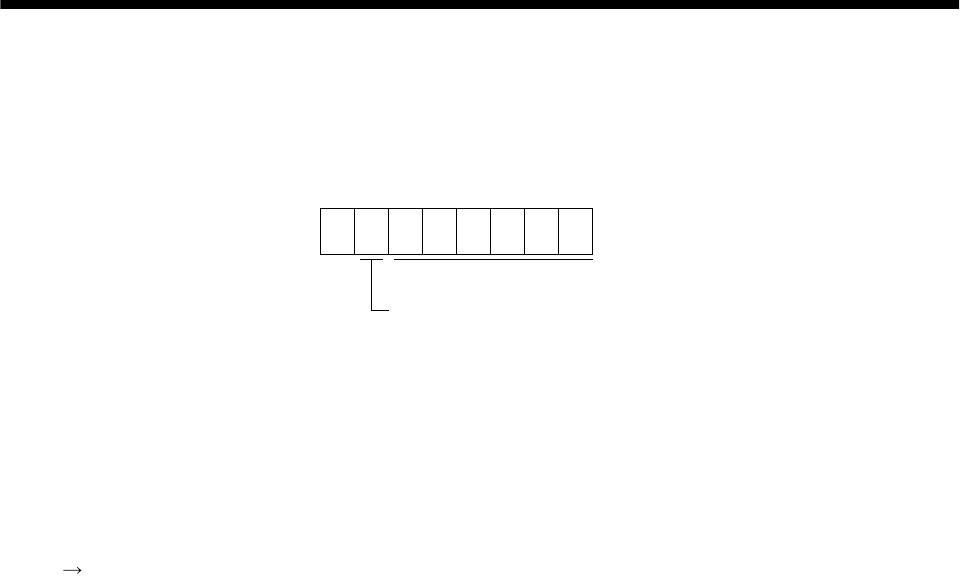
14 - 15
14. COMMUNICATION FUNCTIONS
(2) Writing the processed data
When the data to be written is handled as decimal, the decimal point position must be specified. If it is
not specified, the data cannot be written. When the data is handled as hexadecimal, specify "0" as the
decimal point position.
The data to be sent is the following value.
0
Data is transferred in hexadecimal.
Decimal point position
0: No decimal point
1: First least significant digit
2: Second least significant digit
3: Third least significant digit
4: Forth least significant digit
5: Fifth least significant digit
By way of example, here is described how to process the set data when a value of "15.5" is sent.
Since the decimal point position is the second digit, the decimal point position data is "2".
As the data to be sent is hexadecimal, the decimal data is converted into hexadecimal.
155 9B
Hence, "0200009B" is transmitted.
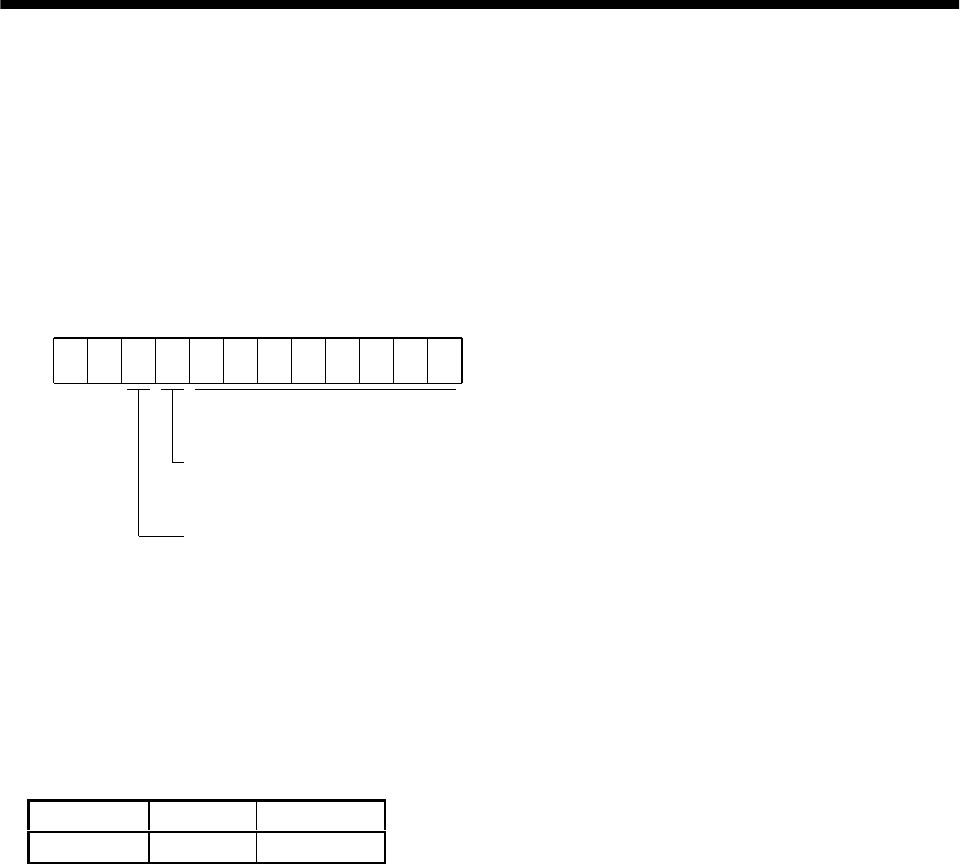
14 - 16
14. COMMUNICATION FUNCTIONS
14.12.2 Status display
(1) Status display data read
When the master station transmits the data No. (refer to the following table for assignment) to the
slave station, the slave station sends back the data value and data processing information.
1) Transmission
Transmit command [0][1] and the data No. corresponding to the status display item to be read.
Refer to Section 14.11.1.
2) Reply
The slave station sends back the status display data requested.
00
Data 32 bits long (represented in hexadecimal)
(Data conversion into display type is required)
Display type
0: Used unchanged in hexadecimal
1: Conversion into decimal required
Decimal point position
0: No decimal point
1: Lower first digit (usually not used)
2: Lower second digit
3: Lower third digit
4: Lower fourth digit
5: Lower fifth digit
6: Lower sixth di
g
it
(2) Status display data clear
The cumulative feedback pulse data of the status display is cleared. Send this command immediately
after reading the status display item. The data of the status display item transmitted is cleared to zero.
Command Data No. Data
[8][1] [0][0] 1EA5
For example, after sending command [0][1] and data No. [8][0] and receiving the status display data,
send command [8][1], data No. [0][0] and data [1EA5] to clear the cumulative feedback pulse value to
zero.
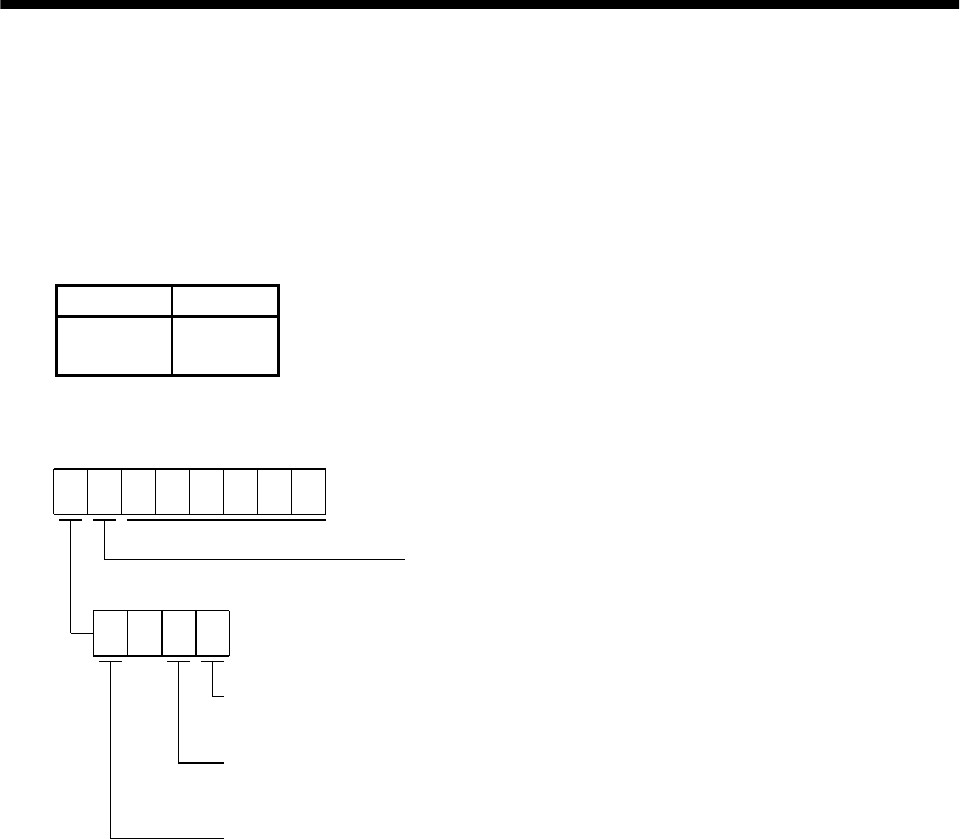
14 - 17
14. COMMUNICATION FUNCTIONS
14.12.3 Parameter
(1) Parameter read
Read the parameter setting.
1) Transmission
Transmit command [0][5] and the data No. corresponding to the parameter No.
The data No. is expressed in hexadecimal equivalent of the data No. value corresponds to the
parameter number.
Command Data No.
[0][5] [0][0] to
[5][4]
2) Reply
The slave station sends back the data and processing information of the requested parameter No.
Data is transferred in hexadecimal.
Decimal point position
0: No decimal point
1: Lower first digit
2: Lower second digit
3: Lower third digit
4: Lower fourth digit
5: Lower fifth digit
Display type
0: Used unchanged in hexadecimal
1: Conversion into decimal required
Parameter write type
0: Valid after write
1: Valid when power is switched on again after write
Read enable/disable
0: Read enable
1: Read disable
0
Enable/disable information changes according to the setting of parameter No.19 "parameter
write inhibit". When the enable/disable setting is read disable, ignore the parameter data part
and process it as unreadable.
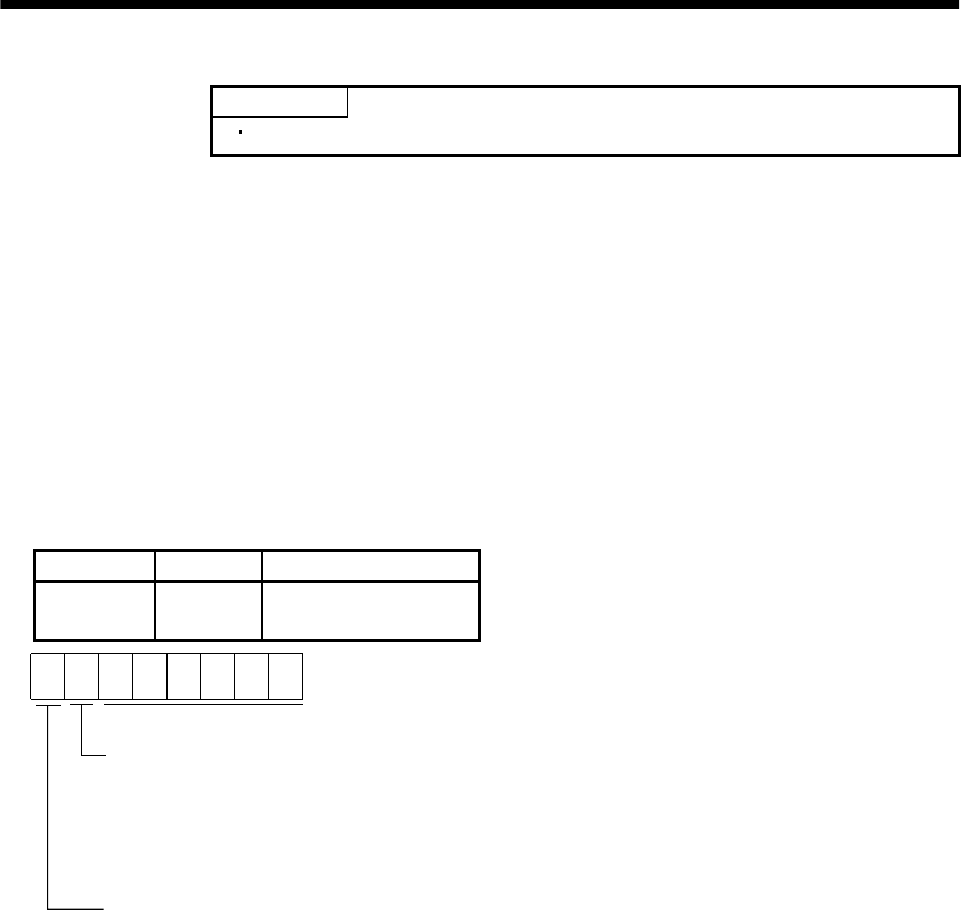
14 - 18
14. COMMUNICATION FUNCTIONS
(2) Parameter write
POINT
The number of parameter write times is restricted to 1,000,000 times.
Write the parameter setting.
Write the value within the setting range. Refer to Section 5.1 for the setting range.
Transmit command [8][4], the data No., and the set data.
The data No. is expressed in hexadecimal. The decimal equivalent of the data No. value corresponds to
the parameter number.
When the data to be written is handled as decimal, the decimal point position must be specified. If it
is not specified, data cannot be written. When the data is handled as hexadecimal, specify 0 as the
decimal point position.
Write the data after making sure that it is within the upper/lower limit value range given in Section
5.1.2. Read the parameter data to be written, confirm the decimal point position, and create
transmission data to prevent error occurrence. On completion of write, read the same parameter
data to verify that data has been written correctly.
Command Data No. Set data
[8][4] [0][0] to
[5][4] See below.
Data is transferred in hexadecimal.
Decimal point position
0: No decimal point
1: Lower first digit
2: Lower second digit
3: Lower third digit
4: Lower forth digit
5: Lower fifth digit
Write mode
0: Write to EEP-ROM
3: Write to RAM
When using communication to change
parameter values frequently, set "3"
here and change data on RAM in the
servo amplifier.
Frequent change to EEP-ROM data
may cause the permissible write times
(1 million times) of EEP-ROM to be
exceeded, leading to a failure.
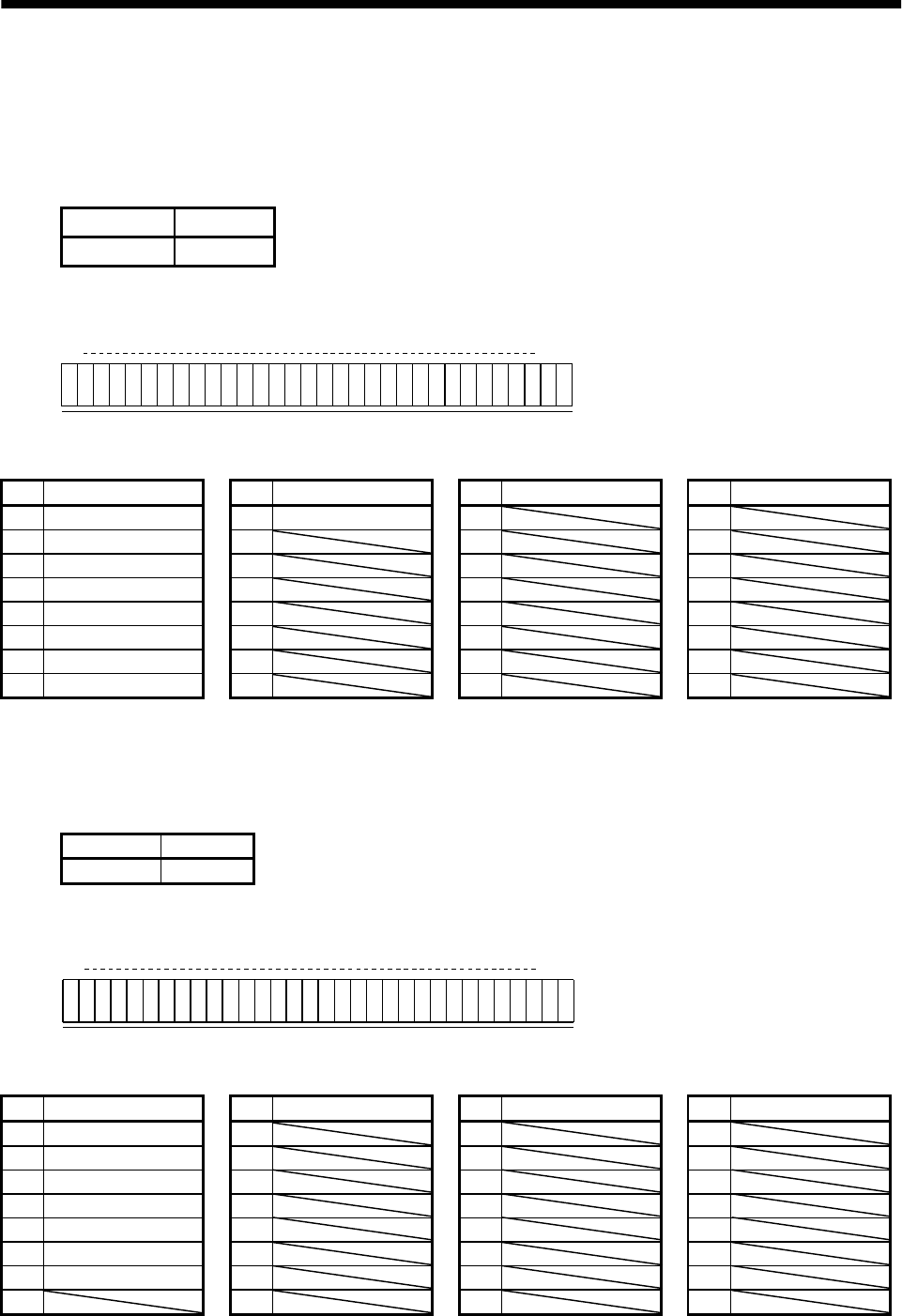
14 - 19
14. COMMUNICATION FUNCTIONS
14.12.4 External I/O pin statuses (DIO diagnosis)
(1) External input pin status read
Read the ON/OFF statuses of the external input pins.
(a) Transmission
Transmit command [1][2] and data No. [4][0].
Command Data No.
[1][2] [4][0]
(b) Reply
The ON/OFF statuses of the input pins are sent back.
b31 b0
0: OFF
1: ON
b1
Command of each bit is transmitted to the master
station as hexadecimal data.
bit External input pin bit External input pin bit External input pin bit External input pin
0 CN1B-16 8 CN1B-9 16 24
1CN1B-17 9 17 25
2 CN1B-15 10 18 26
3CN1B-5 11 19 27
4 CN1B-14 12 20 28
5CN1A-8 13 21 29
6CN1B-7 14 22 30
7CN1B-8 15 23 31
(2) External output pin status read
Read the ON/OFF statuses of the external output pins.
(a) Transmission
Transmit command [1][2] and data No. [C][0].
Command Data No.
[1][2] [C][0]
(b) Reply
The slave station sends back the ON/OFF statuses of the output pins.
b31 b0
0: OFF
1: ON
b1
Command of each bit is transmitted to the master
station as hexadecimal data.
bit External output pin bit External output pin bit External output pin bit External output pin
0CN1A-19 8 16 24
1CN1A-18 9 17 25
2 CN1B-19 10 18 26
3CN1B-6 11 19 27
4CN1B-4 12 20 28
5 CN1B-18 13 21 29
6 CN1A-14 14 22 30
7152331
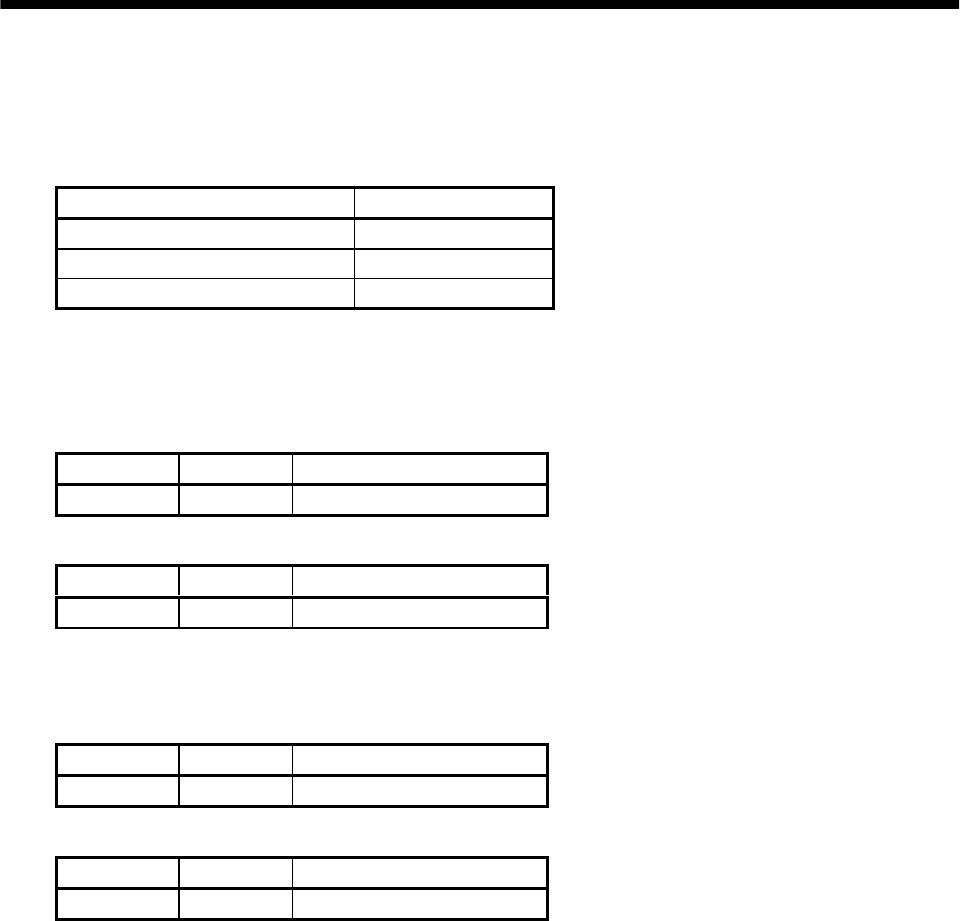
14 - 20
14. COMMUNICATION FUNCTIONS
14.12.5 Disable/enable of external I/O signals (DIO)
Inputs can be disabled independently of the external I/O signal ON/OFF. When inputs are disabled, the
input signals are recognized as follows. Among the external input signals, EMG, LSP and LSN cannot be
disabled.
Signal Status
External input signals (DI) OFF
External analog input signals 0V
Pulse train inputs None
(1) Disabling/enabling the external input signals (DI), external analog input signals and pulse train
inputs with the exception of EMG, LSP and LSN.
Transmit the following communication commands:
(a) Disable
Command Data No. Data
[9][0] [0][0] 1EA5
(b) Enable
Command Data No. Data
[9][0] [1][0] 1EA5
(2) Disabling/enabling the external output signals (DO)
Transmit the following communication commands:
(a) Disable
Command Data No. Data
[9][0] [0][3] 1EA5
(b) Enable
Command Data No. Data
[9][0] [1][3] 1EA5
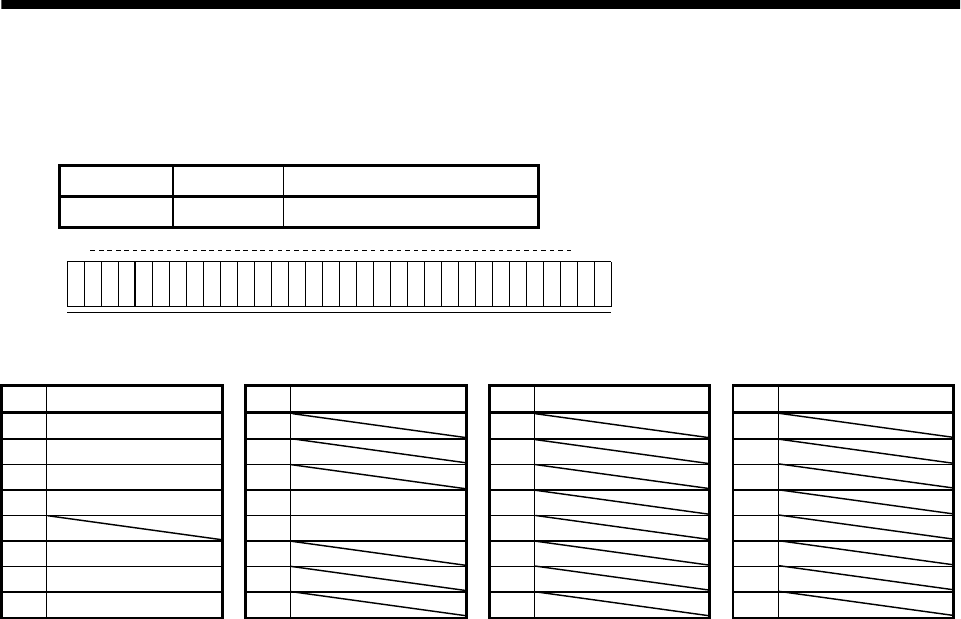
14 - 21
14. COMMUNICATION FUNCTIONS
14.12.6 External input signal ON/OFF (test operation)
Each input signal can be turned on/off for test operation. Turn off the external input signals.
Send command [9] [2], data No. [0] [0] and data.
Command Data No. Set data
[9][2] [0][0] See below
b31 b0
0: OFF
1: ON
b1
Command of each bit is transmitted to the slave
station as hexadecimal data.
bit Signal abbreviation bit Signal abbreviation bit Signal abbreviation bit Signal abbreviation
0SON 8 16 24
1LSP 9 17 25
2 LSN 10 18 26
3 TL 11 ST1 19 27
4 12 ST2 20 28
5PC 13 21 29
6 RES 14 22 30
7CR 15 23 31
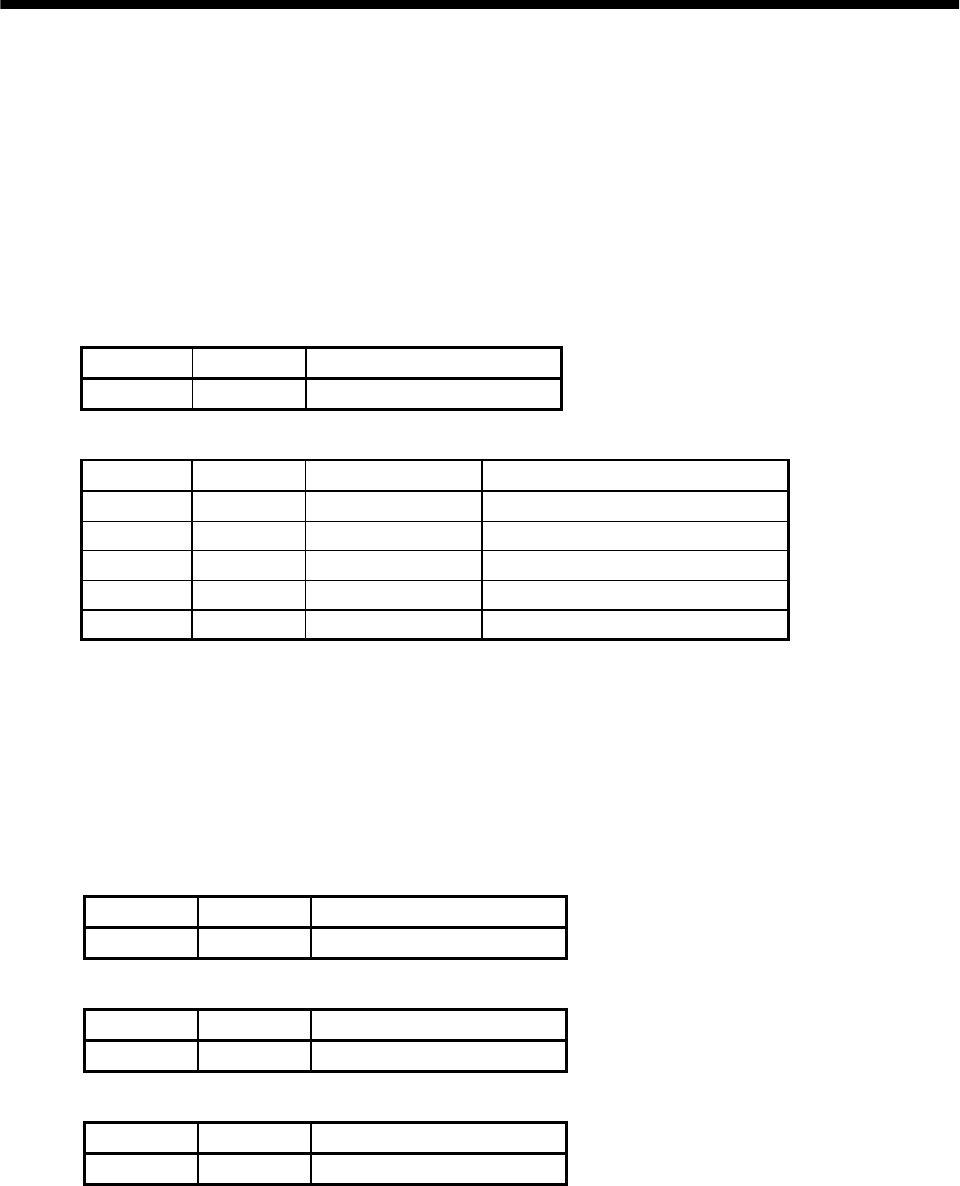
14 - 22
14. COMMUNICATION FUNCTIONS
14.12.7 Test operation mode
(1) Instructions for test operation mode
The test operation mode must be executed in the following procedure. If communication is interrupted
for longer than 0.5s during test operation, the servo amplifier causes the motor to be decelerated to a
stop and servo-locked. To prevent this, continue communication without a break, e.g. monitor the
status display.
(a) Execution of test operation
1) Turn off all external input signals.
2) Disable the external input signals.
Command Data No. Data
[9][0] [0][0] 1EA5
3) Choose the test operation mode.
Command Data No. Transmission data Selection of test operation mode
[8][B] [0][0] 0000 Test operation mode cancel
[8][B] [0][0] 0001 Jog operation
[8][B] [0][0] 0002 Positioning operation
[8][B] [0][0] 0003 Motor-less operation
[8][B] [0][0] 0004 DO forced output
4) Set the data needed for test operation.
5) Start.
6) Continue communication using the status display or other command.
(b) Termination of test operation
To terminate the test operation mode, complete the corresponding operation and:
1) Clear the test operation acceleration/deceleration time constant.
Command Data No. Data
[A][0] [1][2] 1EA5
2) Cancel the test operation mode.
Command Data No. Data
[8][B] [0][0] 0000
3) Enable the disabled external input signals.
Command Data No. Data
[9][0] [1][0] 1EA5
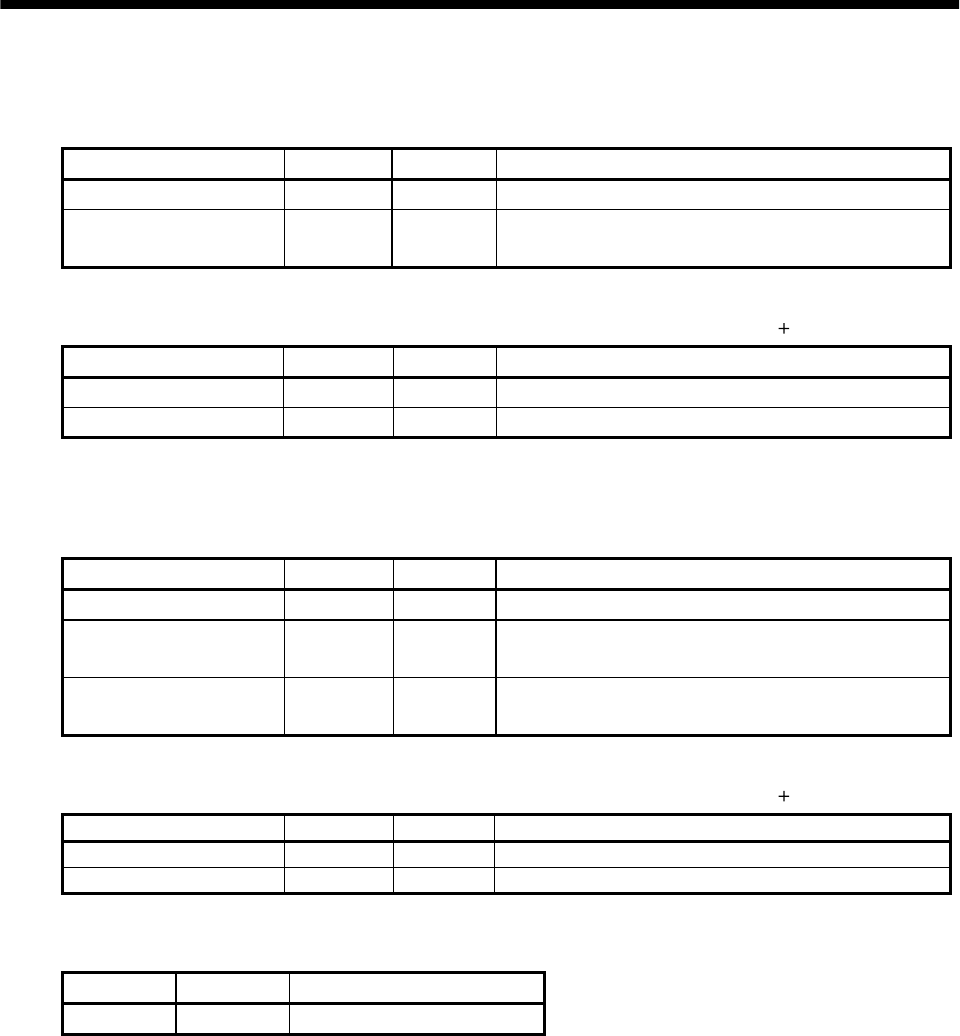
14 - 23
14. COMMUNICATION FUNCTIONS
(2) Jog operation
Transmit the following communication commands:
(a) Setting of jog operation data
Item Command Data No. Data
Speed [A][0] [1][0] Write the speed [r/min] in hexadecimal.
Acceleration/decelerati
on time constant [A][0] [1][1] Write the acceleration/deceleration time constant
[ms] in hexadecimal.
(b) Start
Turn on the external input signals SON and ST1/ST2 by using command [9][2] data No. [0][0].
Item Command Data No. Data
Forward rotation start [9][2] [0][0] 00000801: Turns on SON and ST1.
Reverse rotation start [9][2] [0][0] 00001001: Turns on SON and ST2.
(3) Positioning operation
Transmit the following communication commands:
(a) Setting of positioning operation data
Item Command Data No. Data
Speed [A][0] [1][0] Write the speed [r/min] in hexadecimal.
Acceleration/decelerat
ion time constant [A][0] [1][1] Write the acceleration/deceleration time constant
[ms] in hexadecimal.
Moving distance [A][0] [1][3] Write the moving distance [pulse] in
hexadecimal.
(b) Start
Turn on the external input signals SON and ST1/ST2 by using command [9][2] data No. [0][0].
Item Command Data No. Data
Forward rotation start [9][2] [0][0] 00000801: Turns on SON and ST1.
Reverse rotation start [9][2] [0][0] 00001001: Turns on SON and ST2.
(c) Temporary stop
A temporary stop can be made during positioning operation.
Command Data No. Data
[A][0] [1][5] 1EA5
Retransmit the same communication commands as at the start time to resume operation.
To stop positioning operation after a temporary stop, retransmit the temporary stop communication
command. The remaining moving distance is then cleared.
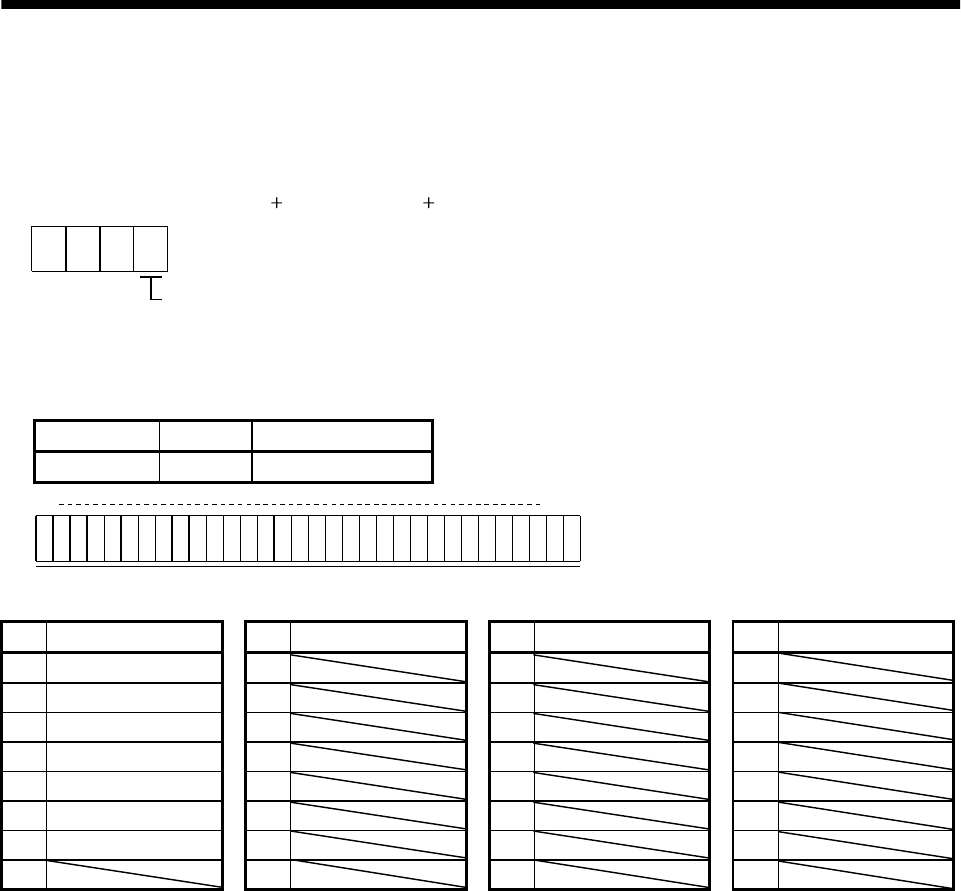
14 - 24
14. COMMUNICATION FUNCTIONS
14.12.8 Output signal pin ON/OFF (DO forced output)
In the test operation mode, the output signal pins can be turned on/off independently of the servo status.
Using command [9][0], disable the output signals in advance.
(1) Choosing DO forced output in test operation mode
Transmit command [8][B] data No. [0][0] data "0004" to choose DO forced output.
00
Selection of test operation mode
4: DO forced output (output signal forced output)
04
(2) External output signal ON/OFF
Transmit the following communication commands:
Command Data No. Setting data
[9][2] [A][0] See below.
Command of each bit is sent to the slave station in hexadecimal.
b31 b0
0: OFF
1: ON
b1
bit External output pin bit External output pin bit External output pin bit External output pin
0CN1A-19 8 16 24
1CN1A-18 9 17 25
2 CN1B-19 10 18 26
3CN1B-6 11 19 27
4CN1B-4 12 20 28
5 CN1B-18 13 21 29
6 CN1A-14 14 22 30
7152331
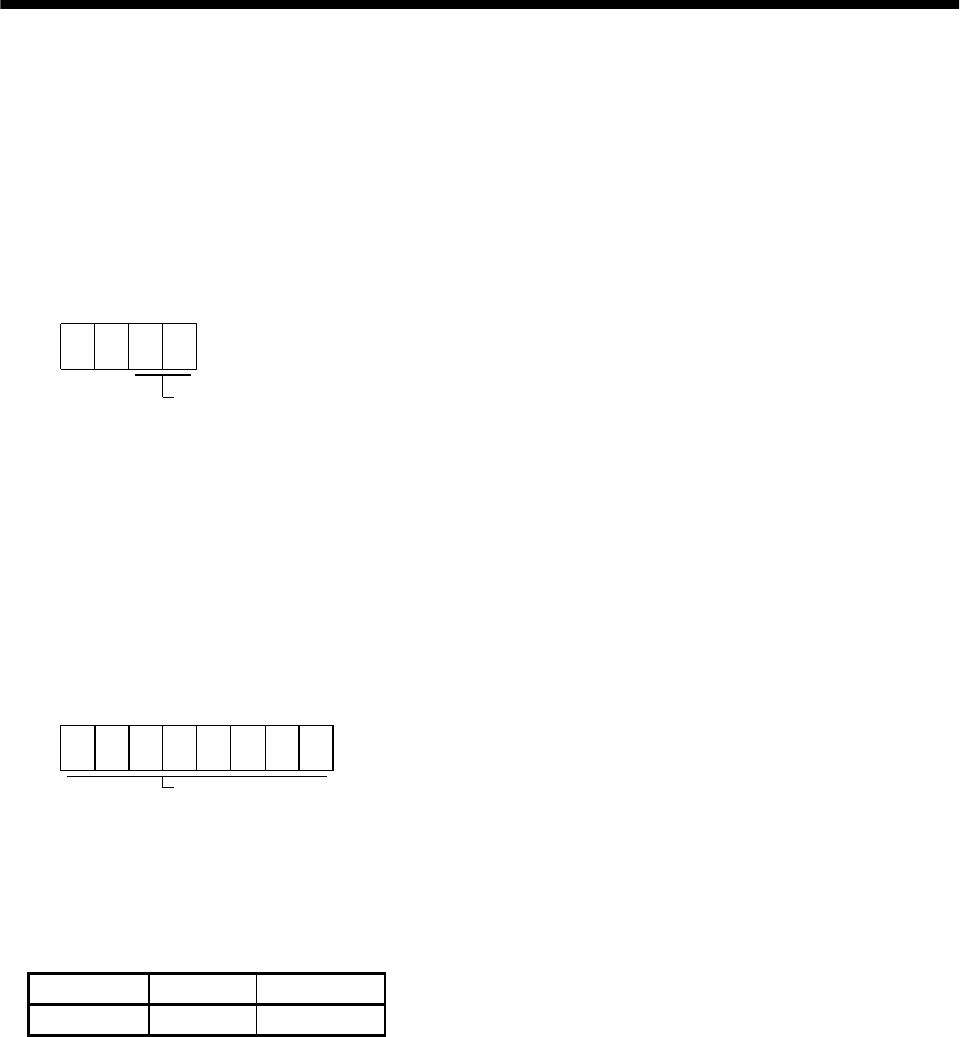
14 - 25
14. COMMUNICATION FUNCTIONS
14.12.9 Alarm history
(1) Alarm No. read
Read the alarm No. which occurred in the past. The alarm numbers and occurrence times of No. 0 (last
alarm) to No. 5 (sixth alarm in the past) are read.
(a) Transmission
Send command [3][3] and data No. [1][0] to [1][5]. Refer to Section 14.11.1.
(b) Reply
The alarm No. corresponding to the data No. is provided.
00
Alarm No. is transferred in decimal.
For example, “0032” means AL.32 and “00FF” means AL._ (no alarm).
(2) Alarm occurrence time read
Read the occurrence time of alarm which occurred in the past.
The alarm occurrence time corresponding to the data No. is provided in terms of the total time
beginning with operation start, with the minute unit omitted.
(a) Transmission
Send command [3][3] and data No. [2][0] to [2][5].
Refer to Section 14.11.1.
(b) Reply
The alarm occurrence time is transferred in decimal.
Hexadecimal must be converted into decimal.
For example, data “01F5” means that the alarm occurred in 501 hours after start of operation.
(3) Alarm history clear
Erase the alarm history.
Send command [8][2] and data No. [2][0].
Command Data No. Data
[8][2] [2][0] 1EA5
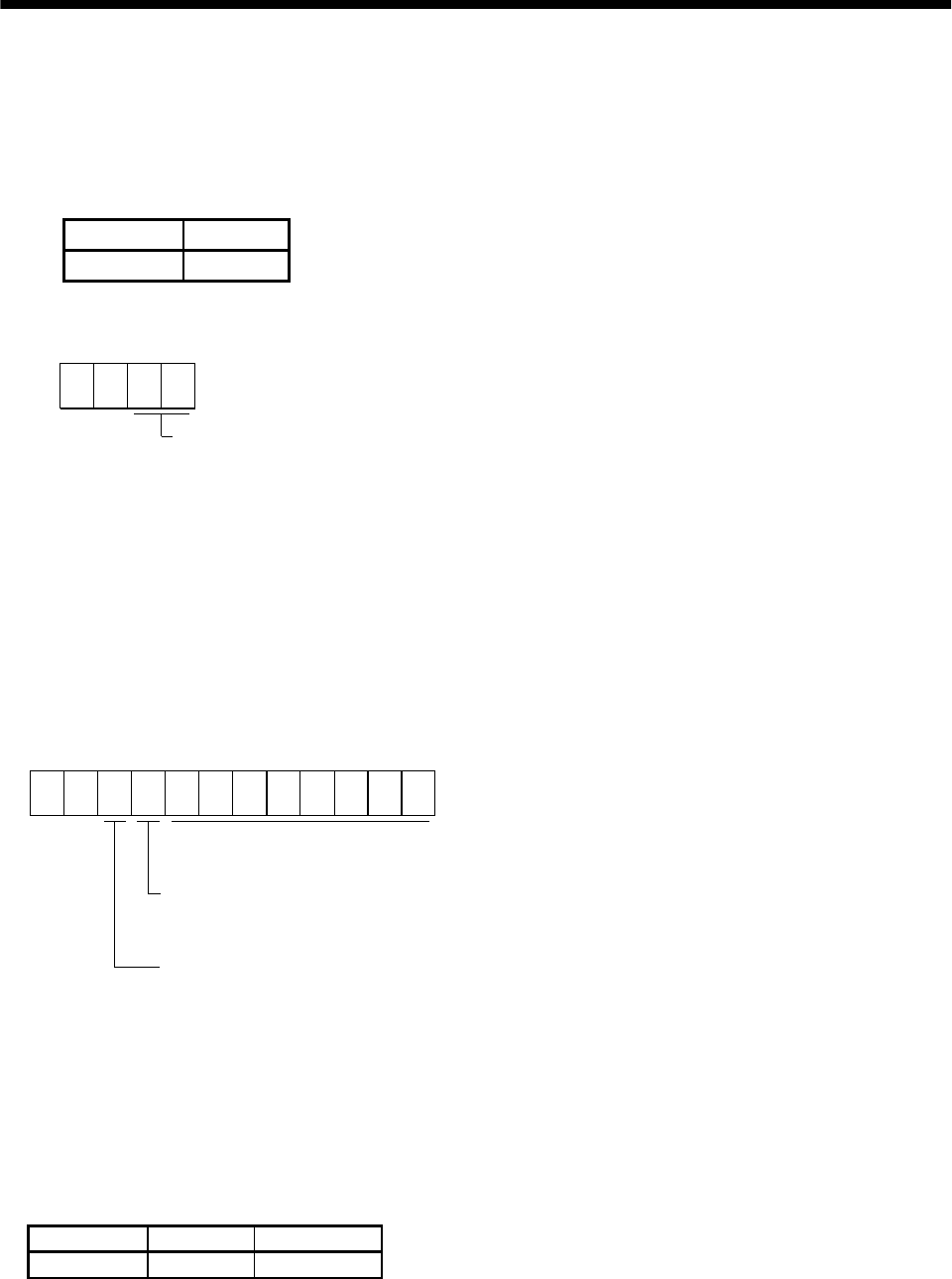
14 - 26
14. COMMUNICATION FUNCTIONS
14.12.10 Current alarm
(1) Current alarm read
Read the alarm No. which is occurring currently.
(a) Transmission
Send command [0][2] and data No. [0][0].
Command Data No.
[0][2] [0][0]
(b) Reply
The slave station sends back the alarm currently occurring.
00
Alarm No. is transferred in decimal.
For example, “0032” means AL.32 and “00FF” means AL._ (no alarm).
(2) Read of the status display at alarm occurrence
Read the status display data at alarm occurrence. When the data No. corresponding to the status
display item is transmitted, the data value and data processing information are sent back.
(a) Transmission
Send command [3][5] and any of data No. [8][0] to [8][E] corresponding to the status display item to
be read. Refer to Section 14.11.1.
(b) Reply
The slave station sends back the requested status display data at alarm occurrence.
00
Data 32 bits long (represented in hexadecimal)
(Data conversion into display type is required)
Display type
0: Conversion into decimal required
1: Used unchanged in hexadecimal
Decimal point position
0: No decimal point
1: Lower first digit (usually not used)
2: Lower second digit
3: Lower third digit
4: Lower fourth digit
5: Lower fifth digit
6: Lower sixth digit
(3) Current alarm clear
As by the entry of the RES signal, reset the servo amplifier alarm to make the servo amplifier ready to
operate. After removing the cause of the alarm, reset the alarm with no command entered.
Command Data No. Data
[8][2] [0][0] 1EA5
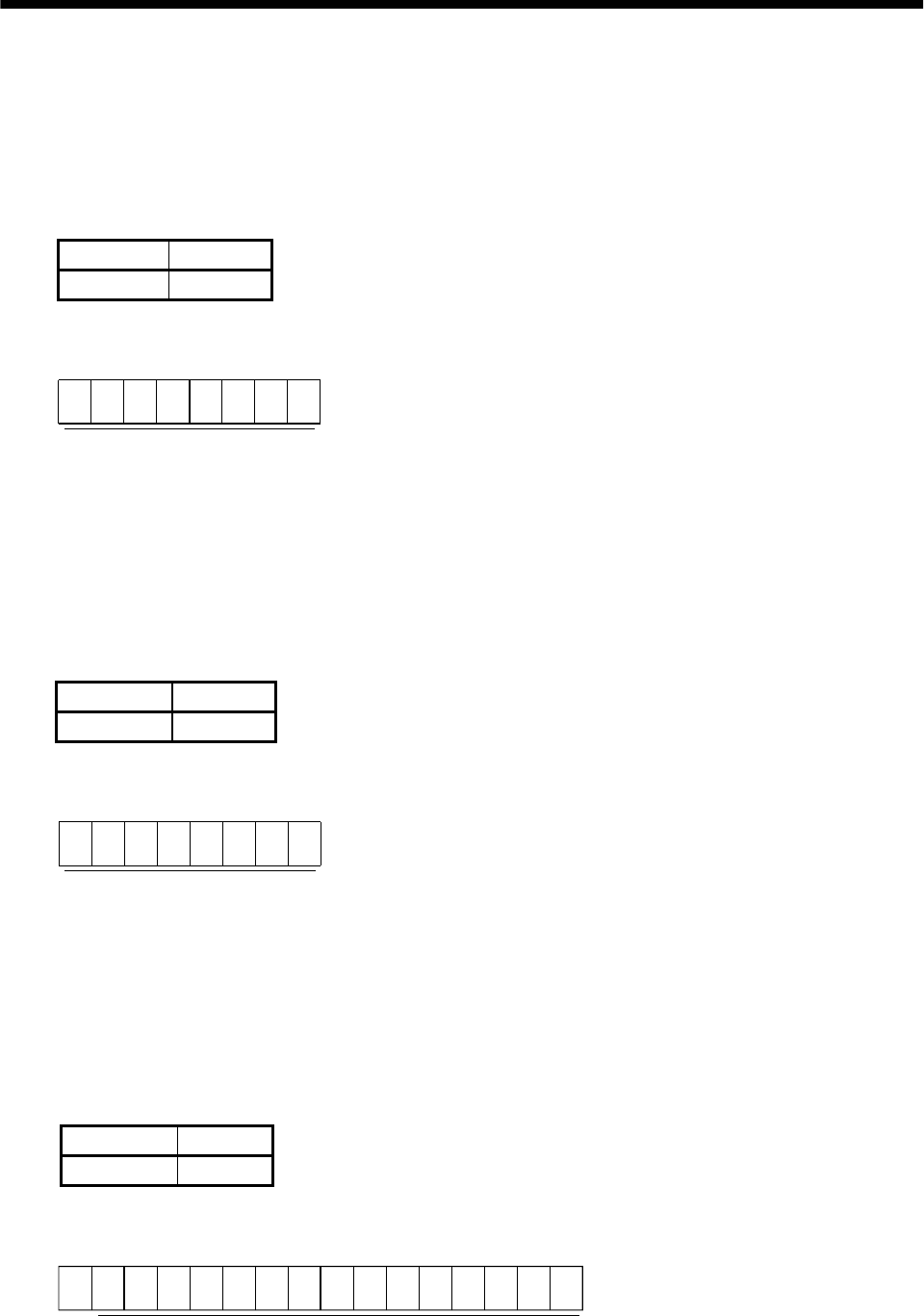
14 - 27
14. COMMUNICATION FUNCTIONS
14.12.11 Other commands
(1) Servo motor end pulse unit absolute position
Read the absolute position in the servo motor end pulse unit.
Note that overflow will occur in the position of 16384 or more revolutions from the home position.
(a) Transmission
Send command [0][2] and data No. [9][0].
Command Data No.
[0][2] [9][0]
(b) Reply
The slave station sends back the requested servo motor end pulses.
Absolute value is sent back in hexadecimal in
the servo motor end pulse unit.
(Must be converted into decimal)
For example, data "000186A0" is 100000 [pulse] in the motor end pulse unit.
(2) Command unit absolute position
Read the absolute position in the command unit.
(a) Transmission
Send command [0][2] and data No. [9][1].
Command Data No.
[0][2] [9][1]
(b) Reply
The slave station sends back the requested command pulses.
Absolute value is sent back in hexadecimal in the
command unit.
(Must be converted into decimal)
For example, data "000186A0" is 100000 [pulse] in the command unit.
(3) Software version
Reads the software version of the servo amplifier.
(a) Transmission
Send command [0][2] and data No.[7][0].
Command Data No.
[0][2] [7][0]
(b) Reply
The slave station returns the software version requested.
0
Software version (15 digits)
14 - 28
14. COMMUNICATION FUNCTIONS
MEMO
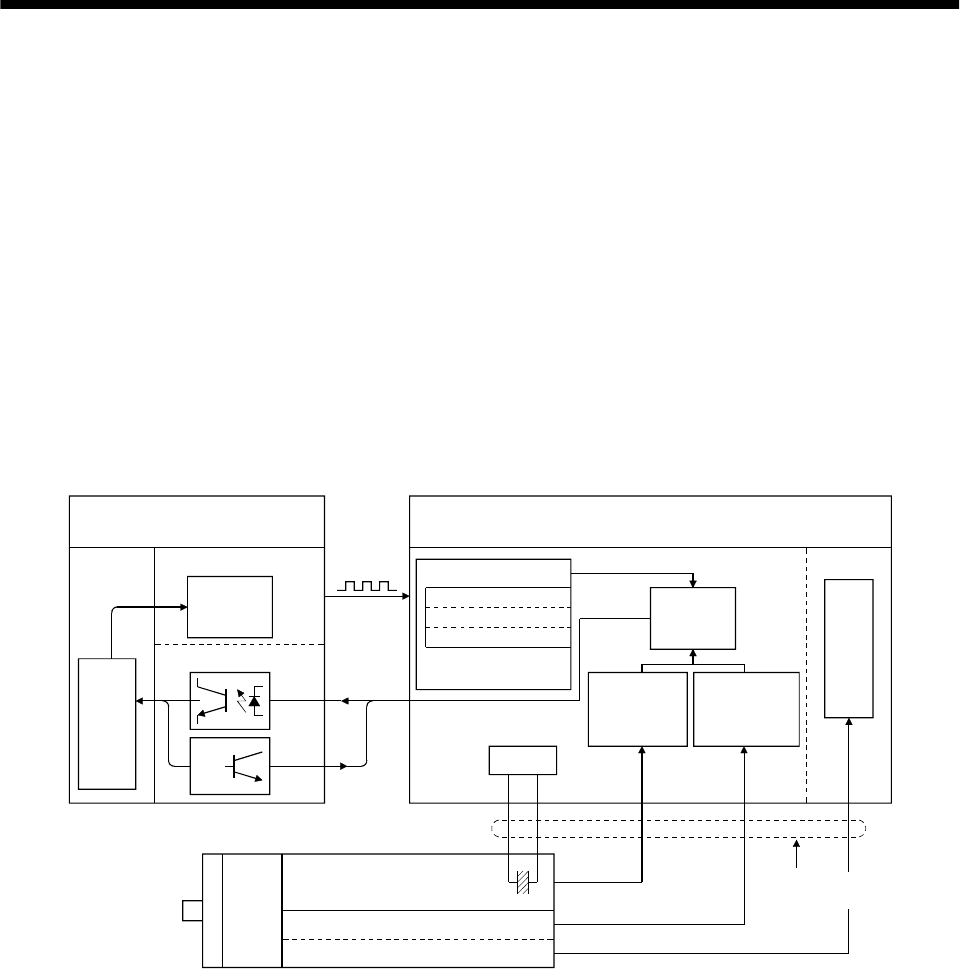
15 - 1
15. ABSOLUTE POSITION DETECTION SYSTEM
15. ABSOLUTE POSITION DETECTION SYSTEM
15.1 Outline
15.1.1 Features
For normal operation, as shown below, the encoder consists of a detector designed to detect a position
within one revolution and a cumulative revolution counter designed to detect the number of revolutions.
The absolute position detection system always detects the absolute position of the machine and keeps it
battery-backed, independently of whether the general-purpose programming controller power is on or off.
Therefore, once the home position is defined at the time of machine installation, home position return is
not needed when power is switched on thereafter.
If a power failure or a fault occurs, restoration is easy.
Also, the absolute position data, which is battery-backed by the super capacitor in the encoder, can be
retained within the specified period (cumulative revolution counter value retaining time) if the cable is
unplugged or broken.
LSO
1XO
MR-BAT
CPU
General purpose programmable
controller Servo amplifier
Pulse train
(command)
Changing the
current position
data
Positioning module
I/O module
Current
position
data
Input
Output
Home position data
EEPROM memory
Backed up in the
case of power failure
Current
position
data
Detecting the
number of
revolutions
LS 1X
Detecting the
position within
one revolution
Position control
Speed control
Servo motor
1 pulse/rev Accumulative
revolution counter Super capacitor
Within-one-revolution counter
A, B, Z phase signals
(
Position detector
)
High speed serial
communication
Battery
15.1.2 Restrictions
The absolute position detection system cannot be configured under the following conditions. Test
operation cannot be performed in the absolute position detection system, either. To perform test
operation, choose incremental in parameter No.1.
(1) Speed control mode, torque control mode.
(2) Control switch-over mode (position/speed, speed/torque, torque/speed).
(3) Stroke-less coordinate system, e.g. rotary shaft, infinitely long positioning.
(4) Changing of electronic gear after home position setting.
(5) Use of alarm code output.
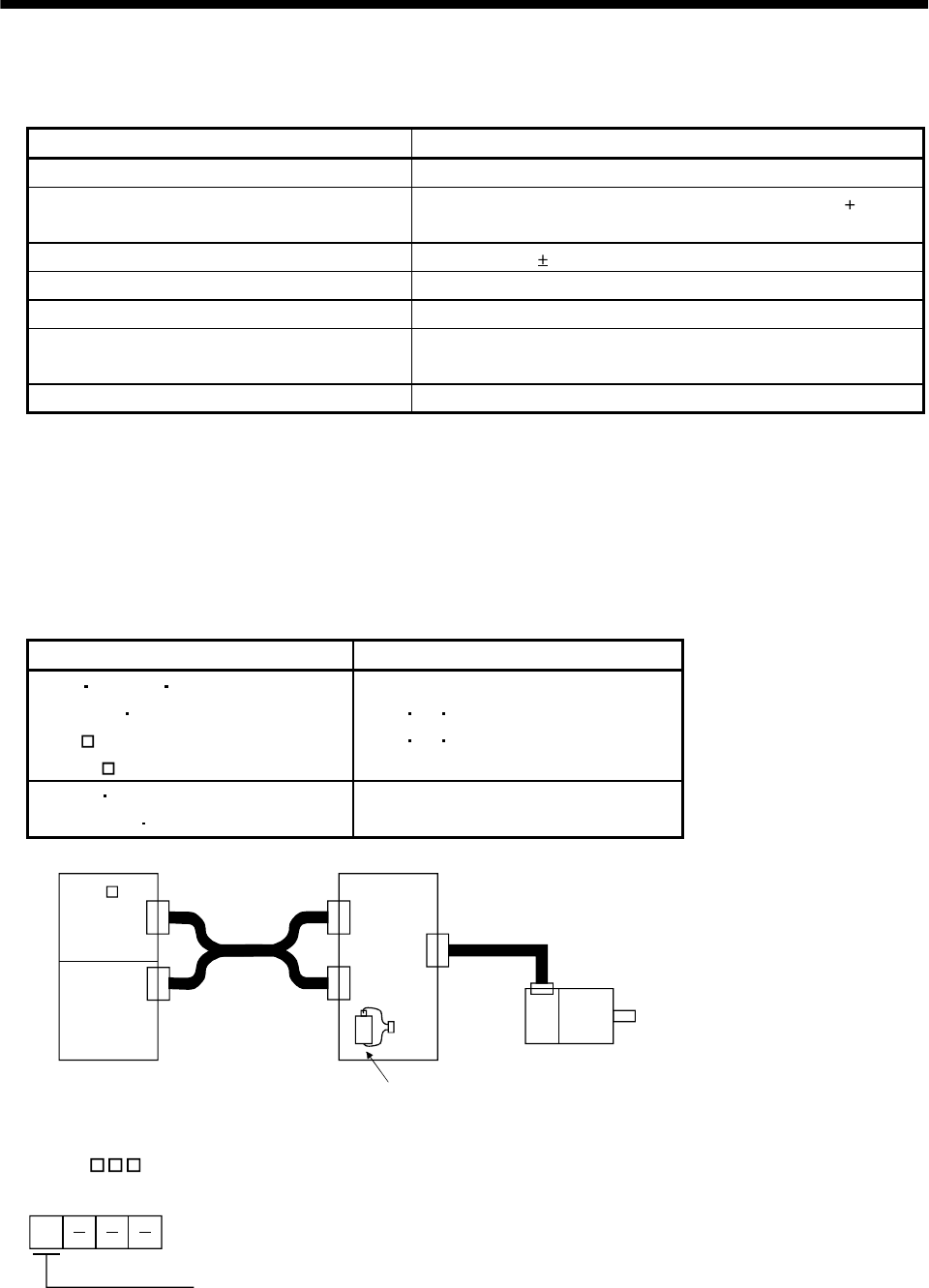
15 - 2
15. ABSOLUTE POSITION DETECTION SYSTEM
15.2 Specifications
(1) Specification list
Item Description
System Electronic battery backup system
Battery 1 piece of lithium battery ( primary battery, nominal 3.6V)
Type: MR-BAT or A6BAT
Maximum revolution range Home position 32767 rev.
(Note 1) Maximum speed at power failure 500r/min
(Note 2) Battery backup time Approx. 10,000 hours (battery life with power off)
(Note 3) Data holding time during battery
replacement 2 hours at delivery, 1 hour in 5 years after delivery
Battery storage period 5 years from date of manufacture
Note: 1. Maximum speed available when the shaft is rotated by external force at the time of power failure or the
like.
2. Time to hold data by a battery with power off.
3. Period during which data can be held by the super capacitor in the encoder after power-off, with the
battery voltage low or the battery removed, or during which data can be held with the encoder cable
disconnected.
Battery replacement should be finished within this period.
(2) General-purpose programmable controller
Positioning module I/O module
AD71 AD71S2 AD71S7
A1SD71S2 A1SD71S7
AD75
A1SD75
AX40 41 42
AY40 41 42
FX-1PG FX-1GM
FX(E)-20GM FX-10GM FX2-32MT
CN1A
CN1B
CON1
Servo motor
CN2
AD75 etc.
I/O
Programmable controller Servo amplifier
Battery (MR-BAT)
(3) Parameter setting
Set " 1 " in parameter No.1 to make the absolute position detection system valid.
1
Selection of absolute position detection system
0: Incremental system
1: Absolute position detection system
Parameter No. 1
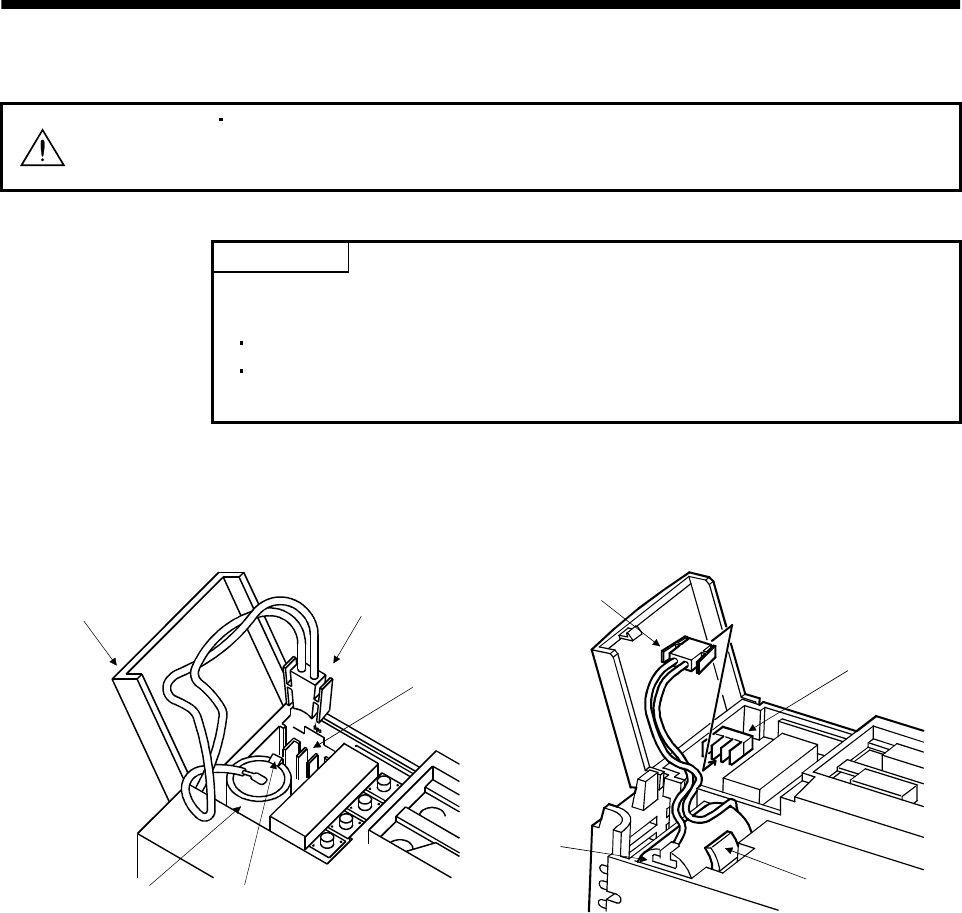
15 - 3
15. ABSOLUTE POSITION DETECTION SYSTEM
15.3 Battery installation procedure
WARNING Before starting battery installation procedure, make sure that the charge lamp is off
more than 10 minutes after power-off. Then, confirm that the voltage is safe in the
tester or the like. Otherwise, you may get an electric shock.
POINT
The internal circuits of the servo amplifier may be damaged by static electricity.
Always take the following precautions:
Ground human body and work bench.
Do not touch the conductive areas, such as connector pins and electrical
parts, directly by hand.
(1) Open the operation window. (When the model used is the MR-J2S-200A or more, also remove the front
cover.
(2) Install the battery in the battery holder.
(3) Install the battery connector into CON1 until it clicks.
Battery connector
Battery
Operation window
CON1
Battery holder
CON1
Battery connector
Battery
Battery holder
For MR-J2S-100A or less For MR-J2S-200A or more
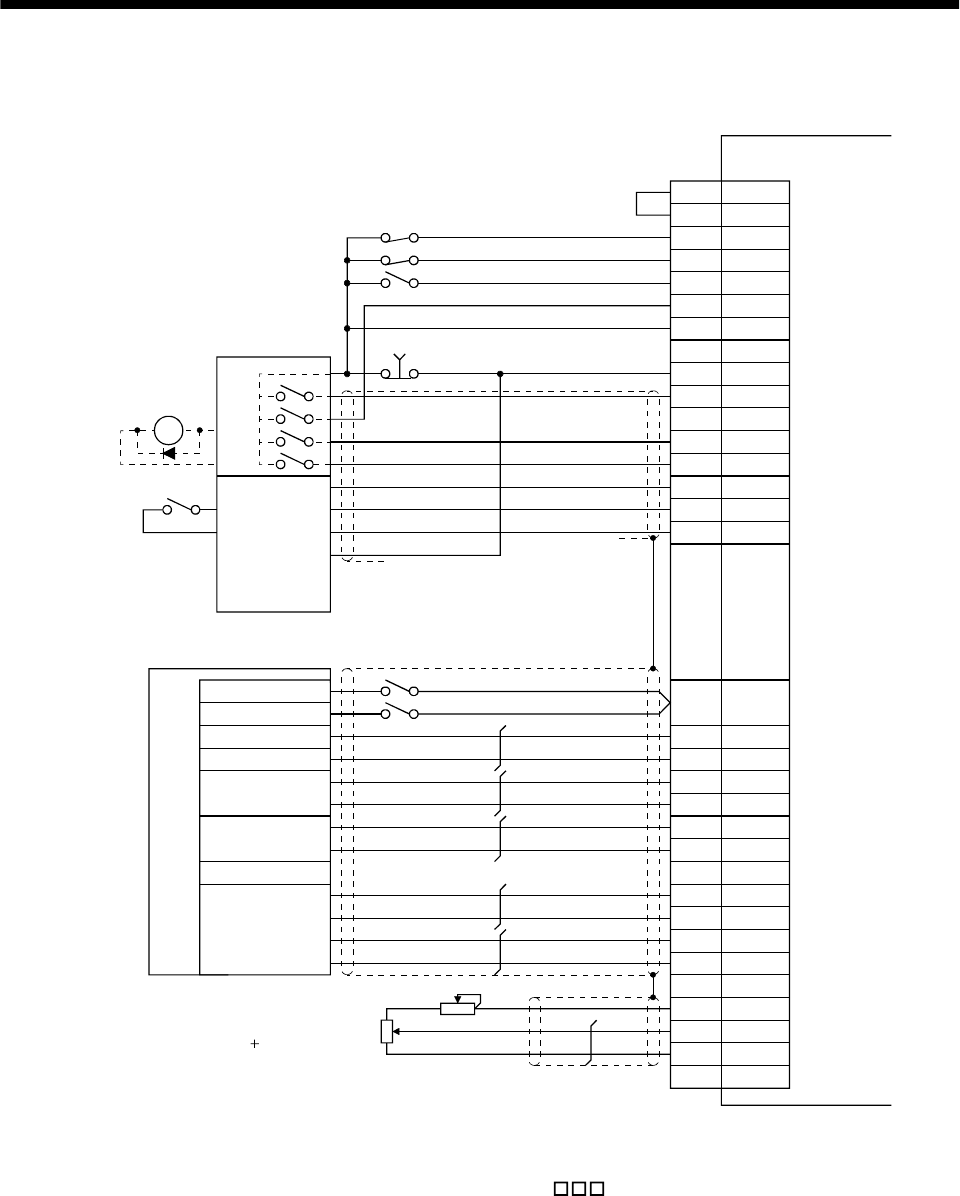
15 - 4
15. ABSOLUTE POSITION DETECTION SYSTEM
15.4 Standard connection diagram
CR
SG
RA2
CN1B-3
CN1B-13COM
CN1B-16LSP
CN1B-17LSN
CN1B-7TL
CN1B-14RES
CN1B-10SG
CN1B-5SON
CN1B-15EMG
CN1B-8ABSM
CN1B-9ABSR
CN1B-4DO1
CN1B-19ZSP
CN1B-6TLC
VDD
SG CN1A-10
CN1B-3VDD
CN1A-19RD
CN1A-4P15R
CN1A-14OP
CN1A-8
CN1A-20
CN1A-3PP
CN1A-13PG
CN1A-2NP
CN1A-12NG
CN1B-11P15R
CN1B-12TLA
CN1B-1LG
PlateSD
Servo amplifier
I/O module
Input
Output
Reset
Reset (Note 3)
EMG (Note 1)
Positioning
module
(Note 2) Stroke end in forward rotation
Stroke end in reverse rotation
External torque control
Electromagnetic
brake output
Near-zero point signal
Stop signal
Power supply (24V)
Ready
Zero-point
signal
Clear
Command
pulses
(for open-
collector type)
Dog
Stop
Emergency stop
Servo-on
ABS transmission
mode
ABS request
ABS bit 0
ABS bit 1
Send data ready
Torque limit
10V/max.torque
Upper limit setting
Note: 1. Always install the emergency stop switch.
2. For operation, always short the forward/reverse rotation stroke end (LSN/LSP) with SG.
3. When using the torque limit signal (TL), set " 4" in parameter No.46 to assign TL to
pin CN1B-7.
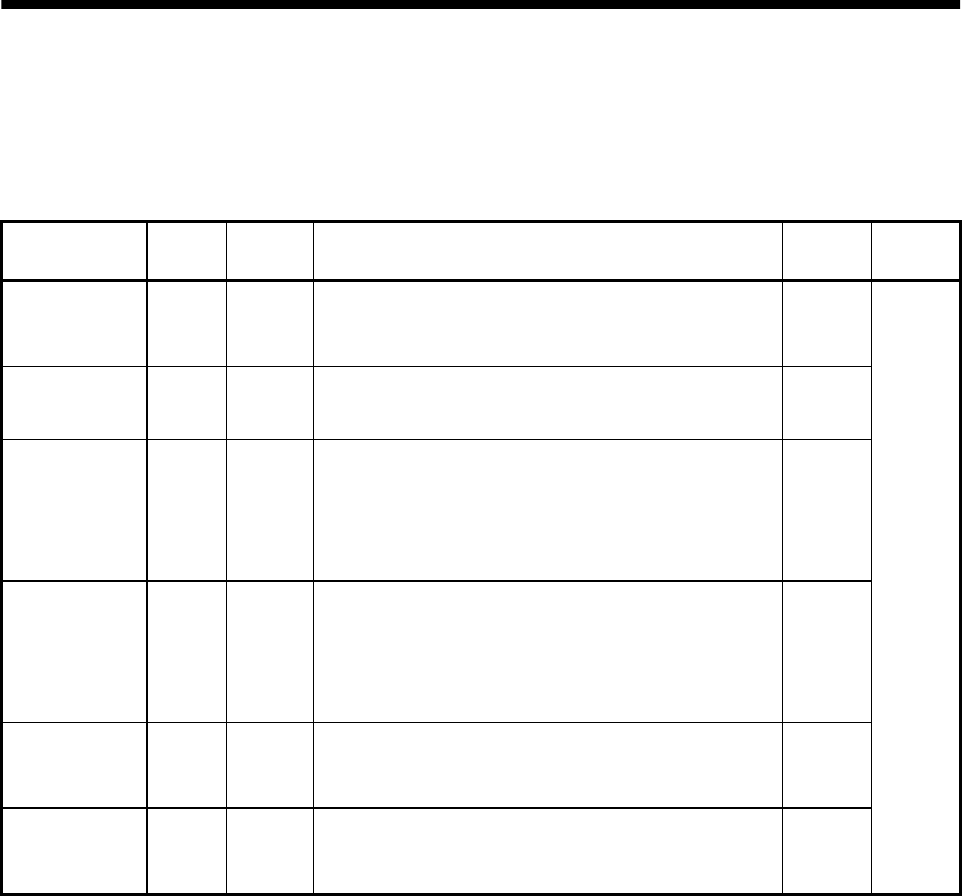
15 - 5
15. ABSOLUTE POSITION DETECTION SYSTEM
15.5 Signal explanation
When the absolute position data is transferred, the signals of connector CN1 change as described in this
section. They return to the previous status on completion of data transfer. The other signals are as
described in Section 3.3.2.
For the I/O interfaces (symbols in the I/O Category column in the table), refer to Section 3.6.
Signal name Code Pin No. Function/Application I/O
category
Control
mode
ABS transfer
mode ABSM (Note)
CN1B-8
While ABSM is shorted by connection to SG, the servo
amplifier is in the ABS transfer mode, and the functions
of ZSP, TLC, and D01 are as indicated in this table. DI-1
ABS request ABSR (Note)
CN1B-9 ABSR-SG are shorted to request the ABS data in the
ABS transfer mode. DI-1
ABS bit 0 D01 CN1B-4
Indicates the lower bit of the ABS data (2 bits) which is
sent from the servo to the programmable controller in
the ABS transfer mode.
If there is a signal, the circuit between D01 and SG is
closed.
DO-1
ABS bit 1 ZSP CN1B-19
Indicates the upper bit of the ABS data (2 bits) which is
sent from the servo to the programmable controller in
the ABS transfer mode.
If there is a signal, the circuit between ZSP and SG is
closed.
DO-1
Send data ready TLC CN1B-6 Indicates that the data to be sent is being prepared in
the ABS transfer mode. At the completion for the ready
state, the circuit between TLC and SG is closed. DO-1
Home position
setting CR CN1A-8 When CR-SG are shorted, the position control counter is
cleared and the home position data is stored into the
non-volatile memory (backup memory). DI-1
P
(Position
control)
Note: When "Used in absolute position detection system" is selected in parameter No. 1, pin CN1B-8
acts as the ABS transfer mode (ABSM) signal and pin CN1B-9 as the ABS request (ABSR) signal.
They do not return to the original signals if data transfer ends.

15 - 6
15. ABSOLUTE POSITION DETECTION SYSTEM
15.6 Startup procedure
(1) Battery installation.
Refer to Section 15.3 installation of absolute position backup battery.
(2) Parameter setting
Set "1 "in parameter No. 1 of the servo amplifier and switch power off, then on.
(3) Resetting of absolute position erase alarm (AL.25)
After connecting the encoder cable, the absolute position erase alarm (AL.25) occurs at first power-on.
Leave the alarm as it is for a few minutes, then switch power off, then on to reset the alarm.
(4) Confirmation of absolute position data transfer
When the servo-on signal is turned on, the absolute position data is transferred to the programmable
controller. When the ABS data is transferred properly:
(a) The ready output (RD) turns on.
(b) The programmable controller/ABS data ready contact (M3 for A1SD71, M99 for 1PG) turns on.
(c) The servo configuration software ABS data display window (refer to Section 15.9) and
programmable controller side ABS data registers (D3, D4 for A1SD71, D106, D107 for 1PG) show
the same value (at the home position address of 0).
If any warning such as ABS time-out warning (AL.E5) or programmable controller side transfer
error occurs, refer to Section 15.10 or Chapter 10 and take corrective action.
(5) Home position setting
The home position must be set if:
(a) System setup is performed;
(b) The servo amplifier has been changed;
(c) The servo motor has been changed; or
(d) The absolute position erase alarm (AL.25) occurred.
In the absolute position system, the absolute position coordinates are made up by making home
position setting at the time of system setup.
The motor shaft may misoperate if positioning operation is performed without home position setting.
Always make home position setting before starting operation.
For the home position setting method and types, refer to Section 15.7.3.
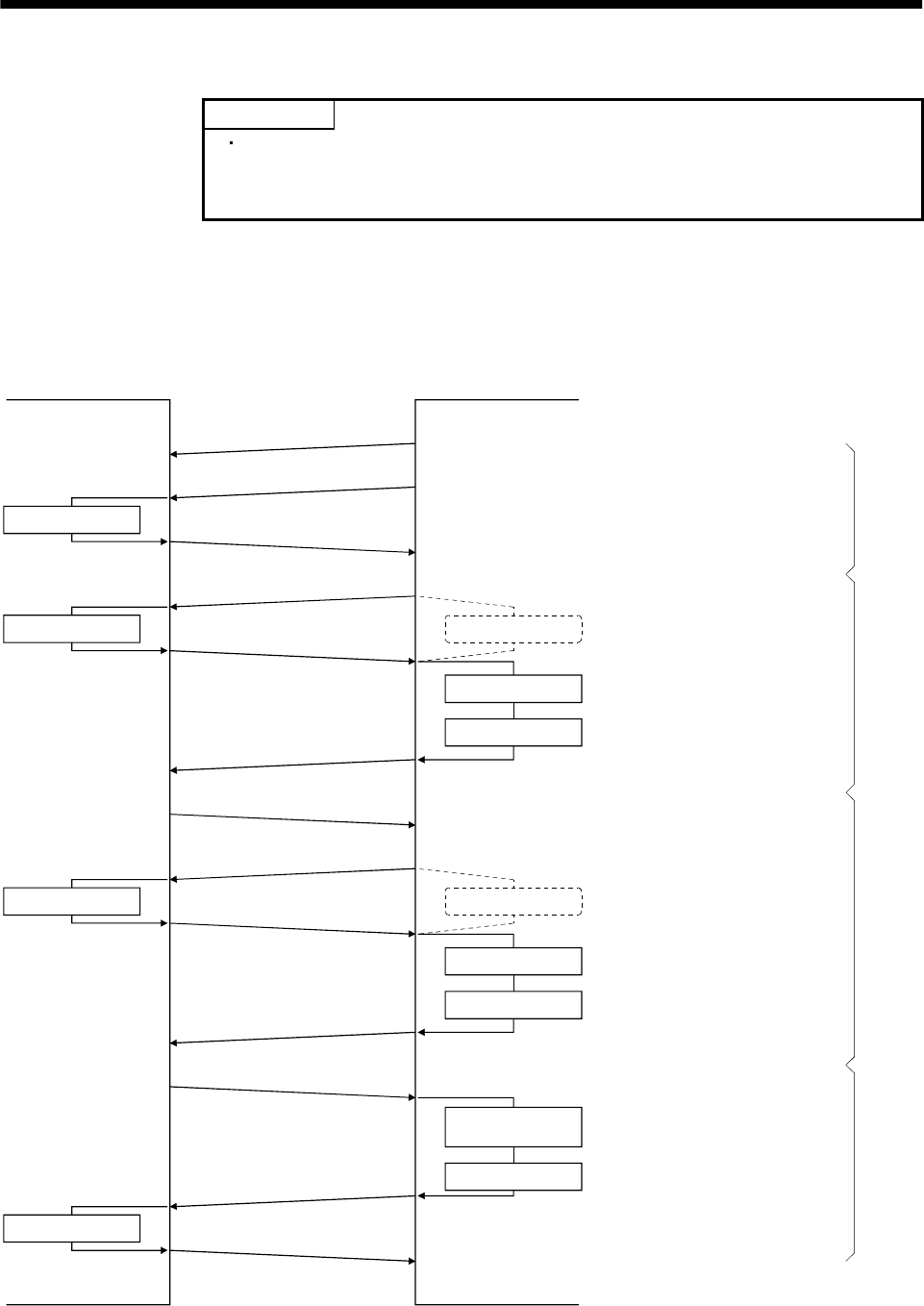
15 - 7
15. ABSOLUTE POSITION DETECTION SYSTEM
15.7 Absolute position data transfer protocol
POINT
After switching on the ABS transfer mode (ABSM), turn on the servo-on
signal (SON). When the ABS transfer mode is off, turning on the servo-on
signal (SON) does not switch on the base circuit.
15.7.1 Data transfer procedure
Each time the SON signal is turned ON (when the power is switched ON for example), the programmable
controller reads the position data (present position) of the servo amplifier.
Time-out monitoring is performed by the programmable controller.
SON ON
Servo amplifier Programmable controller
ABS transfer mode ON
Send data ready ON
ABS request ON
Send data ready OFF
ABS request OFF
Send data ready ON
ABS request ON
Send data ready OFF
ABS request OFF
Send data ready ON
ABS transfer mode OFF
TLC (send data ready) OFF
DI0 allocation change
Transmission data set
Transmission data set
DI0 allocation change
Watch dog timer
Reading 2 bits
Shift and addition
Watch dog timer
Reading 2 bits
Shift and addition
Setting the current
position
Sum check
Every time the SON is
turned ON, the ABS transfer
mode signal is turned ON
to set the data to be
transmitted.
The data is read in units of
2 bits; the read data is written
to the lowest bits, and the
register is shifted right until
32-bit data is configured.
The data is read in units of
2 bits; the read data is written
to the lowest bits, and the
register is shifted right until
6-bit data is configured.
A sum check is executed
for the received 32-bit data.
After making sure that
there are no errors in the data,
the current position is set.
Start processing
Repeated to configure 32-bit data
Repeated to configure 6-bit dataEnd processing
16 times
3 times
<Current position data>
<Sumcheck data>
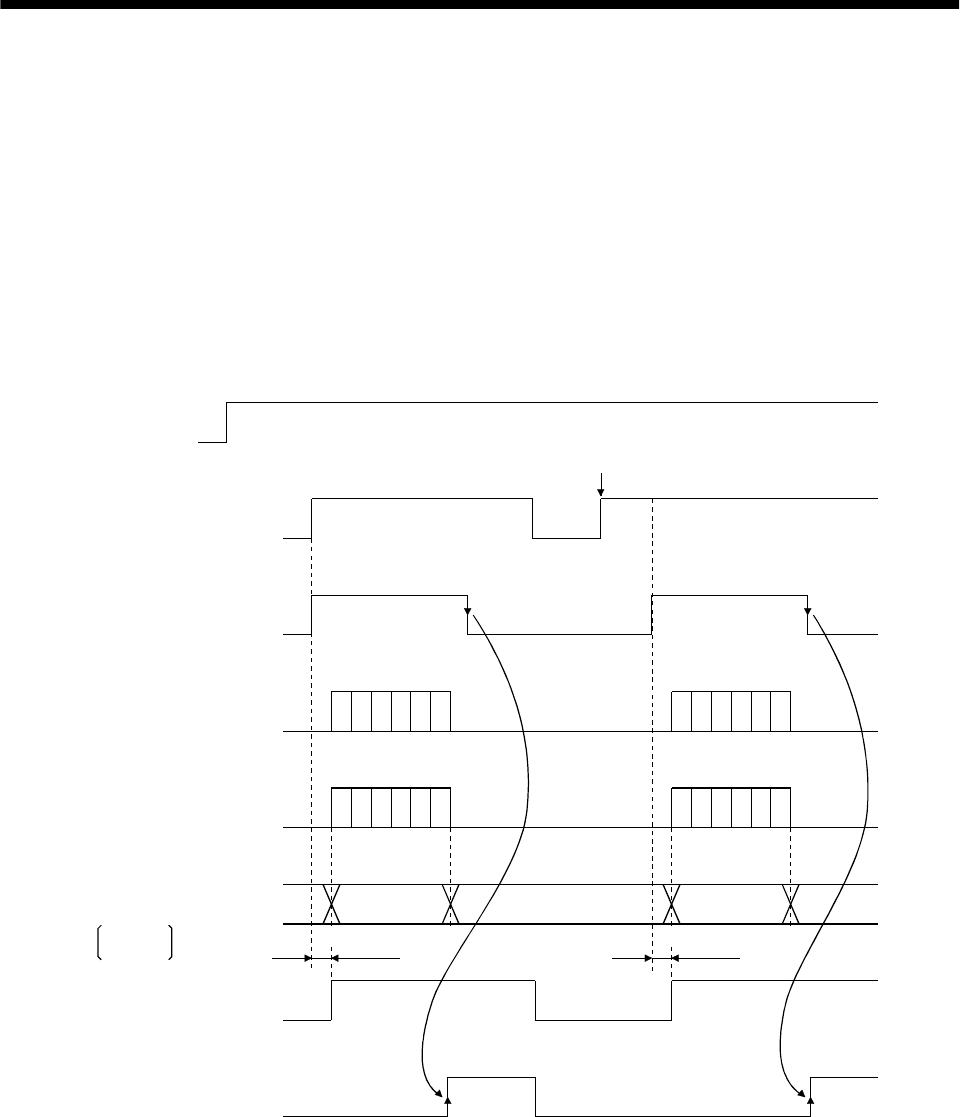
15 - 8
15. ABSOLUTE POSITION DETECTION SYSTEM
15.7.2 Transfer method
The sequence in which the base circuit is turned ON (servo-on) when it is in the OFF state due to the
servo-on (SON) signal going OFF, an emergency stop, or alarm, is explained below. In the absolute
position detection system, every time the servo-on (SON) signal is turned on, the ABS transfer mode
(ABSM) signal should always be turned on to read the current position in the servo amplifier to the
controller. The servo amplifier transmits to the controller the current position latched when the ABS
transfer mode (ABSM) signal switches from OFF to ON. At the same time, this data is set as a position
command value inside the servo amplifier. Unless the ABS transfer mode signal (ABSM) is turned ON,
the base circuit cannot be turned ON.
(1) At power-on
(a) Timing chart
OFF
ON
OFF
ON
OFF
ON
OFF
ON
OFF
ON
OFF
ON
OFF
ON
80[ms] 80[ms]
1)
2), 3)
Power
supply
Servo-on
(SON)
4)
ABS transfer mode
(ABSM)
ABS request
(ABSR)
Send data ready
(TLC)
Transmission
(ABS) data
Base circuit
Ready
(RD)
If SON is turned ON before ABSM is input
During transfer of ABS During transfer of ABS
(Note) (Note)
(Note) (Note)
(Note) (Note)
ABS data ABS data
Operation
enabled Operation
enabled
Note: For details, refer to (1) (b) in this section.
D01:bit1
ZSP:bit2
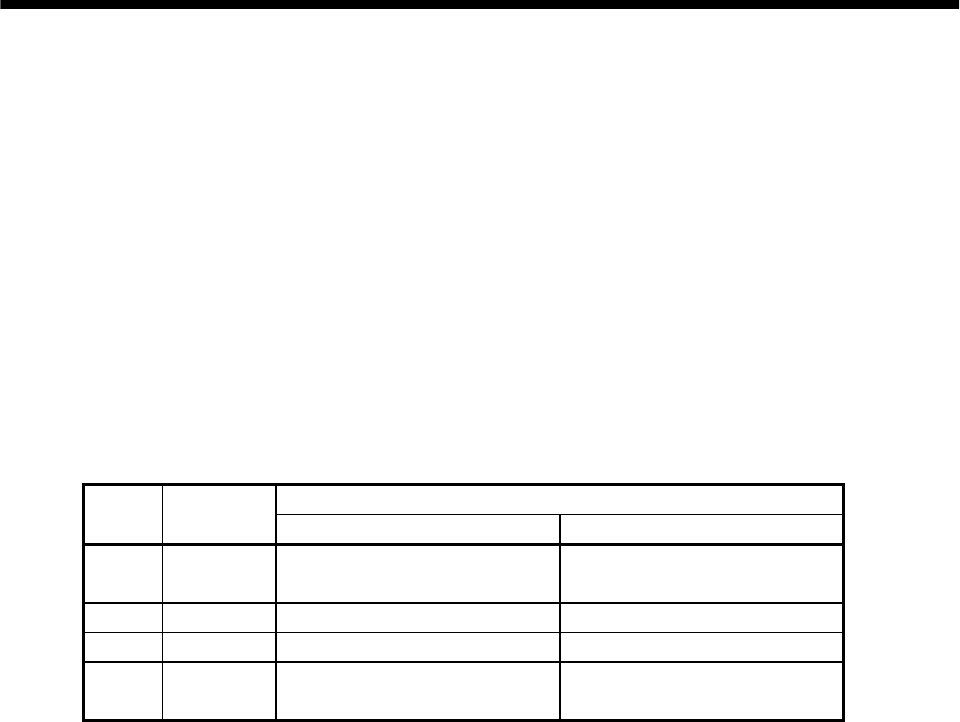
15 - 9
15. ABSOLUTE POSITION DETECTION SYSTEM
1) The ready signal (RD) is turned ON when the ABS transfer mode signal (ABSM) is turned OFF
after transmission of the ABS data.
While the ready signal (RD) is ON, the ABS transfer mode signal (ABSM) input is not accepted.
2) Even if the servo-on (SON) signal is turned ON before the ABS transfer mode signal (ABSM) is
turned ON, the base circuit is not turned ON until the ABS transfer mode signal (ABSM) is
turned ON.
If a servo alarm has occurred, the ABS transfer mode signal (ABSM) is not received.
The ABS transfer mode signal (ABSM) allows data transmission even while a servo warning is
occurring.
3) If the ABS transfer mode signal (ABSM) is turned OFF during the ABS transfer mode, the ABS
transfer mode is interrupted and the time-out error (AL.E5) occurs.
4) The functions of output signals such as ZSP, TLC, D01, and INP change depending on the
ON/OFF state of the ABS transfer mode signal (ABSM).
Note that if the ABS transfer mode signal (ABSM) is turned ON for a purpose other than ABS
data transmission, the output signals will be assigned the functions of ABS data transmission.
Output signal
Symbol Pin No. ABS transfer mode (ABSM): OFF ABS transfer mode (ABSM): ON
(Note)
D01 CN1B-4 Positioning completion ABS data bit 0
ZSP CN1B-19 Zero speed ABS data bit 1
TLC CN1B-6 During torque limit control Send data ready
(Note)
INP CN1A-18 Positioning completion ABS data bit 0
Note: CN1B-4 and CN1A-18 output the same signals. (To enter the positioning completion
signal into INPS of the AD75, connect CN1A-18.)
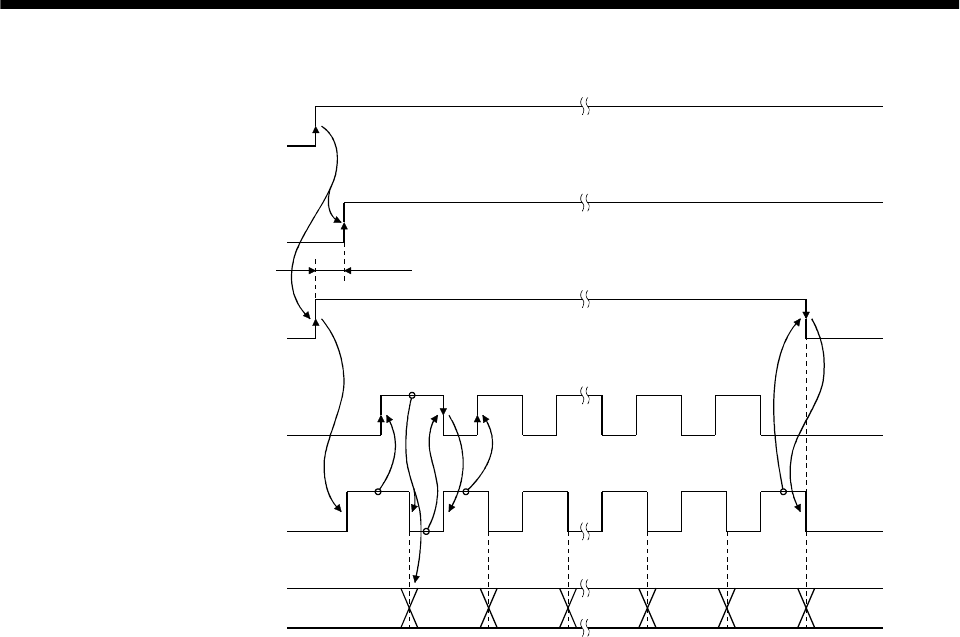
15 - 10
15. ABSOLUTE POSITION DETECTION SYSTEM
(b) Detailed description of absolute position data transfer
OFF
ON
OFF
ON
OFF
ON
OFF
ON
OFF
ON
3)
4)
5)
7)
(Note)
1)
2) 6)
Servo-on
(programmable
controller)
Servo-on
(SON)
ABS transfer mode
(ABSM)
ABS request
(ABSR)
Send data ready
(TLC)
Transmission (ABS) data
Note: If the servo-on (SON) signal is not turned ON within 1 second after the ABS transfer mode signal (ABSM)
is turned ON, an SON time-out warning (AL.EA) occurs. This warning, however, does not interrupt data
transmission. It is automatically cleared when the servo-on (SON) signal is turned ON.
During transfer of ABS
Lower
2 bits Check sum
Upper 2 bits
1) The programmable controller turns ON the ABS transfer mode signal (ABSM) and servo-on
(SON) signals at the leading edge of the internal servo-on signal.
2) In response to the ABS transfer mode signal, the servo detects and calculates the absolute
position and turns ON the send data ready (TLC) signal to notify the programmable controller
that the servo is ready for data transmission.
3) After acknowledging that the ready to send (TLC) signal has been turned ON, the
programmable controller turns ABS request (ABSR) ON.
4) In response to ABS request (ABSR), the servo outputs the lower 2 bits of the ABS data and the
ready to send (TLC) signal in the OFF state.
5) After acknowledging that the ready to send (TLC) signal has been turned OFF, which implies
that 2 bits of the ABS data have been transmitted, the programmable controller reads the lower
2 bits of the ABS data and then turns OFF the ABS request (ABSR).
6) The servo turns ON the ready to send (TLC) so that it can respond to the next request.
Steps 3) to 6) are repeated until 32-bit data and the 6-bit check sum have been transmitted.
7) After receiving of the check sum, the programmable controller turns the ABS transfer mode
signal (ABSM) OFF.
If the ABS transfer mode signal (ABSM) is turned OFF during data transmission, the ABS
transfer mode is interrupted.
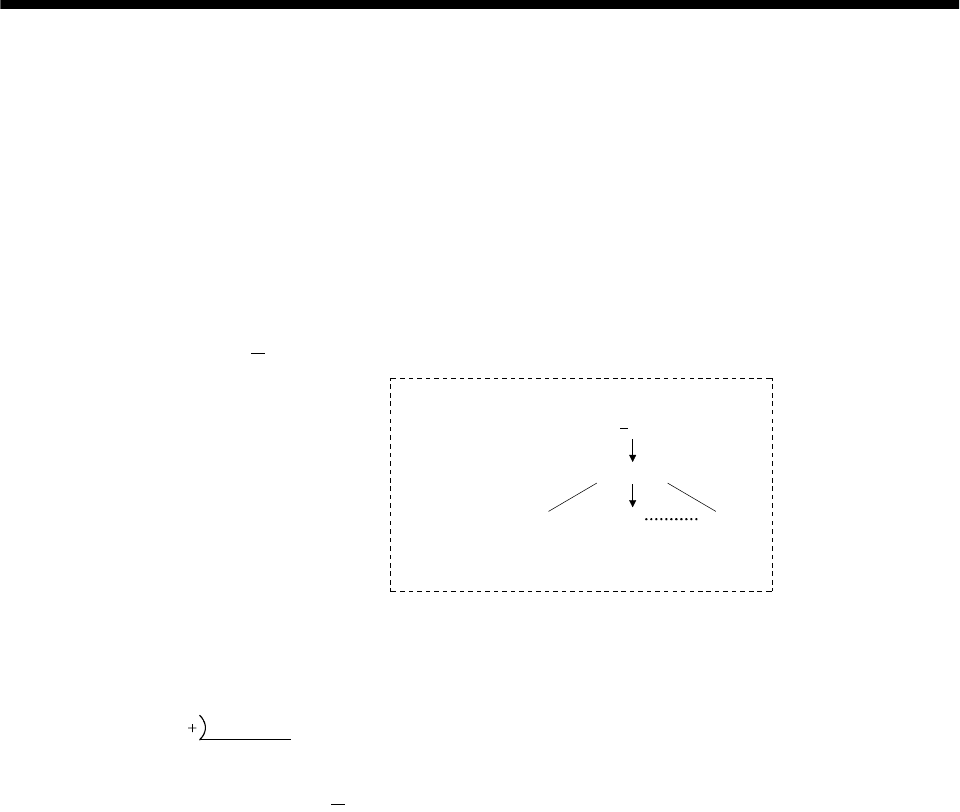
15 - 11
15. ABSOLUTE POSITION DETECTION SYSTEM
(c) Checksum
The check sum is the code which is used by the programmable controller to check for errors in the
received ABS data. The 6-bit check sum is transmitted following the 32-bit ABS data.
At the programmable controller, calculate the sum of the received ABS data using the ladder
program and compare it with the check sum code sent from the servo.
The method of calculating the check sum is shown. Every time the programmable controller
receives 2 bits of ABS data, it adds the data to obtain the sum of the received data. The check sum
is 6-bit data.
Negative data is available for the FX-1PG and unavailable for the A1SD71.
Example: ABS data: 10 (FFFFFFF6H)
10b
01b
11b
11b
11b
11b
11b
11b
11b
11b
11b
11b
11b
11b
11b
b
11
101101b
10
FFFF FFF6
1111 1111 1111 0110
<Appendix>
Decimal
Hexadecimal
Binary
When the binary data of each 2bits of the
ABS data is added up, "10 1101 " is obtained.
b
Therefore, the check sum of " 10" (ABS data) is "2Db"
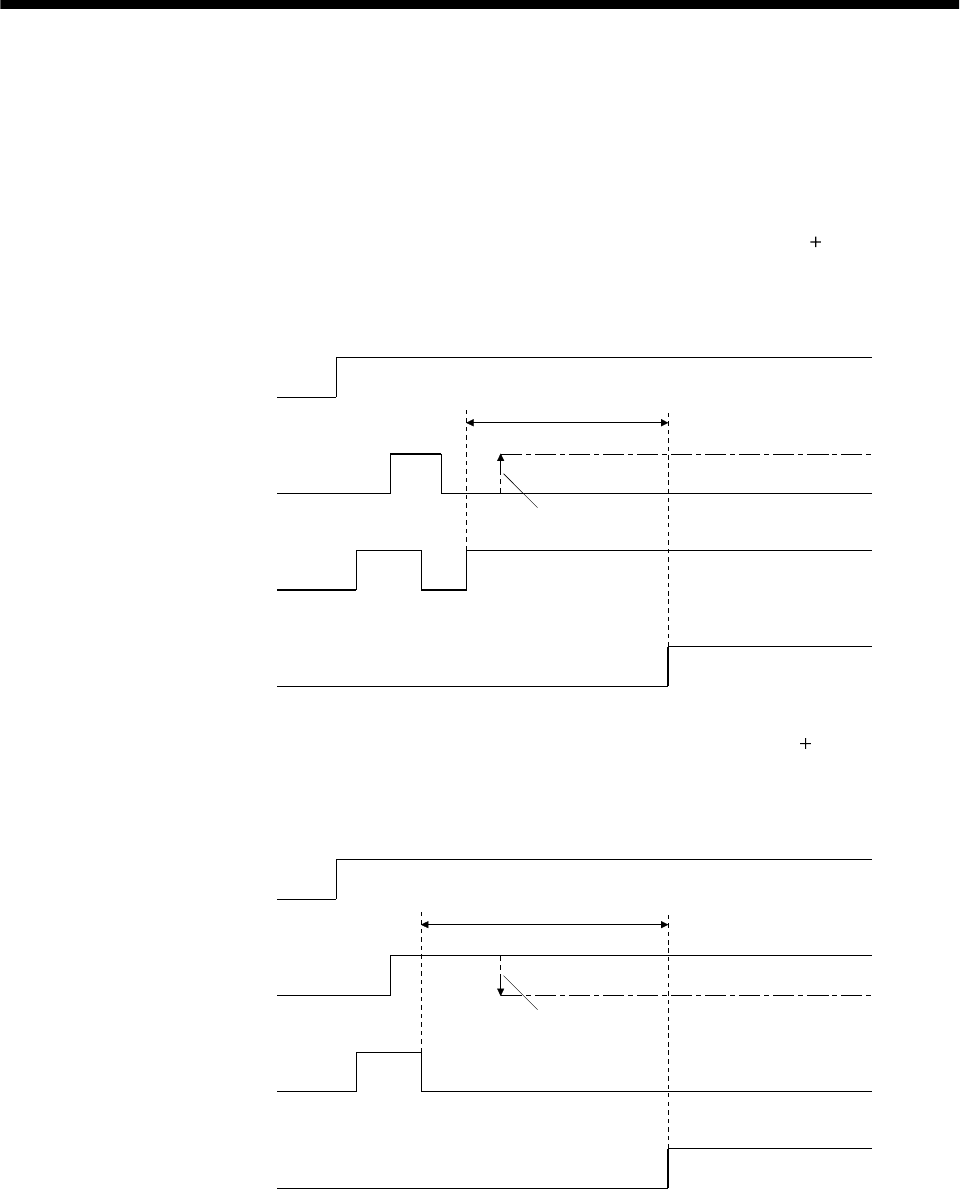
15 - 12
15. ABSOLUTE POSITION DETECTION SYSTEM
(2) Transmission error
(a) Time-out warning(AL.E5)
In the ABS transfer mode, the time-out processing shown below is executed at the servo. If a time-
out error occurs, an ABS time-out warning (AL.E5) is output.
The ABS time-out warning (AL.E5) is cleared when the ABS transfer mode (ABSM) changes from
OFF to ON.
1) ABS request OFF-time time-out check (applied to 32-bit ABS data in 2-bit units check sum)
If the ABS request signal is not turned ON by the programmable controller within 5s after the
send data ready signal is turned ON, this is regarded as a transmission error and the ABS time-
out warning (AL.E5) is output.
OFF
ON
OFF
ON
OFF
ON
5s
A
BS transfer mode
A
BS request
Send data ready
A
L.E5 warning
Signal is not turned ON
No
Yes
2) ABS request ON-time time-out check (applied to 32-bit ABS data in 2-bit units check sum)
If the ABS request signal is not turned OFF by the programmable controller within 5s after the
send data ready signal is turned OFF, this is regarded as the transmission error and the ABS
time-out warning (AL.E5) is output.
OFF
ON
OFF
ON
OFF
ON
5s
A
BS transfer mode
A
BS request
Send data ready
A
L.E5 warning
Signal is not turned OFF
No
Yes
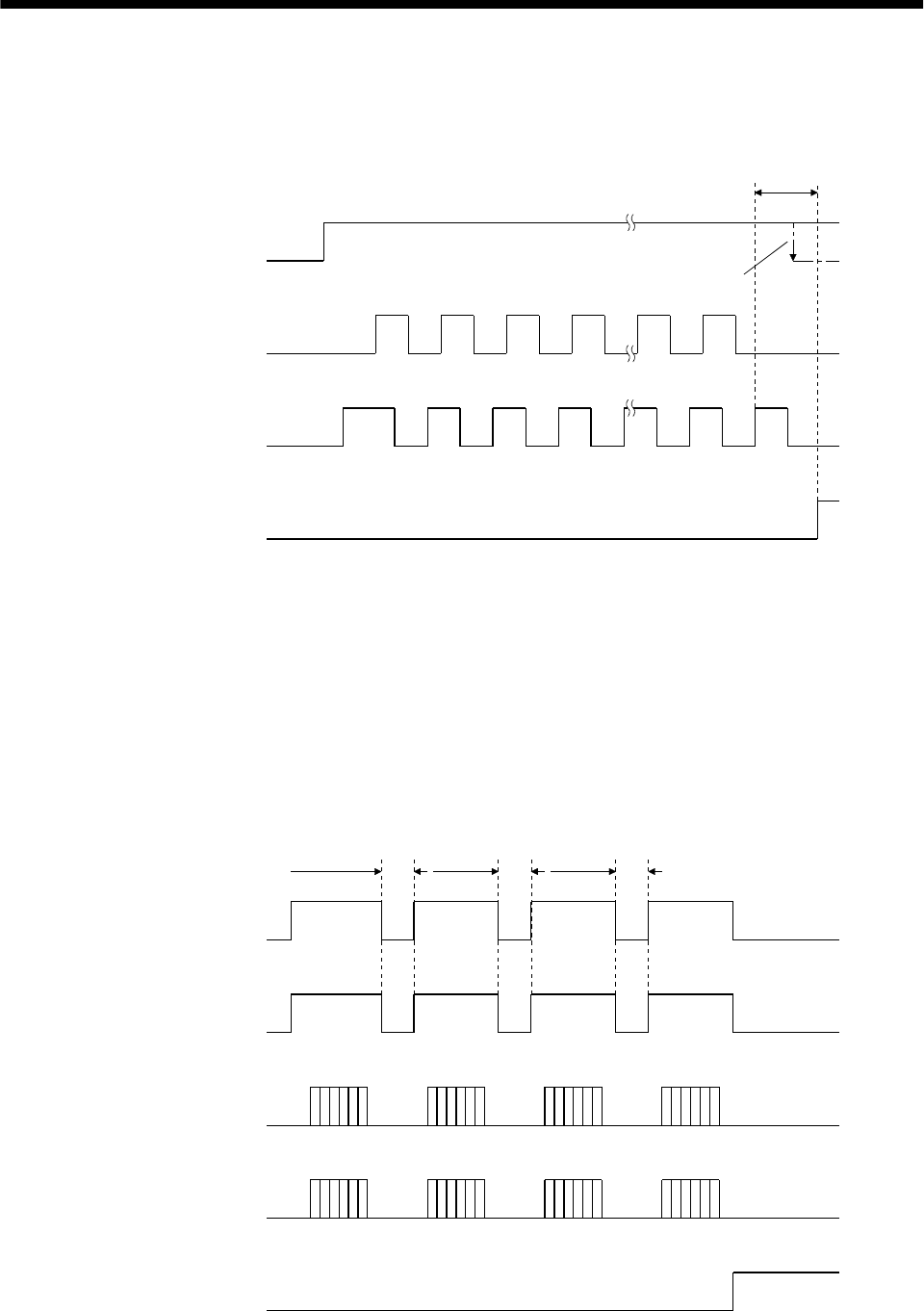
15 - 13
15. ABSOLUTE POSITION DETECTION SYSTEM
3) ABS transfer mode finish-time time-out check
If the ABS transfer mode signal is not turned OFF within 5s after the last ready to send signal
(19th signal for ABS data transmission) is turned ON, it is regarded as the transmission error
and the ABS time-out warning (AL.E5) is output.
OFF
ON
OFF
ON
OFF
ON
12341819
12341819
5s
A
BS transfer mode
A
BS request
Send data ready
A
L.E5 warning
Signal is not turned OFF
No
Yes
(b) Check sum error
If the check sum error occurs, the programmable controller should retry transmission of the ABS
data.
Using the ladder check program, turn OFF the ABS transfer mode (ABSM) and servo-on (SON)
signals once. Turn them ON again after an OFF time of longer than 20 ms.
If the ABS data transmission fails to end normally even after retry, regard this situation as an
ABS check sum error and execute error processing.
The start command should be interlocked with the ABS data ready signal to disable positioning
operation when an check sum error occurs.
OFF
ON
OFF
ON
OFF
ON
OFF
ON
Servo-on
ABS transfer mode
ABS request
Send data ready
ABS check sum error
20ms
or more
20ms
or more
20ms
or more
Retry 1Retry 2Retry 3
No
Yes
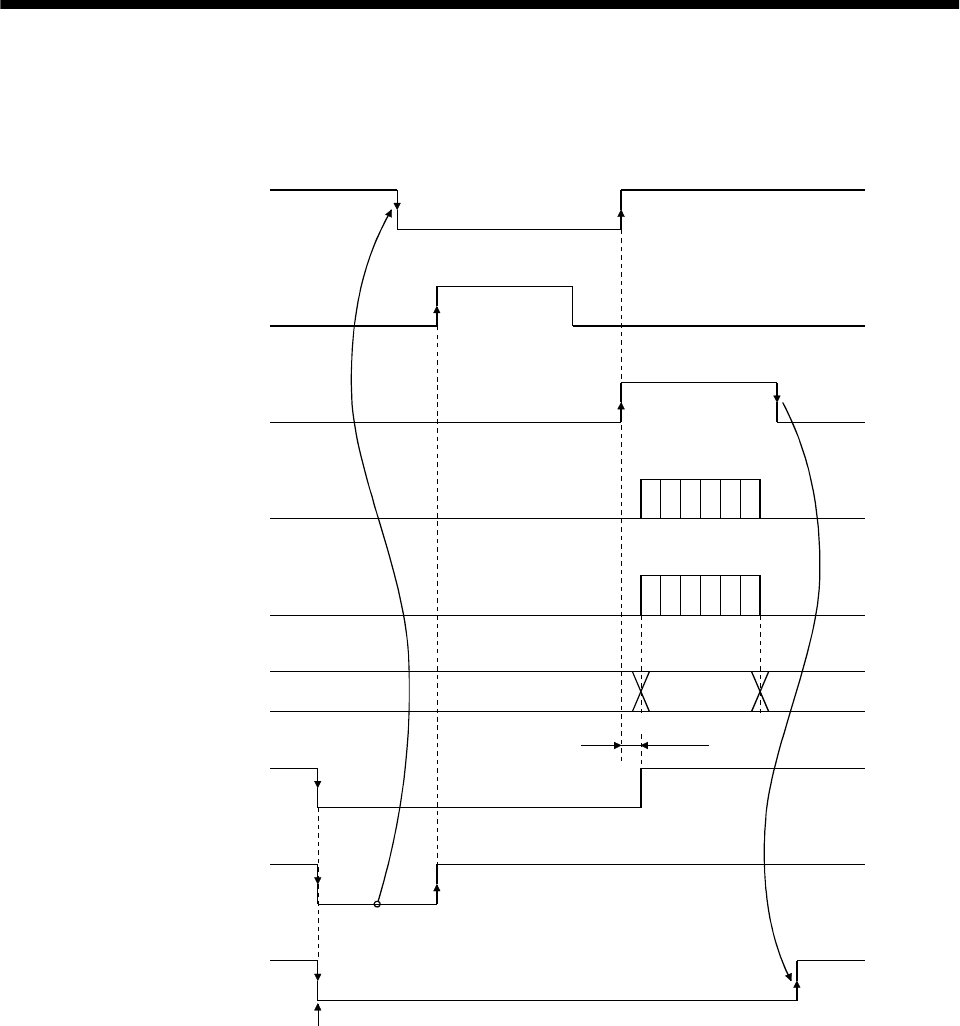
15 - 14
15. ABSOLUTE POSITION DETECTION SYSTEM
(3) At the time of alarm reset
If an alarm occurs, turn OFF the servo-on (SON) signal by detecting the alarm output (ALM).
If an alarm has occurred, the ABS transfer mode signal (ABSM) cannot be accepted.
In the reset state, the ABS transfer mode signal (ABSM) can be input.
OFF
ON
OFF
ON
OFF
ON
OFF
ON
OFF
ON
80[ms]
OFF
ON
OFF
ON
Servo-on
(SON)
Reset
(RES)
ABS transfer mode
(ABSM)
ABS request
(ABSR)
Send data ready
(TLC)
Transmission
(ABS) data
Base circuit
Alarm output
(ALM)
Ready
(RD)
Occurrence of alarm
During transfer of ABS
ABS data
Operation
enabled
OFF
ON
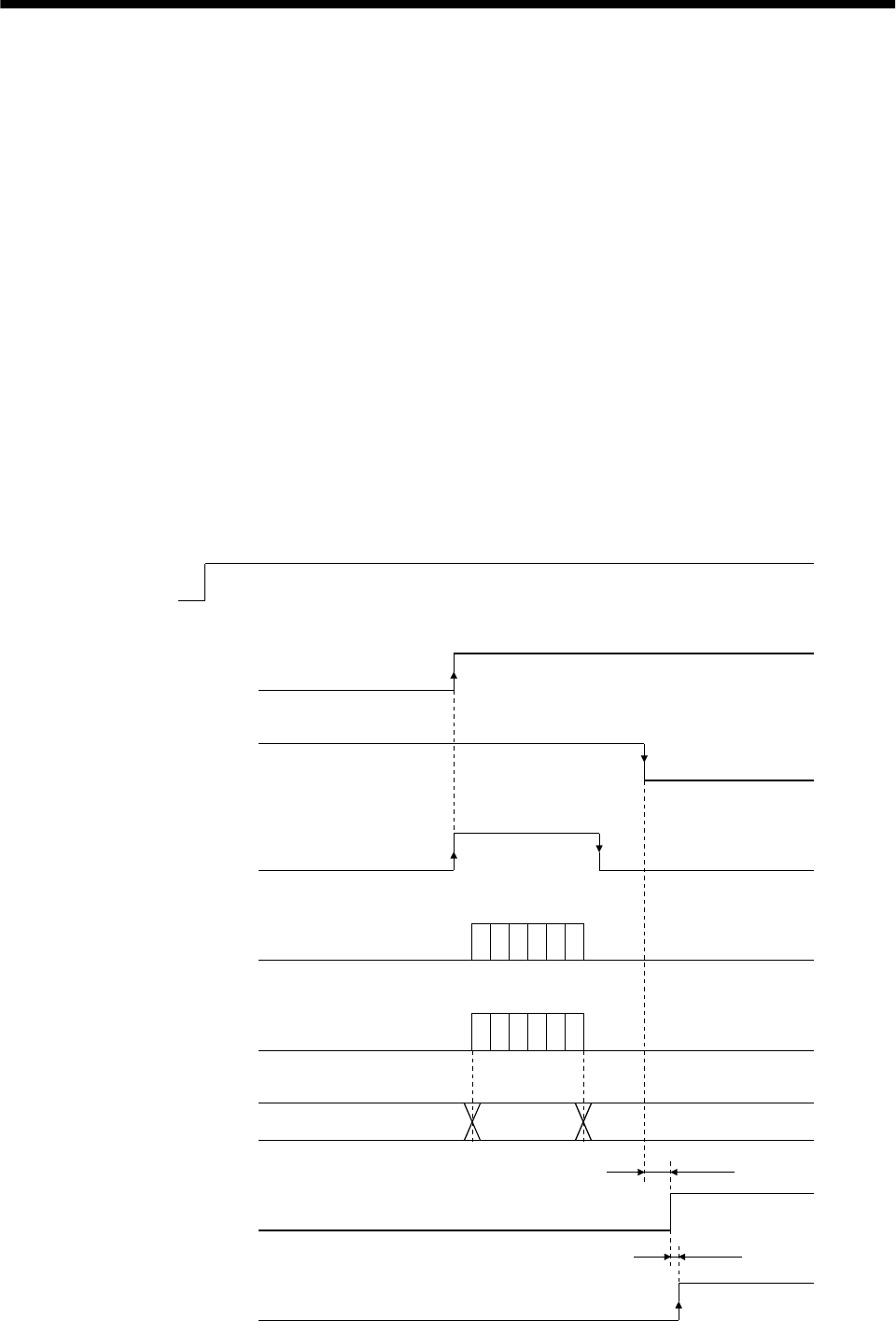
15 - 15
15. ABSOLUTE POSITION DETECTION SYSTEM
(4) At the time of emergency stop reset
(a) If the power is switched ON in the emergency stop state
The emergency stop state can be reset while the ABS data is being transferred.
If the emergency stop state is reset while the ABS data is transmitted, the base circuit is turned
ON 80[ms] after resetting. If the ABS transfer mode signal (ABSM) is OFF when the base circuit is
turned ON, the ready signal (RD) is turned ON 20[ms] after the turning ON of the base circuit. If
the ABS transfer mode signal (ABSM) is ON when the base circuit is turned ON, it is turned OFF
and then the ready signal (RD) is turned ON. The ABS data can be transmitted after the
emergency stop state is reset.
The current position in the servo amplifier is updated even during an emergency stop. When servo-
on (SON) and ABS transfer mode (ABSM) are turned ON during an emergency stop as shown
below, the servo amplifier transmits to the controller the current position latched when the ABS
transfer mode (ABSM) switches from OFF to ON, and at the same time, the servo amplifier sets
this data as a position command value. However, since the base circuit is OFF during an
emergency stop, the servo-lock status is not encountered. Therefore, if the servo motor is rotated by
external force or the like after the ABS transfer mode (ABSM) is turned ON, this travel is
accumulated in the servo amplifier as droop pulses. If the emergency stop is cleared in this status,
the base circuit turns ON and the motor returns to the original position rapidly to compensate for
the droop pulses. To avoid this status, reread the ABS data before clearing the emergency stop.
OFF
ON
OFF
ON
OFF
ON
OFF
ON
OFF
ON
OFF
ON
OFF
ON
80[ms]
OFF
ON
20[ms]
Power
supply
Servo-on
(SON)
Emergency stop
(EMG)
A
BS transfer mode
(ABSM)
A
BS request
(ABSR)
Send data ready
(TLC)
Send (ABS) data
Base circuit
Ready
(RD)
Reset
During transfer of ABS
ABS data
Operation
enabled
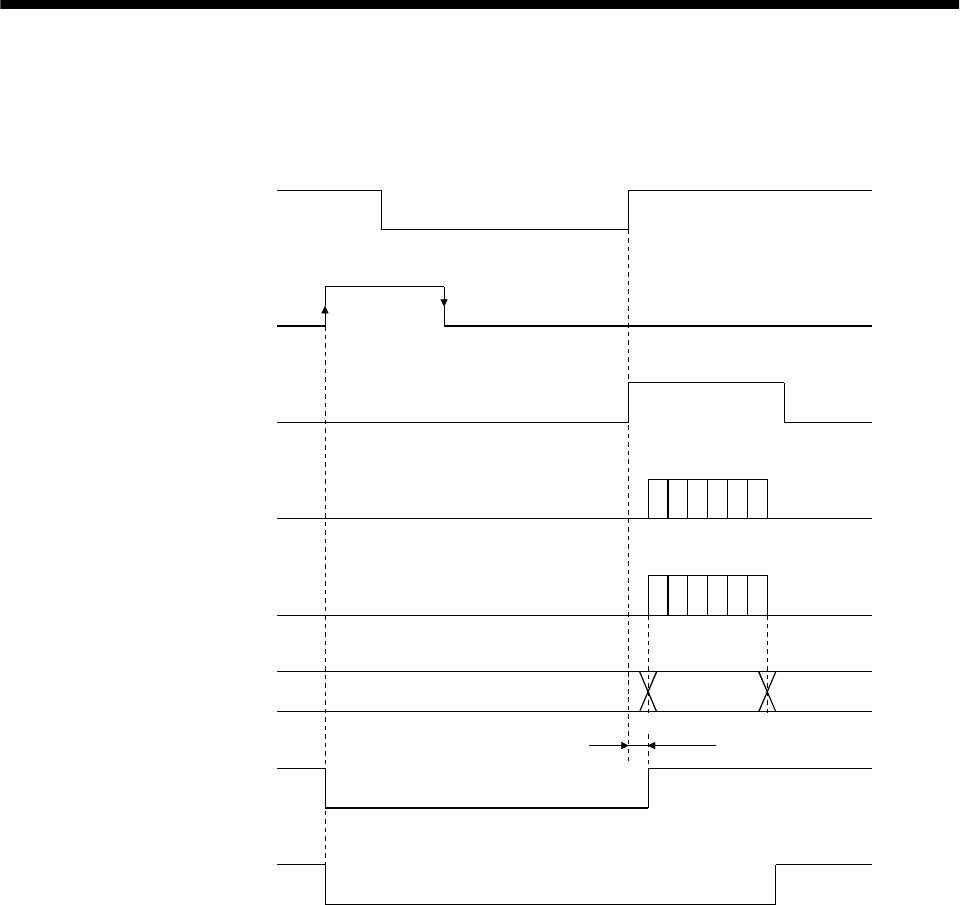
15 - 16
15. ABSOLUTE POSITION DETECTION SYSTEM
(b) If emergency stop is activated during servo-on
The ABS transfer mode signal (ABSM) is permissible while in the emergency stop state. In this
case, the base circuit and the ready signal (RD) are turned ON after the emergency stop state is
reset.
OFF
ON
OFF
ON
OFF
ON
OFF
ON
OFF
ON
80[ms]
OFF
ON
OFF
ON
Servo-on
(SON)
Emergency stop
(EMG)
ABS transfer mode
(ABSM)
ABS request
(ABSR)
Send data ready
(TLC)
Send (ABS) data
Base circuit
Ready
(RD)
During transfer of ABS
ABS data
Operation
enabled
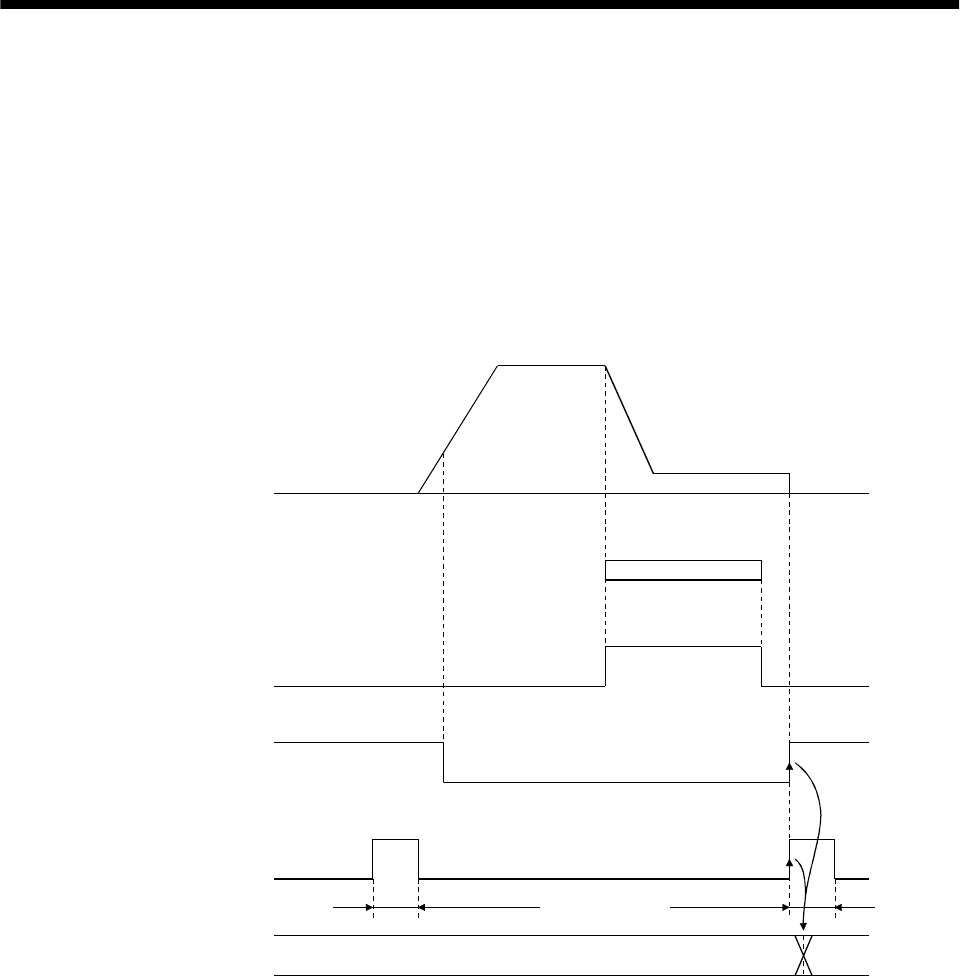
15 - 17
15. ABSOLUTE POSITION DETECTION SYSTEM
15.7.3 Home position setting
(1) Dog type home position return
Preset a home position return creep speed at which the machine will not be given impact. On detection
of a zero pulse, the home position setting signal (CR) is turned from off to on. At the same time, the
servo amplifier clears the droop pulses, comes to a sudden stop, and stores the stop position into the
non-volatile memory as the home position ABS data.
The home position setting signal should be turned on after it has been confirmed that the in-position
(D01 or INP) is on. If this condition is not satisfied, the home position setting warning (AL.96) will
occur, but that warning will be reset automatically by making home position return correctly.
The number of home position setting times is limited to 1,000,000 times.
OFF
ON
OFF
ON
OFF
ON
Servo Motor
Dog signal
(DOG)
Completion of
positioning
(D01 or INP)
Home position
setting (CR)
Home position
ABS data
Near-zero point dog
20 [ms] or more 20 [ms] or more
Update
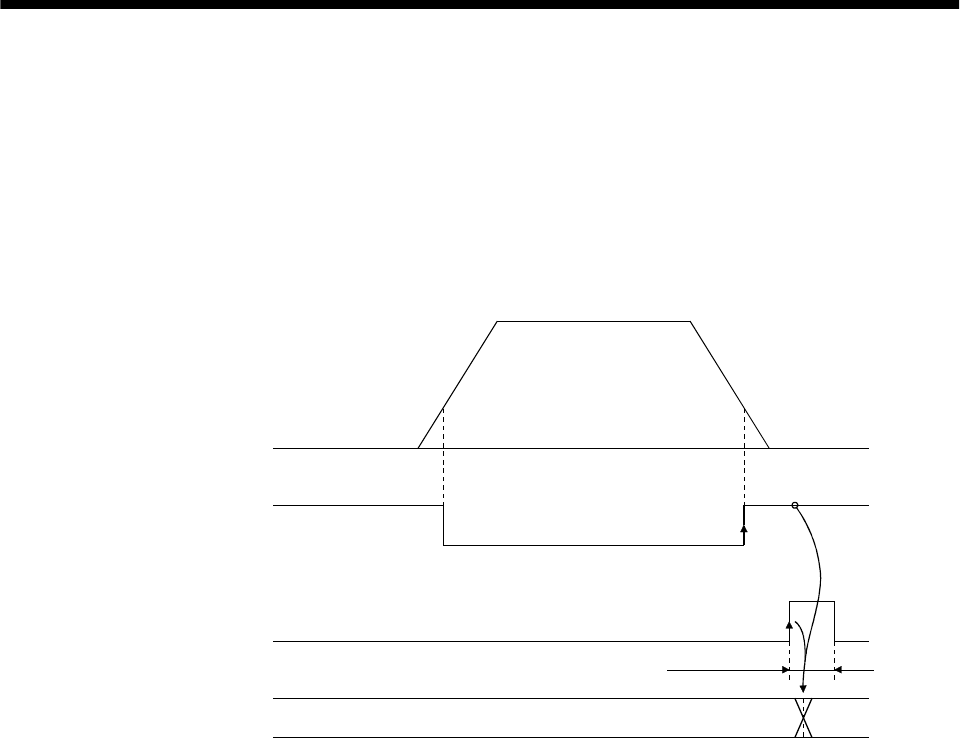
15 - 18
15. ABSOLUTE POSITION DETECTION SYSTEM
(2) Data set type home position return
Move the machine to the position where the home position is to be set by performing manual operation
such as jog operation to turn the motor shaft more than one revolution. When the home position
setting signal (CR) is on for longer than 20ms, the stop position is stored into the non-volatile memory
as the home position ABS data.
The home position setting signal should be turned on after it has been confirmed that the in-position
(D01 or INP) is on. If this condition is not satisfied, the home position setting warning (AL.96) will
occur, but that warning will be reset automatically by making home position return correctly.
The number of home position setting times is limited to 1,000,000 times.
OFF
ON
OFF
ON
Servo Motor
Completion of
positioning
(D01 or INP)
Home position
setting (CR)
Home position
ABS data
Manual feed (JOG, etc.)
(more than 1 revolution
of the motor shaft)
20 [ms] or more
Update
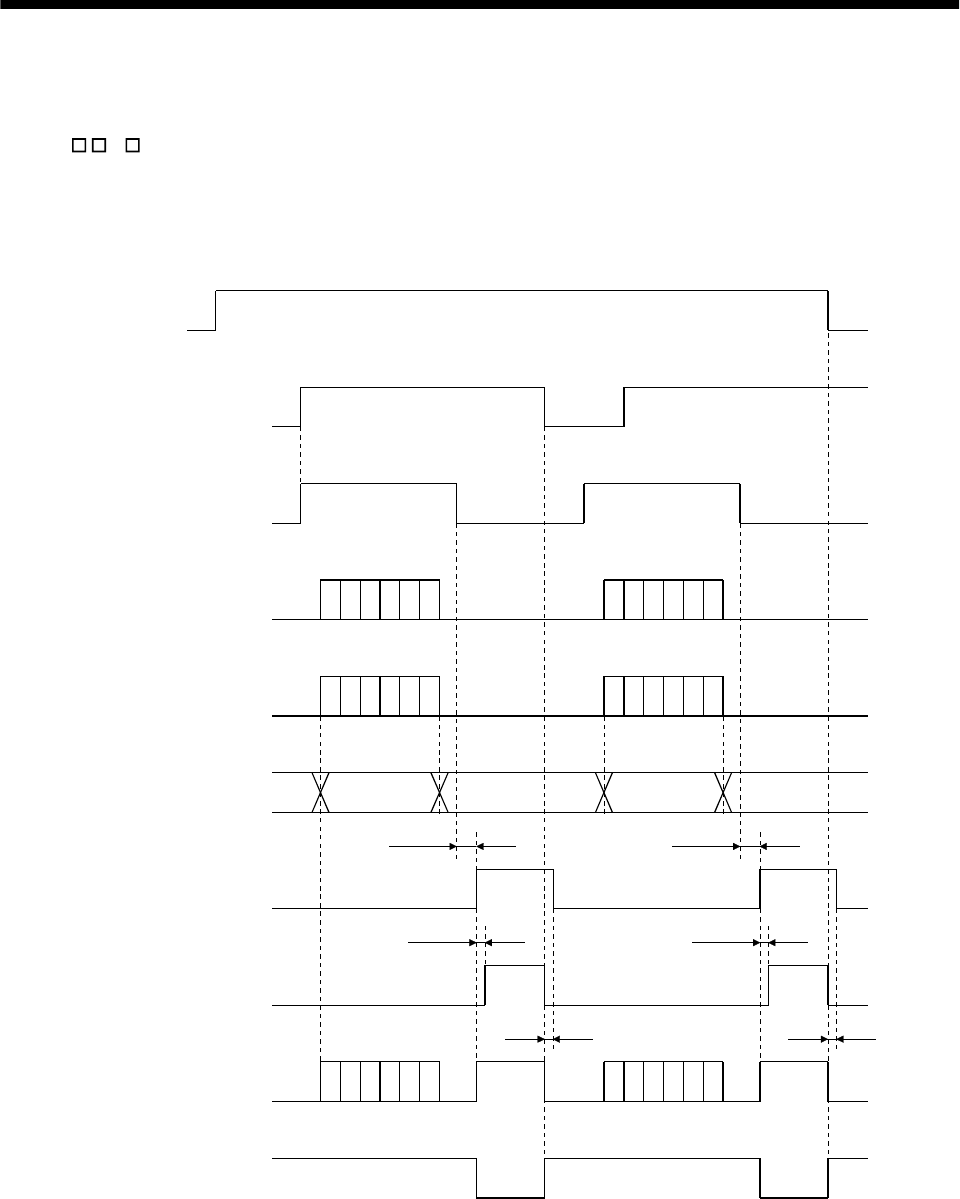
15 - 19
15. ABSOLUTE POSITION DETECTION SYSTEM
15.7.4 Use of servo motor with electromagnetic brake
The timing charts at power on/off and servo-on (SON) on/off are given below.
Preset " 1 " in parameter No. 1 to make the electromagnetic brake interlock signal (MBR) usable.
When the ABS transfer mode is ON, the electromagnetic brake interlock (MBR) is used as the ABS data
bit 1.
Hence, make up an external sequence which will cause the electromagnetic brake torque to be generated
by the ABS mode (ABSM) and electromagnetic brake interlock signals.
OFF
ON
OFF
ON
OFF
ON
OFF
ON
OFF
ON
OFF
ON
OFF
ON
OFF
ON
OFF
ON
80 [ms]
20 [ms]
Tb
80 [ms]
20 [ms]
Tb
Power
supply
Servo-on
(SON)
ABS transfer mode
(ABSM)
ABS request
(ABSR)
Send data ready
(TLC)
Send (ABS) data
Base circuit
Ready
(RD)
Electromagnetic
brake (MBR)
Electromagnetic
brake torque
During transmission
of ABS
During transmission
of ABS
ABS data ABS data

15 - 20
15. ABSOLUTE POSITION DETECTION SYSTEM
15.7.5 How to process the absolute position data at detection of stroke end
The servo amplifier stops the acceptance of the command pulse when stroke end (LSP LSN) is detected,
clears the droop pulses to 0 at the same time, and stops the servo motor rapidly.
At this time, the programmable controller keeps outputting the command pulse. Since this causes a
discrepancy between the absolute position data of the servo amplifier and the programmable controller, a
difference will occur between the position data of the servo amplifier and that of the programmable
controller.
To prevent this difference in position data from occurring, do as described below. When the servo
amplifier has detected the stroke end, perform jog operation or the like to clear the stroke end. After that,
switch the servo-on signal off once, then on again, or switch the power off once, then on again. This causes
the absolute position data of the servo amplifier to be transferred to the programmable controller,
restoring the normal data.
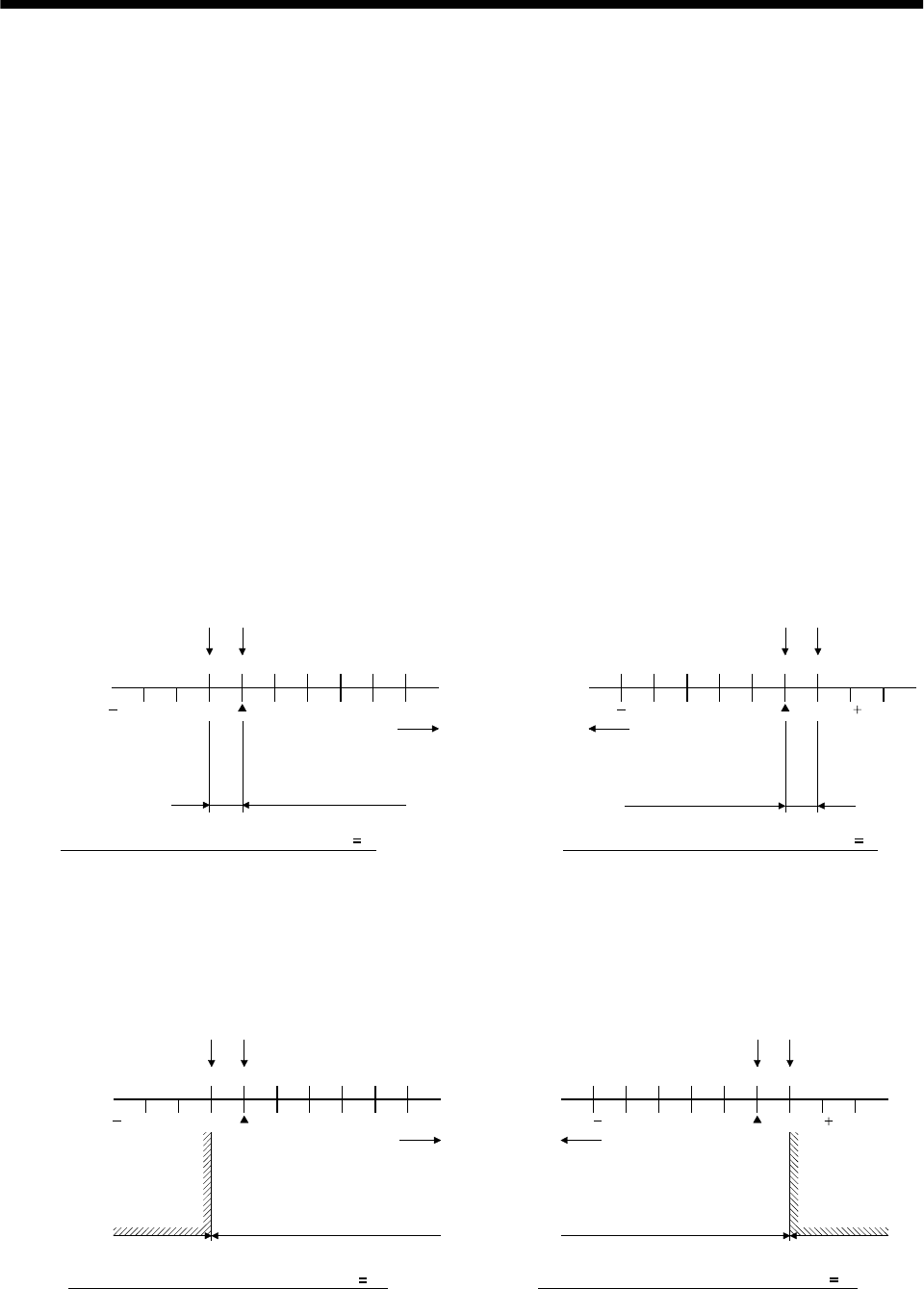
15 - 21
15. ABSOLUTE POSITION DETECTION SYSTEM
15.8 Examples of use
15.8.1 MELSEC-A1S (A1SD71)
(1) Instructions
The absolute coordinate system (programmable controller coordinate system) of the A1SD71 (AD71)
only covers the range in which the address increases (positive coordinate values) on moving away from
the machine home position (the position reached in the home position return operation). Therefore, if
the motor enters the range where the coordinate value is negative due to the load torque or a fall on a
vertical axis when the power is turned ON/OFF at a point near the machine home position, the system
fails to detect the absolute position. To prevent this problem, it is necessary to set the home position
(operation home position) for positioning in addition to the machine home position.
(a) The home position should be set in the direction in which the position address of the programmable
controller coordinate system increases on moving away from machine home position, as illustrated
below. Note that the home position for positioning must be more than one revolution of the servo
motor shaft from the machine home position.
If the address of the machine home position is changed to any value other than "0", the home
position should be set in the direction in which the position address increases on moving away from
the machine home position (machine home position after changing the home position address) and
at a point removed from the machine home position by more than one revolution of the motor shaft.
0
010000 50000
50000 0
010000
50000
20000
Machine home position
Home position
(operation home position)
Programmable
controller coordinate
system
A
BS
coordinate
system
a) If revolution direction parameter (Pr. 14) 0 b) If revolution direction parameter (Pr. 14) 1
Programmable
controller coordinate
system
ABS
coordinate
system
Direction in which
address increases
Direction in which
address increases
More than 1 revolution
of motor shaft
More than 1 revolution
of motor shaft
Machine home
positionHome position
20000 50000
(b) In the range where the address decreases on moving away from the machine home position, do not
turn the power supply to the programmable controller or the servo amplifier, the servo-on
pushbutton switch, or the PC-RESET switch, ON/OFF. If any of these operations are attempted,
the ABS coordinate error (Y4B) is output since the absolute position cannot be detected.
020000
0 10000 50000
50000 0
010000
50000
50000 20000
Machine home position Home position
A
BS
coordinate
system
a) If revolution direction parameter (Pr. 14) 0
Programmable
controller coordinate
system
ABS
coordinate
system
Direction in which
address increases
Absolute position data can be
detected
ABS coordinate
value error occurs
if power is turned
on within this range
ABS coordinate
value error occurs
if power is turned
on within this range
Machine
home positionHome position
Direction in which
address increases
Absolute position data can be
detected
b) If revolution direction parameter (Pr. 14) 1
Programmable
controller coordinate
system
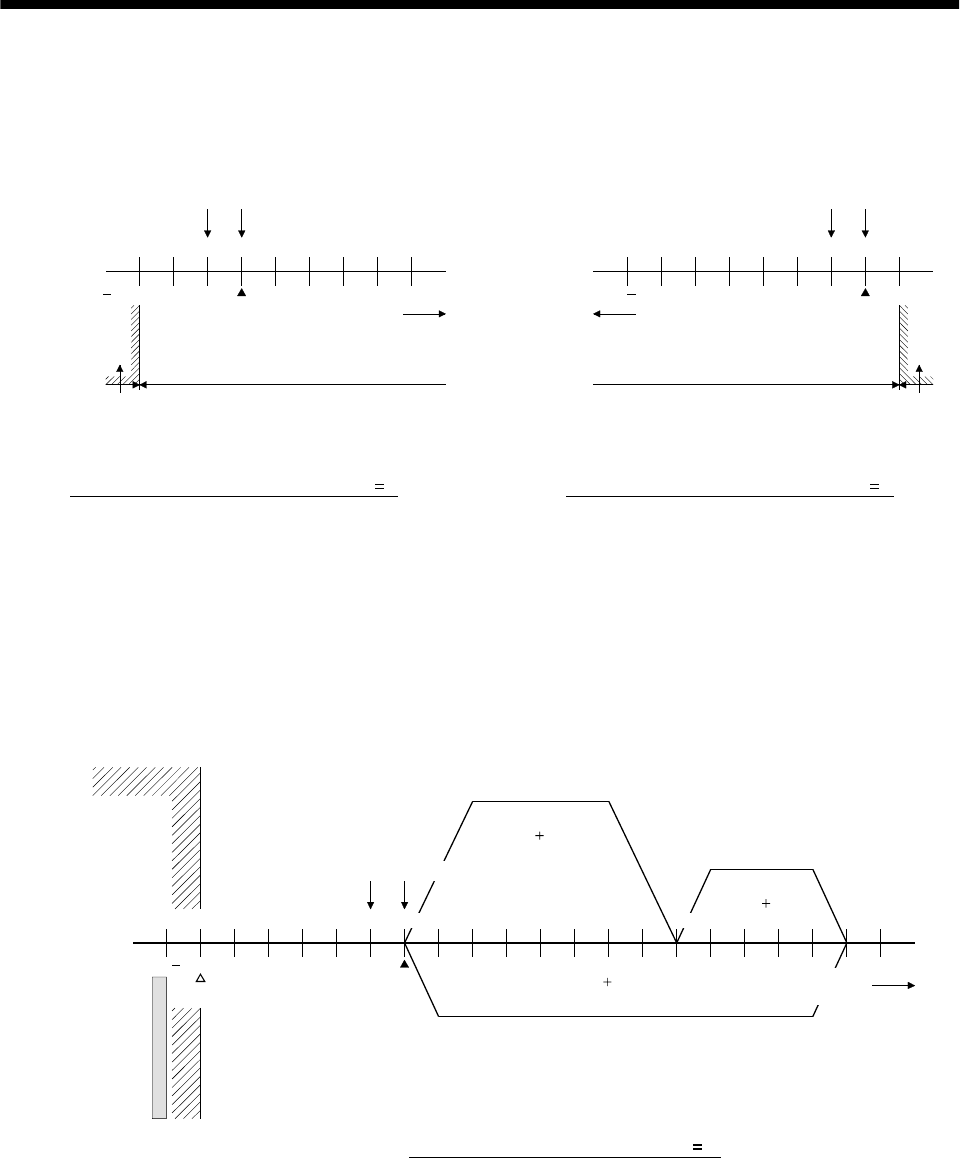
15 - 22
15. ABSOLUTE POSITION DETECTION SYSTEM
If the address of the machine home position is changed to any coordinate value other than "0", the
programmable controller coordinate system will be as illustrated below.
The power should be turned ON/OFF in the range in which the address increases on moving away
from the home position.
020000
20000 30000 70000
50000 0
2000030000
70000
50000 20000
00
Machine home position Home position
Programmable
controller coordinate
system
A
BS
coordinate
system
a) If revolution direction parameter (Pr. 14) 0
Programmable
controller coordinate
system
ABS
coordinate
system
Direction in which
address increases
Direction in which
address increases
Machine home position Home position
Absolute position data can be detected Absolute position data can be detected
ABS coordinate value error occurs if
power is turned on within this range
ABS coordinate value error occurs if
power is turned on within this range
* Home position address changed to "2000" * Home position address changed to "2000"
b) If revolution direction parameter (Pr. 14) 1
(c) In a positioning program, the address of the positioning point should be determined by adding the
home position address to the target position address.
Example) After home position return, execute positioning at 1) to 3).
1) Positioning at position address 80000
(PC coordinate 140000)
2) Positioning at position address 130000
(PC coordinate 190000)
3) Positioning at position address 0
(PC coordinate 60000)
0
50000
10000 50000
0
100000
50000
60000 150000
1)
(80000 60000)
2)
(130000 60000)
(0 60000)
3)
ABS coordinate
error region
Programmable
controller
coordinate
system
A
BS coordinate
system
Mechanical limit
Machine home position Home position (operation home
Stroke limit
* Home position address changed to "50000"
If revolution direction parameter (Pr. 14) 0
Direction in which
address increases
position)
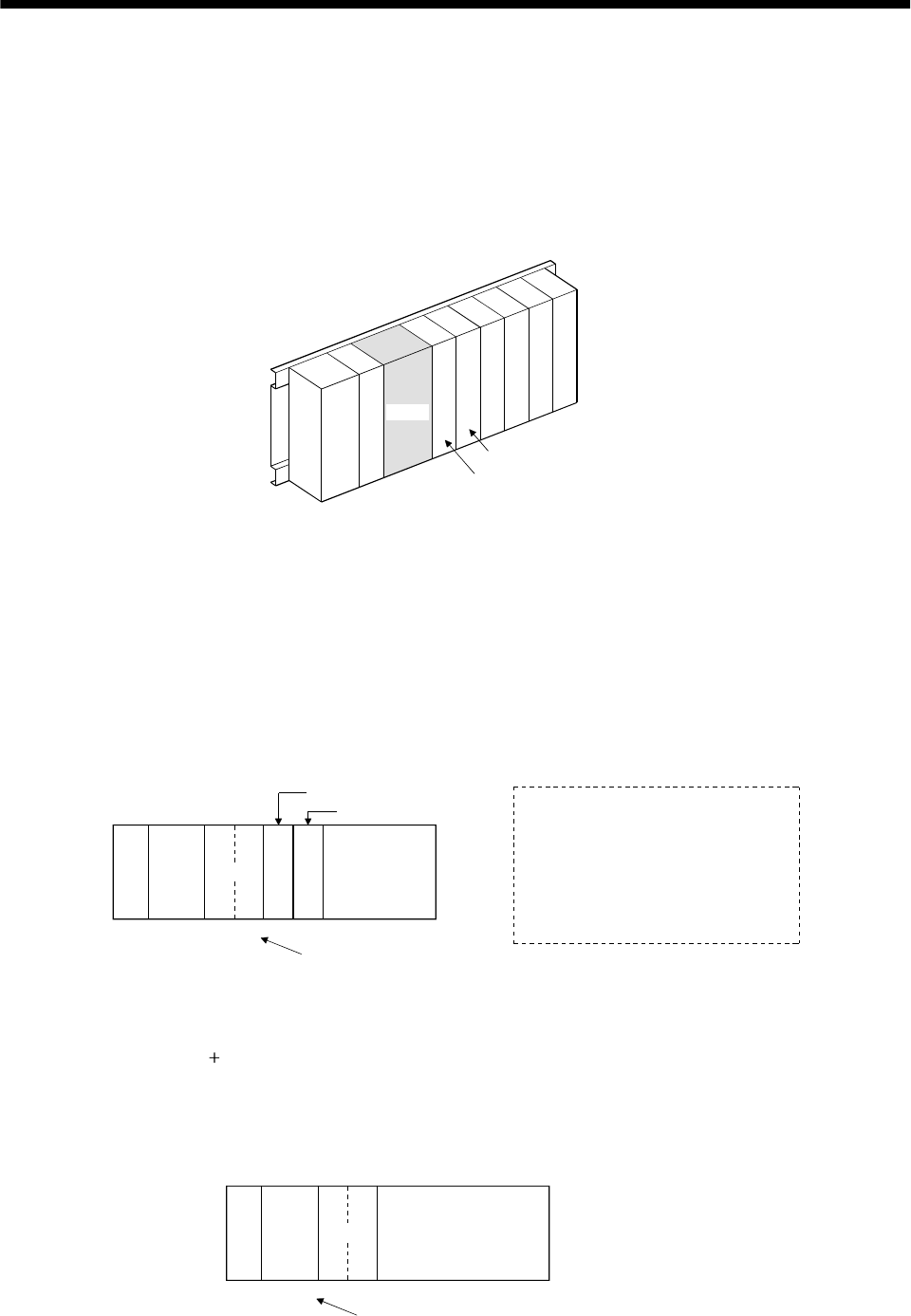
15 - 23
15. ABSOLUTE POSITION DETECTION SYSTEM
(d) Slot arrangement
The sequence programs presented in this section show I/O numbers (X, Y) assuming the
arrangement of modules on the main base unit is as illustrated below. A1SD71 is mounted at I/O
slots 0 and 1, a 16-point input module at slot 2, and 16-point output module at slot 3. If the actual
arrangement of the modules differs from this arrangement, change the X and Y numbers
accordingly.
The numbers of the devices (M, D, T, etc.) used in the program can be changed as required.
A1S
CPU
0
7
123456
A1SD71
I/O slot No.
Example arrangement of modules
[Numbers used] X, X0-X, Y2F
16-point input module
16-point output module
Power
supply
(e) Points
1) The A1SD71 has 48 I/O points and occupies 2 slots. For I/O allocation using the GPP function,
follow the instructions given below.
First slot: Vacant slot 16 points
Second slot: Special function module 32 points
2) To execute the FROM/TO instruction for the A1SD71, use the head I/O number of the second
slot.
A1S
CPU A1SD71
X,Y000
to
X,Y00F
X,Y010
to
X,Y02F
X30 to X3F
Y40 to Y4F
I/O numbers to be set
with FROM/TO instruction
16-point input
module
16-point output
module
Note: The program example given
in (3) in this section is for 1-axis
control. Slot allocations are as
illustrated to the left. To use the
system for 2-axis control,
increase the number of I/O
points.
Therefore, the I/O number to be set with the FROM/TO instruction is head I/O number allocated
to the A1SD71 010H.
3) By setting "0 point of vacant slot" for the first slot of the A1SD71 in the "I/O allocation" of the
GPP function, the 16 points in the first slot can be saved.
In this case, the I/O number to be set with the FROM/TO instruction is the same number as the
head I/O number allocated to the A1SD71.
A1S
CPU A1SD71
X,Y000
to
X,Y00F
I/O numbers to be set with FROM/TO instruction
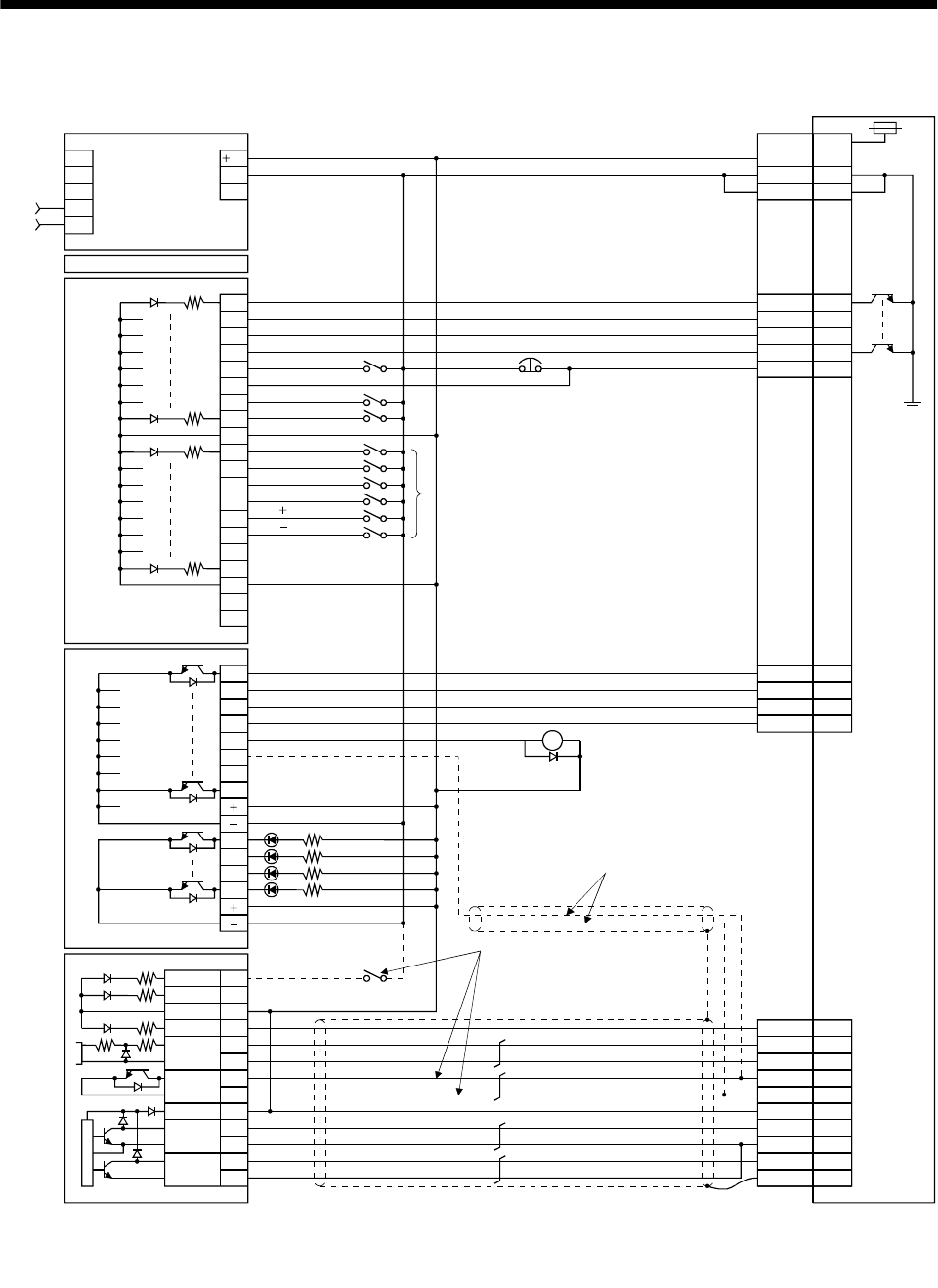
15 - 24
15. ABSOLUTE POSITION DETECTION SYSTEM
(2) Connection diagram
PULSE-
R
PULSE-
F
PGO
DOG
RDY
16B
16A
15B
15A
9B
9A
5B
6B
0
1
2
3
4
5
7
COM
8
9
A
B
C
D
E
F
COM
NC
NC
6
0
1
2
3
4
5
7
6
8
9
A
B
A1SD71-S2
A1SY40
A1SX40
A1SCPU
A1S62P
INPUT
AC100/200
COM1
COM2
(Note 3)
(Note 2)
RA2
12A
CLEAR
SD
NP
PP
SG
RD
P15R
CR
SG
19
4
8
10
20
3
2
Plate
5
8
9
14RES
ABSR
SON
ABSM
4
19
6
18
ZSP
15EMG
3
13
10
20SG
SG
VDD
COM
CN1B
24
24G
FGLG
Servo amplifier
CN1A
STOP 6A
5A
12B
17A
TLC
ALM
DO1
OP 14
OPC 11
General purpose
programmable controller
Power
supply
ABS bit 0/Completion of positioning
ABS bit 1/Zero speed
Send data ready/Torque limit control
Trouble
Servo-on
ABS transfer mode
ABS request
Alarm reset
Power supply
Power supply
Electromagnetic
brake output
(Note 4)
(Note 1)
JOG
JOG
Alarm reset
Emergency stop
Servo-on
Home position return
Operation mode I
Operation mode II
Position start
Position stop
Note: 1. To be connected for dog type home position setting. The connection in Note 2 is not required.
2. To be connected for data set type home position setting. The connection in Note 1 is not required.
3. This circuit is for reference only.
4. The electromagnetic brake output should be controlled by connecting the programmable controller output to a relay.
15 - 25
15. ABSOLUTE POSITION DETECTION SYSTEM
(3) Sequence program example
(a) Conditions
This sample program is an ABS sequence program example for a single axis (X axis).
To transmit the ABS data using the OFF-to-ON change of the servo-on signal as the trigger.
1) When the servo-ON signal and the GND of the power supply are shorted, the ABS data is
transmitted when the power to the servo amplifier power is turned ON, or at the leading edge of
the RUN signal after a PC reset operation (PC-RESET). The ABS data is also transmitted when
an alarm is reset, or when the emergency stop state is reset.
2) If a check sum discrepancy is detected in the transmitted data, ABS data transmission is retried
up to three times. If the check sum discrepancy is still detected after retrying, the ABS check
sum error is generated (Y4A ON).
3) The following time periods are measured and if the ON/OFF state does not change within the
specified time, the ABS communication error is generated (Y4A ON).
ON period of ABS transfer mode (Y41)
ON period of ABS request (Y42)
OFF period of ready to send ABS data (X32).
4) If the relationship between the polarity ( ) of the received ABS data and the setting value for
parameter No. 14 (rotating direction) of A1SD71 (AD71) involves negative coordinate values,
which cannot be handled by the A1SD71 (AD71), the ABS coordinate error is generated (Y4B
ON).
(b) Device list X input contact Y output contact
X30 ABS bit 0 / completion of positioning Y40 Servo-on
X31 ABS bit 1 / zero speed Y41 ABS transfer mode
X32 Send ABS data ready / torque limit control Y42 ABS request
X33 Servo alarm Y43 Alarm reset
X34 Error reset X44 (Note 2) Electromagnetic brake output
X35 Servo emergency stop Y45 (Note 1) Clear
X36 Servo-on Y48 Servo alarm
X37 Home position return start Y49 ABS communication error
X38 Operation mode I Y4A ABS check sum error
X39 Operation mode II Y4B ABS coordinate error
D register M contact
D0 ABS data transmission counter M0 ABS data transmission start
D1 Check sum transmission counter M1 Sum check completion
D2 Check sum addition counter M2 Sum check discrepancy
D3 ABS data: Lower 16 bits M3 ABS data ready
D4 ABS data: Upper 16 bits M4 Transmission data read enabled
D5 ABS data 2-bit receiving buffer M5 Check sum 2 bits read completion
D6 Check data in case of check sum error M6 ABS 2 bits read completion
D7 Retry frequency M7 ABS 2 bits request
D8 Forward rotation direction M8 Servo-on request
D9 Home position address: Lower 16 bits M9 Servo alarm
D10 Home position address: Upper 16 bits M10 ABS data transmission retry start pulse
D100 Received shift data: Lower 16 bits M11 Retry flag setting
D101 Received shift data: Upper 16 bits M12 Retry flag reset
T timer M13 PLS processing command
T0 ABS transfer mode timer M20 (Note 1) Clear signal ON timer request
T1 ABS request response timer M21 (Note 2) Data set type home position return request
T2 Retry wait timer C counter
T3 Ready to send response timer C0 ABS data receive frequency counter
T10 (Note 1) Clear signal ON timer C1 Check sum receive frequency counter
T200 Transmitted data read 10ms delay timer C2 Retry counter
Note 1: Necessary when data set type home position return is executed.
2: Necessary in the event of electromagnetic brake output.
15 - 26
15. ABSOLUTE POSITION DETECTION SYSTEM
(c) ABS data transfer program for X axis
This sequence program example assumes the following conditions:
Parameters of the A1SD71-S2 (AD71) positioning module
1) Unit setting : 3 pulse (PLS)
2) Travel per pulse : 1 1 pulse
To select the unit other than the pulse, conversion into the unit of the feed command value per
pulse is required. Hence, add the following program to the area marked Note in the sequence
program.
<Additional program>
Item mm inch degree pulse
Unit setting 0 1 2 3
Travel per pulse 0.1 to 1.0 to 10.0 0.00001
to 0.0001
to 0.001
to 0.00001
to 0.0001
to 0.001
to
Unit of travel m/PLS inch/PLS degree/PLS PLS
D * P K D3 D3
Constant K for
conversion into
unit of travel 1 to 10 to 100 1 to 10 to 100 1 to 10 to 100 None
Reference
For 1 m/PLS, set constant K to 10
For 5 m/PLS, set constant K to 50
When the unit setting is pulse, the additional program is not required.
M9038
K1K1K201H0001TOP
M9039
X36
D7K3MOV
M8SET
M8 M9 M11
1 1
X36
M3RST
M8RST
C0RST
C1RST
A0D100DMOV
Y40
M0PLS
A1SD71 error reset
Setting retry count (3 times)
Loading received shift data
Servo-on request
Resetting ready to send
Resetting servo-on request
Resetting ABS transfer
counter at servo OFF
Resetting checksum transfer
counter at servo OFF
Servo-on output
ABS I/F start
(To be continued)
Initial
pulse
ON
PC RUN
Servo-on PB
Servo-on
PB
Servo-on
request
Error
flag
Retry flag
setting
Initial setting
Servo-on control
15 - 27
15. ABSOLUTE POSITION DETECTION SYSTEM
M8
M12PLS
M12
X34 M9
Y43
X35
Y43
X33
M0
D0K16MOV
M0
Y41 C1
1 1
2 2
C2RST
M9
M3RST
M8RST
Y48
D1K3MOV
D2 K0MOV
D5K0MOV
D9K0DMOV
A0K0DMOV
Y4BRST
C0RST
C1RST
Y41
Setting retry flag
Resetting retry counter
ABS data
transmission
retry control
Servo-on request
Retry flag reset request
Error reset
PB
Error flag
Alarm reset
Emergency
stop PB
Servo alarm
ABS data
transfer
start
Alarm reset output
Error flag output
Resetting ready to send
Resetting servo-on request
Servo alarm
Initializing ABS data transfer
counter
Initializing check sum transfer
counter
Initializing check sum register
Initializing ABS data register
Initializing ABS data register
Initializing ABS data register
Resetting error for ABS
coordinate
Resetting ABS transfer
counter
Resetting check sum transfer
counter
ABS transfer mode
Servo alarm
detection, alarm
reset control
ABS transfer
mode
Initial setting
ABS transfer
mode control
(Continued from preceding page)
(To be continued)
ABS data transfer
start
ABS
transfer
mode
Checksum
counter
15 - 28
15. ABSOLUTE POSITION DETECTION SYSTEM
C0 C1 Y41
D3A0DMOVP
K1D8K7872H0001FROMP
M13PLS
M13
M4 C0
C1
2 2
3 3
A0K0MOVP
D8H0004WAND
A1H8000WAND
D4NEG
D4K1
D3NEG
D4K1
D5K1X30MOV
D5H0003WAND
A0D5WOR
K2FOR
M5PLS
D1
D8 K4
K0 D3
Detecting absolute
position polarity
and A1SD71
rotating direction
Reversing polarity of
absolute position
Reading checksum
6 bits
(2 bit 3 times)
Saving ABS 32-bit data
Clearing register
*1 Reading X-axis rotating
direction parameter
Rotation direction parameter
mask
ABS data sign mask
PLS processing command
Reversing polarity of upper
16 bits
Subtraction for upper 16 bits
Reversing polarity of lower
16 bits
Reading 4 bits
Masking 2 bits
Adding 2 bits
Right rotation of A0 2 bits
Counting check sum data
reception frequency
Completion of reading, 2 bits
of check sum
Counter Check sum
counter
ABS
transfer
mode
PLS processing
command
Read
enabled
ABS data
counter
Rotation direction
judgment
(Continued from preceding page)
(To be continued)
Lower 16 bits 0
D4 1 D4
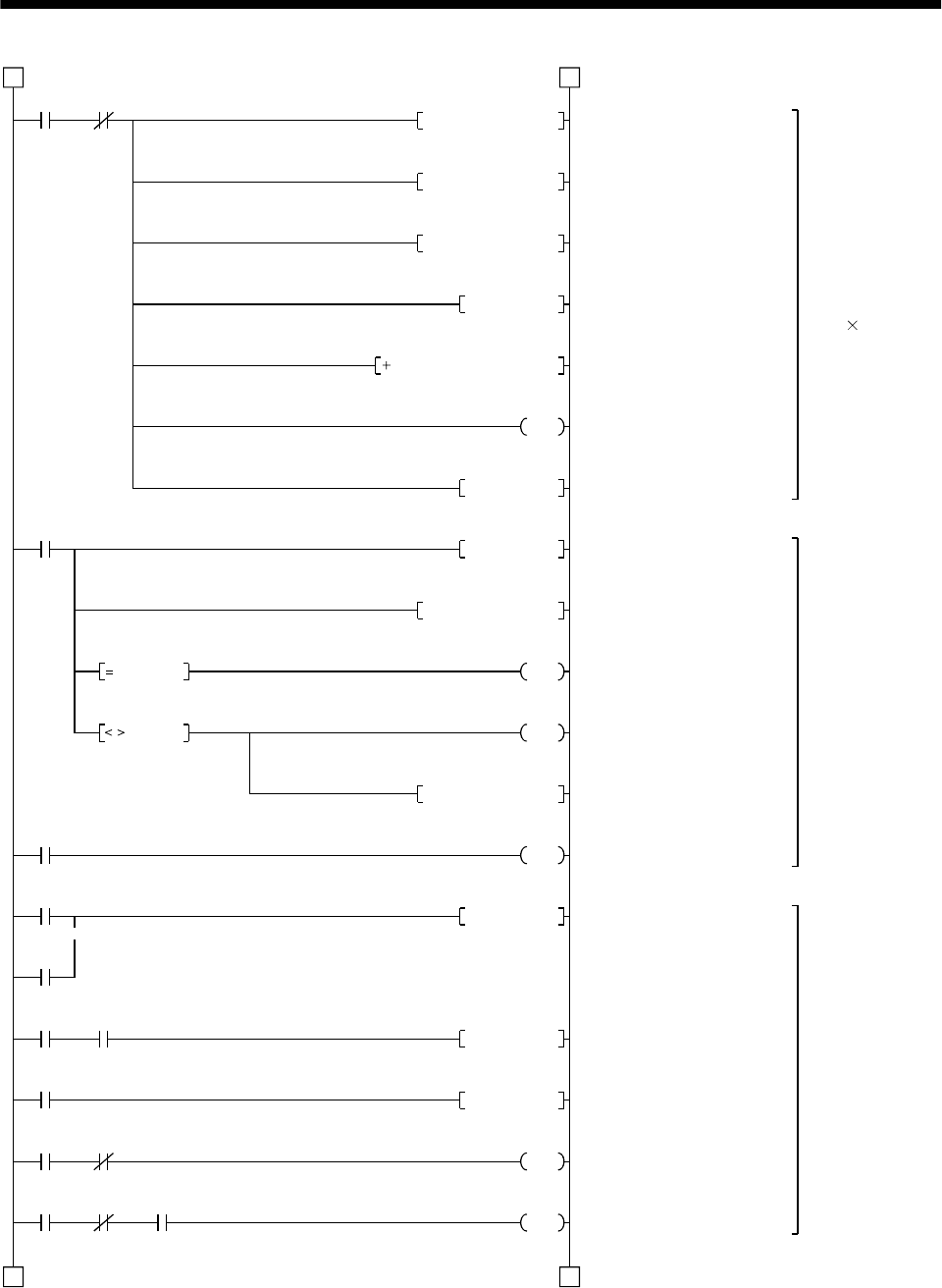
15 - 29
15. ABSOLUTE POSITION DETECTION SYSTEM
M4 C0
D5K1X30MOV
K2DROR
D2D2D5
C0
C1
C2
M6
M5
Y41 X32
M7
Y42 X32
Y42 X32 T200
3 3
4 4
D5H0003WAND
A0D5WOR
D0
M6PLS
K10RORP
A0H003FWAND
M1
M2
D6A0MOV
Y4A
Y42RST
M7PLS
Y42SET
T200
K1
M4
D2 A0
D2 A0
Reading ABS data
32 bits
(2 bits 16 times)
Detecting ABS data
check sum error
ABS request
control
Reading 4 bits
Masking 2 bits
Adding 2 bits
Right rotation of A0 2 bits
Adding check sum
Counting frequency of ABS
data reception
Completion of reading: 2 bits
of ABS data
Right rotation of A0 10 bits
Masking check sum
Sum check OK
Sum check NG
Sum check memory
ABS check sum error
Resetting ABS request
ABS 2 bits request
Setting ABS request
10ms delay timer
Transmission data read
enabled
(Continued from preceding page)
(To be continued)
Read
enabled ABS data
counter
Check
sum
counter
Retry counter
ABS 2 bits read
completion
Check sum 2 bits read completion
ABS transfer
mode Send data
ready
ABS 2 bits request
ABS
request
Send data ready
10ms delay timer
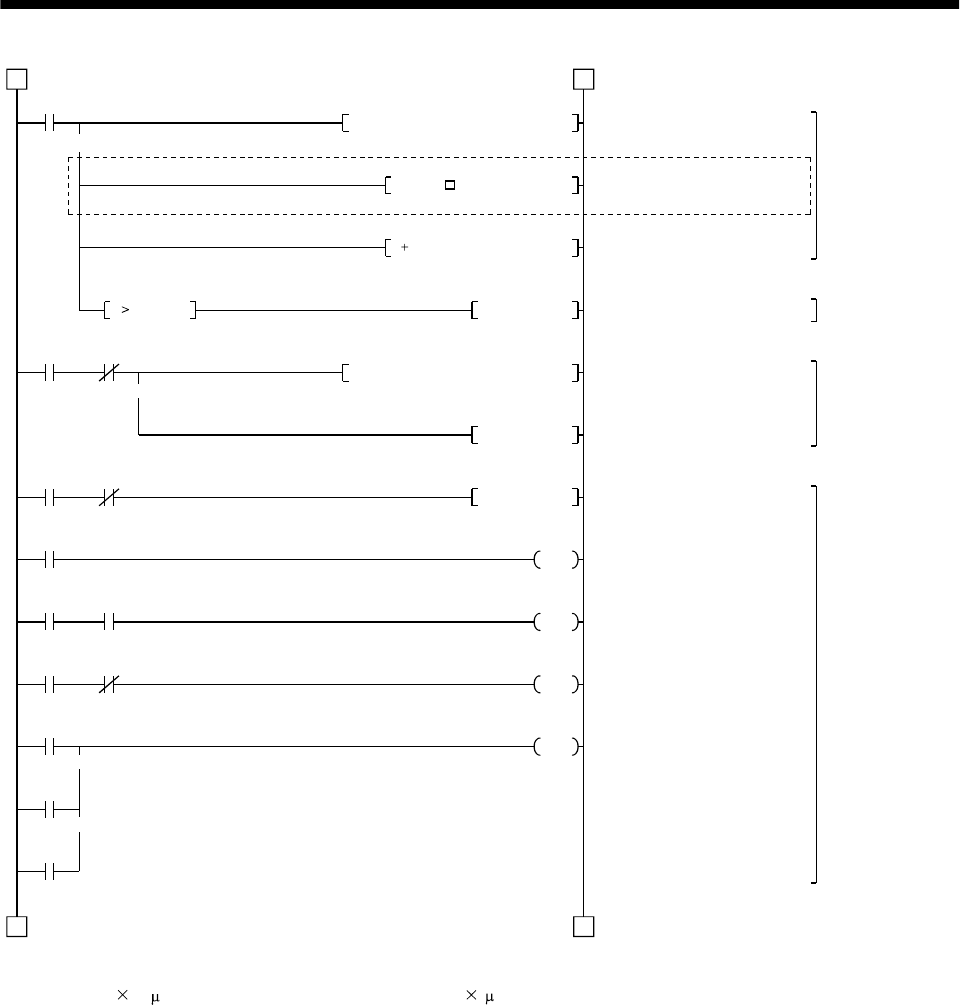
15 - 30
15. ABSOLUTE POSITION DETECTION SYSTEM
M1
K1D9K7912H0001DFROP
M1 Y4B
D3D3D*P
Y4BSET
K1D3K41H0001DTOP
Y49 X36
Y41 T0
Y41 Y42
Y41 X32
T0
T1
T3
4 4
D3D9D3D P
M3SET
Y41RST
K50
T1
K10
T3
K10
Y49
(Note)
55
K0DD3
Restoring absolute
position data
Detecting ABS
coordinate error
Writing ABS data
to A1SD71
ABS communicatio
n
error detecting
*1 A1SD71: reading home
position address
Inserting constant K for conversion
into the unit of feed per pulse
Adding home position address
to absolute position
Setting ABS coordinate error
*1 X-axis: Present position
change ABS data "ready"
ABS data "ready"
Resetting ABS transfer mode
ABS transfer mode timer (5s)
ABS request response timer
(1s)
Ready to send response
timer (1s)
ABS communication error
Note: When the unit setting parameter value of the AD71 positioning module is changed from "3" (pulse) to "0" (mm),
the unit is 0.1 m for the input value. To change the unit to 1 m, and this program to multiple the feed value
by 10.
(Continued from preceding page)
(To be continued)
Check sum OK
Check
sum OK
ABS coordinate error
ABS commu-
nication error Servo-on PB
ABS transfer mode
ABS transfer
mode
ABS request
ABS transfer
mode
Send data ready
ABS transfer NG
ABS request NG
Send data ready NG
K
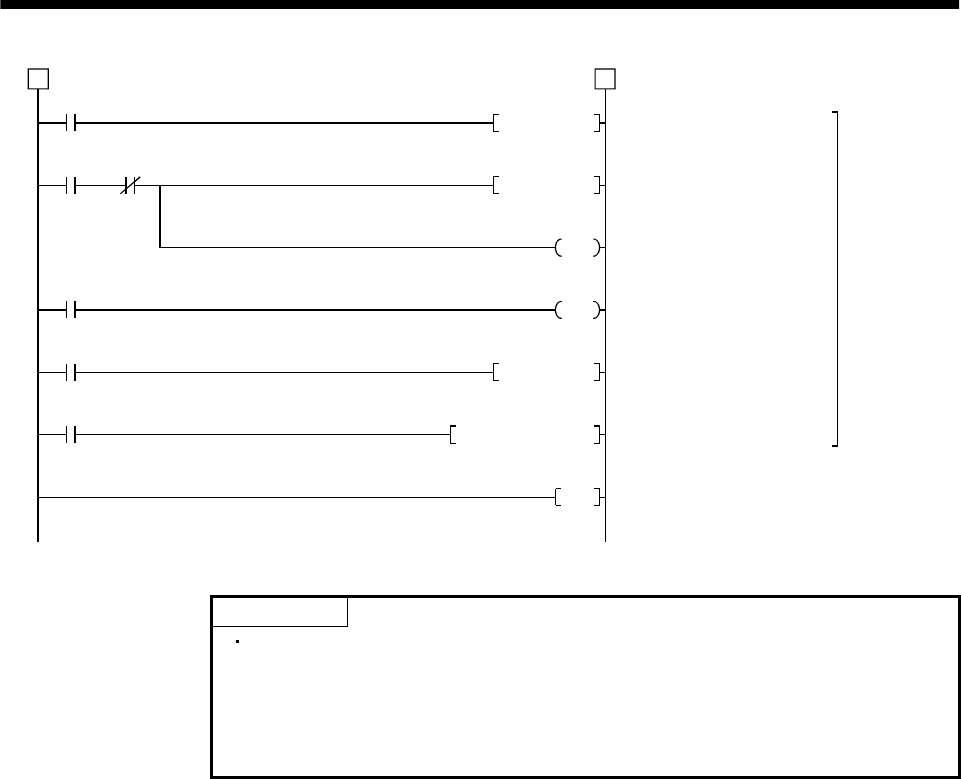
15 - 31
15. ABSOLUTE POSITION DETECTION SYSTEM
M2
M10 C2
M11
T2
M9039
END
5 5
M10PLS
M11SET
C2
D7
T2
K1
M11RST
D100A0DMOV
ABS transfe
r
retry control
ABS transfer retry start pulse
Setting retry flag
Retry counter
Retry wait timer (100ms)
Resetting retry flag
Saving received shift data
Check sum NG
Retry start
pulse
Retry
counter
Retry flag set
Retry wait timer
PC RUN
(Continued from preceding page)
POINT
When absolute position data is received at power ON, for example, if a
negative coordinate position which cannot be handled by the A1SD71 is
detected, the ABS coordinate error (Y4B ON) is generated. If this error is
generated, move the axis into the positive coordinate zone in JOG operation.
Then, turn OFF the servo-on pushbutton switch and turn it ON again.
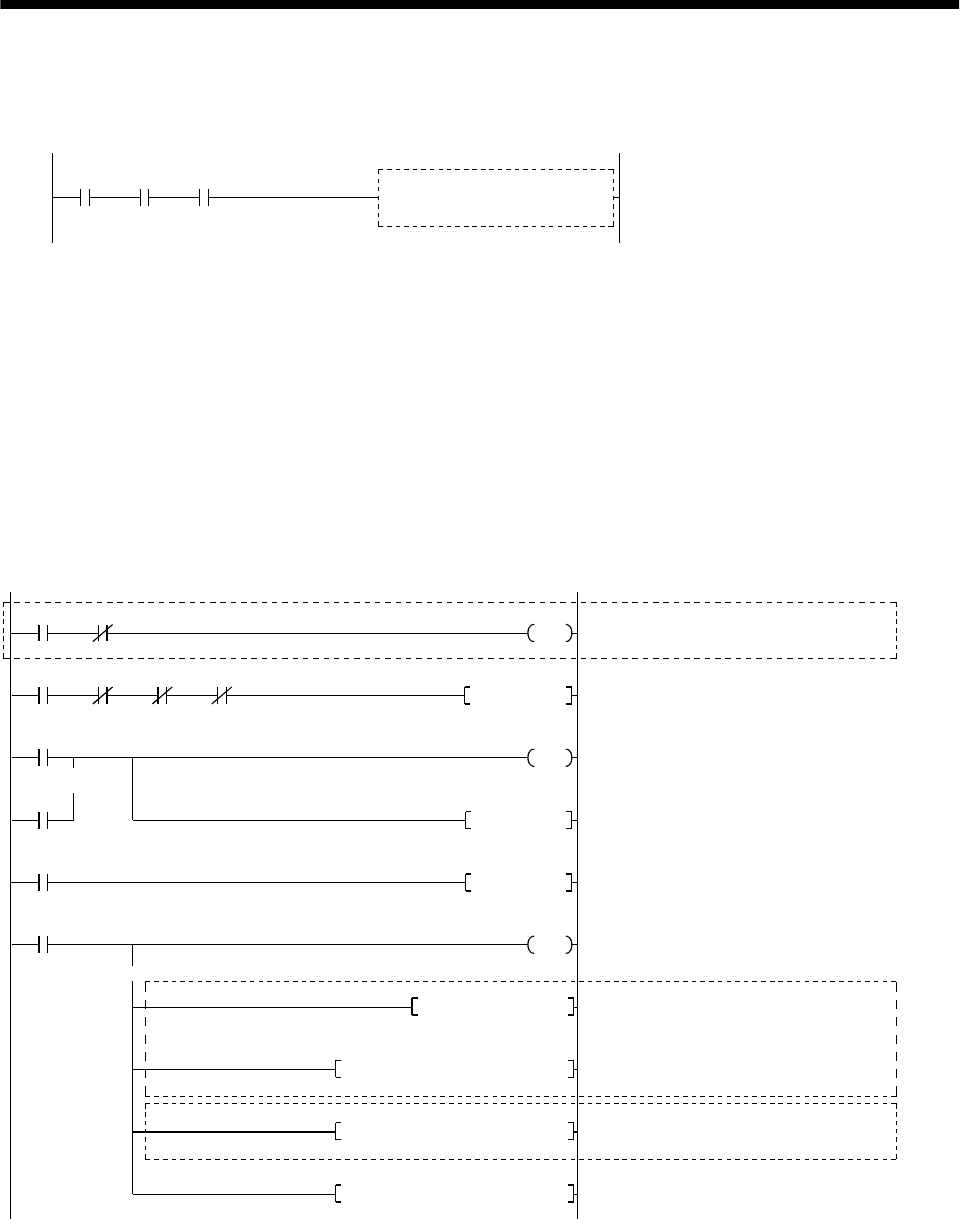
15 - 32
15. ABSOLUTE POSITION DETECTION SYSTEM
(d) X-axis control program
This precludes execution of the X-axis start program while M3 (ready to send the ABS data) is
OFF.
When M3 (ready to send the ABS data)
is turned ON, the X-axis start command
executes the X-axis start program.
X-axis start program
Positioning
mode
X-axis start
command M3
Ready to
send the
ABS date
(e) Dog type home position return
For an example of a program for the dog type home position return operation, refer to the home
position return program presented in the User's Manual for A1SD71.
(f) Data set type home position return
After jogging the machine to the position where the home position (e.g.500) is to be set, choose the
home position return mode set the home position with the home position return start (PB ON).
After switching power on, rotate the servo motor more than 1 revolution before starting home
position return.
Do not turn ON the clear signal (Y45) for an operation other than home position return. Turning it
ON in other circumstances will cause position shift.
M9039
T10
M20PLS
M21SET
Y2D PC ready
Clear signal ON timer request
Clear signal 100ms ON timer
Setting data set type home position return request
Resetting data set type home position return request
Clear signal ON
Setting X-axis home position address "500"
in the data register
*1:Changing X-axis home position address
PC RUN
Clear signal 100ms ON timer
Home position return mode
Home position
Y41
return mode X30 X37
ABS
transfer
mode
Positioning
completion Home position
return start PB
(Note 1)
M20
M21
Clear signal ON
timer request
T10
K1
M21RST
Data set type home
position return request
M21
Data set type home
Y45
position return request
D9K500DMOVP
K1D9H0001DTOP K7912
K1D9H0001DFROP K7912
K1D9H0001DTOP K41 *1:Changing X-axis present position data
(Note 1)
(Note 2)
Note 1: If data of the home position address parameter is not written by using an A6GPP programming tol, etc. before
starting a program for data set type home position return, the circuits indicated by Note 1 are necessary and the
circuit indicated by Note 2 is not necessary.
2: Contrary to Note 1 above, if the home position address is written in the home position address parameter.
the circuit indicated by Note 3 is necessary and the circuits indicated by Note 1 are not necerssary.
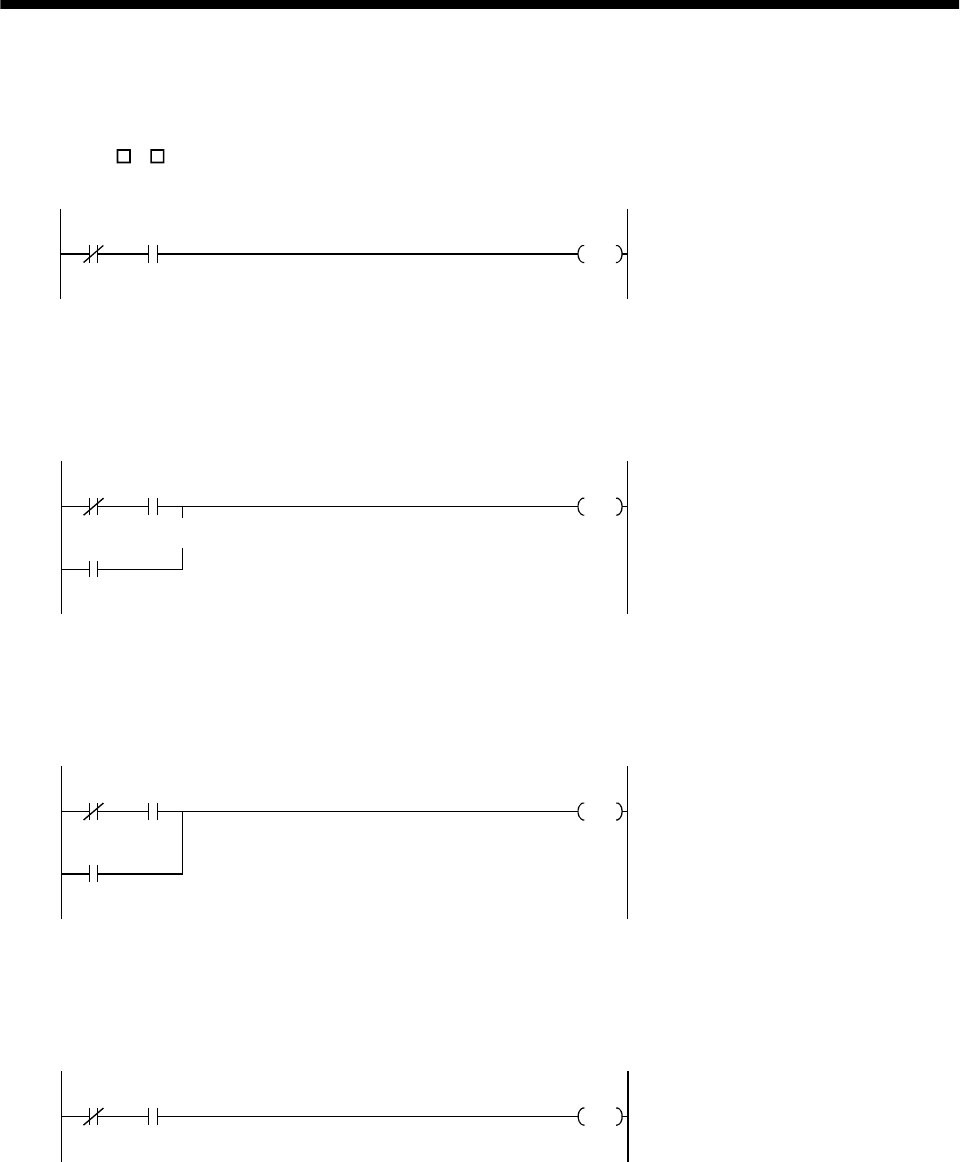
15 - 33
15. ABSOLUTE POSITION DETECTION SYSTEM
(g) Electromagnetic brake output
During ABS data transfer (for several seconds after the servo-on signal is turned on), the servo
motor must be at a stop.
Set "1 1 "in parameter No. 1 of the servo amplifier to choose the electromagnetic brake interlock
signal.
Y41 X31
Y44 Electromagnetic brake output
ABS
transfer
mode
Brake (MBR)
(h) Positioning completion
To create the status information for servo positioning completion.
During ABS data transfer (for several seconds after the servo-on signal is turned on), the servo
motor must be at a stop.
Y41 X30
M
Y41
Completion of servo positioning
ABS transfer
mode Positioning
completion
ABS transfer
mode
(i) Zero speed
To create the status information for servo zero speed
During ABS data transfer (for several seconds after the servo-on signal is turned on), the servo
motor must be at a stop.
Y41 X31
M
Y41
Servo zero speed
ABS transfer
mode Zero
speed
ABS transfer
mode
(j) Torque limiting
To create the status information for the servo torque limiting mode
During ABS data transfer (for several seconds after the servo-on signal is turned on), the torque
limiting must be off.
Y41 X32
MServo torque limiting mode
ABS transfer
mode Torque limiting
mode
15 - 34
15. ABSOLUTE POSITION DETECTION SYSTEM
(4) Sequence program - 2-axis control
The following program is a reference example for creation of an ABS sequence program for the second
axis (Y axis) using a single A1SD71 module. Create a program for the third axis in a similar manner.
(a) Y-axis program
Refer to the X-axis ABS sequence program and create the Y-axis program.
Assign the X inputs, Y outputs, D registers, M contacts, T timers and C counters of the Y axis so
that they do not overlap those of the X axis.
The buffer memory addresses of the A1SD71 differ between the X and Y axes. The instructions
marked *1 in the program of Section 15.8.1 (3), (c) should be changed as indicated below for use
with the Y axis:
[Program configuration]
X-axis ABS sequence program
(Program in Section 15.8.1 (3), (f))
Y-axis ABS sequence program
(Refer to the X-axis program and write the Y-axis
program)
[FROMP H0001 K7872 D8 K1]
[DFROP H0001 K7912 D9 K1]
[DTOP H0001 K41 D3 K1]
[FROMP H0001 K7892 D8 K1]
[DFROP H0001 K7922 D9 K1]
[DTOP H0001 K341 D3 K1]
(b) Data set type home position return
Arrange the data set type home position return programs given in Section 15.8.1 (3), (f) in series to
control two axes.
Refer to the X-axis data set type home position return program and create the Y-axis program.
Assign the X inputs, Y outputs, D registers, M contacts and T timers of the Y axis so that they do
not overlap those of the X axis.
The buffer memory addresses of the A1SD75 differ between the X and Y axes. The instructions
marked *1 in the program of Section 15.8.1 (3), (f) should be changed as indicated below for use
with the Y axis:
[Program configuration]
X-axis data set type home position return program
(Program in Section 15.8.1 (3), (f))
Y-axis data set type home position return program
(Refer to the X-axis program and write the Y-axis
program)
[DTOP H0001 K7912 D9 K1]
[DTOP H0001 K41 D9 K1]
[DTOP H0001 K7922 D9 K1]
[DTOP H0001 K341 D9 K1]
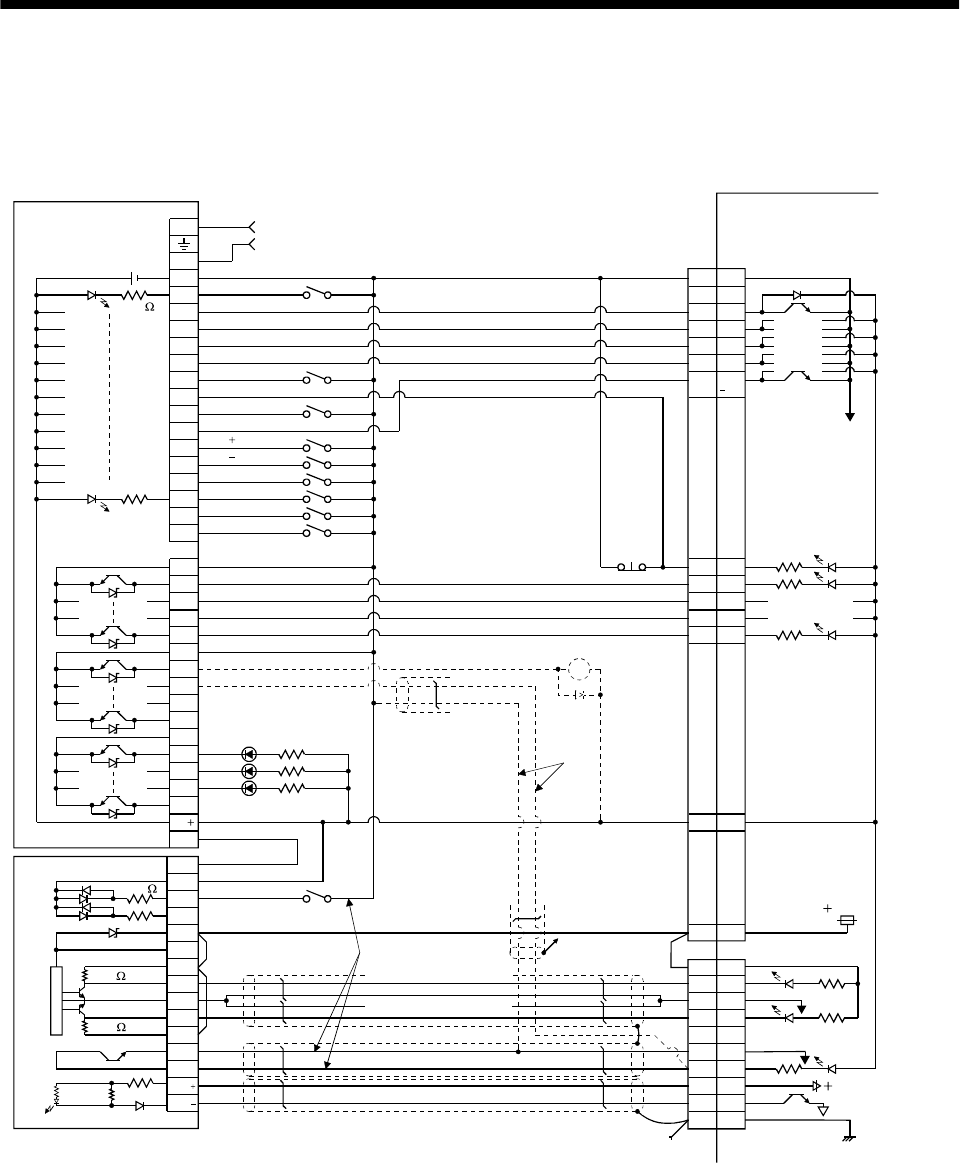
15 - 35
15. ABSOLUTE POSITION DETECTION SYSTEM
15.8.2 MELSEC FX(2N)-32MT (FX(2N)-1PG)
(1) Connection diagram
(a) FX-32MT (FX-1PG)
3.3k
3.3k
3.3k
N
COM2
Y4
Y5
Y6
Y10
24
SG
SG
S/S
DOG
STOP
VH
VL
FPO
FP
COM0
RP
RPO
COM1
CLR
LPower supply
FX-32MT
SG 10
DO1 4
ZSP 19
TLC 6
ALM 18
RD
EMG 15
SON 5
ABSM 8
ABSR 9
RES 14
DOG
SD
15V
FX-1PG
Servo amplifier
COM
RUN
X1
X2
X3
X4
X5
X6
X7
X10
X11
X12
X13
X14
X15
COM1
Y0
X0
PC-RUN
Y1
Y2
Y3
Y7
COM3
Y11
Y12
Y13
RA2
COM 13
PGO
PGO
VDD 3
PP 3
SG 20
NP 2
SG 10
CR 8
P15R 4
OP 14
SD Plate
24V
SD
3.3k
24V CN1B
OPC CN1A
11
ABS bit 0/Completion of positioning
ABS bit 1/Zero speed
Send data ready/Torque limit control
Alarm
Servo ready
JOG( )
JOG( )
Alarm reset
Servo-on
Position start
Position stop
Home position return start
1PG error reset
Emergency stop CN1A
19
Servo-on
ABS transfer mode
ABS request
Alarm reset
Electromagnetic
brake output
(Note 3)
(Note 2)
Servo alarm
ABS communication
error
ABS check sum error
Pulse train for forward rotation
Pulse train for reverse rotation
Clear
Z-phase pulse
(Note 1)
Note 1: To be connected for the dog type home position setting. At this time, do not connect the portions marked (Note 2).
2: To be connected for the data set type home position setting. At this time, do not connect the portions marked (Note 1).
3: The electromagnetic brake interlock signal should be controlled by connecting the programmable controller output to a relay.
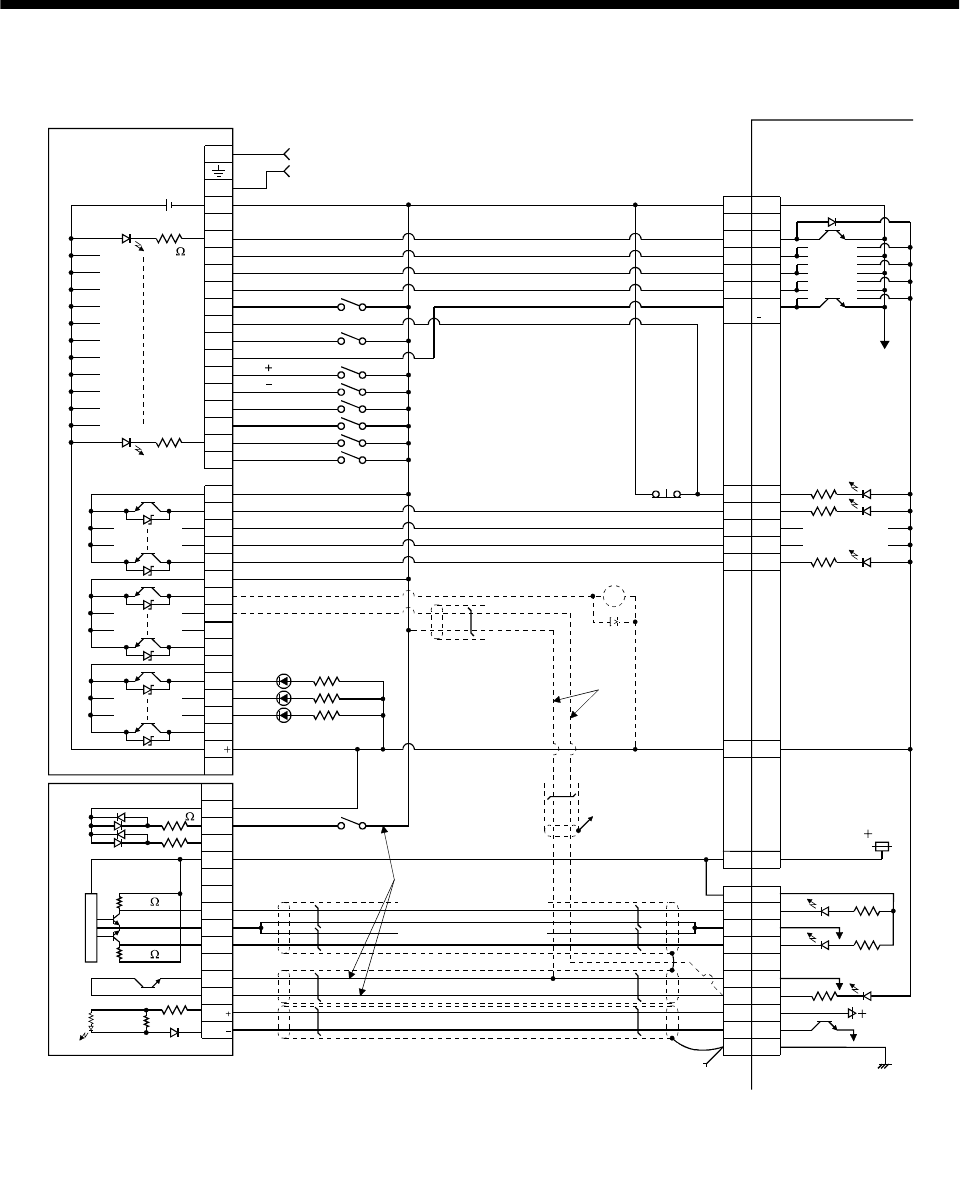
15 - 36
15. ABSOLUTE POSITION DETECTION SYSTEM
(b) FX2N-32MT (FX2N-1PG)
3.3k
3.3k
3.3k
CN1B
N
COM2
Y4
Y5
Y6
Y10
24
S/S
DOG
STOP
VIN
FP
COM0
RP
COM1
CLR
LPower supply
FX2N-32MT
SG 10
DO1 4
ZSP 19
TLC 6
ALM 18
RD
EMG 15
SON 5
ABSM 8
ABSR 9
RES 14
DOG
SD
FX2N-1PG
Servo amplifier
COM
X1
X2
X3
X4
X5
X6
X7
X10
X11
X12
X13
X14
X15
COM1
Y0
X0
Y1
Y2
Y3
Y7
COM3
Y11
Y12
Y13
RA2
COM 13
PGO
PGO
PP 3
SG 20
NP 12
SG 10
CR 8
P15R 4
OP 14
SD
SD
24V
VDD 3
Plate
24V
OPC 11
CN1A
CN1A
19
3.3k
JOG( )
JOG( )
Alarm reset
Servo-on
Position start
Position stop
Home position return start
1PG error reset
ABS bit 0/Completion of positioning
ABS bit 1/Zero speed
Send data ready/Torque limit control
Alarm
Servo ready
Emergency stop
(Note 2)
Electromagnetic
brake output
(Note 3)
Servo alarm
ABS communication
error
ABS check sum error
Servo-on
ABS transfer mode
ABS request
Alarm reset
(Note 1)
Pulse train for forward rotation
Pulse train for reverse rotation
Clear
Z-phase pulse
Note 1: To be connected for the dog type home position setting. At this time, do not connect the portions marked (Note 2).
2: To be connected for the data set type home position setting. At this time, do not connect the portions marked
(Note 1).
3: The electromagnetic brake interlock signal should be controlled by connecting the programmable controller
output to a relay.
15V
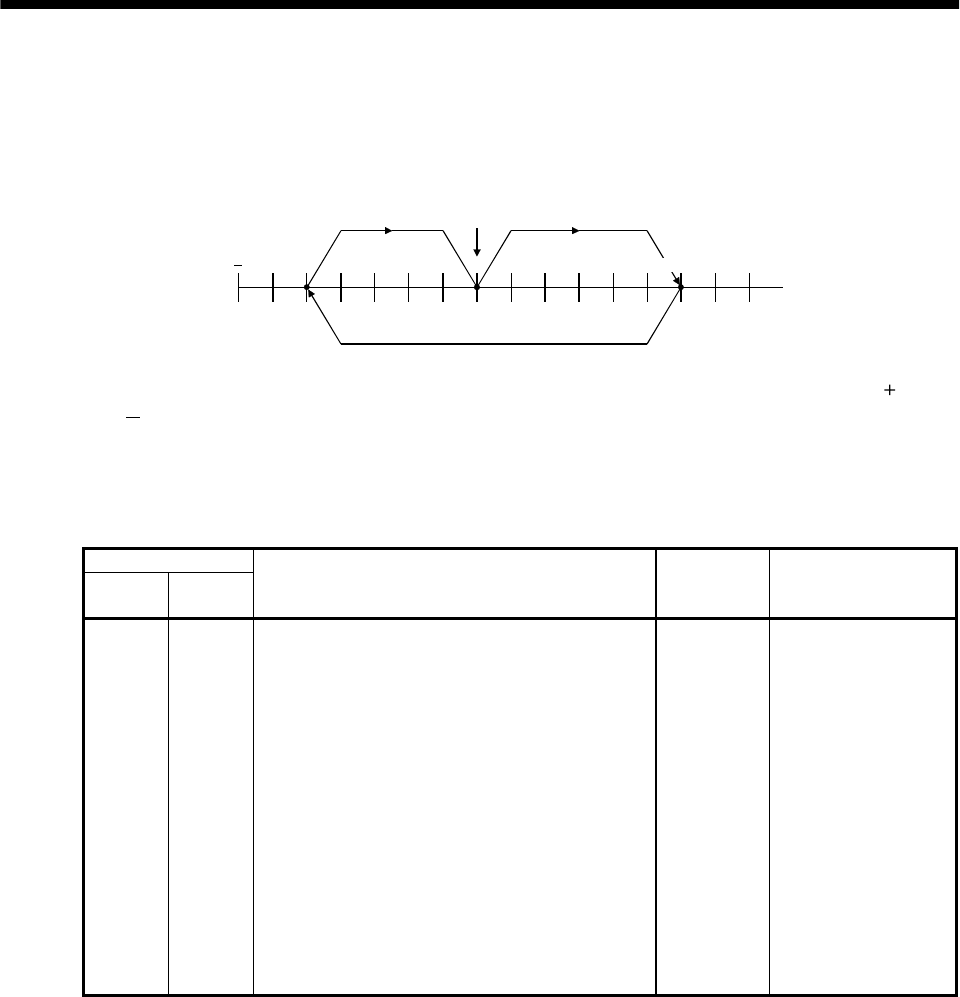
15 - 37
15. ABSOLUTE POSITION DETECTION SYSTEM
(2) Sequence program example
(a) Conditions
1) Operation pattern
ABS data transfer is made as soon as the servo-on pushbutton is turned on. After that,
positioning operation is performed as shown below:
300000 0
address
3) 1)
2)
Home position
300000
After the completion of ABS data transmission, JOG operation is possible using the JOG or
JOG pushbutton switch.
After the completion of ABS data transmission, dog type home position return is possible using
the home position return pushbutton switch.
2) Buffer memory assignment
For BFM#26 and later, refer to the FX2(N)-1PG User's Manual.
BMF No.
Upper 16
bits
Lower 16
bits
Name and symbol Set value Remark
-#0 Pulse rate A 2000
#2 #1 Feed rate B 1000
- #3 Parameter H0000 Command unit: Pulses
#5 #4 Max. speed Vmax 100000PPS
- #6 Bias speed Vbia 0PPS
#8 #7 JOG operation Vjog 10000PPS
#10 #9 Home position return speed (high speed) VRT 50000PPS
- #11 Home position return speed (creep) VCL 1000PPS
- #12 Home position return zero-point signal count N 2 pulses Initial value: 10
#14 #13 Home position address HP 0
- #15 Acceleration/deceleration time Ta 200ms Initial value: 100
- #16 Not usable
#18 #17 Target address (I) P(I) 0
#20 #19 Operation speed (I) V(I) 100000 Initial value: 10
#22 #21 Target address (II) P(II) 0
#24 #23 Operation speed (II) V(II) 10
- #25 Operation command H0000
3) Instructions
When the servo-on pushbutton switch and the GND of the power supply are shorted, the ABS
data is transmitted when the servo amplifier power is turned ON, or at the leading edge of the
RUN signal after a PC reset operation (PC-RESET). The ABS data is also transmitted when an
alarm is reset, or when the emergency stop state is reset.
If check sum discrepancy is detected in the transmitted data, the ABS data transmission is
retried up to three times. If the check sum discrepancy is still detected after retrying, the ABS
check sum error is generated (Y12 ON).
The following time periods are measured and if the ON/OFF state does not change within the
specified time, the ABS communication error is generated (Y11 ON).
ON period of ABS transfer mode (Y1)
ON period of ABS request (Y2)
OFF period of ready to send the ABS data (X2).
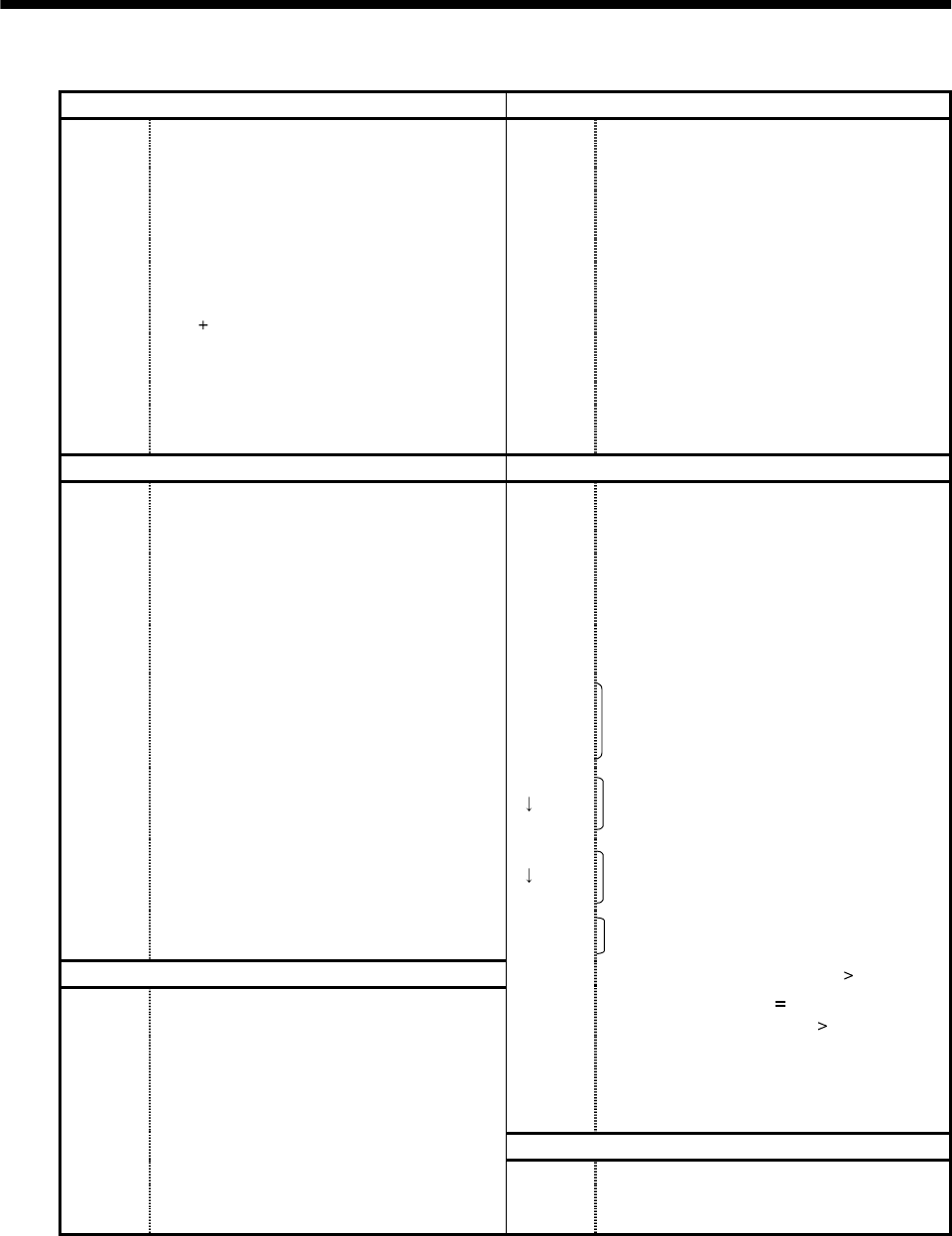
15 - 38
15. ABSOLUTE POSITION DETECTION SYSTEM
(b) Device list
X input contact Y output contact
X0 ABS bit 0 / completion of positioning Y0 Servo-on
X1 ABS bit 1 / zero speed Y1 ABS transfer mode
X2 Send ABS data ready/ torque limit control Y2 ABS request
X3 Servo alarm Y3 Alarm reset
X4 Alarm reset PB Y4 (Note 2) Electromagnetic brake output
X5 Servo emergency stop Y5 (Note 1) Clear
X6 Servo-on PB Y10 Servo alarm
X7 Servo ready Y11 ABS communication error
X10 JOG ( ) PB Y12 ABS check sum error
X11 JOG (−) PB
X12 Position start PB
X13 Position stop PB
X14 Home position return start PB
X15 1PG error reset
D register M contact
D0 ABS data: Lower 16 bits M0 Error flag
D1 ABS data: Upper 16 bits M1 ABS data transmission start
D2 Check sum addition counter M2 Retry command
D3 Check data in case of check sum error M3 ABS data read
D4 Transmission retry count in check sum
discrepancy M4 Spare
D24 Home position address: Lower 16 bits M5 Servo-on request
D25 Home position address: Upper 16 bits M6 Retry flag
D106
D107 1PG present position address: Lower 16 bits
1PG present position address: Upper 16 bits M10
M11
M12
M13
ABS data 2 bit receiving buffer
M20
M51 ABS data 32 bit buffer
M52
M57 Check sum 6 bit buffer
M58
M59 For checksum comparison
T timer M62 Sum check discrepancy (greater)
T200 Retry wait timer M63 Sum check discrepancy
T201 ABS transfer mode timer M64 Sum check discrepancy (less)
T202
T203
T204
T210 (Note 1)
ABS request response timer
Ready to send response timer
ABS data waiting timer
Clear signal ON timer
M70 (Note 1)
M71 (Note 1)
M99
Clear signal ON timer request
Data set type home position return request
ABS data ready
C counter
C0 All data reception frequency counter (19 times)
C1 Check sum reception frequency counter
C2 ABS data reception frequency counter (16 times)
Note 1: Necessary when data set type home position return is executed.
2: Necessary in the event of electromagnetic brake output.
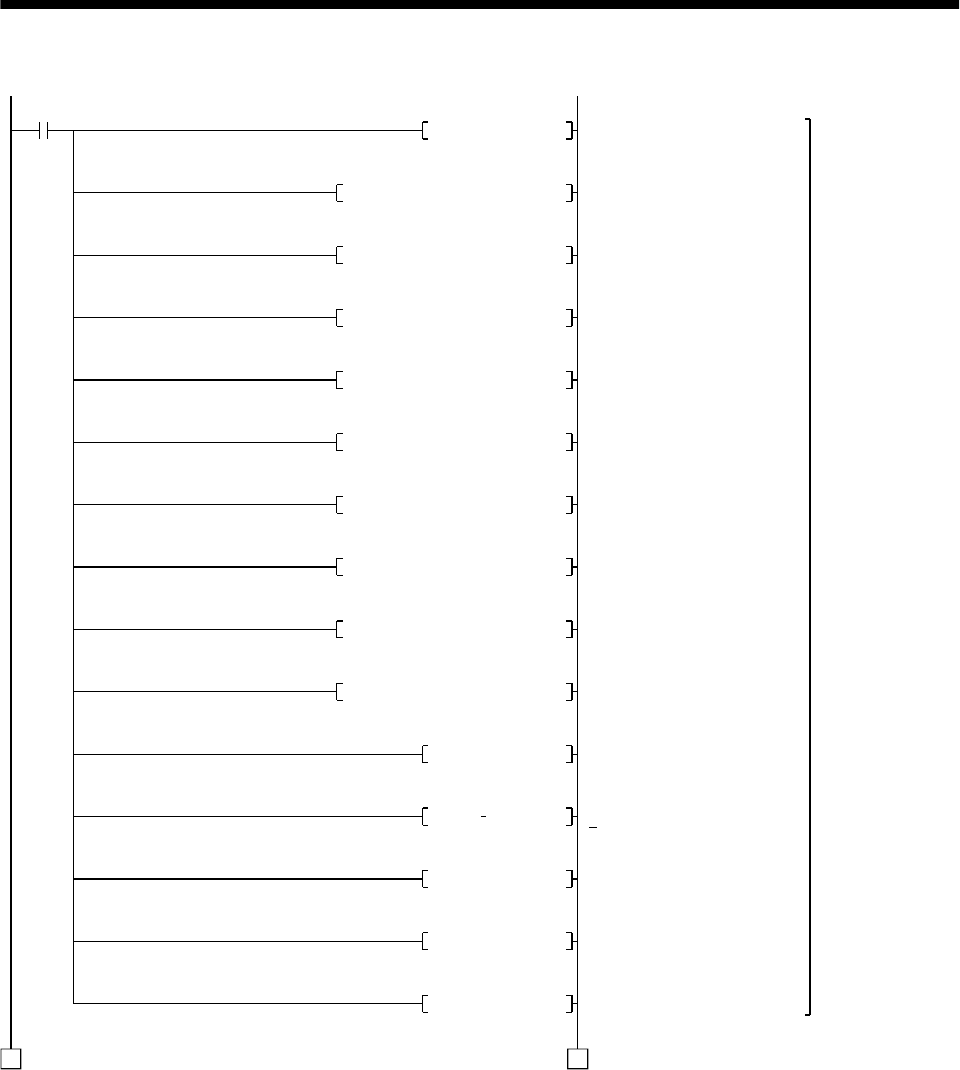
15 - 39
15. ABSOLUTE POSITION DETECTION SYSTEM
(c) ABS data transfer program for X-axis
M8002
D24K0DMOV
K1K0K3K0TO
K1K100000K4K0DTO
K1K10000K7K0DTO
K1K50000K9K0DTO
K1K1000K11K0TO
K1K2K12K0TO
K1D24K13K0DTO
K1K200K15K0TO
K1K100000K19K0DTO
1 1
D100K300000DMOV
D102K 250000DMOV
D104K0DMOV
ZK0DMOV
D4K4DMOV
Setting home position address
to 0
Setting 1PG pulse command
unit
1PG max. speed: 100 kpps
1PG Jog speed: 10 kpps
1PG home position return
speed: 50 kpps
1PG creep speed: 1 kpps
1PG home position return
zero-point count: twice
1PG home position address
setting
1PG acceleration/deceleration
time: 200ms
1PG operation speed:
100kpps
Position move account 1:
300000 pulses
Position move account 2:
250000 pulses
Position move account 3:
0 pulses
Clearing index registers V, Z
Setting "4 times" for check
sum error transmission
frequency
Initial setting
Initial
pulse
(To be continued)
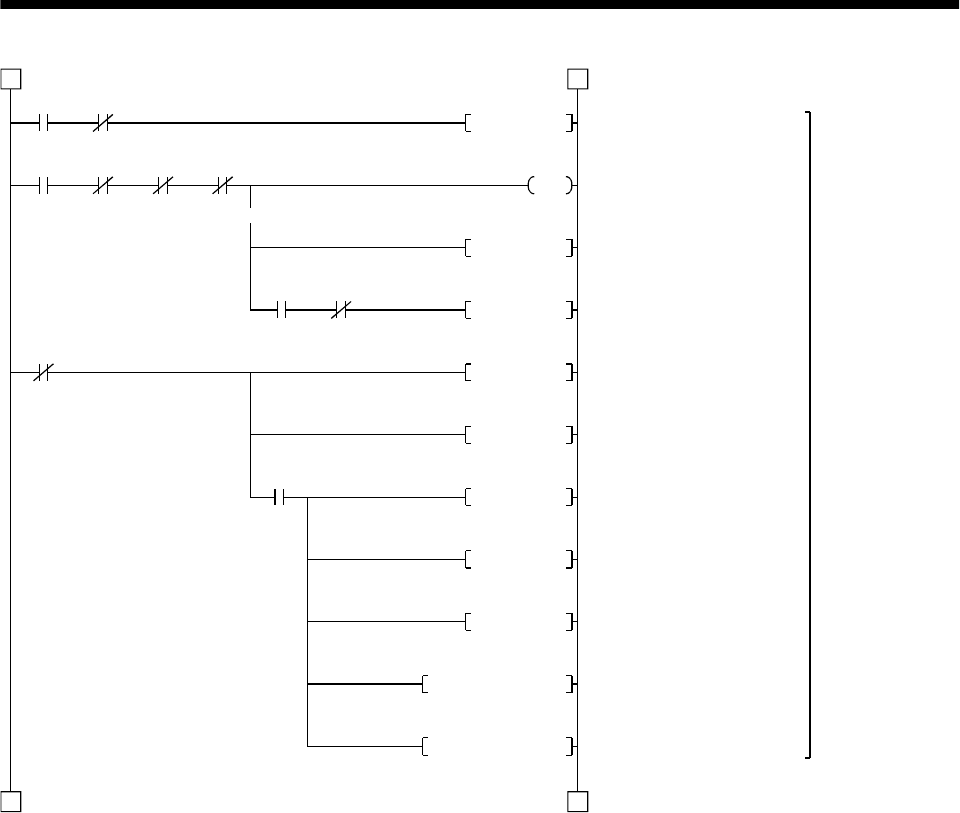
15 - 40
15. ABSOLUTE POSITION DETECTION SYSTEM
X6 M6
M5SET
M5 Y12
X6
Y0
Y12
1 1
2 2
M64M62ZRST
M1PLS
C1RST
C2C0ZRST
M99RST
M5RST
Y1RST
Y2RST
M6RST
Servo-on request
Servo-on output
ABS data transmission start
Clearing retry counter
Resetting ready to send ABS
data
Resetting servo-on request
Resetting ABS transfer mode
Resetting ABS request
Resetting retry flag
Resetting check sum
judgement
Resetting communication
counter
Servo-on
PB Retry
Servo-on
request
Servo-on PB
(Continued from preceding page)
(To be continued)
Servo-on and
retry control
M1 M6
ABS
transmission
start
Retry
M0 Y11
Error
flag ABS
communication
error
ABS check
error
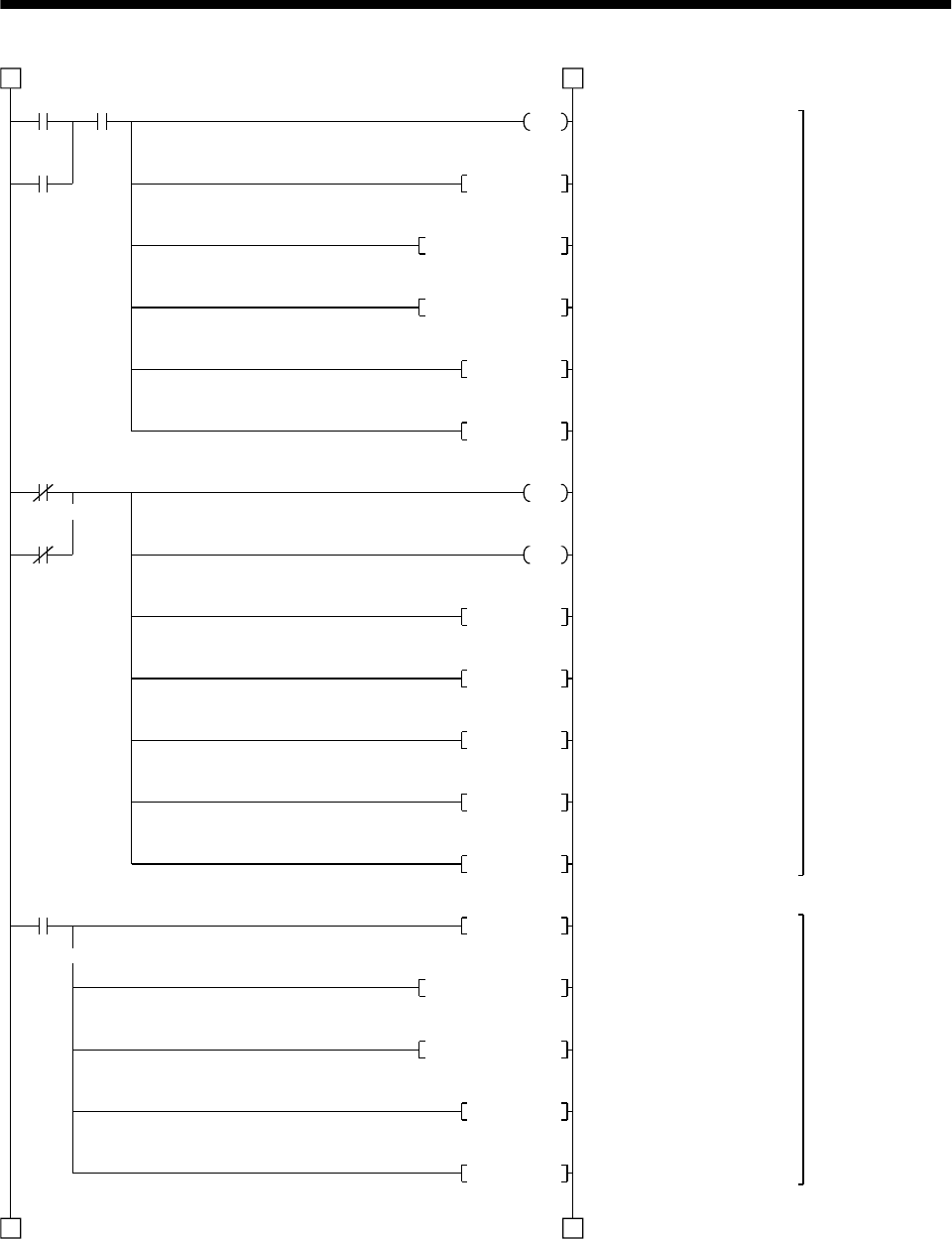
15 - 41
15. ABSOLUTE POSITION DETECTION SYSTEM
X4 M0
Y3
Y3
C1RST
M64M0ZRST
X5
X3
M1
2 2
3 3
D3D0ZRST
C2RST
C0RST
M0
Y10
Y1RST
Y2RST
M99RST
M5RST
M6RST
Y1SET
M64M10ZRST
D2D0ZRST
C2RST
C0RST
Alarm reset output
Clearing retry counter
Clearing ABS data receiving
area
Clearing ABS receive data
buffer
Resetting ABS data reception
counter
Resetting all data reception
counter
Error flag output
Servo alarm output
Resetting ABS transfer mode
Resetting ABS request
Resetting ready to send
Resetting servo-on request
Resetting retry flag
ABS transfer mode ON
Clearing ABS data reception
area
Clearing ABS receiver data
buffer
Resetting ABS data reception
counter
Resetting all data reception
counter
Servo alarm
detection, alarm
reset control
ABS transfer
mode
Initial setting
Alarm
reset PB Error flag
Alarm reset
Emergency stop PB
Servo alarm
(Continued from preceding page)
(To be continued)
ABS data
transmission start
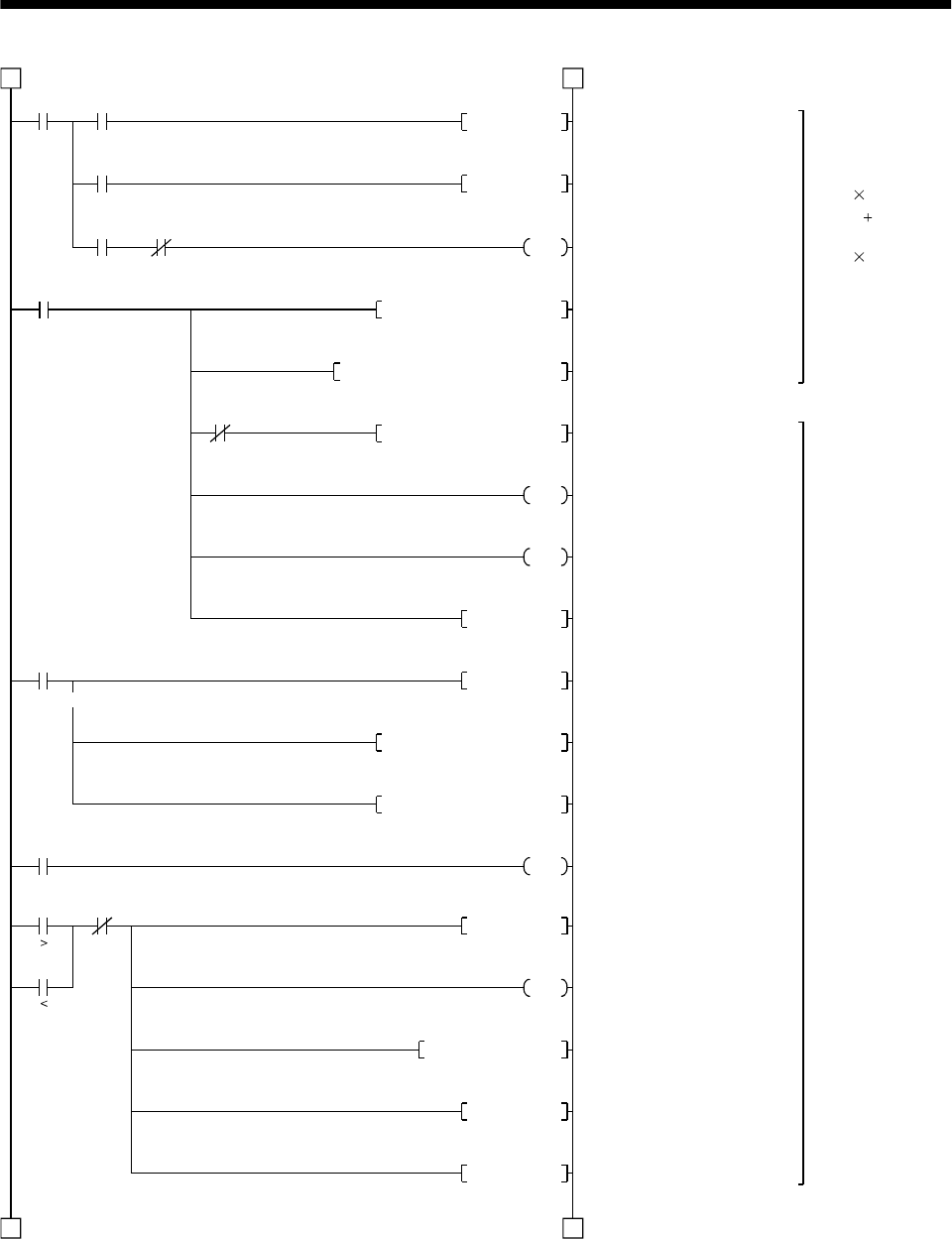
15 - 42
15. ABSOLUTE POSITION DETECTION SYSTEM
Y1 X2
M3PLS
M3
Y2 X2
C2
C2
C0
M64
3 3
4 4
D3K2M52MOV
Y2SET
K1M10H0003K1X0WANDP
K2K38M20M10SFTR
D2D2K1M10ADDP
K16
C0
K19
Y2RST
Y1RST
D2D2H003FWANDP
M62D2K2M52CMPP
C1
M62 C1
Y12
M2PLS
T200
K10
M6SET
M5RST
ABS data 32 bits
(2 bits 16 times)
Check sum 6 bits
(2 bits 3 times)
Detection of ABS
check sum error,
retry control
Resetting ABS data
ABS request ON
Masking ABS data 2 bits
Right shift (2 bits) of ABS data
Check sum addition
Updating ABS data reception
counter
Updating all data reception
counter
Resetting ABS request
Resetting ABS transfer mode
Masking check sum 6 bits
Comparison of check sum
ABS data check sum error
Retry command
Setting retry wait timer: 100ms
Storing check sum value in the
case of check sum error
Retry flag ON
Resetting servo-on request
ABS
transfer
mode
Send data ready
ABS data read
ABS
request Send data
ready
All data reception counter
Retry counter
Retry
counter
(Continued from preceding page)
(To be continued)
T204
T204
K1 ABS data waiting timer 10ms
ABS data waiting timer
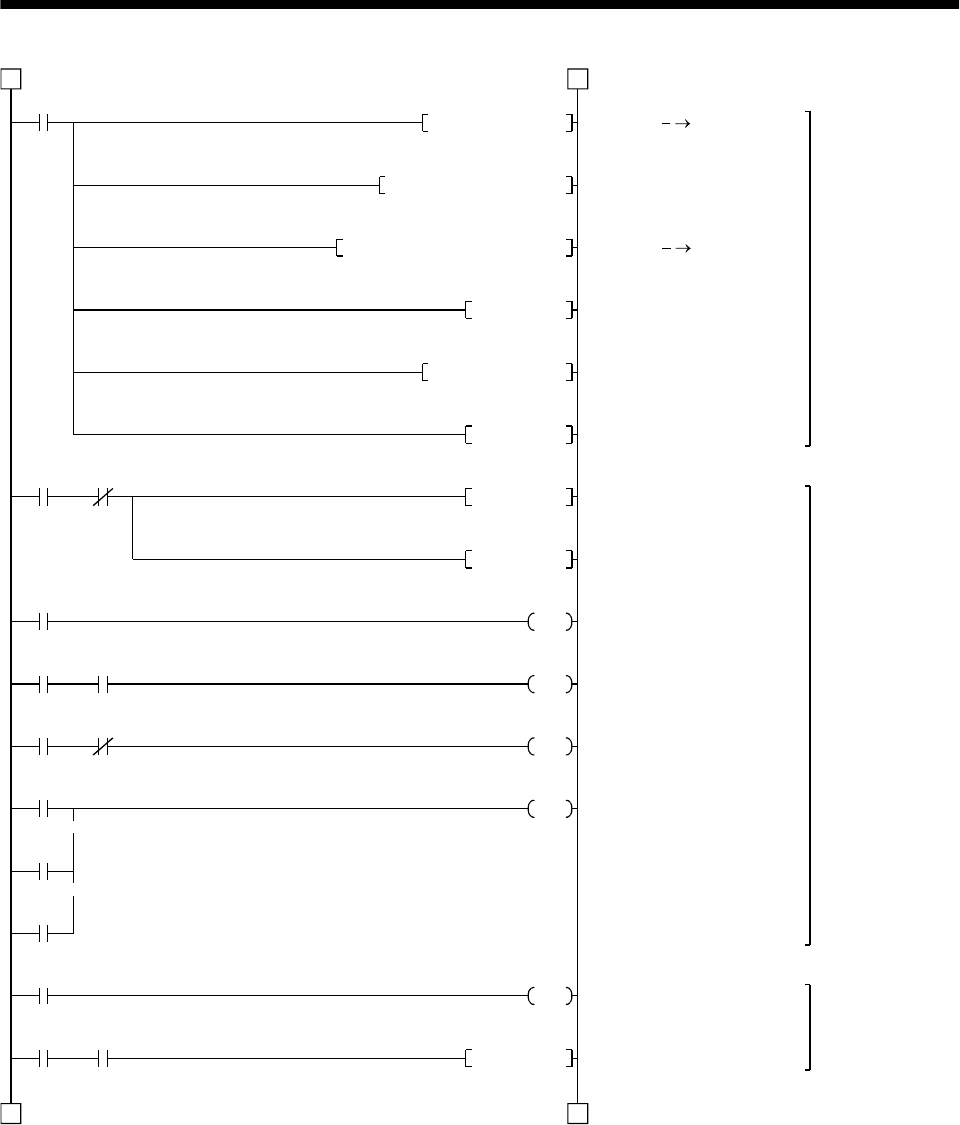
15 - 43
15. ABSOLUTE POSITION DETECTION SYSTEM
M63
D0K8M20DMOVP
D0D24D0DADDP
K1D0K26K0DTOP
M99SET
Y11 X6
Y1
T201
Y1 Y2
Y1 X2
T201
T202
T203
M2
T200 M6
44
5 5
M64M62ZRST
M6RST
Y1RST
Y2RST
K500
T202
K100
T203
K100
Y11
C1
D4
M5SET
Writing absolute
position data to
1PG
Detecting ABS
communication
error
ABS transfer
retry control
ABS data D0, D1
Adding 1PG home position
address
ABS data 1PG
Setting ABS data ready
Clearing check sum judging
area
Resetting retry flag
Detecting ABS
communication error
Resetting ABS request
ABS transfer mode 5s timer
ABS request response
1s timer
Ready to send response
1s timer
ABS communication error
Counting retry frequency
Setting servo-on request
(Continued from preceding page)
(To be continued)
Check
sum
match
ABS
communi-
cation error
Servo-on
PB
ABS transfer mode
ABS transfer
mode ABS request
ABS transfer
mode Send data ready
ABS transmission NG
ABS request NG
Send data ready NG
Retry command
Retry
wait
timer
Retry
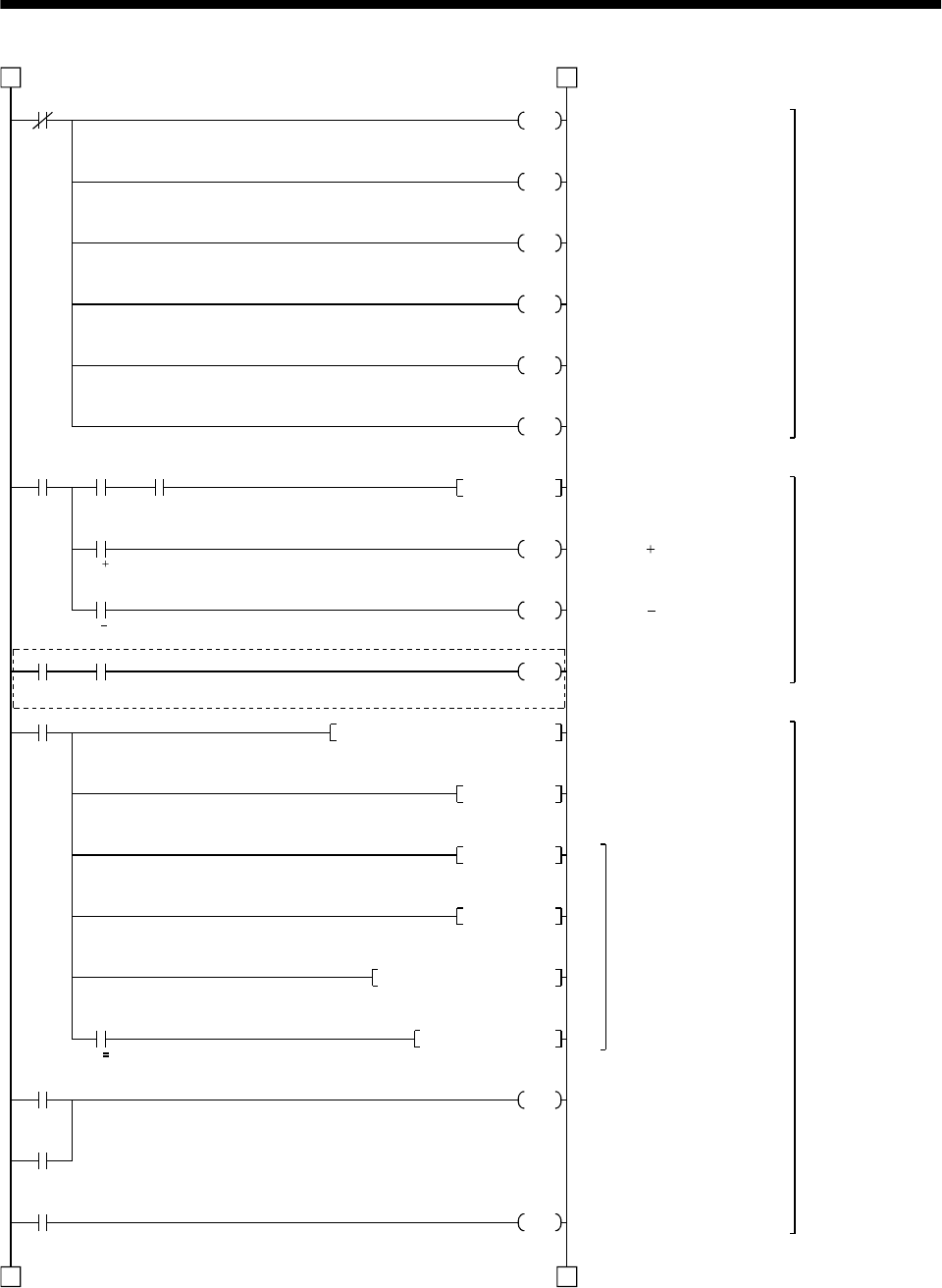
15 - 44
15. ABSOLUTE POSITION DETECTION SYSTEM
M8000
M109
X7 X12 M99
M120PLS
X10
JOG
X11
JOG
X7 X14
M120
K1D100ZK17K0DTO
M121K6ZDCMP
M122
INDX 6
ZK0DMOV
X12
M0
X16
5 5
6 6
M110
M111
M112
M102
M103
M104
M105
M106
108SET
ZDINC
ZDINC
M101
M100
(Note)
1PG control
command
(not used)
Operation
command
control
Position
command
control
Note: Program example for the dog type home position return. For the data set type home position return, refer to the
program example in (2), (d) in this section.
Start command pulse
1PG JOG command
1PG JOG command
1PG home position return
start
Setting motion distance
1PG start
Index processing
1PG stop command
1PG error reset
(Continued from preceding page)
(To be continued)
Normally
OFF
Servo
ready Position
start PB ABS data
ready
Servo ready Home position return PB
Position
start
command
pulse
Position
stop PB
Error flag
1PG error reset
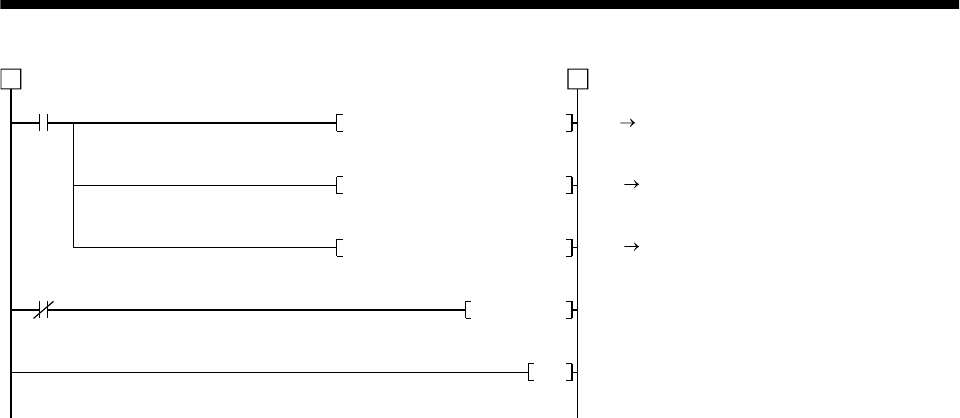
15 - 45
15. ABSOLUTE POSITION DETECTION SYSTEM
M8000
K1K4M100K25K0TO
M200
K1K3M200K28K0FROM
K1D106K26K0DFROM
M108RST
END
6 6
FX2 1PG
Transmission of control signals
1PG FX2
Transmission of status
1PG FX2
Transmission of present
position D106, D107
1PG
Resetting start command
(Continued from preceding page)
Normally
ON
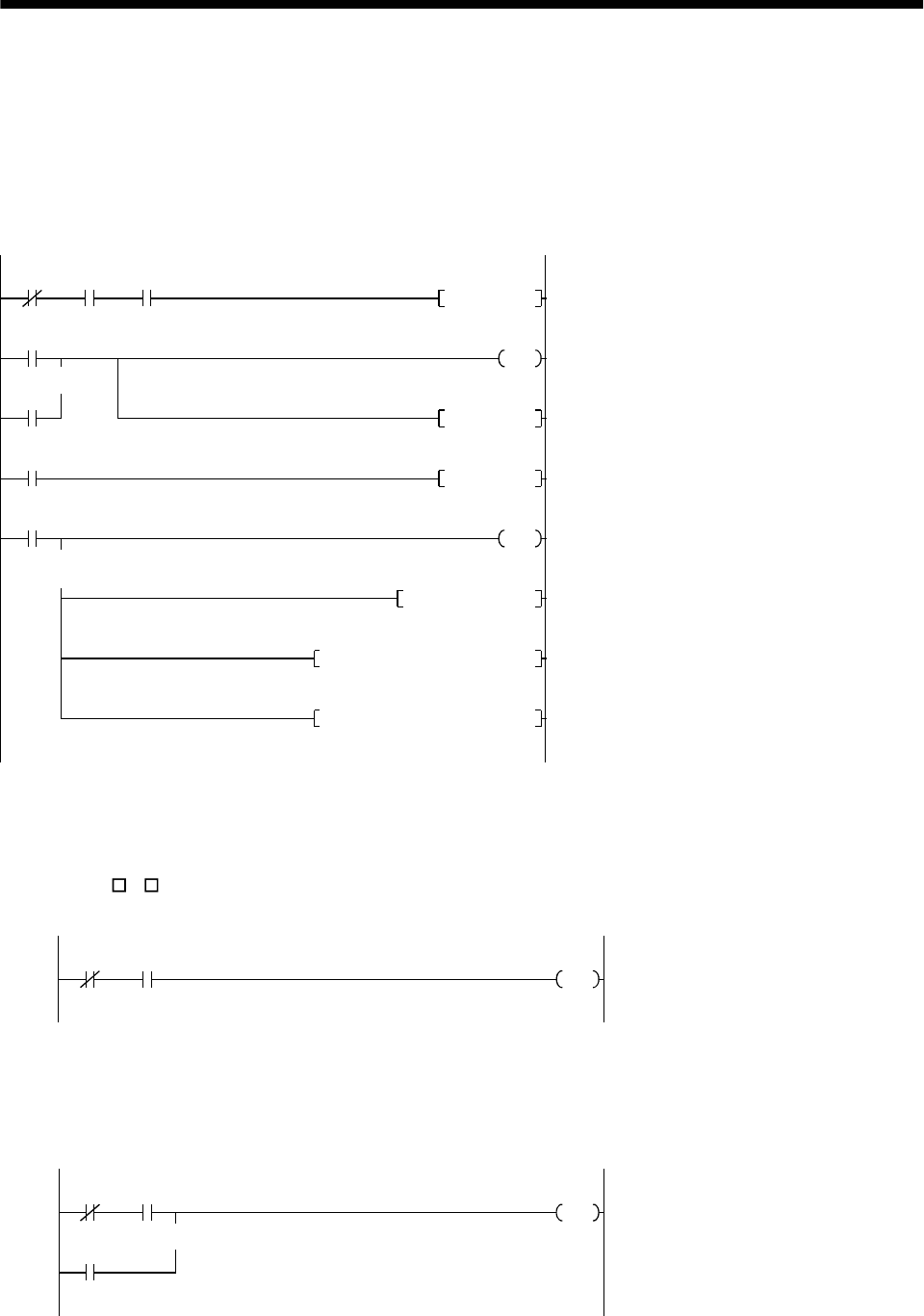
15 - 46
15. ABSOLUTE POSITION DETECTION SYSTEM
(d) Data set type home position return
After jogging the machine to the position where the home position (e.g.500) is to be set, choose the
home position return mode set the home position with the home position return start (PBON).
After switching power on, rotate the servo motor more than 1 revolution before starting home
position return.
Do not turn ON the clear signal (Y5) for an operation other than home position return. Turning it
ON in other circumstances will cause position shift.
Y1 X0 X14
M70
M71
T210
M70PLS
M71
D24K500DMOVP
K1D24K13K0DTOP
K1D24K26K0DTOP
T210
M71SET
K10
M71RST
Y5
Clear signal ON timer request
Clear signal 100ms ON timer
Setting data set type home position return request
Resetting data set type home position return reques
t
Clear signal ON
Setting X-axis home position address "500"
in the data register
Changing X-axis home position address
Changing X-axis present position data
ABS transfer
mode Positioning
completion Home position
return start PB
Clear signal ON
timer request
Date set type home position return request
Clear signal 100ms ON timer
Data set type
home position
return request
(e) Electromagnetic brake output
During ABS data transfer (for several seconds after the servo-on signal is turned on), the servo
motor must be at a stop.
Set "1 1 " in parameter No. 1 of the servo amplifier to choose the electromagnetic brake interlock
signal.
Y1 X1
Y4 Electromagnetic brake output
ABS transfer
mode Brake (MBR)
(f) Positioning completion
To create the status information for servo positioning completion.
During ABS data transfer (for several seconds after the servo-on signal is turned on), the servo
motor must be at a stop.
Y1 X0
M
Y1
Completion of servo positioning
ABS transfer
mode Positioning
completion
ABS transfer
mode
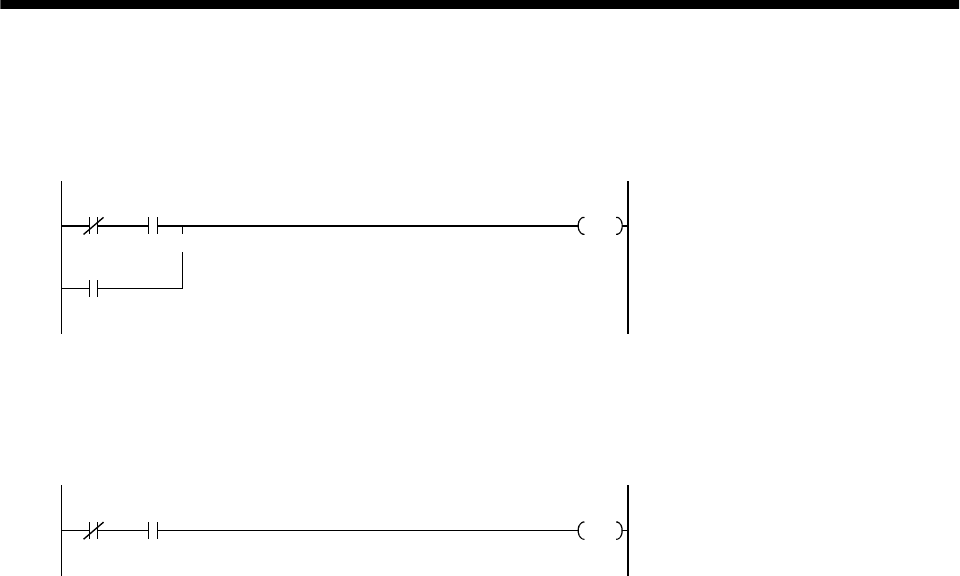
15 - 47
15. ABSOLUTE POSITION DETECTION SYSTEM
(g) Zero speed
To create the status information for servo zero speed.
During ABS data transfer (for several seconds after the servo-on signal is turned on), the servo
motor must be at a stop.
Y1 X1
M
Y1
Servo zero speed
ABS transfer
mode Zero speed
ABS transfer
mode
(h) Torque limiting
To create the status information for the servo torque limiting mode.
During ABS data transfer (for several seconds after the servo-on signal is turned on), the torque
limiting must be off.
Y1 X2
MServo torque limiting mode
ABS transfer
mode Torque limiting mode
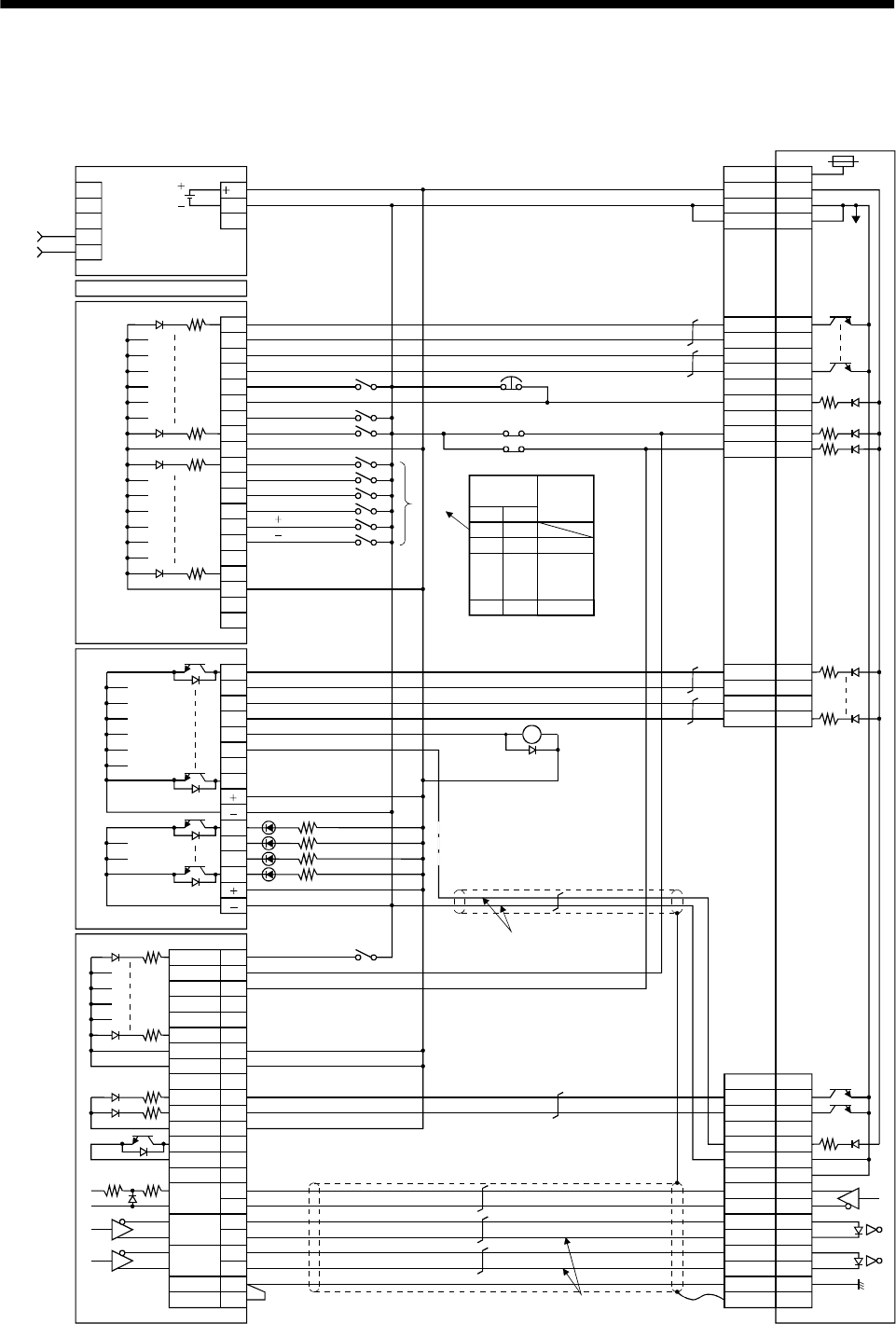
15 - 48
15. ABSOLUTE POSITION DETECTION SYSTEM
15.8.3 MELSEC A1SD75(AD75)
(1) Connection diagram
PULSE-
R
PULSE-
F
PGO
DOG
STOP
RDY
4
22
3
21
25
24
7
14
11
0
1
2
3
4
5
7
COM
8
9
A
B
C
D
E
F
COM
NC
NC
6
0
1
2
3
4
5
7
6
8
9
A
B
A1SD75-P
A1SY40
A1SX40
A1SCPU
A1S62P
Power
supply INPUT
AC100/200
COM1
COM2
PLS 12
RLS 13
CHG 15
START 16
35
36
INPS 8
26
5CLEAR 23
PLS COM 19
PLS COM 20 SD
LG
NP
NG
PP
PG
LZR
LZ
SG
COM
RD
INP
CR
SG
9
19
18
8
10
20
5
15
13
3
12
2
1
Plate
5
8
9
14RES
ABSR
SON
ABSM
4
19
6
18ALM
15EMG
16LSP 17LSN
3
13
10
20SG
SG
VDD
COM
24
24G
FGLG
Servo amplifier
CN1B
CN1A
JOG
JOG
Alarm reset
Emergency stop
Servo-on
Home position return
Operation mode I
Operation mode II
Position start
Position stop
DO1
ABS data bit 1/zero speed
Readying to send data/Torque limiting
Trouble
Upper limit
Lower limit
ZSP
TLC
III
OFF OFF
OFF ON
ON OFF
ON ON
JOG
(Note 3)
Operation
mode Operating
status
Home
position
return
Positioning
Servo-on
ABS transfer mode
ABS request
Alarm reset
Electromagnetic
brake output
(Note 4)
Servo alarm
ABS communication error
ABS checksum error
(Note 2)
(Note 1)
Proximity signal
ABS data bit 0/Positioning completion
Servo ready
Positioning completion
COMMON
COMMON
COMMON
COMMON
(Note 2)
(Note 6) (Note 5)
600mA
RA2

15 - 49
15. ABSOLUTE POSITION DETECTION SYSTEM
Note 1: For the dog type home position return. Need not be connected for the data set type home position return.
2: If the servo motor provided with the zero point signal is started, the A1SD75(AD75) will output the deviation counter clear
signal. Therefore, do not connect the clear signal of the MR-J2-A to the A1SD75(AD75) but connect it to the output module of
the programmable controller.
3: This circuit is provided for your reference.
4: The electromagnetic brake output should be controlled via a relay connected to the programmable controller output.
5: Use the differential line driver system for pulse input. Do not use the open collector system.
6: To reinforce noise suppression, connect LG and pulse output COM.
15 - 50
15. ABSOLUTE POSITION DETECTION SYSTEM
(2) Sequence program example
(a) Conditions
1) When the servo-on signal and power supply GND are shorted, the ABS data is transmitted at
power-on of the servo amplifier or on the leading edge of the RUN signal after a PC reset
operation (PC-RESET). The ABS data is also transmitted when an alarm is reset or when an
emergency stop is reset.
2) If a checksum mismatch is detected in the transmitted data, data transmission is retried up to
three times. If the checksum mismatch still persists after the retries, the ABS checksum error
occurs (Y3A ON).
3) The following time periods are measured. If the ON/OFF state does not change within the
specified time, the ABS communication error occurs change within the specified time, the ABS
communication error occurs (Y3A ON):
ON period of ABS transfer mode (Y31)
ON period of ABS request (Y32)
OFF period of reading to send ABS data (X22)
(b) Device list
X input contact Y output contact
X20 ABS bit 0 / positioning completion Y30 Servo-on
X21 ABS bit 1 / zero speed Y31 ABS transfer mode
X22 Reading to send ABS data / limiting torque Y32 ABS request
X23 Servo alarm Y33 Alarm reset
X24 Alarm reset X34 (Note 2) Electromagnetic brake output
X25 Servo emergency stop Y35 (Note 1) Clear
X26 Servo-on Y38 Servo alarm
X27 Home position return start Y39 ABS communication error
X28 Operation mode I Y3A ABS checksum error
X29 Operation mode II
D register M contact
D0 ABS data transmission counter M5 ABS data transmission start
D1 Checksum transmission counter M6 Sum check completion
D2 Checksum addition register M7 Sum check mismatch
D3 ABS data: Lower 16 bits M8 ABS data ready
D4 ABS data: Upper 16 bits M9 Transmission data read enabled
D5 ABS data 2-bit receiving buffer M10 Checksum 2 bits read completion
D6 Check data in case of checksum error M11 ABS 2 bits read completion
D7 Number of retries M12 ABS 2 bits request
D8 Forward rotation direction M13 Servo-on request
D9 Home position address: Lower 16 bits M14 Servo alarm
D10 Home position address: Upper 16 bits M15 ABS data transmission retry start pulse
D11 Drive unit ready data M16 Retry flag set
D12 Home position return completion data M17 Retry flag reset
D110 Received shift data: Lower 16 bits M18 PLS processing command
D111 Received shift data: Upper 16 bits M20 (Note 1) Clear signal ON timer request
T timer M21 (Note 1) Data set type home position return request
T0 ABS transmission mode timer
T1 ABS request response timer M22 Home position return processing
instruction
T2 Retry wait timer
T3 ABS data send reading response timer M23 Current position change processing
instruction
T10 (Note 1) Clear signal ON timer M24 Current position change flag
T200 Transmitted data read 10ms delay timer C counter
C0 ABS data receive times counter
C1 Checksum receive times counter
C2 Retry counter
Note: 1.Required for data set type home position return.
2.Required for electromagnetic brake output.
3)
1)
2)
4)
15 - 51
15. ABSOLUTE POSITION DETECTION SYSTEM
(c) ABS data transfer program for X axis
This sequence program example assumes the following conditions:
Parameters of the A1SD75-P1 (AD75-P1) positioning module
1) Unit setting :3 pulse (PLS)
2) Travel per pulse :1 1 pulse
To select the unit other than the pulse, conversion into the unit of the feed value per pulse is
required. Hence, add the following program to the area marked (Note) in the sequence program:
<Additional program> Item mm inch degree pulse
Unit setting 0 1 2 3
Travel per pulse 0.1 to 1 to 10 to 100 0.00001
to 0.0001
to 0.001
to 0.01
to 0.00001
to
0.0001
to 0.001
to 0.01
to
Unit of travel m/PLS inch/PLS degree/PLS PLS
D * P K D3 D3
Constant K for
conversion into unit of
travel 1 to 10 to 100
to 1000 1 to 10 to 100 to 1000 1 to 10 to 100
to 1000 None
Reference
For 1 m/PLS, set constant K to 10
For 5 m/PLS, set constant K to 50
The additional program is not required for the unit setting is PLS.
M101
Y30K3K0MOV
M9039
K1K1K1151H0000TO
D7K3MOV
M101SET
A0D110DMOV
1 1
6)
5)
Initial
setting
Output signal reset
A1SD75 error reset
Setting the number of retries
(to 3 times)
Error reset completion flag
Loading received shift data
(To be continued)
Error reset
completion
PC RUN
15 - 52
15. ABSOLUTE POSITION DETECTION SYSTEM
X26
M13SET
M23
K1D11K816H0000FROM
D11H0001WAND
M23
1 1
2 2
D11 K1 M24PLS
M13 M14 M16
X26
M8RST
M13RST
C0RST
C1RST
Y30
M5PLS
M13
M17PLS
M17
X24 M14
Y33
X25
Y33
X23
C2RST
M14
M8RST
M13RST
Y38
7)
Servo-on
control
ABS transfer
retry control
Servo alarm
detection,
alarm reset
control
Servo-on request
Reading A1SD75 1-axis RDY
signal
Masking RDY signal
Current position change
processing instruction
Current position change flag
Resetting ready
Resetting servo-on request
Resetting ABS transmission
counter at servo OFF
Resetting checksum
transmission counter at servo
OFF
Servo-on output
ABS interface start
Setting retry flag
Resetting retry counter
Alarm reset output
Error flag output
Resetting ready
Resetting servo-on request
Servo alarm
(To be continued)
(Continued from preceding page)
Servo-on
PB
Processing instruction RDY signal ON judgment
Servo-on
PB
Servo-on
request Error
flag Retry flag
set
Servo-on
request
Retry flag
reset request
Error reset
PB Error flag
Alarm reset
Emergency stop PB
Servo alarm
15 - 53
15. ABSOLUTE POSITION DETECTION SYSTEM
M5
D0K16MOV
M5
Y31 C1
2 2
3 3
D1K3MOV
D2 K0MOV
D5K0MOV
D9K0DMOV
A0K0DMOV
C0RST
C1RST
Y31
8)
C0 C1 Y31
D3A0DMOVP
K1D8K5H0000FROMP
M18PLS
M18
A0K0MOVP
D8H0001WAND
A1H8000WAND
D4NEG
D4K1
D3NEG
D4K1
D8 K1
K0 D3
9)
10)
Initializing ABS data
transmission counter
Initializing checksum
transmission counter
Initializing checksum register
Initializing ABS data register
Initializing ABS data register
Initializing ABS data register
Resetting ABS transmission
counter
Resetting checksum
transmission counter
ABS transfer mode
Saving ABS 32-bit data
Clearing register
*1 Reading x-axis rotation
direction parameter
Masking rotation direction
parameter
Masking ABS data sign
PLS processing command
Reversing polarity of upper
16 bits
Decrementing upper 16 bits
by 1
Reversing polarity of lower
16 bits
Lower 16 bits 0
D4 1 D4
ABS transfer mode
initial setting
ABS transfer mode
control
Absolute position
polarity,A1SD75
rotation direction
setting detection
Reversing absolute
position polarity
(Continued from preceding page)
(To be continued)
ABS data
transfer
start
ABS data
transfer start
ABS transfer
mode Checksum counter
Counter Sum
counter ABS transfer
mode
PLS
processing
command
Rotation direction
judgment
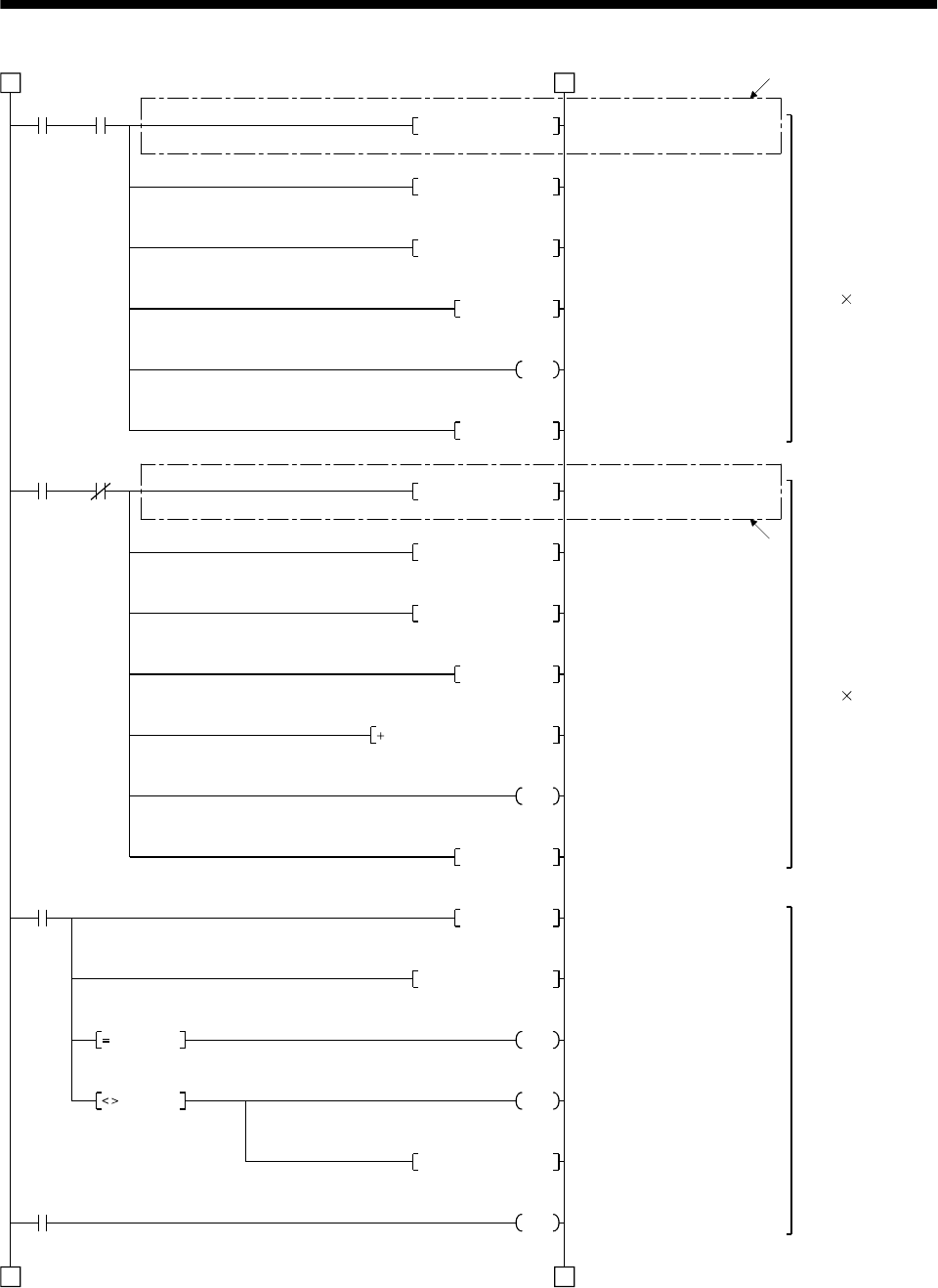
15 - 54
15. ABSOLUTE POSITION DETECTION SYSTEM
M9 C0
C1
3 3
4 4
D5K1X20MOV
D5H0003WAND
A0D5WOR
K2ROR
M10PLS
D1
M9 C0
D5K1X20MOV
K2DROR
D2D2D5
C0
C1
C2
D5H0003WAND
A0D5WOR
D0
M11PLS
K10RORP
A0H003FWAND
M6
M7
D6A0MOV
Y3A
D2 A0
D2 A0
11)
11)
Reading checksum
6bits
(2 bits 3 times)
Reading ABS data
32 bits
(2 bits 16 times)
Detecting ABS
checksum error
Reading 4 bits
Masking 2 bits
Adding 2 bits
Right rotation of A0 2 bits
Counting the number of
checksum data
Completion of reading
checksum 2 bits
Reading 4 bits
Masking 2 bits
Adding 2 bits
Right rotation of A0 2 bits
Adding checksum
Counting the number of ABS
data
Completion of reading ABS
2 bits data
Right rotation of A0 10 bits
Masking sum check
Sum check OK
Sum check NG
Sum check memory
ABS checksum error
(Continued from preceding page)
(To be continued)
Read
enabled ABS data
counter
Read
enabled ABS data
counter
Checksum
counter
Retry counter
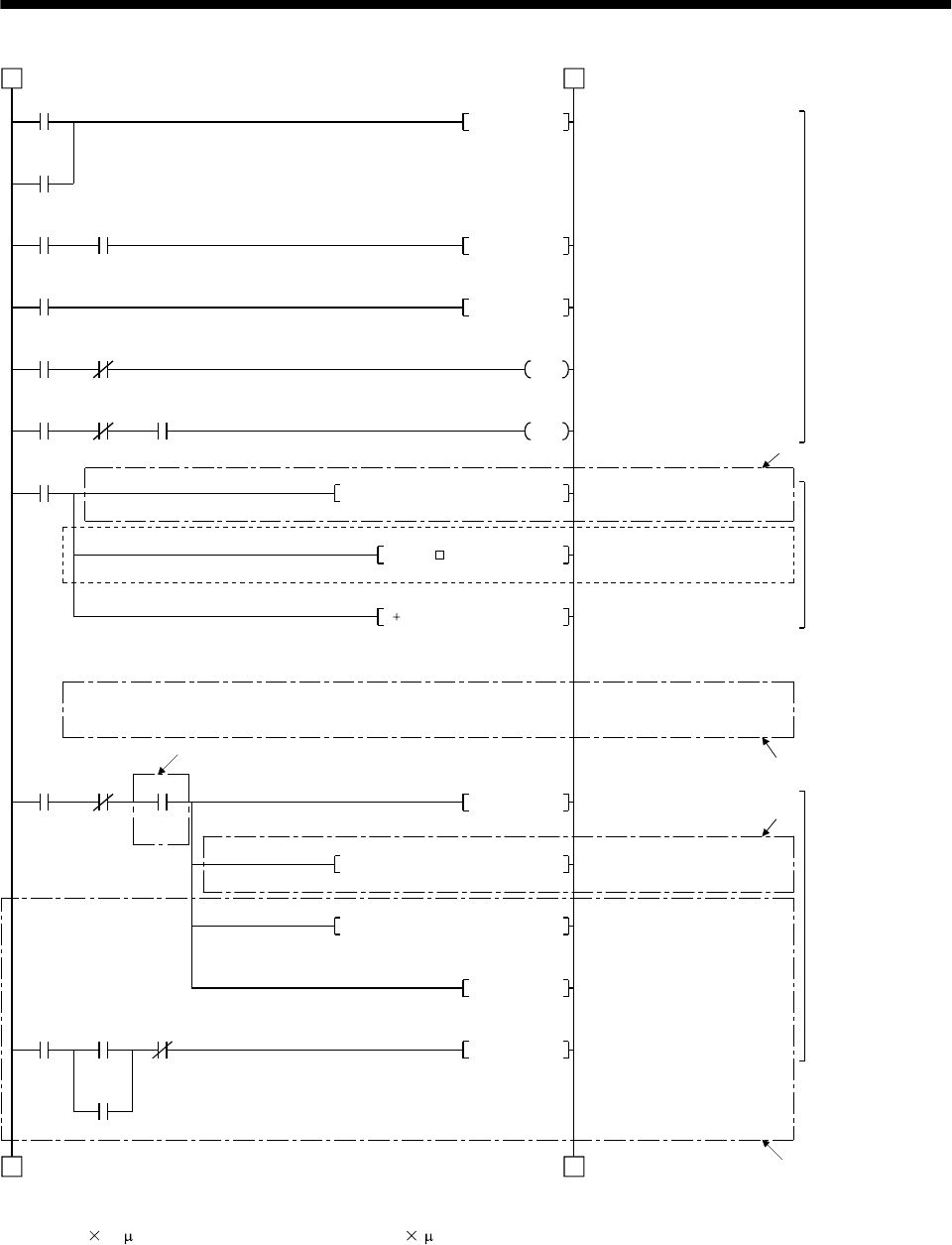
15 - 55
15. ABSOLUTE POSITION DETECTION SYSTEM
M11
M10
Y31 X22
M12
Y32 X22
Y32 X22 T200
4 4
5 5
Y32RST
M12PLS
Y32SET
T200
K1
M9
M6
K1D9K0072H0000DFROP
D3D3KD*P
D3D9D3D P
M6 Y3B M24
M8SET
K1D3K1154H0000DTOP
K1K9003K1150H0000TO
Y10SET
Y10 X1 X4
XA
Y10RST
12)
13)
15)
14)
7)
ABS request
control
Restoring absolute
position data.
Writing absolute
position data to
A1SD75
ABS request reset
ABS 2 bits request
ABS request set
10ms delay timer
Transmitted data read enabled
*1: Reading A1SD75 home
position address
Inserting constant K for conversion
into the unit of feed per pulse
Adding home position address
to absolute position
ABS data ready
Changing X-axis current
position
Writing No. 9003 data for
changing current value
Positioning start
Switching start signal off on
completion of positioning
(Continued from preceding page)
(To be continued)
ABS 2 bits
completion
Checksum 2 bits completion
ABS transfer
mode Ready to send
ABS data
ABS 2 bits request
ABS request Ready to send ABS data
10ms delay timer
Checksum
OK
(Note)
Checksum
OK ABS
coordinate
error
Change
flag
Positioning
start Start com-
pletion BUSY
Error detection
Note: When the unit setting parameter value of the AD75 positioning module is changed from "3" (pulse) to "0" (mm), the
unit is 0.1 m for the input value. To set the unit to 1 m, add this program to multiple the feed value by 10.
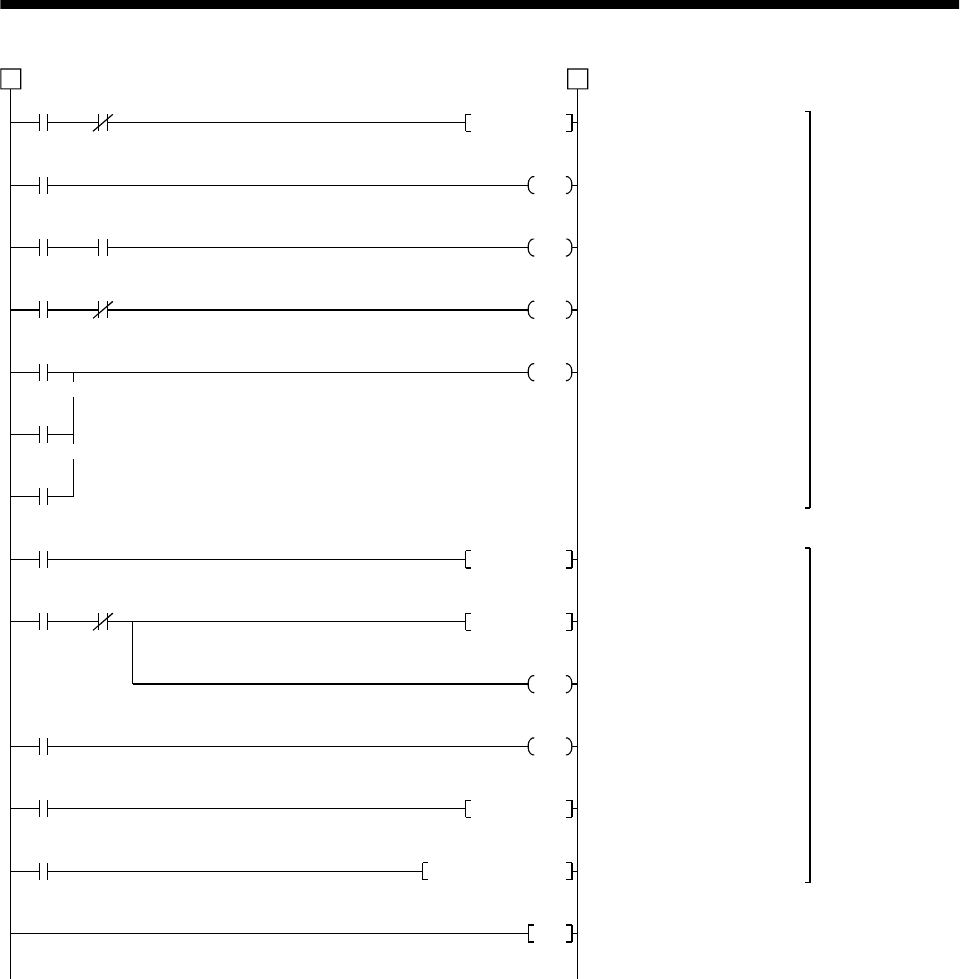
15 - 56
15. ABSOLUTE POSITION DETECTION SYSTEM
Y39 X26
Y31
T0
Y31 Y32
Y31 X22
T0
T1
T3
5 5
Y31RST
K50
T1
K10
T3
K10
Y39
M7
M15 C2
M16
T2
M9039
END
M15PLS
M16SET
C2
D7
T2
K1
M16RST
D110A0DMOV
Detecting ABS
communication
error
ABS transfer
retry control
Resetting ABS transfer mode
ABS transfer mode 5s timer
ABS request response
1s timer
ABS data send ready
response 1s timer
ABS communication error
ABS transfer retry start pulse
Setting retry flag
Retry counter
Retry waiting timer (100ms)
Resetting retry flag
Saving received shift data
ABS communi-
cation error Servo-on PB
(Continued from preceding page)
ABS transfer mode
ABS transfer
mode ABS request
ABS transfer
mode Ready to send
ABS data
ABS transfer NG
ABS request NG
Readying to send ABS data NG
Sum check NG
Retry start Retry
counter
Retry flag set
Retry waiting timer
PC RUN
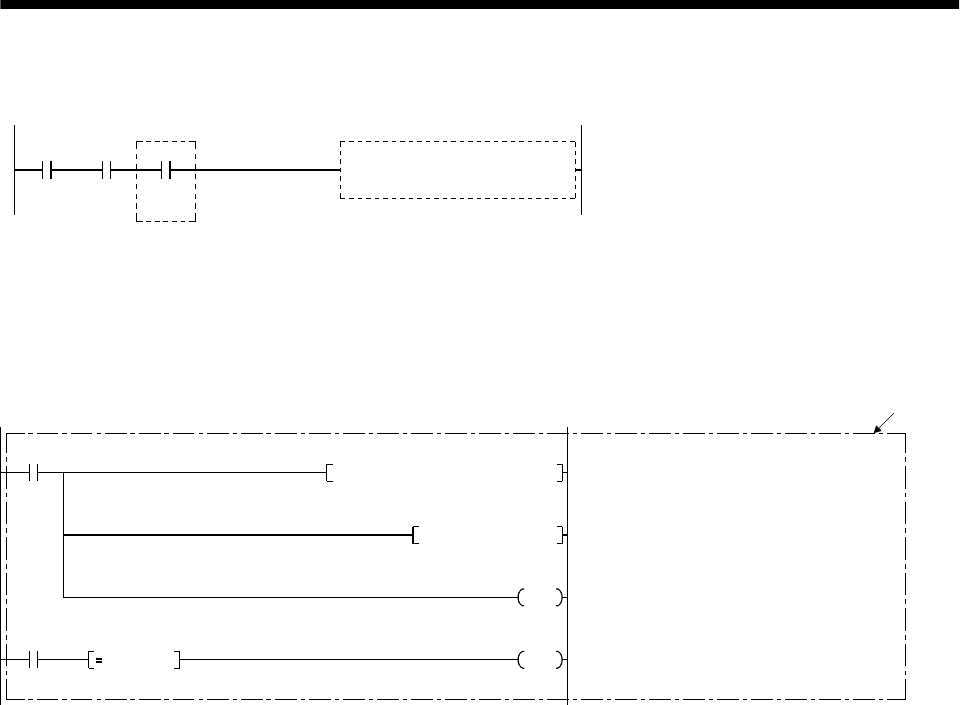
15 - 57
15. ABSOLUTE POSITION DETECTION SYSTEM
(d) X-axis program
Do not execute the X-axis program while the ABS ready (M8) is off.
M8 When "M8" (ready to send ABS data) switches on,
the X-axis start program is executed by the X-axis
start command.
X-axis start program
Positioning
mode X-axis start
command
Ready to
send ABS
data
(Note)
(e) Dog type home position return
Refer to the home position return program in the A1SD75 User’s Manual.
Note that this program requires a program which outputs the clear signal (Y35) after completion of
home position return.
Add the following program:
K1D12K817H0000FROM
M22
D12K0016WAND
Y35D12 K16
M22
16)
Reading 1-axis home position return
completion signal
Masking home position return completion
Home position return processing instruction
Switching clear signal on
Home position return
start command
Processing
instruction Home position return
completion judgment
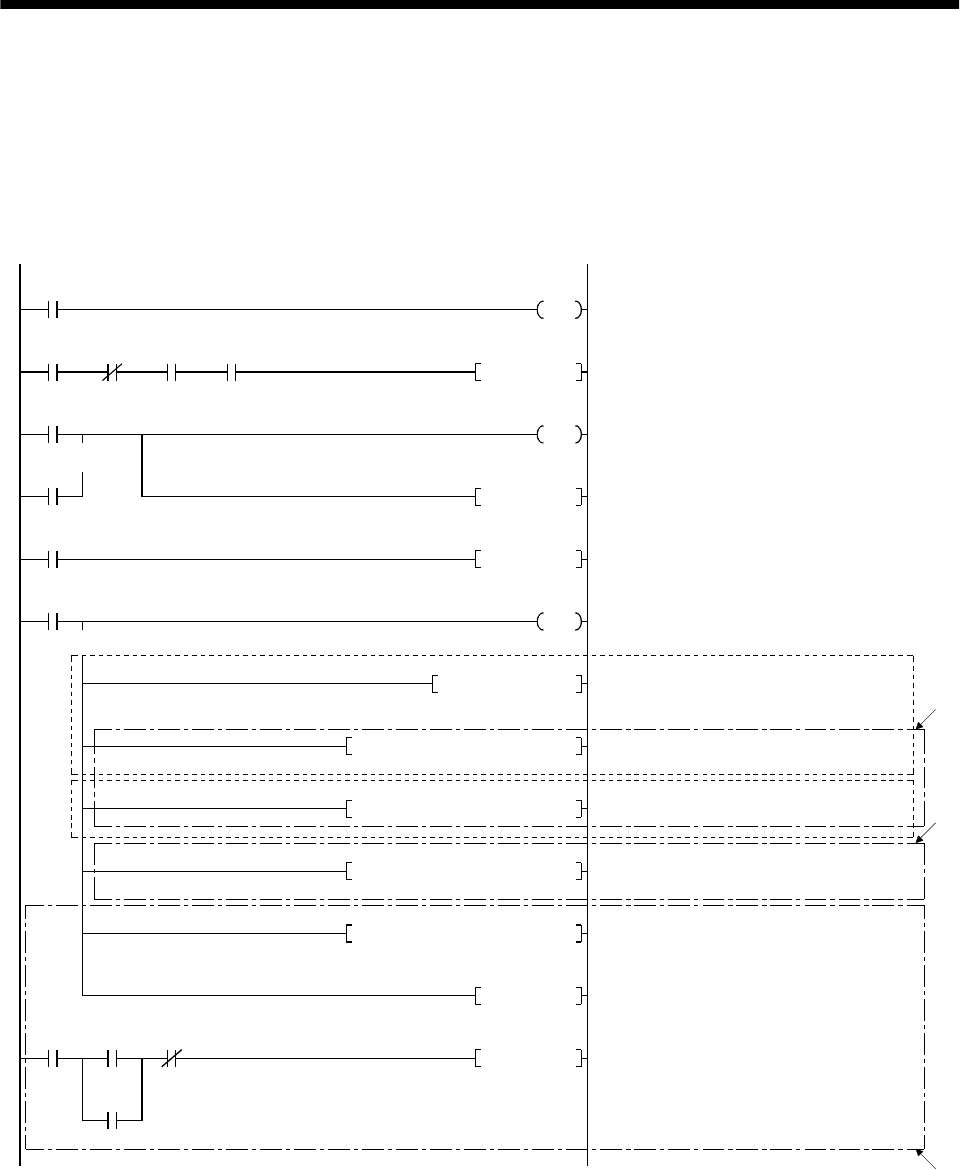
15 - 58
15. ABSOLUTE POSITION DETECTION SYSTEM
(f) Data set type home position return
After jogging the machine to the position where the home position (e.g. 500) is to be set, choose the
home position return mode and set the home position with the home position return start (PBON).
After switching power on, rotate the servo motor more than 1 revolution before starting home
position return.
Do not turn ON the clear signal (Y35) for an operation other than home position return. Turning it
on in other circumstances will cause position shift.
M9039
Y1D
Y31 X20 X27
M20
M21
T10
M20PLS
M21
D9K500DMOVP
K1D9K72H0000DTOP
K1D9K72H0000DFROP
K1D9K1154H0000DTOP
T10
M21SET
K1
M21RST
Y35
(Note 1)
(Note 2)
19)
18)
K1K9003K1150H0000TO
Y10SET
X1 X4Y10
Y10RST
XA
17)
Programmable controller ready
Clear signal ON timer request
Clear signal 100ms ON timer
Setting data set type home position return request
Resetting data set type home position return
request
Switch clear signal on
Setting X-axis home position address 500
in data register
*1: Changing X-axis home position address
*1: Changing X-axis current value
Writing positioning data No. 9003
Starting positioning
Switching BUSY signal off to switch start
signal off.
PC RUN
Home position
return mode
ABS transfer
mode Positioning
completion Home position
return start PB
Clear signal ON
timer request
Data set type home position return request
Clear signal 100ms ON timer
Data set type home position
return request
Positioning
start Start
completion BUSY
Error detection
Note 1: If the data of the home position address parameter is not written from the A7PHP programming tool or the like
before starting the data set type home position return program, this sequence circuit (Note 1) is required and
the sequence circuit (Note 2) is not required.
2: Contrary to above 2, if the home position address is written in the home position address parameter,
the sequence circuit (Note1) is not required but this sequence circuit (Note 1) is required.
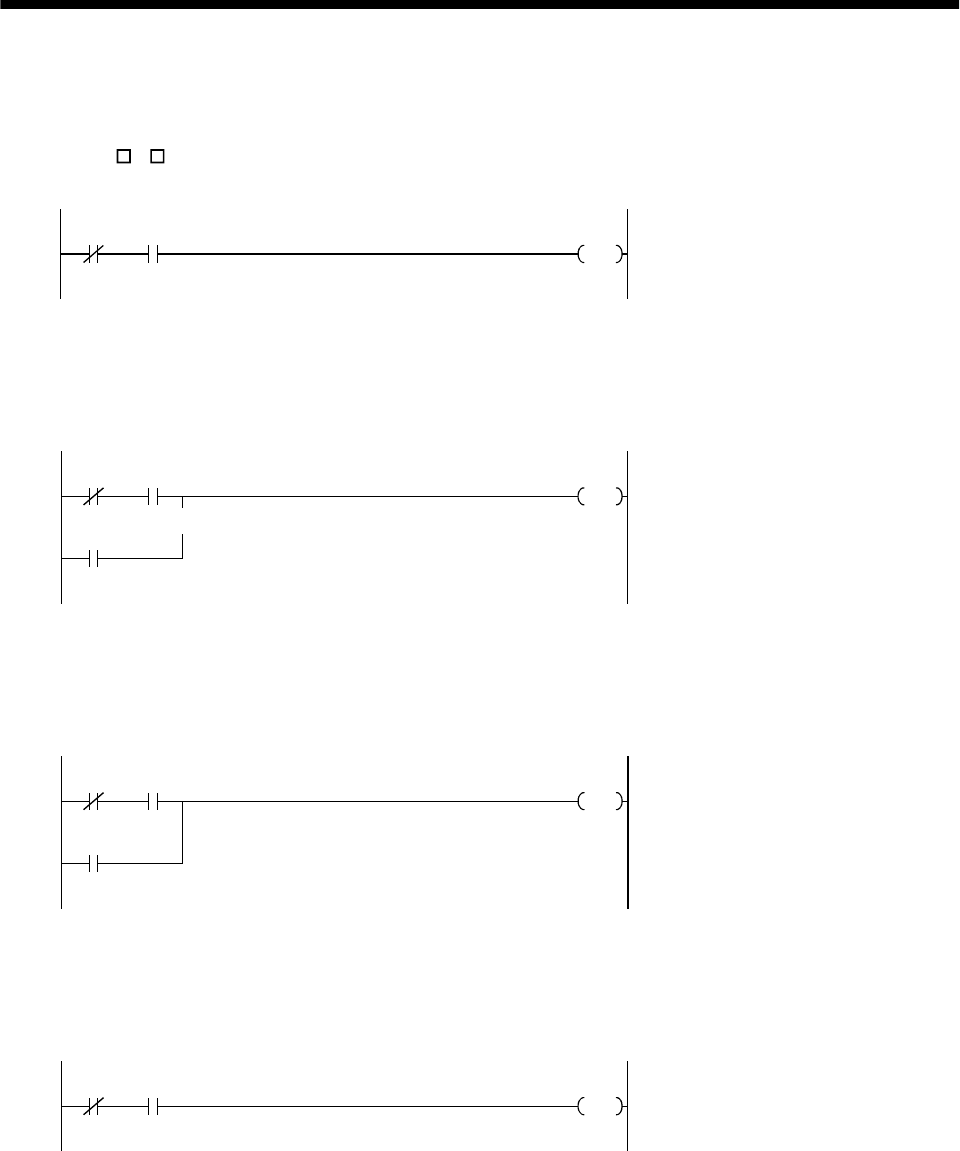
15 - 59
15. ABSOLUTE POSITION DETECTION SYSTEM
(g) Electromagnetic brake output
During ABS data transfer (for several seconds after the servo-on signal is turned on), the servo
motor must be at a stop.
Set "1 1 " in parameter No. 1 of the servo amplifier to choose the electromagnetic brake interlock
signal.
Y31 X21
Y34 Electromagnetic brake output
ABS transfer
mode Brake (MBR)
(h) Positioning completion
To create the status information for servo positioning completion.
During ABS data transfer (for several seconds after the servo-on signal is turned on), the servo
motor must be at a stop.
Y31 X20
M
Y31
Servo positioning completion
ABS transfer
mode Positioning
completion
ABS transfer
mode
(i) Zero speed
To create the status information for servo zero speed.
During ABS data transfer (for several seconds after the servo-on signal is turned on), the servo
motor must be at a stop.
Y31 X21
M
Y31
Servo zero speed
ABS transfer
mode Zero
speed
ABS transfer
mode
(j) Torque limiting
To create the status information for the servo torque limiting mode.
During ABS data transfer (for several seconds after the servo-on signal is turned on), the torque
limiting must be off.
Y31 X22
MServo torque limiting mode
ABS transfer
mode Torque limiting
mode
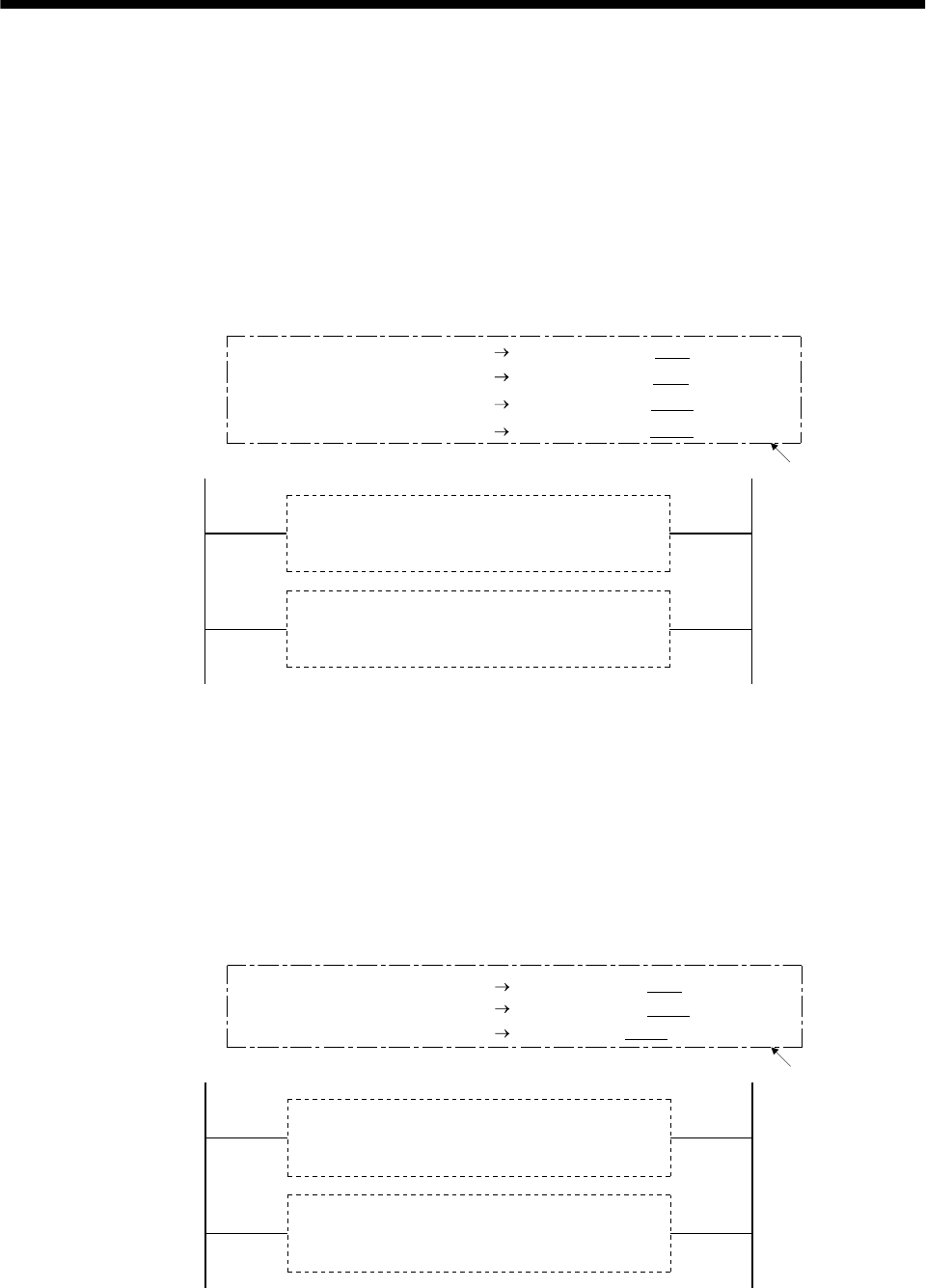
15 - 60
15. ABSOLUTE POSITION DETECTION SYSTEM
(3) Sequence program - 2-axis control
The following program is a reference example for creation of an ABS sequence program for the second
axis (Y axis) using a single A1SD75 module. Create a program for the third axis in a similar manner.
(a) Y-axis program
Refer to the X-axis ABS sequence program and create the Y-axis program.
Assign the X inputs, Y outputs, D registers, M contacts, T timers and C counters of the Y axis so
that they do not overlap those of the X axis.
The buffer memory addresses of the A1SD75 differ between the X and Y axes. The instructions
marked *1 in the program of Section 15.8.3 (2), (c) should be changed as indicated below for use
with the Y axis:
20)
X-axis ABS sequence program
(Program in Section 15.8.3 (2) (c))
Y-axis ABS sequence program
(Refer to the X-axis program and write the Y-axis
program)
[Program configuration]
[FROMP H0000 K5 D8 K1] [FROMP H0000 K155 D8 K1]
[DFROP H0000 K72 D9 K1] [DFROP H0000 K222 D9 K1]
[DTOP H0000 K1154 D3 K1] [DTOP H0000 K1204 D3 K1]
[TO H0000 K1150 K9003 K1] [TO H0000 K1200 K9003 K1]
(b) Data set type home position return
Arrange the data set type home position return programs given in Section 15.8.3 (2), (f) in series to
control two axes.
Refer to the X-axis data set type home position return program and create the Y-axis program.
Assign the X inputs, Y outputs, D registers, M contacts and T timers of the Y axis so that they do
not overlap those of the X axis.
The buffer memory addresses of the A1SD75 differ between the X and Y axes. The instructions
marked *1 in the program of Section 15.8.3 (2), (f) should be changed as indicated below for use
with the Y axis:
20
)
X-axis data set type home position return program
(Program in Section 15.8.3 (2) (f))
Y-axis data set type home position return program
(Refer to the X-axis program and write the Y-axis
program)
[Program configuration]
[DTOP H0000 K72 D9 K1]
[DTOP H0000 K1154 D9 K1] [DTOP H0000 K1204 D3 K1]
[TO H0000 K1150 K9003 K1] [TO H0000 K1200 K9003 K1]
[DTOP H0000 K222 D9 K1]
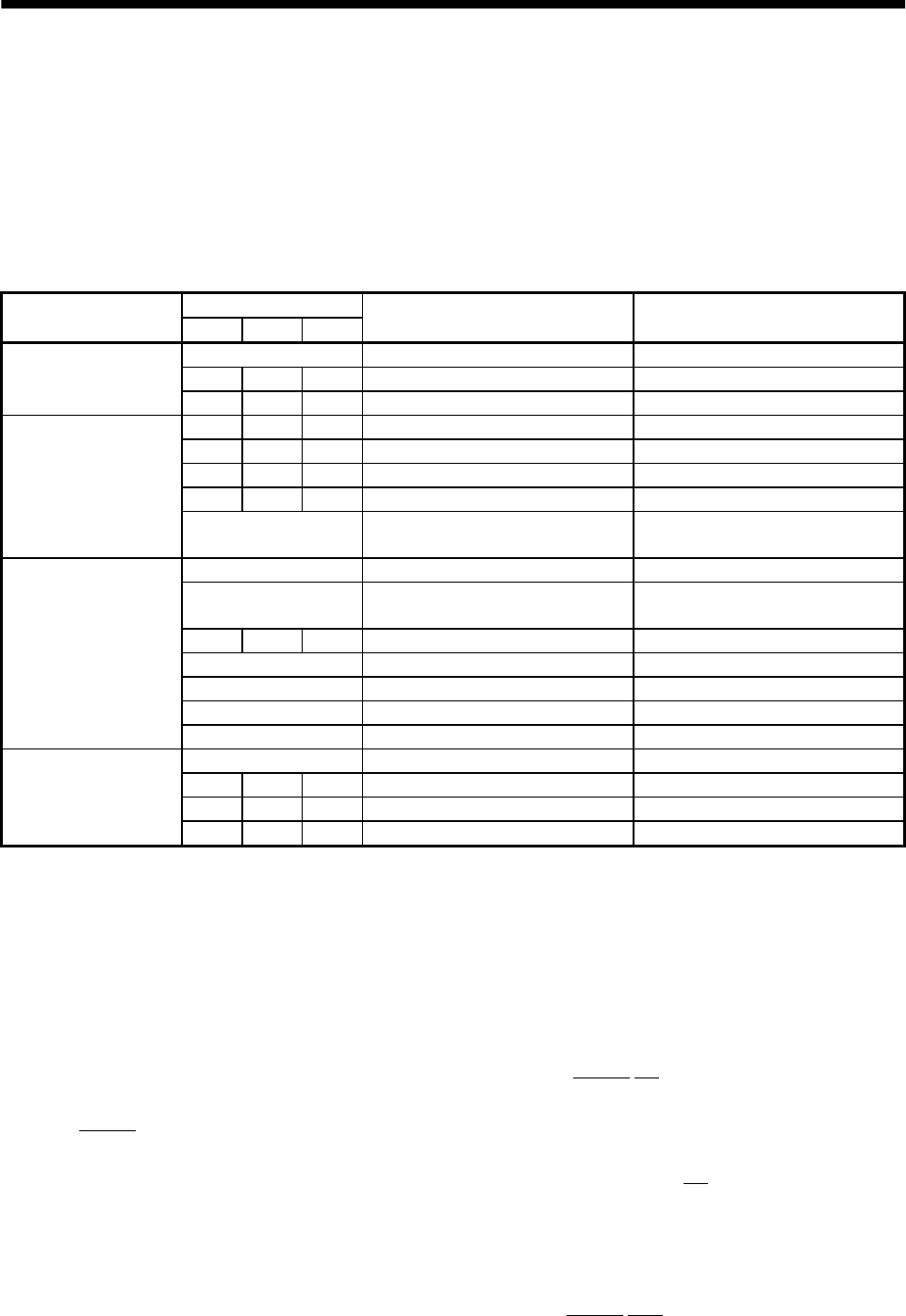
15 - 61
15. ABSOLUTE POSITION DETECTION SYSTEM
(4) Differences between A1SD75 (AD75) and A1SD71 (AD71)
The sequence programs shown in (2) of this section differ from those for the A1SD71 (AD71) in the
following portions. 1) to 20) in the following sentences indicate the numbers in the programs given in
(2) of this section.
(a) Devices used
Since the A1SD75 (AD75) is a one-slot module which occupies 32 I/O points, the I/O devices are
different, as indicated by 1) and 2), from those of the two-slot A1SD71 which occupies 48 point. The
A1SD75 (AD75) uses the devices indicated in the following table, and its D registers and M
contacts are different as indicated by 3) and 4).
Devices
Device name Axis 1 Axis 2 Axis 3 Application Bit device :Data at ON
Data register :Stored data
X0 AD75 ready Not ready/ WDT error
X4 X5 X6 BUSY BUSY(running)
Input XA XB XC Error detection Error detection
Y10 Y11 Y12 Positioning start Start being requested
Y13 Y14 Y1C Axis stop Stop being requested
Y16 Y18 Y1A Forward rotation jog start Forward rotation being started
Y17 Y19 Y1B Reverse rotation jog start Reverse rotation being started
Output
Y1D Programmable controller ready Programmable controller CPU
normal
M0 Parameter setting completion flag Setting complete
M1 Flash ROM registration processing
flag Processing
M2 M3 M4 Axis error reset requesting flag Requesting
M100 AD75 normal flag AD75 normal
M101 Initial error reset completion flag Error reset complete
M102 All BUSY signal OFF flag All BUSY signal OFF
internal relay
M103 AD75 operable flag Operable
D100 Flash ROM registration results Registration results
D101 D102 D103 Axis error code Error code
D104 D105 D106 Axis warning code Warning code
Data register
D107 D108 D109 Axis error reset results Axis error reset results
(b) ABS sequence program example
1) Initial setting
To reset the error of the A1SD75, the program 5) is added to reset all output signals at start-up.
The axis error reset buffer memory address is changed from 201 to 1154 (axis 1) and the slot
number from H0001 (slot number 1) to H0000 (slot number 2) 6).
2) Absolute position polarity, A1SD75 rotation direction setting detection
The slot number and buffer memory of the X-axis rotation direction parameter reading area are
changed from [FROMP H0001 K7872 D8 K1] to [FROMP H0000 K5 D8 K1] 8).
The rotation direction parameter masking area is changed from [WAND H0004 D8] to [WAND
H0001 D8] 9).
3) Reversing absolute position polarity
The rotation direction judging area is changed from [= D8 K4] to [= D8 K1] 10).
4) Reading checksum 6 bits, reading ABS data 32 bits
The 4 bits reading area is changed from [MOV K1 X30D5] to [MOV K1X20 D5] 11).
5) Restoring absolute position data
The slot number and buffer address of the A1SD75 home position address reading area are
changed from [DFROP H0001 K7912 D9 K1] to [DFROP H0000 K72 D9 K1] 12)

15 - 62
15. ABSOLUTE POSITION DETECTION SYSTEM
6) Writing absolute position data to A1SD75
The slot number and buffer address of the X-axis current value changing area are changed from
[DTOP H0001 K41 D3 K1] to [DTOP H0000 K1154 D3 K1] 14). When the current value is changed
in the A1SD75, the current feed value is changed at the start of positioning data No.9003.
Therefore, the starting program for positioning data No.9003 15) is added.
7) X-axis data set type home position return program
The slot numbers and buffer addresses of the X-axis home position address changing area are
changed from [DTOP H0001 K7912 D9 K1] to [DTOP H0000 K72 D9 K1] and from [DFROP
H0001 K7912 D9 K1] to [DFROP H0000 K72 D9 K1] 17).
The slot number and buffer address of the X-axis current value changing area are changed from
[DTOP H0001 K41 D3 K1] to [DTOP H0000 K1154 D3 K1] 18). When the current value is changed
in the A1SD75, the current feed value is changed at the start of positioning data No.9003.
Therefore, the starting program for positioning data No.9003 19) is added.
8) Y-axis sequence program, Y-axis data set type home position return program.
The slot numbers and buffer addresses are changed as indicated by 20).
9) Writing absolute position data to AD75
The A1SD75 (AD75) allows the current position to be changed only when the ready signal of the
Servo amplifier is on. Therefore, if the CPU scan is fast, the program for A1SD71 may change
the current position before the ready signal switches on. 7) is added because the current position
must be changed after it has been confirmed that the drive unit ready signal of the A1SD75
(D75) has switched on/off.
10) ABS coordinate error detection
As the A1SD75 (AD75) can handle the negative-polarity coordinate position that the A1SD71
could not handle, the program for ABS coordinate error detection is deleted. 13)
11) Dog type home position return program
Due to the changes in wiring described in (4), (a), 4) of this section, the program for
outputting the clear signal (Y35) after completion of a home position return is required. 16)
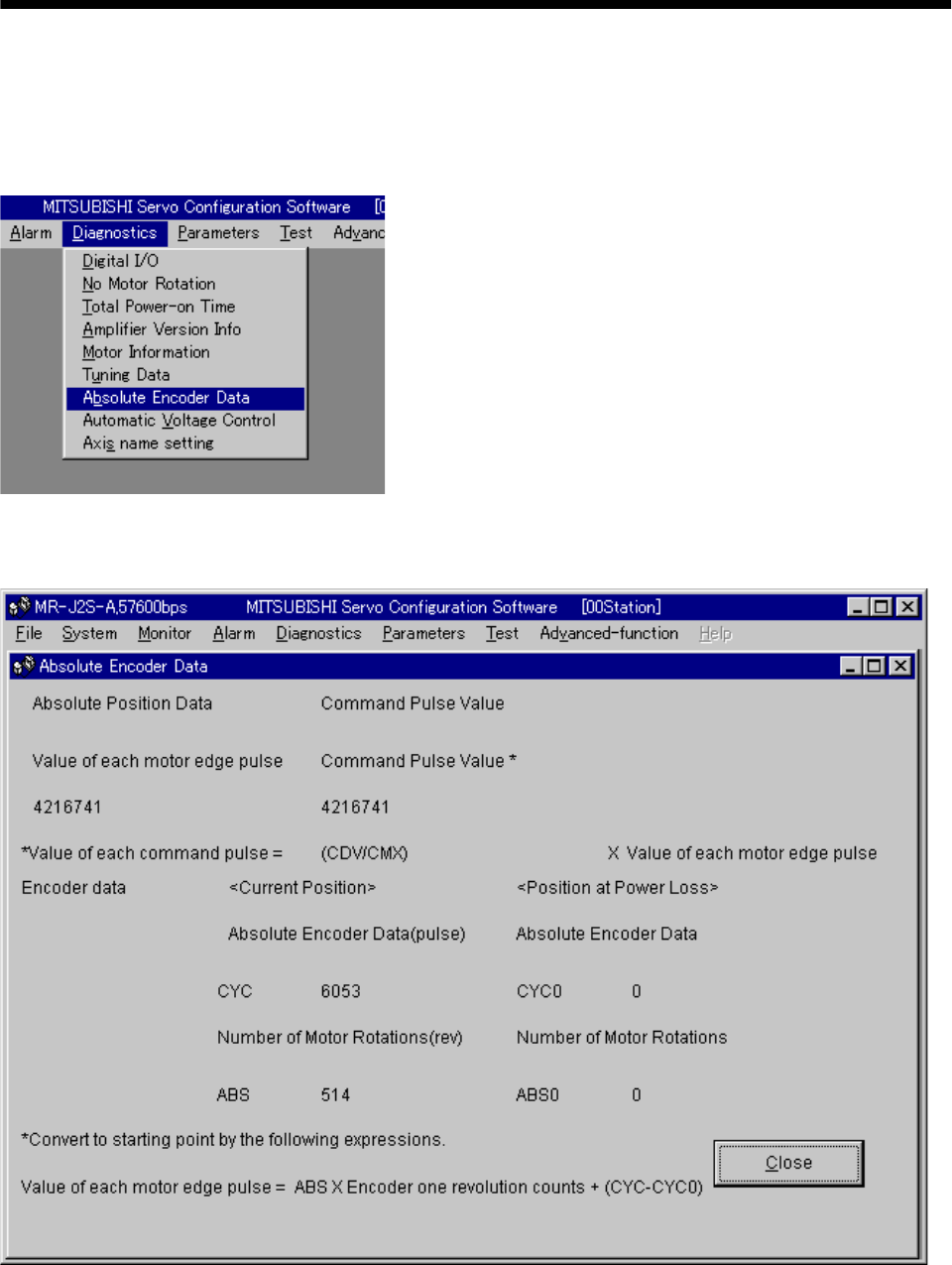
15 - 63
15. ABSOLUTE POSITION DETECTION SYSTEM
15.9 Confirmation of absolute position detection data
You can confirm the absolute position data with servo configuration software (MRZJW3-SETUP121E).
Choose "Diagnostics" and "Absolute Encoder Data" to open the absolute position data display screen.
(1) Choosing "Diagnostics" in the menu opens the sub-menu as shown below:
(2) By choosing "Absolute Encoder Data" in the sub-menu, the absolute encoder data display window
appears.
(3) Press the "Close" button to close the absolute encoder data display window.
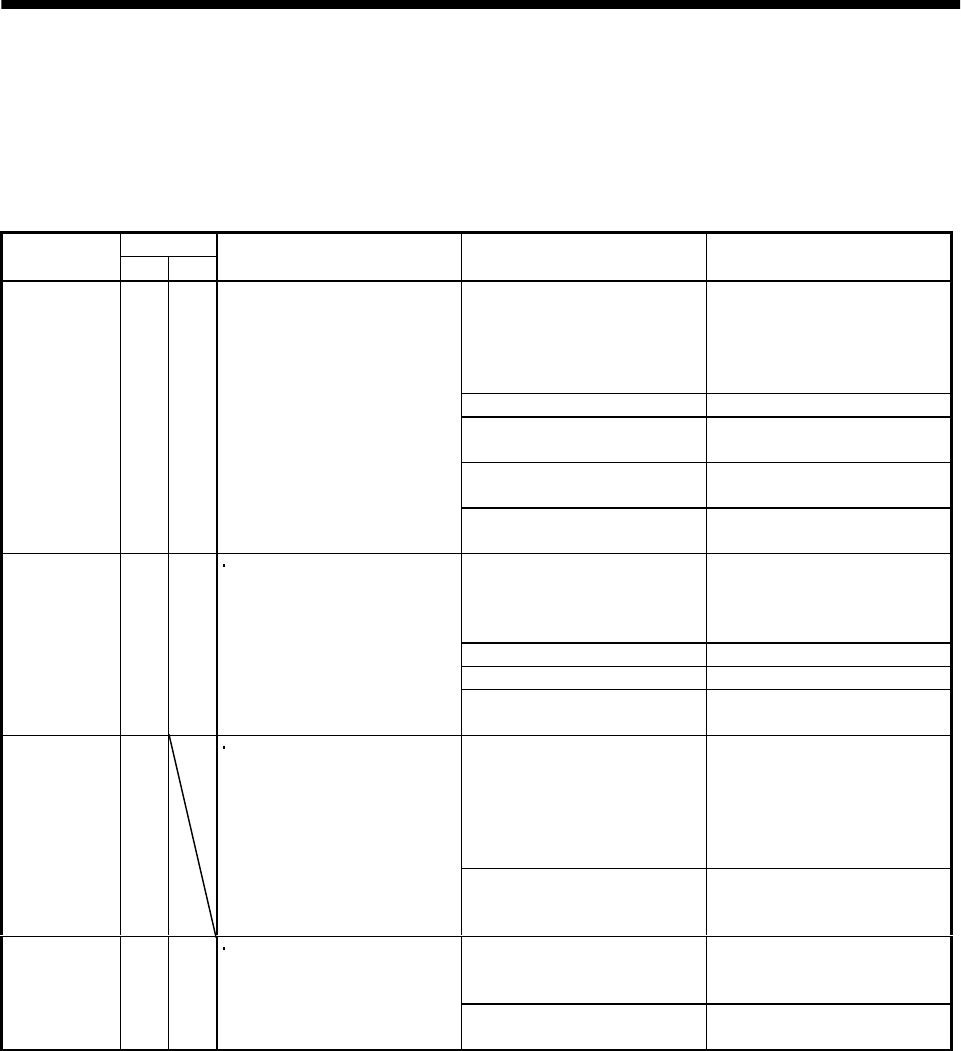
15 - 64
15. ABSOLUTE POSITION DETECTION SYSTEM
15.10 Absolute position data transfer errors
15.10.1 Corrective actions
(1) Error list
The number within parentheses in the table indicates the output coil or input contact number of the
A1SD71 (AD71).
Output coil
Name AD71 1PG Description Cause Action
1. Wiring for ABS transfer mode
signal, ABS data request
signal, or ready to send signal
is disconnected or connected to
the SG terminal.
Correct the wiring.
2. PC ladder program wrong. Correct the ladder.
3. Faulty PLC output or input
module. Change the input or output
module.
4. Faulty printed board in the
servo amplifier. Change the amplifier
(Note)
ABS
communication
error
Y49 Y11 1. The ABS data transfer mode
signal (Y41) is not completed
within 5s.
2. The ready to send signal
(X32) is not turned OFF
within 1s after the ABS data
request signal (Y42) is turned
ON.
3. The ready to send signal
(X32) remains OFF for longer
than 1s. 5. Power supply to the servo
amplifier is OFF. Turn on the power to the servo
amplifier.
1. Wiring for the ABS data
signal (ABS bit 0 (PF), bit 1
(ZSP)) is disconnected or
connected to the SG terminal.
Correct the wiring.
2. PC ladder program wrong. Correct the ladder.
3. Faulty PLC input module. Change the input module.
ABS data
check sum
error
Y4A Y12 ABS data sumcheck resulted
in mismatch four times
consecutively.
4. Faulty printed board in the
servo amplifier. Change the amplifier.
1. The servo is turned ON or the
power supply is turned ON
near the machine home
position or in the zone in
which addresses decrease.
1. Reconsider the position
where the servo is turned
ON.
2. Set the home position for
positioning apart from the
machine home position.
ABS
coordinate
error
Y4B The motor position is in the
negative coordinate value
range when the servo is
turned ON or when power
supply is turned ON.
2. The machine falls on a
vertical axis when the servo
signal is turned ON/OFF.
Change the electromagnetic
brake operation sequence.
1. Emergency stop (EMG) of the
servo amplifier was turned
off.
After ensuring safety, turn
EMG on.
Servo alarm Y48 Y10 Alarm occurred in the servo
amplifier.
2. Trouble (ALM) of the servo
amplifier was turned on. Refer to Section 10.2.2 and take
action.
Note: Refer to (2) in this section for details of error occurrence definitions.
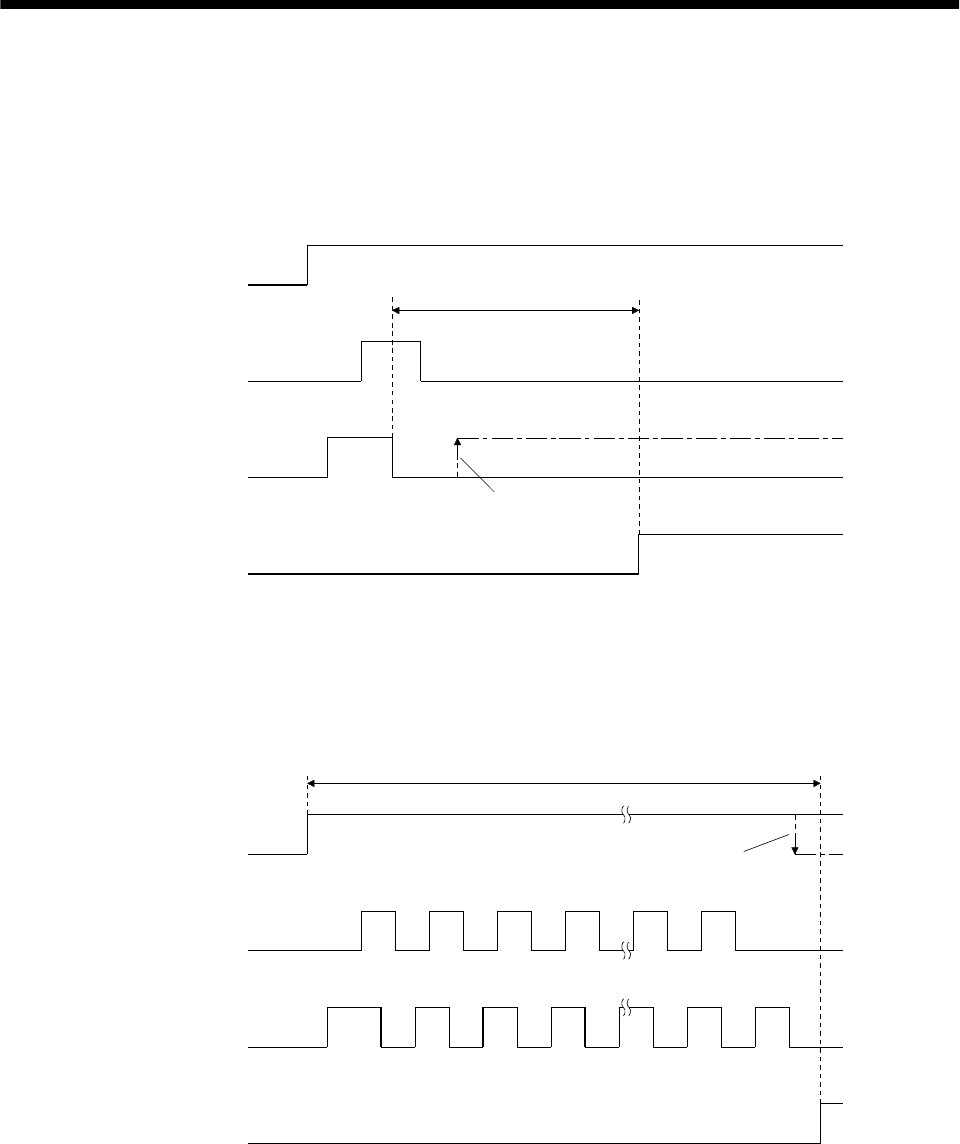
15 - 65
15. ABSOLUTE POSITION DETECTION SYSTEM
(2) ABS communication error
(a) The OFF period of the send data ready signal output from the servo amplifier is checked.
If the OFF period is 1s or longer, this is regarded as a transfer fault and the ABS communication
error is generated.
The ABS communication error occurs if the ABS time-out warning (AL.E5) is generated at the
servo amplifier due to an ABS request ON time time-out.
OFF
ON
OFF
ON
OFF
ON
1s
A
BS transfer mode
A
BS request
S
end data ready
A
BS communication
e
rror
The signal does not come ON
NO
YES
(b) The time required for the ABS transfer mode signal to go OFF after it has been turned ON (ABS
transfer time) is checked.
If the ABS transfer time is longer than 5s, this is communication error occurs if the ABS time-out
warning (AL.E5) is generated at the servo amplifier due to an ABS transfer mode completion time
time-out.
OFF
ON
OFF
ON
OFF
ON
12341819
1 2 3 4 18 19
5s
A
BS transfer mode
A
BS request
Send data ready
A
BS communication
error
The signal does not go OFF
NO
YES
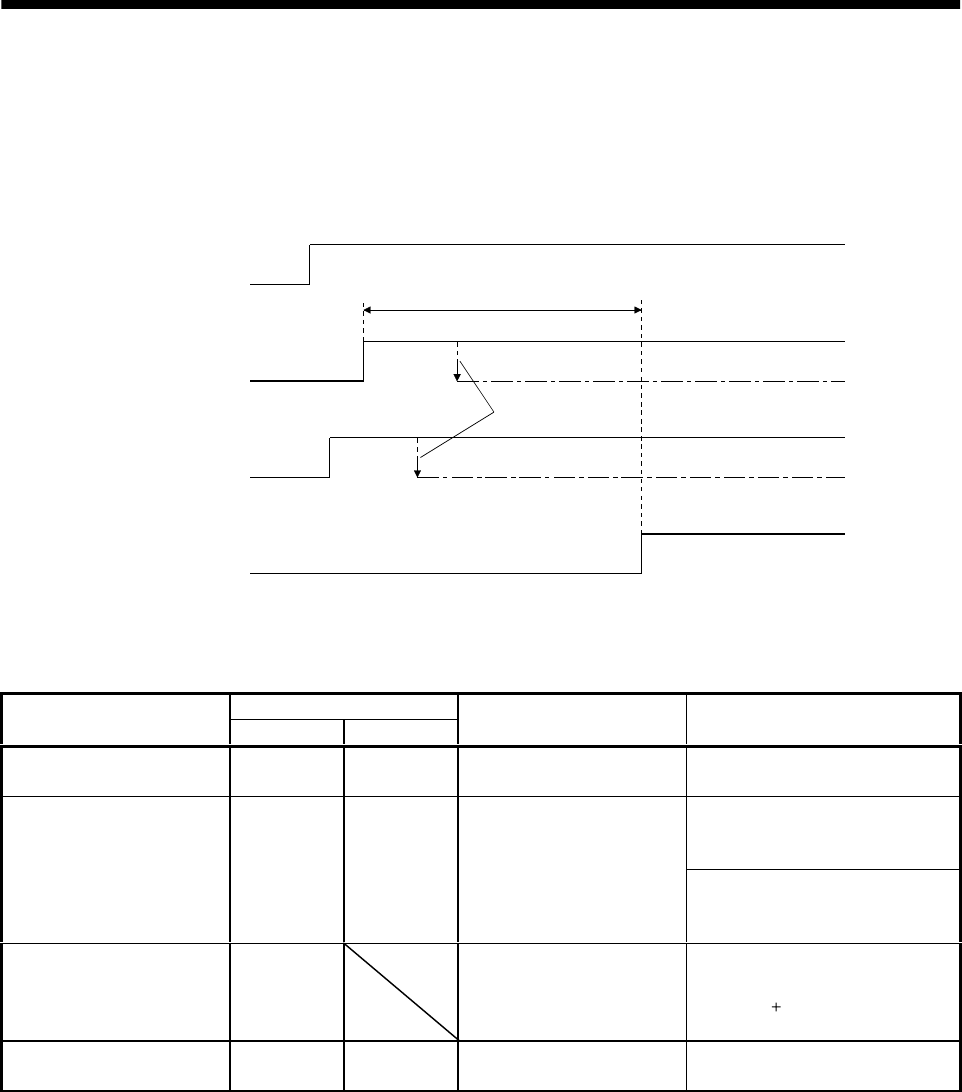
15 - 66
15. ABSOLUTE POSITION DETECTION SYSTEM
(c) To detect the ABS time-out warning (AL.E5) at the servo amplifier, the time required for the ABS
request signal to go OFF after it has been turned ON (ABS request time) is checked. If the ABS
request remains ON for longer than 1s, it is regarded that an fault relating to the ABS request
signal or the send data ready signal has occurred, and the ABS communication error is generated.
The ABS communication error occurs if the ABS time-out warning (AL.E5) is generated at the
servo amplifier due to an ABS request OFF time time-out.
OFF
ON
OFF
ON
OFF
ON
1s
ABS transfer mode
ABS request
Send data ready
ABS communication
error
The signal does
not go OFF
NO
YES
15.10.2 Error resetting conditions
Always remove the cause of the error before resetting the error.
Output coil
Name AD71 1PG Servo status Resetting condition
ABS communication error Y49 Y11 Ready (RD) signal off Reset when servo-on PB (X36)
signal turns off.
For AD71
Reset when servo-on PB (X36)
signal turns from off to on.
ABS checksum error Y4A Y12 Ready (RD) signal on
For FX-1PG
Reset when servo-on PB (X36)
signal turns off.
ABS coordinate error Y4B Ready (RD) signal on Reset when servo-on PB (X36)
signal turns from off to on after a
motion to ( ) coordinate is made by
jog operation.
Servo alarm Y48 Y10 Ready (RD) signal on Reset when alarm reset PB turns
on or power switches from off to on.
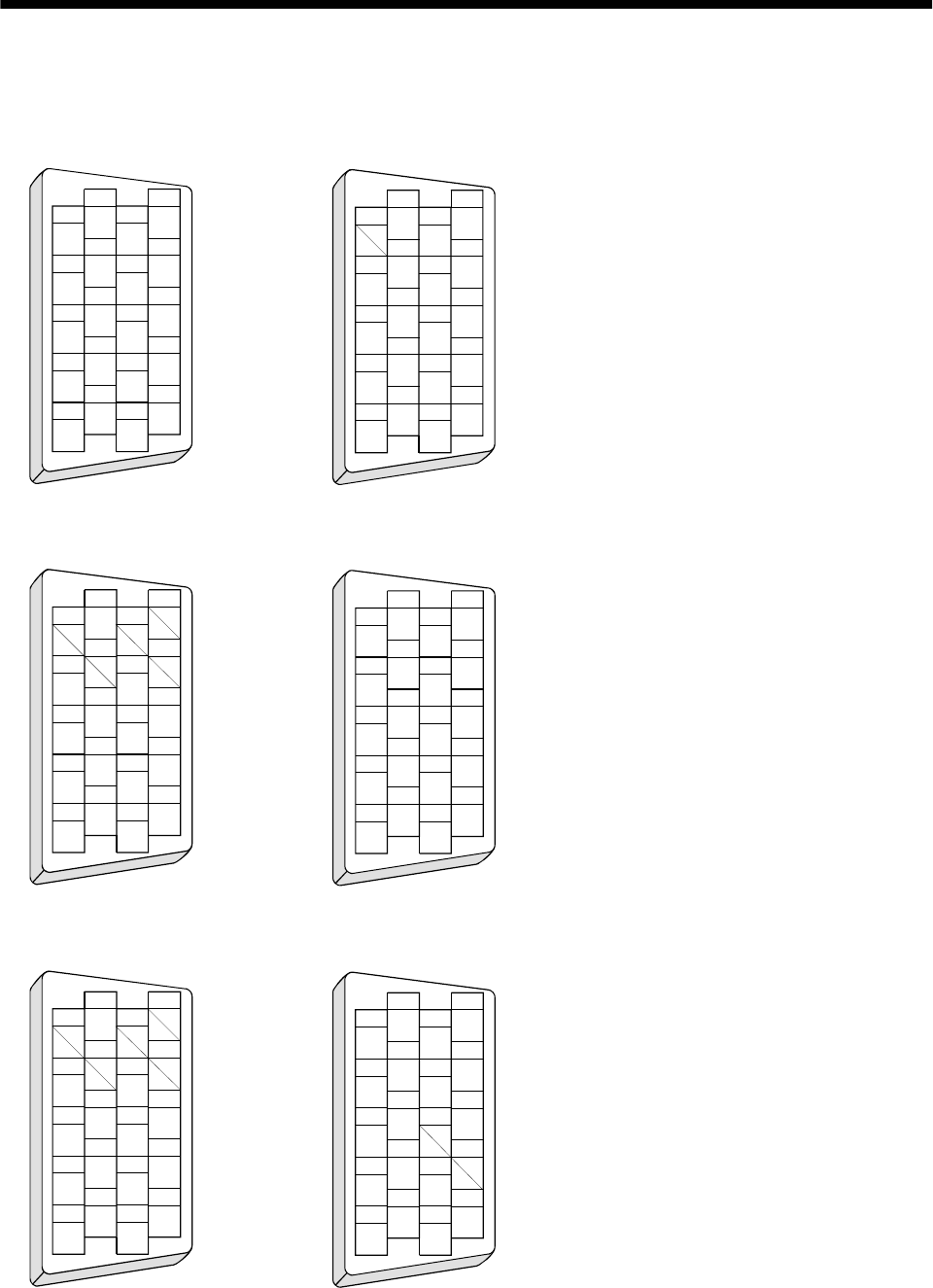
App - 1
App
endix
App 1. Signal arrangement recording sheets
(1) Position control mode
1
2
3
5
4
6
7
9
8
10
11
12
13
14
15
16
17
18
19
20
DO1
LG
VDD
SG
P15R
COM
1
2
3
5
4
6
7
9
8
10
11
12
13
14
15
16
17
18
19
20
COM
OPC
SG
NG
SGSG
CN1A CN1B
LB
LAR
LA
LZR
LZ
OP
P15R
PGPP
NP
LG
LBR
EMG
LSP
TLA
LSN
(2) Speed control mode
1
2
3
5
4
6
7
9
8
10
11
12
13
14
15
16
17
18
19
20
DO1
LG
VDD
SG
P15R
COM
1
2
3
5
4
6
7
9
8
10
11
12
13
14
15
16
17
18
19
20
COM
SG
SGSG
CN1A CN1B
LB
LAR
LA
LZR
LZ
OP
P15R
LBR
EMG
LSP
LSN
LG
VC
(3) Torque control mode
1
2
3
5
4
6
7
9
8
10
11
12
13
14
15
16
17
18
19
20
DO1
LG
VDD
SG
P15R
COM
1
2
3
5
4
6
7
9
8
10
11
12
13
14
15
16
17
18
19
20
COM
SG
SGSG
CN1A CN1B
LB
LAR
LA
LZR
LZ
OP
P15R
LBR
EMG
LG
VLA TC
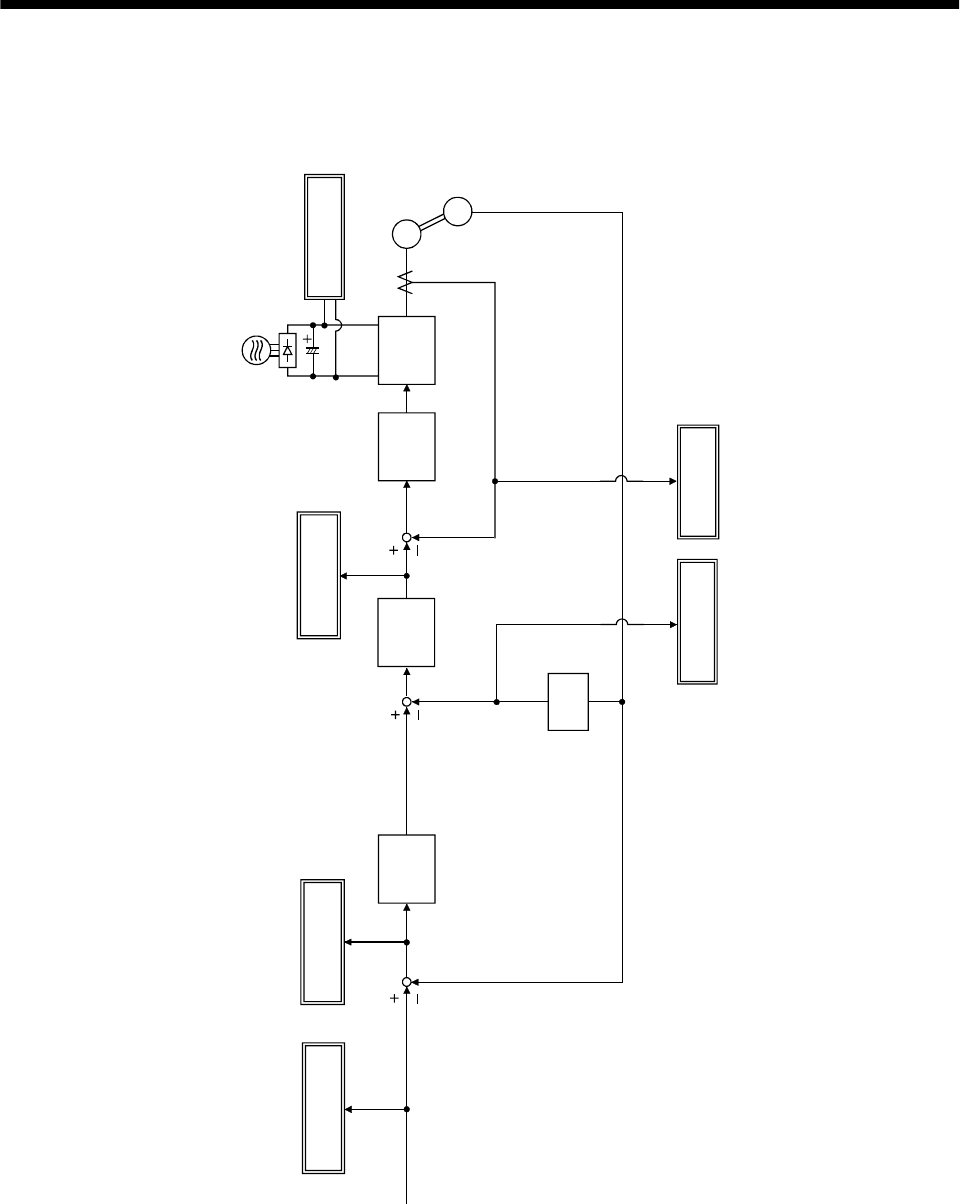
App - 2
Appendix
App 2. Analog monitor block diagram
PWM M
Current
control
Speed
control
Current
command
Position
control
Droop pulse
Differ-
ential
Command
pulse frequency Bus voltage
Speed
command
Command
pulse
Current feedback
Position feedback
Generated
torque
Motor speed
Current
encoder Servo Motor
Encoder
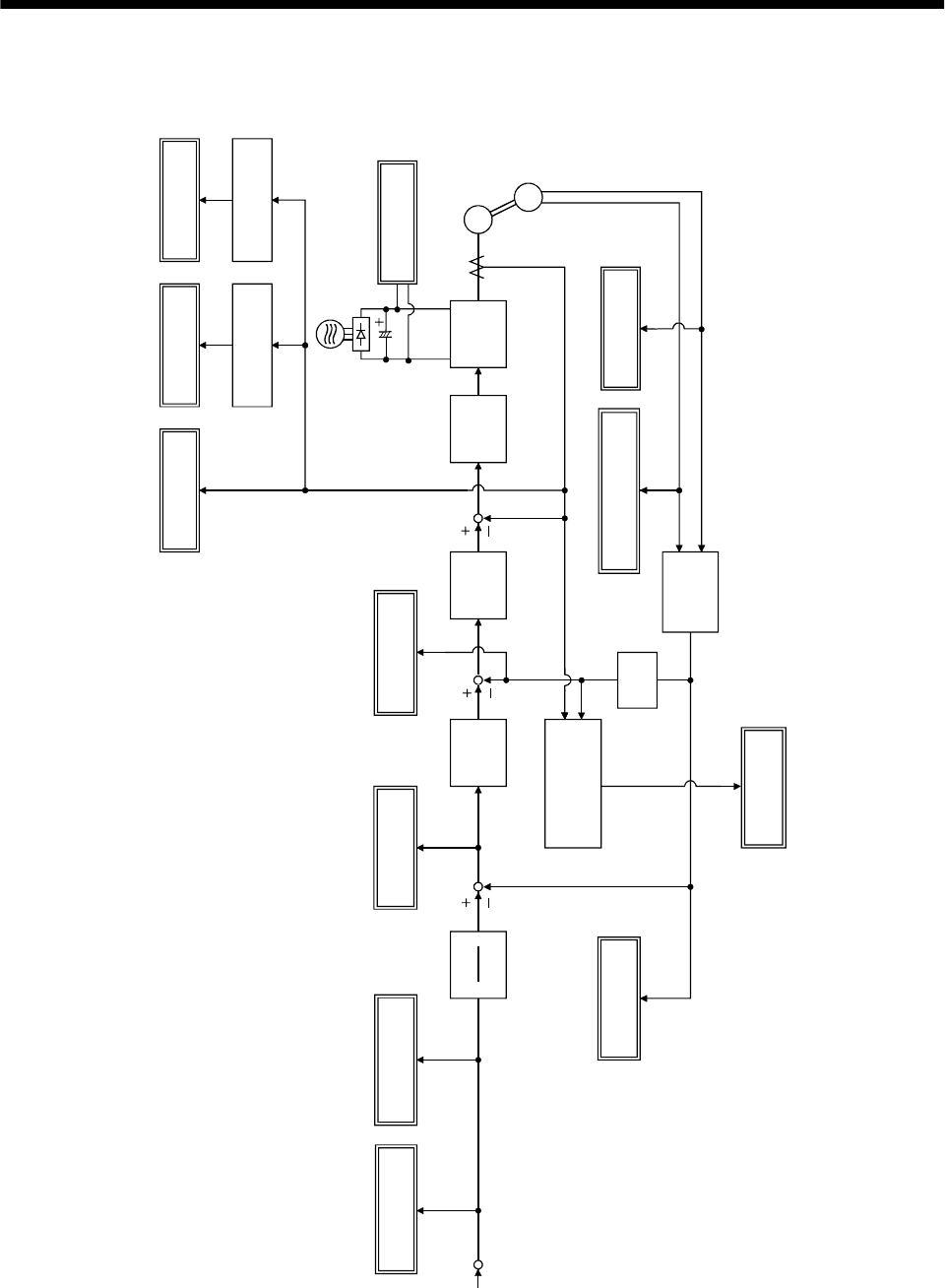
App - 3
Appendix
App 3. Status display block diagram
Effective
load ratio
Effective
value calculation
Instantaneous
torque Peak
load ratio
Peak hold
PWM M
Current
control
Speed
control
Servo
motor speed
Position
control
Droop pulse
Present
position
calculation
ABS counter
Within one-
revolution position low
high
Load inertia
moment ratio
Auto
tuning section
Cumulative
feedback pulse
Cumulative
command pulses
CMX
CDV
Differ-
ential
Command
pulse frequency
Electronic gear
Bus voltage
PP, NP
Speed
feedback
Within
one-revolution
ABS counter
C
ommand
pulse
Servo
motor
Absolute
position
detection
encoder
App - 4
Appendix
MEMO

REVISIONS
*The manual number is given on the bottom left of the back cover.
Print data *Manual number Revision
Nov.,1999 SH(NA)030006-A First edition
Sep.,2000 SH(NA)030006-B Addition of single-phase 100VAC specifications
Compatible Servo Configuration software model name change
Compliance with EC Directives 1: Review of sentence
Section 1.2: Review of function block diagram
Section 1.3: Moving of servo amplifier standard specifications
Review of torque limit description in position control mode
Review of torque limit description in speed control mode
Deletion of torque linearity in torque limit mode
Addition of speed limit in torque control mode
Section 3.1.1 (1): Addition of encoder Z-phase pulse connection
Addition of Note for use of junction terminal block
Section 3.1.1 (2): Addition of Note for increased noise immunity
Section 3.1.2: Addition of Note for input of negative voltage
Section 3.1.3: Addition of Note for input of negative voltage
Section 3.3.1 (2): Review of Note
Section 3.4.1 (4): Addition of description about electronic gear switching
Section 3.4.3 (1)(a): Review of description for low voltage
Section 3.5: Change in timing chart
Section 3.5 3): Review of description
Section 3.6.2 (7): Review of connection
Section 3.9: Review of POINT
Section 3.9 (3)(b),(c): Change in timing chart
Section 3.9 (3)(d),(e): Addition
Section 5.1.2 (2): Deletion of description as to parameter No. 22 TC, TLA
Addition of parameter No. 27 setting example
Correction of parameter No. 35 setting range
Review of parameter No. 47, 48 sentences
Section 5.2.5: Correction of operation pattern diagram
Section 6.2.2: Review of within one-revolution position sentence
Section 6.3: Review of automatic VC offset description
Section 6.6 (2)(a): Review of Note
Section 6.8: Review of PL sentence
Chapter 7: Addition of POINT
Section 7.3.2 (1), (2): Review of sentence makeup
Section 7.4: Addition
Section 8.1.1: Addition
Section 8.3.2: Addition
Section 10.1.1 (1): Addition of Investigation item at power-on
Section 10.1.2: Addition of Investigation item at power-on
Addition of Investigation item at on of ST1 or ST2
Section 10.1.3: Addition of Investigation item at power-on
Addition of Investigation item at on of ST1 or ST2
Section 10.2: Addition of POINT
Section 10.2.2: Review of Cause of AL.10
Deletion of Cause 4 of AL.16
Review of Cause and Action of AL.24
Addition of description to AL.25

Print data *Manual number Revision
Sep.,2000 SH(NA)030006-B Section 10.2.2: Addition of description to AL.30
Addition of Cause to AL.33
Chapter 11: Changed to only outline dimensional drawing
Section 11.2 (2): Addition
Section 12.2 (1): Review of Note for Table 12.1
Section 12.3: Correction of dynamic brake time constant graph
Chapter 13: Deletion of MR-CPC98CBL3M communication cable
Section 13.1.1 (4)(c): Review of outline drawing
Section 13.1.2 (1): Deletion of MR-PWCNF power supply connector set
Section 13.1.2 (1)1), 6): Change of encoder side connector models
Section 13.1.2 (1)19), 20): Change of terminal models
Section 13.1.2 (2)(a)2): Addition of description for fabrication
Section 13.1.3: Addition of POINT
Section 13.1.3 (4): Addition of cable length
Change in connection diagram
Section 13.2.1 (1): Addition of Note for recommended wires
Section 13.2.8 (1): Addition of leakage current to recommended filter
Section 14.1.2 (2): Deletion of MR-CPC98CBL3M communication cable
Section 14.11.1 (6): Addition
Section 14.11.2 (8): Addition
Section 15.7: Addition of POINT
Section 15.8.1 (1)(b): Change in b) Coordinates when zero address is changed
to other than 0
Section 15.8.2 (1)(b): Review of connection diagram
Section 15.9: Change of display screen
Section 15.10.1 (1): Deletion of Cause 5 of ABS checksum error
