Noon Home N100 Smart Lighting System User Manual

Locoroll, Inc. Smart Lighting System Users Manual

Contents

Users Manual

1Getting Started
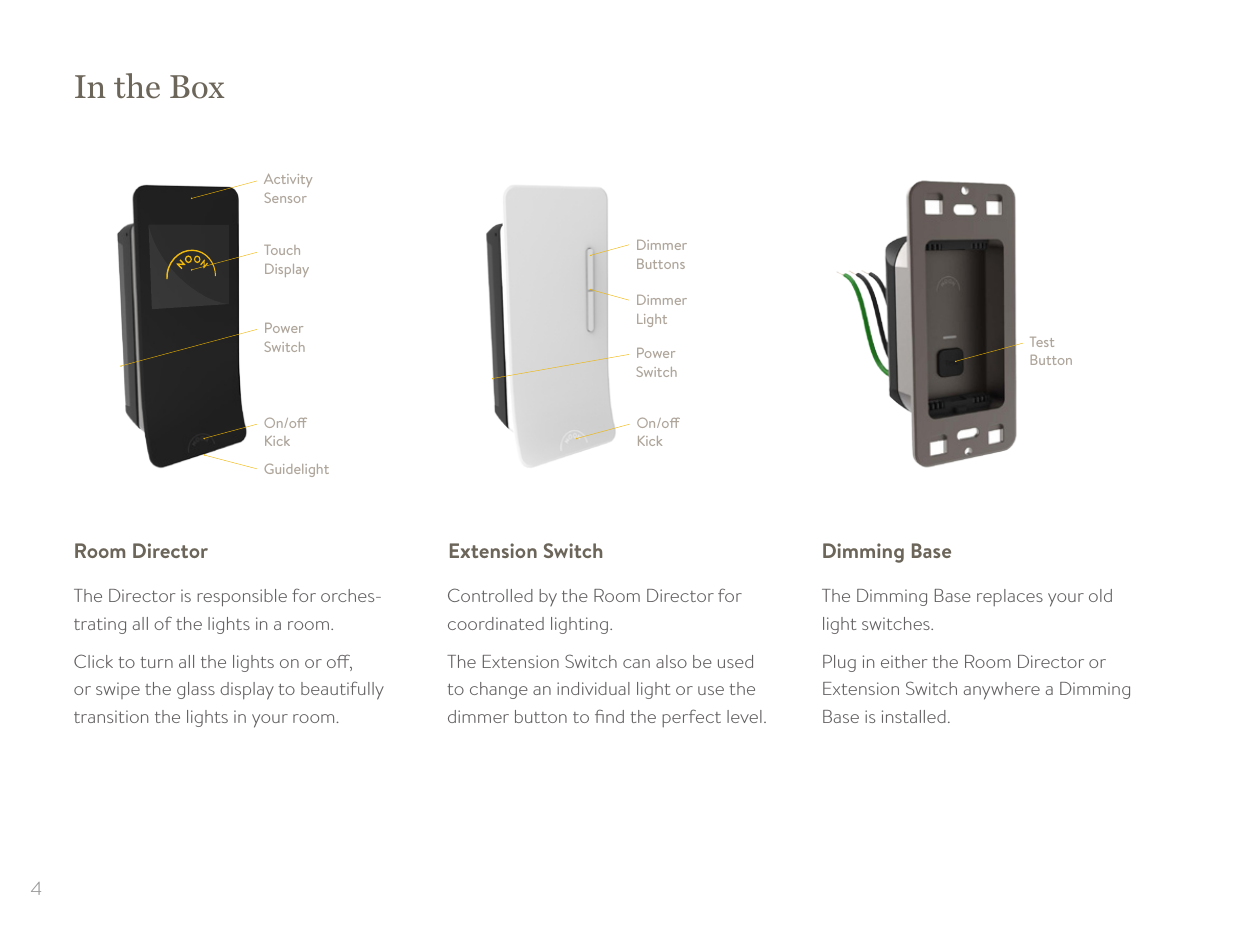
4In the BoxTest ButtonDimmer ButtonsDimmer LightOn/o KickPower SwitchActivity SensorTouch DisplayOn/o KickGuidelightPower SwitchThe Director is responsible for orches-trating all of the lights in a room. Click to turn all the lights on or o,  or swipe the glass display to beautifully  transition the lights in your room.Controlled by the Room Director for  coordinated lighting.The Extension Switch can also be used to change an individual light or use the dimmer button to find the perfect level.The Dimming Base replaces your old  light switches.Plug in either the Room Director or  Extension Switch anywhere a Dimming Base is installed.Room Director Extension Switch Dimming Base
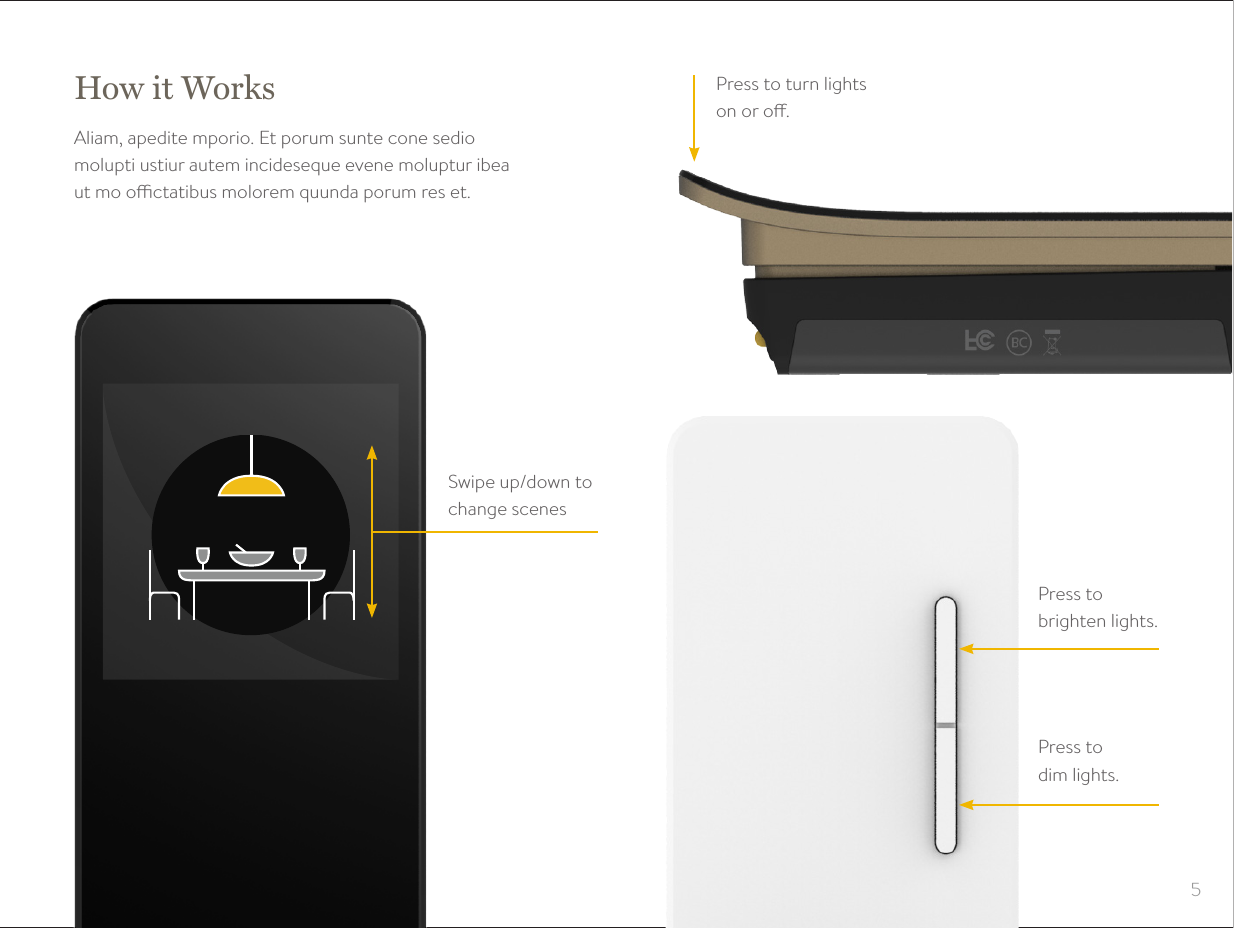
5Press to turn lights on or o.Press to  brighten lights.Press to  dim lights.Swipe up/down to change scenesHow it WorksAliam, apedite mporio. Et porum sunte cone sedio  molupti ustiur autem incideseque evene moluptur ibea  ut mo octatibus molorem quunda porum res et.
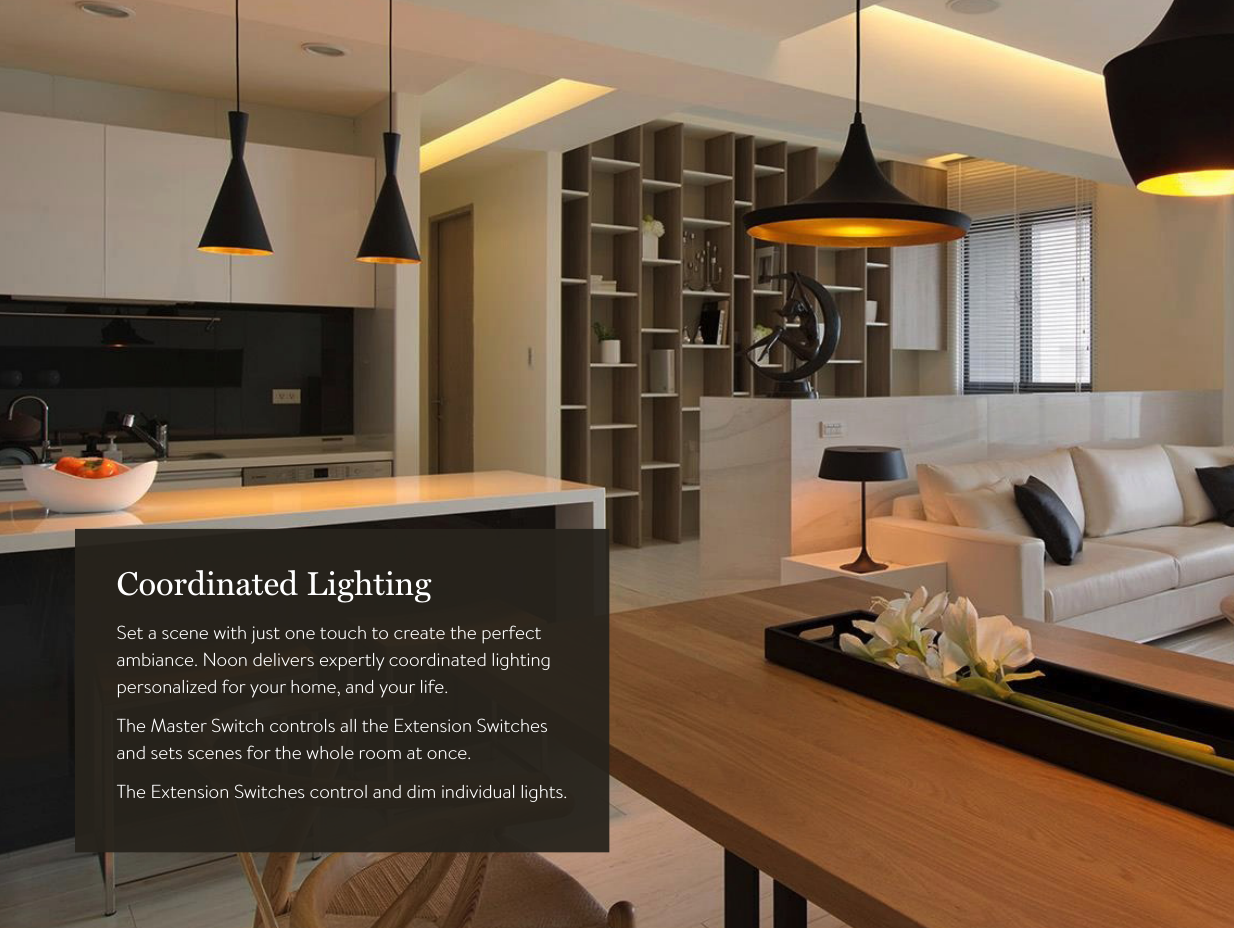
8Coordinated LightingSet a scene with just one touch to create the perfect  ambiance. Noon delivers expertly coordinated lighting  personalized for your home, and your life.The Master Switch controls all the Extension Switches  and sets scenes for the whole room at once.The Extension Switches control and dim individual lights.
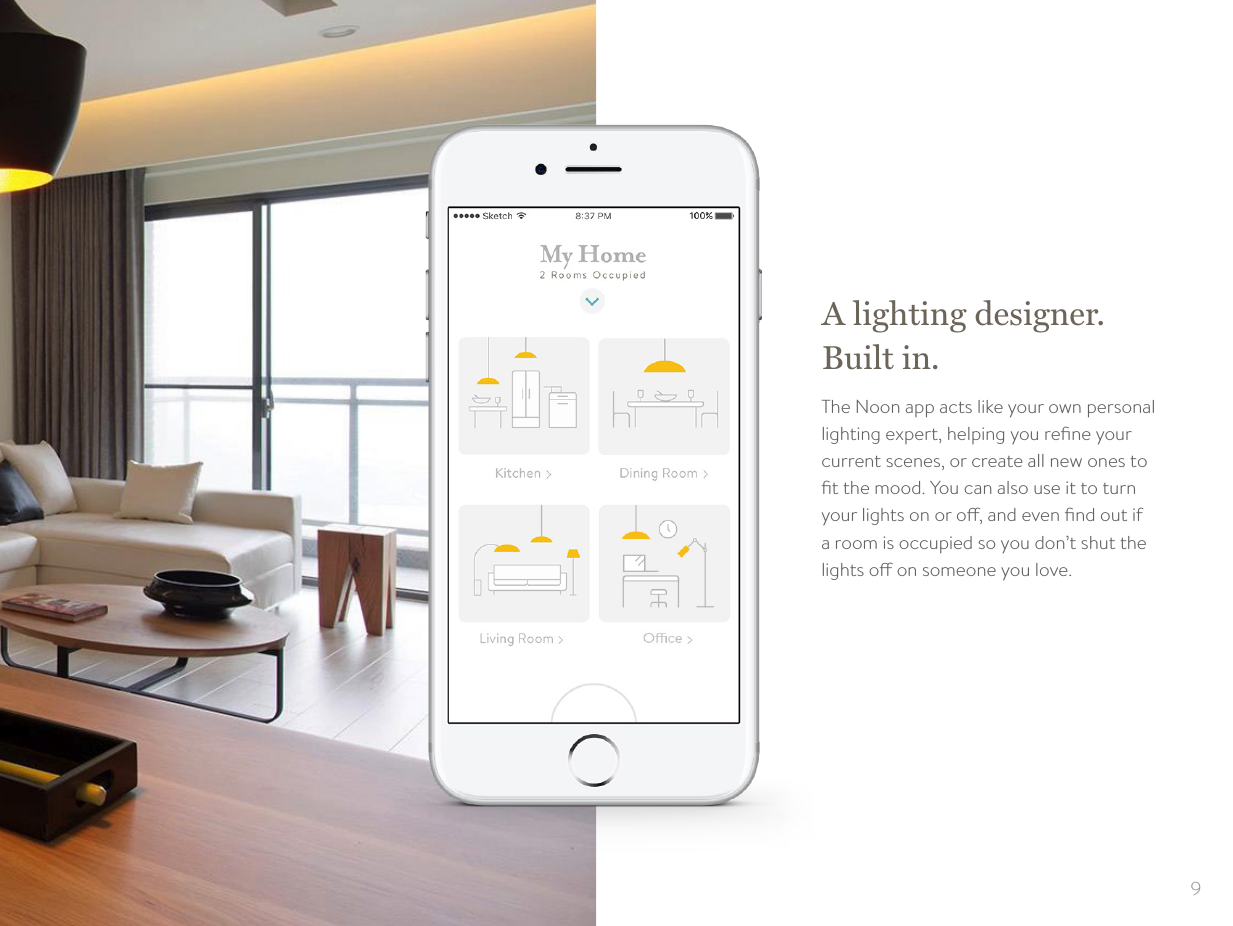
9A lighting designer. Built in.The Noon app acts like your own personal lighting expert, helping you refine your current scenes, or create all new ones to fit the mood. You can also use it to turn your lights on or o, and even find out if a room is occupied so you don’t shut the lights o on someone you love.
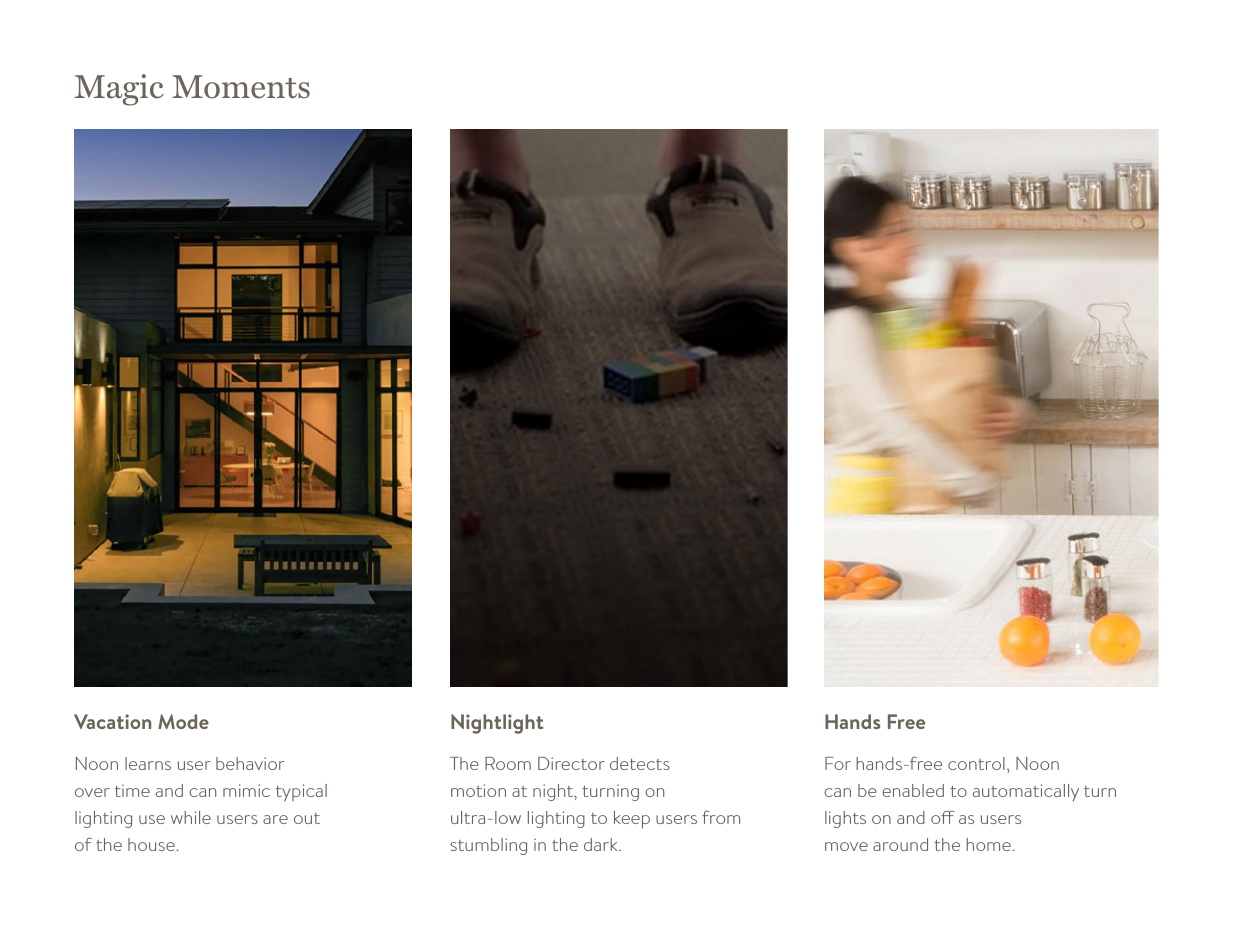
Magic MomentsNoon learns user behavior  over time and can mimic typical  lighting use while users are out  of the house. Vacation ModeThe Room Director detects  motion at night, turning on  ultra-low lighting to keep users from stumbling in the dark. NightlightFor hands-free control, Noon  can be enabled to automatically turn lights on and o as users  move around the home. Hands Free
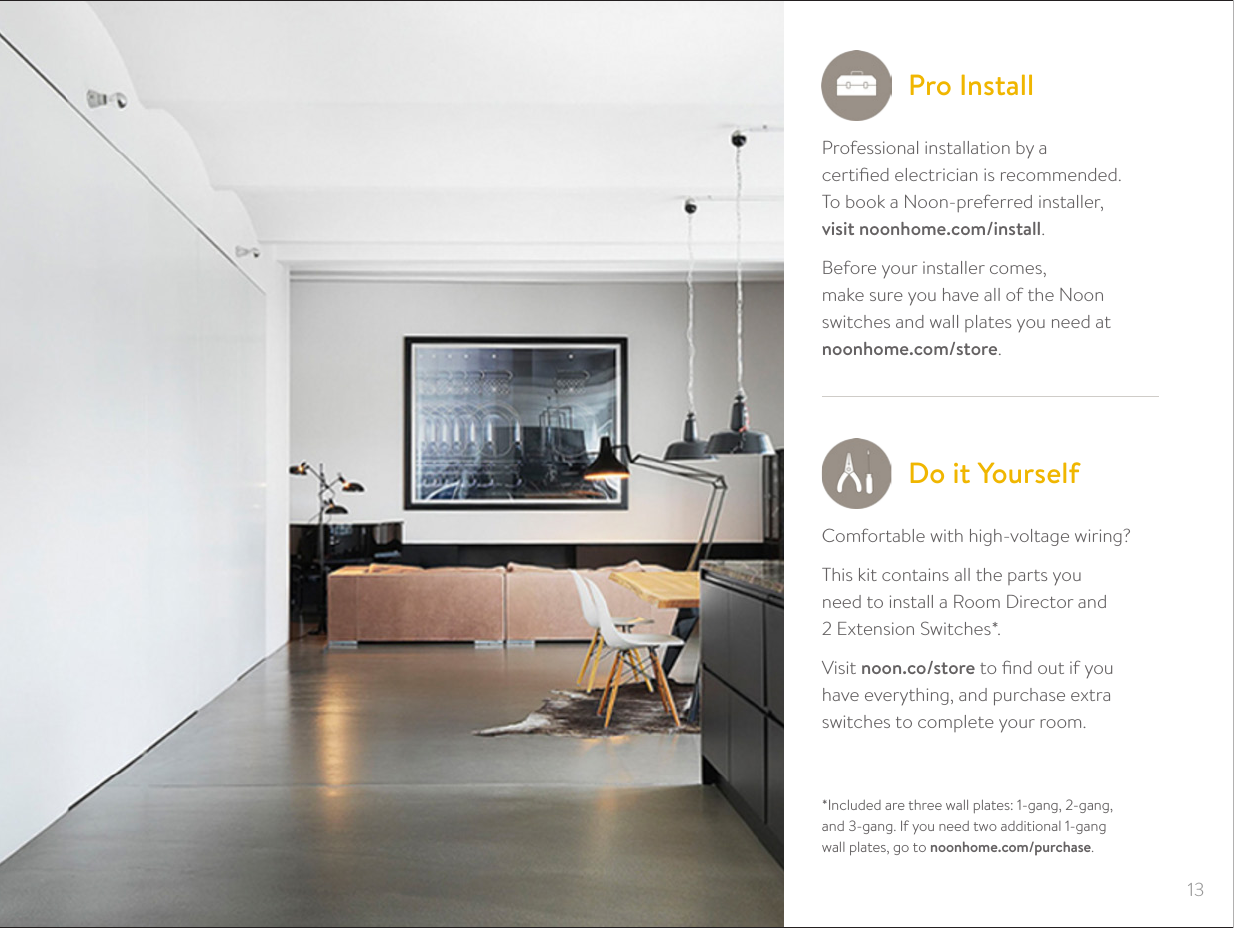
13Professional installation by a  certified electrician is recommended. To book a Noon-preferred installer,  visit noonhome.com/install.Before your installer comes,  make sure you have all of the Noon switches and wall plates you need at  noonhome.com/store.Pro Install*Included are three wall plates: 1-gang, 2-gang,  and 3-gang. If you need two additional 1-gang  wall plates, go to noonhome.com/purchase.Do it YourselfComfortable with high-voltage wiring?This kit contains all the parts you  need to install a Room Director and  2 Extension Switches*.Visit noon.co/store to find out if you  have everything, and purchase extra switches to complete your room.
26Need Help?1-888-Noon-User noonhome.com/support
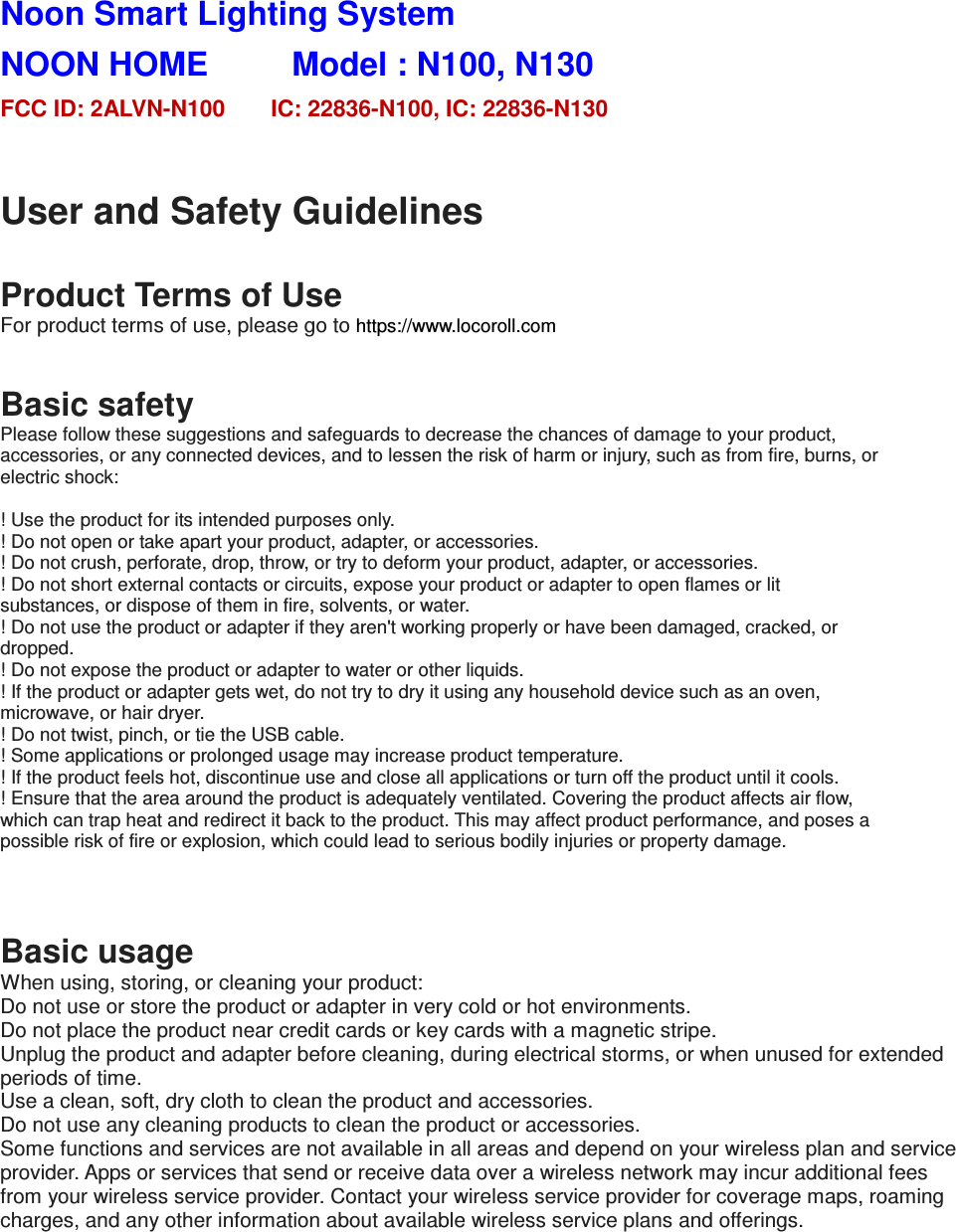
Noon Smart Lighting System   NOON HOME          Model : N100, N130           FCC ID: 2ALVN-N100        IC: 22836-N100, IC: 22836-N130  User and Safety Guidelines  Product Terms of Use For product terms of use, please go to https://www.locoroll.com   Basic safety Please follow these suggestions and safeguards to decrease the chances of damage to your product, accessories, or any connected devices, and to lessen the risk of harm or injury, such as from fire, burns, or electric shock:  ! Use the product for its intended purposes only. ! Do not open or take apart your product, adapter, or accessories. ! Do not crush, perforate, drop, throw, or try to deform your product, adapter, or accessories. ! Do not short external contacts or circuits, expose your product or adapter to open flames or lit substances, or dispose of them in fire, solvents, or water. ! Do not use the product or adapter if they aren't working properly or have been damaged, cracked, or dropped. ! Do not expose the product or adapter to water or other liquids. ! If the product or adapter gets wet, do not try to dry it using any household device such as an oven, microwave, or hair dryer. ! Do not twist, pinch, or tie the USB cable. ! Some applications or prolonged usage may increase product temperature. ! If the product feels hot, discontinue use and close all applications or turn off the product until it cools. ! Ensure that the area around the product is adequately ventilated. Covering the product affects air flow, which can trap heat and redirect it back to the product. This may affect product performance, and poses a possible risk of fire or explosion, which could lead to serious bodily injuries or property damage.   Basic usage When using, storing, or cleaning your product: Do not use or store the product or adapter in very cold or hot environments. Do not place the product near credit cards or key cards with a magnetic stripe. Unplug the product and adapter before cleaning, during electrical storms, or when unused for extended periods of time. Use a clean, soft, dry cloth to clean the product and accessories. Do not use any cleaning products to clean the product or accessories. Some functions and services are not available in all areas and depend on your wireless plan and service provider. Apps or services that send or receive data over a wireless network may incur additional fees from your wireless service provider. Contact your wireless service provider for coverage maps, roaming charges, and any other information about available wireless service plans and offerings.
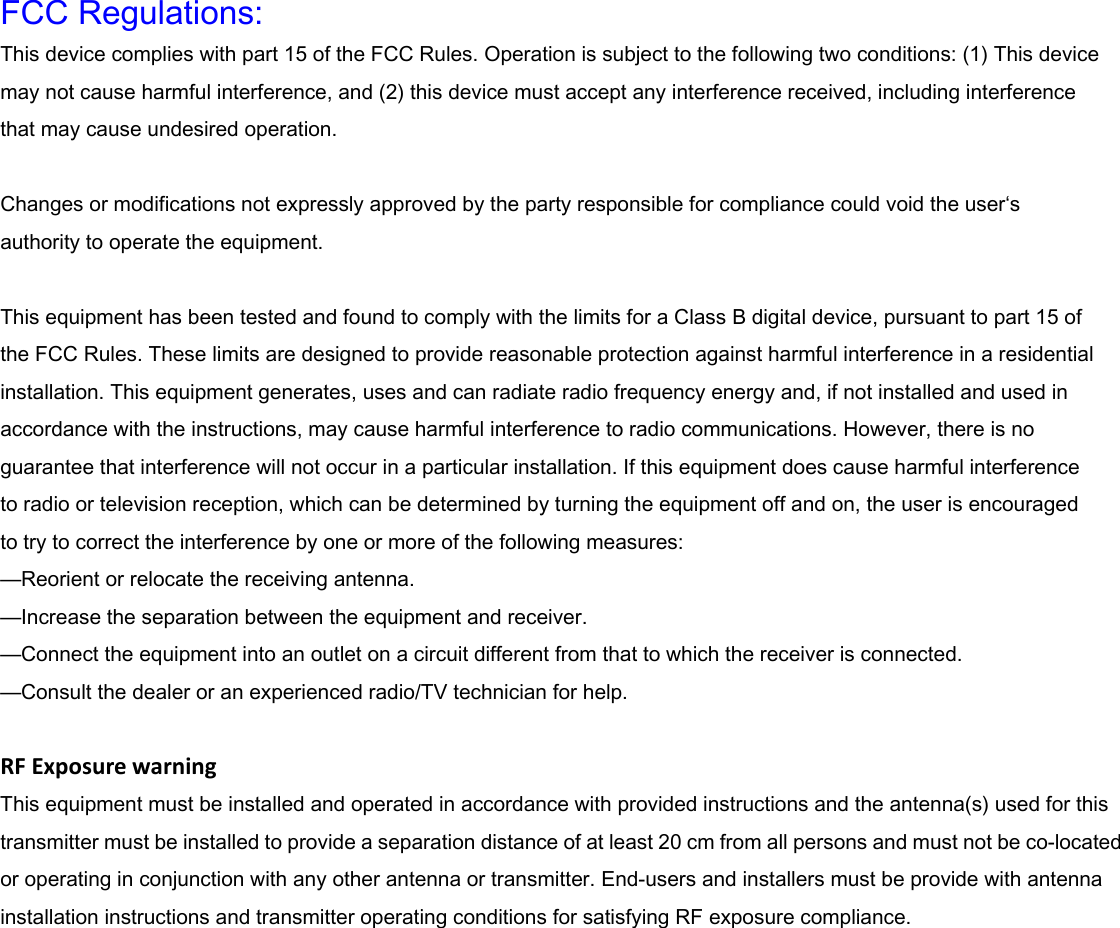
 FCC Regulations: This device complies with part 15 of the FCC Rules. Operation is subject to the following two conditions: (1) This device may not cause harmful interference, and (2) this device must accept any interference received, including interference that may cause undesired operation.  Changes or modifications not expressly approved by the party responsible for compliance could void the user‘s authority to operate the equipment.  This equipment has been tested and found to comply with the limits for a Class B digital device, pursuant to part 15 of the FCC Rules. These limits are designed to provide reasonable protection against harmful interference in a residential installation. This equipment generates, uses and can radiate radio frequency energy and, if not installed and used in accordance with the instructions, may cause harmful interference to radio communications. However, there is no guarantee that interference will not occur in a particular installation. If this equipment does cause harmful interference   to radio or television reception, which can be determined by turning the equipment off and on, the user is encouraged   to try to correct the interference by one or more of the following measures: —Reorient or relocate the receiving antenna. —Increase the separation between the equipment and receiver. —Connect the equipment into an outlet on a circuit different from that to which the receiver is connected. —Consult the dealer or an experienced radio/TV technician for help.  RFExposurewarning This equipment must be installed and operated in accordance with provided instructions and the antenna(s) used for this transmitter must be installed to provide a separation distance of at least 20 cm from all persons and must not be co-located or operating in conjunction with any other antenna or transmitter. End-users and installers must be provide with antenna installation instructions and transmitter operating conditions for satisfying RF exposure compliance.
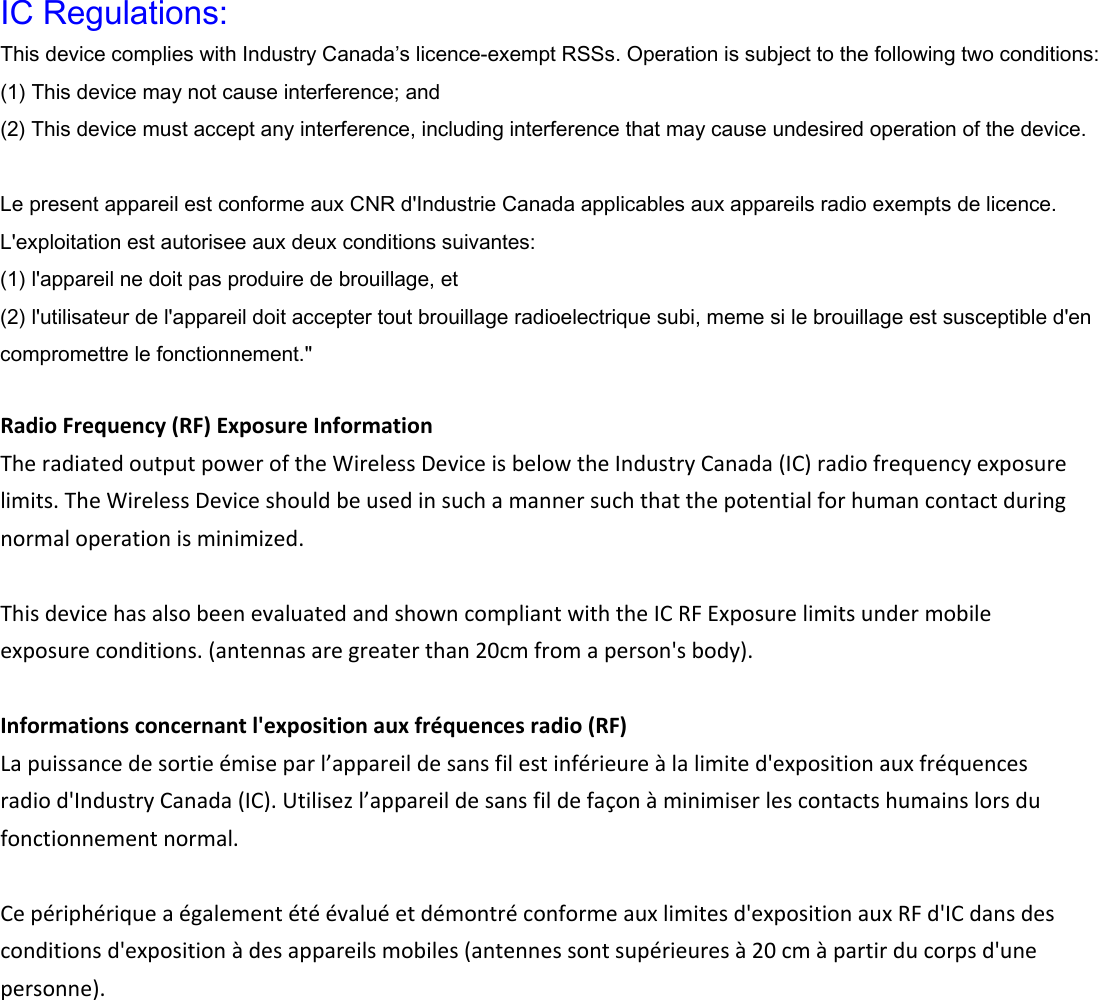
 IC Regulations: This device complies with Industry Canada’s licence-exempt RSSs. Operation is subject to the following two conditions: (1) This device may not cause interference; and (2) This device must accept any interference, including interference that may cause undesired operation of the device.  Le present appareil est conforme aux CNR d'Industrie Canada applicables aux appareils radio exempts de licence. L'exploitation est autorisee aux deux conditions suivantes: (1) l'appareil ne doit pas produire de brouillage, et (2) l'utilisateur de l'appareil doit accepter tout brouillage radioelectrique subi, meme si le brouillage est susceptible d'en compromettre le fonctionnement."  RadioFrequency(RF)ExposureInformationTheradiatedoutputpoweroftheWirelessDeviceisbelowtheIndustryCanada(IC)radiofrequencyexposurelimits.TheWirelessDeviceshouldbeusedinsuchamannersuchthatthepotentialforhumancontactduringnormaloperationisminimized.ThisdevicehasalsobeenevaluatedandshowncompliantwiththeICRFExposurelimitsundermobileexposureconditions.(antennasaregreaterthan20cmfromaperson'sbody).Informationsconcernantl'expositionauxfréquencesradio(RF)Lapuissancedesortieémiseparl’appareildesansfilestinférieureàlalimited'expositionauxfréquencesradiod'IndustryCanada(IC).Utilisezl’appareildesansfildefaçonàminimiserlescontactshumainslorsdufonctionnementnormal.Cepériphériqueaégalementétéévaluéetdémontréconformeauxlimitesd'expositionauxRFd'ICdansdesconditionsd'expositionàdesappareilsmobiles(antennessontsupérieuresà20cmàpartirducorpsd'unepersonne).

Navigation menu