OBI Connect FZE SJ15 Mobile Phone User Manual A01A
OBI Connect FZE Mobile Phone A01A
User Manual
Obi Worldphone
SJ1.5
Quick Start Guide
Start Here
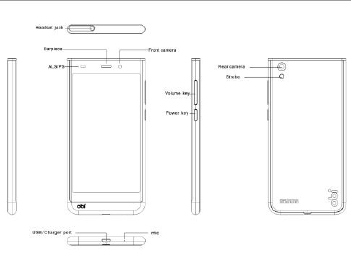
Phone overview
Getting started
Please make sure that the phone is powered
off before proceeding.
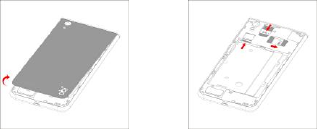
1. Open battery cover 2. Install SIM & memory card
3. Install the battery 4. Close battery cover
Buttons
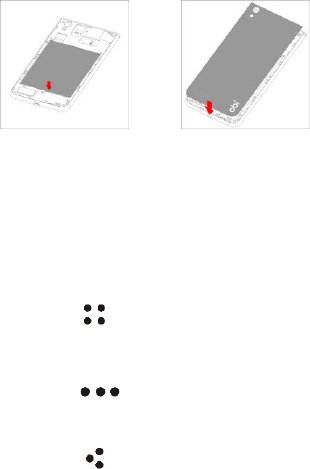
Power key: To power off SJ 1.5, press and hold power
key for a few seconds, then tap the options to confirm.
When SJ 1.5 is on, press the power key once to
activate or deactivate the screen.
Home key ( ): Touch the key to return to the home
screen. In idle screen, touch and hold the key to view
recently accessed features.
Menu key ( ): In standby mode, touch the key to
set wallpaper, view settings, manage apps. Touch it to
view menu options.
Back key ( ): Touch to go back to the previous
menu.
Screen
SJ 1.5 features a 5" screen with 1280*720 Resolution.
Which make your phone looks fascinating.
Screen lock
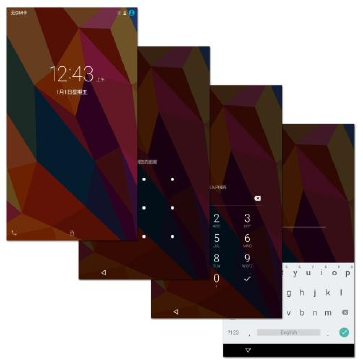
You can increase the security of your phone by
selecting screen lock .Screen lock settings can be
found under “Settings”>“Security”> “Screen lock”.
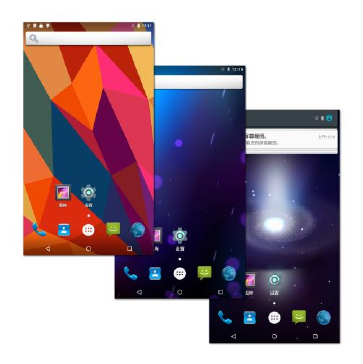
Customize home screen
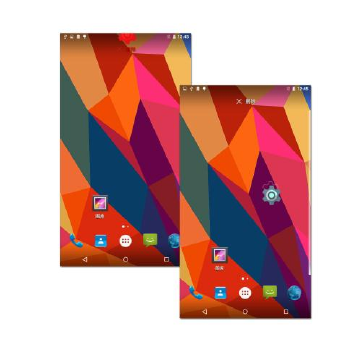
In standby mode, touch and hold an empty area to add
set wallpapers. You can also remove items from the
home screen, move items, add items to home screen
to customize the home screen.
Camera
SJ 1.5 is equipped with 8MP camera and a camcorder,
which are designed for you to share wonderful
moments with friends and family.
Adjust focus, exposure, zoom in or zoom out, switch
between cameras and switch between the functions by
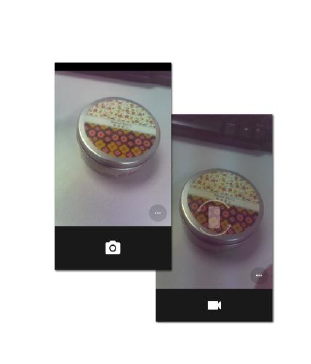
flipping the icon on the screen.
Internet
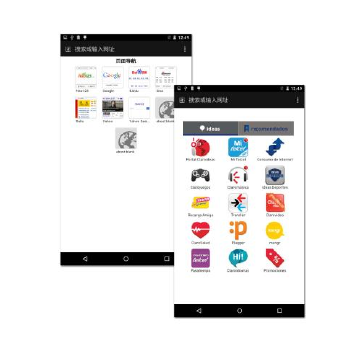
You can enjoy network by selecting 3G, WLAN, GSM.
Enjoy music, videos, apps and news anywhere and
anytime as you like.
Make a call
You can make a call under the interface of Call log,
contacts, favorites, message (which contains a phone
number). In standby mode, press call key to make a
call.

Messaging
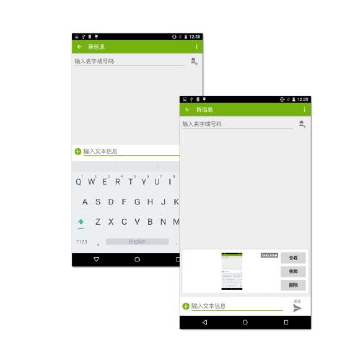
Touch and hold the text box to select an input method.
You can insert smiley, picture, audio or video files and
send to multiple recipients.
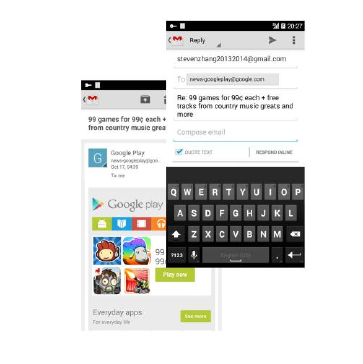
Email
The email app enables you to read, compose and send
emails, and is configured to work with all the major
email providers. SJ 1.5 supports multiple account
mode, and you won’t miss any email.
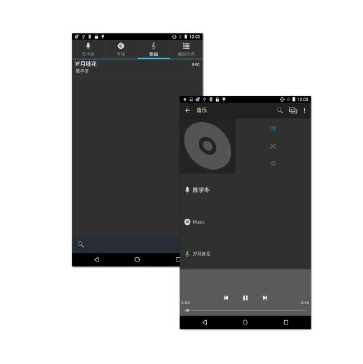
Music
SJ 1.5 supports various music formats, different sound
effects and 4 categorizing, i.e. Artists, Albums, Songs
and Playlists.
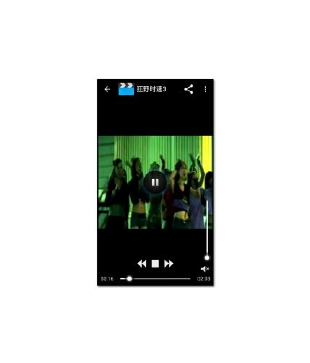
Videos
Enjoy a visual feast in a variety of video formats,
please choose SJ 1.5.
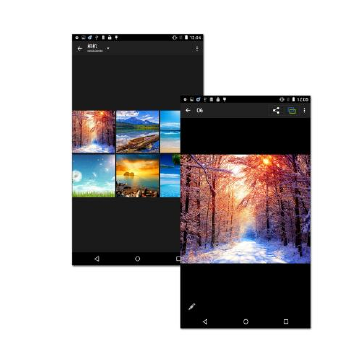
Photos
You will find it very easy to view all the photos. Flick
right or left to move among images. Double-tap or
pinch the photo to zoom. You can edit, share, print,
and more.
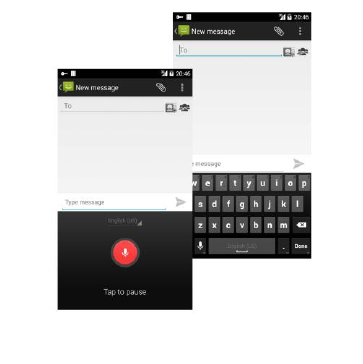
Intelligent keyboard
SJ 1.5 automatically corrects and suggests words as
you type, and it also supports voice input.
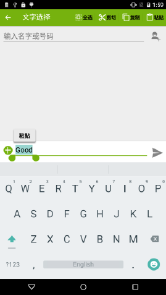
Cut, copy, and paste
Touch and hold text content to bring up the magnifying
glass, and then slide your finger to move the insertion
points. Then tap to cut, copy, or paste. It is very easy to
copy text from web pages, email, or text messages.
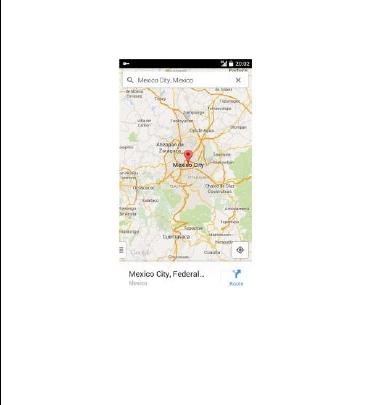
Map
You can view satellite images or street map with
detailed route instructions just as you are walking in
the street. The Map app can be used to locate yourself,
view real-time traffic conditions, pedestrian, bus routes
or car driving route instructions.

Safety Information
Usage Environment
To assure you use mobile phone reasonably and avoid
its affect on you and environment, please keep in mind
relevant regulations and provisions which shall be
complied with at any place when you use mobile
phone.
in the places which may give rise to bomb such as gas
station, fuel reservoir, chemical factory, or bombing
work, please turn off your mobile phone and abide by
all safety marks and instruction there. Any violation
against relevant regulations may give rise to bomb and
cause casualty.
Using mobile phone in plane may disturb plane’s
operation and give rise to danger. Therefore, please do
turn off your mobile phone before boarding and make
sure it is power off in the whole course of flight.

When your drive, please place mobile phone on a
special stand, do not place it on seat or any place
where it may slide when it comes to collision or sudden
braking. In the course of driving, please do not use
mobile phone to assure a safe drive and avoid traffic
accident. If you must use mobile phone, please stop
first before using it.
Please keep your mobile phone away from
high-temperature environment to avoid bomb rising
from increased temperature of battery.
Medical Equipments
It is expressly stipulated in writing that you shall turn off
mobile phone nearby electric medical equipments (like
cardiac pacer maker and hearing aids). Most medical
equipments have function of blocking radio-frequency
signal given off by mobile phone, but some electronic
equipment don’t. if you have any doubt or uncertainty

about if medical equipment have function of blocking
radio-frequency signal, please consult doctors or
manufacturer of medial equipments.
Hearing Aids
Mobile phone may disturb some hearing aids, if
disturbance is made, please contact manufacturer of
hearing aids at once.
Attentions on Charging of Battery
This kind of mobile phone provides energy by lithium
ion battery, system environment, mobile phone
settings and others will affect waiting and conversation
time of mobile phone.
Please use the standard battery and charger provided
by the company, or the company isn’t responsible for
damage caused by battery or charger unauthorized by
the company.
When the mobile phone is power on, the batty starts to

roll on the battery indicator on the screen.
1g SAR(W/Kg):
Head:0.448 Body-worn:1.37
Hotspot: 1.37