OKAYO Electronics EJ-601TM Digital Handheld Microphone User Manual

OKAYO Electronics Co., Ltd. Digital Handheld Microphone

User manual

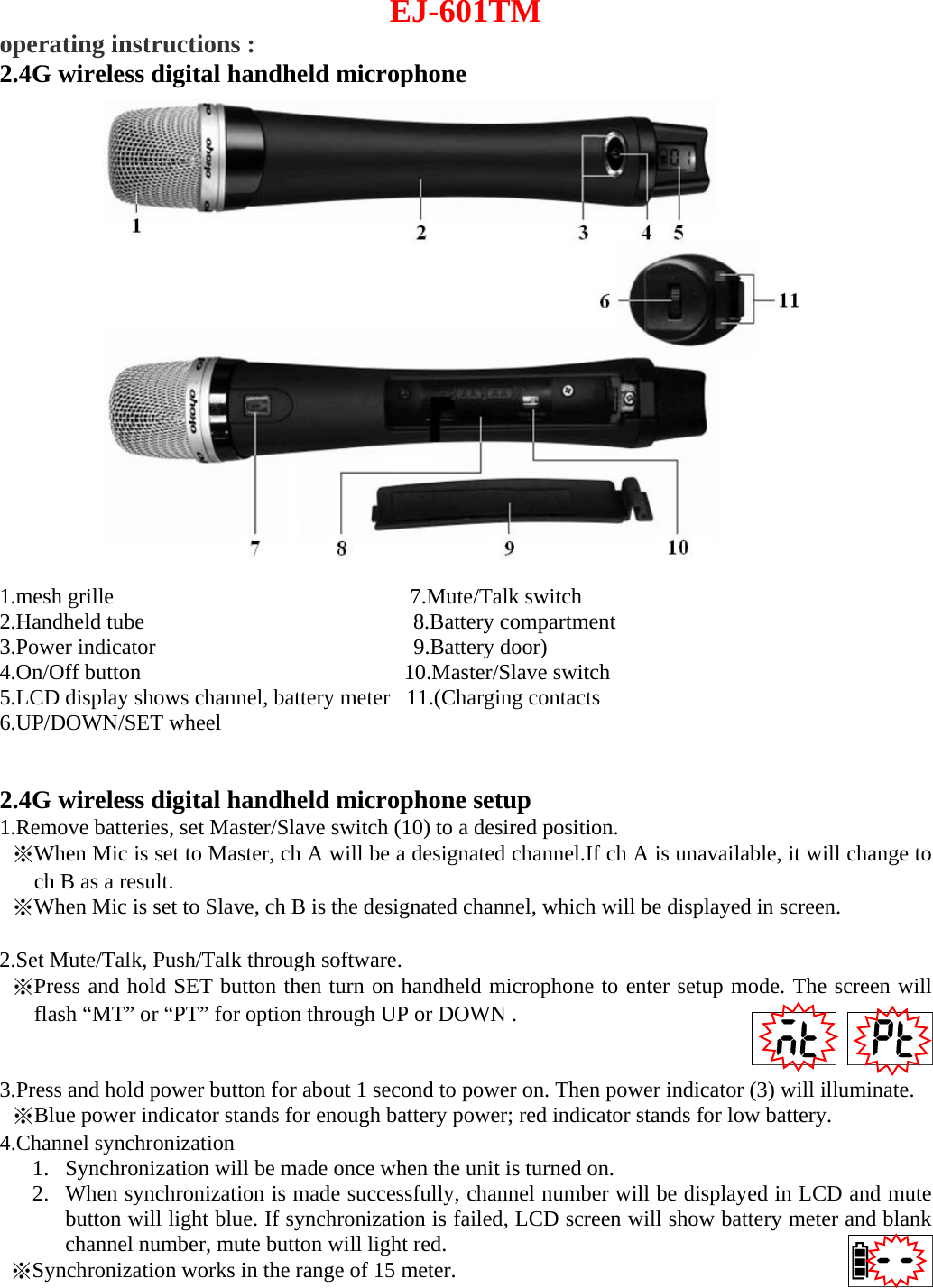
EJ-601TM operating instructions : 2.4G wireless digital handheld microphone 1.mesh grille          7.Mute/Talk switch 2.Handheld tube     8.Battery compartment 3.Power indicator        9.Battery door) 4.On/Off button         10.Master/Slave switch 5.LCD display shows channel, battery meter   11.(Charging contacts 6.UP/DOWN/SET wheel 2.4G wireless digital handheld microphone setup  1.Remove batteries, set Master/Slave switch (10) to a desired position. ※When Mic is set to Master, ch A will be a designated channel.If ch A is unavailable, it will change to ch B as a result. ※When Mic is set to Slave, ch B is the designated channel, which will be displayed in screen. 2.Set Mute/Talk, Push/Talk through software.※Press and hold SET button then turn on handheld microphone to enter setup mode. The screen willflash “MT” or “PT” for option through UP or DOWN . 3.Press and hold power button for about 1 second to power on. Then power indicator (3) will illuminate.※Blue power indicator stands for enough battery power; red indicator stands for low battery.4.Channel synchronization 1. Synchronization will be made once when the unit is turned on.2. When synchronization is made successfully, channel number will be displayed in LCD and mutebutton will light blue. If synchronization is failed, LCD screen will show battery meter and blankchannel number, mute button will light red.※Synchronization works in the range of 15 meter.
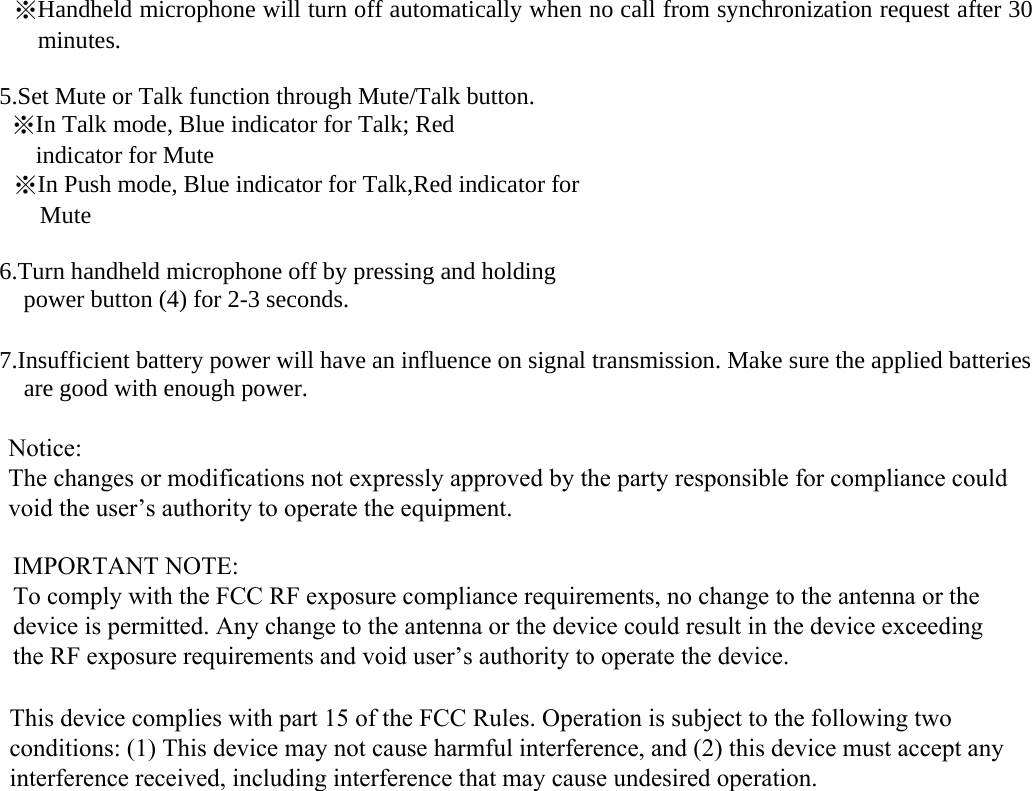
※Handheld microphone will turn off automatically when no call from synchronization request after 30 minutes. 5.Set Mute or Talk function through Mute/Talk button.※In Talk mode, Blue indicator for Talk; Red indicator for Mute ※In Push mode, Blue indicator for Talk,Red indicator forMute 6.Turn handheld microphone off by pressing and holding power button (4) for 2-3 seconds. 7.Insufficient battery power will have an influence on signal transmission. Make sure the applied batteriesare good with enough power.Notice: The changes or modifications not expressly approved by the party responsible for compliance could void the user’s authority to operate the equipment.IMPORTANT NOTE: To comply with the FCC RF exposure compliance requirements, no change to the antenna or the device is permitted. Any change to the antenna or the device could result in the device exceeding the RF exposure requirements and void user’s authority to operate the device.This device complies with part 15 of the FCC Rules. Operation is subject to the following two conditions: (1) This device may not cause harmful interference, and (2) this device must accept any interference received, including interference that may cause undesired operation.

Navigation menu