Ockel Computers OCSA17 Sirius A User Manual

Ockel Computers BV Sirius A

User Manual

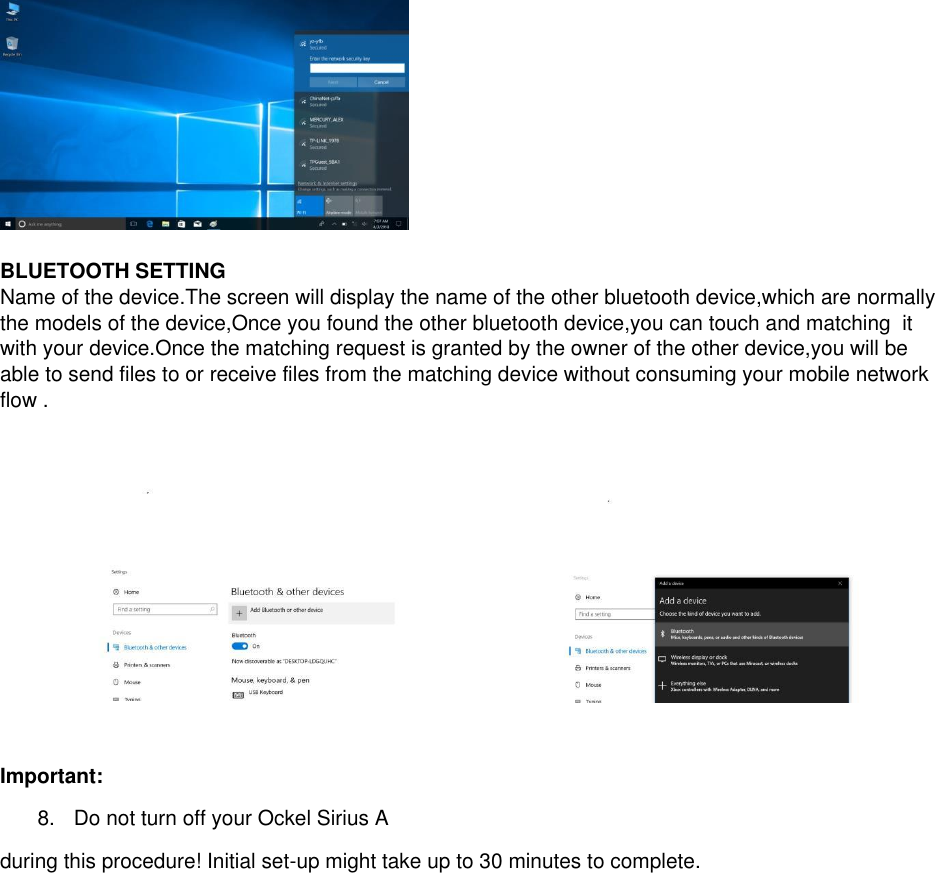
[EN] QUICK SETUP GUIDE Product Name: Sirius A Trade Mark: OCKEL Model: OCSA-0812  UNPACK  1.  Ockel Sirius A 2.  Universal adapter base 3.  EU / US / UK adapter 4.  Power cable 5.  Quick setup guide 6.  Warranty card 7.  Microfiber sleeve    SETUP  INITIAL SETUP PROCEDURE  1.  Connect the EU, US or UK adapter to the universal adapter base (depending on the country standard) 2.  Connect the power cable to the Ockel Sirius A and the adapter base. Plug the adapter base into a power outlet 3.Hold down the power button on the right side of the device for 2 seconds to power on the Ockel Sirius A 4.  Configure the operating system by following the on-screen instructions 5. Use the fingerprint scanner on the left side of the device to set-up your fingerprint during the device configuration  WIFI SETTING  1.  Tun on :Open the app drawer and find the setting icon,touch to open the setting menu,slide the wifi switcher to turn on wifi  2.  Choose the available wifi access,for example,the   “ yz-yfb ”,then it will require you to put the password.The system will help you obtain the IP address.Oce it is successfully connected ,you will see a connected Icon in the status bar .
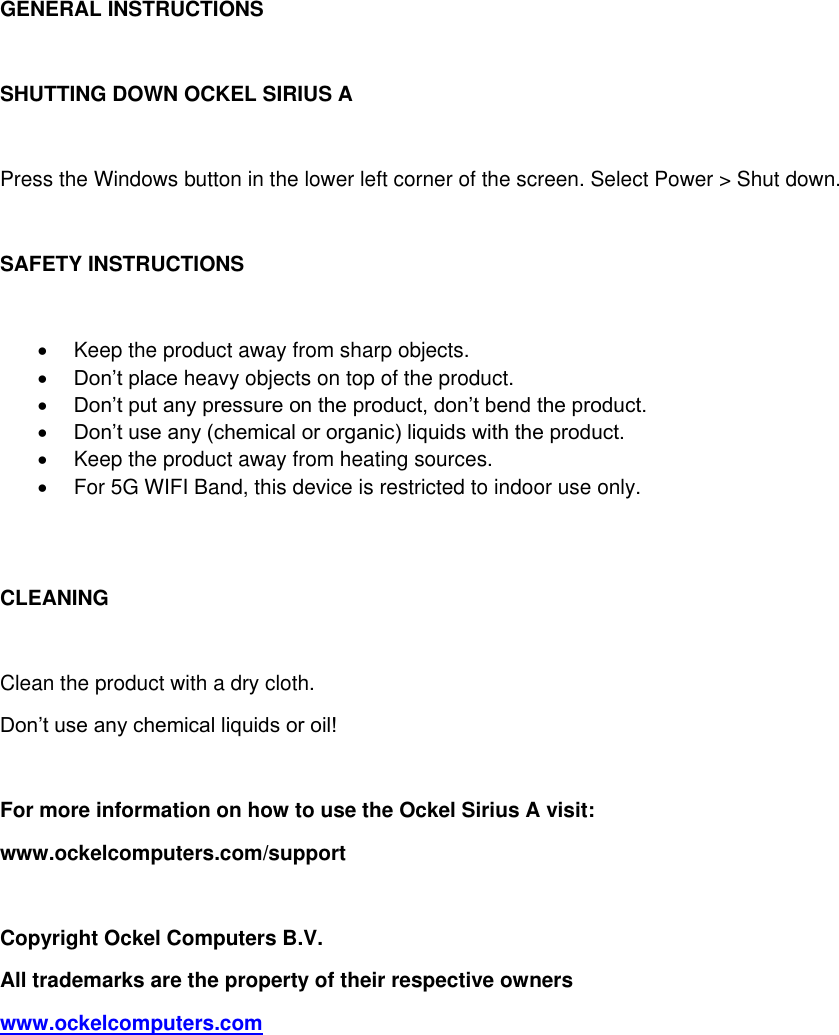
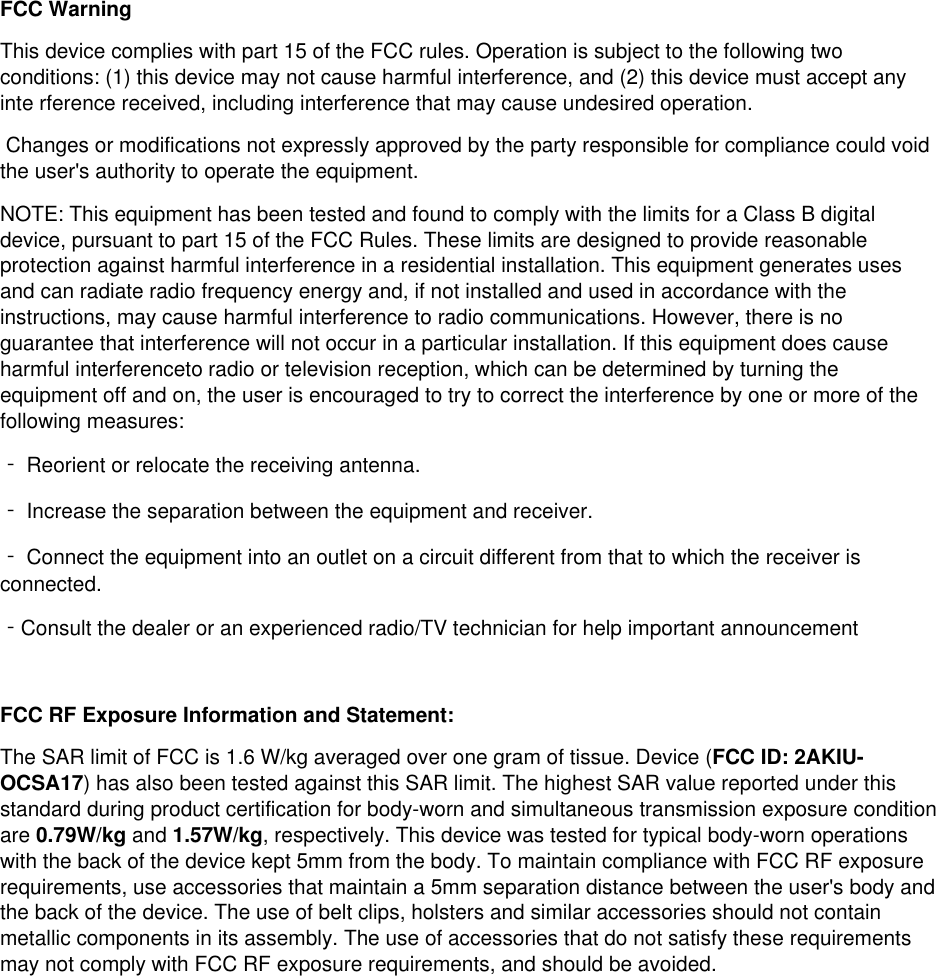
  BLUETOOTH SETTING  Name of the device.The screen will display the name of the other bluetooth device,which are normally the models of the device,Once you found the other bluetooth device,you can touch and matching  it with your device.Once the matching request is granted by the owner of the other device,you will be able to send files to or receive files from the matching device without consuming your mobile network flow .    Important:  8.  Do not turn off your Ockel Sirius A during this procedure! Initial set-up might take up to 30 minutes to complete.
GENERAL INSTRUCTIONS  SHUTTING DOWN OCKEL SIRIUS A  Press the Windows button in the lower left corner of the screen. Select Power > Shut down.  SAFETY INSTRUCTIONS    Keep the product away from sharp objects.  Don’t place heavy objects on top of the product.  Don’t put any pressure on the product, don’t bend the product.  Don’t use any (chemical or organic) liquids with the product.   Keep the product away from heating sources.   For 5G WIFI Band, this device is restricted to indoor use only.   CLEANING  Clean the product with a dry cloth.  Don’t use any chemical liquids or oil!  For more information on how to use the Ockel Sirius A visit:  www.ockelcomputers.com/support  Copyright Ockel Computers B.V. All trademarks are the property of their respective owners www.ockelcomputers.com
 FCC Warning This device complies with part 15 of the FCC rules. Operation is subject to the following two conditions: (1) this device may not cause harmful interference, and (2) this device must accept any inte rference received, including interference that may cause undesired operation.  Changes or modifications not expressly approved by the party responsible for compliance could void the user's authority to operate the equipment.  NOTE: This equipment has been tested and found to comply with the limits for a Class B digital device, pursuant to part 15 of the FCC Rules. These limits are designed to provide reasonable protection against harmful interference in a residential installation. This equipment generates uses and can radiate radio frequency energy and, if not installed and used in accordance with the instructions, may cause harmful interference to radio communications. However, there is no guarantee that interference will not occur in a particular installation. If this equipment does cause harmful interferenceto radio or television reception, which can be determined by turning the equipment off and on, the user is encouraged to try to correct the interference by one or more of the following measures: ‐ Reorient or relocate the receiving antenna.  ‐ Increase the separation between the equipment and receiver. ‐ Connect the equipment into an outlet on a circuit different from that to which the receiver is connected. ‐Consult the dealer or an experienced radio/TV technician for help important announcement   FCC RF Exposure Information and Statement: The SAR limit of FCC is 1.6 W/kg averaged over one gram of tissue. Device (FCC ID: 2AKIU-OCSA17) has also been tested against this SAR limit. The highest SAR value reported under this standard during product certification for body-worn and simultaneous transmission exposure condition are 0.79W/kg and 1.57W/kg, respectively. This device was tested for typical body-worn operations with the back of the device kept 5mm from the body. To maintain compliance with FCC RF exposure requirements, use accessories that maintain a 5mm separation distance between the user's body and the back of the device. The use of belt clips, holsters and similar accessories should not contain metallic components in its assembly. The use of accessories that do not satisfy these requirements may not comply with FCC RF exposure requirements, and should be avoided.

Navigation menu