PENTAONE PD-111T Digital Wireless Transmitter/Receiver User Manual

PENTAONE CO., LTD. Digital Wireless Transmitter/Receiver

Contents

User manual 1 of 2

                                                            RF MANUAL 2.4GHz Wireless Module for DVR Solution
                                                                   제2 RF MANUAL                                                                    2008/05/08  Table of Contents 1. INTRODUCTION...................................................................................................3 1.1 PANEL & BUTTON NAME.............................................................................................. 3 1.2 Using method of key........................................................................................................... 3 1.3 RF Channel Location Table ................................................................................................ 4
                                                                   제3 RF MANUAL                                                                    2008/05/08 1. INTRODUCTION 1.1 PANEL & BUTTON NAME  T102 (CAMERA)           A102 (AP)           1.2 Using method of key  If Press the button 1CH KEY                  If Press button of Quad KEY                 VIDEO IN DC12V232 ANTDC12V232 ANTQUAD  VIDEO OUT 1CH[ VIDEO SIGNAL ON]   [VIDEO SIGNAL OFF]  LOSS [VIDEO SIGNAL ON]  [VIDEO SIGNAL OFF]  NOT USE CH  NOT USE CH  NOT USE CH  NOT USE CH  NOT USE CH  NOT USE CH  LOSS
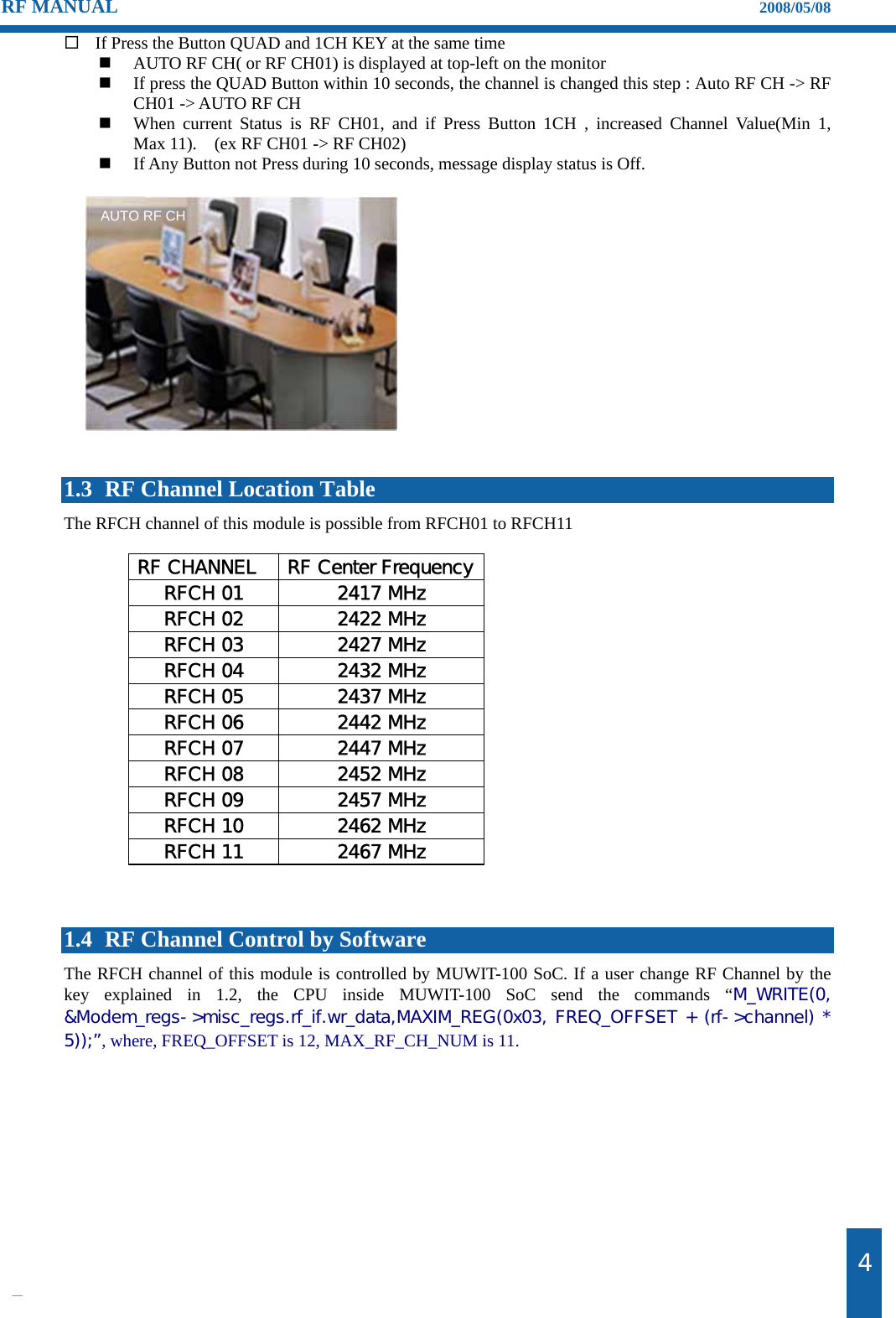
                                                                   제4 RF MANUAL                                                                    2008/05/08  If Press the Button QUAD and 1CH KEY at the same time  AUTO RF CH( or RF CH01) is displayed at top-left on the monitor    If press the QUAD Button within 10 seconds, the channel is changed this step : Auto RF CH -> RF CH01 -> AUTO RF CH    When current Status is RF CH01, and if Press Button 1CH , increased Channel Value(Min 1,      Max 11).    (ex RF CH01 -> RF CH02)    If Any Button not Press during 10 seconds, message display status is Off.                1.3 RF Channel Location Table The RFCH channel of this module is possible from RFCH01 to RFCH11    RF CHANNEL  RF Center FrequencyRFCH 01  2417 MHz RFCH 02  2422 MHz RFCH 03  2427 MHz RFCH 04  2432 MHz RFCH 05  2437 MHz RFCH 06  2442 MHz RFCH 07  2447 MHz RFCH 08  2452 MHz RFCH 09  2457 MHz RFCH 10  2462 MHz RFCH 11  2467 MHz    1.4 RF Channel Control by Software The RFCH channel of this module is controlled by MUWIT-100 SoC. If a user change RF Channel by the key explained in 1.2, the CPU inside MUWIT-100 SoC send the commands “M_WRITE(0, &Modem_regs->misc_regs.rf_if.wr_data,MAXIM_REG(0x03, FREQ_OFFSET + (rf->channel) * 5));”, where, FREQ_OFFSET is 12, MAX_RF_CH_NUM is 11.   AUTO RF CH

Navigation menu