Pachem Korea L1005 RCU User Manual 2 2

Pachem Korea Co., Ltd. RCU 2 2

User manual

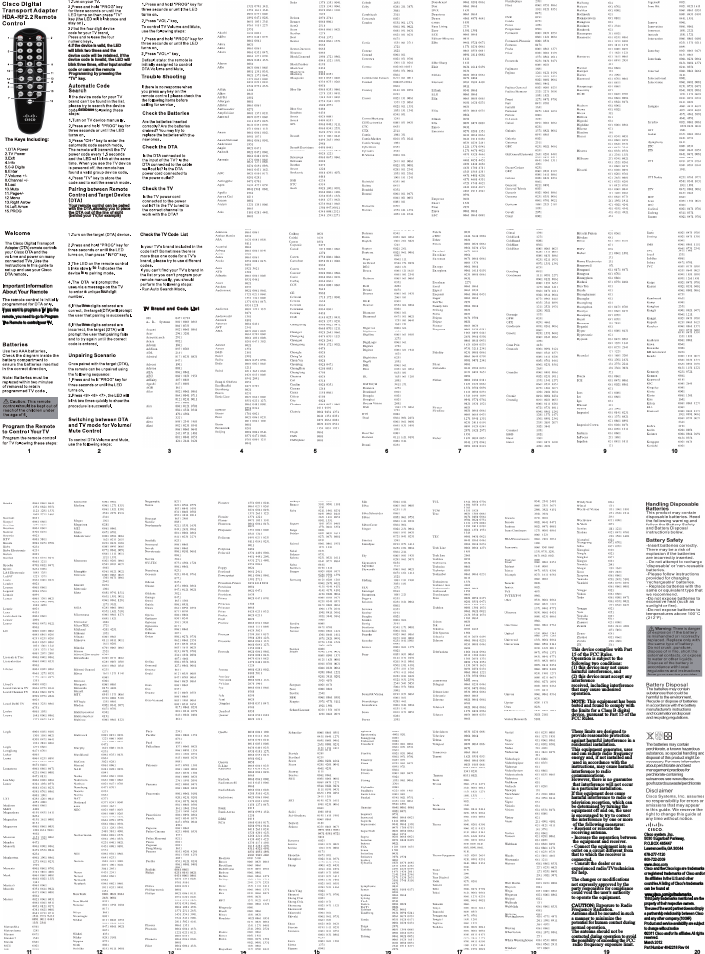
11 12 13 14 15 16 17 18 19 20678-277-1120800-722-2009www.cisco.com4.lf the device is valid, the LED threethreewill blink two times and the device code will be retained. If the device code is invalid, the LED will blink three times, either input another code or cancel the remote Programming by pressing the“TV”  key.DTA T VTV  B ra nd  an d  Co de  L is tto iis,a fourdatabase12 3 4 5 6 7 8 9 10If you want to program a TV into the remote. you need to go to Program The Remote to control your TV.Your remote control can be pairedwith the DTA,allowing you to placethe DTA out of the line of sight(behind your TV,for example)Cisco system ,Inc.5030 Sugarloaf Parkway,P.O.BOX 465447Lawrenceville,GA 30044Cisco andthe Ciscologo are trademarksorregistered trademarks of Cisco and/or itsaffiliates in theU.S.and othercountries.A listing of Cisco’s trademarkscan be found atThird party trademarks mentioned are the property of their respective owners.The useof the word partnerdoes not implya partnership relationship between Cisco and any other company.(1009R)Product and service availability are subjectto change without notice©2011 Cisco and/or its affiliates.All rights reserved.March 2012Part Number 4042218 Rev 04www.cisco.com/go/trademarks.This device complies with Part 15 of the FCC Rules.Operation is subject to thefollowing two conditions:(1) this device may not cause harmful interference, and (2) this device must accept any interferencereceived, including interference that may cause undesired operation.NOTE: This equipment has been tested and found to comply with the limits for a Class B digital device, pursuant to Part 15 of theFCC Rules.These limits are designed to provide reasonable protection against harmful interference in a residential installation.This equipment generates, uses and can radiate radio frequency energy and, if not installed and used in accordance with the instructions, may cause harmful interference to radio communications.However, there is no guarantee that interference will not occur in a particular installation.If this equipment does cause harmful interference to radio ortelevision reception, which can be determined by turning the equipment off and on, the user is encouraged to try to correct the interference by one or more of the following measures:- Reorient or relocate the receiving antenna.- Increase the separation between the equipment and receiver.- Connect the equipment into an outlet on a circuit different from that to which the receiver is connected.- Consult the dealer or an experienced radio/TVtechnician for help.The changes or modifications not expressly approved by the party responsible for compliance could void the user's authority to operate the equipment.CAUTION: Exposure to Radio Frequency Radiation.Antenna shall be mounted in such a manner to minimize the potential for human contact during normal operation.The antenna should not be contacted during operation to avoidthe possibility of exceeding the FCC radio frequency exposure limit.

Navigation menu