Extartiocrt User Manual
2017-03-29
User Manual: Pdf Extartiocrt EXTARTIOCRT pdf kavson.co.uk
Open the PDF directly: View PDF  .
.
Page Count: 3
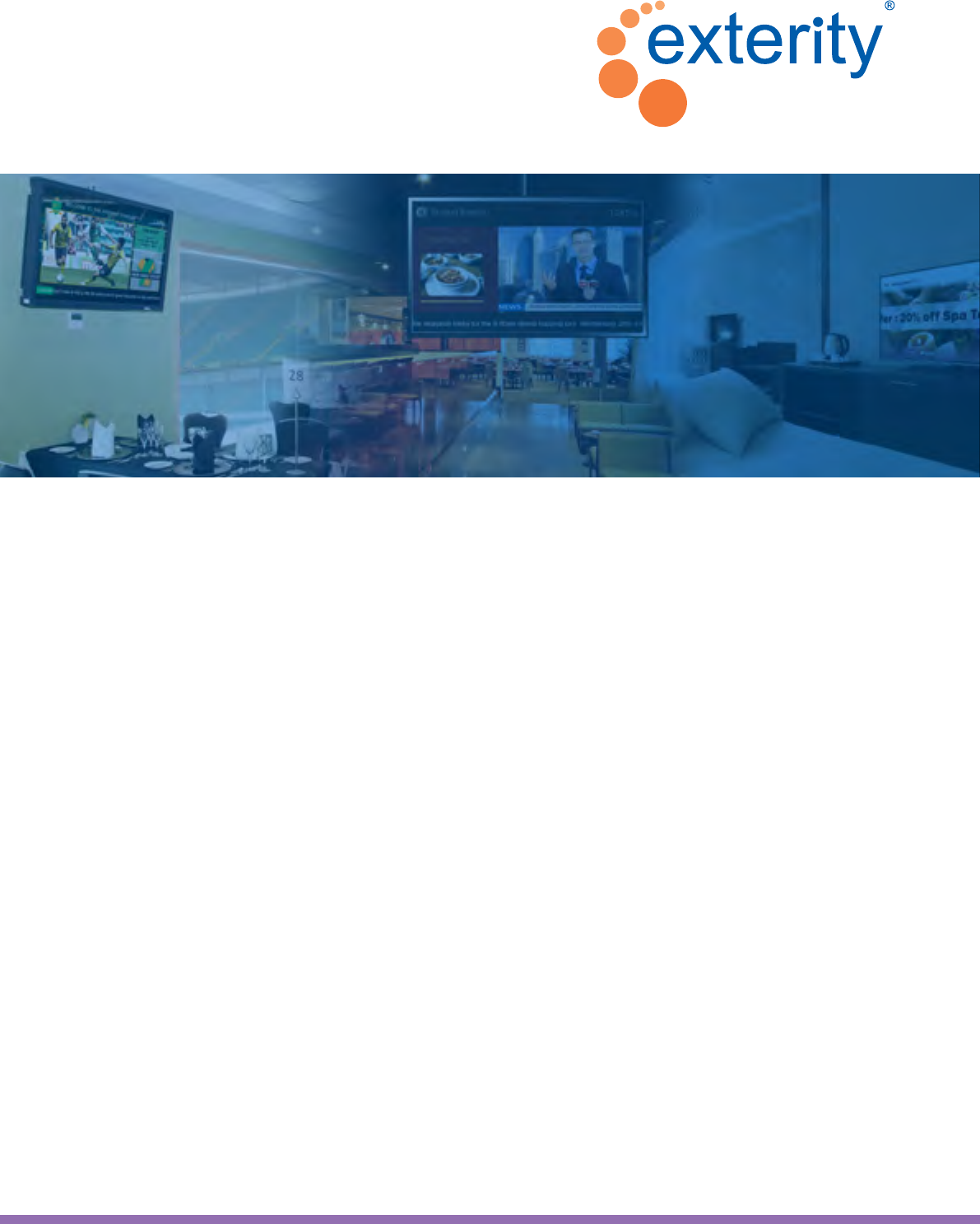
Digital Signage + IPTV in One
Create. Display. Engage.
Digital signage is everywhere, from corporations, restaurants
and airports, to stadiums, banks and shopping malls. Widely used
to deliver entertainment, information, alerts and advertisements,
it combines high-quality video, graphics and text messaging to
oer a powerful medium that can reach your audience in the most
compelling way.
Digital signage is a natural enhancement to an IP video
system and Exterity’s integrated solution makes it easy for any
organization to create and deliver impactful signage screens.
Designed for organizations that want to install multiple displays
to enhance employee, visitor or guest experience, our system
oers users a feature-rich, fully congurable digital signage
application and IP video system in one.
Enterprise IP Video Solutions
ArtioSign

Leading IPTV Enterprise IP Video Solutions
Create and display eye-catching, dynamic HD digital signage with ArtioSign
Create Manage Display
LAN
Integrate ArtioSign digital signage into your Exterity end-to-end IP video solution
AvediaStream
TVgateway
AvediaStream
Encoder
AvediaServer with built-in
ArtioSign Create and Control apps
AvediaPlayer Receivers with built-in ArtioSign Display
ArtioSign Display enables you to turn any
connected display into a digital signage
delivery point. Publish content to a single
end point or a network of screens
Low power consumption
and Power over Ethernet
support make ArtioSign an
economical choice for digital
signage compared to a
traditional PC-based system
Maximize revenues by
incorporating advertising into
signage and display in targeted
locations at optimal times
Every AvediaPlayer Receiver
comes with ArtioSign built
in as standard: gain instant
access to the digital signage
functionality with simple
license-based activation
Create groups of displays and
quickly assign ScreenLists to
individual or groups of devices,
with drag-and-drop simplicity
Update signage on the move -
change what is being displayed
on screen using an Apple or
Android tablet
Easily build your signage
screens using elements
such as video,
text, graphics
and RSS feeds
Create your own signage
designs or choose from a
selection of templates to get
you started and inspired
Schedule a variety of content to
be displayed at dierent times
of the day, week or month to
target your message to the right
audience at the right time
Communicate important or
urgent messages quickly to a
wide audience by overriding
the displayed signage
The ArtioSign Control app on
AvediaServer lets you review
and manage individual and
groups of ScreenLists
Integration with Exterity’s IP video solutions enables live TV and video to be incorporated into digital signage screens
Type Content
Image company_chart.png
Text Welcome to our Com...
Elements
Image graphimage_a.png
ArtioSign Create graphical screen editor
on AvediaServer enables the creation of
uniquely branded, tailored signage, with
drag-and-drop ease
Content
Image company_chart.png
Text Welcome to our Com...
Elements
Image graphimage_a.png
Content
Image company_chart.png
Text Welcome to our Com...
Elements
Image graphimage_a.png
© Exterity Ltd 2016. All rights reserved. Exterity, the Exterity logo, AvediaServer, AvediaStream, ArtioPortal, AvediaPlayer and ArtioSign are
registered trademarks or trademarks of Exterity Ltd. All other trademarks and logos are property of their respective owners. Exterity tries to
ensure that all information in this document is correct but does not accept liability for any error or omission. Information and specications
are subject to change without prior notice.
08|2016
Exterity UK Headquarters
t : +44 (0) 1383 828 250 w : www.exterity.com e : info@exterity.com
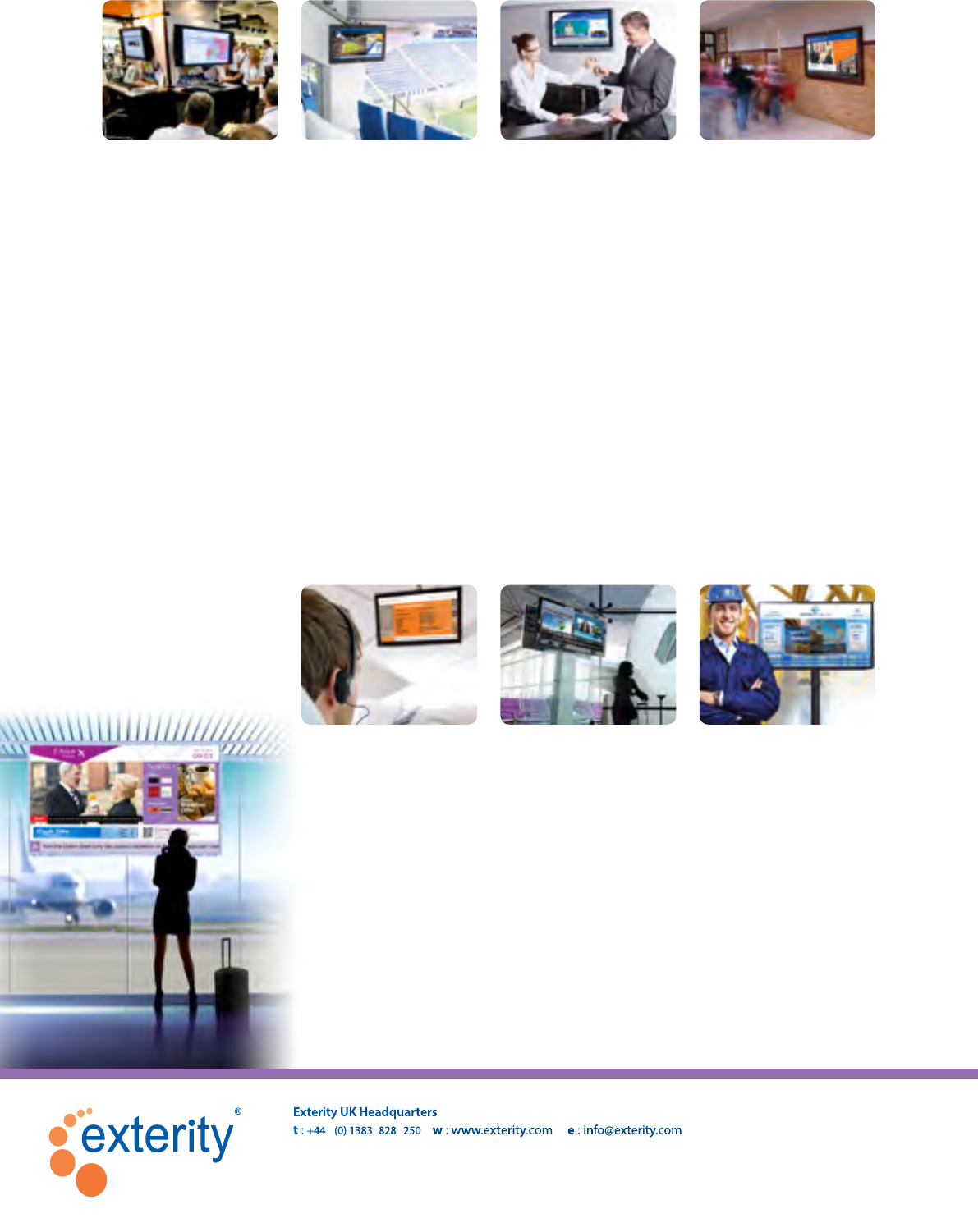
ArtioSign digital signage is used across a variety of industries
Corporate & Finance
Where:
• Reception
• Public areas
• Meeting rooms
• Sta rooms
• Departments
• Factory oor
• Cafeteria
What:
• Company branding
• Sta communications
• CEO updates
• Financial news & data
• Welcome messages
• Meeting schedules
• Scrolling news
• Corporate overviews
• Workplace safety
• Sta recognition
• Building navigation
• Emergency messaging
Education
Where:
• Lobbies/common areas
• Cafeteria
• Classrooms/lecture
theatres
• Library
• Staroom
What:
• Welcome messages
• Campus communications
• Morning address
• Emergency messaging
• Daily lunch menus
• Sports updates
• Student recognition
• Building navigation
• Lecture schedule
• Clubs & activities
Stadiums
Where:
• Concession areas
• Entrance/public areas
• Shops
• VIP lounges
• VIP seating areas
• Stadium seating
What:
• Concession oers &
advertising
• Live coverage with team
news & scores
• Fan merchandising
• VIP messages
• Emergency messaging
Hospitality
Where:
• Reception area
• Bars
• Restaurants
• Lounges
• Guest bedrooms
• Meeting rooms
What:
• Tailored Welcome
messages
• Meetings occurring that
day with location
• Food/beverage options
• Activity options/pricing
• Scrolling news
• Emergency messaging
Oil & Gas
Where:
• Crew accommodation
• Sta lounge
• Cafeteria
What:
• Employee information
• Safety messaging
• Emergency messaging
• Food/beverage options
Transport
Where:
• Reception areas
• Lobbies/common areas
• Restaurants/Cafeteria
• Lounges
What:
• Latest departures
• Scrolling news
• Food/beverage options/
pricing
• Activity options/pricing
• Emergency messaging
Healthcare
Where:
• Reception
• Patient common rooms
• Cafeteria
• Waiting areas
What:
• Visitor information
• Travel information
• Menu options
• Emergency messaging
• Scrolling news
• Hospital services
• Building navigation
