Instructions
User Manual: Pdf
Open the PDF directly: View PDF  .
.
Page Count: 5

Instructions
In this assignment you will edit the index.html page to add forms, buttons, media objects and labels.
Instructionsless
Objectives and Outcomes
In this assignment, you will continue to work with the website that you have been developing in the
exercises. You will edit the home page (index.html). You will start with the current home page at the
end of the last exercise in this module. At the end of this assignment, you should have completed
the following tasks:
Updated the navigation bar to include a form to allow the user to type in their login information
to be able to log into the website. Note that you will only design the form. The form will be
inactive at this stage.
Added a button to the Jumbotron to enable users to reserve a table at the restaurant. Clicking
on this button should take you to the reservation form at the bottom of the page.
Designed a form to enable users to submit a reservation request for a table. Note that at this
stage the form will be inactive. This form should have been included in a new content row that
you create just before the footer of the page. The row should also have included a dismissible
warning alert.
Formatted the contents of the second row of the page using media class. The content column
of the row should have been converted to a media object. In addition it should include a label.
Assignment and Requirements
This assignment requires you to complete the following four tasks. Detailed instructions for each task
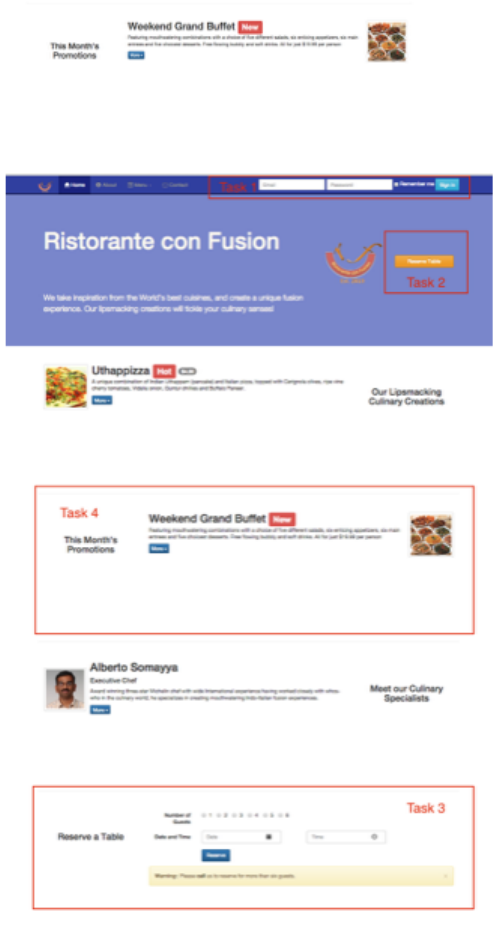
are given below. The picture of the completed web page included below indicates the location within
the web page that will be updated by the four tasks.
Task 1
In this task you will be updating the navigation bar in the page to introduce a form for the users to
type in their login information:
Add the form with two fields, one to type in the Email address and the second for a password.
In addition a checkbox with the words “Remember Me” should follow the two fields. This is
followed by a Sign In button. The resulting form in the navbar should look like this:
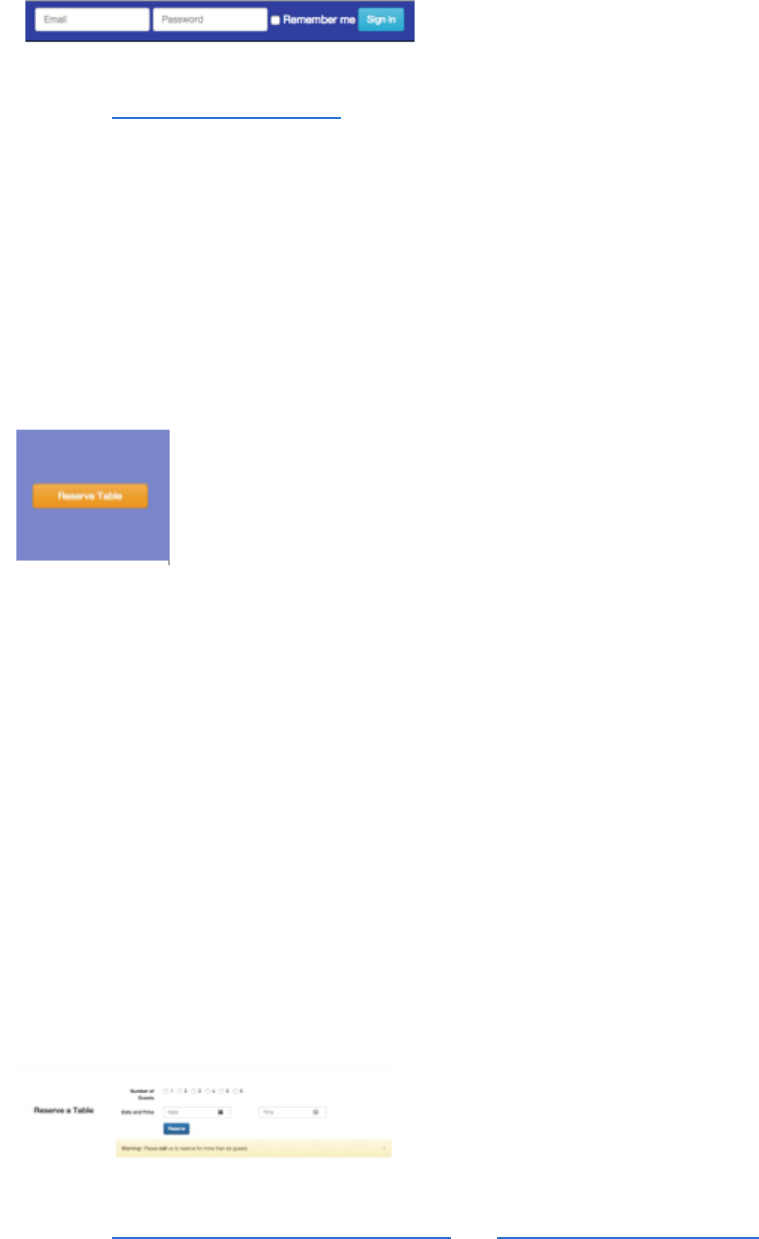
Note: Read Bootstrap Navbar Forms.
Task 2
In this task you will be adding a block-sized button to the Jumbotron to the right of the restaurant
logo:
The block-level button should occupy the remaining columns of the row.
Clicking on the button should take you down to the last row (to be added in next task) of the
content that will contain a form for reserving a table. The button should look like this:
Task 3
In this task you will be adding another content row to the page. The content row should contain the
following:
You should create a reservation form for the user to reserve a table. The reservation form
should contain a field using radio that enables the users to specify the number of guests (1-6).
The form should contain fields to specify the date and time of the reservation. The fields should
contain appropriate placeholder information and glyphicons to identify the purpose of the fields.
The form should contain a button named Reserve to initiate reservation of the table.
The row should also contain a dismissible alert displaying the following message: “Warning:
Please Call us to reserve for more than six guests.” The “Call” should be linked to the
telephone number of the restaurant.
At the end of this task, the newly added row should look like this:
Note: Read Bootstrap Forms with Optional Icons and Bootstrap Dismissible Alerts.
Task 4
In this task you will be formatting the content in the second row of the page. The formatting should
result in the following:
Format the content of the second column with the media class together with the media object
class. Use the buffet.png image file provided for you in the img folder. The image should
displayed to the right of the content description. See figure below.
Add a label with the word “New” to the content as shown in the figure below.
At the end of this assignment, yourindex.html should look like this:
Submission

1. You should submit the updated index.html file with all the tasks completed. A reviewer should
easily be able to take your file and substitute it into their own web project and see it working
correctly.
2. Also upload a screenshot of your browser window showing the completed index.html page in
png or jpg format.
Review Criterialess
Upon completion of the assignment, your submission will be reviewed based on the following
criteria:
Task 1:
The form has been correctly formatted and includes all the fields
The checkbox is included
The Sign In button is included
Task 2:
The Reserve Table button is correctly included in the Jumbotron and is a block size button.
The button is correctly enclosed inside a div with the correct column specification.
The reserve button when clicked takes us to the form. The link in the button should be set up
correctly to take us to the form.
Task 3:
The new content row is correctly formatted and includes the reservation form and the “Reserve
a Table” caption to the left.
The form contains the radios to enable specification of the number of guests.
The form includes a date field with the glyphicon included
The form includes a time field with the glyphicon included
The form contains a reserve button.
The row contains a dismissible alert with the correct message with the link to the telephone
number.
Task 4:
The content in the row has been correctly formatted using the media class
The image is displayed to the right of the content using the correct media-* classes and at the
correct position.
The label is correctly displayed in the second row.
