Portfolio Assignment Instructions
User Manual: Pdf
Open the PDF directly: View PDF  .
.
Page Count: 7

ProgrammingandtheWebforBeginners
EPortfolioInstructions
PART1:CreateanImagefromScratch
Inthefirstpartoftheproject,youwillstartbymakingadefaultimageofsize256x256and
calculatingavalueforeachRGBcomponent(avalueforred,avalueforgreenandavaluefor
blue).
Yourtaskistowriteyourowncodeinthestyleoftheexamplesbelow
1. Createanimageofsize256x256anduseeachpixel’slocationaspartofanarithmetic
expressiontogeneratered,greenandbluevalues;creativityisencouraged!Saveyour
imagesoyoucanaddittoyourwebpageforthispartoftheassignment(seemore
detailsaboutwebpagesinPart4).
2. CopyyourfinalversionofyourJavaScriptprogramthatgeneratedyourimageintoyour
webpage.
3. Writeadescriptionofthealgorithmyoudeveloptosharewithothersandaddthattoyour
webpage,too.
Eachpixelintheimagemustbesettosomecolorvaluebasedonthepixel’slocation(itsxand
ycoordinatesintheimage);beyondthat,youhaveenormousflexibilitytobecreative!See
examplesbelowforideas.
Createatleastoneimagetocompletethispartoftheassignment,butfeelfreetocreatemore
thanone.Reallyinterestingprojectswithclearlydescribedanticipatedresults(asindicatedin
thedescriptionofthealgorithm)maybechosentodemonstrateinstructorfeedbackorshownas
anexampleforfuturestudents!
Weprovideseveralexamplestohelpyouunderstandhowtocreateimages.Youcanusethese
examplesasmodelsandasinspirationincompletingthispartoftheproject:
ArithmeticImageExamplesforPart1

ProgrammingandtheWebforBeginners
PART2:ModifyanImage
Inthesecondpartoftheassignment,youwillmodifyanexistingimagewithadifferentalgorithm
thanyoudevelopedinPart1.
Pickanydigitalimageyouwanttostartwith.Itcouldbeanimageofyourownoryoucanfind
animageontheweb.Yourtaskistowriteyourowncodeinthestyleoftheexamplesbelow:
1. Modifyanexistingimageofanysizebycreatingadifferentalgorithmthanyouusedin
Part1andapplyingittotheimage;keepacopyofboththeoriginalimagefileandthe
modifiedimagetoaddtoyourwebpageforthispartoftheassignment(seemoredetails
aboutwebpagesinPart4).
2. CopyyourfinalversionofyourJavaScriptprogramthatgeneratedyourimageintoyour
webpage.
3. Writeadescriptionofthealgorithmyoudesignedandaddittoyourwebpage.
Inthiscase,noteverypixelfromtheoriginalimagemaybechangedasyoumightwanttohave
partsoftheoriginalimagestillshow.Wesuggestyouincludecommentsinyouralgorithm
descriptionaboutthepartsofyourcodethatresultintheinterestingeffects.Seeexamples
belowforideas.
Createatleastoneimage,butfeelfreetocreatemorethanone.Again,reallyinteresting
projectsmaybechosentodemonstrateinstructorfeedbackorshownasanexamplesforfuture
students.
Weprovideseveralexamplestoinspireyouhere:
ModifiedImageExamplesforPart2

ProgrammingandtheWebforBeginners
PART3:HideanImageinAnotherImage—Steganography
Youlearnedhowtohideandextractanimageinanotherimagebyhidingtheimageinhalfa
pixel.Forthethirdpartoftheproject,youwillmodifyyourcodetohideoneimageinanother
imagewithadifferentnumberofbits.
Picktwoimagesandmakesuretheyarethesamesize.Youmayneedtocroponeofthemto
makesuretheyarethesamesize.
Yourtask:
1. InthefirstSteganographycodeyouwrote,thefourleftmost,ormostsignificantbitsof
theoriginalimageweremaintainedandthefourrightmostbitswereusedtohidean
image.Inthisversionyoushouldkeepthesixmostsignificantbitsandhidetheimagein
thetworightmostbits.Keepatleastonecopyofbothoriginalimagesaftercropping,as
wellasacopyofthecombinedimagetoaddintoyourwebpageforthispartofthe
assignment(seemoredetailsaboutwebpagesinPart4).
2. Thenmodifyyoursteganographycodetoextractthehiddenimage,whichistakingup
therightmost2ofthe8bitsforeveryRGBcomponent.Keepacopyoftheextracted
imageforyourwebpageaswell.
3. Writeawrittendescriptionofthealgorithmyoucreatedtosolvethisproblemandaddit
toyourwebpage.
4. Discoverthehiddenmessageinsideofthelowertwobitsofthispictureandwriteitat
theendofyourwebpage.
Seetheademonstrationofhidinganimagein2bitshere:
SteganographyExamplesforPart3
ProgrammingandtheWebforBeginners
PART4:CompletingtheEPortfolio
Nowitistimetoshowoffyourworkbyputtingtheimagesyouhavecreatedandthecodeyou
havewrittenonwebpages.
Yourtasks:
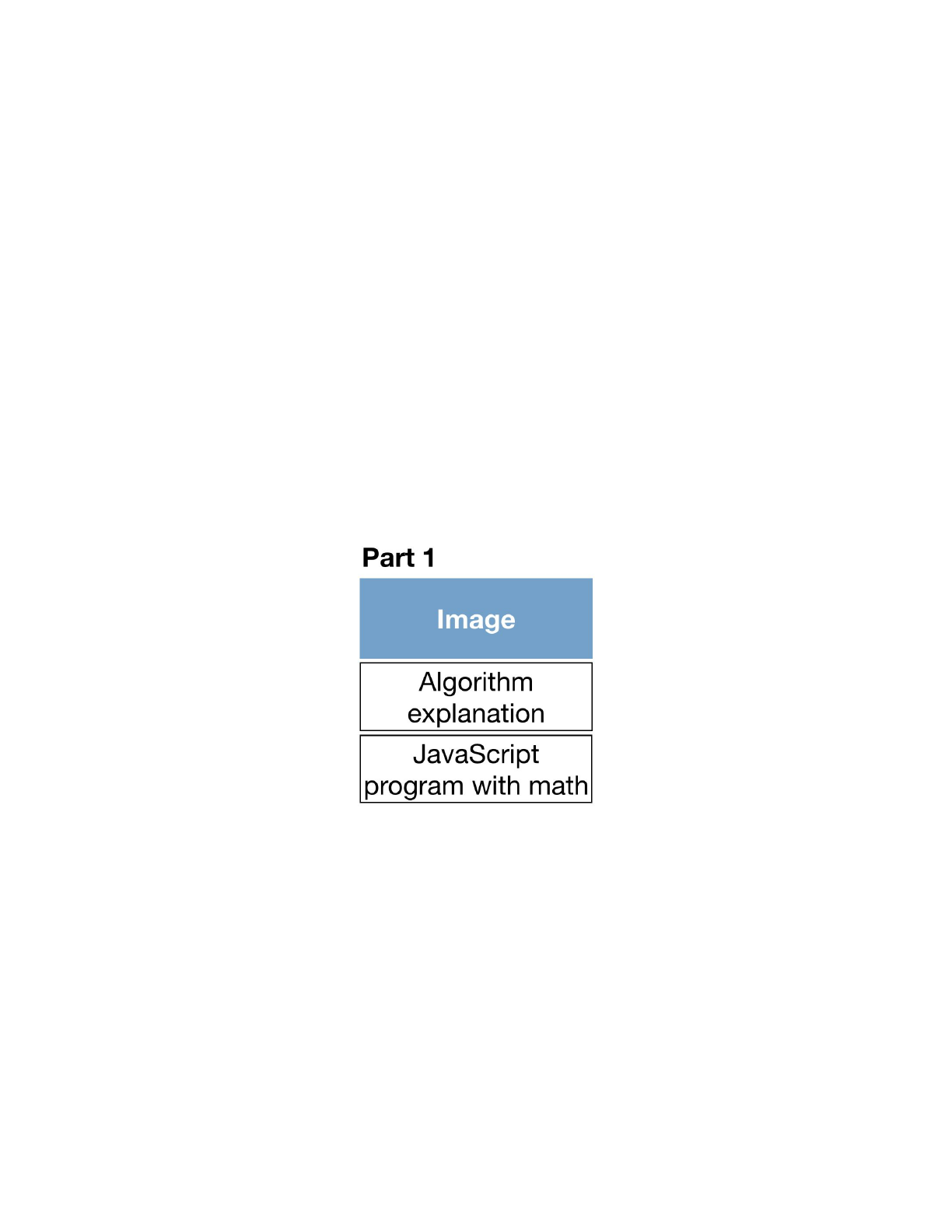
1. CreateawebpageforthefirstalgorithmyoucreatedinPart1andincludeonthepage:
a. Theimageyoucreatedfromscratch
b. Adescriptionofthealgorithmyoudesigned
c. andtheJavaScriptprogramcode
Youcancutandpastethecodeandputitbetweenthetwotags<pre>and
</pre>togiveitasimilarlooktothecodingenvironments.
Youmightlayoutthecontentinthiswayonawebpage;cleartitleandlabelsarehighly
recommended!Itisinyourbestinteresttomakeiteasyforyourpeerstounderstandyourwork!
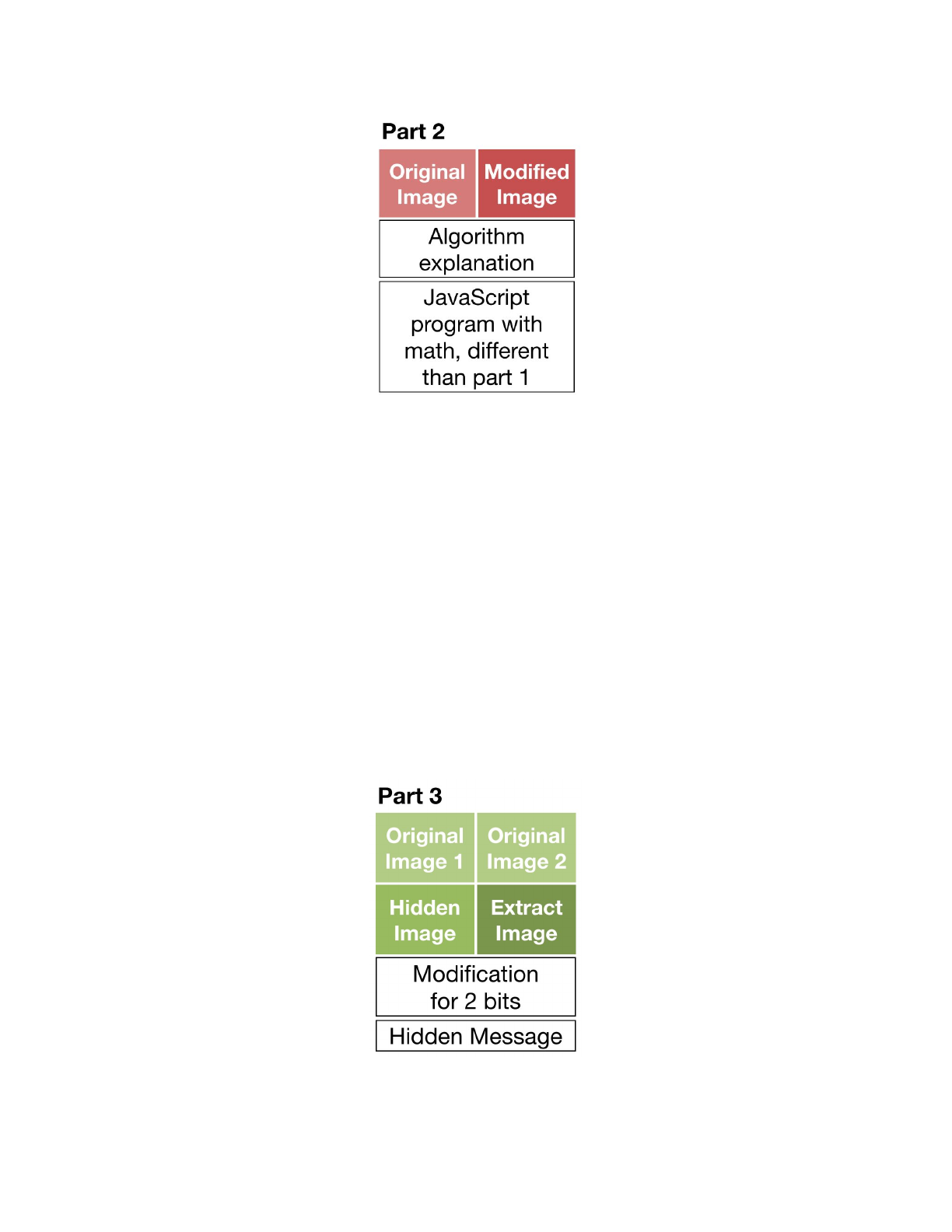
2. CreateawebpageforthesecondalgorithmyoucreatedinPart2andincludeonthe
page:
a. Youroriginalimageyoustartedwithandthemodifiedimage
b. Adescriptionofthealgorithmyoudesigned,rememberingthatitshouldbe
differentthanthealgorithmusedinPart1
c. andtheJavaScriptprogramcode
ProgrammingandtheWebforBeginners
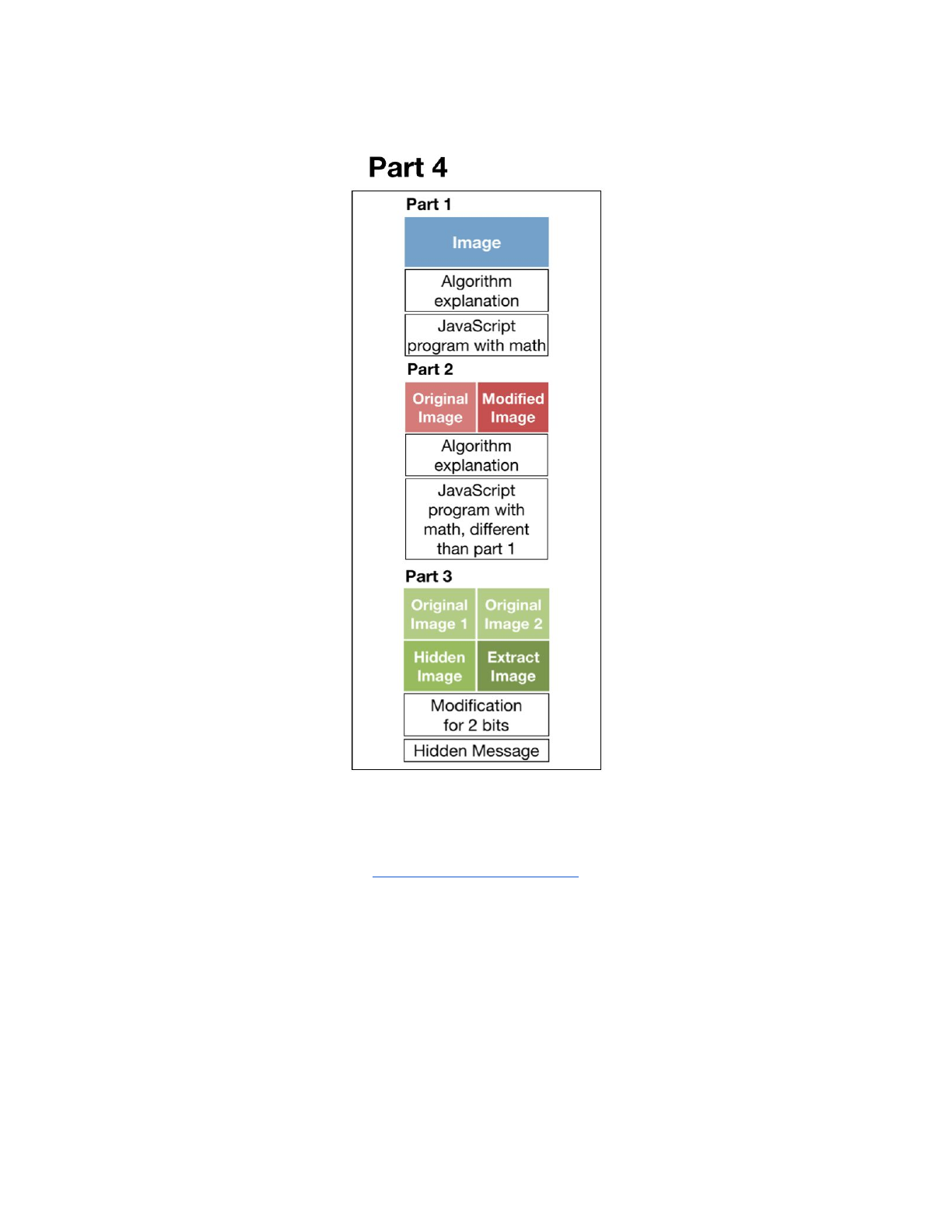
3. CreateawebpageforthesteganographyprogramyouwroteforPart3andincludeon
thepage:
a. Fourimages:
i. Twooriginalimagesofwhichyouplantohideoneimageintheother
image
ii. Yourcombinedimagethathastheotherimagehiddeninitwiththe
hiddenimagehidinginthelower2bits
iii. Theextractedhiddenimage
b. Anexplanationofhowyoumodifiedyourcodetohideanimagein2bits
c. Thehiddenmessagefoundintheprovidedpictureabovethatishidinginthe
lowertwobits

ProgrammingandtheWebforBeginners
ReviewCriteria
Youwillsubmityoureportfoliobycopyingandpastingthelinktoyourcodepen.ioblogintoa
textbox.Reviewerswilllookatyoureportfoliotoconfirmthatalltherequiredpartsare
complete.
BasicRequirementsChecklist
● DidyouprovidealinktoyoureportfoliowebpageonCodePen?
● Didyouincludeawebpagetoshowcasetheimageyoucreatedfromscratchusingmath
andincludeonthatpage:
a. theimage
b. adescriptionofthealgorithmthatincludesarithmeticexpressionsormath
functions
c. andtheJavaScriptcode
● Didyoucreateawebpagetoshowcasethemodifiedimageyoucreatedandincludeon
thatwebpage:
a. theoriginalimage
b. themodifiedimage
c. adescriptionofthealgorithmthatincludesarithmeticexpressionsormath
functions,whichisdifferentfromthatusedinPart1
d. andtheJavaScriptcode
● Didyoucreateawebpagetoshowcaseyoursteganographyworkandincludeonthat
webpage:
a. yourtwooriginalimages
b. theimageyoucreatedthathasanotherimagehiddeninsidethelowertwobitsof
eachpixel
c. theextractedimage
d. adescriptionofyourmodificationofthesteganographyalgorithm
e. andthehiddenmessageintheprovidedimage
Pleaseremember,alldescriptions,programcode,andfeedbackshouldbeprovidedinEnglish.
