Perfect Tech Co 8XX Bluetooth Headset User Manual

Perfect Tech Co ., Ltd Bluetooth Headset

Users Manual

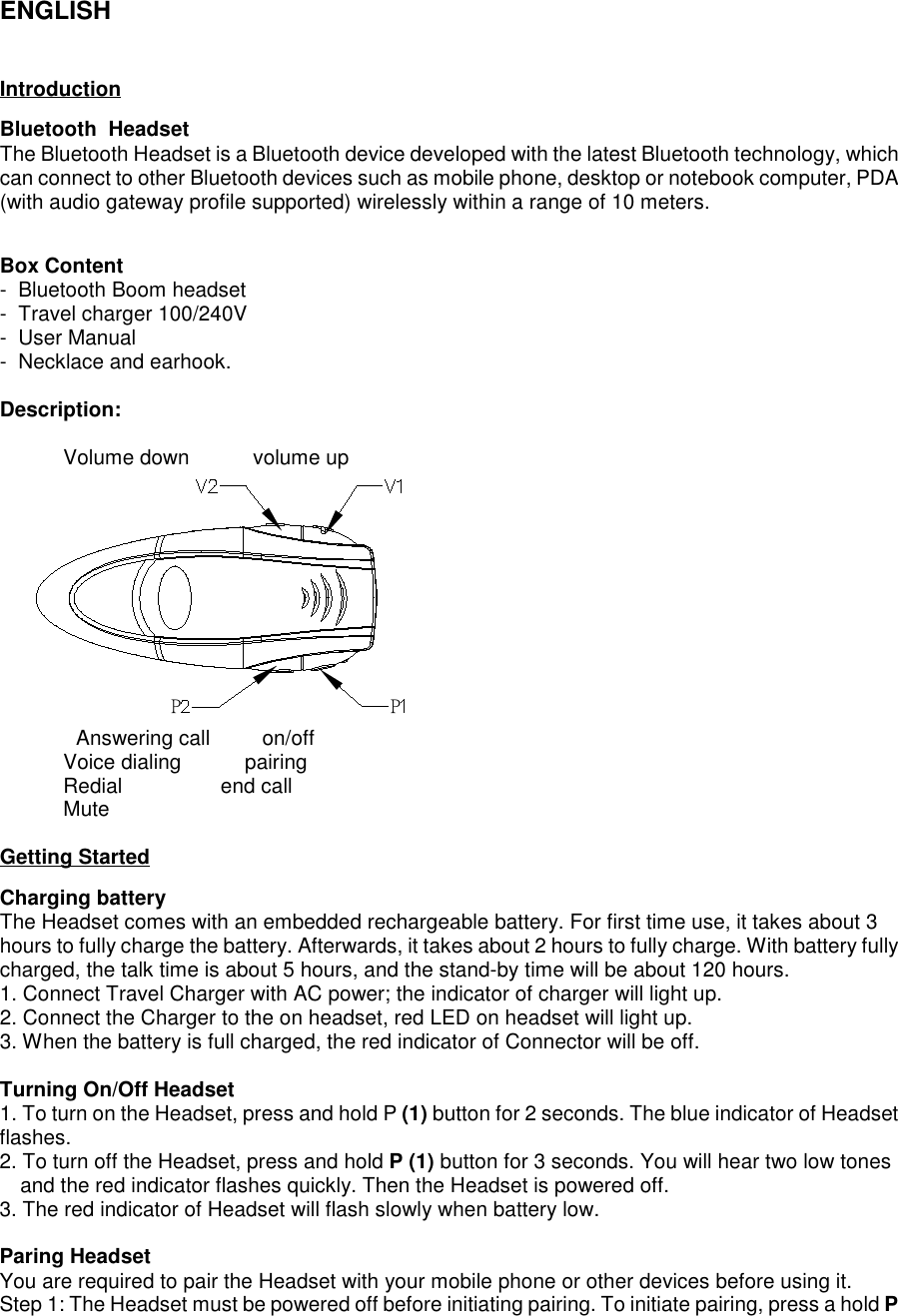
ENGLISHIntroductionBluetooth  HeadsetThe Bluetooth Headset is a Bluetooth device developed with the latest Bluetooth technology, whichcan connect to other Bluetooth devices such as mobile phone, desktop or notebook computer, PDA(with audio gateway profile supported) wirelessly within a range of 10 meters.Box Content-  Bluetooth Boom headset-  Travel charger 100/240V-  User Manual-  Necklace and earhook.Description:           Volume down           volume upP P                  Answering call         on/off           Voice dialing           pairing           Redial                 end call           MuteGetting StartedCharging batteryThe Headset comes with an embedded rechargeable battery. For first time use, it takes about 3hours to fully charge the battery. Afterwards, it takes about 2 hours to fully charge. With battery fullycharged, the talk time is about 5 hours, and the stand-by time will be about 120 hours.1. Connect Travel Charger with AC power; the indicator of charger will light up.2. Connect the Charger to the on headset, red LED on headset will light up.3. When the battery is full charged, the red indicator of Connector will be off.Turning On/Off Headset1. To turn on the Headset, press and hold P (1) button for 2 seconds. The blue indicator of Headsetflashes.2. To turn off the Headset, press and hold P (1) button for 3 seconds. You will hear two low tonesand the red indicator flashes quickly. Then the Headset is powered off.3. The red indicator of Headset will flash slowly when battery low.Paring HeadsetYou are required to pair the Headset with your mobile phone or other devices before using it.Step 1: The Headset must be powered off before initiating pairing. To initiate pairing, press a hold P
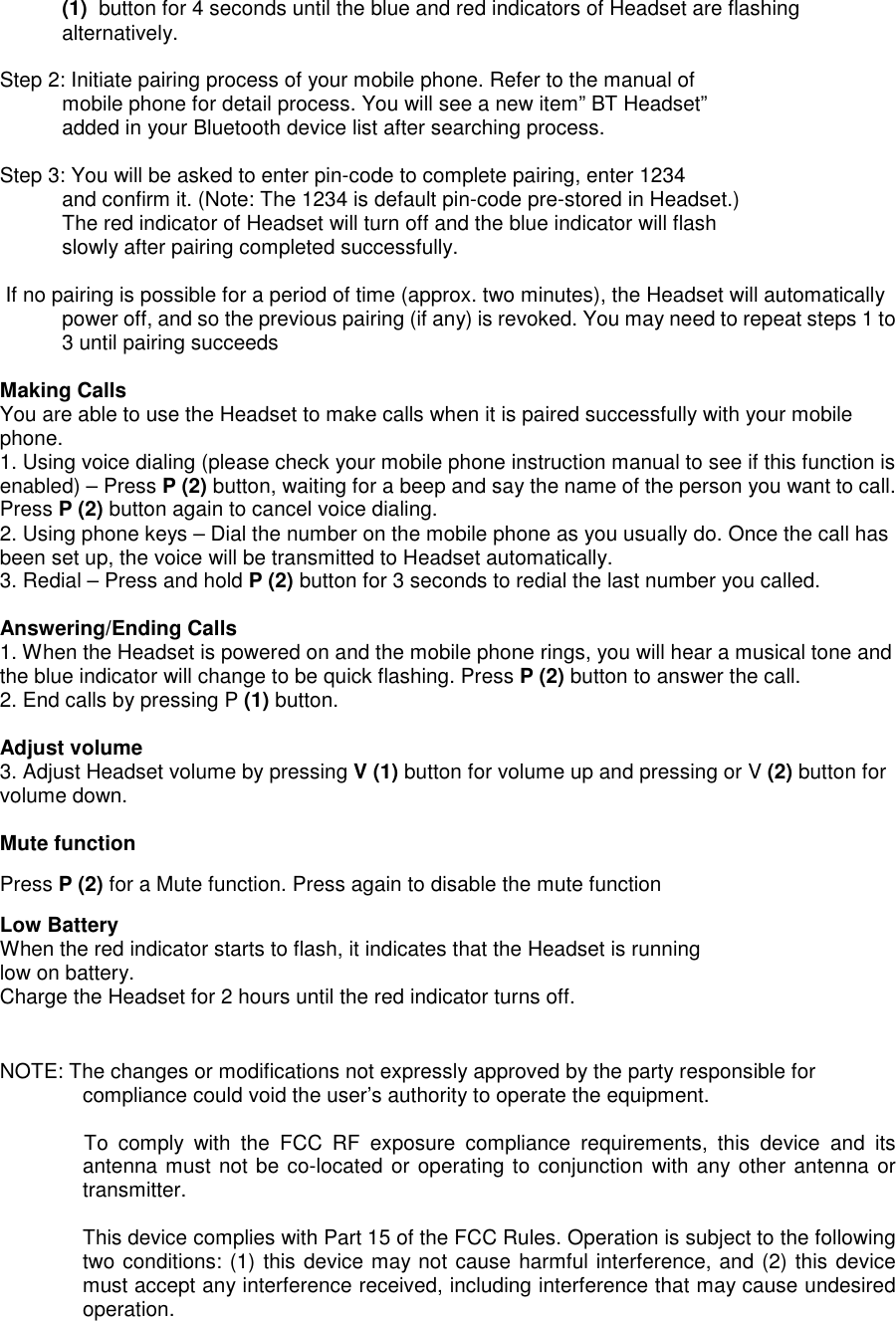
(1)  button for 4 seconds until the blue and red indicators of Headset are flashingalternatively.Step 2: Initiate pairing process of your mobile phone. Refer to the manual ofmobile phone for detail process. You will see a new item” BT Headset”added in your Bluetooth device list after searching process.Step 3: You will be asked to enter pin-code to complete pairing, enter 1234and confirm it. (Note: The 1234 is default pin-code pre-stored in Headset.)The red indicator of Headset will turn off and the blue indicator will flashslowly after pairing completed successfully. If no pairing is possible for a period of time (approx. two minutes), the Headset will automaticallypower off, and so the previous pairing (if any) is revoked. You may need to repeat steps 1 to3 until pairing succeedsMaking CallsYou are able to use the Headset to make calls when it is paired successfully with your mobilephone.1. Using voice dialing (please check your mobile phone instruction manual to see if this function isenabled) – Press P (2) button, waiting for a beep and say the name of the person you want to call.Press P (2) button again to cancel voice dialing.2. Using phone keys – Dial the number on the mobile phone as you usually do. Once the call hasbeen set up, the voice will be transmitted to Headset automatically.3. Redial – Press and hold P (2) button for 3 seconds to redial the last number you called.Answering/Ending Calls1. When the Headset is powered on and the mobile phone rings, you will hear a musical tone andthe blue indicator will change to be quick flashing. Press P (2) button to answer the call.2. End calls by pressing P (1) button.Adjust volume3. Adjust Headset volume by pressing V (1) button for volume up and pressing or V (2) button forvolume down.Mute functionPress P (2) for a Mute function. Press again to disable the mute functionLow BatteryWhen the red indicator starts to flash, it indicates that the Headset is runninglow on battery.Charge the Headset for 2 hours until the red indicator turns off.NOTE: The changes or modifications not expressly approved by the party responsible forcompliance could void the user’s authority to operate the equipment.To  comply  with  the  FCC  RF  exposure  compliance  requirements,  this  device  and  itsantenna must not be co-located or operating to conjunction with any other antenna ortransmitter.This device complies with Part 15 of the FCC Rules. Operation is subject to the followingtwo conditions: (1) this device may not cause harmful interference, and (2) this devicemust accept any interference received, including interference that may cause undesiredoperation.

Navigation menu