Philips AJ3232B/79 Clock Radio User Manual Leaflet Aj3232b 79 Pss Engau
User Manual: Philips AJ3232B/79 Leaflet Clock Radio AJ3232B/79 | PhilipsAJ3232B/79
Open the PDF directly: View PDF  .
.
Page Count: 2
Philips
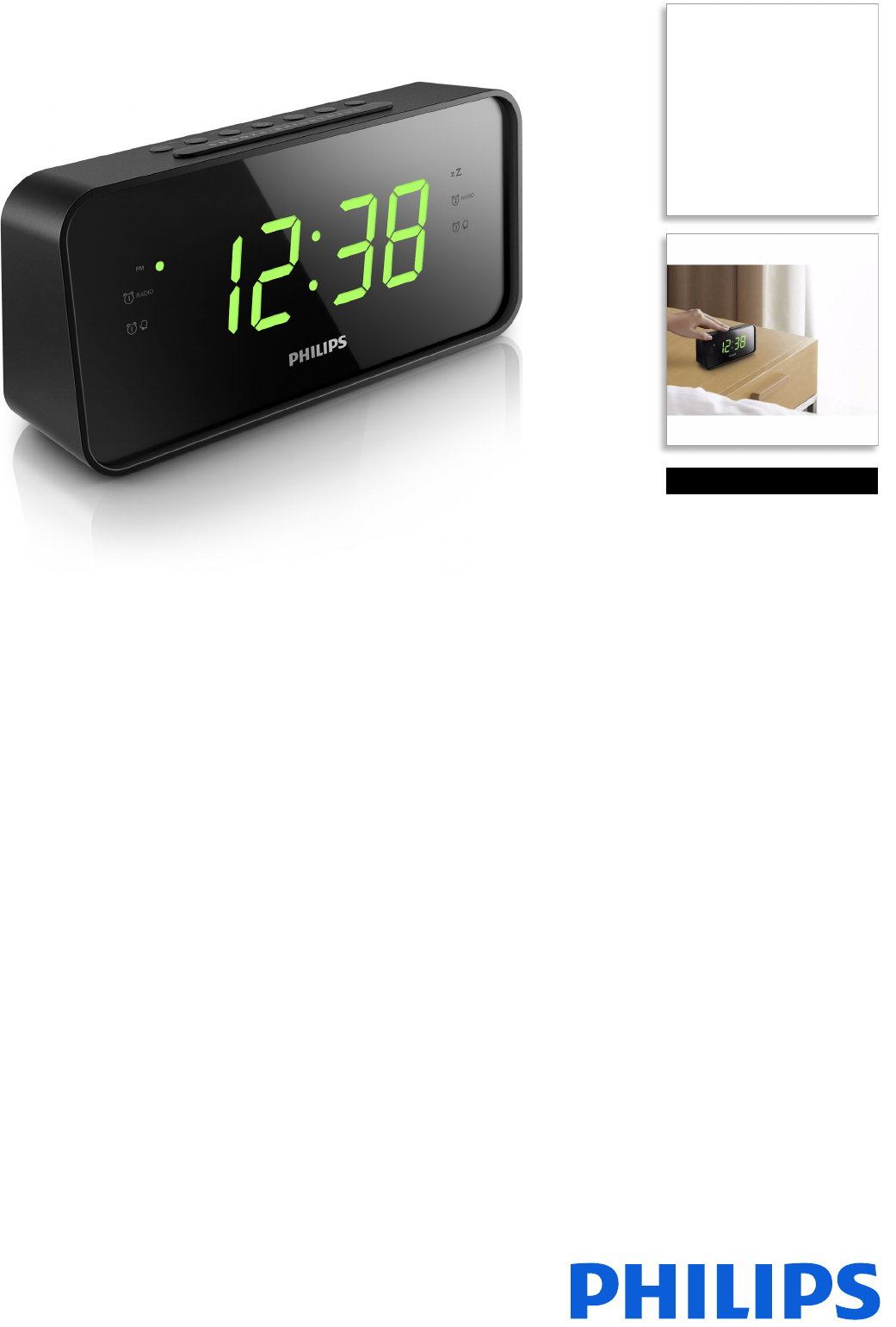
Clock Radio
Big display
FM/MW, Digital tuning
Dual alarm
Time & alarm backup
AJ3232B
Big display clock radio
Big on sound and convenience, this Philips clock radio delivers the best of radio with AM/
FM digital tuning. A large display lets you tell the time at a glance.
Everything you need
• Big display for easy viewing
• FM/MW tuner for radio enjoyment
• Dual alarm to wake you and your partner at different times
Easy to use
• Easy clock set for instruction-free time and alarm setup
• Wake up to your favorite radio tune or a buzzer
• Repeat alarm for additional snooze
• Battery back-up ensures memory of time during power failure
• Sleep timer for easy falling asleep to your favorite music
Issue date 2017-07-15
Version: 1.0.6
12 NC: 8670 001 27153
EAN: 48 95185 61167 9
© 2017 Koninklijke Philips N.V.
All Rights reserved.
Specifications are subject to change without notice.
Trademarks are the property of Koninklijke Philips N.V.
or their respective owners.
www.philips.com
Highlights
AJ3232B/79
Clock Radio
Big display FM/MW, Digital tuning, Dual alarm, Time & alarm backup
Specifications
Big display
The large display enables easy readability of the
content on the screen. Now you can read the time
and alarm easily, even from a distance. It is ideal for
the elderly or the visually restricted.
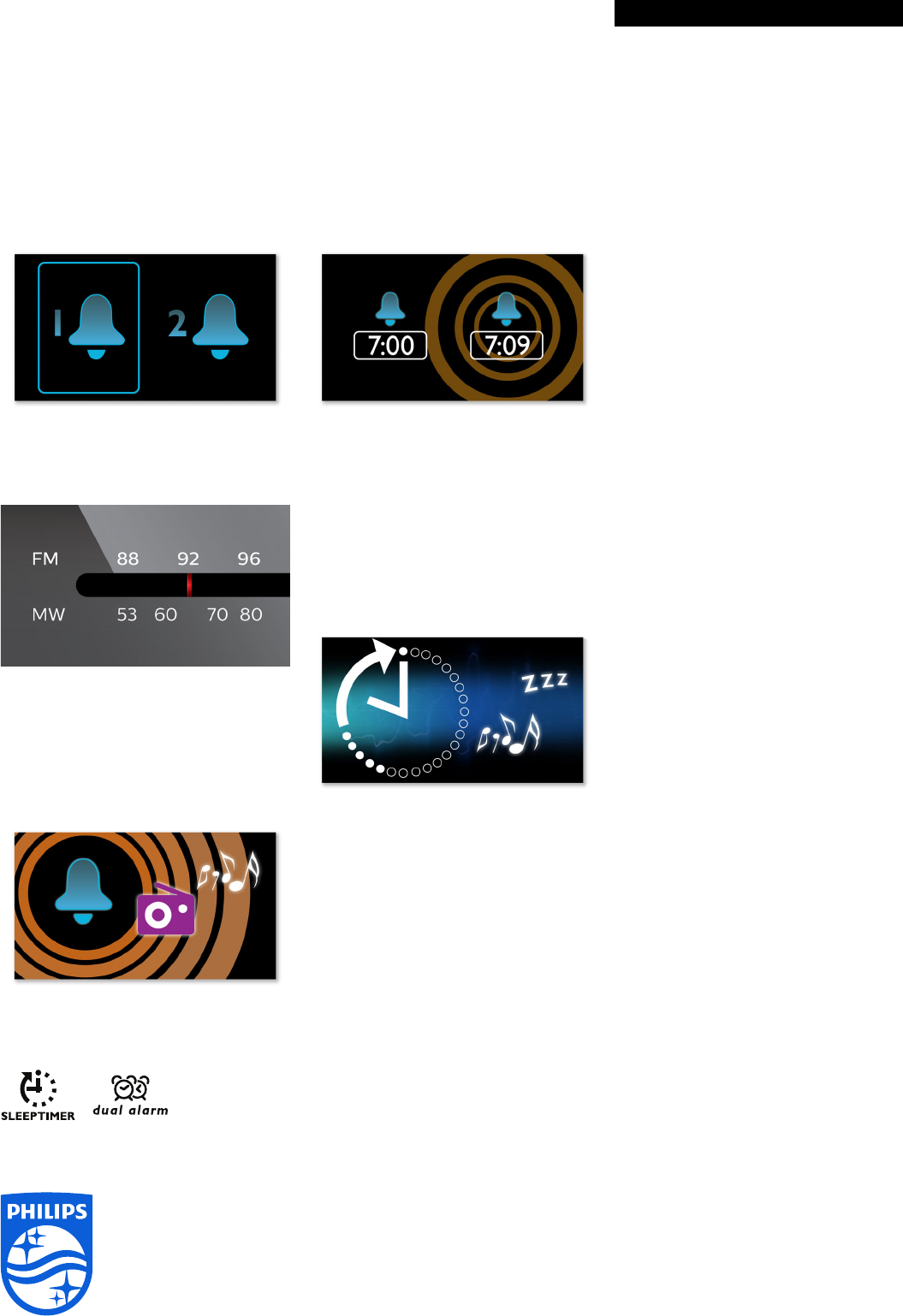
Dual alarm
The Philips audio system comes with two alarm
times. Set one alarm time to wake you up and the
other time to wake up your partner.
FM/MW tuner
FM/MW (AM) stereo tuner
Easy clock set
The time and alarm are so easy to set up that
referring to the Quick Start Guide or Instruction For
Use may not be necessary. Simply refer to the Clock
radio's silkscreen buttons to set the time and alarm.
Wake up to radio or a buzzer
Wake up to sounds from your favorite radio station
or a buzzer. Simply set the alarm on your Philips
Clock radio to wake you with the radio station you
last listened to or choose to wake up with a buzzer
sound. When the wake up time is reached, your
Philips Clock radio will automatically turn on that
radio station or trigger the buzzer to sound.
Repeat alarm
To counter oversleeping, the Philips Clock radio has
a snooze feature. Should the alarm ring and you wish
to continue sleeping a bit longer, simply press the
Repeat Alarm button once and go back to sleep.
Nine minutes later the alarm will ring again. You can
continue to press the Repeat Alarm button every
nine minutes until you turn off the alarm altogether.
Battery back-up
Battery back-up ensures memory of time during
power failure
Sleep timer
Sleep timer lets you decide how long you want to
listen to music, or a radio station of your choice,
before falling asleep. Simply set a time limit (up to
1hour) and choose a radio station to listen to while
you drift off to sleep. The Philips radio set will
continue to play for the selected duration and then
automatically switch to a power-efficient and silent
stand-by mode. Sleep Timer lets you fall asleep to
your favourite radio DJ without counting sheep, or
worrying about wasting power
Clock
•Type: Digital
• Display: LED
• Time format: 12H, 24H
Alarm
• No. of alarms: 2
• Alarm source: Buzzer, FM radio
• Snooze (repeat alarm): Yes, 9mins
• 24 hours alarm reset
• Sleep timer: 15/ 30/ 60/ 90/ 120 mins
Tuner/Reception/Transmission
• Tuner bands: FM, AM
• FM frequency range: 87.5 - 108 MHz
• No. of preset stations: 20
• Antenna: AM Antenna, FM antenna
Convenience
• Display brightness: High/ Low
Sound
• Sound system: mono
• Output power (RMS): 400 mW
• Volume Control: digital
Power
•Power type: AC Input
• Operation power consumption: 8W
• Standby power consumption: < 1W
• Battery type: AAA
• Number of batteries: 2
• AC power input: 240 V , 50 Hz
Dimensions
• Packaging type: D-box
• Product dimensions (WxDxH): 190 x 62x
93.5 mm
• Packaging dimensions (WxDxH): 249 x 68 x 110
mm
• Product weight: 0.54 kg
• Weight incl. Packaging: 0.4 kg
Accessories
•AC/DC Adaptor
• Quick start guide
• Warranty: Warranty leaflet
•
