Q See Qc958 User Manual
2015-05-04
User Manual: Q-See Qc958
Open the PDF directly: View PDF  .
.
Page Count: 2
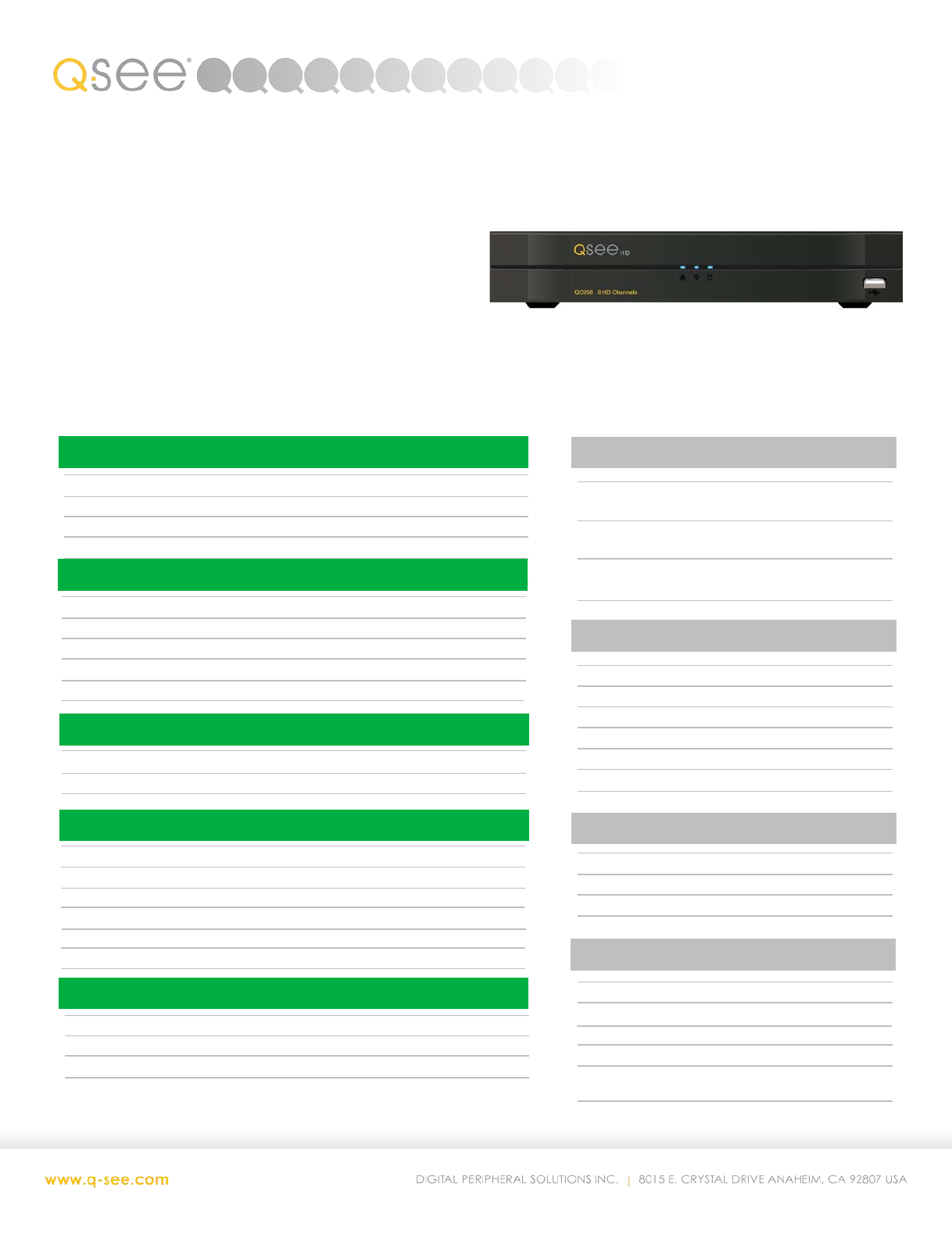
QC958
REMOTE MONITORING
Scan ‘N View Yes
Dual Stream CIF @ 15FPS
Simultaneous Users 128 (bandwidth permitting)
DVR Technology
AnalogHD and Analog
Channels 8
Recording Resolution 720p/960H/D1
Live Viewing Resolution 1080p/720p/1280x1024/1024x768
Live Display FPS 30 FPS
Hard Drive Supports 1 HDD up to 4TB
Remote Monitoring 128 Simultaneous Users
Compatibility Mac and PC
Connects With Local Cameras
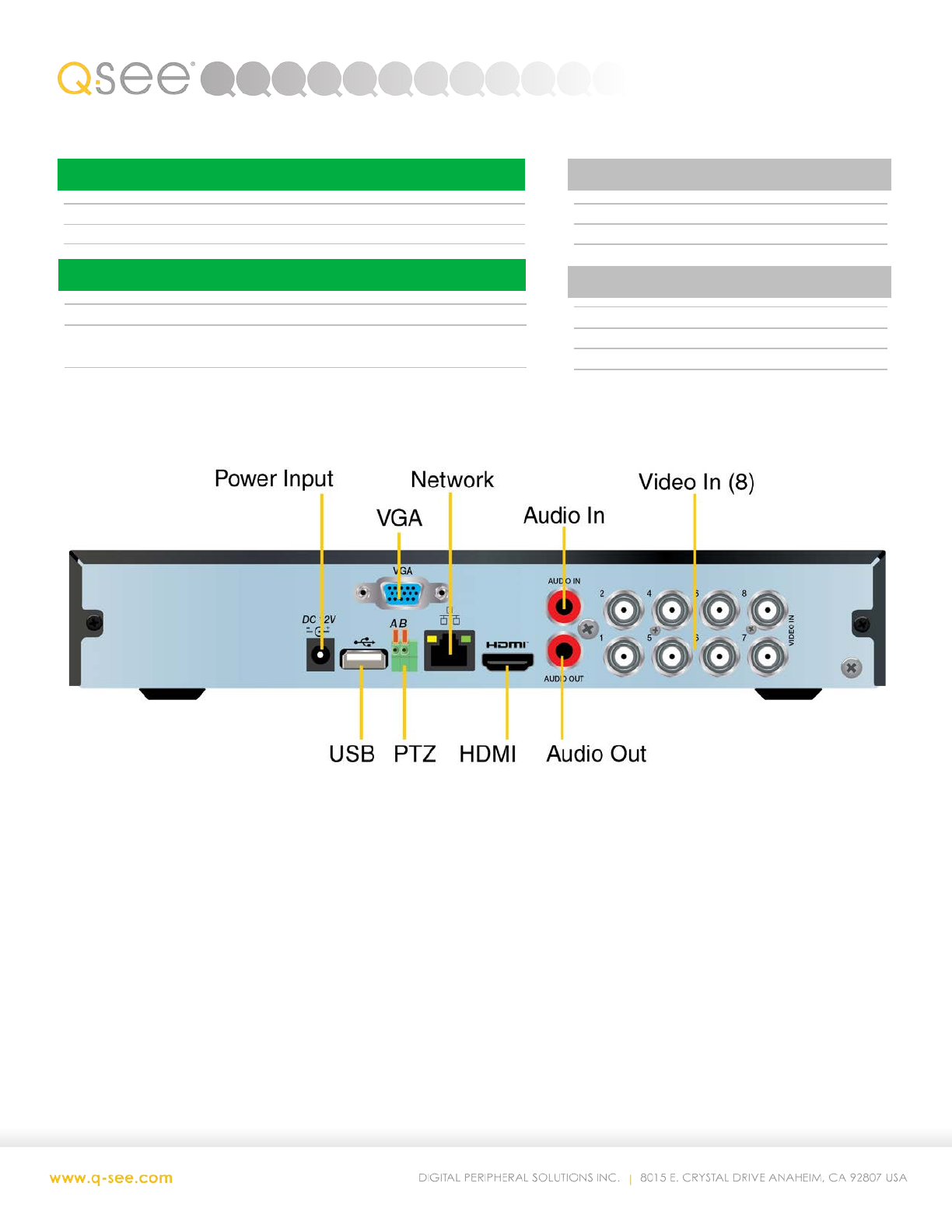
Monitor Connections HDMI, VGA
COMMUNICATION PORTS
Network RJ45 10/100 Mbps
USB 2 USB 2.0
eSATA None
COMPATIBILITY
Browser Support IE, Firefox & Chrome (with IE
plugin)
Mobile Support iPhone, iPad, Android,
Computer Support WinXP, Vista, Win7/8,
Mac OS 10.7/10.8/10.9/10.10
VIDEO, AUDIO & ALARM PORTS
Video in 8 BNC
Video Out HDMI, VGA
Alarm In None
Alarm Out None
Audio In 1 RCA (2-way talk)
Audio Out 1 RCA (2-way talk)
Video Compression H.264
Live Display Resolution 1080p, 720p, 1280x1024, 1024x768
Live Display FPS 30 FPS
Display Modes 1, 4, 8, 9, Auto Sequence
Languages English, French, Spanish
DVR
ACCESSORIES
Control USB Mouse
Connectors / Cables HDMI Cable
Mounting Hardware Screws for Hard Drives
Other Quick Start Guide
RECORDING MODES
Recording Modes Manual, Time Schedule, Motion Detection
Backup Methods PC, Flash, USB Hard Drive
720P Recording Option 1280 x 720 pixels
960H Recording Option 960 x 480 pixels
D1 Recording Option 704 x 480 pixels
2CIF 704 x 240 pixels
CIF 352 x 240 pixels
RECORDING RESOLUTION OPTIONS
Playback Speed 720P at 15 FPS per channel 60 FPS total
960H at 30 FPS per channel 240 FPS total
D1 at 30 FPS per channel 240 FPS total
D1 at 30 FPS per channel 240 FPS total
D1 at 30 FPS per channel 240 FPS total
Number Channels 8 Simultaneous Local Playback
PLAYBACK ON DVR
(QC958 cont’d…)
POWER
Power Supply DC12V/2A
Power Consumption 10w (w/o HD)
PHYSICAL
Weight 1.65 lbs
Dimensions 10.25”W X 8.6”D X 1. 5”H
Operating Temperature 14 °– 130°F
HARD DRIVES
Maximum Size 4TB
Number Supported 1
PTZ
PTZ Support Thru camera cable (AnalogHD) or RS485 cable (Analog)
Supported Protocols Analog HD: DH-SD
Analog: Pelco-D, Pelco-P, DH-SD
