QI SHENGLONG IST QSLMA826 Bluetooth Headset User Manual Manual

SHENZHEN QI SHENGLONG INDUSTRIALIST CO.,LTD. Bluetooth Headset Manual

Manual

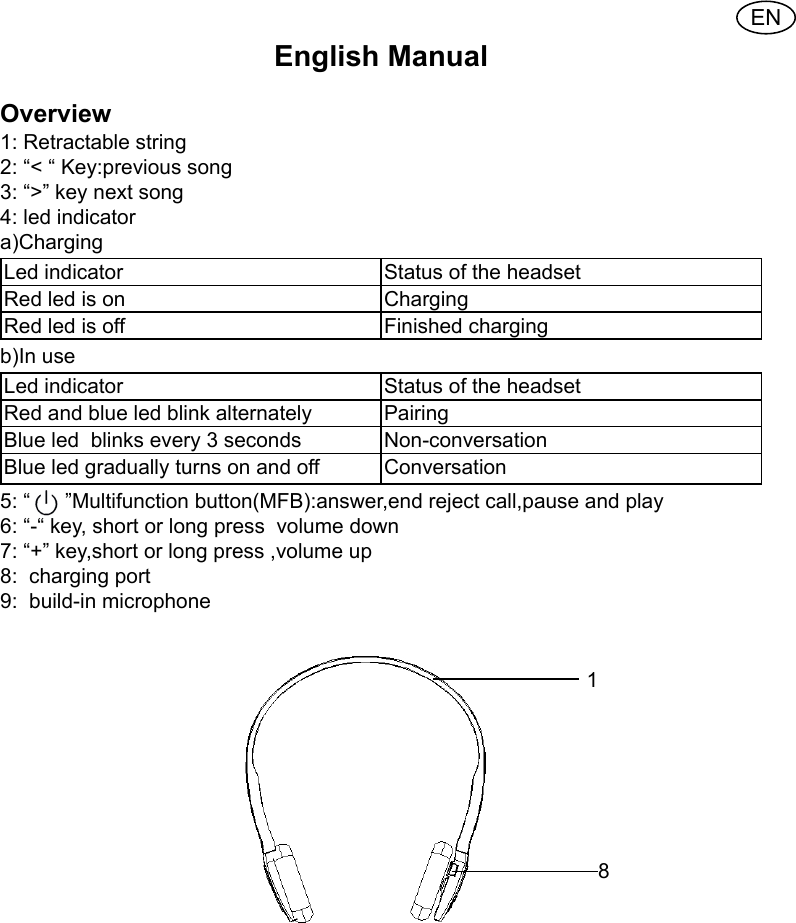
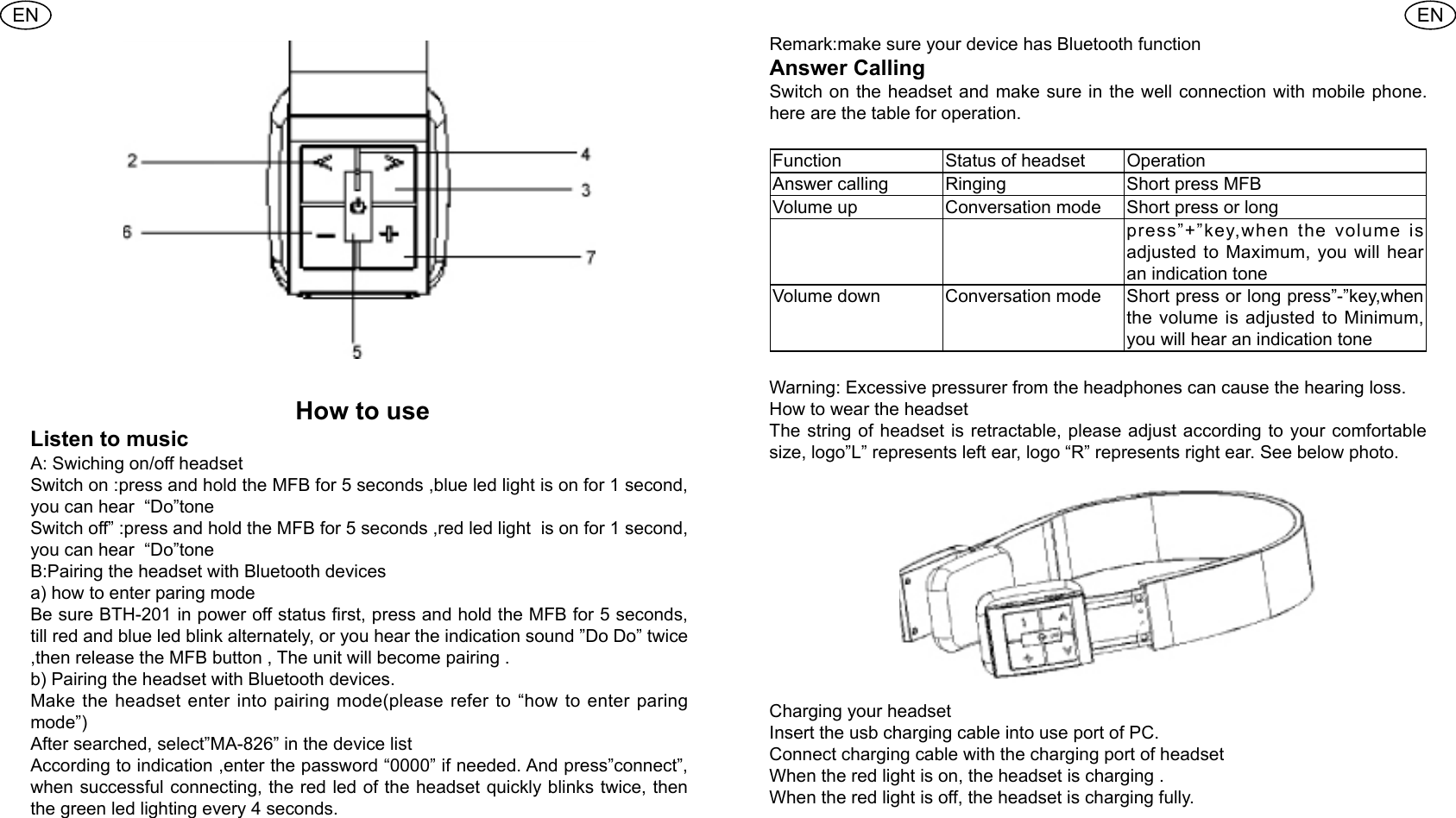
ENEnglish Manual Overview 1: Retractable string 2: “< “ Key:previous song3: “>” key next song 4: led indicatora)Charging Led indicator  Status of the headset Red led is on  ChargingRed led is off  Finished charging b)In use Led indicator  Status of the headset Red and blue led blink alternately  Pairing Blue led  blinks every 3 seconds Non-conversationBlue led gradually turns on and off  Conversation 5: “      ”Multifunction button(MFB):answer,end reject call,pause and play 6: “-“ key, short or long press  volume down7: “+” key,short or long press ,volume up 8:  charging port 9:  build-in microphone                                                                                                                                                                               18
ENEN How to use Listen to music A: Swiching on/off headset Switch on :press and hold the MFB for 5 seconds ,blue led light is on for 1 second, you can hear  “Do”tone Switch off” :press and hold the MFB for 5 seconds ,red led light  is on for 1 second, you can hear  “Do”tone B:Pairing the headset with Bluetooth devicesa) how to enter paring modeBe sure BTH-201 in power off status rst, press and hold the MFB for 5 seconds, till red and blue led blink alternately, or you hear the indication sound ”Do Do” twice ,then release the MFB button , The unit will become pairing .b) Pairing the headset with Bluetooth devices.Make the headset enter into pairing mode(please refer to “how to enter paring mode”)After searched, select”MA-826” in the device listAccording to indication ,enter the password “0000” if needed. And press”connect”, when successful connecting, the red led of the headset quickly blinks twice, then the green led lighting every 4 seconds.Remark:make sure your device has Bluetooth functionAnswer CallingSwitch on the headset and make sure in the well connection with mobile phone. here are the table for operation.Function  Status of headset  Operation Answer calling  Ringing Short press MFBVolume up  Conversation mode Short press or long press”+”key,when the volume is adjusted to Maximum, you will hear an indication tone Volume down  Conversation mode Short press or long press”-”key,when the volume is adjusted to Minimum, you will hear an indication toneWarning: Excessive pressurer from the headphones can cause the hearing loss.How to wear the headsetThe string of headset is retractable, please adjust according to your comfortable size, logo”L” represents left ear, logo “R” represents right ear. See below photo.Charging your headset Insert the usb charging cable into use port of PC.Connect charging cable with the charging port of headset When the red light is on, the headset is charging .When the red light is off, the headset is charging fully.
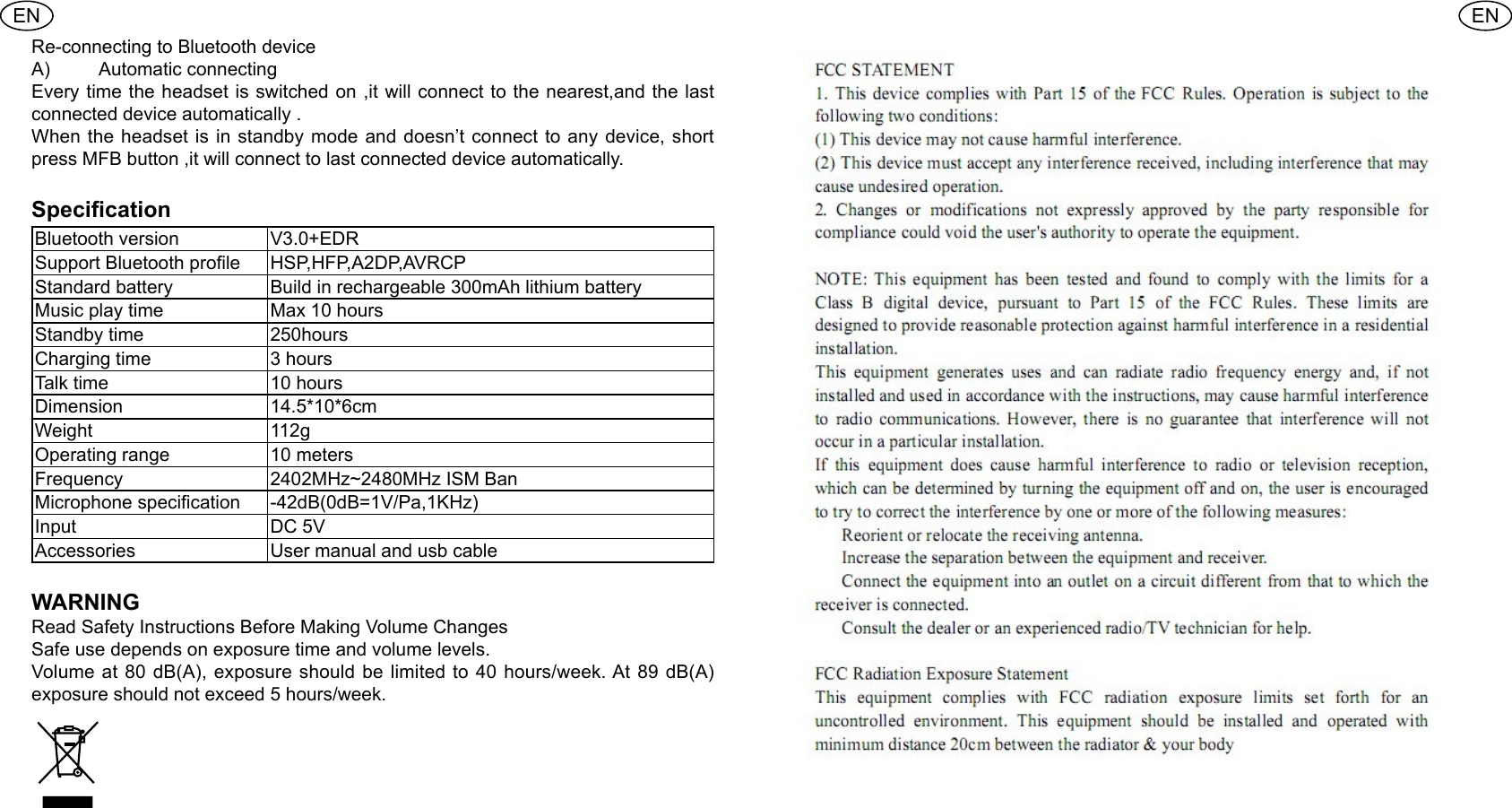
ENENRe-connecting to Bluetooth device A)  Automatic connecting Every time the headset is switched on ,it will connect to the nearest,and the last connected device automatically .When the headset is in standby mode and doesn’t connect to any device, short press MFB button ,it will connect to last connected device automatically.Specication Bluetooth version  V3.0+EDRSupport Bluetooth prole  HSP,HFP,A2DP,AVRCPStandard battery  Build in rechargeable 300mAh lithium batteryMusic play time  Max 10 hoursStandby time  250hoursCharging time  3 hours Talk time  10 hoursDimension  14.5*10*6cmWeight  112gOperating range  10 metersFrequency  2402MHz~2480MHz ISM BanMicrophone specication -42dB(0dB=1V/Pa,1KHz)Input  DC 5VAccessories  User manual and usb cable WARNINGRead Safety Instructions Before Making Volume Changes Safe use depends on exposure time and volume levels.Volume at 80 dB(A), exposure should be limited to 40 hours/week. At 89 dB(A) exposure should not exceed 5 hours/week.

Navigation menu