Sakar Internation TYL-5300 HEART RATE ACTIVITY TRACKER User Manual
Sakar Internation Inc. HEART RATE ACTIVITY TRACKER
User Manual
1
2
3
4
Using Your Bluetooth Activity Tracker
5
~
~
~
~
~
6
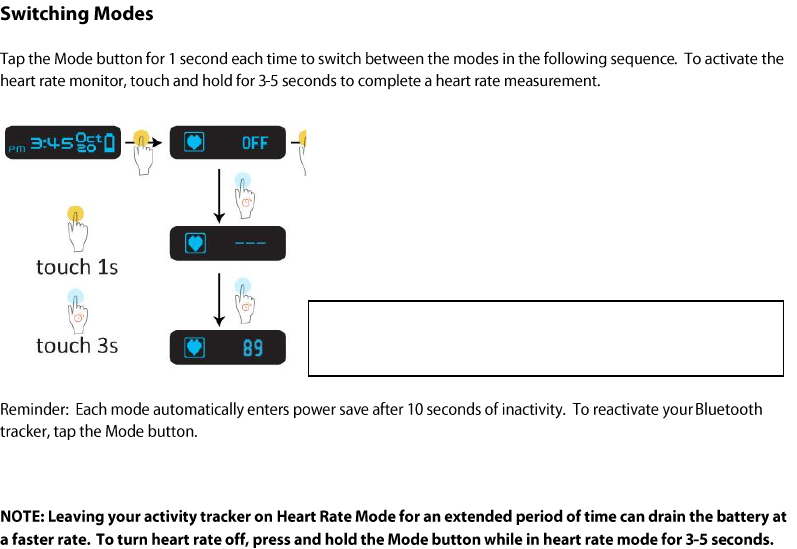
(Allow 20-40 seconds for the monitor to find your
heart rate)
7
8
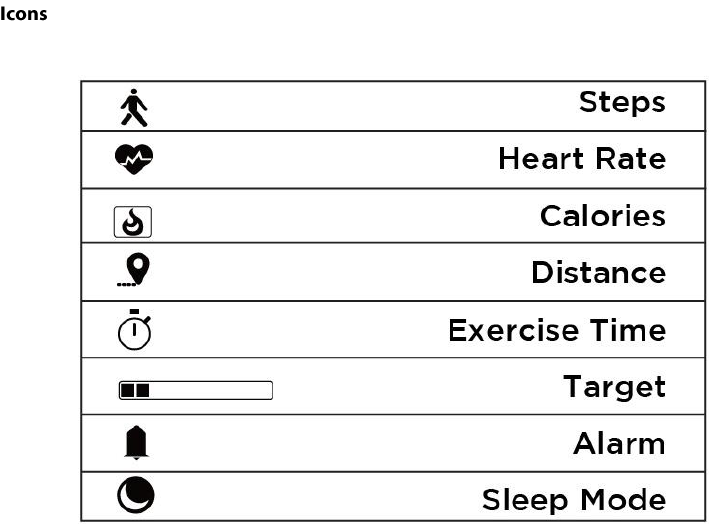
The Step Mode displays the number of steps measured from the current day.
The walking/running icon appears and switches alternatively at 1HZ.
Tap the Mode button to enter Calories Mode.
9
The Calories Mode displays the current calories burned.
The Calories icon appears and switches from small to big alternatively at 1HZ.
Tap the Mode button to enter Distance Mode.
The Exercise Time Mode displays the current amount of time you have been exercising.
Tap the Mode button to enter Target Progress Mode.
The Target Goal Mode displays the current completed percentage of your target step.
Each bar represents 10% of your target step. The grid icon increases accordingly until you reach your target.
Tap the Mode button to enter Alarm Mode.

10
The Alarm Mode allows you to set up to 5 alarms.
The alarms can be set using the Vivitar Fitness application. Select from the App, ‘SETTINGS > Alarm Clock and then
enter the Tag and Time. Select ‘ON’ to activate each alarm.
The screen displays the corresponding alarms as you have set using the Vivitar Fitness app. When more than one
alarm is selected, tap the Mode button to toggle through the alarm settings. When all five alarms are turned off,
‘OFF’ is displayed on the screen.
When the alarm time arrives, the alarm icon flashes for 30 seconds at 1HZ frequency and the Bluetooth tracker
band vibrates for 30 seconds. Tap the Mode button when the band is vibrating to stop the alarm and enter power
saving mode.
Tap the Mode button to enter Time Mode.
11
12
13
Setting Up The Vivitar Fitness App
14
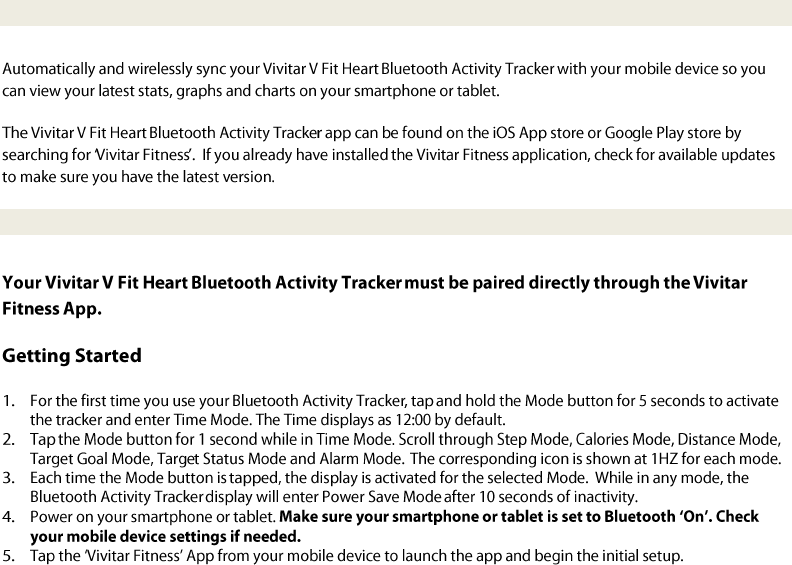
Installing The Vivitar Fitness App
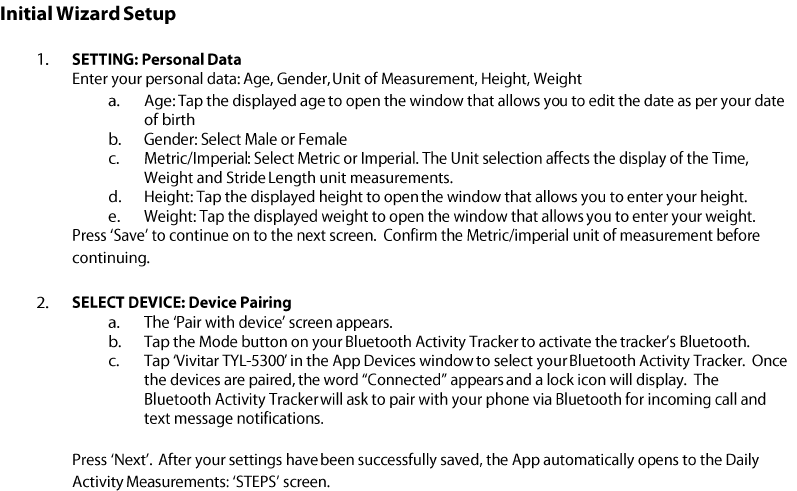
Initial Bluetooth Activity Tracker Setup and Device Pairing
15

16
17
Using The Vivitar Fitness App
18
19
20
21
22
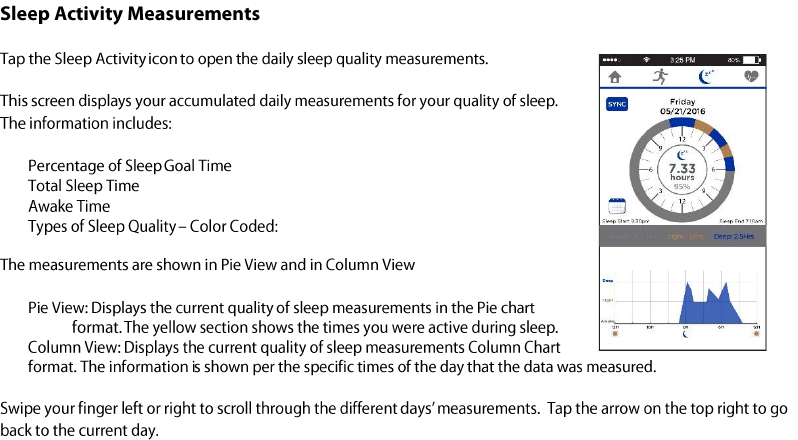
Deep Sleep (Blue), Light Sleep (Orange)
23
24
25
26
27
Important Safety Instructions
28
Regulatory
Notices
29
30