Samsung Electronics Co SCHA870 Tri-Mode Dual-Mode Phone (AMPS/CDMA) w/ Bluetooth User Manual C s and Settings RALP
Samsung Electronics Co Ltd Tri-Mode Dual-Mode Phone (AMPS/CDMA) w/ Bluetooth C s and Settings RALP
Contents
- 1. Users Manual 1
- 2. Users Manual 2
Users Manual 2
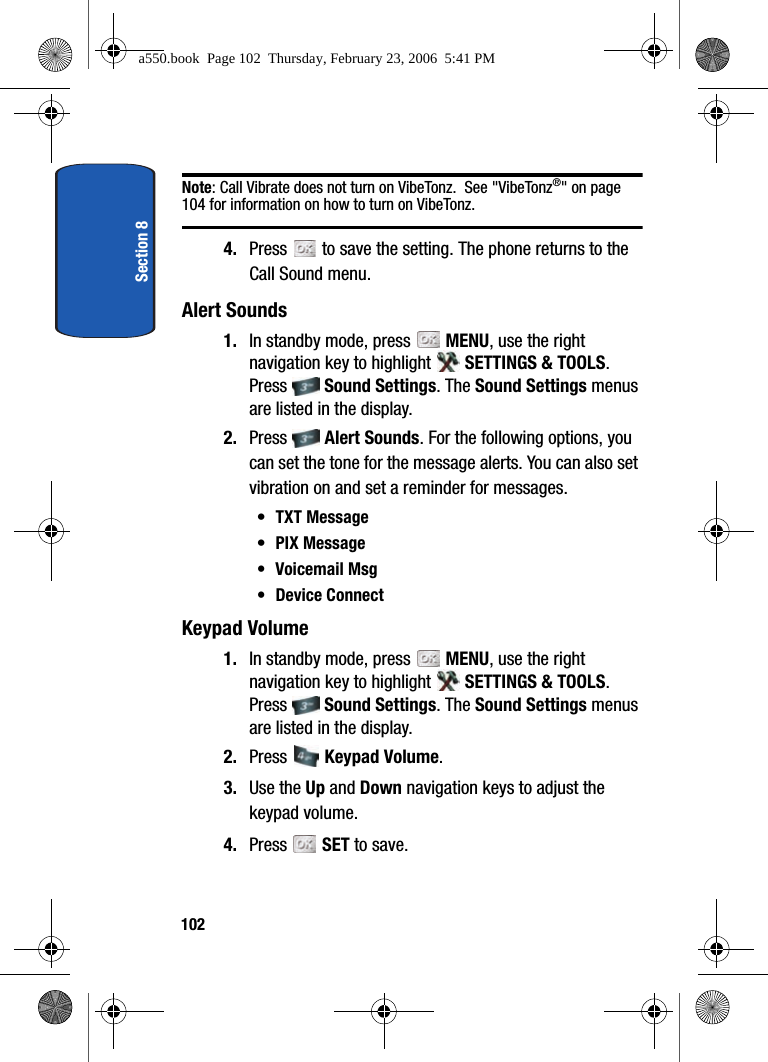
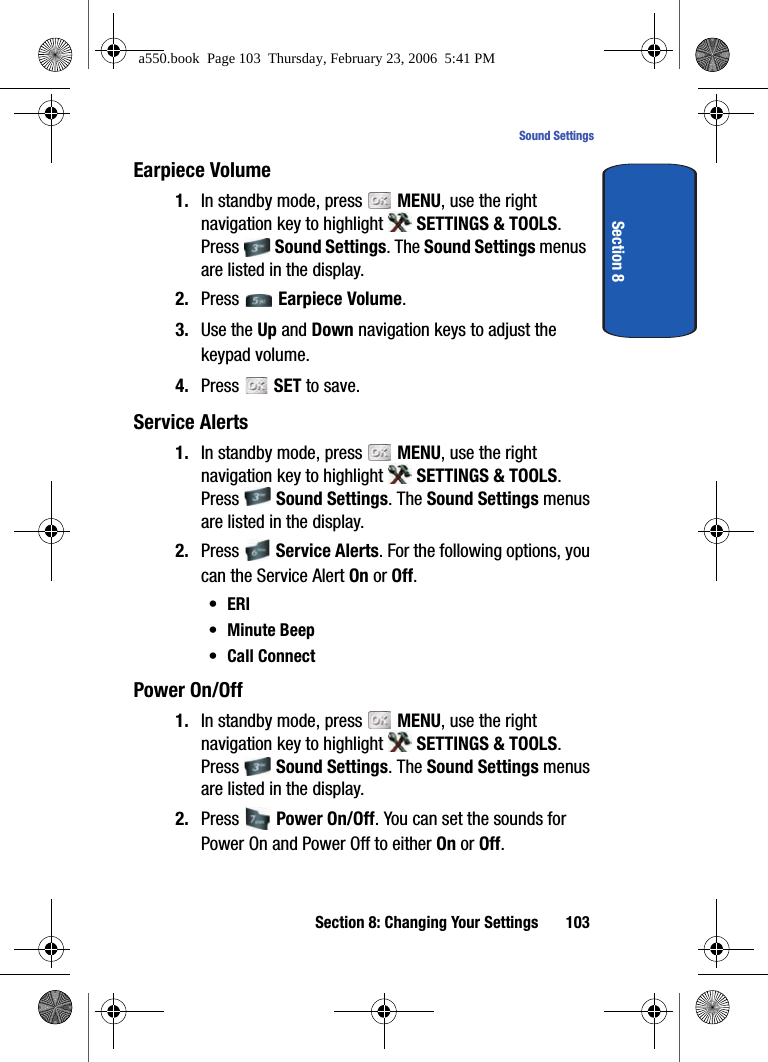
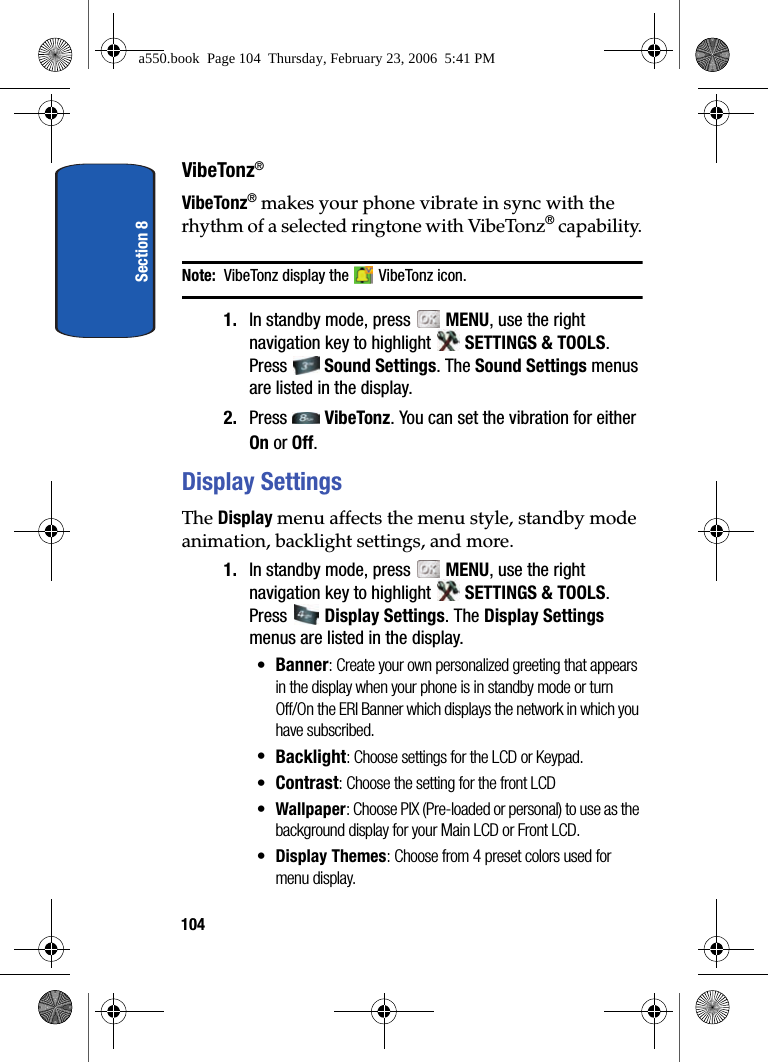
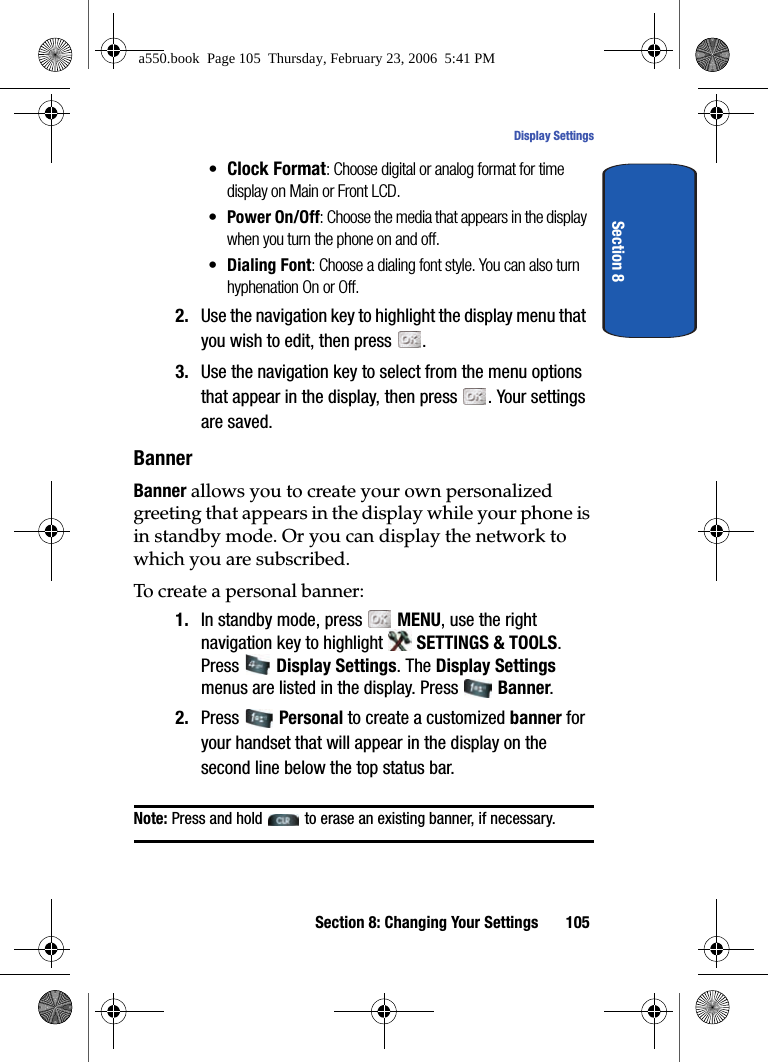
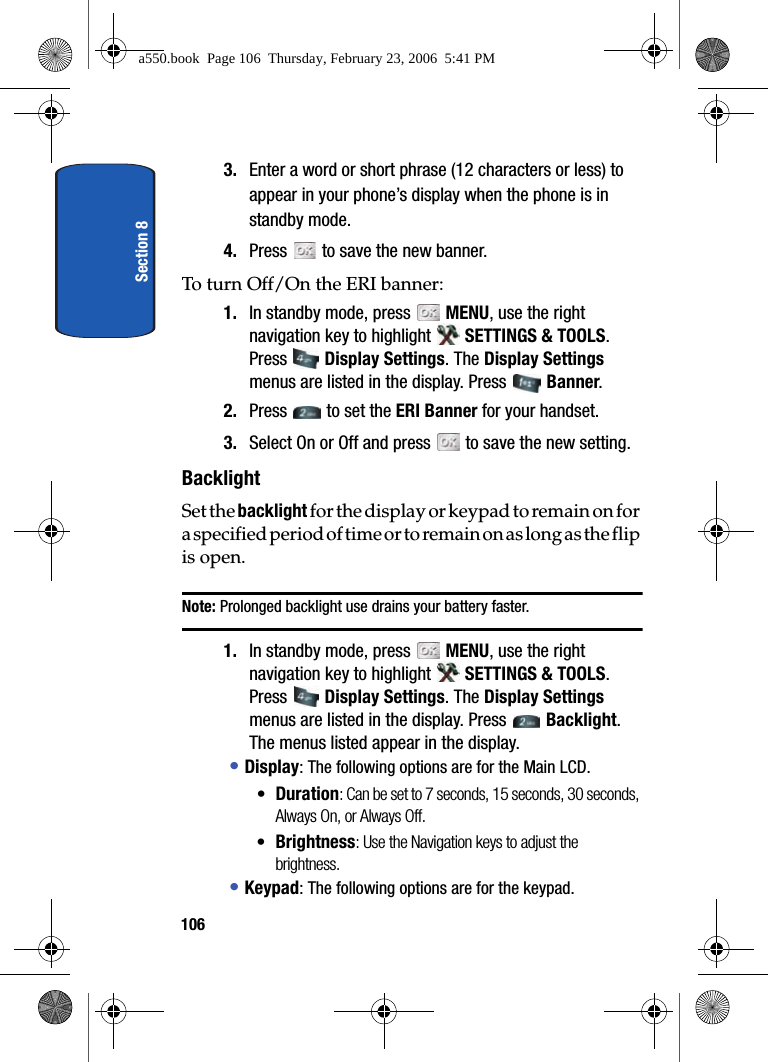
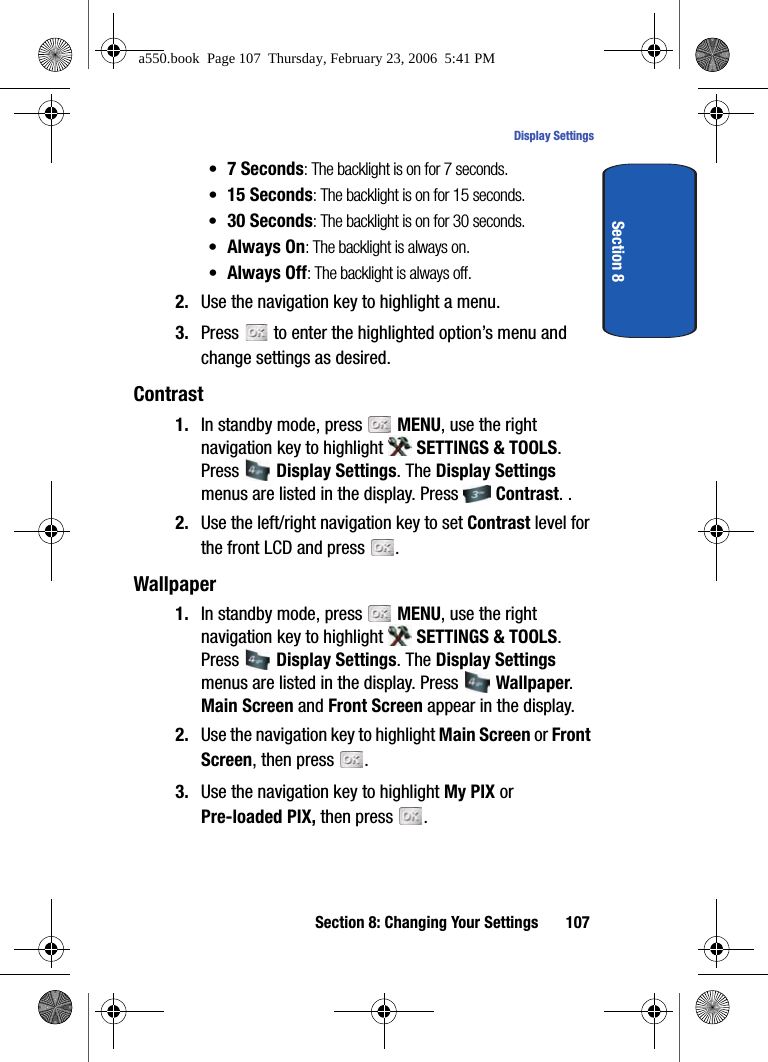
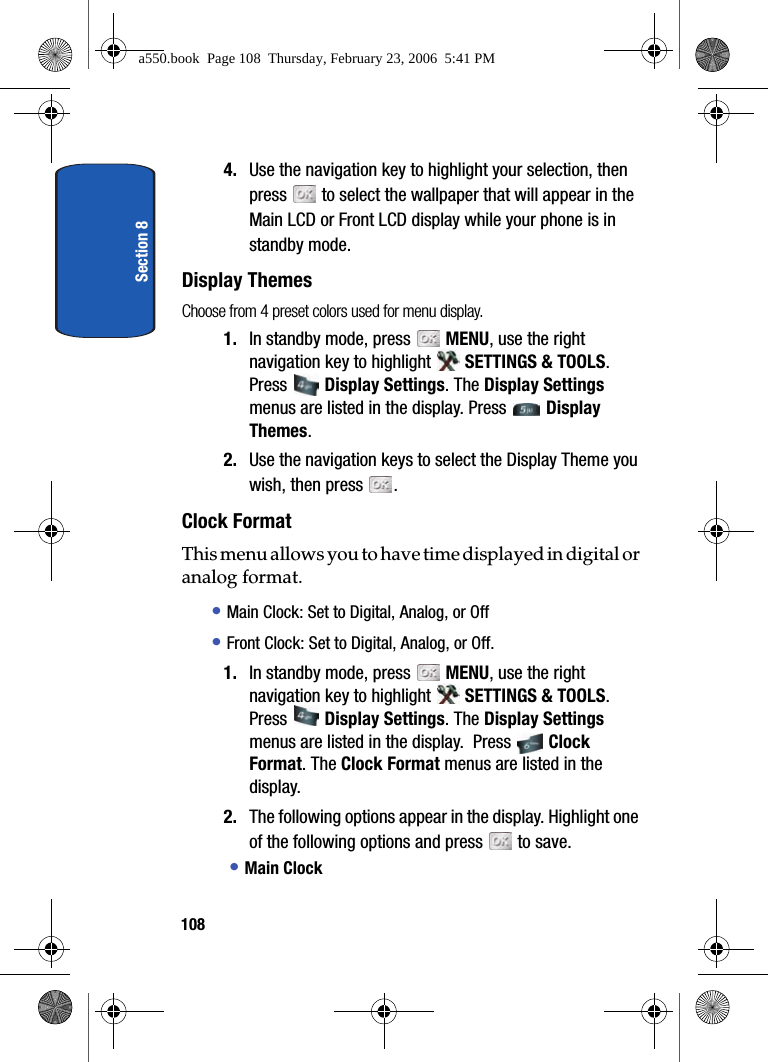
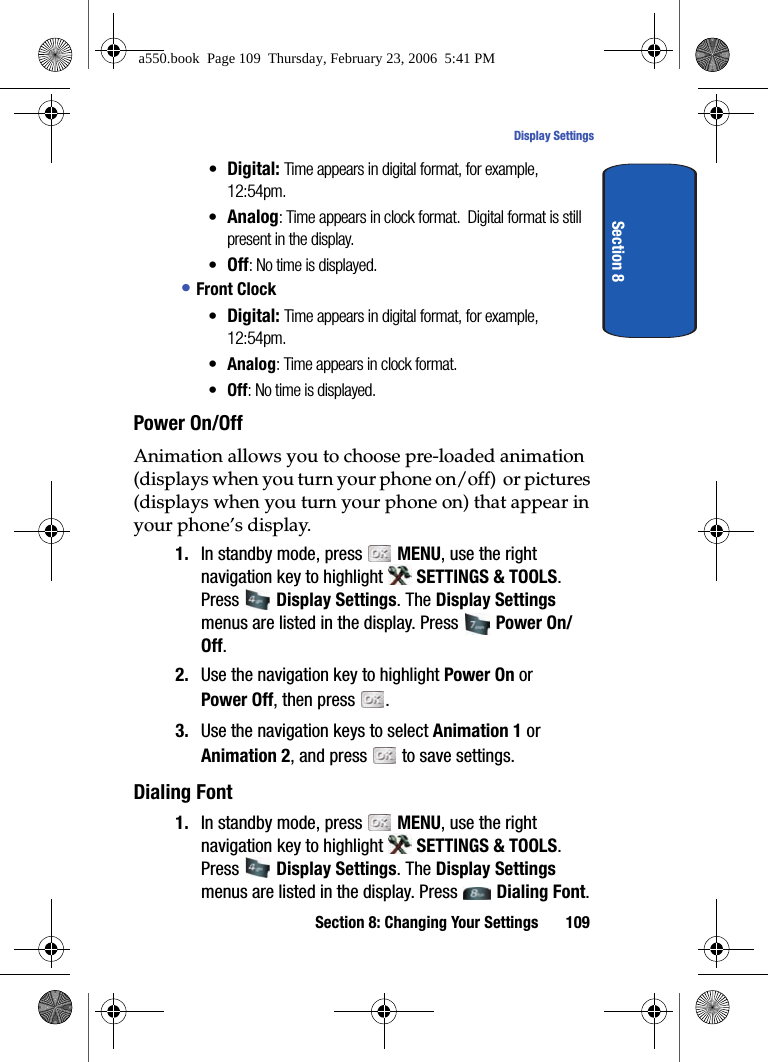
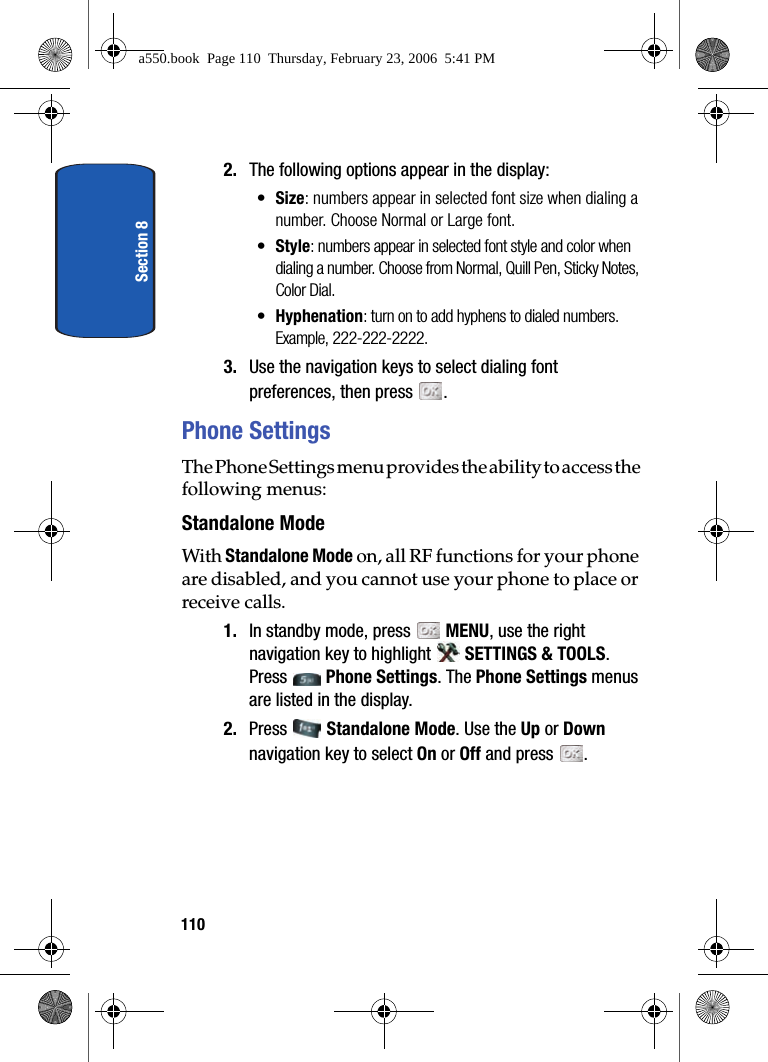
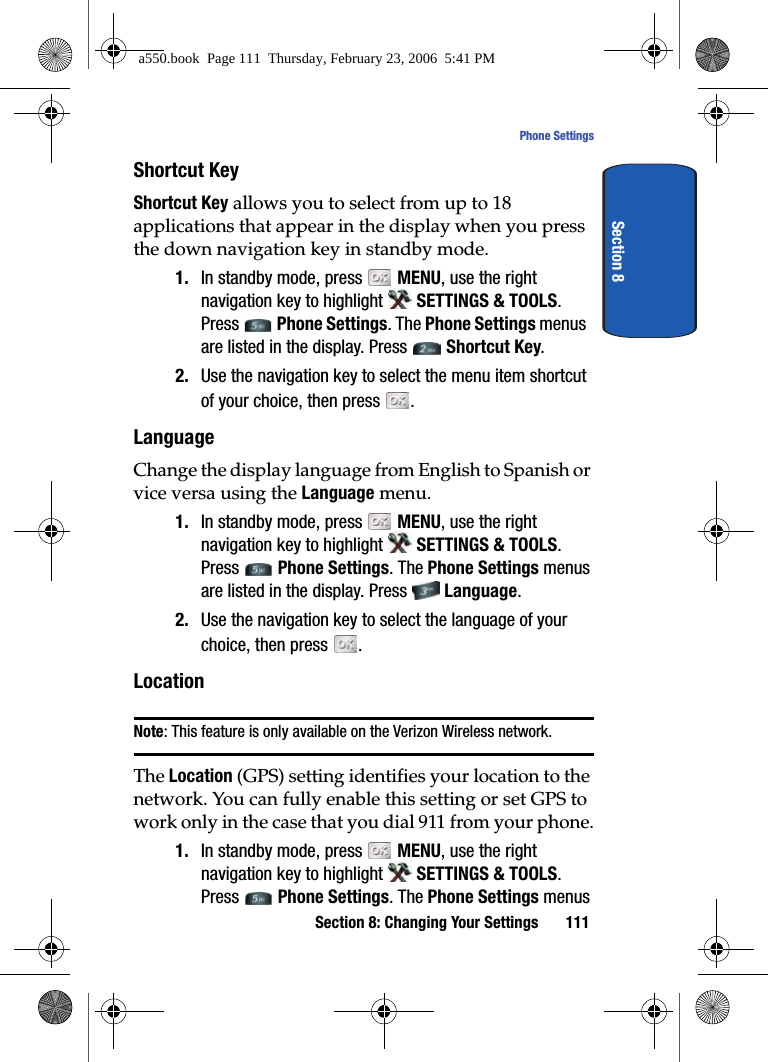
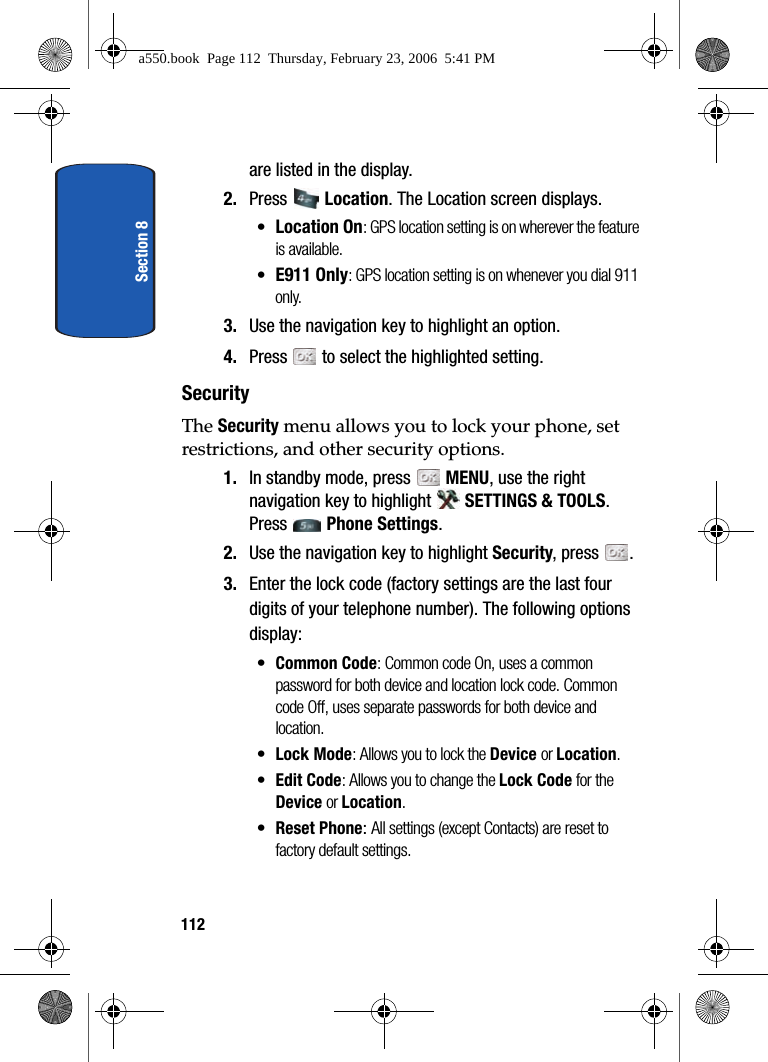
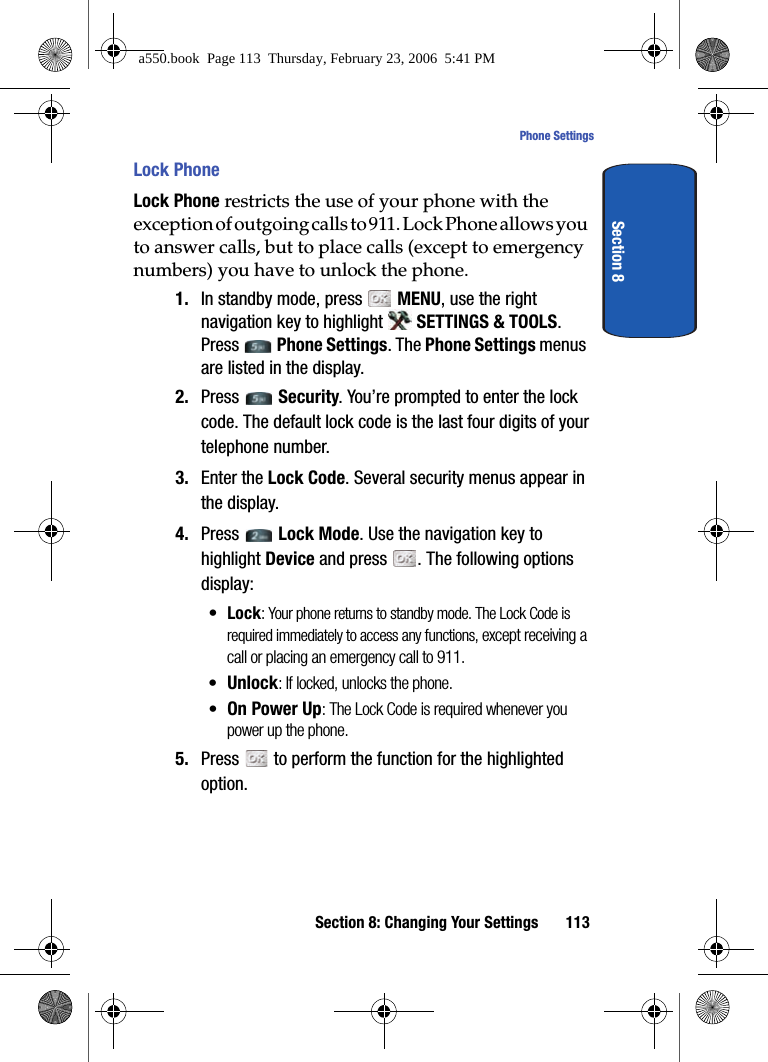
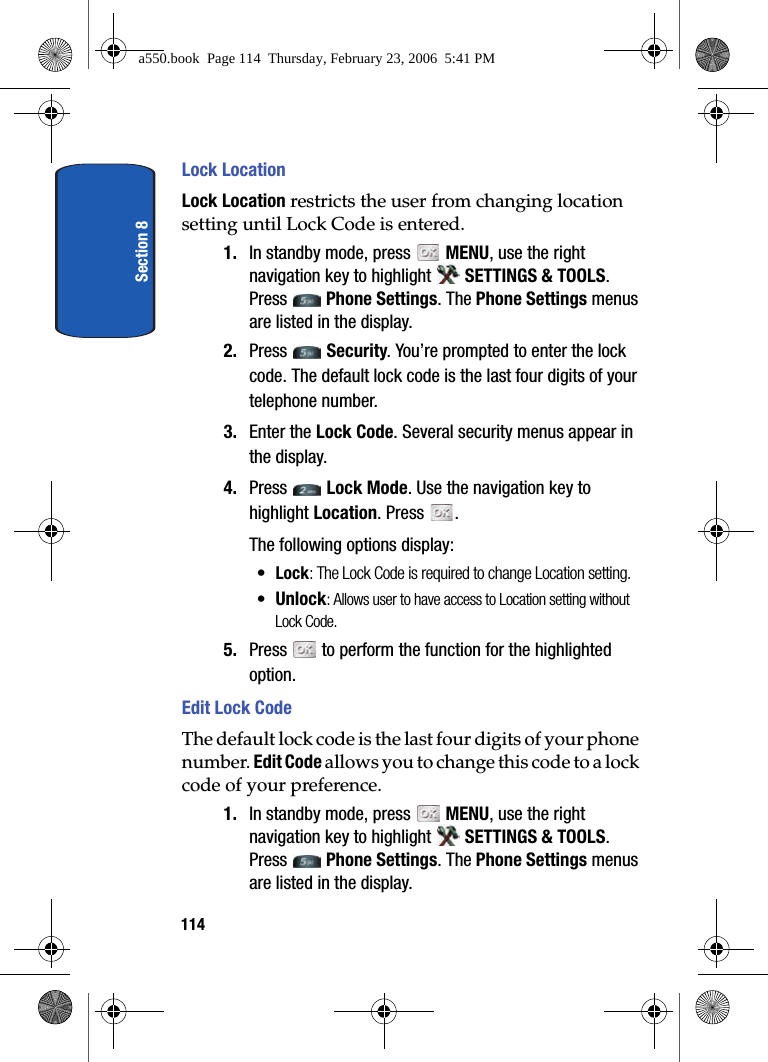
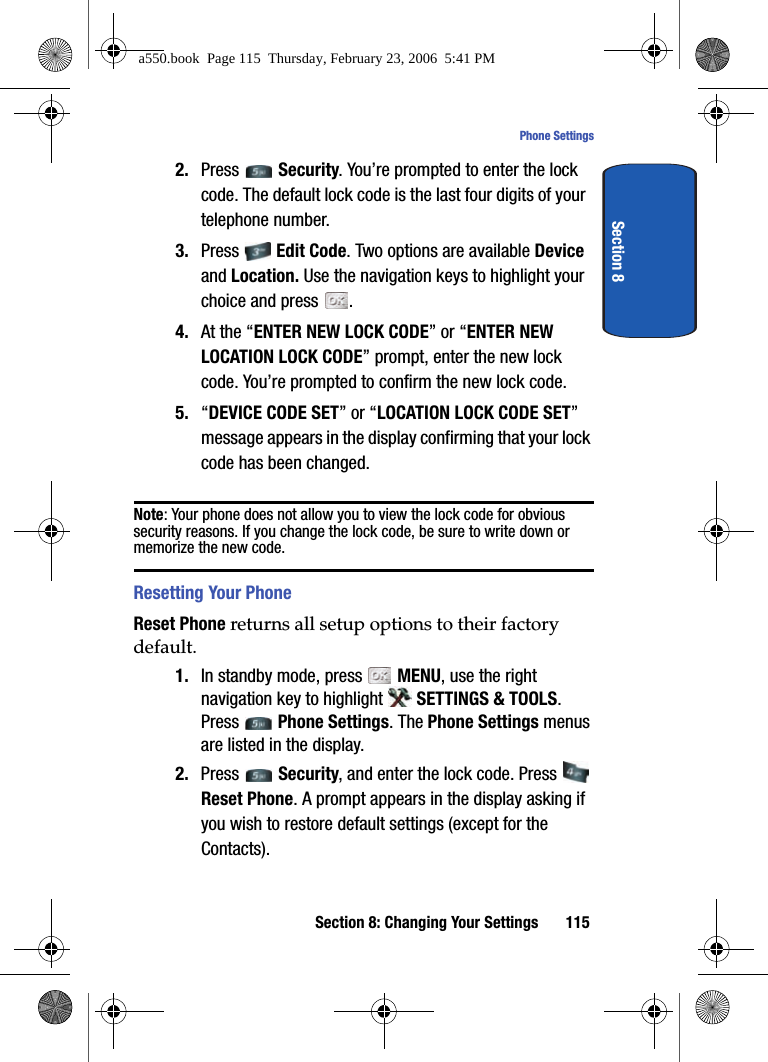
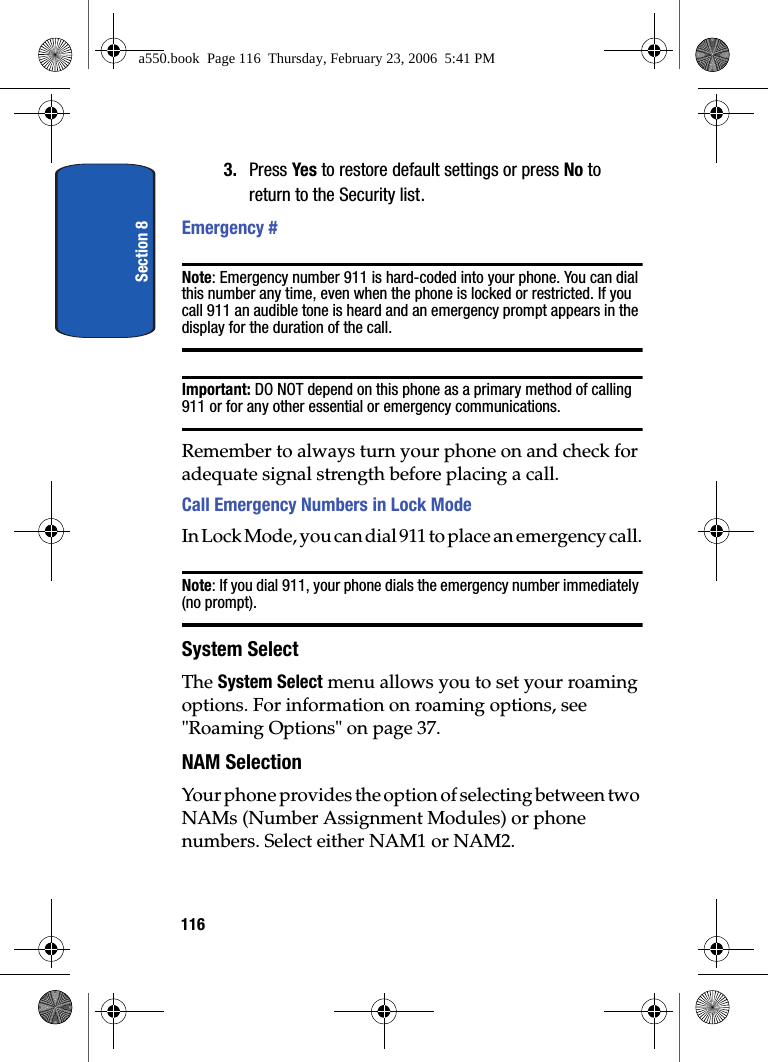
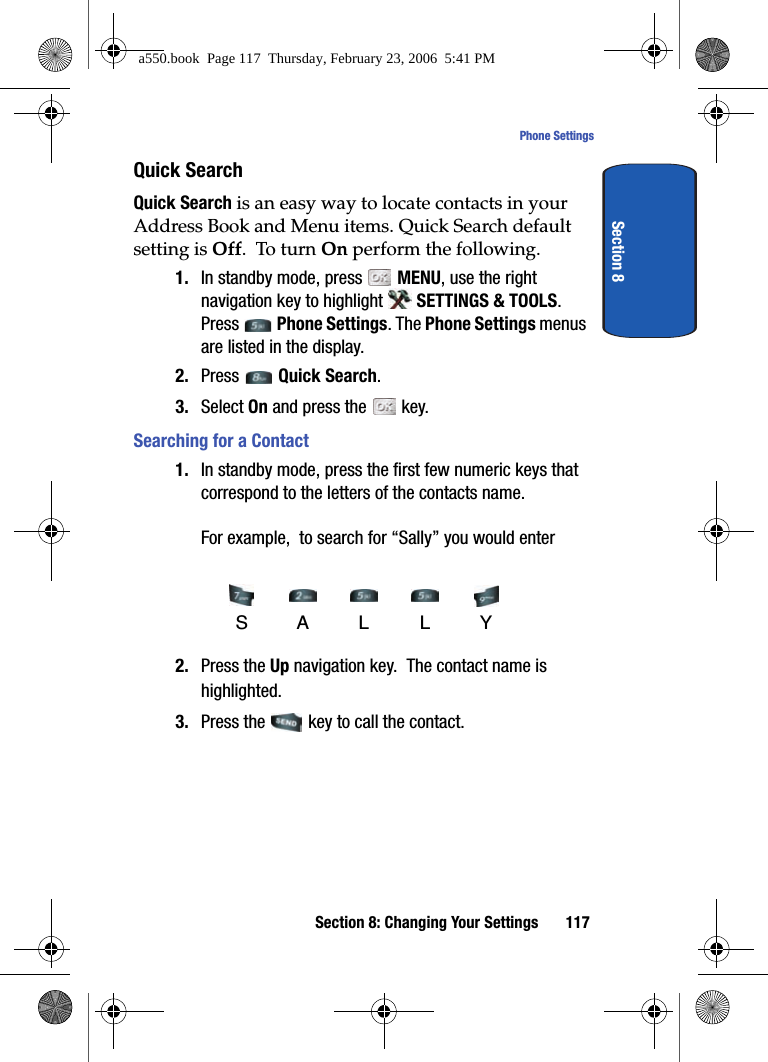
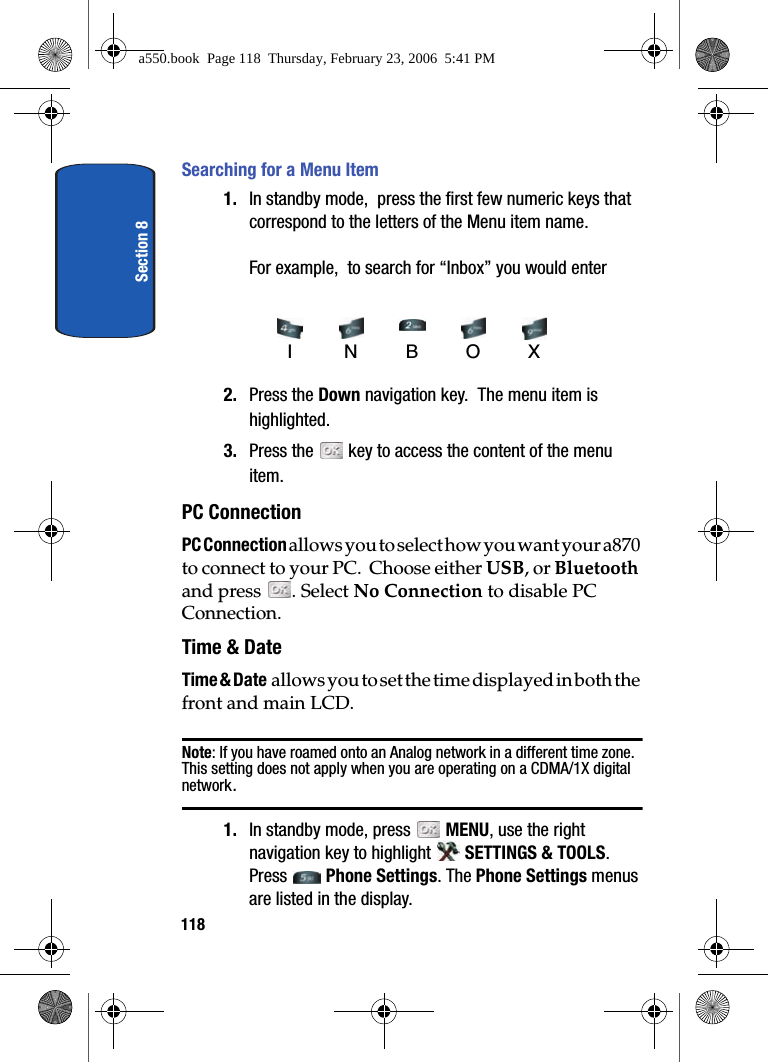
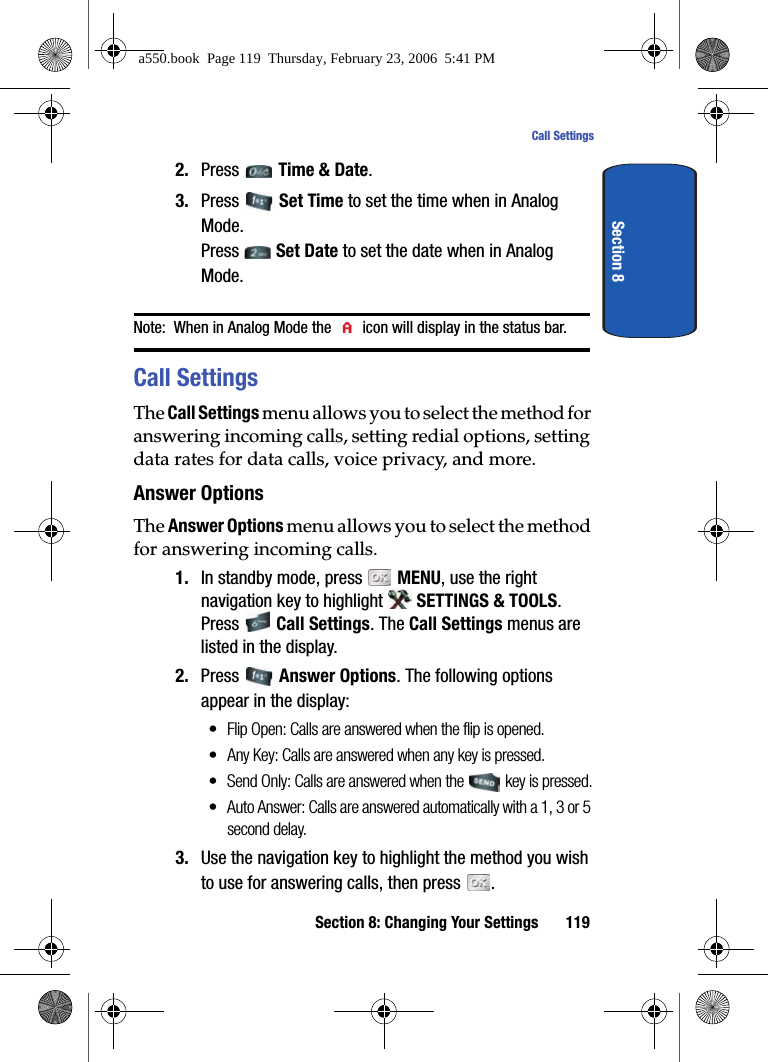
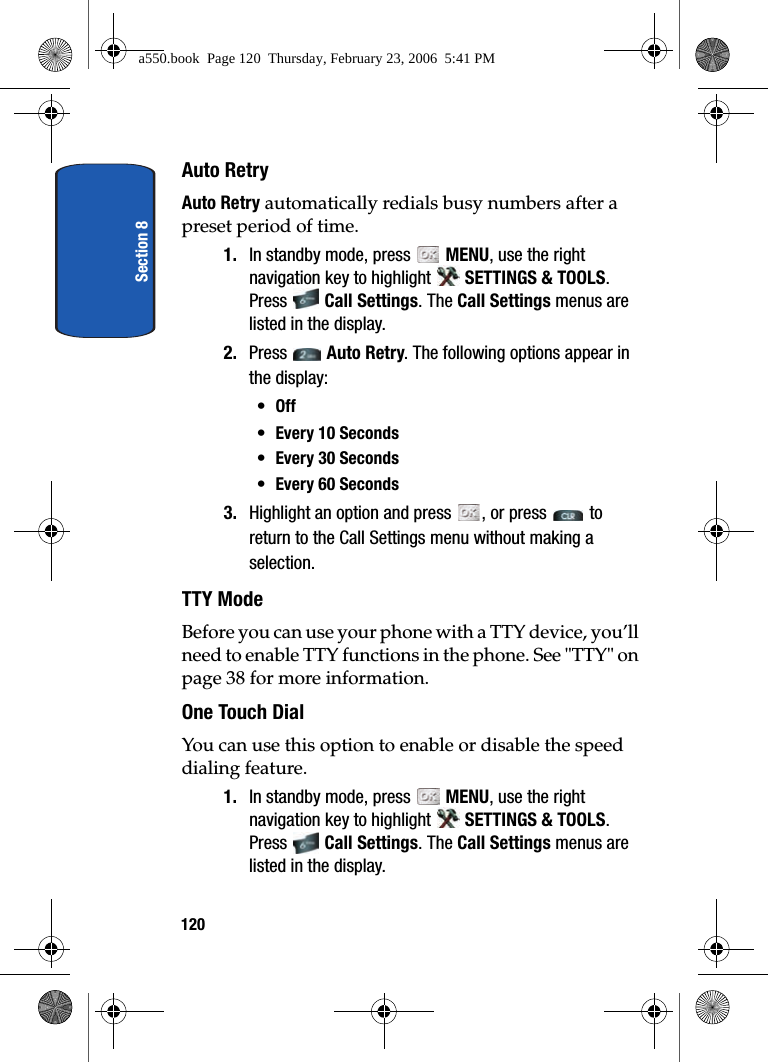
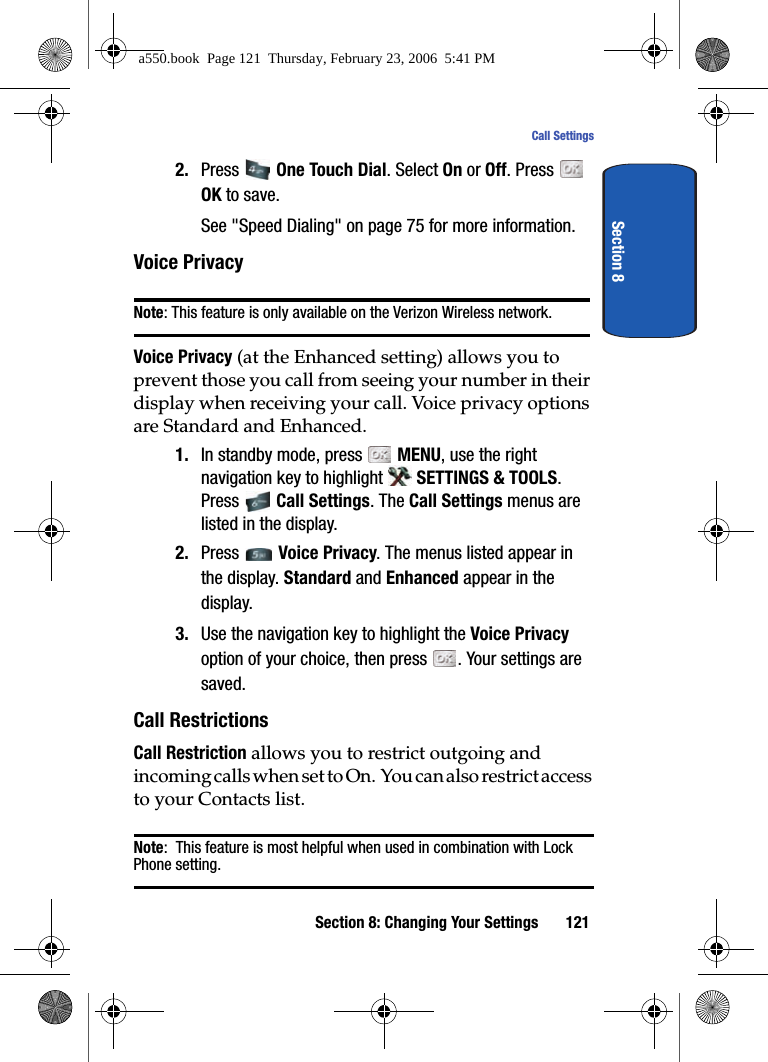
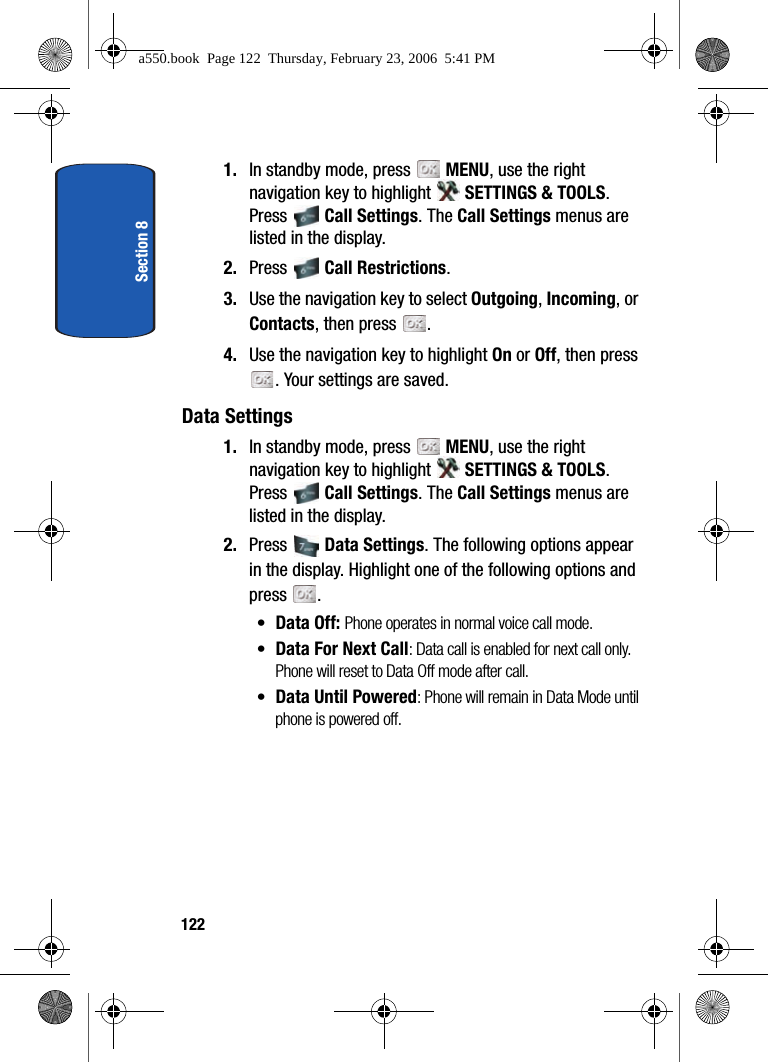
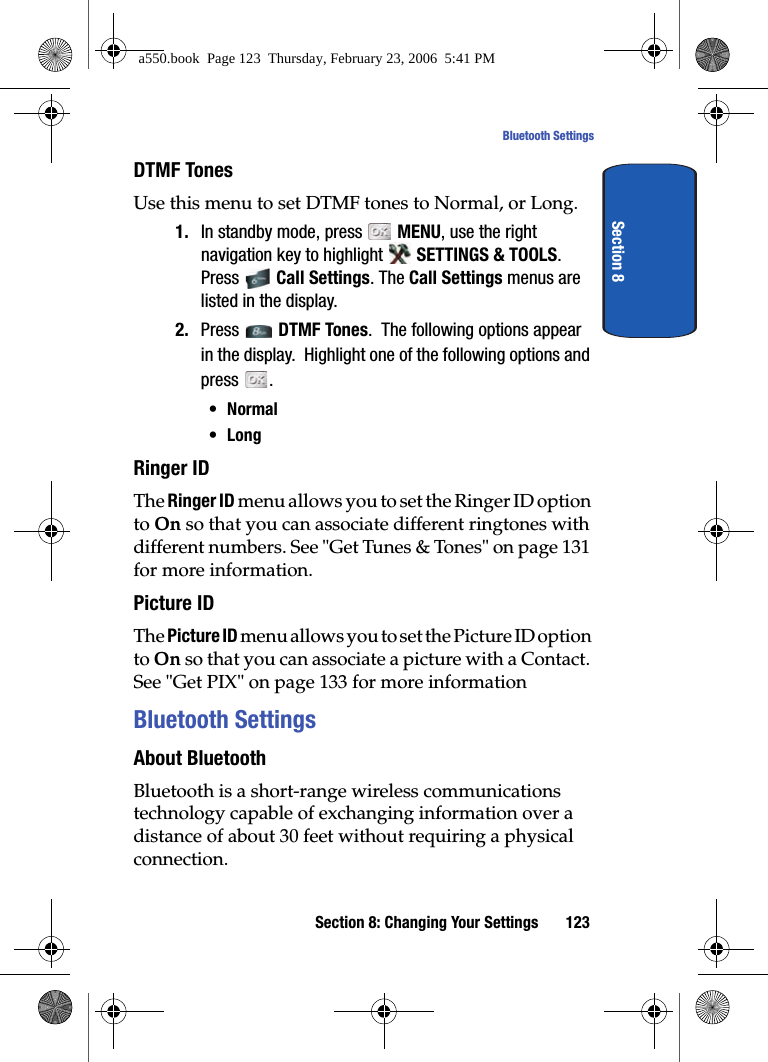
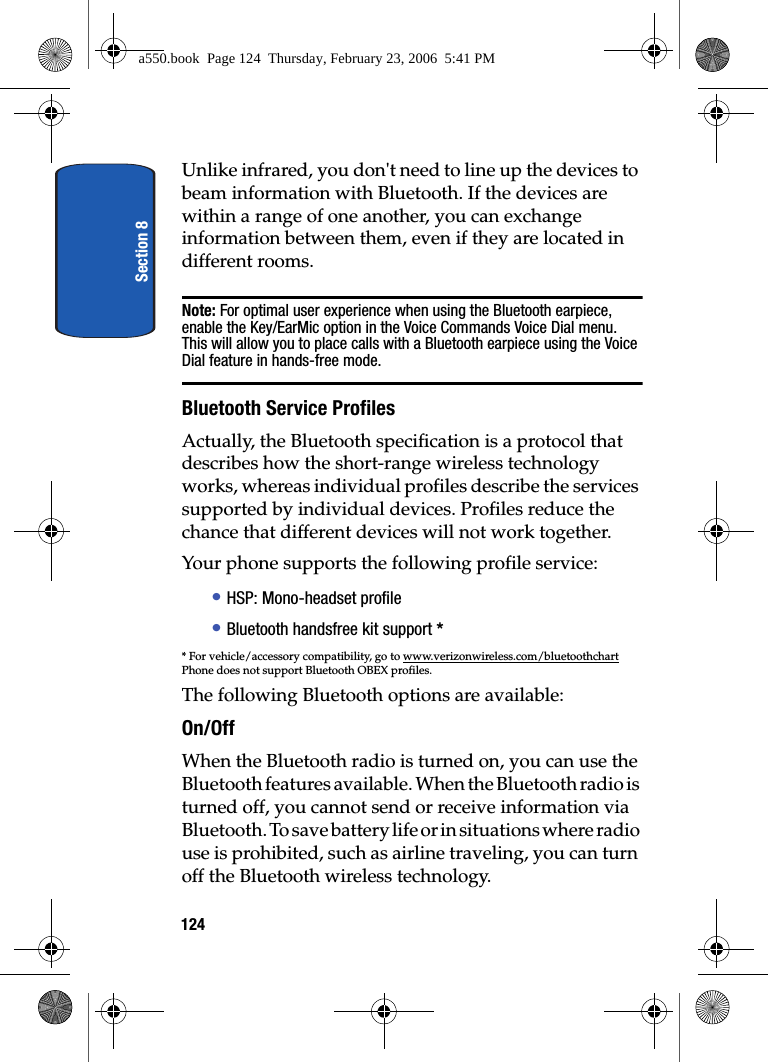
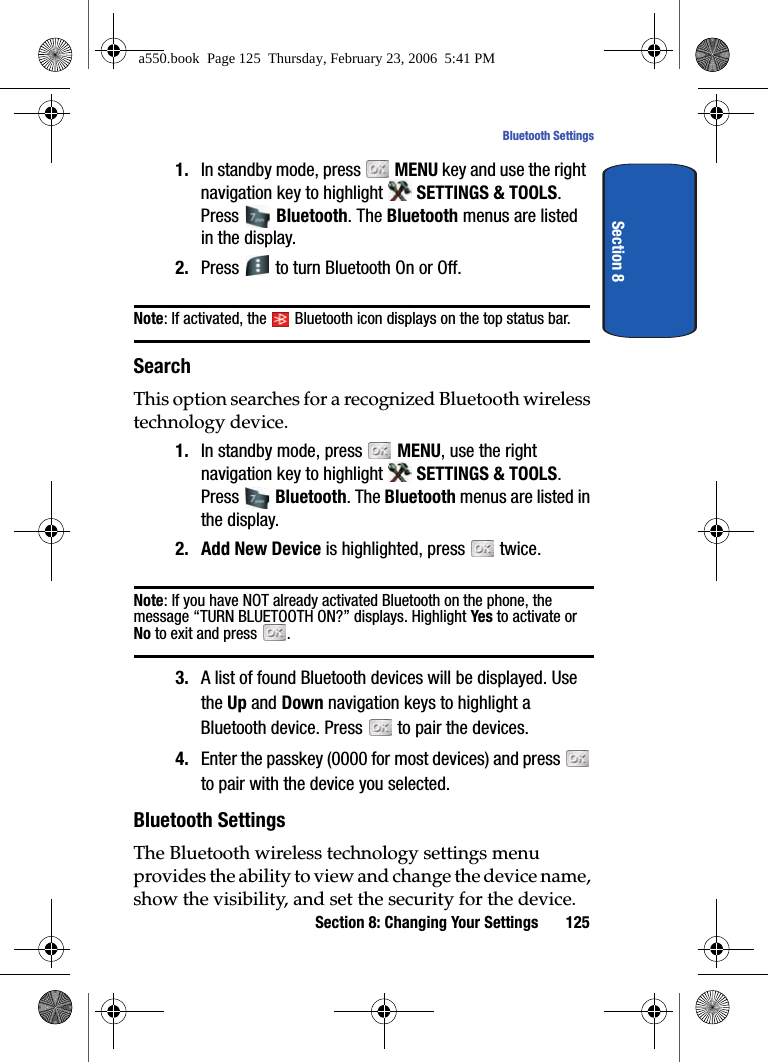
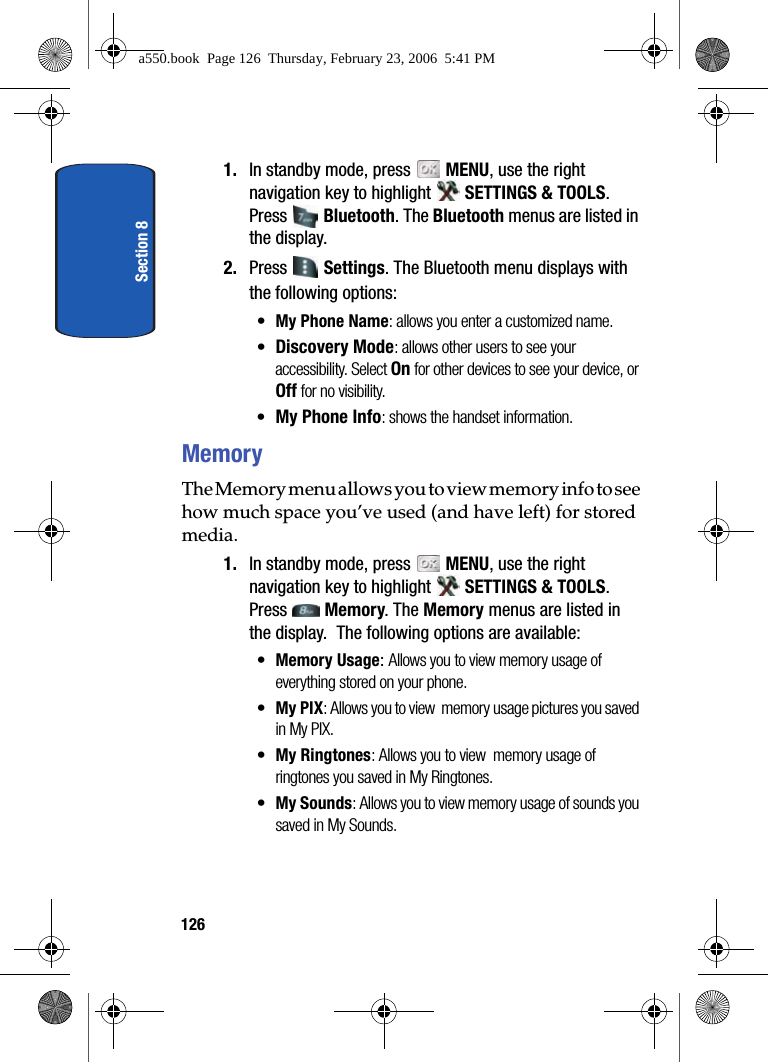
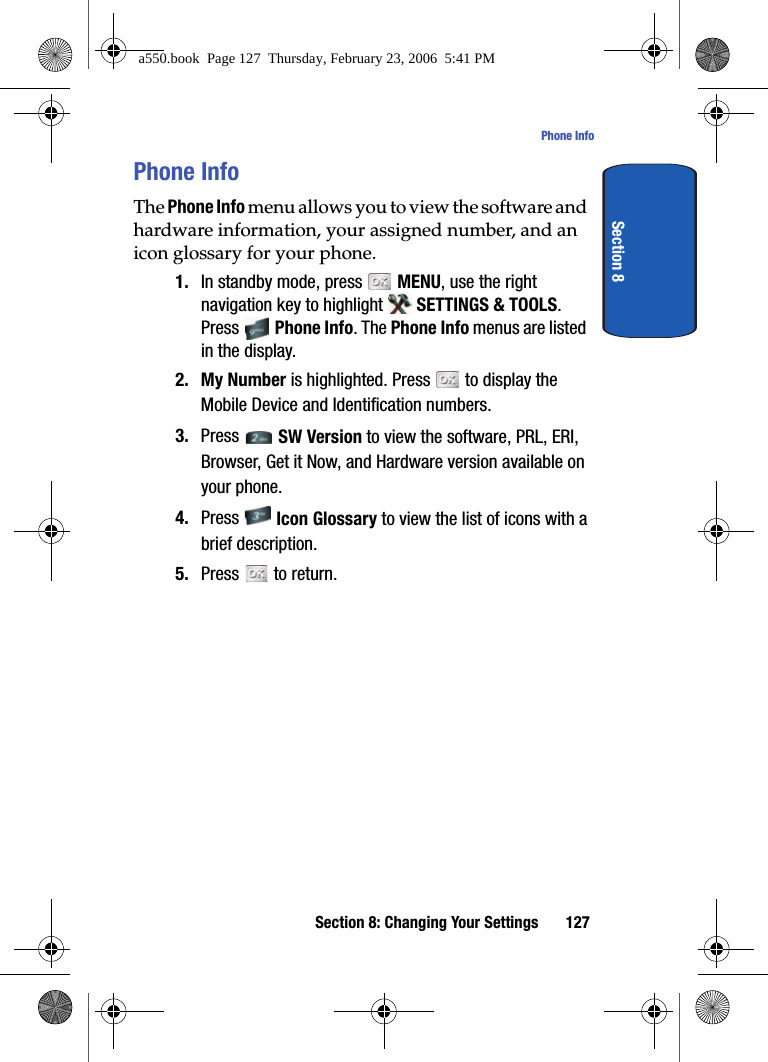
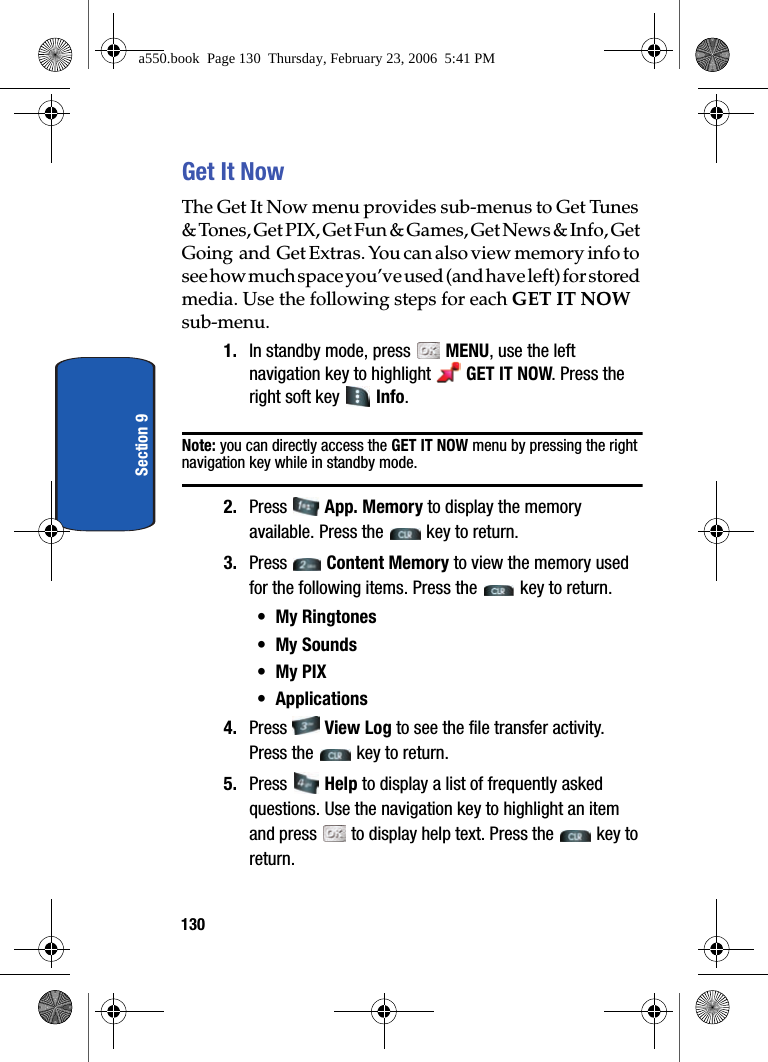
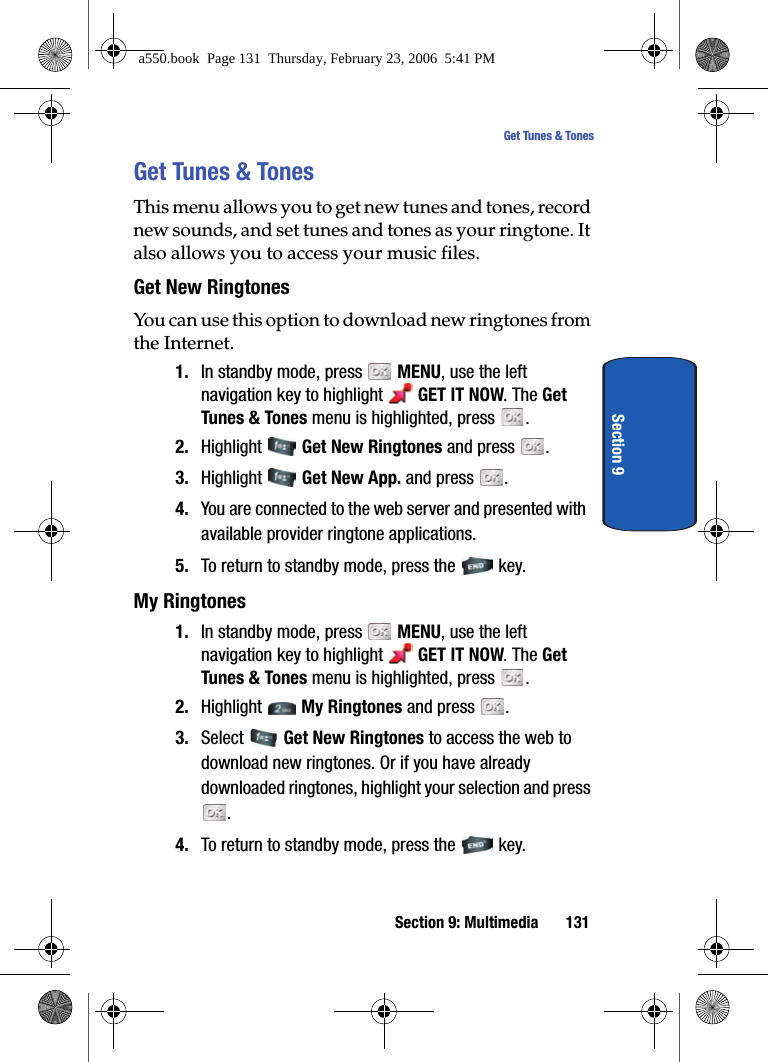
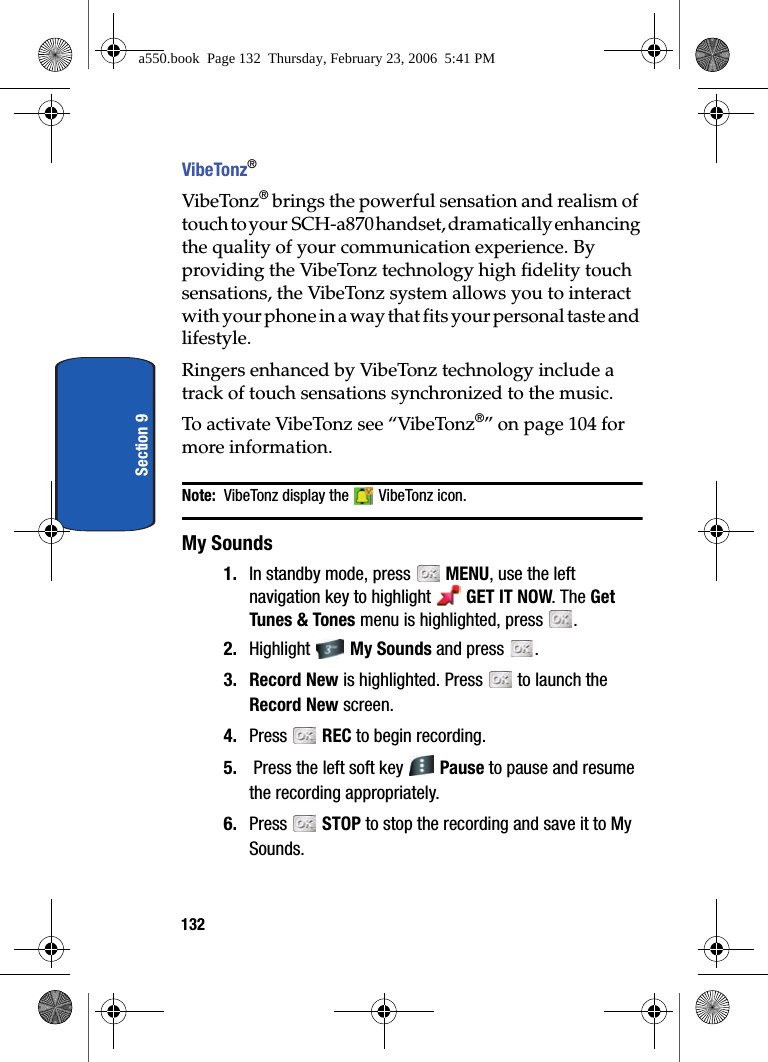
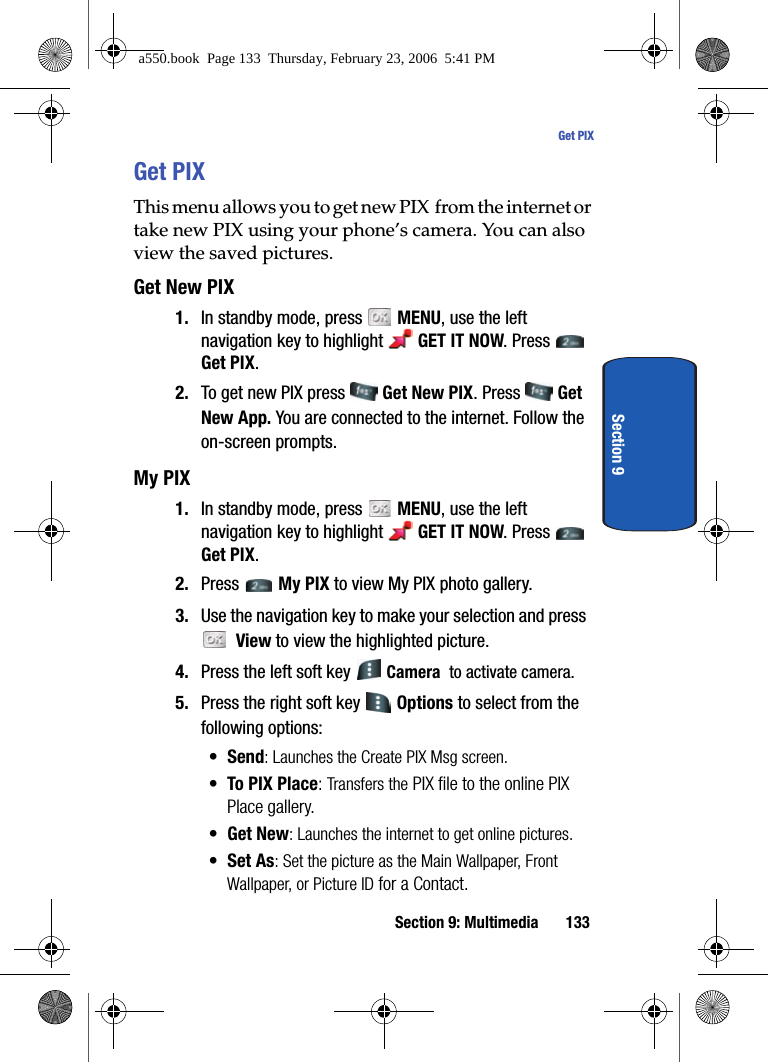
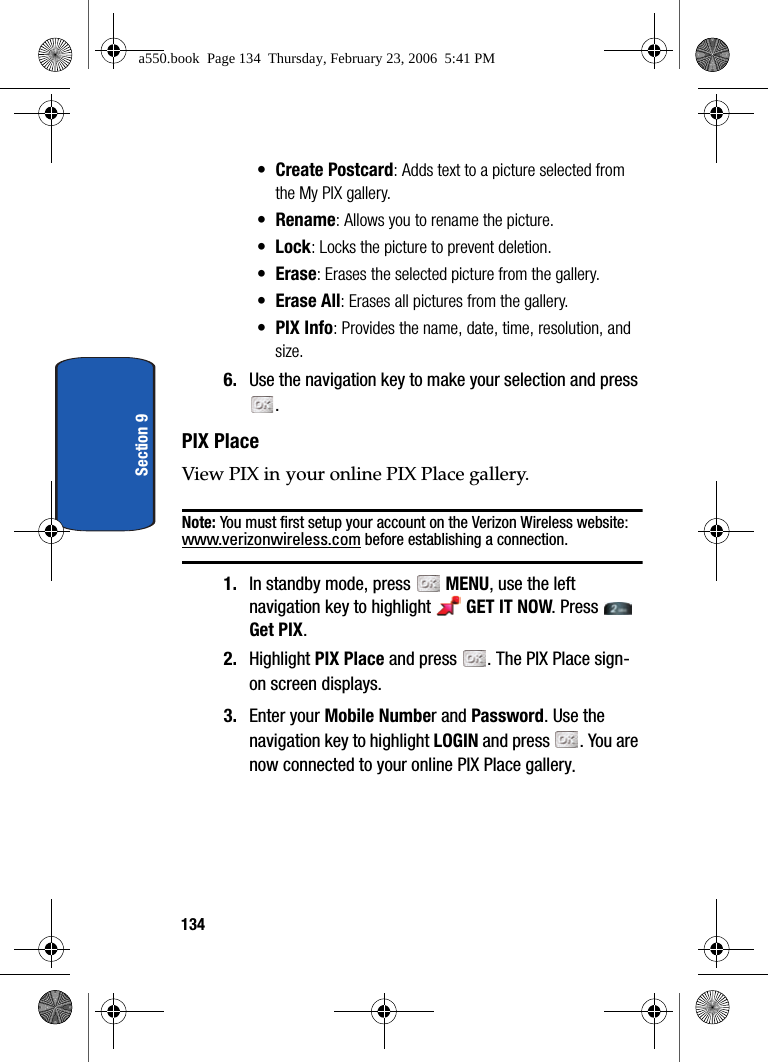
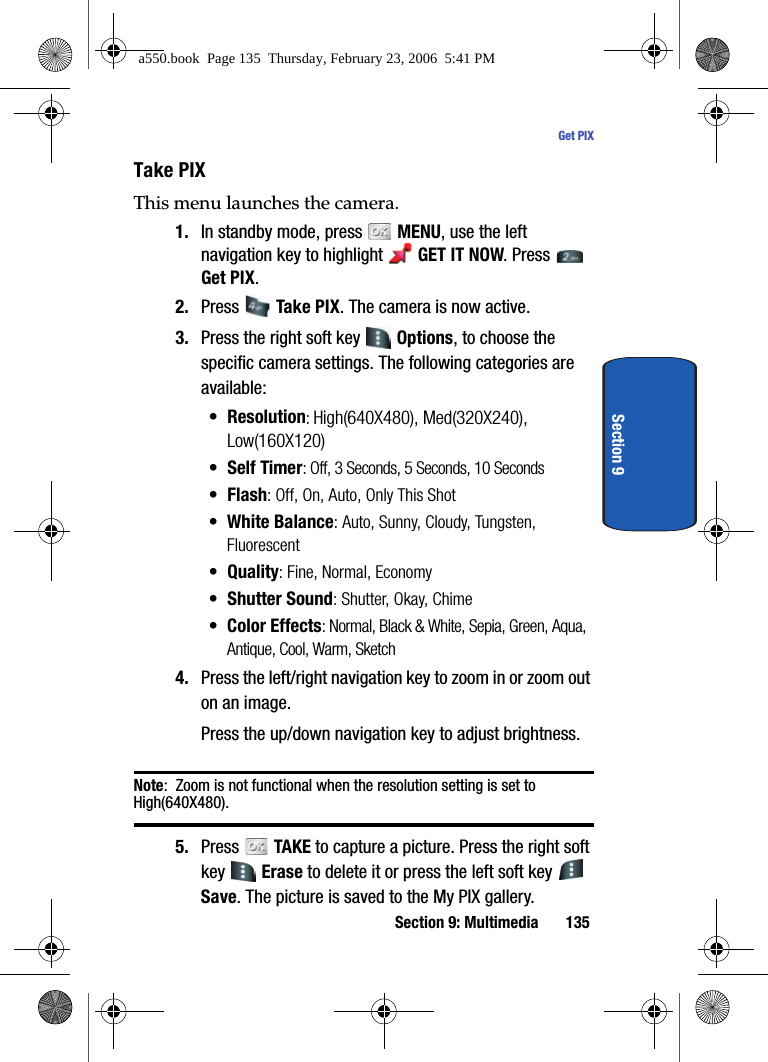
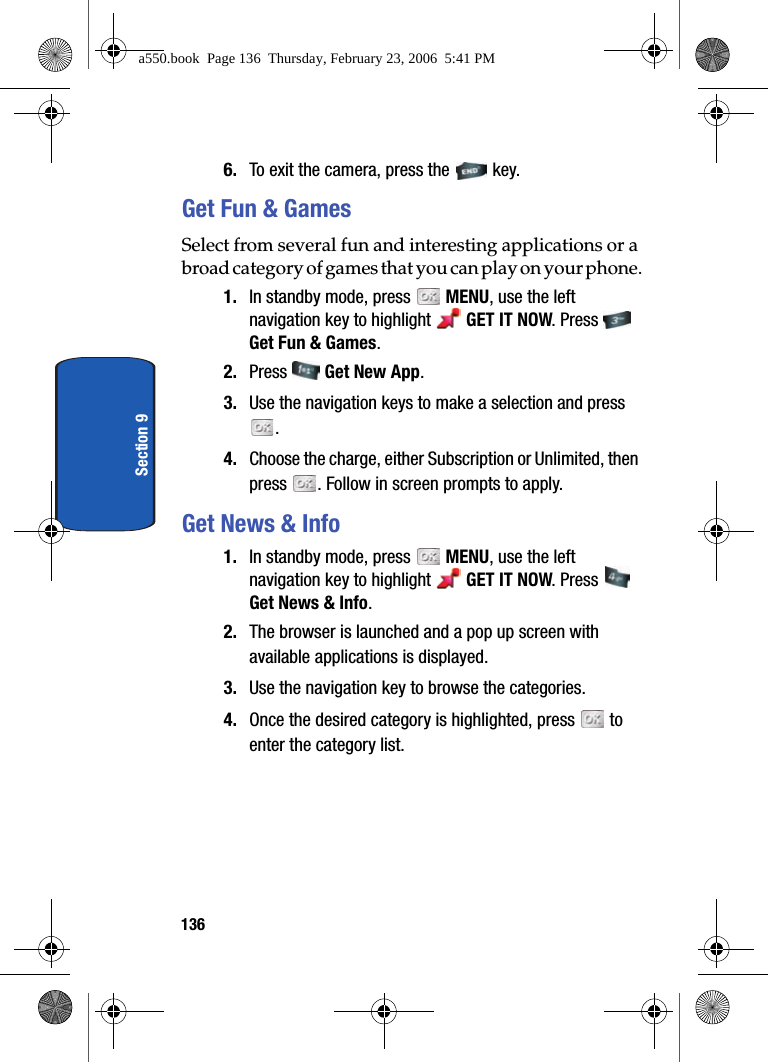
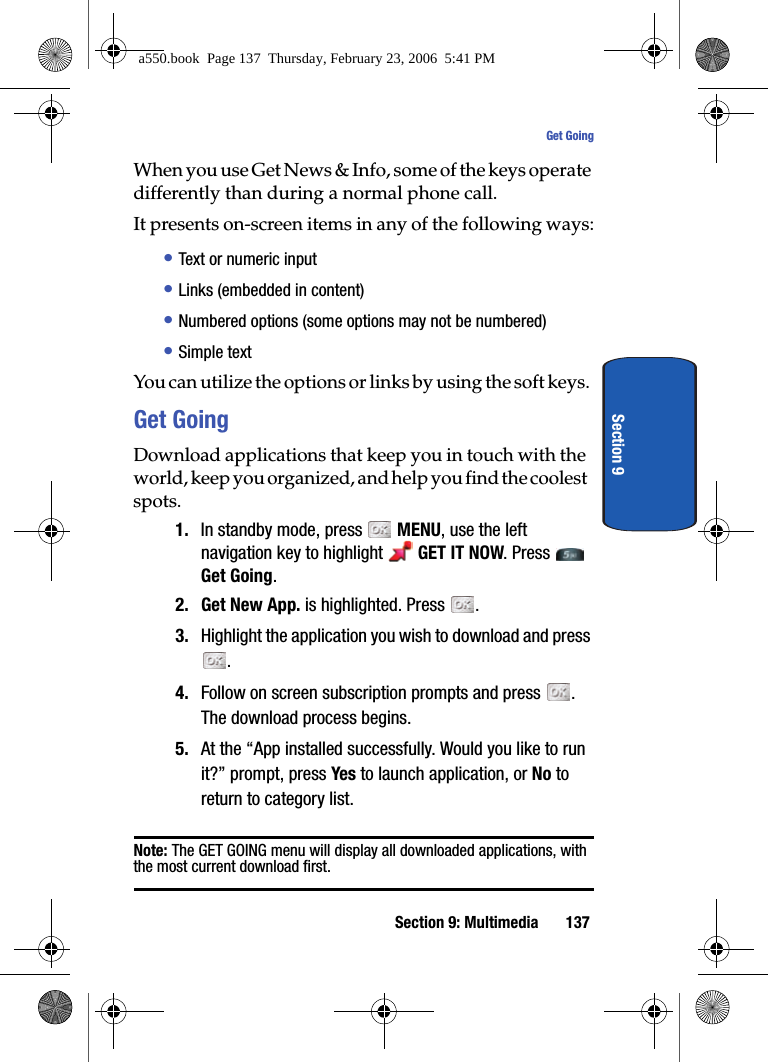
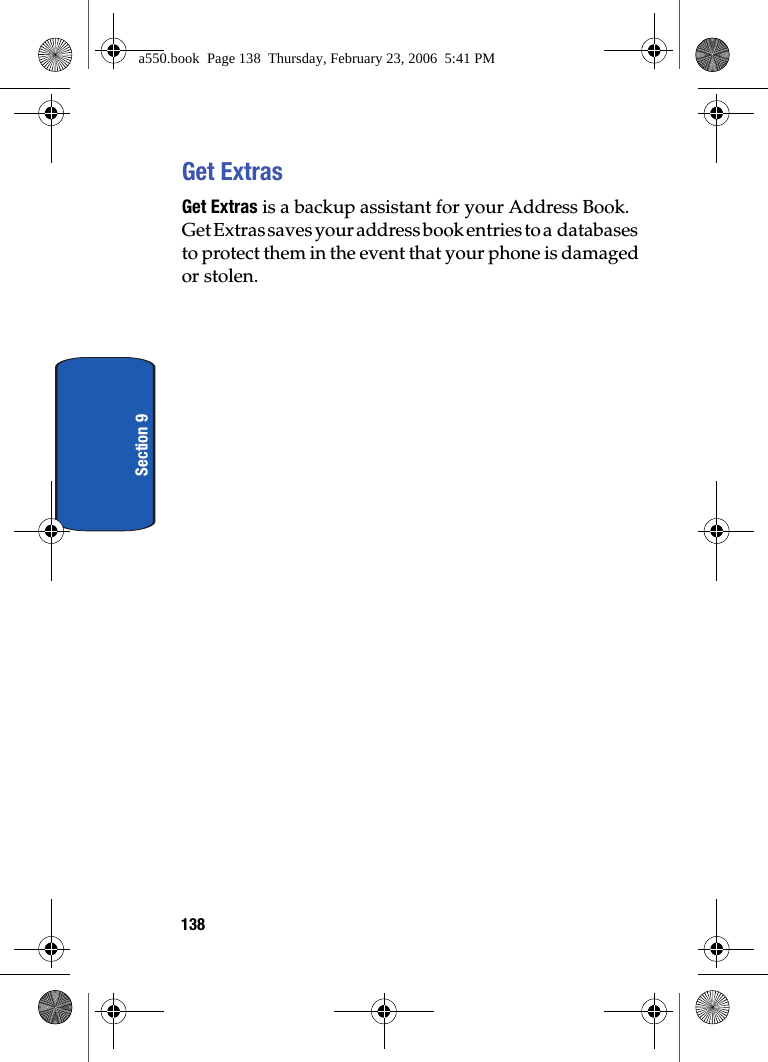
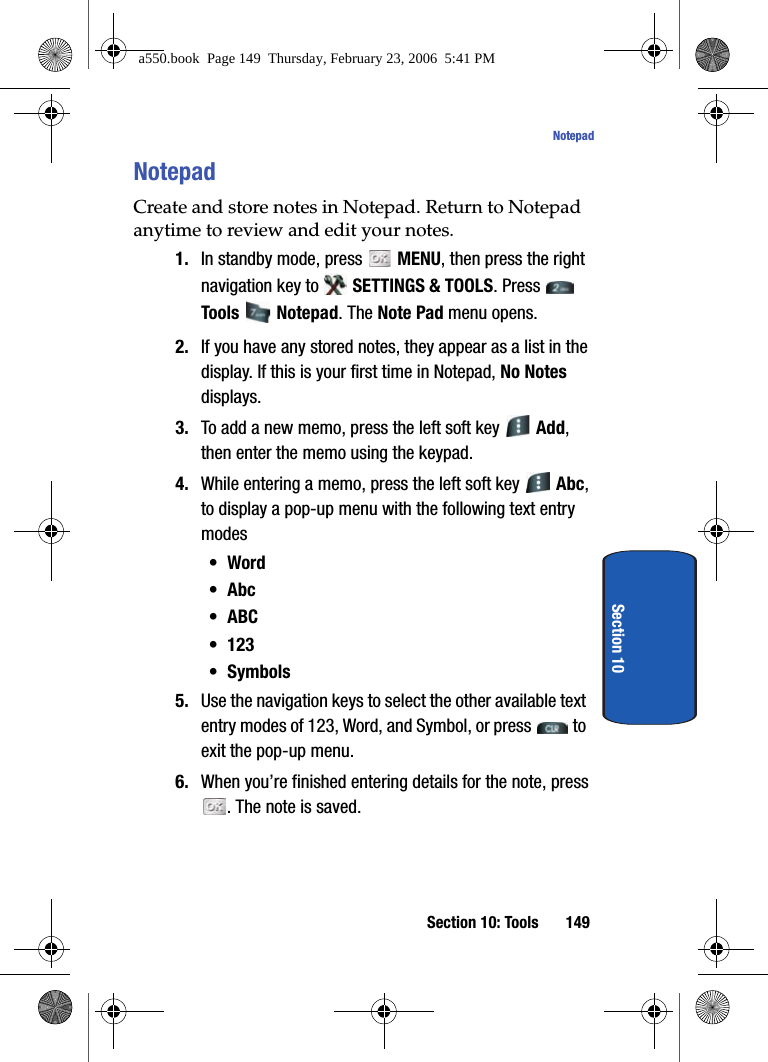
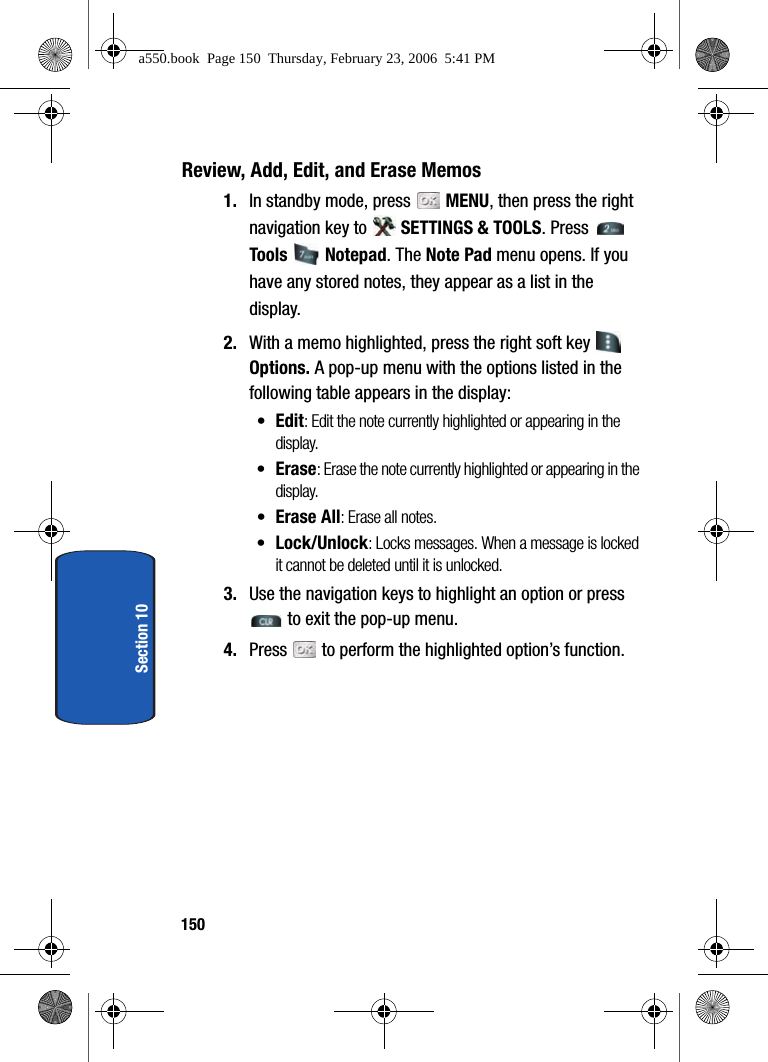
![140Section 10Voice CommandsFor more information see, "VoiceSignal™" on page 39.CalculatorYou can perform calculations, including addition, subtraction, multiplication and division using your phone.1. In standby mode, press MENU, then press the right navigation key to SETTINGS & TOOLS. Press Tools, Calculator, Normal. The Calculator opens. 2. Enter the first number in your equation using the keypad. (Numbers can be up to nine digits long.)3. Press the right soft key Operator to display a pop-up menu which allows you to enter a Parenthesis or Power if desired. 4. Press to change the sign for a number to a negative.5. Press the to add a decimal point.6. Use the navigation keys to set the type of calculation that you wish to perform. Your choices are as follows:•Up key: [+] Addition•Down key: [-] Subtraction•Right key: [x] Multiplication•Left key: [÷] Division7. Use the keypad to enter the second number into your equation.8. Press to perform the calculation and view the result.a550.book Page 140 Thursday, February 23, 2006 5:41 PM](https://usermanual.wiki/Samsung-Electronics-Co/SCHA870.Users-Manual-2/User-Guide-638461-Page-39.png)