Samsung Electronics Co SCHI925U Portable Tablet Computer with Multi-band CDMA/LTE, WLAN and Bluetooth User Manual SCH I925
Samsung Electronics Co Ltd Portable Tablet Computer with Multi-band CDMA/LTE, WLAN and Bluetooth SCH I925
Contents
- 1. Users Manual 1
- 2. Users Manual 2
- 3. Health/Safety/Warranty Guide
- 4. User Manual 1
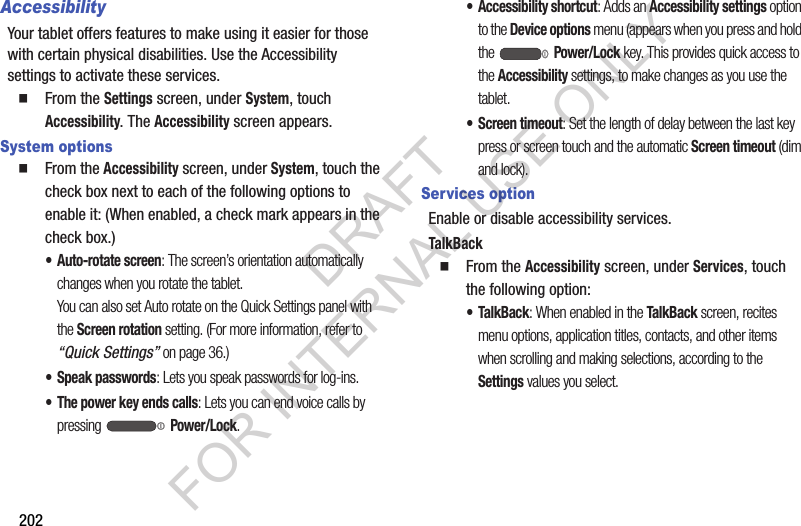
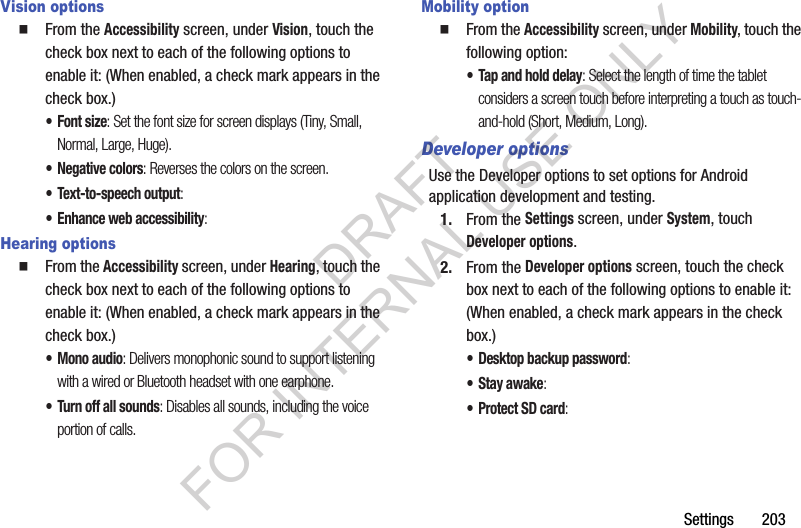
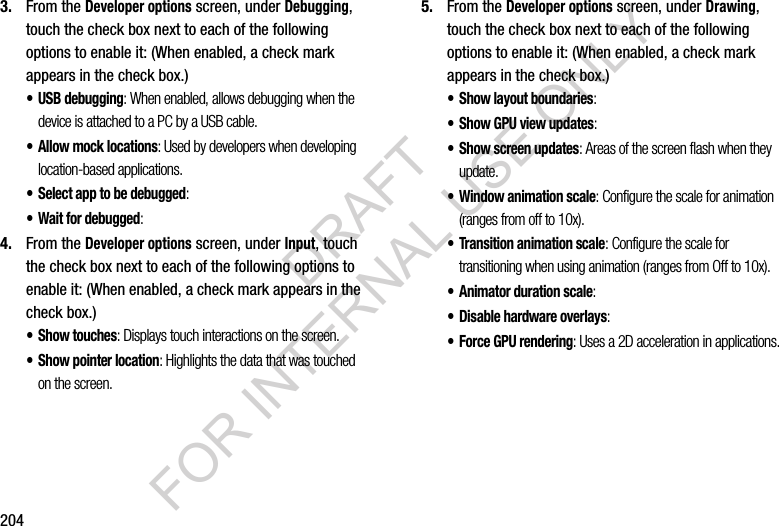
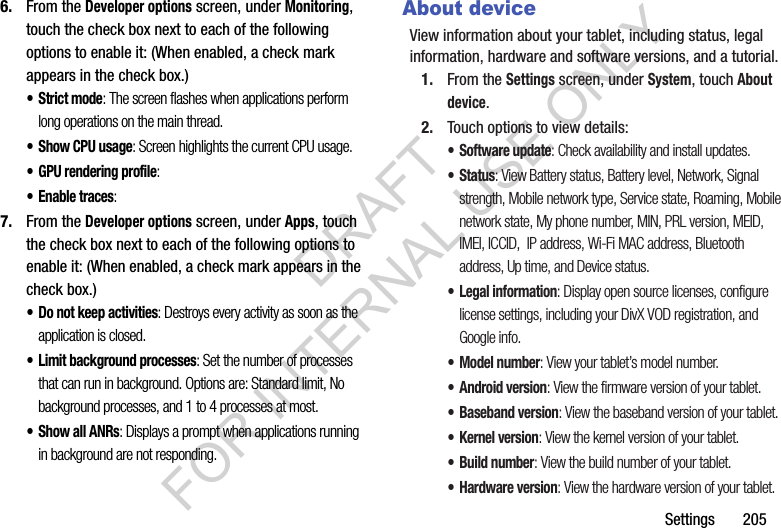
Users Manual 2
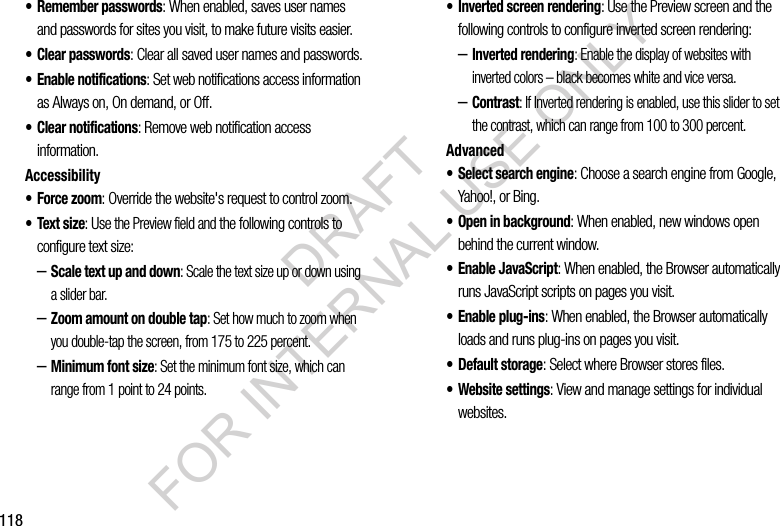
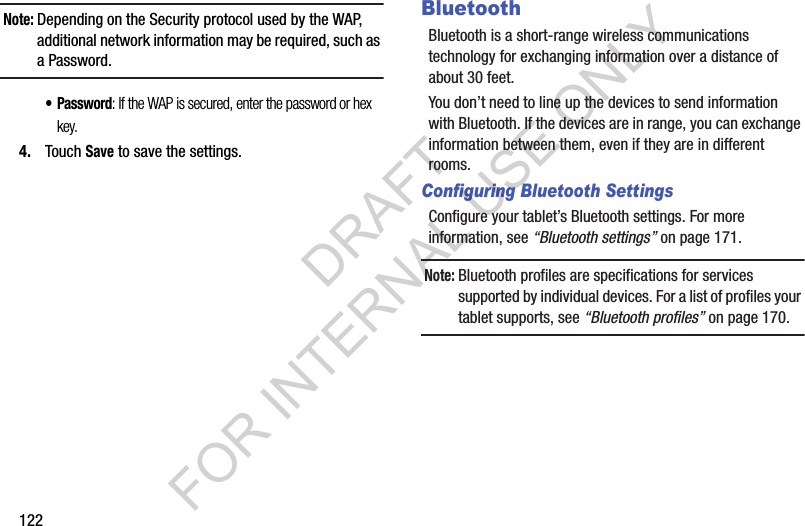
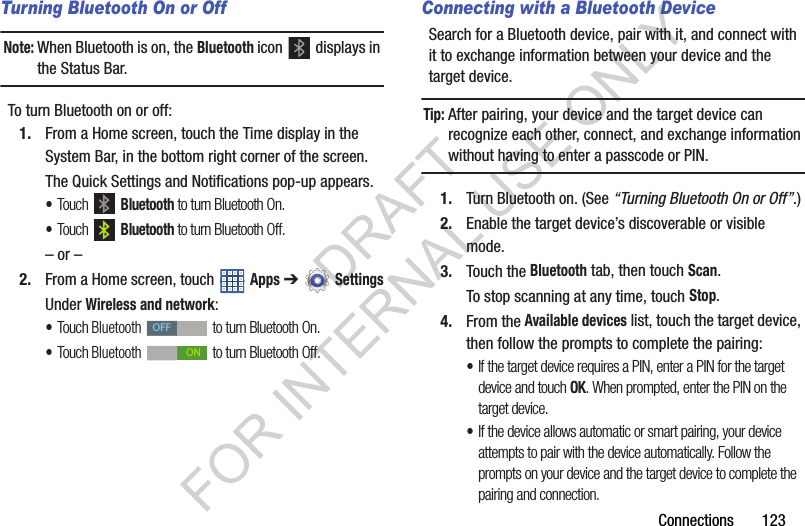
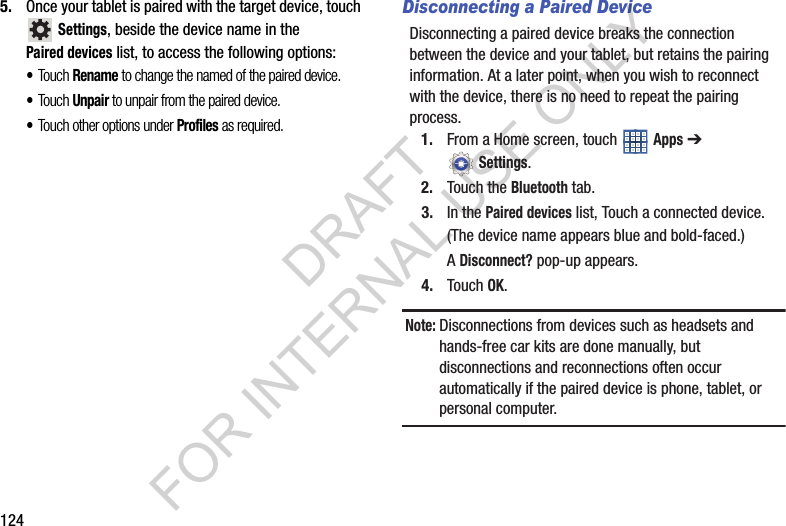
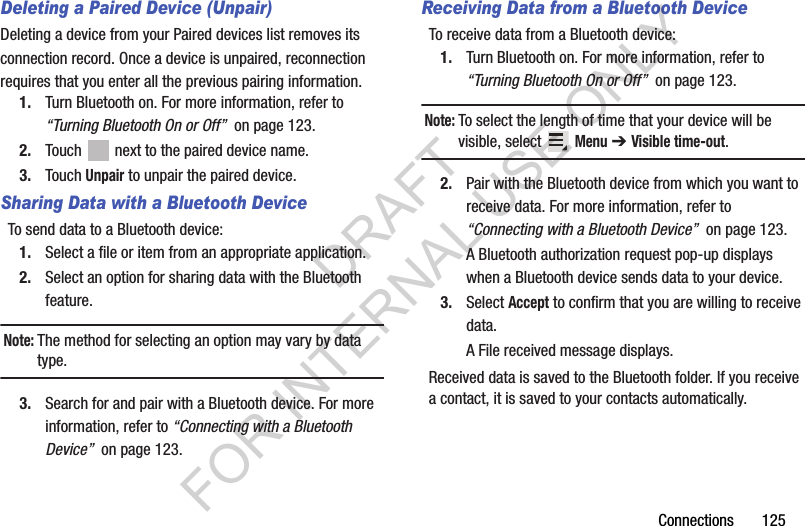
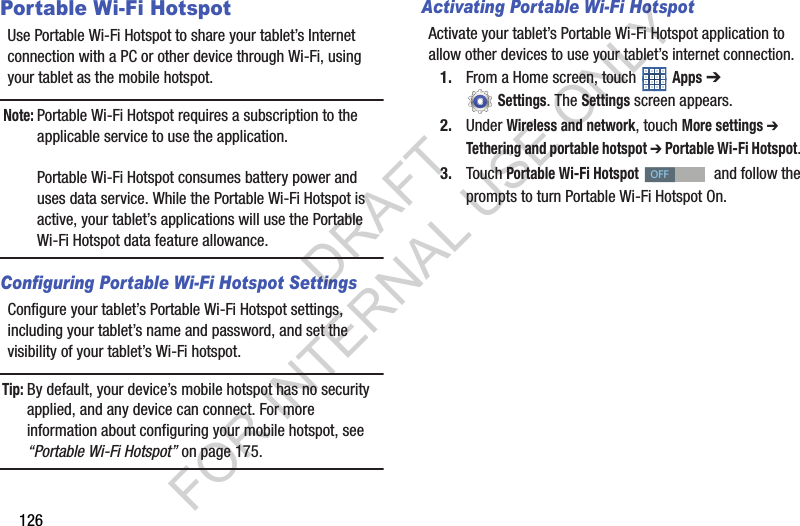
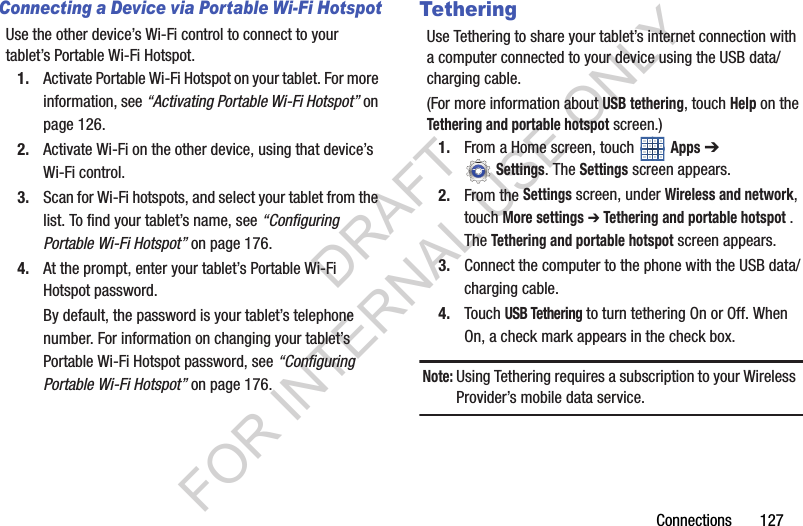
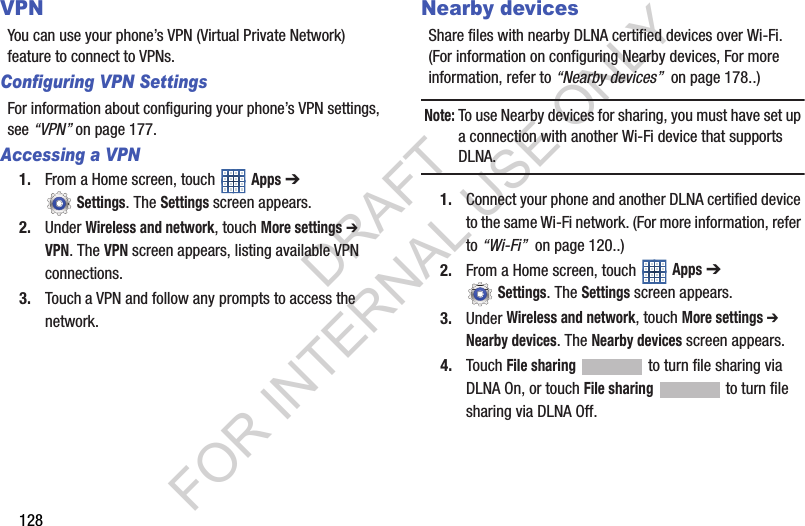
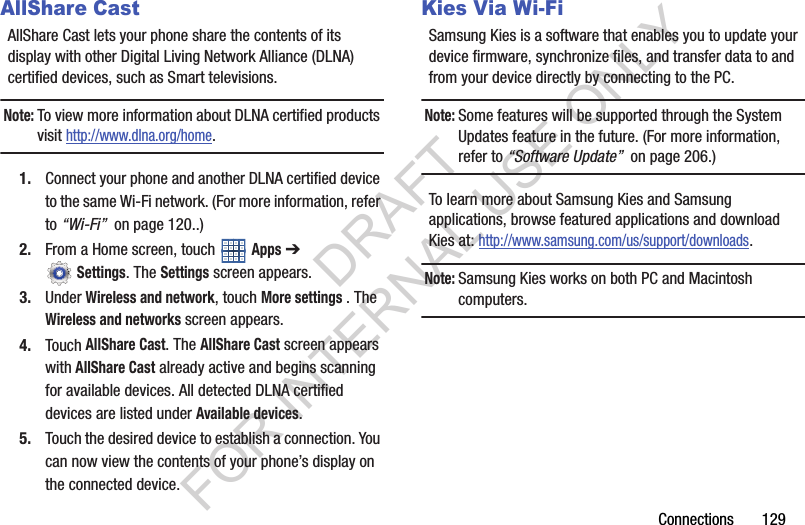
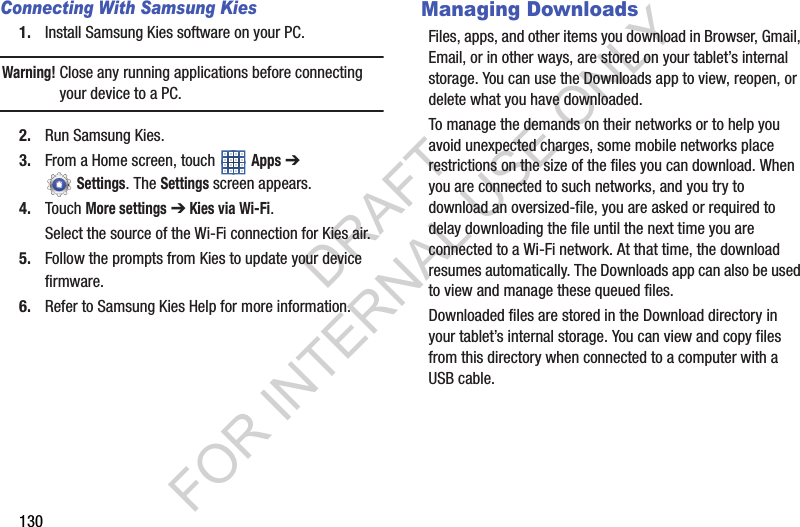
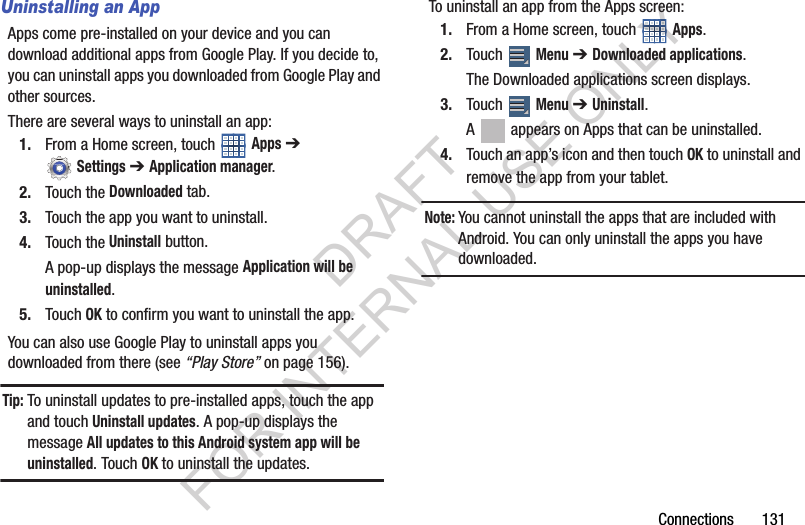
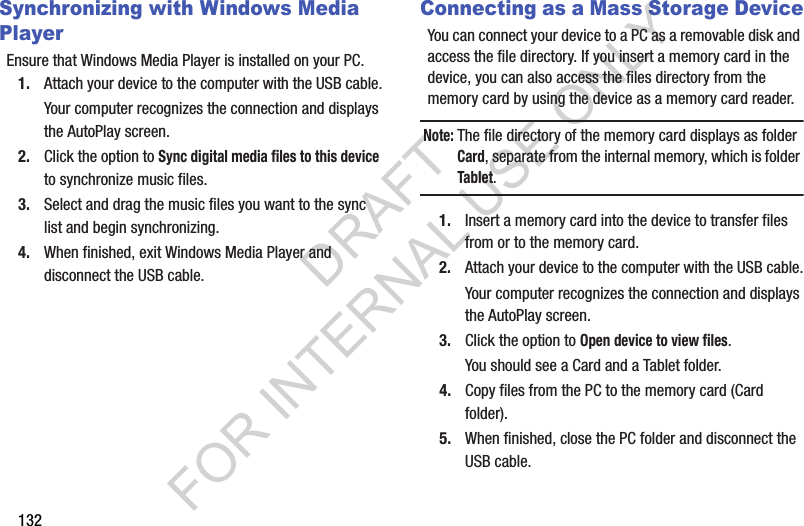
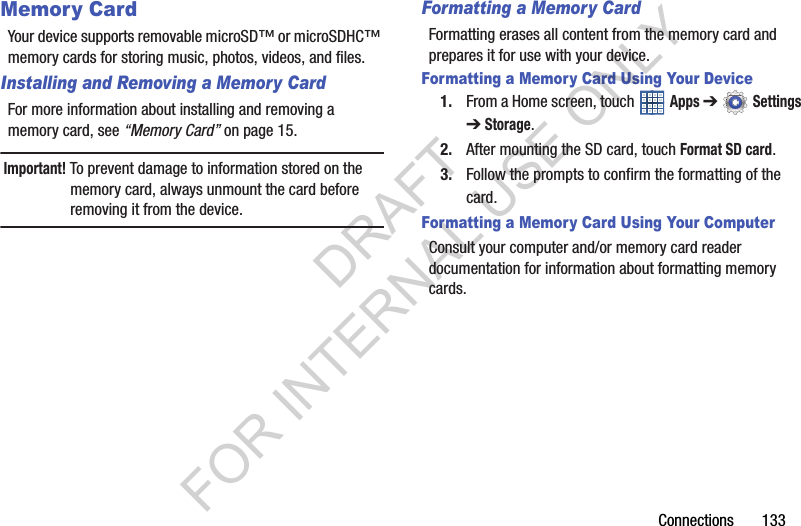
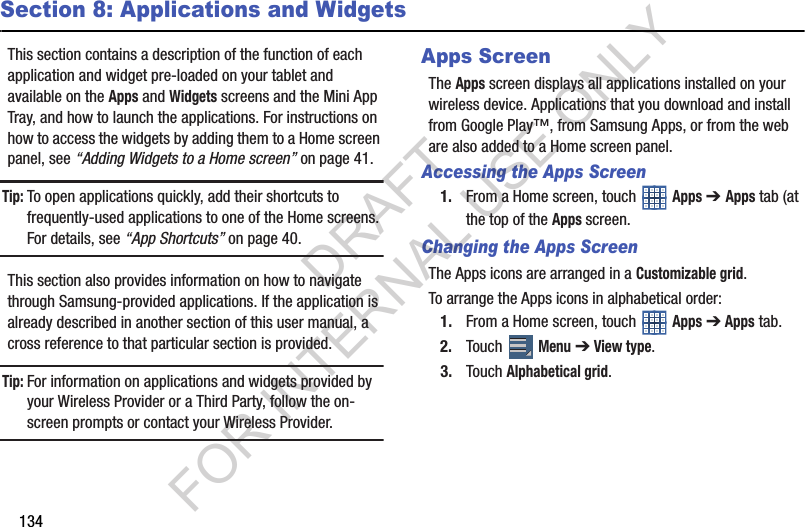
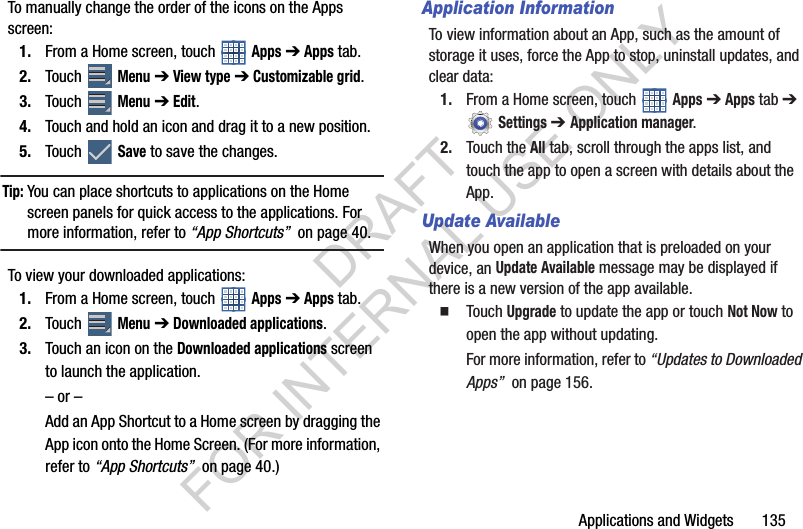
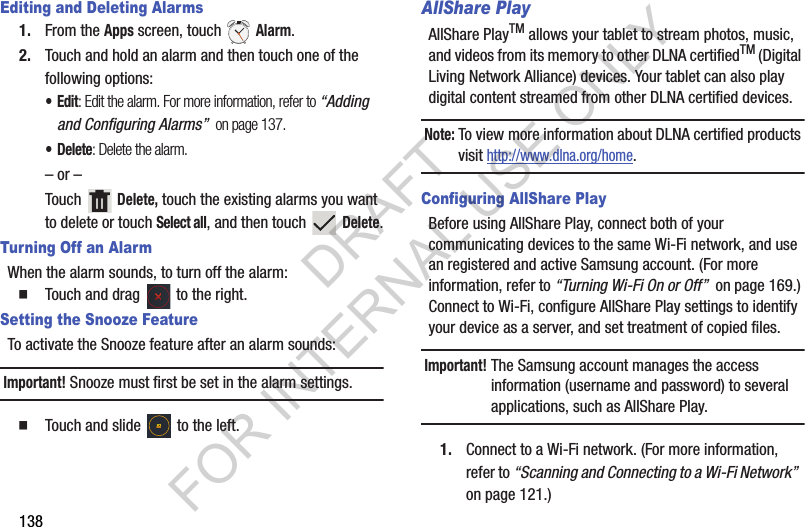
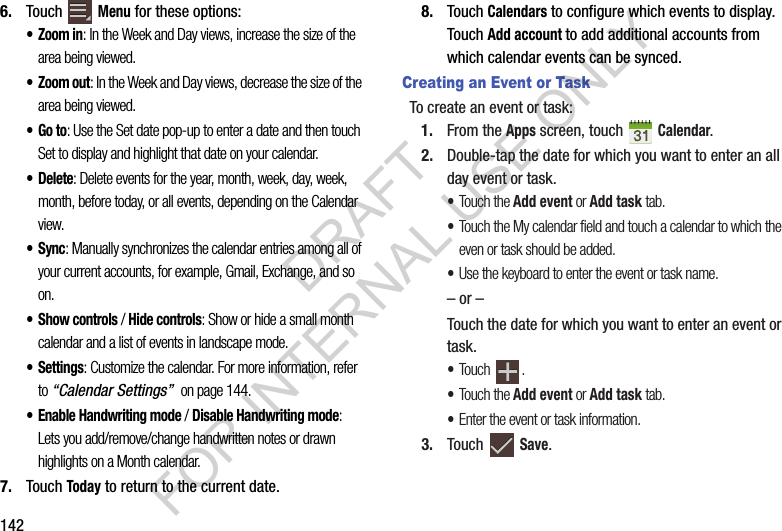
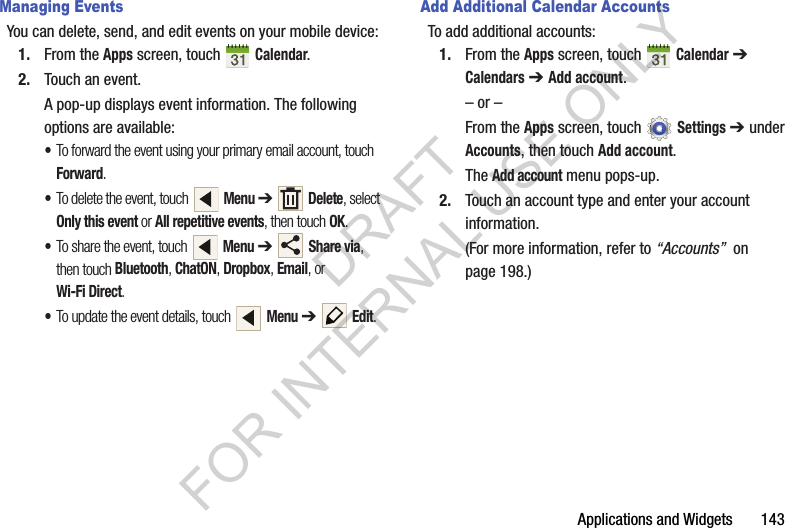
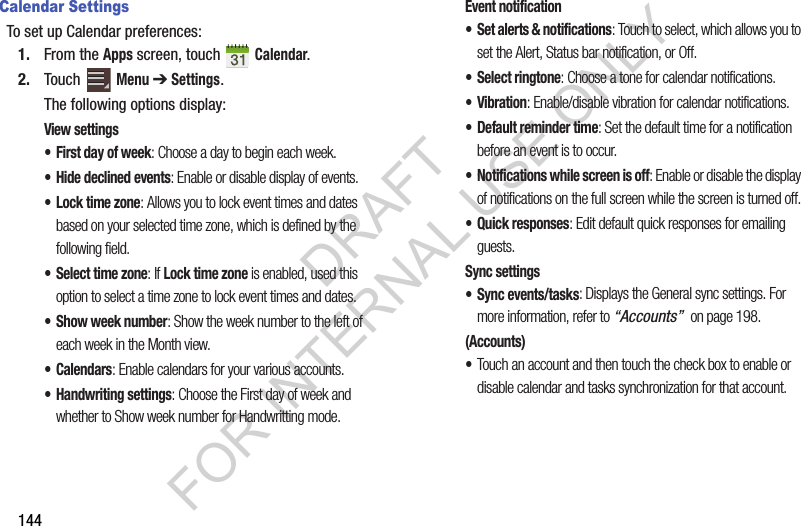
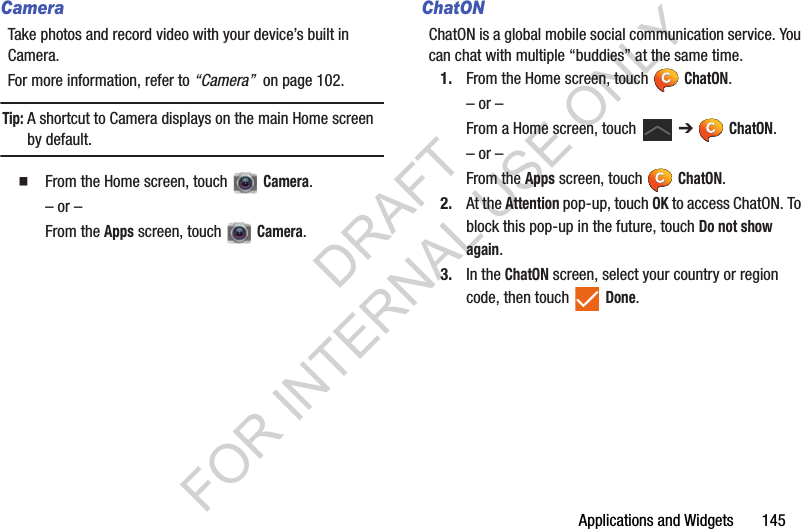
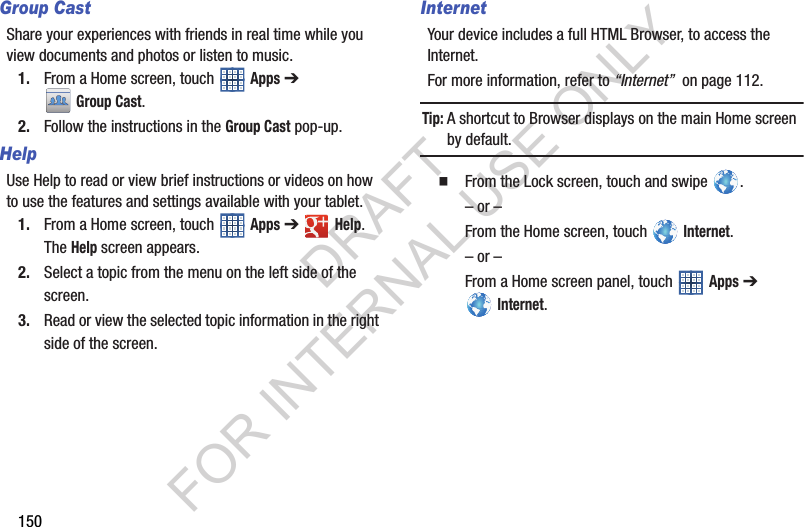
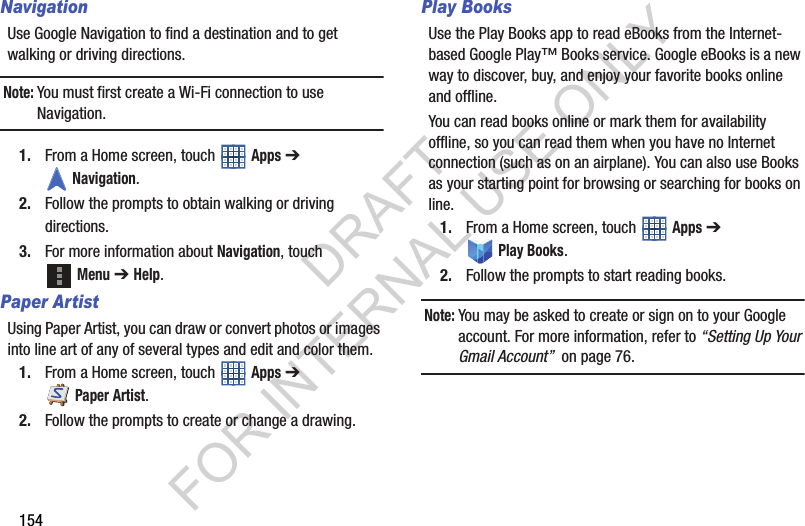
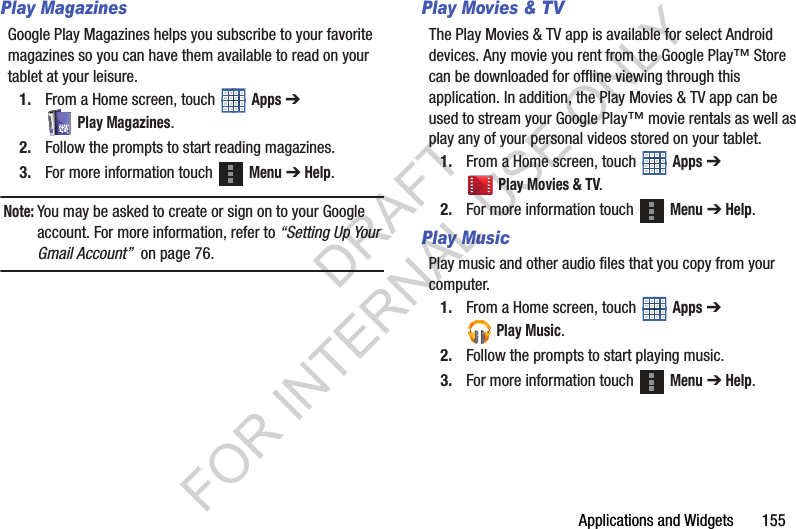
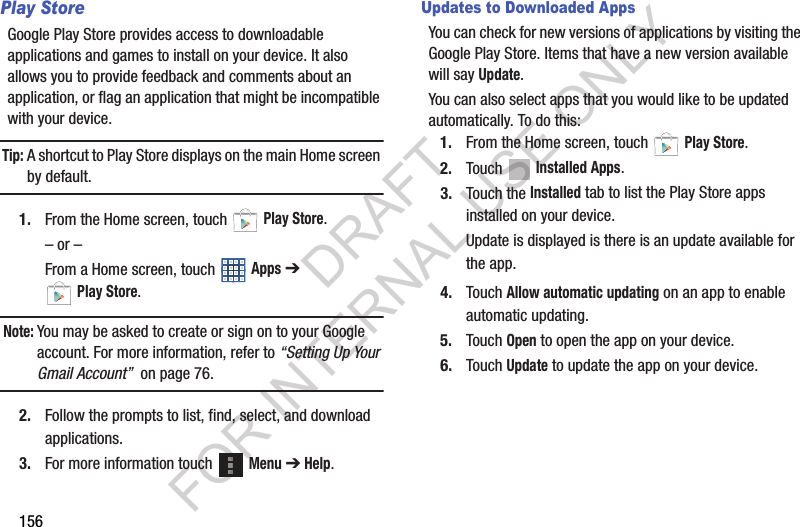
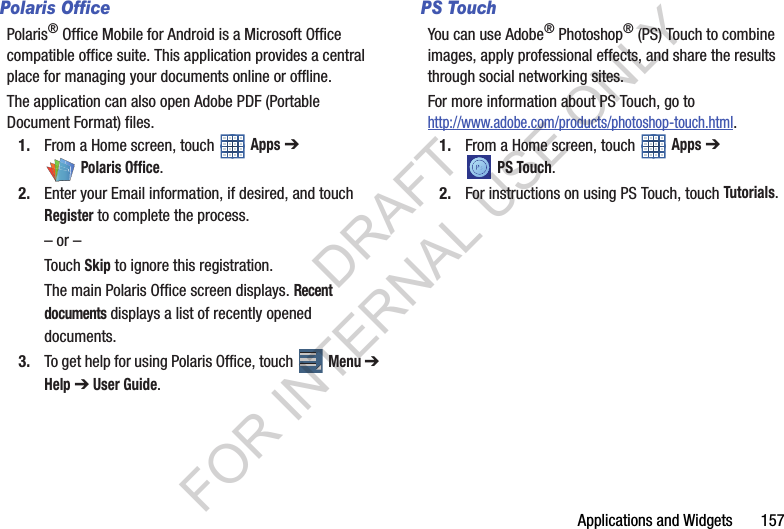
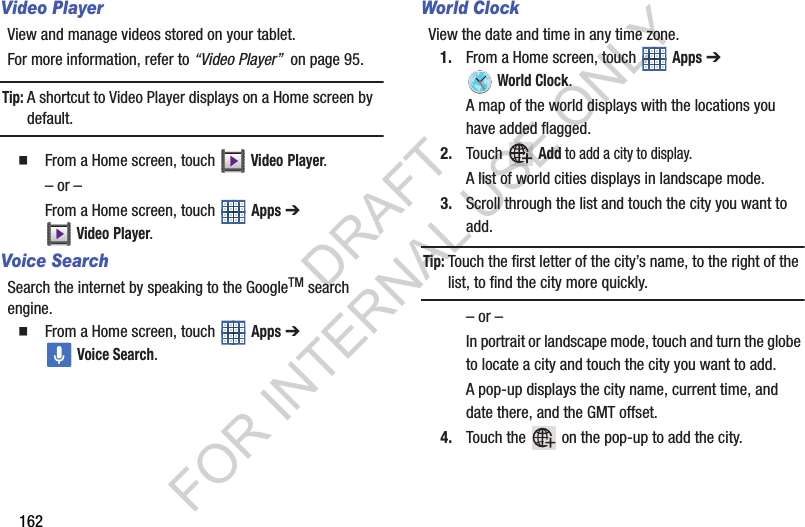
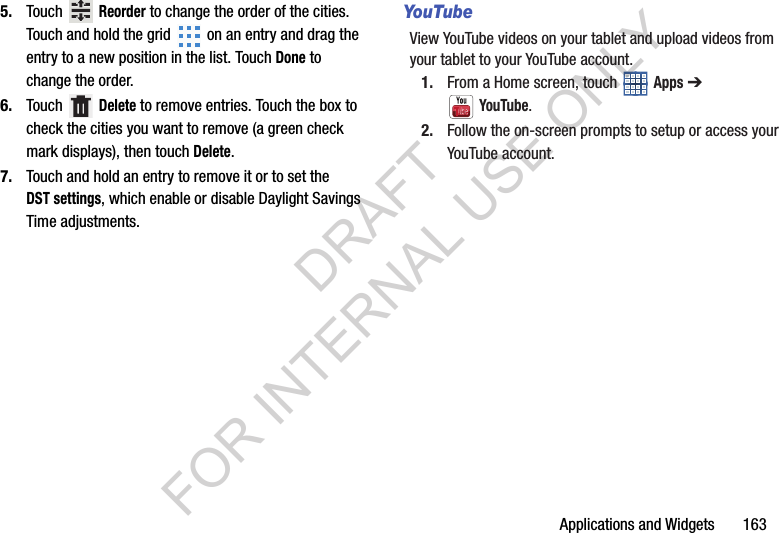
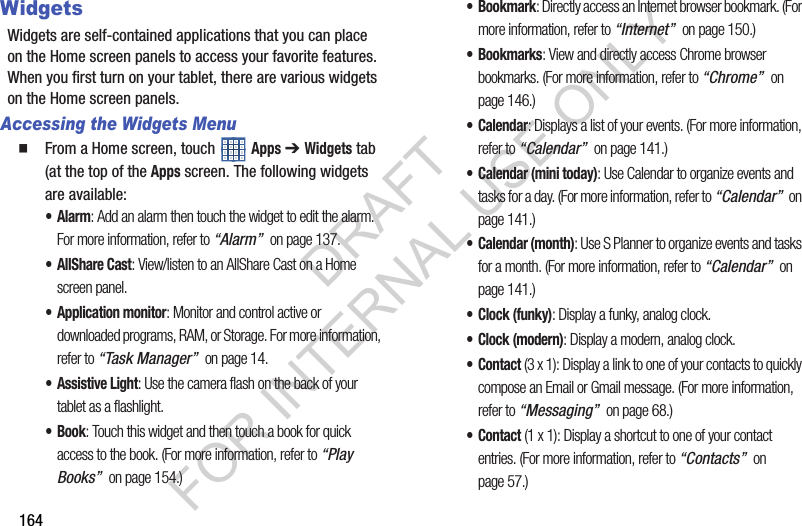
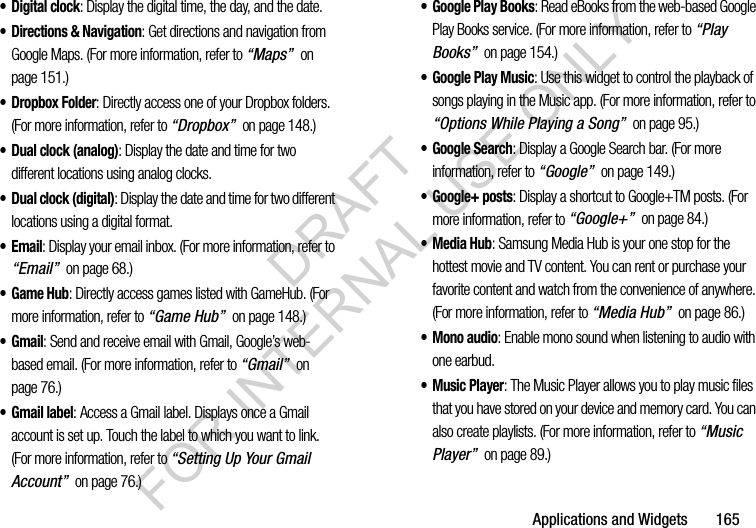
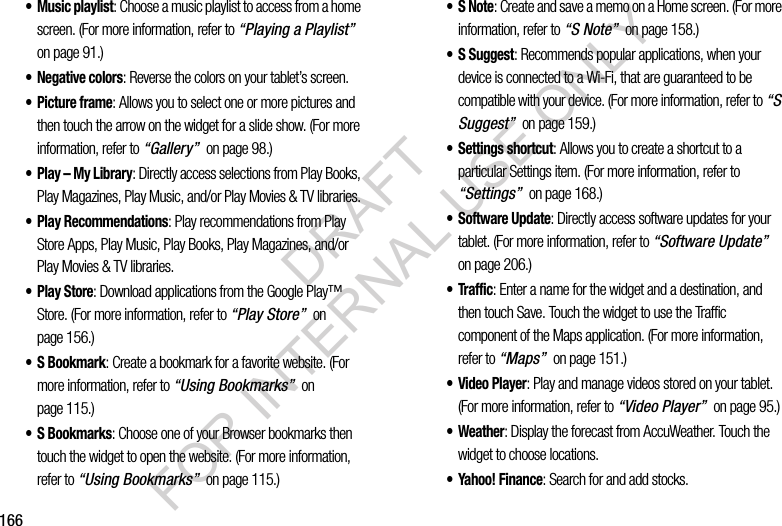
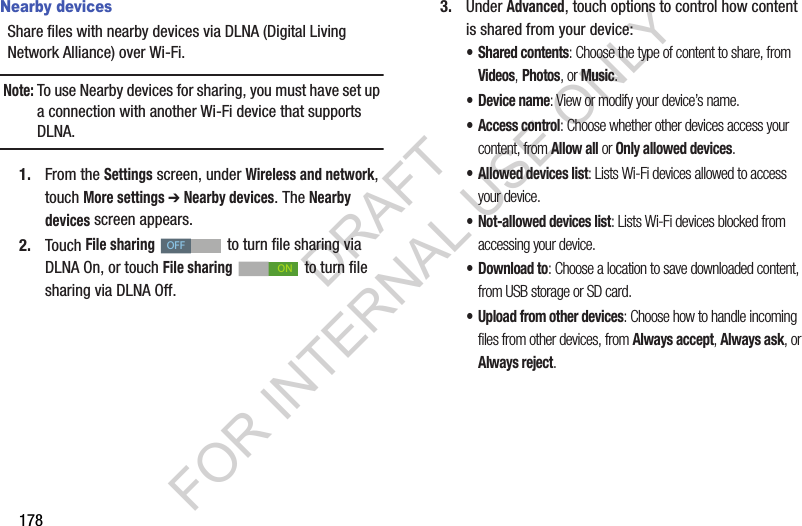
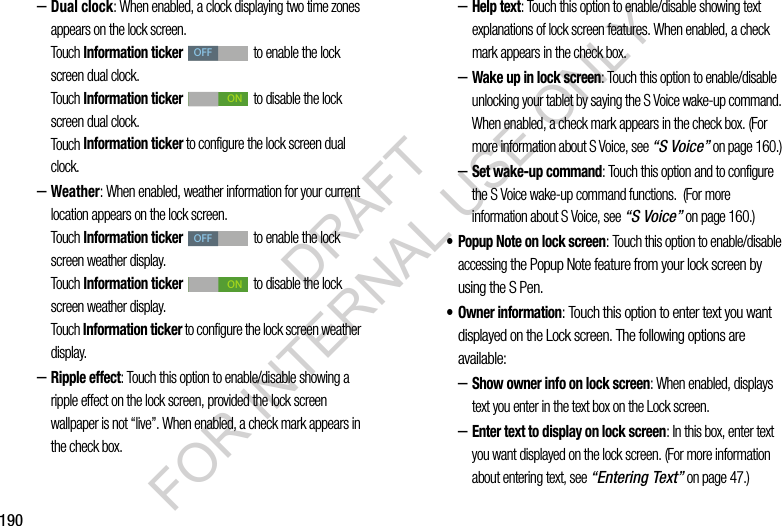
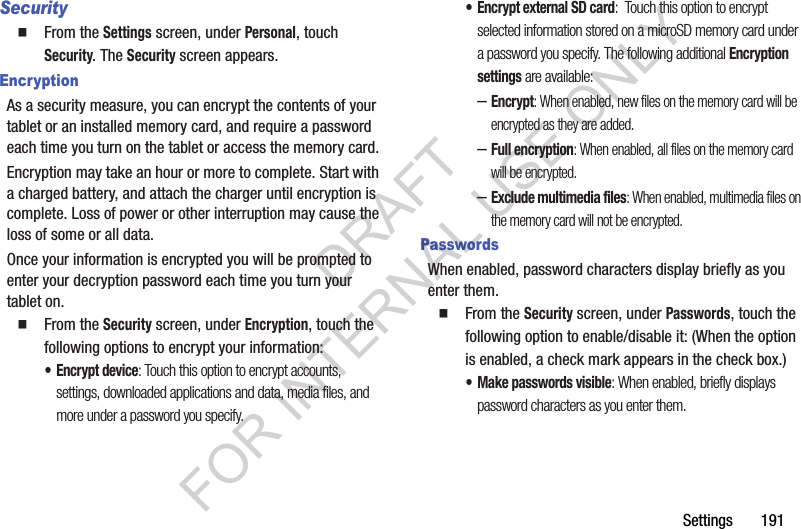
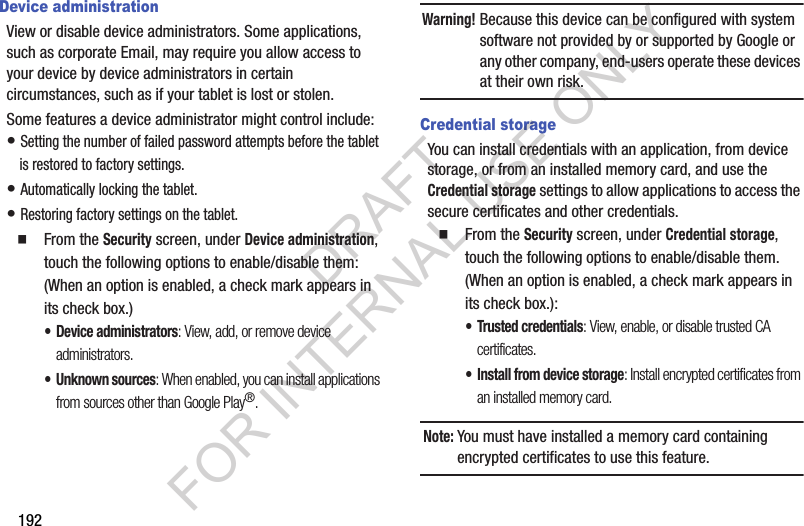
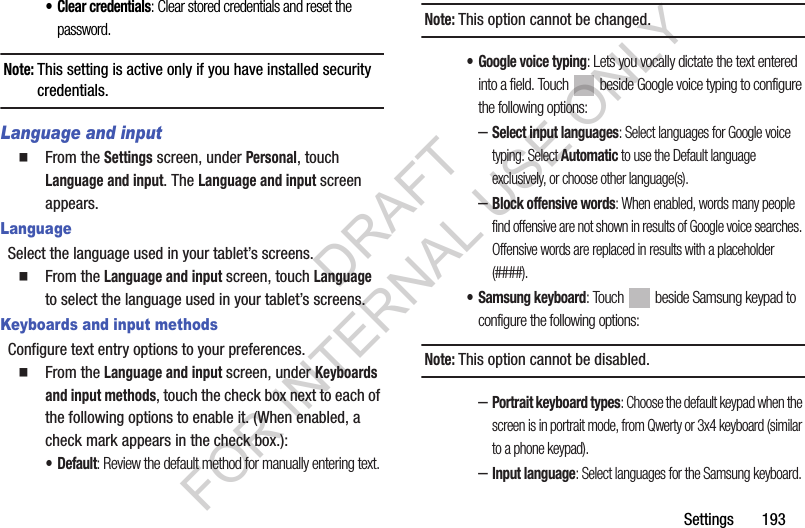
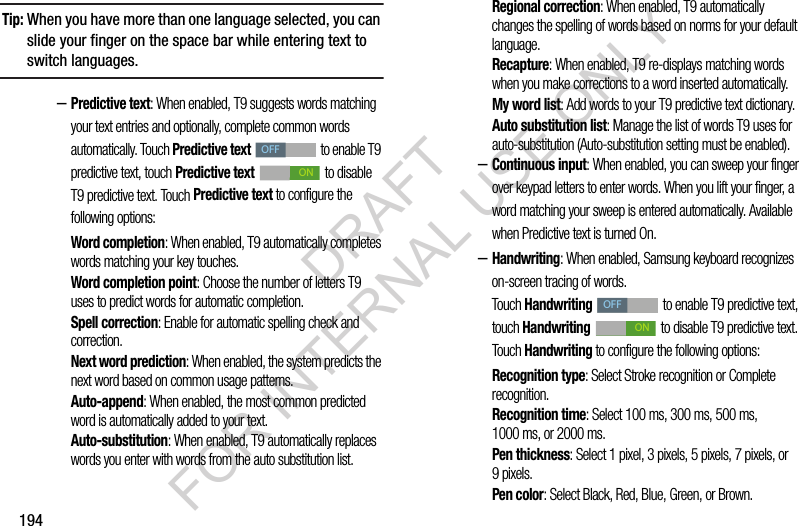
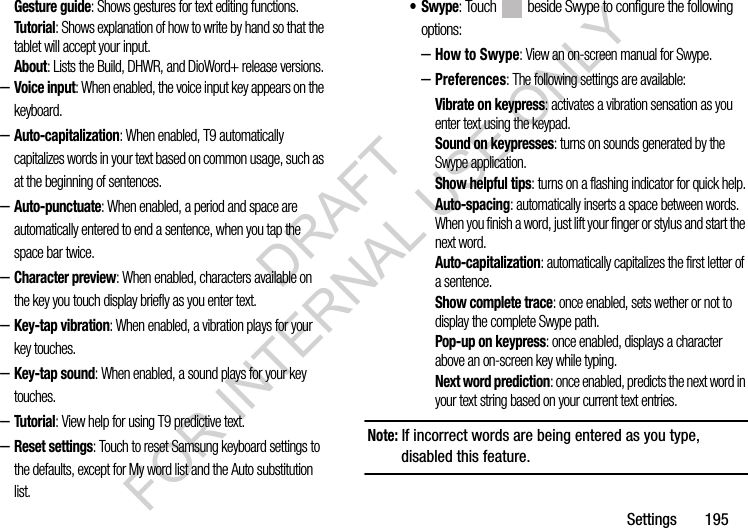
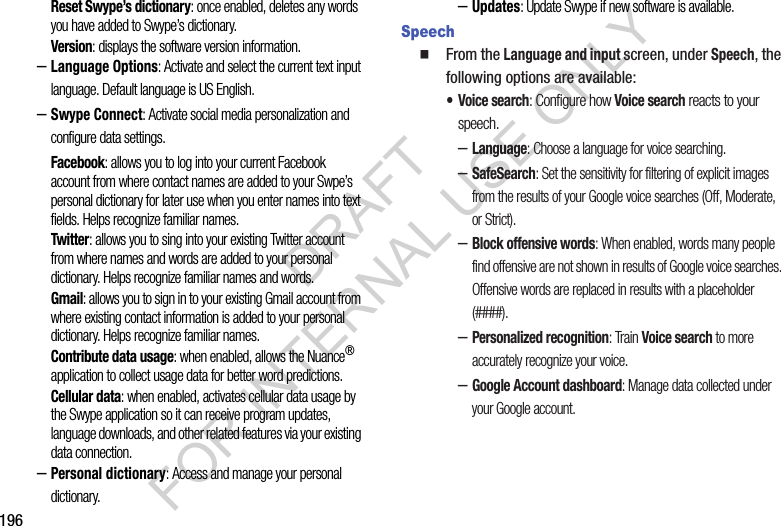
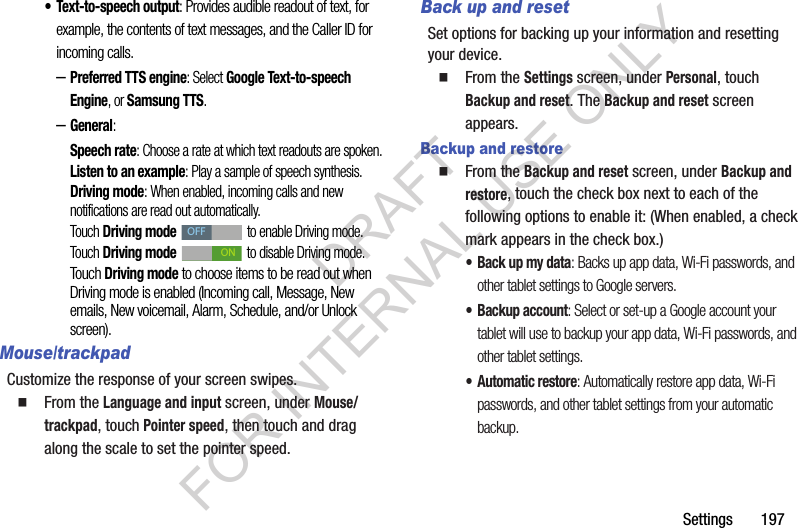
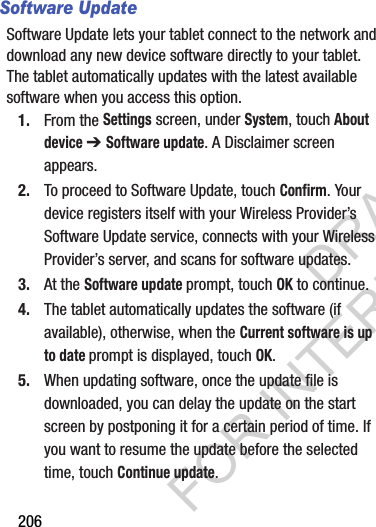
![Health and Safety Information 213The FCC SAR limit incorporates a substantial margin of safety to give additional protection to the public and to account for any variations in measurements.SAR tests are conducted using standard operating positions accepted by the FCC with the mobile device transmitting at its highest certified power level in all tested frequency bands. Although the SAR is determined at the highest certified power level, the actual SAR level of the mobile device while operating can be well below the maximum reported value. This is because the mobile device is designed to operate at multiple power levels so as to use only the power required to reach the network. In general, the closer you are to a wireless base station antenna, the lower the power output of the mobile device.Before a new model mobile device is available for sale to the public, it must be tested and certified to the FCC that it does not exceed the SAR limit established by the FCC. Tests for each model mobile device are performed in positions and locations(e.g. at the ear and worn on the body) as required by the FCC. For body-worn operation, this mobile device has been tested and meets FCC RF exposure guidelines when used with an accessory that contains no metal and that positions the mobile device a minimum of 1.5 cm from the body.Use of other accessories may not ensure compliance with FCC RF exposure guidelines. The FCC has granted an Equipment Authorization for this mobile device with all reported SAR levels evaluated as in compliance with the FCC RF exposure guidelines. This tablet has a FCC ID number: A3LSCHI925U [Model Number: SCH-I925U] and the specific SAR levels for this tablet can be found at the following FCC website:http://www.fcc.gov/oet/ea/.The SAR information for this device can also be found on Samsung’s website: http://www.samsung.com/sar. ****************SAR information on this and other model mobile devices can be accessed online on the FCC's website through http://transition.fcc.gov/oet/rfsafety/sar.html. To find information that pertains to a particular model mobile device, this site uses the mobile device FCC ID number, which is usually printed somewhere on the case of the mobile device. Once you have the FCC ID number for a particular mobile device, follow the instructions on the website and it should provide values for typical or maximum SAR for a particular mobile device. Additional SAR information can also be DRAFT FOR INTERNAL USE ONLY](https://usermanual.wiki/Samsung-Electronics-Co/SCHI925U.Users-Manual-2/User-Guide-1886260-Page-99.png)
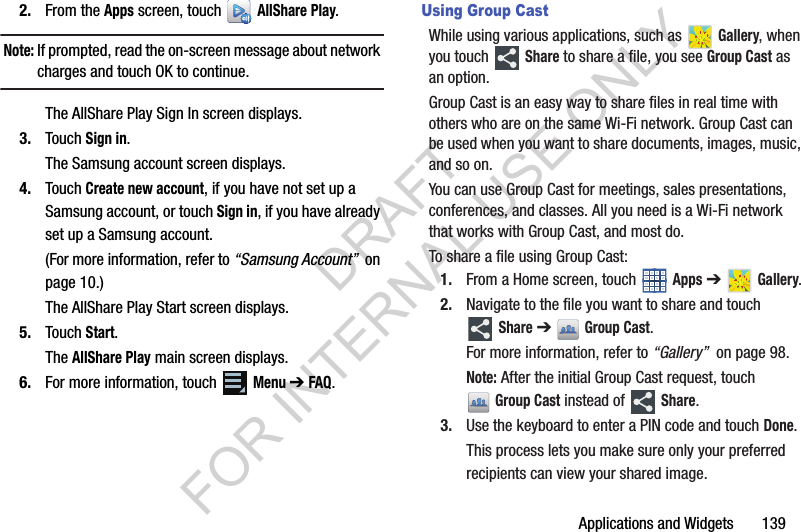
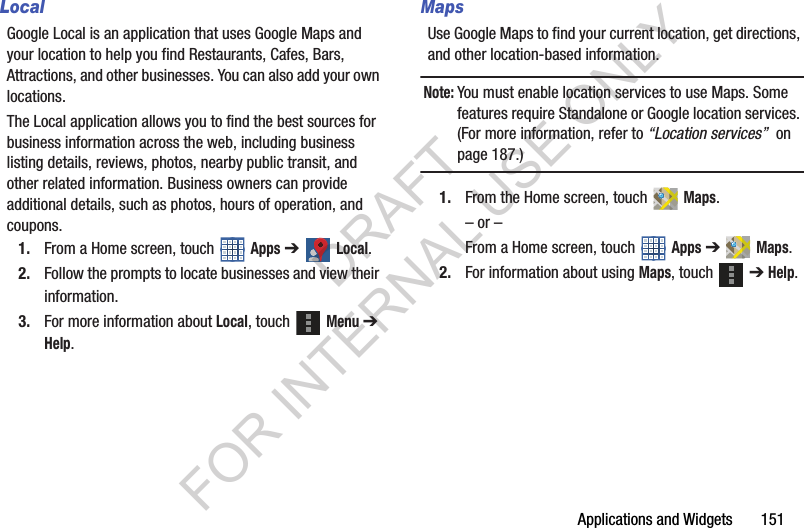
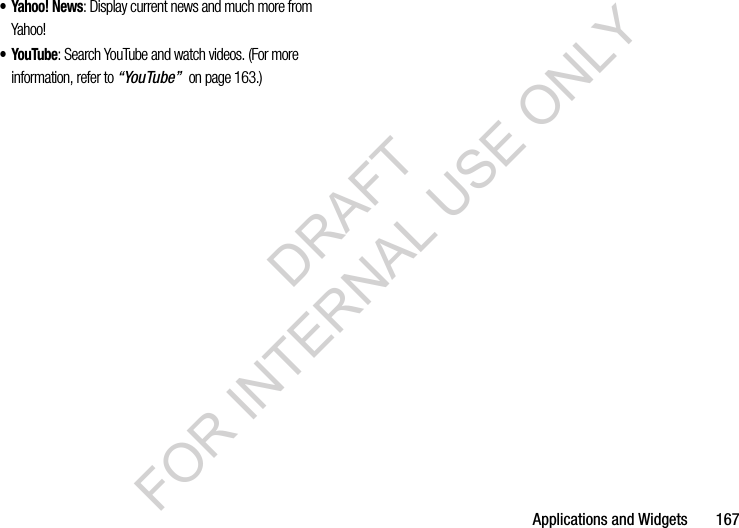
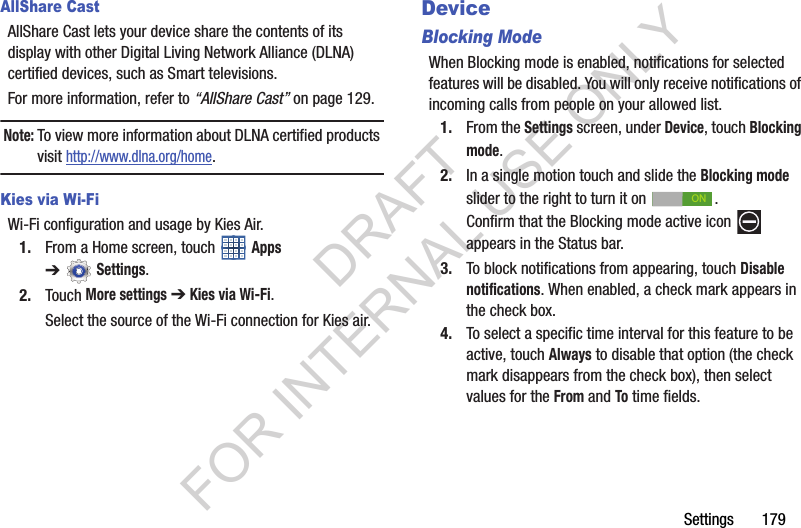
![Health and Safety Information 225• Check regularly that all wireless mobile device equipment in your vehicle is mounted and operating properly.• When using a headset in dry environments, static electricity can build up in the headset and cause a small quick static electrical shock. To minimize the risk of electrostatic discharge from the headset avoid using the headset in extremely dry environments or touch a grounded unpainted metal object to discharge static electricity before inserting the headset.• Do not store or carry flammable liquids, gases, or explosive materials in the same compartment as the mobile device, its parts, or accessories.• For vehicles equipped with an air bag, remember that an air bag inflates with great force. Do not place objects, including installed or portable wireless equipment near or in the area over the air bag or in the air bag deployment area. If wireless equipment is improperly installed and the air bag inflates, serious injury could result.• Switch your mobile device off before boarding an aircraft. The use of wireless mobile devices in aircraft is illegal and may be dangerous to the aircraft's operation. Check with appropriate authorities before using any function of a mobile device while on an aircraft.• Failure to observe these instructions may lead to the suspension or denial of network services to the offender, or legal action, or both.• While using your device, leave some lights on in the room and do not hold the screen too close to your eyes.• Seizures or blackouts can occur when you are exposed to flashing lights while watching videos or playing games for extended periods. If you feel any discomfort, stop using the device immediately.• Reduce risk of repetitive motion injuries. When you repetitively perform actions, such as pressing keys, drawing characters on a touch screen with your fingers, or playing games, you may experience occasional discomfort in your hands, neck, shoulders, or other parts of your body. When using your device for extended periods, hold the device with a relaxed grip, press the keys lightly, and take frequent breaks. If you continue to have discomfort during or after such use, stop use and see a physician.• If your device has a camera flash or light, do not use the flash or light close to the eyes of people or pets. [122011]DRAFT FOR INTERNAL USE ONLY](https://usermanual.wiki/Samsung-Electronics-Co/SCHI925U.Users-Manual-2/User-Guide-1886260-Page-111.png)
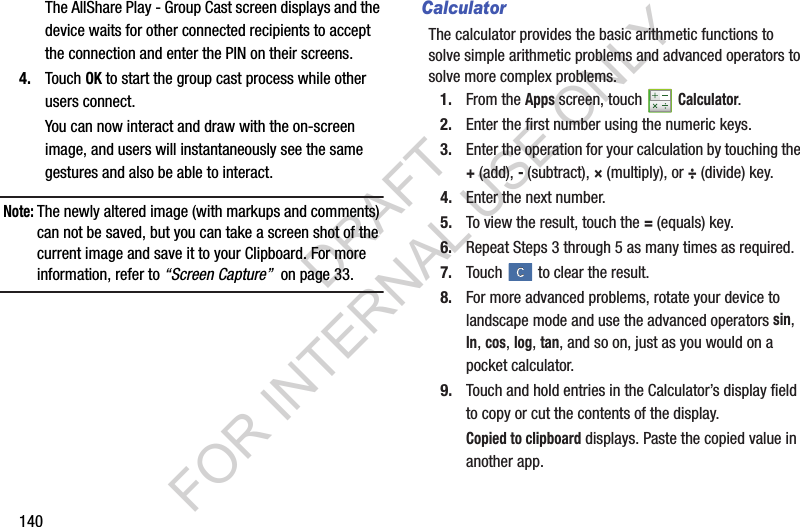
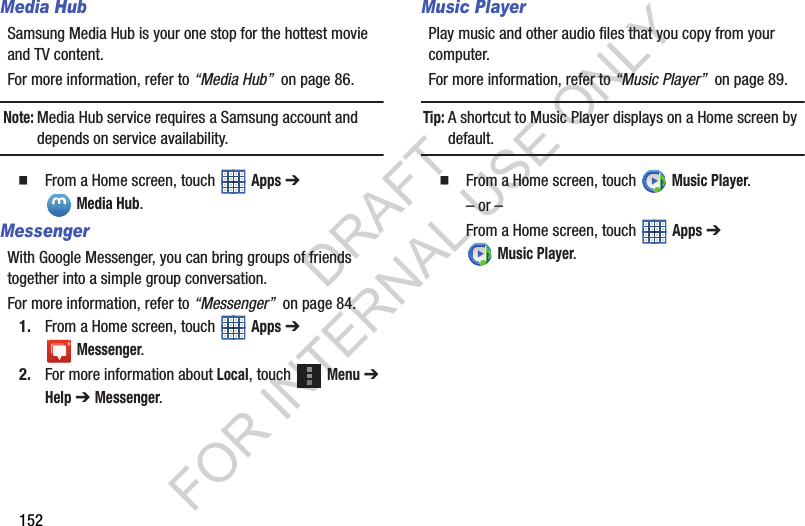
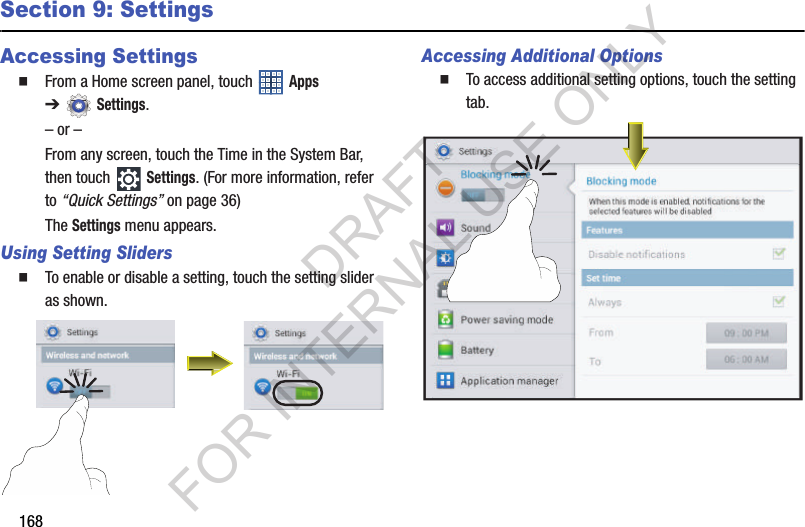
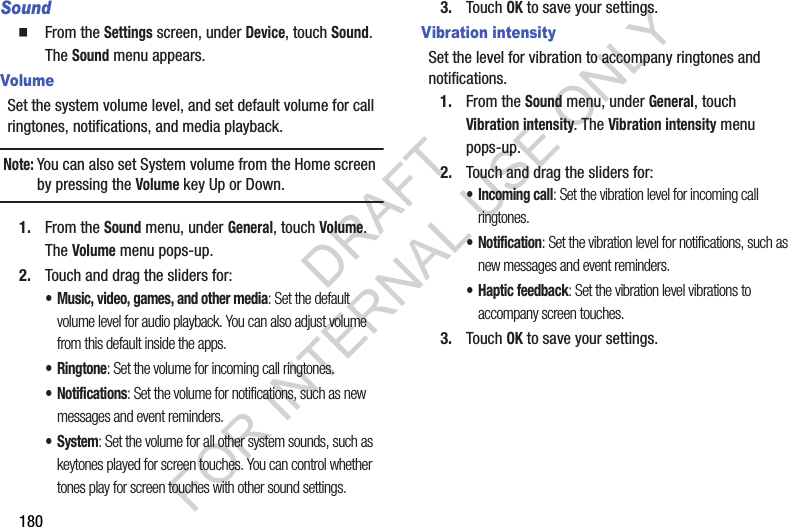
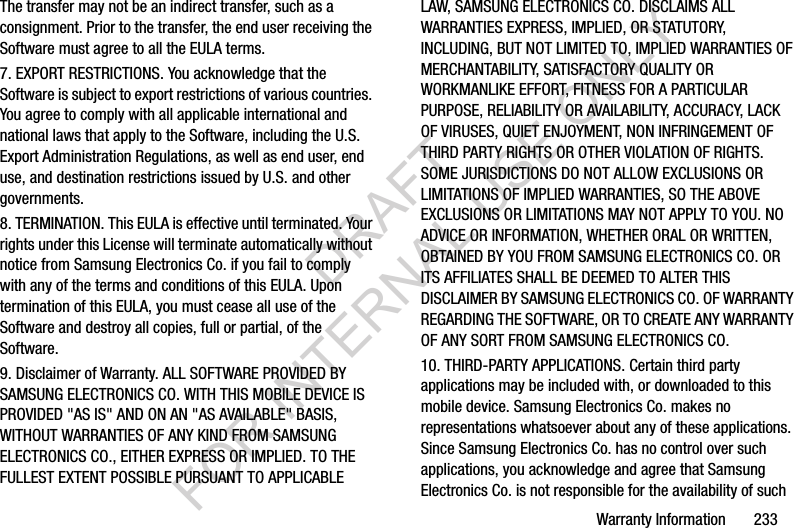
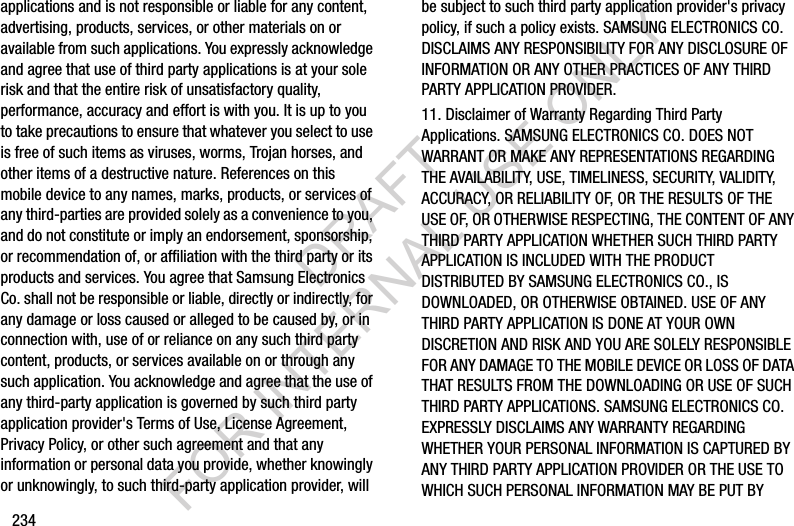
![Warranty Information 231Important! Please provide warranty information (proof of purchase) to Samsung’s Customer Care Center in order to provide this service at no charge. If the warranty has expired on the device, charges may apply.Samsung Telecommunications America, LLC1301 E. Lookout DriveRichardson, Texas 75082Phone: 1-800-SAMSUNGPhone: 1-888-987-HELP (4357)©2012 Samsung Telecommunications America. All rights reserved.No reproduction in whole or in part allowed without prior written approval. Specifications and availability subject to change without notice. [111611]End User License Agreement for SoftwareIMPORTANT. READ CAREFULLY: This End User License Agreement ("EULA") is a legal agreement between you (either an individual or a single entity) and Samsung Electronics Co., Ltd. ("Samsung Electronics Co.") for software, owned by Samsung Electronics Co. and its affiliated companies and its third party suppliers and licensors, that accompanies this EULA, which includes computer software and may include associated media, printed materials, "online" or electronic documentation ("Software"). Samsung Electronics Co. is a separate company from the company that provides the limited warranty for this mobile device, Samsung Telecommunications America, LLC.This device requires the use of preloaded software in its normal operation. BY USING THE DEVICE OR ITS PRELOADED SOFTWARE, YOU ACCEPT THE TERMS OF THIS EULA. IF YOU DO NOT ACCEPT THESE TERMS, DO NOT USE THE DEVICE OR THE SOFTWARE. INSTEAD, RETURN THE DEVICE TO THE RETAILER FOR A REFUND OR CREDIT. 1. GRANT OF LICENSE. Samsung Electronics Co. grants you the following rights provided that you comply with all terms and conditions of this EULA: You may install, use, access, display and run one copy of the Software on the local hard disk(s) or other permanent storage media of one computer and use the Software on a single computer or a mobile device at a time, and you may not make the Software available over a network where it could be used by multiple computers at the same time. You may make one copy of the Software in machine readable form for backup purposes DRAFT FOR INTERNAL USE ONLY](https://usermanual.wiki/Samsung-Electronics-Co/SCHI925U.Users-Manual-2/User-Guide-1886260-Page-117.png)
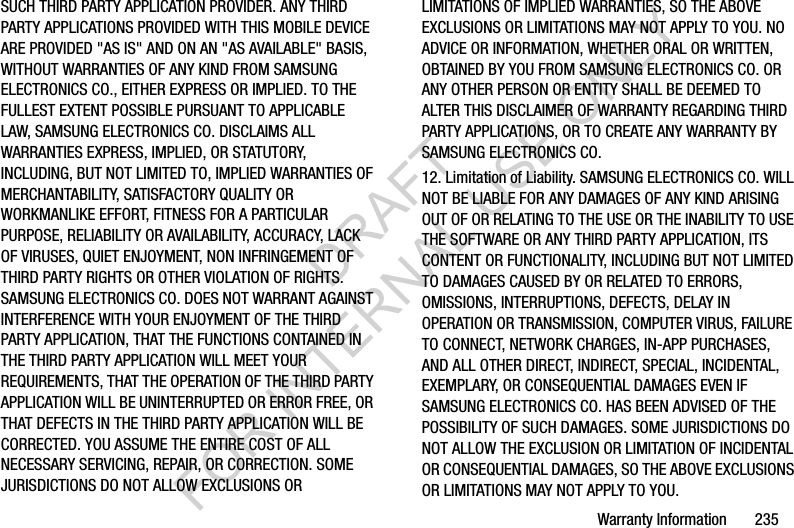
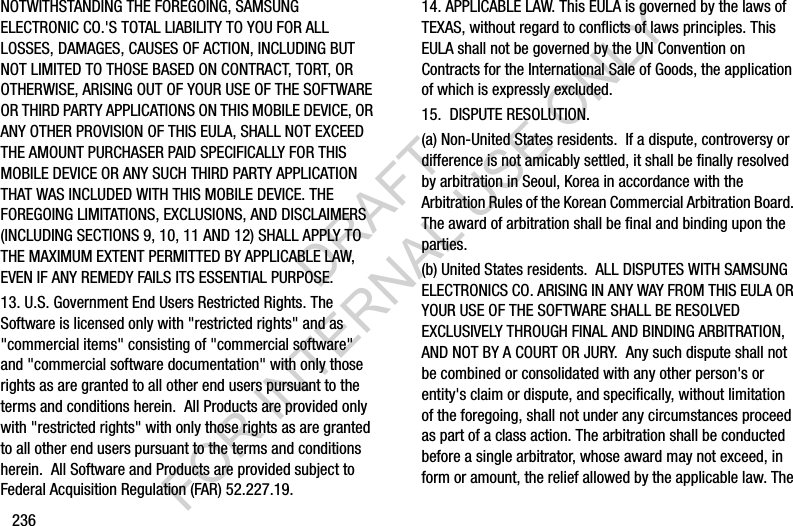
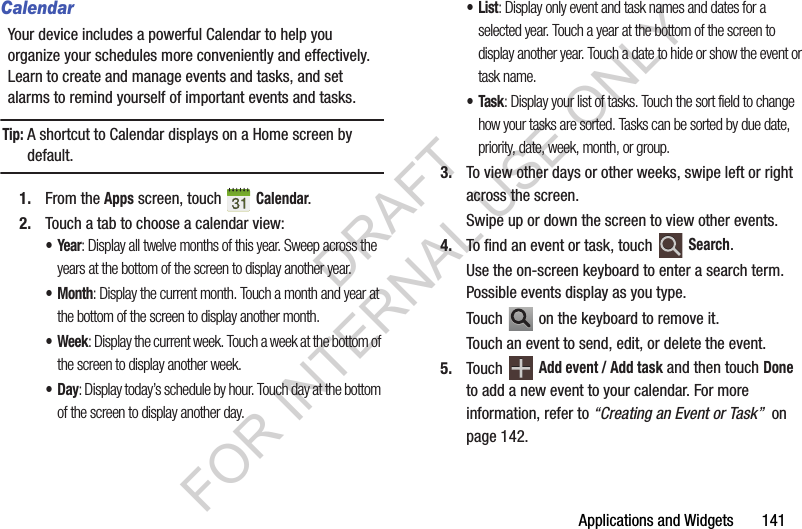
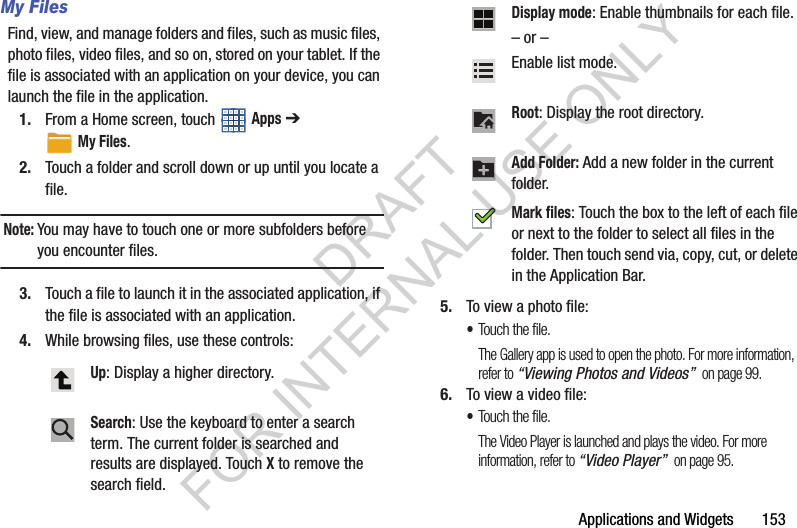
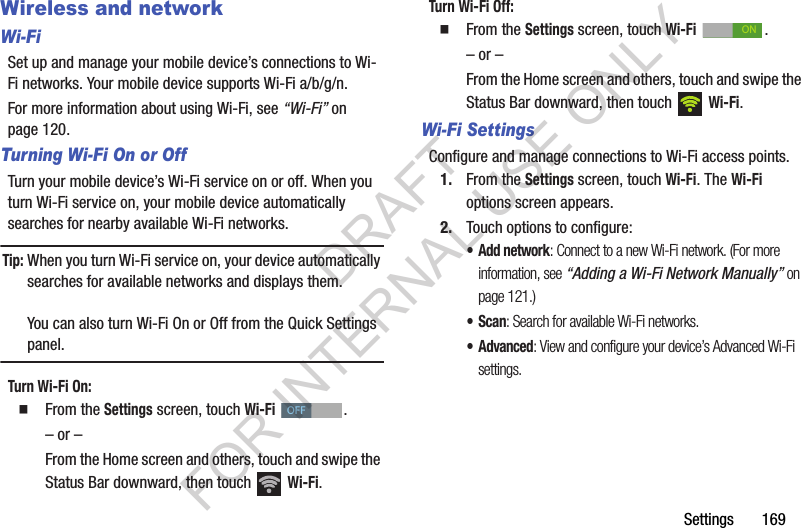
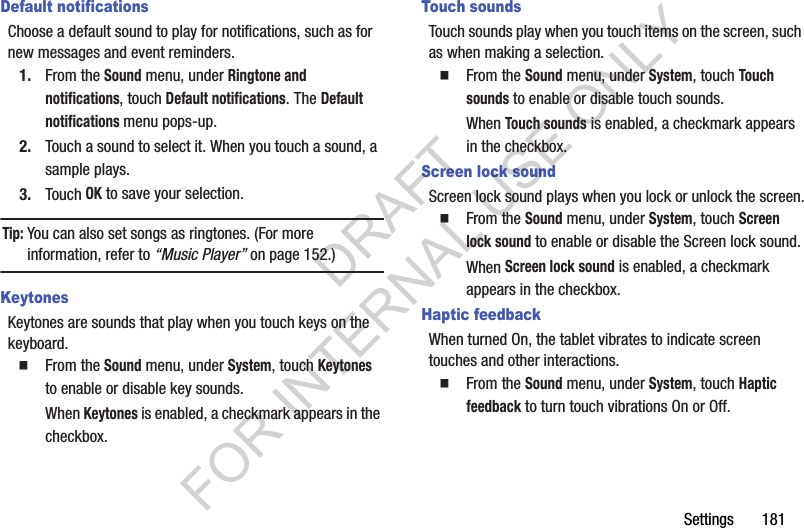
![238the first consumer purchaser's purchase of the device and providing the same information. These are the only two forms of notice that will be effective to opt out of this dispute resolution procedure. Opting out of this dispute resolution procedure will not affect your use of the device or its preloaded Software, and you will continue to enjoy the benefits of this license.16. ENTIRE AGREEMENT; SEVERABILITY. This EULA is the entire agreement between you and Samsung Electronics Co. relating to the Software and supersedes all prior or contemporaneous oral or written communications, proposals and representations with respect to the Software or any other subject matter covered by this EULA. If any provision of this EULA is held to be void, invalid, unenforceable or illegal, the other provisions shall continue in full force and effect. [101212]DRAFT FOR INTERNAL USE ONLY](https://usermanual.wiki/Samsung-Electronics-Co/SCHI925U.Users-Manual-2/User-Guide-1886260-Page-124.png)