Samzuk Technology Development Co FPCN10A 16 channel walkie talkie User Manual

Guangdong Samzuk Technology Development Co,Ltd 16 channel walkie talkie

User Manual

FPCN10A WITH APP Operation manual                          A、Base Function  1、16 Group Memory Channel   2、Group Button Function   3、Scrambler 4、Voice Compression      5、Power Saving Function;    6、Keypad Tone;    7、Battery Capacity Indication;    8、Lock The Keyboard      9、Scan Function;    10、VOX    OFF 1-9    11、Wide/Narrow Band Selection;    12、Squelch Level Selection 1-9    13、Monitor Function  14、APP function             B,LCD Display  No.    Icon  Description 1  Key lock 3   Voice Operated Transmission 4   Battery capacity indication 5  Group  Group Number 6  Channel  Channel Number    C、Menu a.Using method 1.Press the [MENU] key,enter into the menu selecting mode   2. Press the [EXIT] key to exit setting.
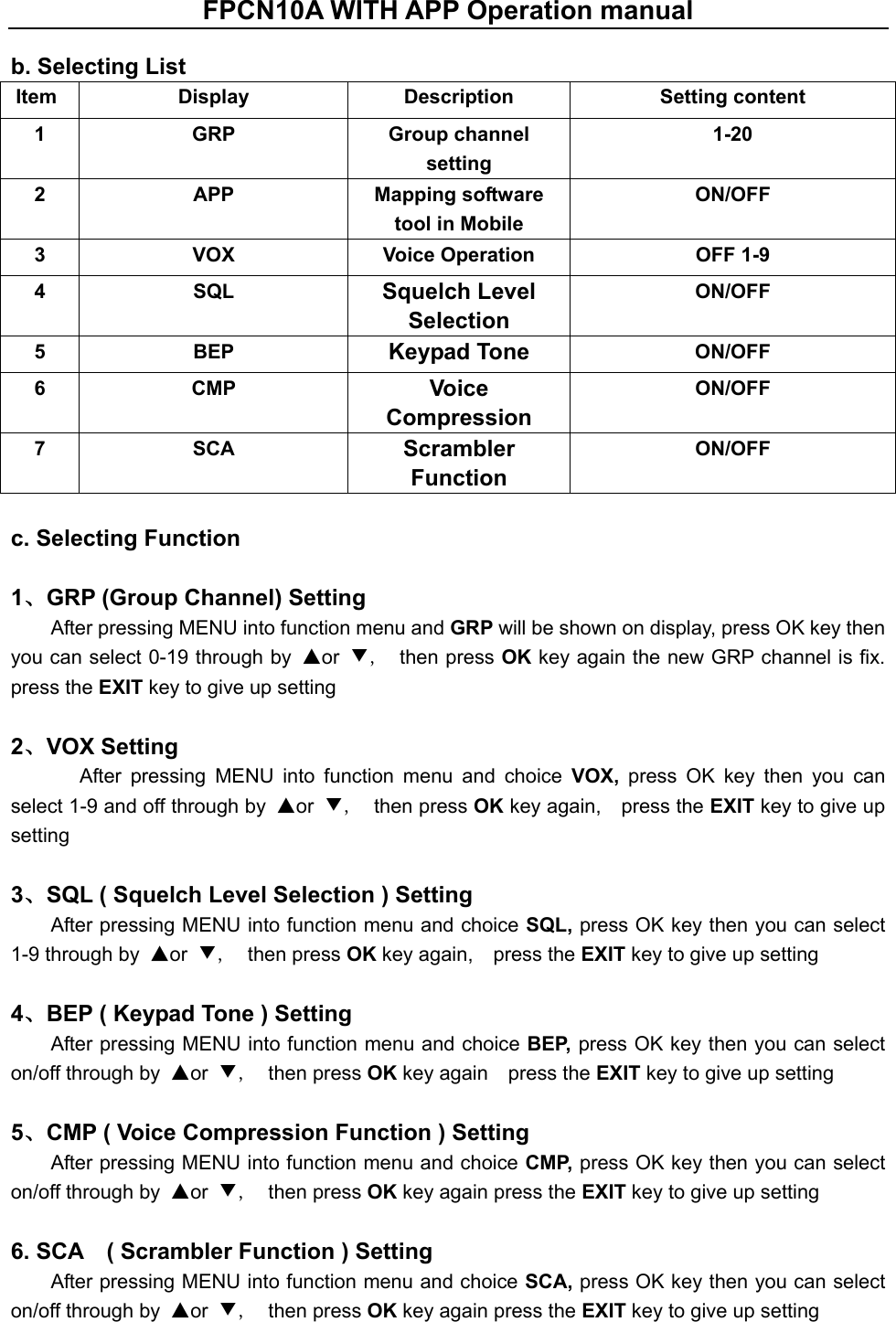
FPCN10A WITH APP Operation manual  b. Selecting List Item  Display  Description  Setting content 1  GRP  Group channel setting 1-20 2  APP  Mapping software tool in Mobile ON/OFF 3  VOX  Voice Operation    OFF 1-9 4  SQL  Squelch Level Selection ON/OFF 5  BEP  Keypad Tone ON/OFF 6  CMP  Voice Compression ON/OFF 7  SCA  Scrambler Function ON/OFF  c. Selecting Function    1、GRP (Group Channel) Setting After pressing MENU into function menu and GRP will be shown on display, press OK key then you can select 0-19 through by  ▲or  ▼,   then press OK key again the new GRP channel is fix.   press the EXIT key to give up setting    2、VOX Setting   After  pressing  MENU  into  function  menu  and  choice  VOX,  press  OK  key  then  you  can select 1-9 and off through by  ▲or  ▼,   then press OK key again,    press the EXIT key to give up setting    3、SQL ( Squelch Level Selection ) Setting   After pressing MENU into function menu and choice SQL, press OK key then you can select 1-9 through by  ▲or  ▼,   then press OK key again,    press the EXIT key to give up setting    4、BEP ( Keypad Tone ) Setting After pressing MENU into function menu and choice BEP, press OK key then you can select on/off through by  ▲or  ▼,   then press OK key again    press the EXIT key to give up setting    5、CMP ( Voice Compression Function ) Setting After pressing MENU into function menu and choice CMP, press OK key then you can select on/off through by  ▲or  ▼,   then press OK key again press the EXIT key to give up setting    6. SCA    ( Scrambler Function ) Setting After pressing MENU into function menu and choice SCA, press OK key then you can select on/off through by  ▲or  ▼,   then press OK key again press the EXIT key to give up setting
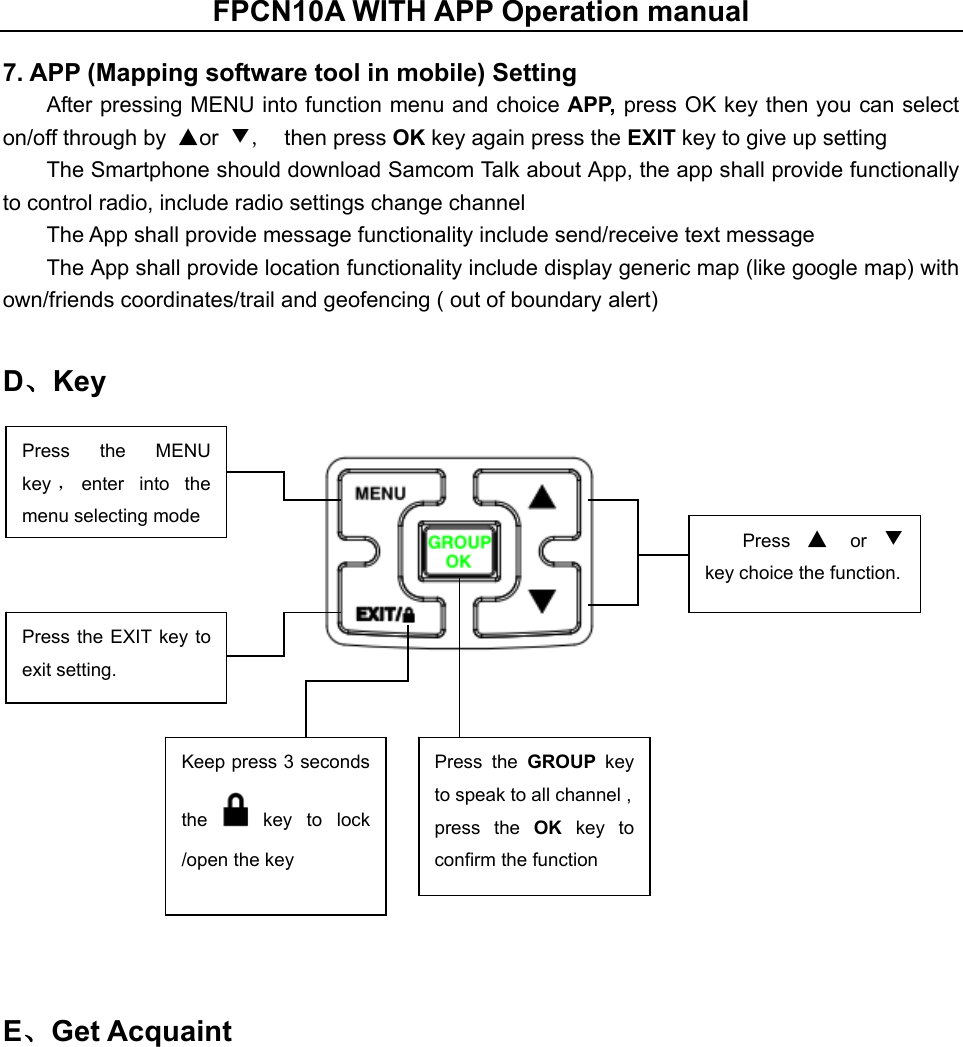
FPCN10A WITH APP Operation manual  7. APP (Mapping software tool in mobile) Setting After pressing MENU into function menu and choice APP, press OK key then you can select on/off through by  ▲or  ▼,   then press OK key again press the EXIT key to give up setting   The Smartphone should download Samcom Talk about App, the app shall provide functionally to control radio, include radio settings change channel   The App shall provide message functionality include send/receive text message   The App shall provide location functionality include display generic map (like google map) with own/friends coordinates/trail and geofencing ( out of boundary alert)   D、Key       E、Get Acquaint  Press  the  MENU   key ,enter  into  the menu selecting mode   Press the  EXIT key to exit setting. Press  ▲ or ▼ key choice the function. Keep press 3 seconds the    key  to  lock /open the key Press  the  GROUP  key to speak to all channel , press  the  OK key to confirm the function
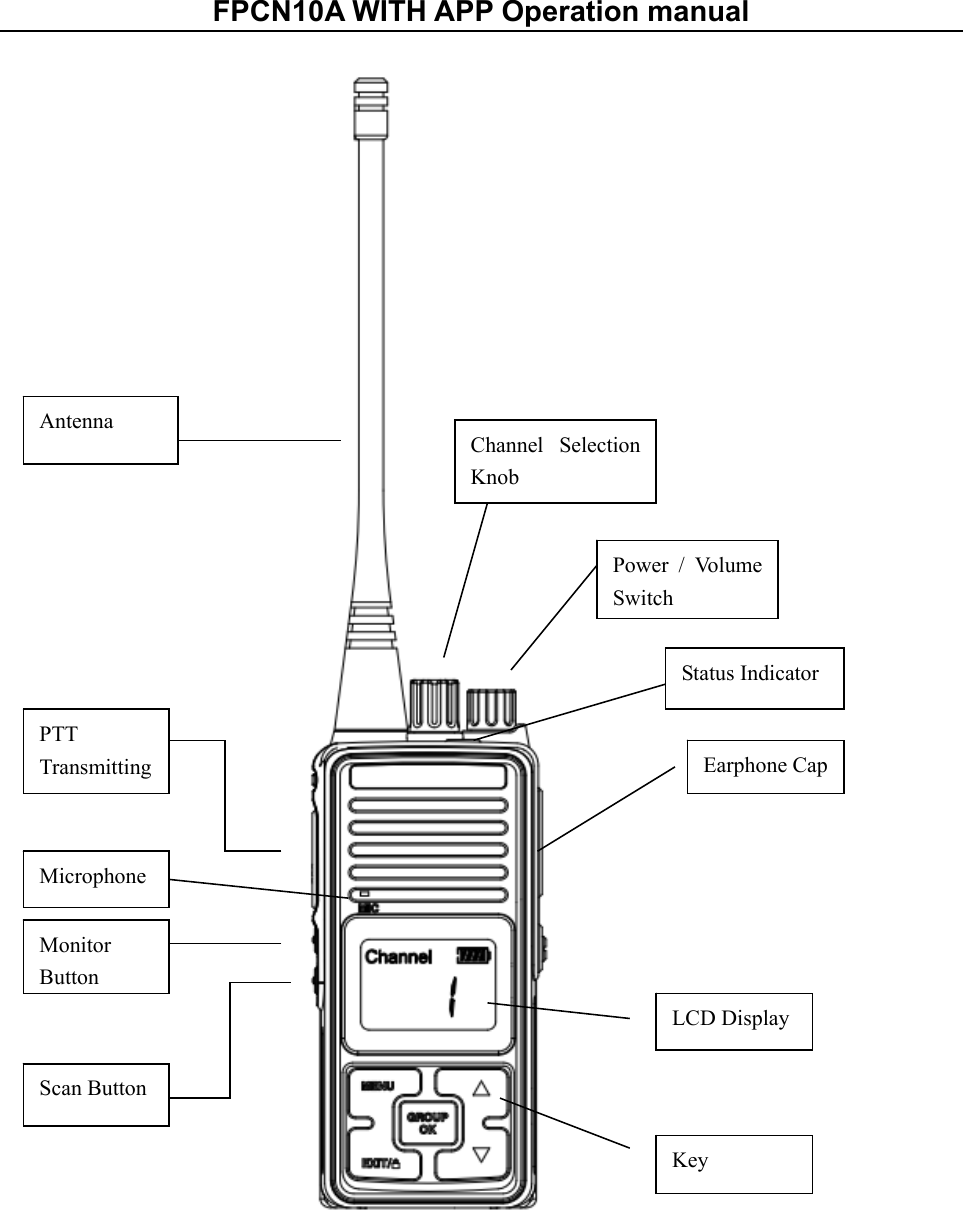
FPCN10A WITH APP Operation manual    Antenna PTT Transmitting Monitor Button Scan Button Channel  Selection Knob Power  /  Volume Switch Earphone Cap LCD Display Key Microphone Status Indicator
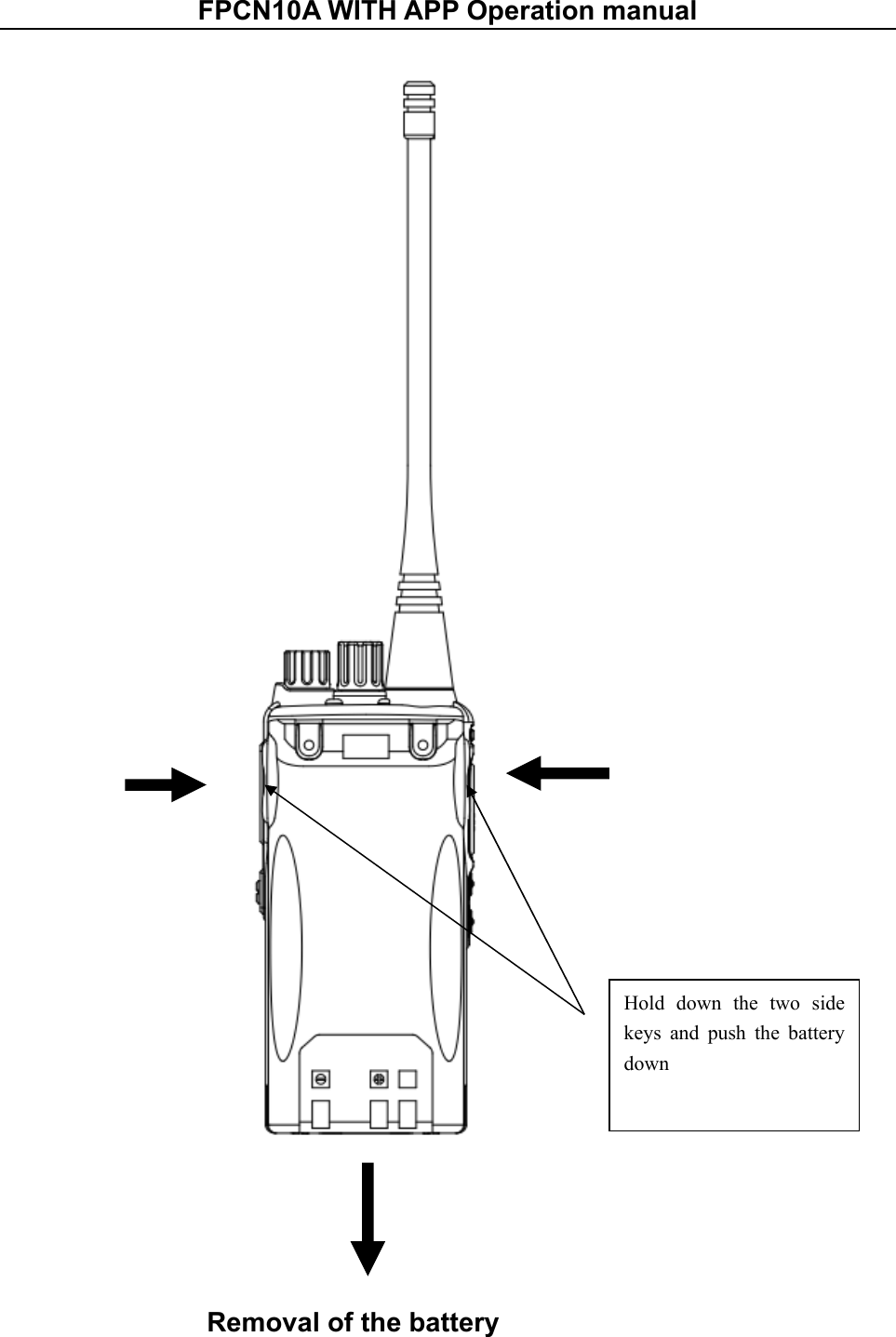
FPCN10A WITH APP Operation manual     Removal of the battery  Hold  down  the  two  side keys  and  push  the  battery down
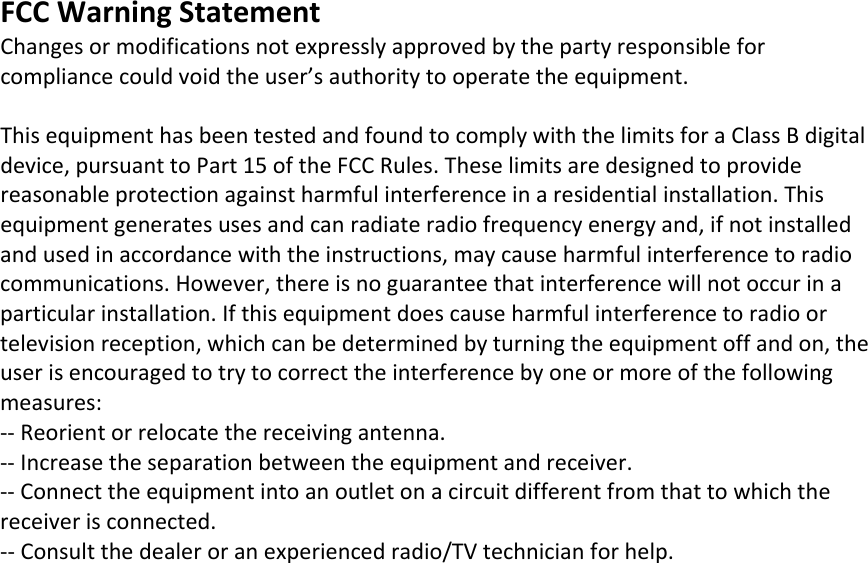
FCCWarningStatementChangesormodificationsnotexpresslyapprovedbythepartyresponsibleforcompliancecouldvoidtheuser’sauthoritytooperatetheequipment.ThisequipmenthasbeentestedandfoundtocomplywiththelimitsforaClassBdigitaldevice,pursuanttoPart15oftheFCCRules.Theselimitsaredesignedtoprovidereasonableprotectionagainstharmfulinterferenceinaresidentialinstallation.Thisequipmentgeneratesusesandcanradiateradiofrequencyenergyand,ifnotinstalledandusedinaccordancewiththeinstructions,maycauseharmfulinterferencetoradiocommunications.However,thereisnoguaranteethatinterferencewillnotoccurinaparticularinstallation.Ifthisequipmentdoescauseharmfulinterferencetoradioortelevisionreception,whichcanbedeterminedbyturningtheequipmentoffandon,theuserisencouragedtotrytocorrecttheinterferencebyoneormoreofthefollowingmeasures:‐‐Reorientorrelocatethereceivingantenna.‐‐Increasetheseparationbetweentheequipmentandreceiver.‐‐Connecttheequipmentintoanoutletonacircuitdifferentfromthattowhichthereceiverisconnected.‐‐Consultthedealeroranexperiencedradio/TVtechnicianforhelp.
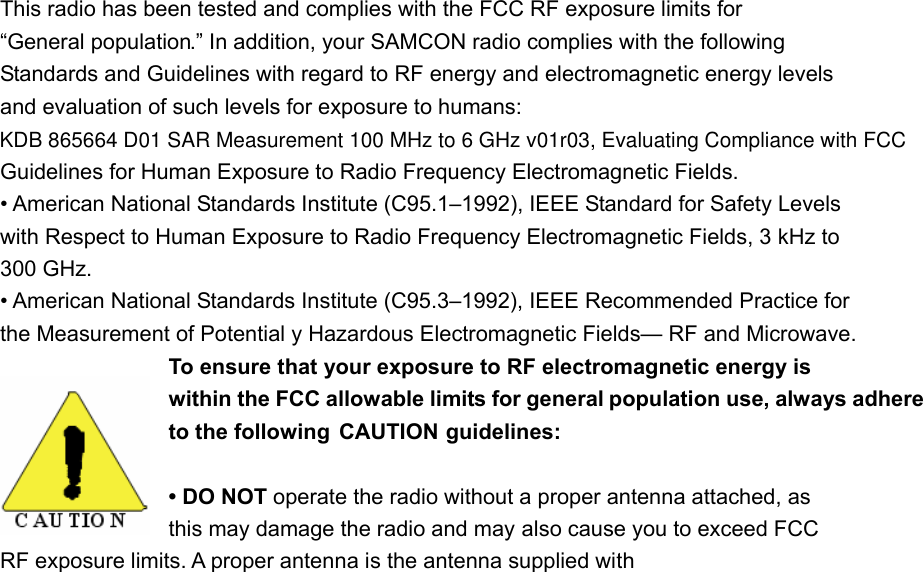
This radio has been tested and complies with the FCC RF exposure limits for “General population.” In addition, your SAMCON radio complies with the following Standards and Guidelines with regard to RF energy and electromagnetic energy levels and evaluation of such levels for exposure to humans: Guidelines for Human Exposure to Radio Frequency Electromagnetic Fields. • American National Standards Institute (C95.1–1992), IEEE Standard for Safety Levels with Respect to Human Exposure to Radio Frequency Electromagnetic Fields, 3 kHz to 300 GHz. • American National Standards Institute (C95.3–1992), IEEE Recommended Practice for the Measurement of Potential y Hazardous Electromagnetic Fields— RF and Microwave. To ensure that your exposure to RF electromagnetic energy is within the FCC allowable limits for general population use, always adhere to the following  CAUTION guidelines: • DO NOT operate the radio without a proper antenna attached, as   this may damage the radio and may also cause you to exceed FCC   RF exposure limits. A proper antenna is the antenna supplied with KDB 865664 D01 SAR Measurement 100 MHz to 6 GHz v01r03, Evaluating Compliance with FCC
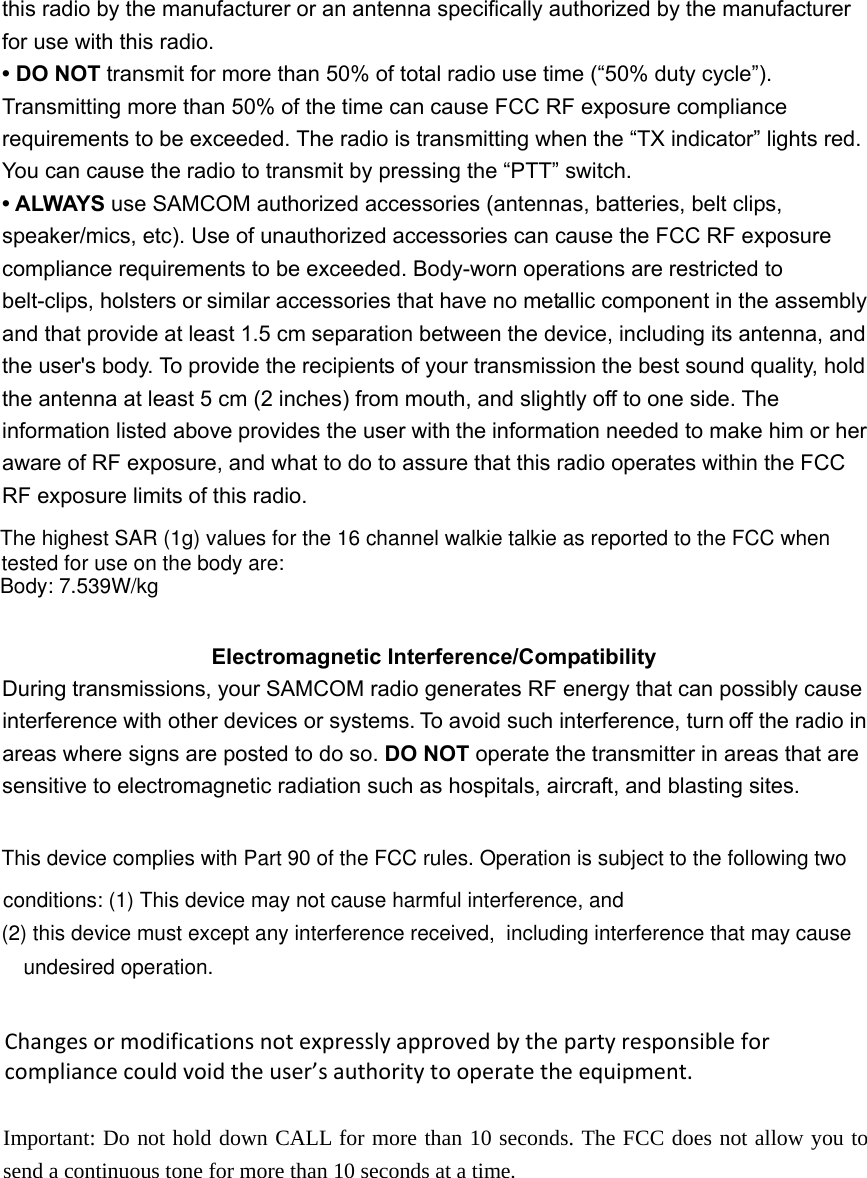
this radio by the manufacturer or an antenna specifically authorized by the manufacturerfor use with this radio. • DO NOT transmit for more than 50% of total radio use time (“50% duty cycle”). Transmitting more than 50% of the time can cause FCC RF exposure compliance requirements to be exceeded. The radio is transmitting when the “TX indicator” lights red. You can cause the radio to transmit by pressing the “PTT” switch. • ALWAYS use SAMCOM authorized accessories (antennas, batteries, belt clips, speaker/mics, etc). Use of unauthorized accessories can cause the FCC RF exposure compliance requirements to be exceeded. Body-worn operations are restricted to belt-clips, holsters or similar accessories that have no metallic component in the assembly and that provide at least 1.5 cm separation between the device, including its antenna, and the user's body. To provide the recipients of your transmission the best sound quality, hold the antenna at least 5 cm (2 inches) from mouth, and slightly off to one side. The information listed above provides the user with the information needed to make him or her aware of RF exposure, and what to do to assure that this radio operates within the FCC RF exposure limits of this radio. Electromagnetic Interference/Compatibility During transmissions, your SAMCOM radio generates RF energy that can possibly cause interference with other devices or systems. To avoid such interference, turn off the radio in areas where signs are posted to do so. DO NOT operate the transmitter in areas that are   sensitive to electromagnetic radiation such as hospitals, aircraft, and blasting sites. This device complies with Part 90 of the FCC rules. Operation is subject to the following two conditions: (1) This device may not cause harmful interference, and (2) this device must except any interference received,  including interference that may cause undesired operation. Changesormodificationsnotexpresslyapprovedbythepartyresponsibleforcompliancecouldvoidtheuser’sauthoritytooperatetheequipment. Important: Do not hold down CALL for more than 10 seconds. The FCC does not allow you to send a continuous tone for more than 10 seconds at a time.  The highest SAR (1g) values for the 16 channel walkie talkie as reported to the FCC when Body: 7.539W/kgtested for use on the body are:

Navigation menu