Samzuk Technology Development Co FTAN30AA Intercom User Manual FTAN30A x

Guangdong Samzuk Technology Development Co,Ltd Intercom FTAN30A x

User Manual

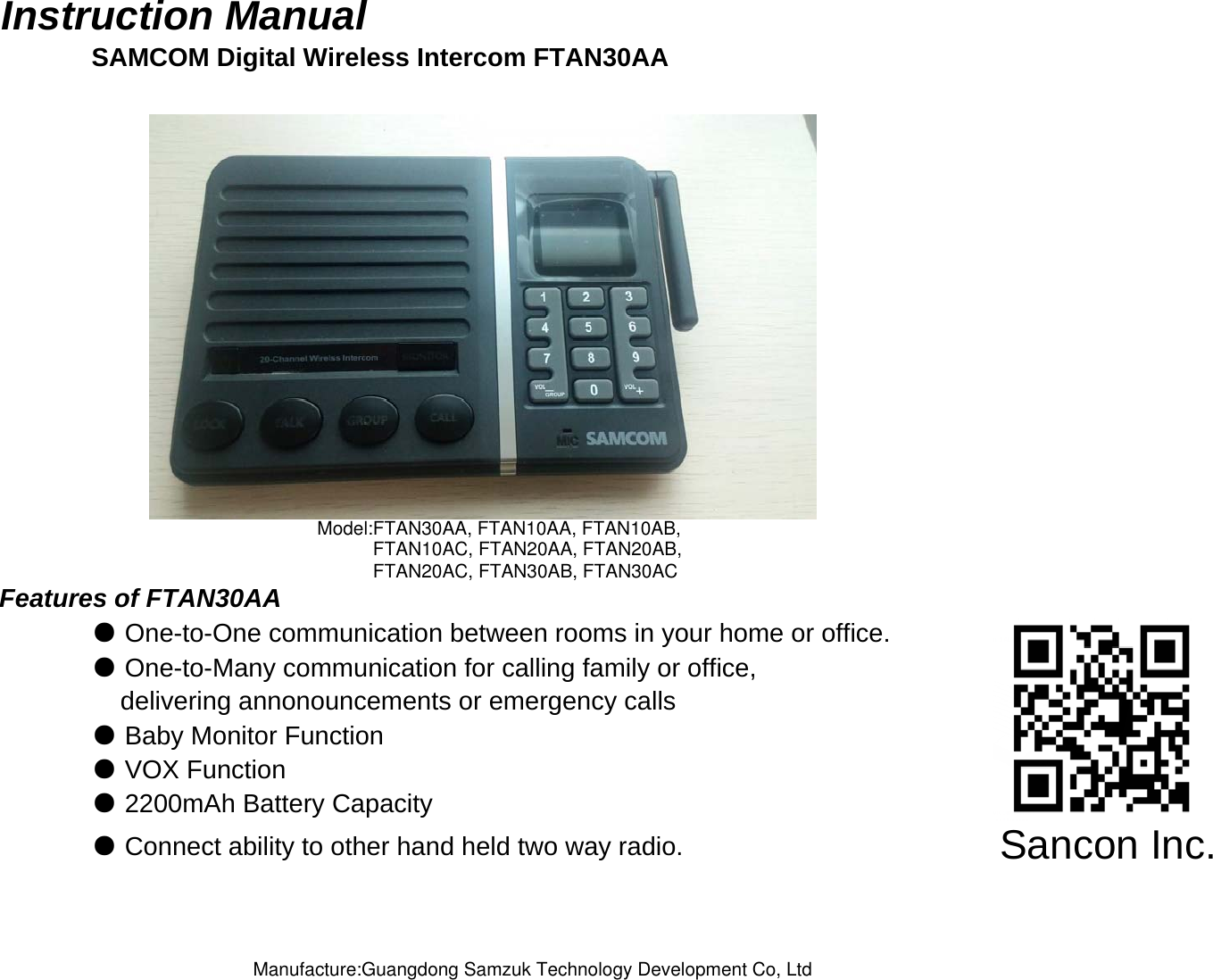
Instruction Manual SAMCOM Digital Wireless Intercom FTAN30AAFeatures of FTAN30AA● One-to-One communication between rooms in your home or office.● One-to-Many communication for calling family or office,    delivering annonouncements or emergency calls ● Baby Monitor Function● VOX Function● Connect ability to other hand held two way radio.● 2200mAh Battery CapacitySancon Inc.Model:FTAN30AA, FTAN10AA, FTAN10AB,FTAN10AC, FTAN20AA, FTAN20AB,FTAN20AC, FTAN30AB, FTAN30ACManufacture:Guangdong Samzuk Technology Development Co, Ltd
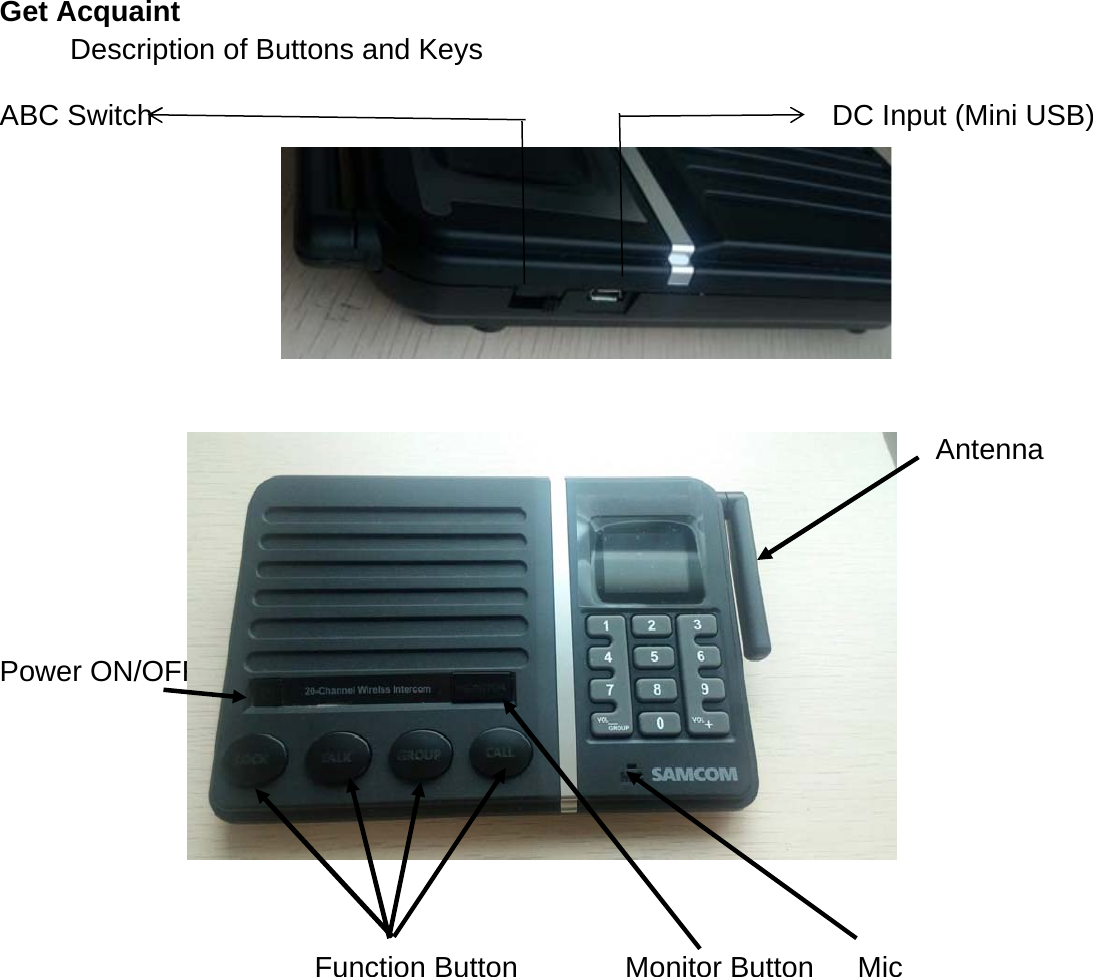
Get AcquaintDescription of Buttons and KeysABC Switch DC Input (Mini USB)AntennaPower ON/OFFFunction Button Monitor Button Mic
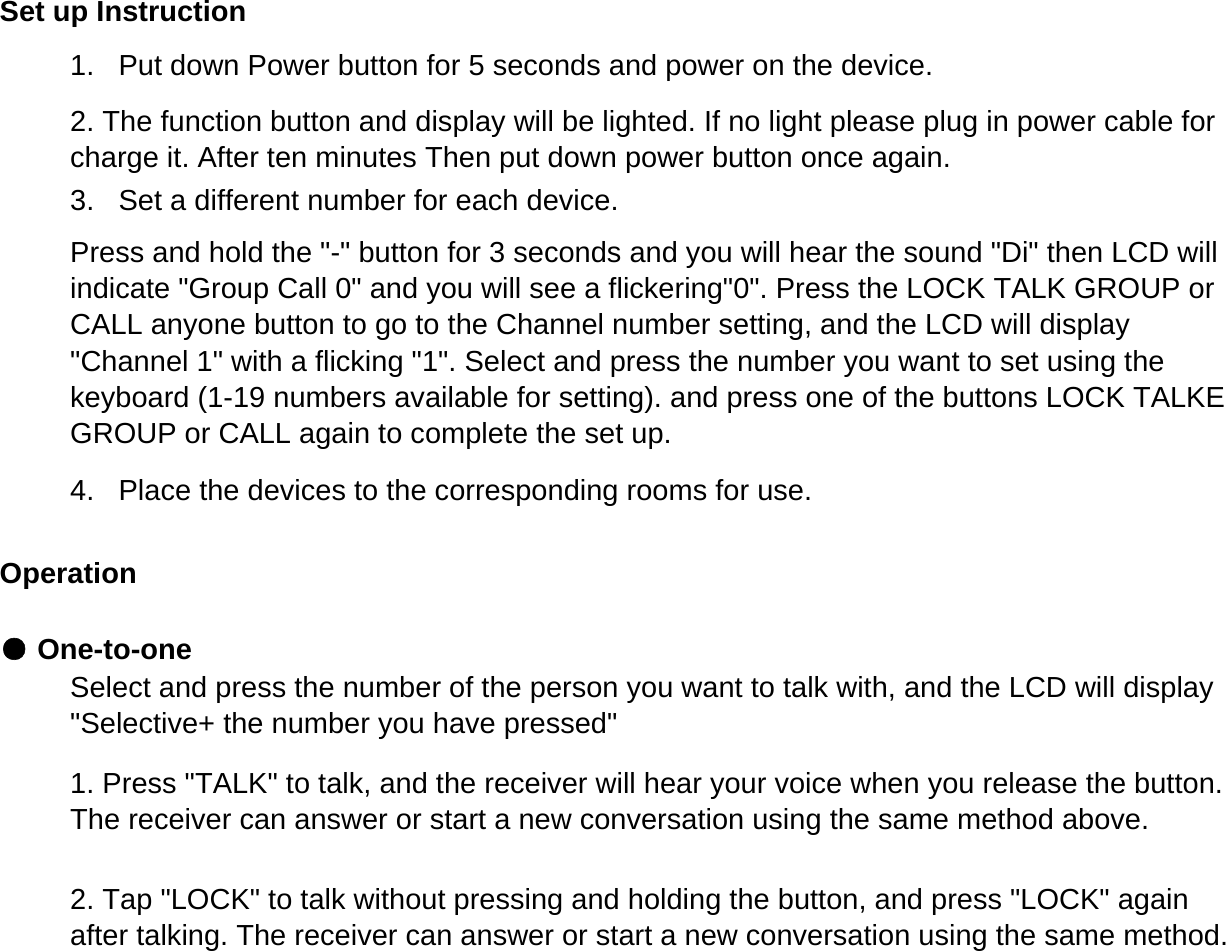
Set up Instruction1.   Put down Power button for 5 seconds and power on the device.Operation● One-to-one2. The function button and display will be lighted. If no light please plug in power cable forcharge it. After ten minutes Then put down power button once again.3.   Set a different number for each device.Press and hold the "-" button for 3 seconds and you will hear the sound "Di" then LCD willindicate "Group Call 0" and you will see a flickering"0". Press the LOCK TALK GROUP orCALL anyone button to go to the Channel number setting, and the LCD will display"Channel 1" with a flicking "1". Select and press the number you want to set using thekeyboard (1-19 numbers available for setting). and press one of the buttons LOCK TALKEGROUP or CALL again to complete the set up.4.   Place the devices to the corresponding rooms for use.Select and press the number of the person you want to talk with, and the LCD will display"Selective+ the number you have pressed"1. Press "TALK" to talk, and the receiver will hear your voice when you release the button.The receiver can answer or start a new conversation using the same method above.2. Tap "LOCK" to talk without pressing and holding the button, and press "LOCK" againafter talking. The receiver can answer or start a new conversation using the same method.
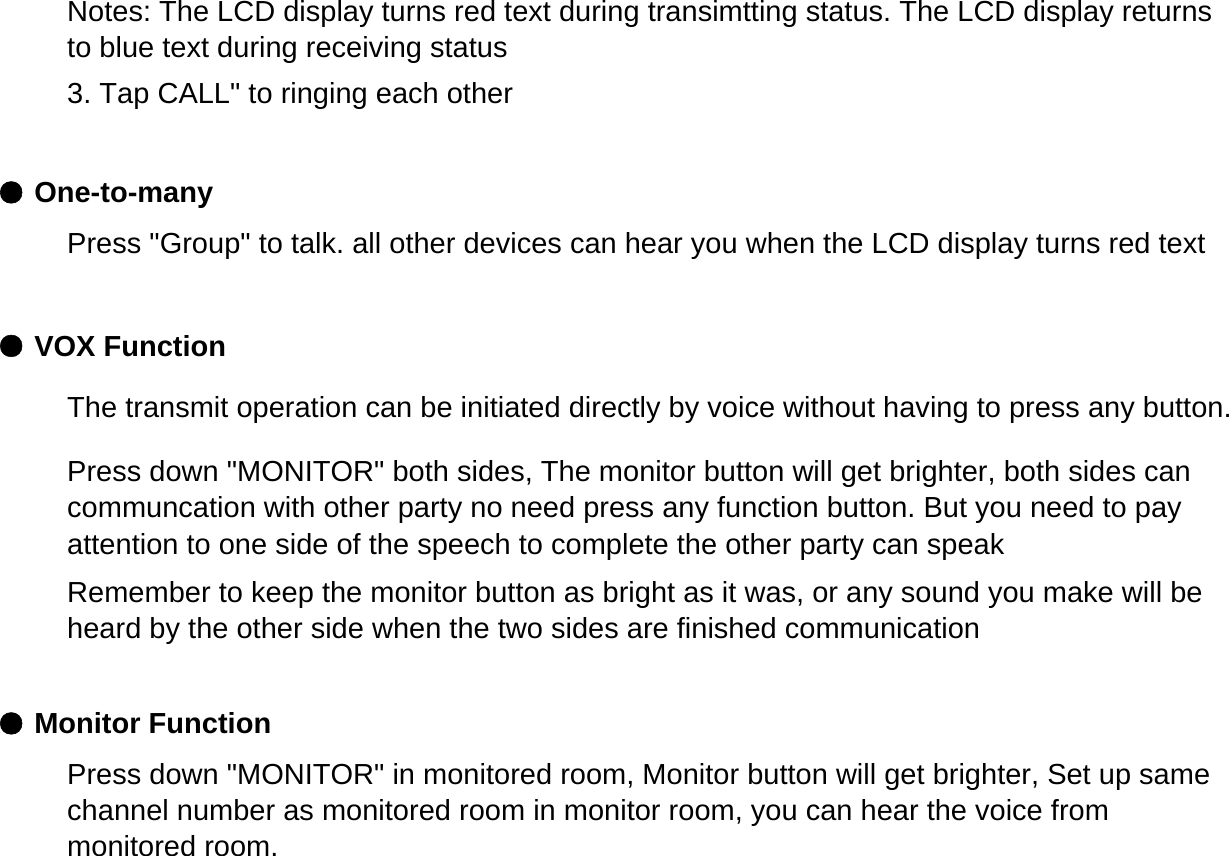
● One-to-many● VOX Function● Monitor FunctionNotes: The LCD display turns red text during transimtting status. The LCD display returnsto blue text during receiving status3. Tap CALL" to ringing each otherPress "Group" to talk. all other devices can hear you when the LCD display turns red textThe transmit operation can be initiated directly by voice without having to press any button.Press down "MONITOR" both sides, The monitor button will get brighter, both sides cancommuncation with other party no need press any function button. But you need to payattention to one side of the speech to complete the other party can speakRemember to keep the monitor button as bright as it was, or any sound you make will beheard by the other side when the two sides are finished communicationPress down "MONITOR" in monitored room, Monitor button will get brighter, Set up samechannel number as monitored room in monitor room, you can hear the voice frommonitored room.
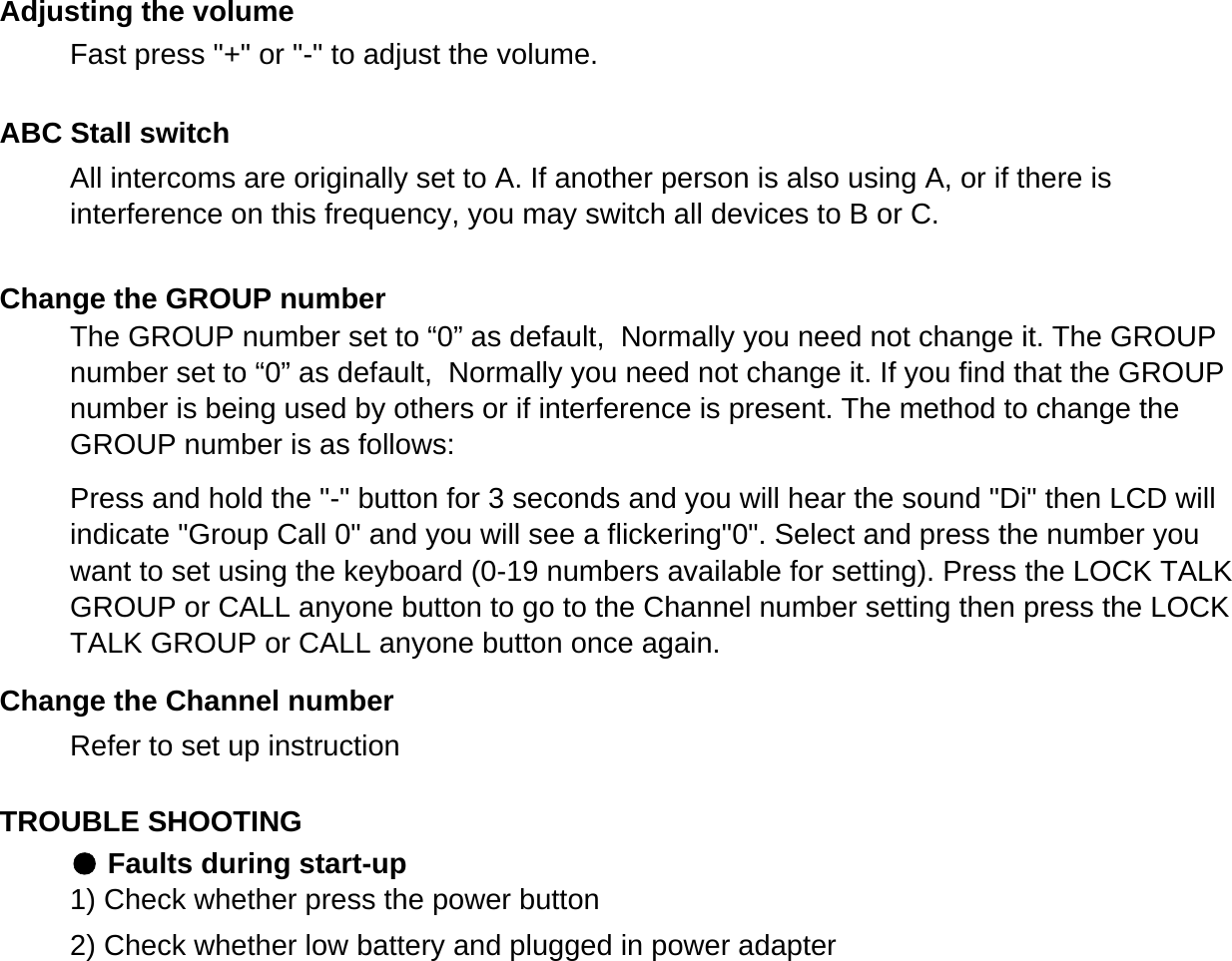
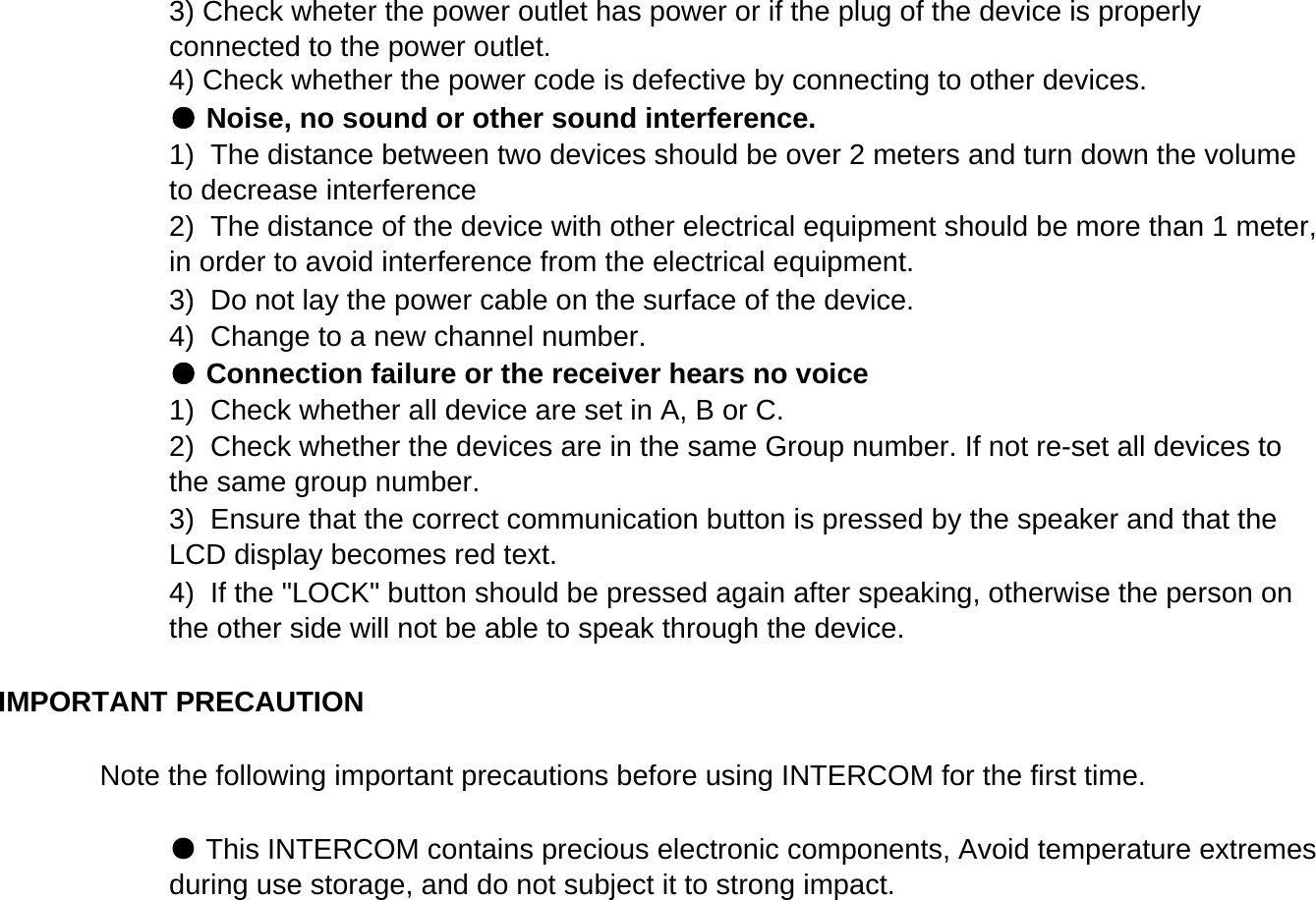
Refer to set up instructionTROUBLE SHOOTING● Faults during start-up1) Check whether press the power button2) Check whether low battery and plugged in power adapterChange the Channel numberAdjusting the volumeABC Stall switchChange the GROUP numberThe GROUP number set to “0” as default,  Normally you need not change it. The GROUPnumber set to “0” as default,  Normally you need not change it. If you find that the GROUPnumber is being used by others or if interference is present. The method to change theGROUP number is as follows:Press and hold the "-" button for 3 seconds and you will hear the sound "Di" then LCD willindicate "Group Call 0" and you will see a flickering"0". Select and press the number youwant to set using the keyboard (0-19 numbers available for setting). Press the LOCK TALKGROUP or CALL anyone button to go to the Channel number setting then press the LOCKTALK GROUP or CALL anyone button once again.Fast press "+" or "-" to adjust the volume.All intercoms are originally set to A. If another person is also using A, or if there isinterference on this frequency, you may switch all devices to B or C.
Note the following important precautions before using INTERCOM for the first time.4) Check whether the power code is defective by connecting to other devices. ● Noise, no sound or other sound interference.3) Check wheter the power outlet has power or if the plug of the device is properlyconnected to the power outlet.1)  Check whether all device are set in A, B or C.2)  Check whether the devices are in the same Group number. If not re-set all devices tothe same group number.3)  Ensure that the correct communication button is pressed by the speaker and that theLCD display becomes red text.4)  If the "LOCK" button should be pressed again after speaking, otherwise the person onthe other side will not be able to speak through the device.3)  Do not lay the power cable on the surface of the device.4)  Change to a new channel number.● Connection failure or the receiver hears no voice1)  The distance between two devices should be over 2 meters and turn down the volumeto decrease interference2)  The distance of the device with other electrical equipment should be more than 1 meter,in order to avoid interference from the electrical equipment.IMPORTANT PRECAUTION ● This INTERCOM contains precious electronic components, Avoid temperature extremesduring use storage, and do not subject it to strong impact.
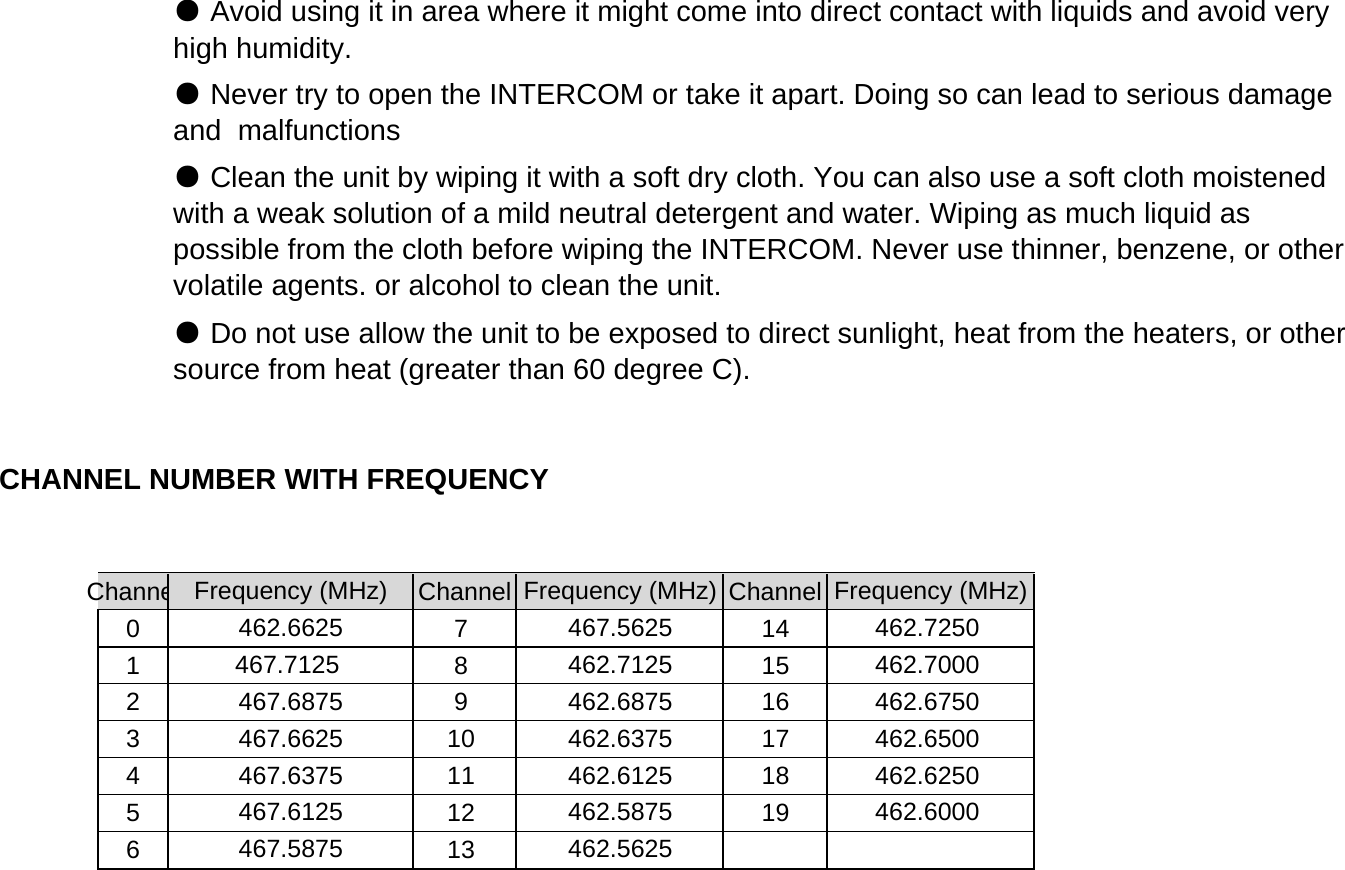
ChanneChannel Channel071418152916310174111851219613CHANNEL NUMBER WITH FREQUENCY Frequency (MHz) Frequency (MHz) Frequency (MHz)● Avoid using it in area where it might come into direct contact with liquids and avoid veryhigh humidity.● Never try to open the INTERCOM or take it apart. Doing so can lead to serious damageand  malfunctions● Clean the unit by wiping it with a soft dry cloth. You can also use a soft cloth moistenedwith a weak solution of a mild neutral detergent and water. Wiping as much liquid aspossible from the cloth before wiping the INTERCOM. Never use thinner, benzene, or othervolatile agents. or alcohol to clean the unit.● Do not use allow the unit to be exposed to direct sunlight, heat from the heaters, or othersource from heat (greater than 60 degree C).467.6875 462.6875 462.6750467.6625 462.6375 462.6500462.6625 467.5625 462.7250467.7125 462.7125 462.7000467.6375 462.6125 462.6250467.6125 462.5875 462.6000467.5875 462.5625
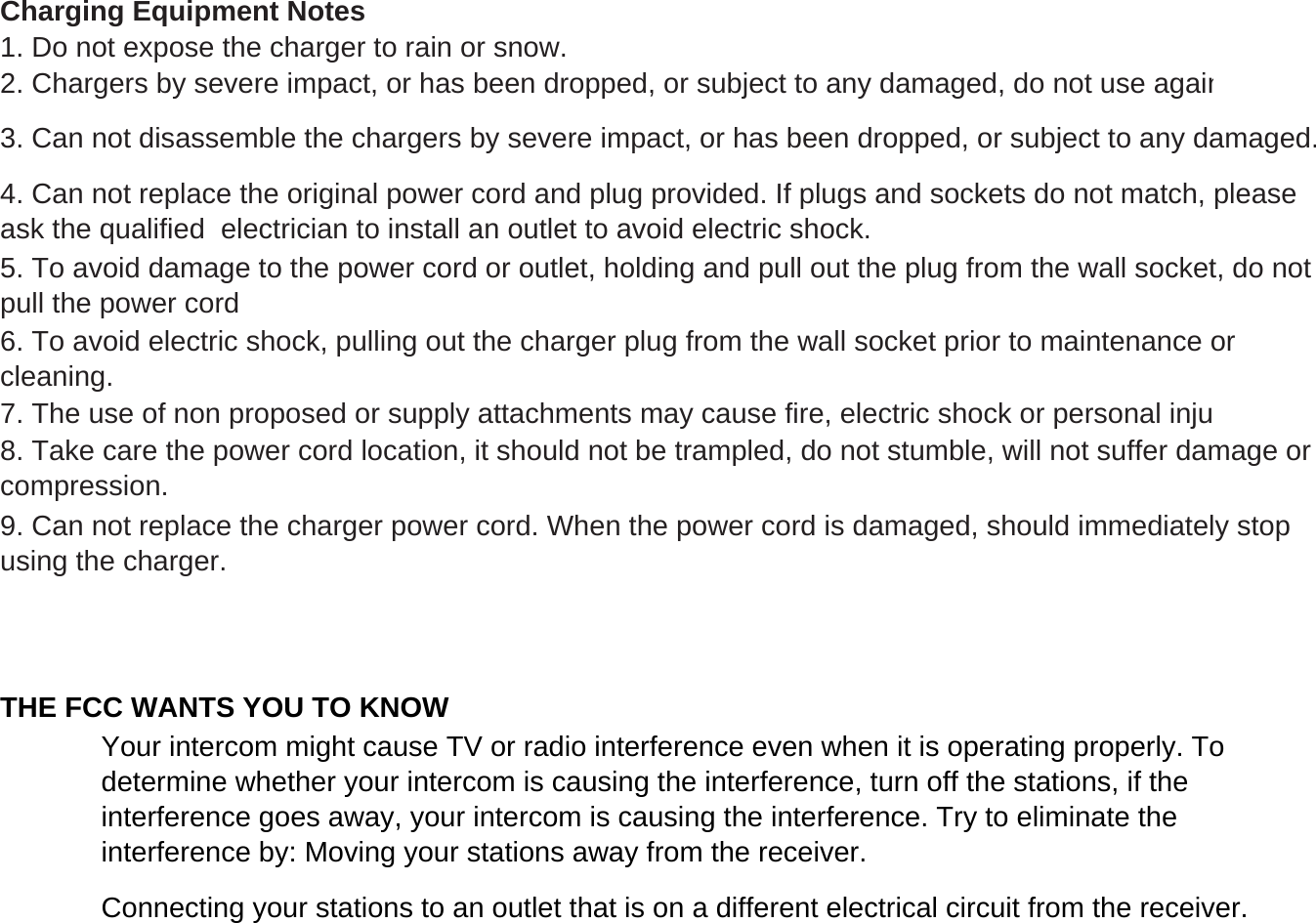
Charging Equipment NotesTHE FCC WANTS YOU TO KNOW3. Can not disassemble the chargers by severe impact, or has been dropped, or subject to any damaged.4. Can not replace the original power cord and plug provided. If plugs and sockets do not match, pleaseask the qualified  electrician to install an outlet to avoid electric shock.5. To avoid damage to the power cord or outlet, holding and pull out the plug from the wall socket, do notpull the power cord6. To avoid electric shock, pulling out the charger plug from the wall socket prior to maintenance orcleaning.8. Take care the power cord location, it should not be trampled, do not stumble, will not suffer damage orcompression.1. Do not expose the charger to rain or snow.2. Chargers by severe impact, or has been dropped, or subject to any damaged, do not use again7. The use of non proposed or supply attachments may cause fire, electric shock or personal inju9. Can not replace the charger power cord. When the power cord is damaged, should immediately stopusing the charger.Your intercom might cause TV or radio interference even when it is operating properly. Todetermine whether your intercom is causing the interference, turn off the stations, if theinterference goes away, your intercom is causing the interference. Try to eliminate theinterference by: Moving your stations away from the receiver.Connecting your stations to an outlet that is on a different electrical circuit from the receiver.
If you cannot eliminate the interference, the FCC requires that you stop using yourintercom.(a) A station operator must not communicate:(1) Messages for hire, whether the remuneration received is direct or indirect;(2) Messages in connection with any activity which is against Federal, State, or local law;Changes or modifications not expressly approved by the party responsible for compliance could void the user’s authority to operate the equipment. The antennas used for this transmitter must be installed to provide a separation distance of at least 20 cm from all persons and must not be co-located for operating in conjunction with any other antenna or transmitter. Important: Do not hold down CALL for more than 10 seconds. The FCC does not allow  you tosend a continuous tone for more than 10 seconds at a time on FRS frequencies.The user manual must include information stating that operation on GMRS frequencies requiresan FCC license, and such operation is subject to additional rules specified in Part 95 includingprohibited communications in Section 95.183(8) Advertisements or offers for the sale of goods or services;(3) False or deceptive messages;(4) Coded messages or messages with hidden meanings (“10 codes” are permissible);(5) Intentional interference;(6) Music, whistling, sound effects or material to amuse or entertain;(7) Obscene, profane or indecent words, language or meaning;
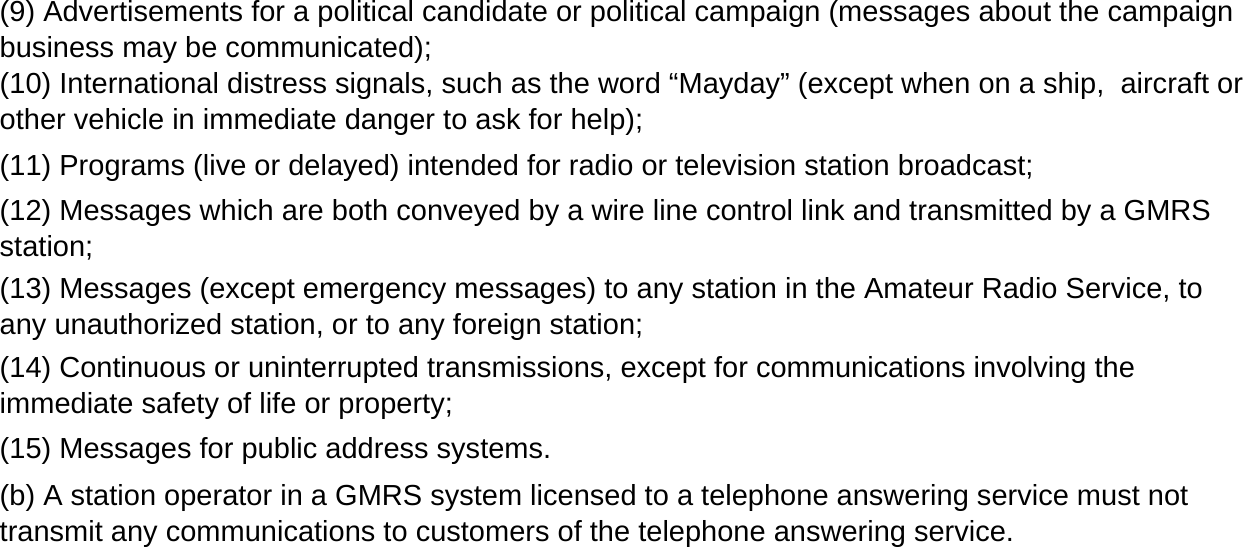
(13) Messages (except emergency messages) to any station in the Amateur Radio Service, toany unauthorized station, or to any foreign station;(14) Continuous or uninterrupted transmissions, except for communications involving theimmediate safety of life or property;(b) A station operator in a GMRS system licensed to a telephone answering service must nottransmit any communications to customers of the telephone answering service.(9) Advertisements for a political candidate or political campaign (messages about the campaignbusiness may be communicated);(15) Messages for public address systems.(11) Programs (live or delayed) intended for radio or television station broadcast;(10) International distress signals, such as the word “Mayday” (except when on a ship,  aircraft orother vehicle in immediate danger to ask for help);(12) Messages which are both conveyed by a wire line control link and transmitted by a GMRSstation;
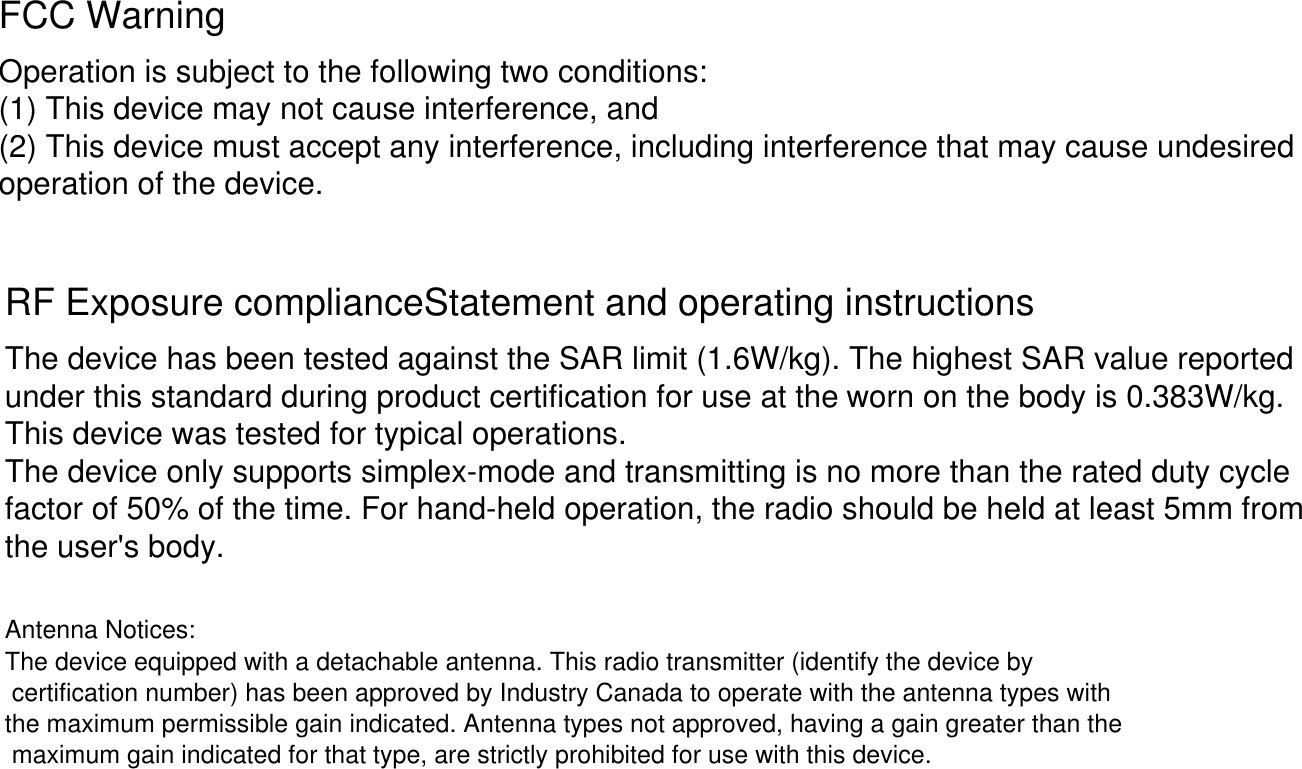
FCC WarningOperation is subject to the following two conditions:(1) This device may not cause interference, and(2) This device must accept any interference, including interference that may cause undesiredoperation of the device.RF Exposure complianceStatement and operating instructionsThe device has been tested against the SAR limit (1.6W/kg). The highest SAR value reportedunder this standard during product certification for use at the This device was tested for typical operations.The device only supports simplex-mode and transmitting is no more than the rated duty cyclefactor of 50% of the time. For hand-held operation, the radio should be held at least 5mm fromthe user's body.worn on the body is 0.383W/kg. Antenna Notices:The device equipped with a detachable antenna. This radio transmitter (identify the device by certification number) has been approved by Industry Canada to operate with the antenna types with the maximum permissible gain indicated. Antenna types not approved, having a gain greater than the maximum gain indicated for that type, are strictly prohibited for use with this device.

Navigation menu