User Manual

PCSC User Guide
Page 1
Hamster Pro Duo CL™ PCSC User Guide
Hamster Pro Duo CL™
PCSC User Guide
Table of Contents
1. General Description ................................................................................................................................................... 2
2. USING PCSC.EXE ................................................................................................................................................... 3
3. TESTING THE MIFARE CARD .............................................................................................................................. 5
4. TESTING THE SAM CARD .................................................................................................................................... 7
5. TESTING THE SAM AND MIFARE CARD ........................................................................................................... 9
Copyright © SecuGen Corporation. All rights reserved. Information in the document is subject to change at any time without prior notice.
PCSC User Guide
Page 2
Hamster Pro Duo CL™ PCSC User Guide
1. General Description
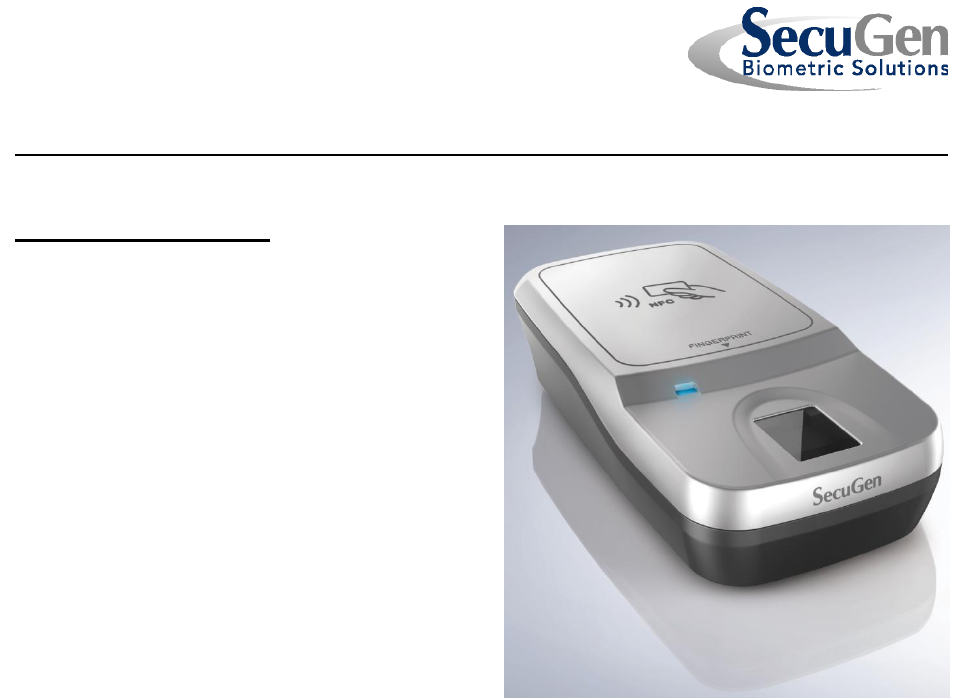
Hamster Pro Duo CL™ is a combination
fingerprint reader and contactless smart card
reader that supports the USB (Universal Serial
Bus) 1.1 and 2.0 interface, utilizes the Plug & Play
architecture, and is hot swappable. The Hamster
Pro Duo CLC is RoHS compliant and is
compatible with the Hamster Pro 20™ fingerprint
reader (model HU20) with regard to fingerprint
functionality. The smart card reader in the device
is 100% compatible with the ACS ACR1251U USB
smart card reader.
The PCSC application is designed to continuously
test the functionality of both the contact (SAM)
card reader and the contactless (MIFARE) card
reader in the Hamster PRO DUO.
PCSC User Guide
Page 3
Hamster Pro Duo CL™ PCSC User Guide
2. USING PCSC.EXE
PCSC.EXE must be invoked in a command prompt so that the necessary command-line
arguments can be specified
2.1 Invoking PCSC with no command-line arguments
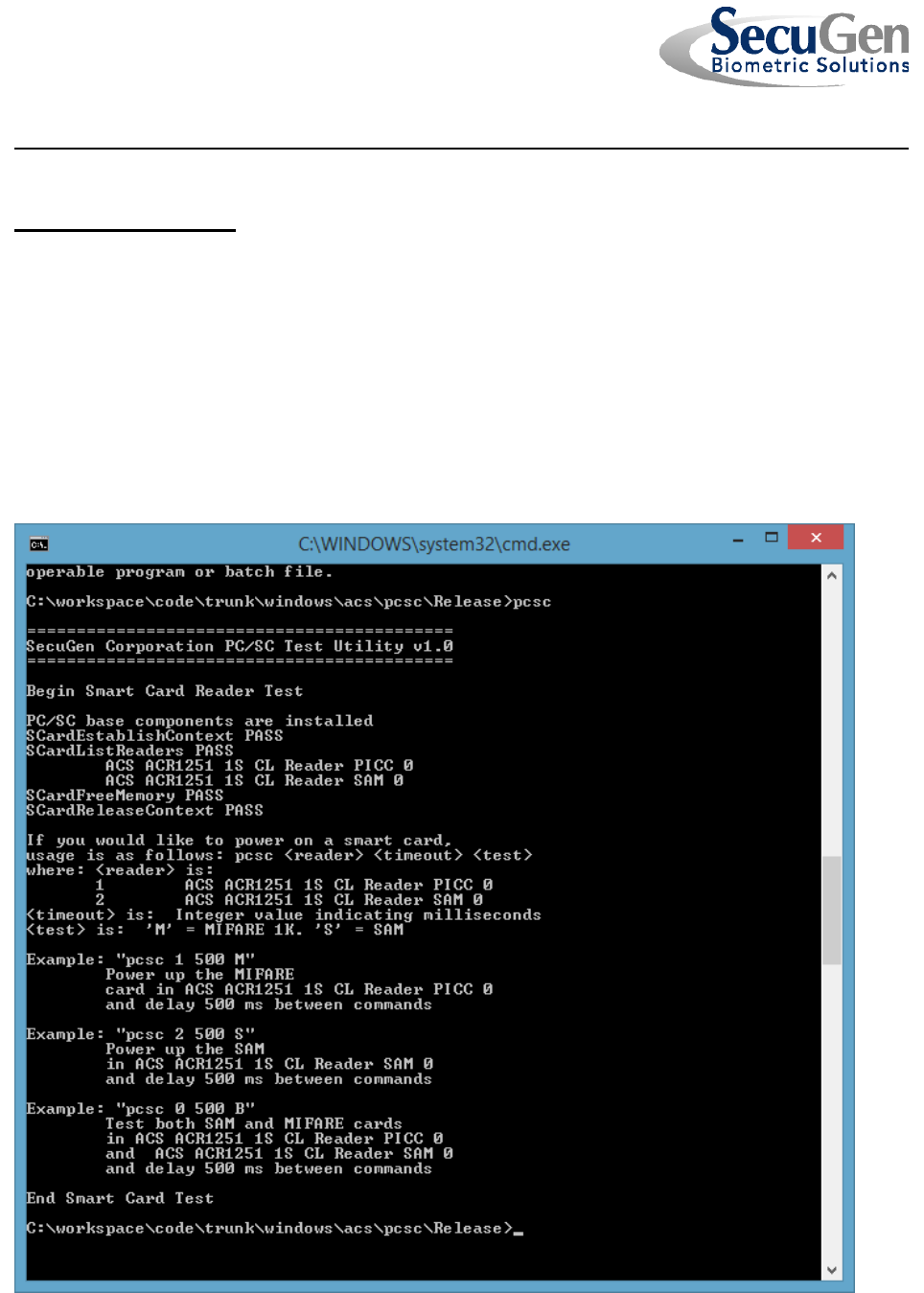
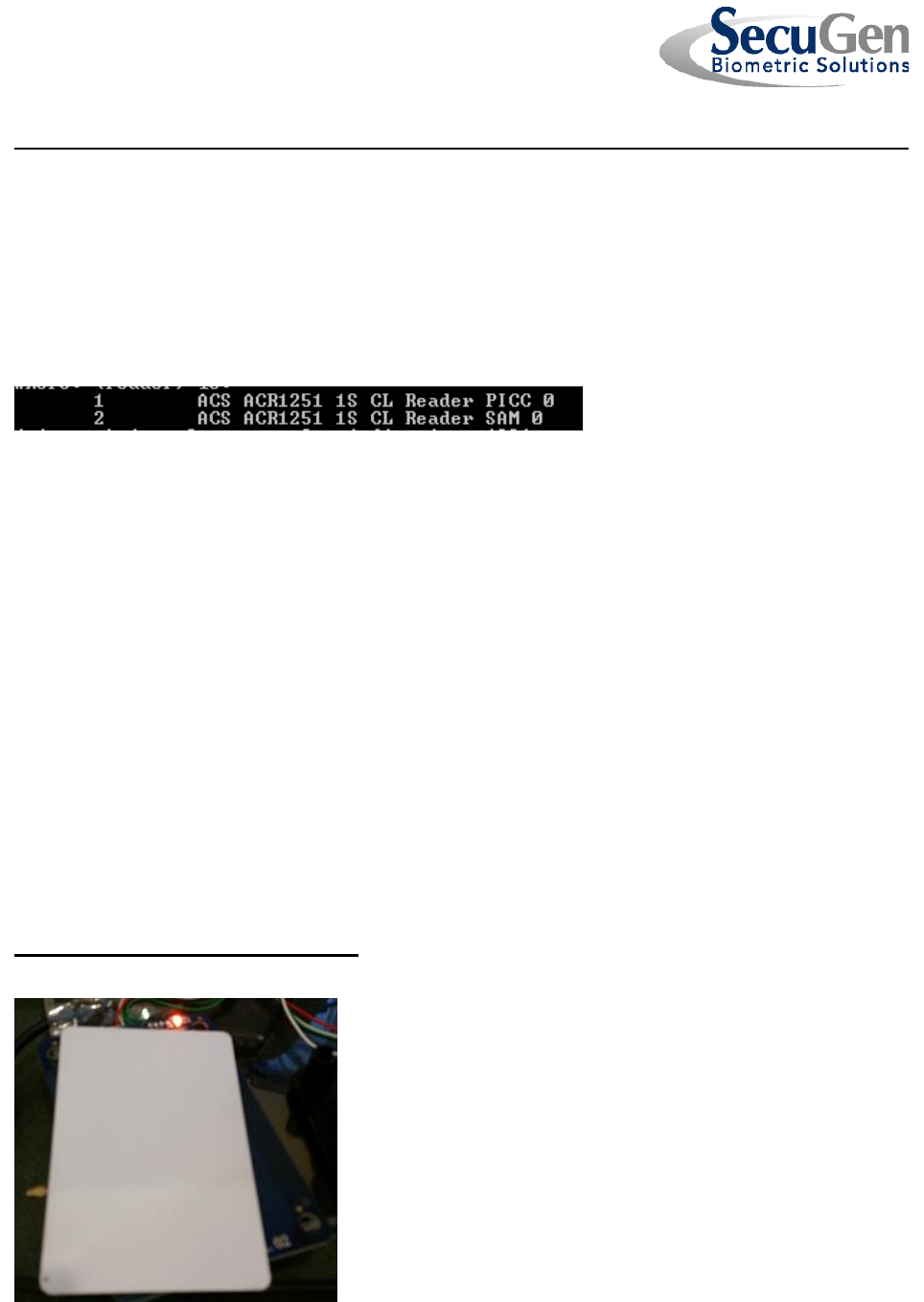
When the PCSC.EXE utility is invoked without command-line arguments, the available
smart card readers will be displayed as shown below.
PCSC User Guide
Page 4
Hamster Pro Duo CL™ PCSC User Guide
Two readers should be enumerated:
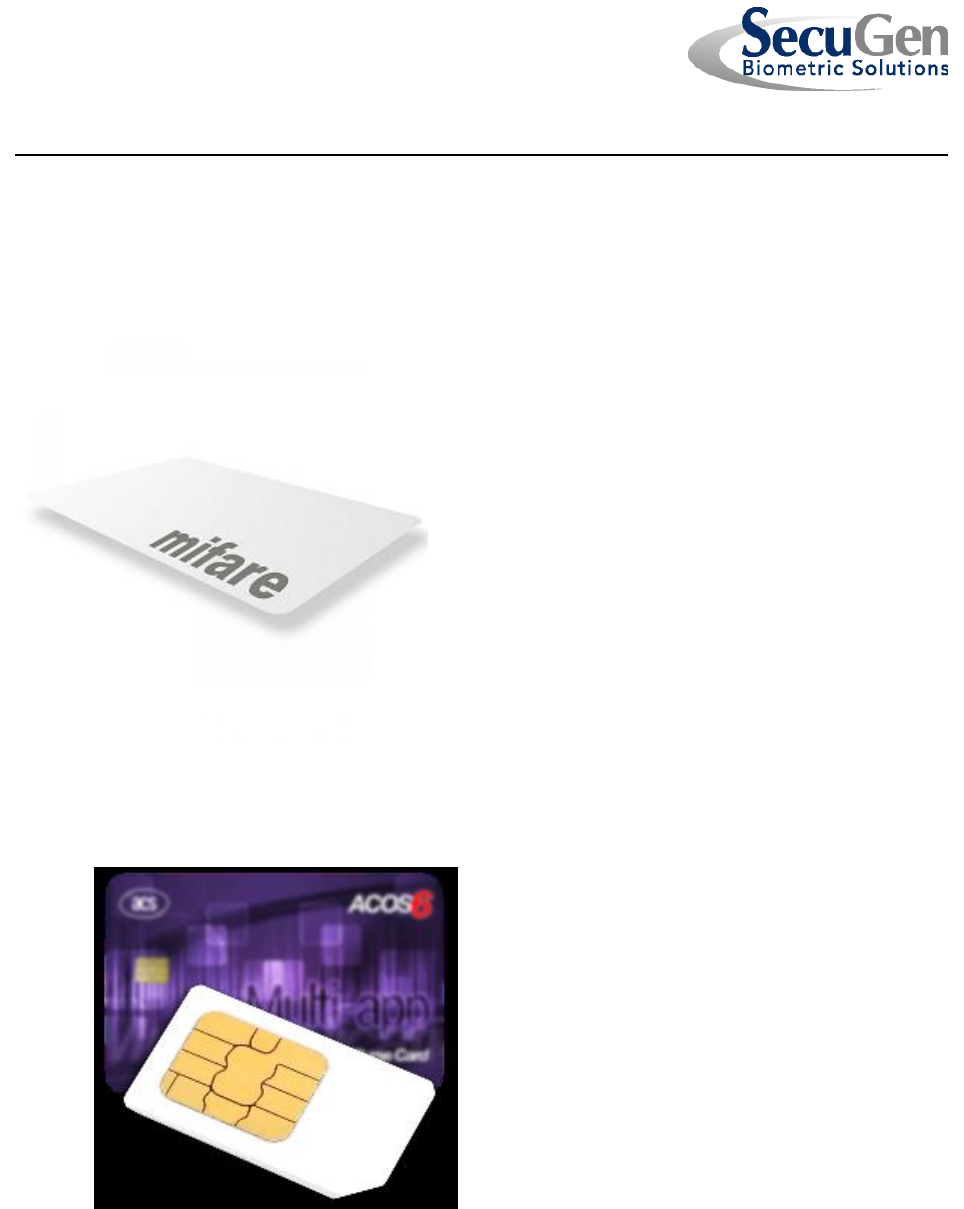
1. ACS ACR1251 1S CL Reader PICC 0 – This is the contactless card reader.
The MIFARE 1K card is used with this reader
2. ACS ACR1251 1S CL Reader SAM 0 – This is the SAM reader.
The ACOS6-SAM card will be used with this reader
PCSC User Guide
Page 5
Hamster Pro Duo CL™ PCSC User Guide
2.2 PCSC Command-line Arguments
PCSC is invoked with three command-line arguments;
PCSC.EXE <reader> <delay> <test>
<reader> - The number of the enumerated reader
<delay> - The number of milliseconds to delay between smart card commands.
This must be an integer value greater than or equal to zero.
<test> - They type of card test to be performed.
M = Mifare and must be run with the PICC reader
S = SAM and must be run with the SAM reader
There is a special set of command-line arguments to be used in the case where both
readers are to be tested at the same time
PCSC.EXE 0 <delay> B
Reader=0 – Both readers will be tested
Test=B – Both SAM and MIFARE tests will be executed
3. TESTING THE MIFARE CARD
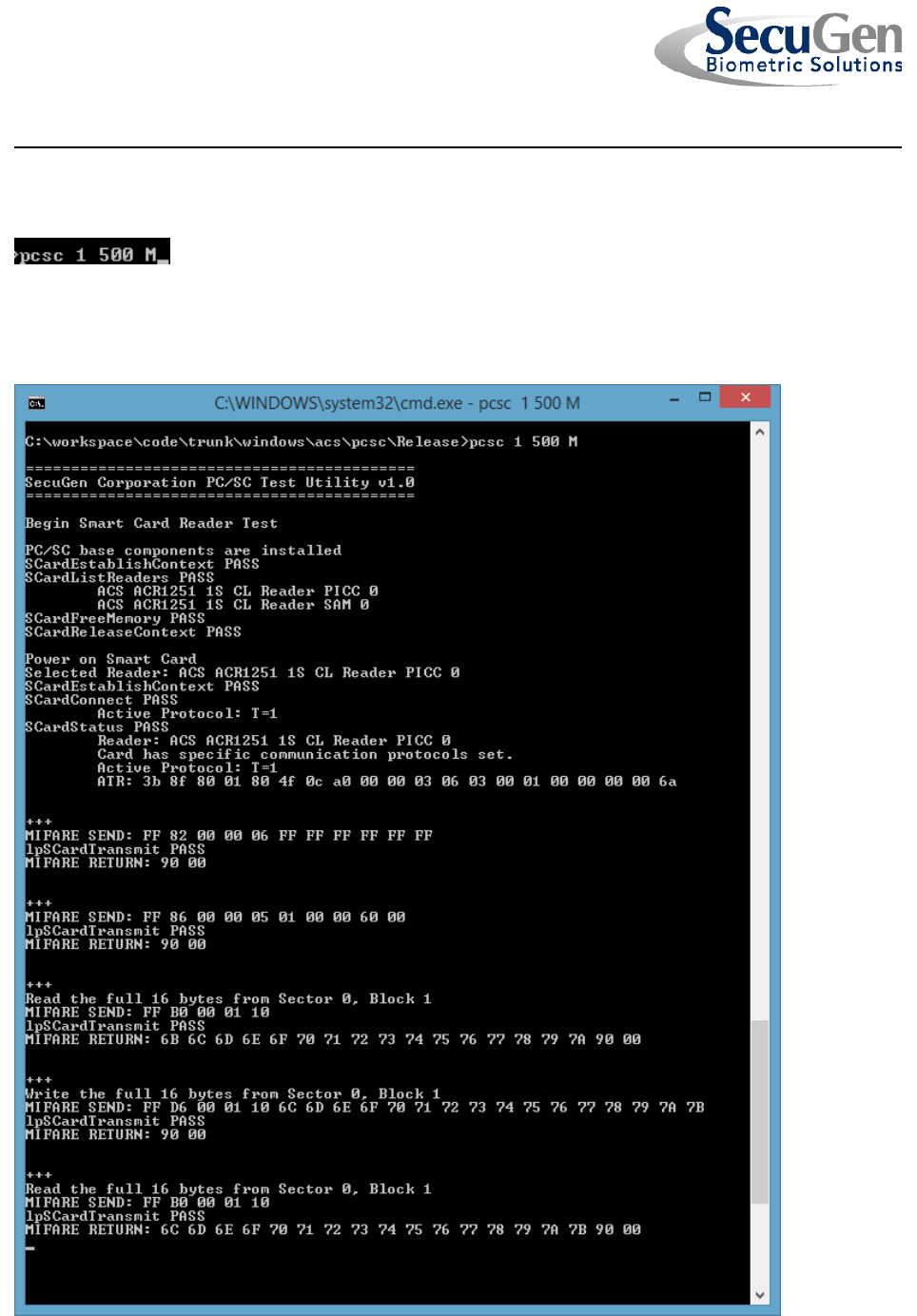
3.1 Place the MIFARE 1K card on the device.
PCSC User Guide
Page 6
Hamster Pro Duo CL™ PCSC User Guide
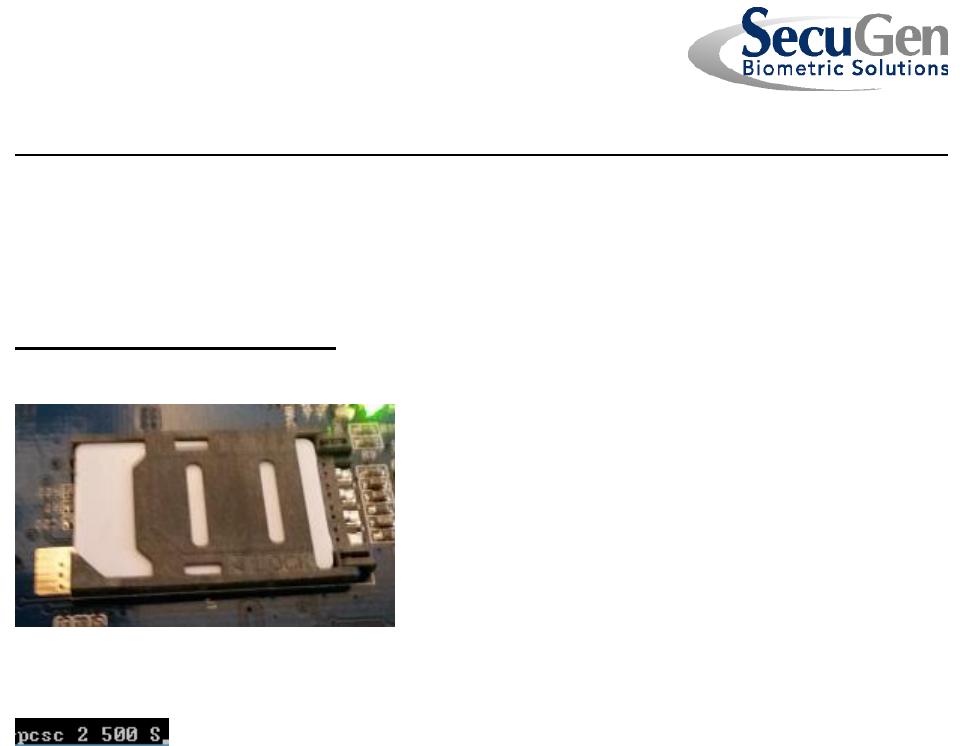
3.2 Invoke PCSC.EXE with the correct command-line options
3.3 The test will start. The Answer-to-Reset (ATR) of the card will be reported and
then the test will proceed with repetitive read and write operations to the card.
PCSC User Guide
Page 7
Hamster Pro Duo CL™ PCSC User Guide
3.4 Press <Ctrl>-C to end the test.
4. TESTING THE SAM CARD
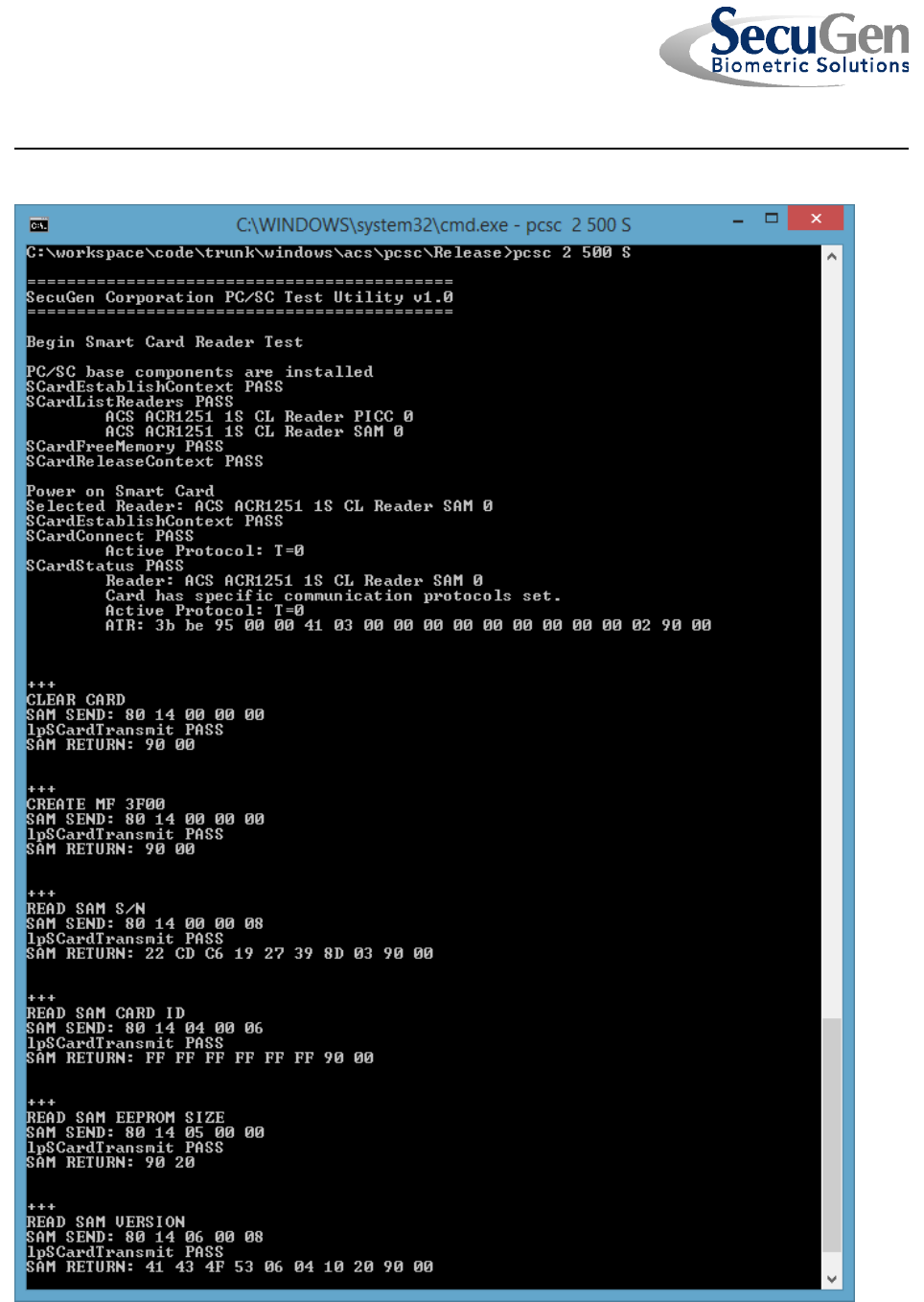
4.1 Insert the SAM Card in the receiver.
4.2 Invoke PCSC.EXE with the correct command-line options
4.3 The test will start. The Answer-to-Reset (ATR) of the card will be reported and
then the test will proceed with repetitive formatting, read and write operations to the
card.
PCSC User Guide
Page 8
Hamster Pro Duo CL™ PCSC User Guide
PCSC User Guide
Page 9
Hamster Pro Duo CL™ PCSC User Guide
4.4 Press <Ctrl>-C to end the test.
5. TESTING THE SAM AND MIFARE CARD
5.1 Place the SAM and MIFARE 1K cards as described in sections 3 and 4 above.
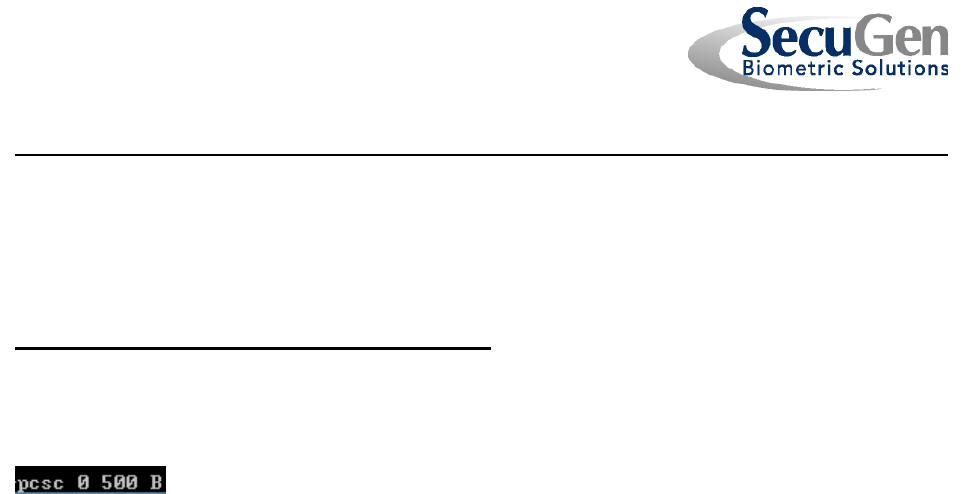
5.2 Invoke PCSC.EXE with the correct command-line options
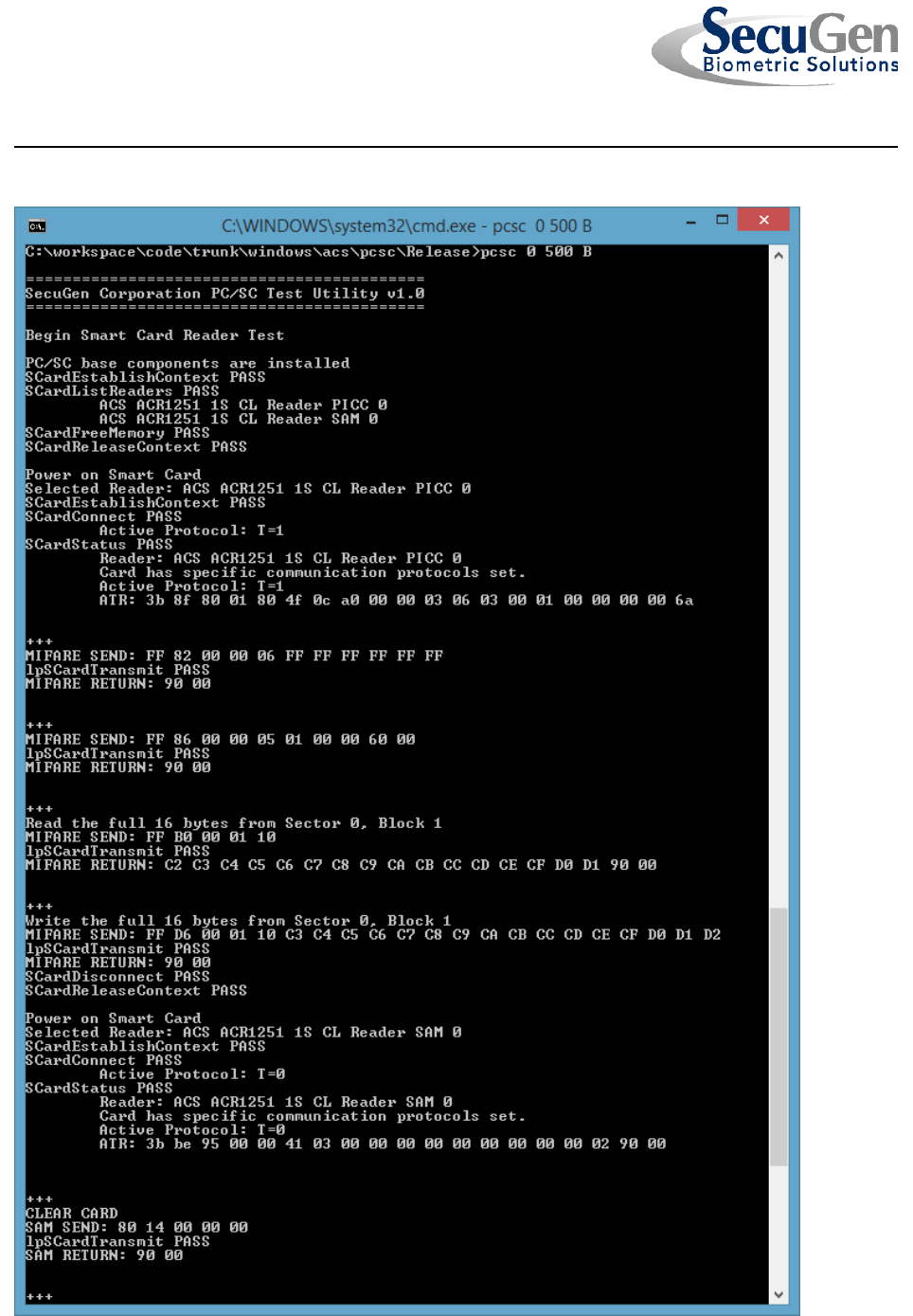
5.3 The test will start. The tests described in section 3 and 4 will be performed
iteratively with both MIFARE and SAM tests being executed.
PCSC User Guide
Page 10
Hamster Pro Duo CL™ PCSC User Guide

PCSC User Guide
Page 11
Hamster Pro Duo CL™ PCSC User Guide
5.4 Press <Ctrl>-C to end the test.