Securifi CA1 Home Screen User Manual

Securifi Ltd. Home Screen Users Manual

Users Manual

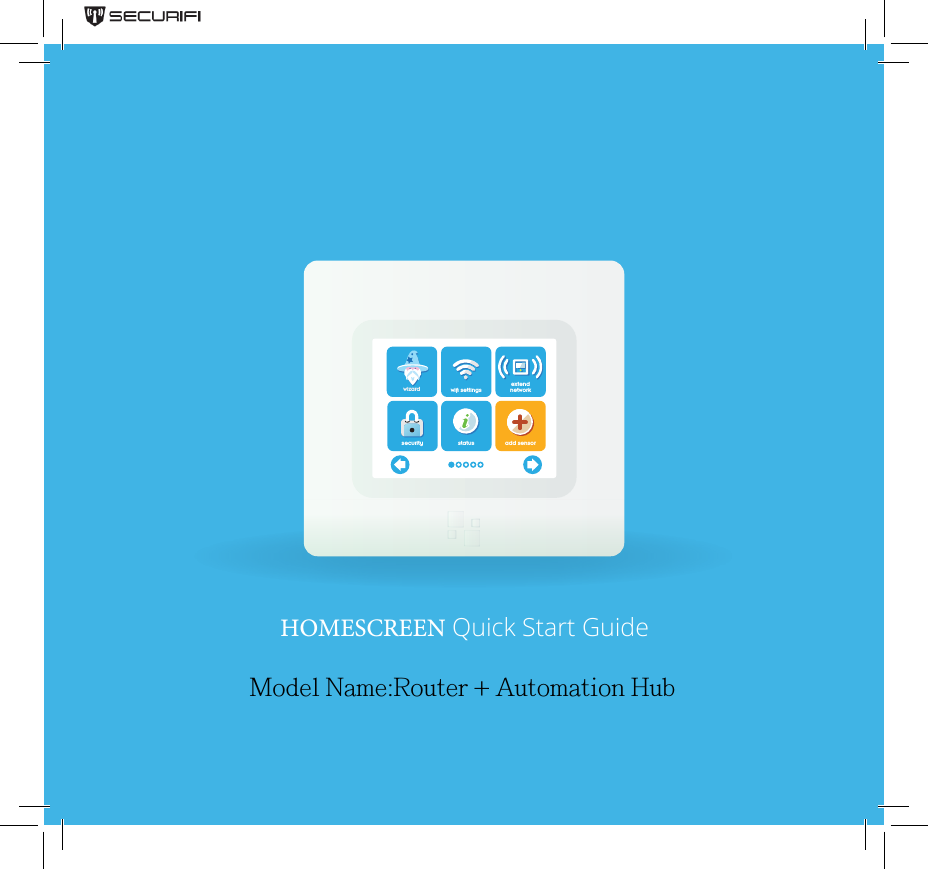
wizard wi settingsextendnetworksecurity status add sensorHOMESCREEN Quick Start GuideModel Name:Router + Automation Hub
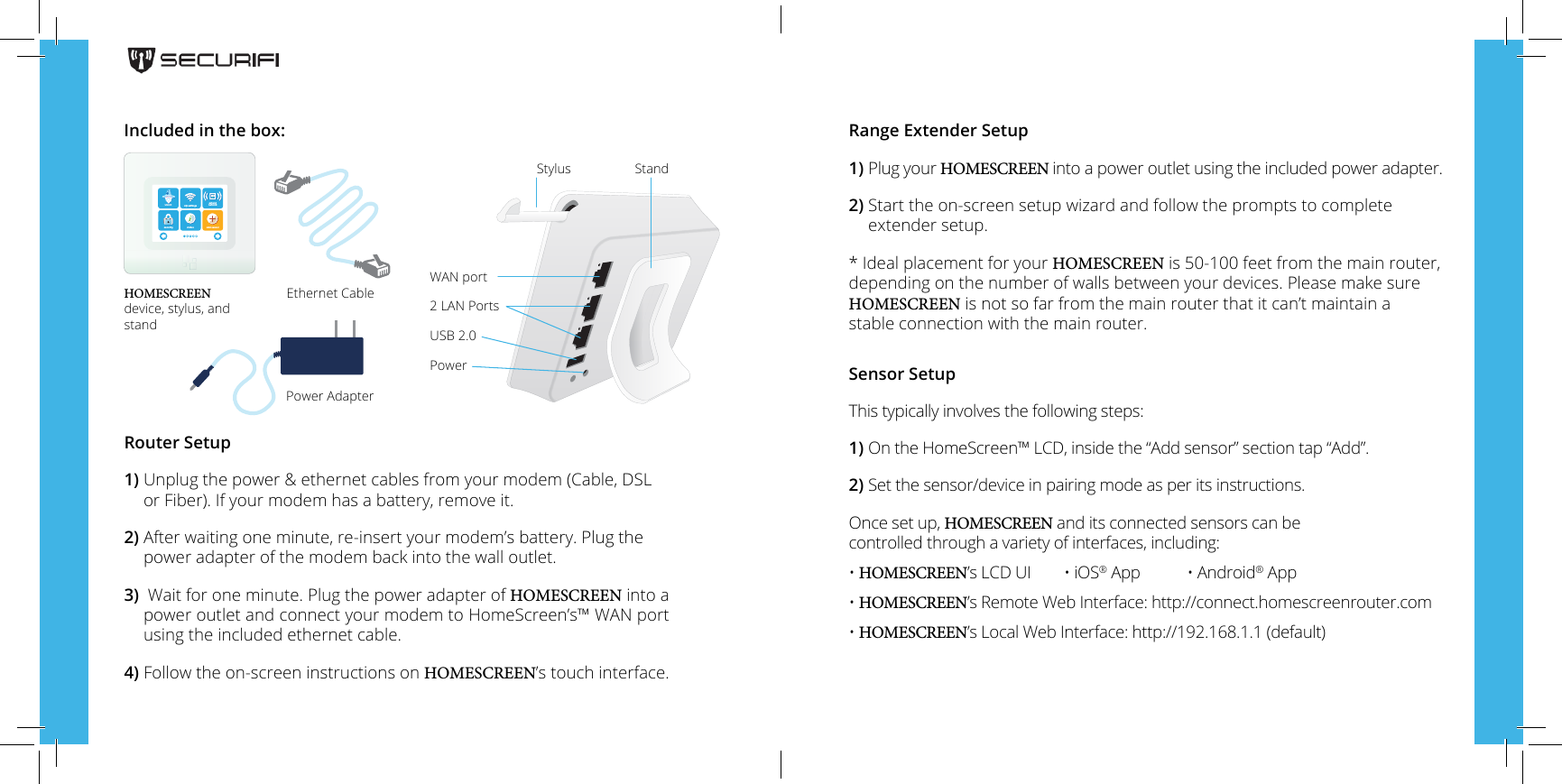
Router Setup1)  Unplug the power & ethernet cables from your modem (Cable, DSLor Fiber).  If your modem has a battery, remove it.2)  After waiting one minute,  re-insert your modem’s battery. Plug thepower adapter of the modem back into the wall outlet.3)  Wait for one minute. Plug the power adapter of HOMESCREEN into a power outlet and connect your modem to HomeScreen’s™ WAN port using the included ethernet cable.4)  Follow the on-screen instructions on HOMESCREEN’s touch interface.HOMESCREEN device, stylus, and standEthernet CablePower AdapterRange Extender Setup1)  Plug your HOMESCREEN into a power outlet using the included power adapter.2)  Start the on-screen setup wizard and follow the prompts to completeextender setup.*Ideal placement for your HOMESCREEN is 50-100 feet from the main router,depending on the number of walls between your devices. Please make sure HOMESCREEN is not so far from the main router that it can’t maintain a stable connection with the main router.Sensor SetupThis typically involves the following steps:1) On the HomeScreen™ LCD, inside the “Add sensor” section tap “Add”.2) Set the sensor/device in pairing mode as per its instructions.Once set up, HOMESCREEN and its connected sensors can be controlled through a variety of interfaces, including:• HOMESCREEN’s LCD UI  • iOS® App  • Android® App• HOMESCREEN’s Remote Web Interface: http://connect.homescreenrouter.com• HOMESCREEN’s Local Web Interface: http://192.168.1.1 (default)Included in the box:StylusWAN port2 LAN PortsUSB 2.0PowerStandwizard wi settingsextendnetworksecurity status add sensor
Technical Supporthomescreenrouter.comsupport@homescreenrouter.comtoll free (844) 700-9200Copyright © 2014, Green Lane Innovations, LLC. and/or its aliates. All rights reserved.
Federal Communication Commission Interference Statement This equipment has been tested and found to comply with the limits for a Class B digital device, pursuant to Part 15 of the FCC Rules. These limits are designed to provide reasonable protection against harmful interference in a residential installation. This equipment generates, uses and can radiate radio frequency energy and, if not installed and used in accordance with the instructions, may cause harmful interference to radio communications. However, there is no guarantee that interference will not occur in a particular installation. If this equipment does cause harmful interference to radio or television reception, which can be determined by turning the equipment off and on, the user is encouraged to try to correct the interference by one of the following measures: ●  Reorient or relocate the receiving antenna. ●  Increase the separation between the equipment and receiver. ●  Connect the equipment into an outlet on a circuit different from that to which the receiver is connected. ●  Consult the dealer or an experienced radio/TV technician for help.   FCC Caution: Any changes or modifications not expressly approved by the party responsible for compliance could void the user’s authority to operate this equipment.   This device complies with Part 15 of the FCC Rules. Operation is subject to the following two conditions: (1) This device may not cause harmful interference, and (2) this device must accept any interference received, including interference that may cause undesired operation.   For product available in the USA/Canada market, only channel 1~11 can be operated. Selection of other channels is not possible.   This device and its antenna(s) must not be co-located or operation in conjunction with any other antenna or transmitter.   IMPORTANT NOTE: FCC Radiation Exposure Statement: This equipment complies with FCC radiation exposure limits set forth for an uncontrolled environment. This equipment should be installed and operated with minimum distance 20cm between the radiator & your body. This Class B digital apparatus complies with Canadian ICES-003. Cet appareil numérique de la classe B conforme á la norme NMB-003 du Canada.
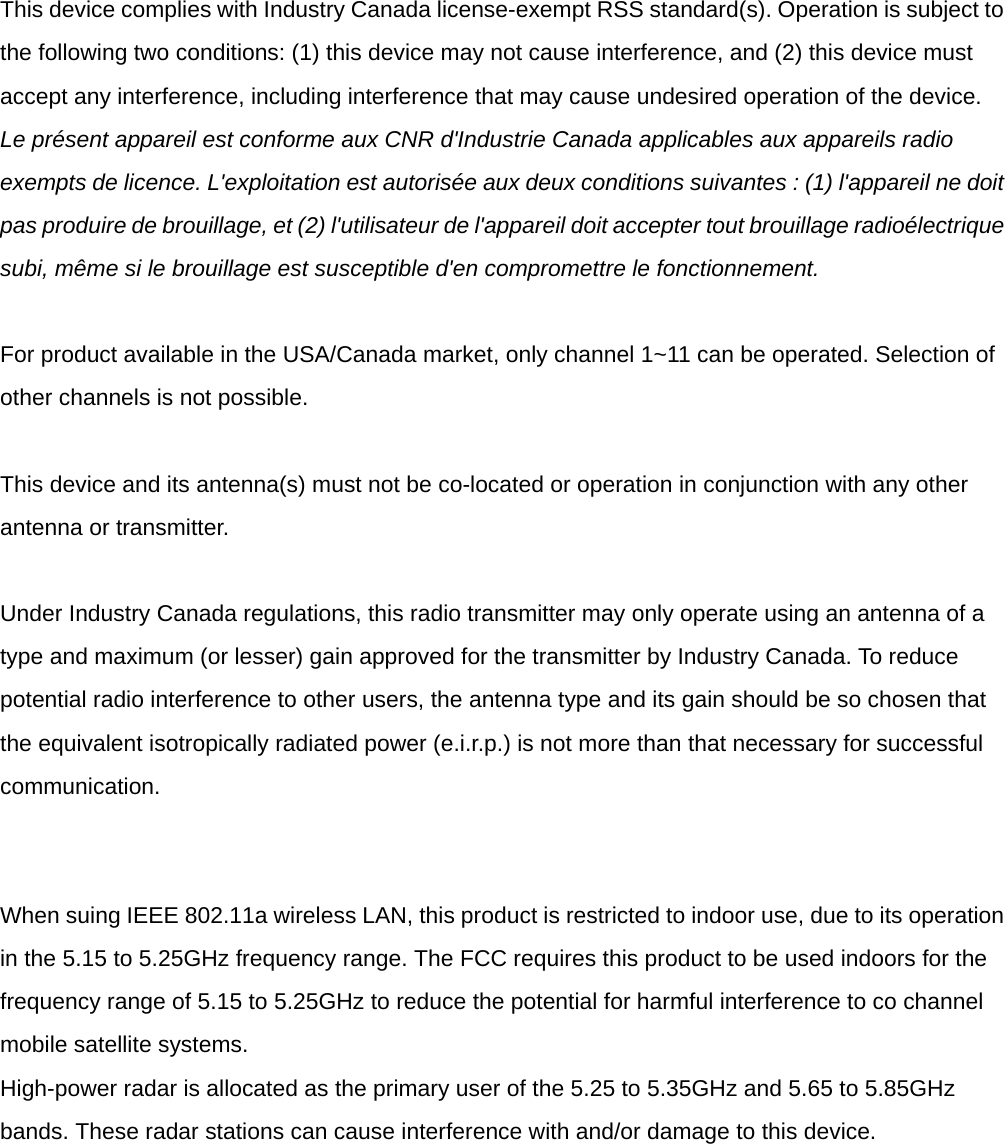
  This device complies with Industry Canada license-exempt RSS standard(s). Operation is subject to the following two conditions: (1) this device may not cause interference, and (2) this device must accept any interference, including interference that may cause undesired operation of the device. Le présent appareil est conforme aux CNR d'Industrie Canada applicables aux appareils radio exempts de licence. L'exploitation est autorisée aux deux conditions suivantes : (1) l'appareil ne doit pas produire de brouillage, et (2) l'utilisateur de l'appareil doit accepter tout brouillage radioélectrique subi, même si le brouillage est susceptible d'en compromettre le fonctionnement.   For product available in the USA/Canada market, only channel 1~11 can be operated. Selection of other channels is not possible.   This device and its antenna(s) must not be co-located or operation in conjunction with any other antenna or transmitter.   Under Industry Canada regulations, this radio transmitter may only operate using an antenna of a type and maximum (or lesser) gain approved for the transmitter by Industry Canada. To reduce potential radio interference to other users, the antenna type and its gain should be so chosen that the equivalent isotropically radiated power (e.i.r.p.) is not more than that necessary for successful communication.     When suing IEEE 802.11a wireless LAN, this product is restricted to indoor use, due to its operation in the 5.15 to 5.25GHz frequency range. The FCC requires this product to be used indoors for the frequency range of 5.15 to 5.25GHz to reduce the potential for harmful interference to co channel mobile satellite systems. High-power radar is allocated as the primary user of the 5.25 to 5.35GHz and 5.65 to 5.85GHz bands. These radar stations can cause interference with and/or damage to this device.

Navigation menu