ShenZhen Tadpole Design D01 Bluetooth Headset User Manual

ShenZhen Tadpole Industrial Design Co.,Ltd Bluetooth Headset

User Manual

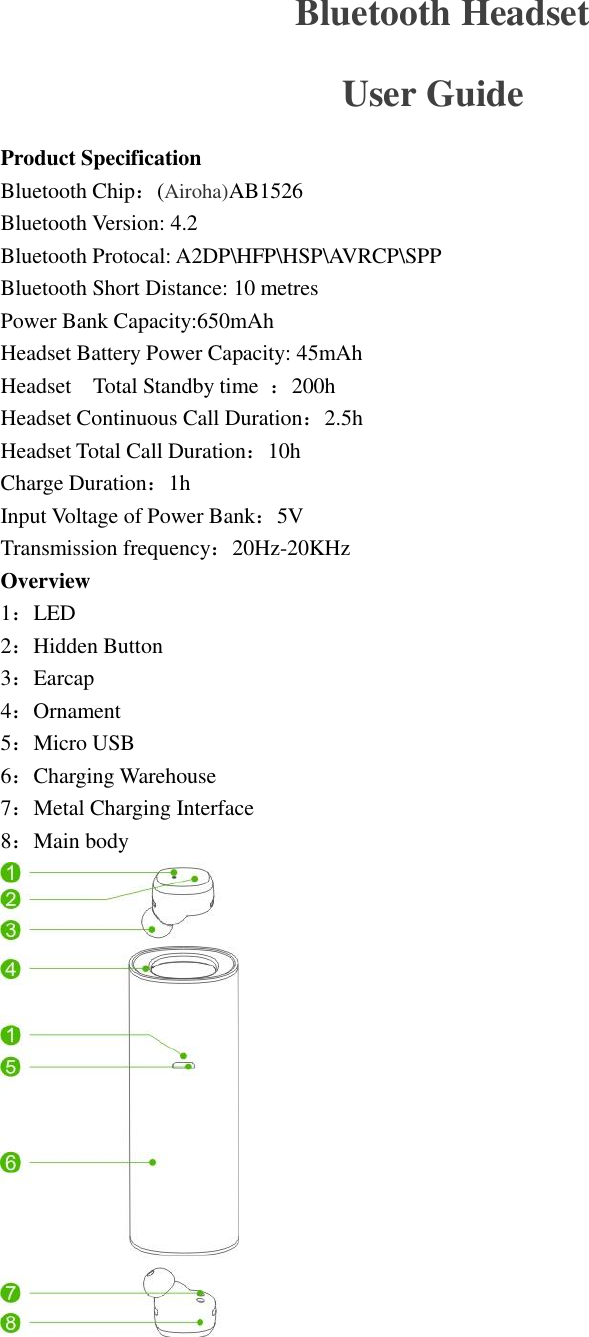
  Bluetooth Headset User Guide Product Specification Bluetooth Chip:(Airoha)AB1526 Bluetooth Version: 4.2 Bluetooth Protocal: A2DP\HFP\HSP\AVRCP\SPP Bluetooth Short Distance: 10 metres Power Bank Capacity:650mAh   Headset Battery Power Capacity: 45mAh   Headset    Total Standby time  :200h Headset Continuous Call Duration:2.5h Headset Total Call Duration:10h Charge Duration:1h Input Voltage of Power Bank:5V Transmission frequency:20Hz-20KHz   Overview 1:LED 2:Hidden Button 3:Earcap 4:Ornament 5:Micro USB 6:Charging Warehouse 7:Metal Charging Interface 8:Main body
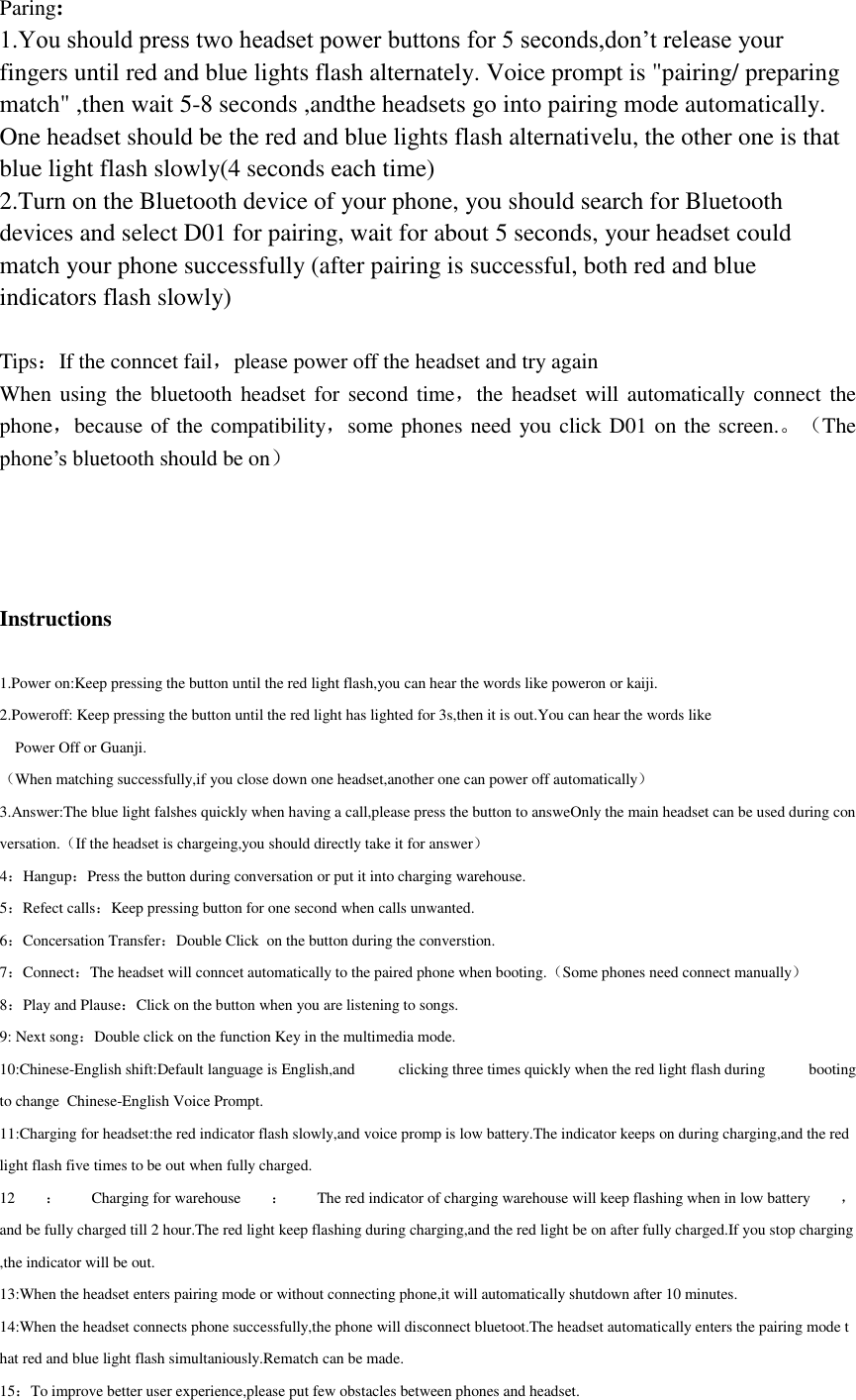
Paring: 1.You should press two headset power buttons for 5 seconds,don’t release your fingers until red and blue lights flash alternately. Voice prompt is "pairing/ preparing match" ,then wait 5-8 seconds ,andthe headsets go into pairing mode automatically. One headset should be the red and blue lights flash alternativelu, the other one is that blue light flash slowly(4 seconds each time) 2.Turn on the Bluetooth device of your phone, you should search for Bluetooth devices and select D01 for pairing, wait for about 5 seconds, your headset could match your phone successfully (after pairing is successful, both red and blue indicators flash slowly)  Tips:If the conncet fail,please power off the headset and try again When using the bluetooth  headset for  second time,the headset  will automatically  connect  the phone,because of the compatibility,some phones need you click D01 on the screen.。(The phone’s bluetooth should be on)     Instructions  1.Power on:Keep pressing the button until the red light flash,you can hear the words like poweron or kaiji. 2.Poweroff: Keep pressing the button until the red light has lighted for 3s,then it is out.You can hear the words like         Power Off or Guanji. (When matching successfully,if you close down one headset,another one can power off automatically) 3.Answer:The blue light falshes quickly when having a call,please press the button to answeOnly the main headset can be used during conversation.(If the headset is chargeing,you should directly take it for answer) 4:Hangup:Press the button during conversation or put it into charging warehouse. 5:Refect calls:Keep pressing button for one second when calls unwanted. 6:Concersation Transfer:Double Click  on the button during the converstion. 7:Connect:The headset will conncet automatically to the paired phone when booting.(Some phones need connect manually) 8:Play and Plause:Click on the button when you are listening to songs.     9: Next song:Double click on the function Key in the multimedia mode.      10:Chinese-English shift:Default language is English,and  clicking three times quickly when the red light flash during  booting to change  Chinese-English Voice Prompt.  11:Charging for headset:the red indicator flash slowly,and voice promp is low battery.The indicator keeps on during charging,and the red light flash five times to be out when fully charged. 12 :Charging for warehouse :The red indicator of charging warehouse will keep flashing when in low battery ,and be fully charged till 2 hour.The red light keep flashing during charging,and the red light be on after fully charged.If you stop charging,the indicator will be out. 13:When the headset enters pairing mode or without connecting phone,it will automatically shutdown after 10 minutes. 14:When the headset connects phone successfully,the phone will disconnect bluetoot.The headset automatically enters the pairing mode that red and blue light flash simultaniously.Rematch can be made. 15:To improve better user experience,please put few obstacles between phones and headset.
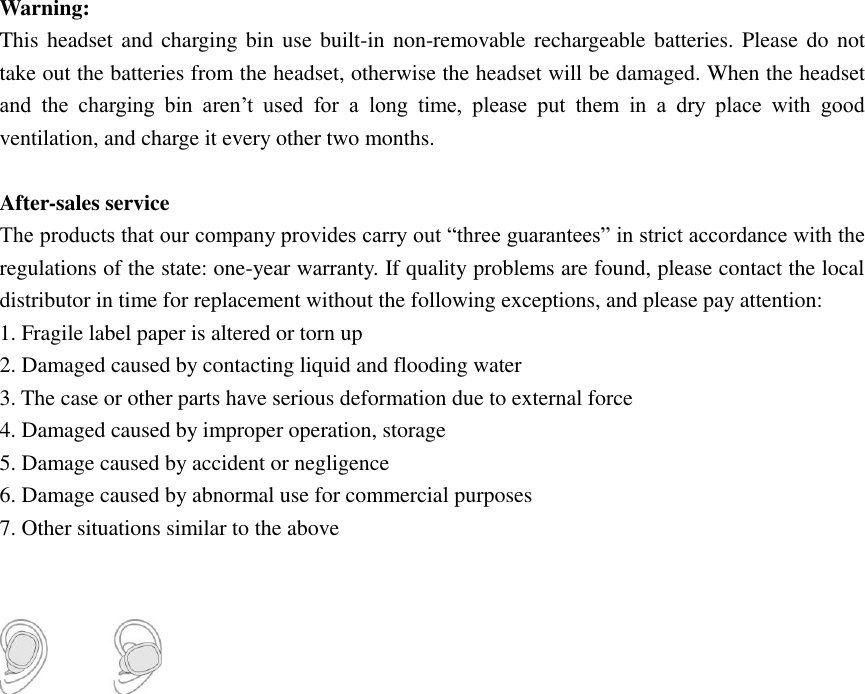
Warning:   This headset and charging bin  use  built-in non-removable rechargeable batteries. Please do not take out the batteries from the headset, otherwise the headset will be damaged. When the headset and  the  charging  bin  aren’t  used  for  a  long  time,  please  put  them  in  a  dry  place  with  good ventilation, and charge it every other two months.  After-sales service The products that our company provides carry out “three guarantees” in strict accordance with the regulations of the state: one-year warranty. If quality problems are found, please contact the local distributor in time for replacement without the following exceptions, and please pay attention: 1. Fragile label paper is altered or torn up 2. Damaged caused by contacting liquid and flooding water 3. The case or other parts have serious deformation due to external force 4. Damaged caused by improper operation, storage   5. Damage caused by accident or negligence 6. Damage caused by abnormal use for commercial purposes   7. Other situations similar to the above
NOTE: This equipment has been tested and found to comply with the limits for a Class B digital device, pursuant to part 15 of the FCC Rules. These limits are designed to provide reasonable protection against harmful interference in a residential installation. This equipment generates uses and can radiate radio frequency energy and, if not installed and used in accordance with the instructions, may cause harmful interference to radio communications. However, there is no guarantee that interference will not occur in a particular installation. If this equipment does cause harmful interference to radio or television reception, which can be determined by turning the equipment off and on, the user is encouraged to try to correct the interference by one or more of the following measures:  - Reorient or relocate the receiving antenna. - Increase the separation between the equipment and receiver. -Connect the equipment into an outlet on a circuit different from that to which the receiver is connected. -Consult the dealer or an experienced radio/TV technician for help  Changes or modifications not expressly approved by the party responsible for compliance could void the user's authority to operate the equipment.  This device complies with Part 15 of the FCC Rules. Operation is subject to the following two conditions: (1) this device may not cause harmful interference, and (2) this device must accept any interference received, including interference that may cause undesired operation.

Navigation menu