Superior communications 03612 MyTouch Bluetooth charging dock User Manual

Superior communications . MyTouch Slide Bluetooth charging dock

User manual

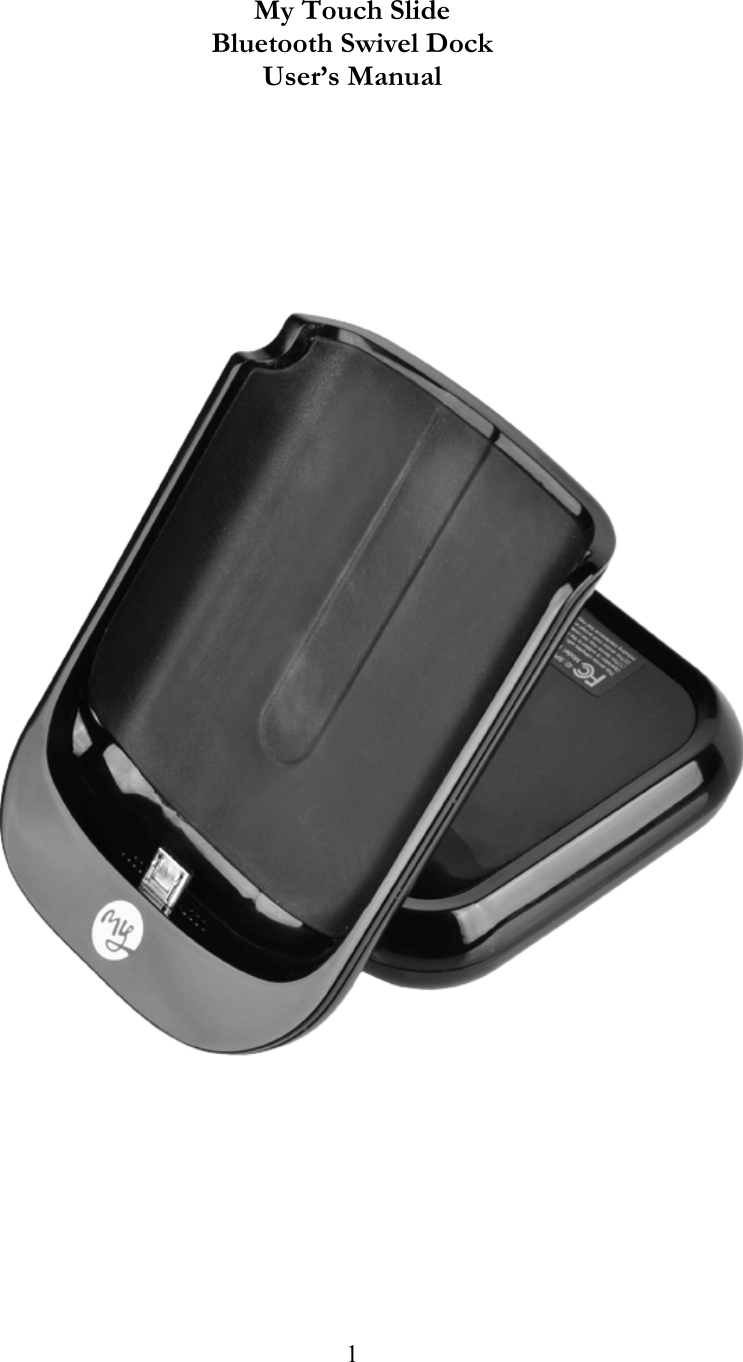
 1      My Touch Slide Bluetooth Swivel Dock User’s Manual
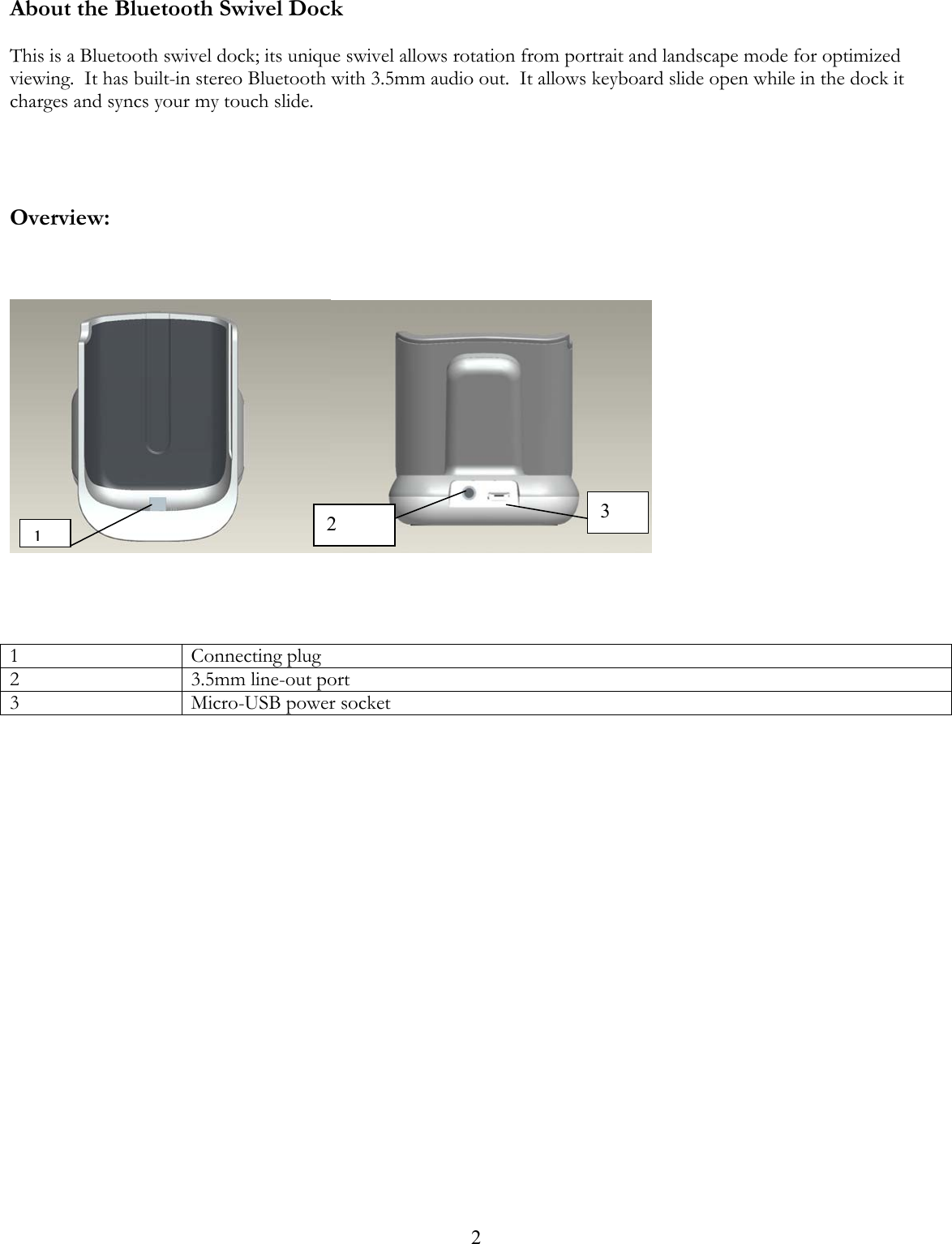
 2About the Bluetooth Swivel Dock  This is a Bluetooth swivel dock; its unique swivel allows rotation from portrait and landscape mode for optimized viewing.  It has built-in stereo Bluetooth with 3.5mm audio out.  It allows keyboard slide open while in the dock it charges and syncs your my touch slide.      Overview:         1 Connecting plug 2  3.5mm line-out port 3 Micro-USB power socket                      13 2
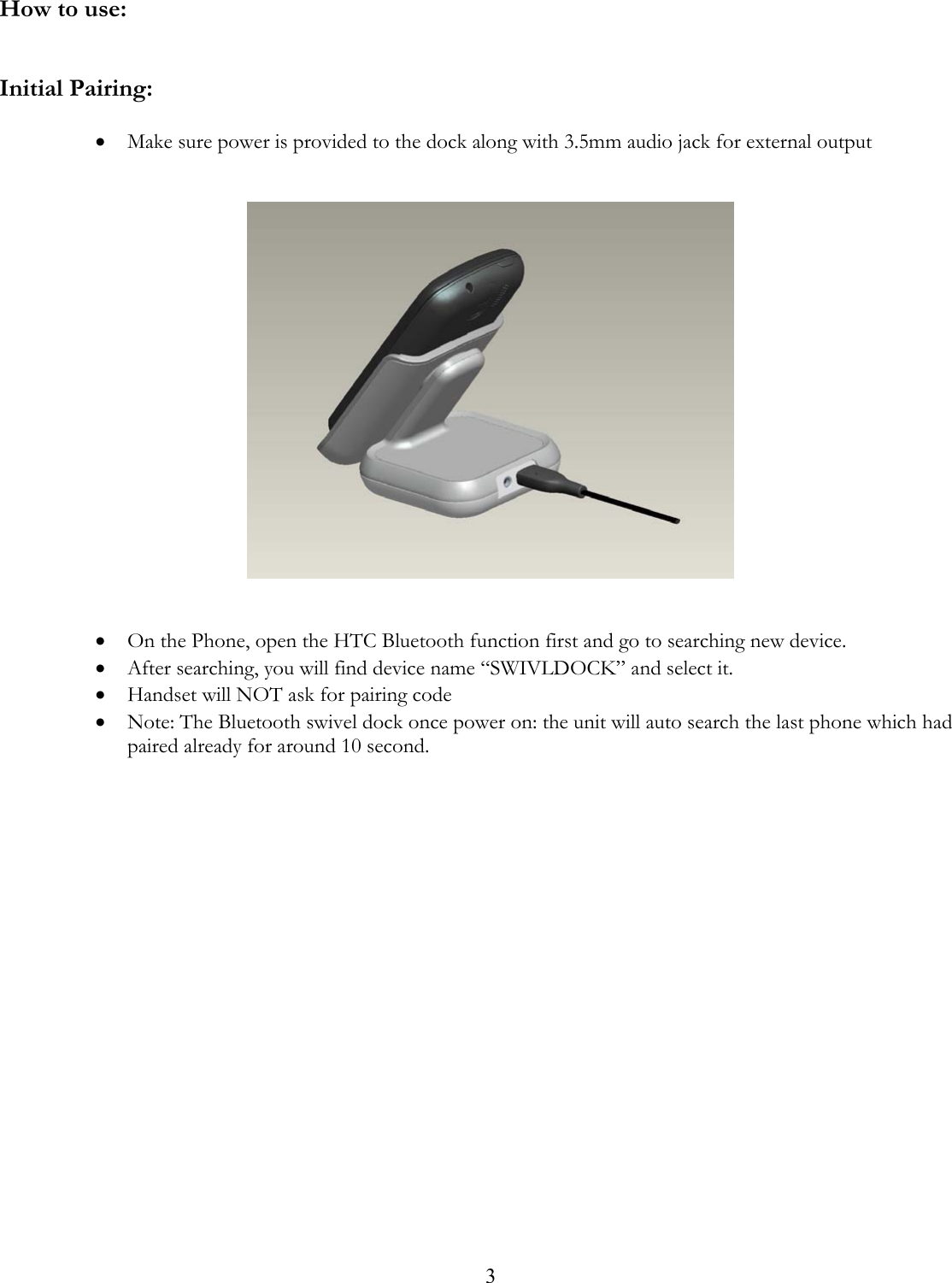
 3 How to use:   Initial Pairing:  • Make sure power is provided to the dock along with 3.5mm audio jack for external output      • On the Phone, open the HTC Bluetooth function first and go to searching new device. • After searching, you will find device name “SWIVLDOCK” and select it. • Handset will NOT ask for pairing code • Note: The Bluetooth swivel dock once power on: the unit will auto search the last phone which had paired already for around 10 second.
4Care and Maintenance Before using the Bluetooth Swivel Dock, please read the following recommendations. xKeep it dry and don’t put it in wet place, in order to avoid affecting the interior circuit of the product. xDon’t put the product under the direct of sunlight or place in hot areas.  High temperature will shorten the life of electronic device and distort certain plastic. xDon’t expose it to extreme temperature, which may damage the internal circuit board. xDon’t try to take apart the product; you may damage the product. xDon’t use intensified chemical or detergent to clean the product. xDon’t scrap the surface with sharp items. Technical Parameters: Working Temperature: -10 ~ 45ºC Storage Temperature: -20 ~60ºC Dimensions: 70mm (width) x 98.5mm (depth) x 70mm (height) Weight: 160g Notice : The changes or modifications not expressly approved by the party responsible  for compliance could void the user’s authority to operate the equipment.IMPORTANT NOTE: To comply with the FCC RF exposure compliance requirements, no change to the antenna or the device is permitted. Any change to the antenna or the device could result in the device exceeding the RF exposure requirements and void user’s authority to operate the device.

Navigation menu