Sure Wave SP3047 IWAVE MODE BT SPEAKER User Manual Manual

Sure Wave (HongKong) Limited IWAVE MODE BT SPEAKER Manual

Manual

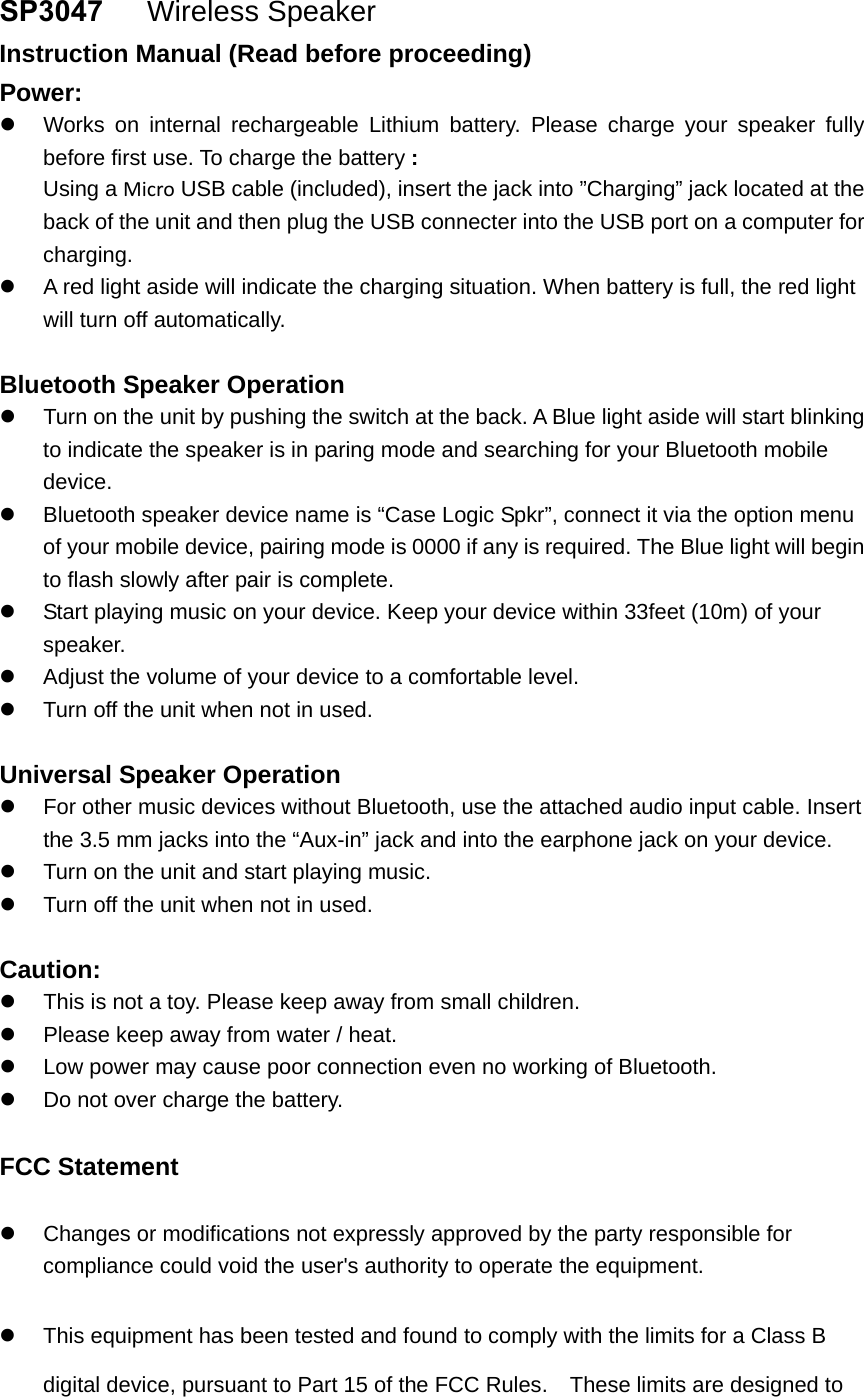
SP3047   Wireless Speaker  Instruction Manual (Read before proceeding) Power: Works on internal rechargeable Lithium battery. Please charge your speaker fullybefore first use. To charge the battery :Using a Micro USB cable (included), insert the jack into ”Charging” jack located at theback of the unit and then plug the USB connecter into the USB port on a computer forcharging.A red light aside will indicate the charging situation. When battery is full, the red lightwill turn off automatically.Bluetooth Speaker Operation Turn on the unit by pushing the switch at the back. A Blue light aside will start blinkingto indicate the speaker is in paring mode and searching for your Bluetooth mobiledevice.Bluetooth speaker device name is “Case Logic Spkr”, connect it via the option menuof your mobile device, pairing mode is 0000 if any is required. The Blue light will beginto flash slowly after pair is complete.Start playing music on your device. Keep your device within 33feet (10m) of yourspeaker.Adjust the volume of your device to a comfortable level.Turn off the unit when not in used.Universal Speaker Operation For other music devices without Bluetooth, use the attached audio input cable. Insertthe 3.5 mm jacks into the “Aux-in” jack and into the earphone jack on your device.Turn on the unit and start playing music.Turn off the unit when not in used.Caution: This is not a toy. Please keep away from small children.Please keep away from water / heat.Low power may cause poor connection even no working of Bluetooth.Do not over charge the battery.FCC Statement Changes or modifications not expressly approved by the party responsible forcompliance could void the user's authority to operate the equipment.This equipment has been tested and found to comply with the limits for a Class Bdigital device, pursuant to Part 15 of the FCC Rules.    These limits are designed to
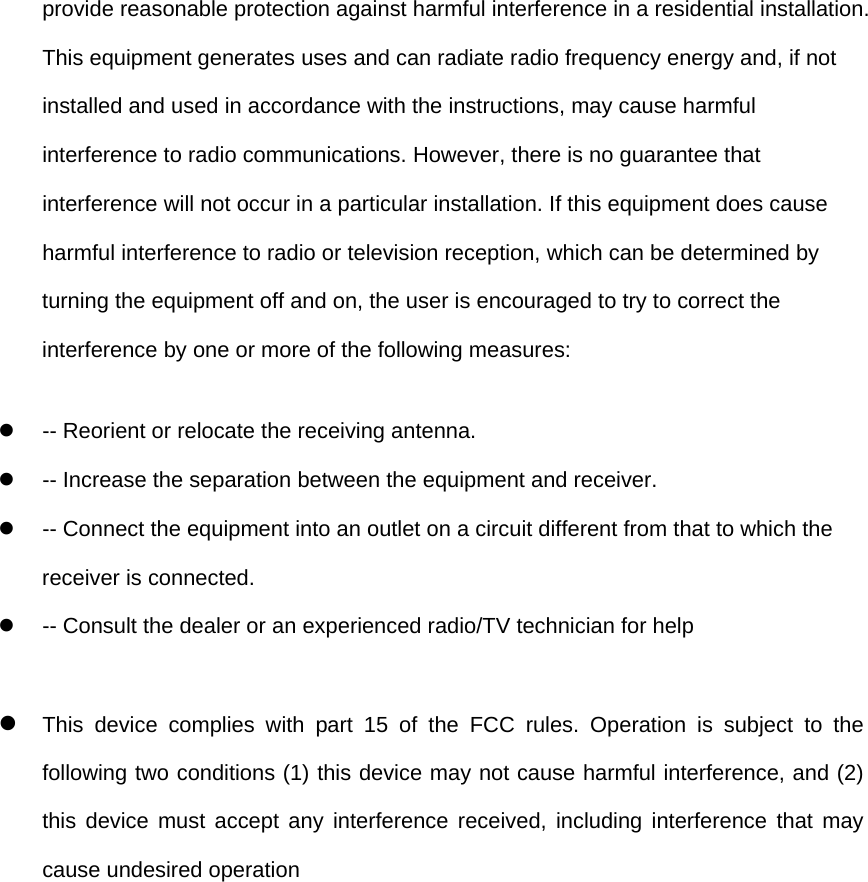
provide reasonable protection against harmful interference in a residential installation. This equipment generates uses and can radiate radio frequency energy and, if not installed and used in accordance with the instructions, may cause harmful interference to radio communications. However, there is no guarantee that interference will not occur in a particular installation. If this equipment does cause harmful interference to radio or television reception, which can be determined by turning the equipment off and on, the user is encouraged to try to correct the interference by one or more of the following measures:   -- Reorient or relocate the receiving antenna.     -- Increase the separation between the equipment and receiver.     -- Connect the equipment into an outlet on a circuit different from that to which the receiver is connected.     -- Consult the dealer or an experienced radio/TV technician for help   This device complies with part 15 of the FCC rules. Operation is subject to the following two conditions (1) this device may not cause harmful interference, and (2) this device must accept any interference received, including interference that may cause undesired operation

Navigation menu