Suzuki 2008 Grand Vitara Owners Manual 15
Suzuki-Grand-Vitara-99011-66J22-03E-Owners-Manual-227092 suzuki-grand-vitara-99011-66j22-03e-owners-manual-227092
99011-66J22-03E to the manual e2795735-6e0a-f034-5121-30ebb0b64ccd
2015-10-24
: Suzuki Suzuki-2008-Suzuki-Grand-Vitara-Owners-Manual-819274 suzuki-2008-suzuki-grand-vitara-owners-manual-819274 suzuki pdf
Open the PDF directly: View PDF  .
.
Page Count: 290 [warning: Documents this large are best viewed by clicking the View PDF Link!]
Part No. 99011-66J22-03E
July, 2007
OWNER’S MANUAL
99011-66J22-03EGRAND VITARA
Printed in Japan
See page 1-1
12.5 mm
Keep With Vehicle At All Times.
Contains Important Information
On Safety, Operation & Maintenance.
SERVICE STATION INFORMATION
Fuel recommendation: Brake and clutch fluid:
Engine oil recommendation: Automatic transmission fluid:
Tire cold pressure:
For further details, see “Engine Oil and Filter” in the
“INSPECTION AND MAINTENANCE” section.
DOT3
See the “Tire Information Label” located on the
driver’s door lock pillar.
2008
Engine oil with “Starburst” symbol
Made from 100% recycled paper,
except for cover.
ENGLISH
Suzuki Red: PANTONE 485
Suzuki Blue: PANTONE 294
SUZUKI ATF 3317 or Mobil ATF 3309
66J22-03E
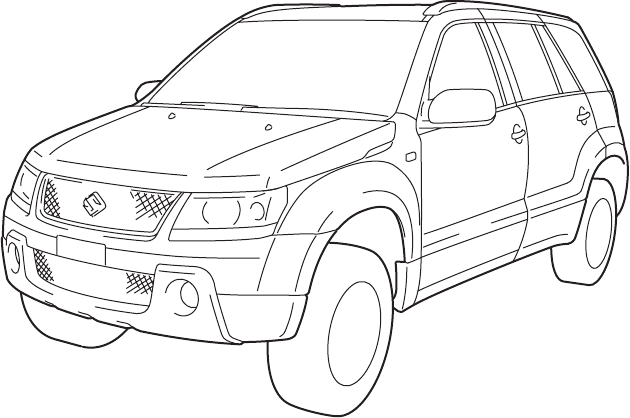
This owner’s manual applies to the GRAND VITARA series:
66J001
NOTE: The illustrated model is one of the GRAND VITARA series.
© COPYRIGHT SUZUKI MOTOR CORPORATION 2007

66J22-03E
INTRODUCTION
Thank you for choosing SUZUKI and welcome to our growing family. Your choice was a wise one; SUZUKI products are a great value
that will give you years of driving pleasure.
This Owner’s Manual was prepared to help you have a safe, enjoyable, and trouble-free experience with your SUZUKI. In it you will learn
about the vehicle’s operation, its safety features and maintenance requirements. Please read it carefully before operating your vehicle.
Afterwards, keep this Manual in the glove box for future reference.
Should you resell the vehicle, please leave this Manual with it for the next owner.
In addition to the Owner’s Manual, the other booklets provided with your SUZUKI explain the vehicle’s warranties. We recommend you
read them as well to familiarize yourself with this important information.
When planning the regular scheduled maintenance of your SUZUKI, we recommend you visit your local SUZUKI dealership. Their fac-
tory-trained technicians will provide the best possible service and use only genuine SUZUKI parts and accessories.
66J22-03E
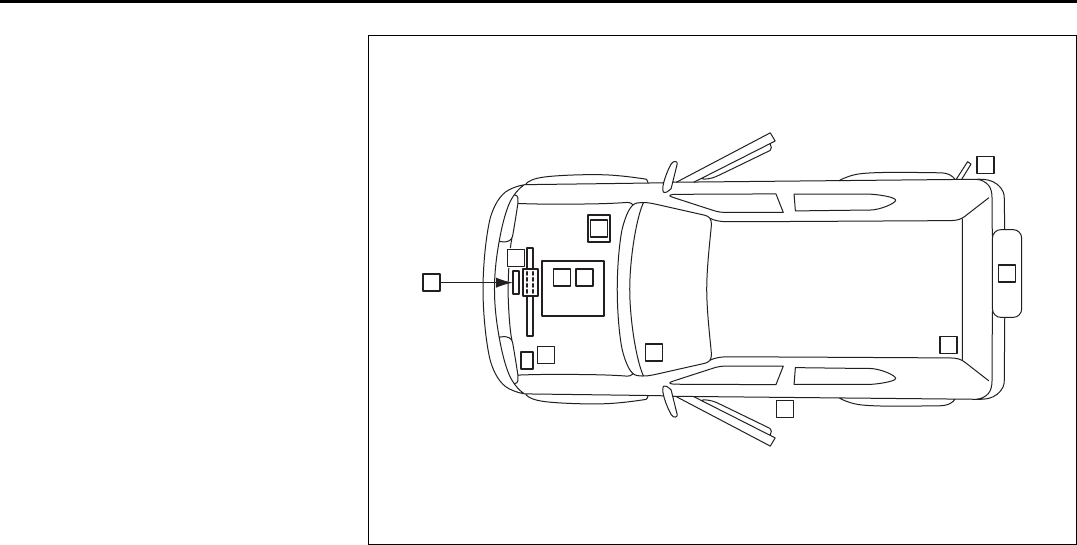
SERVICE STATION GUIDE
1. Fuel (see section 1)
2. Engine hood (see section 5)
3. Tire changing tools (see section 5)
4. Engine oil dipstick <Yellow>
(see section 9)
5. Automatic transmission fluid dipstick
<Red> (see section 9)
6. Engine coolant (see section 9)
7. Windshield washer fluid
(see section 9)
8. Battery (see section 9)
9. Tire pressure (see tire information
label on driver’s door lock pillar)
10. Spare tire (see section 9)
66J190
25
2
4
7
6
1
9
3
10
8
66J22-03E
TABLE OF CONTENTS
California Proposition 65 Warning
WARNING
Engine exhaust, some of its constitu-
ents, and certain product compo-
nents contain or emit chemicals
known to the State of California to
cause cancer and birth defects or
other reproductive harm.
FUEL RECOMMENDATION 1
BEFORE DRIVING 2
STEERING COLUMN CONTROLS 3
INSTRUMENT PANEL 4
OTHER CONTROLS AND EQUIPMENT 5
OPERATING YOUR VEHICLE 6
DRIVING TIPS 7
VEHICLE LOADING AND TOWING 8
INSPECTION AND MAINTENANCE 9
EMERGENCY SERVICE 10
APPEARANCE CARE 11
GENERAL INFORMATION 12
FUSES AND PROTECTED CIRCUITS 13
SPECIFICATIONS 14
INDEX 15
66J22-03E
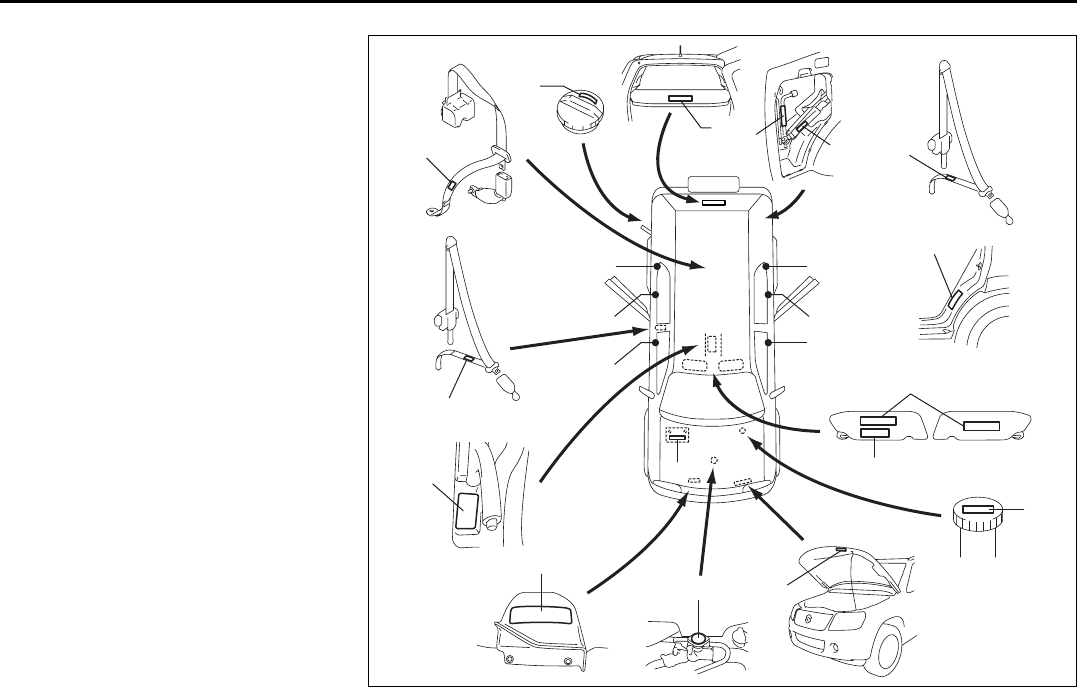
LOCATION OF WARNING
MESSAGES
Read and follow all of the warnings (labels
etc.) on your vehicle. Make sure you
understand all of them. Keep them on the
vehicle. Do not remove the messages for
any reason. If a label comes off or the
messages become difficult to be read,
have it corrected by your SUZUKI dealer.
1. Air bag warning labels
(on both sun visors)
2. Rollover warning label
3. Passenger seat belt warning label
4. Jacking warning label
5. Jacking warning label
6. Fuel filler cap message
7. Transfer switch warning label
8. Brake fluid cap message
9. Engine cooling fan warning label
10. Radiator cap warning label
11. Air conditioner warning label
12. Battery label
13. Side air bag warning label
14. Rear outboard seat belt warning label
15. Rear center seat belt warning label
16. Luggage compartment cover warning
label
66J251
1
2
3
6
8
12
13
4
16
14
15
14
7
9
11
10
14
13
13 13
13
5
Driver Passenger
Location of Warning Messages: 1, 2, 3, 4, 5, 6, 7, 8, 9, 10,
14

0-1
66J22-03E
FOREWORD
Your SUZUKI multipurpose vehicle is
designed and built to be capable of per-
forming both on pavement and off road.
You should therefore remember that your
vehicle is distinctly different from ordinary
passenger cars in handling as well as in
structure. As with other vehicles of this
type, failure to operate this vehicle cor-
rectly may result in loss of control or an
accident. Be sure to read “Important Vehi-
cle Design Features to Know” and the “on-
pavement” and “off-road” driving guidelines
which follow. It is very important to familiar-
ize yourself with the proper operation of
this vehicle before you start driving.
All information in this manual is based
on the latest product information avail-
able at the time of publication. Due to
improvements or other changes, there
may be discrepancies between informa-
tion in this manual and your vehicle.
SUZUKI MOTOR CORPORATION
reserves the right to make production
changes at any time, without notice and
without incurring any obligation to
make the same or similar changes to
vehicles previously built or sold.
SUZUKI MOTOR CORPORATION
believes in conservation and protection of
Earth’s natural resources.
To that end, we encourage every vehicle
owner to recycle, trade in, or properly dis-
pose of, as appropriate, used motor oil,
coolant, and other fluids, batteries and
tires.
IF YOU HAVE ANY PROBLEMS WITH
YOUR SUZUKI:
Please review the New Vehicle Warranty
Information booklet supplied with your
SUZUKI. Should you have a question or
problem regarding the warranty or service
of your vehicle, please take the following
action:
Consult the Service Manager and the
Owner of the Suzuki Automotive Dealer-
ship. Explain your problem and ask for
their assistance in resolving your problem.
The Owner of the dealership is in the very
best position to assist you as he or she is
vitally concerned with your continued satis-
faction.
If you are still in need of additional informa-
tion, or if you are dissatisfied, request that
your dealer arrange a meeting with your
District Service Manager.
If, after doing so, you still require further
assistance, and you purchased your
SUZUKI in the continental United States,
please contact the American Suzuki Cus-
tomer Relations Department by telephone
at 1-800-934-0934 or in writing at:
American Suzuki Motor Corporation
Automotive Customer Relations
3251 East Imperial Highway
Brea, CA 92821-6795
0-2
66J22-03E
If you purchased your SUZUKI in Canada
please contact the Suzuki Canada Cus-
tomer Relations Department by telephone
at 1-905-889-2677 extension 2254 or in
writing at:
Suzuki Canada Inc.
Customer Relations
100 East Beaver Creek Road
Richmond Hill, On
L4B 1J6
In the event you require assistance related
to your SUZUKI, while temporarily travel-
ling in either the United States or Canada,
you may wish to contact the Suzuki Cus-
tomer Relations Department directly of the
country in which you are temporarily oper-
ating your vehicle.
Please be certain to provide us with the fol-
lowing information: the model, Vehicle
Identification Number, mileage, accesso-
ries involved, event dates, your concern,
and any other comments which you may
have. When we receive your correspon-
dence, we will be pleased to contact the
Owner of your dealership and assist in
resolving your concern.
For owners outside the continental United
States, please refer to the distributor’s
address listed in your Warranty Information
booklet.
IMPORTANT
WARNING/CAUTION/NOTE
Please read this manual and follow its
instructions carefully. To emphasize spe-
cial information, the symbol and the
words WARNING, CAUTION and NOTE
have special meanings. Pay special atten-
tion to the messages highlighted by these
signal words:
NOTE:
Indicates special information to make
maintenance easier or instructions clearer.
75F135
The circle with a slash in this manual
means “Don’t do this” or “Don’t let this hap-
pen”.
WARNING
Indicates a potential hazard that
could result in death or injury.
CAUTION
Indicates a potential hazard that
could result in vehicle damage.
0-3
66J22-03E
MODIFICATION WARNING LEAK DETECTION PUMP
NOTE:
Your vehicle has a pump to regularly check
the vehicle’s evaporative emission control
system for leaks. This check is performed
approximately five hours after the engine is
turned off. During this leak check, you may
hear a sound coming from the vehicle for
several minutes. This sound is normal and
does not indicate a malfunction.
WARNING
Do not modify this vehicle. Modifica-
tion could adversely affect safety,
handling, performance or durability
and may violate governmental regula-
tions. In addition, damage or perfor-
mance problems resulting from
modification may not be covered
under warranty.
CAUTION
Improper installation of mobile com-
munication equipment such as cellu-
lar telephones or CB (Citizen’s Band)
radios may cause electronic interfer-
ence with your vehicle’s ignition sys-
tem, resulting in vehicle performance
problems. Consult your SUZUKI
dealer or qualified service technician
for advice on installing such mobile
communication equipment.
0-4
66J22-03E
MEMO
1-1
FUEL RECOMMENDATION
66J22-03E
Fuel Recommendation
60A004
Your vehicle requires regular unleaded
gasoline with a minimum rating of 87 pump
octane ((R + M)/2 method). In some areas,
the only fuels that are available are oxy-
genated fuels.
Oxygenated fuels which meet the mini-
mum octane requirement and the require-
ments described below may be used in
your vehicle without jeopardizing the New
Vehicle Limited Warranty.
NOTE:
Oxygenated fuels are fuels which contain
oxygen-carrying additives such as MTBE
or alcohol.
Gasoline Containing MTBE
Unleaded gasoline containing MTBE
(methyl tertiary butyl ether) may be used in
your vehicle if the MTBE content is not
greater than 15%. This oxygenated fuel
does not contain alcohol.
Gasoline/Ethanol blends
Blends of unleaded gasoline and ethanol
(grain alcohol), also known as gasohol,
may be used in your vehicle if the ethanol
content is not greater than 10%.
Gasoline/Methanol blends
Fuels containing 5% or less methanol
(wood alcohol) may be suitable for use in
your vehicle if they contain cosolvents and
corrosion inhibitors. Do NOT USE fuels
containing more than 5% methanol under
any circumstances. Fuel system damage
or vehicle performance problems resulting
from the use of such fuels are not the
responsibility of SUZUKI and may not be
covered under the New Vehicle Limited
Warranty.
Fuel Pump Labeling
In some states, pumps that dispense oxy-
genated fuels are required to be labeled for
the type and percentage of oxygenate and
whether important additives are present.
Such labels may provide enough informa-
tion for you to determine if a particular
blend of fuel meets the requirements listed
above. In other areas, pumps may not be
clearly labeled as to the content or type of
oxygenate and additives. If you are not
sure that the fuel you intend to use meets
these requirements, check with the service
station operator or the fuel supplier.
NOTE:
To help clean the air, SUZUKI recom-
mends you use the oxygenated fuels.
However, if you are not satisfied with the
driveability or fuel economy of your vehicle
when you are using an oxygenated fuel,
switch back to the regular unleaded gaso-
line.
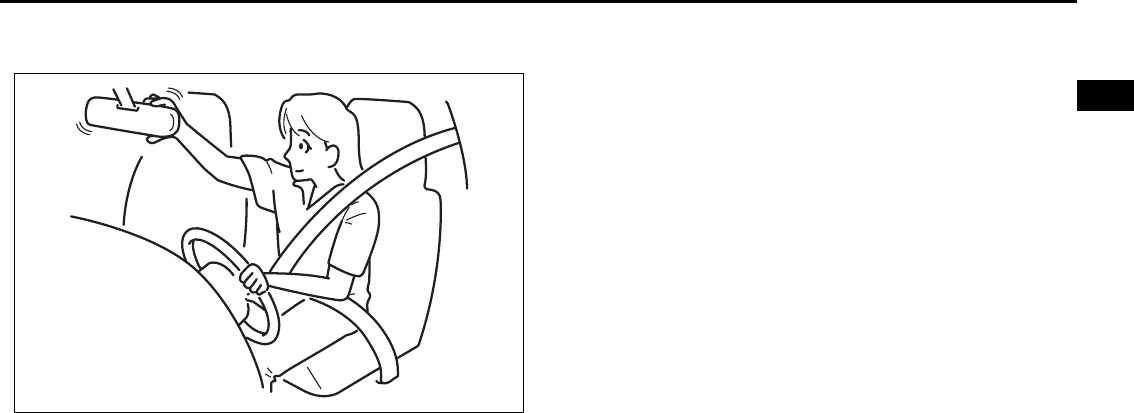
CAUTION
Be careful not to spill fuel containing
alcohol while refueling. If fuel is
spilled on the vehicle body, wipe it up
immediately. Fuels containing alco-
hol can cause paint damage, which is
not covered under the New Vehicle
Limited Warranty.
Fuel Recommendation: 1, 2
BEFORE DRIVING
2
66J22-03E
60G404
BEFORE DRIVING
Keys ...................................................................................... 2-1
Spare Tire Nut Lock (if equipped) ...................................... 2-1
Door Locks .......................................................................... 2-2
Windows .............................................................................. 2-14
Mirrors .................................................................................. 2-16
Seat Adjustment .................................................................. 2-17
Head Restraints ................................................................... 2-19
Seat Belts and Child Restraint Systems ........................... 2-20
Supplemental Restraint System (air bags) ....................... 2-37
2-1
BEFORE DRIVING
66J22-03E
Keys
54G489
Your vehicle comes with a pair of identical
keys. Keep the spare key in a safe place.
One key can open all of the locks on the
vehicle.
The key identification number is stamped
on a metal tag provided with the keys.
Keep the tag in a safe place. If you lose
your keys, you will need this number to
have new keys made. Write the number
below for your future reference.
Ignition Key Reminder
A buzzer sounds intermittently to remind
you to remove the ignition key if it is in the
ignition switch when the driver’s door is
opened.
Spare Tire Nut Lock
(if equipped)
64J172
A nut lock is used for the spare tire. To
unlock the spare tire nut, insert the ignition
key into the lock as far as the key will go
and remove the lock with the key in. To lock
the spare tire nut, put the lock on the nut
and push the lock in.
KEY NUMBER:
EXAMPLE
To LOCK
To UNLOCK
Keys: 8
Spare Tire Nut Lock: 5

2-2
BEFORE DRIVING
66J22-03E
Door Locks
Side Door Locks
60A009
To lock a front door from outside the vehi-
cle:
• Insert the key and turn the top of the key
toward the front of the vehicle, or
• Turn the lock knob forward and close the
door.
To unlock a front door from outside the
vehicle, insert the key and turn the top of
the key toward the rear of the vehicle.
64J002
To lock a door from inside the vehicle, turn
the lock knob forward. Turn the lock knob
rearward to unlock the door.
To lock a rear side door from outside the
vehicle, turn the lock knob forward and
close the door.
Power Door Locking System
(if equipped)
64J003
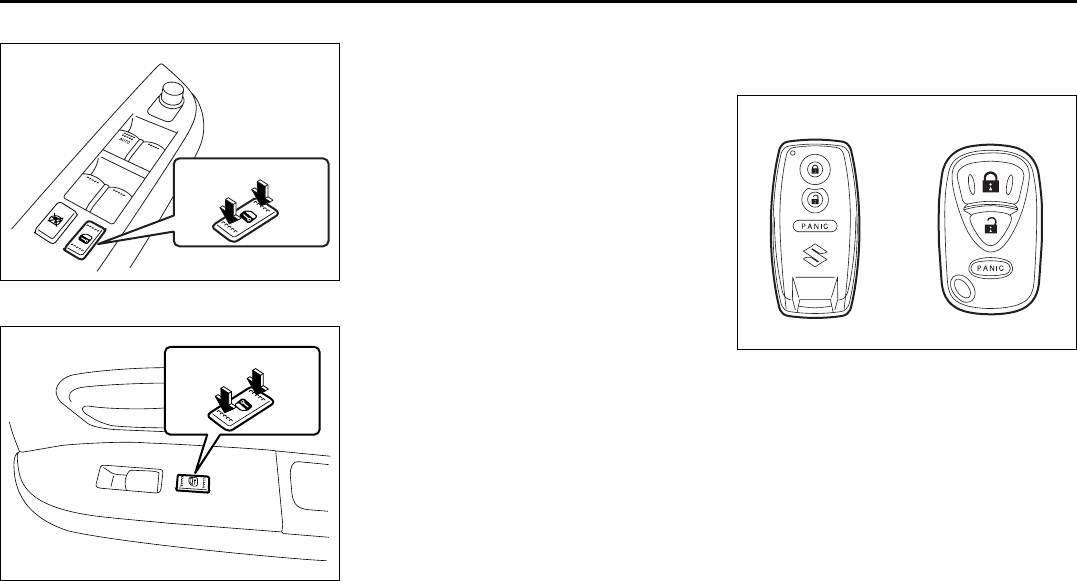
You can lock and unlock all doors (includ-
ing the tailgate) simultaneously by:
• Turning the key in the driver’s door lock,
or
• Pushing the power door locking switch
located on the door panel of either front
door.
(when using the key)
To lock all doors simultaneously, insert the
key in the driver’s door lock, and turn the
key to the LOCK side.
To unlock all doors simultaneously, insert
the key in the driver’s door lock and turn
the key to the UNLOCK side twice.
WARNING
Always lock all doors when driving.
Locking the doors helps to prevent
occupants from being thrown from
the vehicle in the event of an acci-
dent. It also helps prevent unin-
tended opening of the doors.
Rear
Front
LOCK
UNLOCK
UNLOCK LOCK
UNLOCK
Rear
Front
LOCK
Door Locks: 3, 5, 8
2-3
BEFORE DRIVING
66J22-03E
Driver’s side
64J004
Front passenger’s side
66J012
(when using the power door locking
switch)
To lock or unlock all the doors simulta-
neously, depress the front or rear of the
switch respectively.
NOTE:
• If your vehicle is equipped with the key-
less entry system, you can also lock or
unlock all doors by operating the trans-
mitter. Refer to “Keyless Start System
Remote Controller/Keyless Entry Sys-
tem Transmitter” in this section.
• If your vehicle is equipped with the key-
less start system, you can also lock or
unlock all doors by pushing the request
switch on the door handle. Refer to “Key-
less Start System Remote Controller/
Keyless Entry System Transmitter” in
this section.
Keyless Start System Remote
Controller/Keyless Entry System
Transmitter
66J111
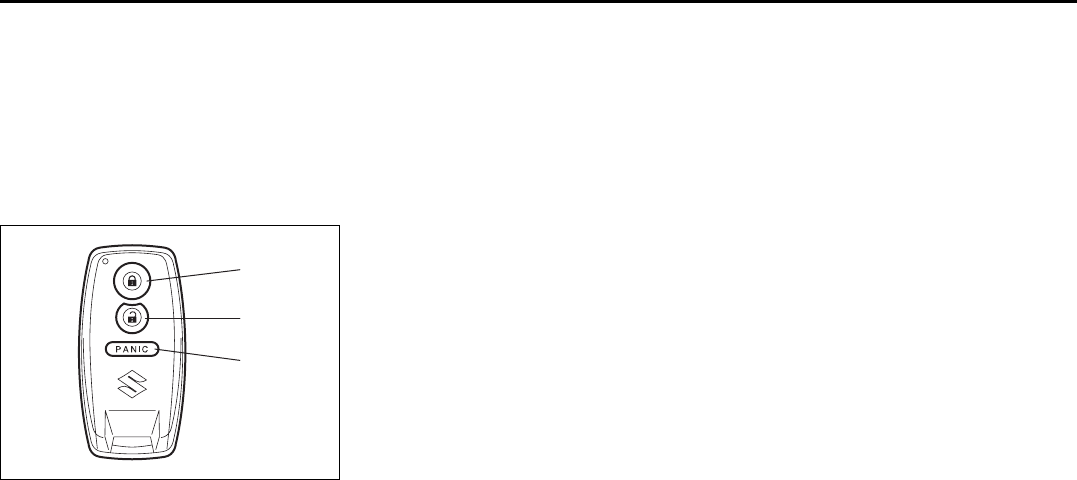
Your vehicle is equipped with either a key-
less start system remote controller (Type
A) or a keyless entry system transmitter
(Type B). The remote controller has a key-
less entry system and a keyless start sys-
tem. The transmitter has only a keyless
entry system. For details, refer to the fol-
lowing explanations.
Keyless Start System Remote
Controller (Type A)
The remote controller enables the following
operations:
• You can lock or unlock the doors by
operating the LOCK/UNLOCK buttons
on the remote controller. Refer to the
explanation in this section.
EXAMPLE
UNLOCK LOCK
UNLOCKLOCK
Type A Type B
Door Locks: 3, 5, 8
2-4
BEFORE DRIVING
66J22-03E
• You can lock or unlock the doors by
pushing the request switch on the door
handle. For details, refer to the explana-
tion in this section.
• You can start the engine without using
an ignition key. For details, refer to “Igni-
tion Switch” in the “STEERING COL-
UMN CONTROLS” section and “Starting
the Engine” in the “OPERATING YOUR
VEHICLE” section.
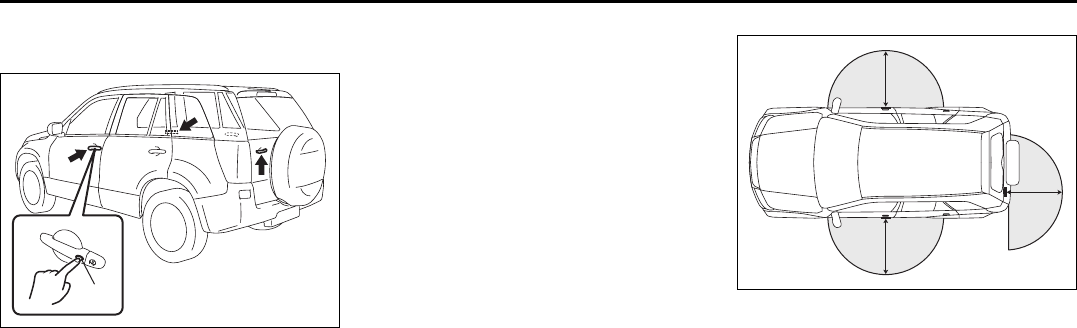
66J114
(1) “LOCK” button
(2) “UNLOCK” button
(3) “PANIC” button
“LOCK” button (1) / “UNLOCK” button
(2) function
You can lock or unlock all doors (including
the tailgate) simultaneously by operating
the remote controller near the vehicle.
• To lock the doors, push the “LOCK” but-
ton (1).
• To unlock the driver’s door, push the
“UNLOCK” button (2) once.
• To unlock other doors, wait a second or
two, then push the “UNLOCK” button (2)
a second time. If you “double-click” too
fast, the doors will not unlock.
When the doors are locked, the turn signal
lights will flash once.
When the doors are unlocked:
• The turn signal lights will flash twice.
• If the interior light switch is in the middle
position, the interior light will turn on for
about 15 seconds and then fade out. If
you push in the ignition switch or insert
the key during this time, the light will
start to fade out immediately.
Be sure the doors are locked after you
operate the “LOCK” button. If no door is
opened within about 30 seconds after the
“UNLOCK” button is operated, the doors
will automatically lock again.
NOTE:
• The maximum operating distance of the
remote controller is about 5 m (16 ft.),
but this can vary depending on the sur-
roundings, especially near other trans-
mitting devices such as radio towers or
CB (Citizen’s Band) radios.
• The door locks can not be operated with
the remote controller if the ignition switch
is in a position other than “LOCK”, or the
ignition key is inserted in the ignition
switch.
If any door is open, you cannnot lock the
door by operating the remote controller,
however unlock the door.
• You cannot lock the door unless all of
the doors are closed completely.
• If you lose one of the remote controllers,
ask your SUZUKI dealer as soon as pos-
sible for a replacement. Be sure to have
your dealer program the new remote
controller code in your vehicle’s memory
so that the old code is erased, or per-
form the programming procedure your-
self according to the instructions in this
section.
“PANIC” button (3) function
This function is to get the attention of oth-
ers.
Press the “PANIC” button (3) for more than
1 second. The headlights and taillights will
blink for about 30 seconds. Also, the horn
will sound intermittently for about 30 sec-
onds at the same time.
To cancel the “PANIC” mode, press any
button (PANIC, LOCK or UNLOCK) on the
remote controller. You can also insert the
key in the ignition switch and turn to the
“ON” position to cancel the “PANIC” mode.
NOTE:
The “PANIC” button function will not acti-
vate when the key is in the ignition switch.
(1)
(2)
(3)
Door Locks: 3, 5, 8
2-5
BEFORE DRIVING
66J22-03E
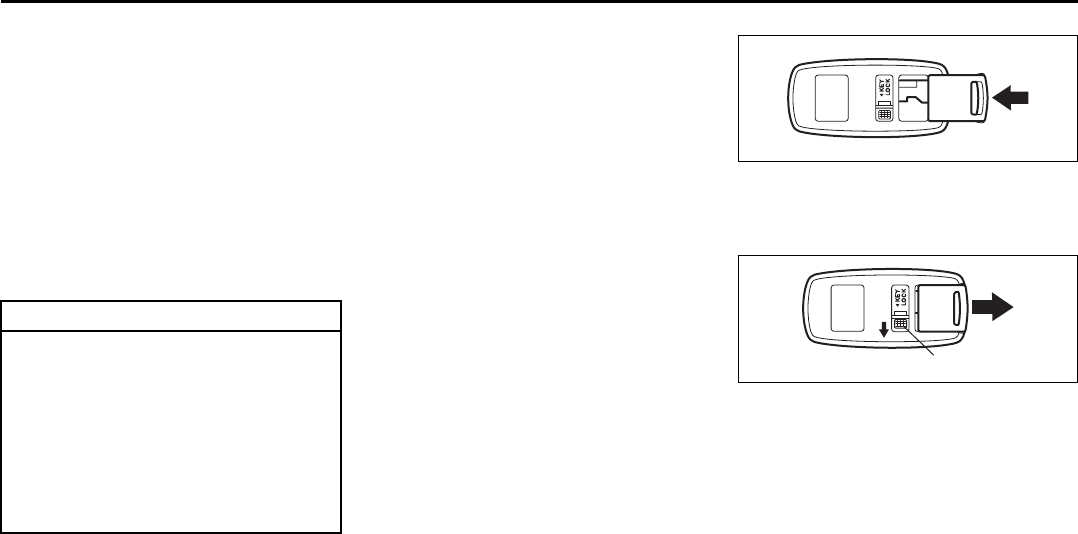
Keyless unlocking/locking using the
request switches
64J006
When the remote controller is within the
operating range described in this section,
you can lock or unlock the doors by push-
ing the request switch (1) on the door han-
dle of the driver’s door, front passenger’s
door or tailgate.
To lock all doors when all doors are
unlocked:
• Push the request switch on one of the
door handles once.
The turn signal lights will flash once when
the doors are locked.
To unlock a door or all doors:
• Push the request switch on the door
handle once to unlock only one door.
• Push the request switch on the door
handle twice to unlock all doors.
When the doors are unlocked:
• The turn signal lights will flash twice.
• If the interior light switch is in the middle
position, the interior light will turn on for
about 15 seconds and then fade out. If
you push in the ignition switch or insert
the key during this time, the light will
start to fade out immediately.
Be sure the doors are locked after you
operate the request switch to lock the
doors.
NOTE:
• The door locks can not be operated by
the request switch under the following
conditions:
– If any door is open or is not completely
closed.
– If the ignition switch is in a position
other than “LOCK”.
– If the ignition key is inserted in the igni-
tion switch.
• If no doors are opened within about 30
seconds after unlocking the doors by
pushing the request switch, the doors
will be locked again automatically.
66J163
(1) 80 cm (2 1/2 feet)
When the remote controller is within
approximately 80 cm (2 1/2 feet) from a
front door handle or the tailgate switch, you
can lock or unlock the doors by pushing
the request switch.
NOTE:
• If the remote controller is outside the
request switch operating range
described above, you will not be able to
operate the request switch.
• If the battery of the remote controller
runs down or there are strong radio
waves or noise, the request switch oper-
ating range may be reduced or the
remote controller may be inoperative.
• If the remote controller is too close to the
door glass, the request switches may not
operate.
(1) EXAMPLE
(1)
(1)
(1)
EXAMPLE
Door Locks: 3, 5, 8
2-6
BEFORE DRIVING
66J22-03E
• If a spare remote controller is in the vehi-
cle, the request switches may not oper-
ate normally.
• The remote controller will only operate a
request switch if it is within the switch’s
operating range. For example, if the
remote controller is within the operating
range of the driver’s door request switch
but not the front passenger’s door
request switch or the tailgate request
switch, the driver’s door switch can be
operated but the front passenger’s door
switch or tailgate switch can not be oper-
ated.
NOTE:
The keyless start system may not function
correctly in certain environments or under
certain operating conditions such as the
following:
• When there are strong signals coming
from a television, power station or a cel-
lular phone.
• When the remote controller is in contact
with or covered by a metal object.
• When a radio wave type remote keyless
entry is used nearby.
• When the remote controller is placed
near an electronic device such as per-
sonal computer.
Some additional precautions you should
take and information you should be aware
of are:
• Make sure the ignition key is stowed in
the remote controller. If the remote con-
troller becomes unreliable, you will not
be able to lock or unlock the doors or
start the engine.
• Be sure that the driver always carries the
remote controller.
• If you lose one of the remote controllers,
ask your SUZUKI dealer as soon as pos-
sible for a replacement. Be sure to have
your dealer program the new remote
controller code in your vehicle’s memory
so that the old code is erased, or per-
form the programming procedure your-
self according to the instructions in this
section.
• You can use up to four remote controllers
and ignition keys for your vehicle. Ask
your SUZUKI dealer for details.
• The battery life of the remote controller
is about two years, but it can vary
depending on usage conditions.
63J281
To stow the ignition key into the remote
controller, push the key in the remote con-
troller until you hear a click.
63J282
To remove the key from the remote control-
ler, push the button (A) in the direction of
the arrow and pull the key out from the
remote controller.
CAUTION
The remote controller is a sensitive
electronic instrument. To avoid dam-
aging the remote controller:
• Do not expose it to impacts, mois-
ture or high temperature such as
by leaving it on the dashboard
under direct sunlight.
• Keep the remote controller away
from magnetic objects such as a
television.
(A)
Door Locks: 3, 5, 8
2-7
BEFORE DRIVING
66J22-03E
Reminder function
66J022
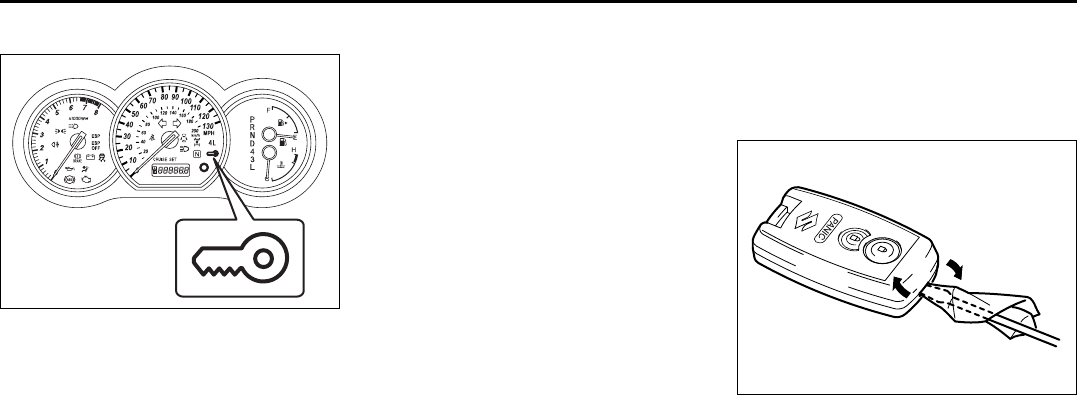
If the remote controller is not in the vehicle
under the following conditions, a buzzer
sounds intermittently for about 2 seconds
and the keyless start system indicator light
on the instrument cluster blinks in red:
• When the vehicle speed is over 10 km/h
(6 mph).
• When one or more doors are opened
and all of the doors are later closed with
the ignition switch in a position other
than “LOCK”.
The red indicator light will turn off within
several seconds after the remote controller
is returned to an area of the vehicle other
than the rear luggage area.
If the remote controller is left in the vehicle
and you lock the driver’s door or front pas-
senger’s door as described below, the door
will be automatically unlocked.
• If you open the driver’s door and lock the
door by turning the lock knob forward or
pushing the power door locking switch,
the driver’s door will be automatically
unlocked.
• If you open a door other than the driver’s
door and lock the front passenger’s door
by turning the lock knob forward or push-
ing the power door locking switch, the
front passenger’s door will be automati-
cally unlocked.
NOTE:
• The reminder will not operate when the
remote controller is on the instrument
panel, in the glove box, in the door
pocket, in the sun visor or on the floor
etc.
• Be sure that the driver always carries the
remote controller.
• Do not leave the remote controller in the
vehicle when leaving the vehicle.
Replacement of the battery
If the remote controller becomes unreli-
able, replace the battery.
To replace the battery of the remote con-
troller:
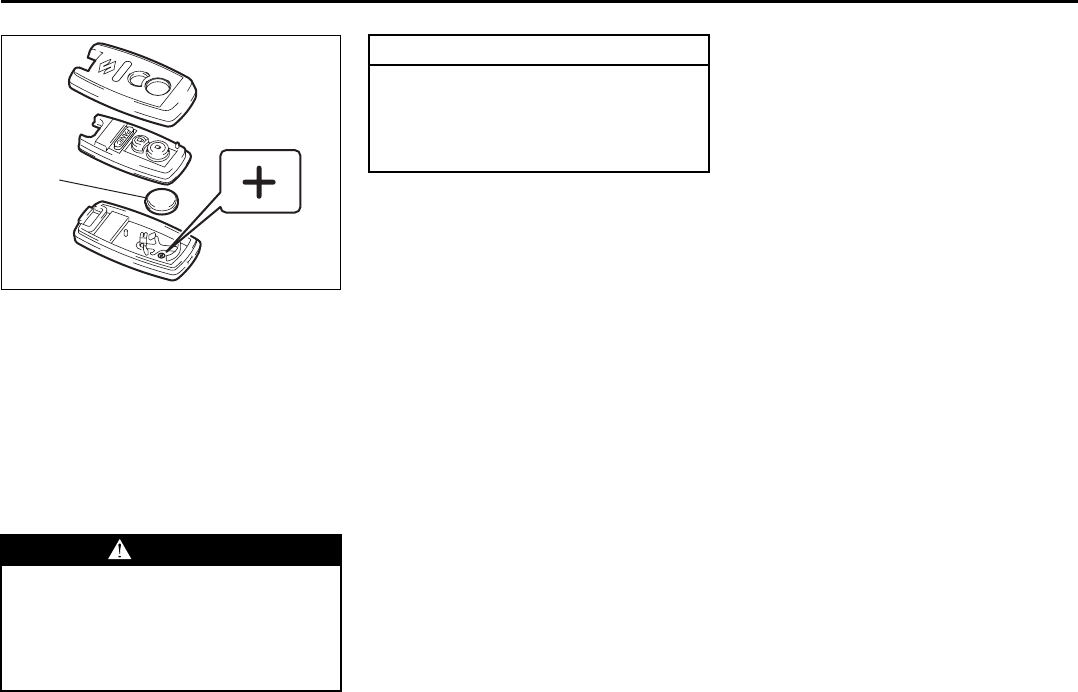
66J016
1) Insert a flat blade screw driver covered
with a soft cloth in the slot of the remote
controller and pry it open.
EXAMPLE
Door Locks: 3, 5, 8
2-8
BEFORE DRIVING
66J22-03E
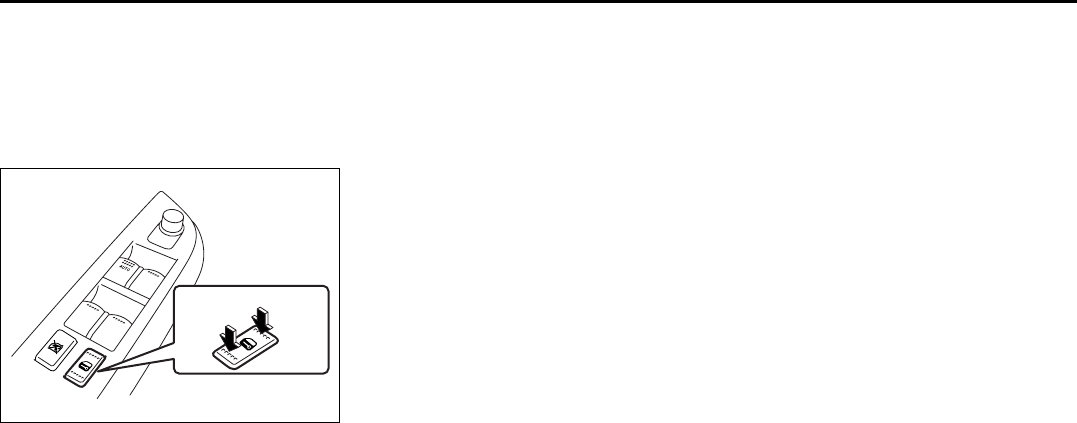
66J017
2) Replace the battery (1) (Lithium disc
type CR2032 or equivalent) so its + ter-
minal faces the bottom of the case as
shown in the illustration.
3) Close the remote controller firmly.
4) Make sure the door locks can be oper-
ated with the remote controller.
5) Dispose of the used battery properly
according to applicable rules or regula-
tions. Do not dispose of lithium batter-
ies with ordinary household trash.
Programming/erasing the remote con-
troller code yourself
Your new vehicle was originally equipped
with two remote controllers.
If you have lost one of the remote control-
lers, you should change the remote con-
troller code in your vehicle’s memory as
soon as possible for security. If you pur-
chase additional remote controllers, the
new remote controllers need to be pro-
grammed into your vehicle’s memory. You
can perform this yourself by using the fol-
lowing procedure:
NOTE:
• You can program up to four remote con-
troller codes into your vehicle’s memory.
The four codes may be the same or dif-
ferent.
• If you try to program a fifth code, the four
remote controller codes that are pro-
grammed will be cleared automatically.
• If you program a new remote controller
code, all of the old remote controller
codes that are in your vehicle’s memory
will be erased automatically. When you
program a new remote controller, you
should reprogram any additional remote
controllers at the same time.
• To purchase new remote controllers, see
your SUZUKI dealer.
• Before you begin programming, have all
of your remote controllers available.
WARNING
Swallowing a lithium battery may
cause serious internal injury. Do not
allow anyone to swallow a lithium
battery. Keep lithium batteries away
from children and pets. If swallowed,
contact a physician immediately.
(1)
CAUTION
The transmitter/remote controller is a
sensitive electronic instrument. To
avoid damaging it, do not expose it to
dust or moisture or tamper with inter-
nal parts.
Door Locks: 3, 5, 8
2-9
BEFORE DRIVING
66J22-03E
To program a new remote controller
1) Close all the doors of the vehicle.
2) Sit in the driver’s seat and confirm that
the driver’s door is unlocked.
3) Insert the key into the ignition switch.
4) Complete steps 1 through 6 described
below within 25 seconds after step 3).
64J004
1. Push the power door locking switch
of the driver’s door to the lock posi-
tion and then push it to the unlock
position.
2. Repeat step 1 two more times.
3. Push the power door locking switch
of the driver’s door to the lock posi-
tion.
4. Remove the key from the ignition
switch and then insert it again.
5. Repeat step 4 three more times.
6. To start the engine, turn the ignition
switch to the “START” position.
Wait for 3 seconds.
7. Proceed to step 5) within 60 seconds
after the engine has started.
NOTE:
You cannot program the remote controller
if you don’t complete steps 1 through 6
within 25 seconds.
You cannot program the remote controller
if you do not proceed to step 5) within 60
seconds after the engine has started.
5) Turn the ignition switch to the “LOCK”
position.
A buzzer will sound twice and the door
lock switch will be activated from the
lock position to the unlock position
automatically.
6) Press the “LOCK”, “UNLOCK” or
“PANIC” button on the remote control-
ler.
A buzzer will sound twice and the door
lock switch will be activated from the
lock position to the unlock position
automatically.
If you want to program an additional
remote controller, repeat the procedure
of step 6) using the additional remote
controller.
NOTE:
Complete step 6) within 30 seconds.
You can program up to four remote control-
lers.
7) To complete programming, remove the
key from the ignition switch or turn the
ignition switch to the “ON” position.
8) Make sure that the keyless start system
and keyless entry system operate prop-
erly by operating each remote control-
ler.
If you cannot operate the keyless start sys-
tem and/or keyless entry system, repeat
this programming procedure again.
If you still cannot operate the systems, see
your SUZUKI dealer.
To change the old remote controller
codes in your vehicle’s memory
If you have lost one of the remote control-
lers, you should change the remote con-
troller codes in your vehicle’s memory as
soon as possible for security.
To erase the remote controller code(s) in
your vehicle’s memory, you should pro-
gram the new remote controller code. The
old codes in your vehicle’s memory will be
erased automatically. If you have more
remote controller(s), you must program all
of the remote controller codes at the same
time. You cannot operate the keyless start
system and keyless entry system using
any remote controller that is not pro-
grammed at the same time.
For details on how to program, refer to the
programming procedure in this section.
When you complete programming, make
sure that the keyless start system and key-
UNLOCK
(2)
LOCK
(1)
Door Locks: 3, 5, 8

2-10
BEFORE DRIVING
66J22-03E
less entry system operate properly by
operating each remote controller.
1. For USA
This device complies with Part 15 of the
FCC Rules. Operation is subject to the fol-
lowing two conditions:
1) This device may not cause harmful
interference, and
2) This device must accept any interfer-
ence received, including interference
that may cause undesired operation.
NOTE:
Changes or modifications not expressly
approved by the party responsible for com-
pliance could void the user’s authority to
operate the equipment.
2. For Canada
This device complies with Industry Canada
Standard RSS-210. Operation is subject to
the following two conditions:
1) This device may not cause interference,
and
2) This device must accept any interfer-
ence, including interference that may
cause undesired operation of the
device.
The term “IC:” before the certification/reg-
istration number only signifies that the
Industry Canada technical specifications
were met.
Keyless Entry System Transmitter
(Type B)
52D209
(1) “LOCK” button
(2) “UNLOCK” button
(3) “PANIC” button
“LOCK” button (1) / “UNLOCK” button
(2) function
You can lock or unlock all doors (including
the tailgate) simultaneously by operating
the transmitter near the vehicle.
• To lock the doors, push the “LOCK” but-
ton (1).
• To unlock the driver’s door, push the
“UNLOCK” button (2) once.
• To unlock other doors, wait a second or
two, then push the “UNLOCK” button (2)
a second time. If you “double-click” too
fast, the doors will not unlock.
When the doors are locked, the turn signal
lights will flash once.
When the doors are unlocked:
• The turn signal lights will flash twice.
• If the interior light switch is in the middle
position, the interior light will turn on for
about 15 seconds and then fade out. If
you insert the key into the ignition switch
during this time, the light will start to fade
out immediately.
Be sure the doors are locked after you
operate the “LOCK” button. If no door is
opened within about 30 seconds after the
“UNLOCK” button is operated, the doors
will automatically lock again.
NOTE:
• The maximum operating distance of the
keyless entry system transmitter is about
5 m (16 ft.), but this can vary depending
on the surroundings, especially near
other transmitting devices such as radio
towers or CB (Citizen’s Band) radios.
• The door locks can not be operated with
the transmitter, if the ignition key is
inserted in the ignition switch.
• If you lose one of the transmitters, ask
your SUZUKI dealer as soon as possible
for a replacement. Be sure to have your
dealer program the new transmitter code
in your vehicle’s memory so that the old
code is erased, or perform the program-
ming procedure yourself according to the
instructions in this section.
(1)
(2)
(3)
Door Locks: 3, 5, 8
2-11
BEFORE DRIVING
66J22-03E
“PANIC” button (3) function
This function is to get the attention of oth-
ers.
Press the “PANIC” button (3) for more than
1 second. The headlights and taillights will
blink for about 30 seconds. Also, the horn
will sound intermittently for about 30 sec-
onds at the same time.
To cancel the “PANIC” mode, press any
button (PANIC, LOCK or UNLOCK) on the
transmitter. You can also insert the key in
the ignition switch and turn to the “ON”
position to cancel the “PANIC” mode.
NOTE:
The “PANIC” button function will not acti-
vate when the key is in the ignition switch.
Replacement of the battery
If the transmitter becomes unreliable,
replace the battery.
To replace the battery of the transmitter:
52D210
1) Put the edge of a coin or a flat blade
screw driver in the slot of the transmitter
and pry it open.
52D211
2) Replace the battery (1) (Lithium disc-
type CR2025 or equivalent) so its + ter-
minal faces the “+” mark of the transmit-
ter.
3) Close the transmitter firmly.
4) Make sure the door locks can be oper-
ated with the transmitter.
5) Dispose of the used battery properly
according to applicable rules or regula-
tions. Do not dispose of lithium batter-
ies with ordinary household trash.
CAUTION
The transmitter is a sensitive elec-
tronic instrument. To avoid damaging
the transmitter:
• Do not expose it to impacts, mois-
ture or high temperature such as
by leaving it on the dashboard
under direct sunlight.
• Keep the transmitter away from
magnetic objects such as a televi-
sion.
WARNING
Swallowing a lithium battery may
cause serious internal injury. Do not
allow anyone to swallow a lithium
battery. Keep lithium batteries away
from children and pets. If swallowed,
contact a physician immediately.
(1)
Door Locks: 3, 5, 8
2-12
BEFORE DRIVING
66J22-03E
Programming/removing a transmitter
code yourself
Your new vehicle was originally equipped
with two transmitters.
If you have lost one of the transmitters, you
should change the transmitter code in your
vehicle’s memory as soon as possible for
security. If you purchase additional trans-
mitters, the new transmitters need to be
programmed into your vehicle’s memory.
You can perform this yourself by using the
following procedure:
NOTE:
• You can program up to three transmitter
codes into your vehicle’s memory. The
three codes may be the same or differ-
ent.
• If you try to program a fourth code, the
oldest code will be cleared automatically.
• To purchase new transmitters, see your
SUZUKI dealer.
• Before you begin programming, have all
of your transmitters available.
To program a new transmitter
1) Confirm that all the doors are closed
and the ignition key is out of the ignition
switch.
2) Open the driver’s door.
3) Insert the key, turn the ignition switch to
the “ON” position, turn the ignition
switch to the “LOCK” position and
remove the key within 10 seconds.
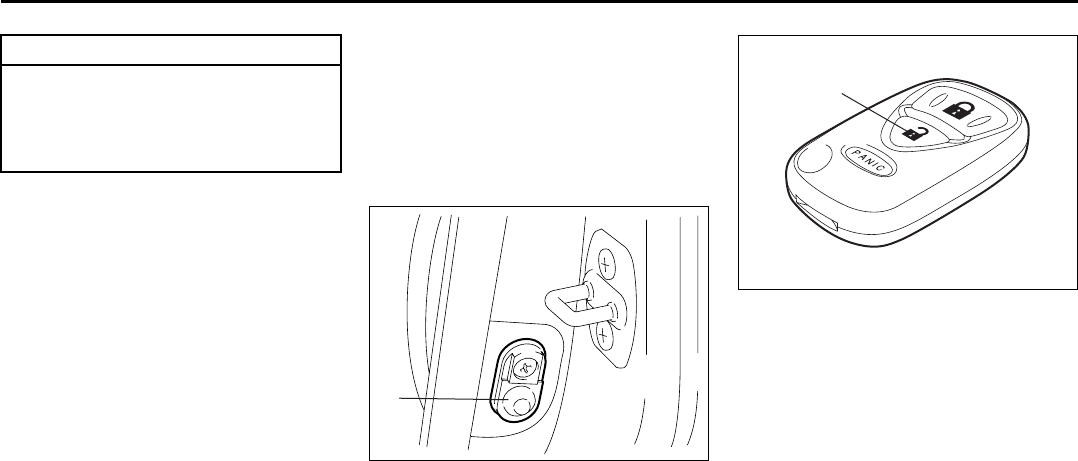
66J018
4) Push and release the driver’s door
switch (1) 3 times, insert the key, and
turn the ignition switch to the “ON” posi-
tion within 20 seconds.
5) Turn the ignition switch to the “LOCK”
position and remove the key within 10
seconds. All doors will lock/unlock to
confirm that this procedure has been
properly completed.
52D212
6) Press the “UNLOCK” button (2) on the
transmitter one time within 20 seconds
(after step 5). All the doors will lock/
unlock to confirm that the procedure
has been completed and the transmitter
has been programmed.
7) If you want to program an additional
transmitter, repeat the procedure from
step 1) through step 6).
8) Make sure that the keyless entry sys-
tem operates properly by operating
each transmitter.
CAUTION
The transmitter/remote controller is a
sensitive electronic instrument. To
avoid damaging it, do not expose it to
dust or moisture or tamper with inter-
nal parts.
(1)
(2)
Door Locks: 3, 5, 8
2-13
BEFORE DRIVING
66J22-03E
To change the old transmitter codes in
your vehicle’s memory
If you have lost one of the transmitters, you
should change the transmitter codes in
your vehicle’s memory as soon as possible
for security.
To remove one of the transmitter codes
from your vehicle’s memory, first replace all
three of the transmitter codes in your vehi-
cle’s memory, then program additional
transmitters as follows:
1) Program one of your transmitters three
times, by repeating the programming
procedure shown in this section. This
will replace all the old transmitter codes
in the vehicle’s memory with the code
for the transmitter you are using.
2) If you want to program up to two addi-
tional transmitters, repeat the program-
ming procedure shown in this section.
3) Make sure that the keyless entry sys-
tem operates properly by operating
each transmitter.
1. For USA
This device complies with Part 15 of the
FCC Rules. Operation is subject to the fol-
lowing two conditions:
1) This device may not cause harmful
interference, and
2) This device must accept any interfer-
ence received, including interference
that may cause undesired operation.
NOTE:
Changes or modifications not expressly
approved by the party responsible for com-
pliance could void the user’s authority to
operate the equipment.
2. For Canada
This device complies with Industry Canada
Standard RSS-210. Operation is subject to
the following two conditions:
1) This device may not cause interference,
and
2) This device must accept any interfer-
ence, including interference that may
cause undesired operation of the
device.
The term “IC:” before the certification/reg-
istration number only signifies that the
Industry Canada technical specifications
were met.
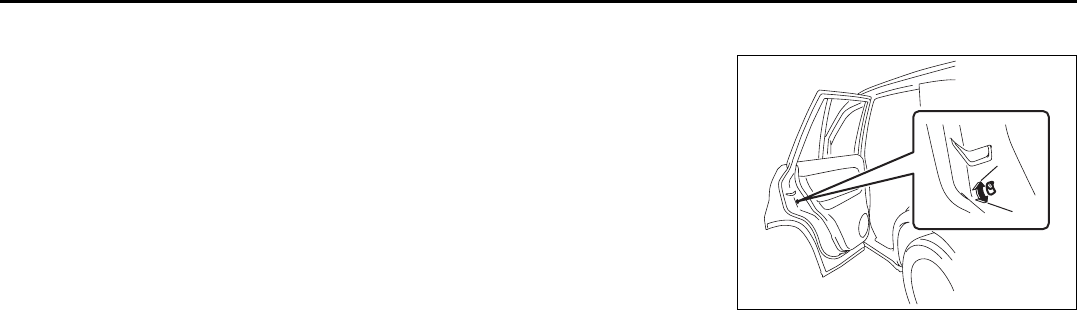
Child Lock System (rear doors)
64J009
Each of the rear doors is equipped with a
child lock which can be used to help pre-
vent unwanted opening of the door from
inside the vehicle. When the lock lever is in
the “LOCK” position (1), the rear door can
only be opened from outside. When the
lock lever is in the “RELEASE” position (2),
the rear door can be opened from inside or
outside.
(2)
(1)
Door Locks: 3, 5, 8
Windows: 3, 8
2-14
BEFORE DRIVING
66J22-03E
Tailgate
If you can not unlock the tailgate due to a
discharged battery or malfunction, follow
the procedures below to unlock the tailgate
from inside the vehicle.
1) Remove the luggage compartment
cover.
2) Fold the rear seat forward for easier
access. Refer to the “Folding Rear
Seats” section for details on how to fold
the rear seat forward.
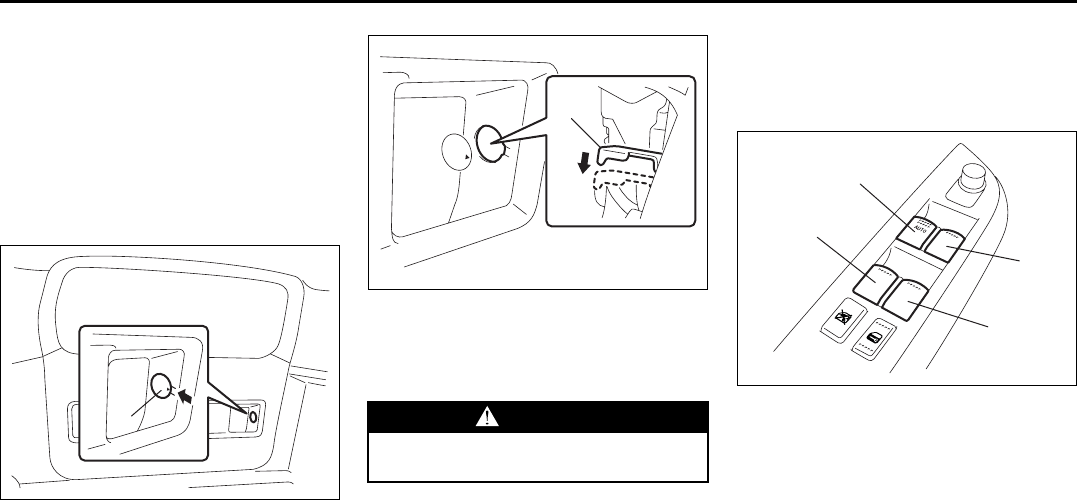
64J202
3) Remove the cap (1) by hand.
4) Break the vinyl using a jack handle or a
flat blade screw driver to access the
emergency lever (2).
64J203
5) Push down on the emergency lever (2)
using a jack handle or a flat blade screw
driver. To lock the tailgate, push up on
the emergency lever (2).
After using the emergency lever, be sure to
see your SUZUKI dealer.
Windows
Power Window Controls
(if equipped)
Driver’s side
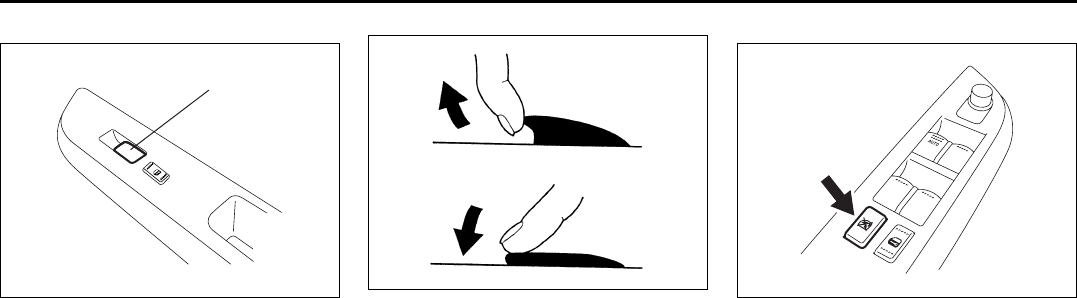
64J011
The power windows can only be operated
when the ignition switch is in the “ON” posi-
tion.
The driver’s door has switches (1), (2), (4),
(5), to operate the driver’s window, the
front passenger’s window, the rear left win-
dow and right window, respectively.
(1) WARNING
To avoid injury, do not use your fin-
ger to push the emergency lever.
(2)
(1)
(2)
(4)
(5)
Windows: 3, 8
2-15
BEFORE DRIVING
66J22-03E
Passenger’s door
66J164
The passenger’s door has a switch (3) to
operate the passenger’s window.
81A009
To open a window, push the top part of the
switch and to close the window lift up the
top part of the switch.
The driver’s window has an “auto-down”
feature for added convenience (at toll
booths or drive-through restaurants, for
example). This means you can open the
window without holding the window switch
in the “Down” position. Press the driver’s
window switch completely down and
release it. To stop the window before it
reaches the bottom, pull the switch up
briefly.
Lock switch
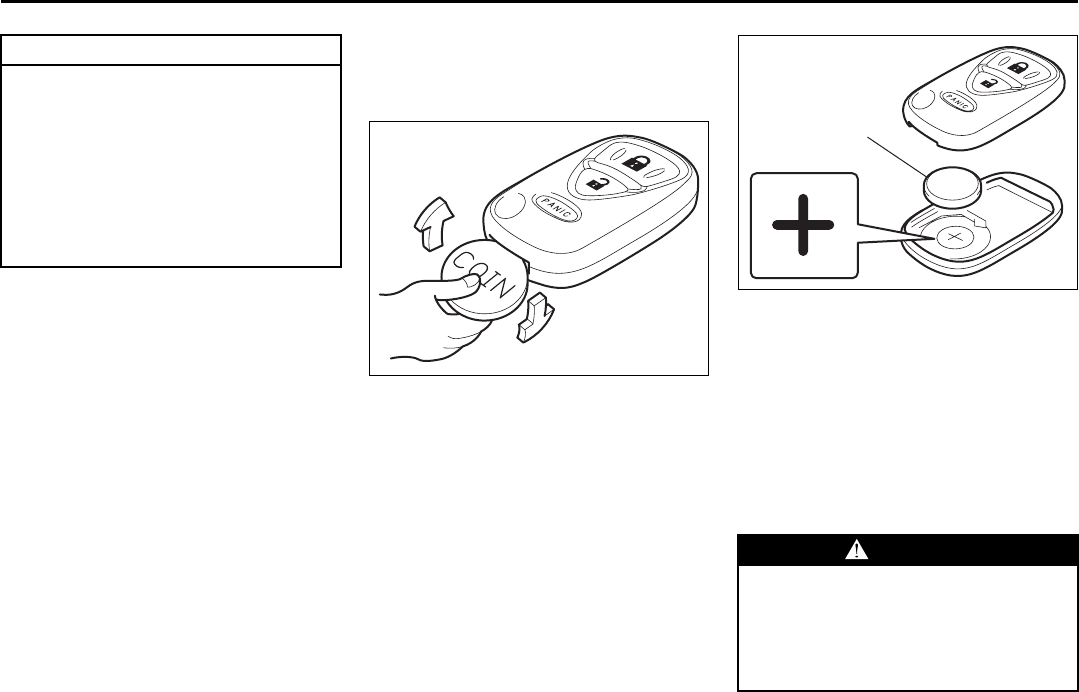
64J013
The driver’s door also has a lock switch for
the passenger’s window(s). When you
push in the lock switch, the passenger’s
window(s) can not be raised or lowered by
operating either of the switches (2), (3), (4)
or (5). To restore normal operation, release
the lock switch by pushing again.
(3)
EXAMPLE CLOSE
OPEN
EXAMPLE
Windows: 3, 8
Mirrors: 3, 8
2-16
BEFORE DRIVING
66J22-03E
NOTE:
If you drive with one of the rear windows
open, you may hear a loud sound caused
by air vibration. To reduce the sound, open
the driver’s or front passenger’s window, or
narrow the rear window opening.
Mirrors
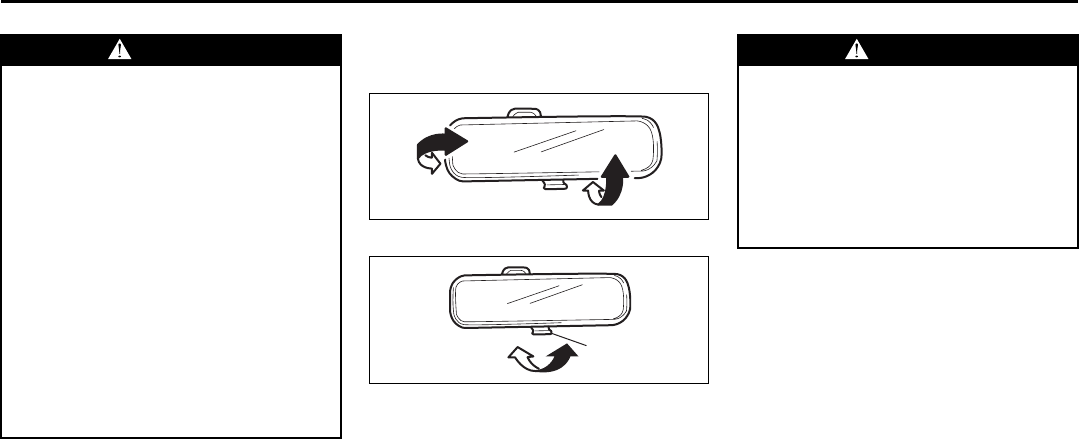
Inside Rearview Mirror
65D410
65D409
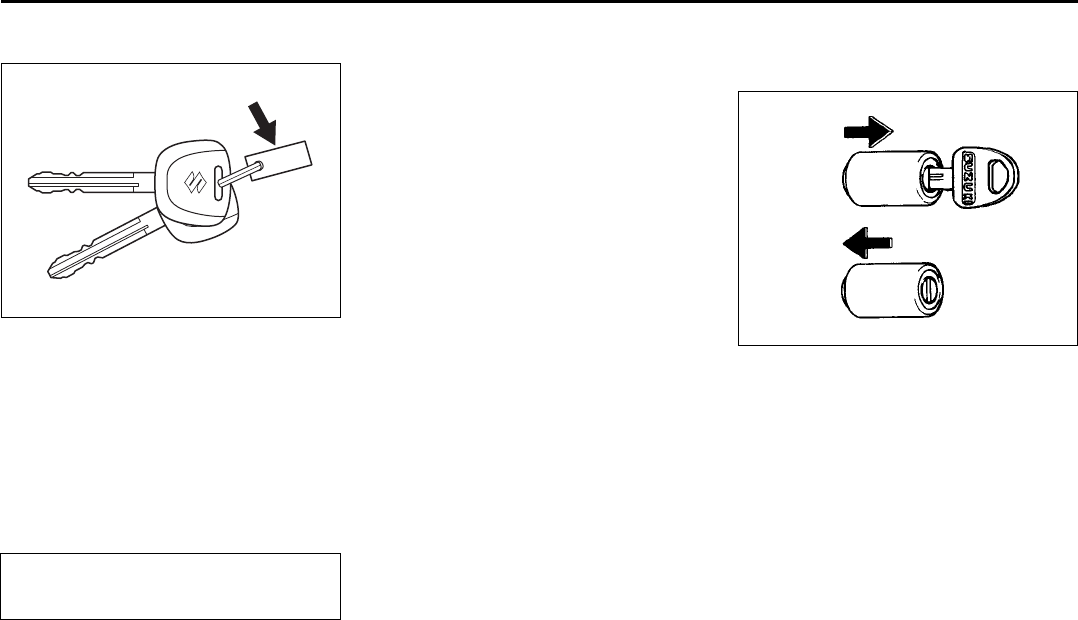
You can adjust the inside rearview mirror
by hand so as to see the rear of your vehi-
cle in the mirror. To adjust the mirror, set
the selector tab (1) to the day position,
then move the mirror up, down or sideways
by hand to obtain the best view.
When driving at night, you can move the
selector tab to the night position to reduce
glare from the headlights of vehicles
behind you.
WARNING
• You should always lock the passen-
ger’s window operation when there
are children in the vehicle. Children
can be seriously injured if they get
part of their body caught by the
window during operation.
• To avoid injuring an occupant by
window entrapment, be sure no
part of the occupant’s body such
as hands or head is in the path of
the electric windows when closing
them.
• Always remove the ignition key
when leaving the vehicle even if a
short time. Also do not leave chil-
dren alone in a parked vehicle.
Unattended children could use the
electric window switches and get
trapped by the window.
(1)
Day driving Night driving
WARNING
• Always adjust the mirror with the
selector set to the day position.
• Only use the night position if it is
necessary to reduce glare from the
headlights of vehicles behind you.
Be aware that in this position you
may not be able to see some
objects that could be seen in the
day position.
Mirrors: 3, 8
2-17
BEFORE DRIVING
66J22-03E
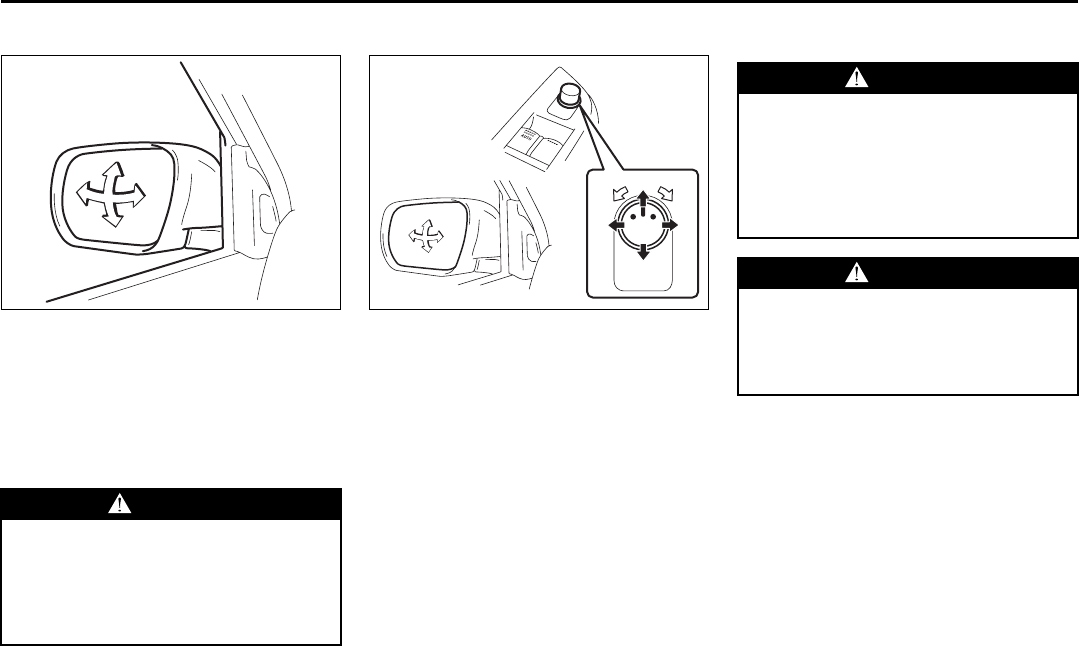
Outside Rearview Mirrors
64J014
Adjust the outside rearview mirrors so you
can just see the side of your vehicle in the
mirrors.
The passenger’s side mirror is a convex
(curved surface) mirror. Objects seen in
this mirror will look smaller and appear far-
ther away than when seen in a flat mirror.
Power Mirror Control (if equipped)
64J015
The switch to control the power rearview
mirrors is located on the driver’s door
panel. You can adjust the mirrors when the
ignition switch is in the “ACC” or “ON” posi-
tion. To adjust the mirrors:
1) Move the selector switch to the left or
right to select the mirror you wish to
adjust.
2) Press the outer part of the switch that
corresponds to the direction in which
you wish to move the mirror.
3) Return the selector switch to the center
position to help prevent unintended
adjustment.
Seat Adjustment
WARNING
Be careful when judging the size or
distance of a vehicle or other object
seen in the side convex mirror. Be
aware that objects look smaller and
appear farther away than when seen
in a flat mirror.
(1)
(3)(2)
(4)
(2)
(4)
(3)
(1)
WARNING
Never attempt to adjust the driver’s
seat or seatback while driving. The
seat or seatback could move unex-
pectedly, causing loss of control.
Make sure that the driver’s seat and
seatback are properly adjusted
before you start driving.
WARNING
To avoid excessive seat belt slack,
which reduces the effectiveness of
the seat belts as a safety device,
make sure that the seats are adjusted
before the seat belts are fastened.
Seat Adjustment: 14
2-18
BEFORE DRIVING
66J22-03E
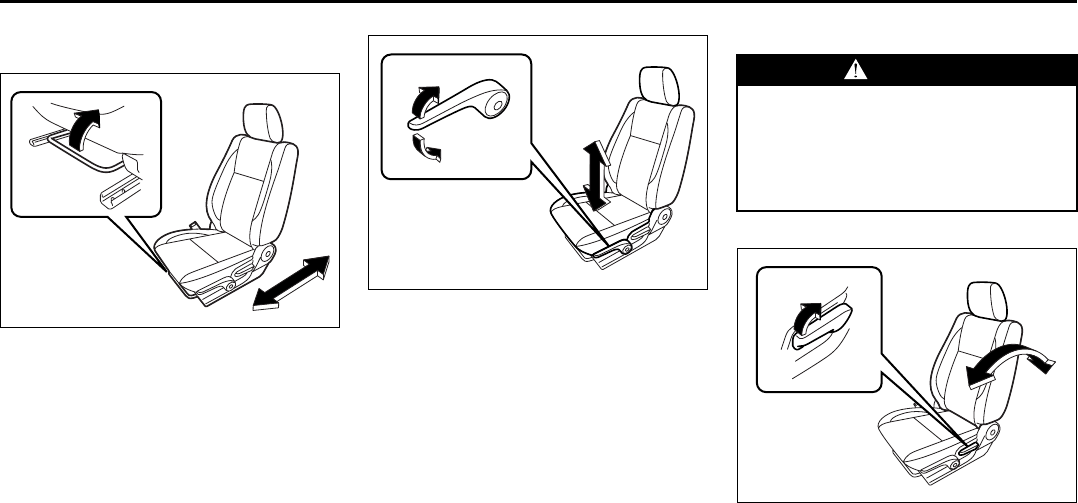
Adjusting Seat Position
Front seat
64J016
The adjustment lever for each front seat is
located under the front of the seat. To
adjust the seat position, pull up on the
adjustment lever and slide the seat forward
or rearward. After adjustment, try to move
the seat forward and rearward to ensure
that it is securely latched.
64J017
If the driver’s seat is equipped with a seat
height adjuster lever on the outboard side
of the seat, raise or lower the seat by pull-
ing up or down the adjuster lever.
Adjusting Seatbacks
Front seat
64J018
To adjust the seatback angle of front seat,
pull up the lever on the outboard side of
the seat, move the seatback to the desired
position, and release the lever to lock the
seatback in place.
WARNING
All seatbacks should always be in an
upright position when driving, or seat
belt effectiveness may be reduced.
Seat belts are designed to offer maxi-
mum protection when seatbacks are
in the upright position.
Seat Adjustment: 14
Head Restraints: 3
2-19
BEFORE DRIVING
66J22-03E
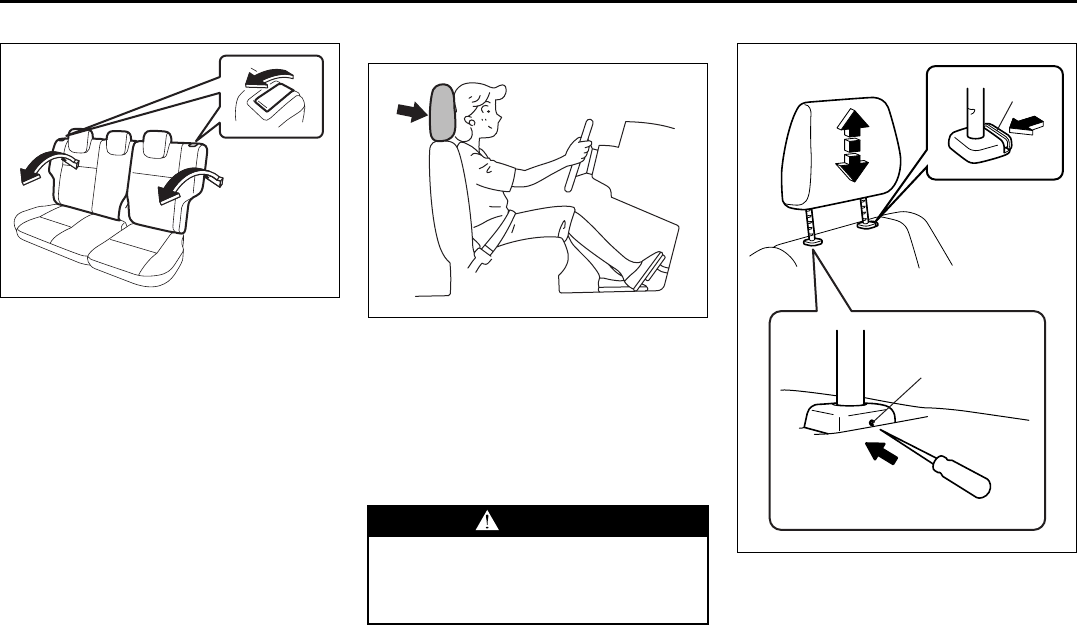
Rear seat
64J019
To adjust the seatback angle of the rear
seats:
1) Pull up the lever on the top of a split
folding seat.
2) Move the seatback to one of the lock
positions. The number of the lock posi-
tions depends on the vehicle specifica-
tion.
3) Release the lever to lock the seatback
in position. After adjustment, try moving
the seatback to make sure it is securely
locked.
Head Restraints
63J256
Head restraints are designed to help
reduce the risk of neck injuries in case of
an accident. Adjust the head restraint to
the position which places the center of the
head restraint closest to the top of your
ears. If this is not possible for very tall pas-
sengers, adjust the head restraint as high
as possible.
Front
66J150
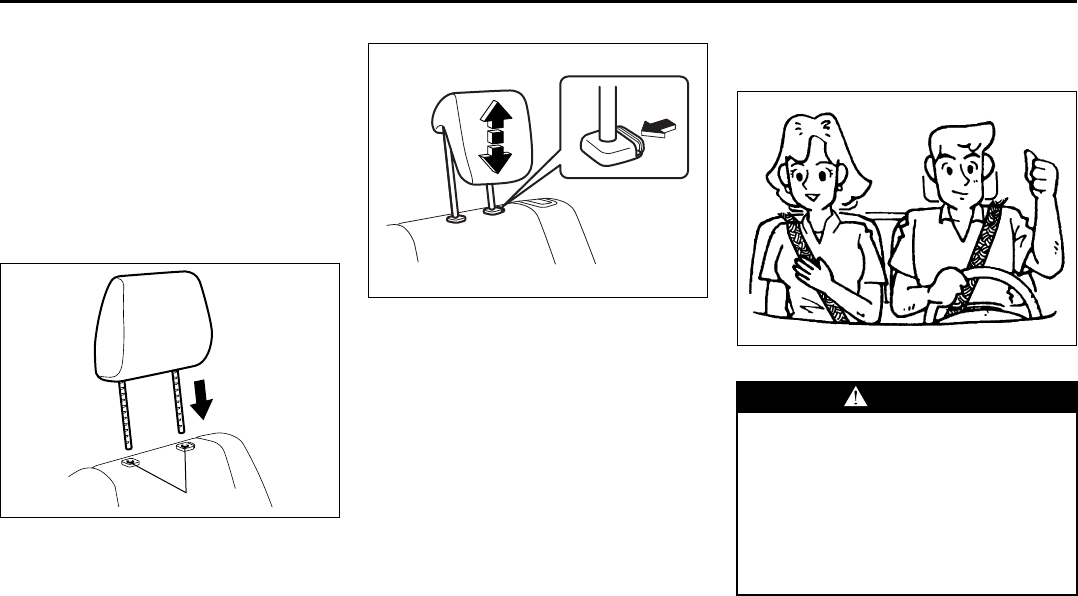
To raise the head restraint, pull upward on
the restraint until it clicks. To lower the
restraint, push down on the restraint while
holding in the release knob (1). If a head
restraint must be removed (for cleaning,
replacement, etc.), use the following pro-
cedure.
WARNING
• Never drive the vehicle with the
head restraints removed.
• Do not attempt to adjust the head
restraint while driving.
(1)
(2)
EXAMPLE
PUSH
Head Restraints: 3
Seat Belts and Child Restraint Systems: 14
2-20
BEFORE DRIVING
66J22-03E
1) Insert a sharp-pointed tool into the
small hole (2). Push the tip into the hole
(2) and hold it while pushing in the
release knob (1).
2) Pull the head restraint all the way out
while pushing the release knob (1) and
holding the tip in the hole (2).
NOTE:
It may be necessary to recline the seat-
back to provide enough overhead clear-
ance to remove the head restraint.
66J161
To reinstall the head restraint, insert the
head restraint bars into the holes (2) and
push the head restraint down.
Rear
64J023
To raise the rear head restraint, pull
upward on the restraint until it clicks. To
lower the restraint, push down on the
restraint while holding in the release knob.
If a head restraint must be removed (for
cleaning, replacement, etc.), push in the
release knob and pull the head restraint all
the way out.
When installing a child restraint system,
raise the head restraint to the most upper
position.
Seat Belts and Child Restraint
Systems
65D231S
(2)
EXAMPLE
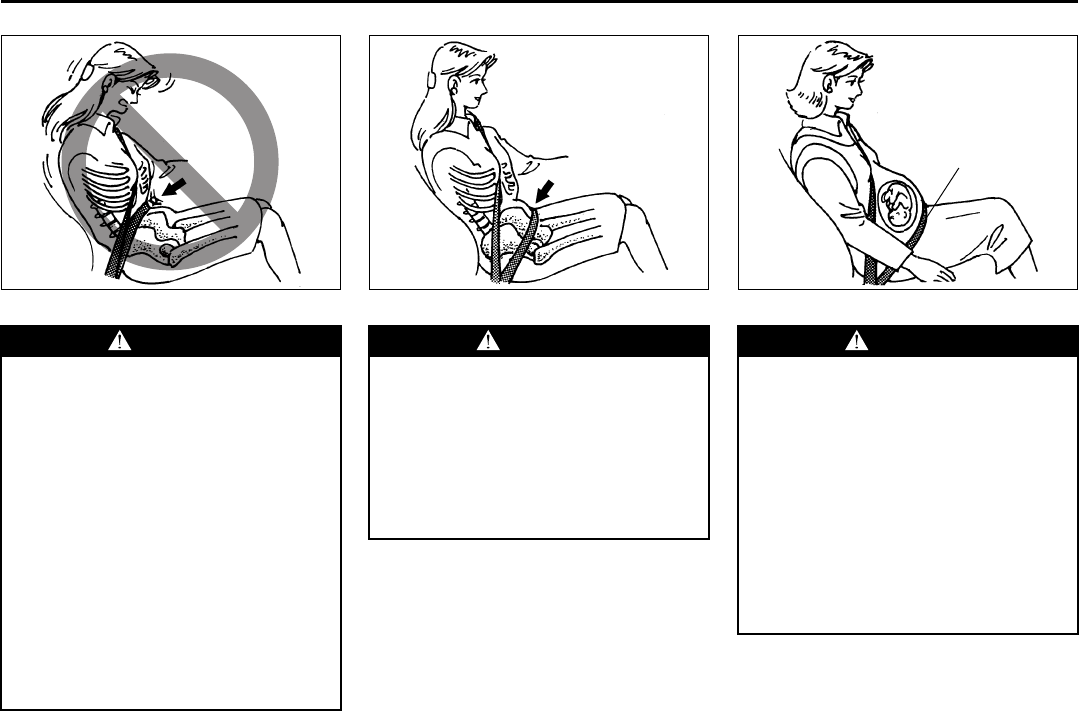
WARNING
An air bag supplements, or adds to,
the frontal crash protection offered
by seat belts. The driver and all pas-
sengers must be properly restrained
by wearing seat belts at all times,
whether or not an air bag is mounted
at their seating position, to minimize
the risk of severe injury or death in
the event of a crash.
Seat Belts and Child Restraint Systems: 14
2-21
BEFORE DRIVING
66J22-03E
65D606 65D201 65D199
WARNING
• Never allow persons to ride in the
cargo area of a vehicle. In the event
of an accident, there is a much
greater risk of injury for persons
who are not riding in a seat with
their seat belt securely fastened.
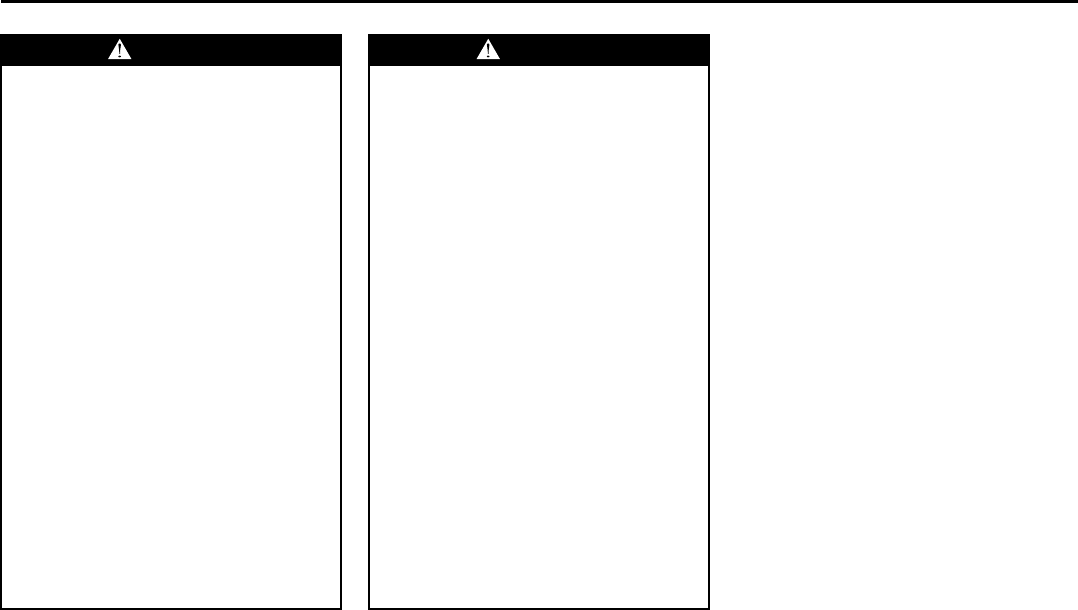
• Seat belts should always be
adjusted as follows:
– the lap portion of the belt should
be worn low across the pelvis,
not across the waist.
– the shoulder straps should be
worn on the outside shoulder
only, and never under the arm.
– the shoulder straps should be
away from your face and neck,
but not falling off your shoulder.
(Continued)
Above the pelvis
WARNING
(Continued)
• Seat belts should never be worn
with the straps twisted and should
be adjusted as tightly as is com-
fortable to provide the protection
for which they have been designed.
A slack belt will provide less pro-
tection than one which is snug.
(Continued)
Across the pelvis
WARNING
(Continued)
• Pregnant women should use seat
belts, although specific recommen-
dations about driving should be
made by the woman’s medical advi-
sor. Remember that the lap portion
of the belt should be worn as low
as possible across the hips, as
shown in the diagram.
• Make sure that each seat belt
buckle is inserted into the proper
buckle catch. It is possible to cross
the buckles in the rear seat.
(Continued)
as low as possible
across the hips
Seat Belts and Child Restraint Systems: 14
2-22
BEFORE DRIVING
66J22-03E
Lap-Shoulder Belt
Emergency Locking Retractor (ELR)
The lap-shoulder seat belt has an emer-
gency locking retractor (ELR), which is
designed to lock the seat belt only during a
sudden stop or impact. It also may lock if
you pull the belt across your body very
quickly. If this happens, let the belt go back
to unlock it, then pull the belt across your
body more slowly.
Automatic Locking Retractor (ALR)
The front passenger’s seat belt and the
rear seat belts have emergency locking
retractors (ELRs) that can be temporarily
converted to function as automatic locking
retractors (ALRs). The ALR mode should
be used if you need to secure a child
restraint system in the seat. Refer to the
“Child Restraint Systems” section for
details.
WARNING
(Continued)
• Do not wear your seat belt over
hard or breakable objects in your
pockets or on your clothing. If an
accident occurs, objects such as
glasses, pens, etc. under the seat
belt can cause injury.
• Never use the same seat belt on
more than one occupant and never
attach a seat belt over an infant or
child being held on an occupant’s
lap. Such seat belt use could cause
serious injury in the event of an
accident.
• Periodically inspect seat belt
assemblies for excessive wear and
damage. Seat belts should be
replaced if webbing becomes
frayed, contaminated, or damaged
in any way. It is essential to replace
the entire seat belt assembly after it
has been worn in a severe impact,
even if damage to the assembly is
not obvious.
• Children age 12 and under should
ride properly restrained in the rear
seat, if equipped.
(Continued)
WARNING
(Continued)
• Infants and small children should
never be transported unless they
are properly restrained. Restraint
systems for infants and small chil-
dren can be purchased commer-
cially and should be used. Make
sure that the system you purchase
meets Federal Motor Vehicle Safety
Standards. Read and follow all the
directions provided by the manu-
facturer.
• Avoid contamination of seat belt
webbing by polishes, oils, chemi-
cals and particularly battery acid.
Cleaning may safely be carried out
using mild soap and water.
• For children, if the shoulder belt
irritates the neck or face, move the
child closer to the center of the
vehicle.
• All seatbacks should always be in
an upright position when driving,
or seat belt effectiveness may be
reduced. Seat belts are designed to
offer maximum protection when
seatbacks are in the upright posi-
tion.
Seat Belts and Child Restraint Systems: 14
2-23
BEFORE DRIVING
66J22-03E
Safety reminder
60A038
60A040
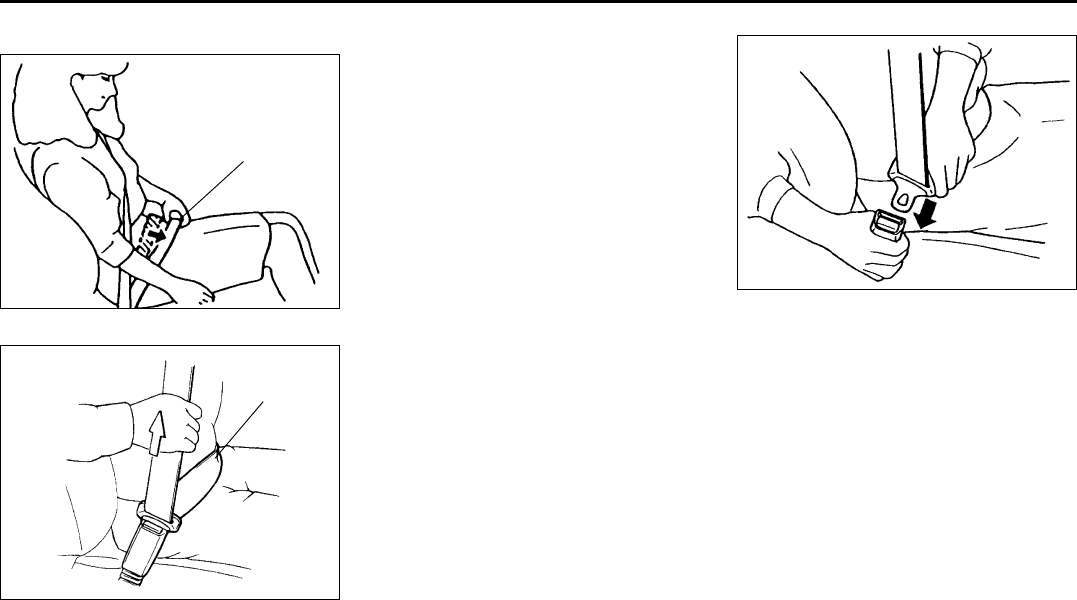
To reduce the risk of sliding under the belt
during a collision, position the lap portion
of the belt across your lap as low on your
hips as possible and adjust it to a snug fit
by pulling the shoulder portion of the belt
upward through the latch plate. The length
of the diagonal shoulder strap adjusts itself
to allow freedom of movement.
60A036
To fasten the seat belt, sit up straight and
well back in the seat, pull the latch plate
attached to the seat belt across your body
and press it into the buckle until you hear a
“click”.
Sit up straight and
fully back
Low on hips
Low on hips
Seat Belts and Child Restraint Systems: 14
2-24
BEFORE DRIVING
66J22-03E
52D249
NOTE:
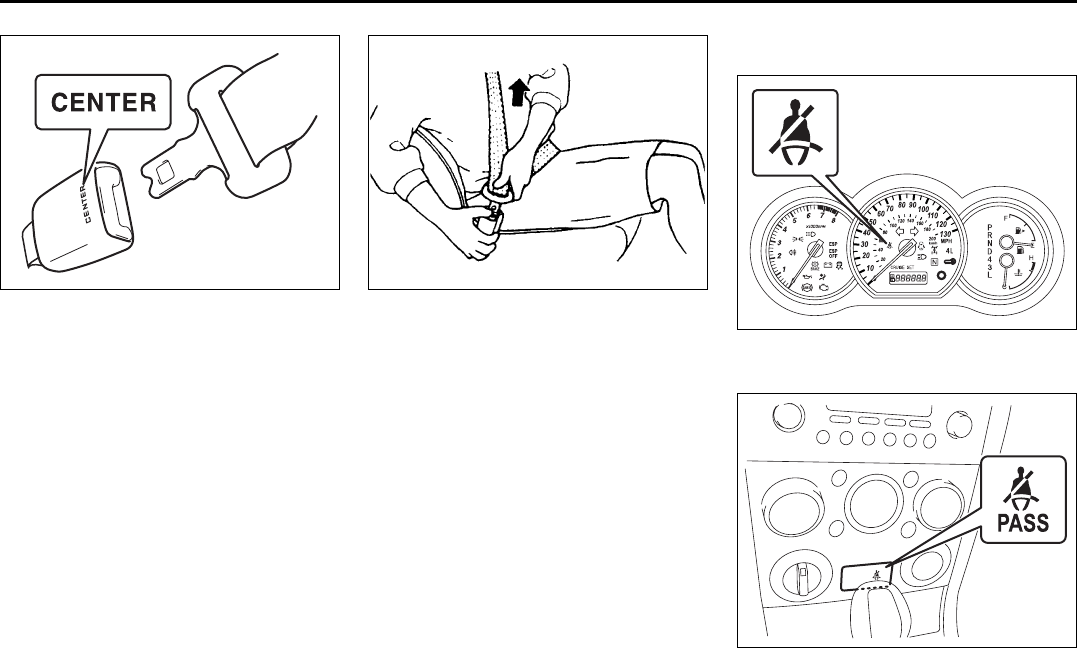
The word “CENTER” is molded into the
buckle for the rear seat center belt. The
buckles are designed so a latch plate can
not be inserted into the wrong buckle.
60A039
To unfasten the belt, push the red
“PRESS” button on the buckle and allow
the belt to retract.
Seat Belt Reminder
Driver’s seat belt reminder light
66J019
Front passenger’s seat belt reminder
light
66J243
EXAMPLE
Seat Belts and Child Restraint Systems: 14

2-25
BEFORE DRIVING
66J22-03E
When the driver and front passenger don’t
buckle their seat belts, the driver’s seat
belt reminder light in the instrument cluster
and the front passenger’s seat belt
reminder light in the center of the instru-
ment panel will come on and a buzzer will
sound as a reminder to the driver and front
passenger to buckle their seat belts.
The seat belt reminder functions as shown
in the figure below. There are some differ-
ences between the driver’s seat belt
reminder and the front passenger’s seat
belt reminder. For more details, refer to the
explanation below.
WARNING
It is absolutely essential that the
driver and passengers wear their seat
belts at all times. Persons who are
not wearing seat belts have a much
greater risk of injury if an accident
occurs. Make a regular habit of buck-
ling your seat belt before putting the
key in the ignition.
Flow chart
52D219
Reminder 1 – 3
For each reminder 1 – 3, the reminder light comes on for about 20 seconds, then blinks
for about 55 seconds. When the reminder light first comes on, a buzzer sounds intermit-
tently for about 6 seconds.
Ignition Switch “ON”
Seat belt is
buckled
30 sec.
Reminder 1
Vehicle speed:
increase to 8 km/h
Seat belt is
unbuckled
Vehicle speed:
below 8 km/h
Vehicle speed:
over 8 km/h
Reminder 3
No reminder
3 min.
Reminder 2
No reminder
Seat belt is
unbuckled
Vehicle speed:
below 8 km/h
Vehicle speed:
over 8 km/h
Seat Belts and Child Restraint Systems: 14
2-26
BEFORE DRIVING
66J22-03E
Driver’s seat belt reminder
If the driver’s seat belt remains unbuckled
with the ignition key in the “ON” position,
the driver’s seat belt reminder works as fol-
lows:
1) The driver’s seat belt reminder light will
come on for about 20 seconds when
the ignition key is turned to the “ON”
position then will blink for about 55 sec-
onds. When the light comes on, a
buzzer will also sound intermittently for
about 6 seconds (Reminder 1).
2) If the vehicle is driven (vehicle speed >
8 km/h), Reminder 2 will operate about
30 seconds after Reminder 1 has fin-
ished.
If the vehicle is not driven (vehicle
speed < 8 km/h), Reminder 2 will oper-
ate when driving starts (vehicle speed >
8 km/h).
3) Reminder 3 will operate about 3 min-
utes after Reminder 2 has finished.
4) Even if the driver’s seat belt remains
unbuckled after Reminder 3, there will
be no further reminders.
If the driver has buckled his or her seat belt
and later unbuckles the seat belt, the
reminder system will be activated from
Reminder 1 or Reminder 2 according to
the vehicle speed. (Refer to the flow chart.)
The driver’s seat belt reminder will be auto-
matically canceled when the driver’s seat
belt is buckled or the ignition switch is
turned off.
Front passenger’s seat belt reminder
The front passenger’s seat belt reminder
will activate only when there is a passen-
ger sitting in the front seat. In some situa-
tions, however, such as when you place
heavy objects in the front seat, the seat
belt reminder can be activated as if there
were a passenger present. The front pas-
senger’s seat belt reminder works in the
same manner as the driver’s seat belt
reminder, except that it is not activated
until 10 seconds after the ignition switch is
turned to the “ON” position.
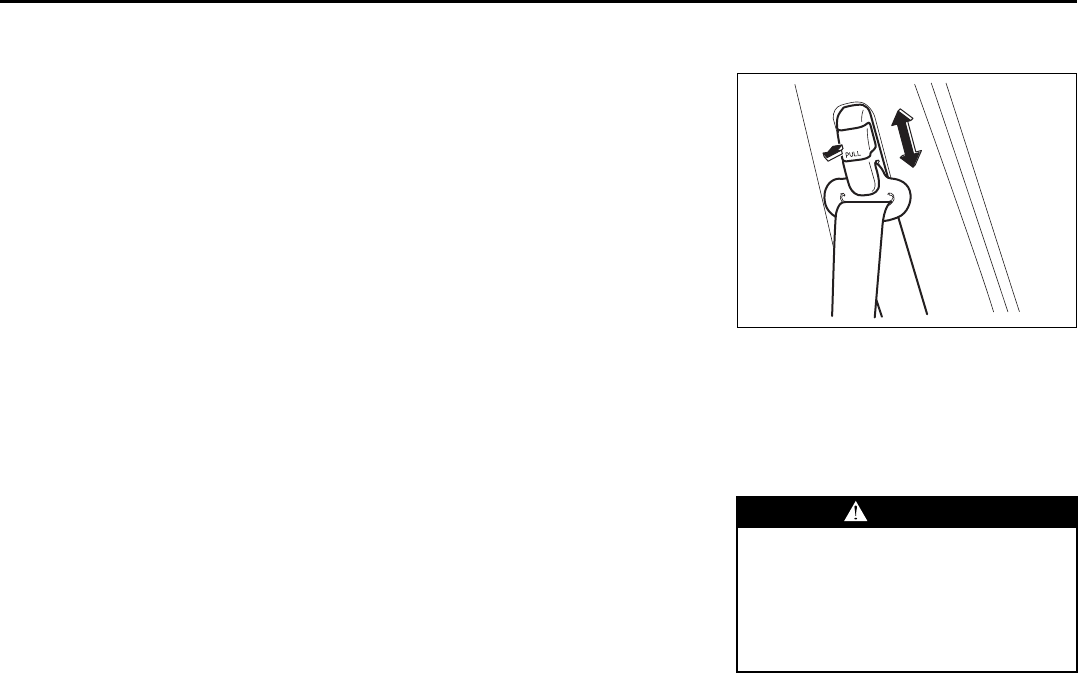
Shoulder anchor height adjuster
(if equipped)
64J198
Adjust the shoulder anchor height so that
the shoulder belt rides on the center of the
outside shoulder. To adjust the shoulder
anchor height, slide the anchor up simply
or slide the anchor down while pulling the
lock knob out. After adjustment, make sure
that the anchor is securely locked.
WARNING
Be sure that the shoulder belt is posi-
tioned on the center of the outside
shoulder. The belt should be away
from your face and neck, but not fall-
ing off your shoulder. Misadjustment
of the belt could reduce the effective-
ness of the safety belt in a crash.
EXAMPLE
Seat Belts and Child Restraint Systems: 14
2-27
BEFORE DRIVING
66J22-03E
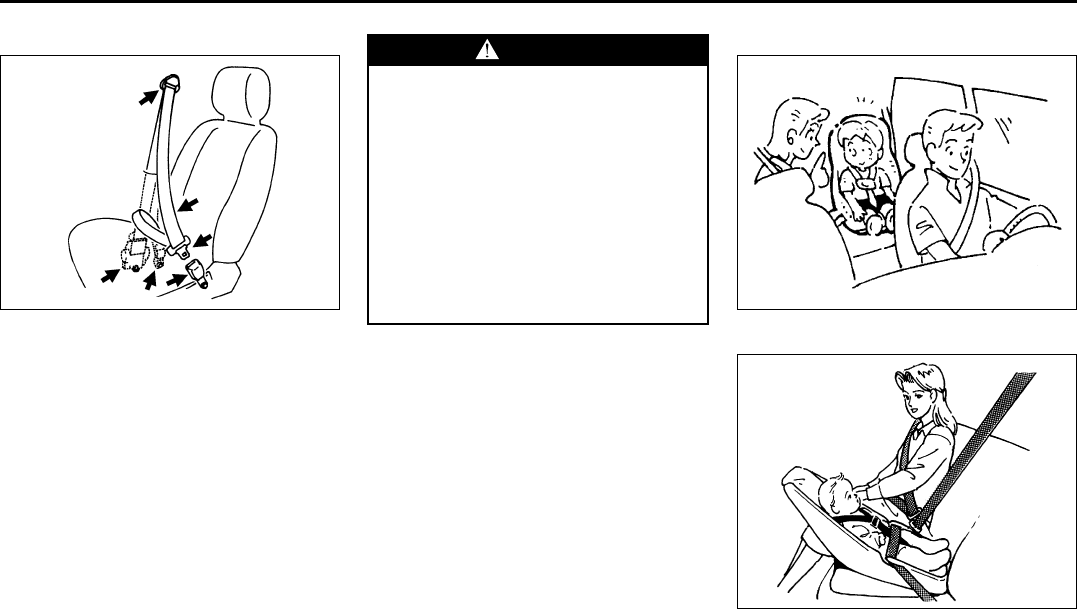
Seat Belt Inspection
65D209
Periodically inspect the seat belts to make
sure they work properly and are not dam-
aged. Check the webbing, buckles, latch
plates, retractors, anchorages and guide
loops. Replace any seat belts which do not
work properly or are damaged.
Child Restraint Systems
60G332
Infant restraint - rear seat only
65D202
EXAMPLE
WARNING
Be sure to inspect all seat belt
assemblies after any collision. Any
seat belt assembly which was in use
during a collision (other than a very
minor one) should be replaced, even
if damage to the assembly is not
obvious. Any seat belt assembly
which was not in use during a colli-
sion should be replaced if it does not
function properly, it is damaged in
any way or the seat belt pretension-
ers were activated (that is, if the front
air bags were activated).
EXAMPLE
Seat Belts and Child Restraint Systems: 14
2-28
BEFORE DRIVING
66J22-03E
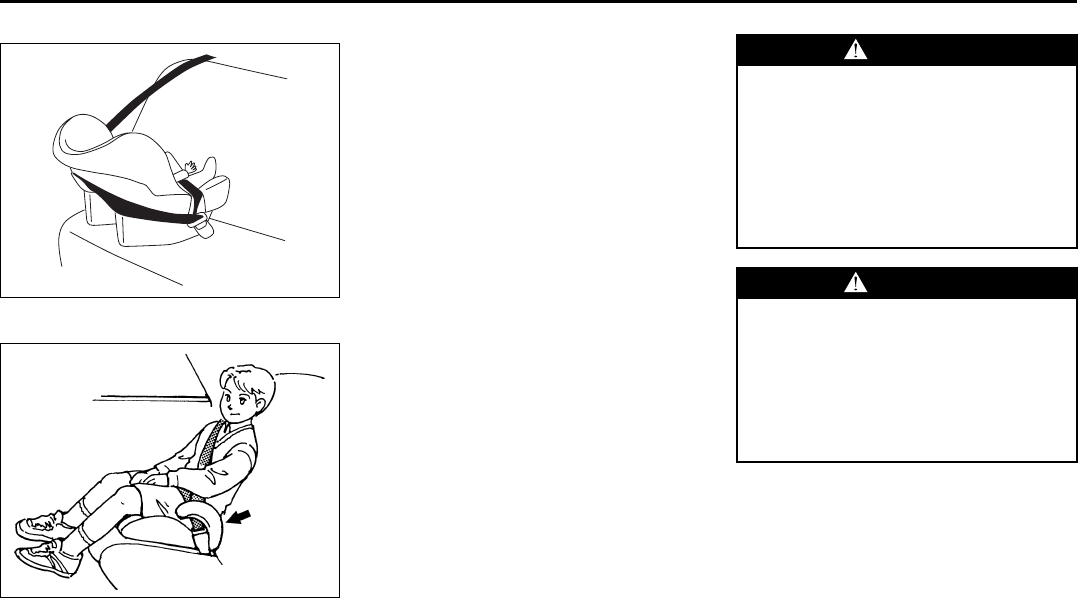
Infant restraint - rear seat only
65D584
Booster seat
65D203
SUZUKI highly recommends that you use
a child restraint system to restrain infants
and small children. Many different types of
child restraint systems are available; make
sure that the restraint system you select
meets Federal Motor Vehicle Safety Stan-
dards.
All child restraint systems are designed to
be secured in vehicle seats by either seat
belts (lap belts or the lap portion of lap-
shoulder belts) or by special rigid lower
anchor bars built into the seats. Whenever
possible, SUZUKI recommends that child
restraint systems be installed on the rear
seat. According to accident statistics, chil-
dren are safer when properly restrained in
rear seating positions than in front seating
positions.
If you must use a front-facing child restraint
in the front passenger’s seat, be sure to
move the front passenger’s seat as far
back as possible.
EXAMPLE
WARNING
Children could be endangered in a
crash if their child restraints are not
properly secured in the vehicle.
When installing a child restraint sys-
tem, be sure to follow the instruc-
tions below. Be sure to secure the
child in the restraint system accord-
ing to the manufacturer’s instruc-
tions.
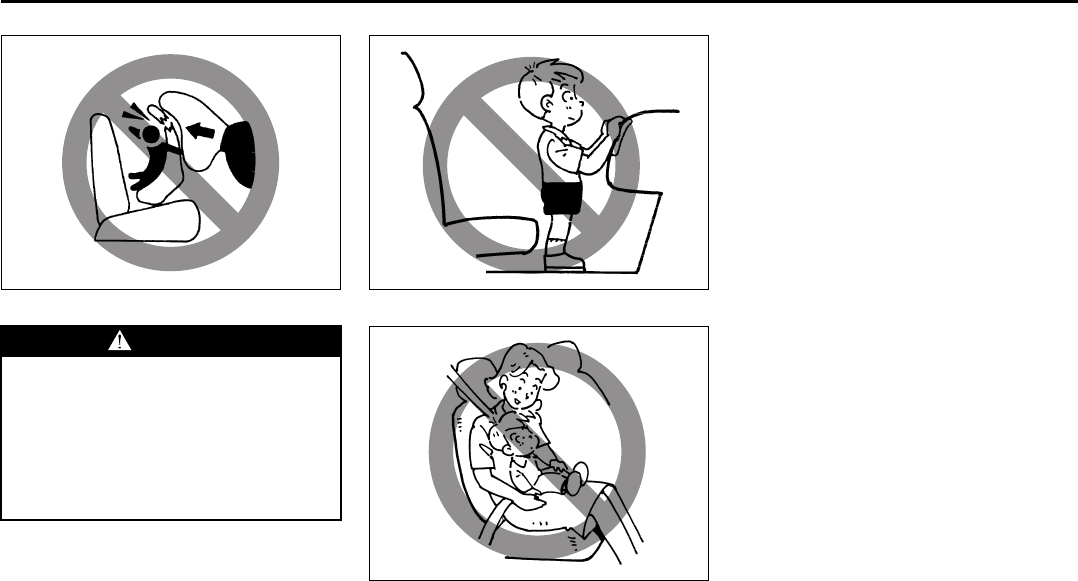
WARNING
In an accident or sudden stop, the
rear seat armrest (if equipped) could
fall forward. If there is a child in a
rear-facing child restraint in the cen-
ter seating position, the falling arm-
rest could injure the child. Make sure
the armrest is back in the seat and
locked when not in use.
Seat Belts and Child Restraint Systems: 14
2-29
BEFORE DRIVING
66J22-03E
65D607 65D608
65D609
Installation with Lap-Shoulder Seat
Belts (Child Restraint with No Top
Strap)
NOTE:
There are two types of lap-shoulder belts
depending on the vehicle’s specification,
A-ELR (Automatic-Emergency Locking
Retractor) type and ELR (Emergency
Locking Retractor) type.
The A-ELR type belts have emergency
locking retractors (ELRs) that can be tem-
porarily converted to function as automatic
locking retractors (ALRs).
The ELR type belts have ELRs that can
not be converted to function as ALRs.
To identify the belt is the A-ELR type or the
ELR type, slowly pull all of the shoulder
webbing out of the retractor. Then let the
webbing retract a little and pull it out, and
repeat this a few times. If the belt is locked
each time you pull the belt, the belt is the
A-ELR type. If the belt is not locked, the
belt is the ELR type.
Mostly, rear outboard lap-shoulder belts
are the A-ELR type.
Please note that the methods to secure the
child restraint system with the ELR lap-
shoulder belt and with the A-ELR lap-
shoulder belt are different.
WARNING
Do not install a rear-facing child
restraint in the front passenger’s
seat. If the passenger’s air bag
inflates, a child in a rear-facing child
restraint could be seriously injured.
The back of a rear-facing child
restraint would be too close to the
inflating air bag.
Seat Belts and Child Restraint Systems: 14
2-30
BEFORE DRIVING
66J22-03E
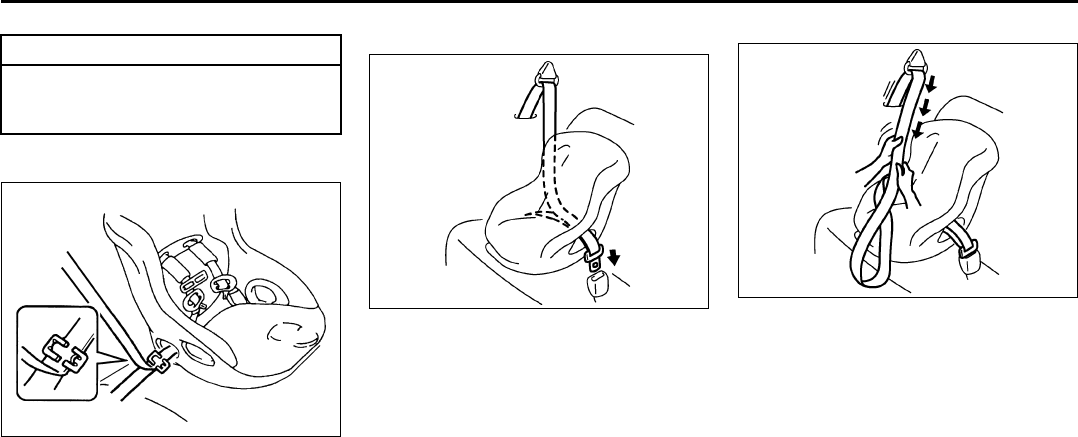
ELR type belt
65D233
Install your child restraint system accord-
ing to the instructions provided by the child
restraint system manufacturer.
Make sure that the seat belt is securely
latched.
Try to move the child restraint system in all
directions, to make sure it is securely
installed.
A-ELR type belt
83E031
Install your child restraint system accord-
ing to the instructions provided by the child
restraint system manufacturer. If you install
the child restraint system in the front seat,
be sure to slide the seat to the rearmost
position. After making sure that the seat
belt is securely latched:
A-ELR type
83E035
1) Pull all of the remaining webbing out of
the retractor. You will hear a click, which
means that the emergency locking
retractor (ELR) has converted to func-
tion as an automatic locking retractor
(ALR).
CAUTION
Before installing a child restraint sys-
tem in the rear seat, raise the head
restraint to the most upper position.
EXAMPLE
EXAMPLE EXAMPLE
Seat Belts and Child Restraint Systems: 14
2-31
BEFORE DRIVING
66J22-03E
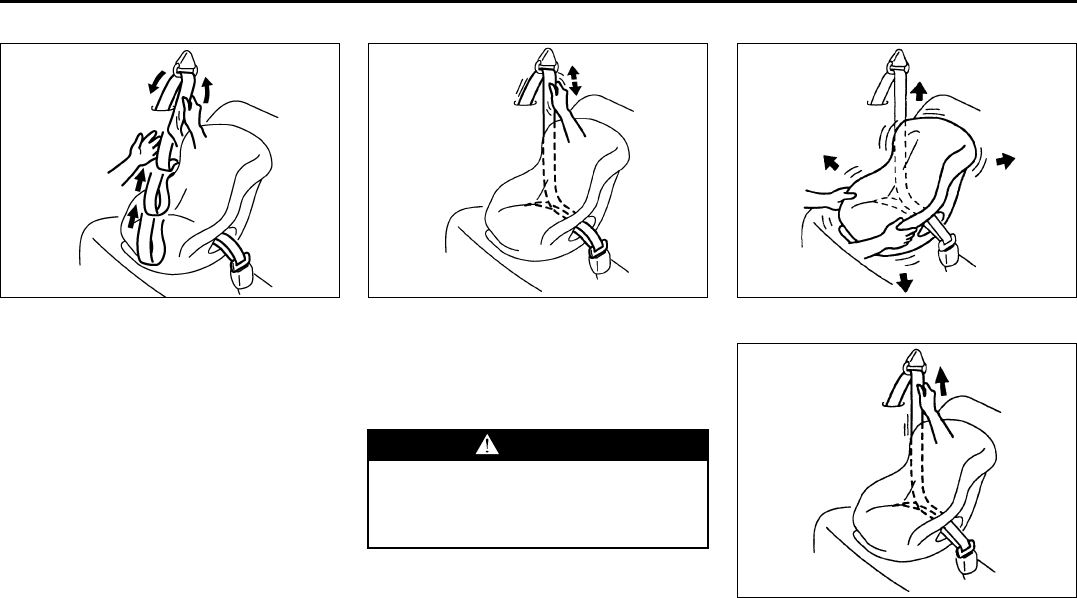
A-ELR type
83E032
2) Allow the extra webbing to retract, and
pull the webbing toward the retractor to
take up any slack. Make sure that the
lap portion of the belt is tight around the
child restraint system and the shoulder
portion of the belt is positioned so that it
can not interfere with the child’s head or
neck.
A-ELR type
83E036
3) Make sure that the retractor has con-
verted to the ALR mode by trying to pull
webbing out of the retractor. If the
retractor is in the ALR mode, the belt
will be locked.
A-ELR type
65D234
A-ELR type
65D235
4) Try moving the child restraint system in
all directions, to make sure it is securely
installed. If you need to tighten the belt,
pull more webbing toward the retractor.
EXAMPLE
WARNING
If the retractor is not in the ALR
mode, the child restraint system can
move or tip over when your vehicle
turns or stops abruptly.
EXAMPLE EXAMPLE
Move to check
EXAMPLE
Pull to tighten
Seat Belts and Child Restraint Systems: 14
2-32
BEFORE DRIVING
66J22-03E
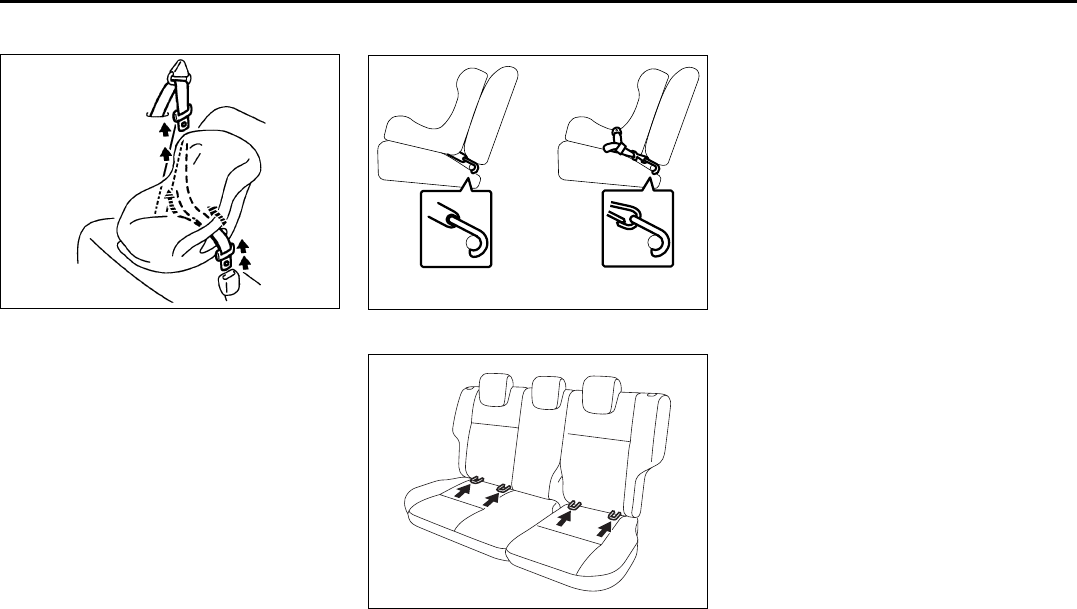
To revert from ALR to ELR
65D267
When you unbuckle the seat belt and allow
it to retract to a certain length, the retractor
will automatically revert back to the normal
ELR mode.
Installation with the LATCH System
66J162
Rear seat
64J027
Your vehicle is equipped with lower
anchors for securing up to two standard
LATCH-type child restraints in the rear
seats. (LATCH stands for Lower Anchors
and Tethers for Children.) The anchors are
located where the rear of the seat cushion
meets the bottom of the seatback.
Install a LATCH-type child restraint system
according to the instructions provided by
the child restraint system manufacturer.
After installing the child restraint system,
try moving it in all directions, especially for-
ward, to make sure the flexible straps or
rigid connecting bars are securely latched
to the anchors.
NOTE:
Although there are three second row seat-
ing positions, you cannot install three
LATCH type child restraints in the rear
seat. You can install one or two LATCH
restraint(s). Be sure to install the LATCH
type child restraint(s) in the outboard seat-
ing positions.
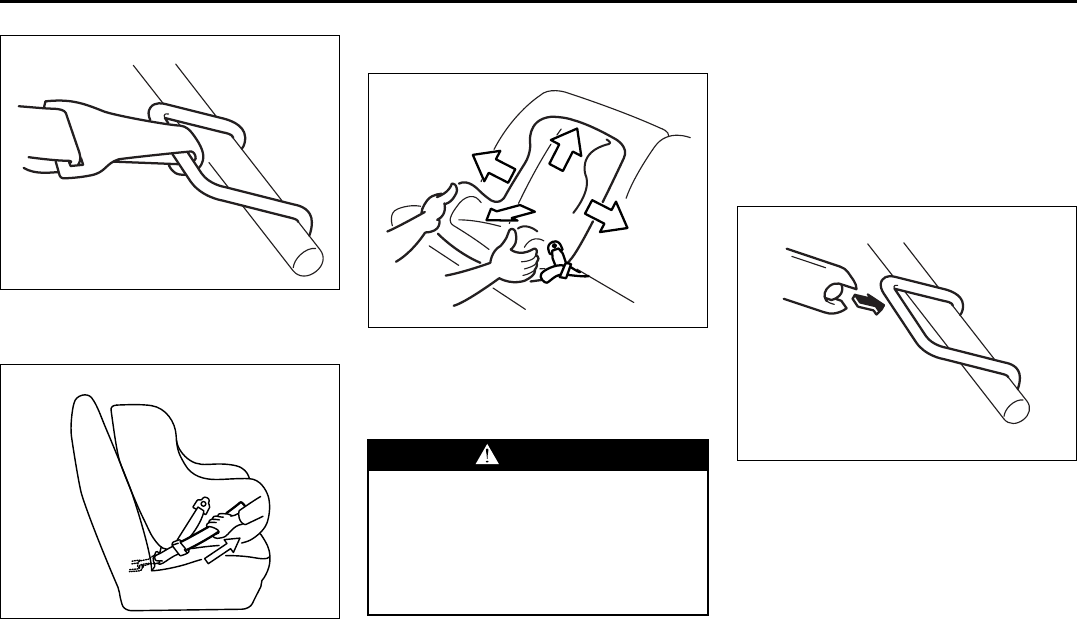
If your LATCH restraint has flexible lower
connecting straps, these general instruc-
tions apply:
1) If possible, fold the seatback rearward
for easier installation.
2) Place the child restraint in the rear seat.
EXAMPLE
Rigid lower connecting
bar type
Flexible lower connecting
strap type
Seat Belts and Child Restraint Systems: 14
2-33
BEFORE DRIVING
66J22-03E
65D340
3) Snap the strap hooks to the anchors.
Take care not to pinch your fingers.
65D341
4) Return the seatback to the normal,
upright position. Tighten the lower
straps as described in the child restraint
owner’s manual. Attach the top tether
strap, if applicable.
65D342
5) Make sure the child restraint is securely
fastened by trying to move the child
restraint system in all directions, espe-
cially forward.
If your LATCH restraint has rigid lower con-
necting bars, these general instructions
apply:
1) If possible, fold the seatback rearward
for easier installation.
2) Place the child restraint in the rear seat,
inserting the connecting bars through
the slots in the seat cushion or the slots
in the seatback bottom.
54G183
3) Use your hands to carefully align the
connecting bar tips with the anchors.
Take care not to pinch your fingers.
EXAMPLE
EXAMPLE
WARNING
The seatback should always be
securely latched in a fairly upright
position when any type of child seat
is installed. An unlatched or reclined
seatback will reduce the intended
effectiveness of the child restraint
system.
EXAMPLE
EXAMPLE
Seat Belts and Child Restraint Systems: 14
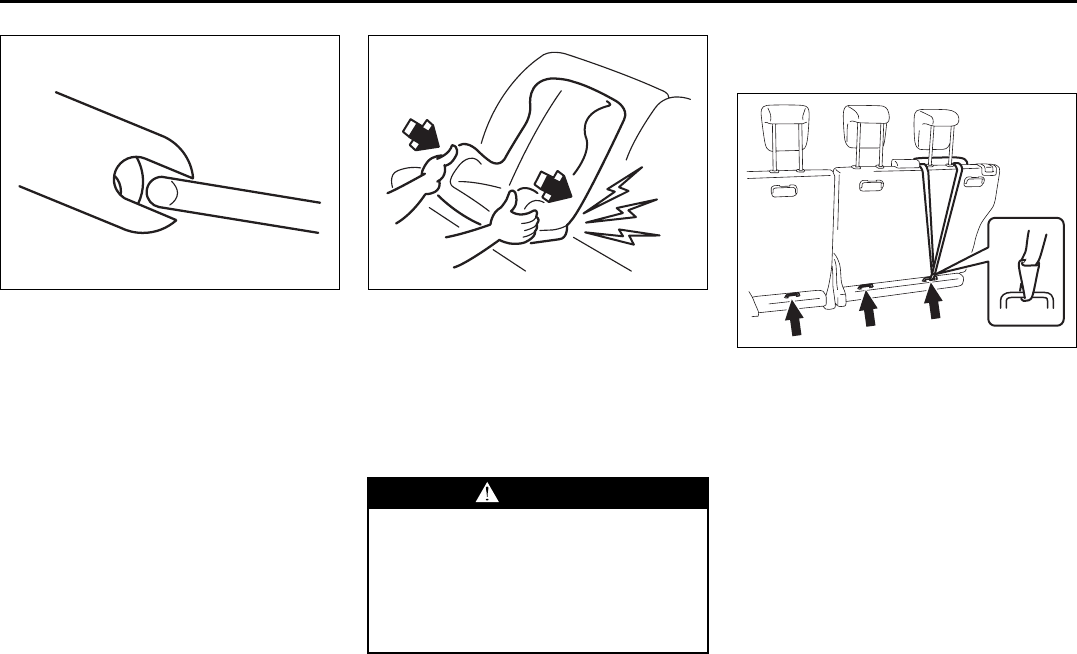
2-34
BEFORE DRIVING
66J22-03E
54G184
4) Push the child restraint toward the
anchors so that the connecting bar tips
are partially hooked to the anchors.
Use your hands to confirm the position.
54G185
5) Grasp the front of the child restraint and
push the child restraint forcefully to
latch the connecting bars. Make sure
they are securely latched by trying to
move the child restraint system in all
directions, especially forward.
6) Return the seatback if folded. Attach
the top tether strap, if applicable.
Installation-Child Restraint with Top
Strap
Rear seat
64J029
Some child restraint systems require the
use of a top strap. Top strap anchor brack-
ets are located on the back of the rear seat
as shown in the illustration. Install the child
restraint system as follows:
1) Remove the luggage compartment
cover.
2) Secure the child restraint on the rear
seat using the procedure described
above for securing a restraint system
that does not require a top strap.
3) Hook the top strap to the anchor
bracket and tighten the top strap
according to the instructions provided
by the child restraint system manufac-
turer. Be sure to attach the top strap to
the corresponding anchor located
directly behind the child restraint. Do
EXAMPLE
WARNING
The seatback should always be
securely latched in a fairly upright
position when any type of child seat
is installed. An unlatched or reclined
seatback will reduce the intended
effectiveness of the child restraint
system.
EXAMPLE
EXAMPLE
Seat Belts and Child Restraint Systems: 14
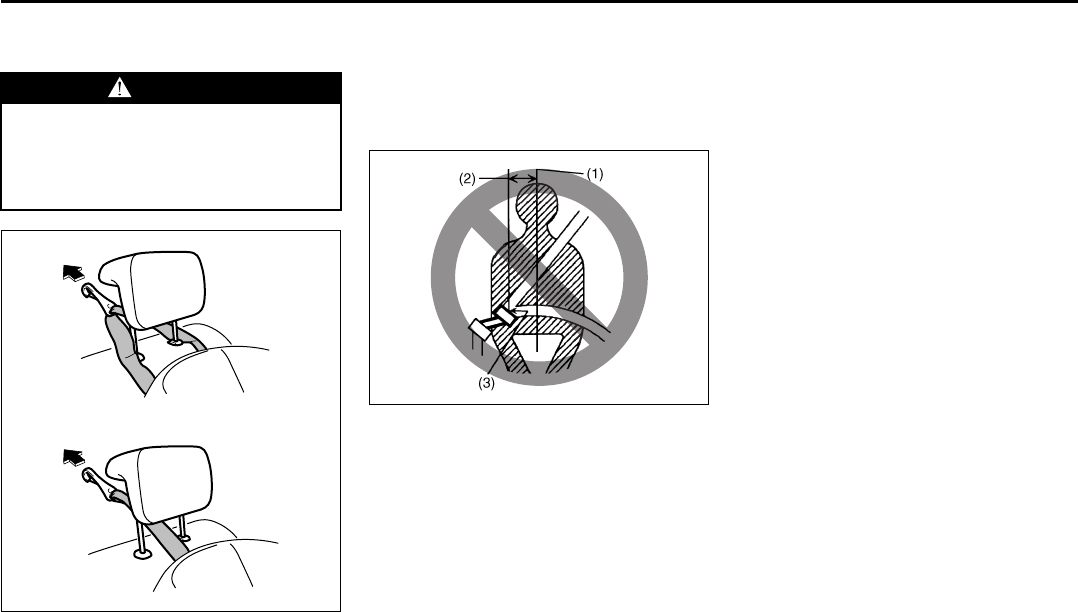
2-35
BEFORE DRIVING
66J22-03E
not attach the top strap to the luggage
restraint loops (if equipped).
86G032
4) When routing the top strap, be sure to
pass it between the head restraint and
the rear seatback as shown. (Refer to
“Head Restraints” section for details on
how to raise or lower the head
restraint.)
5) Make sure that cargo does not interfere
with routing of the top strap.
Seat Belt Extender
65D613
(1) Center of body
(2) Less than 152 mm (6 inches)
(3) Open end of extender buckle
If a seat belt cannot be fastened securely
because it is not long enough, see your
authorized SUZUKI dealer for a seat belt
extender. Seat belt extenders are available
for each seating position except for the
rear center position. After inspecting the
relationship between the seat belt length,
the occupant’s body size, and the seat
adjustment (the driver’s seat should always
be adjusted as far back as possible while
still maintaining control of the vehicle, and
other adjustable seats should be adjusted
as far back as possible), your dealer can
select the appropriate seat belt extender.
• A seat belt extender should only be used
for the person, vehicle and seating loca-
tion it was provided for.
• When using the extender, ensure that
both ends are latched securely. Do not
use the extender if the open end of the
extender’s buckle is within 152 mm (6
inches) of the center of the occupant’s
body (See diagram). Use of the extender
when the buckle is too close to the cen-
ter of the body could increase the risk of
abdominal injury in the event of an acci-
dent, and could cause the shoulder belt
to be positioned incorrectly.
• Make sure to use the correct buckle cor-
responding to your seating position.
• Seat belt extenders are not intended for
use by pregnant women, and should
only be used upon approval by their
medical advisors.
• Remove and stow the extender when it
is not being used.
WARNING
Do not attach the child restraint top
strap to the luggage restraint loops
(if equipped). Incorrectly attached top
strap will reduce the intended effec-
tiveness of the child restraint system.
Type 2
Type 1
Seat Belts and Child Restraint Systems: 14
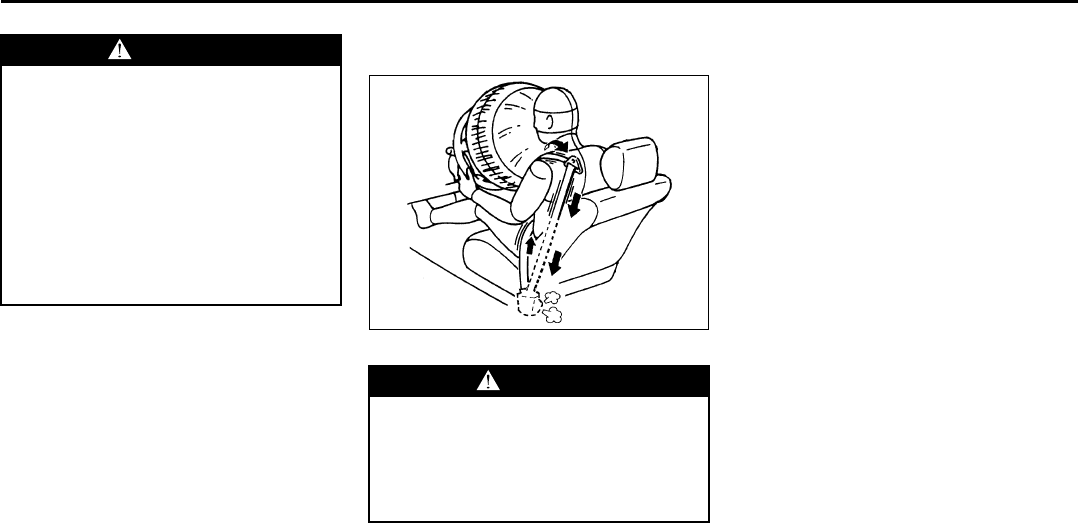
2-36
BEFORE DRIVING
66J22-03E
Seat Belt Pretensioner System
(for front seat belt only)
52D011
Your vehicle is equipped with a seat belt
pretensioner system at the front seating
positions. You can use the pretensioner
seat belts in the same manner as ordinary
seat belts.
The seat belt pretensioner system works
with the SUPPLEMENTAL RESTRAINT
SYSTEM (advanced air bags). The crash
sensors and the electronic controller of the
air bag system also control the seat belt
pretensioners. The pretensioners are trig-
gered only when the air bags are triggered
and the seat belts are fastened. If the seat
belts are not fastened, the respective pre-
tensioner system will not be activated. For
precautions and general information
including servicing the pretensioner sys-
tem, refer to the “Supplemental Restraint
System (air bags)” section in addition to
this “Seat Belt Pretensioner System” sec-
tion, and follow all those precautions.
The pretensioner is located in each front
seat belt retractor. The pretensioner tight-
ens the seat belt so the belt fits the occu-
pant’s body more snugly in the event of a
frontal crash. The retractors will remain
locked after the pretensioners are acti-
vated. Upon activation, some noise will
occur and some smoke may be released.
These conditions are not harmful and do
not indicate a fire in the vehicle.
The driver and all passengers must be
properly restrained by wearing seat belts
at all times, whether or not a pretensioner
is equipped at their seating position, to
minimize the risk of severe injury or death
in the event of a crash. Sit fully back in the
seat; sit up straight; do not lean forward or
sideways. Adjust the belt so the lap portion
of the belt is worn low across the pelvis,
not across the waist. Please refer to the
“Seat Adjustment” section and the instruc-
tions and precautions about the seat belts
WARNING
Failure to follow these instructions
may increase the risk of injury in a
crash.
• Only use an extender for the per-
son, vehicle and seating position it
was provided for.
• Do not use if open end of
extender’s buckle is within 152 mm
(6 inches) of center of occupant’s
body (See diagram).
• Remove and stow the extender
when it is not being used.
WARNING
This section of the owner’s manual
describes your SUZUKI’s SEAT BELT
PRETENSIONER SYSTEM. Please
read and follow ALL these instruc-
tions carefully to minimize your risk
of severe injury or death.
Seat Belts and Child Restraint Systems: 14
Supplemental Restraint System (air bags): 3, 9, 12
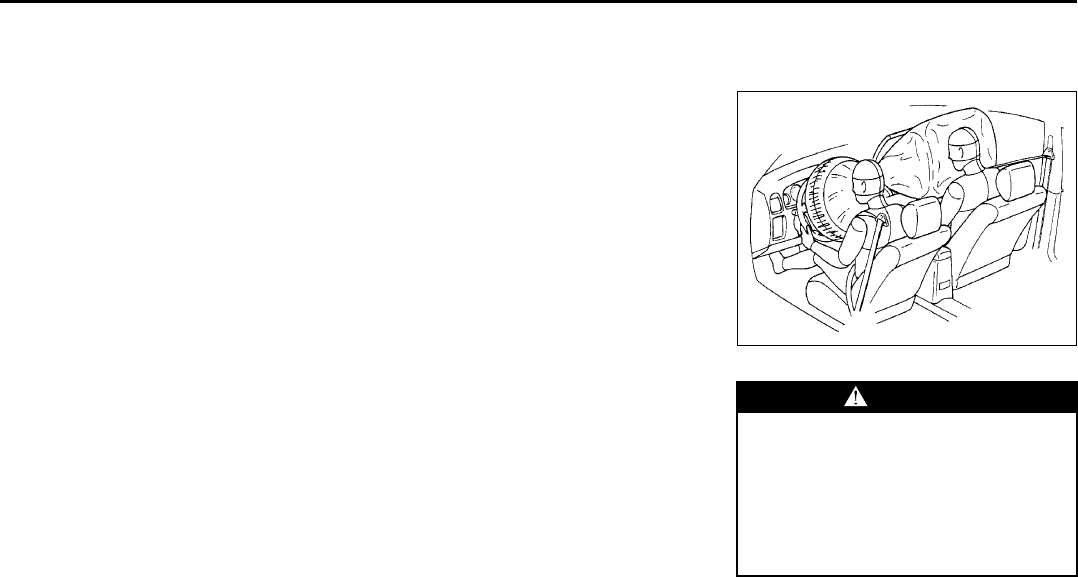
2-37
BEFORE DRIVING
66J22-03E
in this “Seat Belts and Child Restraint Sys-
tems” section for details on proper seat
and seat belt adjustments.
Please note that the pretensioners along
with the front air bags will activate only in
severe frontal collisions. They are not
designed to activate in rear impacts, side
impacts, rollovers or minor frontal colli-
sions. The pretensioners can be activated
only once. If the pretensioners are acti-
vated (that is, if the front air bags are acti-
vated), have the pretensioner system
serviced by an authorized SUZUKI dealer
as soon as possible.
If the “AIR BAG” light on the instrument
cluster does not blink or come on briefly
when the ignition switch is turned to the
“ON” position, stays on for more than 10
seconds, or comes on while driving, the
pretensioner system or the air bag system
may not work properly. Have both systems
inspected by an authorized SUZUKI dealer
as soon as possible.
Service on or around the pretensioner sys-
tem components or wiring must be per-
formed only by an authorized SUZUKI
dealer who is specially trained. Improper
service could result in unintended activa-
tion of pretensioners or could render the
pretensioner inoperative. Either of these
two conditions may result in personal
injury.
To prevent damage or unintended activa-
tion of the pretensioners, be sure the bat-
tery is disconnected and the ignition switch
has been in the “LOCK” position for at least
90 seconds before performing any electri-
cal service work on your SUZUKI. Do not
touch pretensioner system components or
wiring. The wires are wrapped with yellow
tape or yellow tubing, and the couplers are
yellow. When scrapping your SUZUKI, ask
your SUZUKI dealer, body repair shop or
scrap yard for assistance.
Supplemental Restraint
System (air bags)
54G022
Your vehicle has advanced front air bags
and side air bags for the driver and right
front passenger. Your vehicle also has side
curtain air bags.
WARNING
This section of the owner’s manual
describes the protection provided by
your SUZUKI’s SUPPLEMENTAL
RESTRAINT SYSTEM (air bags).
Please read and follow ALL these
instructions carefully to minimize
your risk of severe injury or death in
the event of a collision.
EXAMPLE
Supplemental Restraint System (air bags): 3, 9, 12
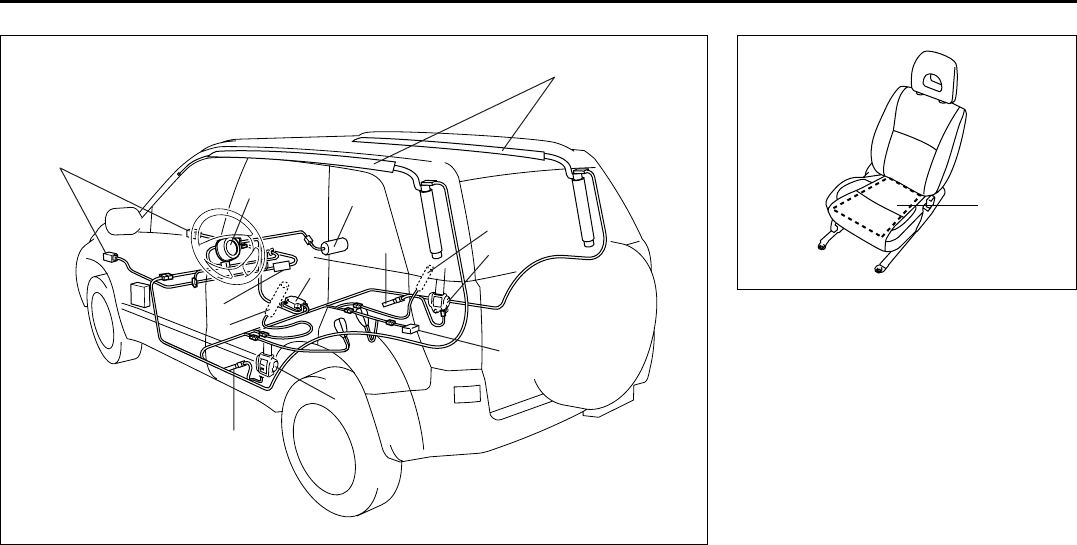
2-38
BEFORE DRIVING
66J22-03E
66J126
12
8
3
5
8
9
3
4
7
10
10
666J132
Your vehicle is equipped with a Supple-
mental Restraint System consisting of the
following components in addition to a lap-
shoulder belt at each front seating position.
1. Driver’s front air bag
2. Front passenger’s front air bag
3. Seat belt pretensioners
4. Air bag controller
5. Occupant classification module
6. “PASS AIR BAG OFF” indicator
7. Forward crash sensor
8. Side air bags
9. Side curtain air bags
10. Side crash sensor
11. Front passenger’s sensor mat
11
Supplemental Restraint System (air bags): 3, 9, 12
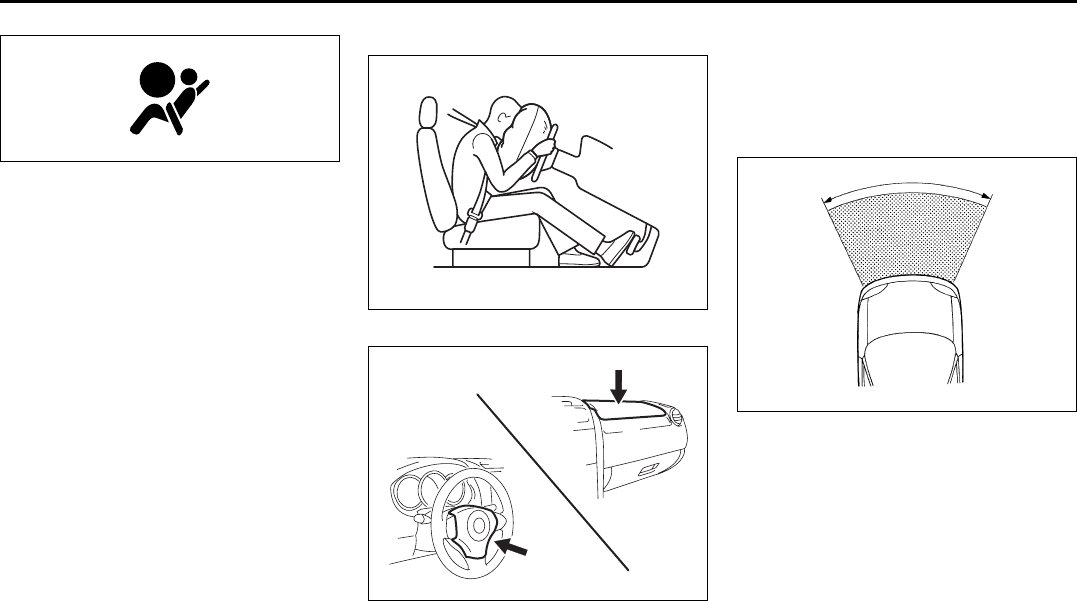
2-39
BEFORE DRIVING
66J22-03E
63J030
If the “AIR BAG” light on the instrument
cluster does not blink when the ignition
switch is first turned to the “ON” position,
or the “AIR BAG” light stays on, or comes
on while driving, the air bag system (or the
seat belt pretensioner system) may not
work properly. Have the air bag system
inspected by an authorized SUZUKI dealer
as soon as possible.
Front Air Bags
63J259
64J032
The driver’s front air bag is located behind
the center pad of the steering wheel. The
words “SRS AIRBAG” are molded into the
air bag cover to identify the location of the
air bag. The front passenger’s front air bag
is located behind the passenger’s side of
the dashboard. The words “SRS AIRBAG”
are molded into the air bag cover to identify
the location of the air bag.
Frontal collision range
60G032
Front air bags are designed to inflate only
in severe frontal collisions.
EXAMPLE
EXAMPLE
Supplemental Restraint System (air bags): 3, 9, 12
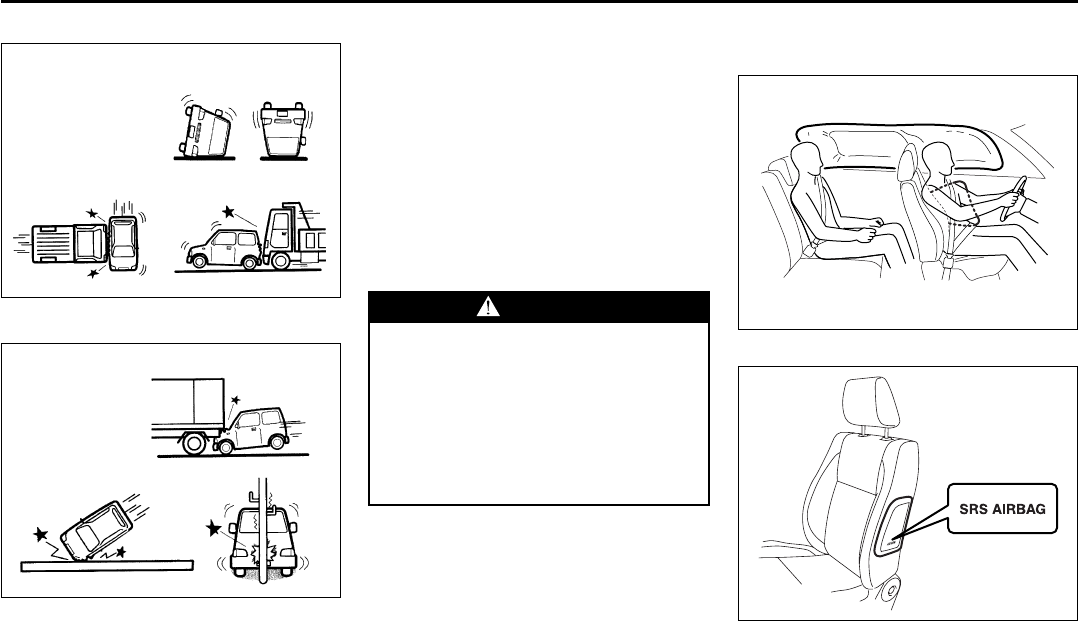
2-40
BEFORE DRIVING
66J22-03E
Front air bags will not inflate
65D236
Front air bags will probably not inflate
65D237
They are not designed to inflate in rear
impacts, side impacts, rollovers or minor
frontal collisions, since they would offer no
protection in those types of accidents.
Remember, since air bags deploy only one
time during an accident, seat belts are
needed to restrain occupants from further
movements during the accident.
Therefore, an air bag is NOT a substitute
for seat belts. To maximize your protection,
ALWAYS WEAR YOUR SEAT BELTS. Be
aware that no system can prevent all pos-
sible injuries that may occur in an accident.
Your vehicle has “dual stage” front air
bags, which adjust the air bag inflation
force according to crash severity. Also,
your vehicle has a front passenger sensing
system, which turns off the front passen-
ger’s air bag and seat belt pretensioner
under certain conditions.
Side Air Bags and Side Curtain Air
Bags
62J114
64J033
Side air bags are located in the part of the
front seatbacks closest to the doors. The
words “SRS AIRBAG” are molded into the
WARNING
An air bag supplements, or adds to,
the crash protection offered by seat
belts. The driver and all passengers
must be properly restrained by wear-
ing seat belts at all times, whether or
not air bags are mounted at their
seating position, to minimize the risk
of severe injury or death in the event
of a crash.
EXAMPLE
Supplemental Restraint System (air bags): 3, 9, 12
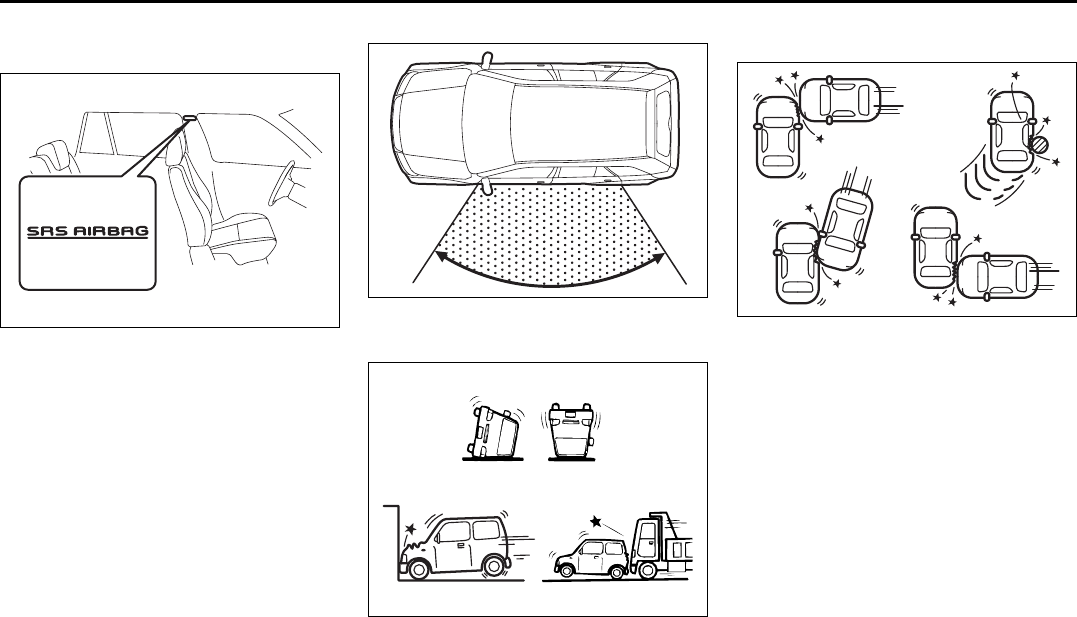
2-41
BEFORE DRIVING
66J22-03E
side air bag cover to identify the location of
the side air bags.
64J034
Side curtain air bags are located in the roof
lining. The words “SRS AIRBAG” are
molded into the pillar to identify the loca-
tion of the side curtain air bags.
Side collision range
64J036
Side air bags and side curtain air bags
will not inflate
54G027
Side air bags and side curtain air bags
will probably not inflate
54G028
Side air bags and side curtain air bags are
designed to inflate only in severe side
impact collisions. They are not designed to
inflate in frontal or rear collisions, rollovers
or minor side collisions, since they would
offer no protection in those types of acci-
dents. Only the side air bag and side cur-
tain air bag on the side of the vehicle that
is struck will inflate. Remember, since an
air bag deploys only one time during an
accident, seat belts are needed to restrain
occupants from further movements during
the accident.
Therefore, an air bag is NOT a substitute
for seat belts. To maximize your protection,
ALWAYS WEAR YOUR SEAT BELTS. Be
aware that no system can prevent all pos-
sible injuries that may occur in an accident.
Supplemental Restraint System (air bags): 3, 9, 12
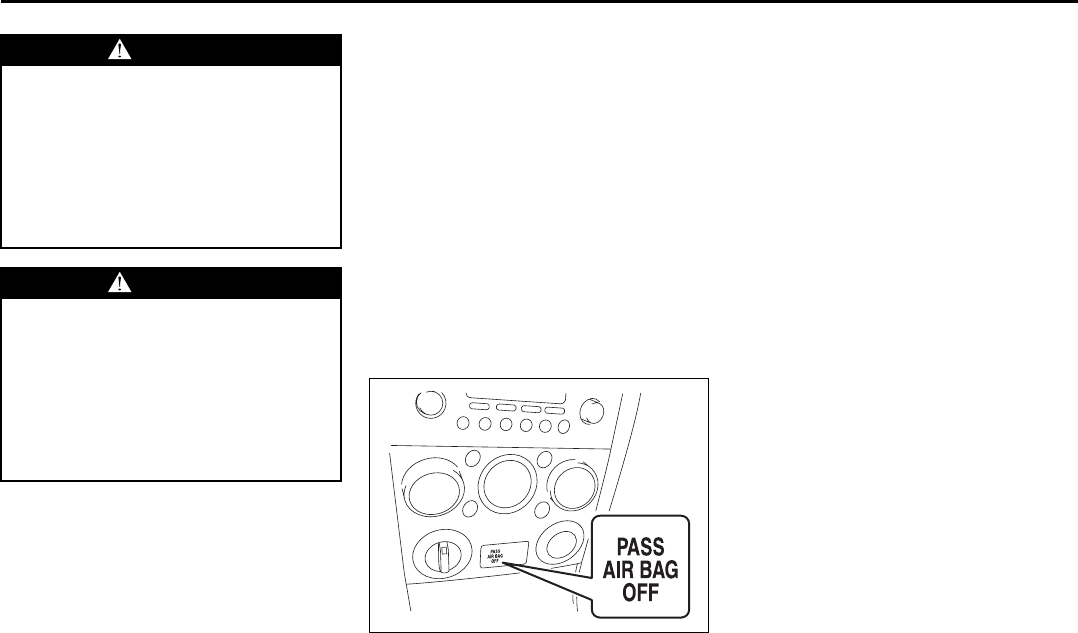
2-42
BEFORE DRIVING
66J22-03E
Front Passenger Sensing System
The front passenger sensing system will
turn off the front passenger’s front air bag
and seat belt pretensioner under certain
conditions. This system works using a sen-
sor mat that is part of the front passenger’s
seat. The front passenger sensing system
is designed to detect whether an occupant
is present in the seat and, if an occupant is
present, to determine whether the front
passenger’s front air bag and seat belt pre-
tensioner should be enabled or disabled
(turned off).
NOTE:
The front passenger’s side air bag and the
side curtain air bag are not controlled by
the front passenger sensing system.
66J244
When the ignition switch is turned to the
“ON” position, the “PASS AIR BAG OFF”
indicator comes on for several seconds to
let you know the system is working. When
the front passenger sensing system has
turned off the front passenger’s front air
bag including the seat belt pretensioner,
the “PASS AIR BAG OFF” indicator will
come on and stay on to remind you that
the front passenger’s front air bag is off.
The front passenger sensing system uses
front seat pressure measurements and
pressure locations to determine whether to
activate or deactivate the front passenger’s
front air bag. The front passenger sensing
system may or may not turn off the front air
bag, depending on the front passenger’s
seating posture and body build. The air
bag should be turned off in the following
situations:
• There is no occupant in the front pas-
senger seat.
• The occupant of the front passenger
seat lifts his or her weight off of the seat
for a period of time.
• The occupant of the front passenger
seat is an infant or small child in a child
restraint system or a small child in a
booster seat.
• A smaller person, such as a child who
has outgrown child restraints or a very
small adolescent is seated in the front
passenger seat.
NOTE:
If the front passenger seat is unoccupied,
the “PASS AIR BAG OFF” indicator will not
come on but the front passenger’s front air
WARNING
An air bag supplements, or adds to,
the crash protection offered by seat
belts. The driver and all passengers
must be properly restrained by wear-
ing seat belts at all times, whether or
not air bags are mounted at their
seating position, to minimize the risk
of severe injury or death in the event
of a crash.
WARNING
If the “AIR BAG” light in the instru-
ment cluster ever comes on and
stays on, it means that something
may be wrong with the air bag sys-
tem. If this ever happens, have the
vehicle serviced immediately,
because the air bags may not offer
the protection for which they were
designed.
Supplemental Restraint System (air bags): 3, 9, 12
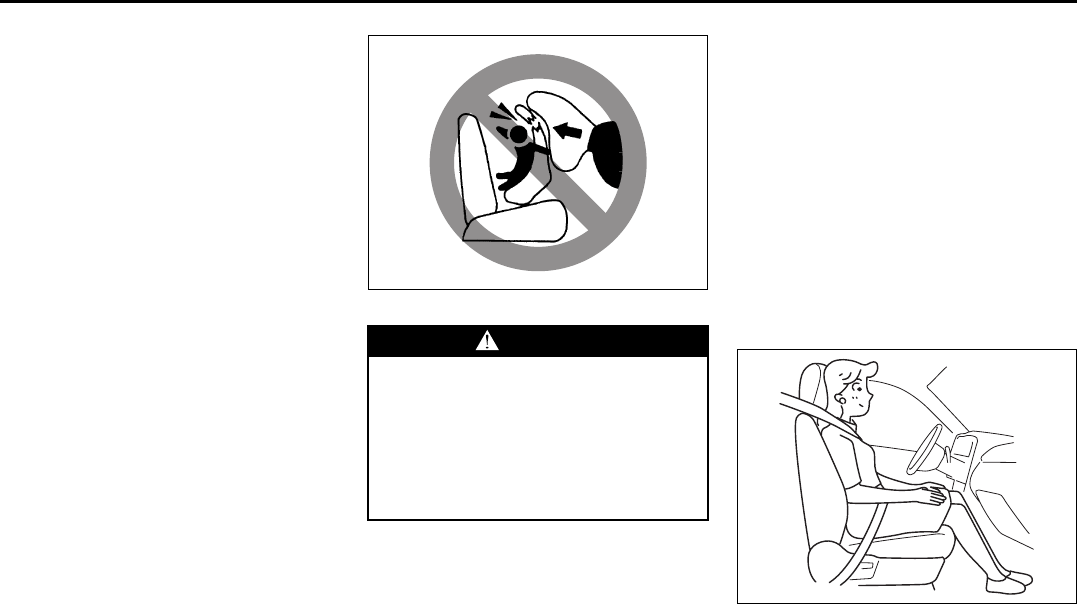
2-43
BEFORE DRIVING
66J22-03E
bag will not deploy and the seat belt pre-
tensioner will not operate.
If you have secured a child in the front pas-
senger seat in a forward-facing child
restraint system or booster seat and the
“PASS AIR BAG OFF” indicator light is not
on, turn the vehicle off, remove the child
restraint or booster seat from the vehicle
and reinstall it following the child restraint
or booster seat manufacturer’s directions.
Also refer to “Seat Belts and Child
Restraint Systems” in this section. If, after
reinstalling the child restraint and restart-
ing the vehicle, the “PASS AIR BAG OFF”
indicator is still not lit, check to make sure
that the vehicle’s seatback is not pressing
the child restraint into the seat cushion. If
this happens, slightly recline the vehicle’s
seatback and adjust the seat cushion if
possible. Also make sure the child restraint
is not trapped under the vehicle head
restraint. If this happens, adjust the head
restraint. If the “PASS AIR BAG OFF” indi-
cator is still not on, secure the child in the
child restraint or booster seat in a rear seat
position in the vehicle and check with your
dealer.
65D607
According to accident statistics, children
are safer when properly restrained in rear
seating positions than in front seating posi-
tions. Whenever possible, SUZUKI recom-
mends you install child restraints in the
rear seat.
The front passenger sensing system is
designed to enable the front passenger’s
front air bag when the system senses a
properly-seated adult in the front passen-
ger’s seat. When the passenger sensing
system has allowed the air bag to be
enabled, the “PASS AIR BAG OFF” indica-
tor will remain off to remind you that the air
bag is active.
If a person of adult size is sitting in the
front passenger’s seat and the “PASS AIR
BAG OFF” indicator comes on, it could be
because that person isn’t sitting properly in
the seat. If this happens, unfasten the seat
belts, sit upright in the center of the seat
with the seatback nearly vertical and your
legs outstretched, and refasten the seat
belt.
52D258
When seated as shown in the above illus-
tration, the front passenger sensing sys-
tem senses a properly-seated occupant
and enables the air bag.
WARNING
Do not install a rear-facing child
restraint in the front passenger’s
seat. If the passenger’s front air bag
inflates, a child in a rear-facing child
restraint could be seriously injured.
The back of a rear-facing child
restraint would be too close to the
inflating air bag.
Supplemental Restraint System (air bags): 3, 9, 12
2-44
BEFORE DRIVING
66J22-03E
When using a seat belt extender, follow the
instructions in the “Seat Belt Extender”
section.
How the System Works
In a frontal collision, the crash sensors will
detect rapid deceleration and send a signal
to the controller. If the controller judges
that the deceleration represents a severe
frontal crash, the controller will trigger the
inflators. The controller also judges:
• Whether the front air bags should deploy
at reduced power or at full power accord-
ing to crash severity.
• Whether the front passenger’s front air
bag should deploy or not based on clas-
sification of the occupant of the front
passenger’s seat.
Since your vehicle is equipped with side air
bags, and side curtain air bags, crash sen-
sors will detect a side collision, and if the
controller judges that the side collision is
severe enough, it will trigger the side air
bag and side curtain air bag inflators.
The inflators inflate the appropriate air
bags with nitrogen or argon gas. The
inflated air bags provide a cushion for your
head (front air bags and side curtain air
bags only) and upper body. The air bag
inflates and deflates so quickly that you
may not even realize that it has activated.
The air bag will neither hinder your view
nor make it harder to exit the vehicle.
Air bags must inflate quickly and forcefully
in order to reduce the chance of serious or
fatal injuries. However, an unavoidable
consequence of the quick inflation is that
the air bag may irritate bare skin, such as
WARNING
Do not place any heavy objects on
the front passenger’s seat. The pres-
sure sensors in the sensor mat could
be damaged and the front passenger
sensing system may not work prop-
erly.
WARNING
The front passenger sensing system
may not work properly in the follow-
ing situations:
• The occupant is sitting near the
dashboard or is not sitting in the
proper position.
• Objects placed under the seat are
pushing up on the seat cushion.
WARNING
If the “PASS AIR BAG OFF” indicator
on the instrument panel turns on
even though there is no occupant or
an adult occupant in the front pas-
senger’s seat, it means that some-
thing may be wrong with the
passenger sensing system. Have the
system inspected by an authorized
SUZUKI dealer as soon as possible.
WARNING
• Do not spill any liquids on the seat.
Liquids can damage the sensors
under the front seat.
• Have front passenger’s sensor mat
inspected by your dealer after a
collision.
• Do not replace the front seats. If
you replace them, the air bags and
front passenger sensing system
may not work properly.
• Do not use a seat cover. If you use
a seat cover, the front passenger
sensing system may not work prop-
erly.
Supplemental Restraint System (air bags): 3, 9, 12
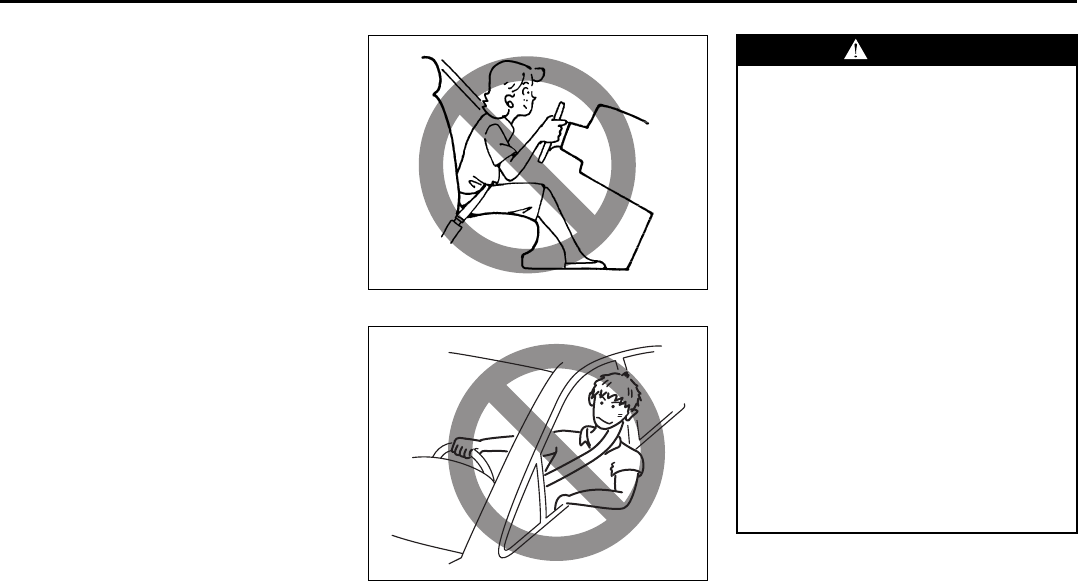
2-45
BEFORE DRIVING
66J22-03E
the facial area against a front air bag. Also,
upon inflation, a loud noise will occur and
some powder and smoke will be released.
These conditions are not harmful and do
not indicate a fire in the car. Be aware,
however, that some air bag components
may be hot for a while after inflation.
A seat belt helps keep you in the proper
position for maximum protection when an
air bag inflates. Adjust your seat as far
back as possible while still maintaining
control of the vehicle. Sit fully back in your
seat; sit up straight; do not lean over the
steering wheel or dashboard. Front occu-
pants should not lean on or sleep against
the door. Please refer to the “Seat Adjust-
ment” section and the “Seat Belts and
Child Restraint Systems” section in the
“BEFORE DRIVING” section for details on
proper seat and seat belt adjustments.
65D610
54G582
WARNING
• The driver should not lean over the
steering wheel. The front passen-
ger should not rest his or her body
against the dashboard, or other-
wise get too close to the dash-
board. For vehicles with side air
bags and side curtain air bags,
occupants should not lean on or
sleep against the door. In these sit-
uations, the out-of-position occu-
pant would be too close to an
inflating air bag, and may suffer
severe injury.
• Do not attach any objects to, or
place any objects over, the steering
wheel or dashboard. Do not place
any objects between the air bag
and the driver or front passenger.
These objects may interfere with air
bag operation or may be propelled
by the air bag in the event of a
crash. Either of these conditions
may cause severe injury.
(Continued)
Supplemental Restraint System (air bags): 3, 9, 12
2-46
BEFORE DRIVING
66J22-03E
Note that even though your vehicle may be
moderately damaged in a collision, the col-
lision may not have been severe enough to
trigger the front, side, or side curtain air
bags to inflate. If your car sustains ANY
front-end or side damage, have the air bag
system inspected by an authorized
SUZUKI dealer to ensure it is in proper
working order.
Your vehicle is equipped with a diagnostic
module which records information about
the air bag system if the air bags deploy in
a crash. The module records information
about overall system status, which sensors
activated the deployment, and whether the
front seat belts were in use.
Servicing the Air Bag System
If the air bags inflate, have the air bags and
related components replaced by an autho-
rized SUZUKI dealer as soon as possible.
If your vehicle ever gets in deep water and
the driver’s floor is submerged, the air bag
controller could be damaged. If this hap-
pens, have the air bag system inspected
by the SUZUKI dealer as soon as possible.
Special procedures are required for servic-
ing or replacing an air bag. For that reason,
only an authorized SUZUKI dealer should
be allowed to service or replace your air
bags. Please remind anyone who services
your SUZUKI that it has air bags.
Service on or around air bag components
or wiring must be performed only by an
authorized SUZUKI dealer. Improper ser-
vice could result in unintended air bag
deployment or could render the air bags
inoperative. Either of these two conditions
may result in severe injury.
To prevent damage or unintended inflation
of the air bag system, be sure the battery
is disconnected and the ignition switch has
been in the “LOCK” position for at least 90
seconds before performing any electrical
service work on your SUZUKI. Do not
touch air bag system components or wires.
The wires are wrapped with yellow tape or
yellow tubing, and the couplers are yellow
for easy identification.
Scrapping a car that has an undeployed air
bag can be hazardous. Ask your dealer,
body repair shop or scrap yard for help
with disposal.
If it is necessary to modify the advanced
front air bag system to accommodate a
person with disabilities, owners in the con-
tinental United States can call American
Suzuki toll-free at 1-800-934-0934, or write
to:
American Suzuki Motor Corporation
Automotive Customer Relations
3251 East Imperial Highway
Brea, CA 92821-6795
If you purchased your SUZUKI in Canada
please contact the Suzuki Canada Cus-
tomer Relations Department by telephone
at 1-905-889-2677 extension 2254 or in
writing at:
Suzuki Canada Inc.
Customer Relations
100 East Beaver Creek Road
Richmond Hill, On
L4B 1J6
WARNING
(Continued)
• For vehicles with side air bags, do
not place seat covers on the front
seats, because seat covers could
restrict the air bag’s inflation. Also,
do not place any cup holders or
other objects on the door, as these
objects could be propelled by the
air bag in the event of a crash.
Either of these conditions may
cause severe injury.
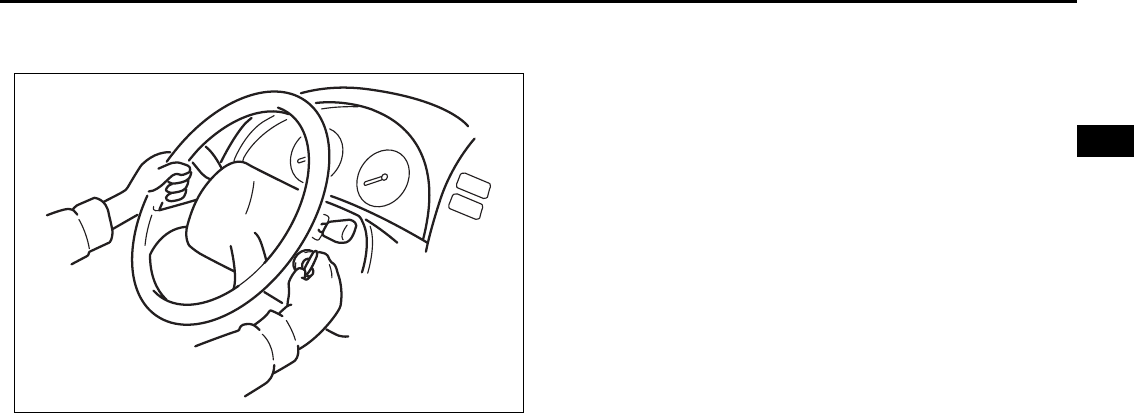
STEERING COLUMN CONTROLS
3
66J22-03E
60G405
STEERING COLUMN CONTROLS
Ignition Switch ..................................................................... 3-1
Lighting/Turn Signal Control Lever ................................... 3-5
Windshield Wiper and Washer Lever ................................ 3-8
Rear Window Wiper/Washer Switch .................................. 3-9
Tilt Steering Lock Lever ..................................................... 3-10
Cruise Control (if equipped) ............................................... 3-10
Remote Audio Controls (if equipped) ............................... 3-12
Horn ...................................................................................... 3-12
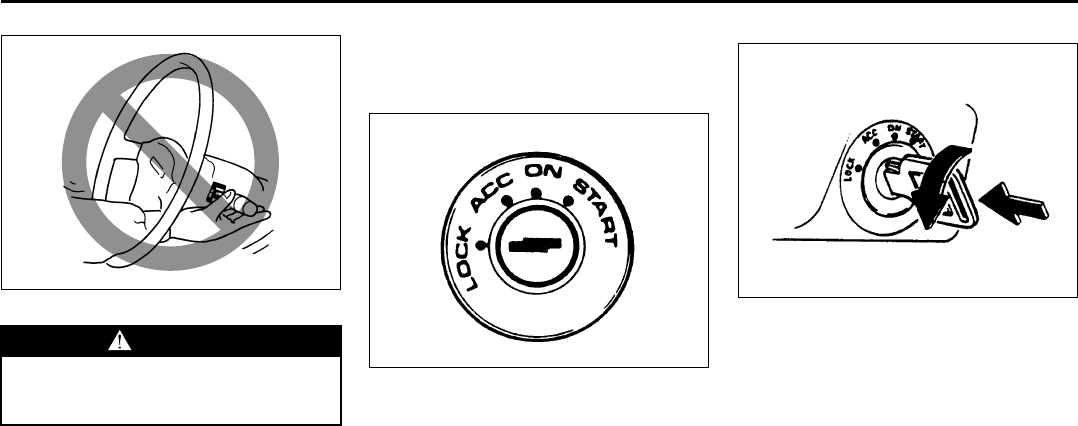
3-1
STEERING COLUMN CONTROLS
66J22-03E
65D611
Ignition Switch
Vehicle Without Keyless Start Sys-
tem
60B041
The ignition switch has the following four
positions:
LOCK
This is the normal parking position. It is the
only position in which the key can be
removed.
It locks the ignition, and prevents normal
use of the steering wheel after the key is
removed.
Manual transmission
60A055
•Manual transmission vehicles
You must push in the key to turn it to the
“LOCK” position. It locks the ignition, and
prevents normal use of the steering
wheel after the key is removed.
•Automatic transmission vehicles
The gearshift lever must be in the “P”
(Park) position to turn the key to the
“LOCK” position. It locks the ignition and
prevents normal use of the steering
wheel and gearshift lever.
WARNING
To avoid possible injury, do not oper-
ate controls by reaching through the
steering wheel.
EXAMPLE
Push
Turn to “LOCK”
Ignition Switch: 8, 10
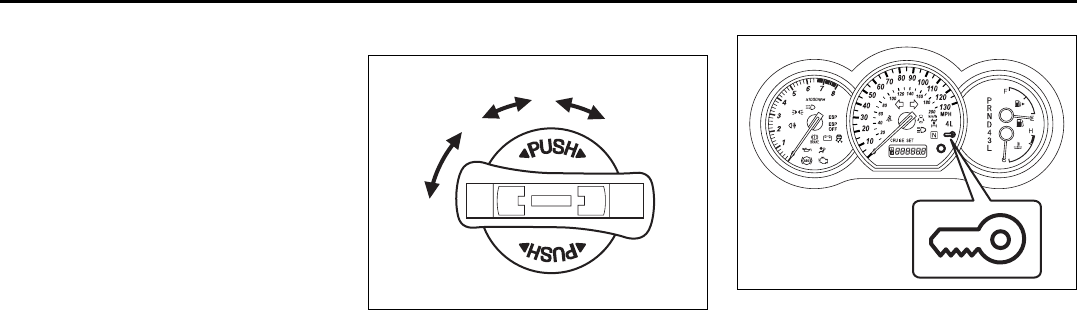
3-2
STEERING COLUMN CONTROLS
66J22-03E
ACC
Accessories such as the radio can oper-
ate, but the engine is off.
ON
This is the normal operating position. All
electrical systems are on.
START
This is the position for starting the engine
using the starter motor. The key should be
released from this position as soon as the
engine starts.
Ignition key reminder (if equipped)
A buzzer sounds intermittently to remind
you to remove the ignition key if it is in the
ignition switch when the driver’s door is
opened.
Vehicle With Keyless Start System
63J270
The ignition switch can be operated with-
out using an ignition key when the remote
controller is in an area of the vehicle other
than the rear luggage area. To turn the
ignition switch, first push in the switch.
NOTE:
You must push in the ignition switch to turn
it from the “LOCK” position to the “ACC”
position. To return to the “LOCK” position
from the “ACC” position, turn the ignition
switch counterclockwise while pushing in
the switch.
66J022
If the keyless start system blue indicator
light illuminates on the instrument cluster,
you can turn the ignition switch. If the red
indicator light illuminates, you can not turn
the ignition switch.
NOTE:
• The ignition switch can be turned to the
“ACC” position when the keyless start
system blue indicator light illuminates.
The blue indicator light will illuminate for
several seconds when you push in the
ignition switch and then will turn off to
protect the system. In this case, you
must release the ignition switch and
push it in again to illuminate the blue
indicator light.
• If the keyless start system red indicator
light illuminates, the remote controller
may not be in the vehicle or the battery
(1)
(2)
(3)
(4)
EXAMPLE
Ignition Switch: 8, 10

3-3
STEERING COLUMN CONTROLS
66J22-03E
of the remote controller may be unreli-
able.
NOTE:
• If the battery of the remote controller
runs down or there are strong radio
waves or noise, the operating range may
be narrower or the remote controller may
be inoperative.
• If the remote controller is too close to the
door glass, it may not operate.
• The ignition switch may not turn when
the remote controller is on the instru-
ment panel, in the glove box, in the door
pocket, in the sun visor or on the floor.
You can also turn the ignition switch by
inserting the ignition key into the slot.
The ignition switch has the following four
positions:
LOCK (1)
This is the normal parking position. It is the
only position in which the key can be
removed. It locks the ignition, and prevents
normal use of the steering wheel.
For vehicles with an automatic transmis-
sion, the gearshift lever must be in the “P”
(Park) position to turn the key to the
“LOCK” position.
To release the steering lock, turn the igni-
tion switch clockwise to one of the other
positions. If you have trouble turning the
ignition switch to unlock the steering, try
turning the steering wheel slightly to the
right or left while turning the switch.
NOTE:
You must push the ignition switch in to turn
it to the “ACC” position. Also you must
push the ignition switch in to return it to the
“LOCK” position.
ACC (2)
Accessories such as the radio can oper-
ate, but the engine is off.
ON (3)
This is the normal operating position. All
electrical systems are on.
START (4)
This is the position for starting the engine
using the starter motor. The switch should
be released from this position as soon as
the engine starts.
Ignition switch reminder
(When using the keyless start system)
A buzzer sounds intermittently to remind
you to return the ignition switch to the
“LOCK” position if it is in the “ACC” position
when the driver’s door is opened.
Ignition key reminder
(When using the ignition key)
A buzzer sounds intermittently to remind
you to remove the ignition key if it is in the
ignition switch when the driver’s door is
opened.
CAUTION
The remote controller is a sensitive
electronic instrument. To avoid dam-
aging the remote controller:
• Do not expose it to impacts, mois-
ture or high temperature such as by
leaving it on the dashboard under
direct sunlight.
• Keep the remote controller away
from magnetic objects such as a
television.
Ignition Switch: 8, 10
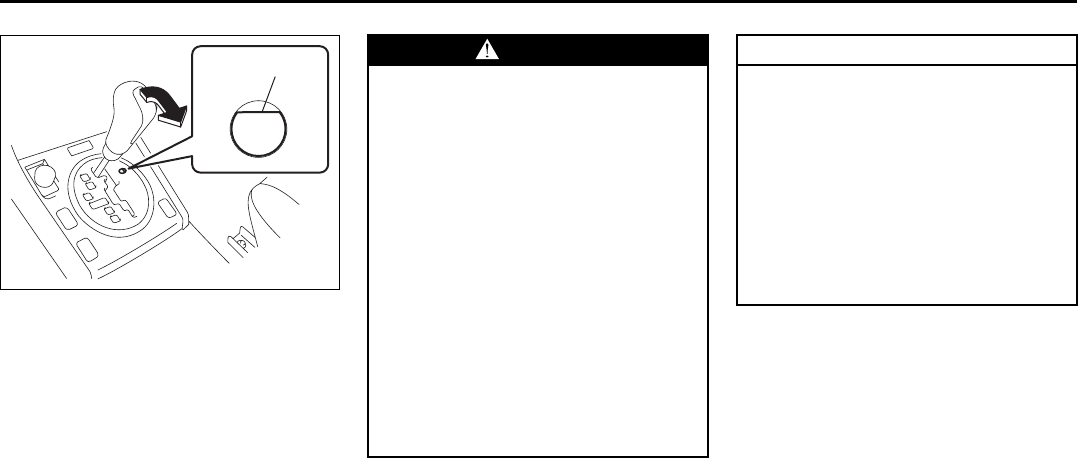
3-4
STEERING COLUMN CONTROLS
66J22-03E
64J216
If the gearshift lever can not be shifted out
of “P” (Park) in the normal way, removing
the cover (1) and pushing the release but-
ton using a key or some other flat end
object with the key in the “ON” or “ACC”
position will permit movement of the gear-
shift lever out of “P” (see “If You Can Not
Shift Automatic Transmission Gearshift
Lever Out of “P” (PARK)” in the INDEX).
The gearshift lever can be moved back to
“P” without pushing the release button.
To release the steering lock, insert the key
or use the keyless start system and turn
the ignition switch clockwise to one of the
other positions. If you have trouble turning
the key to unlock the steering, try turning
the steering wheel slightly to the right or
left while turning the key.
(1) WARNING
• For manual transmission vehicles,
never return the ignition switch to
the “LOCK” position and remove
the ignition key while the vehicle is
moving. The steering wheel will
lock and you will not be able to
steer the vehicle.
• Always carry the ignition key and
the remote controller (if equipped)
when leaving the vehicle even if for
a short time. Also do not leave chil-
dren or pets alone in a parked vehi-
cle. Unattended children could
cause accidental movement of the
vehicle or could tamper with power
windows or a power sunroof. Chil-
dren or pets could also suffer from
heatstroke in warm or hot weather,
which could result in severe injury
or even death.
CAUTION
• Do not turn the starter motor for
more than 15 seconds at a time. If
the engine does not start, wait 15
seconds before trying again. If the
engine does not start after several
attempts, check the fuel and igni-
tion systems or consult your
SUZUKI dealer.
• Do not leave the ignition switch in
the “ON” position if the engine is
not running or the battery will dis-
charge.
Ignition Switch: 8, 10
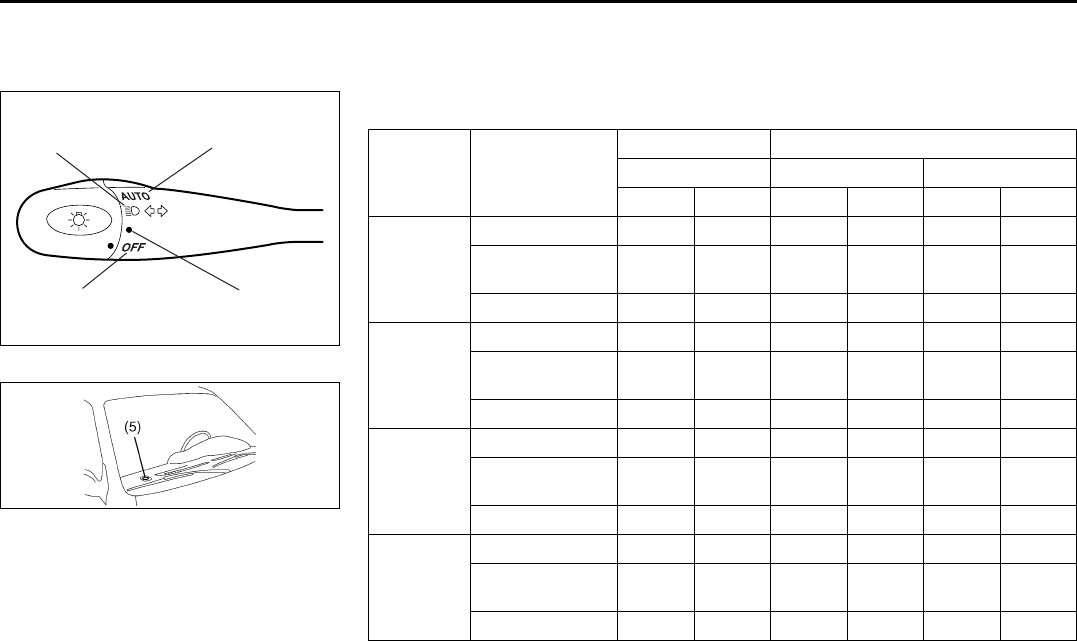
3-5
STEERING COLUMN CONTROLS
66J22-03E
Lighting/Turn Signal Control
Lever
66J023
52D166
Your vehicle’s lighting system is controlled
by three main systems: the Lighting switch,
the Auto-On Headlight System (when the
lighting switch is in the “AUTO” position)
and the Daytime Running Light (D.R.L.)
system.
The three systems work together to oper-
ate your lights as shown in the following
chart:
(1) (2)
(3) (4)
E/G: Engine
IG: Ignition switch
ON: Lights ON
LIGHT: When it is light around the light sensor (5).
DARK: When it is dark around the light sensor (5).
Lighting
switch
position
Main lights to
be operated
IG OFF IG ON
E/G OFF E/G OFF E/G RUNNING
LIGHT DARK LIGHT DARK LIGHT DARK
(1) OFF
D.R.L. ––––ONON
Parking lights,
Tail lights ––––––
Head lights ––––––
(2) Middle
D.R.L. ––––ONON
Parking lights,
Tail lights ON ON ON ON ON ON
Head lights ––––––
(3) Third
D.R.L. ––––––
Parking lights,
Tail lights ON ON ON ON ON ON
Head lights ONONONONONON
(4) AUTO
D.R.L. ––––ON–
Parking lights,
Tail lights –––ON–ON
Head lights – – – ON – ON
Lighting/Turn Signal Control Lever: 7, 8
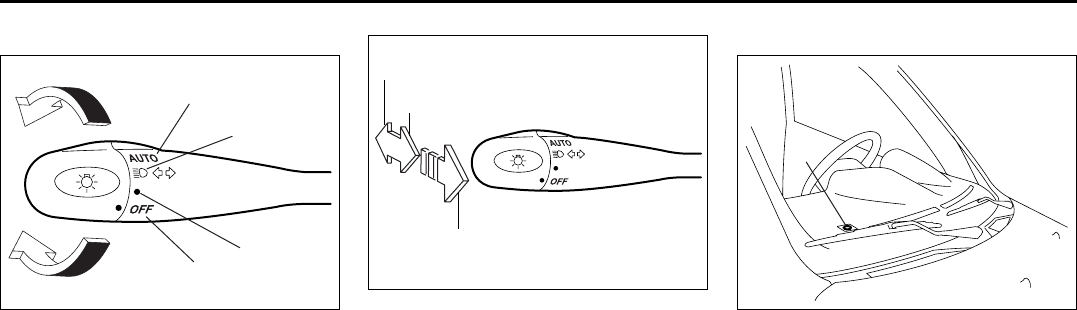
3-6
STEERING COLUMN CONTROLS
66J22-03E
Lighting Operation
66J024
This control lever is located on the out-
board side of the steering column. Operate
the lever as described below.
To turn the lights on or off, twist the knob
on the end of the lever. There are four posi-
tions: in the “OFF” (1) position all lights are
off; in the second (2) position the front
parking lights, tail-lights, license plate light
and instrument lights are on, but the head-
lights are off; in the third (3) position the
headlights come on in addition to the other
lights; in the “AUTO” (4) position, refer to
“Auto-On Headlight System” for details.
66J025
With the headlights on, push the lever for-
ward to switch to the high beams or pull
the lever toward you to switch to the low
beams. When the high beams are on, a
light on the instrument panel will come on.
To momentarily activate the high beams as
a passing signal, pull the lever slightly
toward you and release it when you have
completed the signal.
Auto-On Headlight System
66J026
The Auto-on headlight system automati-
cally turns on all lights that are operated by
the lighting control lever on the steering
column, when the following four conditions
are all met.
Conditions for Auto-on headlight system
operation:
1) It is dark around the light sensor (5).
2) The lighting control lever in the “AUTO”
position.
3) The ignition switch is in the “ON” posi-
tion.
4) The parking brake is released.
This system is operated by the signal from
the light sensor (5) on the right end of the
instrument panel. Do not cover the sensor
(5). If you do, the system will not work cor-
rectly.
(1)
(2)
(3)
(4)
HIGH
LOW
PASS
(5)
Lighting/Turn Signal Control Lever: 7, 8
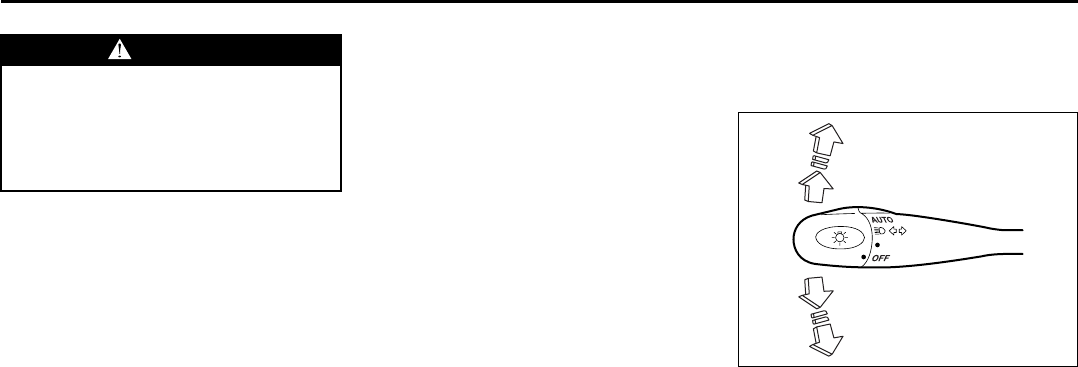
3-7
STEERING COLUMN CONTROLS
66J22-03E
NOTE:
This system does not react to all types of
ambient light. As the sensor is infrared
type, it will not work correctly with ambient
lights that do not contain infrared rays.
Daytime Running Light (D.R.L.)
System
The headlights light, but are dimmer than
the low beam, when the following three
conditions are all met. Also, the D.R.L. indi-
cator light on the instrument panel comes
on.
Conditions for D.R.L. system operation:
1) The engine is running.
2) The parking brake is released.
3) The lighting switch is in either the “OFF”
or the “Second” position: or The lighting
switch is in the “AUTO” position and it is
light around the light sensor.
NOTE:
Be sure to turn the lighting switch to the
third position at night or at any time of the
day when driving or weather conditions
require the headlights to operate at full
brightness and the taillights to be on.
Lights “On” reminder
A buzzer sounds to remind you to turn off
the lights if they are left on when the igni-
tion key is removed and the driver’s door is
opened.
Turn Signal Operation
With the ignition switch in the “ON” posi-
tion, move the lever up or down to activate
the right or left turn signals.
66J027
Normal turn signal
Move the lever all the way up to signal a
right turn or all the way down to signal a
left turn. When the turn is completed, the
signal will cancel and the lever will return to
its normal position.
Lane change signal
In some turns, such as changing lanes, the
steering wheel is not turned far enough to
cancel the turn signal. For convenience,
you can flash the turn signal by moving the
lever part way and holding it there. The
lever will return to its normal position when
you release it.
WARNING
It takes about 5 seconds for the light
sensor to react to a change in light-
ing conditions. To help avoid an acci-
dent due to reduced visibility, turn on
your headlights before driving into a
tunnel, parking structure or the like.
Lighting/Turn Signal Control Lever: 7, 8
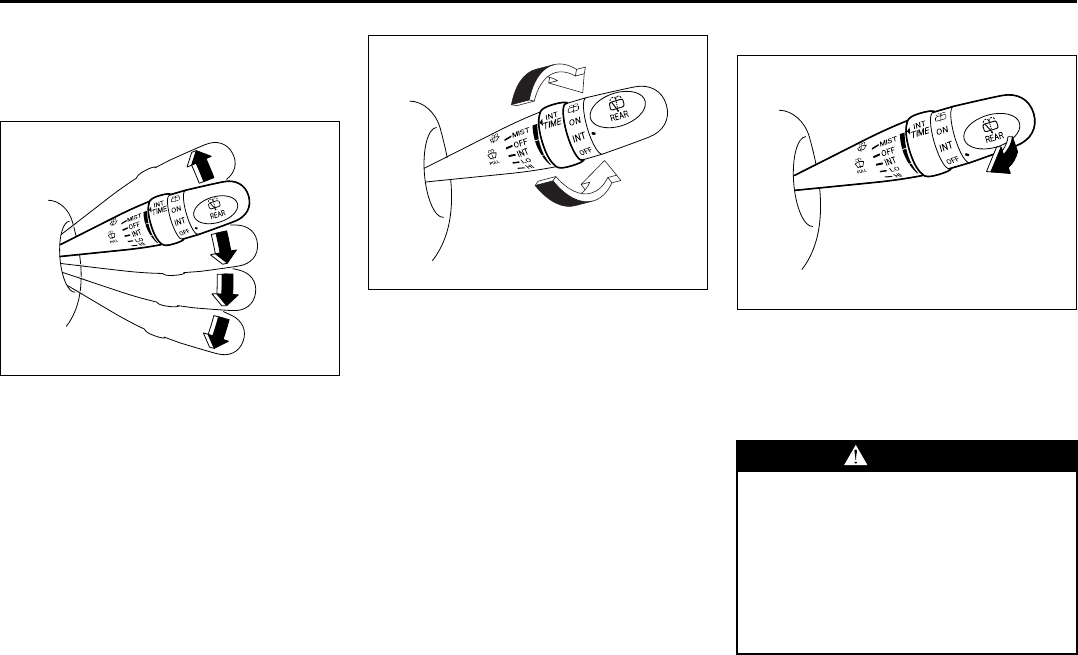
3-8
STEERING COLUMN CONTROLS
66J22-03E
Windshield Wiper and Washer
Lever
Windshield Wipers
63J283
To turn the windshield wipers on, move the
lever up and down to one of the four oper-
ating positions. In the “INT” position (if
equipped), the wipers operate intermit-
tently. The “INT” position is very convenient
for driving in mist or light rain. In the “LO”
position, the wipers operate at a steady
low speed. In the “HI” position, the wipers
operate at a steady high speed. To turn off
the wipers, move the lever back to the
“OFF” position.
Move the lever up and hold it to the “MIST”
position, the windshield wipers will turn on
continuously at low speed.
63J284
If the lever is equipped with the “INT TIME”
control, turn the control forward or rear-
ward to adjust the intermittent wiper opera-
tion to the desired interval.
Windshield Washer
63J285
To spray windshield washer fluid, pull the
lever toward you. The windshield wipers
will automatically turn on at low speed if
they are not already on and if the “INT”
position is equipped.
MIST
OFF
INT
LO
HI
EXAMPLE
EXAMPLE
WARNING
• To prevent windshield icing in cold
weather, turn on the defroster to
heat the windshield before and dur-
ing windshield washer use.
• Do not use radiator antifreeze in
the windshield washer reservoir. It
can severely impair visibility when
sprayed on the windshield, and can
also damage your vehicle’s paint.
EXAMPLE
Windshield Wiper and Washer Lever: 8
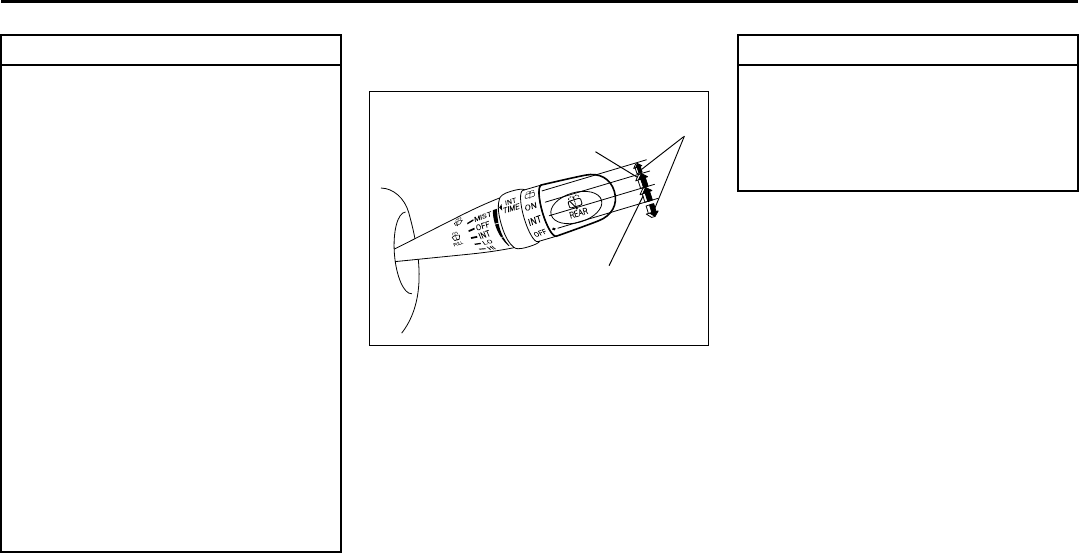
3-9
STEERING COLUMN CONTROLS
66J22-03E
Rear Window Wiper/Washer
Switch
63J286
To turn the rear wiper on, twist the rear
wiper switch on the end of the lever for-
ward to the “ON” position. If your vehicle is
equipped the “INT” position, the rear wiper
operates intermittently when you twist the
switch forward to the “INT” position. To turn
the rear wiper off, twist the switch rearward
to the “OFF” position.
With the rear wiper in the “OFF” position,
twist the switch rearward and hold it there
to spray window washer fluid.
With the rear wiper in the “ON” position,
turn the switch forward and hold it there to
spray window washer fluid.
CAUTION
To help prevent damage to wind-
shield wiper and washer system
components, you should take the fol-
lowing precautions:
• Do not continue to hold in the lever
when there is no windshield
washer fluid being sprayed or the
washer motor can be damaged.
• Do not attempt to remove dirt from
a dry windshield with the wipers or
you can damage the windshield
and the wiper blades. Always wet
the windshield with washer fluid
before operating the wipers.
• Clear ice or packed snow from the
wiper blades before using the wip-
ers.
• Check the washer fluid level regu-
larly. Check it often when the
weather is bad.
• Only fill the washer fluid reservoir
3/4 full during cold weather to allow
room for expansion if the tempera-
ture falls low enough to freeze the
solution.
EXAMPLE
Wiper
Intermittent wiper
Washer
CAUTION
Clear ice or snow from the rear win-
dow and rear wiper blade before
using the rear wiper. Accumulated ice
or snow could prevent the wiper
blade from moving, causing damage
to the wiper motor.
Windshield Wiper and Washer Lever: 8
Rear Window Wiper/Washer Switch: 8
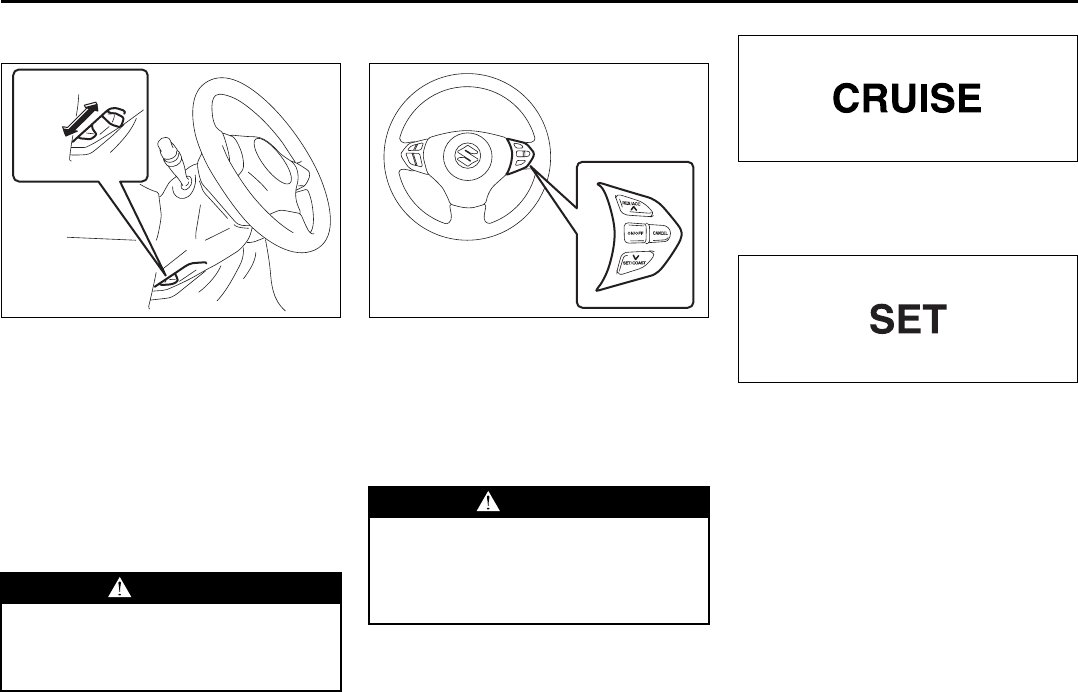
3-10
STEERING COLUMN CONTROLS
66J22-03E
Tilt Steering Lock Lever
64J037
The release lever is located under the
steering column. To adjust the steering
wheel height:
1) Pull up the lock lever to unlock the
steering column.
2) Adjust the steering wheel to the desired
height and lock the steering column by
pulling down the lock lever.
3) Try moving the steering wheel up and
down to make sure it is securely locked
in position.
Cruise Control (if equipped)
66J192
The cruise control system allows you to
maintain a steady speed without keeping
your foot on the accelerator pedal. The
controls for operating the cruise control
system are on the steering wheel. You can
use the cruise control system at speeds of
about 40 km/h (25 mph) or higher.
52D113
When you push the “ON/OFF” switch, the
system is on and a “CRUISE” indicator
light on the instrument cluster will be on.
65D474
When the vehicle’s speed is controlled by
the cruise control system, a “SET” indica-
tor light on the instrument cluster will be
on.
WARNING
Never attempt to adjust the steering
wheel height while the vehicle is
moving or you could lose control of
the vehicle.
UNLOCK
EXAMPLE
LOCK
WARNING
To help avoid loss of vehicle control,
do not use the cruise control system
when driving in heavy traffic, on slip-
pery or winding roads, or on steep
downgrades.
Tilt Steering Lock Lever: 6
Cruise Control: 7, 8
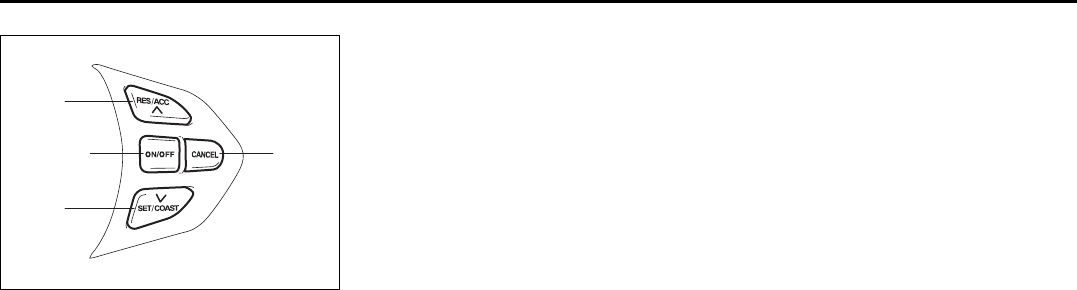
3-11
STEERING COLUMN CONTROLS
66J22-03E
66J193
To Set Cruising Speed
Turn on the cruise control system by push-
ing the “ON/OFF” switch (1). Accelerate to
the desired speed and push the “SET/
COAST” switch (3). Take your foot off the
accelerator pedal and the set speed will be
maintained.
With the cruise control on, you can
increase speed for passing by using the
accelerator pedal. When you take your foot
off the pedal, your vehicle will return to the
set speed.
To Change Cruising Speed
To reset the cruise control to a slower
speed, hold in the “SET/COAST” switch (3)
until the vehicle has slowed to the desired
speed, then release the switch. The new
speed will be maintained.
To reset the cruise control to a faster
speed, use either of the following proce-
dures:
• Hold in the “RES/ACC” switch (4). Vehi-
cle speed will steadily increase. When
you release the switch, the new speed
will be maintained.
• Accelerate to the desired speed using
the accelerator pedal and push the
“SET/COAST” switch (3). The new
speed will be maintained.
To Cancel
To cancel cruise control operation, use one
of the following procedures:
• Slightly depress the brake pedal or
clutch pedal, or push the “CANCEL”
switch (2). Cruise control operation will
be canceled until you reset a cruising
speed by pushing the “SET/COAST”
switch (3) or “RES/ACC” switch (4).
• Push the “ON/OFF” switch (1). Cruise
control operation will be canceled until
you turn on the system by pushing the
“ON/OFF” switch (1) again and reset a
cruising speed by pushing the “SET/
COAST” switch (3).
Cruise control operation will also be can-
celed any time the vehicle speed falls
below 40 km/h (25 mph).
To “Resume” a Previously Set
Speed
After canceling cruise control operation
without turning off the “ON/OFF” switch
(1), you can “resume” a previously set
speed, by holding the “RES/ACC” switch
(4) for about one second. When you
release the switch, the vehicle will acceler-
ate to and maintain the previously set
speed.
NOTE:
If the “ON/OFF” switch (1) is turned off, the
set speed in the memory is cleared and
you can not use the Resume feature. In
this case, reset your CRUISE speed.
(1) (2)
(4)
(3)
Cruise Control: 7, 8
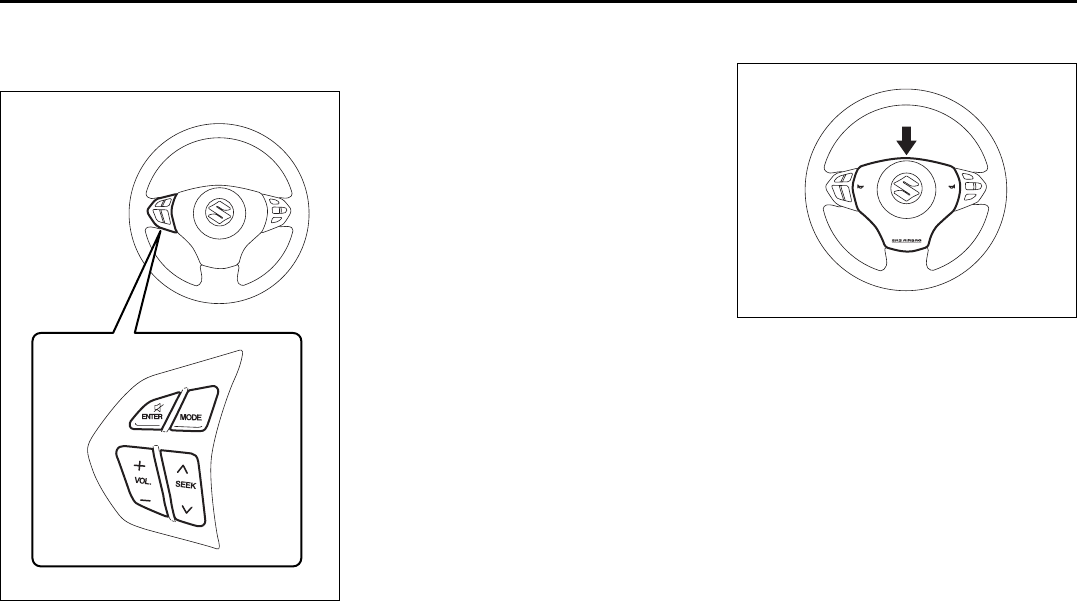
3-12
STEERING COLUMN CONTROLS
66J22-03E
Remote Audio Controls
(if equipped)
66J127
You can control basic functions of the
audio system with the switches on the
steering wheel. For details, refer to “Audio
Systems” in the “INSTRUMENT PANEL”
section.
Horn
64J040
Press the horn pad on the steering wheel
to sound the horn. The horn will sound with
the ignition switch in any position.
EXAMPLE
Remote Audio Controls:
Horn: 6
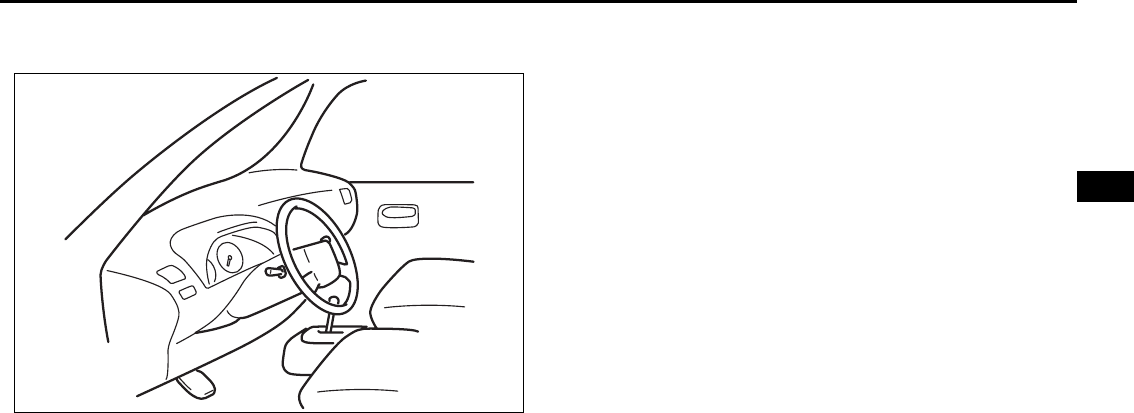
INSTRUMENT PANEL
4
66J22-03E
60G406
INSTRUMENT PANEL
Instrument Panel ................................................................. 4-1
Instrument Cluster .............................................................. 4-2
Warning and Indicator Lights ............................................ 4-3
A/T Selector Position Indicator (if equipped) ................... 4-11
Speedometer/Odometer/Tripmeter/Brightness
Control ................................................................................. 4-11
Tachometer .......................................................................... 4-13
Fuel Gauge ........................................................................... 4-13
Temperature Gauge ............................................................ 4-14
“PASS AIR BAG OFF” Indicator ........................................ 4-14
Hazard Warning Switch ...................................................... 4-15
Rear Window Defroster and Outside Rearview Mirrors
Defroster (if equipped) Switch ........................................... 4-15
Front Fog Light Switch (if equipped) ................................ 4-16
“ESP OFF” Switch ............................................................... 4-16
Transfer Switch (if equipped) ............................................. 4-17
Glove Box ............................................................................ 4-17
Information Display ............................................................. 4-17
Theft Deterrent Light ........................................................... 4-21
Automatic Heating and Air Conditioning System
(Climate Control) ................................................................. 4-21
Audio Systems .................................................................... 4-28
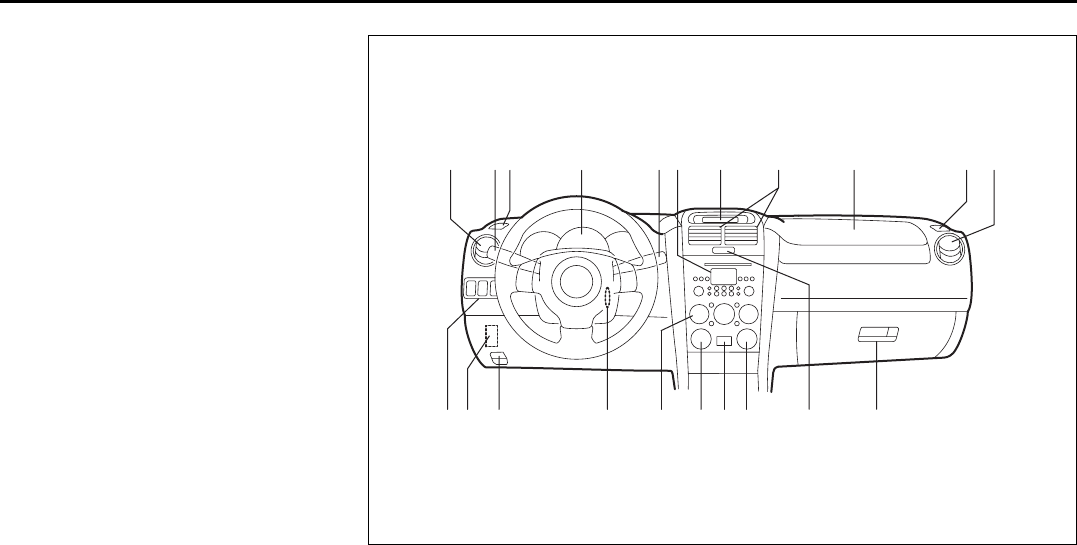
4-1
INSTRUMENT PANEL
66J22-03E
Instrument Panel
1. Instrument cluster
2. Ignition switch
3. Lighting switch/Turn signal and dim-
mer switch
4. Windshield wiper and washer switch/
Rear window wiper and washer
switch
5. Hazard warning switch
6. Other switches (if equipped)
7. Heater control panel/Climate control
panel
8. Audio system (if equipped)
9. Information display
10. Center ventilator
11. Side ventilator
12. Side defroster
13. Glove box
14. Passenger’s air bag
15. Fuse box
16. Hood release
17. Transfer switch (if equipped)
18. “ESP OFF” switch
19. “PASS AIR BAG OFF” indicator/Front
passenger’s seat belt reminder light
66J245
EXAMPLE
11 12314891014 1211
615 16 2 17 18197513
Instrument Panel: 3, 8
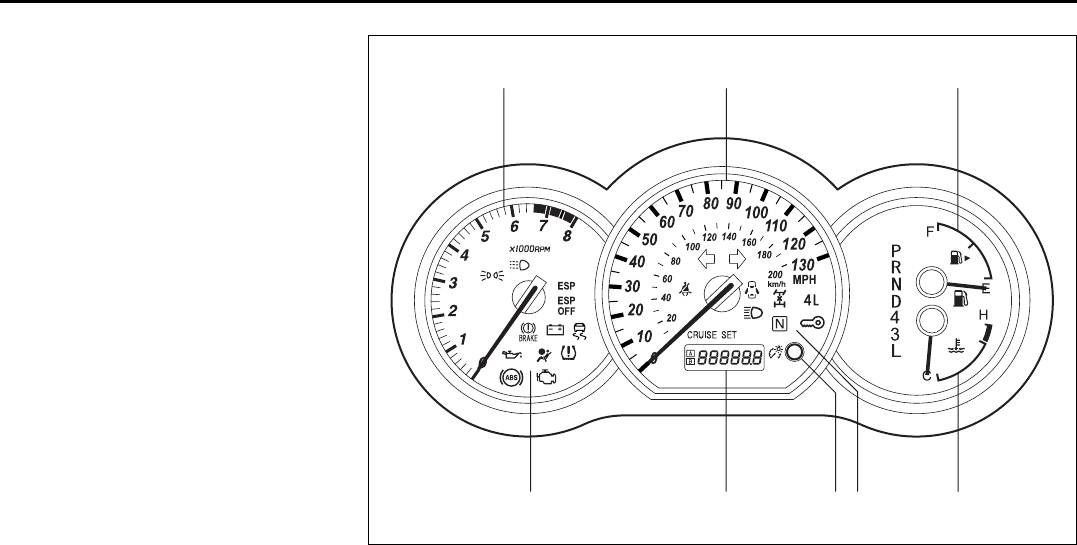
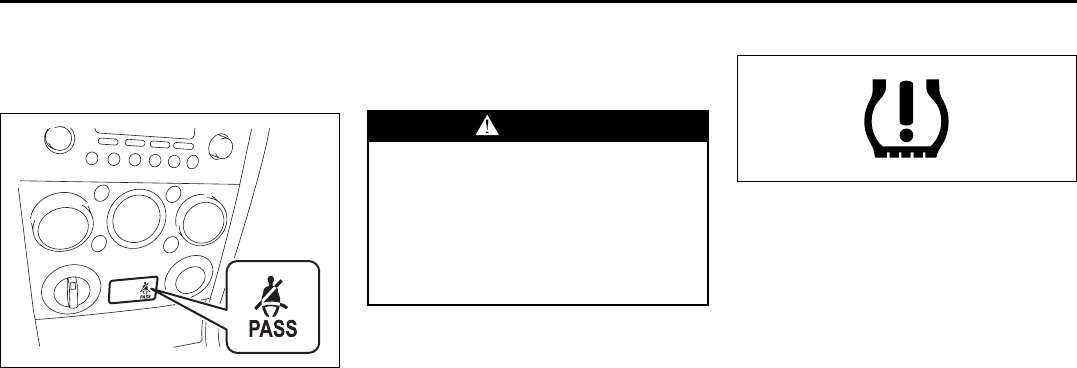
4-3
INSTRUMENT PANEL
66J22-03E
Warning and Indicator Lights
Front Passenger’s Seat Belt
Reminder Light
66J246
The front passenger’s seat belt reminder
light is located in the center of the instru-
ment panel. If there is a passenger in the
front seat and the front passenger’s seat
belt is unbuckled about 10 seconds after
the ignition switch is turned to the “ON”
position, this light will come on and then
blink. When the light comes on, a buzzer
will also sound intermittently for about 6
seconds. The reminder will repeat several
times under certain conditions until the
front passenger’s seat belt is buckled. After
repeating several times, the reminder will
be canceled even if the front passenger’s
seat belt remains unbuckled.
For details about the seat belt reminder,
refer to “Seat Belts and Child Restraint
Systems” in the “BEFORE DRIVING” sec-
tion.
Low Tire Pressure Warning Light
52D305
As an added safety feature, your vehicle
has been equipped with a tire pressure
monitoring system (TPMS) that uses a low
tire pressure warning light to inform you
when one or more of your tires is signifi-
cantly under-inflated.
When the ignition switch is turned to the
“ON” position, the low tire pressure warn-
ing light comes on briefly so you can check
that the light is working.
When the low tire pressure warning light is
lit, one or more of your tires is significantly
under-inflated. You should stop and check
your tires as soon as possible, and inflate
them to the proper pressure as indicated
on the vehicle’s tire information placard.
Driving on a significantly under-inflated tire
causes the tire to overheat and can lead to
tire failure. Under-inflation also reduces
fuel efficiency and tire tread life, and may
affect the vehicle’s handling and stopping
ability. Each tire, including the spare,
should be checked at least once a month
when cold and set to the recommended
WARNING
It is absolutely essential that the
driver and passengers wear their seat
belts at all times. Persons who are
not wearing seat belts have a much
greater risk of injury if an accident
occurs. Make a regular habit of buck-
ling your seat belt before putting the
key in the ignition.
Warning and Indicator Lights: 8
4-4
INSTRUMENT PANEL
66J22-03E
inflation pressure as specified in the vehi-
cle placard and owner’s manual.
The low tire pressure warning light is also
used to inform you of a TPMS malfunction.
When the system detects a malfunction,
this light will flash for approximately one
minute and then remain continuously illu-
minated. This sequence will be repeated
approximately ten minutes after subse-
quent vehicle start-ups as long as the mal-
function exists.
NOTE:
The low tire pressure warning light may not
come on immediately if you have a sudden
loss of air pressure.
Refer to “Tire Pressure Monitoring System”
in the “OPERATING YOUR VEHICLE” sec-
tion for additional details on the tire pres-
sure monitoring system. Refer to “Tires” in
the “INSPECTION AND MAINTENANCE”
section for information on maintaining
proper tire pressure.
WARNING
If the low tire pressure warning light
does not come on when the ignition
is turned to the “ON” position, or
comes on and blinks while driving
there may be a problem with the tire
pressure monitoring system. Have
your vehicle inspected by an autho-
rized SUZUKI dealer. Even if the light
turns off after blinking, indicating
that the monitoring system has
recovered, make sure to have an
authorized SUZUKI dealer check the
system.
WARNING
The load rating of your tires is
reduced at lower inflation pressures.
If your tires become even moderately
under-inflated, the vehicle load may
exceed the load rating of the tires,
which can lead to tire failure. The low
tire pressure warning light will not
alert you of this condition. The warn-
ing light will only come on when one
or more of your tires become signifi-
cantly under-inflated. Check and
adjust your tire inflation pressure at
least once a month. Refer to “Tires”
in the “INSPECTION AND MAINTE-
NANCE” section.
WARNING
If the low tire pressure warning light
comes on and stays on, reduce your
speed and avoid abrupt steering and
braking. Stop in a safe place as soon
as possible and check your tires.
• If you have a flat tire, replace it with
the spare tire. Refer to “Jacking
Instructions” in the “EMERGENCY
SERVICE” section. Refer to
“Replacing Tires and/or Wheels”
for instructions on how to restore
normal operation of the tire pres-
sure monitoring system after you
have had a flat tire.
(Continued)
WARNING
(Continued)
• If one or more of your tires is
under-inflated, adjust the inflation
pressure in all of your tires to the
recommended inflation pressure as
soon as possible.
Be aware that driving on a signifi-
cantly under-inflated tire can cause
the tire to overheat and can lead to
tire failure, and may affect steering
control and brake effectiveness. This
could lead to an accident, resulting in
severe injury or death.
Warning and Indicator Lights: 8
4-5
INSTRUMENT PANEL
66J22-03E
Brake System Warning Light
65D477
This light comes on briefly when the igni-
tion switch is turned to the “ON” position.
The light also comes on under the follow-
ing conditions: 1) when the parking brake
is engaged, and 2) when the fluid in the
brake fluid reservoir falls below the speci-
fied level. The light should go out after fully
releasing the parking brake, if the fluid
level in the brake fluid reservoir is ade-
quate.
If the brake system warning light comes on
while you are driving the vehicle, it may
mean that there is something wrong with
the vehicle’s brake system. If this happens,
you should:
1) Pull off the road and stop carefully.
2) Test the brakes by carefully starting and
stopping on the shoulder of the road.
3) If you determine that it is safe, drive
cautiously at low speed to the nearest
dealer for repairs,
or
4) Have the vehicle towed to the nearest
dealer for repairs.
NOTE:
Because the disc brake system is self-
adjusting, the fluid level will drop as the
brake pads become worn.
Replenishing the brake fluid reservoir is
considered normal periodic maintenance.
Anti-Lock Brake System (ABS)
Warning Light
65D529
When the ignition switch is turned to the
“ON” position, the light comes on briefly so
you can check that the light is working. If
the light stays on, or comes on when driv-
ing, there may be something wrong with
the ABS.
If the ABS light and the brake system
warning light stay on, or come on simulta-
neously when driving, then there may be
something wrong with both the rear brake
proportioning valve function and anti-lock
function of the ABS system.
If one of these happens, have the system
inspected by your SUZUKI dealer. If the
ABS becomes inoperative, the brake sys-
tem will function as an ordinary brake sys-
tem that has no ABS.
For details of the ABS, refer to “Anti-Lock
Brake system (ABS)” in the “OPERATING
YOUR VEHICLE” section.
WARNING
Remember that stopping distance
may be longer, you may have to push
harder on the pedal, and the pedal
may go down farther than normal.
WARNING
If any of the following conditions
occur, you should immediately ask
your SUZUKI dealer to inspect the
brake system.
• If the brake system warning light
does not go out after the parking
brake has been fully released.
• If the brake system warning light
does not come on when the igni-
tion switch is turned to the “ON”
position.
• If the brake system warning light
comes on at any time during vehi-
cle operation.
Warning and Indicator Lights: 8
4-6
INSTRUMENT PANEL
66J22-03E
SLIP Indicator Light
66J033
ESP® is a registered trademark of
DaimlerChrysler AG.
This light blinks 5 times per second when
one of the ESP® systems other than ABS
is activated. If this light blinks, drive care-
fully.
When the ignition switch is turned to the
“ON” position, the light comes on briefly so
you can check that the light is working. If
the light stays on, or comes on when driv-
ing and remains on, there may be some-
thing wrong with the ESP® systems (other
than ABS). You should have the system
inspected by an authorized SUZUKI
dealer.
NOTE:
When you disconnect and re-connect the
battery, ESP® system functions other than
ABS will be deactivated and the slip indica-
tor light will blink 1 time per second. For
details on how to reactive the ESP® sys-
tems, refer to “SLIP Indicator Light” in the
“OPERATING YOUR VEHICLE” section.
For details of the ESP® systems, refer to
“Electronic Stability Program (ESP®)” in
the “OPERATING YOUR VEHICLE” sec-
tion.
“ESP” (Electronic Stability
Program) Warning Ligh
66J031
When the ignition switch is turned to the
“ON” position, the light comes on briefly so
you can check that the light is working. If
the light stays on, or comes on when driv-
ing, there may be something wrong with
the ESP® systems (other than ABS). You
should have the system inspected by an
authorized SUZUKI dealer.
For details of the ESP® systems, refer to
“Electronic Stability Program (ESP®)” in
the “OPERATING YOUR VEHICLE” sec-
tion.
“ESP OFF” Indicator Light
66J032
When the ignition switch is turned to the
“ON” position, this light comes on briefly so
you can check that the light is working.
When the “ESP OFF” switch is pushed to
turn off the ESP® systems (other than
ABS), the “ESP OFF” light comes on and
stays on.
NOTE:
• If the vehicle speed is greater than
approximately 30 km/h (19 mph), the
ESP® systems (other than ABS) will turn
on automatically and the light will go out.
• When the transfer switch (if equipped) is
turned to the “4L LOCK” position, the
ESP® systems (other than ABS) will be
canceled automatically. The light will
come on and stay on.
• If the ESP® systems operate continu-
ously such as when driving on slippery
roads, the traction control functions of
the ESP® systems may be canceled
temporarily to avoid overheating the
brake pads, and the light will come on.
After a short period of time, the ESP®
WARNING
The ESP® systems cannot prevent
accidents. Always drive carefully.
Warning and Indicator Lights: 8
4-7
INSTRUMENT PANEL
66J22-03E
systems (other than ABS) will turn on
automatically and the light will go out.
For details of the ESP® systems, refer to
“Electronic Stability Program (ESP®)” in
the “OPERATING YOUR VEHICLE” sec-
tion.
Oil Pressure Light
50G051
This light comes on when the ignition
switch is turned to the “ON” position, and
goes out when the engine is started. The
light will come on and remain on if there is
insufficient oil pressure. If the light comes
on when driving, pull off the road as soon
as you can and stop the engine. Check the
oil level and add oil if necessary. If there is
enough oil, the lubrication system should
be inspected by your SUZUKI dealer
before you drive the vehicle again.
Charging Light
50G052
This light comes on when the ignition
switch is turned to the “ON” position, and
goes out when the engine is started. The
light will come on and remain on if there is
something wrong with the battery charging
system. If the light comes on when the
engine is running, the charging system
should be inspected immediately by your
SUZUKI dealer.
Driver’s Seat Belt Reminder Light
60G049
If the driver’s seat belt is unbuckled when
the ignition switch is turned to the “ON”
position, this light will come on and then
blink. When the light comes on, a buzzer
will also sound intermittently for about 6
seconds. The reminder will repeat several
times under certain conditions until the
driver’s seat belt is buckled. After repeating
several times, the reminder will be can-
celed even if the driver’s seat belt remains
unbuckled.
For details about the seat belt reminder,
refer to “Seat Belts and Child Restraint
Systems” in the “BEFORE DRIVING” sec-
tion.
CAUTION
• If you operate the engine with this
light on, severe engine damage can
result.
• Do not rely on the Oil Pressure
Light to indicate the need to add
oil. Be sure to periodically check
the engine oil level.
WARNING
It is absolutely essential that the
driver and passengers wear their seat
belts at all times. Persons who are
not wearing seat belts have a much
greater risk of injury if an accident
occurs. Make a regular habit of buck-
ling your seat belt before putting the
key in the ignition.
Warning and Indicator Lights: 8
4-8
INSTRUMENT PANEL
66J22-03E
“AIR BAG” Light
63J030
This light monitors inflators, crash sensors,
seat belt pretensioners, the front passen-
ger sensing system, and corresponding
electrical circuits.
This light blinks for several seconds when
the ignition switch is turned to the “ON”
position so you can check if the light is
working. The light will come on and stay on
if there is a problem in the air bag system
or the seat belt pretensioner system.
Malfunction Indicator Light
65D530
Your vehicle has a computer-controlled
emission control system. A malfunction
indicator light is provided on the instrument
panel to indicate when it is necessary to
have the emission control system serviced.
The malfunction indicator light comes on
when the ignition switch is turned to the
“ON” position to let you know the light is
working and goes out when the engine is
started.
If the malfunction indicator light comes on
or blinks when the engine is running, ser-
vice to the emission control system is nec-
essary. Bring the vehicle to your SUZUKI
dealer to have the emission control system
serviced right away and avoid hard accel-
eration until the service is performed.
NOTE:
If the fuel filler cap is not installed fully, the
electrical system gets wet (such as by driv-
ing through a deep puddle of water) or the
fuel tank gets nearly empty, the malfunc-
tion indicator lamp may come on. If so, the
lamp will go off after driving a few times
after the fuel filler cap is installed fully, the
electrical system dries out or the fuel tank
is filled.
Low Fuel Warning Light
54G343
If this light comes on, fill the fuel tank
immediately.
NOTE:
The activation point of this light varies
depending on road conditions (for exam-
ple, slope or curve) and driving conditions
because of fuel moving in the tank.
WARNING
If the “AIR BAG” light does not blink
when the ignition switch is turned to
the “ON” position or stays on or
comes on when driving, the air bag
system or the seat belt pretensioner
system (if equipped) may not work
properly. Have both systems
inspected by an authorized SUZUKI
dealer.
CAUTION
Continuing to drive the vehicle when
the malfunction indicator light is on
or blinking can cause permanent
damage to the vehicle’s emission
control system, and can affect fuel
economy and driveability.
Warning and Indicator Lights: 8
4-9
INSTRUMENT PANEL
66J22-03E
Open Door Warning Light
54G391
This light remains on until all doors (includ-
ing the tailgate) are completely closed.
“CRUISE” Indicator Light
(if equipped)
52D113
When the cruise control system is on, this
light will be on.
“SET” Indicator Light (if equipped)
65D474
When the vehicle’s speed is controlled by
the cruise control system, this light will be
on.
Keyless Start System Indicator
Light (if equipped)
62J041
When you push the ignition switch for vehi-
cle with the keyless start system, this light
will come on in blue or red. If this light
comes on in blue, you can turn the ignition
switch without using an ignition key. If this
light comes on in red, you can not turn the
ignition switch without using an ignition
key. For details, refer to “Ignition Switch” in
the “STEERING COLUMN CONTROLS”
section.
If this light blinks in red, it reminds you that
the remote controller is not in the vehicle.
For details, refer to “Keyless Start System
Remote Controller/Keyless Entry System
Transmitter” in the “BEFORE DRIVING”
section.
Turn Signal Indicators
50G055
When you turn on the left or right turn sig-
nals, the corresponding green arrow on the
instrument panel will flash along with the
respective turn signal lights.
When you turn on the hazard warning
switch, both arrows will flash along with all
of the turn signal lights.
Warning and Indicator Lights: 8
4-10
INSTRUMENT PANEL
66J22-03E
High Beam Indicator Light
50G056
This indicator comes on when headlight
high beams are turned on.
Daytime Running Light (D.R.L.)
Indicator Light (if equipped)
60B245
With the D.R.L. system, the headlights
light, but are dimmer than the low beam,
when the following three conditions are all
met. Whenever the D.R.L. system is oper-
ating, the D.R.L. indicator light remains on.
Conditions for D.R.L. system operation
1) The engine is running.
2) The parking brake is released.
3) The lighting switch is at either the “OFF”
or the “middle” position: or
The lighting switch is in the “AUTO”
position and it is light around the light
sensor.
Illumination Indicator Light
64J045
This indicator light comes on when the
lighting switch is in the second or third
position.
Transfer Position Indicator Light
(if equipped)
64J044
These indicators show the 4WD operating
mode as described below. When the igni-
tion switch is turned to the “ON” position,
these lights come on briefly to let you know
that the lights are working.
(1): Neutral
(2): 4-wheel drive high range center differ-
ential lock mode
(2) & (3): 4-wheel drive low range center
differential lock mode
No indicators: 4-wheel drive high range
mode
For details, refer to “Using the Transfer
Switch” in the “OPERATING YOUR VEHI-
CLE” section.
If the indicators (all lights) continue to blink,
there is a problem in the transfer system
and you should have your vehicle
inspected by an authorized SUZUKI
dealer.
(2)(1) (3)
Warning and Indicator Lights: 8
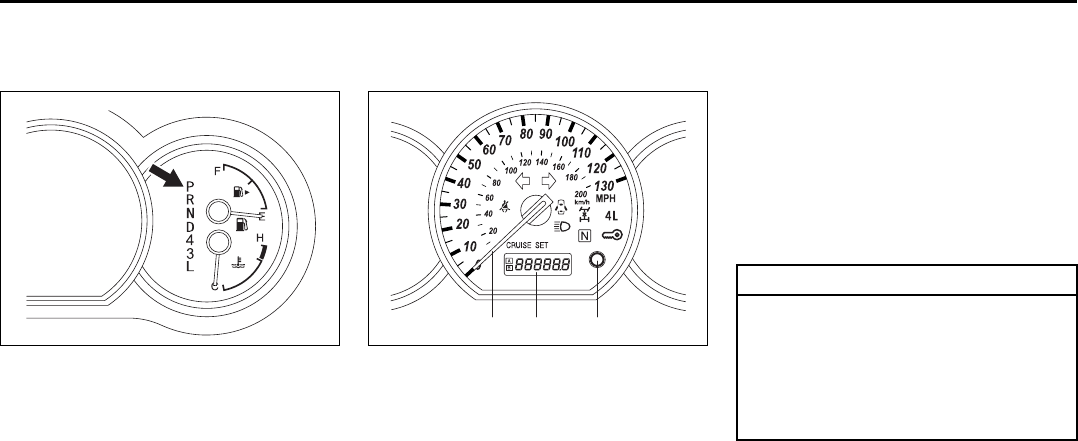
4-11
INSTRUMENT PANEL
66J22-03E
A/T Selector Position
Indicator (if equipped)
66J034
When the ignition switch is in the “ON”
position, this indicator shows the selector
position of automatic transmission.
Speedometer/Odometer/
Tripmeter/Brightness Control
66J035
(1) Speedometer
(2) Odometer/Tripmeter
(3) Odometer/Tripmeter selector, Bright-
ness control knob
Speedometer
The speedometer indicates vehicle speed
in km/h and miles/h.
Odometer/Tripmeter
When the ignition switch is turned to “ON”,
the display shows the odometer or tripme-
ter. The odometer records the total dis-
tance the vehicle has been driven. The
tripmeter can be used to measure the dis-
tance traveled on short trips or between
fuel stops.
EXAMPLE
(1) (2) (3)
EXAMPLE
CAUTION
Keep track of your odometer reading
and check the maintenance schedule
regularly for required services.
Increased wear or damage to certain
parts can result from failure to per-
form required services at the proper
mileage intervals.
A/T Selector Position Indicator: 8
Speedometer/Odometer/Trip meter/Meter Illumination
Control: 8
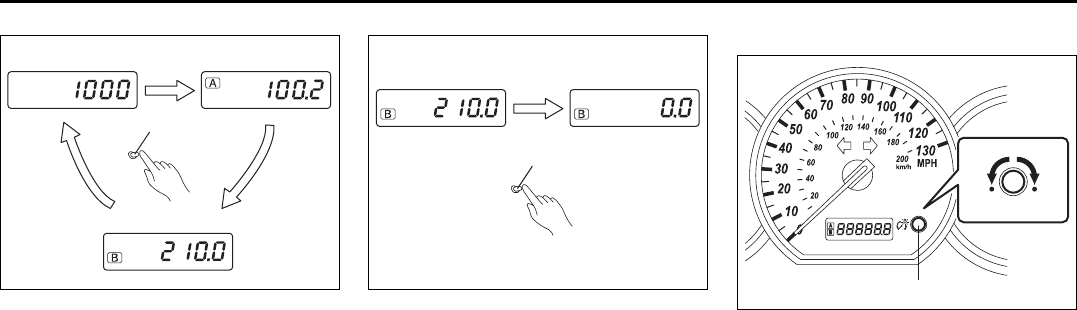
4-12
INSTRUMENT PANEL
66J22-03E
64J049
When the ignition switch is turned to the
“ON” position, the display shows the odom-
eter or trip meter.
The display shows three types of indica-
tion; odometer, trip meter A and trip meter
B. Push the selector knob (3) quickly to
switch the indication among the three.
You can use the two trip meters (A and B)
independently.
64J205
Hold in the selector knob for about 2 sec-
onds to reset the trip meter to zero.
Brightness Control
66J213
(3) Brightness control knob
(4) In this position, the meter lights are
the dimmest and the other instrument
panel lights are turned off.
(5) In this position, the instrument panel
lights are the brightest.
Your vehicle has a system to automatically
dim the instrument panel lights when the
ignition switch is in the “ON” position and
the lighting switch is either (a) turned to the
second or third position, or (b) turned to
the “AUTO” position and it is dark around
the light sensor. The level of brightness
depends on the position of the brightness
control knob (3).
To reduce the brightness and activate the
automatic dimming feature, turn the knob
(3) counterclockwise. When the knob (3) is
turned counterclockwise to position (4), the
(3)
(A) (B)
(C)
About 2 seconds
(3)
(3)
(5)(4)
EXAMPLE
Speedometer/Odometer/Trip meter/Meter Illumination
Control: 8
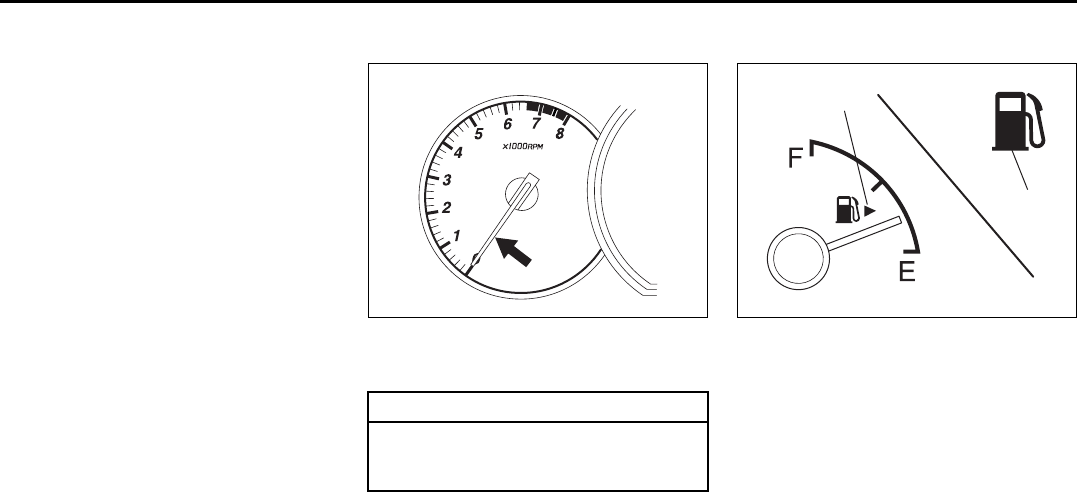
4-13
INSTRUMENT PANEL
66J22-03E
meter brightness becomes dimmest and
the other instrument panel lights are
turned off.
To brighten the instrument panel lights,
turn the knob (3) clockwise.
To cancel the automatic dimming feature
and maintain full brightness, turn the knob
(3) clockwise to position (5).
Tachometer
64J051
The tachometer indicates engine speed in
revolutions per minute.
Fuel Gauge
64J052
This gauge gives an approximate indica-
tion of the amount of fuel in the fuel tank.
“F” stands for full and “E” stands for empty.
If the indicator gets off the graduation of
“E” (not character “E”), refill the tank as
soon as possible.
NOTE:
The indicator moves a little depending on
road conditions (for example, slope or
curve) and driving conditions because of
fuel moving in the tank.
If the low fuel warning light (1) comes on,
fill the fuel tank immediately.
CAUTION
Never drive with the engine speed
indicator in the red zone or severe
engine damage can result.
EXAMPLE
(1)
(2)
Speedometer/Odometer/Trip meter/Meter Illumination Control: 8
Tachometer: 8
Fuel Gauge: 8
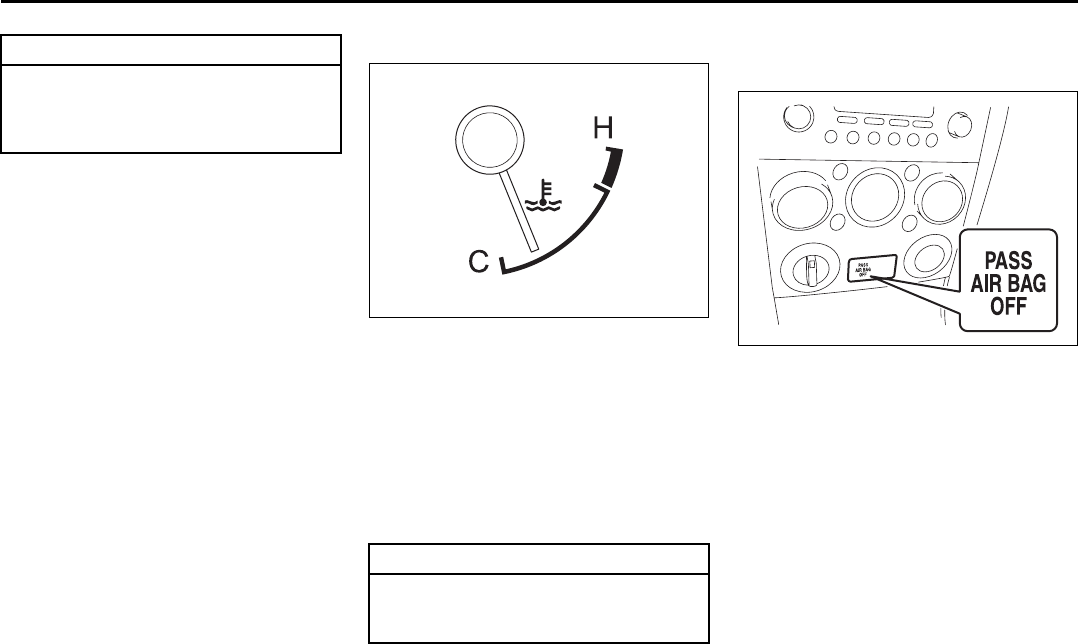
4-14
INSTRUMENT PANEL
66J22-03E
NOTE:
The activation point of the low fuel warning
light (1) varies depending on road condi-
tions (for example, slope or curve) and
driving conditions because of fuel moving
in the tank.
The mark (2) indicates that the fuel filler
door is located on the right side of the vehi-
cle.
Temperature Gauge
64J053
When the ignition switch is in the “ON”
position, this gauge indicates the engine
coolant temperature. Under normal driving
conditions, the indicator should stay within
the normal, acceptable temperature range
between “H” and “C”. If the indicator goes
outside this range and approaches “H”,
overheating is indicated. Follow the
instructions in the “If the Engine Over-
heats” of “Emergency Remedies” section.
“PASS AIR BAG OFF”
Indicator
66J247
The “PASS AIR BAG OFF” indicator is
located on the center of the instrument
panel. When the ignition switch is turned to
the “ON” position, this indicator comes on
for several seconds to let you know the
indicator is working.
While this indicator is turning on, the front
passenger’s front air bag and seat belt pre-
tensioner will be disabled.
For details about the front passenger sens-
ing system, refer to “Supplemental
Restraint System (air bags)” in the
“BEFORE DRIVIING” section.
CAUTION
Avoid driving with an extremely low
fuel level. Running out of fuel could
cause the engine to misfire, damag-
ing the catalytic converter.
CAUTION
Continuing to drive the vehicle when
engine overheating is indicated can
result in severe engine damage.
Fuel Gauge: 8
Temperature Gauge: 8
“PASS AIR BAG OFF” Indicator:
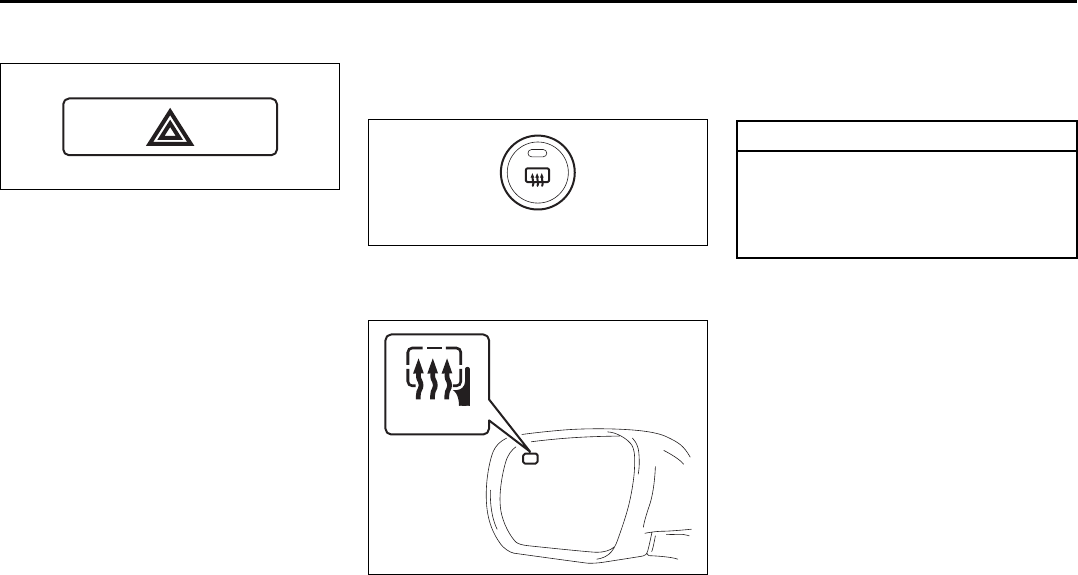
4-15
INSTRUMENT PANEL
66J22-03E
Hazard Warning Switch
64J054
Push in the hazard warning switch to acti-
vate the hazard warning lights. All four turn
signal lights and both turn signal indicators
will flash simultaneously. To turn off the
lights, push the switch again.
Use the hazard warning lights to warn
other traffic during emergency parking or
when your vehicle could otherwise become
a traffic hazard.
Rear Window Defroster and
Outside Rearview Mirrors
Defroster (if equipped) Switch
66J248
When the rear window is fogged, push this
switch to clear the window.
64J258
If the outside rearview mirror has the mark
(2), it is also equipped with the outside
rearview mirrors defroster. When you push
the switch (1), both the outside rearview
mirrors defroster and the rear window
defroster will operate simultaneously.
An indicator light will be lit when the
defroster is on. The defroster will only work
when the engine is running. To turn off the
defroster, push the switch again.
(1)
(2)
CAUTION
The rear window defroster and the
outside rearview mirrors use a large
amount of electricity. Be sure to turn
off the defroster after the window has
become clear.
Hazard Warning Switch: 8
Instrument Light Brightness Control:
Rear Window Defroster and Outside Rearview Mirrors Defroster Switch: 8
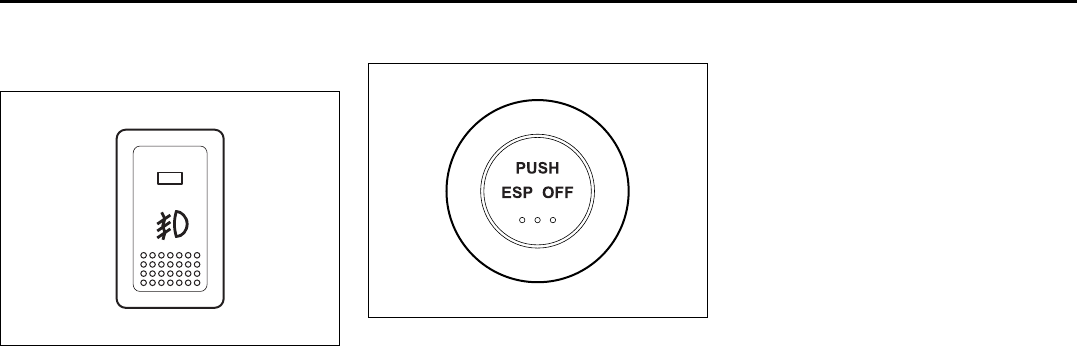
4-16
INSTRUMENT PANEL
66J22-03E
Front Fog Light Switch
(if equipped)
64J058
The front fog light comes on when the fog
light switch is pushed in with:
• the lighting switch turned to the third
position and the beams set to the low
beam position, or
• the auto-on headlight system on and the
beams set to the low beam position.
“ESP OFF” Switch
66J039
ESP® is a registered trademark of
DaimlerChrysler AG.
The “ESP OFF” switch is located on the
center of the instrument panel. You can
turn the ESP® systems (other than ABS)
on or off using this switch.
To turn off the ESP® systems (other than
ABS), push and hold the “ESP OFF” switch
until the “ESP OFF” indicator light comes
on.
To turn on all of the ESP® systems, push
the “ESP OFF” switch again. The “ESP
OFF” indicator light will go out.
NOTE:
• If the vehicle speed is greater than
approximately 30 km/h (19 mph), the
ESP® systems (other than ABS) will turn
on automatically.
• If the transfer switch (if equipped) is
turned to the “4L LOCK” position, the
ESP® systems (other than ABS) will be
canceled automatically.
• If the ESP® systems operates continu-
ously, such as when driving on slippery
roads, the traction control functions of
the ESP® systems may be canceled
temporarily to avoid overheating the
brake pads. After a short period of time,
the ESP® systems (other than ABS) will
turn on automatically and the “ESP OFF”
indicator light will go out.
For details of the ESP® systems, refer to
“Electronic Stability Program (ESP®)” in
the “OPERATING YOUR VEHICLE” sec-
tion.
Rear Window Defroster and Outside Rearview Mirrors Defroster Switch: 8
Front Fog Light Switch: 8
“ESP OFF” Switch:
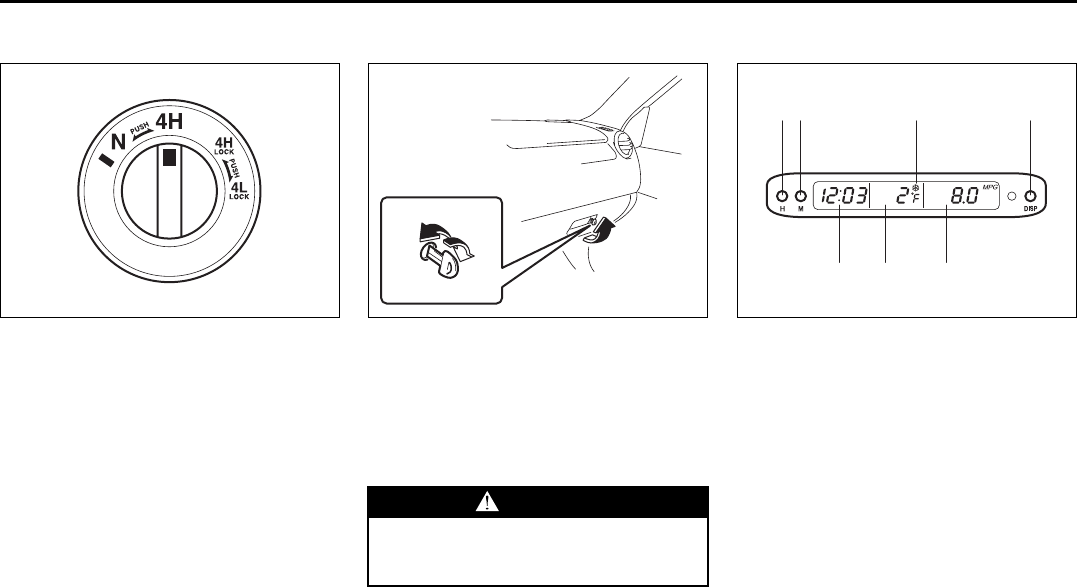
4-17
INSTRUMENT PANEL
66J22-03E
Transfer Switch (if equipped)
66J168
The transfer switch is located on the center
of the instrument panel.
For details on how to use this switch, refer
to “Using the Transfer Switch” in the
“OPERATING YOUR VEHICLE” section.
Glove Box
64J065
To open the glove box, pull the latch lever.
To close it, push the lid until it latches
securely. If a lock is equipped on the latch
lever, lock the glove box by inserting the
key and turning it clockwise and unlock the
glove box by turning the key counterclock-
wise.
Information Display
66J198
(1) Clock
(2) Thermometer
(3) Instantaneous fuel consumption/Aver-
age fuel consumption/Driving range
(4) “H” button
(5) “M” button
(6) “DISP” button
(7) Freezing mark
WARNING
Never drive with the glove box lid
open. It could cause injury if an acci-
dent occurs.
UNLOCK
LOCK
(4)
(2)(1) (3)
(5) (6)(7)
EXAMPLE
“ESP OFF” Switch:
Transfer Switch:
Glove Box: 3
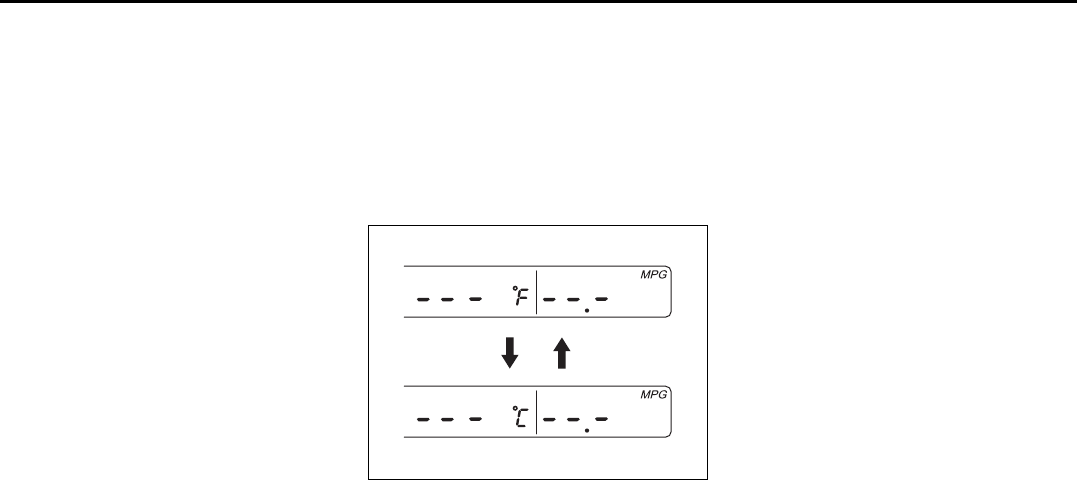
4-18
INSTRUMENT PANEL
66J22-03E
Clock (1)
The clock is shown when the ignition
switch is in the “ACC” or “ON” position.
To set the clock, follow the instructions
below.
• To set the hour display, push the “H” but-
ton (4) repeatedly to advance the hour
display. To advance the hour display
quickly, hold in the “H” button (4) for
about 1 second and continue holding.
• To set the minute display, push the “M”
button (5) repeatedly to advance the
minute display. To advance the minute
display quickly, hold in the “M” button (5)
for about 1 second and continue holding.
Thermometer (2)
The thermometer shows the outside tem-
perature when the ignition switch is in the
“ON” position.
If the outside temperature nears freezing,
the mark (7) will come on when the display
shows the outside temperature.
NOTE:
The thermometer will not indicate the
actual outside temperature when driving at
low speed, or when stopped.
You can change the unit indication of the
thermometer between °F and °C.
To change the indication, follow the instruc-
tions below.
1) If the fuel consumption/driving range
display is blank, push the “DISP” button
(6) to turn on the display.
2) Turn the ignition switch to the “LOCK”
position.
3) Turn the ignition switch to the “ACC” or
“ON” position while holding in the
“DISP” button (6).
The unit display of the thermometer will
blink.
66J199
4) Push the “DISP” button (6) quickly to
change the indication between °F and
°C as shown in the illustration.
5) Hold in the “DISP” button (6) for more
than 2 seconds, and the unit indication
will stop blinking.
If you don’t push the “DISP” button (6)
within about 8 seconds after the unit
display starts blinking, the unit display
will automatically stop blinking.
NOTE:
The unit indication of the thermometer can
not be changed when the fuel consump-
tion/driving range display is blank.
Refer to “Fuel Consumption and Driving
Range (3)” in this section.
Fuel Consumption and Driving
Range (3)
This display can be changed to show
instantaneous fuel consumption, average
fuel consumption, driving range. Also, the
display of fuel consumption can be turned
off if you desire.
Information Display:
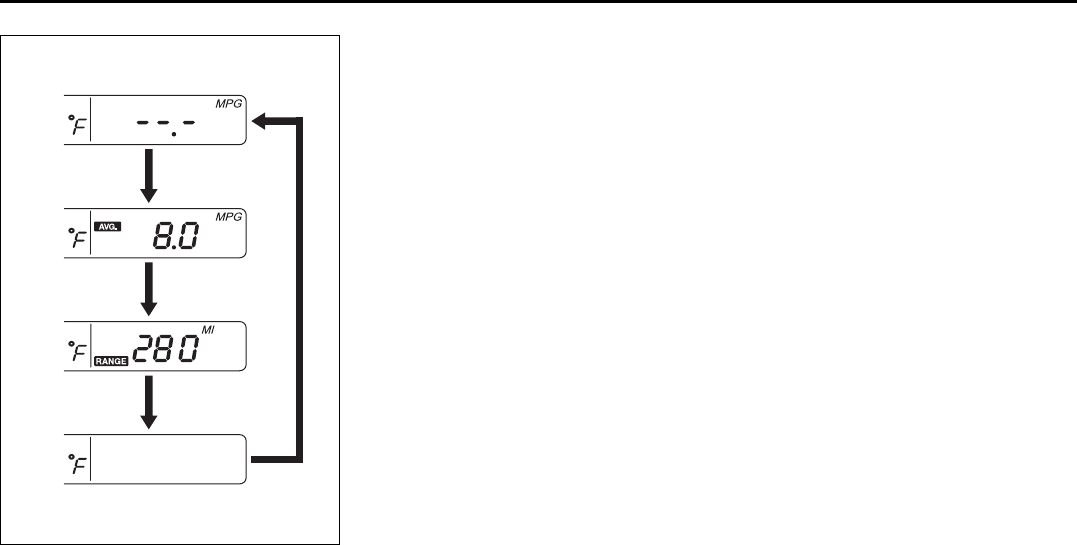
4-19
INSTRUMENT PANEL
66J22-03E
66J200
Every time you push the “DISP” button (6),
the display will be changed among the fol-
lowing four displays.
(a) Instantaneous fuel consumption
(b) Average fuel consumption
(c) Driving range
(d) No display
Instantaneous fuel consumption (a)
If you selected instantaneous fuel con-
sumption the last time you drove the vehi-
cle, the display indicates “--.-” when the
ignition switch is turned to the “ACC” or
“ON” position. Unless the vehicle is mov-
ing, the display will indicate “--.-”.
Average fuel consumption (b)
If you selected average fuel consumption
the last time you drove the vehicle, the dis-
play shows the last value of average fuel
consumption when the ignition switch is
turned to the “ACC” or “ON” position.
Unless you reset the value of average fuel
consumption, the display will show the
value of average fuel consumption which
includes average fuel consumption during
previous driving.
To reset the value of average fuel con-
sumption, hold in the “DISP” button (6) for
more than 2 seconds when the display
shows an average fuel consumption value.
The display will indicate “--.-” and then will
show a new average fuel consumption
value after driving for a short time.
Driving range (c)
If you selected driving range the last time
you drove the vehicle, the display shows “--
.-” for a few seconds and then shows the
current driving range when the ignition
switch is turned to the “ON” position.
The driving range shown in the display is
the approximate distance you can drive
until the fuel gauge indicates “E” based a
current driving conditions.
When the remaining fuel in fuel tank
reaches a low level, the display “--.-” will
appear.
If the low fuel warning light comes on, fill
the fuel tank immediately regardless of the
value of driving range shown in the display.
As the driving range after refueling is cal-
culated based on the last driving condition,
the value is different each time you refuel.
NOTE:
• When you reconnect the negative (–) ter-
minal to the battery, the value of driving
range will be shown after driving for a
while.
• For new vehicle with low mileage, the
driving range may not be shown
promptly in the display when beginning
to drive. The driving range will be shown
after a while.
NOTE:
The values of fuel consumption and driving
range shown in the display are affected by
conditions such as the following;
• road condition
• surrounding traffic condition
• driving condition
• vehicle condition
• when the malfunction indicator light
comes on or blinks
(a)
(b)
(c)
(d)
Information Display:
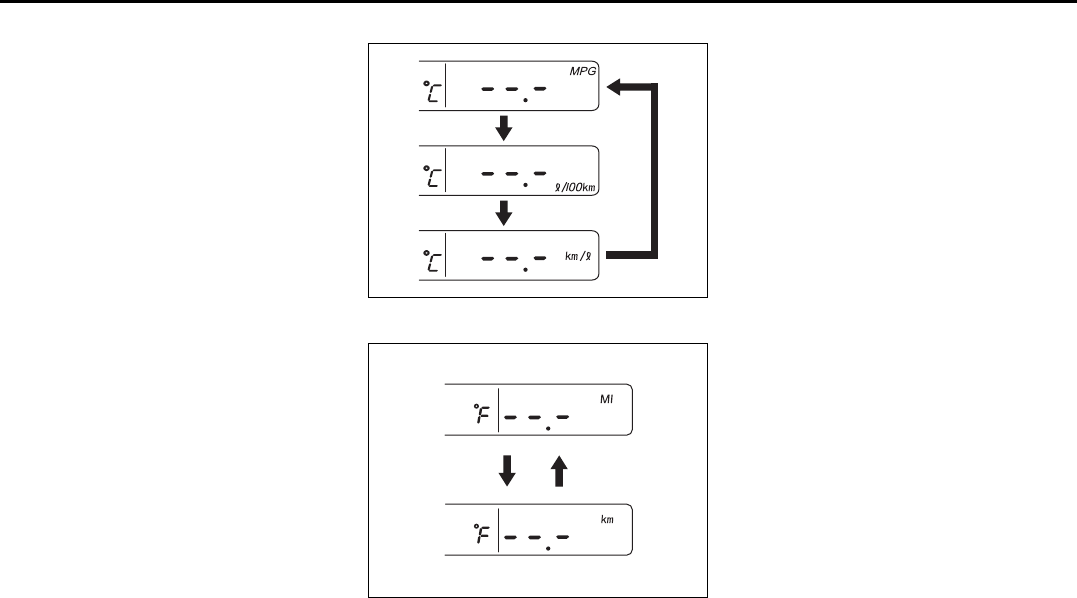
4-20
INSTRUMENT PANEL
66J22-03E
Unit indication of fuel consumption and
driving range
You can change the unit indication of fuel
consumption when selecting instanta-
neous fuel consumption or average fuel
consumption in the display.
You can also change the unit indication of
driving range when selecting driving range
in the display.
To change the unit indication in the display,
follow the instructions below.
You should operate the display before the
vehicle moves.
1) If the fuel consumption/driving range
display is blank, push the “DISP” button
(6) to turn on the display.
2) Turn the ignition switch to the “LOCK”
position.
3) Turn the ignition switch to the “ACC” or
“ON” position while holding in the
“DISP” button (6). The unit display of
the thermometer will blink.
4) Push the “M” button (5), and the unit
display of fuel consumption or driving
range will blink.
Fuel consumption
66J201
Driving range
66J202
5) Push the “DISP” button (6) quickly to
change the display as shown in the
above illustrations.
6) Push the “DISP” button (6) for more
than 2 seconds, and the unit display will
stop blinking and the display will stay
on. If you don’t push the “DISP” button
(6) within about 8 seconds, the unit dis-
play will automatically stop blinking and
the display will stay on.
NOTE:
The unit indication of the fuel consumption
or driving range can not be changed when
the fuel consumption/driving range display
is blank.
NOTE:
“MPG” is based on US gallons.
NOTE:
When you reconnect the negative (–) ter-
minal to the battery, the information display
will be reinitialized. Readjust the display. If
you select driving range, the display will be
shown after driving for a while.
Heating and Air Conditioning System: 4
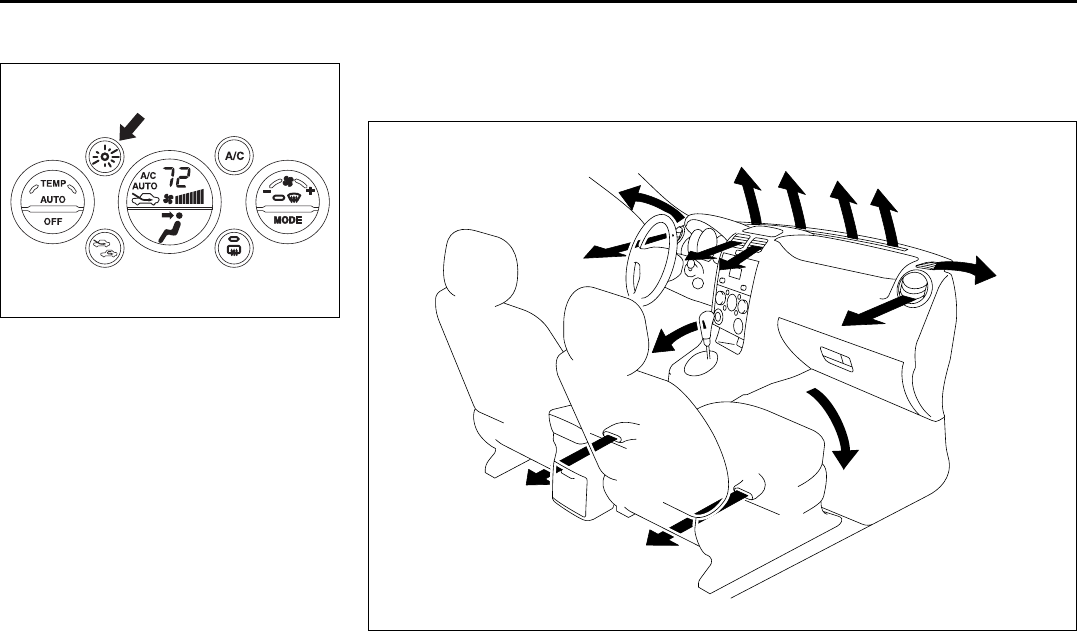
4-21
INSTRUMENT PANEL
66J22-03E
Theft Deterrent Light
66J249
This light will blink with the ignition switch
in the “OFF” or “ACC” position. The blink-
ing light is intended to deter theft by lead-
ing others to believe that the vehicle is
equipped with a security system.
EXAMPLE
Automatic Heating and Air Conditioning System
(Climate Control)
Air Outlet (front)
66J250
1
1
2
2
3
3
5
5
5
5
4
EXAMPLE
Heating and Air Conditioning System: 4
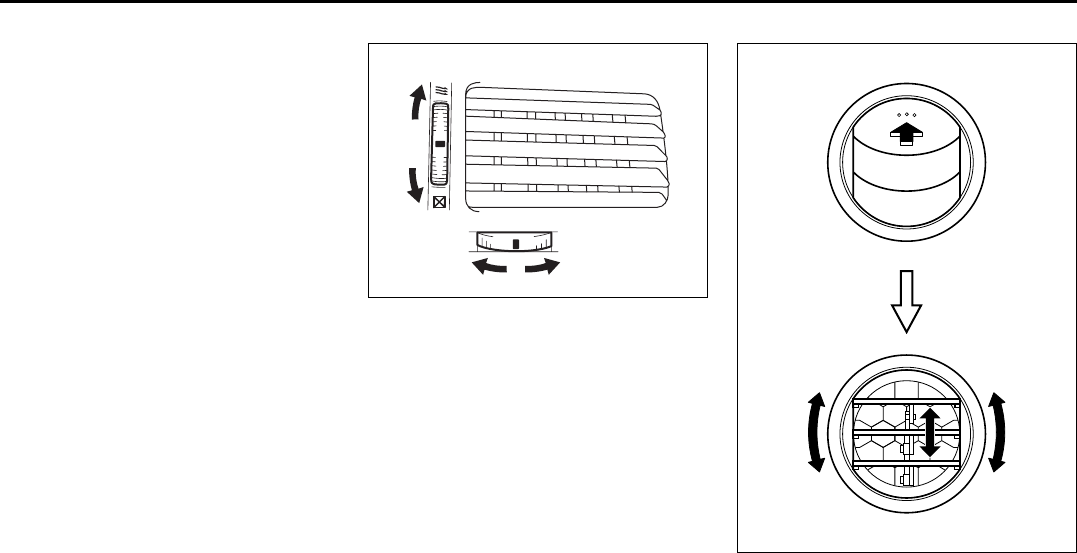
4-22
INSTRUMENT PANEL
66J22-03E
1. Windshield defroster outlet
2. Side defroster outlet
3. Side outlet
4. Center outlet
5. Floor outlet
Center outlet
64J199
Side outlet
63J045
When “Open”, air comes out from the side
outlets regardless of the air flow selector
position.
Close
Open EXAMPLE
Heating and Air Conditioning System: 4
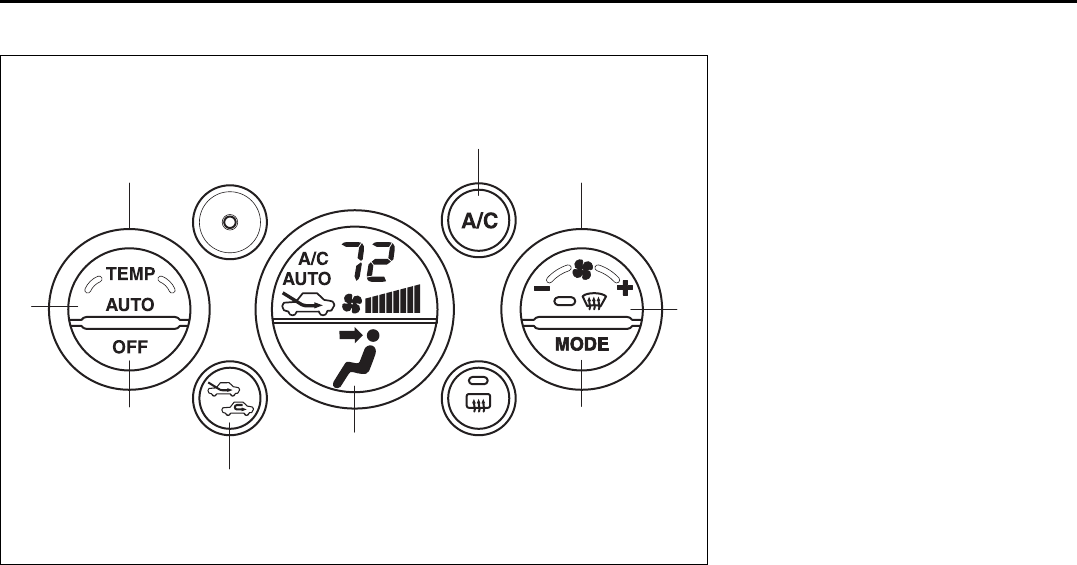
4-23
INSTRUMENT PANEL
66J22-03E
Description of Controls
66J234
(1)
(6)
(7)
(3)
(9)
(8)
(2)
(5)
(4)
(1) Temperature selector
(2) Blower speed selector
(3) Air intake selector
(4) Air flow selector
(5) Defrost switch
(6) “OFF” switch
(7) “AUTO” switch
(8) Air conditioning switch
(9) LCD display
Heating and Air Conditioning System: 4
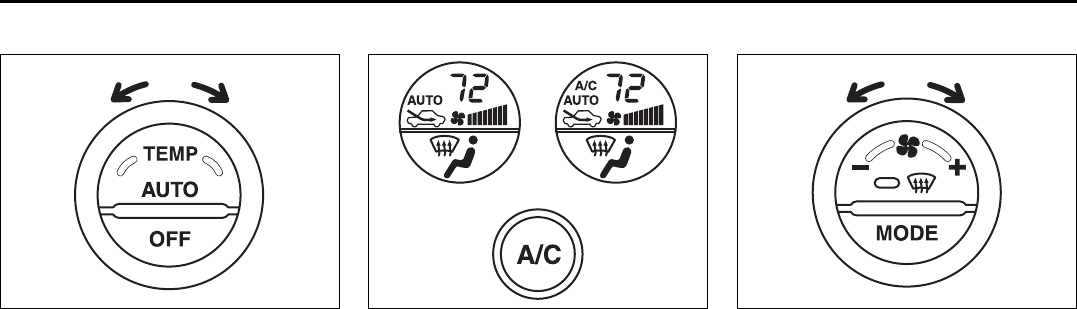
4-24
INSTRUMENT PANEL
66J22-03E
Temperature selector (1)
66J235
Turn this selector to adjust the tempera-
ture.
Air conditioning switch (8)
66J236
This switch is used to turn on and off the
air conditioning system. To turn on the air
conditioning system, push in the switch
and “A/C” will appear on the LCD display.
To turn off the air conditioning system,
push in the switch again and “A/C” will go
off.
Blower speed selector (2)
66J237
This selector is used to turn on the blower
and to select blower speed.
If the “AUTO” switch (7) is pushed, the
blower speed will vary automatically as the
climate control system maintains the
selected temperature.
(1)
A/C: OFF A/C: ON
(2)
Heating and Air Conditioning System: 4
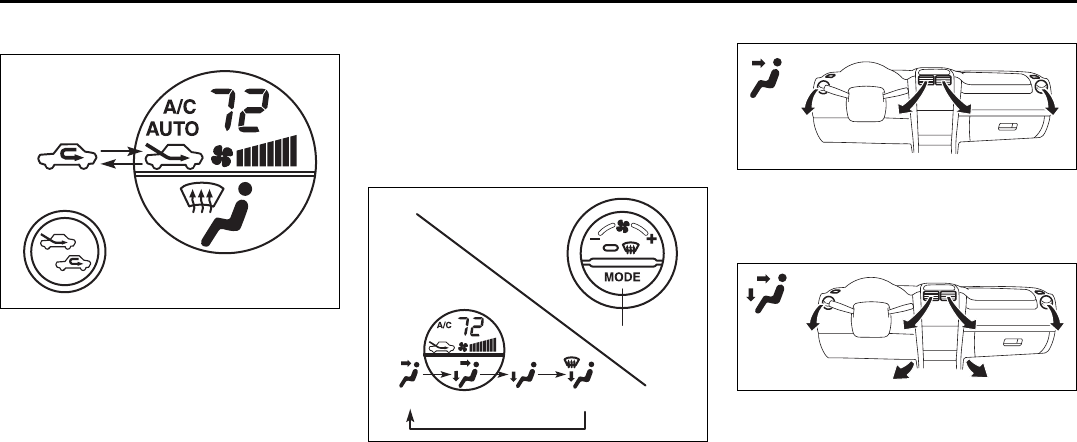
4-25
INSTRUMENT PANEL
66J22-03E
Air intake selector (3)
66J238
Push this selector to change between the
following modes.
RECIRCULATED AIR (a)
When this mode is selected, outside air is
shut off and inside air is recirculated. This
mode is suitable when driving through an
area with polluted air such as a tunnel, or
when attempting to quickly cool down the
vehicle.
FRESH AIR (b)
When this mode is selected, outside air is
introduced.
“FRESH AIR” and “RECIRCULATED AIR”
are selected alternately each time the air
intake selector is pushed.
NOTE:
If you select “RECIRCULATED AIR” for an
extended period of time, the air in the vehi-
cle can become contaminated. Therefore,
you should occasionally select “FRESH
AIR”.
Air flow selector (4)
66J239
Push this selector to change among the
following functions. The indication of the
selected mode appears on the LCD dis-
play.
AUTO (7)
Temperature-controlled air comes out of
various outlets automatically.
Ventilation (c)
64J069
Temperature-controlled air comes out of
the center and side air outlets.
Bi-level (d)
64J070
Temperature-controlled air comes out of
the floor outlets and cooler air comes out
of the center and side outlets. When the
temperature selector (1) is in the fully
COLD position or fully HOT position, how-
ever, the air from the floor outlets and the
air from the center and side outlets will be
the same temperature.
(a) (b)
(4)
(c) (d) (e) (f)
Heating and Air Conditioning System: 4
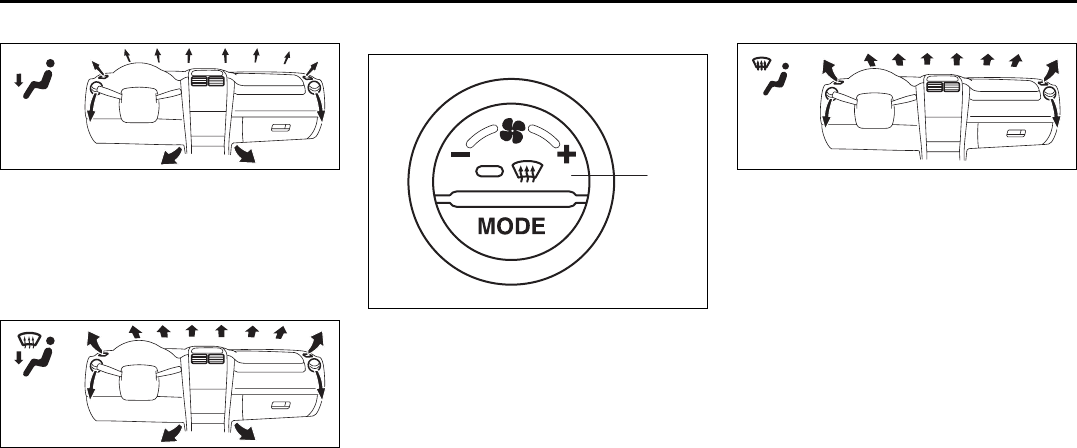
4-26
INSTRUMENT PANEL
66J22-03E
Heat (e)
64J071
Temperature-controlled air comes out of
the floor outlets and the side outlets, a
small amount of air comes out of the wind-
shield defroster outlets and the side
defroster outlets.
Heat & defrost (f)
64J072
Temperature-controlled air comes out of
the floor outlets, the windshield defroster
outlets, the side defroster outlets and the
side outlets.
Defrost switch (5)
66J240
Push this switch to turn on the defroster.
Defrost
66J241
Temperature-controlled air comes out of
the windshield defroster outlets, the side
defroster outlets and the side outlets.
NOTE:
When the defrost switch (5) is pushed to
turn on the defroster, the air conditioning
system will come on and the “FRESH AIR”
mode will be selected automatically. In
very cold weather, however, the air condi-
tioning system will not turn on.
(5)
Heating and Air Conditioning System: 4
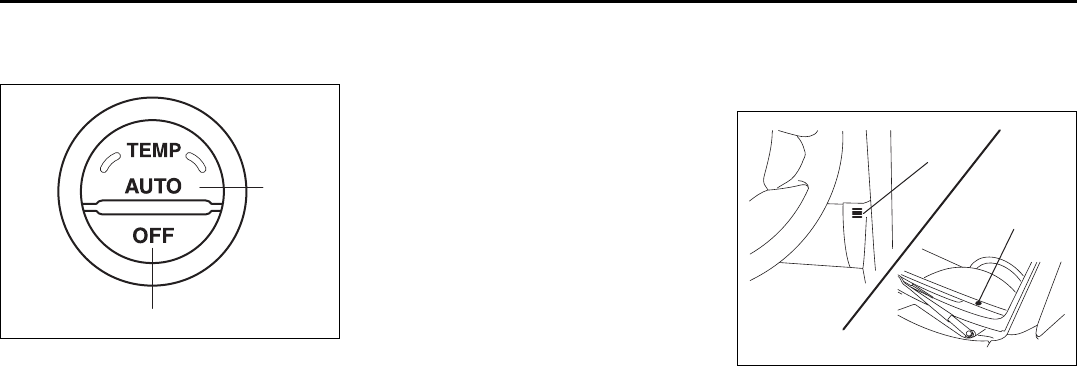
4-27
INSTRUMENT PANEL
66J22-03E
System Operating Instructions
Automatic operation
66J242
You can let the climate control system work
automatically. To set the system for fully-
automatic operation, follow the procedure
below.
1) Set the desired temperature by turning
the temperature selector (1).
2) Push the “AUTO” switch (7).
The blower speed selector (2), air intake
selector (3), and air flow selector (4) are
controlled automatically to maintain the set
temperature.
You can use the air conditioning switch (8)
to manually turn the air conditioner on or
off according to your preference. When
you turn the air conditioning switch off, the
climate control system cannot lower the
inside temperature below outside tempera-
ture.
To turn the climate control system off, push
the “OFF” switch (6).
NOTE:
If the “AUTO” on the LCD display blinks,
there is a problem in the heating system
and/or air conditioning system. You should
have the system inspected by an autho-
rized SUZUKI dealer.
NOTE:
• To find the temperature at which you are
most comfortable, start with the 22°C
(72°F) setting.
• If you turn the temperature selector (1)
until “HI” or “LO” appears on the LCD
display, the climate control system will
operate at the maximum cooling or heat-
ing and the blower will run at full speed.
• To avoid blowing cold air in cold weather
or hot air in hot weather, the system will
delay turning on the blower until warmed
or chilled air is available.
• If your vehicle has been left in the sun
with the windows closed, it will cool
faster if you open the windows briefly.
• Even under the automatic operation, you
can set individual selectors to the man-
ual mode. The manually selected func-
tions are maintained, and the other
functions remain under automatic opera-
tion.
• To return the blower speed selector (2),
air intake selector (3), and air flow selec-
tor (4) to automatic operation, push the
“AUTO” switch.
64J080
Be careful not to cover the interior temper-
ature sensor (F) located between the
steering wheel and the climate control
panel, or the solar sensor (G) located at
the top of the driver’s side dashboard.
These sensors are used by the automatic
system to regulate temperature.
Manual operation
You can manually control the climate con-
trol system. Set the selectors to the
desired positions.
(7)
(6)
(F)
(G)
EXAMPLE
Heating and Air Conditioning System: 4
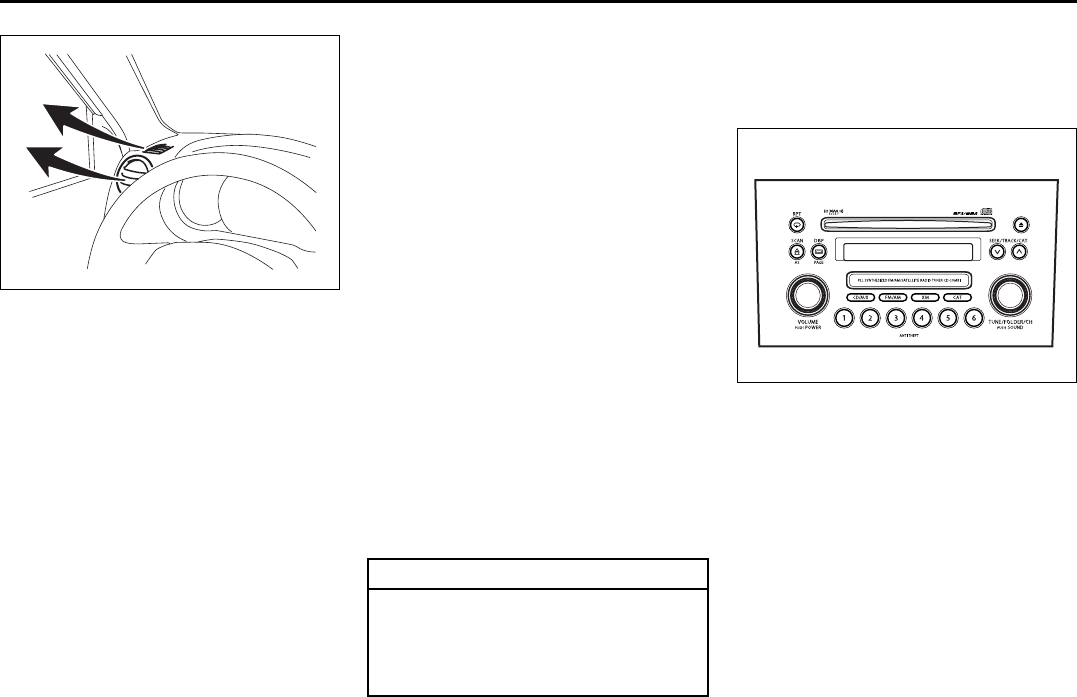
4-28
INSTRUMENT PANEL
66J22-03E
64J074
NOTE:
If you need maximum defrosting:
• set the defrost switch (5) to “DEFROST”
(the air conditioning system will come on
and the “FRESH AIR” mode will be
selected automatically),
• set the blower speed selector to HIGH,
• adjust the temperature selector to the
“HI” indication on the LCD display, and
• adjust the side outlets so the air blows
on the side windows.
Maintenance
If you do not use the air conditioner for a
long period, such as during winter, it may
not give the best performance when you
start using it again. To help maintain opti-
mum performance and durability of your air
conditioner, it needs to be run periodically.
Operate the air conditioner at least once a
month for one minute with the engine
idling. This circulates the refrigerant and oil
and helps protect the internal components.
Your air conditioner is equipped with air fil-
ters. Clean or replace them as specified in
the “Maintenance Schedule” in the
“INSPECTION AND MAINTENANCE” sec-
tion. Have this job done by your SUZUKI
dealer as the lower glove box must be low-
ered for this job.
NOTE:
Your vehicle uses the air conditioning
refrigerant HFC-134a, commonly called
“R-134a”. R-134a replaced R-12 around
1993 for automotive applications. Other
refrigerants are available, including recy-
cled R-12, but only R-134a should be used
in your vehicle.
Audio Systems
There are two types of audio system as
shown below:
Type 1
66J093
AM/FM/XM CD PLAYER
WITH CD CHANGER CONTROL
CAUTION
Using the wrong refrigerant may
damage your air conditioning sys-
tem. Use R-134a only. Do not mix or
replace the R-134a with other refrig-
erants.
Heating and Air Conditioning System: 4
Audio Systems:
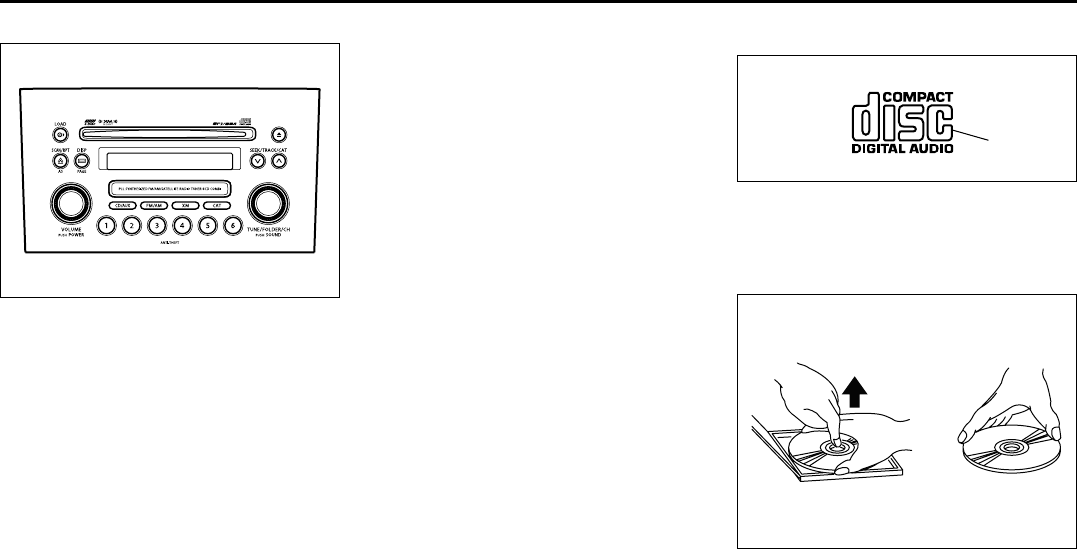
4-29
INSTRUMENT PANEL
66J22-03E
Type 2
66J214
AM/FM/XM 6-CD PLAYER
WITH CD CHANGER CONTROL
Precautions
• When the inside of the car is very cold
and the player is used soon after switch-
ing on the heater, moisture may form on
the disc or the optical parts of the player
and proper playback may not be possi-
ble. If moisture forms on the disc, wipe it
off with a soft cloth. If moisture forms on
the optical parts of the player, do not use
the player for about one hour, this will
allow the condensation to disappear nor-
mally.
• Driving on extremely bumpy roads which
cause severe vibrations may cause
sound to skip.
• This unit uses a precision mechanism.
Even in the event that trouble arises,
never open the case, disassemble the
unit, or lubricate the rotating parts.
Please bring the unit to an authorized
SUZUKI dealer or a Clarion service
Department.
Cautions on Handling
52D274
This unit has been designed specifically for
playback of compact discs bearing the
mark (A).
No other discs can be played.
52D275
To remove the compact disc from its stor-
age case, press down on the center of the
case and lift the disc out, holding it care-
fully by the edges.
Always handle the compact disc by the
edges.
(A)
Removing the disc Proper way to hold
the compact disc
Audio Systems:
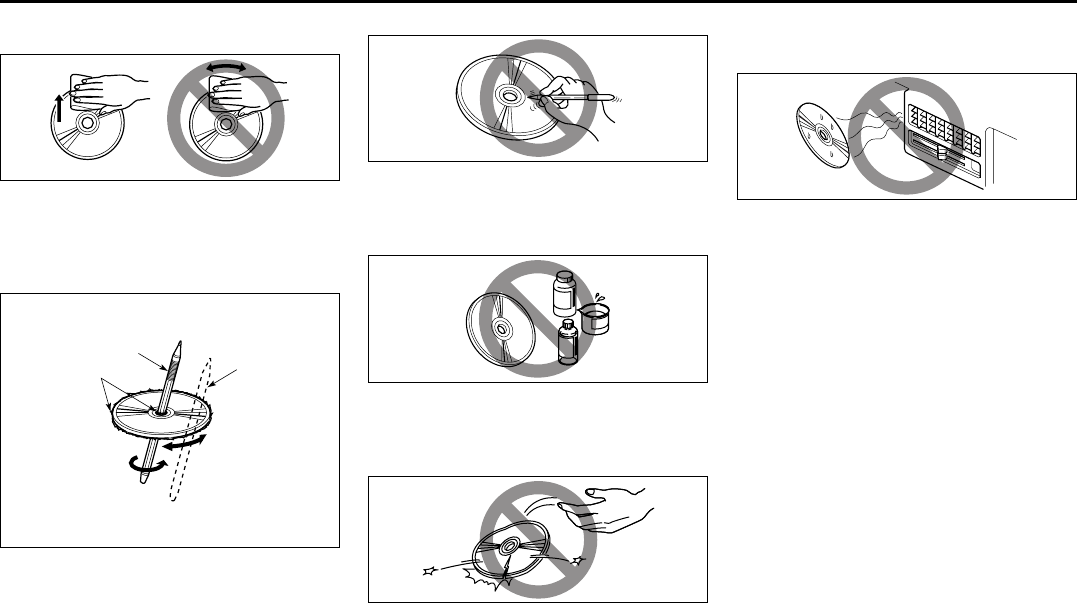
4-30
INSTRUMENT PANEL
66J22-03E
Never touch the surface.
52D347
To remove fingermarks and dust, use a
soft cloth, and wipe in a straight line from
the center of the compact disc to the cir-
cumference.
52D277
New discs may have some roughness
around the edges. The unit may not work
or the sound may skip if such discs are
used. Use a ball-point pen (B), etc. to
remove the roughness (C) from edges of
the disc before insertion inside the unit.
52D348
Never stick labels on the surface of the
compact disc or mark the surface with a
pencil or pen.
52D349
Do not use any solvents such as commer-
cially available cleaners, anti-static spray,
or thinner to clean compact discs.
52D350
Do not use compact discs that have large
scratches, are misshaped, or cracked, etc.
Use of such discs will cause damage or
prevent the system from operating prop-
erly.
52D351
Do not expose compact discs to direct sun-
light or any heat source.
NOTE:
• Do not use commercially available CD
protection sheets or discs equipped with
stabilizers, etc.
These may get caught in the internal
mechanism and damage the disc.
• CD-R discs may not be able to playback
in this unit due to the recording condi-
tions.
• CD-RW discs can not playback in this
unit.
(B)
(B)
(C)
Audio Systems:
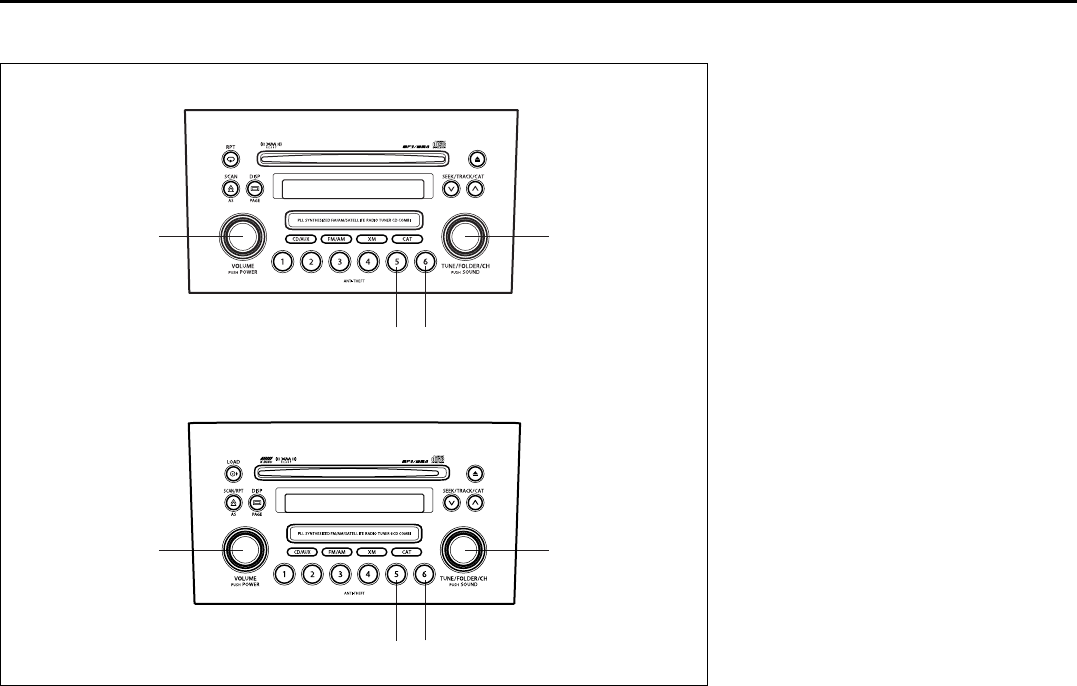
4-31
INSTRUMENT PANEL
66J22-03E
Basic Operations
66J215
(1) (2)
(3) (4)
(1) (2)
(3) (4)
Type 1 AM/FM/XM CD PLAYER WITH CD CHANGER CONTROL
Type 2 AM/FM/XM 6-CD PLAYER WITH CD CHANGER CONTROL
(1) Power on/off knob
Volume control knob
(2) Tone/balance/fader control knob
(3) Preset button 5
(4) Preset button 6
Audio Systems:
4-32
INSTRUMENT PANEL
66J22-03E
Turning power on/off
Press the power on/off knob (1).
The unit starts in the function mode it was
in when the power was turned off last.
Adjusting the volume
Turn the volume control knob (1).
Turning it clockwise increases the volume;
turning it counterclockwise decreases the
volume.
NOTE:
While driving, adjust the volume to an
extent that sound and/or noise coming
from outside the car can be heard.
Adjusting bass/treble/balance/fader
1) Press the tone/balance/fader control
knob (2).
Each time it is pressed, sound adjust-
ment is changed as follows:
66J224
2) Turn the tone/balance/fader control
knob (2) to adjust the sound.
Adjusting the AVC (Auto volume con-
trol)
The Auto Volume Control (AVC) function
automatically adjusts (increases/
decreases) the sound volume in accor-
dance with vehicle speed. The AVC control
is provided with three selectable levels
(LEVEL OFF, 1, 2, 3). The range of volume
adjustment increases together with the
LEVEL number,
1) Press the tone/balance/fader control
knob (2) until the AVC adjustment mode
is selected.
2) Turn the tone/balance/fader control
knob (2) to select the desired AVC
adjustment level. (Initial setting: LEVEL
2)
Adjusting the contrast of the display
1) Press the tone/balance/fader control
knob (2) and preset button 5 (3), preset
button 6 (4) simultaneously.
2) To adjust the contrast of the display,
turn the power on/off knob (1).
Cancel the dimmer condition
Each time you press the power on/off knob
(1) for two seconds with the lighting switch
on, the background brightness of the audio
display will switch between normal and
dimmed.
Bass adjustment (BASS 0)
Treble adjustment (TREBLE 0)
Balance adjustment (BALANCE 0)
Fader adjustment (FADER 0)
AVC adjustment (AVC LEVEL 2)
Original mode
Audio Systems:
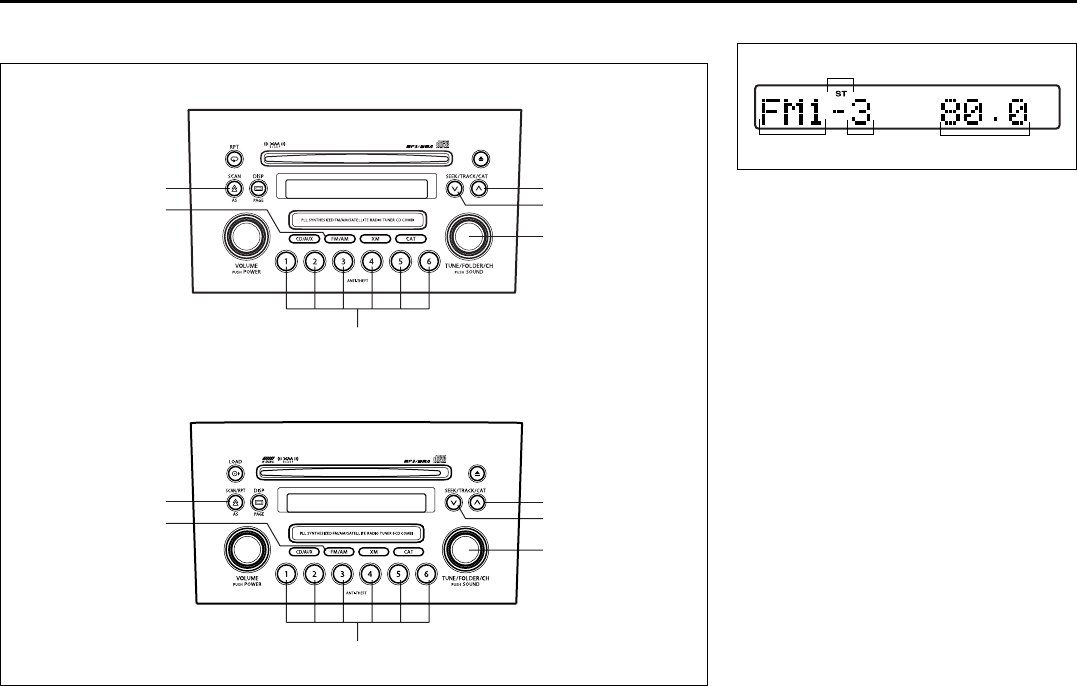
4-33
INSTRUMENT PANEL
66J22-03E
Listening to the Radio
66J216
(1)
(4)
(6) (2)
(3)
(5)
(1)
(4)
(6) (2)
(3)
(5)
Type 1 AM/FM/XM CD PLAYER WITH CD CHANGER CONTROL
Type 2 AM/FM/XM 6-CD PLAYER WITH CD CHANGER CONTROL
Display
66J097
(1) Band switch button (FM/AM)
(2) Seek up button
(3) Seek down button
(4) Manual tuning knob
(5) Preset buttons (1 to 6)
(6) Auto store button (AS)/
Scan button (SCAN)
(A) Band
(B) Preset channel number
(C) Stereo indicator
(D) Frequency
(A) (B)
(C)
(D)
Audio Systems:
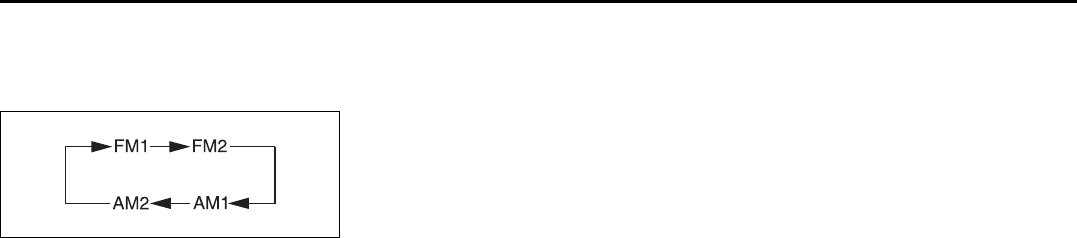
4-34
INSTRUMENT PANEL
66J22-03E
Selecting the reception band
Press the band switch button (1).
Each time the button is pressed, the recep-
tion band is switched as follows:
66J098
Seek tuning
Press the seek up button (2) or the seek
down button (3).
The unit stops searching for a station at a
frequency where a broadcast station is
available.
Manual tuning
Turn the manual tuning knob (4).
The frequency being received is displayed.
Preset memory
1) Select the desired station.
2) Select the preset button (5) to which
you want to store the station and press
and hold the button for 2 seconds or
longer.
Auto store
Press and hold the auto store button (6) for
2 seconds or longer.
Six stations in total are automatically
stored to the preset buttons (5) in sequen-
tial order, starting from the lower frequen-
cies.
NOTE:
• When the auto store is performed, the
station previously stored in the memory
at the position is overwritten.
• When there are fewer than 6 stations
that can be stored even if 2 rounds of
auto store operation are performed, the
stations previously stored at the remain-
ing preset buttons (5) are not overwrit-
ten.
Scan tuning
1) Press the scan button (6).
Stations are automatically sought for in
a sequential order, starting from a sta-
tion being currently received, and scan
stops for 5 seconds at a frequency
where there is a station available.
2) Press the scan button (6) again to stop
scanning at the frequency being cur-
rently received.
Receiving a stereo broadcast station
If a stereo broadcast station is received,
the stereo indicator will light.
Radio Reception
Radio reception can be affected by envi-
ronment, atmospheric conditions, or radio
signal’s power and distance from the sta-
tion. Nearby mountains and buildings may
interfere or deflect radio reception, causing
poor reception. Poor reception or radio
static can also be caused by electric cur-
rent from overhead wires or high voltage
power lines.
Audio Systems:
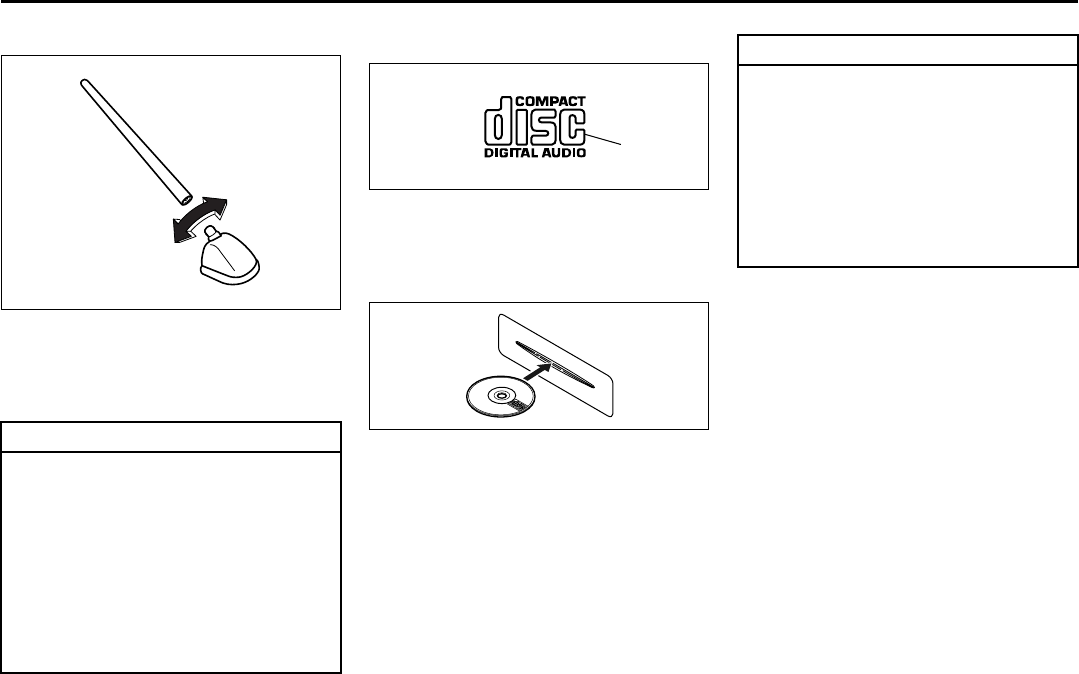
4-35
INSTRUMENT PANEL
66J22-03E
Radio Antenna
63J055
The radio antenna on the roof is remov-
able. To remove the antenna, turn it coun-
terclockwise. To reinstall the antenna, turn
it clockwise firmly by hand.
Listening to a CD
52D274
• CDs or CD-ROMs carrying no mark (A)
cannot be used.
• Some discs previously recorded in CD-
R\CD-RW format may not be used.
52D291
• A CD is inserted with its label facing
upward.
• When there is a CD already loaded in
the unit, another CD cannot be loaded at
the same time. Do not use force when
inserting the CD into the CD insertion
slot.
• If a blank disc (non recorded CD-R) is
loaded in the unit, the disc will be
ejected.
CAUTION
To avoid damage to the radio
antenna:
• Remove the antenna before using
an automatic car wash.
• Remove the antenna when it is pos-
sible for the antenna to hit some-
thing such as a low ceiling in a
parking garage or putting a car
cover over your car.
• Remove the antenna before put-
ting a car cover over your vehicle.
(A)
CAUTION
• Never insert your finger or hand
into the CD insertion slot. Never
insert foreign objects.
• Never insert a CD with glue coming
out from adhesive tape or a rental
CD label or with a trace indicating
that adhesive tape or a rental CD
label has been removed. This may
cause the CD not to eject or result
in a malfunction.
Audio Systems:
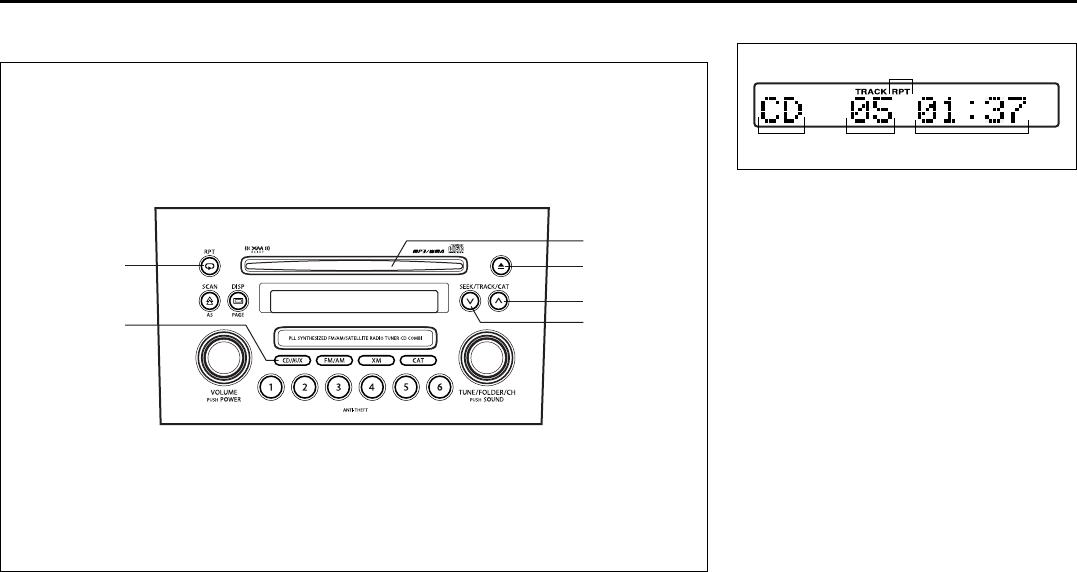
4-36
INSTRUMENT PANEL
66J22-03E
Type 1
AM/FM/XM CD PLAYER WITH CD CHANGER CONTROL (Built in CD Player)
66J099
(3)
(6)
(4)
(2)
(1)
(5)
Display
66J100
(1) CD insertion slot
(2) CD eject button
(3) Disc button (CD/AUX)
(4) Track up button/Fast forward button
(5) Track down button/Rewind button
(6) Repeat button (RPT)
(A) Mode indicator
(B) Track number
(C) Play time
(D) Repeat indicator
(A) (B) (C)
(D)
Audio Systems:
4-37
INSTRUMENT PANEL
66J22-03E
NOTE:
About Single CDs (8 cm CDs)
• No adapter is required to play a single
CD.
• A single CD is inserted from the center
of the CD insertion slot.
• Since an ejected single CD is not auto-
matically reloaded, be sure to remove
the ejected single CD.
Loading a CD
Insert a CD in the CD insertion slot (1).
When a CD is loaded, play starts and the
CD indicator (A) lights.
Ejecting a CD
Press the CD eject button (2).
If you left a CD ejected for a period of
about 15 seconds, it will be automatically
drawn inside the unit. (Auto reload func-
tion)
The backup eject function:
This function allows you to eject a CD with
the power turned off by pressing the CD
eject button (2).
Listening to a CD
When a CD is inserted, it is automatically
played back.
When a CD is already inside the unit,
press the disc button (3) to play back the
CD. When a CD is inside the unit, the CD
indicator (A) is lit on the display unit.
Selecting a track
• Press the track up button (4) to listen to
the next track.
• Press the track down button (5) twice to
listen to the previous track.
When the track down button (5) is
pressed once, the track being currently
played will return to the beginning.
Fast forwarding/Rewinding a track
• Hold in the fast forward button (4) to
advance a track rapidly.
• Hold in the rewind button (5) to rewind a
track.
Repeat play
Press the repeat button (6).
The repeat indicator (D) lights and the
track currently being played is played
repeatedly.
Press the repeat button (6) again to cancel
repeat play.
CAUTION
If you forcefully try to push an ejected
CD inside the unit before auto reload-
ing, the disc surface might be
scratched.
Audio Systems:
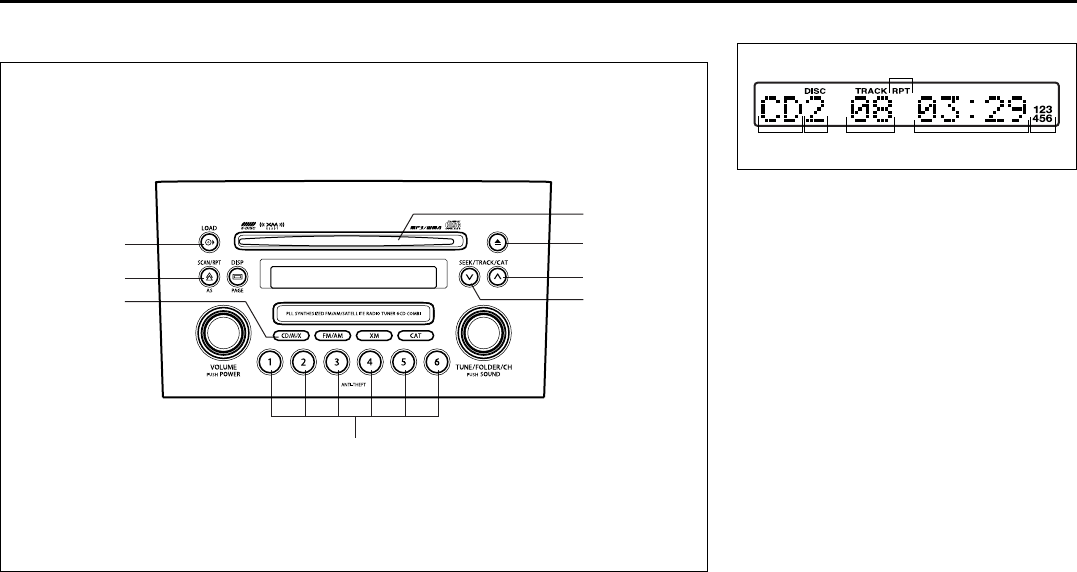
4-38
INSTRUMENT PANEL
66J22-03E
Type 2
AM/FM/XM 6-CD PLAYER WITH CD CHANGER CONTROL (Built-in CD Changer)
66J217
(2)
(5)
(1)
(8) (6)
(4)
(3)
(7)
Display
66J102
(1) Load button (LOAD)
(2) Disc select buttons (1 to 6)
(3) CD insertion slot
(4) CD eject button
(5) Disc button (CD/AUX)
(6) Track up button/Fast forward button
(7) Track down button/Rewind button
(8) Repeat button (RPT)
(A) Mode indicator
(B) Disc number
(C) Track number
(D) Play time
(E) CD indicator
(F) Repeat indicator
(A) (C) (D)
(F)
(B) (E)
Audio Systems:
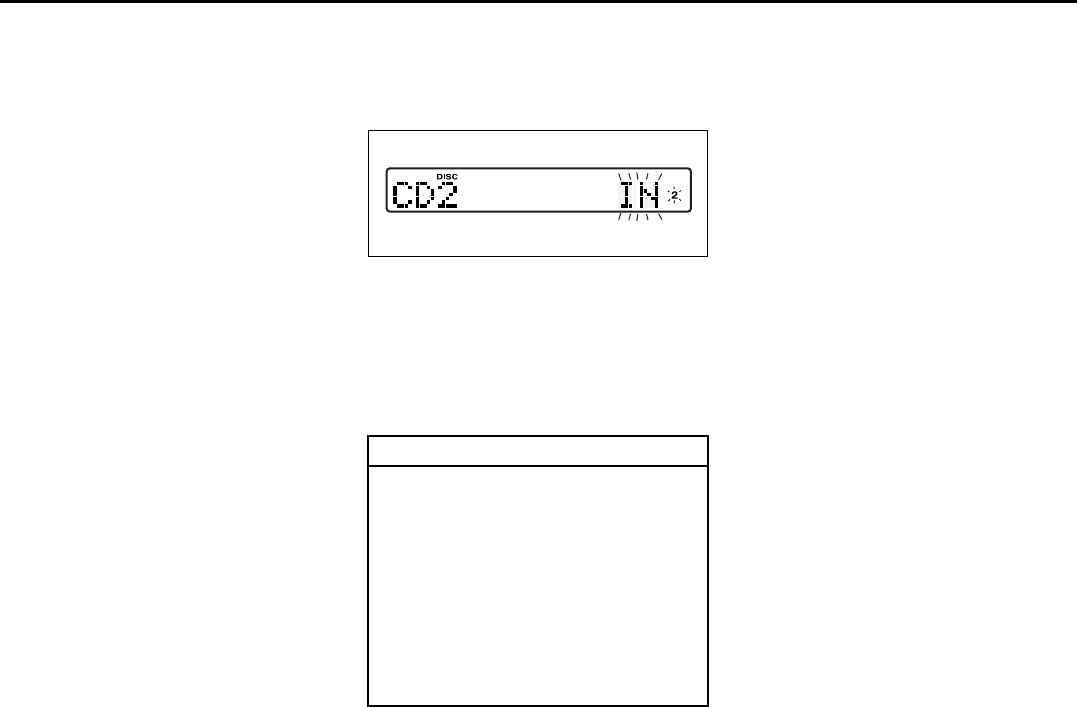
4-39
INSTRUMENT PANEL
66J22-03E
NOTE:
About Single CDs (8 cm CDs)
• Since the unit is not compatible with a
single CD, do not load it into the unit.
• Keep in mind the fact that a single CD
cannot be played even using a single CD
adaptor for the unit.
• When a single CD is loaded into the unit
accidentally, it will be ejected immedi-
ately. Please be sure to remove it.
If you forcefully try to push it into the unit
without removing it, the CD cannot be
ejected. This will result in a damage to
the mechanism. Please never do this.
Loading one CD
1) Press the load button (1), then press
one of the disc select buttons (2) that
corresponds to the slot into which you
want to load a CD.
66J143
Both the indication “In” and the selected
disc number in the CD indicator will blink
for about 15 seconds.
2) Load the CD into the CD insertion slot
(3). When the CD is loaded, play starts.
The disk number in the CD indicator will
light.
Loading multiple CDs
1) Press the load button (1) for 2 seconds
or longer.
The indication “CD ALL” appears in the
display, and then the indication “In” and
a disc number in the CD indicator will
blink for about 15 seconds.
2) Load a CD into the CD insertion slot
(3).
3) The indication “In” and the next disc
number will blink in the display. Load
the next CD.
4) After loading the required number of
CD’s, press any disc select button (2) to
select the desired CD to listen to. If no
select button is pressed, play will start
from the first loaded CD.
Only the numbers in the CD indicator that
correspond to the loaded slots will light.
Ejecting one CD
1) Select the CD you want to remove with
the disc select buttons (2).
2) Press the CD eject button (4).
If you leave the ejected CD without
removing it, it will be drawn into the unit
automatically after about 15 seconds.
(Auto reload function)
The buck up eject mechanism:
This function allows you to eject the CD
loaded in the unit with the unit turned off
only by pressing the CD eject button (4).
CAUTION
You can load a CD only while the indi-
cation “In” is blinking for about 15
seconds. During that period, the
shutter located in the depth of the CD
insertion slot (3) is opened. After 15
seconds time has elapsed, the indi-
cation “In” disappears from the dis-
play and the shutter closes, making it
impossible to load a CD. If you try to
load the CD with the shutter closed,
the CD may damage the shutter.
Never do this.
Audio Systems:
4-40
INSTRUMENT PANEL
66J22-03E
Ejecting all the CDs
Press the CD eject button (4) for 2 seconds
or longer. All the CDs will be ejected from
the unit in a sequential manner.
• Please prepare a location where
removed CDs can be stored.
• If you leave the ejected CD without
removing it, it will be drawn into the unit
automatically after about 15 seconds.
(Auto reload function)
The buck up eject mechanism:
This function allows you to eject the CD
loaded in the unit with the unit turned off
only by pressing the CD eject button (4).
Listening to a CD
1) When a CD is inserted, it is automati-
cally played back.
When a CD is already inside the unit,
press the disc button (5) to play back
the CD. When a CD is inside the unit,
the CD indicator (A) is lit on the display
unit.
2) If you want to play another CD, select it
with the disc select buttons (2).
Play starts from the point on the disc
that the unit played last (Last position
memory).
Selecting a track
• Press the track up button (6) to listen to
the next track.
• Press the track down button (7) twice to
listen to the previous track.
When the track down button (7) is
pressed once, the track being currently
played will return to the beginning.
Fast forwarding/Rewinding a track
• Hold in the fast forward button (6) to
advance a track rapidly.
• Hold in the rewind button (7) to rewind a
track.
Repeat play
Press the repeat button (8).
Each time the button is pressed, repeat
play mode changes as follows:
66J144
NOTE:
This operation should be performed within
2 seconds.
To cancel repeat play, press the repeat but-
ton (8) several times to change the repeat
play mode to OFF.
• TRACK REPEAT
The indication “TRACK RPT” appears in
the display for 2 seconds and then the
repeat indicator (F) lights.
The track currently being played is
played repeatedly.
• DISC REPEAT
The indication “DISC RPT” appears in
the display for 2 seconds and then the
repeat indicator (F) lights.
When all the tracks on the disc currently
being played finish playing, play starts
again at the beginning of the disc.
CAUTION
If you try to push an ejected CD
inside the unit forcibly before auto
reloading, the disc surface might be
scratched.
TRACK REPEAT
DISC REPEAT
OFF
Audio Systems:
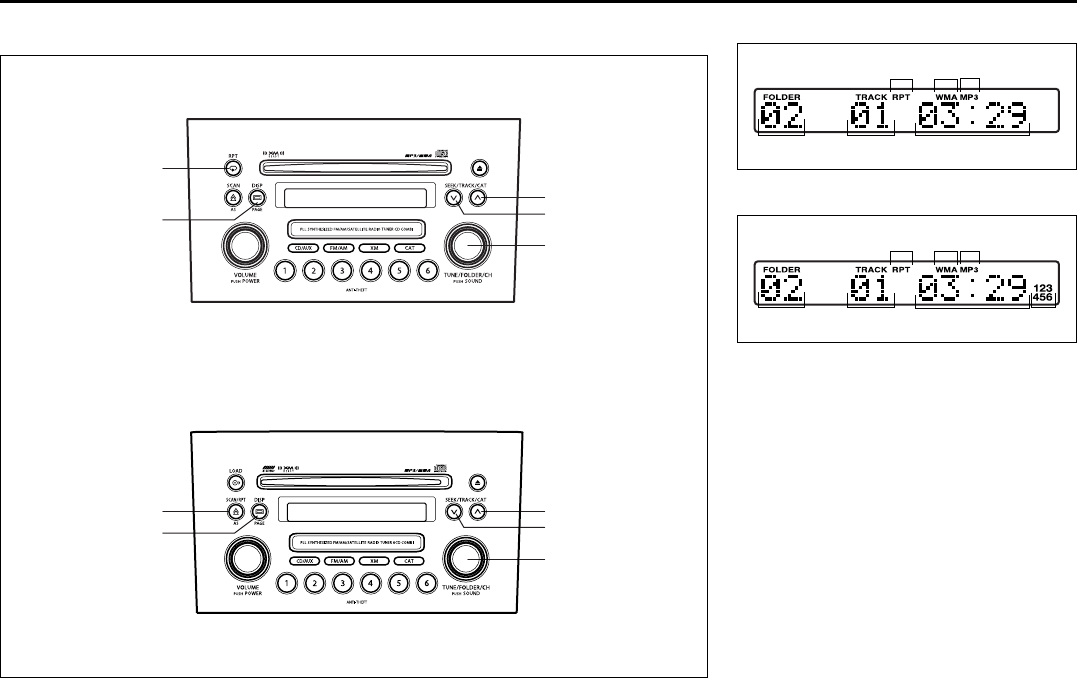
4-41
INSTRUMENT PANEL
66J22-03E
Listening to an MP3/WMA Disc
66J218
(1)
(2)
(3)
(4)
(1)
(2)
(5)
(3)
(4)
(5)
Type 1 AM/FM/XM CD PLAYER WITH CD CHANGER CONTROL
Type 2 AM/FM/XM 6-CD PLAYER WITH CD CHANGER CONTROL
Display (Type 1)
66J104
Display (Type 2)
66J105
(1) Sound control knob
(2) Repeat button (RPT)
(3) Track up button/Fast forward button
(4) Track down button/Rewind button
(5) Display button (DISP)
(A) Folder number
(B) Track number
(C) Play time
(D) Repeat indicator
(E) WMA indicator
(F) MP3 indicator
(G) CD indicator
(A) (B)
(E) (D)
(C)
(F)
(A) (B) (G)
(E) (D)
(C)
(F)
Audio Systems:
4-42
INSTRUMENT PANEL
66J22-03E
MP3/WMA MODE
Selecting a folder
Turn the sound control knob (1) to select a
folder.
Repeat play
Press the repeat button (2).
Each time the button is pressed, repeat
play mode changes as follows:
Type 1
66J128
Type 2
66J145
NOTE:
This operation should be performed within
2 seconds.
To cancel repeat play, press the repeat but-
ton (2) several times to change the repeat
play mode to OFF.
• TRACK REPEAT
The indication “TRACK RPT” appears in
the display for 2 seconds and then the
repeat indicator (D) lights.
The track currently being played is
played repeatedly.
• FOLDER REPEAT
The indication “FOLDER RPT” appears
in the display for 2 seconds and then the
repeat indicator (D) lights.
All the tracks in the folder currently being
played are played repeatedly.
• DISC REPEAT
The indication “DISC RPT” appears in
the display for 2 seconds and then the
repeat indicator (D) lights.
When all the tracks on the disc currently
being played finish playing, play starts
again at the beginning of the disc.
Selecting a track
• Press the track up button (3) to listen to
the next track.
• Press the track down button (4) twice to
listen to the previous track.
When the track down button (4) is
pressed once, the track currently being
played will start again at the beginning.
Fast forwarding/Rewinding a track
• Hold in the fast forward button (3) to
advance a track rapidly.
• Hold in the rewind button (4) to rewind a
track.
Displaying CD titles
Press the display button (5).
Each time the button is pressed, the title
changes as follows:
66J146
Forwarding a title
If there is a title with 12 letters or more,
each press will show next letters in the dis-
play. (No scrolling is made.)
Press and hold the display button (5) for 2
seconds or longer. A title is changed.
TRACK REPEAT
FOLDER REPEAT
OFF
TRACK REPEAT FOLDER REPEAT
DISC REPEAT
OFF
TRACK TITLE
FOLDER TITLE
ARTIST TITLE
OFF
FILE TITLEALBUM TITLE
Audio Systems:
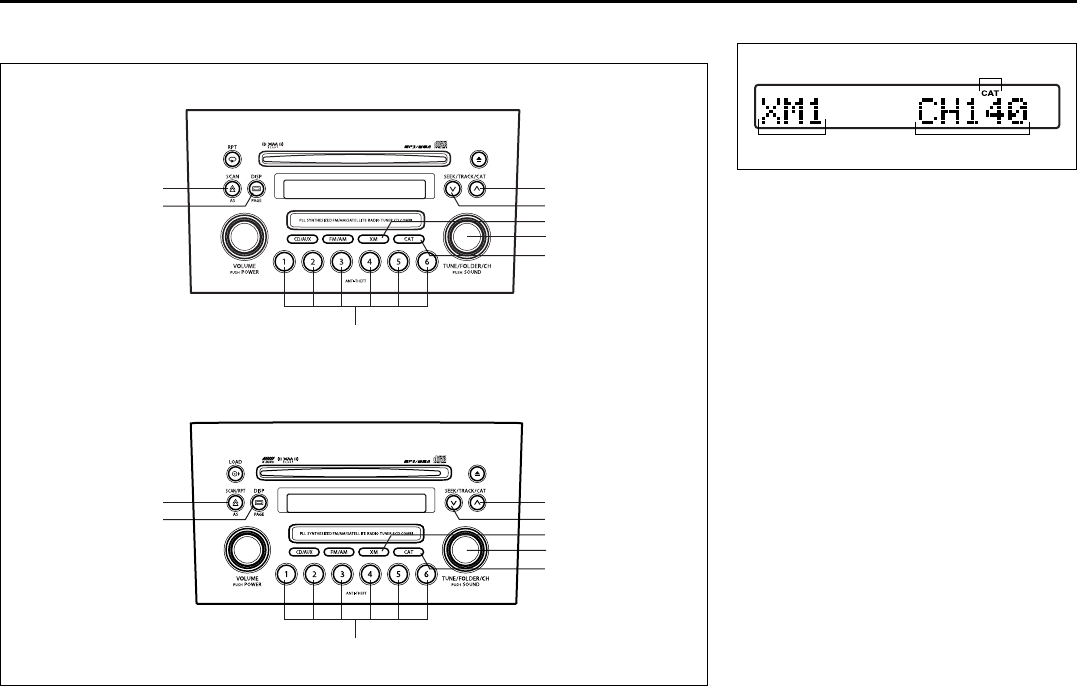
4-43
INSTRUMENT PANEL
66J22-03E
Listening to a XM Satellite Radio (Option)
66J219
(5)
(2)
(8)
(6)
(3)
(4)
(7)
(1)
(5)
(2)
(8)
(6)
(3)
(4)
(7)
(1)
Type 1 AM/FM/XM CD PLAYER WITH CD CHANGER CONTROL
Type 2 AM/FM/XM 6-CD PLAYER WITH CD CHANGER CONTROL
Display
66J107
(1) XM button
(2) Category button (CAT)
(3) Seek up button
(4) Seek down button
(5) Manual tuning knob
(6) Display button (DISP)
(7) Preset button (1 to 6)
(8) Scan button (SCAN)
(A) Band
(B) Channel number
(C) Category indicator
If you want to purchase XM Satellite Radio
Service, contact your SUZUKI dealer.
It is necessary to buy a special tuner to
receive XM broadcasting.
Your vehicle is capable of receiving XM
Satellite Radio anywhere in the United
States except Hawaii, Alaska, and Can-
ada.
(A) (B)
(C)
Audio Systems:
4-44
INSTRUMENT PANEL
66J22-03E
XM MODE
Selecting a band
Press the XM button (1).
Each time the button is pressed, the band
changes in the following order.
66J129
Selecting a category
Press the seek up button (3) or the seek
down button (4). The category is changed.
Turning the category function on/off
Press and hold the category button (2) for
2 seconds or longer, and “CATEGORY
ON” appears on the display, the CAT indi-
cator (c) lights up and the CATEGORY
function is activated.
Press and hold the category button (2) for
2 seconds or longer again, and “CATE-
GORY OFF” appears on the display and
the CAT indicator turns off, indicating that
the CATEGORY function has been turned
off.
NOTE:
The first time you use the radio, turn the
category function on.
Selecting a category
Press the seek up button (3) or seek down
button (4) to select a category.
Displaying the category
Press the category button (2) to have the
currently selected category appear on the
display.
Selecting a channel
Turn the manual tuning knob (5) to select a
channel.
NOTE:
When the category function is on, only
those channels included in the selected
category can be selected.
Selecting the item to be displayed
Press the display button (6).
Each time the button is pressed, the item
on display changes in the following order.
66J130
Preset memory
1) Select the desired station.
2) Select the preset button (7) to which
you want to store the station and press
and hold the button for 2 seconds or
longer.
Scan tuning
1) Press the scan button (8).
Stations are automatically searched for
in a sequential order, starting from the
station being currently received, and
scan tuning stops for 5 seconds at the
frequency where there is a station avail-
able.
2) Press the scan button (8) again to stop
scanning at the frequency currently
being received.
Satellite Radio Reception
Satellite radio receives signals from two
satellites in orbit over the equator. There-
fore, satellite radio reception can be inter-
rupted when there are objects south of
your vehicle. To help compensate for this,
ground-based repeaters are placed in
major metropolitan areas, but depending
on the geographic situation (for example, if
mountains or buildings are on the south
side of your vehicle), you may experience
reception problems.
XM1 XM2 XM3
CH NUMBER CH NAME
NAMETITLE
Audio Systems:
4-45
INSTRUMENT PANEL
66J22-03E
Listening to Audio for AUX (Option)
66J220
(1)
(1)
Type 1 AM/FM/XM CD PLAYER WITH CD CHANGER CONTROL
Type 2 AM/FM/XM 6-CD PLAYER WITH CD CHANGER CONTROL
Display
66J221
(1) Aux button (CD/AUX)
(A) Mode indicator
Aux function
This system has an external input terminal
so you can listen to audio from an external
device connected to this unit.
Press the aux button (1).
Each time the button is pressed, the
selected mode is switched as follows:
66J123
(A)
CD AUX
Audio Systems:
4-46
INSTRUMENT PANEL
66J22-03E
Listening to a CD from an External CD Changer (Option)
66J222
(6)
(5)
(1)
(3)
(4)
(2)
(6)
(5)
(1)
(3)
(4)
(2)
Type 1 AM/FM/XM CD PLAYER WITH CD CHANGER CONTROL
Type 2 AM/FM/XM 6-CD PLAYER WITH CD CHANGER CONTROL
Display
66J113
(1) Disc button (CD/AUX)
(2) Disc select buttons (1 to 6)
(3) Track up button/Fast forward button
(4) Track down button/Rewind button
(5) Repeat button (RPT)
(6) Category button (CAT)
(A) Mode indicator
(B) Disc number
(C) Track number
(D) Play time
(E) Repeat indicator
(F) Random indicator
(G) CD changer number
(A) (B)
(E)
(D)
(F)
(C)
(G)
Audio Systems:
4-47
INSTRUMENT PANEL
66J22-03E
Selecting a CD changer mode
Press the disc button (1).
Each time the button is pressed, the
selected CD plays as follows:
52D300
• When only one CD changer is con-
nected to this unit, CD changer 2 is
skipped.
• When no CD is loaded in the built-in CD
player, the built-in CD player is skipped.
Selecting a disc
Press the disc select button (2) corre-
sponding to the disc number you want to
listen to.
Play starts from the first track on the disc. If
a disc number having no disc is pressed,
the selection will be invalid.
Selecting a track
• Press the track up button (3) to listen to
the next track.
• Press the track down button (4) twice to
listen to the previous track.
When the track down button (4) is
pressed once, the track currently being
played will start again at the beginning.
Fast forwarding/Rewinding a track
• Hold in the fast forward button (3) to
advance a track rapidly.
• Hold in the rewind button (4) to rewind a
track.
Random play
Press the category button (6).
Each time the button is pressed, the mode
changes in the following order.
66J131
NOTE:
This operation should be performed within
2 seconds.
To cancel random play, press the category
button (6) several times to change the ran-
dom play mode to OFF.
• TRACK RANDOM
The tracks in the disc that is loaded are
played at random.
• DISC RANDOM
The tracks in all discs are played at ran-
dom.
NOTE:
The random play can be operated with the
External CD Changer (Option) only.
Built-in CD player
CD changer 1
CD changer 2
TRACK RANDOM
DISC RANDOM
OFF
Audio Systems:
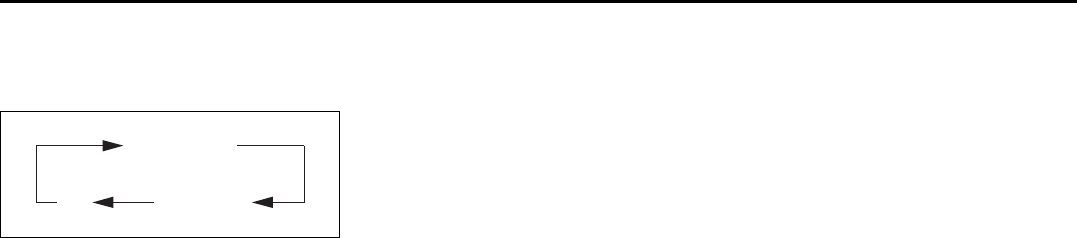
4-48
INSTRUMENT PANEL
66J22-03E
Repeat play
Press the repeat button (5).
Each time the button is pressed, repeat
play mode changes as follows:
66J144
NOTE:
This operation should be performed within
2 seconds.
To cancel repeat play, press the repeat but-
ton (5) several times to change the repeat
play mode to OFF.
• TRACK REPEAT
The indication “TRACK RPT” appears in
the display for 2 seconds and then the
repeat indicator (E) lights.
The track being currently played is
played repeatedly.
• DISC REPEAT
The indication “DISC RPT” appears in
the display for 2 seconds and then the
repeat indicator (E) lights.
When all the tracks on a disc being cur-
rently played finish playing, play starts
again at the beginning of the disc.
TRACK REPEAT
DISC REPEAT
OFF
Audio Systems:
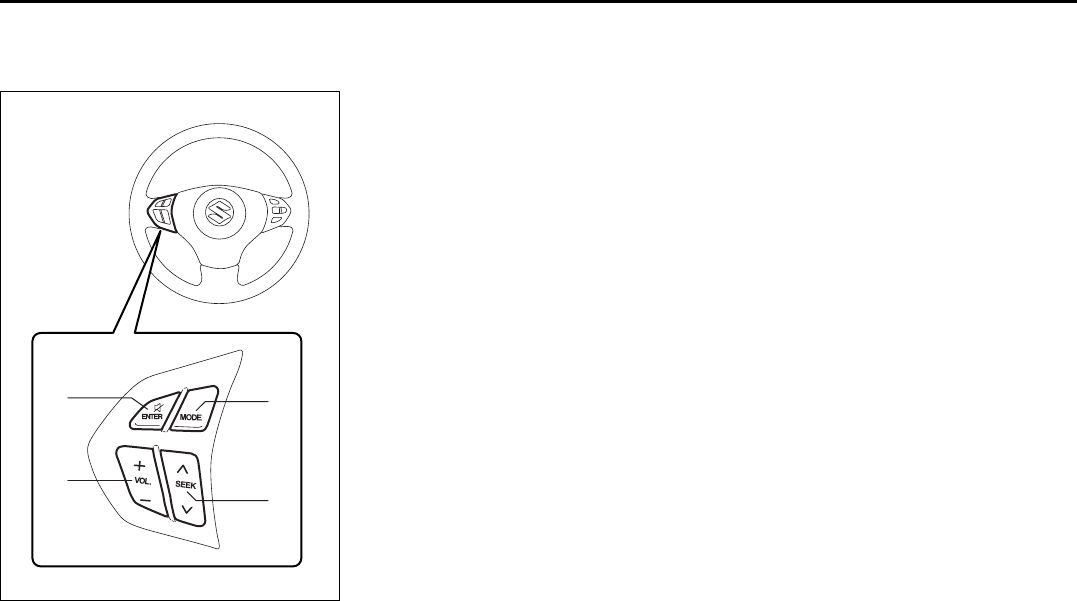
4-49
INSTRUMENT PANEL
66J22-03E
Remote Audio Controls
(if equipped)
64J041
You can control basic functions of the
audio system with the switches on the
steering wheel.
To control the volume:
• To increase the volume, push the upper
part of the switch (1). The volume contin-
ues to increase until you release the
switch.
• To decrease the volume, push the lower
part of the switch (1). The volume contin-
ues to decrease until you release the
switch.
• To mute, push the switch (2).
To select the mode (AM1, AM2, FM1, FM2,
XM (option), CD, External CD-changer
(option), AUX (option)), push the switch
(3).
You can also turn on the audio system by
pushing the switch (3).
To change the radio station:
• To advance to the next preset station,
push the upper part of the switch (4)
briefly.
• To select the previous preset station,
push the lower part of the switch (4)
briefly.
• To scan to a higher frequency radio sta-
tion, push and hold the upper part of the
switch (4).
• To scan to a lower frequency radio sta-
tion, push and hold the lower part of the
switch (4).
To change the selection on a CD:
• To advance to the next track on a CD,
push the upper part of the switch (4)
briefly.
• To select the previous track on a CD,
push the lower part of the switch (4).
(1)
(2)
(4)
(3)
Audio Systems:
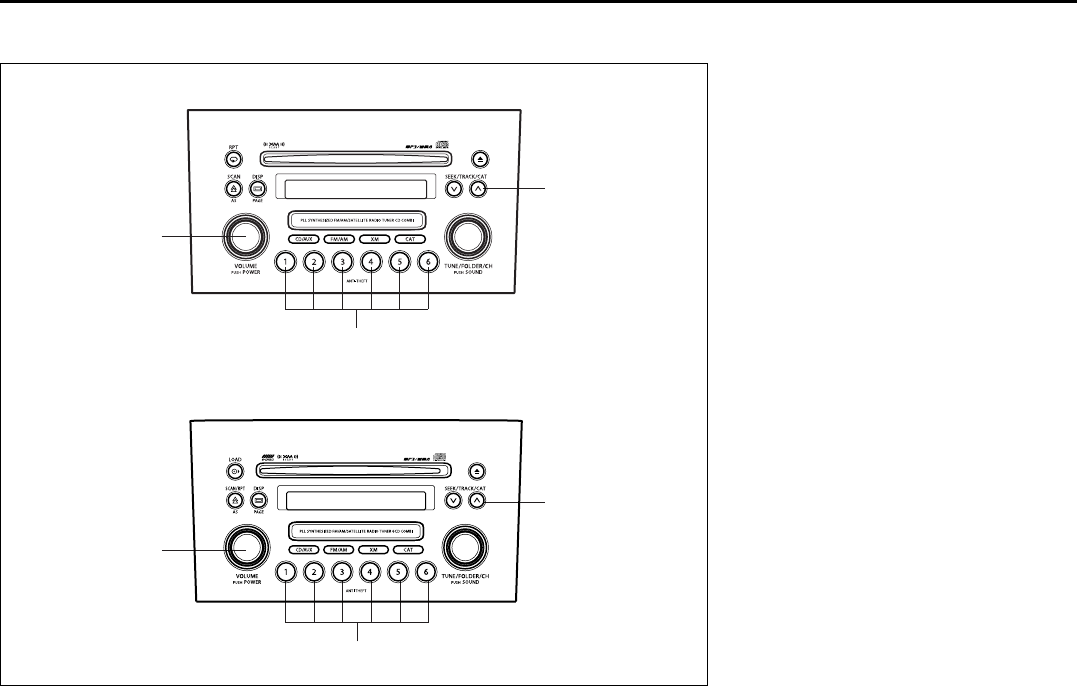
4-50
INSTRUMENT PANEL
66J22-03E
Anti-Theft Feature
66J223
(1)
(2)
(3)
(1)
(2)
(3)
Type 1 AM/FM/XM CD PLAYER WITH CD CHANGER CONTROL
Type 2 AM/FM/XM 6-CD PLAYER WITH CD CHANGER CONTROL
(1) Power on/off knob
(2) Track up button/Fast forward button
(3) Preset buttons (1 to 6)
The anti-theft feature is intended to dis-
courage theft or the audio system by pre-
venting the system from operating when it
is moved to a different vehicle.
This feature works by allowing you to enter
a Personal Identification Number (PIN).
When the audio system is disconnected
from its power source, such as when the
audio system is removed or the battery is
disconnected, the system will not operate
again unless the PIN is reentered.
Audio Systems:
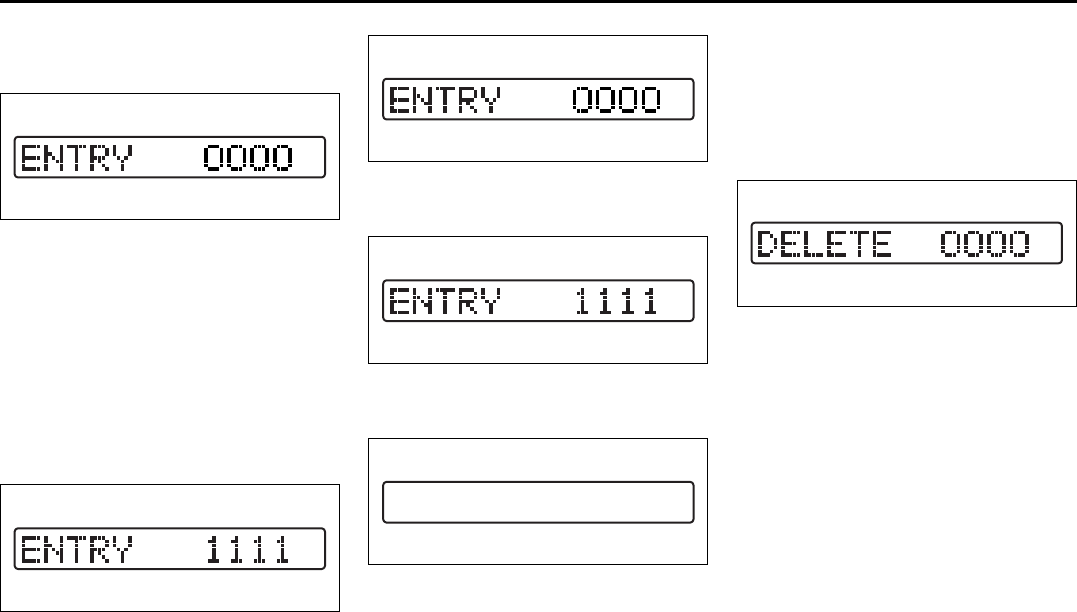
4-51
INSTRUMENT PANEL
66J22-03E
Setting the Anti-Theft Function
1) Turn off the power by pressing the
power on/off knob (1).
66J118
2) Press the power on/off knob (1) while
pressing and holding the track up but-
ton (2). The “ENTRY 0000” will blink
and the audio system enter PIN-input
mode.
NOTE:
Establish your PIN by combining numbers
from 1 to 6 into any 4-digit number. If you
forget your PIN, when you remove the bat-
tery for repair etc., you will no longer be
able to operate the audio system.
66J117
3) Input the four digit PIN using preset but-
tons 1 to 6.
66J118
4) After you enter your four digit PIN, the
display will return to “0000”.
66J117
5) Input the same 4-digit number you pre-
viously entered.
66J120
6) The power of the audio system will turn
off.
NOTE:
Write down your PIN for the future use.
Canceling Your Established PIN
Setting
This operation is to be done when you
want to cancel the anti-theft function or
change your PIN.
1) Turn off the power by pressing the
power on/off knob (1).
66J121
2) Press the power on/off knob (1) while
pressing and holding the track up but-
ton (2). The “DELETE 0000” will blink
and the audio system will enter the can-
cel mode.
EXAMPLE
EXAMPLE
Audio Systems:
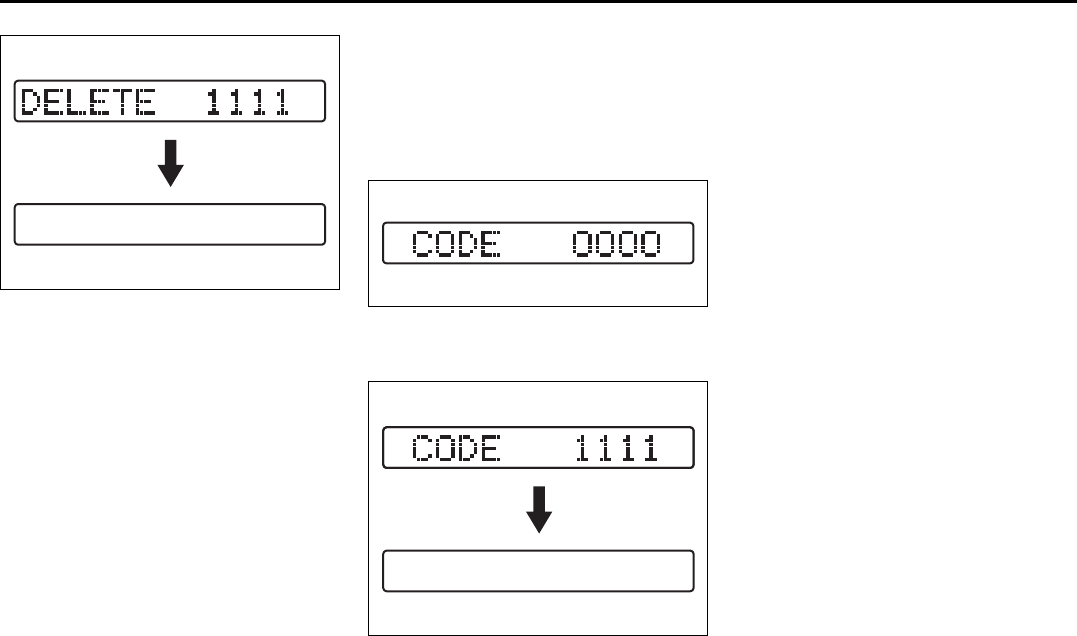
4-52
INSTRUMENT PANEL
66J22-03E
66J124
3) Input your PIN. The power of the audio
system will turn off and your PIN will be
deleted.
To change your PIN, first delete your
current PIN, then set a new one.
Confirming Your Personal Identifi-
cation Number (PIN)
When the main power source is discon-
nected such as when you exchange your
battery, etc, you will have to confirm your
PIN to be able to use the audio system.
To confirm your PIN:
66J122
1) Turn the ignition switch to the “ACC”
position.
66J125
2) Input your PIN.
If the PIN that you input matches the
registered PIN, the power of the audio
system will turn off, and you will be able
to operate the audio system.
NOTE:
• If you input your PIN incorrectly, “----” will
be displayed and the anti-theft function
lock mode is entered. If you enter an
incorrect PIN fewer than 6 times, the
locking time will be for 15 seconds; if you
enter an incorrect PIN more than 6
times, the locking time will be for 15 min-
utes.
• If you forget your PIN and enter a wrong
PIN, you can not perform any further
operation.
EXAMPLE
EXAMPLE
4-53
INSTRUMENT PANEL
66J22-03E
Troubleshooting
Applicable to every device
Radio
CD
Phenomenon Cause Remedy
Power is not turned on.
(No sound is produced)
Fuse is blown. Contact your authorized SUZUKI dealer.
Connections are not properly made. Contact your authorized SUZUKI dealer.
Phenomenon Cause Remedy
Too much noise. Not tuned correctly to the frequency of a sta-
tion.
Tune correctly to the station frequency.
Stations cannot be selected by
seek tuning.
There is no station with strong radio waves. Select stations by manual tuning.
Phenomenon Cause Remedy
Compact disc cannot be loaded. Another compact disc is already loaded. Eject the compact disc before loading a new
one.
Sound skips or is noisy. Compact disc is dirty. Clean the compact disc with a soft cloth.
Compact disc is heavily scratched or warped. Replace with a compact disc with no scratches.
Sound is bad directly after power
is turned on.
Water droplets may form on the internal lens
when the car is parked in a humid place.
Let dry for about 1 hour with the power on.

4-54
INSTRUMENT PANEL
66J22-03E
Error display
This unit has a number of self-diagnostic functions to protect the system.
If a problem should occur, the display shows the type of error. Refer to the table below and take proper measures to correct the problem.
If the problem is corrected, the unit will operate normally.
If an error display not listed above appears, turn off the unit and contact your SUZUKI dealer.
Error display Measures to be taken
CD/CD changer “Mechanical error”.
This error display indicates a mechanical failure in the CD changer
(failure to change or eject a disc).
The mechanism is probably damaged. Contact your authorized
SUZUKI dealer.
CD/CD changer “Focus error”.
The pick-up-focus is not properly functioning during playback due to
damage on the disc or for other reasons.
Check disc for damage.
CD/CD changer “Disc error”.
The CD is inserted upside down or only an eight-centimeter CD
adapter is equipped.
Check disc for correct loading.
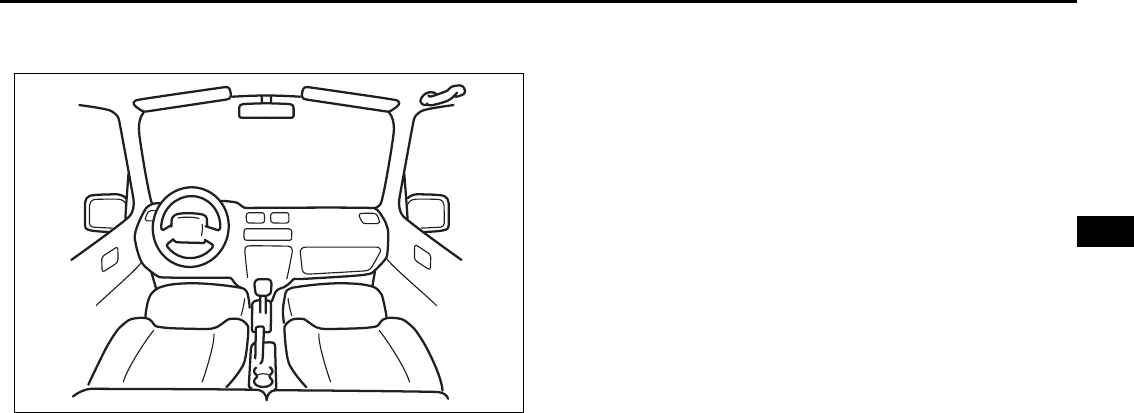
OTHER CONTROLS AND EQUIPMENT
5
66J22-03E
60G407
OTHER CONTROLS AND EQUIPMENT
Parking Brake Lever ........................................................... 5-1
Pedals ................................................................................... 5-1
Gearshift Lever .................................................................... 5-2
Fuel Filler Cap ..................................................................... 5-3
Folding Seats ....................................................................... 5-4
Armrest ................................................................................ 5-7
Sun Visor ............................................................................. 5-7
Interior Light Switch ........................................................... 5-7
Spot Light ............................................................................ 5-8
Luggage Compartment Light ............................................. 5-9
Front Seat Heater (if equipped) .......................................... 5-9
Assist Grips (if equipped) .................................................. 5-10
Coat Hooks (if equipped) .................................................... 5-11
Sunroof (if equipped) .......................................................... 5-11
Engine Hood ........................................................................ 5-13
Cup Holder and Storage Bin (if equipped) ........................ 5-14
Overhead Console Box (if equipped) ................................ 5-15
Accessory Socket (if equipped) ......................................... 5-16
Cigarette Lighter and Ashtray ............................................ 5-17
Frame Hooks ....................................................................... 5-17
Tire Changing Tool ............................................................. 5-18
Shopping Hook (if equipped) ............................................. 5-19
Front Seat Back Pocket (if equipped) ............................... 5-19
Luggage Restraint Loops (if equipped) ............................ 5-19
Luggage Compartment Cover ............................................ 5-20
Underfloor Bins (if equipped) ............................................ 5-23
Roof Rails or Roof Rack Anchors (if equipped) ............... 5-23
HomeLink® (if equipped) .................................................... 5-25
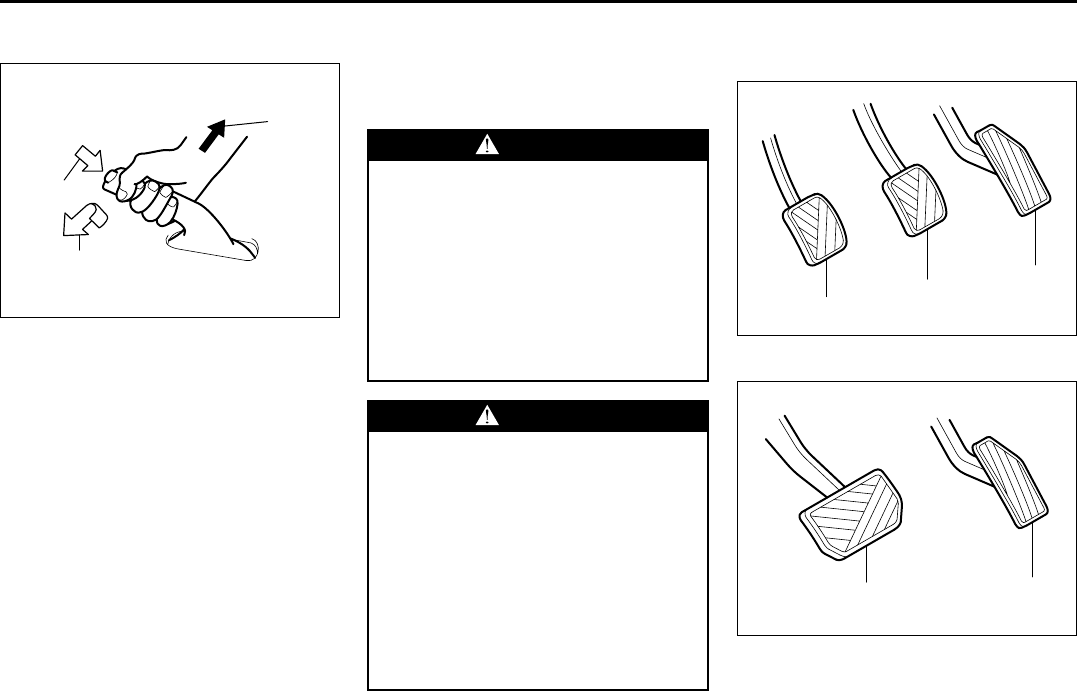
5-1
OTHER CONTROLS AND EQUIPMENT
66J22-03E
Parking Brake Lever
64J081
(1) To set
(2) To release
(3) To release
The parking brake lever is located between
the seats. To set the parking brake, hold
the brake pedal down and pull the parking
brake lever all the way up. To release the
parking brake, hold the brake pedal down,
pull up slightly on the parking brake lever,
push the button on the end of the lever
with your thumb and lower the lever to its
original position.
For automatic transmission vehicles,
always set the parking brake before mov-
ing the gearshift lever to the “P” (Park)
position. If you park on an incline and shift
into “P” before you set the parking brake,
the weight of the vehicle may make it diffi-
cult to shift out of “P” when you are ready
to drive the vehicle. When preparing to
drive the vehicle, move the gearshift lever
out of the “P” position before releasing the
parking brake.
Pedals
Manual transmission
64J082
Automatic transmission
64J083
EXAMPLE
(2)
(3)
(1)
WARNING
• Never drive your vehicle with the
parking brake set: rear brake effec-
tiveness can be reduced from over-
heating, brake life may be
shortened or permanent brake
damage may result.
• If the parking brake does not hold
the vehicle securely or does not
fully release, have your vehicle
inspected immediately by an autho-
rized SUZUKI dealer.
WARNING
Always set the parking brake fully
before leaving your vehicle or it may
roll, causing injury or damage. When
parking, make sure the gearshift
lever for manual transmission vehi-
cles is in 1st gear or “R” (Reverse)
and the gearshift lever for automatic
transmission vehicles is in “P”
(Park). Never leave the transfer lever
in “N” (Neutral) when you are parked.
Remember, even though the trans-
mission is in gear or in Park, you
must set the parking brake fully.
(1)
(2)
(3)
EXAMPLE
(2) (3)
EXAMPLE
Parking Brake Lever: 6
Pedals: 6
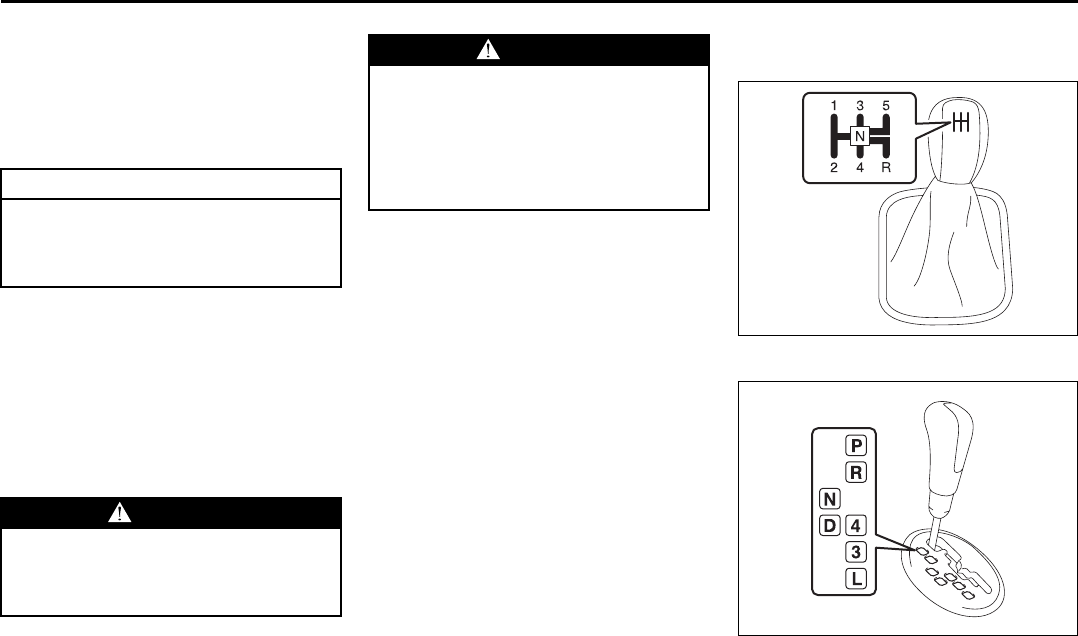
5-2
OTHER CONTROLS AND EQUIPMENT
66J22-03E
Clutch Pedal (1)
(For manual transmission)
The clutch pedal is used to disengage the
drive to the wheels when starting the
engine, stopping or shifting the gearshift
lever or transfer lever. Depressing the
pedal disengages the clutch.
Brake Pedal (2)
Your SUZUKI vehicle is equipped with
front disc brakes and rear drum brakes.
Depressing the brake pedal applies both
sets of brakes.
You may hear occasional brake squeal
when you apply the brakes. This is a nor-
mal condition caused by environmental
factors such as cold, wet, snow, etc.
Accelerator Pedal (3)
This pedal controls the speed of the
engine. Depressing the accelerator pedal
increases power output and speed.
Gearshift Lever
Manual transmission
65D449
5-speed automatic transmission
66J046
CAUTION
Do not drive with your foot resting on
the clutch pedal. It could result in
excessive clutch wear or clutch dam-
age.
WARNING
If brake squeal is excessive and
occurs each time the brakes are
applied, you should have the brakes
checked by your SUZUKI dealer.
WARNING
Do not “ride” the brakes by applying
them continuously or resting your
foot on the pedal. This will result in
overheating of the brakes which
could cause unpredictable braking
action, longer stopping distances or
permanent brake damage.
Pedals: 6
Gearshift Lever: 10
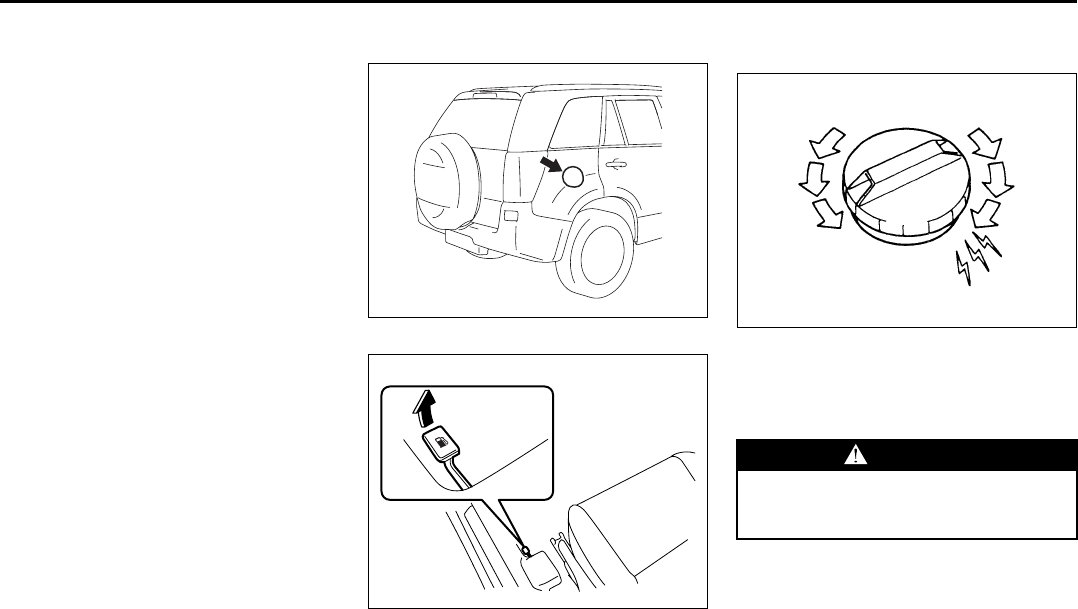
5-3
OTHER CONTROLS AND EQUIPMENT
66J22-03E
Your vehicle is equipped with either a
manual transmission or automatic trans-
mission. The gearshift lever for each trans-
mission type is shown in the illustrations.
For details on how to use the transmission,
refer to the “Using the Transmission” in
“OPERATING YOUR VEHICLE” section.
Fuel Filler Cap
64J085
64J253
The fuel filler cap is located on the right
rear side of the vehicle. The fuel filler door
can be unlocked by pulling up on the
opener lever located on the outboard side
of the driver’s seat and can be locked by
simply closing the door.
60G069
To remove the fuel filler cap:
1) Open the fuel filler door.
2) Remove the cap by turning it counter-
clockwise.
To reinstall the fuel filler cap:
1) Turn the cap clockwise until you hear
several clicks.
2) Close the fuel filler door.
EXAMPLE
WARNING
Remove the fuel filler cap slowly. The
fuel may be under pressure and may
spray out, causing injury.
Open Close
Gearshift Lever: 10
Fuel Filler Cap: 5
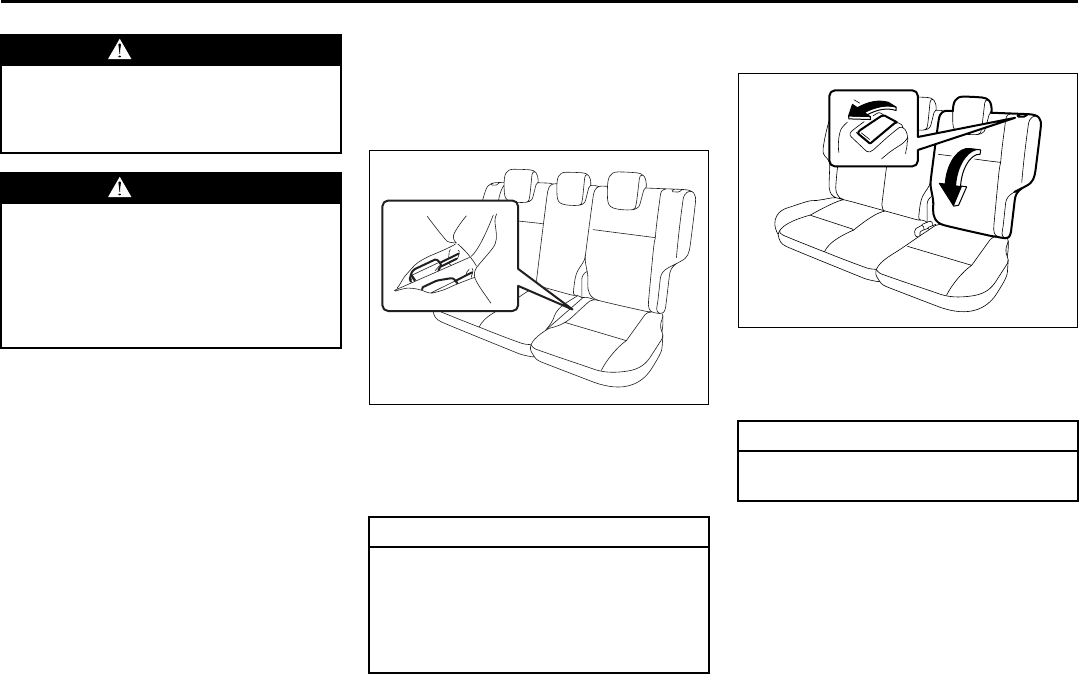
5-4
OTHER CONTROLS AND EQUIPMENT
66J22-03E
Folding Seats
Folding Rear Seats
To fold the rear seats forward:
1) Remove the luggage compartment
cover.
66J211
2) Stow the seat belt buckles of the center
and left seating position into the pocket
of the seat cushion as shown in the
illustration.
3) Lower the adjustable head restraint
fully.
64J087
4) Pull the release lever forward on the top
of each split seat, and fold the seat-
backs forward.
WARNING
Gasoline is extremely flammable. Do
not smoke when refueling, and make
sure there are no open flames or
sparks in the area.
WARNING
If you need to replace the fuel cap,
use a genuine SUZUKI cap. Use of an
improper cap can result in a malfunc-
tion of the fuel system or emission
control system. It may also result in
fuel leakage in the event of an acci-
dent.
CAUTION
When you fold the rear seatback for-
ward, stow the seat belt buckles of
the center and left seating position
into the pocket first. This helps pre-
vent being caught by the seat and
being damaged.
CAUTION
Make sure the belt webbing is not
caught by the seat.
Fuel Filler Cap: 5
Folding Seats: 14
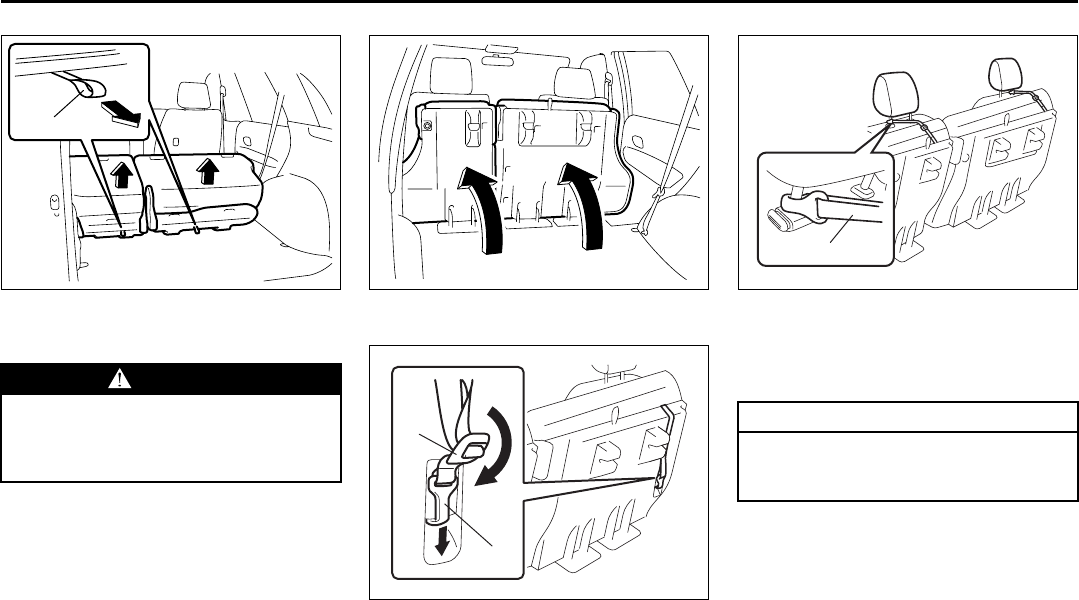
5-5
OTHER CONTROLS AND EQUIPMENT
66J22-03E
64J088
5) Pull the lock release strap (1) rearward
to unlatch the seat cushion.
64J089
6) Fold the entire seat forward.
66J195
7) Push down the adjuster (2) to make the
strap slack, and then unhook the strap
by pushing down the hook (3).
66J196
8) Hook the strap (4) to the front seat
head restraint and re-tighten the
adjuster (2) to apply a tension on the
strap as shown in the illustration.
WARNING
When you unlatch the rear seat cush-
ion, be careful that your face or
hands are not injured from the seat
popping up.
(1)
(2)
(3)
CAUTION
When securing the folded rear seat
with a strap, adjust the strap length
so that the rear seat will not move.
(4)
Folding Seats: 14
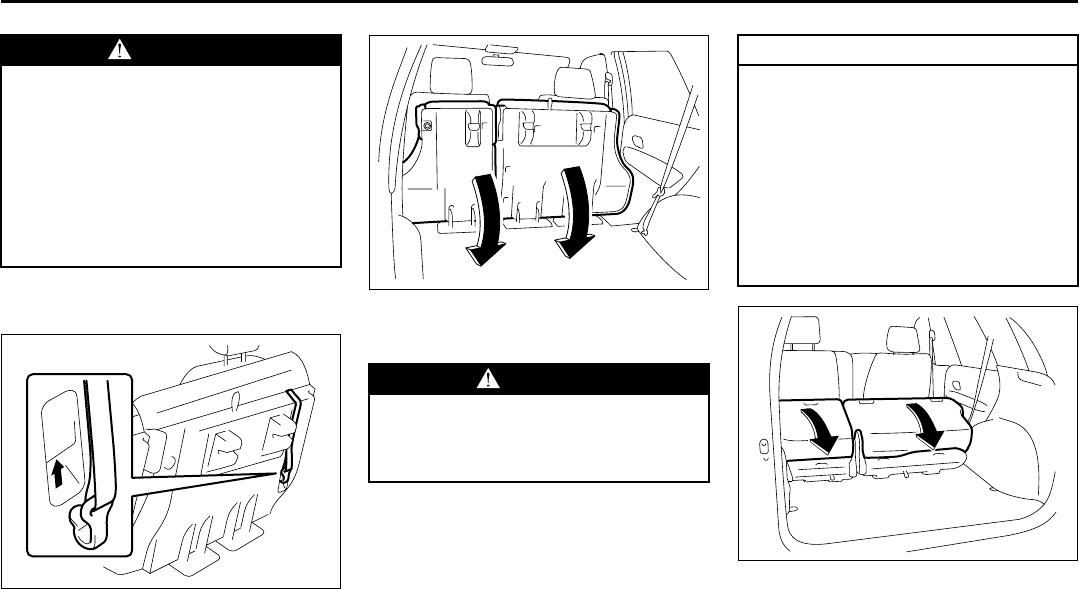
5-6
OTHER CONTROLS AND EQUIPMENT
66J22-03E
To return the seat to the normal position,
follow the procedure below.
64J175
1) Unhook the strap from the head
restraint and stow the strap to the back
of the seat cushion.
64J091
2) Pull down the seat cushion until it locks
into place.
64J092
3) Raise the seatback until it locks into
place.
After returning the seat, try moving the
seat and seatback to make sure they are
securely latched.
WARNING
Luggage or other cargo should be
stowed in the luggage compartment
with the rear seat in an upright posi-
tion, whenever possible. If you need
to carry cargo in the passenger com-
partment with the rear seat back
folded forward, be sure to secure the
cargo or it may be thrown about,
causing injury. Never pile cargo
higher than the seatbacks.
WARNING
When returning the rear seat cushion
to the normal position, be careful that
your finger is not caught between the
lock and the floor.
CAUTION
• When returning the rear seat cush-
ion to the normal position, make
sure that there is nothing around
the striker. This prevents the seat
cushion from being locked
securely.
• When returning the rear seat cush-
ion to the normal position, make
sure that there is nothing under the
seat cushion. This prevents dam-
age to the seat cushion.
Folding Seats: 14
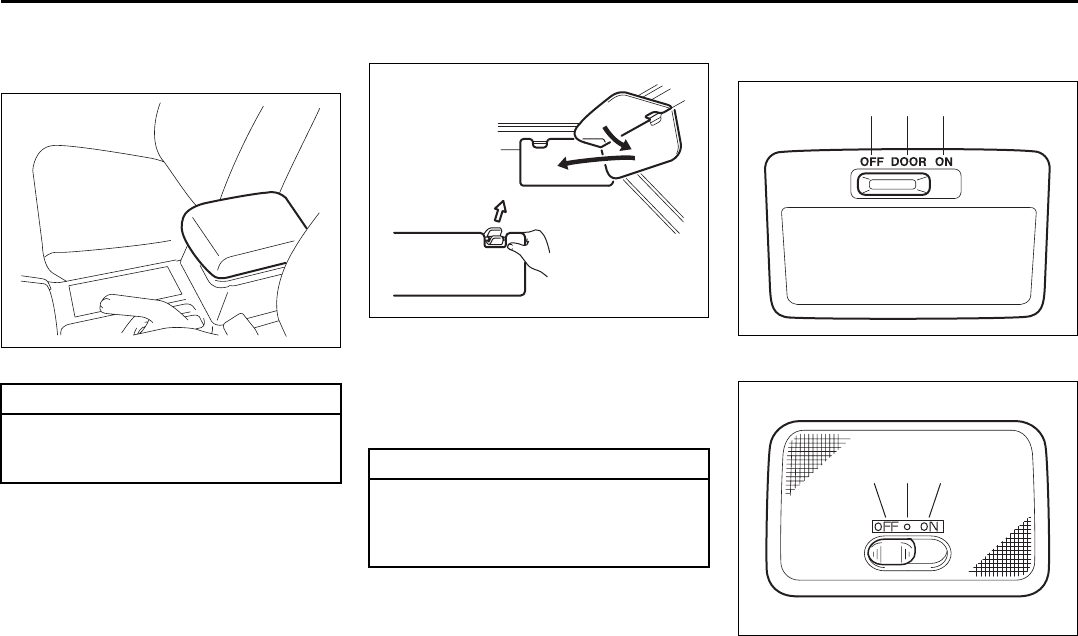
5-7
OTHER CONTROLS AND EQUIPMENT
66J22-03E
Armrest
Center Console Armrest
64J263
Sun Visor
79J161
The sun visors can be pulled down to block
glare coming through the windshield, or
they can be unhooked and turned to the
side to block glare coming through the side
window.
Interior Light Switch
Center
64J104
Rear
64J211
This light switch has three positions which
function as described below:
CAUTION
To avoid damage to the armrest, do
not lean on it or allow a child to sit on
it. CAUTION
When unhooking and hooking a sun
visor, be sure to handle it by the hard
plastic parts or the sun visor can be
damaged.
(1)(2)(3)
EXAMPLE
(3) (2) (1)
Armrest: 14
Sun Visor: 5
Interior Light Switch: 7
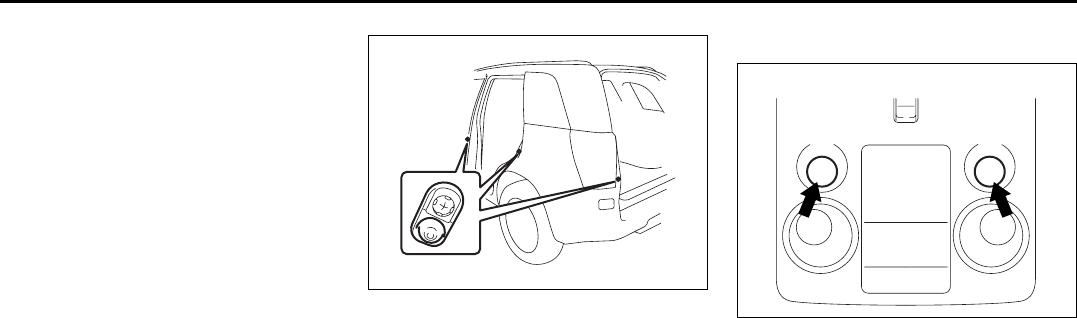
5-8
OTHER CONTROLS AND EQUIPMENT
66J22-03E
(1) The light comes on and stays on
regardless of whether the door is
open or closed.
(2) The light comes on when the door is
opened.
After closing all doors (including the
tailgate), the light will remain on for
about 15 seconds and then fade out.
If you insert the key into the ignition
switch during that time, the light will
start to fade out immediately.
After removing the key from the igni-
tion switch, the light will turn on for
about 15 seconds and then fade out.
(3) The light remains off even when the
door is opened.
64J105
NOTE:
The number of doors involved in the light-
ing operation of the interior light depends
on the vehicle specification. If there is a
switch (rubber projection) at the door
opening as shown, the door is involved in
the lighting operation.
Spot Light
64J212
Push the switch to turn on the light and
push it again to turn off the light.
EXAMPLE
EXAMPLE
Interior Light Switch: 7
Spot Light: 7
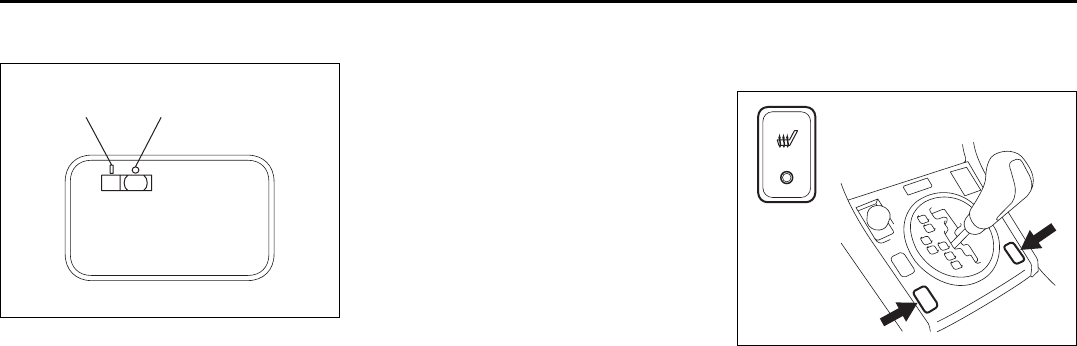
5-9
OTHER CONTROLS AND EQUIPMENT
66J22-03E
Luggage Compartment Light
66J047
The luggage compartment light is located
at the left side of the rear luggage compart-
ment.
When you open any of the doors including
the tailgate with the luggage compartment
light switch in the “ON” position (1), the
light comes on and remains on as long as
you keep the door open.
After closing all doors, the light will remain
on for about 15 seconds and then fade out.
If you insert the key into the ignition switch
during that time, the light will start to fade
out immediately.
After removing the key from the ignition
switch, the light will turn on for about 15
seconds and then fade out.
When the luggage compartment light
switch is in the “OFF” position (2), the light
remains off regardless of whether the
door(s) is(are) opened or closed. Front Seat Heater
(if equipped)
64J106
With the ignition switch in the “ON” posi-
tion, push in one or both of the seat heater
switches to warm the corresponding
seat(s). The indicator light below the
switch will also come on. To turn off the
seat heater, push in the switch again. The
indicator light below the switch will go off.
(1) (2) EXAMPLE
Luggage Compartment Light: 7
Front Door Light:
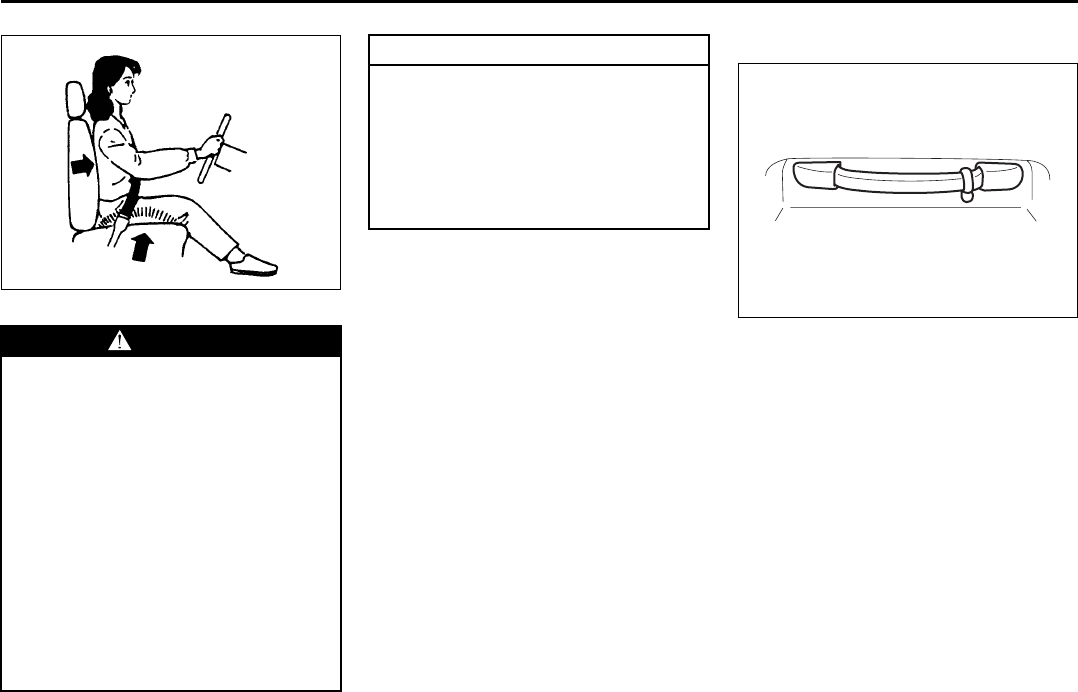
5-10
OTHER CONTROLS AND EQUIPMENT
66J22-03E
86G064
Assist Grips (if equipped)
64J136
Assist grips are provided for convenience.
WARNING
Improperly using the seat heater can
be hazardous. An occupant can suf-
fer burns even if the heating tempera-
ture is fairly low, if the occupant is
wearing thin pants, a thin skirt or
shorts and leaves the heater on for
long periods.
Avoid using the seat heater for these
occupants:
• People who have reduced feeling in
their legs, including the elderly or
those with certain disabilities.
• Small children, or anyone with sen-
sitive skin.
• People who are asleep or under the
influence of alcohol or other drugs
which make them tired.
CAUTION
To avoid damaging the heater ele-
ment:
• Do not subject the front seats to
heavy impacts, such as children
jumping on them.
• Do not cover the seat with any
insulating materials such as blan-
kets or cushions.
Front Seat Heater: 8
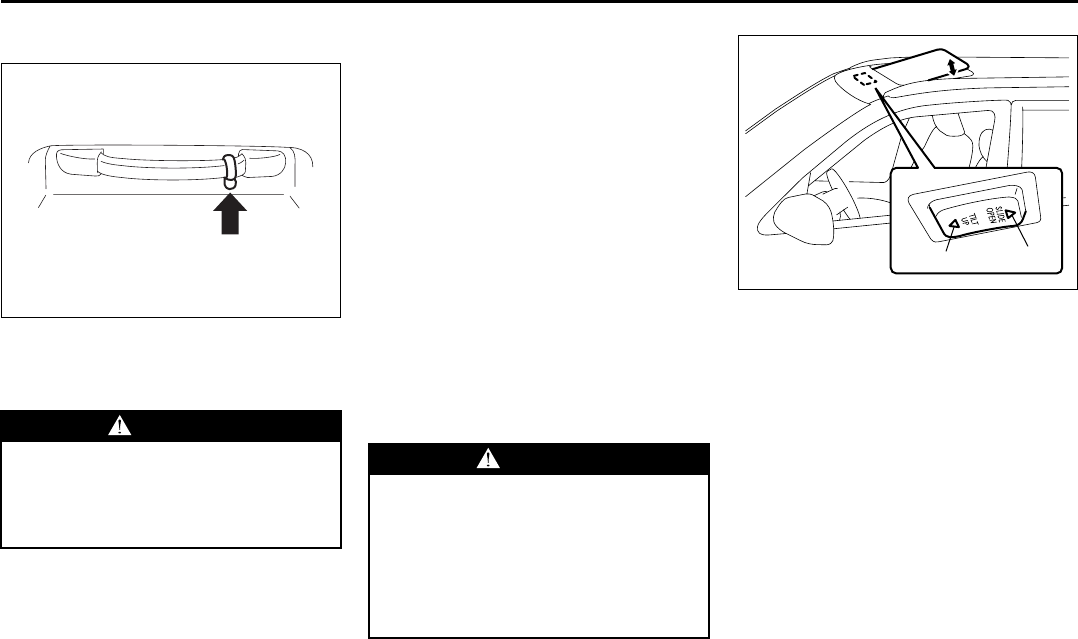
5-11
OTHER CONTROLS AND EQUIPMENT
66J22-03E
Coat Hooks (if equipped)
64J137
You can hang clothing on the coat hooks.
These hooks are not designed for large or
heavy items.
Sunroof (if equipped)
You can tilt or slide the sunroof by operat-
ing the “TILT” part of the sunroof switch or
the “SLIDE” part of the sunroof switch
when the ignition switch is in the “ON”
position.
There is a system to prevent being
pinched by the sunroof.
When the system senses that something is
pinched when the sunroof is sliding for-
ward, the sunroof will automatically
reverse direction and slide rearward. This
system will operate when the sunroof is
closing automatically. This system does
not operate when tilting the sunroof down.
Make sure there are no hands or other
obstructions in the path of the sunroof
when you close the sunroof even though
there is a system to prevent being pinched
by the sunroof.
64J107
To tilt the sunroof up, slide the sun shade
rearward by hand and push the “TILT UP”
part (1) of the sunroof switch. To tilt the
sunroof down, push the “SLIDE OPEN”
part (2) of the sunroof switch.
If you push the switch for more than a sec-
ond, the sunroof will automatically tilt up or
down fully. To stop the sunroof halfway,
push the switch briefly.
WARNING
If your vehicle is equipped with side
curtain air bags, do not hang sharp
items like a hanger on the coat hook.
When hanging the clothes, hang it on
hook without using a hanger.
WARNING
• The system to prevent being
pinched by the sunroof does not
work in the area where the sunroof
is almost completely closed.
• The system to prevent being
pinched by the sunroof may not
work if the battery is not suffi-
ciently charged.
(1) (2)
Assist Grips: 3
Coat Hooks:
Sunroof: 5, 8
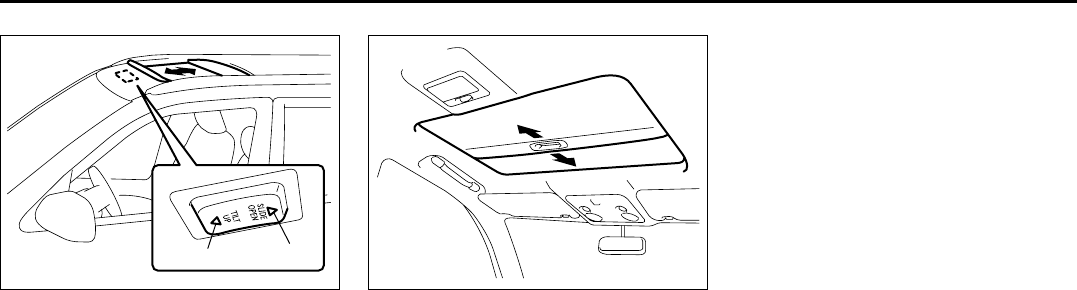
5-12
OTHER CONTROLS AND EQUIPMENT
66J22-03E
64J108
To slide the sunroof rearward, push the
“SLIDE OPEN” part (2) of the sunroof
switch. To side the sunroof forward, push
the “TILT UP” part (1) of the sunroof
switch.
If you push the switch for more than a sec-
ond, the sunroof will automatically slide
fully rearward or forward. To stop the sun-
roof halfway, push the switch briefly.
64J109
The sun shade will open automatically and
cannot be closed when the sunroof is slid
rearward.
How to reactivate the system to prevent
being pinched by the sunroof
When you disconnect the negative (–) ter-
minal from the battery or change the fuses,
the features below will not operate.
• The system to prevent being pinched by
the sliding sunroof.
• The system to automatically open or
close the sunroof fully.
In this case, you must reactivate the fea-
tures using the following procedures.
1) Turn the ignition switch to the “ON”
position.
2) Push and hold the “TILT UP” part (1) of
the sunroof switch, the sunroof will tilt
up fully and then down slightly. After the
movement stops completely, release
the switch. The features are reacti-
vated.
3) Make sure you can open or close the
sunroof automatically by pushing the
sunroof switch for more than about a
second.
(1) (2)
Sunroof: 5, 8
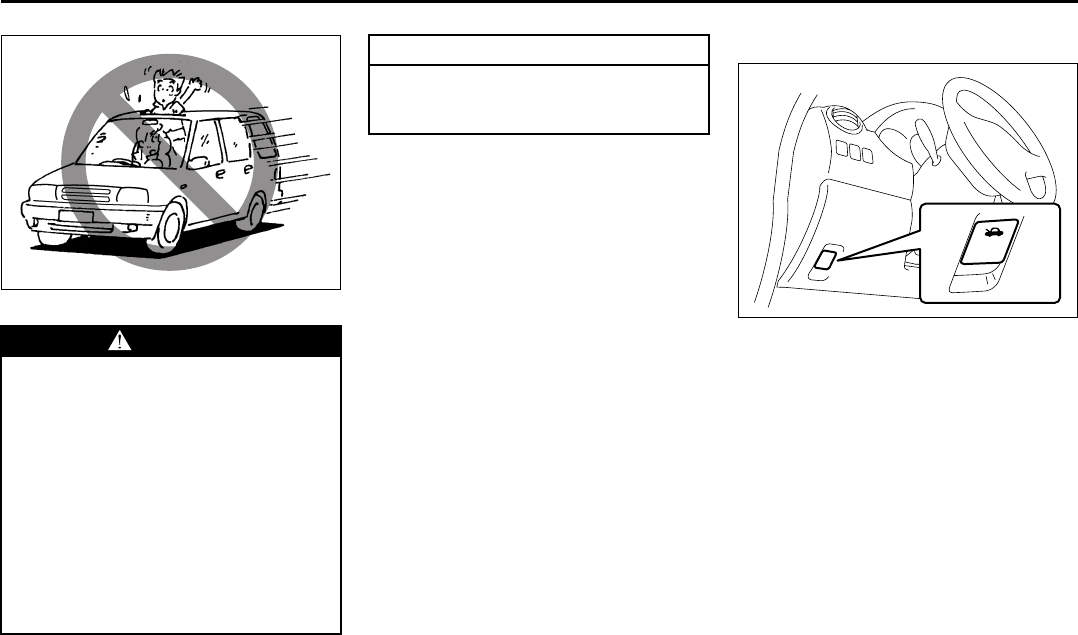
5-13
OTHER CONTROLS AND EQUIPMENT
66J22-03E
65D612
• Be sure to close the sunroof when you
leave the vehicle unattended.
• Periodically inspect the guide rail for dirt
and clean it if any dirt has accumulated.
Engine Hood
64J110
To open the engine hood:
1) Pull the hood release handle located on
the outboard side of the driver’s side of
the instrument panel. This will disen-
gage the engine hood lock halfway.
WARNING
• Never allow any part of your body
such as hands or head to get out of
the sunroof opening while the vehi-
cle is moving.
• Be sure there are no hands or other
obstructions in the path of the sun-
roof when you close the sunroof.
• Always remove the ignition key
when leaving the vehicle even if for
a short time. Also do not leave chil-
dren alone in a parked vehicle.
Unattended children could use the
sunroof switches and get trapped
by the sunroof.
CAUTION
Do not put your body weight on the
roof around the sunroof such as by
sitting on it.
Sunroof: 5, 8
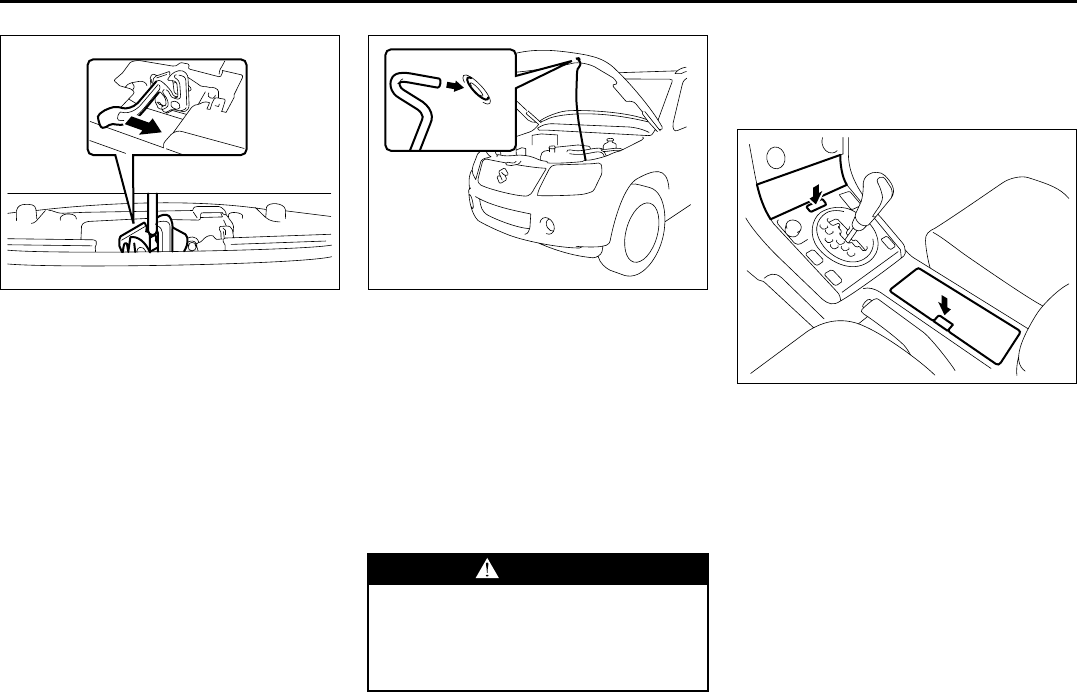
5-14
OTHER CONTROLS AND EQUIPMENT
66J22-03E
64J111
2) Push the under-hood release lever
sideways with your finger, as shown in
the illustration. While pushing the lever,
lift up the engine hood.
64J112
3) Continue to lift up the hood until it is
high enough to support with the prop
rod.
To close the engine hood:
1) Lift the hood up slightly and remove the
prop rod from the hole. Put the prop rod
back to the holding clip.
2) Lower the hood close to the bumper,
then let it drop down.
Make sure the hood is securely latched
after closing.
Cup Holder and Storage Bin
(if equipped)
Cup holders and a storage bin are pro-
vided as shown.
64J113
To access a bin, push the release button.
WARNING
Make sure the hood is fully closed
and latched before driving. If it is not,
it can fly up unexpectedly during
driving, obstructing your view and
resulting in an accident.
EXAMPLE
Engine Hood: 5
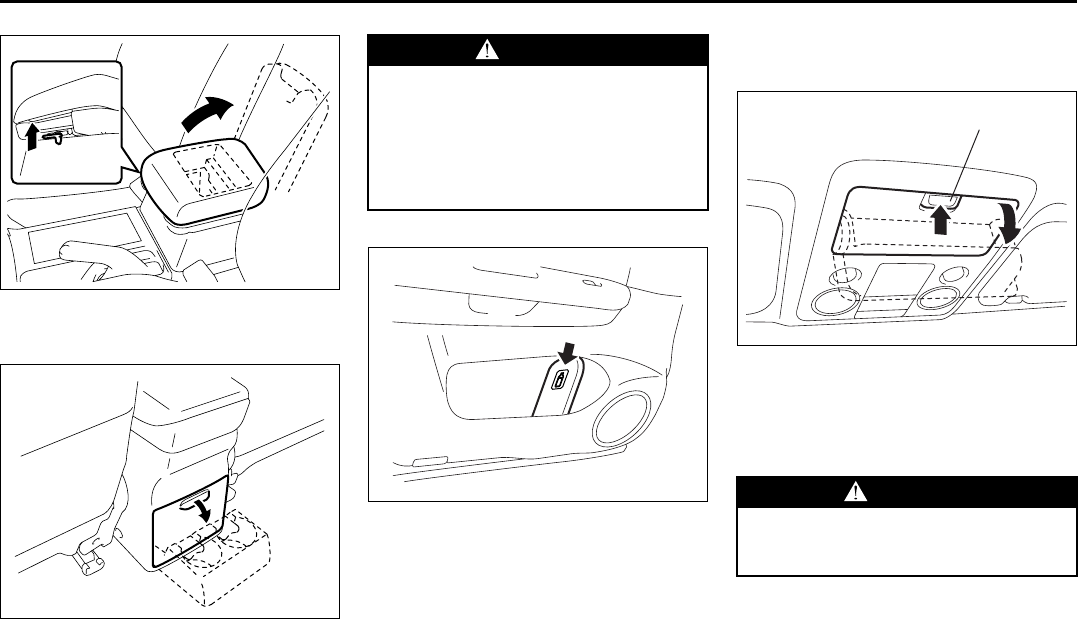
5-15
OTHER CONTROLS AND EQUIPMENT
66J22-03E
64J115
To use the console bin, pull the lever up
and open the lid.
64J116
To use the rear cup holders, open the lid.
Bottle holder
64J200
You should hold a bottle with a cap in the
bottle holder.
Overhead Console Box
(if equipped)
64J289
To use the overhead console box, push on
the front edge (1) and open the lid. To
close the lid, push the front edge (1) until it
latches. Do not put heavy or sharp items in
the box.
WARNING
Do not use the cup holder or the stor-
age bin to hold cups containing hot
liquids or sharp-edged, hard or
breakable objects. Objects in these
bins may be thrown about during a
sudden stop or impact, and could
cause personal injury.
EXAMPLE WARNING
Never drive with the overhead con-
sole box lid open. It could cause
injury if an accident occurs.
(1)
Cup Holder and Storage Bin: 3, 14
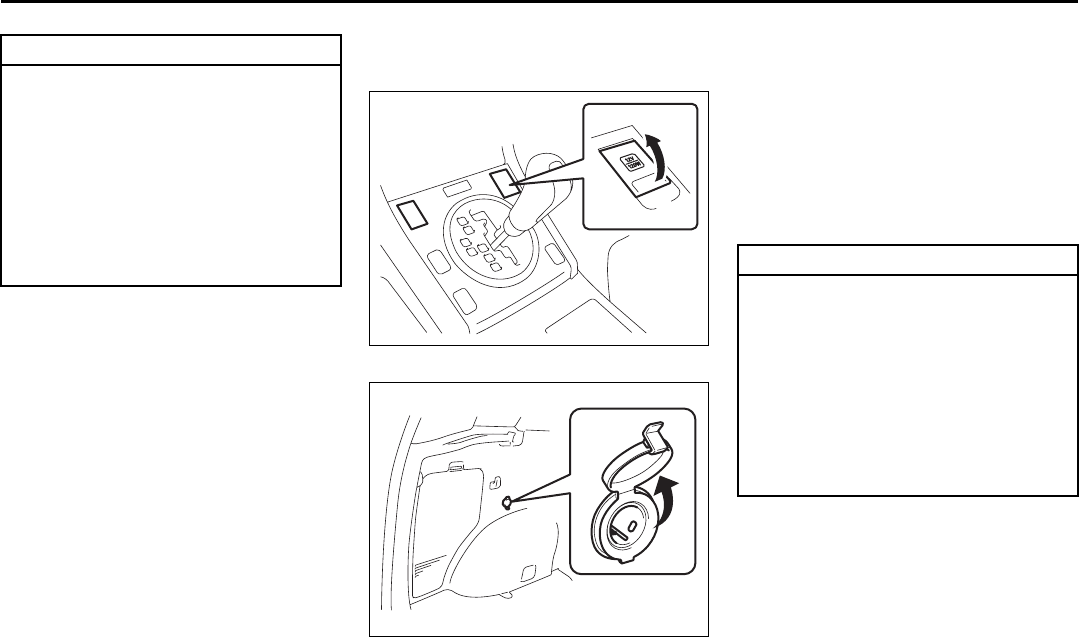
5-16
OTHER CONTROLS AND EQUIPMENT
66J22-03E
NOTE:
An aftermarket garage door opener can be
installed in the front side overhead console
box.
Accessory Socket
(if equipped)
64J121
64J120
12-volt accessory sockets are located both
on the center console and on the left side
of the luggage compartment.
Depending on the specification, there are
two sockets on the center console.
Each socket can be used to provide 12
volt/120 watt power for electrical accesso-
ries when used alone. Make sure that the
cap remains on the socket when the
socket is not in use.
CAUTION
If you park your vehicle outdoors in
direct sunlight or in hot weather, the
eyeglasses compartment can get
very hot since it is close to the roof.
So, when parking in such conditions:
• Do not leave eyeglasses in the
compartment. The heat may distort
plastic lenses or frames.
• Do not place flammable items,
such as a lighter, in the compart-
ment. The heat may cause a fire.
EXAMPLE
EXAMPLE
CAUTION
• To prevent the fuse from being
blown, when using sockets at the
same time, do not exceed the total
combined power capacity of 120
watts.
• Use of inappropriate electrical
accessories can cause damage to
your vehicle’s electrical system.
Make sure that any electrical
accessories you use are designed
to plug into this type of socket.
Overhead Console Box:
Accessory Socket: 8
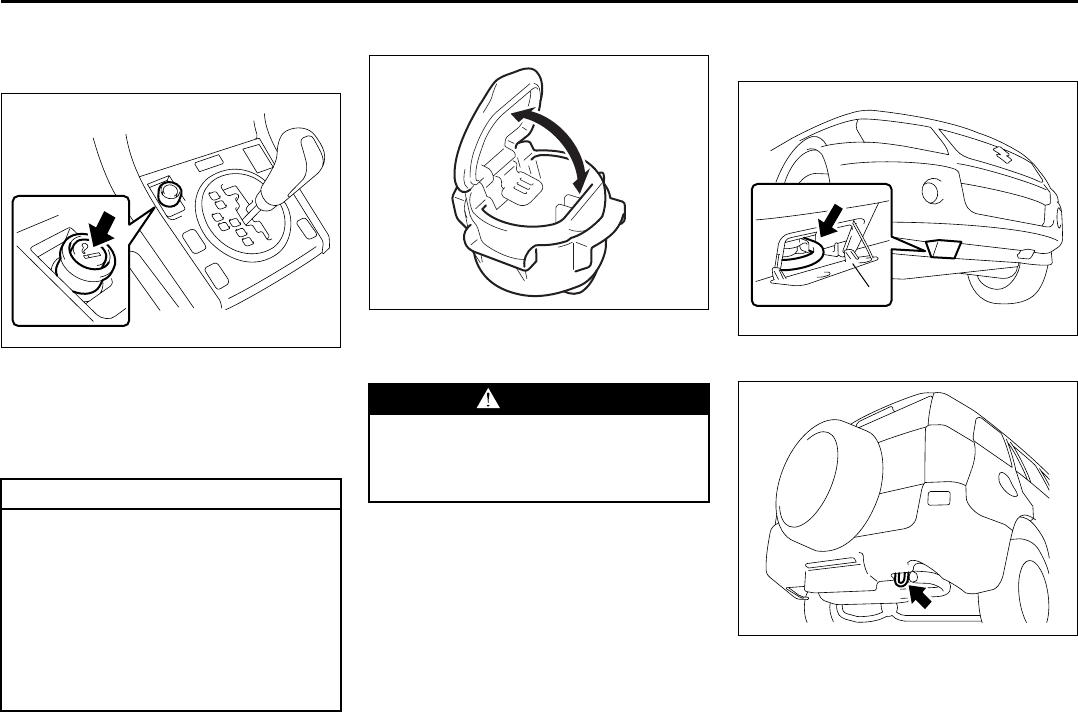
5-17
OTHER CONTROLS AND EQUIPMENT
66J22-03E
Cigarette Lighter and Ashtray
Cigarette Lighter (if equipped)
64J119
To use the cigarette lighter, push it all the
way into the receptacle and release it. It
will automatically heat up and will pop out
to its normal position when it is ready for
use.
Ashtray (if equipped)
64J201
You can fit the ashtray into any of the cup
holders on the center console.
Frame Hooks
Front
64J122
Rear
64J123
CAUTION
• Holding the cigarette lighter in can
overheat and damage the lighter.
Release the lighter after you push it
in.
• To avoid damage to the cigarette
lighter socket, do not use it as an
accessory power source. Some
accessories’ power plug can dam-
age the inner mechanism of the
cigarette lighter socket.
EXAMPLE
WARNING
Make sure tobacco is fully extin-
guished before closing the ashtrays.
Never throw waste in the ashtrays: it
could create a fire hazard.
EXAMPLE
(1)
Accessory Socket: 8
Cigarette Lighter and Ashtray: 3, 8
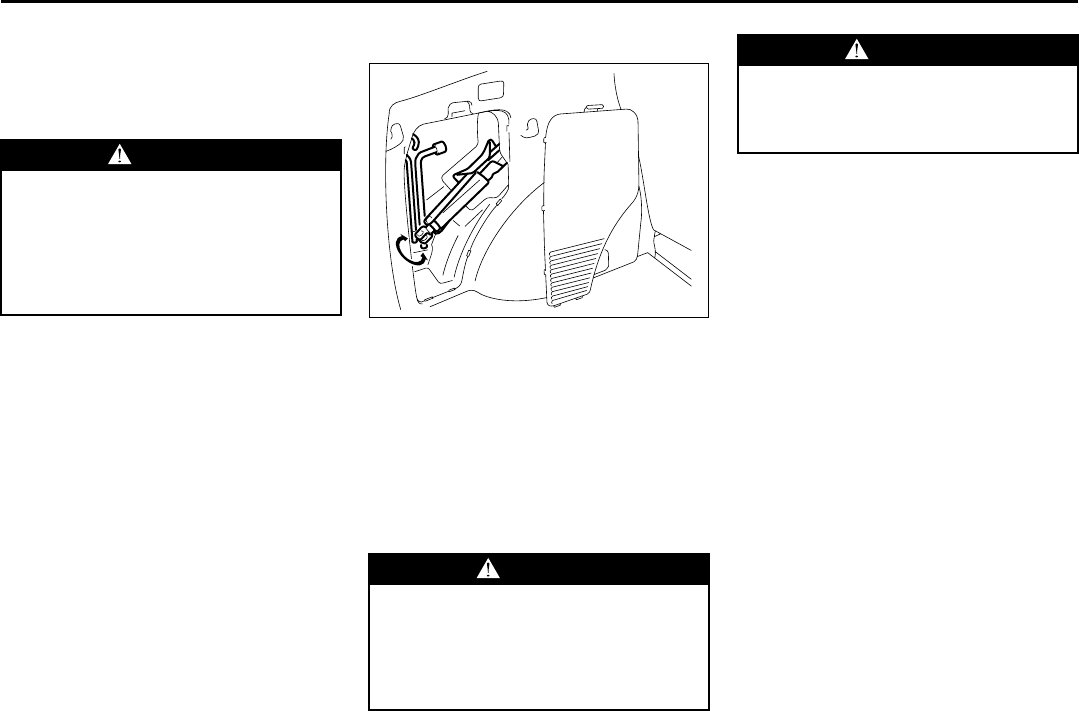
5-18
OTHER CONTROLS AND EQUIPMENT
66J22-03E
Frame hooks are provided at the front and
rear of the vehicle.
To access the front hook, unhook the
lower part of the cover (1) and then
remove the cover (1).
Tire Changing Tool
64J124
The jack, wheel brace and jack handle are
stowed in the rear left corner of the lug-
gage compartment. Remove the cover to
access the tools.
To remove the jack, turn its shaft counter-
clockwise and pull the jack out of the stor-
age bracket. To stow the jack, place it in
the storage bracket and turn the shaft
clockwise until the jack is securely held in
place.
WARNING
Do not use the frame hooks to tow
another vehicle or to have your vehi-
cle towed on the road or highway.
The hooks are designed for use in
emergency situations only, such as if
your vehicle or another vehicle gets
stuck in deep mud or snow.
WARNING
The jack should be used only to
change wheels. It is important to read
the jacking instructions in the
“EMERGENCY SERVICE” section of
this manual before attempting to use
the jack.
WARNING
After using the jack, extension rod
and lug wrench, be sure to stow them
securely, or they could be thrown
about in an accident, causing injury.
Frame Hooks: 5, 6
Tire Changing Tools: 3, 5
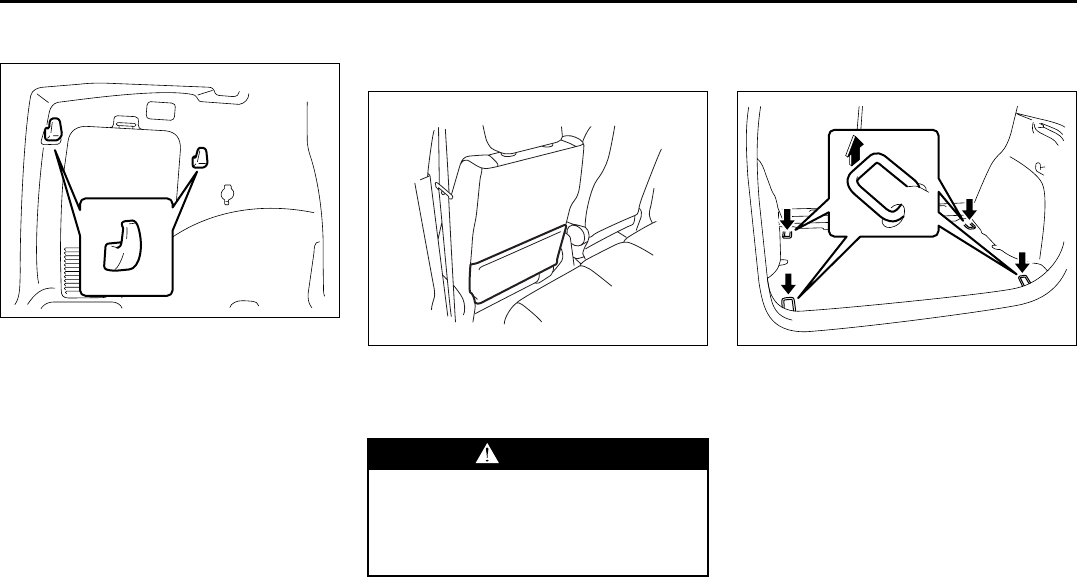
5-19
OTHER CONTROLS AND EQUIPMENT
66J22-03E
Shopping Hook (if equipped)
66J049
The shopping hooks are located on both
sides of the luggage compartment.
You can hang the shopping bag or other
suitable objects on the hook. This hook is
not designed for large or heavy items.
Front Seat Back Pocket
(if equipped)
64J127
This pocket is provided for holding light
and soft things such as gloves, newspa-
pers or magazines.
Luggage Restraint Loops
(if equipped)
64J129
Four luggage restraint loops are provided
on the luggage compartment floor. An
optional rubber net can be hooked to these
loops to help keep cargo from moving
around in the luggage compartment during
normal driving.
EXAMPLE
WARNING
Do not put hard or breakable objects
in the pocket. If an accident occurs,
objects such as bottles, cans, etc.
can injure the occupants in the rear
seat.
EXAMPLE
Tire Changing Tools: 3, 5
Shopping Hook:
Front Seat Back Pocket: 3
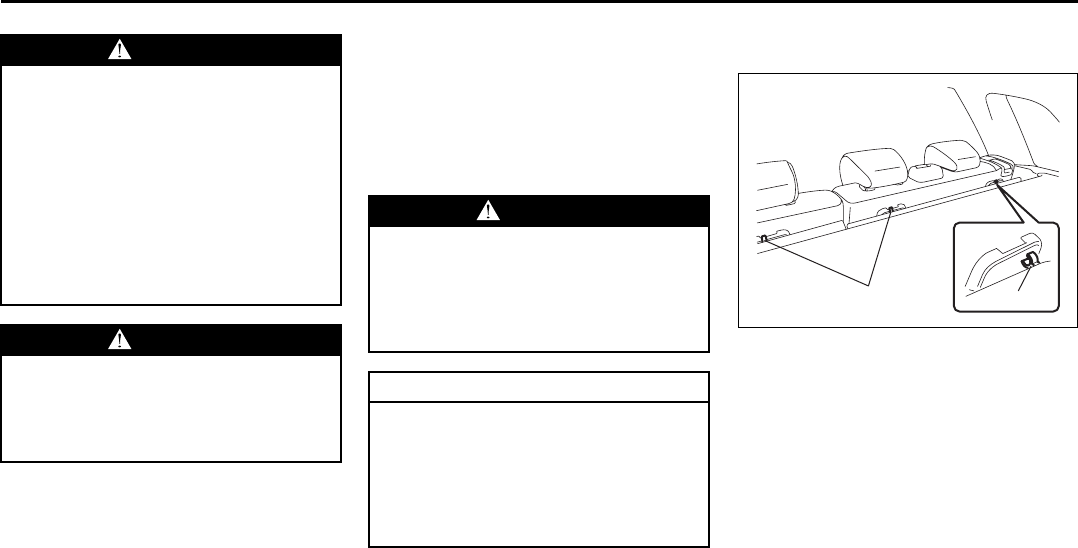
5-20
OTHER CONTROLS AND EQUIPMENT
66J22-03E
Luggage Compartment Cover
Luggage or other cargo placed in the lug-
gage compartment can be hidden from
view by a luggage compartment cover.
However, the luggage compartment cov-
ers are not designed to support items
loaded on top of them, and may get dam-
aged if used as a shelf.
NOTE:
The seatback should always be securely
latched in a fairly upright position when
removing or installing the luggage com-
partment cover.
To remove the luggage compartment
cover:
66J203
1) Release the three hooks (a) from the
rear seat backs.
WARNING
The luggage restraint loops and
optional rubber net can be used to
help keep lightweight cargo from
moving around in the luggage com-
partment during normal driving. They
are neither capable of nor intended
for preventing cargo from being
thrown around in a crash.
Place heavier objects on the floor
and as far forward in the cargo area
as possible. Never pile cargo higher
than the top of the seat backs.
WARNING
Do not attach the child restraint top
strap to the luggage restraint loops.
Incorrectly attached top strap will
reduce the intended effectiveness of
the child restraint system.
WARNING
Do not carry items on top of the lug-
gage compartment cover, even if they
are small and light. Objects on top of
the cover could be thrown about in
an accident, causing injury, or could
obstruct the driver’s rear view.
CAUTION
To avoid damaging the luggage com-
partment cover:
• Do not place items on top of it.
• Do not push down on it or lean on
it.
• Handle it carefully when installing
or removing.
(a) (a)
Underseat Tray: 3
Luggage Restraint Loops: 5
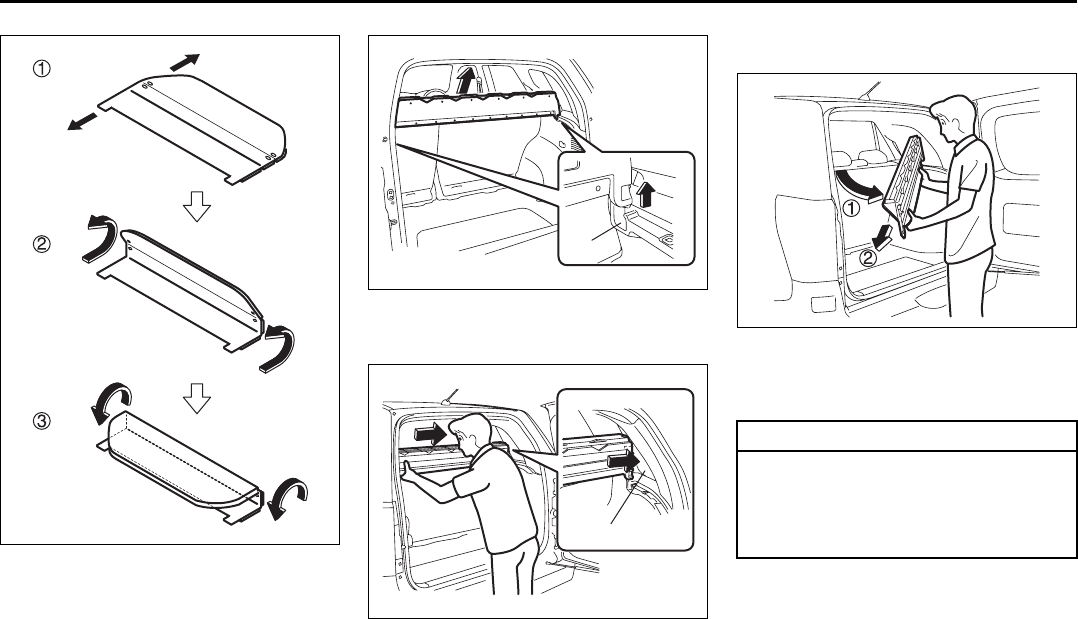
5-21
OTHER CONTROLS AND EQUIPMENT
66J22-03E
66J204
2) Fold and roll the cover forward.
66J205
3) Lift up both ends of the cover to disen-
gage the attachment points (b).
66J228
4) Place one end of the cover in the quar-
ter window opening (c) so enough
clearance is established on the other
end to swing the cover down and out.
66J206
5) Tilt the luggage compartment cover,
and then remove the compartment
cover from the vehicle.
front
rear
(b)
(c)
CAUTION
When you place the end of the cover
in the quarter window opening (c), be
careful not to damage the window or
other materials while positioning the
compartment cover.
Luggage Compartment Cover: 5
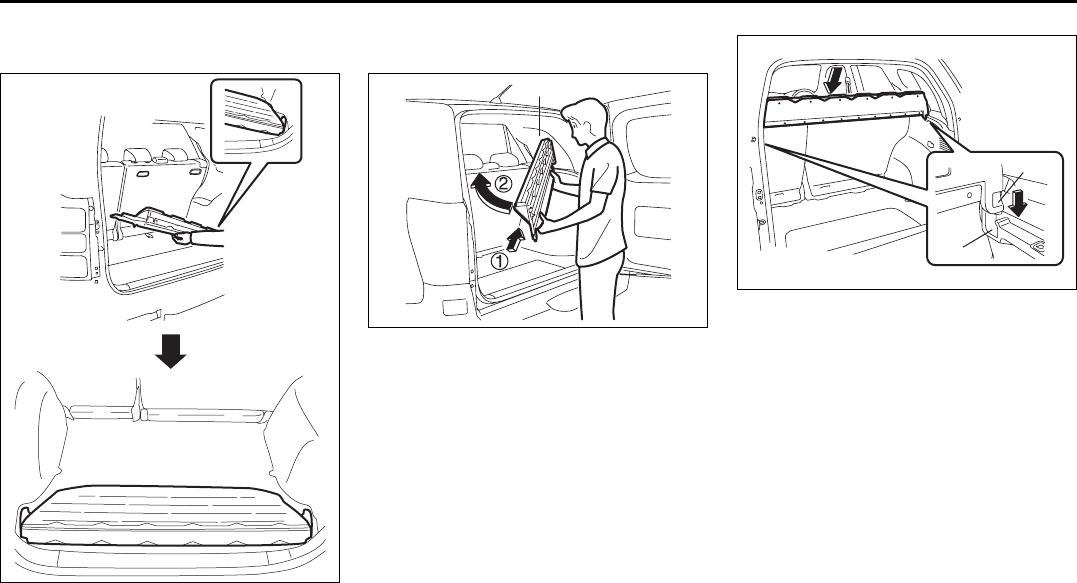
5-22
OTHER CONTROLS AND EQUIPMENT
66J22-03E
To stow a luggage compartment cover
on the floor of the rear luggage room:
66J207
Tilt the cover, and fit it onto floor of the rear
luggage room.
To reinstall the luggage compartment
cover:
66J208
1) Fold/roll the luggage compartment
cover, and place one end in the quarter
window opening (c) to swing the other
end into position.
66J209
2) Align the attachment points (d) on the
cover with the attachment points (b) on
the vehicle and push down both ends.
Make sure that the cover securely fits in
the attachment points.
(c)
(b)
(d)
Underfloor Bins:
Roof Rails or Roof Rack Anchors: 5, 13
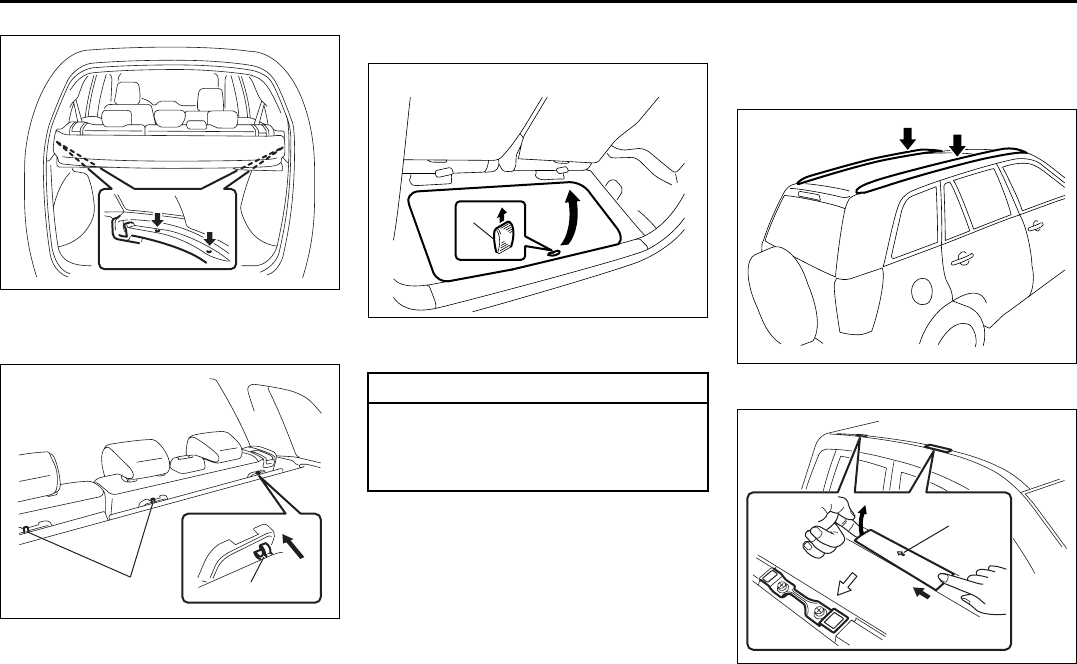
5-23
OTHER CONTROLS AND EQUIPMENT
66J22-03E
66J210
3) Unroll/unfold the cover as you secure
the other latches (e).
66J229
4) Reattach the three hooks (a) to the rear
seat backs.
Underfloor Bins (if equipped)
64J132
Pull up the straps (A) to open the bin.
Roof Rails or Roof Rack
Anchors (if equipped)
Roof rails
64J133
Roof rack anchors
64J224
(e)
(a) (a)
CAUTION
Do not allow items in the bins to
extend above the top of the bin. Oth-
erwise, the bin or luggage floor may
be damaged.
(A)
EXAMPLE
(1)
Roof Rails or Roof Rack Anchors: 5, 13
HomeLink:
5-24
OTHER CONTROLS AND EQUIPMENT
66J22-03E
You can use the roof rails or the roof rack
anchors to attach the optional roof rack
which is available at your SUZUKI dealer.
If you use a roof rack, observe the instruc-
tions and precautions in this section and
provided with the roof rack.
(For vehicles with roof rack anchors)
To remove the cap, slide the cap in the
direction of the arrow (1) and then lift the
edge of the cap up as shown in the illustra-
tion. To install the cap, put in the front part
of the cap, slide the cap in the opposite
direction of the arrow (1) and then push
down the rear part of the cap.
• Make sure the roof rack is securely
installed.
• To mount various types of cargo (such
as skis, bicycles, etc.) properly, use suit-
able attachments which are available
from your SUZUKI dealer. Be sure to
install the attachments properly and
securely according to the instructions
provided. Do not mount cargo directly on
the roof panel. The cargo can damage
the roof panel.
• The gross weight of the roof rack plus
cargo must not exceed the loading
capacity (75 kg (165 lbs)). Also, do not
let the gross vehicle weight (fully loaded
vehicle including driver, passengers,
cargo, roof load and trailer tongue
weight) exceed the Gross Vehicle
Weight Rating (GVWR) listed on the
driver’s door lock pillar.
• Mount and secure the cargo onto the
roof rack properly according to the
instructions provided. Be sure to stow
the heaviest items at the bottom and dis-
tribute the cargo as evenly as possible.
• Do not carry items so large that they
hang over the bumpers or the sides of
the vehicle, or block your view.
• Secure the front and rear ends of long
items – such as wood panels, surfboards
and so forth – to both the front and rear
of the vehicle. You should protect the
painted surfaces of the vehicle from
scuffing caused by tie-down ropes.
• Check periodically to make sure the roof
rack is securely installed and free from
damage.
• For vehicles with roof rack anchors,
make sure the anchors are covered with
the caps when not in use.
WARNING
• Abrupt maneuvers or failure to
properly secure cargo can allow
the cargo to fly off the vehicle and
hit others, causing personal injury
or property damage.
• Mount cargo securely and avoid
abrupt maneuvers such as “jack-
rabbit” starts, sharp turns, fast cor-
nering and sudden braking. Check
periodically to make sure that
cargo is securely fastened.
• Large, bulky, long, or flat items can
affect vehicle aerodynamics or be
caught by the wind, and can reduce
vehicle control resulting in an acci-
dent and personal injury. Drive
cautiously at reduced speed when
carrying this type of cargo.
HomeLink:
5-25
OTHER CONTROLS AND EQUIPMENT
66J22-03E
HomeLink® (if equipped)
66J092
HomeLink® and the HomeLink® house are
registered trademarks of Johnson
Controls, Inc.
The HomeLink® Wireless Control System
provides a convenient way to replace up to
three hand-held radio-frequency (RF)
transmitters used to activate devices such
as gate operators, garage door openers,
entry door locks, security systems, even
home lighting. Additional HomeLink® infor-
mation can be found on the Internet at
www.homelink.com or by calling 1-800-
355-3515.
Before programming HomeLink® to a
garage door opener or gate operator,
make sure that people and objects are out
of the way of the device to prevent poten-
tial harm or damage. When programming a
garage door opener, it is advised to park
outside of the garage. Do not use
HomeLink® with any garage door opener
that lacks safety stop and reverse features
as required by U.S. federal safety stan-
dards (this includes any garage door
opener model manufactured before April 1,
1982). A garage door that cannot detect an
object – signaling the door to stop and
reverse – does not meet current U.S. fed-
eral safety standards. For more informa-
tion, contact HomeLink® at
www.homelink.com or by calling 1-800-
355-3515.
Retain the original transmitter of the RF
device you are programming for use in
other vehicles as well as for future
HomeLink® programming. It is also sug-
gested that upon the sale of the vehicle,
the programmed HomeLink® buttons be
erased for security purposes. Refer to
“Programming HomeLink®” (step 1) only)
or, for assistance, contact HomeLink® at
www.homelink.com or by calling 1-800-
355-3515.
Programming HomeLink®
NOTE:
Some vehicles may require the ignition
switch to be turned to the second (or
“accessories”) position or the “on” position
for programming and/or operation of
HomeLink®. It is also recommended that a
new battery be placed in the hand-held
transmitter of the device being pro-
grammed to HomeLink® for quicker train-
ing and accurate transmission of the radio-
frequency signal. Do not repeat “Program-
ming HomeLink®” – step 1) to train addi-
tional devices to a second or third
HomeLink® button. Begin with “Program-
ming HomeLink®” – step 2).
66J050
1) Press and hold the two outer
HomeLink® buttons (buttons one and
three) – releasing only when the indica-
tor light begins to flash (after 20 sec-
onds). Do not hold the buttons for
longer than 30 seconds and do not
repeat step 1) to program a second
and/or third hand-held transmitter to the
remaining two HomeLink® buttons.
2) Position the end of your hand-held
transmitter 5–14 cm (1–3 inches) away
from the HomeLink® button you wish to
program while keeping the indicator
light in view.
3) Simultaneously press and hold both the
chosen HomeLink® and hand-held
transmitter buttons. Do not release the
buttons until step 4) has been com-
pleted.
HomeLink:
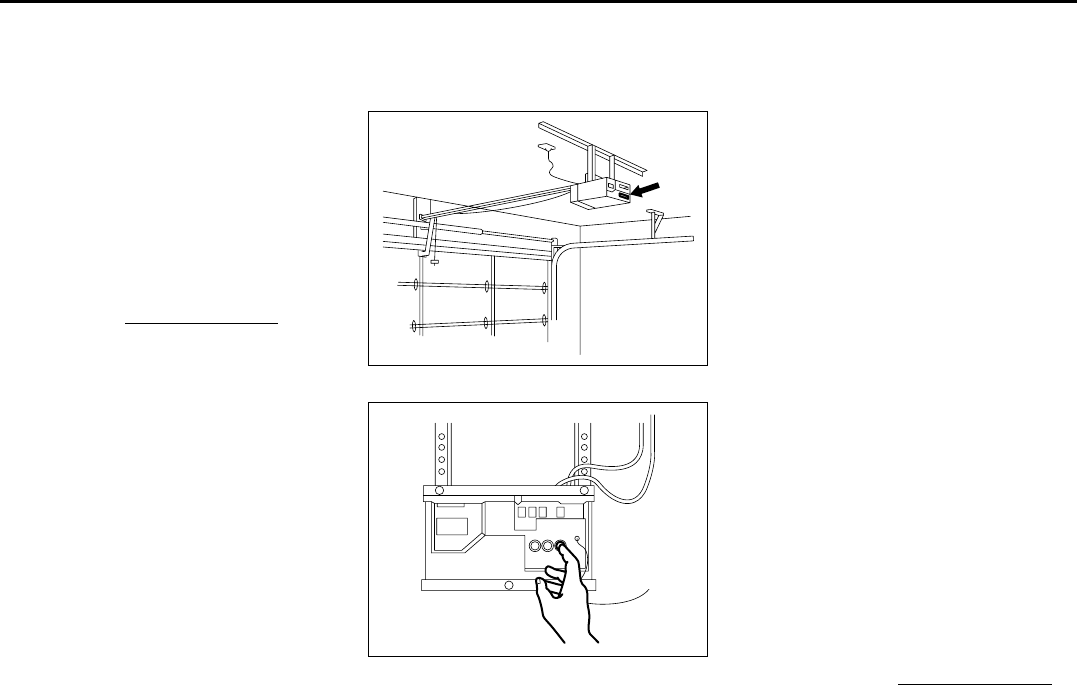
5-26
OTHER CONTROLS AND EQUIPMENT
66J22-03E
NOTE:
Some gate operators and garage door
openers may require you to replace this
Programming step 3) with procedures
noted in the “Gate Operator / Canadian
Programming” section.
4) After the HomeLink® indicator light
changes from a slow to a rapidly blink-
ing light, release both the HomeLink®
and hand-held transmitter buttons.
NOTE:
If the HomeLink® indicator light does not
change to a rapidly blinking light, contact
HomeLink® at www.homelink.com or call
1-800-355-3515 for assistance.
5) Press and hold the just-trained
HomeLink® button and observe the
indicator light.
– If the indicator light stays on con-
stantly, programming is complete and
your device should activate when the
HomeLink® button is pressed and
released.
NOTE:
To program the remaining two HomeLink®
buttons, begin with “Programming
HomeLink®” – step 2). Do not repeat step
1).
– If the indicator light blinks rapidly for
two seconds and then turns to a con-
stant light continue with “Programming
HomeLink®” steps 6–8 to complete the
programming of a rolling code
equipped device (most commonly a
garage door opener).
66J051
66J052
6) At the garage door opener receiver
(motor-head unit) in the garage, locate
the “learn” or “smart” button. This can
usually be found where the hanging
antenna wire is attached to the motor-
head unit.
7) Firmly press and release the “learn” or
“smart” button. (The name and color of
the button may vary by manufacturer.)
NOTE:
There are 30 seconds in which to initiate
step 8).
8) Return to the vehicle and firmly press,
hold for two seconds and release the
programmed HomeLink® button.
Repeat the “press/hold/release”
sequence a second time, and, depend-
ing on the brand of the garage door
opener (or other rolling code equipped
device), repeat this sequence a third
time to complete the programming pro-
cess.
HomeLink® should now activate your
rolling code equipped device.
NOTE:
To program the remaining two HomeLink®
buttons, begin with “Programming
HomeLink®” – step 2). Do not repeat step
1).
For questions or comments, please con-
tact HomeLink® at www.homelink.com or
1-800-355-3515.

5-27
OTHER CONTROLS AND EQUIPMENT
66J22-03E
Gate Operator / Canadian Program-
ming
Canadian radio-frequency laws require
transmitter signals to “time-out” (or quit)
after several seconds of transmission –
which may not be long enough for
HomeLink® to pick up the signal during
programming. Similar to this Canadian law,
some U.S. gate operators are designed to
“time-out” in the same manner.
If you live in Canada or you are having dif-
ficulties programming a gate operator by
using the Programming procedures
(regardless of where you live), replace
“Programming HomeLink®” step 3) with
the following:
NOTE:
If programming a garage door opener or
gate operator, it is advised to unplug the
device during the “cycling” process to pre-
vent possible overheating.
3) Continue to press and hold the
HomeLink® button while you press and
release – every two seconds (“cycle”)
your hand-held transmitter until the fre-
quency signal has successfully been
accepted by HomeLink®. (The indicator
light will flash slowly and then rapidly.)
Proceed with “Programming HomeLink®”
step 4) to complete.
Using HomeLink®
To operate, simply press and release the
programmed HomeLink® button. Activation
will now occur for the trained device (i.e.
garage door opener, gate operator, secu-
rity system, entry door lock, home/office
lighting, etc.). For convenience, the hand-
held transmitter of the device may also be
used at any time. In the event that there
are still programming difficulties or ques-
tions, contact HomeLink® at
www.homelink.com or 1-800-355-3515.
Erasing HomeLink® Buttons
To erase programming from the three but-
tons (individual buttons cannot be erased
but can be “reprogrammed” as outlined
below), follow the step noted:
Press and hold the two outer HomeLink®
buttons until the indicator light begins to
flash-after 20 seconds. Release both but-
tons. Do not hold for longer that 30 sec-
onds. HomeLink® is now in the train (or
learning) mode and can be programmed at
any time beginning with “Programming
HomeLink®” – step 2).
Reprogramming a Single
HomeLink® Button
To program a device to HomeLink® using a
HomeLink® button previously trained, fol-
low these steps:
1) Press and hold the desired HomeLink®
button. DO NOT release the button.
2) The indicator light will begin to flash
after 20 seconds. Without releasing the
HomeLink® button, proceed with “Pro-
gramming HomeLink®” – step 2).
For questions or comments, contact
HomeLink® at www.homelink.com or 1-
800-355-3515.
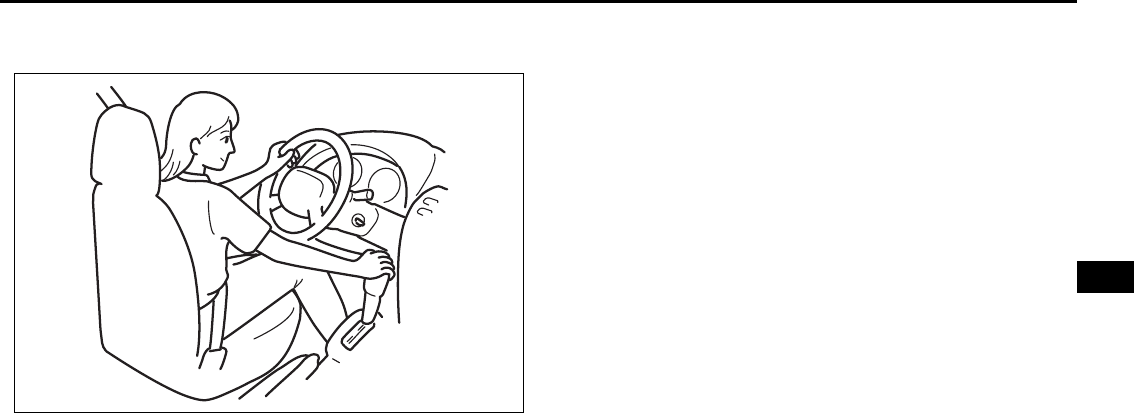
OPERATING YOUR VEHICLE
6
66J22-03E
60G408
OPERATING YOUR VEHICLE
Exhaust Gas Warning ......................................................... 6-1
Daily Inspection Checklist .................................................. 6-2
Starting the Engine ............................................................. 6-2
Engine Block Heater (if equipped) ..................................... 6-4
Using the Transmission ..................................................... 6-5
Using the Transfer Switch (if equipped) ........................... 6-7
Braking ................................................................................. 6-15
Electronic Stability Program (ESP®) ................................. 6-18
Tire Pressure Monitoring System (TPMS)
(if equipped) ......................................................................... 6-21
Break-In ................................................................................ 6-25
Catalytic Converter ............................................................. 6-25
Improving Fuel Economy ................................................... 6-26
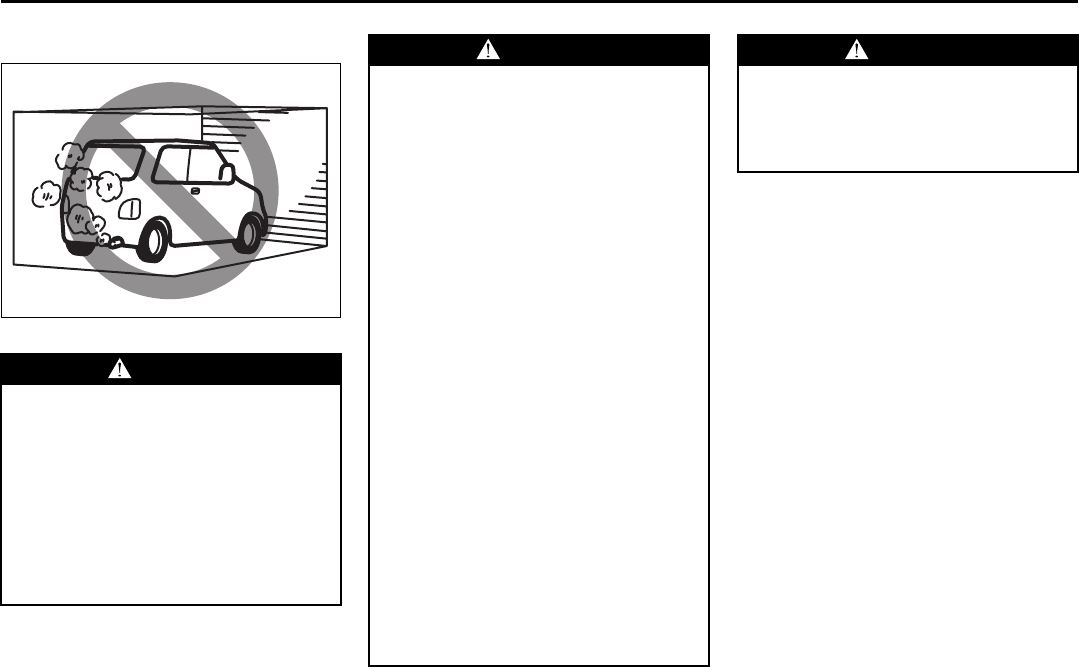
6-1
OPERATING YOUR VEHICLE
66J22-03E
Exhaust Gas Warning
52D334
WARNING
Avoid breathing exhaust gases.
Exhaust gases contain carbon mon-
oxide, a potentially lethal gas that is
colorless and odorless. Since carbon
monoxide is difficult to detect by
itself, be sure to take the following
precautions to help prevent carbon
monoxide from entering your vehicle.
• Do not leave the engine running in
garages or other confined areas.
(Continued)
WARNING
(Continued)
• Do not park with the engine run-
ning for a long period of time, even
in an open area. If it is necessary to
sit for a short time in a parked vehi-
cle with the engine running, make
sure the air intake lever is set to
“FRESH AIR” and the fan is at high
speed.
• Avoid operating the vehicle with
the rear side door, tailgate or rear
window open. If it is necessary to
operate the vehicle with the rear
side door, tailgate or rear window
open, make sure the folding sun-
roof (if equipped) and all the win-
dows are closed, and the fan is at
high speed with the air intake
selector set to “FRESH AIR”.
• To allow proper operation of your
vehicle’s ventilation system, keep
the air inlet grille in front of the
windshield clear of snow, leaves or
other obstructions at all times.
• Keep the exhaust tailpipe area clear
of snow and other material to help
reduce the buildup of exhaust
gases under the vehicle. This is
particularly important when parked
in blizzard conditions.
(Continued)
WARNING
(Continued)
• Have the exhaust system inspected
periodically for damage and leaks.
Any damage or leaks should be
repaired immediately.
Exhaust Gas Warning: NO
6-2
OPERATING YOUR VEHICLE
66J22-03E
Daily Inspection Checklist
Before Driving
1) Make sure that windows, mirrors, lights
and reflectors are clean and unob-
structed.
2) Visually check the tires for the following
points:
– the depth of the tread groove
– abnormal wear, cracks and damage
– loose wheel nuts
– existence of foreign material such as
nails, stones, etc.
Refer to “Tires” in “INSPECTION AND
MAINTENANCE” section for details.
3) Look for fluid, oil leaks.
NOTE:
It is normal for water to drip from the air
conditioning system after use.
4) Make sure the hood is fully closed and
latched.
5) Check the headlights, turn signal lights,
brake lights and horn for proper opera-
tion.
6) Lock all doors.
7) Adjust the seat and adjustable head
restraints (if equipped).
8) Check the brake pedal and the parking
brake lever.
9) Adjust the mirrors.
10)Make sure that you and all passengers
have properly fastened your seat belts.
11)Make sure that all warning lights come
on as the key is turned to the “ON” or
“START” position.
12)Check all gauges.
13)Make sure that the BRAKE SYSTEM
WARNING light turns off when the
parking brake is released.
Once a week, or each time you fill your fuel
tank, perform the following under-hood
checks:
1) Engine oil level
2) Coolant level
3) Brake fluid level
4) Power steering (if equipped) fluid level
5) Windshield washer fluid level
6) Hood latch operation
Pull the hood release handle inside the
vehicle. Make sure that you cannot
open the hood all the way without
releasing the secondary latch. Be sure
to close the hood securely after check-
ing for proper latch operation. See the
item “All Latches, Hinges and Locks” of
“CHASSIS AND BODY” in the “Periodic
Maintenance Schedule” in the
“INSPECTION AND MAINTENANCE”
section for lubrication schedule.
Starting the Engine
Before Starting the Engine
1) Make sure the parking brake is set fully.
2) Manual Transmission – Shift into “N”
(Neutral) and depress the clutch pedal
all the way to the floor.
Hold it while starting the engine.
Automatic Transmission – If the gear-
shift lever is not in “P” (Park) position,
shift into “P”. (If you need to re-start the
engine while the vehicle is moving, shift
into “N”.)
NOTE:
The engine of manual transmission vehicle
will not start unless the clutch pedal is
depressed.
NOTE:
Automatic transmission vehicles have a
starter interlock device which is designed
to keep the starter from operating if the
transmission is in any of the drive posi-
tions.
WARNING
Make sure the hood is fully closed
and latched before driving. If it is not,
it can fly up unexpectedly during
driving, obstructing your view and
resulting in an accident.
WARNING
Make sure that the parking brake is
set fully and the transmission is in
Neutral (or Park for vehicles with an
automatic transmission) before
attempting to start the engine.
Daily Inspection Checklist: NO
Starting the Engine: 1
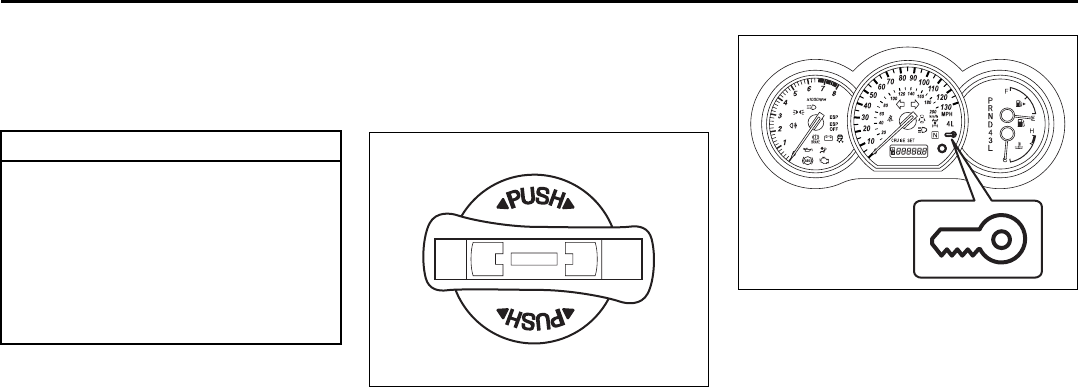
6-3
OPERATING YOUR VEHICLE
66J22-03E
Starting a Cold Engine
With your foot off the accelerator pedal,
crank the engine by turning the ignition key
to “START”. Release the key when the
engine starts.
If the engine does not start after 15 sec-
onds of cranking, wait about 15 seconds,
then press down the accelerator pedal to
1/3 of its travel and try cranking the engine
again. Release the key and accelerator
pedal when the engine starts.
If the engine still does not start, try holding
the accelerator pedal all the way to the
floor while cranking. This should clear the
engine if it is flooded.
If you are unable to start the engine using
this procedure, consult your SUZUKI
dealer.
Starting a Warm Engine
Use the same procedure as for “Starting a
Cold Engine”.
Vehicle With Keyless Start System
63J265
The ignition switch can be operated when
the remote controller is in the vehicle
except the rear luggage area. To turn the
ignition switch, push the switch first.
NOTE:
You must push in the ignition switch to turn
it from the “LOCK” position to the “ACC”
position. To return to the “LOCK” position
from the “ACC” position, turn the ignition
switch counterclockwise while pushing in
the switch.
66J022
If the keyless start system blue indicator
light illuminates on the instrument cluster,
you can turn the ignition switch. If the red
indicator light illuminates, you can not turn
the ignition switch.
NOTE:
• The ignition switch can be turned to the
“ACC” position when the keyless start
system blue indicator light illuminates.
The blue indicator light will illuminate for
several seconds and then turn off to pro-
tect the system. In this case, you must
release the ignition switch once and
push the switch again.
• If the keyless start system red indicator
light illuminates, the remote controller
may not be in the vehicle or the battery
of the remote controller may be unreli-
able.
CAUTION
• Stop turning the starter immedi-
ately after the engine has started or
the starter system can be dam-
aged.
• Do not crank the engine for more
than 15 seconds at a time. If the
engine doesn’t start on the first try,
wait about 15 seconds before try-
ing again.
EXAMPLE
Starting the Engine: 1
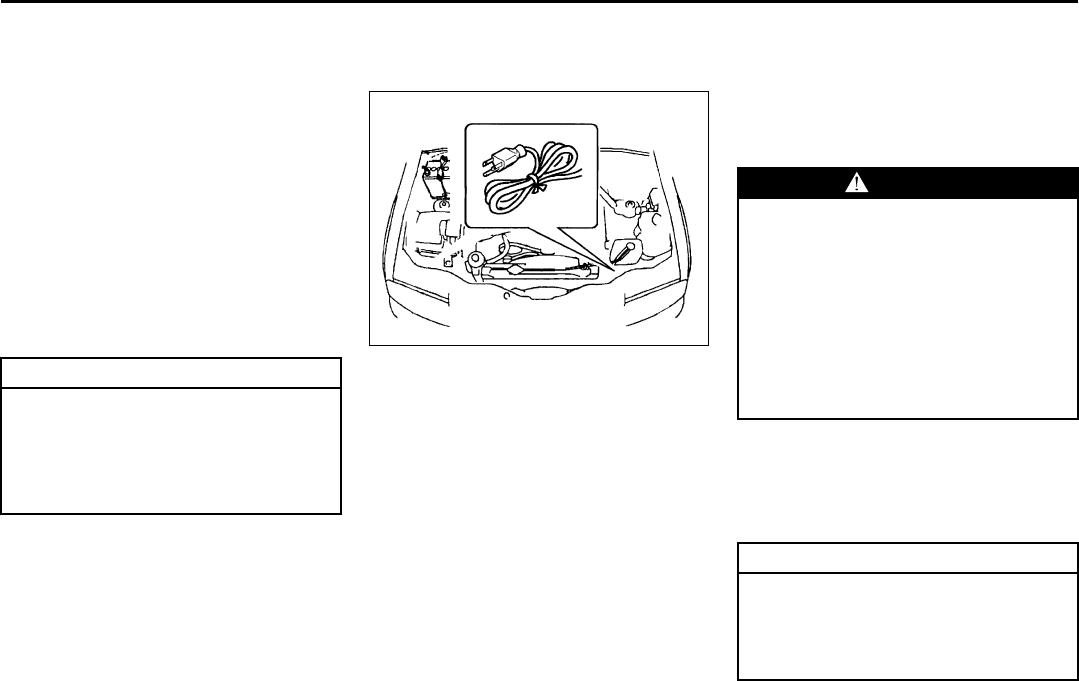
6-4
OPERATING YOUR VEHICLE
66J22-03E
When the remote controller is in the vehi-
cle except the rear luggage area, you can
turn the ignition switch without using an
ignition key.
NOTE:
• If the battery of the remote controller
runs down or there are strong radio
waves or noise, the operating range may
be narrower or the remote controller may
be inoperative.
• If the remote controller is too close to the
door glass, it may not operate.
• The ignition switch may not turn when
the remote controller is on the instru-
ment panel, in the glove box, in the door
pocket, in the sun visor or on the floor.
You can also turn the ignition switch by
inserting the ignition key into the slot.
Engine Block Heater
(if equipped)
65D420
The engine block heater will help you start
the engine more easily in very cold
weather (–18°C (0°F) or below). To use the
engine block heater:
1) Turn off the engine.
2) Open the engine hood.
3) Untie the block heater cord and remove
the block heater plug cap. When the
engine block heater is not in use,
ensure the heater cord is secured to
prevent contact with any moving parts.
4) Using a heavy-duty, three-prong
grounded extension cord, plug the
female end into the block heater socket
and the male end into a normal,
grounded 110-volt AC outlet.
NOTE:
Activate the heater at least four hours
before you start the engine. However, as
the heating time varies depending on the
ambient temperature and other factors,
adjust the time by observing the engine
cranking condition.
After using the block heater:
1) Unplug the extension cord and reinstall
the plug cap.
2) Tie the block heater cord back to its
original position.
CAUTION
The remote controller is a sensitive
electronic instrument. To avoid dam-
aging it, do not expose it to impacts,
moisture or high temperature (such
as on the dashboard under direct
sunlight).
WARNING
To avoid serious personal injury
caused by electrical shock or fire:
• Do not plug the cord into a non-
grounded outlet. Only use a prop-
erly grounded three-prong 110-volt
AC outlet.
• Do not use a 2-wire (non-grounded)
extension cord.
• Only use a heavy-duty, three-prong
extension cord rated for at least 15
amps.
CAUTION
Secure the block heater cord back to
its original position or to the routed
position. A loose cord could get
caught in the engine accessory drive
belt(s) or other moving parts.
Starting the Engine: 1
Engine Block Heater: 1
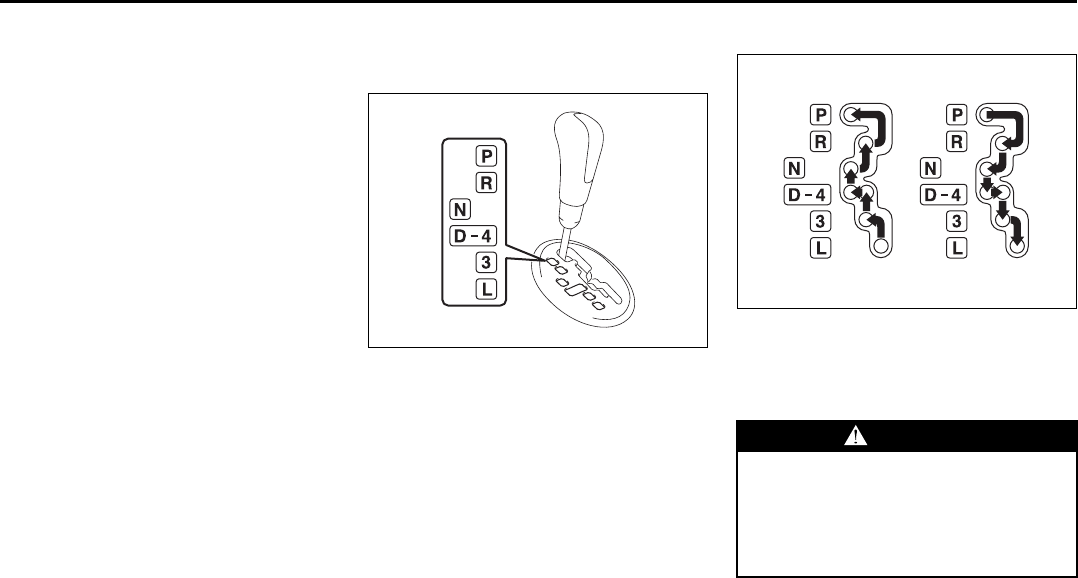
6-5
OPERATING YOUR VEHICLE
66J22-03E
3) Close the engine hood securely before
starting the engine. Using the Transmission
5-Speed Automatic Transmission
66J003
D:
5-speed automatic transmission mode
4:
4-speed automatic transmission mode
The 4-speed mode is suitable for the fol-
lowing driving conditions:
• Driving on hilly, winding roads
– You can drive more smoothly with less
frequent gearshifting
• Going down a steep hill
– Some engine braking is provided
NOTE:
With the transfer switch in the “4L LOCK”
position, the 5-speed automatic transmis-
sion will remain in the 4-speed mode.
Gearshift lever
66J004
The gearshift lever is designed so that it
can not be shifted out of the “P” position
unless the ignition switch is in the “ON”
position and the brake pedal is depressed.
WARNING
Always depress the brake pedal
before shifting from “P” (Park) (or
“N” (Neutral) if the vehicle is station-
ary) to a forward or reverse gear, to
help prevent the vehicle from moving
unexpectedly when you shift.
Engine Block Heater: 1
Using the Transmission: 10
6-6
OPERATING YOUR VEHICLE
66J22-03E
Use the gearshift lever positions as
described below:
P (Park)
Use this position to lock the transmission
when the vehicle is parked or when start-
ing the engine. Shift into Park only when
the vehicle is completely stopped.
R (Reverse)
Use this position to back the vehicle from
stop. Make sure that the vehicle is com-
pletely stopped before shifting into
Reverse.
N (Neutral)
Use this position for starting the engine if
the engine stalls and you need to restart it
while the vehicle is moving. You may also
shift into Neutral and depress the brake
pedal to hold the vehicle stationary during
idling.
D (Drive)
Use this position for all normal driving.
With the selector in “D” range, you can get
an automatic downshift by pressing the
accelerator pedal. The higher the vehicle
speed is, the more you will need to press
the accelerator pedal to get a downshift.
4 (Low 3)
Use this position for driving on moderate
uphill and downhill gradients. The engine
braking effect on moderate downhills can
be used in this position. The transmission
shifts up only to 4th gear.
3 (Low 2)
Use this position to provide extra power
when climbing hills, or to provide engine
braking when going down hills.
L (Low 1)
Use this position to provide maximum
power when climbing steep hills or driving
through deep snow or mud, or to provide
maximum engine braking when going
down steep hills.
NOTE:
If you move the gearshift lever to a lower
gear while driving faster than the maximum
allowable speed for the lower gear, the
transmission will not actually downshift
until your speed drops below the maximum
speed for the lower gear.
Emergency shifting out of “P” (Park)
If you are unable to shift the transmission
out of Park in the normal manner, see “If
You Can Not Shift Automatic Transmission
Gearshift Lever Out Of “P” (PARK)” in the
INDEX for what to do.
WARNING
If you have a 4-wheel drive vehicle,
never leave the transfer switch in “N”
(Neutral) position when parked.
Otherwise the vehicle may roll even if
the transmission is in Park.
CAUTION
Be sure to take the following precau-
tions to help avoid damage to the
automatic transmission:
• Make sure that the vehicle is com-
pletely stopped before shifting into
“P” or “R”.
• Do not shift from “P” or “N” to “R”,
“D”, “4”, “3” or “L” when the
engine is running above idle speed.
• Do not rev the engine with the
transmission in a drive position
(“R”, “D”, “4”, “3” or “L”) and the
rear wheels not moving.
• Do not use the accelerator to hold
the vehicle on a hill. Use the vehi-
cle’s brakes.
Using the Transmission: 10
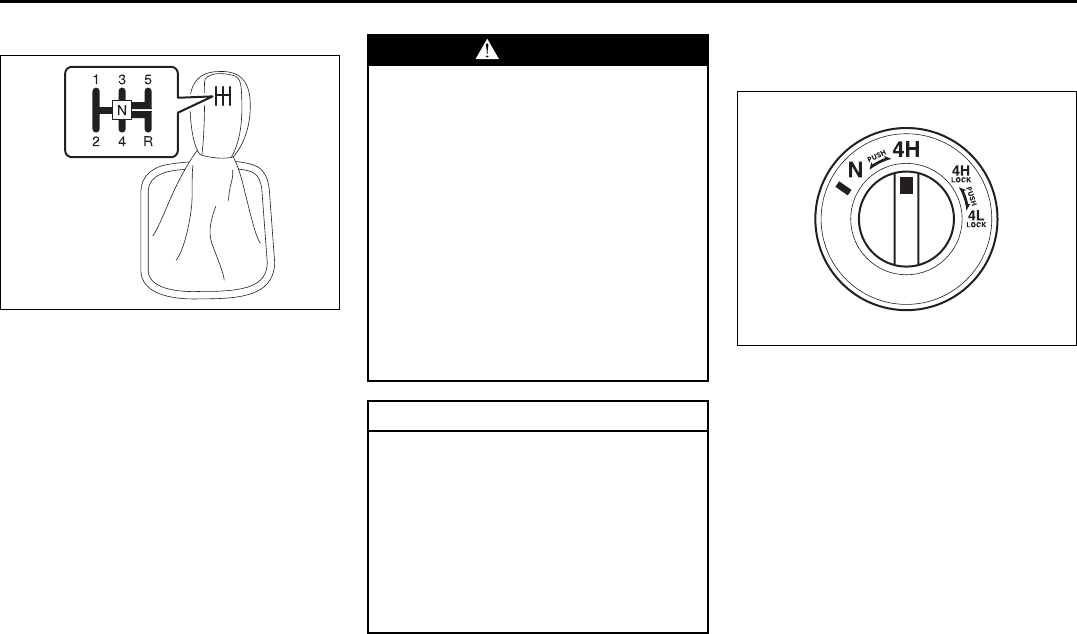
6-7
OPERATING YOUR VEHICLE
66J22-03E
Manual Transmission
65D449
Starting off
To start off, depress the clutch pedal all the
way to the floor and shift into 1st gear.
After releasing the parking brake, gradually
release the clutch. When you hear a
change in the engine’s sound, slowly press
the accelerator while continuing to gradu-
ally release the clutch.
Shifting
All forward gears are synchronized, which
provides for quiet, and easy shifting.
Always push in the clutch pedal fully before
shifting gears. Make sure the engine speed
does not rise into the red zone of the
tachometer.
Using the Transfer Switch
(if equipped)
66J168
Your vehicle is equipped with a four-mode
full-time 4x4 system. You can use the
transfer switch to select any of the four
modes: N, 4H, 4H LOCK, 4L LOCK.
WARNING
• Reduce your speed and downshift
to a lower gear before going down
a long or steep hill. Downshifting
will allow the engine to provide
braking. Avoid riding the brakes or
they may overheat, resulting in
brake failure.
• When driving on slippery roads, be
sure to slow down before down-
shifting. Large and sudden
changes in engine speed may
cause loss of traction, which could
cause you to lose control.
• Make sure that the vehicle is com-
pletely stopped before you shift
into reverse.
CAUTION
• To help avoid clutch damage, do
not use the clutch pedal as a foot-
rest while driving or use the clutch
to keep the vehicle stationary on a
hill. Depress the clutch fully when
shifting.
• When shifting or starting off, do not
race the engine. Racing the engine
can shorten engine life and affect
smooth shifting.
Using the Transmission: 10
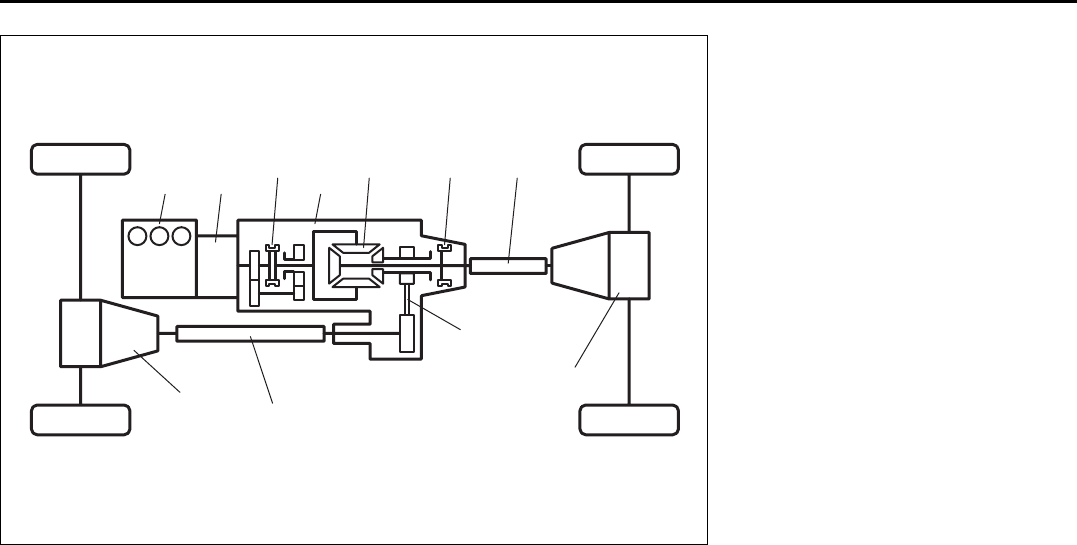
6-8
OPERATING YOUR VEHICLE
66J22-03E
64J143
(2) (5)(3)
(4) (7) (9)(6)
(1)
(11)
(10)
(8)
(1) Front differential
(2) Engine
(3) Transmission
(4) High/Low clutch
(5) Transfer case
(6) Center differential
(7) Differential lock clutch
(8) Chain
(9) Rear propeller shaft
(10) Rear differential
(11) Front propeller shaft
Using the Transmission: 10
Using the Transfer Switch: 10
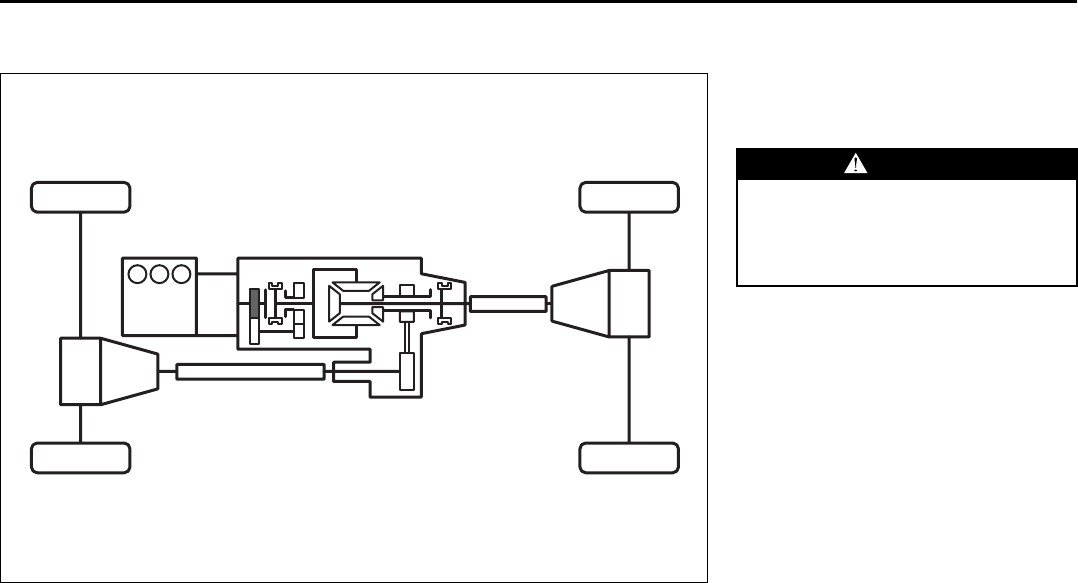
6-9
OPERATING YOUR VEHICLE
66J22-03E
Description of Transfer Switch Positions
N (Neutral)
64J223
In this position, engine power is not sup-
plied to the front or rear axles. Only use
this position for towing your vehicle.
When you turn the transfer switch to the
“N” position, “N” indicator will come on with
the buzzer sound.
WARNING
Never leave the transfer switch in “N”
(Neutral) when parked.
When the transfer switch is in “N”
(Neutral), the vehicle may roll even if
the transmission is in gear or in Park.
Using the Transfer Switch: 10
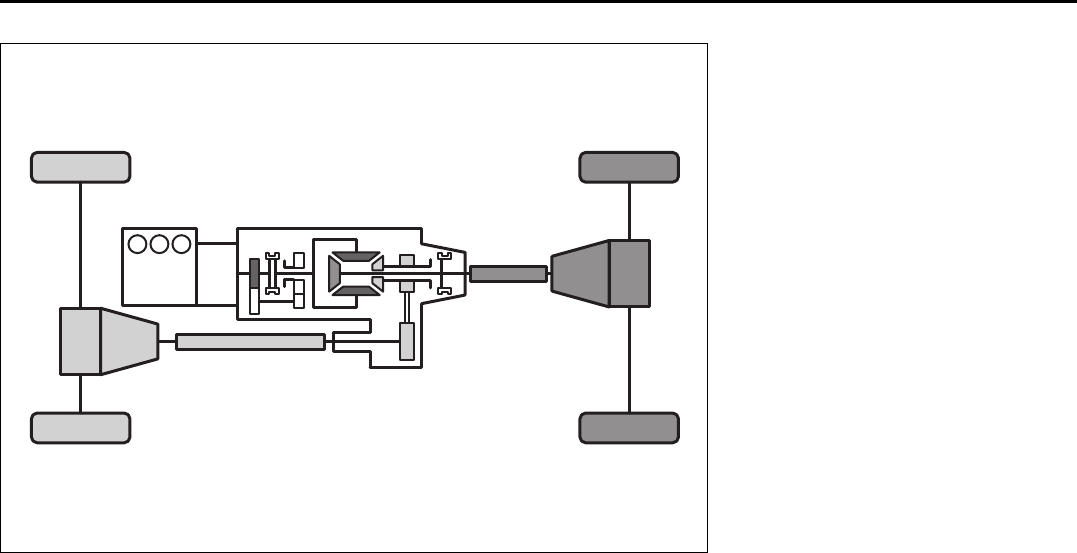
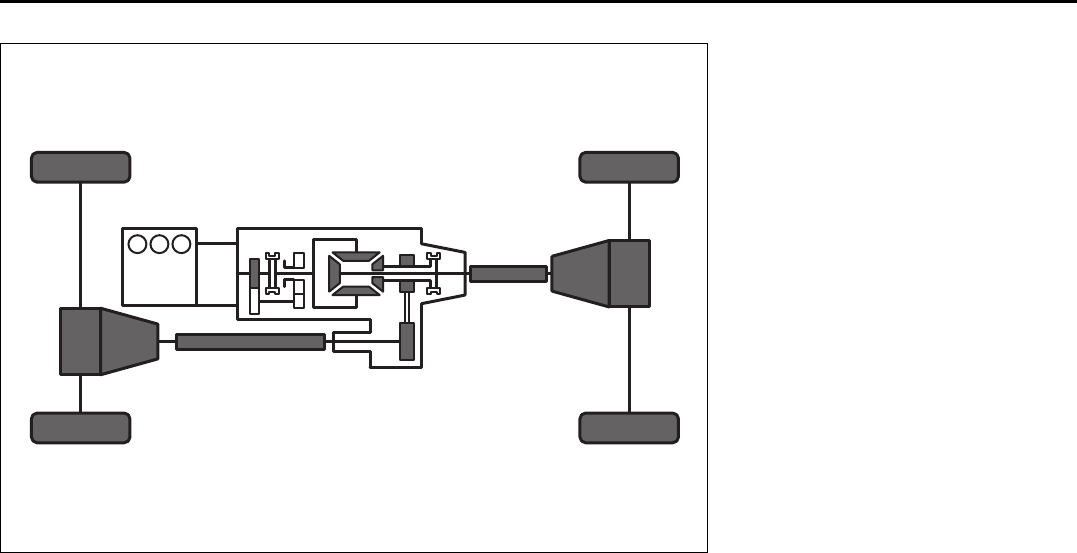
6-11
OPERATING YOUR VEHICLE
66J22-03E
4H LOCK (4-wheel drive high range center differential lock)
64J221
In this position, engine power is supplied to
the front and rear axles and you get better
traction than when driving in “4H”. Use this
position when you need better traction
than “4H” provides, such as when driving
on slippery roads etc.
Using the Transfer Switch: 10
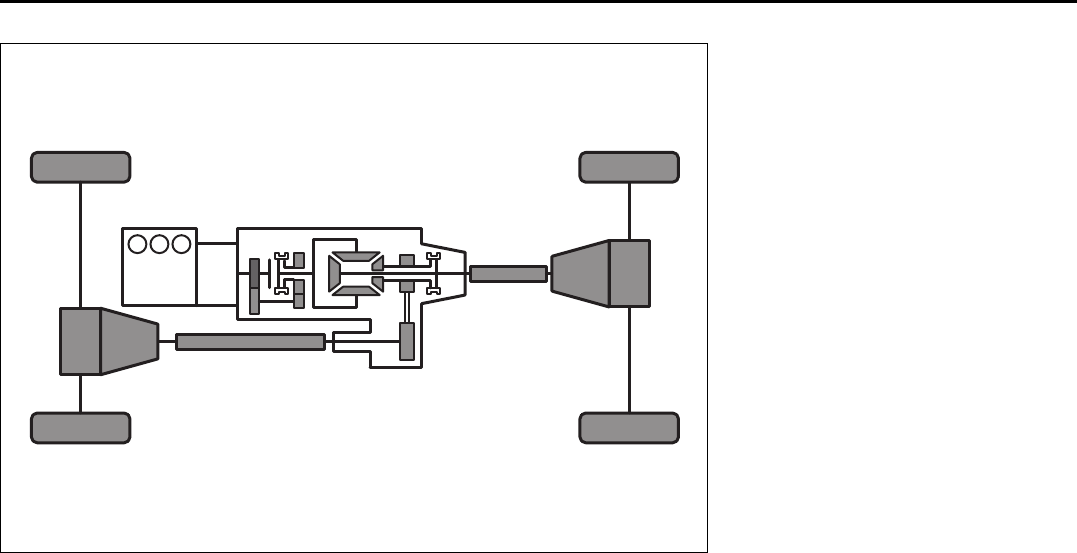
6-12
OPERATING YOUR VEHICLE
66J22-03E
4L LOCK (4-wheel drive low range center differential lock)
64J222
In this position, engine power is supplied to
the front and rear axles and you get better
traction and more low-speed torque than
when driving in “4H”. Use this position
when you need better traction than “4H”
provides and more low-speed torque than
“4H LOCK” provides, such as when climb-
ing or descending steep, slippery hills etc.
NOTE:
When the transfer switch (if equipped) is
turned to the “4L LOCK” position, the
ESP® systems (other than ABS) will be
canceled to provide improved vehicle trac-
tion, and the “ESP OFF” indicator light will
come on.
When the transfer switch (if equipped) is
turned to the “4L LOCK” position, brake-
traction control can be activated. Brake-
traction control brakes the spinning wheel
to distribute drive power to the other
wheels for increased climbing ability or for
better performance on a rolling hill or a
slippery surface.
ESP® is a registered trademark of
DaimlerChrysler AG.
Using the Transfer Switch: 10
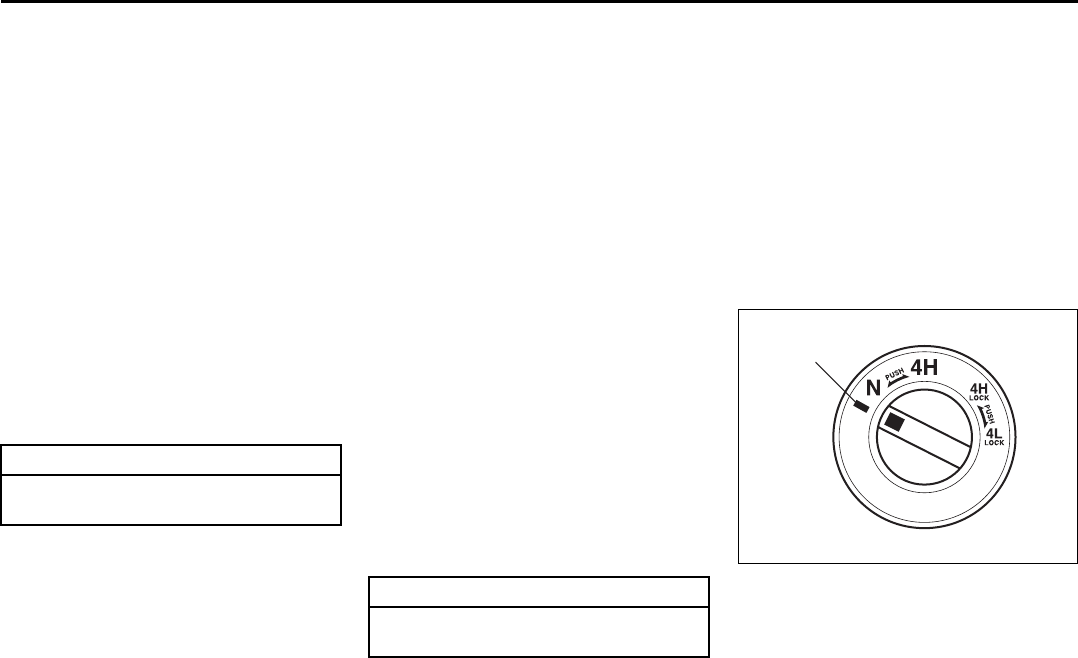
6-13
OPERATING YOUR VEHICLE
66J22-03E
Transfer Switch Operation
Operate the transfer switch according to
the appropriate procedure described
below:
From N to 4H
Stop the vehicle completely, place the
transmission in “N” (Neutral) and depress
the brake pedal and the clutch pedal fully
(if equipped), then push in and turn the
switch to shift into “4H”.
From 4H to 4H LOCK
You can operate the transfer switch either
when the vehicle is stopped or while the
vehicle is moving.
Position the front wheels straight ahead
and turn the switch to shift into “4H LOCK”.
If the vehicle is moving, we recommend
that the speed be less than 100 km/h (60
mph) during this operation.
NOTE:
• When shifting between the transfer
switch position and the transfer gear
position is unmatched, all 4WD indica-
tors will blink and the buzzer will sound.
• If it is difficult to shift between “4H” and
“4H LOCK” while the vehicle is moving,
try accelerating and decelerating your
vehicle several times after turning the
transfer switch. Be sure to wait until traf-
fic conditions allow you to accelerate and
decelerate safety before using this pro-
cedure.
From 4H LOCK to 4L LOCK
Stop the vehicle completely, place the
transmission in “N” (Neutral) and depress
the brake pedal and the clutch pedal fully
(if equipped), then push in and turn the
switch to shift into “4L LOCK”.
From 4L LOCK to 4H LOCK
Stop the vehicle completely, place the
transmission in “N” (Neutral) and depress
the brake pedal and the clutch pedal fully
(if equipped), then push in and turn the
switch to shift into “4H LOCK”.
From 4H LOCK to 4H
You can operate the transfer switch either
when the vehicle is stopped or while the
vehicle is moving.
Position the front wheels straight ahead
and turn the switch to shift into “4H”. If the
vehicle is moving, we recommend that the
speed be less than 100 km/h (60 mph) dur-
ing this operation.
NOTE:
• When shifting between the transfer
switch position and the transfer gear
position is unmatched, all 4WD indica-
tors will blink and the buzzer will sound.
• If it is difficult to shift between “4H” and
“4H LOCK” while the vehicle is moving,
try accelerating and decelerating your
vehicle several times after turning the
transfer switch. Be sure to wait until traf-
fic conditions allow you to accelerate and
decelerate safety before using this pro-
cedure.
From 4H to N
64J209
Stop the vehicle completely, place the
transmission in “N” (Neutral) and depress
the brake pedal and the clutch pedal fully
(if equipped), then push in and turn the
switch to the mark (1) at the left of the “N”
position, and hold the switch in this posi-
CAUTION
Do not operate the transfer switch
while tires are racing.
CAUTION
Do not operate the transfer switch
while tires are racing.
(1)
Using the Transfer Switch: 10
6-14
OPERATING YOUR VEHICLE
66J22-03E
tion for 5 seconds until the “N” indicator
blinks, then turn the switch to the “N” posi-
tion.
When you turn the transfer switch to the
“N” position, “N” indicator will come on with
the buzzer sound.
CAUTION
• Be sure to stop the vehicle com-
pletely before operating the trans-
fer switch to shift between “N” and
“4H”, or between “4H LOCK” and
“4L LOCK”.
• Do not shift between “4H” and “4H
LOCK” unless the front wheels are
in the straight-ahead position and
we recommend that the vehicle
speed be less than 100 km/h (60
mph).
Do not operate the transfer switch
while tires are racing.
• Do not operate your vehicle in “4H
LOCK” or “4L LOCK” on dry, hard
surfaces.
(Continued)
CAUTION
(Continued)
• Do not operate the vehicle while a
4WD mode indicator is blinking
except when shifting between “4H”
and “4L LOCK”.
If you operate the vehicle while a
4WD mode indicator is blinking, a
buzzer will sound and the transfer
will shift to “N” (Neutral) to prevent
transfer case damage.
In this case, use the following pro-
cedure.
1) Depress the clutch pedal fully (if
equipped) or shift the automatic
transmission gearshift lever to the
“N” position.
2) Turn the transfer switch to the
position previously selected.
3) Operate the transfer switch again.
Using the Transfer Switch: 10
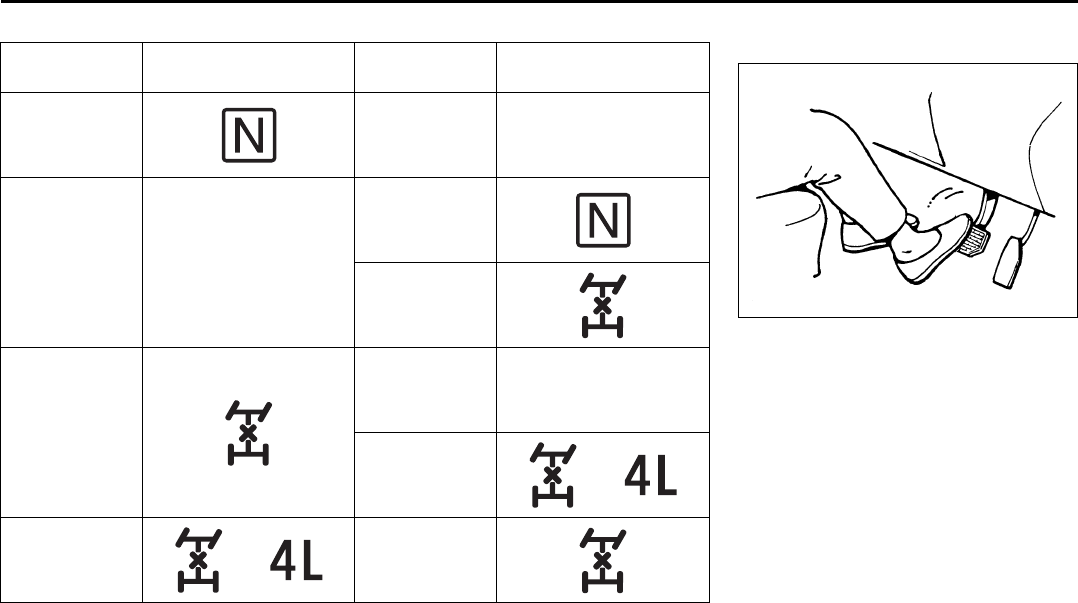
6-15
OPERATING YOUR VEHICLE
66J22-03E
The basic operation for transfer switch
N: Neutral
4H: 4-wheel drive high range mode
4H LOCK: 4-wheel drive high range center differential lock mode
4L LOCK: 4-wheel drive low range center differential lock mode
Current
Position Current Indicator Target
Position Target Indicator
N4H–
4H –
N
4H LOCK
4H LOCK
4H –
4L LOCK
4L LOCK 4H LOCK
Braking
60G165
The distance needed to bring any vehicle
to a halt increases with the speed of the
vehicle. The braking distance needed, for
example, at 60 km/h (37 mph) will be
approximately 4 times greater than the
braking distance needed at 30 km/h (19
mph). Start to brake the vehicle when there
is plenty of distance between your vehicle
and the stopping point, and slow down
gradually.
Using the Transfer Switch: 10
6-16
OPERATING YOUR VEHICLE
66J22-03E
Power Assisted Brakes
Your vehicle has power assisted brakes. If
power assistance is lost due to a stalled
engine or other failures, the system is still
fully operational on reserve power and you
can bring the vehicle to a complete stop by
pressing the brake pedal once and holding
it down. The reserve power is partly used
up when you depress the brake pedal and
reduces each time the pedal is pressed.
Apply smooth and even pressure to the
pedal. Do not pump the pedal.
Brake Assist System
When you slam the brakes on, the brake
assist system judges as an emergency
stop and provides more powerful braking
for a driver who cannot hold down the
brake pedal firmly.
NOTE:
If you depress the brakes forcefully, you
may hear a clicking sound in the brake
pedal. This is normal and indicates that the
brake assist system is activated properly.
Anti-Lock Brake System (ABS)
ABS will help you avoid skidding by elec-
tronically controlling braking pressure. It
will also help you maintain steering control
when braking on slippery surfaces or when
braking hard.
The ABS works automatically, so you do
not need any special braking technique.
Just push the brake pedal down without
pumping. The ABS will operate whenever it
senses that the wheels are locking up.
You may feel the brake pedal pulsate while
the ABS is operating.
NOTE:
The ABS will not work if vehicle speed is
under 5 – 6 km/h (3 – 4 mph).
WARNING
If water gets into the brake drums,
brake performance may become poor
and unpredictable. After driving
through water or washing the under-
side of the vehicle, test the brakes
while driving at a slow speed to see if
they have maintained their normal
effectiveness. If the brakes are less
effective than normal, dry them by
repeatedly applying the brakes while
driving slowly until the brakes have
regained their normal effectiveness.
WARNING
Even without reserve power in the
brake system, you can still stop the
vehicle by pressing the brake pedal
harder than normally required. How-
ever, the stopping distance may be
longer.
Using the Transfer Switch: 10
Braking: 6
6-17
OPERATING YOUR VEHICLE
66J22-03E
54G140
65D451
WARNING
• On some types of loose surfaces
(such as gravel, snow-covered
roads, etc.), the stopping distance
required for an ABS-equipped vehi-
cle may be slightly greater than for
a comparable vehicle with a con-
ventional brake system. With a
conventional brake system, skid-
ding tires are able to “plow” the
gravel or snow layer, shortening
the stopping distance. ABS mini-
mizes this resistance effect. Allow
for extra stopping distance when
driving on loose surfaces.
• On regular paved roads, some driv-
ers may be able to obtain slightly
shorter stopping distances with
conventional brake systems than
with ABS.
• In both of the above conditions,
ABS will still offer the advantage of
helping you maintain directional
control. However, remember that
ABS will not compensate for bad
road or weather conditions or poor
driver judgment. Use good judg-
ment and do not drive faster than
conditions will safely allow.
WARNING
If the ABS warning light ((1) or (2)) on
the instrument panel comes on and
stays on while driving, there may be a
problem with the ABS system.
If this happens:
1) Pull off the road and stop care-
fully.
2) Turn the ignition switch to “LOCK”
and then start the engine again.
If the warning light comes on briefly
then turns off, the system is normal.
If the warning light still stays on,
have the system inspected by your
SUZUKI dealer immediately. If the
ABS system becomes inoperative,
the brake system will function as an
ordinary brake system that has no
ABS.
or
WARNING
If the ABS warning light ((1) or (2))
and the Brake system warning light
(3) on the instrument panel simulta-
neously stay on or come on when
driving, both anti-lock function and
rear brake force control function
(Proportioning valve function) of the
ABS system may have failed. This
could cause the rear wheels to skid
or the vehicle to spin during braking
on a slippery road or hard braking on
a dry paved road. If both warning
lights come on, drive carefully, avoid-
ing hard braking as much as possi-
ble, and ask your SUZUKI dealer to
inspect the ABS system immediately.
(1) (2)
(3)
or
Braking: 6
6-18
OPERATING YOUR VEHICLE
66J22-03E
How the ABS Works
A computer continuously monitors wheel
speed. The computer compares the
changes in wheel speed when braking. If
the wheels slow suddenly, indicating a
skidding situation, the computer will
change braking pressure several times
each second to prevent the wheels from
locking. When you start your vehicle or
when you accelerate after a hard stop, you
may hear a momentary motor or clicking
sound as the system resets or checks
itself.
Electronic Stability Program
(ESP®)
ESP® is a registered trademark of
DaimlerChrysler AG.
The Electronic Stability Program (ESP®)
helps to control the vehicle during corner-
ing if the vehicle is understeering or over-
steering. It also assists you in maintaining
traction while accelerating on loose or slip-
pery road surfaces. It does this by regulat-
ing the engine’s output, and by selectively
applying the brakes. In addition, ESP®
helps to avoid skidding by controlling brak-
ing pressure.
The ESP® has the following three systems:
Stability Control System
The vehicle stability control system helps
provide integrated control of systems such
as anti-lock brakes, traction control, engine
control, etc. This system automatically
controls the brakes and engine to help pre-
vent the vehicle from skidding when cor-
nering on a slippery road surface or when
turning the steering wheel abruptly.
Traction Control System
The traction control system automatically
helps prevent the spinning of wheels when
the vehicle is started or accelerated on
slippery road surfaces. The system oper-
ates only if it senses that some of the
wheels are spinning or beginning to lose
traction. When this happens, the system
operates the front or rear brakes and
reduces engine power to limit wheel spin.
NOTE:
You may hear a clicking sound in the
engine compartment for a few seconds
when you start the engine or just after the
vehicle begins to move. This means that
the above systems are in the self-check
mode. This sound does not indicate a mal-
function.
WARNING
The ABS may not work properly if
tires or wheels other than those
specified in the owner’s manual are
used. This is because the ABS works
by comparing changes in wheel
speed. When replacing tires or
wheels, use only the size and type
specified in this owner’s manual.
WARNING
The ESP® cannot enhance the vehi-
cle’s driving stability in all situations
and does not control your vehicle’s
entire braking system. The ESP® can-
not prevent accidents, including
those resulting from excessive speed
in turns, or hydroplaning. Only a safe
and attentive driver can prevent acci-
dents. The capabilities of an ESP®-
equipped vehicle must never be used
as a substitute for careful driving.
Braking: 6
6-19
OPERATING YOUR VEHICLE
66J22-03E
Anti-Lock Braking System (ABS)
ABS will help you avoid skidding by elec-
tronically controlling braking pressure. It
will also help you maintain steering control
when braking on slippery surfaces or when
braking hard. The ABS works automati-
cally, so you do not have to use any special
braking technique. Just push the brake
pedal down without pumping. The ABS will
operate whenever it senses that wheels
are locking up. You may feel the brake
pedal pulsate while the ABS is operating.
(For more information on ABS, see “Brak-
ing” in the “OPERATING YOUR VEHICLE”
section.)
NOTE:
If the ABS system is activated, you may
hear a clunking noise and/or feel pulsating
in the brake pedal. This is normal and indi-
cates that the brake fluid pressure is being
controlled properly.
The ESP® indicator lights are described
below:
SLIP Indicator Light
66J033
When one of the ESP® systems other than
ABS is activated, the SLIP indicator light in
the instrument cluster blinks 5 times per
second.
NOTE:
When the SLIP indicator light comes on
and stays on while driving, indicating a
malfunction of the ESP® systems (other
than ABS), the brake system will function
as an ordinary ABS with no additional
ESP® functions.
WARNING
• The ESP® may not work properly if
tires or wheels other than those
specified in the Owner’s Manual are
used. When replacing tires or
wheels, use only the size and type
specified in this Owner’s Manual.
• The ESP® may not work properly if
tires are not inflated to the recom-
mended tire inflation pressure.
• The ESP® may not work properly if
tires are fitted with tire chains.
• The ESP® may not work properly if
the tires are excessively worn. Be
sure to replace tires when the tread
wear indicators in the grooves
appear on the tread surface.
• The ESP® is not a substitute for
winter tires or tire chains on a snow
covered road.
WARNING
• The ESP® may not work properly if
engine related parts such as the
muffler are not equivalent to stan-
dard equipment or are extremely
deteriorated.
• Do not modify the vehicle’s sus-
pension since the ESP® may not
operate correctly.
CAUTION
If the SLIP indicator light comes on
and stays on while driving, there may
be a malfunction of the ESP® sys-
tems (other than ABS). You should
have the systems inspected by an
authorized SUZUKI dealer.
Tire Pressure Monitoring System (TPMS):
6-20
OPERATING YOUR VEHICLE
66J22-03E
NOTE:
When you disconnect and re-connect the
battery, ESP® system functions other than
ABS will be deactivated and the slip indica-
tor light will blink 1 time per second. In this
case, use the following procedure to re-
activate the ESP® systems:
1) Drive your vehicle straight ahead with-
out tire slippage at a speed greater than
approximately 15 km/h (9 mph) for a
few seconds
2) The slip indicator light will go out and
the ESP® systems (other than ABS) will
be re-activated
It may take more than few seconds before
the slip indicator light goes out depending
on the road surface condition.
“ESP” Warning Light
66J031
When the ESP® systems (other than ABS)
have a system malfunction, the “ESP”
warning light in the instrument cluster
comes on.
NOTE:
When the “ESP” warning light comes on,
or stays on while driving, indicating a mal-
function of the ESP® systems (other than
ABS), the brake system will function as an
ordinary ABS that has no additional ESP®
functions.
“ESP OFF” Indicator Light
66J032
You should turn the ESP® on during your
ordinary driving, so that you have the ben-
efits of all of the ESP® systems.
It may be required to turn the ESP® sys-
tems (other than ABS) off if your vehicle is
stuck in sand, mud, or snow, or when driv-
ing in extreme off-road conditions where
wheel spin is necessary.
“ESP OFF” switch
66J039
When the “ESP OFF” switch located at the
center of the instrument panel is pushed
and held to turn off the ESP® systems
(other than ABS), the “ESP OFF” indicator
light in the instrument cluster comes on.
When you push and hold the “ESP OFF”
switch again, the “ESP OFF” indicator light
will go out and all of the ESP® systems will
be activated.
NOTE:
• When the vehicle speed is greater than
approximately 30 km/h (19 mph), the
ESP® systems (other than ABS) will turn
on automatically and the “ESP OFF”
indicator light will go out.
• When the transfer switch (if equipped) is
turned to the “4L LOCK” position, the
ESP® systems (other than ABS) will be
canceled to provide improved vehicle
CAUTION
If the “ESP” warning light comes on,
or stays on while driving, there may
be a malfunction of the ESP® sys-
tems (other than ABS). You should
have the systems inspected by an
authorized SUZUKI dealer.
Tire Pressure Monitoring System (TPMS):
6-21
OPERATING YOUR VEHICLE
66J22-03E
traction, and the “ESP OFF” indicator
light will come on.
When the transfer switch (if equipped) is
turned to the “4L LOCK” position, brake-
traction control can be activated. Brake-
traction control brakes the spinning
wheel to distribute drive power to the
other wheels for increased climbing abil-
ity or for better performance on a rolling
hill or a slippery surface.
• If the ESP® systems operate continu-
ously, such as when driving on slippery
roads, the traction control functions of
the ESP® systems may be canceled
temporarily to avoid overheating the
brake pads, and the “ESP OFF” indicator
light will come on. After a short period of
time, the ESP® systems (other than
ABS) will turn on automatically and the
“ESP OFF” indicator light will go out.
ABS Warning Light / Brake System
Warning Light
See “Braking” in the “OPERATING YOUR
VEHICLE” section.
Tire Pressure Monitoring
System (TPMS) (if equipped)
The tire pressure monitoring system is
designed to alert you when one or more of
the tires on your vehicle is significantly
under-inflated. A Tire Pressure Monitoring
System (TPMS) sensor containing a
unique identification code is mounted on
each wheel. The TPMS sensors transmit
tire pressure signals to a central receiver
which relays the information to a tire pres-
sure monitoring system controller. When
the inflation pressure of one or more tires
indicates significant under-inflation, the low
tire pressure warning light shown below
comes on.
NOTE:
The TPMS controller is not programmed to
recognize the ID code of the TPMS sensor
in your spare tire. The tire pressure moni-
toring system will only work with the spare
tire if you bring your vehicle to an autho-
rized SUZUKI dealer to register the ID
code of the spare tire sensor. Refer to
“Replacing Tires and/or Wheels” in this
section.
Low Tire Pressure Warning Light
52D305
WARNING
Each tire, including the spare (if pro-
vided), should be checked monthly
when cold and inflated to the inflation
pressure recommended by the vehi-
cle manufacturer on the vehicle plac-
ard or tire inflation pressure label. (If
your vehicle has tires of a different
size than the size indicated on the
vehicle placard or tire inflation pres-
sure label, you should determine the
proper tire inflation pressure for
those tires.)
As an added safety feature, your
vehicle has been equipped with a tire
pressure monitoring system (TPMS)
that illuminates a low tire pressure
telltale when one or more of your
tires is significantly under-inflated.
(Continued)
Tire Pressure Monitoring System (TPMS):
Break-In: 6
6-22
OPERATING YOUR VEHICLE
66J22-03E
WARNING
(Continued)
Accordingly, when the low tire pres-
sure telltale illuminates, you should
stop and check your tires as soon as
possible, and inflate them to the
proper pressure.
Driving on a significantly under-
inflated tire causes the tire to over-
heat and can lead to tire failure.
Under-inflation also reduces fuel effi-
ciency and tire tread life, and may
affect the vehicle’s handling and
stopping ability.
Please note that the TPMS is not a
substitute for proper tire mainte-
nance, and it is the driver’s responsi-
bility to maintain correct tire
pressure, even if under-inflation has
not reached the level to trigger illumi-
nation of the TPMS low tire pressure
telltale.
WARNING
The tire pressure monitoring system
is not a substitute for regular tire
pressure inspections. Check tire
inflation pressures monthly when
cold and set to the recommended
inflation pressure as specified on the
vehicle’s tire information placard and
in the owner’s manual. Refer to
“Tires” in the “INSPECTION AND
MAINTENANCE” section.
WARNING
If the low tire pressure warning light
does not come on when the ignition
is turned to the “ON” position, or
comes on and blinks while driving
there may be a problem with the tire
pressure monitoring system. Have
your vehicle inspected by an autho-
rized SUZUKI dealer. Even if the light
turns off after blinking, indicating
that the monitoring system has
recovered, make sure to have an
authorized SUZUKI dealer check the
system.
WARNING
The load rating of your tires is
reduced at lower inflation pressures.
If your tires become even moderately
under-inflated, the vehicle load may
exceed the load rating of the tires,
which can lead to tire failure. The low
tire pressure warning light will not
alert you of this condition. The warn-
ing light will only come on when one
or more of your tires become signifi-
cantly under-inflated. Check and
adjust your tire inflation pressure at
least once a month. Refer to “Tires”
in the “INSPECTION AND MAINTE-
NANCE” section.
Catalytic Converter: NO
6-23
OPERATING YOUR VEHICLE
66J22-03E
The low tire pressure warning light can
come on due to normal causes such as
natural air leaks and pressure changes
caused by changes in temperature or
atmospheric pressure. Adjusting the air
pressure in the tires to the pressure shown
on the tire information placard should
cause the low tire pressure warning light to
turn off.
If the light turns on again shortly after
adjusting the pressure in your tires, you
may have a flat tire. If you have a flat tire,
replace it with the spare tire. Refer to
“Jacking Instructions” in the “EMER-
GENCY SERVICE” section. Refer to
“Replacing Tires and/or Wheels” for
instructions on how to restore normal oper-
ation of the tire pressure monitoring sys-
tem after you have had a flat tire.
NOTE:
• When the tire inflation pressure is
adjusted in high altitude areas, the low
tire pressure light may not turn off even
after tire inflation pressure adjustment.
In this case, adjust the inflation pressure
to a slightly higher pressure than is
shown on the tire information placard.
• The low tire pressure warning light may
turn off temporarily after coming on. This
could be due to surface temperature
increases after long distance driving or
traveling to a high temperature area.
Even if the tire pressure warning light
turns off after coming on, make sure to
check the inflation pressure of all tires.
• To reduce the chance that the low tire
pressure warning light will come on due
to normal changes in temperature and
atmospheric pressure, it is important to
check and adjust the tire pressures
when the tires are cold. Tires that
appear to be at the specified pressure
when checked after driving, when the
tires are warm, could have pressure
below the specification when the tires
cool down. Also, tires that are inflated to
the specified pressure in a warm garage
may have pressure below the specifica-
tion when the vehicle is driven outside in
very cold temperature. If you adjust the
tire pressure in a garage that is warmer
than the outside temperature, you
should add 1 psi to the recommended
cold tire inflation pressure for every 10°F
difference between garage temperature
and outside temperature.
For tire inflation pressure information, refer
to “Tire Inflation Pressure” in the “INSPEC-
TION AND MAINTENANCE” section.
TPMS Malfunction Indicator
WARNING
If the low tire pressure warning light
comes on and stays on, reduce your
speed and avoid abrupt steering and
braking. Stop in a safe place as soon
as possible and check your tires.
• If you have a flat tire, replace it with
the spare tire. Refer to “Jacking
Instructions” in the “EMERGENCY
SERVICE” section. Refer to
“Replacing Tires and/or Wheels”
for instructions on how to restore
normal operation of the tire pres-
sure monitoring system after you
have had a flat tire.
• If one or more of your tires is
under-inflated adjust the inflation
pressure in all of your tires to the
recommended inflation pressure as
soon as possible.
Be aware that driving on a signifi-
cantly under-inflated tire can cause
the tire to overheat and can lead to
tire failure, and may affect steering
control and brake effectiveness. This
could lead to an accident, resulting in
severe injury or death.
WARNING
Your vehicle also has been equipped
with a TPMS malfunction indicator to
indicate when the system is not oper-
ating properly.
Catalytic Converter: NO
Improving Fuel Economy: NO
6-24
OPERATING YOUR VEHICLE
66J22-03E
When you turn off the engine, however, the
malfunction indicator resets. It takes about
ten minutes after restarting the engine for
the malfunction to be detected again and
for the light to start flashing.
TPMS Limitations
The tire pressure monitoring system may
not function properly under certain circum-
stances. In the following situations, the low
tire pressure warning light may come on
and remain on or may blink.
• When you replace a flat tire with the
spare tire.
• When you include the spare tire during a
tire rotation.
• When the TPMS sensor is damaged dur-
ing a tire replacement or liquid sealants
are used to repair a flat tire.
• When the TPMS sensor’s electronic sig-
nal is disturbed in one of the following
ways:
– Electric devices or facilities using simi-
lar radio wave frequencies are nearby.
– A lot of snow or ice covers the vehicle,
in particular, around the wheels or
wheel housings.
– Snow tires or tire chains are used.
• When you use non-genuine SUZUKI
wheels or tires.
Replacing Tires and/or Wheels
If you get a flat tire, Suzuki recommends
that you have an authorized SUZUKI
dealer mount a new tire on the wheel that
had the flat tire, and reinstall this tire on the
vehicle in place of the spare. The TPMS is
already set up to recognize the ID code of
the original wheel, and normal TPMS oper-
ation will be restored.
If you wish to operate your vehicle with the
spare tire installed, you must have an
authorized SUZUKI dealer set up the
TPMS to recognize the ID code of the
spare tire TPMS sensor.
If you need to replace any wheels on your
vehicle, your dealer must make sure that
TPMS sensors are installed in the new
wheels and must set up the TPMS to rec-
ognize the new sensors.
WARNING
The TPMS malfunction indicator is
combined with the low tire pressure
telltale. When the system detects a
malfunction, the telltale will flash for
approximately one minute and then
remain continuously illuminated.
This sequence will continue upon
subsequent vehicle start-ups as long
as the malfunction exists.
WARNING
When the malfunction indicator is
illuminated, the system may not be
able to detect or signal low tire pres-
sure as intended. TPMS malfunctions
may occur for a variety of reasons,
including the installation of replace-
ment or alternate tires or wheels on
the vehicle that prevent the TPMS
from functioning properly. Always
check the TPMS malfunction telltale
after replacing one or more tires or
wheels on your vehicle to ensure that
the replacement or alternate tires and
wheels allow the TPMS to continue to
function properly.
CAUTION
• The tire pressure sensors can be
damaged by the installation or
removal of tires. When tires must
be repaired or replaced, we highly
recommend that you have them
repaired or replaced by an autho-
rized SUZUKI dealer.
• Do not use liquid sealants for a flat
tire as air pressure sensors can be
damaged.
• If the low tire pressure warning
light comes on frequently, there
may be something wrong with one
of the tires or with the monitoring
system. Have your vehicle
inspected by an authorized SUZUKI
dealer.
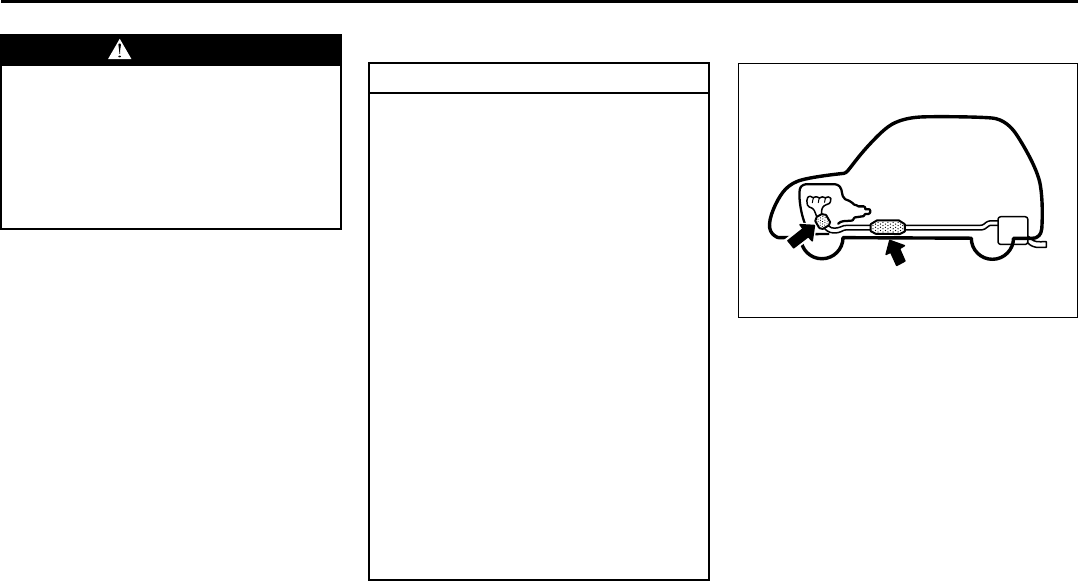
6-25
OPERATING YOUR VEHICLE
66J22-03E
For Vehicles Sold in U.S.A.
This device complies with Part 15 of the
FCC Rules.
Operation is subject to the following two
conditions:
1) This device may not cause harmful
interference.
2) This device must accept any interfer-
ence received, including interference
that may cause undesired operation.
NOTE:
Changes or modifications not expressly
approved by the party responsible for com-
pliance could void the user’s authority to
operate the equipment.
Traveling to CANADA
Please note that service for the tire pres-
sure monitoring system may not be avail-
able in CANADA should there be any
problems or malfunctions in the system.
Break-In Catalytic Converter
54G236
The purpose of the catalytic converter is to
minimize the amount of harmful pollutants
in your vehicle’s exhaust. Use of leaded
fuel in vehicles equipped with catalytic
converters is prohibited by federal law,
because lead deactivates the pollutant-
reducing components of the catalyst sys-
tem.
The converter is designed to last the life of
the vehicle under normal usage and when
unleaded fuel is used. No special mainte-
nance is required on the converter. How-
ever, it is very important to keep the engine
properly tuned. Engine misfiring, which
can result from an improperly tuned
engine, may cause overheating of the cat-
alyst. This may result in permanent heat
damage to the catalyst and other vehicle
components.
WARNING
Only use tires and wheels recom-
mended by SUZUKI as standard or
optional equipment for your vehicle.
Use of tires or wheels not recom-
mended by SUZUKI can result in
TPMS failure. Refer to “Tires” in the
“INSPECTION AND MAINTENANCE”
section for additional information.
CAUTION
The future performance and reliabil-
ity of the engine depends on the care
and restraint exercised during its
early life. It is especially important to
observe the following precautions
during the initial 960 km (600 miles)
of vehicle operation.
• After starting, do not race the
engine. Warm it up gradually.
• Avoid prolonged vehicle operation
at a constant speed. Moving parts
will break in better if you vary your
speed.
• Start off from a stop slowly. Avoid
full throttle starts.
• Avoid hard stopping, especially
during the first 320 km (200 miles)
of driving.
• Do not drive slowly with the trans-
mission in a high gear.
• Drive the vehicle at moderate
engine speeds.
• Do not tow a trailer during the first
960 km (600 miles) of vehicle oper-
ation.
EXAMPLE
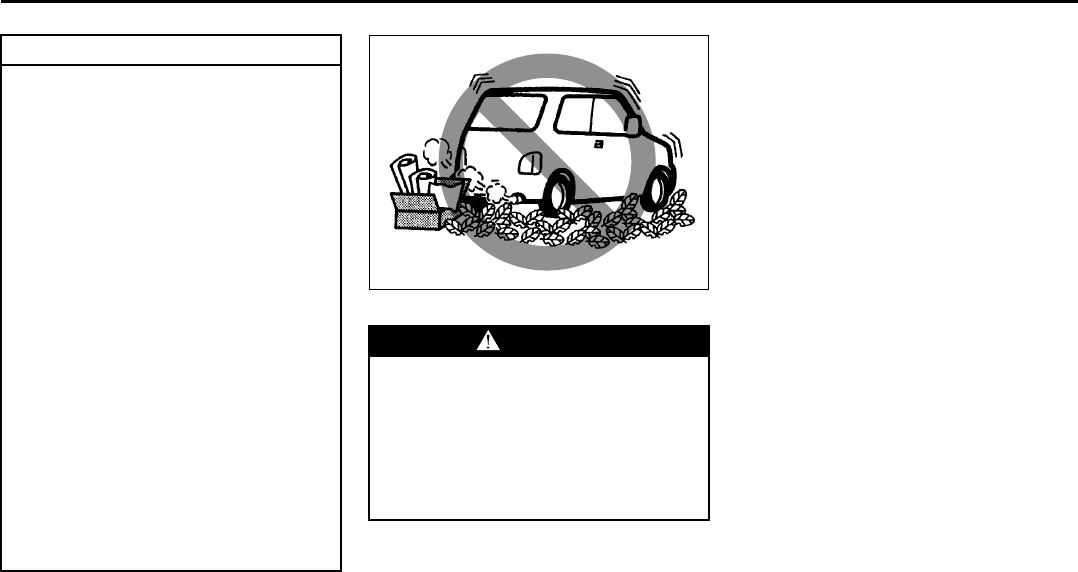
6-26
OPERATING YOUR VEHICLE
66J22-03E
54G584S
Improving Fuel Economy
The following instructions will help you
improve fuel economy.
Avoid excessive idling
If you are to wait for more than a minute
while you are parked, stop the engine and
start it again later. When warming up a
cold engine, allow the engine to idle until
the temperature gauge pointer comes up
to the “C” position. In this position, the
engine is sufficiently warm for starting off.
Avoid “jackrabbit” starts
Fast starts away from lights or stop signs
will consume fuel unnecessarily and
shorten engine life. Start off slowly.
Avoid unnecessary stops
Avoid unnecessary deceleration and stop-
ping. Try to maintain a slow, steady speed
whenever possible. Slowing down and then
accelerating again uses more fuel.
Keep a steady cruising speed
Keep as constant a speed as road and traf-
fic conditions will permit.
CAUTION
To minimize the possibility of catalyst
or other vehicle damage:
• Maintain the engine in the proper
operating condition.
• In the event of an engine malfunc-
tion, particularly one involving
engine misfire or other apparent
loss of performance, have the vehi-
cle serviced promptly.
• Do not shut off the engine or inter-
rupt the ignition when the transmis-
sion is in gear and the vehicle is in
motion.
• Do not try to start the engine by
pushing or towing the vehicle or
coasting down a hill.
• Do not idle the engine with any
spark plug wires disconnected or
removed, such as during diagnos-
tic testing.
• Do not idle the vehicle for pro-
longed periods if idling seems
rough or there are other malfunc-
tions.
• Do not allow the fuel tank to get
near the empty level.
WARNING
Be careful where you park and drive;
the catalytic converter and other
exhaust components can get very
hot. As with any vehicle, do not park
or operate this vehicle in areas where
combustible materials such as dry
grass or leaves can come in contact
with a hot exhaust system.
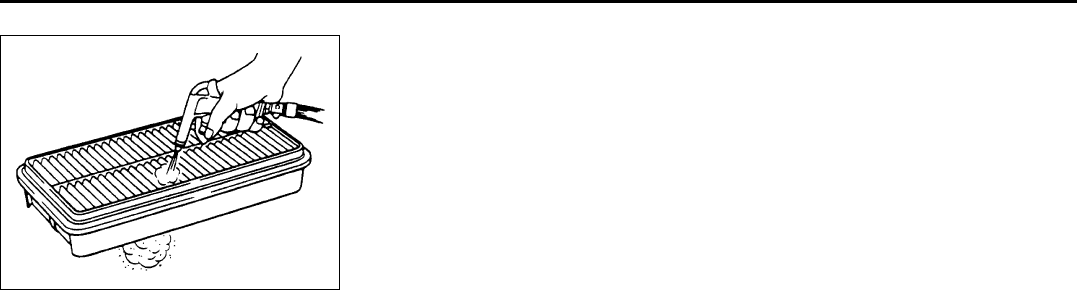
6-27
OPERATING YOUR VEHICLE
66J22-03E
60A183S
Keep the air cleaner clean
A dirty air cleaner will cause the fuel injec-
tion system to supply too much fuel to the
engine for the amount of air being sup-
plied. The result is waste of fuel due to
incomplete fuel burning.
Keep weight to a minimum
The heavier the load, the more fuel the
vehicle consumes. Take out any luggage
or cargo when it is not necessary.
Keep tire pressure correct
Underinflation of the tires can waste fuel
due to increased running resistance of the
tires. Keep your tires inflated to the correct
pressure shown on the label located below
the driver’s side door latch striker.
EXAMPLE
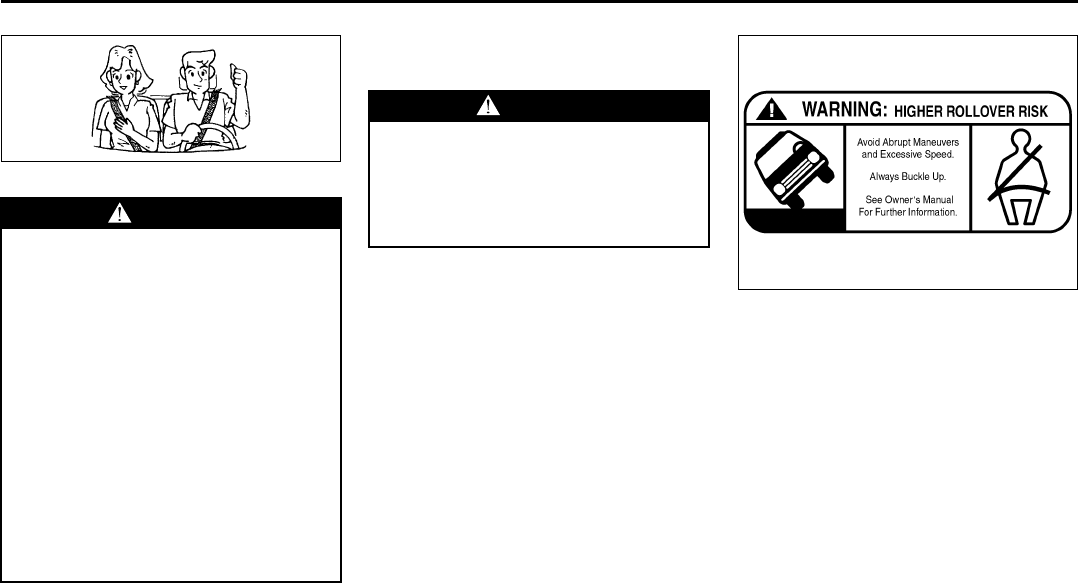
7-1
DRIVING TIPS
66J22-03E
52D078S
Important Vehicle Design
Features To Know
Multipurpose vehicles such as your new
SUZUKI have higher ground clearance and
a narrower track than conventional pas-
senger cars, to make them capable of per-
forming in a wide variety of off-road
applications. Specific design characteris-
tics give them a higher center of gravity
than ordinary cars. An advantage of the
higher ground clearance is a better view of
the road allowing you to anticipate prob-
lems. They are not designed for cornering
at the same speed as conventional pas-
senger cars any more than low-slung
sports cars are designed to perform satis-
factorily under off-road conditions. If at all
possible, avoid sharp turns or abrupt
maneuvers. As with other vehicles of this
type, failure to operate this vehicle cor-
rectly may result in loss of control or vehi-
cle rollover.
Multipurpose vehicles have a significantly
higher rollover rate than other types of
vehicles.
65D218
In a rollover crash, an unbelted person is
significantly more likely to die than a per-
son wearing a seat belt.
Important Differences Between
Your Multipurpose Vehicle and
Ordinary Passenger Cars
Higher Ground Clearance
The higher ground clearance of your vehi-
cle enables it to clear off-road obstacles,
such as rocks and tree stumps, that ordi-
nary passenger cars can not drive over. An
unavoidable result of this higher ground
clearance is that the vehicle also has a
higher center of gravity. Consequently,
your vehicle will handle differently than a
vehicle with a lower center of gravity.
WARNING
• Wear Your Seat Belts at All Times.
Even though air bags are equipped
at the front seating positions, the
driver and all passengers should
be properly restrained at all times,
using the seat belts provided. Refer
to the “Seat Belts and Child
Restraint Systems” section for
instructions on proper use of the
seat belts.
• Never drive while under the influ-
ence of alcohol or other drugs.
Alcohol and drugs can seriously
impair your ability to drive safely,
greatly increasing the risk of injury
to yourself and others. You should
also avoid driving when you are
tired, sick, irritated or under stress.
WARNING
Your multipurpose vehicle has han-
dling characteristics that differ from
those of a conventional passenger
car. For the safety of you and your
passengers, please read the follow-
ing section very carefully.
EXAMPLE
Important Vehicle Design Features To Know: NO

7-2
DRIVING TIPS
66J22-03E
Shorter Wheelbase
Along with its higher ground clearance,
your vehicle has a shorter wheelbase and
shorter front and rear overhangs than
many passenger cars. These features
combine to allow you to drive your vehicle
over hillcrests without hanging up on them
or damaging the frame and chassis com-
ponents. The shorter wheelbase also
makes the steering of your vehicle more
responsive than that of vehicles with longer
wheelbases.
Narrower Body Width and Track
Your vehicle is narrower than the average
passenger car so that it can pass through
tight spaces.
Without the essential characteristics
described above: higher ground clearance,
shorter wheelbase and narrower body
width and track – your vehicle could not
provide you with excellent off road driving
performance. However, it is also true that
on-pavement driving, handling and steer-
ing will be different from what drivers expe-
rience with a conventional passenger car.
On-Pavement Driving
Government data show that most rollover
accidents for multi-purpose vehicles are
caused when a driver loses control of the
vehicle and leaves the paved portion of the
roadway striking a ditch, curb or other off-
road object that causes the vehicle to over-
turn. The following driving practices may
reduce the risk of rollover.
Vehicle Slides Off-Road
You can reduce the risk of this kind of roll-
over accident by always keeping the vehi-
cle under control. Typically, drivers lose
control of vehicles, often resulting in roll-
over accidents, when the driver is impaired
because of alcohol or other drugs, falls
asleep at the wheel or is otherwise inatten-
tive, or is driving too fast for the road condi-
tions.
Rollovers On the Roadway
If, for any reason, your vehicle slides side-
ways or spins out of control at highway
speeds, while on the paved portion of the
roadway, the risk of rollover is greatly
increased. This condition can be created
when two or more wheels drop off onto the
shoulder and you steer sharply in an
attempt to reenter the roadway. To reduce
the risk of rollover in these circumstances,
if conditions permit, you should hold the
steering wheel firmly and slow down
before pulling back into the travel lanes
with controlled steering movements.
All Types of Rollover Accidents
As with many kinds of automobile acci-
dents, rollovers can be greatly reduced by
doing what all prudent drivers should do,
i.e., don’t drink and drive, don’t drive when
tired and don’t do anything behind the
wheel that could cause a loss of attention
to the driving task.
Additional guidelines are set out below for
your on-road driving.
Know Your Vehicle
Take time to familiarize yourself with the
unique handling characteristics of your
vehicle by first driving around in an area
away from traffic. Practice turning the vehi-
cle at a variety of speeds and in different
directions. Get a feel for the greater steer-
ing response that your vehicle has over a
conventional car.
Wear Your Seat Belts at All Times
The driver and all passengers should be
properly restrained at all times, using the
seat belts provided. Refer to the “Seat
Belts and Child Restraint Systems” section
for instructions on proper use of the seat
belts.
Important Vehicle Design Features To Know: NO
On-Pavement Driving: NO
7-3
DRIVING TIPS
66J22-03E
Don’t Make Sharp Turns
As mentioned before, small multipurpose
vehicles have specific design characteris-
tics that allow them to perform in a wide
variety of applications. These characteris-
tics also change the cornering behavior
relative to conventional passenger cars.
Remember, small multipurpose vehicles
have more responsive steering and a
higher center of gravity than conventional
passenger cars. If at all possible, avoid
making sharp turns in your vehicle.
Slow Down on Curves
Learn to approach curves cautiously and
at a conservative speed. Do not attempt to
take curves at the same speeds that you
would in a vehicle with a lower center of
gravity. Just as you would not drive a
sports car on a trail, you should not
attempt to drive your vehicle around curves
like a sports car.
Slow Down and Use Caution on Slip-
pery Roads
Under wet road conditions you should
drive at a lower speed than on dry roads
due to possible slippage of tires during
braking. When driving on icy, snowcovered
or muddy roads, reduce your speed and
avoid sudden acceleration, abrupt braking
or sharp steering movements. Use 4-wheel
drive high range (4H) (if equipped) for bet-
ter traction.
NOTE:
Avoid operating your vehicle in “4H LOCK”
or “4L LOCK” on wet pavement as much
as possible. Operating your vehicle in “4H
LOCK” or “4L LOCK” on wet pavement
may cause severe damage to the drive
train.
NOTE:
Operating your vehicle in “4H” on dry and
tight corner may cause some vibration on
your vehicle. This is not caused by the
vehicle malfunction, but caused by working
of the limited slip differential gear in the
center differential.
CAUTION
Do not operate your vehicle in “4H
LOCK” or “4L LOCK” on dry, hard
surfaces. Operating your vehicle in
“4H LOCK” or “4L LOCK” on dry,
hard surfaces puts severe stress to
the drive train, especially during tight
cornering, and can damage it. Also,
you may have some difficulty steer-
ing.
CAUTION
Unevenly worn tires can cause prob-
lems in the operation of the transfer
switch. Be sure to rotate the tires
according to the maintenance sched-
ule. Refer to “Tires” and “Mainte-
nance Schedule” in the
“INSPECTION AND MAINTENANCE”
section for proper tire rotation proce-
dures.
On-Pavement Driving: NO
Off-Road Driving: NO

7-4
DRIVING TIPS
66J22-03E
Off-Road Driving
Your vehicle has specific design character-
istics for off-road driving. When you leave
the pavement, you will encounter driving
surfaces of all kinds which may change
continually as you drive. In most cases, off-
road driving requires the use of 4-wheel
drive. If your vehicle is a 2-wheel drive
vehicle, you should limit your off-road driv-
ing only to hard, flat, nonslippery surfaces.
2-wheel drive vehicles have far less trac-
tion on off-road surfaces than 4-wheel
drive vehicles. It is important when driving
off-road to follow the guidelines below.
Use Caution on Steep Inclines
Always inspect hills before you attempt to
drive up them. Know what is on the other
side and how you will get back down. If you
have any doubt that it is safe, do not
attempt to drive over a hill. Never drive
your vehicle up an extremely steep incline.
Coming down a steep hill can be trickier
than getting up one. Keep the vehicle
heading straight down the hill and use low
gear. Do not lock the brakes. If the vehicle
begins to slide, accelerate slightly to regain
steering control.
Do Not Turn on or Drive Across the Side
of Hills
Turning on or driving across the side of a
hill can be extremely hazardous. Most of
the vehicle’s weight will be transferred to
the downhill tires, which could result in the
vehicle rolling sideways. Whenever possi-
ble, avoid this potential hazard. Also, if you
have to exit your vehicle on a side-hill,
always get out on the uphill side.
Wear Your Seat Belts at All Times
You and your passengers should use the
seat belts at all times when driving off-
road. For proper seat belt use, refer to the
“Seat Belts and Child Restraint Systems”
section in this manual.
Avoid Sudden Reactions in Mud, Ice or
Snow
Be careful when off-road conditions are
slick. Reduce your speed and avoid sud-
den movements of the vehicle. If your vehi-
cle is a 2-wheel drive vehicle, do not drive
in deep snow or mud. If your vehicle is a 4-
wheel drive vehicle, be aware that driving
in deep snow or mud can cause a loss of
traction and an increase in the resistance
to the vehicle’s forward motion. Use 4WD
low gear (4L) and maintain a steady but
moderate speed with a light touch on the
steering wheel and brakes.
Do not drive in the field covered with
grown grass
If you drive in the field covered with grass,
it may cause unexpected accident or vehi-
cle damage by getting caught in grown
grass.
If Your Vehicle Gets Stuck
If your vehicle gets stuck in snow, mud or
sand, follow the directions below:
1) (For vehicles equipped with transfer
switch) Turn the transfer switch to “4H
LOCK” or “4L LOCK”.
2) Shift the transmission back and forth
between a forward range (or first gear
for manual transmission) and reverse.
This will create a rocking motion which
may give you enough momentum to
free the vehicle. Press gently on the
accelerator to keep wheel spin to a min-
imum. Remove your foot from the
accelerator while shifting.
Do not race the engine. Excessive
wheel spin will cause the tires to dig
deeper, making it more difficult to free
the vehicle.
3) If your vehicle remains stuck after a few
minutes of rocking, get another vehicle
to pull you out.
Off-Road Driving: NO
7-5
DRIVING TIPS
66J22-03E
Tire Chains
Tire chains should only be used if they are
needed to increase traction or are required
by law. Make sure that the chains you use
are small-link chains or cable-type chains
and are the correct size for your vehicle’s
tires. Also make sure that there is enough
clearance between the fenders and the
chains as installed on the tires.
Install the chains on the rear tires tightly,
according to the chain manufacturer’s
instructions. Retighten the chains after
driving about 1.0 km (1/2 mile) if neces-
sary. With the chains installed, drive slowly.
Do not drive through deep or rushing
water
Driving in deep or rushing water can be
hazardous. You could lose control of the
vehicle and the occupants could drown.
Also, your vehicle could be seriously dam-
aged. To avoid these risks, observe the fol-
lowing instructions and precautions.
• Do not drive through deep or rushing
water. Deep or rushing water, such as
fast-moving streams or floodwaters,
could carry your vehicle away from your
intended path. The water is too deep if it
covers your wheel hubs, axles or
exhaust tailpipe. Know the depth of the
water before you attempt to drive
through it.
• If water blocks the tailpipe, the engine
may not start or run. If the water is deep
enough to get drawn into the engine
intake system, the engine will be badly
damaged.
• Submerged brakes will have poor brak-
ing performance. Drive slowly and care-
fully. Driving slowly will also help avoid
water splashing onto the ignition system,
which could cause the engine to stall.
• Even when driving through shallow or
still waters, drive carefully since the
water may be hiding ground hazards
such as holes, ditches or bumps.
WARNING
• Do not allow anyone to stand near
the vehicle when you are rocking it,
and do not spin the wheels faster
than an indicated 40 km/h (25 mph)
on the speedometer. Personal
injury and/or vehicle damage may
result from spinning the wheels too
fast.
• Be sure to turn the transfer switch
from “4H” to “4H LOCK” or “4L
LOCK” when the tires slip in “4H”.
The continuing tires slip in “4H”
can cause the limited slip differen-
tial gear damage in the center dif-
ferential.
CAUTION
Release the accelerator pedal when
operating the gearshift lever. Operat-
ing the lever with the engine racing
can damage the gears.
CAUTION
Do not continue rocking the vehicle
for more than a few minutes. Pro-
longed rocking can cause engine
overheating, transmission or trans-
fer case damage or tire damage.
CAUTION
If you hear the chains hitting against
the vehicle body while driving, stop
and tighten them.
Off-Road Driving: NO
7-6
DRIVING TIPS
66J22-03E
WARNING
In addition to following the driving
tips in this section, it is important to
observe the following precautions for
on-road and off-road driving.
• Driver and passengers should wear
seat belts at all times.
• Do not let anyone else drive your
vehicle unless they are also aware
of the vehicle characteristics and
handling differences described in
this section.
• Avoid loaning your vehicle to any-
one unless you accompany them.
• Make sure your tires are in good
condition and always maintain the
specified tire pressure. Refer to
“Tires” in the “INSPECTION AND
MAINTENANCE” section for
details.
• Do not use tires other than those
specified by SUZUKI. Never use dif-
ferent sizes or types of tires on the
front and rear wheels. For informa-
tion regarding the specified tires,
refer to the Tire Inflation Pressure
Label located on the driver’s side
door pillar or the “SPECIFICA-
TIONS” section.
(Continued)
WARNING
(Continued)
• Never use oversized tires or special
shocks and springs to raise (jack
up) your vehicle. This will raise the
center of gravity of the vehicle and
change its handling characteris-
tics. Oversized tires may also rub
against the fender over bumps,
causing vehicle damage or tire fail-
ure.
• After driving through water, mud or
sandy ground, test the brakes while
driving at a slow speed to see if
they have maintained their normal
effectiveness. If the brakes are less
effective than normal, dry them by
repeatedly applying the brakes
while driving slowly until the
brakes have regained their normal
effectiveness.
• Do not use “4H LOCK” or “4L
LOCK” drive for normal driving.
• After extended operation in mud,
sand or water, have the brakes
inspected by your authorized
SUZUKI dealer as soon as possi-
ble.
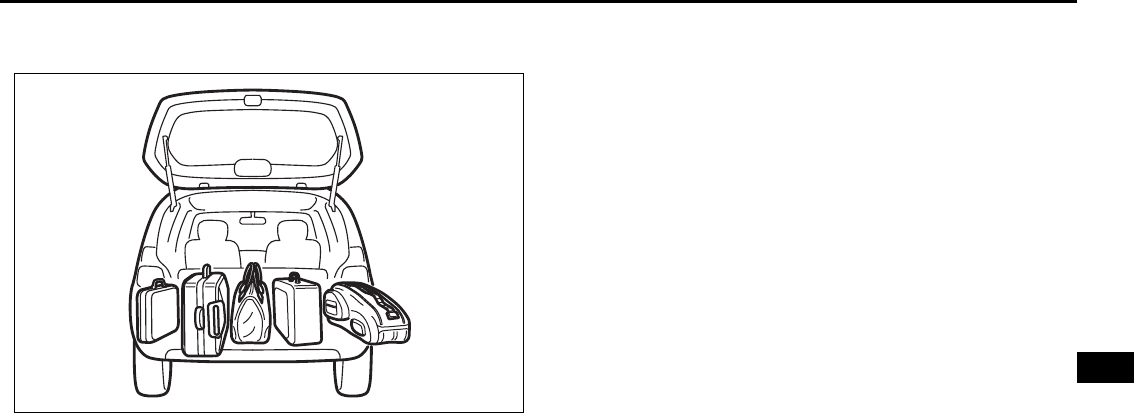
VEHICLE LOADING AND TOWING
8
66J22-03E
54G215
VEHICLE LOADING AND TOWING
Vehicle Loading ................................................................... 8-1
Trailer Towing ...................................................................... 8-2
Towing Your Vehicle (recreational towing) ...................... 8-7
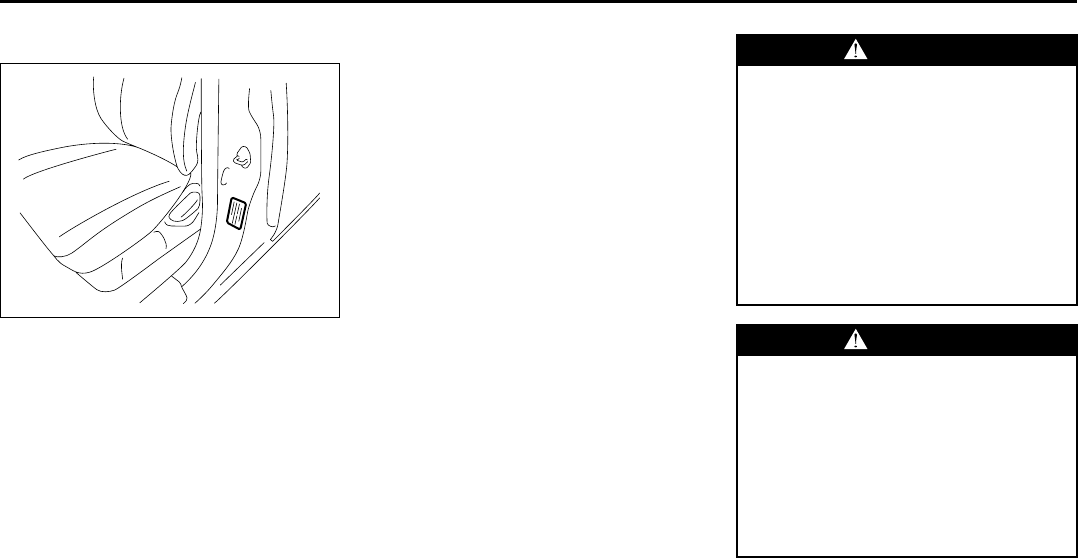
8-1
VEHICLE LOADING AND TOWING
66J22-03E
Vehicle Loading
54G307
Your vehicle was designed for specific
weight capacities. The weight capacities of
your vehicle are indicated by the Gross
Vehicle Weight Rating (GVWR), the Gross
Axle Weight Rating (GAWR, front and rear)
and the Vehicle Capacity Weight. The
GVWR and GAWR (front and rear) are
listed on the Safety Certification Label
which is located below the driver’s side
door latch striker. The Vehicle Capacity
Weight is listed on the Tire Information
Label which is located below the Safety
Certification Label.
GVWR – Maximum permissible overall
weight of the fully loaded vehicle (including
all the occupants, accessories and cargo
plus the trailer tongue weight if towing a
trailer).
GAWR – (Front and Rear) Maximum per-
missible weight on an individual axle.
Vehicle Capacity Weight – Maximum per-
missible load weight a vehicle can carry
including the weight of all the occupants,
accessories, cargo, plus trailer tongue
weight (if towing a trailer).
The weight of any accessories already
installed on your vehicle at the time of pur-
chase, or that you or the dealer install after
purchase, must be subtracted from the
Vehicle Capacity Weight to determine how
much capacity remains available for occu-
pants, cargo, and trailer tongue weight (if
towing a trailer).
Contact your dealer for further information.
Actual weight of the loaded vehicle and
actual loads at the front and rear axles can
only be determined by weighing the vehicle
using a vehicle scale. To measure the
weight and load, try taking your vehicle to
a highway weighing station, shipping com-
pany or inspection station for trucks, etc.
Compare these weights to the GVWR and
GAWR (front and rear) listed on the Safety
Certification Label. If the gross vehicle
weight or the load on either axle exceeds
these ratings, you must remove enough
weight to bring the load down to the rated
capacity.
WARNING
Never overload your vehicle. The
gross vehicle weight (sum of the
weights of the loaded vehicle, driver
and passengers) must never exceed
the Gross Vehicle Weight Rating
(GVWR) listed on the Safety Certifica-
tion Label. In addition, never distrib-
ute a load so that the weight on either
the front or rear axle exceeds the
Gross Axle Weight Rating (GAWR)
listed on the Safety Certification
Label.
WARNING
• Always distribute cargo evenly.
• To avoid personal injury or damage
to your vehicle, always secure
cargo to prevent it from shifting if
the vehicle moves suddenly.
• Place heavier objects on the floor
and as far forward in the cargo area
as possible. Never pile cargo
higher than the top of the seat
backs.
Vehicle Loading: 11
8-2
VEHICLE LOADING AND TOWING
66J22-03E
Trailer Towing
You can use your SUZUKI to tow a trailer,
but you should always observe the require-
ments and recommendations in this sec-
tion. If you intend to tow a trailer, it is
essential to select a trailer and trailer tow-
ing equipment which are compatible. A
reputable trailer dealer can help you.
For Automatic transmission vehicles, shift
into “3” (Low 2) or “L” (Low 1) (if necessary)
and frequently monitor the coolant temper-
ature gauge when towing up a steep hill. If
the gauge indicates overheating, park the
vehicle in a safe place and let the engine
cool down. Refer to “If the Engine Over-
heats” section for details on how to deal
with overheating.
Hitches
Use only a trailer hitch bracket that is
designed to bolt to the frame of your vehi-
cle, and a hitch that is designed to bolt to
this bracket. We recommend that you use
a genuine SUZUKI trailer hitch bracket and
trailer hitch (available as options), or equiv-
alent.
Safety Chains
Always attach safety chains between your
vehicle and trailer. Cross safety chains
under the tongue of the trailer so that the
tongue will not drop to the road if the trailer
becomes separated from the hitch. Follow
the manufacturer’s recommendation for
attaching safety chains. Always leave just
enough slack to permit full turning. Never
allow safety chains to drag on the road.
Trailer Lights
Make sure your trailer is equipped with
lights which meet federal, state and local
requirements. Always check for the proper
operation of all trailer lights before you
start to tow.
Brakes
CAUTION
Trailer towing puts additional stress
on the engine, drive train and brakes
of your vehicle. Never tow a trailer
during the first 960 km (600 miles) of
vehicle operation.
CAUTION
Because towing a trailer puts addi-
tional stress on your vehicle, more
frequent maintenance will be
required than under normal driving
conditions. Follow the schedule for
Maintenance Recommended Under
Severe Driving Conditions or perform
more frequent maintenance as nec-
essary.
CAUTION
Towing in “D” range up a steep hill
can cause coolant overheating which
may result in engine/automatic trans-
mission damage.
WARNING
Never use a bumper hitch or a hitch
which attaches to the axle of your
vehicle.
WARNING
Never attach safety chains to the
bumper of your vehicle. Secure con-
nections so that they can’t come
loose.
WARNING
Never splice trailer lights directly into
your vehicle’s electrical system, or
electrical system damage may occur.
WARNING
If trailer brakes are used, you should
follow all instructions provided by the
manufacturer. Never tap into the
brake system of your vehicle.
Trailer Towing: 5, 11, 13
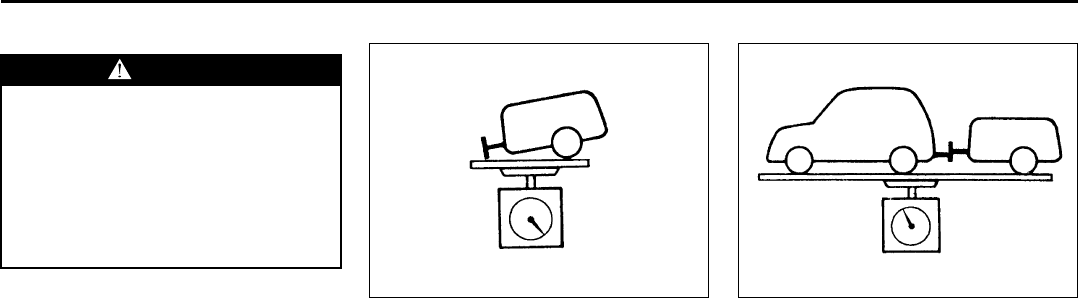
8-3
VEHICLE LOADING AND TOWING
66J22-03E
Tires
Mirrors
Check to see if your vehicle’s mirrors meet
federal, state and local requirements for
mirrors used on towing vehicles. If they do
not, you must install required mirrors
before you tow.
Vehicle/Trailer Weight Limits
Before towing, you must make sure that
gross trailer weight, gross combined
weight, trailer tongue weight, gross vehicle
weight and gross axle weight (front and
rear) are within specified limits as
described below. You can measure vehicle
and trailer weights using a vehicle scale
and can measure tongue weight using a
bathroom scale.
Gross Trailer Weight
60A378
Gross Trailer Weight is the weight of the
trailer plus all cargo in it (measured with
the trailer disconnected from the towing
vehicle). Gross trailer weight must never
exceed 1350 kg (3000 pounds).
If you intend to tow a trailer having a gross
trailer weight greater than 450 kg (1000
pounds), the trailer must be equipped with
trailer brakes.
Gross Combined Weight
60A381
Gross Combined Weight is the weight of
the fully loaded vehicle (including all the
occupants, accessories and cargo) plus
the weight of the fully loaded trailer. Gross
combined weight must never exceed:
• 2WD – 3400 kg (7500 pounds)
• 4WD – 3450 kg (7600 pounds)
WARNING
When towing a trailer, it is very
important for your vehicle and trailer
to have properly inflated tires. Your
vehicle’s tires should be inflated to
the recommended pressures listed
on your vehicle’s Tire Inflation Pres-
sure label. Inflate trailer tires accord-
ing to the specifications provided by
the trailer manufacturer.
Trailer Towing: 5, 11, 13
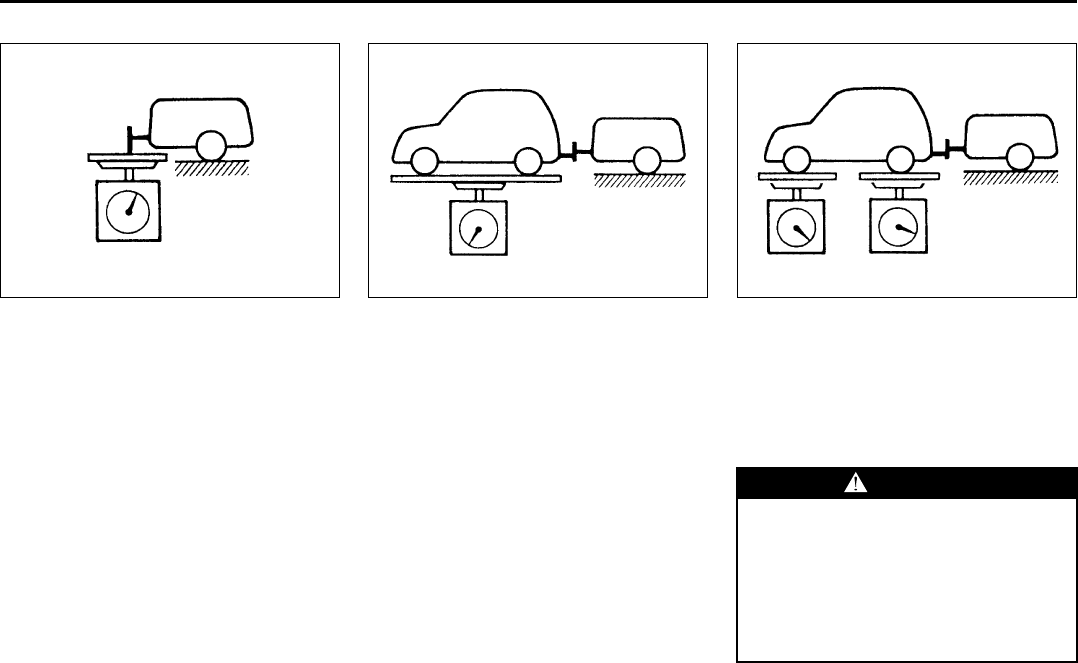
8-4
VEHICLE LOADING AND TOWING
66J22-03E
Tongue Weight
60A380
Tongue Weight is the downward force
exerted on the hitch by the trailer coupler,
with the trailer fully loaded and the coupler
at its normal towing height. Cargo should
be distributed so that tongue weight is
approximately 10% of gross trailer weight.
NOTE:
You can usually get tongue weight to be
about 10% of gross trailer weight by plac-
ing about 60% of the total cargo weight in
the front half of the trailer. You should mea-
sure gross trailer weight and tongue weight
before towing, however, to make sure that
your load is properly distributed.
Gross Vehicle Weight
60A379
Gross Vehicle Weight is the weight of the
fully loaded vehicle (including all the occu-
pants, accessories and cargo plus the
trailer tongue weight). The gross vehicle
weight must never exceed the Gross Vehi-
cle Weight Rating (GVWR) listed on the
Safety Certification Label.
Gross Axle Weight
60A382
Gross Axle Weight (Front and Rear) is the
weight supported by an individual axle with
the vehicle fully loaded and the trailer con-
nected. Gross axle weight for the front and
rear axles must never exceed the Gross
Axle Weight Rating (GAWR) listed on the
Safety Certification Label.
WARNING
Improper distribution of cargo in your
trailer may result in poor vehicle han-
dling and swaying of the trailer.
Always make sure that trailer tongue
weight is about 10% of gross trailer
weight. Failure to observe this
requirement may result in an acci-
dent.
Trailer Towing: 5, 11, 13
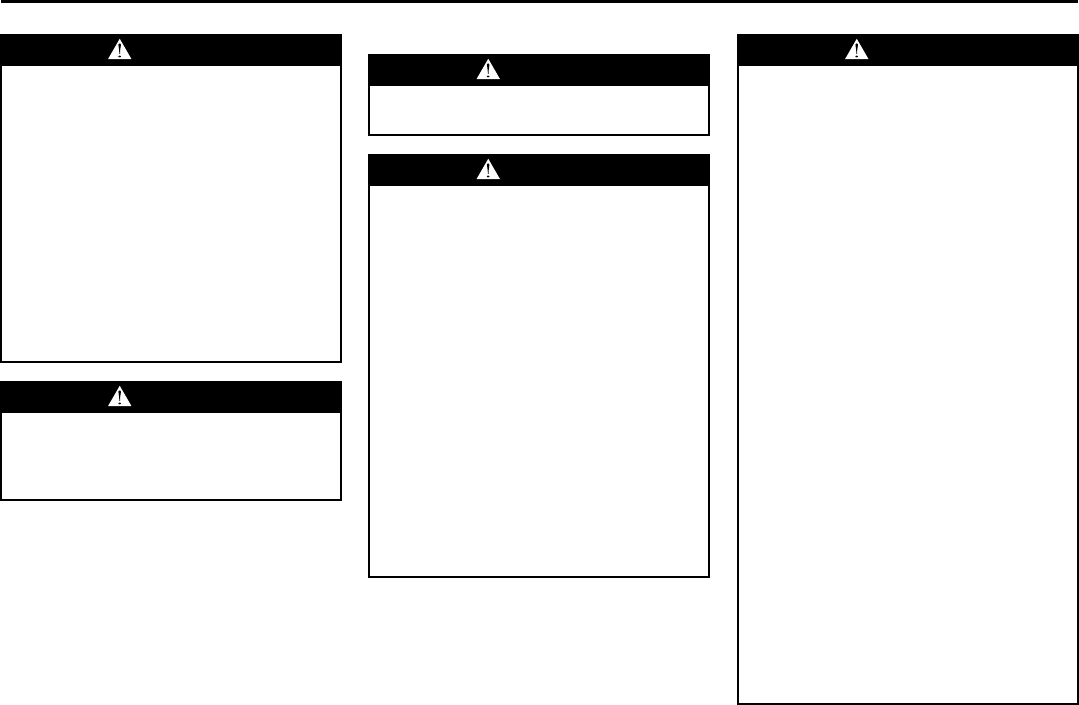
8-5
VEHICLE LOADING AND TOWING
66J22-03E
Additional Trailer Towing Warnings
WARNING
Never overload your trailer or your
vehicle. Gross Trailer Weight must
never exceed 1350 kg (3000 pounds).
Gross Combined Weight must never
exceed 3400 kg (7500 pounds) for
2WD or 3450 kg (7600 pounds) for
4WD.
Gross vehicle weight must never
exceed the Gross Vehicle Weight Rat-
ing (GVWR) listed on the Safety Certi-
fication Label. Gross axle weight for
the front and rear axles must not
exceed the Gross Axle Weight Rating
(GAWR) listed on the Safety Certifica-
tion Label.
WARNING
Do not tow a trailer having a gross
trailer weight greater than 450 kg
(1000 pounds) unless the trailer is
equipped with trailer brakes.
WARNING
Connect trailer lights and hook up
safety chains every time you tow.
WARNING
Your vehicle will handle differently
when towing a trailer. For your safety
and the safety of others, you should
observe the following precautions:
• Practice turning, stopping and
backing up before you begin tow-
ing in traffic. Do not tow in traffic
until you are confident that you can
handle the vehicle and trailer
safely.
• Never exceed posted towing speed
limits or 72 km/h (45 mph), which-
ever is lower.
• Never drive at a speed that causes
shaking or swaying of the trailer. If
you notice even the slightest sign
of shaking or swaying, slow down.
• Always have someone guide you
when backing.
(Continued)
WARNING
(Continued)
• Allow adequate stopping distance.
Stopping distance is increased
when you tow a trailer. For each 16
km/h (10 mph) of speed, allow at
least one vehicle and trailer length
between you and the vehicle ahead.
Follow at a greater distance if roads
are wet or slippery.
• Slow down when making turns.
Remember that a larger than nor-
mal turning radius is needed
because the trailer wheels will be
closer than the vehicle wheels to
the inside of the turn.
• Avoid sudden acceleration and
stopping of the vehicle. Do not
make quick maneuvers unless they
are necessary.
• Slow down in cross winds and be
prepared for wind blasts from large
passing vehicles.
• Be careful when passing other
vehicles. Be sure to allow enough
room for your trailer before you
change lanes, and signal well in
advance.
• Slow down and shift into a lower
gear before you reach long or steep
downhill grades. It is hazardous to
attempt downshifting while you are
descending a hill.
(Continued)
Trailer Towing: 5, 11, 13
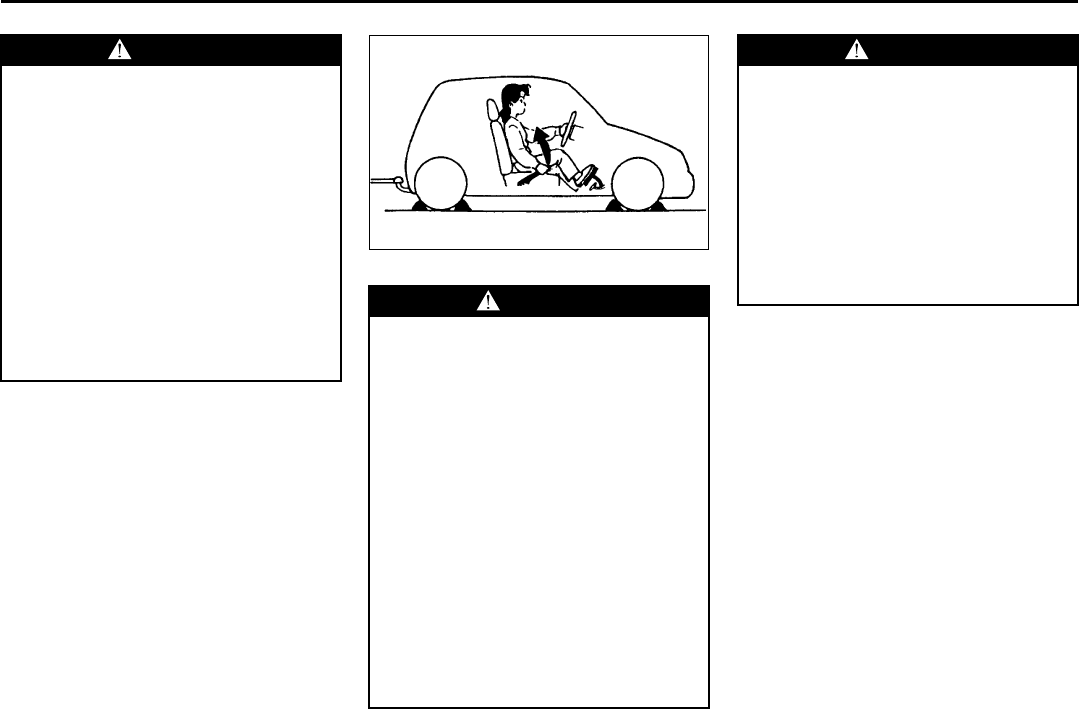
8-6
VEHICLE LOADING AND TOWING
66J22-03E
60A186
WARNING
(Continued)
• Avoid “riding” the brakes. “Riding”
the brakes could cause the brakes
to overheat, resulting in reduced
braking efficiency. Use engine
braking as much as possible.
• Because of the added trailer
weight, your engine may overheat
on hot days when going up long or
steep hills. Pay attention to your
engine temperature gauge. If it indi-
cates overheating, pull off the road
and stop in a safe place. Refer to
the “If the Engine Overheats” in
“EMERGENCY SERVICE” section
for details on how to proceed.
WARNING
When parking your vehicle and con-
nected trailer, always use the follow-
ing procedure:
1) Apply the vehicle’s brakes firmly.
2) Have another person place wheel
chocks under the wheels of the
vehicle and the trailer while you
are holding the brakes.
3) Slowly release the brakes until the
wheel chocks absorb the load.
4) Fully engage the parking brake.
5) Manual Transmission – Shift into
Reverse or first gear and turn off
the engine.
Automatic Transmission – Shift
into Park and turn off the engine.
6) If you have a 4-wheel drive vehi-
cle, make sure the transfer switch
is not in “N” (Neutral).
(Continued)
WARNING
(Continued)
When starting out after parking:
1) Push in the clutch (if equipped)
and start the engine.
2) Depress the brake pedal, shift into
gear, release the parking brake
and slowly pull away from the
chocks.
3) Stop, apply the brakes firmly and
hold the brakes while you have
another person remove the
chocks.
Trailer Towing: 5, 11, 13
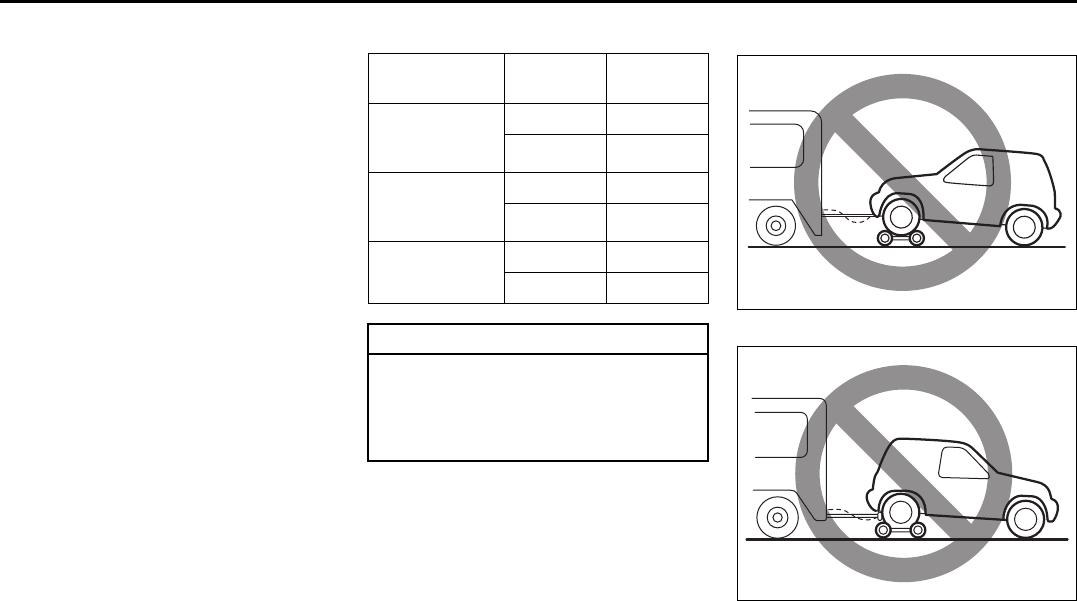
8-7
VEHICLE LOADING AND TOWING
66J22-03E
Towing Your Vehicle
(recreational towing)
Your vehicle may be towed behind another
vehicle (such as a motorhome), provided
you use the proper towing method speci-
fied for your vehicle. The towing method
you must use depends on the specifica-
tions of your vehicle: whether it is a 2-
wheel drive (2WD), 4-wheel drive (4WD)
with a transfer switch or 4-wheel drive
(4WD) without a transfer switch vehicle.
Use the towing instruction table to select
the proper towing method for your vehicle,
and carefully follow the corresponding
instructions. Be sure to use proper towing
equipment designed for recreational tow-
ing and make sure that towing speed does
not exceed 90 km/h (55 mph).
TOWING INSTRUCTION TABLE 4WD Vehicle With a Transfer Switch
54G585
64J234
DRIVE TRAIN TRANS-
MISSION
TOWING
METHOD
4WD
with a transfer
switch
A/T A
M/T A
4WD
without a
transfer switch
A/T none
M/T none
2WD A/T B
M/T B
CAUTION
Never tow your 4WD vehicle without
a transfer switch using recreational
towing methods. If you do, the trans-
mission will be permanently dam-
aged.
Towing Your Vehicle (recreational towing): 13
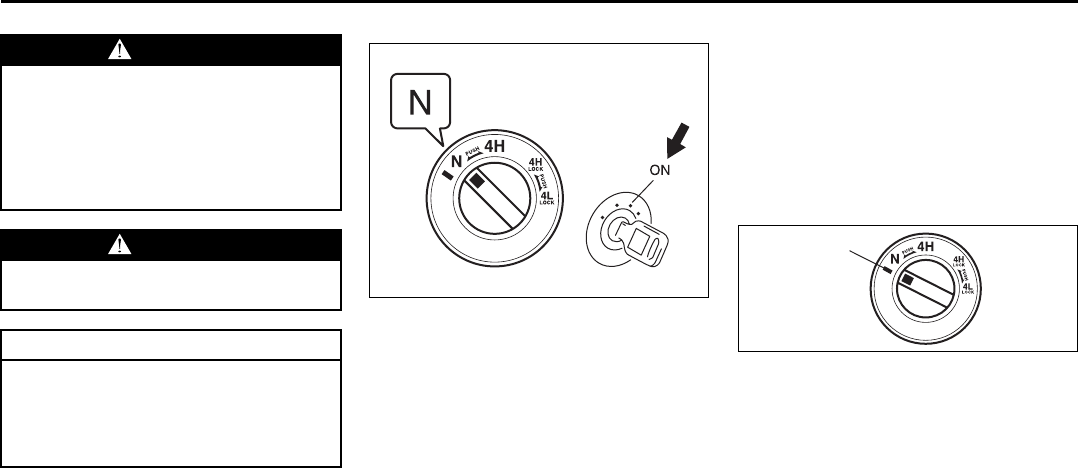
8-8
VEHICLE LOADING AND TOWING
66J22-03E
Before towing
64J147
Vehicles equipped with a transfer switch
may be towed from the front with all four
wheels on the ground. Be sure to use
proper towing equipment designed for rec-
reational towing and make sure that towing
speed does not exceed 90 km/h (55 mph).
To tow a vehicle equipped with a trans-
fer switch with all four wheels on the
ground:
1) Turn the ignition key to the “ON” posi-
tion.
2) Place the transmission in “N” (Neutral)
and depress the brake pedal and the
clutch pedal fully (if equipped).
3) Use the transfer switch to shift into neu-
tral.
64J218
NOTE:
First, push in and turn the switch to the
mark (1) at the left of the “N” position, and
hold the switch in this position for 5 sec-
onds until the “N” indicator blinks, then turn
the switch to the “N” position.
When you turn the transfer switch to the
“N” position, “N” indicator will come on with
the buzzer sound.
4) Make sure the “N” light on the instru-
ment cluster comes on.
5) Shift the manual transmission lever into
2nd gear or the automatic transmission
lever into “P” (Park).
6) Turn the ignition key to the “ACC” posi-
tion to unlock the steering wheel.
WARNING
When you tow your vehicle, follow
the instructions below to avoid acci-
dents and damage to your vehicle. In
addition, be sure to observe govern-
ment and local requirements regard-
ing vehicle lighting and trailer hitches
or tow bars.
WARNING
A safety chain should always be used
when you tow your vehicle.
CAUTION
Do not tow your vehicle with either
front wheels or rear wheels directly
on the ground (and the transmission
in neutral). If you do, the transmis-
sion will be damaged fatally.
(1)
Towing Your Vehicle (recreational towing): 13
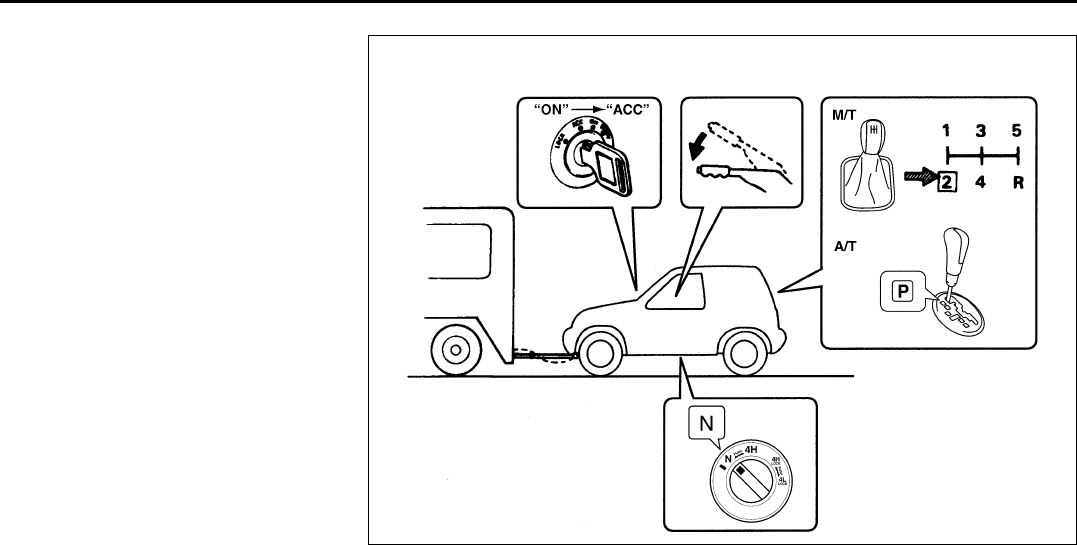
8-9
VEHICLE LOADING AND TOWING
66J22-03E
7) Release the parking brake.
Stop towing the vehicle every 300 km (200
miles). Start the engine. With the manual
transmission lever in 2nd gear (or the auto-
matic transmission lever in “D”) and the
transfer switch in neutral, rev the engine for
about one minute with the clutch engaged
(if equipped), to circulate oil in the transfer
case.
64J148
TOWING METHOD A
FOUR WHEELS ON THE GROUND
Towing Your Vehicle (recreational towing): 13
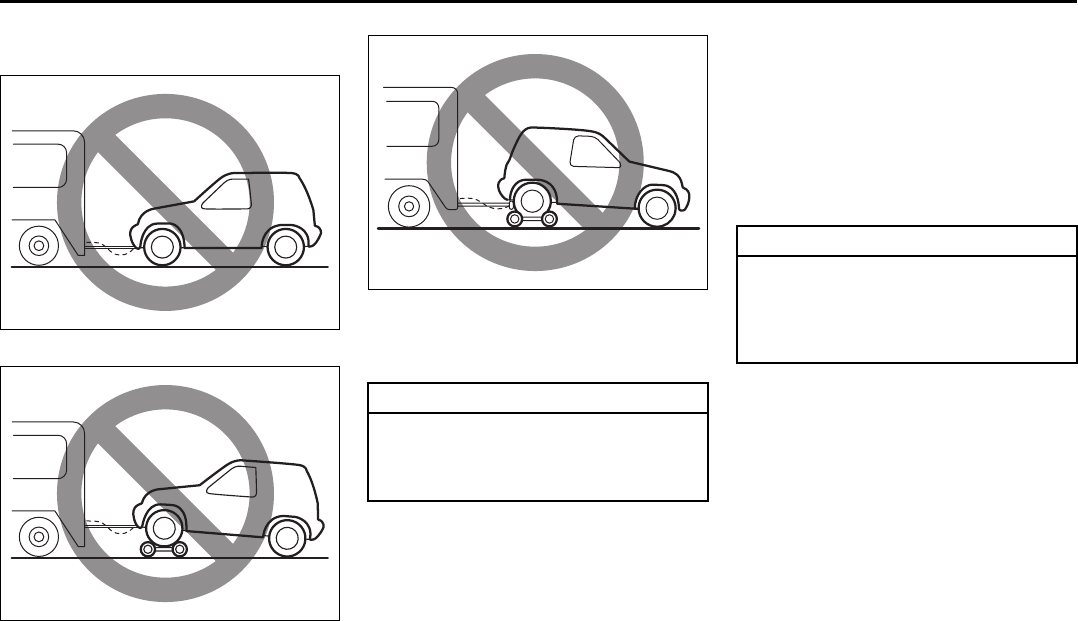
8-10
VEHICLE LOADING AND TOWING
66J22-03E
4WD Vehicle Without a Transfer
Switch
54G586
54G585
64J234
You can not tow your vehicle behind
another vehicle using recreational towing
methods.
2WD Vehicle
1) Secure the rear wheels on a towing
dolly according to the instructions pro-
vided by the dolly manufacturer.
2) Turn the ignition key to the “ACC” posi-
tion to unlock the steering wheel.
3) Make sure the front wheels are facing
straight forward and secure the steering
wheel with a steering wheel clamping
device designed for towing.
CAUTION
Never tow your vehicle using recre-
ational towing methods. If you do, the
transmission will be permanently
damaged.
CAUTION
The steering column is not strong
enough to withstand shocks trans-
mitted from the front wheels during
towing. Always unlock the steering
wheel before towing.
Towing Your Vehicle (recreational towing): 13
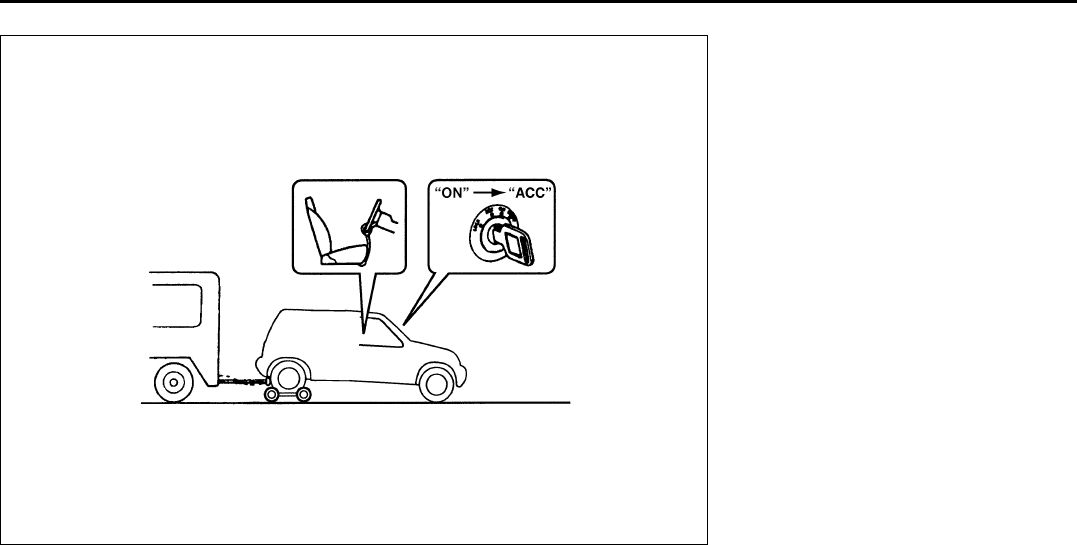
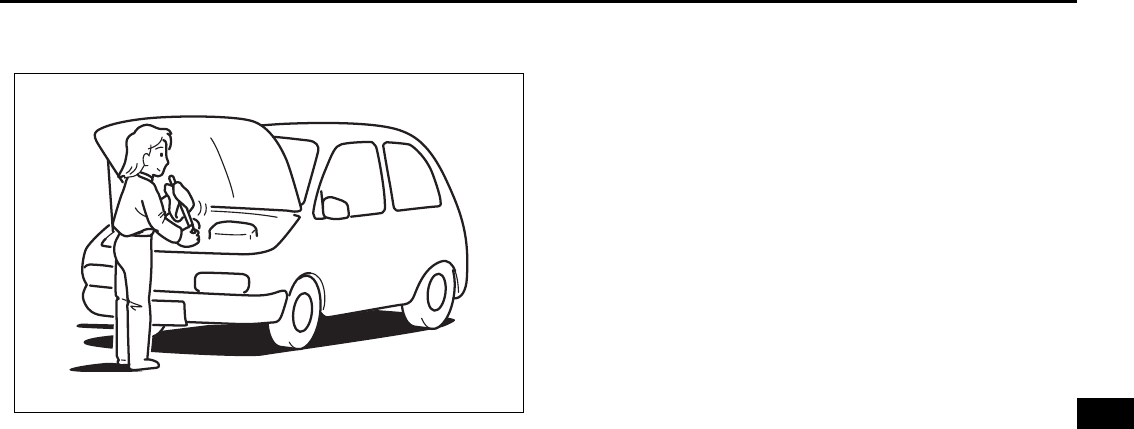
INSPECTION AND MAINTENANCE
9
66J22-03E
60G410
INSPECTION AND MAINTENANCE
Maintenance Schedule ....................................................... 9-2
Periodic Maintenance Schedule ........................................ 9-3
Maintenance Recommended under Severe Driving
Conditions ........................................................................... 9-7
Drive Belt ............................................................................. 9-9
Engine Oil and Filter ........................................................... 9-9
Gear Oil ................................................................................ 9-13
Automatic Transmission Fluid ........................................... 9-15
Engine Coolant .................................................................... 9-17
Windshield Washer Fluid ................................................... 9-19
Air Cleaner ........................................................................... 9-20
Spark Plugs ......................................................................... 9-20
Brakes .................................................................................. 9-21
Steering Wheel .................................................................... 9-23
Clutch Pedal ........................................................................ 9-24
Tires ...................................................................................... 9-24
Battery .................................................................................. 9-35
Fuses .................................................................................... 9-35
Headlight Aiming ................................................................. 9-38
Bulb Replacement ............................................................... 9-39
Wiper Blades ....................................................................... 9-44
Air Conditioning System .................................................... 9-47
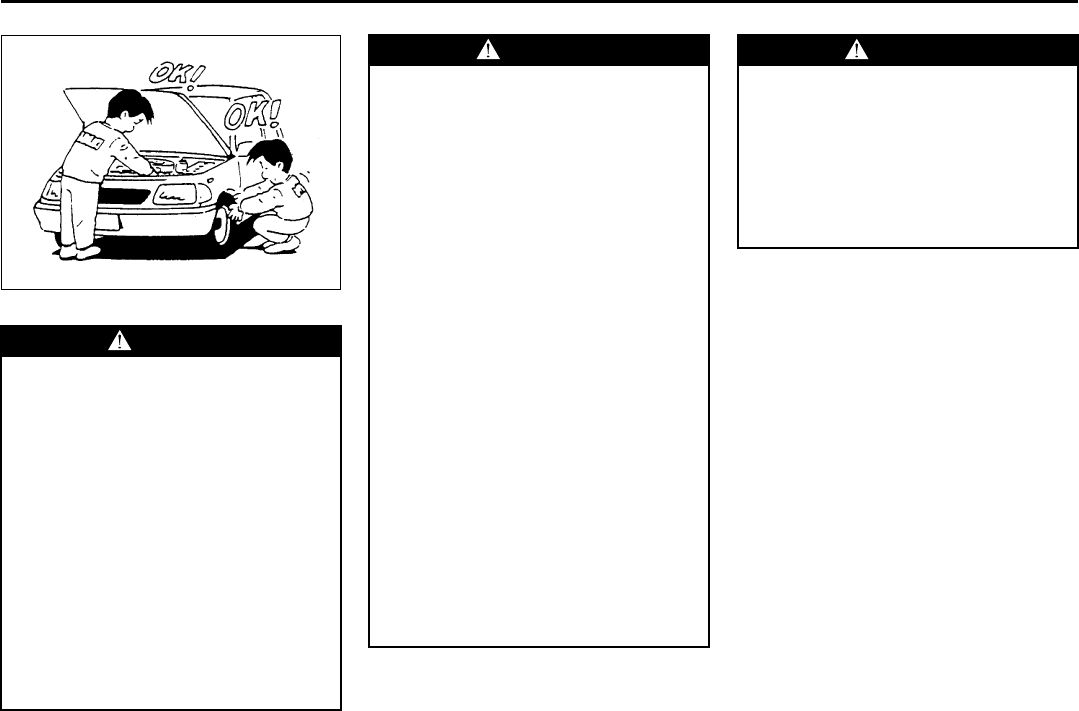
9-1
INSPECTION AND MAINTENANCE
66J22-03E
60A187S
WARNING
You should take extreme care when
working on your vehicle to prevent
accidental injury. Here are a few pre-
cautions that you should be espe-
cially careful to observe:
• To prevent damage or unintended
inflation of the air bag system, be
sure the battery is disconnected
and the ignition switch has been in
the “LOCK” position for at least 90
seconds before performing any
electrical service work on your
SUZUKI. Do not touch air bag sys-
tem components or wires. The
wires are wrapped with yellow tape
or yellow tubing, and the couplers
are yellow for easy identification.
(Continued)
WARNING
(Continued)
• Do not leave the engine running in
garages or other confined areas.
• When the engine is running, keep
hands, clothing, tools and other
objects away from the moving fan
and fan belt.
• When it is necessary to do service
work with the engine running, make
sure that the parking brake is set
fully and the transmission is in
Neutral (for manual transmission
vehicles) or Park (for automatic
transmission vehicles).
• Do not touch ignition wires or other
ignition system parts when starting
the engine or when the engine is
running, or you could receive an
electric shock.
• Be careful not to touch a hot
engine, exhaust manifold and
pipes, muffler, radiator and water
hoses.
• Do not allow smoking, sparks or
flames around gasoline or the bat-
tery. Flammable fumes are present.
• Do not get under your vehicle if it is
supported only with the portable
jack provided in your vehicle.
(Continued)
WARNING
(Continued)
• Be careful not to cause accidental
short circuits between the positive
and negative battery terminals.
• Keep used oil, engine coolant and
other fluids away from children and
pets. Dispose of used fluids prop-
erly; never pour them on the
ground, into sewers, etc.
9-2
INSPECTION AND MAINTENANCE
66J22-03E
NOTICE (for U.S.A.)
Maintenance, replacement or repair of
the emission control devices and sys-
tems may be performed by any automo-
bile repair establishment or individual
using any part which has been certified
under the provisions in the Clean Air
Act sec. 207. (a) (2).
Maintenance Schedule
The following table shows the times when
you should perform regular maintenance
on your vehicle. This table shows in miles,
kilometers and months when you should
perform inspections, adjustments, lubrica-
tion and other services. These intervals
should be shortened if driving is usually
done under severe conditions (refer to
“Maintenance Recommended Under
Severe Driving Conditions”).
WARNING
SUZUKI recommends that mainte-
nance on items marked with an aster-
isk (*) be performed by your
authorized SUZUKI dealer or a quali-
fied service technician. If you are
qualified, you may perform mainte-
nance on the unmarked items by
referring to the instructions in this
section. If you are not sure whether
you can successfully complete any of
the unmarked maintenance jobs, ask
your authorized SUZUKI dealer to do
the maintenance for you.
CAUTION
Whenever it becomes necessary to
replace parts on your vehicle, it is
recommended that you use genuine
SUZUKI replacement parts or their
equivalent.
WARNING
The shock absorbers are filled with
high pressure gas. Never attempt to
disassemble it or throw it into a fire.
Avoid storing it near a heater or heat-
ing device. When scrapping the
absorber, the gas must be released
from the absorber safely. Ask your
dealer for assistance.
Maintenance Schedule: 1, 2, 3, 4, 5, 6, 9, 10
9-3
INSPECTION AND MAINTENANCE
66J22-03E
Periodic Maintenance Schedule
R: Replace or change
I : Inspect, clean, adjust, lubricate or replace as necessary
Interval: This interval should be judged by odometer
reading or months, whichever comes first.
miles (x 1000) 7.5 15 22.5 30 37.5 45 52.5 60 67.5 75
km (x 1000) 12.5 25 37.5 50 62.5 75 87.5 100 112.5 125
months 7.5 15 22.5 30 37.5 45 52.5 60 67.5 75
ENGINE & EMISSION CONTROL
1. Drive belt
Tension check, *adjustment, *replacement – – – I – – – R – –
*2. Valve lash (clearance) – – – I – – – I – –
3. Engine oil and oil filter R R R R R R R R R R
*4. Cooling system hoses and connections – – – I – – – I – –
5. Engine coolant – – – R – – – R – –
*6. Exhaust pipes and mountings – – – I – – – I&(R) – –
*7. EVAP canister Replace every 250000 km (150000 miles) or 180 months
*8. Emission-related hoses & tubes – – – – – – – I – –
9. Spark plugs – – – – – – – R – –
*10. Ignition coil (Plug cap) – – – I – – – I – –
*11. Fuel tank & cap – – – I – – – I – –
12. Air cleaner filter element – – – R – – – R – –
*13. Fuel filter – – – – – – – – – –
*14. Fuel lines and connections – – – I – – – I – –
*15. Canister air suction filter Replace every 250000 km (150000 miles) or 180 months
Periodic Maintenance Schedule: 1, 2, 3, 4, 5, 6, 9, 10
9-4
INSPECTION AND MAINTENANCE
66J22-03E
R: Replace or change
I : Inspect, clean, adjust, lubricate or replace as necessary
#1: Inspect at 250000 km (150000 miles) or 180 months.
NOTE:
The maintenance services enclosed with rectangle are recommended maintenance items.
Item 6 (R) is applicable to the exhaust mounting rubber only.
Interval: This interval should be judged by odometer
reading or months, whichever comes first.
miles (x 1000) 82.5 90 97.5 105 112.5 120 127.5 135 142.5 150
km (x 1000) 137.5 150 162.5 175 187.5 200 212.5 225 237.5 250
months 82.5 90 97.5 105 112.5 120 127.5 135 142.5 150
ENGINE & EMISSION CONTROL
1. Drive belt
Tension check, *adjustment, *replacement – I – – – R – – – I
*2. Valve lash (clearance) – I – – – I – – – I
3. Engine oil and oil filter R R R R R R R R R R
*4. Cooling system hoses and connections – I – – – I – – – I
5. Engine coolant – R – – – R – – – R
*6. Exhaust pipes and mountings – I – – – I&(R) – – – I
*7. EVAP canister Replace every 250000 km (150000 miles) or 180 months
*8. Emission-related hoses & tubes – – – – – I – – – I
9. Spark plugs – – – – – R – – – –
*10. Ignition coil (Plug cap) – I – – – I – – – I
*11. Fuel tank & cap – I – – – I – – – I (#1)
12. Air cleaner filter element – R – – – R – – – R
*13. Fuel filter – – – – – – – – – R
*14. Fuel lines and connections – I – – – I – – – I (#1)
*15. Canister air suction filter Replace every 250000 km (150000 miles) or 180 months
The U.S. Environmental Protection Agency or the California Air Resources Board has determined that the failure to perform recom-
mended maintenance items enclosed with a rectangle will not nullify the emission warranty or limit recall liability prior to the completion
of the vehicle’s useful life. SUZUKI, however, urges that all recommended maintenance services be performed at the indicated inter-
vals and the maintenance recorded.
Periodic Maintenance Schedule: 1, 2, 3, 4, 5, 6, 9, 10
9-5
INSPECTION AND MAINTENANCE
66J22-03E
R: Replace or change
I : Inspect, clean, adjust, lubricate or replace as necessary
Interval: This interval should be judged by odometer
reading or months, whichever comes first.
miles (x 1000) 7.5 15 22.5 30 37.5 45 52.5 60 67.5 75
km (x 1000) 12.5 25 37.5 50 62.5 75 87.5 100 112.5 125
months 7.5 15 22.5 30 37.5 45 52.5 60 67.5 75
CHASSIS AND BODY
1. Clutch (for manual transmission)
Pedal and fluid level – I – I – I – I – I
*2. Brake discs and pads (front) – I – I – I – I – I
Brake drums and shoes (rear) – I – I – I – I – I
*3. Brake hoses and pipes – I – I – I – I – I
4. Brake fluid level check, *replacement – I – I – I – R – I
5. Brake pedal stroke check, *adjustment – I – I – I – I – I
6. Parking brake lever and *cable
Lever movement check, *adjustment – I – I – I – I – I
7. Tires (including tire rotation) I I I I I I I I I I
*8. Wheel discs I I I I I I I I I I
*9. Wheel bearings – I – *I – I – *I – I
*10. Suspension system – I – I – I – I – I
*11. Propeller shafts/Drive shafts – I – I – I – I – I
*12. Manual transmission oil I – – R – I – R – I
13. Automatic transmission (A/T) Fluid level – I – I – I – I – I
*Fluid change Replace every 175000 km (105000 miles)-----5-speed A/T
*Fluid hose – – – – – I – – – –
*14. Transfer oil I – – I – I – R – I
*15. Differential & Extension (for 2WD) oil R – – I – I – I – I
16. Steering system
Steering wheel movement, *linkage I I I I I I I I I I
*17. Power steering (if equipped) I I I I I I I I I I
18. All Latches, Hinges and Locks I I I I I I I I I I
19. Air conditioner filter (if equipped) – I – R – I – R – I
Periodic Maintenance Schedule: 1, 2, 3, 4, 5, 6, 9, 10
9-6
INSPECTION AND MAINTENANCE
66J22-03E
R: Replace or change
I : Inspect, clean, adjust, lubricate or replace as necessary
NOTE:
This table shows the service schedule up to 250000 km (150000 miles).
Beyond 250000 km (150000 miles), perform the same services at the same intervals shown in the chart.
Beyond 250000 km (150000 miles), the maintenance services enclosed with a rectangle are required.
Item 9 *I - inspect for wear.
Interval: This interval should be judged by odometer
reading or months, whichever comes first.
miles (x 1000) 82.5 90 97.5 105 112.5 120 127.5 135 142.5 150
km (x 1000) 137.5 150 162.5 175 187.5 200 212.5 225 237.5 250
months 82.5 90 97.5 105 112.5 120 127.5 135 142.5 150
CHASSIS AND BODY
1. Clutch (for manual transmission)
Pedal and fluid level – I – I – I – I – I
*2. Brake discs and pads (front) – I – I – I – I – I
Brake drums and shoes (rear) – I – I – I – I – I
*3. Brake hoses and pipes – I – I – I – I – I
4. Brake fluid level check, *replacement – I – I – R – I – I
5. Brake pedal stroke check, *adjustment – I – I – I – I – I
6. Parking brake lever and *cable
Lever movement check, *adjustment – I – I – I – I – I
7. Tires (including tire rotation) I I I I I I I I I I
*8. Wheel discs I I I I I I I I I I
*9. Wheel bearings –*I – I – *I – I – I
*10. Suspension system – I – I – I – I – I
*11. Propeller shafts/Drive shafts – I – I – I – I – I
*12. Manual transmission oil – R – I – R – I – R
13. Automatic transmission (A/T) Fluid level – I – I – I – I – I
*Fluid change Replace every 175000 km (105000 miles)-----5-speed A/T
*Fluid hose – I – – – – – I – –
*14. Transfer oil – I – I – R – I – I
*15. Differential & Extension (for 2WD) oil – I – I – I – I – I
16. Steering system
Steering wheel movement, *linkage I I I I I I I I I I
*17. Power steering (if equipped) I I I I I I I I I I
18. All Latches, Hinges and Locks I I I I I I I I I I
19. Air conditioner filter (if equipped) – R – I – R – I – R
Periodic Maintenance Schedule: 1, 2, 3, 4, 5, 6, 9, 10
9-7
INSPECTION AND MAINTENANCE
66J22-03E
Maintenance Recommended under Severe Driving Conditions
If the vehicle is usually used under the conditions corresponding to any severe condition code given below, it is recommended that appli-
cable maintenance operation be performed at the particular interval shown in the chart below.
Severe condition code
A – Repeated short trips
B – Driving on rough and/or muddy roads
C – Driving on dusty roads
D – Driving in extremely cold weather and/or on salted roads
E – Repeated short trips in extremely cold weather
H – Towing a trailer
Severe
Condition Code Maintenance Maintenance
Operation Maintenance Interval
A – C D E H Engine oil and oil filter R Every 5000 km (3000 miles)
or 3 months
A B – D – H Exhaust pipes and mountings I Every 10000 km (6000 miles)
or 6 months
– – C – – – Air cleaner filter element *1
IEvery 5000 km (3000 miles)
or 3 months
REvery 25000 km (15000 miles)
or 15 months
– – C – – – Canister air suction filter R Every 100000 km (60000 miles)
or 60 months
ABC––HBrake discs and pads (front)
Brake drums and shoes (rear) IEvery 10000 km (6000 miles)
or 6 months
– B – D E H Propeller shafts/Drive shafts I Every 10000 km (6000 miles)
or 6 months
– B – – E H Manual transmission oil R Every 25000 km (15000 miles)
or 15 months
Maintenance Recommended under Severe Driving Condi-
tions: 1, 2, 3, 4, 5, 6, 9, 10
9-8
INSPECTION AND MAINTENANCE
66J22-03E
NOTE:
I – Inspect, clean, adjust, lubricate or replace as necessary
T – Tighten to the specified torque
R – Replace or change
L – Lubricate
*1 Inspect more frequently if the vehicle is used under dusty conditions.
*2 Clean more frequently if the air flow from the air conditioner decreases.
Severe
Condition Code Maintenance Maintenance
Operation Maintenance Interval
– B – – E H Automatic transmission (A/T) fluid R Every 25000 km (15000 miles)
or 15 months
– B – – E H Transfer, Differential and Extension oil R Every 25000 km (15000 miles)
or 15 months
– B – – – – Bolts and nuts on suspension T Every 10000 km (6000 miles)
or 6 months
– B C – – – Drive belt I Every 25000 km (15000 miles)
or 15 months
– – C D – – Air conditioner filter element *2
IEvery 10000 km (6000 miles)
or 6 months
REvery 50000 km (30000 miles)
or 30 months
Maintenance Recommended under Severe Driving Condi-
tions: 1, 2, 3, 4, 5, 6, 9, 10
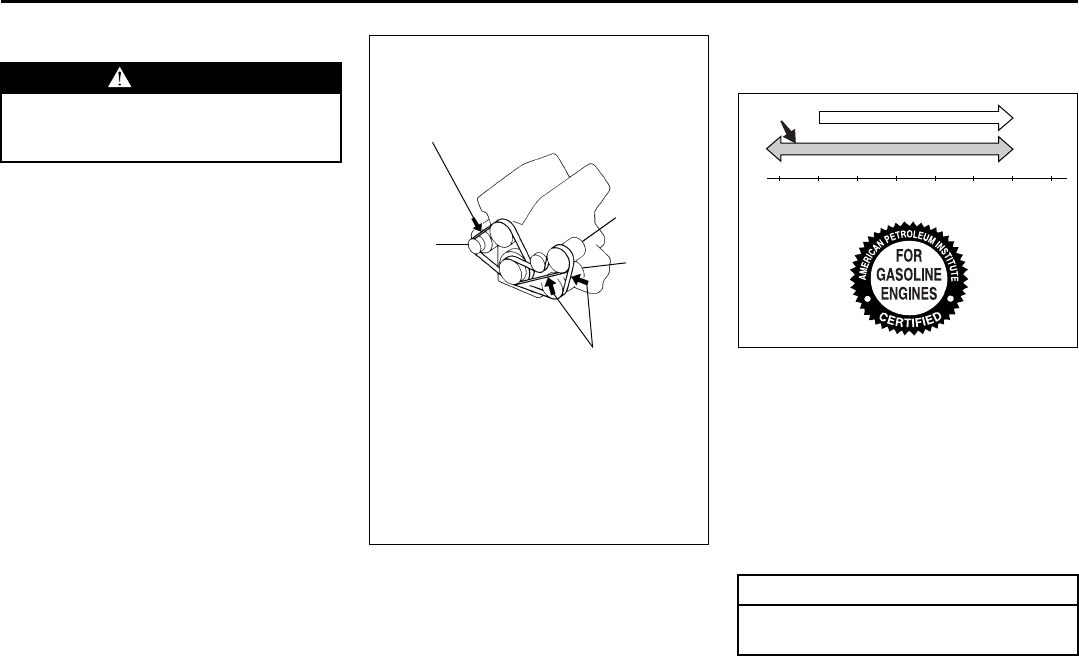
9-9
INSPECTION AND MAINTENANCE
66J22-03E
Drive Belt
Make sure the drive belt tension is correct.
If the belt is too loose, insufficient battery
charging, engine overheating, poor power
steering, poor air conditioning or excessive
belt wear can result. When you press the
belt with your thumb midway between the
pulleys, there should be a deflection
according to the following chart.
The belts should also be examined to
ensure that they are not damaged.
If you need to replace or adjust the belt
have it done by your SUZUKI dealer.
52D029
Engine Oil and Filter
Specified Oil
52D083
(1) Preferred
Use engine oil with the American Petro-
leum Institute Certified For Gasoline
Engines “Starburst” symbol.
Select the appropriate oil viscosity accord-
ing to the above chart.
We highly recommend you use SAE 5W-
30 oil.
WARNING
When the engine is running, keep
hands, hair, clothing, tools, etc. away
from the moving fan and drive belts.
DEFL: 4 – 7 mm (0.16 – 0.28 in.)
DEFL: 9 – 11 mm (0.35 – 0.43 in.)
PS
GE
AC
→: 100 N (22 lbs, 10 kg) press
GE: Generator
DEFL: Deflection
PS: Power steering pump
AC: Air conditioner compressor
CAUTION
Failure to use the recommended oil
can result in engine damage.
C
F
o
o-30
-22
-20
-4
-10
14 32 50 68 86 104
010203040
10W-30
(1)
5W-30
Temperature
EXAMPLE “Starburst”
Drive Belt: 1, 2
Engine Oil and Filter: 1, 2
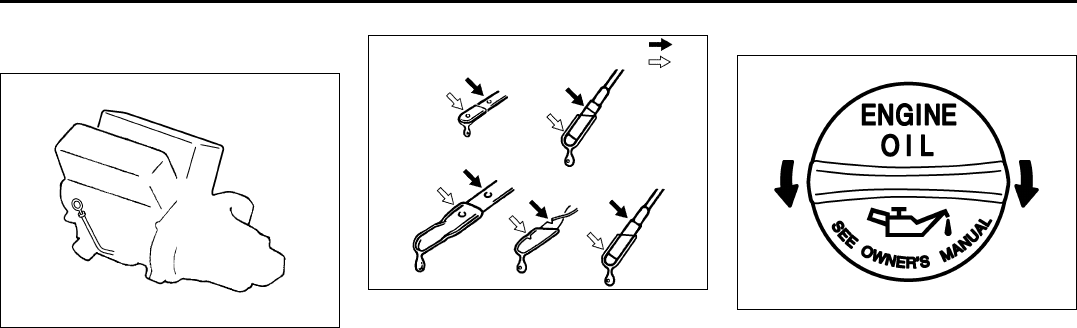
9-10
INSPECTION AND MAINTENANCE
66J22-03E
Oil Level Check
Engine oil dipstick
52D030
It is important to keep the engine oil at the
correct level for proper lubrication of your
vehicle’s engine. Check the oil level with
the vehicle on a level surface. The oil level
indication may be inaccurate if the vehicle
is on a slope. The oil level should be
checked either before starting the engine
or at least 5 minutes after stopping the
engine.
52D084
The handle of the engine oil dipstick is col-
ored yellow for easy identification.
Pull out the oil dipstick, wipe oil off with a
clean cloth, insert the dipstick all the way
into the engine, then remove it again. The
oil on the stick should be between the
upper and lower limits shown on the stick.
If the oil level indication is near the lower
limit, add enough oil to raise the level to the
upper limit.
Refilling
81A147
Remove the oil filler cap and pour oil slowly
through the filler hole to bring the oil level
to the upper limit on the dipstick. Be careful
not to overfill. Too much oil is almost as
bad as too little oil. After refilling, start the
engine and allow it to idle for about a
minute. Stop the engine, wait about 5 min-
utes and check the oil level again.
EXAMPLE FULL
ADD
CloseOpen
EXAMPLE
Engine Oil and Filter: 1, 2
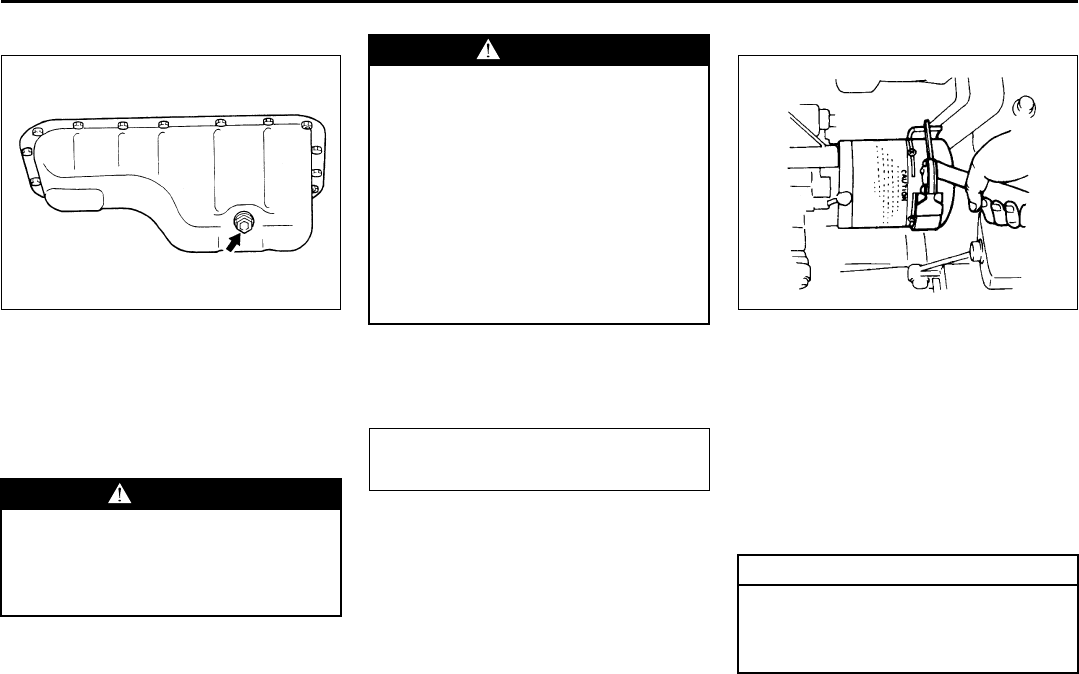
9-11
INSPECTION AND MAINTENANCE
66J22-03E
Changing Engine Oil and Filter
60G306
Drain the engine oil while the engine is still
warm.
1) Remove the oil filler cap.
2) Remove the engine under cover.
3) Place a drain pan under the drain plug.
4) Using a wrench, remove the drain plug
and drain out the engine oil.
5) Reinstall the drain plug and gasket.
Tighten the plug with a wrench to the
specified torque.
6) Reinstall the engine under cover.
Replace the Oil Filter
60A198
1) Remove the engine under cover.
2) Using an oil filter wrench, turn the oil fil-
ter counterclockwise and remove it.
3) Using a clean rag, wipe off the mount-
ing surface on the engine where the
new filter will be seated.
4) Smear a little engine oil around the rub-
ber gasket of the new oil filter.
5) Screw on the new filter by hand until the
filter gasket contacts the mounting sur-
face.
WARNING
The engine oil temperature may be
high enough to burn your fingers
when the drain plug is loosened. Wait
until the drain plug is cool enough to
touch with your bare hands.
EXAMPLE
WARNING
New and used oil and solvent can be
hazardous. Children and pets may be
harmed by swallowing new or used
oil or solvent. Repeated, prolonged
contact with used engine oil may
cause skin cancer. Brief contact with
used oil or solvent may irritate skin.
• Keep new and used oil and solvent
away from children and pets.
• Wear a long-sleeve shirt and water-
proof gloves.
• Wash with soap if oil or solvent
contacts your skin.
Tightening torque specification
35 Nm (25.3 lb-ft, 3.5 kg-m)
CAUTION
To tighten the oil filter properly, it is
important to accurately identify the
position at which the filter gasket
first contacts the mounting surface.
Engine Oil and Filter: 1, 2
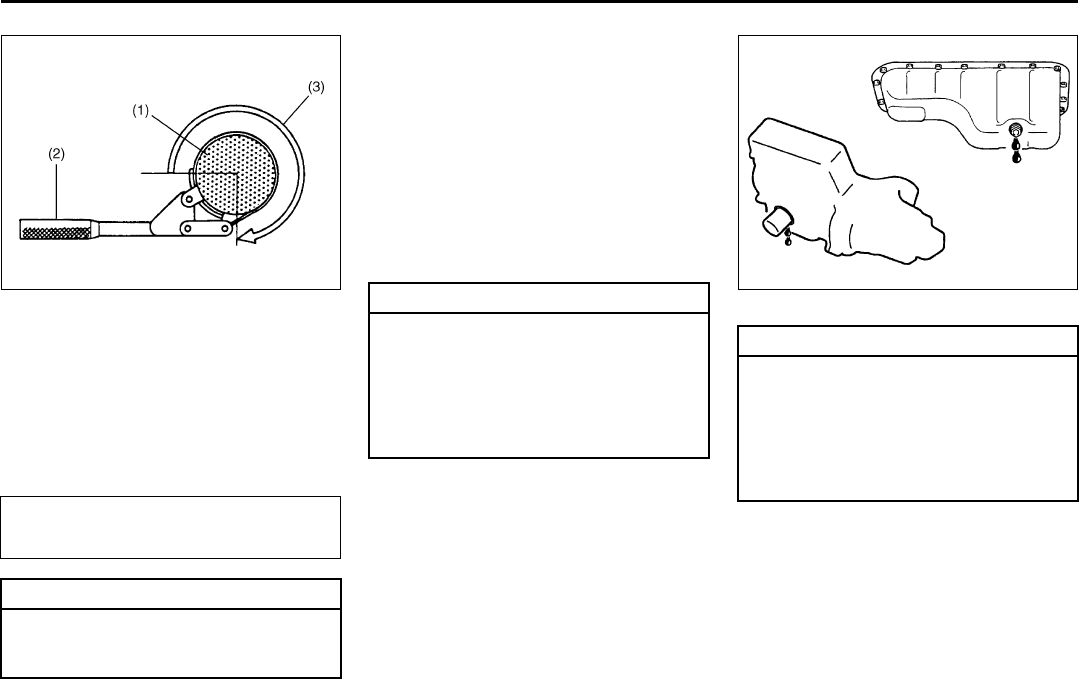
9-12
INSPECTION AND MAINTENANCE
66J22-03E
52D086
(1) Oil filter
(2) Oil filter wrench
(3) 3/4 turn
6) Tighten the filter 3/4 turn from the point
of contact with the mounting surface (or
to the specified torque) using an oil filter
wrench.
7) Reinstall the engine under cover.
Refill with Oil and Check for Leaks
1) Pour oil through the filler hole and
install the filler cap.
For the approximate capacity of the oil,
refer to the “Capacities” item in the
“SPECIFICATIONS” section.
2) Start the engine and look carefully for
leaks at the oil filter and drain plug. Run
the engine at various speeds for at least
5 minutes.
3) Stop the engine and wait about 5 min-
utes. Check the oil level again and add
oil if necessary. Check for leaks again.
83E010
Tightening torque specification
14 Nm (10.1 lb-ft, 1.4 kg-m)
CAUTION
To prevent oil leakage, make sure
that the oil filter is tight, but do not
overtighten it.
CAUTION
When replacing the oil filter, it is rec-
ommended that you use a genuine
SUZUKI replacement filter. If you use
an after-market filter, make sure it is
of equivalent quality and carefully fol-
low the manufacturer’s instructions
and precautions.
CAUTION
Oil leaks from around the oil filter or
drain plug indicate incorrect installa-
tion or gasket damage. If you find any
leaks or are not sure that the filter
has been properly tightened, have
the vehicle inspected by your SUZUKI
dealer.
EXAMPLE
Engine Oil and Filter: 1, 2
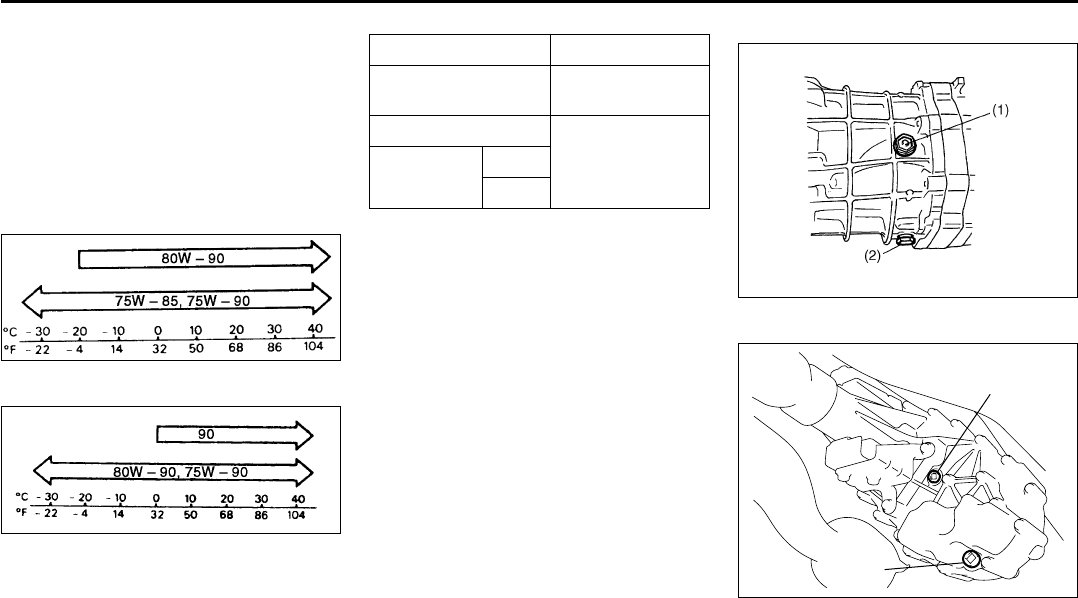
9-13
INSPECTION AND MAINTENANCE
66J22-03E
Gear Oil
Specified Gear Oil
When replacing gear oil, use gear oil with
the appropriate viscosity and grade as
shown in the charts below. We highly rec-
ommend you use SAE 75W-90 gear oil
(SAE 80W-90 for front differential oil, rear
differential oil and transfer gear oil).
Transmission/Extension case
54G095
Differential/Transfer case
65D594
Manual transmission
52D087
Transfer case
66J005
(1) Oil filler and level plug
(2) Oil drain plug
API GRADE
Transmission/
Extension case GL-4
Transfer case
GL-5
(Hypoid gear oil)
Differential Front
Rear
(1)
(2)
Gear Oil: 6, 10
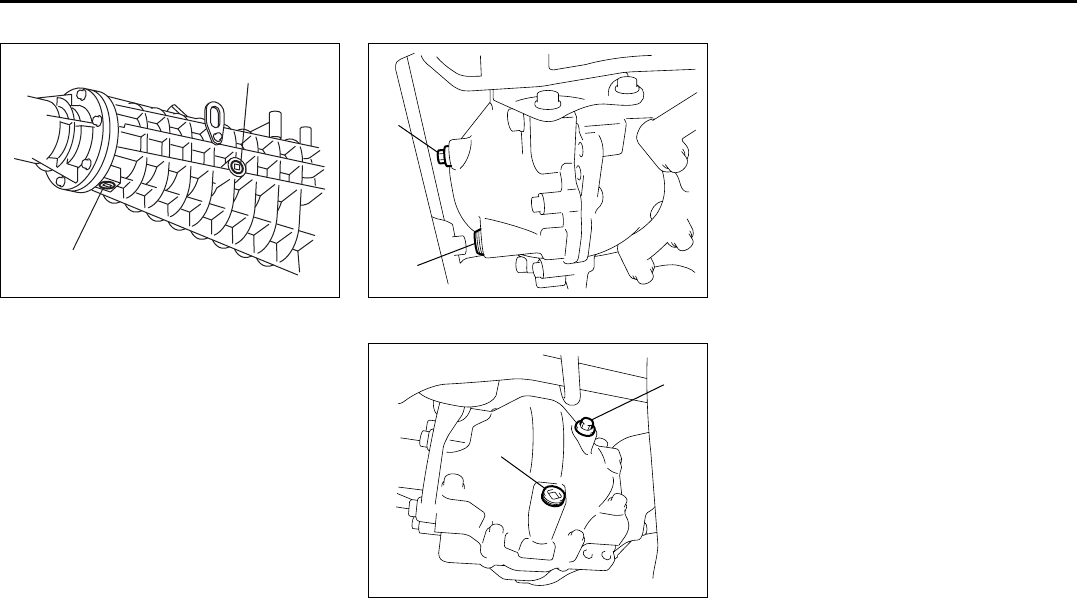
9-14
INSPECTION AND MAINTENANCE
66J22-03E
Extension case (2WD)
66J165
(1) Oil filler and level plug
(2) Oil drain plug
Front differential
66J006
Rear differential
66J007
(1) Oil filler and level plug
(2) Oil drain plug
Gear Oil Level Check
The manual transmission, transfer gears,
extension case and differentials (front and
rear) are lubricated with gear oil. To check
the gear oil level in any of the above loca-
tions, use the following procedure:
1) Park the vehicle on a level surface. Set
parking brake and stop the engine.
2) Remove the oil filler plug (1).
3) Check the inside of the hole with your
finger. If the oil level comes up to the
bottom of the plug hole, the oil level is
correct. If so, reinstall the plug.
4) If the oil level is low, add gear oil
through the filler plug hole (1) until the
oil level reaches the bottom of the filler
hole, then reinstall the plug.
(2)
(1)
(1)
(2)
(1)
(2)
Gear Oil: 6, 10
Automatic Transmission Fluid: 10
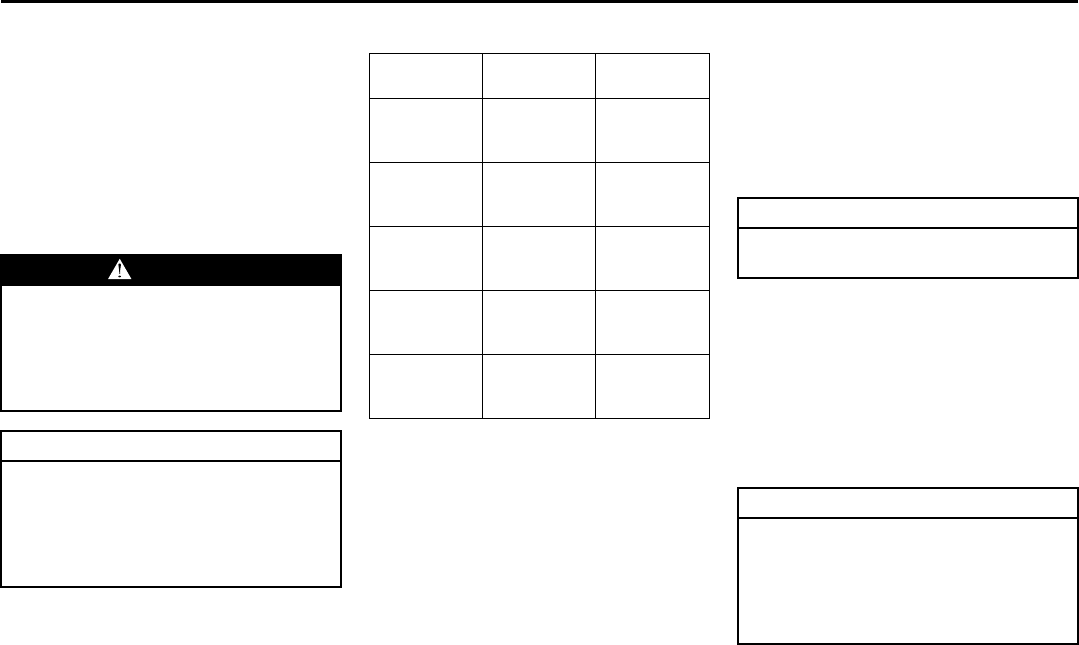
9-15
INSPECTION AND MAINTENANCE
66J22-03E
Gear Oil Replacement
To change the gear oil in the manual trans-
mission, transfer case, extension case or
differential(s), use the following procedure:
1) Remove the oil filler plug (1).
2) Remove the drain plug (2), drain the oil
and reinstall the drain plug.
3) Pour new gear oil of the specified type
through the filler hole until the oil level
reaches the bottom of the filler hole.
4) Reinstall the filler plug.
Tightening torque Automatic Transmission
Fluid
Specified Fluid
Use an automatic transmission fluid
SUZUKI ATF 3317 or Mobil ATF 3309.
Fluid Level Check
You must check the fluid level with the
automatic transmission fluid at normal
operating temperature.
To check the fluid level:
1) To warm up the transmission fluid, drive
the vehicle or idle the engine until the
temperature gauge indicates normal
operating temperature.
2) Then drive for ten more minutes.
WARNING
After driving the vehicle, gear oil tem-
perature may be high enough to burn
you. Wait until the oil filler plug is
cool enough to touch with your bare
hands before inspecting or replacing
gear oil.
CAUTION
When tightening these plugs, apply
sealing compound “SUZUKI Bond
No. 1215” or equivalent to the plug
threads to prevent oil leakage and
tighten them to the specified torque
shown below.
Oil Filler
Plug
Oil Drain
Plug
Manual
transmission
23 Nm
(17.0 lb-ft)
(2.3 kg-m)
23 Nm
(17.0 lb-ft)
(2.3 kg-m)
Tr a n s fe r
23 Nm
(17.0 lb-ft)
(2.3 kg-m)
23 Nm
(17.0 lb-ft)
(2.3 kg-m)
Extension
case
23 Nm
(17.0 lb-ft)
(2.3 kg-m)
23 Nm
(17.0 lb-ft)
(2.3 kg-m)
Front
differential
23 Nm
(17.0 lb-ft)
(2.3 kg-m)
23 Nm
(17.0 lb-ft)
(2.3 kg-m)
Rear
differential
23 Nm
(17.0 lb-ft)
(2.3 kg-m)
23 Nm
(17.0 lb-ft)
(2.3 kg-m)
CAUTION
Driving with too much or too little
fluid can damage the transmission.
CAUTION
Be sure to use the specified auto-
matic transmission fluid. Using auto-
matic transmission fluid other than
SUZUKI ATF 3317 or Mobil ATF 3309
may damage the automatic transmis-
sion of your vehicle.
Automatic Transmission Fluid: 10
Engine Coolant: 1, 2
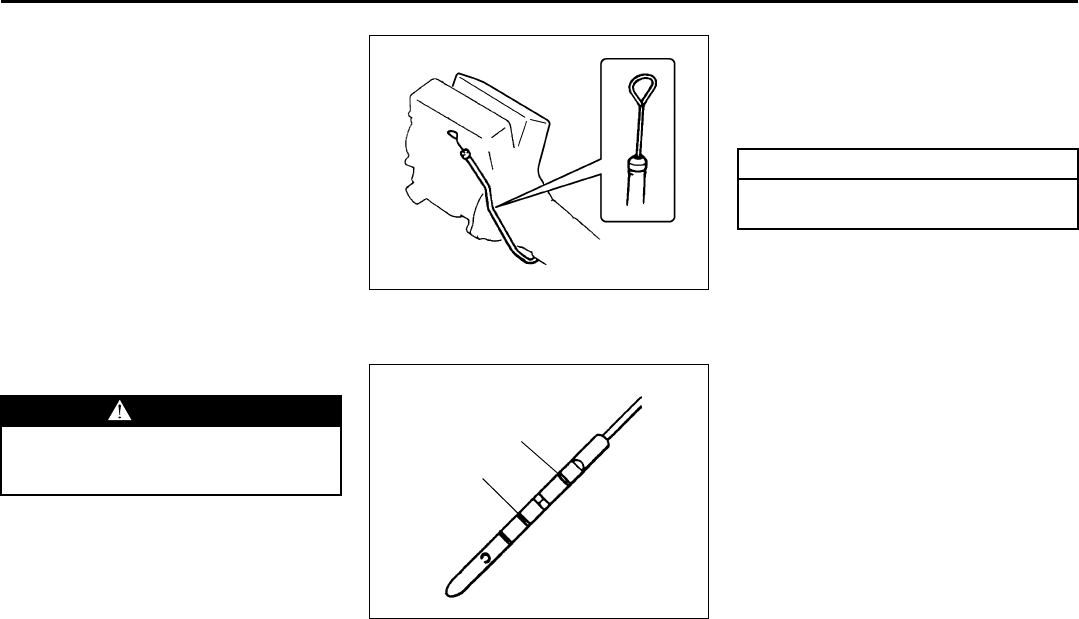
9-16
INSPECTION AND MAINTENANCE
66J22-03E
NOTE:
Do not check the fluid level if you have just
driven the vehicle for a long time at high
speed, if you have driven in city traffic in
hot weather, or if the vehicle has been pull-
ing a trailer. Wait until the fluid cools down
(about 30 minutes), or the fluid level indica-
tion will not be correct.
3) Park your vehicle on level ground.
4) Apply the parking brake and then start
the engine in “P” (Park). Let it idle for
two minutes and keep it running during
the fluid level check.
5) With your foot on the brake pedal, move
the gearshift lever through each gear,
pausing for about three seconds in
each range. Then move it back to the
“P” (Park) position.
52D032
The handle of the A/T fluid dipstick is col-
ored red for easy identification.
65D109
6) Remove the dipstick, clean it and push
it back in until the cap seats. Pull out
the dipstick and read the fluid level.
The fluid level should be between the
two marks in the “HOT” range on the
dipstick.
7) Add just enough specified fluid through
the dipstick hole to fill the transmission
to the proper level.
Changing Oil
Since special procedures, materials and
tools are required to change the automatic
transmission oil, it is recommended that
you trust this job to your authorized
SUZUKI dealer.
WARNING
Be sure to depress the brake pedal
when moving the gearshift lever, or
the vehicle can move suddenly.
FULL HOT
LOW HOT
CAUTION
After checking or adding oil, be sure
to insert the dipstick securely.
Engine Coolant: 1, 2
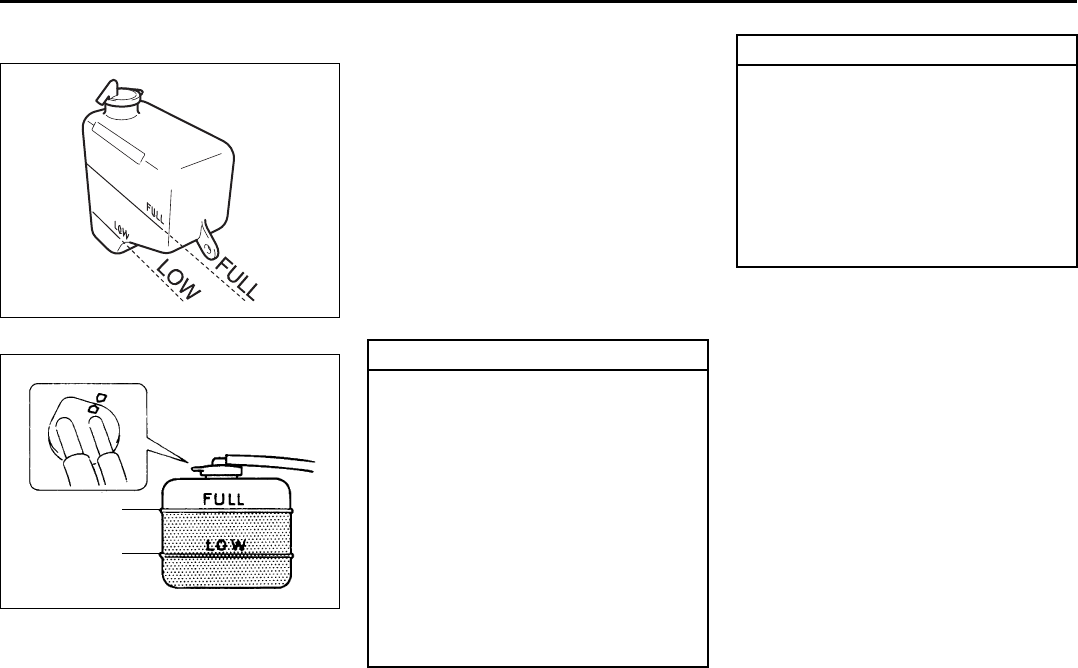
9-17
INSPECTION AND MAINTENANCE
66J22-03E
Engine Coolant
64J151
60A208
Selection of Coolant
To maintain optimum performance and
durability of your engine, use SUZUKI
Genuine Coolant or equivalent.
This type of coolant is best for your cooling
system as it:
• Helps maintain proper engine tempera-
ture.
• Gives proper protection against freezing
and boiling.
• Gives proper protection against corro-
sion and rust.
Failure to use the proper coolant can dam-
age your cooling system. Your authorized
SUZUKI dealer can help you select the
proper coolant.
Engine Coolant Level Check
Check the engine coolant level at the
reserve tank, not at the radiator. With the
engine cool, the engine coolant level
should be between the “FULL” and “LOW”
marks.
Adding Engine Coolant
If the engine coolant level is below the
“LOW” mark, more engine coolant should
be added. Remove the reserve tank cap
and add engine coolant until the reserve
tank level reaches the “FULL” mark. Never
fill the reserve tank above the “FULL” mark.
EXAMPLE
FULL
LOW
CAUTION
To avoid damaging your cooling sys-
tem:
• Always use a high quality ethylene
glycol base phosphate type coolant
diluted with distilled water at the
correct mixture concentration.
• Make sure that the proper mix is 50/
50 coolant to distilled water and in
no case higher than 70/30. Concen-
trations greater than 70/30 coolant
to distilled water will cause over-
heating conditions.
• Do not use straight coolant nor
plain water.
(Continued)
CAUTION
(Continued)
• Do not add extra inhibitors or addi-
tives. They may not be compatible
with your cooling system.
• Do not mix different types of base
coolants. Doing so may result in
accelerated seal wear and/or the
possibility of severe overheating
and extensive engine/automatic
transmission damage.
Engine Coolant: 1, 2
Windshield Washer Fluid: 3
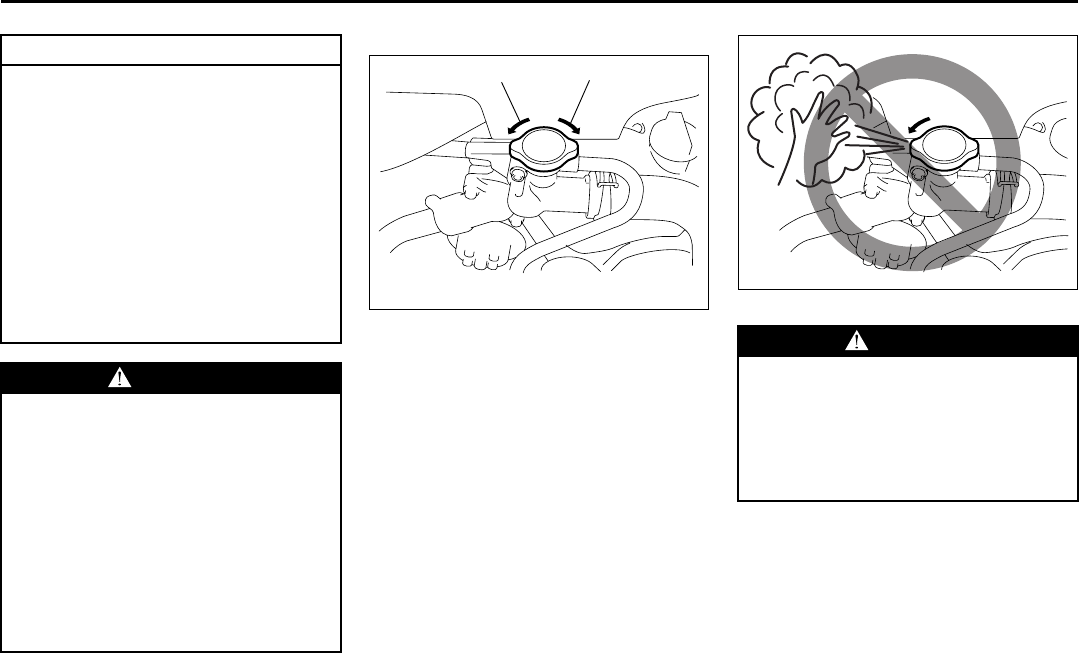
9-18
INSPECTION AND MAINTENANCE
66J22-03E
Engine Coolant Replacement
66J151
1) When the engine is cool, remove the
radiator cap by turning it slowly to the
left until a “stop” is felt. Do not press
down while turning the cap. Wait until
any pressure is released, then press
down on the cap and continue turning it
to the left.
66J191
2) Remove the reservoir by lifting it up,
and drain the reservoir completely.
CAUTION
• The mixture you use should con-
tain 50% concentration of anti-
freeze.
• If the lowest ambient temperature
in your area is expected to be –35
°C (–31°F) or below, use higher
concentrations up to 60% following
the instructions on the antifreeze
container.
• When putting the cap on the
reserve tank, line up the arrow on
the cap and the arrow on the tank.
Failure to follow this can result in
coolant leakage.
WARNING
Engine coolant is harmful or fatal if
swallowed or inhaled. Do not drink
antifreeze or coolant solution. If swal-
lowed, do not induce vomiting. Imme-
diately contact a poison control
center or a physician. Avoid inhaling
mist or hot vapors; if inhaled, remove
to fresh air. If coolant gets in eyes,
flush eyes with water and seek medi-
cal attention. Wash thoroughly after
handling. Solution can be poisonous
to animals. Keep out of the reach of
children and animals.
Open Close
WARNING
It is hazardous to remove the radiator
cap when the engine coolant temper-
ature is high, because scalding fluid
and steam may be blown out under
pressure. Wait until the engine cool-
ant temperature has lowered before
removing the cap.
Windshield Washer Fluid: 3
Air Cleaner: 1, 2
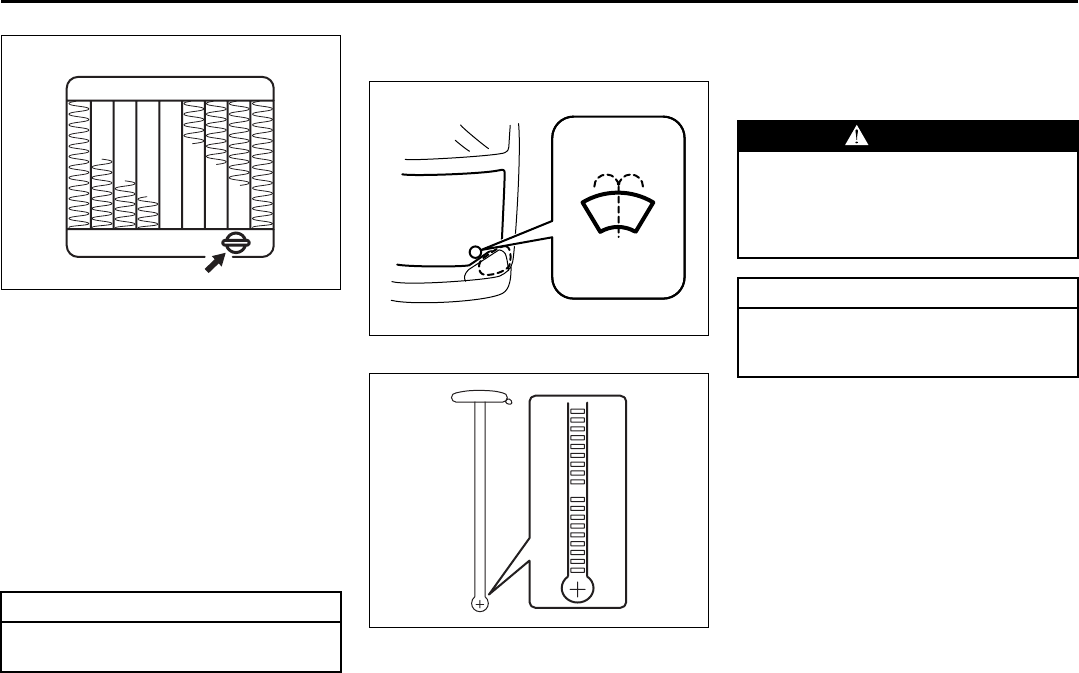
9-19
INSPECTION AND MAINTENANCE
66J22-03E
64J191
3) Loosen the drain plug attached to the
lower part of the radiator and drain the
engine coolant into a suitable container.
4) Reinstall the reservoir and fill it with
engine coolant to the “FULL” line.
5) Tighten the drain plug on the radiator,
fill the radiator with engine coolant and
install the radiator cap.
6) After filling, let the engine idle for about
2 – 3 minutes to get rid of air in the
cooling system. Then, stop the engine.
7) Check the engine coolant level in the
radiator again. If the level has gone
down, add more engine coolant.
Windshield Washer Fluid
Front and rear (if equipped)
66J008
66J116
Check that there is washer fluid in the tank
by looking at the washer fluid level gauge
which is attached to the cap of the washer
fluid tank. If the fluid level is near empty,
refill it.
Use a good quality windshield washer
fluid, diluted with water as necessary.
CAUTION
The engine coolant must be replaced
with the vehicle on level ground.
EXAMPLE
(or opposite side)
EXAMPLE
WARNING
Do not use “anti-freeze” solution in
the windshield washer reservoir. This
can severely impair visibility when
sprayed on the windshield, and also
damage your vehicle’s paint.
CAUTION
Damage may result if the washer
motor is operated with no fluid in the
washer tank.
Spark Plugs: 1, 2
Brakes: 6
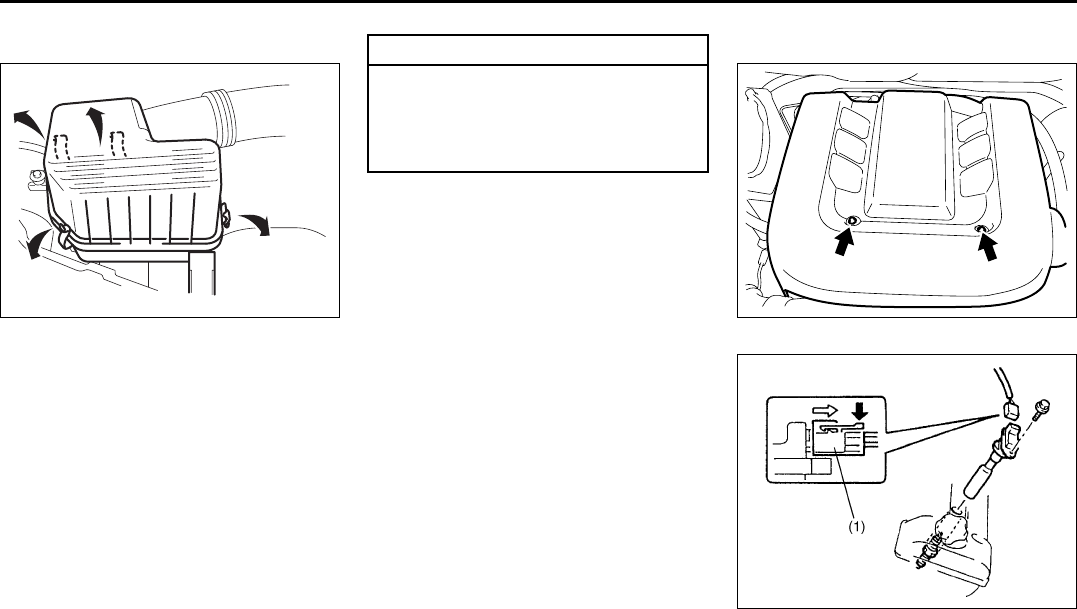
9-20
INSPECTION AND MAINTENANCE
66J22-03E
Air Cleaner
66J167
If the air cleaner is clogged with dust, there
will be greater intake resistance, resulting
in decreased power output and increased
fuel consumption.
Check and clean periodically according to
the following procedure:
1) Take off the air cleaner case cover.
Remove the element from the air
cleaner case cover.
2) This air cleaner element is of dry type.
Remember that it needs cleaning
according to the following method.
3) Blow off dust on cleaner element by
compressed air from inside the ele-
ment, or replace the element as neces-
sary.
Spark Plugs
66J009
65D434
You should inspect spark plugs periodically
for carbon deposits. When carbon accu-
mulates on a spark plug, a strong spark
may not be produced. Remove carbon
CAUTION
The air cleaner element should be
replaced every 50000 km (30000
miles). More frequent replacement is
necessary when you drive under
dusty conditions.
Brakes: 6
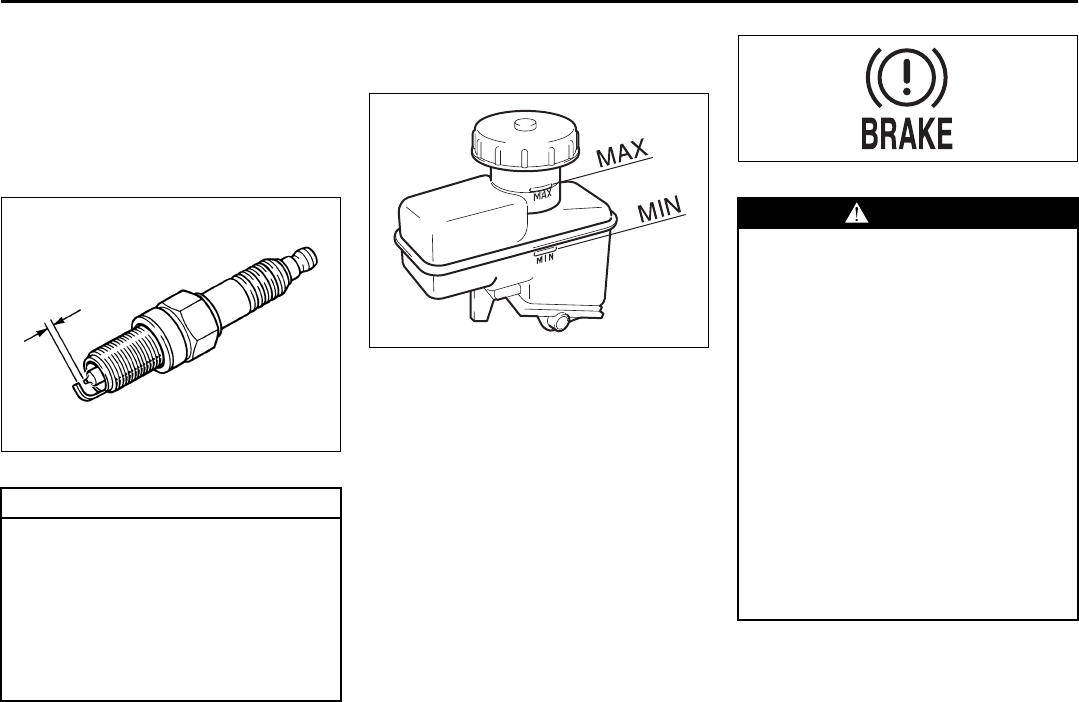
9-21
INSPECTION AND MAINTENANCE
66J22-03E
deposits with a wire or pin and adjust the
spark plug gap.
To access the spark plugs:
1) Remove the engine cover.
2) Disconnect the coupler (1) while push-
ing the release lever.
3) Remove the bolt.
4) Pull the ignition coil out.
80G093
Brakes
Brake Fluid
64J154
Check the brake fluid level by looking at
the reservoir in the engine compartment.
Check that the fluid level is between the
“MAX” and “MIN” lines. If the brake fluid
level is near the “MIN” line, fill it up to the
“MAX” line with DOT3 brake fluid.
65D477
CAUTION
When replacing spark plugs, you
should use the brand and type speci-
fied for your vehicle. For the speci-
fied plugs, refer to the
“SPECIFICATIONS” section at the
end of this book. If you wish to use a
brand of spark plug other than the
specified plugs, consult your SUZUKI
dealer.
1.0 – 1.1 mm
(0.039 – 0.043 in.)
WARNING
Failure to follow the guidelines below
can result in personal injury or seri-
ous damage to the brake system.
• If the brake fluid in the reservoir
drops below a certain level, the
brake warning light on the instru-
ment panel will come on (the
engine must be running with the
parking brake fully disengaged.)
Should the light come on, immedi-
ately ask your SUZUKI dealer to
inspect the brake system.
• A rapid fluid loss indicates a leak in
the brake system which should be
inspected by your SUZUKI dealer
immediately.
• Brake fluid can harm your eyes and
damage painted surfaces. Use cau-
tion when refilling the reservoir.
(Continued)
Brakes: 6
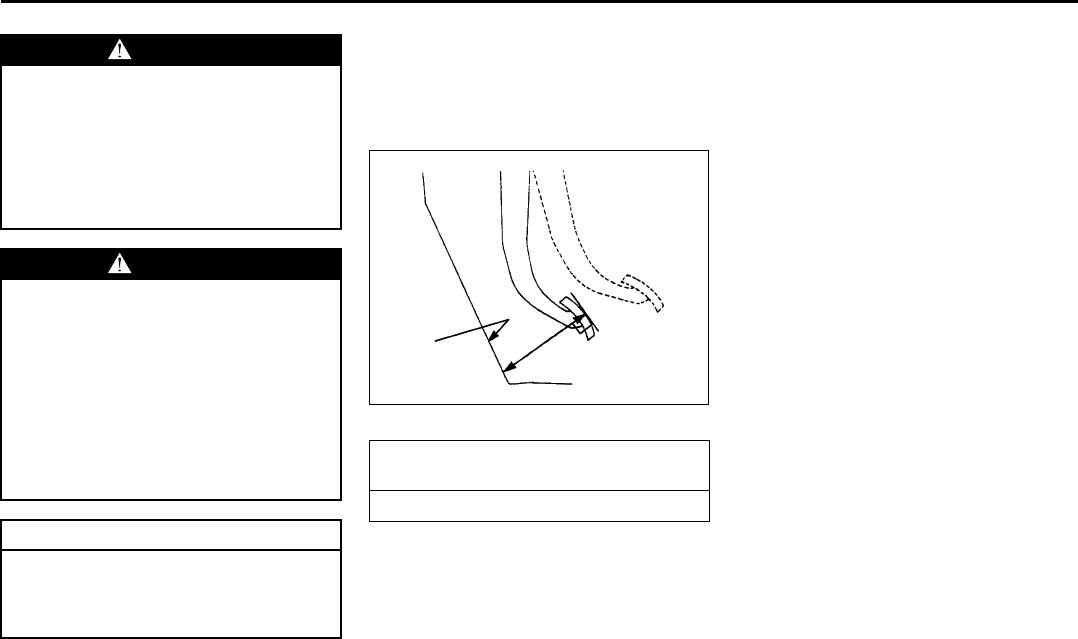
9-22
INSPECTION AND MAINTENANCE
66J22-03E
NOTE:
With disc brakes, the fluid level can be
expected to gradually fall as the brake
pads wear.
Brake Pedal
65D345
With the engine running and the parking
brake set, measure the distance between
the brake pedal and floor carpet when the
pedal is depressed with approximately 300
N (66 lbs, 30 kg) of force. The minimum
distance required is as specified. Since
your vehicle’s brake system is self-adjust-
ing, there is no need for pedal adjustment.
If the pedal to floor carpet distance as
measured above is less than the minimum
distance required, have your vehicle
inspected by your SUZUKI dealer.
NOTE:
When measuring the distance between the
brake pedal and floor wall, push in the floor
carpet as far as it goes and measure the
distance between the carpet surface and
the brake pedal.
WARNING
(Continued)
• Do not use any fluid other than
DOT3 brake fluid. Do not use
reclaimed fluid or fluid that has
been stored in old or open contain-
ers. It is essential that foreign parti-
cles and other liquids are kept out
of the brake fluid reservoir.
WARNING
Brake fluid is harmful or fatal if swal-
lowed, and harmful if it comes in con-
tact with skin or eyes. If swallowed,
do not induce vomiting. Immediately
contact a poison control center or a
physician. If brake fluid gets in eyes,
flush eyes with water and seek medi-
cal attention. Wash thoroughly after
handling. Solution can be poisonous
to animals. Keep out of the reach of
children and animals.
CAUTION
The brake fluid should be replaced
according to the maintenance sched-
ule. Have the brake fluid replaced by
your SUZUKI dealer.
Pedal to floor carpet minimum distance
“a”
70 mm (2.8 in.)
“a”
Floor carpet
Steering Wheel: 6
Clutch Pedal: 6
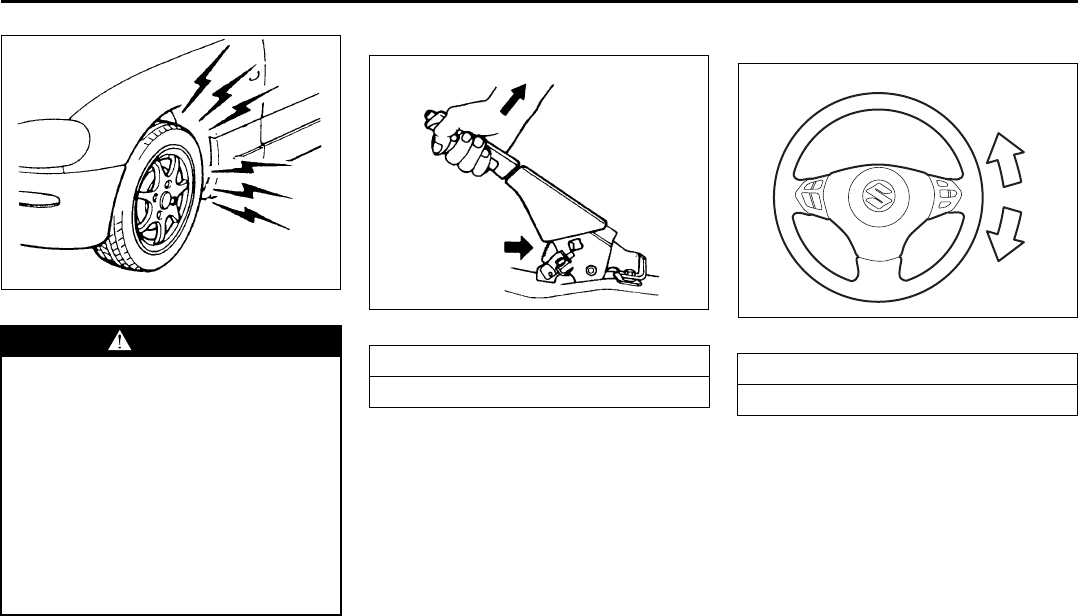
9-23
INSPECTION AND MAINTENANCE
66J22-03E
60G104
Parking Brake Lever
60A226
Check the parking brake for proper adjust-
ment by counting the number of clicks
made by the ratchet teeth as you slowly
pull up on the parking brake lever to the
point of full engagement. The parking
brake lever should stop between the speci-
fied ratchet teeth and the rear wheels
should be securely locked. If the parking
brake is not properly adjusted or the
brakes drag after the lever has been fully
released, have the parking brake inspected
and/or adjusted by your SUZUKI dealer.
Steering Wheel
66J233
Check the play of the steering wheel by
gently turning it from left to right and mea-
suring the distance that it moves before
you feel slight resistance. The play should
be between the specified values. Check
that the steering wheel turns easily and
smoothly without rattling by turning it all the
way to the right and to the left while driving
very slowly in an open area. If the amount
of free play is outside the specification or
you find anything else to be wrong, an
inspection must be performed by your
SUZUKI dealer.
WARNING
If you experience any of the following
problems with your vehicle’s brake
system, have the vehicle inspected
immediately by your SUZUKI dealer.
• Poor braking performance
• Uneven braking (Brakes not work-
ing uniformly on all wheels.)
• Excessive pedal travel
• Brake dragging
• Excessive noise
• (Except ABS equipped vehicle)
Pedal pulsation (Pedal pulsates
when pressed for braking.)
Ratchet tooth specification “b”
5th – 7th
200 N (44 lbs, 20 kg)
“b”
EXAMPLE
Steering wheel play “c”
0 – 30 mm (0.0 – 1.2 in.)
“c”
EXAMPLE
Tires: 6
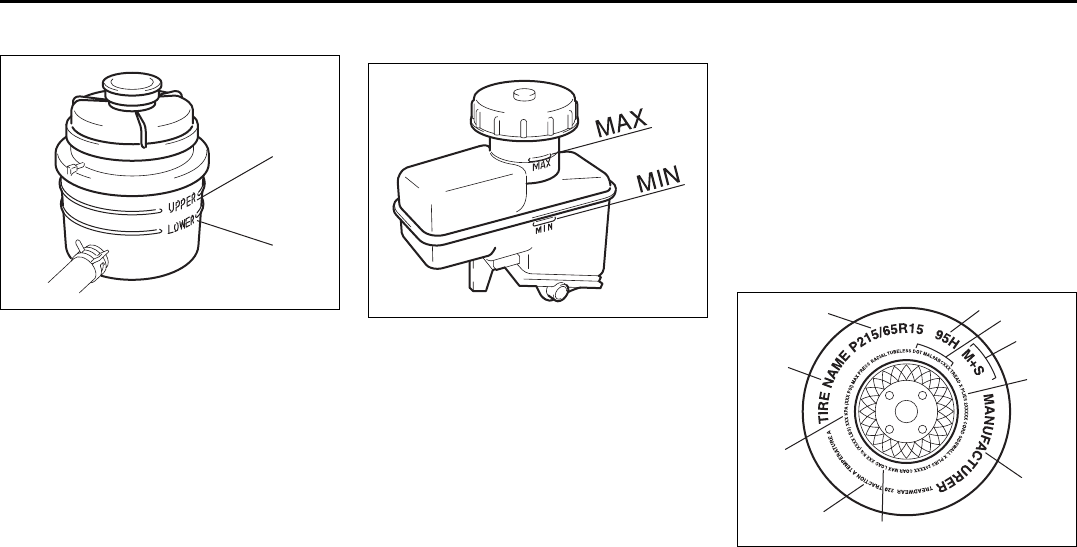
9-24
INSPECTION AND MAINTENANCE
66J22-03E
Power Steering (if equipped)
64J155
(1) UPPER
(2) LOWER
Check the steering box case, vane pump
and hose connections for leaks or damage.
Power Steering Fluid
Check the fluid level by looking at the res-
ervoir in the engine compartment when the
fluid is cold (about room temperature).
Check that the fluid level is between the (1)
and (2) lines. If the fluid level is near the (2)
line, fill it up to the (1) line with an auto-
matic transmission fluid equivalent to ATF
DEXRON®-II (Esso JWS 2326) or
DEXRON®-III. Do not overfill.
Clutch Pedal
64J154
Check the clutch pedal for smooth opera-
tion and clutch fluid level from time to time.
If clutch dragging is felt with the pedal fully
depressed, have the clutch inspected by
your SUZUKI dealer. If the clutch fluid level
is near the “MIN” line, fill it up to the “MAX”
line with DOT3 brake fluid.
Tires
For safe operation of your vehicle, it is
important that the tires be the correct type
and size, in good condition, and properly
inflated. Be sure to follow the requirements
and recommendations in this section.
Tire Sidewall Labeling
Useful information about a tire is molded
into its sidewall. The example below shows
a typical passenger car tire.
Typical Passenger Car Tire Sidewall
67D027
A. Tire Manufacturer
The name of the tire manufacturer is
shown here.
B. Tire Name/Model
The tire name or model is shown
here.
(1)
(2)
A
H
B
G
E
F
D
J
I
C
EXAMPLE
Tires: 6
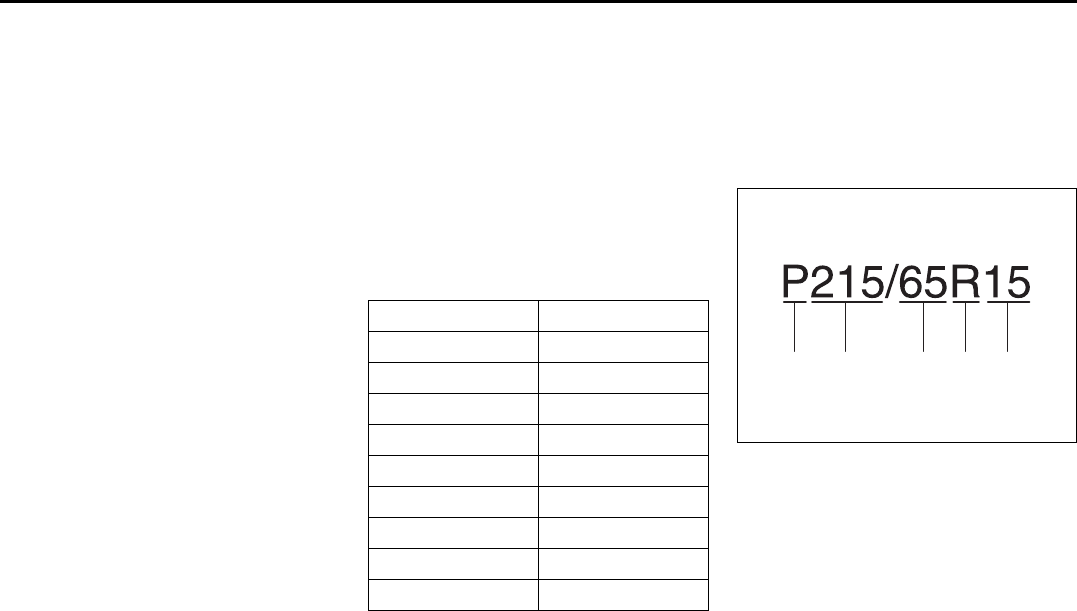
9-25
INSPECTION AND MAINTENANCE
66J22-03E
C. Tire Size
The tire size code is a combination of
letters and numbers used to define a
particular tire’s width, height, aspect
ratio, construction type, and service
description. See the “Tire Size” expla-
nation later in this section for more
details.
D. U.S. DOT Tire Identification Number
The Department of Transportation
(DOT) marking indicates that the tire
is in compliance with the U.S. Depart-
ment of Transportation Motor Vehicle
Safety Standards. The letters and
numbers following the DOT marking
is the Tire Identification Number
(TIN). The TIN identifies the tire man-
ufacturer and plant, tire size, and date
the tire was manufactured.
E. Uniform Tire Quality Grading (UTQG)
Tire manufacturers are required to
grade tires based on three perfor-
mance factors: treadwear, traction
and temperature resistance. Refer to
the “Uniform Tire Quality Grading”
section for more details.
F. Load Rating
Load rating is the maximum weight a
tire is designed to support in normal
service.
G. Max Inflation Pressure
Max inflation pressure is the maxi-
mum inflation pressure a tire is
designed for.
H. Tire Ply Material
These tire markings describe the type
of cord and number of plies in the
sidewall and under the tread.
I. Load Index and Speed Rating
The two- or three-digit number is the
tire’s load index, the maximum load a
tire can carry at the speed indicated
by its speed symbol at the maximum
inflation pressure. The higher the
number is, the greater the load carry-
ing capacity. The letter symbol
denotes the speed at which a tire is
designed to be driven for extended
periods of time. (Ratings are listed
below.)
*The letters ZR may be used on tires with a
maximum speed capability over 149 mph
and will always be used on tires with a
maximum speed capability over 186 mph.
J. M+S Marking
This marking indicates the tire has
some mud and snow capabilities and
is designed for all-season use.
Tire Size
The following illustration shows an exam-
ple of a typical passenger car tire size.
67D028
A. Tire Type
This letter code indicates the primary
intended use of the tire. The letter “P”
identifies a tire primarily intended for
use on a passenger vehicle.
B. Tire Width
This three-digit number indicates the
tire section width in millimeters from
sidewall to sidewall.
C. Aspect Ratio
This two-digit number represents the
tire section height divided by the tire
section width.
Letter Rating Speed Rating
Q 99 mph
R106 mph
S112 mph
T118 mph
U124 mph
H130 mph
V149 mph
W 168 mph*
Y 186 mph*
A B C D E
EXAMPLE
Tires: 6
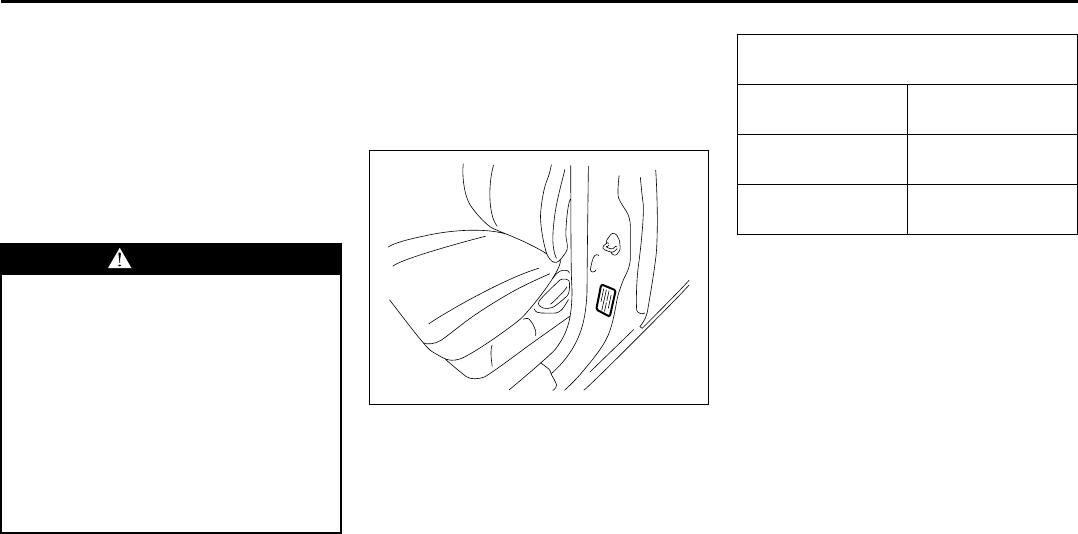
9-26
INSPECTION AND MAINTENANCE
66J22-03E
D. Construction Code
This letter code is used to indicate the
type of ply construction in the tire. The
letter “R” means radial ply tire con-
struction, the letter “D” means diago-
nal or bias ply construction, and the
letter “B” means belted-bias ply con-
struction.
E. Rim Diameter
This two-digit number is the wheel or
rim diameter in inches.
Tire Inflation Pressure
Tire inflation pressure should be checked
when the tire is cold. “Cold tire inflation
pressure” is the pressure in a tire that has
been driven less than 1 mile (1.6 km) or
has been standing for three hours or more.
54G307
The front, rear and spare tire pressure
specifications for your vehicle are shown
below and are listed on the Tire and Load-
ing Information Label, which is located on
the driver’s door lock pillar. The Tire and
Loading Information Label contains the fol-
lowing information:
• Seating Capacity
• Maximum Allowed Combined Weight of
Occupants and Cargo
• Original Tire Size
• Recommended Cold Tire Inflation Pres-
sure of Original Tires
NOTE:
The tire inflation pressure will change due
to changes in atmospheric pressure, tem-
perature or tire temperature when driving.
To reduce the chance that the low tire
pressure warning light will come on due to
normal changes in temperature and atmo-
spheric pressure, it is important to check
and adjust the tire pressures when the
tires are cold. Tires that appear to be at the
specified pressure when checked after
driving, when the tires are warm, could
have pressure below the specification
when the tires cool down. Also, tires that
are inflated to the specified pressure in a
warm garage may have pressure below the
specification when the vehicle is driven
outside in very cold temperature. If you
adjust the tire pressure in a garage that is
warmer than the outside temperature, you
should add 1 psi to the recommended cold
tire inflation pressure for every 10°F differ-
ence between garage temperature and
outside temperature.
WARNING
Your SUZUKI is equipped with tires
which are all the same type and size.
This is important to ensure proper
steering and handling of the vehicle.
Never mix tires of different size or
type on the four wheels of your vehi-
cle. Mixing tires could cause you to
lose control while driving which may
lead to an accident. The size and type
of tires used should be only those
approved by SUZUKI Motor Corpora-
tion as standard or optional equip-
ment for your vehicle.
Recommended Cold Tire Inflation
Pressures
Front Tires 220 kPa
32 psi
Rear Tires 220 kPa
32 psi
Spare 220 kPa
32 psi
Tires: 6
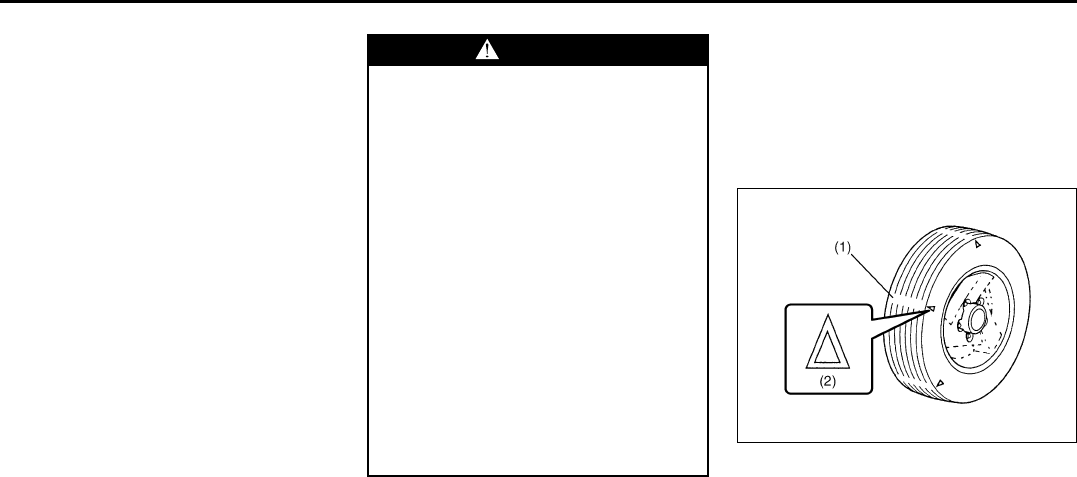
9-27
INSPECTION AND MAINTENANCE
66J22-03E
Measuring air pressure
Use the following steps to achieve proper
tire inflation:
1) Identify the recommended tire pressure
on the vehicle’s Tire and Loading Infor-
mation Label or in the owner’s manual.
2) Remove the valve cap from the tire
valve stem.
3) Using a reliable pressure gauge, mea-
sure the tire inflation pressure by press-
ing the tire gauge firmly onto the valve
to get a pressure measurement.
Remember that inflation pressures
should be checked when the tires are
“cold”, meaning before they have been
driven one mile or after sitting for three
hours or more allowing the tire to cool
to ambient air temperature.
4) If the air pressure is too high, slowly
release the air by pressing on the tire
valve stem with the edge of the tire
gauge until you reach the correct pres-
sure.
5) If the air pressure is too low, fill the tire
with air at a service station until it
reaches the recommended pressure.
6) Make sure all tires have the same air
pressure (unless the owner’s manual
indicates otherwise).
Tire Inspection
Inspect your vehicle’s tires at least once a
month by performing the following checks:
1) Measure the air pressure with a tire
gauge. Adjust the pressure if neces-
sary. Remember to check the spare
tire, too. Refer to the “Measuring Air
Pressure” section.
54G136
(1) Tread wear indicator
(2) Indicator location mark
2) Check that the depth of the tread
groove is more than 1.6 mm (0.06 in.).
To help you check this, the tires have
molded-in tread wear indicators in the
grooves. When the indicators appear
on the tread surface, the remaining
depth of the tread is 1.6 mm (0.06 in.)
or less and the tire should be replaced.
3) Check for abnormal wear, cracks and
damage. Any tires with cracks or other
WARNING
• Air pressures should be checked
when the tires are cold or you may
get inaccurate readings.
• Check the inflation pressure from
time to time while inflating the tire
gradually, until the specified pres-
sure is obtained.
• Never underinflate or overinflate
the tires.
Underinflation can cause unusual
handling characteristics or can
cause the rim to slip on the tire
bead, resulting in an accident or
damage to the tire or rim.
Underinflation can also cause tires
to overheat, leading to tire failure.
Overinflation can cause the tire to
burst, resulting in personal injury.
Overinflation can also cause
unusual handling characteristics
which may result in an accident.
Tires: 6
9-28
INSPECTION AND MAINTENANCE
66J22-03E
damage should be replaced. If any tires
show abnormal wear, have them
inspected by your SUZUKI dealer.
4) Check for loose wheel nuts.
5) Check that there are no nails, stones or
other objects sticking into the tires.
Uniform Tire Quality Grading
The U.S. National Highway Traffic Safety
Administration has developed a grading
system for evaluating the performance of
passenger car tires. The following informa-
tion will help you understand the grading
system, which applies to vehicles sold in
the U.S. Consult your SUZUKI dealer or
tire retailer for help in choosing the correct
replacement tires for your vehicle.
Quality grades can be found where appli-
cable on the tire sidewall between tread
shoulder and maximum section width. For
example:
Treadwear 200 Traction AA Temperature A
DOT Quality Grades
Treadwear
Traction AA A B C
Temperature A B C
All Passenger Car Tires Must Conform To
Federal Safety Requirements in Addition
To These Grades
Treadwear
The treadwear grade is a comparative rat-
ing based on the wear rate of the tire when
tested under controlled conditions on a
specified government test course. For
example, a tire graded 150 would wear one
and one-half (1 1/2) times as well on the
government course as a tire graded 100.
The relative performance of tires depends
upon the actual conditions of their use,
however and may depart significantly from
WARNING
Hitting curbs and running over rocks
can damage tires and affect wheel
alignment. Be sure to have tires and
wheel alignment checked periodically
by your SUZUKI dealer.
WARNING
Your SUZUKI is equipped with tires
which are all the same type and size.
This is important to ensure proper
steering and handling of the vehicle.
Never mix tires of different size or
type on the four wheels of your vehi-
cle. The size and type of tires used
should be only those approved by
SUZUKI Motor Corporation as stan-
dard or optional equipment for your
vehicle.
WARNING
Replacing the wheels and tires
equipped on your vehicle with certain
combinations of aftermarket wheels
and tires can significantly change the
steering and handling characteris-
tics of your vehicle. Oversized tires
may also rub against the fender over
bumps, causing vehicle damage or
tire failure. Therefore, use only those
wheel and tire combinations
approved by SUZUKI Motor Corpora-
tion as standard or optional equip-
ment for your vehicle. For
information regarding the specified
tires, refer to the Tire Information
Label located on the driver’s side
door pillar or the “SPECIFICATIONS”
section.
CAUTION
Replacing the original tires with tires
of a different size may result in false
speedometer or odometer readings.
Check with your SUZUKI dealer
before purchasing replacement tires
that differ in size from the original
tires.
Tires: 6
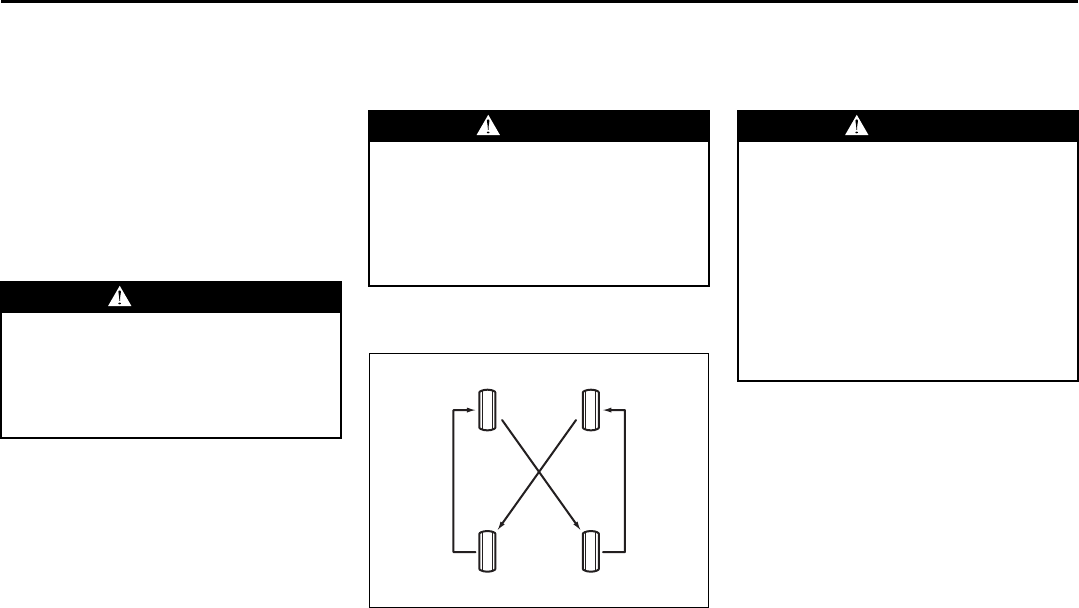
9-29
INSPECTION AND MAINTENANCE
66J22-03E
the norm due to variations in driving habits,
service practices and differences in road
characteristics and climate.
Traction – AA, A, B, C
The traction grades, from highest to low-
est, are AA, A, B and C. Those grades rep-
resent the tire’s ability to stop on wet
pavement as measured under controlled
conditions on specified government test
surfaces of asphalt and concrete. A tire
marked C may have poor traction perfor-
mance.
Temperature – A, B, C
The temperature grades are A (the high-
est), B and C, representing the tire’s resis-
tance to the generation of heat and its
ability to dissipate heat when tested under
controlled conditions on a specified indoor
laboratory test wheel. Sustained high tem-
perature can cause the material of the tire
to degenerate and reduce tire life, and
excessive temperature can lead to sudden
tire failure. The grade C corresponds to a
level of performance which all passenger
car tires must meet under the Federal
Motor Vehicle Safety Standard No. 109.
Grades B and A represent higher levels of
performance on the laboratory test wheel
than the minimum required by law.
Tire Rotation
4-tire rotation
65D459
To avoid uneven wear of your tires and to
prolong their life, rotate the tires as illus-
trated. Tires should be rotated as recom-
mended in the periodic maintenance
schedule. After rotation, adjust front and
rear tire pressures to the specification
listed on your vehicle’s Tire and Loading
Information Label.
WARNING
The traction grade assigned to this
tire is based on straight-ahead brak-
ing traction tests, and does not
include acceleration, cornering,
hydroplaning or peak traction charac-
teristics.
WARNING
The temperature grade for this tire is
established for a tire that is properly
inflated and not overloaded. Exces-
sive speed, underinflation or exces-
sive loading, either separately or in
combination, can cause heat buildup
and possible tire failure.
WARNING
Rust or dirt on a wheel, or on the
parts to which it is fastened, can
make wheel nuts become loose after
a time. The wheel could come off and
cause an accident. When you change
a wheel, remove any rust or dirt from
places where the wheel attaches to
the vehicle. In an emergency, you can
use a cloth or a paper towel to do
this; but be sure to use a scraper or
wire brush later, if you need to, to get
all the rust or dirt off.
Tires: 6
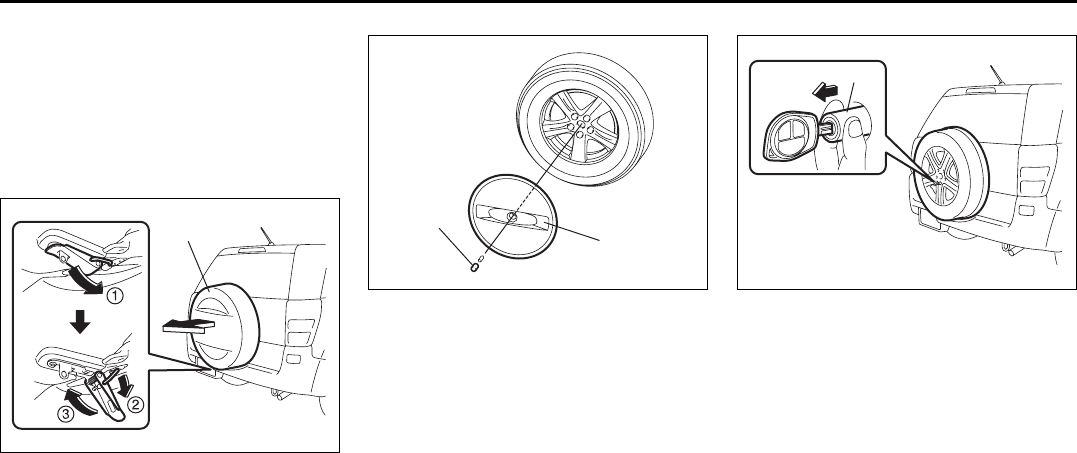
9-30
INSPECTION AND MAINTENANCE
66J22-03E
Changing Wheels
To change a wheel, use the following pro-
cedure:
1) Remove the jack, tools and spare wheel
from the vehicle.
NOTE:
How to remove the spare wheel:
64J178
1. (Full cover type)
Release the lock at the underneath
of the spare wheel full cover (A) as
shown in the illustration, then
remove the outer cover of the spare
wheel full cover.
64J179
(Half cover type)
Remove the center bolt (1), then
remove the outer cover (2) of the
spare wheel half cover.
64J180
2. Pull out the lock cover (B) fitted on
the lock nut of the spare wheel while
inserting the key full into the key hole
of the lock cover (B).
3. Remove the lock nut and wheel nuts
of the spare wheel, then remove the
spare wheel with both hands.
2) Loosen, but do not remove the wheel
nuts.
3) Jack up the vehicle (follow the jacking
instructions in the “EMERGENCY SER-
VICE” section in this manual).
4) Remove the wheel nuts and wheel.
5) Install the new wheel and replace the
wheel nuts with their cone shaped end
facing the wheel. Tighten each nut
snugly by hand until the wheel is
securely seated on the hub.
(A) (2)
(1)
(B)
Tires: 6
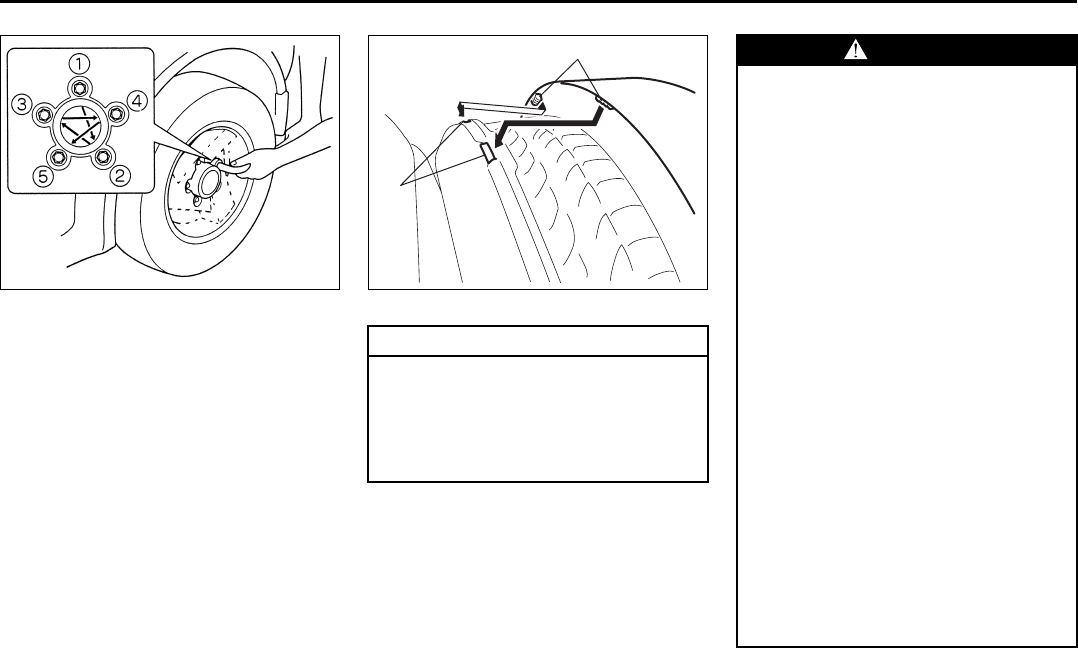
9-31
INSPECTION AND MAINTENANCE
66J22-03E
81A057
Tightening torque for wheel nut
100 Nm (72.3 lb-ft, 10.0 kg-m)
6) Lower the jack and fully tighten the nuts
to the specified torque in a crisscross
fashion with a wrench as shown in the
illustration.
NOTE:
How to install the spare wheel:
When you install the spare wheel to the
vehicle again, handle it in the reverse order
of removal.
64J196
EXAMPLE
CAUTION
To avoid the removal of the spare
wheel full cover while driving, be
sure to fit the claws (3) of the outer
cover of the spare wheel full cover to
each hole (4) of the inner cover of the
spare wheel full cover.
(3)
(4)
WARNING
Vehicle equipped with P225/65R17
tires have a spare wheel and tire that
are a different size than the wheels
and tires on the vehicle. The spare
wheel and tire on these vehicles are
intended for temporary emergency
use only. The wheel is painted yellow
to remind you that the wheel and tire
are for temporary use only. Continu-
ous use of this spare can result in tire
failure and loss of control. Always
observe these precautions when
using this spare:
• Be aware that your vehicle will han-
dle differently with this temporary
spare.
• Do not exceed 80 km/h (50 mph)
speed.
• Replace the temporary spare with a
standard tire and wheel as soon as
possible.
• Do not operate your vehicle in “4H
LOCK” or “4L LOCK” with this tem-
porary spare.
• Do not use tire chains on the spare
tire. If you must use tire chains,
rearrange the wheels so standard
tires and wheels are fitted to the
rear axle.
(Continued)
Tires: 6

9-32
INSPECTION AND MAINTENANCE
66J22-03E
Snow Tires
Your vehicle is equipped with all-season
tires which are designed for use in summer
and most winter conditions. For improved
traction in severe winter conditions,
SUZUKI recommends mounting radial
snow tires on all four wheels. Snow tires
must be the same size as the standard
tires. Also be sure to use the tires of the
same type and brand on all four wheels of
your vehicle.
GLOSSARY OF TIRE TERMINOL-
OGY
Accessory Weight – the combined weight
(in excess of those standard items which
may be replaced) of automatic transmis-
sion, power steering, power brakes, power
windows, power seats, radio, and heater,
to the extent that these items are available
as factory-installed equipment (whether
installed or not).
Cold Tire Inflation Pressure – the pressure
in a tire that has been driven less than 1
mile or has been standing for three hours
or more.
Curb Weight – the weight of a motor vehi-
cle with standard equipment including the
maximum capacity of fuel, oil, and coolant,
and, if so equipped, air conditioning and
additional weight optional engine.
Intended Outboard Sidewall – (1) the side-
wall that contains a whitewall, bears white
lettering or bears manufacturer, brand,
and/or model name molding that is higher
or deeper than the same molding on the
other sidewall of the tire, or (2) the outward
facing sidewall of an asymmetrical tire that
has a particular side that must always face
outward when mounted on a vehicle.
Maximum Inflation Pressure – the maxi-
mum cold inflation pressure a tire is
designed to support in normal service.
Maximum Loaded Vehicle Weight – the
sum of curb weight, accessory weight,
vehicle capacity weight (total load capac-
ity), and production options weight.
Normal Occupant Weight – 68 kilograms
times the number of occupants specified in
the second column of Table 1 (shown
below).
Occupant distribution – distribution of
occupants in a vehicle as specified in the
third column of Table 1 (shown below).
Production Options Weight – the combined
weight of those installed regular production
options weighing over 2.3 kilograms in
excess of those standard items which they
replace, not previously considered in curb
weight or accessory weight, including
heavy duty brakes, ride levelers, roof rack,
heavy duty battery, and special trim.
Recommended Inflation Pressure – the
cold tire inflation pressure recommended
by a manufacturer.
Rim – metal support for a tire or tire and
tube assembly upon which the tire beads
are seated.
Vehicle Capacity Weight – the rated cargo
and luggage load plus 68 kilograms (150
lbs) times the vehicle’s designated seating
capacity.
Vehicle Maximum Load on the Tire – the
load on an individual tire that is determined
by distributing to each axle its share of the
maximum loaded vehicle weight and divid-
ing by two.
WARNING
(Continued)
• Replace the spare tire with a new
one as soon as the tread wear indi-
cator appears.
• When replacing the spare tire, use
a replacement tire with the exact
same size and construction.
Battery: 9
Fuses: 7
9-33
INSPECTION AND MAINTENANCE
66J22-03E
Vehicle Normal Load on the Tire – the load
on an individual tire that is determined by
distributing to each axle its share of the
curb weight, accessory weight, and normal
occupant weight (distributed in accordance
with Table 1 shown below) and dividing by
2.
TABLE 1 – Occupant Loading and Dis-
tribution For Vehicle Normal Load For
Various Designated Seating Capacities
Vehicle Loading
Your vehicle was designed for specific load
capacities. The load capacities of your
vehicle are indicated by the Gross Vehicle
Weight Rating (GVWR), the Gross Axle
Weight Rating (GAWR, front and rear), and
the total load capacity, the seating capac-
ity, and the cargo load capacity. The
GVWR and GAWR (front and rear) are
listed on the Safety Certification Label
which is located below the driver’s side
door latch striker. The total load capacity
and seating capacity are listed on the Tire
and Loading Information Label which is
located below the Safety Certification
Label. The cargo load capacity can be
determined as described below.
Cargo Load Capacity – Maximum weight
of cargo and luggage that the vehicle can
safely carry. Cargo load capacity is the dif-
ference between the total load capacity of
the vehicle and the total combined weight
of all vehicle occupants. Refer to “Steps for
Determining Correct Load Limit” for details
on how to determine cargo load capacity.
GVWR – Maximum permissible overall
weight of the fully loaded vehicle (including
all the occupants, accessories and cargo
plus the trailer tongue weight if towing a
trailer).
GAWR – (Front and Rear) Maximum per-
missible weight on an individual axle.
Seating Capacity – Maximum number of
occupants the vehicle is designed to carry.
NOTE:
Even though the number of occupants is
within the seating capacity, you still must
make sure that you do not exceed the total
load capacity of the vehicle.
Total Load Capacity – Maximum permissi-
ble weight a vehicle can carry including the
weight of all the occupants, accessories,
cargo, plus trailer tongue weight (if towing
a trailer).
The weight of any accessories already
installed on your vehicle at the time of pur-
chase, or that you or the dealer install after
purchase, must be subtracted from the
total load capacity to determine how much
capacity remains available for occupants,
cargo, and trailer tongue weight (if towing a
trailer). Contact your dealer for further
information.
Actual weight of the loaded vehicle and
actual loads at the front and rear axles can
only be determined by weighing the vehicle
using a vehicle scale. To measure the
weight and load, try making your vehicle to
a highway weighing station, shipping com-
pany or inspection station for trucks, etc.
Compare these weights to the GVWR and
GAWR (front and rear) listed on the Safety
Certification Label. If the gross vehicle
weight or the load on either axle exceeds
these ratings, you must remove enough
weight to bring the load down to the rated
capacity.
Designated
seating capac-
ity, number of
occupants
Vehicle nor-
mal load, num-
ber of
occupants
Occupant
distribution in
a normally
loaded vehicle
2 through 4 2 2 in front
5 through 10 3 2 in front, 1 in
second seat
Fuses: 7
9-34
INSPECTION AND MAINTENANCE
66J22-03E
Steps for Determining Correct Load
Limit
1) Locate the statement “The combined
weight of occupants and cargo should
never exceed XXX kg or XXX lbs” on
your vehicle’s placard.
2) Determine the combined weight of the
driver and passengers that will be riding
in your vehicle.
3) Subtract the combined weight of the
driver and passengers from XXX kg or
XXX lbs.
4) The resulting figure equals the available
amount of cargo and luggage load
capacity. For example, if the “XXX”
amount equals 1400 lbs and there will
be five 150 lb passengers in your vehi-
cle, the amount of available cargo and
luggage load capacity is 650 lbs (1400
– 750 (5 x 150) = 650 lbs).
5) Determine the combined weight of lug-
gage and cargo being loaded on the
vehicle. That weight may not safely
exceed the available cargo and luggage
load capacity calculated in Step 4.
6) If your vehicle will be towing a trailer,
load from your trailer will be transferred
to your vehicle. Consult this manual to
determine how this reduces the avail-
able cargo and luggage load capacity of
your vehicle.
Vehicle Loading Example
As an example, suppose that the Tire and
Loading Information label on your vehicle
indicates that your vehicle’s total load
capacity is 950 lbs. If you were to drive
your vehicle with one passenger, and the
total combined weight of you and your pas-
senger was 350 lbs, then the cargo and
luggage capacity of your vehicle would be
600 lbs (950 – 350 = 600 lbs).
If you later added 2 more passengers, hav-
ing a combined weight of 325 lbs, the
cargo and luggage capacity of your vehicle
would be reduced from 600 lbs to 275 lbs
(600 – 325 = 275 lbs). As you can see, as
the number and combined weight of vehi-
cle occupants increase, the vehicle’s cargo
and luggage capacity decreases.
Suppose again, that you were to take a trip
in your vehicle with the same three pas-
sengers described above, and you decided
to tow a trailer having a trailer tongue
weight of 75 lbs. The cargo and luggage
capacity would be reduced again, to 200
lbs (275 – 75 = 200 lbs).
Determining Compatibility of Tire and
Vehicle Load Limits
The tires on your vehicle, when they are
inflated to the recommended tire inflation
pressure, have a load-carrying capacity
that is greater than the load that will be on
the tires when the vehicle is at its GVWR
or GAWR limit. Never use replacement
tires that have a load-carrying capacity
less than the original tires on your vehicle.
Tire load-carrying capacity information is
molded into the tire sidewall typically
shown as “Max. Load”. Use of replacement
tires with a lower load-carrying capacity
than the original tires, or failure to keep the
tires inflated to recommended tire pres-
sure, may reduce the GVWR or GAWR
limit of your vehicle.
WARNING
Never overload your vehicle. Over-
loading your vehicle can cause dam-
age to your tires and lead to poor
steering and braking which can result
in an accident. The gross vehicle
weight (sum of the weights of the
loaded vehicle, driver and passen-
gers) must never exceed the Gross
Vehicle Weight Rating (GVWR) listed
on the Safety Certification Label. In
addition, never distribute a load so
that the weight on either the front or
rear axle exceeds the Gross Axle
Weight Rating (GAWR) listed on the
Safety Certification Label.
WARNING
• Always distribute cargo evenly.
• To avoid personal injury or damage
to your vehicle, always secure
cargo to prevent it from shifting if
the vehicle moves suddenly.
• Place heavier objects on the floor
and as far forward in the cargo area
as possible. Never pile cargo
higher than the top of the seat-
backs.
Fuses: 7
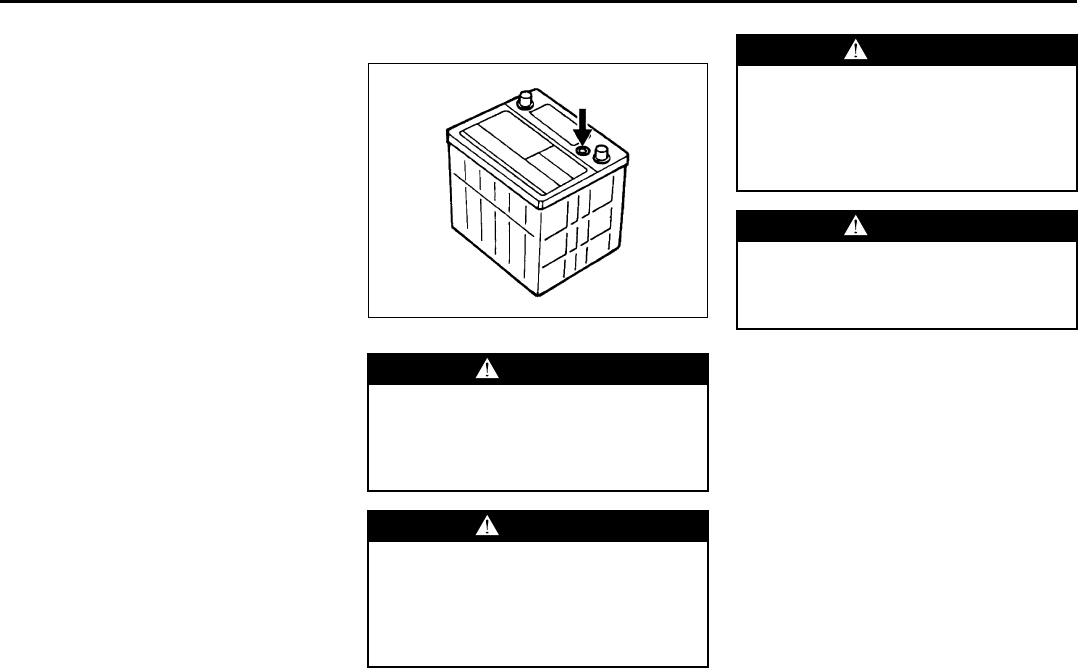
9-35
INSPECTION AND MAINTENANCE
66J22-03E
NOTE:
Use of replacement tires with a higher
load-carrying capacity than the original
tires, or using a tire inflation pressure
higher than the recommended tire inflation
pressure, will not increase the GVWR or
GAWR limit of your vehicle.
Battery
60A269
Your vehicle is equipped with a battery that
requires infrequent maintenance. You will
never have to add water. You should, how-
ever, periodically check the battery, battery
terminals and battery hold-down bracket
for corrosion. Remove corrosion using a
stiff brush and ammonia mixed with water,
or baking soda mixed with water. After
removing corrosion, rinse with clean water.
The test indicator on the top of the battery
provides information on the condition of
the battery.
If your vehicle is not going to be driven for
a month or longer, disconnect the cable
from the negative terminal of the battery to
help prevent discharge.
WARNING
Batteries produce flammable hydro-
gen gas. Keep flames and sparks
away from the battery or an explosion
may occur. Never smoke when work-
ing near the battery.
WARNING
When checking or servicing the bat-
tery, disconnect the negative cable.
Be careful not to cause a short circuit
by allowing metal objects to contact
the battery posts and the vehicle at
the same time.
EXAMPLE
WARNING
To avoid harm to yourself or damage
to your vehicle or battery, follow the
jump starting instructions in the
“EMERGENCY SERVICE” section of
this manual if it is necessary to jump
start your vehicle.
WARNING
Battery posts, terminals and related
accessories contain lead and lead
compounds. Wash hands after han-
dling.
Fuses: 7
Headlight Aiming:
Bulb Replacement: 7
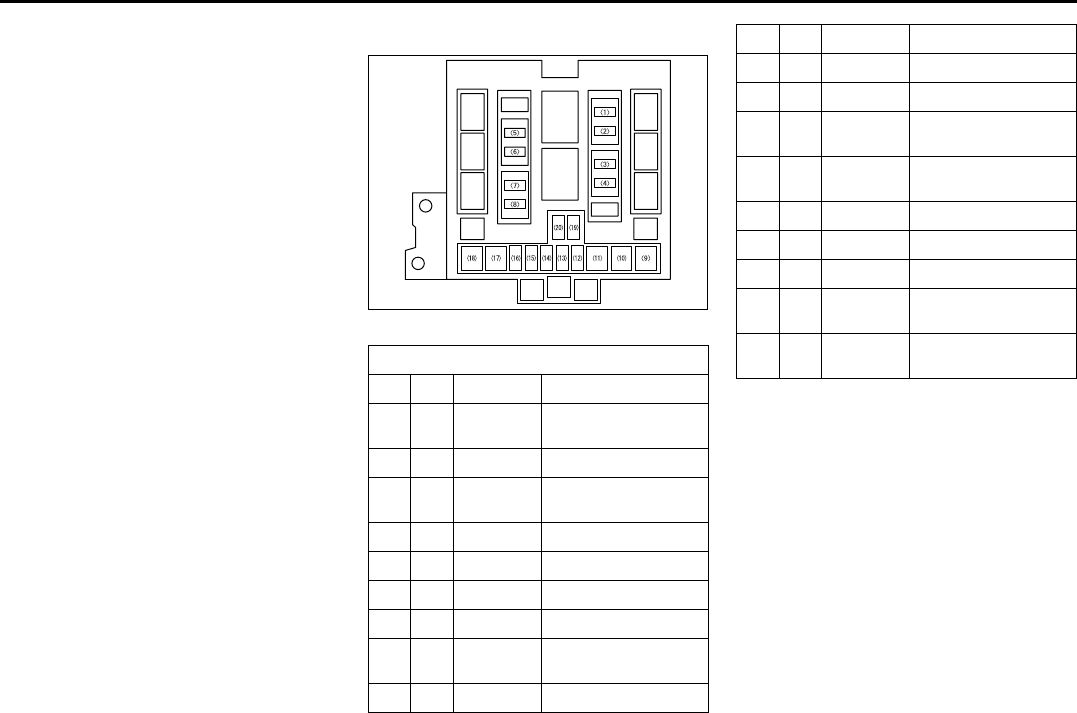
9-36
INSPECTION AND MAINTENANCE
66J22-03E
Fuses
Your vehicle has three types of fuses, as
described below:
Main Fuse – The main fuse takes current
directly from the battery.
Primary Fuses – These fuses are between
the main fuse and individual fuses, and are
for electrical load groups.
Individual Fuses – These fuses are for indi-
vidual electrical circuits.
For details on protected circuits, refer to
the “FUSES AND PROTECTED CIR-
CUITS” section in this manual.
Main Fuse Box
64J157
The main fuse, primary fuses and some of
the individual fuses are located in the
engine compartment. If the main fuse
blows, no electrical component will func-
tion. If a primary fuse blows, no electrical
component in the corresponding load
group will function. When replacing the
main fuse or a primary fuse, use a genuine
SUZUKI replacement.
Main Fuse / Primary Fuse
(1) 15A CPRSR A/C compressor fuse
(2) 20A O2 HTR O2 sensor heater
fuse
(3) 15A THR MOT Throttle motor fuse
(4) 20A AT Automatic transmis-
sion fuse
(5) 25A RR DEF Rear defogger fuse
(6) 15A HORN Horn fuse
(7) 20A FR FOG Front fog light fuse
(8) 20A MRR HTR Mirror heater fuse
(9) 40A FR BLW Front blower motor
fuse
(10) 30A ABS 2 ABS actuator fuse
(11) 50A ABS 1 ABS actuator fuse
(12) 20A FI Main fuse
(13) – – Blank
(14) 10A H/L L Head light high beam
fuse, left
(15) 10A H/L R Head light high beam
fuse, right
(16) 10A H/L Head light fuse
(17) 40A ST Starter motor fuse
(18) 40A IGN Ignition fuse
(19) 15A H/L LO L Head light low beam
fuse, left
(20) 15A H/L LO R Head light low beam
fuse, right
Bulb Replacement: 7
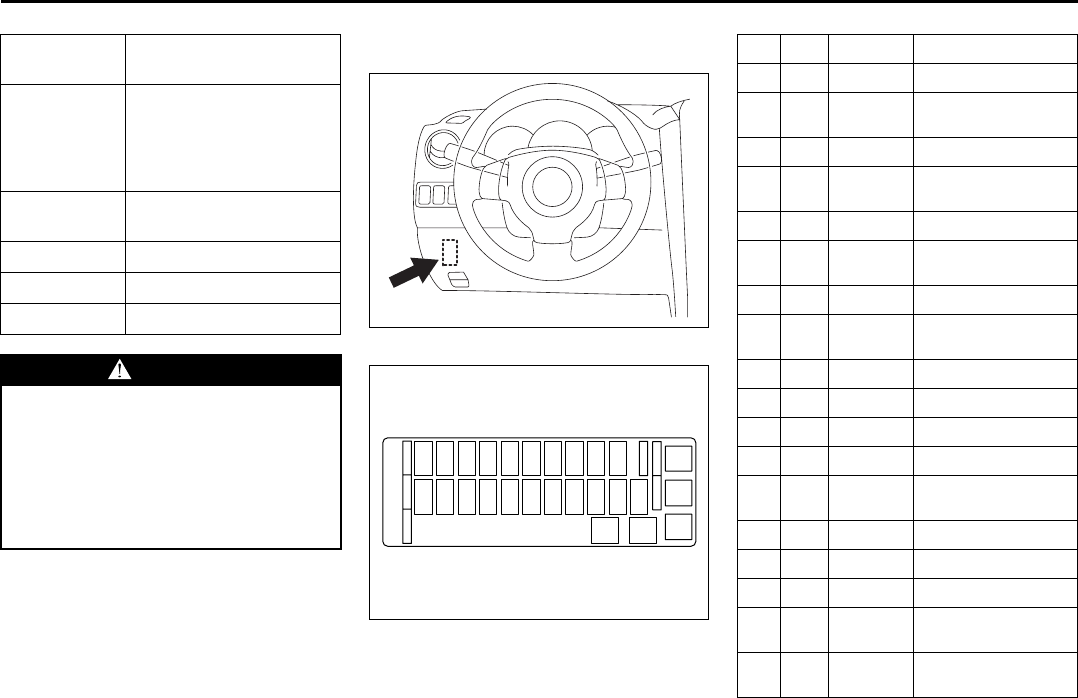
9-37
INSPECTION AND MAINTENANCE
66J22-03E
Fuse under the Dash Board
Fuse box
64J192
64J158
PRIMARY
FUSE INDIVIDUAL FUSE
60A LAMP Head light, Accessory,
Dome light, Sunroof,
Hazard light, Door lock,
Rear fog light, Stop
lamp, Tail light
50A IGN 2 Wiper/Washer, Power
window, Seat heater
40A 4WD 4WD actuator
30A RDTR 1 Radiator fan
30A RDTR 2 Radiator fan
WARNING
If a fuse in the main fuse box blows,
be sure to have your vehicle
inspected by an authorized SUZUKI
dealer. Always use a genuine SUZUKI
replacement. Never use a substitute
such as a wire even for a temporary
fix, or extensive electrical damage
and a fire can result.
SPARE
SPARE SPARE
SPARE
USE THE DESIGNATED
FUSES AND RELAYS ONLY
SPARE SPARE
(A)(B)(C)(D)(E)(F)(G)(H)(I)(J)
(L)(M)(N)(O)(P)(Q)(R)(S)(T)(U) (K)
(V)(W)
(A) 15A STOP Stop lamp fuse
(B) – – Blank
(C) 15A ACC 3 Accessory socket
fuse
(D) 10A CRUISE Cruise control fuse
(E) 15A ACC 2 Cigar or Accessory
socket fuse
(F) 20A WIP Wiper fuse
(G) 15A IG2 SIG Ignition signal & Seat
heater fuse
(H) 10A BACK Back lamp fuse
(I) 10A ABS/ESP ABS or ESP control-
ler fuse
(J) 15A A/B Air bag fuse
(K) – – Blank
(L) 15A HAZ Hazard light fuse
(M) 7.5A ST SIG Starter signal fuse
(N) 20A RR
BLOW Blank
(O) 25A S/R Sun roof motor fuse
(P) 15A DOME Dome lamp fuse
(Q) 10A TAIL Tail light fuse
(R) 20A D/L Door lock actuator
fuse
(S) 15A ACC Radio, Remote door
mirror fuse
Bulb Replacement: 7
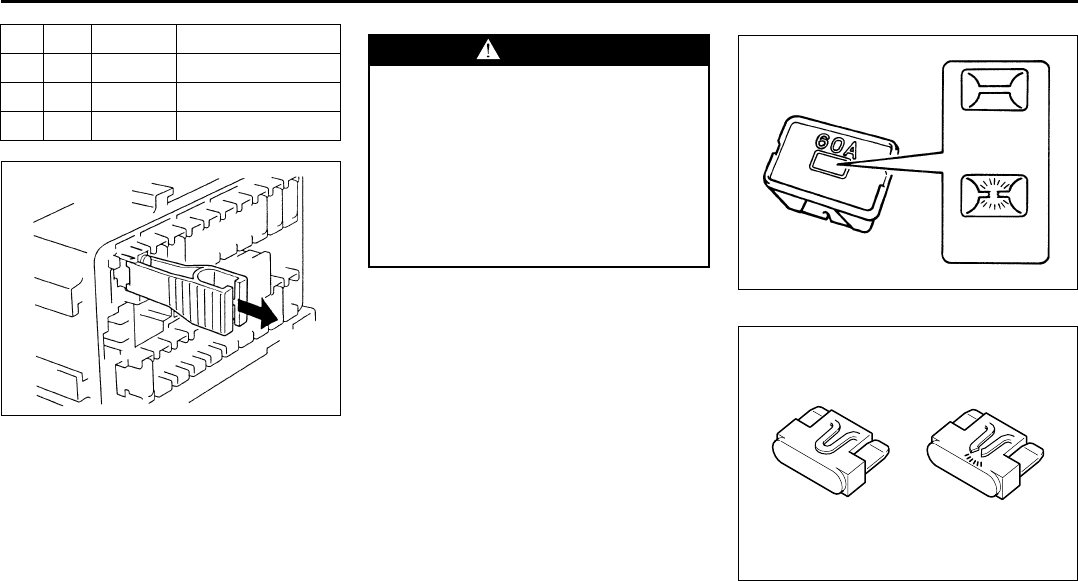
9-38
INSPECTION AND MAINTENANCE
66J22-03E
65D045
The fuse box is located under the driver’s
side of the dashboard. To remove a fuse,
use the fuse puller provided in the fuse
box.
NOTE:
Make sure that the fuse box cover always
carries spare fuses.
60A243
81A283
(T) 10A METER Meter fuse
(U) 20A IG COIL Ignition coil fuse
(V) 20A P/W T Power window fuse
(W) 30A P/W Power window fuse
WARNING
Always be sure to replace a blown
fuse with a fuse of the correct amper-
age. Never use a substitute such as
aluminum foil or wire to replace a
blown fuse. If you replace a fuse and
the new one blows in a short period
of time, you may have a major electri-
cal problem. Have your vehicle
inspected immediately by your
SUZUKI dealer.
BLOWN
OK
BLOWNOK
Bulb Replacement: 7
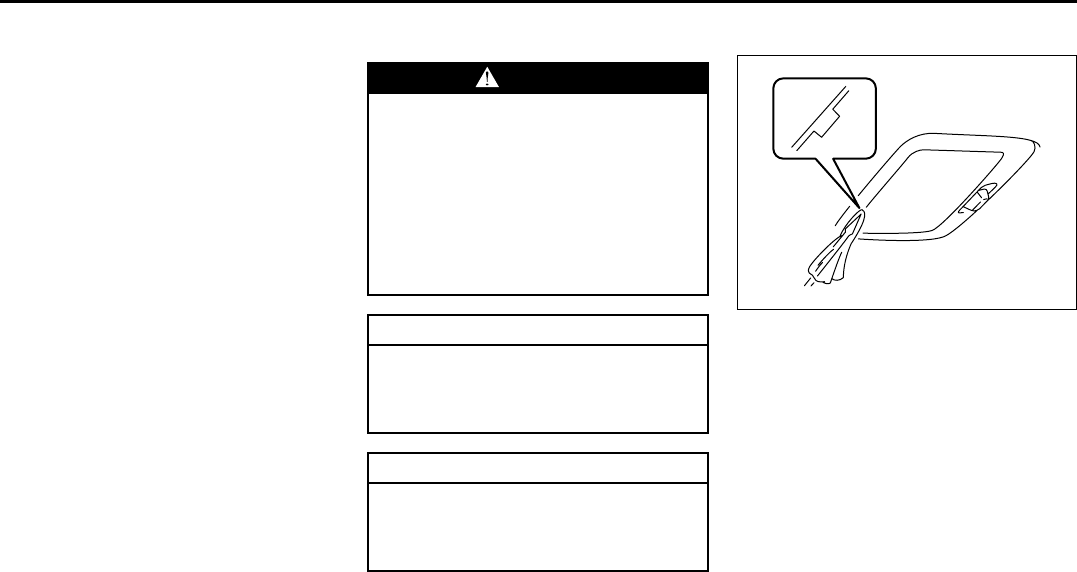
9-39
INSPECTION AND MAINTENANCE
66J22-03E
Headlight Aiming
Since special procedures are required, we
recommend you take your vehicle to your
SUZUKI dealer for headlight alignment.
Bulb Replacement
NOTE:
If it is difficult to replace headlight bulbs or
clearance light bulbs due to under-hood
components trust this job to your dealer.
Center Interior Light (if equipped)
64J159
Pull down the lens by using a plain screw
driver covered with a soft cloth as shown.
To install it, simply push it back in.
The bulb can be removed by simply pulling
it out. When replacing the bulb, make sure
that the contact springs are holding the
bulb securely.
WARNING
• Light bulbs can be hot enough to
burn your finger right after being
turned off. This is true especially
for halogen headlight bulbs.
Replace the bulbs after they
become cool enough.
• The headlight bulbs are filled with
pressurized halogen gas. They can
burst and injure you if they are hit
or dropped. Handle them carefully.
CAUTION
The oils from your skin may cause a
halogen bulb to overheat and burst
when the lights are on. Grasp a new
bulb with a clean cloth.
CAUTION
Frequent replacement of a bulb indi-
cates the need for an inspection of
the electrical system. This should be
carried out by your SUZUKI dealer.
Bulb Replacement: 7
Wiper Blades: 3
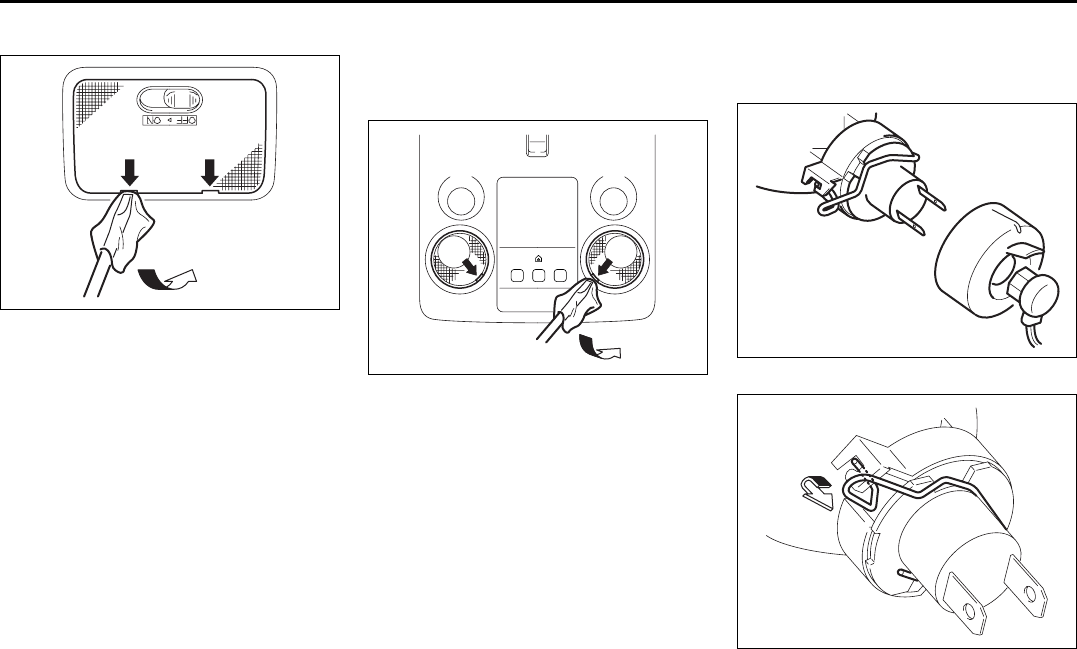
9-40
INSPECTION AND MAINTENANCE
66J22-03E
Rear Interior Light (if equipped)
64J160
Pull down the lens by using a plain screw
driver covered with a soft cloth as shown.
To install it, simply push it back in.
The bulb can be removed by simply pulling
it out.
Spot Light (if equipped)
Pull down the lens by using a plain screw
driver covered with a soft cloth as shown.
Ceiling-mount type (if equipped)
66J010
Remove the bulb holder by turning it coun-
terclockwise. Pull out the bulb.
Headlights
Low beam
(Halogen headlamp)
66J036
66J108
Wiper Blades: 3
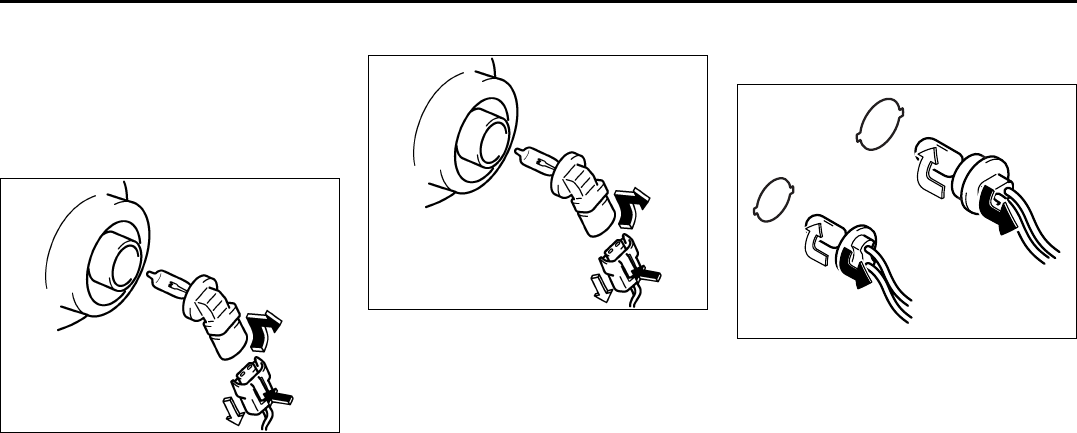
9-41
INSPECTION AND MAINTENANCE
66J22-03E
Open the engine hood. Disconnect the
coupler. Remove the sealing rubber.
Push the retaining spring forward and
unhook it. Then remove the bulb. Install a
new bulb in the reverse order of removal.
High beam
78F072
Open the engine hood. Disconnect the
coupler while pushing the lock release.
Turn the bulb holder counterclockwise to
remove it.
Front Fog Light
78F072
Open the engine hood. Disconnect the
coupler while pushing the lock release.
Turn the bulb holder counterclockwise to
remove it.
Other General Lights
Bulb holder
54G123
(1) Removal
(2) Installation
To remove a bulb holder from a light hous-
ing, turn the holder counterclockwise and
pull it out. To install the holder, push the
holder in and turn it clockwise.
(1)
(1)
(2)
(2)
EXAMPLE
Wiper Blades: 3
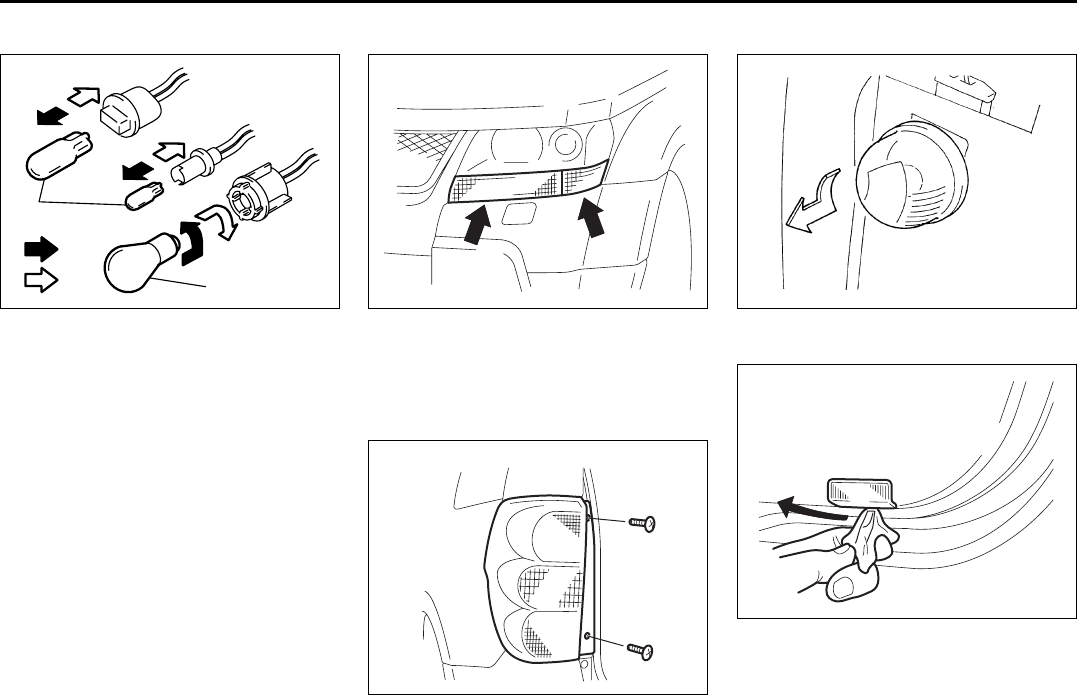
9-42
INSPECTION AND MAINTENANCE
66J22-03E
Bulb
54G124
(3) Removal
(4) Installation
There are two types of bulb, “Full glass
type” (1) and “Glass/metal type” (2).
To remove and install a full glass type bulb
(1), simply pull out or push in the bulb.
To remove a glass metal type bulb (2) from
a bulb holder, push in the bulb and turn it
counterclockwise. To install a new bulb,
push it in and turn it clockwise.
You can access the individual bulb or bulb
holders as follows.
Parking/Turn signal light
64J163
Trust this replacement job to your dealer as
the front grille and the headlight housing
must be removed for this job.
Rear combination light
64J164
License plate light
75F087
Door illumination light
64J165
(1)
(2)
(3)
(4)
EXAMPLE
EXAMPLE
Wiper Blades: 3
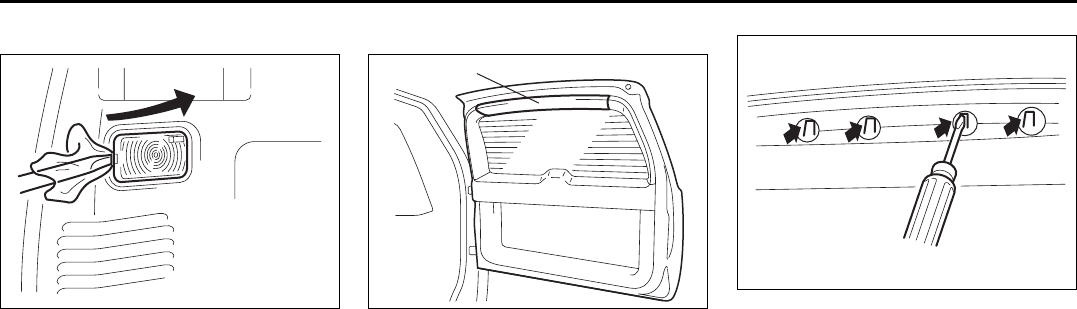
9-43
INSPECTION AND MAINTENANCE
66J22-03E
Luggage compartment light
64J166
High-mount stop light (if equipped)
64J181
To remove a high-mounted stop light hous-
ing the following procedure:
1) Open the tailgate, and remove the trim
(1) as shown in the illustration.
64J182
2) Release the claws of the light housing
by the flat head etc. through the service
holes as shown in the illustration.
(1)
Air Conditioning System: 4
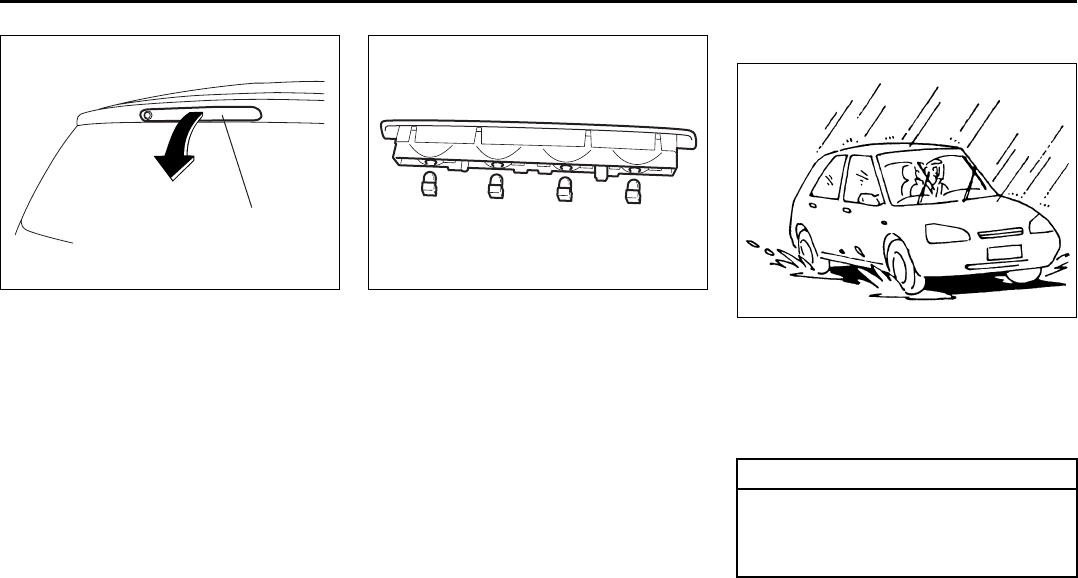
9-44
INSPECTION AND MAINTENANCE
66J22-03E
64J183
3) Close the tailgate. Remove a high-
mounted stop light housing (2) from the
tailgate.
64J184
4) Remove the each bulb.
5) Replace the bulbs.
To install a high-mounted stop light
housing in the reverse order of removal.
Wiper Blades
54G129
If the wiper blades become brittle or dam-
aged, or make streaks when wiping,
replace the wiper blades.
To install new wiper blades, follow the pro-
cedures below.
NOTE:
Some wiper blades may be different from
the ones described here depending on
vehicle specifications. If so, consult your
SUZUKI dealer for proper replacement
method.
(2)
CAUTION
To avoid scratching or breaking the
window, do not let the wiper arm
strike the window while replacing the
wiper blade.
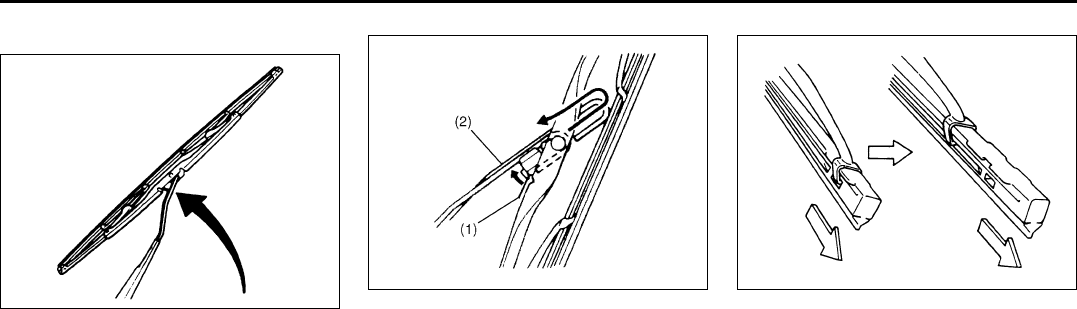
9-45
INSPECTION AND MAINTENANCE
66J22-03E
For windshield wipers:
70G119
1) Hold the wiper arm away from the win-
dow.
52D102
2) Squeeze lock lever (1) towards wiper
arm (2) and remove the wiper frame
from the arm as shown.
60A260
3) Pull the locked end of the wiper blade
firmly to unlock the blade and slide the
blade out as shown.
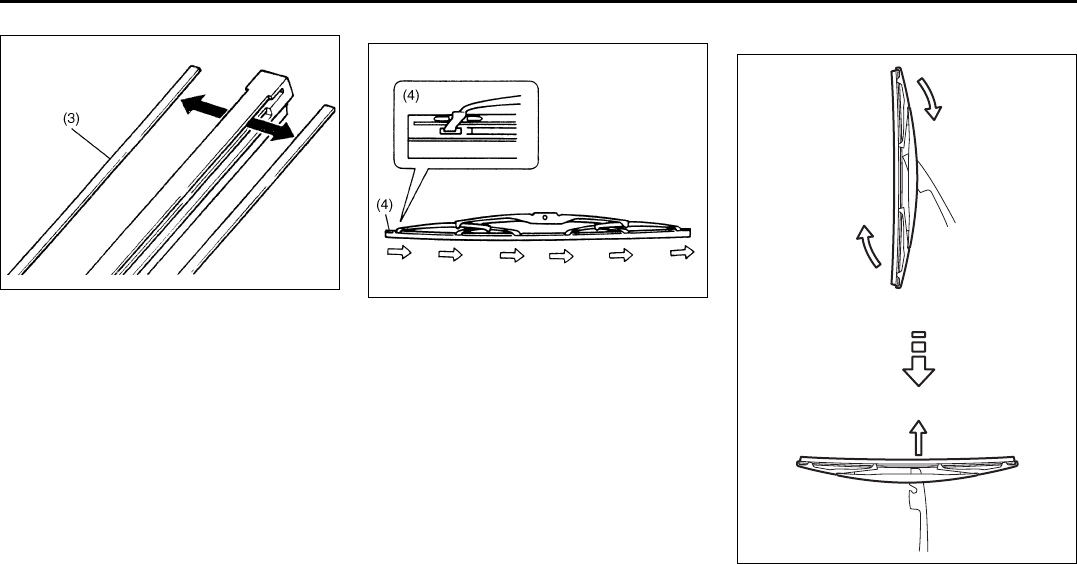
9-46
INSPECTION AND MAINTENANCE
66J22-03E
52D124
(3) Retainer
4) If the new blade is provided without the
two metal retainers, move them from
the old blade to the new one.
Installation
52D125
(4) Locked end
5) Install the new blade in the reverse
order of removal, with the locked end
positioned toward the wiper arm. Make
sure the blade is properly retained by
all the hooks. Grasp the blade near the
locked end and pull in the direction of
the arrows to lock the end into place.
6) Reinstall wiper frame to arm, making
sure that the lock lever is snapped
securely into the arm.
For rear wipers:
80G146
1) Hold the wiper arm away from the win-
dow.
2) Remove the wiper frame from the arm
as shown.
3) Slide the blade out as shown.
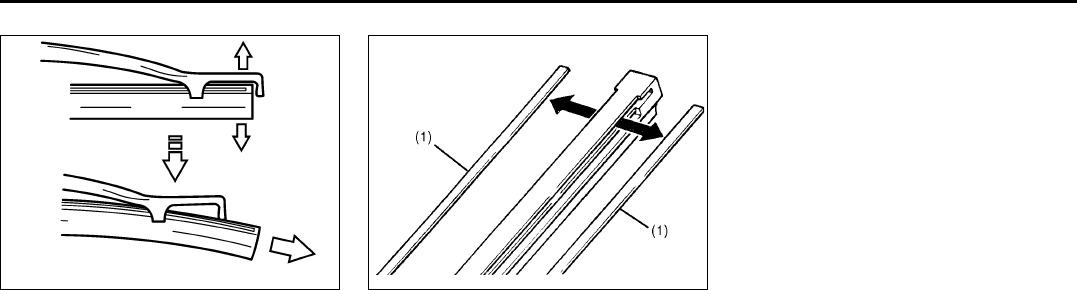
9-47
INSPECTION AND MAINTENANCE
66J22-03E
65D151
NOTE:
Do not flex the wiper blade frame end
more than necessary. If you do, it can
break off.
54G135
(1) Retainer
4) If the new blade is provided without the
two metal retainers, move them from
the old blade to the new one.
5) Install the new blade in the reverse
order of removal.
Make sure the blade is properly
retained by all the hooks.
6) Reinstall wiper frame to arm in the
reverse order of removal.
Air Conditioning System
If you do not use the air conditioner for a
long period, such as during winter, it may
not give the best performance when you
start using it again. To help maintain opti-
mum performance and durability of your air
conditioner, it needs to be run periodically.
Operate the air conditioner at least once a
month for one minute with the engine
idling. This circulates the refrigerant and oil
and helps protect the internal components.
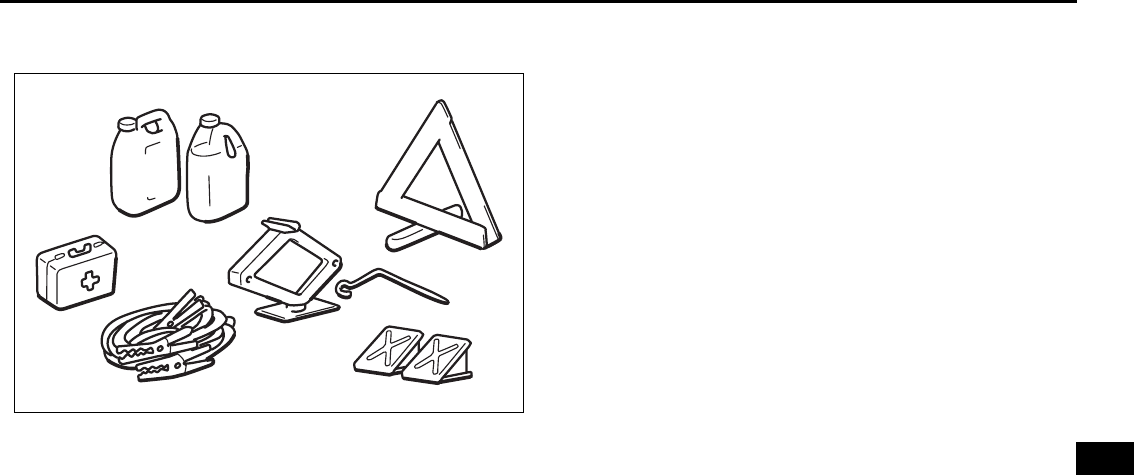
EMERGENCY SERVICE
10
66J22-03E
60G411
EMERGENCY SERVICE
Jacking Instructions ........................................................... 10-1
Jump Starting Instructions ................................................ 10-3
Towing a Disabled Vehicle ................................................. 10-4
If the Starter Does Not Operate .......................................... 10-4
If the Engine is Flooded ...................................................... 10-5
If the Engine Overheats ...................................................... 10-5
If You Can Not Shift Automatic Transmission Gearshift
Lever Out of “P” (PARK) .................................................... 10-6
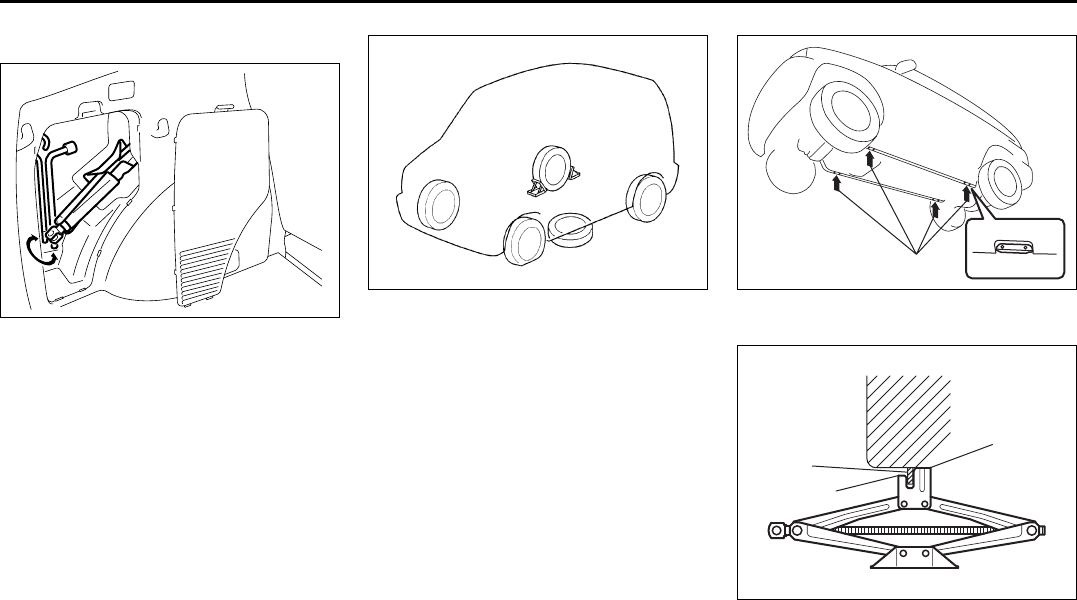
10-1
EMERGENCY SERVICE
66J22-03E
Jacking Instructions
64J124
75F062
1) Place the vehicle on level, hard ground.
2) Set the parking brake firmly and shift
into “P” (Park) if your vehicle has an
automatic transmission, or shift into “R”
(Reverse) if your vehicle has a manual
transmission.
3) Turn on the hazard warning flasher if
your vehicle is near traffic.
4) Block the front and rear of the wheel
diagonally opposite of the wheel being
lifted.
5) Place the spare wheel near the wheel
being lifted as shown in the illustration
in case that the jack slips.
64J194
(1) Jacking point
64J250
(2) Upper flat surface
(3) Lower flat surface
(4) flange of the body
(1)
(2)
(3)
(4)
Jacking Instructions: 5
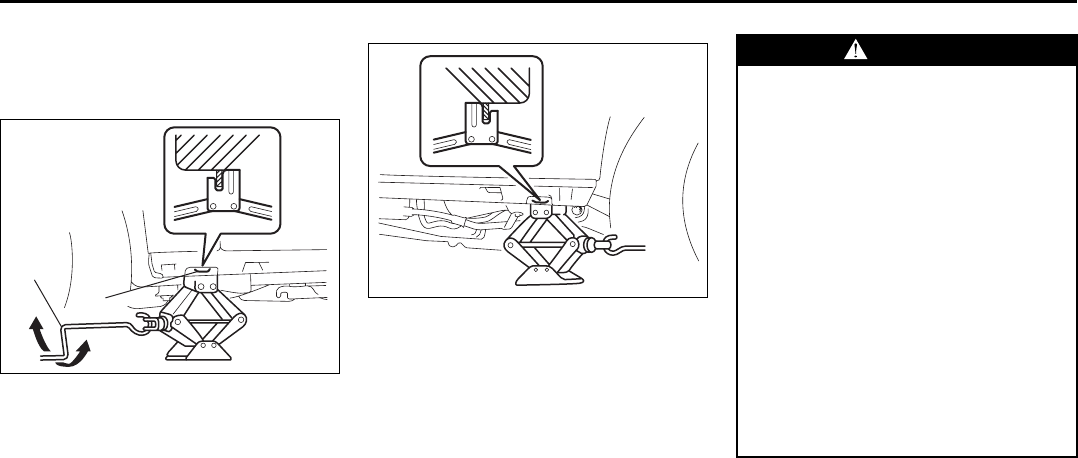
10-2
EMERGENCY SERVICE
66J22-03E
6) Position the upper flat surface (2) of the
jack at the inside of the underbody
flange as shown in the illustration.
Front
64J251
(5) Designated jacking point
(6) Jack handle
(7) Raise
(8) Lower
Rear
64J252
7) Position the jack vertically and raise the
jack by turning the jack handle clock-
wise until the jack head recess fits
around the flange at the designated
jacking point as shown in the illustra-
tion.
8) Continue to raise the jack slowly and
smoothly until the tire clears the
ground. Do not raise the vehicle more
than necessary.
(5)
(8)
(7)
(6)
WARNING
• Use the jack only to change wheels
on level, hard ground.
• Never jack up the vehicle on an
inclined surface.
• Never raise the vehicle with the
jack in a location other than the
designated jacking point near the
wheel to be changed.
• Make sure that the jack is raised at
least 51 mm (2 inches) before it
contacts the flange. Use of the jack
when it is within 51 mm (2 inches)
of being fully collapsed may result
in failure of the jack.
• Never get under the vehicle when it
is supported by the jack.
• Never run the engine when the
vehicle is supported by the jack
and never allow passengers to
remain in the vehicle.
Jacking Instructions: 5
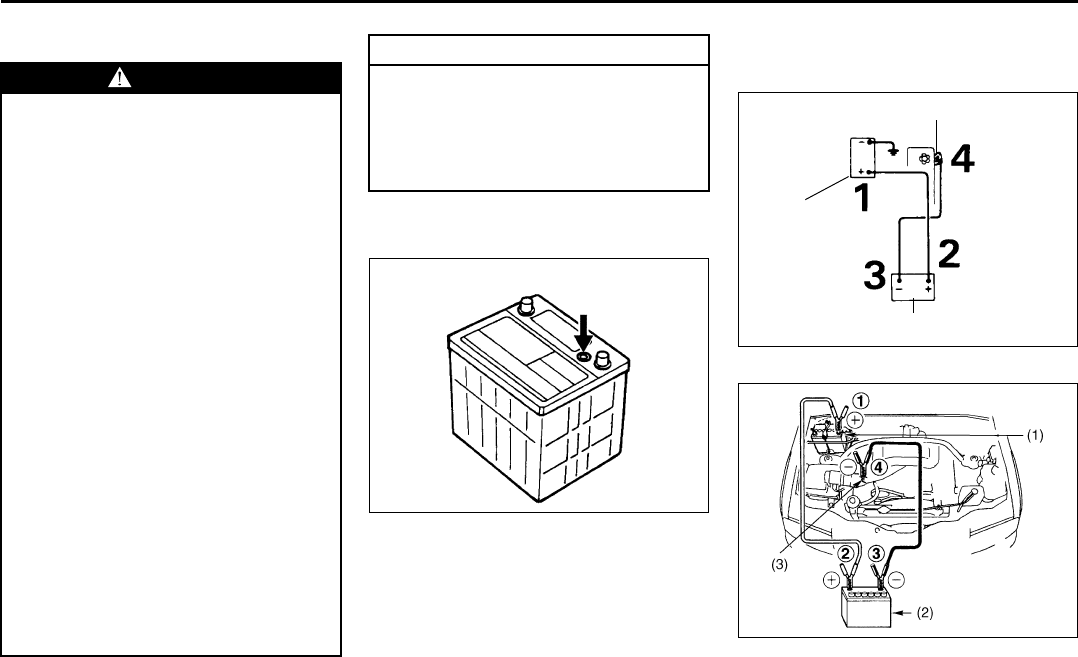
10-3
EMERGENCY SERVICE
66J22-03E
Jump Starting Instructions
When jump starting your vehicle, use
the following procedure:
60A269
1) Use only a 12 volt battery to jump start
your vehicle. Position the good 12V bat-
tery close to your vehicle so that the
jumper cables will reach both batteries.
When using a battery installed on
another vehicle, DO NOT LET THE
VEHICLES TOUCH. Set the parking
brakes fully on both vehicles.
2) Turn off all vehicle accessories, except
those necessary for safety reasons (for
example, headlights or hazard lights).
60A270
52D129
3) Make jumper cable connections as fol-
lows:
WARNING
• Never attempt to jump start your
vehicle if the battery appears to be
frozen. Batteries in this condition
may explode or rupture if jump
starting is attempted.
• When making jumper cable con-
nections, be certain that your
hands and the jumper cables
remain clear from pulleys, belts or
fans.
• Batteries produce flammable
hydrogen gas. Keep flames and
sparks away from the battery or an
explosion may occur. Never smoke
when working near the battery.
• If the booster battery you use for
jump starting is installed in another
vehicle, make sure the two vehicles
are not touching each other.
• If your battery discharges repeat-
edly, for no apparent reason, have
your vehicle inspected by an autho-
rized SUZUKI dealer.
• To avoid harm to yourself or dam-
age to your vehicle or battery, fol-
low the jump starting instructions
below precisely and in order. If you
are in doubt, call for qualified road
service.
CAUTION
Your vehicle should not be started by
pushing or towing. This starting
method could result in permanent
damage to the catalytic converter.
Use jumper cables to start a vehicle
with a weak or run-down battery.
12V BATTERY
EXAMPLE Engine Hook
Charged Battery
Discharged
Battery
EXAMPLE
Jump Starting Instructions: 7
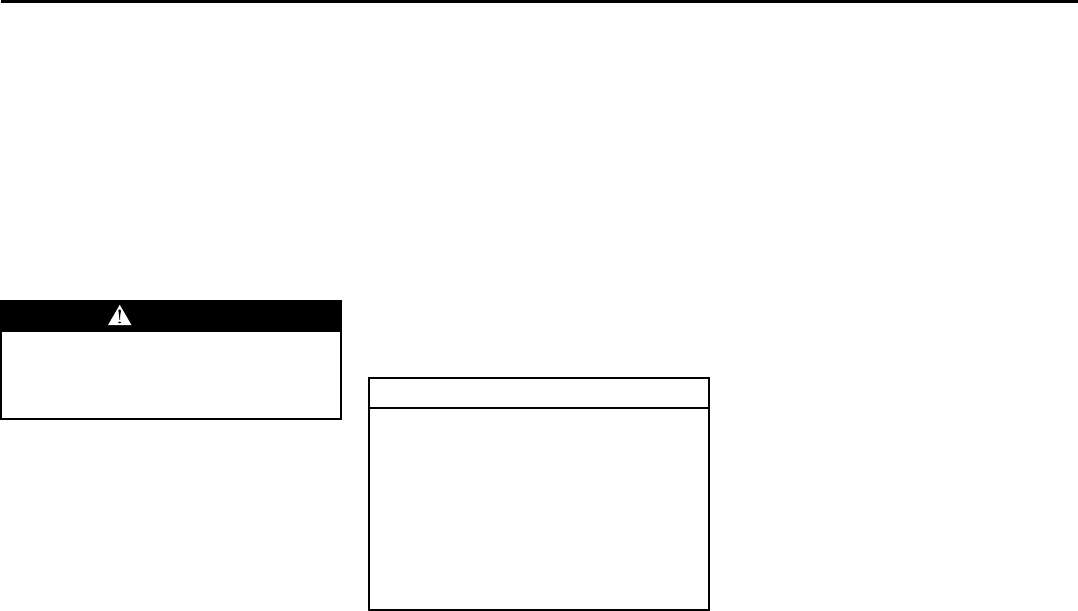
10-4
EMERGENCY SERVICE
66J22-03E
1. Connect one end of the first jumper
cable to the positive (+) terminal of
the discharged battery (1).
2. Connect the other end to the positive
(+) terminal of the booster battery
(2).
3. Connect one end of the second
jumper cable to the negative (–) ter-
minal of the booster battery (2).
4. Make the final connection to an
unpainted, heavy metal part (i.e.
engine hook (3)) of the engine of the
vehicle with the discharged battery
(1).
4) If the booster battery you are using is
installed on another vehicle, start the
engine of the vehicle with the booster
battery. Run the engine at moderate
speed.
5) Start the engine of the vehicle with the
discharged battery.
6) Remove the jumper cables in the exact
reverse order in which you connected
them.
Towing a Disabled Vehicle
Emergency Towing
If your vehicle is disabled, it may be towed
by a tow truck using one of the following
methods:
1) Tow the vehicle with two wheels lifted
by the tow truck and the other two
wheels on a towing dolly.
2) Use the appropriate towing method
specified for your vehicle in the “Towing
Your Vehicle (recreational towing)” sec-
tion, but with the wheels lifted by the
tow truck instead of on a towing dolly.
Be sure to carefully follow the specific
instructions provided in the “Towing
Your Vehicle (recreational towing)” sec-
tion.
If the Starter Does Not
Operate
1) Try turning the ignition switch to the
“START” position with the headlights
turned on to determine the battery con-
dition. If the headlights go excessively
dim or go off, it usually means that
either the battery has run down or bat-
tery terminal contact is poor. Recharge
the battery or correct battery terminal
contact if necessary.
2) If the headlights remain bright, check
the fuses. If the reason for failure of the
starter is not obvious, there may be a
major electrical problem. Have the vehi-
cle inspected by your authorized
SUZUKI dealer.
WARNING
Never connect the jumper cable
directly to the negative (–) terminal of
the discharged battery, or an explo-
sion may occur. CAUTION
If vehicle damage (such as steering
or drivetrain damage, inability to
operate free axle mechanism, etc.)
prevent normal use of the towing pro-
cedures for your vehicle described in
the “Towing Your Vehicle (recre-
ational towing)” section, have your
vehicle towed with two wheels lifted
by the tow truck and the other two
wheels on a towing dolly.
Jump Starting Instructions: 7
Towing a Disabled Vehicle: 6
If the Starter Does Not Operate: 2, 9
10-5
EMERGENCY SERVICE
66J22-03E
If the Engine is Flooded
If the engine is flooded with gasoline, it
may be hard to start. If this happens, press
the accelerator pedal all the way to the
floor and hold it there while cranking the
engine. (Do not operate the starter motor
for more than 15 seconds).
If the Engine Overheats
The engine could overheat temporarily
under severe driving conditions. If the
engine coolant temperature gauge indi-
cates overheating during driving:
1) Turn off the air conditioner, if equipped.
2) Take the vehicle to a safe place and
park.
3) Let the engine run at normal idle speed
for a few minutes until the indicator is
within the normal, acceptable tempera-
ture range shown by the white band
between “H” and “C”.
If the temperature indication does not
come down to within the normal, accept-
able range:
1) Turn off the engine and check that the
water pump belt and pulleys are not
damaged or slipping. If any abnormality
is found, correct it.
2) Check the coolant level in the reservoir.
If it is found to be lower than the “LOW”
line, look for leaks at the radiator, water
pump and radiator and heater hoses. If
you locate any leaks that may have
caused the overheating, do not run the
engine until these problems have been
corrected.
3) If you do not find a leak, carefully add
coolant to the reservoir and then the
radiator, if necessary. (Refer to “Engine
Coolant” in the “INSPECTION AND
MAINTENANCE” section.)
WARNING
If you see or hear escaping steam,
stop the vehicle in a safe place and
immediately turn off the engine to let
it cool. Do not open the hood when
steam is present. When the steam
can no longer be seen or heard, open
the hood to see if the coolant is still
boiling. If it is, you must wait until it
stops boiling before you proceed.
Also, be careful not to touch hot
engine parts (radiator, water hoses,
engine etc.).
If the Engine is Flooded: 2, 9
If the Engine Overheats: 2, 9
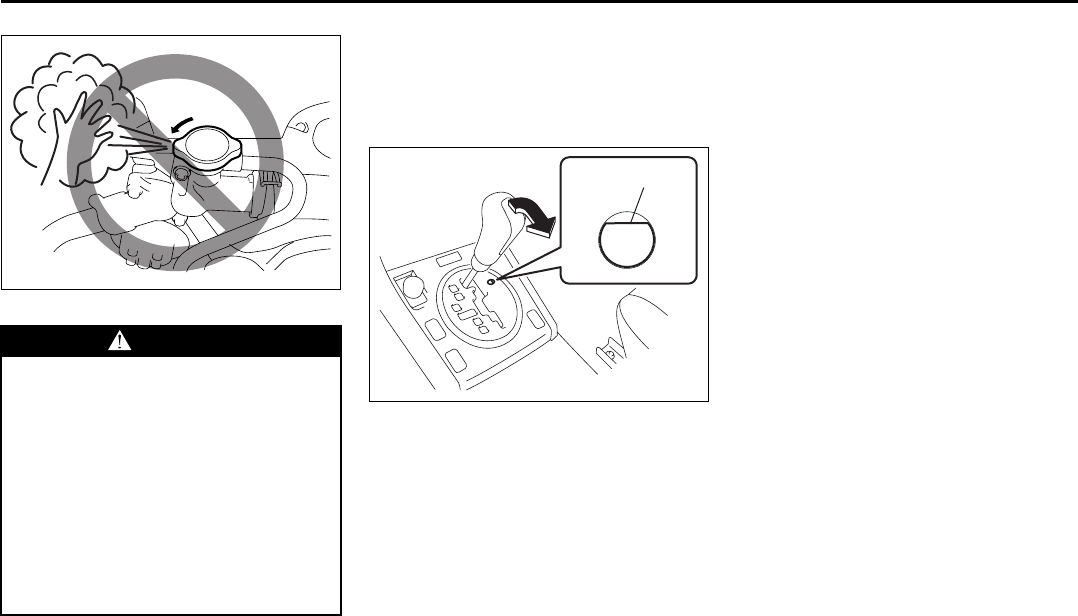
10-6
EMERGENCY SERVICE
66J22-03E
66J191
If You Can Not Shift
Automatic Transmission
Gearshift Lever Out of “P”
(PARK)
64J216
Vehicles with an automatic transmission
have an electrically operated park-lock fea-
ture. If the vehicle’s battery is discharged,
or there is some other electrical failure, the
automatic transmission cannot be shifted
out of Park in the normal way. Jump start-
ing may correct the condition. If not, follow
the procedure described below. This pro-
cedure will permit shifting the transmission
out of Park.
1) Be sure the parking brake is firmly
applied.
2) If the engine is running, stop the
engine.
3) Make sure the key is in the “ON” or
“ACC” position.
4) Remove the cover (1) on the hole.
5) With inserting the key or the flat end rod
into the slot in the hole, shift the gear-
shift lever to the desired position.
This procedure is for emergency use only.
If repeated use of this procedure is neces-
sary, or the procedure does not work as
described, take the vehicle to your dealer
for repair.
WARNING
• It is hazardous to remove the radia-
tor cap when the water temperature
is high, because scalding fluid and
steam may be blown out under
pressure. The cap should only be
taken off when the coolant temper-
ature has lowered.
• To prevent personal injury, keep
hands, tools and clothing away
from the engine cooling fan and air-
conditioner fan (if equipped). These
electric fans can automatically turn
on without warning.
(1)
If the Engine Overheats: 2, 9
If You Can Not Shift Automatic Transmission Gearshift
Lever Out of “P” (PARK): 2, 9
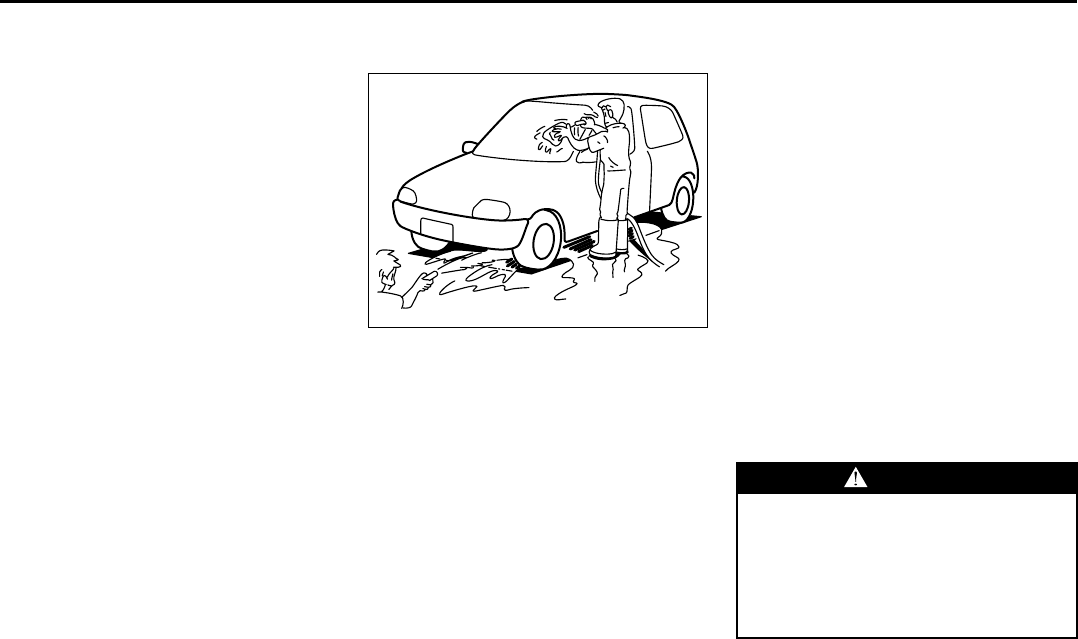
11-1
APPEARANCE CARE
66J22-03E
Corrosion Prevention
It is important to take good care of your
vehicle to protect it from corrosion.
Listed below are instructions for how to
maintain your vehicle to prevent corrosion.
Please read and follow these instructions
carefully.
Important Information About Corro-
sion
Common causes of corrosion
1) Accumulation of road salt, dirt, moisture
or chemicals in hard to reach areas of
the vehicle underbody or frame.
2) Chipping, scratches and any damage to
treated or painted metal surfaces
resulting from minor accidents or
impact from stones and gravel.
Environmental conditions which accel-
erate corrosion
1) Road salt, dust control chemicals, sea
air or industrial pollution will all acceler-
ate the corrosion of metal.
2) High humidity will increase the rate of
corrosion particularly when the temper-
ature range is just above the freezing
point.
3) Moisture in certain areas of a vehicle
for an extended period of time may pro-
mote corrosion even though other body
sections may be completely dry.
4) High temperatures will cause an accel-
erated rate of corrosion to parts of the
vehicle which are not well ventilated to
permit quick drying.
52D151
This information illustrates the necessity of
keeping your vehicle (particularly the
underbody) as clean and dry as possible. It
is equally important to repair any damage
to the paint or protective coatings as soon
as possible.
How to Help Prevent Corrosion
Wash your vehicle frequently
The best way to preserve the finish on your
vehicle and to help avoid corrosion is to
keep it clean with frequent washing.
Wash your vehicle at least once during the
winter and once immediately after the win-
ter. Keep your vehicle, particularly the
underside, as clean and dry as possible.
If you frequently drive on salted roads, your
vehicle should be washed at least once a
month during the winter. If you live near the
ocean, your vehicle should be washed at
least once a month throughout the year.
Wash your vehicle immediately after using
it off-road. For washing instructions, refer
to the “Vehicle Cleaning” section.
Remove foreign material deposits
Foreign material such as salts, chemicals,
road oil or tar, tree sap, bird droppings and
industrial fall-out may damage the finish of
your vehicle if it is left on painted surfaces.
Remove these types of deposits as quickly
as possible. If these deposits are difficult to
wash off, an additional cleaner may be
required. Be sure that any cleaner you use
is not harmful to painted surfaces and is
specifically intended for your purposes.
Follow the manufacturer’s directions when
using these special cleaners.
WARNING
Foreign material can lodge between
the fuel tank of your vehicle and the
skid plate which covers it. You should
periodically clean out any foreign
material which has accumulated in
this area, since it could create a fire
hazard.
Corrosion Prevention: 5
11-2
APPEARANCE CARE
66J22-03E
Repair finish damage
Carefully examine your vehicle for damage
to the painted surfaces, especially if it is
used off-road. Should you find any chips or
scratches in the paint, touch them up
immediately to prevent corrosion from
starting. If the chips or scratches have
gone through to the bare metal, have a
qualified body shop make the repair.
Keep passenger and cargo compart-
ments clean
Moisture, dirt or mud can accumulate
under the floor mats and may cause corro-
sion. Occasionally, check under these
mats to ensure that this area is clean and
dry. More frequent checks are necessary if
the vehicle is used off road or in wet
weather.
Certain cargo such as chemicals, fertiliz-
ers, cleaners, salts, etc. are extremely cor-
rosive by nature. These products should
be transported in sealed containers. If a
spill or leak does occur, clean and dry the
area immediately.
Use mud and gravel shields
The use of mud and gravel shields will help
protect your vehicle, especially if you fre-
quently drive on gravel or salted roads.
Full-size shields, which extend as close to
the road as is practical, are the best. The
fittings for such shields should also be cor-
rosion resistant. Please check with your
authorized SUZUKI dealer for information
on these shields.
Store your vehicle in a dry, well-venti-
lated area
Do not park your vehicle in a damp, poorly
ventilated area. If you often wash your
vehicle in the garage or if you frequently
drive it in when wet, your garage may be
damp. The high humidity in the garage
may cause or accelerate corrosion. A wet
vehicle may corrode even in a heated
garage if the ventilation is poor.
Cover your vehicle
50G203
If you can not regularly park your vehicle in
a garage, we recommend you use a vehi-
cle cover. Years of exposure to midday sun
can cause the colors in paint, plastic parts
and fabrics to fade. Covering your vehicle
with a high-quality, “breathable” vehicle
cover can help protect the finish from the
harmful UV rays in sunlight, and can
reduce the amount of dust and air pollution
reaching the surface. Your SUZUKI dealer
can help you select the right cover for your
vehicle.
WARNING
Do not apply additional undercoating
or rust preventive coating on or
around exhaust system components
such as the catalytic converter,
exhaust pipes, etc. A fire could be
started if the undercoating substance
becomes overheated.
Corrosion Prevention: 5
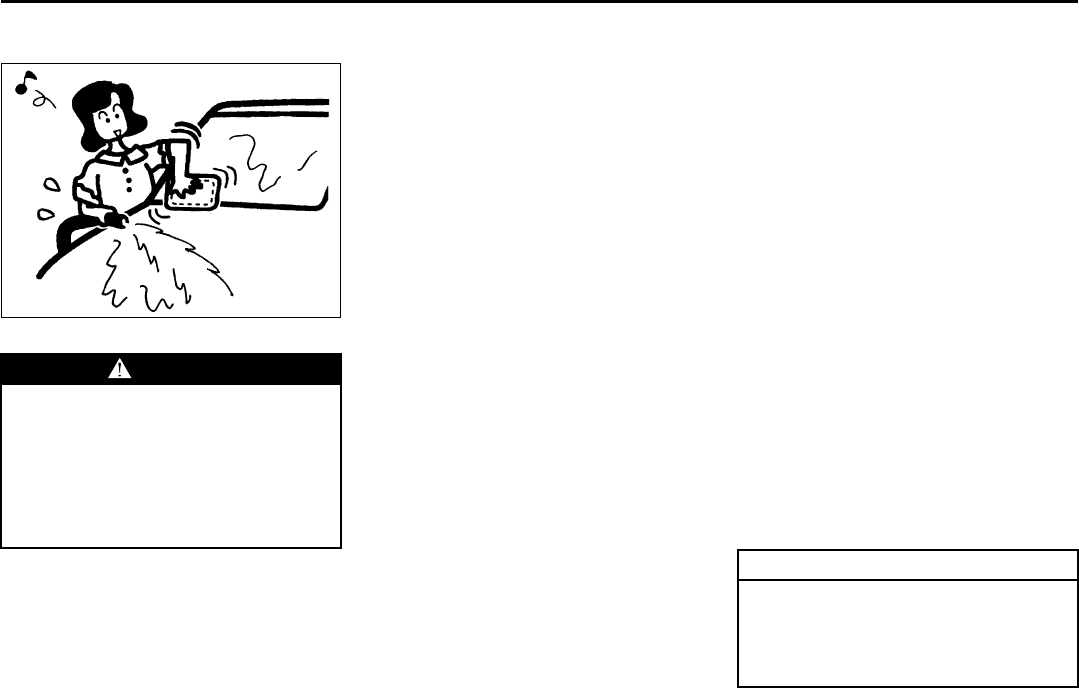
11-3
APPEARANCE CARE
66J22-03E
Vehicle Cleaning
76G044S
Cleaning Interior
Vinyl upholstery
Prepare a solution of soap or mild deter-
gent mixed with warm water. Apply the
solution to the vinyl with a sponge or soft
cloth and let it soak for a few minutes to
loosen dirt. Rub the surface with a clean,
damp cloth to remove dirt and the soap
solution. If some dirt still remains on the
surface, repeat this procedure.
Fabric upholstery
Remove loose dirt with a vacuum cleaner.
Using a mild soap solution, rub stained
areas with a clean damp cloth. To remove
soap, rub the areas again with a cloth
dampened with water. Repeat this until the
stain is removed, or use a commercial fab-
ric cleaner for tougher stains. If you use a
fabric cleaner, carefully follow the manu-
facturer’s instructions and precautions.
Leather upholstery
Remove loose dirt with a vacuum cleaner.
Using a mild soap or saddle soap solution,
wipe dirt off with a clean damp soft cloth.
To remove soap, wipe the areas again with
a soft cloth dampened with water. Wipe the
areas dry with a soft dry cloth. Repeat this
until the dirt or stain is removed, or use a
commercial leather cleaner for tougher dirt
or stains. If you use a leather cleaner, care-
fully follow the manufacture’s instructions
and precautions. Do not use solvent type
cleaners or abrasive cleaners.
Seat belts
Clean seat belts with a mild soap and
water. Do not use bleach or dye on the
belts. They may weaken the fabric in the
belts.
Vinyl floor mats
Ordinary dirt can be removed from vinyl
with water or mild soap. Use a brush to
help loosen dirt. After dirt is loosened,
rinse the mat thoroughly with water and
dry it in the shade.
Carpets
Remove dirt and soil as much as possible
with a vacuum cleaner. Using a mild soap
solution, rub stained areas with a clean
damp cloth. To remove soap, rub the areas
again with a cloth dampened with water.
Repeat this until the stain is removed, or
use a commercial carpet cleaner for
tougher stains. If you use a carpet cleaner,
carefully follow the manufacturer’s instruc-
tions and precautions.
Instrument panel and console
NOTE:
Wipe up spills containing chemicals, alco-
hol, etc., immediately with a soft, damp
cloth. Use a mild soap solution if neces-
sary. Do not use cleaners or polishes con-
taining strong solvents or acidic solutions.
These chemicals may stain and discolor
the instrument panel and console.
Cleaning the Exterior
WARNING
When cleaning the interior or exterior
of the vehicle, NEVER USE flammable
solvents such lacquer thinners, gas-
oline, benzene or cleaning materials
such as bleaches and strong house-
hold detergents. The materials could
cause personal injury or damage to
the vehicle.
CAUTION
It is important that your vehicle be
kept clean and free from dirt. Failure
to keep your vehicle clean may result
in fading of the paint or corrosion to
various parts of the vehicle body.
Vehicle Cleaning: 5
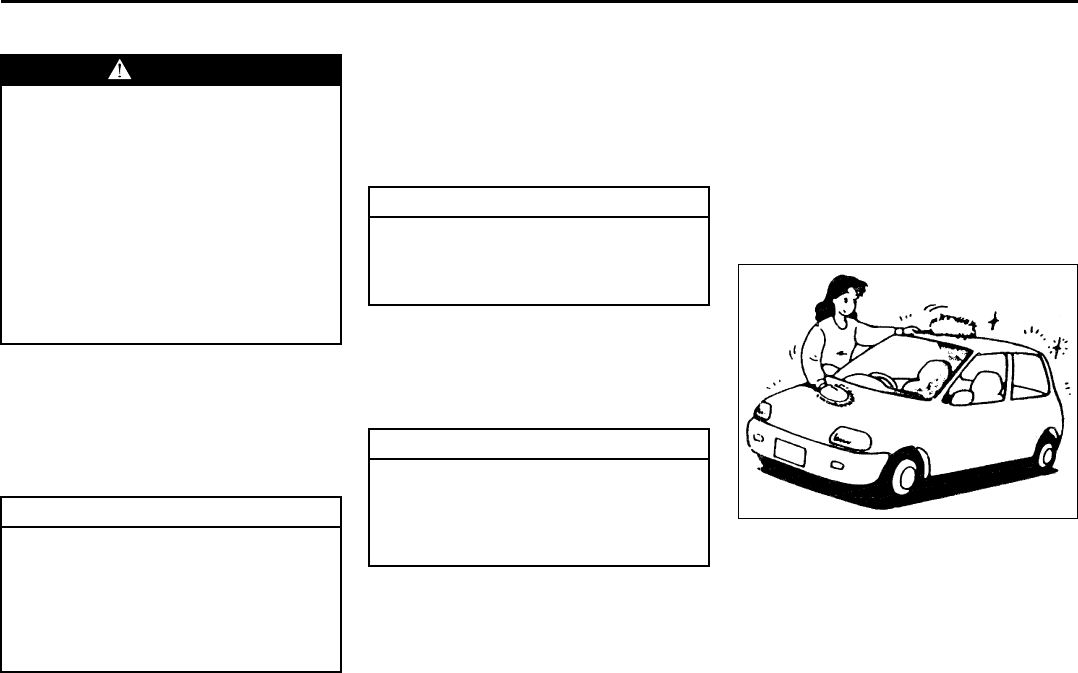
11-4
APPEARANCE CARE
66J22-03E
Washing
When washing the vehicle, follow the
instructions below:
1) Flush the underside of body and wheel
housings with pressurized water to
remove mud and debris. Use plenty of
water.
2) Rinse the body to loosen the dirt.
Remove dirt and mud from the body
exterior with running water. You may
use a soft sponge or brush. Do not use
hard materials which can scratch the
paint or plastic. Remember that the
headlight covers or lenses are made of
plastic in many cases.
3) Wash the entire exterior with a mild
detergent or car wash soap using a
sponge or soft cloth. The sponge or
cloth should be frequently soaked in the
soap solution.
4) Once the dirt has been completely
removed, rinse off the detergent with
running water.
5) After rinsing, wipe off the vehicle body
with a wet chamois or cloth and allow it
to dry in the shade.
6) Check carefully for damage to painted
surfaces. If there is any damage,
“touch-up” the damage following the
procedure below:
1. Clean all damaged spots and allow
them to dry.
2. Stir the paint and “touch-up” the
damaged spots lightly using a small
brush.
3. Allow the paint to dry completely.
Waxing
60B211S
After washing the vehicle, waxing and pol-
ishing are recommended to further protect
and beautify the paint.
• Only use waxes and polishes of good
quality.
• When using waxes and polishes,
observe the precautions specified by the
manufacturers.
WARNING
• Never attempt to wash and wax
your vehicle with the engine run-
ning.
• When cleaning the underside of the
body and fender, where there may
be sharp-edged parts, you should
wear gloves and a long-sleeved
shirt to protect your hands and
arms from being cut.
• After washing your vehicle, care-
fully test the brakes before driving
to make sure they have maintained
their normal effectiveness.
CAUTION
• When washing the vehicle, avoid
directing steam or hot water of
more than 80°C (176°F) on plastic
parts.
• To avoid damaging engine compo-
nents, do not use pressurized
water in the engine compartment.
CAUTION
To avoid damage to the paint or plas-
tic surface, do not wipe the dirt off
without ample water. Be sure to fol-
low above procedure.
CAUTION
When using a commercial car wash
product, observe the cautions speci-
fied by the manufacturer. Never use
strong household detergents or
soaps.
Vehicle Cleaning: 5
GENERAL INFORMATION
12
66J22-03E
54G072
GENERAL INFORMATION
Identification Numbers ....................................................... 12-1
Safety Certification Label ................................................... 12-2
Emission Compliance Label (for U.S.A.) ........................... 12-2
Warranties ............................................................................ 12-2
On-Board Vehicle Computers and Event Data
Recorders ............................................................................ 12-3
Reporting Safety Defects ................................................... 12-4
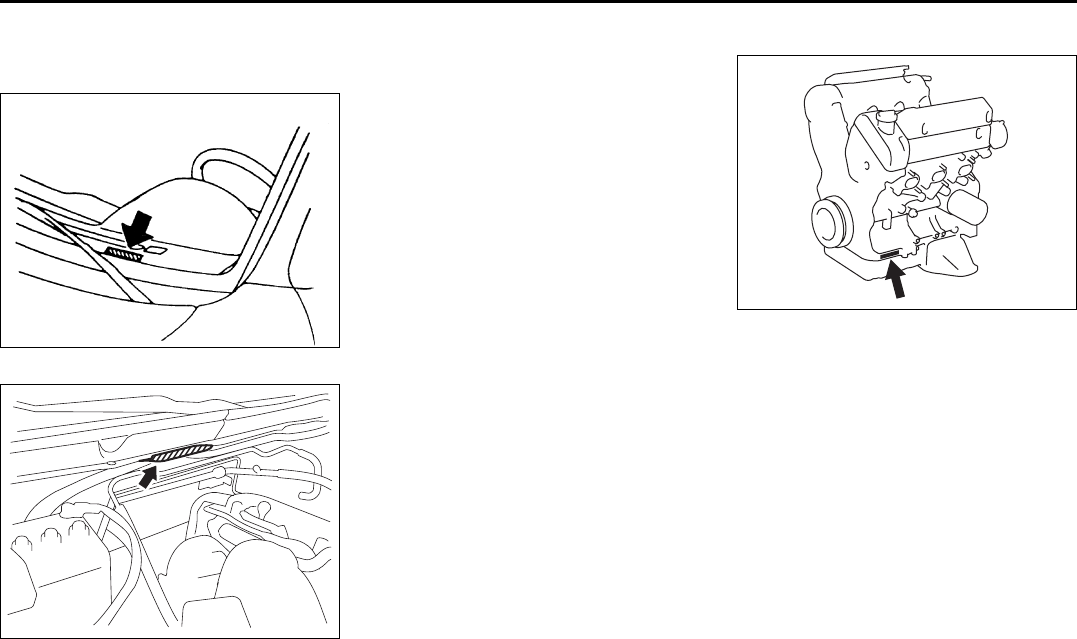
12-1
GENERAL INFORMATION
66J22-03E
Identification Numbers
Vehicle Identification Number
60G152
64J197
The Vehicle Identification Number (VIN)
may be found in the two locations shown in
the above illustrations. This number is
used to register the vehicle. It is also used
to assist your dealer when ordering parts
or referring to special service information.
Engine Serial Number
66J160
The engine serial number is stamped on
the cylinder block as shown in the above
illustration.
EXAMPLE (for some vehicles)
Identification Numbers: 2, 5
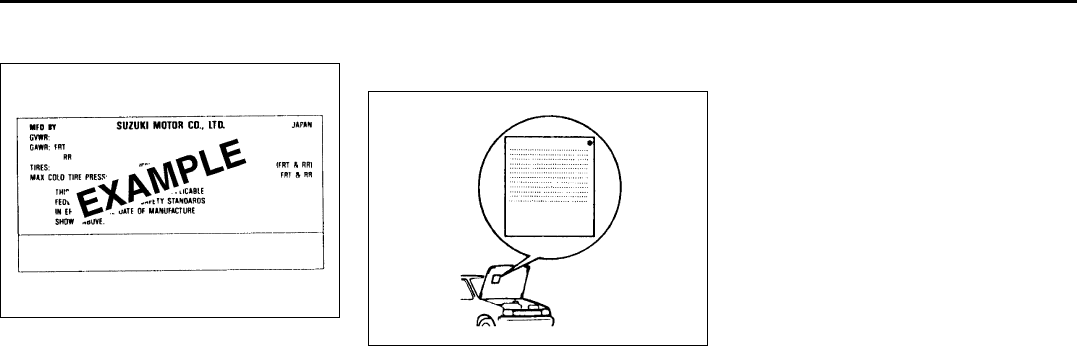
12-2
GENERAL INFORMATION
66J22-03E
Safety Certification Label
52D059
This label contains important safety-
related information about your vehicle. The
label is located on the driver’s door lock pil-
lar.
Emission Compliance Label
(for U.S.A.)
60A412
The EPA emission compliance label is
located under the hood.
Warranties
The warranties covering your vehicle are
explained in a separate New Vehicle War-
ranty Information booklet given to you at
the time of sale. Please read this booklet
carefully so you can understand your rights
and responsibilities.
For U.S.A.
The following warranties are provided with
your vehicle:
• New Vehicle Limited Warranty
• Limited Warranty For SUZUKI Parts or
Accessories
• Emission Components Defect Warranty
• Emission Performance Warranty
Safety Certification Label: 6
Emission Compliance Label (For U.S.A.): 1, 2
Warranties: NO

12-3
GENERAL INFORMATION
66J22-03E
On-Board Vehicle Computers
and Event Data Recorders
Your vehicle is equipped with on-board
computer systems which monitor and
control several aspects of vehicle per-
formance, including the following:
• Emission-related components and
engine parameters such as engine
speed and throttle position are moni-
tored to provide emissions control
and to provide optimum fuel econ-
omy. Your vehicle also has an on-
board diagnostic system which mon-
itors and records information about
emission-related malfunctions.
• Signals from various sensors are
monitored to provide air bag deploy-
ment.
• If your vehicle is equipped with
antilock brakes, conditions such as
vehicle speed and brake perfor-
mance are monitored, so that the
ABS system can provide effective
antilock braking. If your vehicle has
an Electronic Stability Program
(ESP®) system, conditions such as
yaw rate, lateral acceleration, and
brake fluid pressure are monitored,
so that the ESP® system can help
the driver control the vehicle in diffi-
cult driving situations.
Some information may be stored by
the on-board computers during normal
operation of the vehicle. This stored
information can assist technicians in
repairing the vehicle when malfunc-
tions occur. Other information is stored
only in the event of crash, by computer
systems that are commonly called
Event Data Recorders (EDRs).
In a crash event, EDRs such as the
Airbag Sensing and Diagnostic Mod-
ule (SDM) in your vehicle may record
information about the condition of the
vehicle and how it was operated, such
as data related to airbag readiness,
airbag performance, safety belt usage,
and the severity of the collision. These
data can help provide a better under-
standing of the circumstances in which
crashes and injuries occur and lead to
the designing of safer vehicles. The
SDM in your vehicle does not collect
or store personal information.
To read the stored information, special
equipment is needed and access to
the vehicle or storage device is
required. SUZUKI will not access infor-
mation about a crash event or share it
with others other than with the consent
of the vehicle owner or lessee, in
response to an official request from
the police or similar government office,
as part of SUZUKI’s defense of litiga-
tion through the discovery process, or
as required by law.
In addition, once SUZUKI collects or
receives data, SUZUKI may use the
data for research conducted by
SUZUKI, make the data available for
outside research if need is shown and
confidentiality is assured, or make
summary data which does not identify
specific vehicles available for outside
research.
Others, such as law enforcement per-
sonnel, may have access to the spe-
cial equipment that can read the
information if they have access to the
vehicle or storage device.
Reporting Safety Defects: NO

12-4
GENERAL INFORMATION
66J22-03E
Reporting Safety Defects
If you believe that your vehicle has a
defect which could cause a crash or
could cause injury or death, you
should immediately inform the
National Highway Traffic Safety
Administration (NHTSA) in addition to
notifying American Suzuki Motor Corp.
If NHTSA receives similar complaints,
it may open an investigation, and if it
finds that a safety defect exists in a
group of vehicles, it may order a recall
and remedy campaign. However,
NHTSA cannot become involved in
individual problems between you, your
dealer, or American Suzuki Motor
Corp.
To contact NHTSA, you may call the
Vehicle Safety Hotline toll-free at 1-
888-327-4236 (TTY: 1-800-424-9153);
go to http://www.safercar.gov; or write
to: Administrator, NHTSA, 400 Sev-
enth Street, SW., Washington, D.C.
20590. You can also obtain other infor-
mation about motor vehicle safety
from http://www.safercar.gov.
To contact American Suzuki, owners
in the continental United States can
call toll-free 1-800-934-0934, or write
to:
American Suzuki Motor Corporation
Automotive Customer Relations
3251 East Imperial Highway
Brea, CA 92821-6795
For owners outside the continental
United States, please refer to the dis-
tributor’s address listed in your War-
ranty Information booklet.
For vehicles registered for use and
principally operated in Canada please
contact Suzuki Canada Inc. at 1-905-
889-2677 extension 2254 or write to:
Suzuki Canada Inc.
Customer Relations
100 East Beaver Creek Road
Richmond Hill, On
L4B 1J6
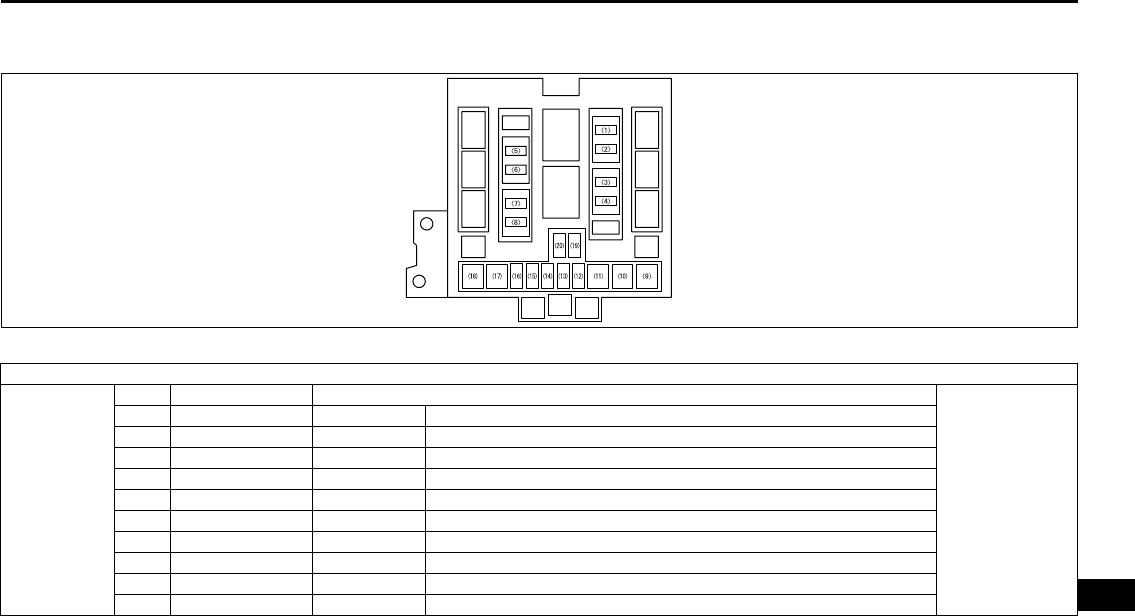
13-1
FUSES AND PROTECTED CIRCUITS
66J22-03E
13
FUSES AND PROTECTED CIRCUITS
64J157
FUSES
MAIN FUSE
BOX
No. COLOR (AMPS) PROTECTED CIRCUIT
In engine
compartment
(1) BLUE (15) CPRSR A/C compressor fuse
(2) YELLOW (20) O2 HTR O2 sensor heater fuse
(3) BLUE (15) THR MOT Throttle motor fuse
(4) YELLOW (20) AT Automatic transmission fuse
(5) CLEAR (25) RR DEF Rear defogger fuse
(6) BLUE (15) HORN Horn fuse
(7) YELLOW (20) FR FOG Front fog light fuse
(8) YELLOW (20) MRR HTR Mirror heater fuse
(9) GREEN (40) FR BLW Front blower motor fuse
(10) PINK (30) ABS 2 ABS actuator fuse
Fuses and Protected Circuits: 7
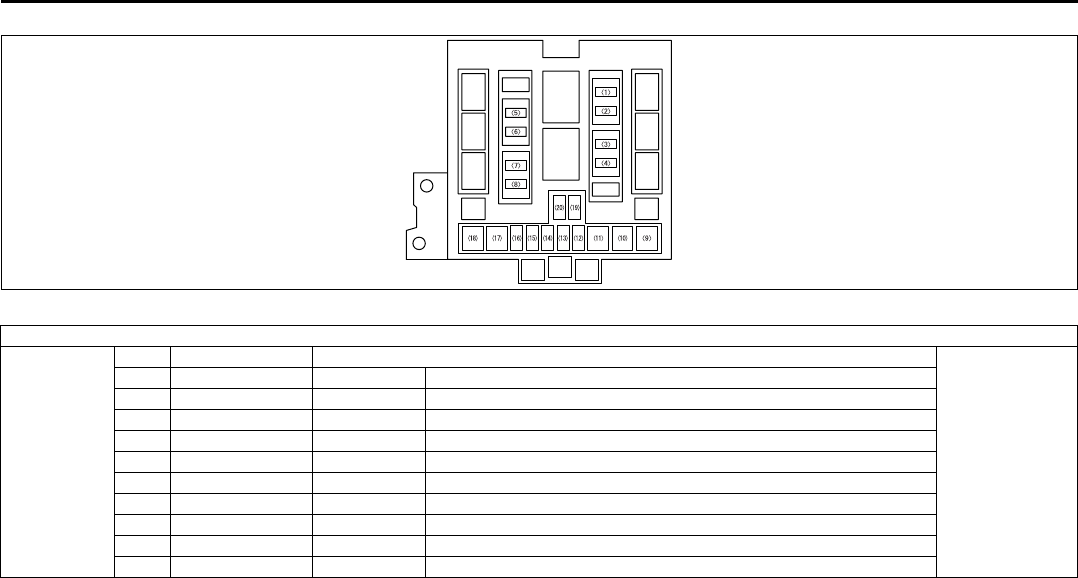
13-2
FUSES AND PROTECTED CIRCUITS
66J22-03E
64J157
FUSES
MAIN FUSE
BOX
No. COLOR (AMPS) PROTECTED CIRCUIT
In engine
compartment
(11) RED (50) ABS 1 ABS actuator fuse
(12) YELLOW (20) FI Main fuse
(13) – – Blank
(14) RED (10) H/L L Head light high beam fuse, left
(15) RED (10) H/L R Head light high beam fuse, right
(16) RED (10) H/L Head light fuse
(17) GREEN (40) ST MTR Starter motor fuse
(18) GREEN (40) IGN Ignition fuse
(19) BLUE (15) H/L LO L Head light low beam fuse, left
(20) BLUE (15) H/L LO R Head light low beam fuse, right
Fuses and Protected Circuits: 7
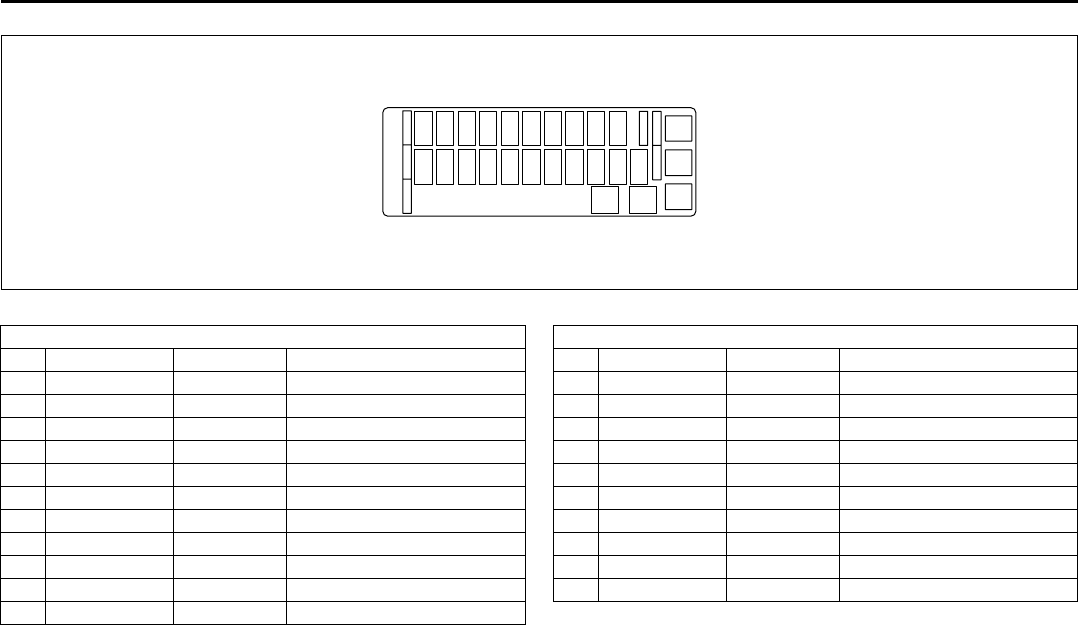
13-3
FUSES AND PROTECTED CIRCUITS
66J22-03E
64J158
FUSES IN FUSE BOX FUSES IN FUSE BOX
(A) BLUE (15) STOP Stop lamp fuse (M) RED (7.5) ST SIG Starter signal fuse
(B) – – Blank (N) YELLOW (20) RR BLOW Blank
(C) BLUE (15) ACC 3 Accessory socket fuse (O) CLEAR (25) S/R Sun roof motor fuse
(D) RED (10) CRUISE Cruise control fuse (P) BLUE (15) DOME Dome lamp fuse
(E) BLUE (15) ACC 2 Cigar or Accessory socket fuse (Q) RED (10) TAIL Tail light fuse
(F) YELLOW (20) WIP Wiper fuse (R) YELLOW (20) D/L Door lock actuator fuse
(G) BLUE (15) IG2 SIG Ignition signal & Seat heater fuse (S) BLUE (15) ACC Radio, Remote door mirror fuse
(H) RED (10) BACK Back lamp fuse (T) RED (10) METER Meter fuse
(I) RED (10) ABS/ESP ABS or ESP controller fuse (U) YELLOW (20) IG COIL Ignition coil fuse
(J) BLUE (15) A/B Air bag fuse (V) YELLOW (20) P/W T Power window fuse
(K) – – Blank (W) PINK (30) P/W Power window fuse
(L) BLUE (15) HAZ Hazard light fuse
SPARE
SPARE SPARE
SPARE
USE THE DESIGNATED
FUSES AND RELAYS ONLY
SPARE SPARE
(A)(B)(C)(D)(E)(F)(G)(H)(I)(J)
(L)(M)(N)(O)(P)(Q)(R)(S)(T)(U) (K)
(V)(W)
14-1
SPECIFICATIONS
66J22-03E
14
SPECIFICATIONS
NOTE:
Specifications are subject to change with-
out notice.
4WD: 4-wheel drive
2WD: 2-wheel drive
M/T: Manual transmission
A/T: Automatic transmission
ITEM: Dimensions UNIT: mm (in.)
Overall length 4470 (176.0)
Overall width 1810 (71.3)
Overall height 4WD 1695 (66.7)
2WD 1683 (66.3)
Wheelbase 2640 (103.9)
Tread front 1540 (60.6)
rear 1560 (61.4)
Minimum running ground clearance 4WD 200 (7.9)
2WD 188 (7.4)
ITEM: Weight
Gross axle weight rating See the safety certification label and the tire information label which
are located on the driver’s door lock pillar.
Gross vehicle weight rating
Vehicle capacity weight
ITEM: Engine
Type H27A (24V DOHC)
Number of cylinders 6
Bore 88.0 mm (3.46 in.)
Stroke 75.0 mm (2.95 in.)
Piston displacement 2736 cm3 (167.1 cu.in, 2736 cc)
Compression ratio 9.5 : 1
Specifications: 1, 2, 5, 6, 7, 10, 11
14-2
SPECIFICATIONS
66J22-03E
ITEM: Electrical
Ignition timing 5° B.T.D.C.
Standard spark plug DENSO SK20PR11 or NGK IFR6J11 (highly recommended)
Battery 12V GP24
Fuses See “INSPECTION AND MAINTENANCE” and “FUSES AND PRO-
TECTED CIRCUITS” sections
ITEM: Lights WATTAGE BULB No.
Headlight Low beam Halogen 12V 55W H7
High beam 12V 60W HB3
Front fog light 12V 55W H11
Turn signal light front 12V 21W WY21W
rear 12V 21W WY21W
Parking light 12V 5W WY5W
Brake/tail light 12V 21/5W 7443
License plate light 12V 5W W5W
Reversing light 12V 21W 7440
High mount stop light 12V 5W W5W
Door illumination light 12V 5W –
Dome light Spot light 12V 8W –
Center light 12V 10W –
Rear light 12V 10W –
Luggage compartment light 12V 5W W5W
Specifications: 1, 2, 5, 6, 7, 10, 11
14-3
SPECIFICATIONS
66J22-03E
ITEM: Wheel
Tire size, front and rear P225/70R16, P225/65R17
Tire pressure For the specified tire pressure, see the Tire Information Label located
on the driver’s door lock pillar.
ITEM: Steering
Toe-in front 0 ± 2 mm (0 ± 0.08 in.)
rear 6 ± 2 mm (0.24 ± 0.08 in.)
Camber angle front 0° 00’
rear –1° 15’ ± 30’
Caster angle front 2° 30’
ITEM: Capacities (approx.)
Coolant 8.2 L (17.3 US pt)
Fuel tank 66 L (17.4 US gal)
Engine oil (replaced with filter) 4.8 L (10.1 US pt)
Transmission oil M/T 1.9 L (4.0 US pt)
A/T 2.5 L (5.2 US pt) (when drained)
Differential gear oil front 0.95 L (2.0 US pt)
rear 2WD 0.9 L (1.9 US pt)
4WD 0.8 L (1.7 US pt)
Transfer gear box oil with a transfer switch 1.5 L (3.2 US pt)
without a transfer switch 1.6 L (3.4 US pt)
Extension case oil 0.47 L (1.0 US pt)
Specifications: 1, 2, 5, 6, 7, 10, 11

15-1
INDEX
15
66J22-03E
INDEX
Symbols
“AIR BAG” Light ..................................................................4-8
“CRUISE” Indicator Light ...................................................4-9
“ESP OFF” Indicator Light .......................................... 4-6, 6-20
“ESP OFF” Switch ...............................................................4-16
“ESP” (Electronic Stability Program) Warning Light .......4-6
“ESP” Warning Light ...........................................................6-20
“PASS AIR BAG OFF” Indicator .........................................4-14
“SET” Indicator Light ..........................................................4-9
Numerics
5-Speed Automatic Transmission ......................................6-5
A
A/T Selector Position Indicator ..........................................4-11
Accelerator Pedal ................................................................5-2
Accessory Socket ................................................................5-16
Adding Engine Coolant .......................................................9-17
Adjusting Seat Position ......................................................2-18
Adjusting Seatbacks ...........................................................2-18
Air Cleaner ...........................................................................9-20
Air Conditioning System .....................................................9-47
Anti-Lock Brake System (ABS) ..........................................6-16
Anti-Lock Brake System (ABS) Warning Light .................4-5
Anti-Lock Braking System (ABS) .......................................6-19
Armrest .................................................................................5-7
Assist Grips .........................................................................5-10
Audio Systems .....................................................................4-28
Automatic Heating and Air Conditioning System
(Climate Control) .................................................................4-21
Automatic Locking Retractor (ALR) .................................. 2-22
Automatic Transmission Fluid .......................................... 9-15
Auto-On Headlight System ................................................ 3-6
B
Basic Operations ................................................................ 4-31
Battery .................................................................................. 9-35
Brake Assist System .......................................................... 6-16
Brake Fluid .......................................................................... 9-21
Brake Pedal ..................................................................5-2, 9-22
Brake System Warning Light ............................................. 4-5
Brakes .................................................................................. 9-21
Braking ................................................................................. 6-15
Break-In ................................................................................ 6-25
Brightness Control ............................................................. 4-11
Bulb Replacement ............................................................... 9-39
C
Catalytic Converter ............................................................. 6-25
Changing Engine Oil and Filter ......................................... 9-11
Changing Wheels ................................................................ 9-30
Charging Light .................................................................... 4-7
Child Lock System (rear doors) ......................................... 2-13
Child Restraint Systems ..................................................... 2-27
Cigarette Lighter and Ashtray ........................................... 5-17
Clock .................................................................................... 4-18
Clutch Pedal .................................................................5-2, 9-24
Coat Hooks .......................................................................... 5-11
Corrosion Prevention ......................................................... 11-1
Cruise Control ..................................................................... 3-10

15-2
INDEX
66J22-03E
Cup Holder and Storage Bin ...............................................5-14
D
Daily Inspection Checklist ..................................................6-2
Daytime Running Light (D.R.L.) Indicator Light ...............4-10
Daytime Running Light (D.R.L.) System ............................3-7
Door Locks ...........................................................................2-2
Drive Belt ..............................................................................9-9
Driver’s Seat Belt Reminder Light .....................................4-7
E
Electronic Stability Program (ESP®) .................................6-18
Emergency Locking Retractor (ELR) .................................2-22
Emission Compliance Label (for U.S.A.) ...........................12-2
Engine Block Heater ............................................................6-4
Engine Coolant ....................................................................9-17
Engine Coolant Level Check ..............................................9-17
Engine Coolant Replacement .............................................9-18
Engine Hood ........................................................................5-13
Engine Oil and Filter ............................................................9-9
Engine Serial Number .........................................................12-1
Exhaust Gas Warning .........................................................6-1
F
Fluid Level Check ................................................................9-15
Folding Rear Seats ..............................................................5-4
Folding Seats .......................................................................5-4
Frame Hooks ........................................................................5-17
Front Air Bags ......................................................................2-39
Front Fog Light Switch .......................................................4-16
Front Passenger’s Seat Belt Reminder Light ...................4-3
Front Seat Back Pocket ......................................................5-19
Front Seat Heater .................................................................5-9
Fuel Consumption and Driving Range ..............................4-18
Fuel Filler Cap ..................................................................... 5-3
Fuel Gauge .......................................................................... 4-13
Fuel Pump Labeling ............................................................ 1-1
Fuel Recommendation ....................................................... 1-1
Fuse under the Dash Board ............................................... 9-37
Fuses .................................................................................... 9-36
FUSES AND PROTECTED CIRCUITS ................................ 13-1
G
Gasoline Containing MTBE ................................................ 1-1
Gasoline/Ethanol blends .................................................... 1-1
Gasoline/Methanol blends ................................................. 1-1
Gear Oil ................................................................................ 9-13
Gear Oil Level Check .......................................................... 9-14
Gear Oil Replacement ......................................................... 9-15
Gearshift Lever .................................................................... 5-2
GLOSSARY OF TIRE TERMINOLOGY ............................... 9-32
Glove Box ............................................................................ 4-17
H
Hazard Warning Switch ...................................................... 4-15
Head Restraints ................................................................... 2-19
Headlight Aiming ................................................................ 9-39
High Beam Indicator Light ................................................. 4-10
HomeLink® .......................................................................... 5-25
Horn ...................................................................................... 3-12
I
Identification Numbers ....................................................... 12-1
If the Engine is Flooded ..................................................... 10-5
If the Engine Overheats ...................................................... 10-5
If the Starter Does Not Operate ......................................... 10-4
If You Can Not Shift Automatic Transmission Gearshift
Lever Out of “P” (PARK) .................................................... 10-6

15-3
INDEX
66J22-03E
If Your Vehicle Gets Stuck ..................................................7-4
Ignition Key Reminder ........................................................2-1
Ignition Switch .....................................................................3-1
Illumination Indicator Light ................................................4-10
Important Vehicle Design Features To Know ...................7-1
Improving Fuel Economy ....................................................6-26
Information Display .............................................................4-17
Inside Rearview Mirror ........................................................2-16
Installation with Lap-Shoulder Seat Belts
(Child Restraint with No Top Strap) ...................................2-29
Installation with the LATCH System ..................................2-32
Installation-Child Restraint with Top Strap .......................2-34
Instrument Cluster ...............................................................4-2
Instrument Panel .................................................................4-1
Interior Light Switch ............................................................5-7
J
Jacking Instructions ............................................................10-1
Jump Starting Instructions .................................................10-3
K
Keyless Entry System Transmitter (Type B) .....................2-10
Keyless Start System Indicator Light ................................4-9
Keyless Start System Remote Controller (Type A) ..........2-3
Keyless Start System Remote Controller/
Keyless Entry System Transmitter ....................................2-3
Keys ......................................................................................2-1
L
Lap-Shoulder Belt ................................................................2-22
Lighting Operation ..............................................................3-6
Lighting/Turn Signal Control Lever ...................................3-5
Lights “On” reminder ..........................................................3-7
Listening to a CD .................................................................4-35
Listening to a CD from an External CD Changer
(Option) ................................................................................ 4-46
Listening to a XM Satellite Radio (Option) ....................... 4-43
Listening to Audio for AUX (Option) ................................. 4-45
Listening to the Radio ........................................................ 4-33
Low Fuel Warning Light ..................................................... 4-8
Low Tire Pressure Warning Light ...............................4-3, 6-21
Luggage Compartment Cover ........................................... 5-20
Luggage Compartment Light ............................................. 5-9
Luggage Restraint Loops ................................................... 5-19
M
Maintenance Recommended under Severe Driving
Conditions ........................................................................... 9-7
Maintenance Schedule ....................................................... 9-2
Malfunction Indicator Light ................................................ 4-8
Manual Transmission ......................................................... 6-7
Mirrors .................................................................................. 2-16
N
National Highway Traffic Safety Administration
(NHTSA) ............................................................................... 12-4
O
Odometer ............................................................................. 4-11
Off-Road Driving ................................................................. 7-4
Oil Level Check ................................................................... 9-10
Oil Pressure Light ............................................................... 4-7
On-Board Vehicle Computers and Event Data
Recorders ............................................................................ 12-3
On-Pavement Driving ......................................................... 7-2
Open Door Warning Light .................................................. 4-9
Outside Rearview Mirrors .................................................. 2-17
Overhead Console Box ...................................................... 5-15

15-4
INDEX
66J22-03E
P
Parking Brake Lever .................................................... 5-1, 9-23
Pedals ...................................................................................5-1
Periodic Maintenance Schedule .........................................9-3
Power Assisted Brakes .......................................................6-16
Power Door Locking System ..............................................2-2
Power Mirror Control ...........................................................2-17
Power Steering ....................................................................9-24
Power Steering Fluid ...........................................................9-24
Power Window Controls .....................................................2-14
R
Radio Antenna .....................................................................4-35
Rear Window Defroster and Outside Rearview Mirrors
Defroster Switch ..................................................................4-15
Rear Window Wiper/Washer Switch ..................................3-9
Refill with Oil and Check for Leaks ....................................9-12
Remote Audio Controls ............................................ 3-12, 4-49
Replace the Oil Filter ...........................................................9-11
Replacing Tires and/or Wheels ..........................................6-24
Reporting Safety Defects ....................................................12-4
Roof Rails or Roof Rack Anchors ......................................5-23
S
Safety Certification Label ...................................................12-2
Seat Adjustment ..................................................................2-17
Seat Belt Extender ...............................................................2-35
Seat Belt Inspection ............................................................2-27
Seat Belt Pretensioner System ..........................................2-36
Seat Belt Reminder ..............................................................2-24
Seat Belts and Child Restraint Systems ...........................2-20
Selection of Coolant ............................................................9-17
Shopping Hook ....................................................................5-19
Shoulder anchor height adjuster ....................................... 2-26
Side Air Bags and Side Curtain Air Bags ......................... 2-40
Side Door Locks .................................................................. 2-2
SLIP Indicator Light .....................................................4-6, 6-19
Snow Tires ........................................................................... 9-32
Spare Tire Nut Lock ............................................................ 2-1
Spark Plugs ......................................................................... 9-20
SPECIFICATIONS ................................................................ 14-1
Specified Fluid .................................................................... 9-15
Specified Gear Oil ............................................................... 9-13
Specified Oil ........................................................................ 9-9
Speedometer ....................................................................... 4-11
Spot Light ............................................................................ 5-8
Stability Control System .................................................... 6-18
Starting the Engine ............................................................. 6-2
Steering Wheel .................................................................... 9-23
Sun Visor ............................................................................. 5-7
Sunroof ................................................................................ 5-11
Supplemental Restraint System (air bags) ....................... 2-37
T
Tachometer .......................................................................... 4-13
Tailgate ................................................................................ 2-14
Temperature Gauge ............................................................ 4-14
Theft Deterrent Light .......................................................... 4-21
Thermometer ....................................................................... 4-18
Tilt Steering Lock Lever ..................................................... 3-10
Tire Chains .......................................................................... 7-5
Tire Changing Tool ............................................................. 5-18
Tire Inflation Pressure ........................................................ 9-26
Tire Inspection .................................................................... 9-27
Tire Pressure Monitoring System (TPMS) ........................ 6-21

15-5
INDEX
66J22-03E
Tire Rotation ........................................................................9-29
Tire Sidewall Labeling .........................................................9-24
Tire Size ................................................................................9-25
Tires ......................................................................................9-24
Towing a Disabled Vehicle .................................................10-4
Towing Your Vehicle (recreational towing) .......................8-7
Traction Control System .....................................................6-18
Trailer Towing ......................................................................8-2
Transfer Position Indicator Light .......................................4-10
Transfer Switch ....................................................................4-17
Tripmeter ..............................................................................4-11
Troubleshooting ..................................................................4-53
Turn Signal Indicators .........................................................4-9
Turn Signal Operation .........................................................3-7
U
Underfloor Bins ...................................................................5-23
Uniform Tire Quality Grading .............................................9-28
Using the Transfer Switch ..................................................6-7
Using the Transmission ......................................................6-5
V
Vehicle Cleaning ..................................................................11-3
Vehicle Identification Number ............................................12-1
Vehicle Loading ........................................................... 8-1, 9-33
Vehicle With Keyless Start System ............................ 3-2, 6-3
Vehicle Without Keyless Start System ..............................3-1
W
Warning and Indicator Lights .............................................4-3
Warranties ............................................................................12-2
Washing ................................................................................11-4
Waxing ..................................................................................11-4
Windows ...............................................................................2-14
Windshield Washer Fluid ................................................... 9-19
Windshield Wiper and Washer Lever ................................ 3-8
Wiper Blades ....................................................................... 9-44
66J22-03E
Prepared by
June, 2007
Part No. 99011-66J22-03E
Printed in Japan
TP286
Part No. 99011-66J22-03E
July, 2007
OWNER’S MANUAL
99011-66J22-03EGRAND VITARA
Printed in Japan
See page 1-1
12.5 mm
Keep With Vehicle At All Times.
Contains Important Information
On Safety, Operation & Maintenance.
SERVICE STATION INFORMATION
Fuel recommendation: Brake and clutch fluid:
Engine oil recommendation: Automatic transmission fluid:
Tire cold pressure:
For further details, see “Engine Oil and Filter” in the
“INSPECTION AND MAINTENANCE” section.
DOT3
See the “Tire Information Label” located on the
driver’s door lock pillar.
2008
Engine oil with “Starburst” symbol
Made from 100% recycled paper,
except for cover.
ENGLISH
Suzuki Red: PANTONE 485
Suzuki Blue: PANTONE 294
SUZUKI ATF 3317 or Mobil ATF 3309
