TSST Global TS006BA Portable Bluetooth Speaker User Manual TS006BA manual front Rev00 141118 E
TSST Global Inc. Portable Bluetooth Speaker TS006BA manual front Rev00 141118 E
Contents
- 1. TS006BA_manual_back_Rev00_141204_E
- 2. TS006BA_manual_front_Rev00_141118_E
TS006BA_manual_front_Rev00_141118_E
Contents
Connecting Power and Charging
Front
Left Right
Before you begin
Compositon of product
Specifications
This Product can provide you a music enjoyment by wireless
stream audio contents from your mobile devices such as
smartphone, MP3 player tablet or PC. You can roam around
the house, office or outdoor to listen great music since the
product has a rechargeable battery inside. Also, you can
directly connect the devices using AUX line out. The device
shall support Bluetooth higher than ver.2.1 .
Thank you for purchasing TSSTs Portable Bluetooth’
Speaker . This product supports Bluetooth 2.1 and
easy to hand carry, to provide high quality sound
by simplified control. From your Bluetooth devices,
you can play your music library to the product without
connecting wires also by AUX cable. This product is
targeting home-use (class B) electromagnetic wave
instrument and can be used in any place.
• Speaker • User Manual
• Micro USB Cable for charging
- The USB Cable is not for telecommunication.
- AUX cable and power adaptor are not provided.
To charge battery, connect supplied USB cable to USB port
of PC or DC adaptor with USB Port and the other end to
Micro USB Port of the right hand side of the Product.
From the connection, the internal battery will start to be
charged.
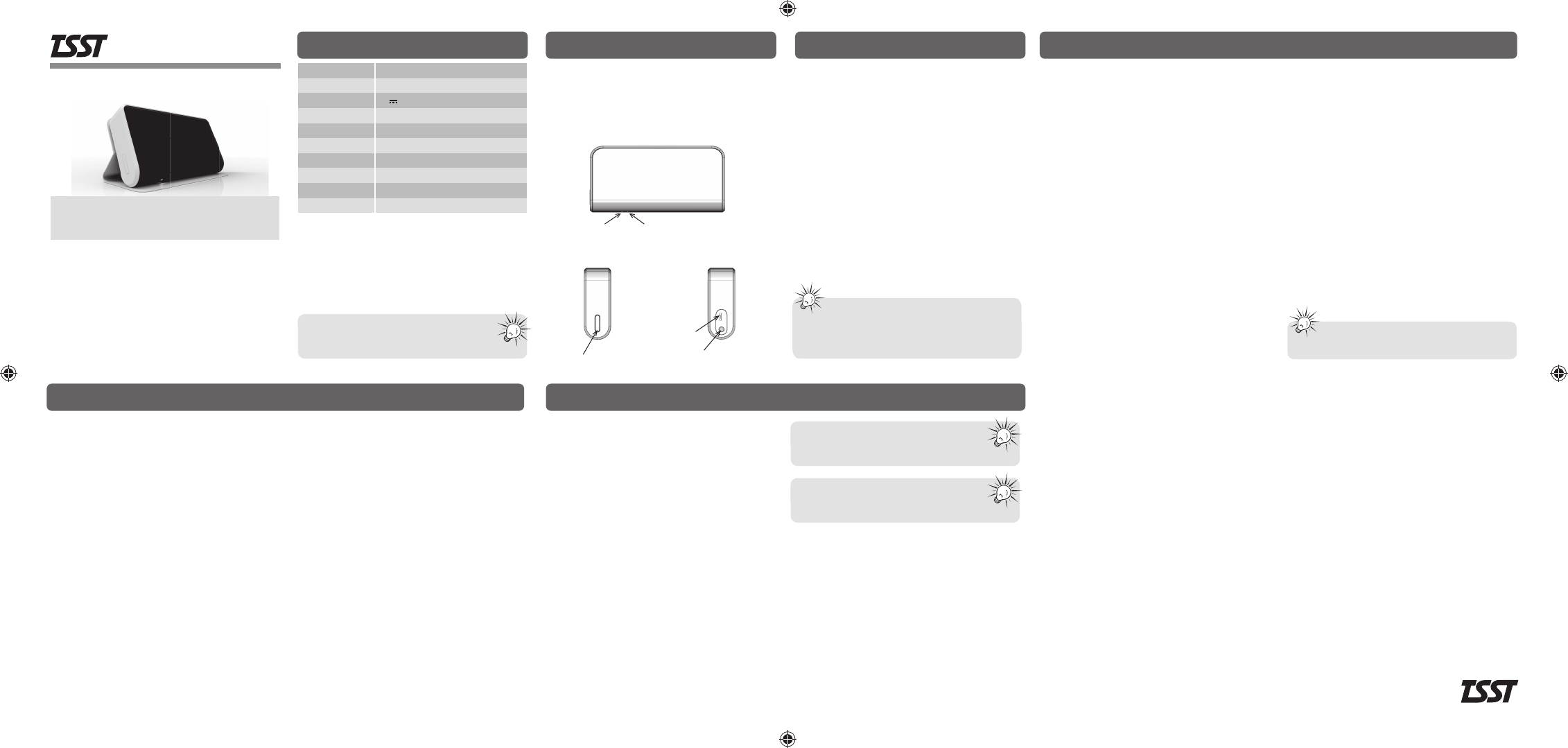
White LED Red LED
Power Button
Micro USB
DC IN
AUX IN
Name of Product
Portable Bluetooth Speaker
Internal Battery 3.7V DC / 750 mAh Li-ion (play 10 hours)
Input Power 5V 1.0A(Max), MicroUSB
Model TS006BA
Size(without Cover) 124 X 68 X 25 mm (W X D X H)
This wireless equipment has a possibility of mixing
electric waves and cannot provide the services on
life and safety
AMP Power
3W x 2ch
Connection Micro USB (charging) / AUX Input (3.5mm)
Bluetooth
Used Frequency
Proper Temperature
Bluetooth V2.1 + EDR
2,402 ~ 2,480 MHz
0 ~ 45
℃
The life time of battery may decrease slowly
by repeating charging and discharging cycles.
Play time is based on 1/2 volume.
Troubleshooting
Note in some device you may be prompted
to enter a passkey. The passkey is “0000”.
This can be different for different devices.
If there is system error, Press and hold
power button more than 5sec
(Enter to Device reset mode).
Q: The Product is not turned on.
A: Make sure built-in battery is fully charged.
Check that the USB cable is not damaged and USB port
of adaptor or PC is normal.
Q: The Product is not charged.
A: Make sure the USB cable, plug is not damaged.
Check the USB cable is connected to PC or adaptor USB
port properly.
Q: No sound or sound is very low.
A: Make sure the Bluetooth wireless connection is correct
and playback has been successfully started.
Make sure the volume on your Bluetooth device is turned
up.
Q: Paired device can not reconnect to the Product.
A:
Delete “Handy” from the list on your Bluetooth device.
Repeat the pairing procedures again.
A re-connection may fail due to the pairing information
has been deleted from your Bluetooth device.
The internal battery may not be fully charged
when you first open the Product. Please full charge the
battery before use. Please use safety approved power
adaptor.
Safety instructions
As with general electronic product, precautions should be
observed during handling and use.
• Read this instruction carefully and keep it.
Heed all warnings and follow the instruction.
• Do not use the Product near water.
• Clean only with dry cloth.
• Do not block front or rear grilles.
• Do not install near any heat sources such as stoves.
• Protect the power (USB) cable from pressing by heavy
substances or pulled by excessive power.
• Only use on horizontal and flat place.
• Unplug the Product during lightning storms or when unused
for long periods of time.
• Contact a designated AS center when the power (USB)
cable damaged, spilling liquid on Product, exposing
Product to rain for long time, serious damage on Product
by dropping it.
• Keep away magnetic recording devices from the Product
as there may be a small amount of magnetic flux leakage.
• Only use under 50℃ of environment to prevent any
damage to built-in battery.
• Do not dispose of in the household waste, as the product
contains a built-in battery and should be treated and
disposed according to regulations on waste disposal.
• Sudden movement from cold to hot environment may
cause moisture condensing on the Product and degrade
system performance and decrease product life span.
• Protect product from direct sun light.
• Do not use solvents to clean the Product and keep away
from dusty environment.
• Do not attempt to disassemble the Product.
• AC adaptor is not supplied with the Product. Damages
caused by improper power adaptors is not compensated.
• Always leave sufficient space around the Product for
ventilation. Do not place Product in or on a bed, in a
bag that may prevent air flow through vent openings.
• Don’t place lighted candles, cigarettes, etc. on the Product.
• Be care that heavy objects do not fall into the Product.
• To completely disconnect the power input, the USB
cable should be disconnected from the Product.
• Use of the Product in moderate climates.
Use under extreme temperature may degrade system
performance and product life span.
Operation and indication
• Power On : Press power button.
- With audio signal, white LED starts blinking slowly.
• Power Off : Double click the power button.
- With audio signal, white LED is turned off.
• Volume Control : Control volume on your Bluetooth devices,
as there’s no volume control on this product.
• Enter Bluetooth Pairing Mode : When the Product is
powered on, press and hold the power button for 3 sec.
- With audio signal, white LED starts blinking rapidly.
• Bluetooth Pairing : Activate the Bluetooth wireless mode
on your device and let the device enter search mode.
Choose “Handy” from the list on your device where you
can complete the pairing operation.
- White LED turns solid with audio signal.
• Un-pairing Bluetooth : Power off the product or deactivate
Bluetooth wireless mode on your device.
• Bluetooth re-connecting : When powered on, the Product
is automatically paired to the most recently connected
Bluetooth device.
• AUX source play back : Connect your auxiliary source to
the AUX-In jack on the right side of the Product with 3.5mm
AUX cable. If you have both the auxiliary player and the
connected Bluetooth device playing, the Product will play
the audio signal from Bluetooth device. To hear audio
from AUX cable, pause or stop your Bluetooth device.
During re-charging, AUX source can playback regardless
of the Product power status.
• LED Indicating status
- Charging / End : Red LED on / Red LED off
- Battery low : Red LED blinks 10 times
- No pairing : White LED blinks slowly
- Wait pairing : White LED blinks rapidly
- Paired : White LED on
The product label is located on the inside of
flip cover on the rear of product.
www.tsstglobal.com
Rev.00
Product intronduction - TS006BA
TSST Global Inc.