Ubiquitous and Information UIBH-100 Bluetooth Mono Headset User Manual 060809 UIBH 200 English Menual
Ubiquitous & Information Bluetooth Mono Headset 060809 UIBH 200 English Menual
Users Manual
398, Jung-ri, Seokjeok-eup, Chilgok-gun, Gyeongsangbuk-do, Korea
tel: +82-54-455-6365 fax: +82-54-971-8175
e-mail: master@uni1997.com
www.uni1997.com / www.shopuni.co.kr
Contents
1. Introduction
What is Bluetooth wireless technology?
What is in the package?
Bluetooth Headset Overview
2. How to use?
Charging
Power On/Off
Pairing
3. How to operate?
Dialing
Receive or hang up the phone call
Useful function while taking
4. Important
Product Maintenance
Specification
Emergency calls
Manual Speaker caps
Bluetooth headset USB charger
1. Introduction
What is Bluetooth wireless technology?
Bluetooth is a small, low-cost, low-power,
short-range wireless communication standard
that enables transmission of voice and data in
electronics and telecommunication devices
including, PC, Mobile Phones, PDAs in the
2.4Ghz ISM band.
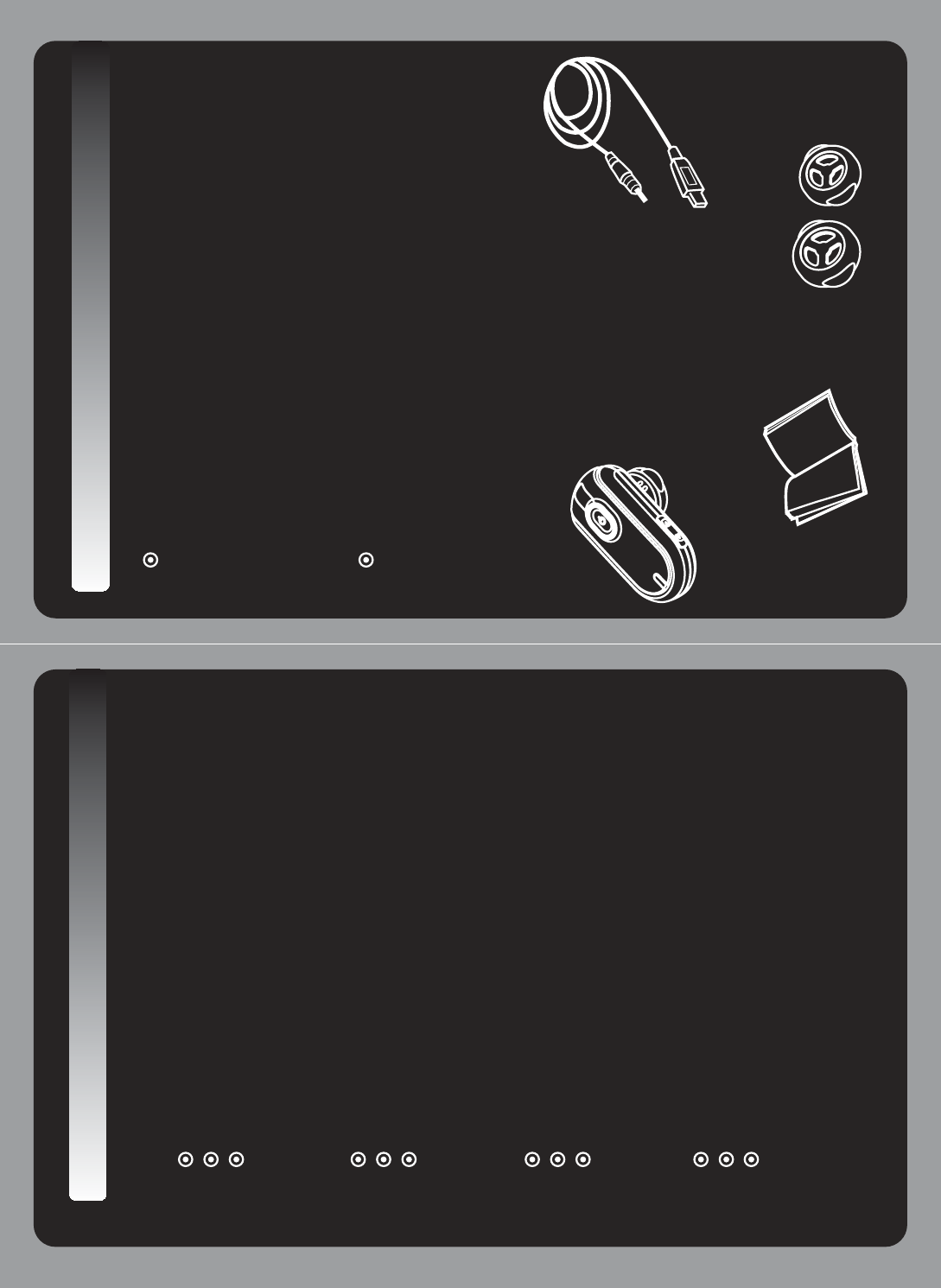
What is in the package?
- Bluetooth headset
-USBcharger
- Manual
- Three different size speaker caps
(small, medium, large)
Bluetooth Mono Headset Overview
2
3
6
5
1
4
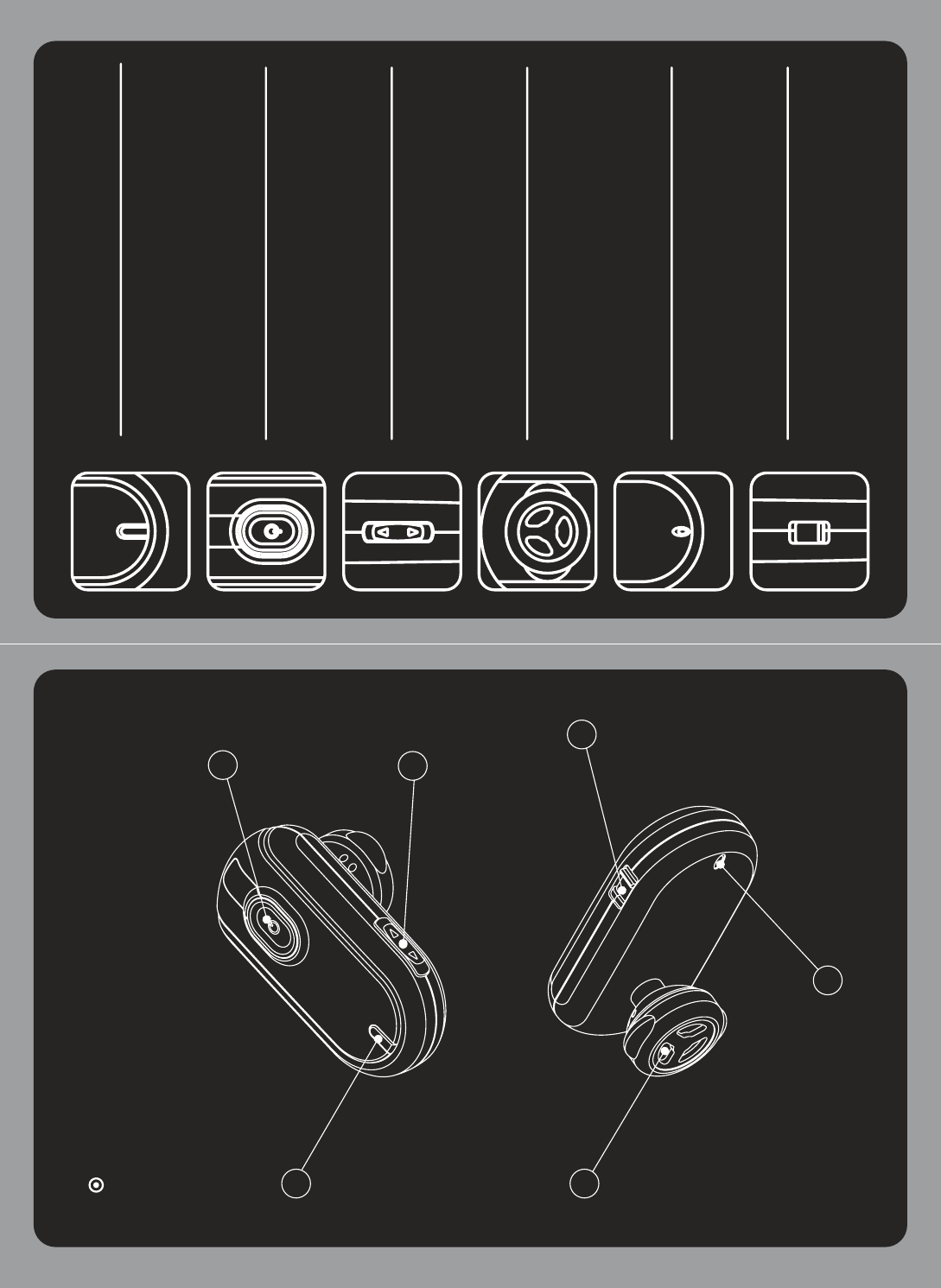
1. LED Indicator
There are 2 colors(blue/red) to indicate
status of headset.
3. Volume control button
To increase or decrease Volume of
speaker.
2. Key button
To receive, cut off a call button.
5. Microphone
4. Speaker
6. Charging jack
Put in the USB charger to charging jack
to charge the battery of headset .
2. How to use
Charging
Charging 2 hours in advance when use first time
and after that charge 1.5 hours.
i. Connect the USB charger to the charging
jack of headset.
ii. Red LED indicating light is on when charge and it
is off when charging is completed.
If the battery is discharged too much then may
not be turn on LED indicator during first 20
minutes when charge.
Power On/Off
- Power on
Press key button for 4 seconds.
Pink LED indicator flashing and then power is on.
Red LED indicating light shows low battery power.
- Power off
Press key button 4 seconds.
Pink LED indicating light flash and then power is off.
Q
Q
Pairing
Pairing with your mobile phone before using your
headset.
Step 1ஔPress key button over 4 seconds to power on
at the power off condition.
Blue and Red LED flash alternately and then
enter bluetooth device register mode
automatically.
Headset is searching for device to be paired.
Note: Mobile phone being search for device of headset
to pair.
Step 2ஔMobile shows you headset’s name let your
mobile connect your headset “CAPELLA”.
Step 3ஔMobile phone require Pass Key(or PIN CODE).
(PIN CODE: 0000)
Red LED indicating light stop when paired.
Blue LED indicating light flash every 5 seconds.
Note: If pairing is not successful within 2 minutes,
please repeat the step 1~3 again.
Useful function while talking
1. Control the volume
Press volume up or volume down button to reach
your satisfaction while talking.
Headset remember your volume setting.
2. Voice Mute
Press volume down button for 2 seconds to set mute
while talking.
During mute condition, you will hear two pitches
every 3 seconds.
Press volume up button for 2 seconds to release
mute.
3. Transfer the call
- Headset mode only
When transfer the phone call from mobile to headset
press key button of headset shortly.
- Hands free mode only
When transfer the phone call between mobile phone
and headset, press key button twice shortly.
3. How to operate
Dialing
1. Dial by Mobile
Press phone number directly on the phone and
press key button of headset to call.
2. Redial last number (Depends on mobile’s function)
Press key button to redial then will displayed on
mobile phone you last dialed number
3. Voice Dialer (Depends on mobile’s function)
At stand-by condition, press volume down button
shortly and then speak the name whom you want to
call out.
Receive or hang up the phone call
1. You will hear the ring tone through headset when
phone call.
i. Blue LED indicating light flash every second.
ii. Press key button to receive phone call.
iii. During the call, blue LED indicating light flashes
2 times per 3 seconds.
iv. After finish the phone call , press key button to
hang up.
2. When phone call at power-off condition, press key
button 4 seconds to power on, and press key button
again to receive a call.
- Do not disassemble headset.
- Keep away from any hot or cold temperature place.
- Keep away from dusty or dirty area.
- Use soft cloth to clean it.
- Keep away from cigarettes, cigars, candles, or flames
etc.
- Keep away from children.
- If you do not use headset for a while, keep it at safety
place.
- Do not use the headset at high volume and long time.
It bring decrease to hearing ability.
FAQ
Please refer to http://www.shopuni.co.kr
4. Important
Product Maintenance
Please check any exception according to national
requirements or limitations in usage of bluetooth
equipment before using your headset.
- Please check the laws and regulations on the
use of mobile phones and hands free equipment
like bluetooth headset in the areas where you drive.
- Do not carry or store flammable goods such as gas,
liquid in your vehicle compartment containing your
headset.
- Do not use your headset while the plane is in the air,
Turn Off your headset before boarding any aircraft.
- Do not use your headset near the medical equipments
without permission.
- Do not use your headset near the microwave range
and wireless LAN. It cause be happen error or make a
noise due to use same frequency band.
- Use of non-original accessories may cause the lose of
performance, product damage, electronic shock injury,
and warranty termination.
- Please note that only permitted service partners should
repair or replace the battery.
Emergency calls
IMPORTANT!
1. Do not rely only on any electronic device for essential
communication (e.g. 911 calls).
2. Keep in mind that your headset and electronic device
are connected and must be switched on in a service
area with proper cellular signal strength .
3. Emergency call can be disturbed by certain cellular
phone networks or when certain network services or
phone features are in use. Check with your local phone features are in use. Check with your local
cellular service provider.
.
FCC Compliance Statement
This device complies with Part 15 of the FCC Rules.
Operation is subject to the following two conditions:
(1) This Device may not cause harmful interference, and
(2) This device must accept any interference received,
including interference that may cause undesired operation.
Caution : Any changes or modifications in construction of this device
which are not expressly approved the party responsible for compliance
could void the user’s authority to operate the equipment.
This device and its antenna must not be co-located or operating in
conjunction with any other antenna or transmitter.G
GGG
ua
{GGGTGGGGGG
GU
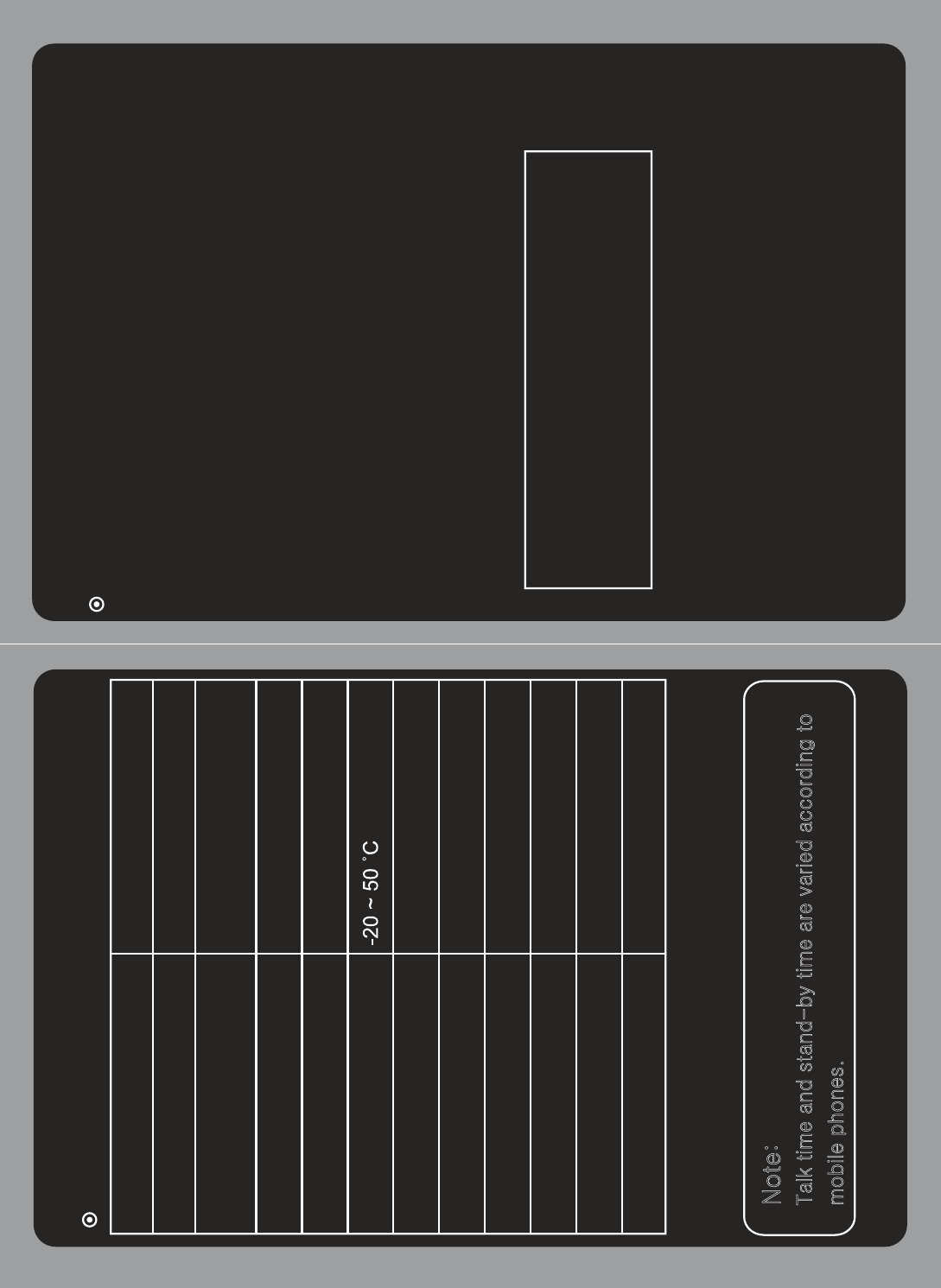
Specification
< 4 dBm
11.6 g
43(L) x 23(W) x 10(H) mm
100 hours
4 hours
2 hours
Rechargeable 3.7 V / 75mA
Bluetooth V 2.0 , class 2
Bluetooth
UU4UIBH-100
FCC ID
Bluetooth Hands-Free Profile
Bluetooth Headset Profile
Supported Bluetooth Profiles
Bluetooth power
Operating Temperature
30 feet (10 meters) maxOperation range
Weight
Dimension
Stand by time
Talk time
Charging time
Battery