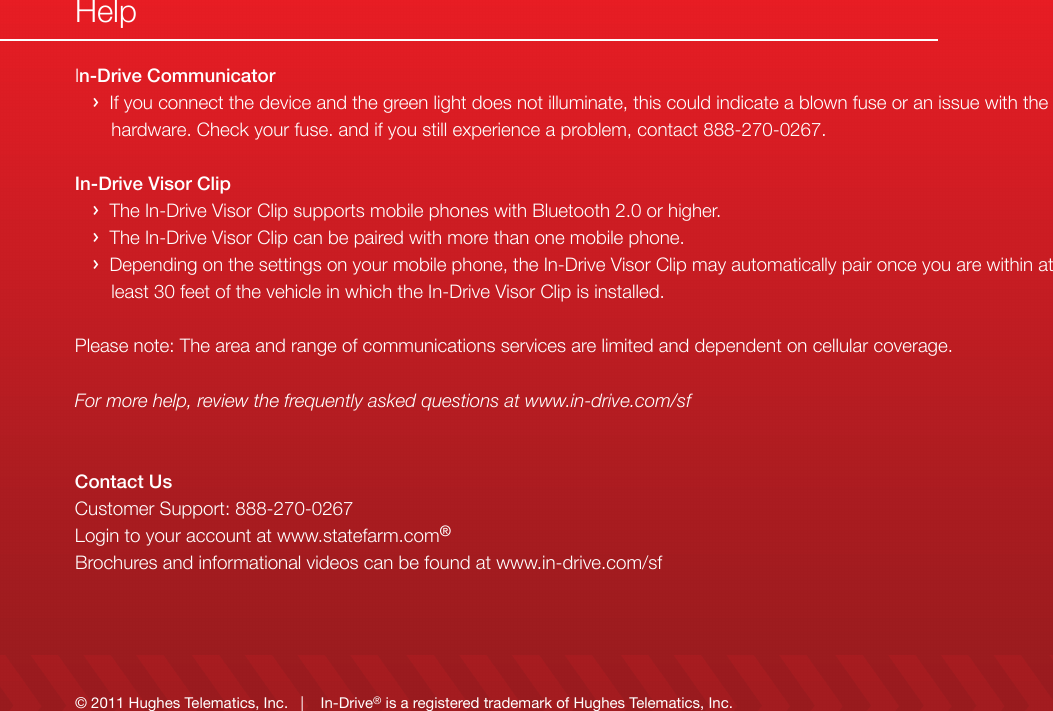
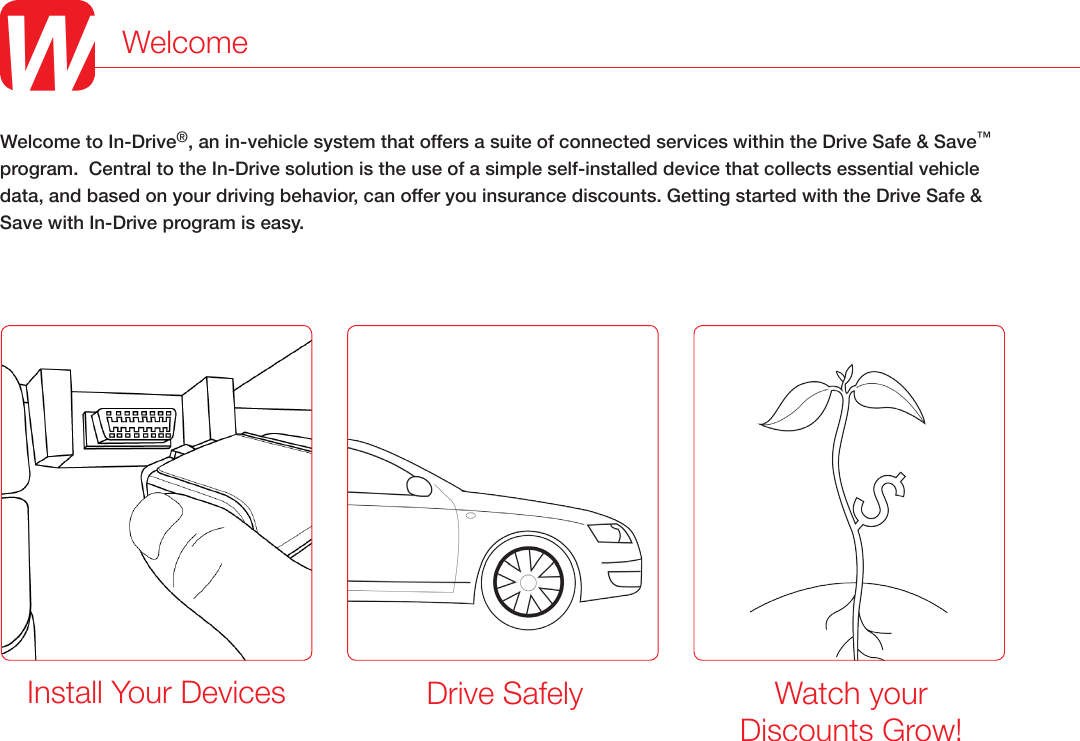
Verizon Connect AT-100 Dongle connecting to the automotive OBD port. Dongle has GSM radio, GPS receiver, Bluetooth radio. Primary usage is automobile tracking. User Manual AT 100 UsMan
Verizon Telematics Dongle connecting to the automotive OBD port. Dongle has GSM radio, GPS receiver, Bluetooth radio. Primary usage is automobile tracking. AT 100 UsMan
Contents
- 1. AT-100_UsMan
- 2. AT-100_UsManC
- 3. AT-100_UsManCom
AT-100_UsMan
![Pairing your mobile phone with the In-Drive Visor ClipYou can use your In-Drive Visor Clip as a speakerphone so you can talk hands free while you drive. › Turn your mobile phone’s Blue,tooth feature on – review your mobile phone’s manual for details. › Set your phone to search for Bluetooth devices. › Select “In-Drive Visor Clip” from the search results on your phone – then select OK. › If prompted for the PIN, enter 0000. › The flashing blue light will turn solid, indicating your phone has been paired successfully.Pairing Your Android Smartphone with the In-Drive Communicator Device [For In-Drive Connect with Smartphone Package Customers Only] The In-Drive Connect with Smartphone package allows customers to download an Android app that collects their real-time driving statistics, using the Android phone’s data plan 2. › Download the smartphone application from the Android Market. › Open the Android app and login with the email and PIN you designated during the program registration process. › Select “Pair your phone with In-Drive Communicator” from the app menu. › The app will perform a search and produce a list of nearby devices. › Select “In-Drive Communicator” and click OK. › A message will appear conrming the device has been paired. Pairing Your Devices (Optional)4The In-Drive Connect with Smartphone package is only available on Android capable mobile phones. This will require use of your cell phone data plan and is dependent upon your cellular network coverage.2](https://usermanual.wiki/Verizon-Connect/AT-100.AT-100-UsMan/User-Guide-1532114-Page-6.png)