Winlite DIN1001 Portable Multi-functional Speaker User Manual D IN User Guide 2011 11 24

WINLITE INTERNATIONAL ( HK ) LTD Portable Multi-functional Speaker D IN User Guide 2011 11 24

User Manual

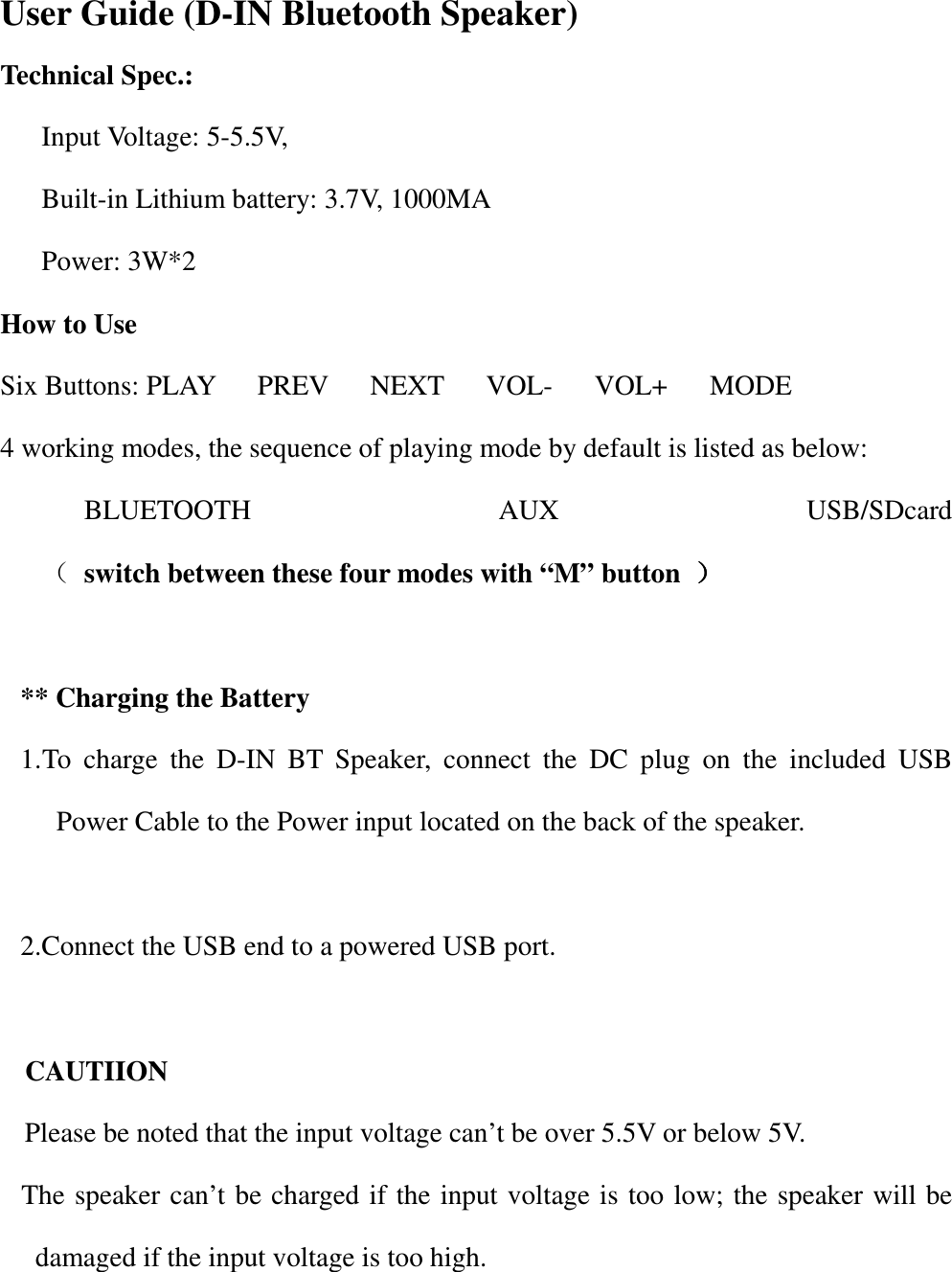
                   User Guide (D-IN Bluetooth Speaker) Technical Spec.: Input Voltage: 5-5.5V,   Built-in Lithium battery: 3.7V, 1000MA Power: 3W*2 How to Use Six Buttons: PLAY      PREV      NEXT      VOL-      VOL+      MODE 4 working modes, the sequence of playing mode by default is listed as below: BLUETOOTH  AUX  USB/SDcard                        ( switch between these four modes with “M” button  ))))        ** Charging the Battery 1. To  charge  the  D-IN  BT  Speaker,  connect  the  DC  plug  on  the  included  USB Power Cable to the Power input located on the back of the speaker.  2.Connect the USB end to a powered USB port.  CAUTIION Please be noted that the input voltage can’t be over 5.5V or below 5V.   The speaker can’t be charged if the input voltage is too low; the speaker will be damaged if the input voltage is too high.
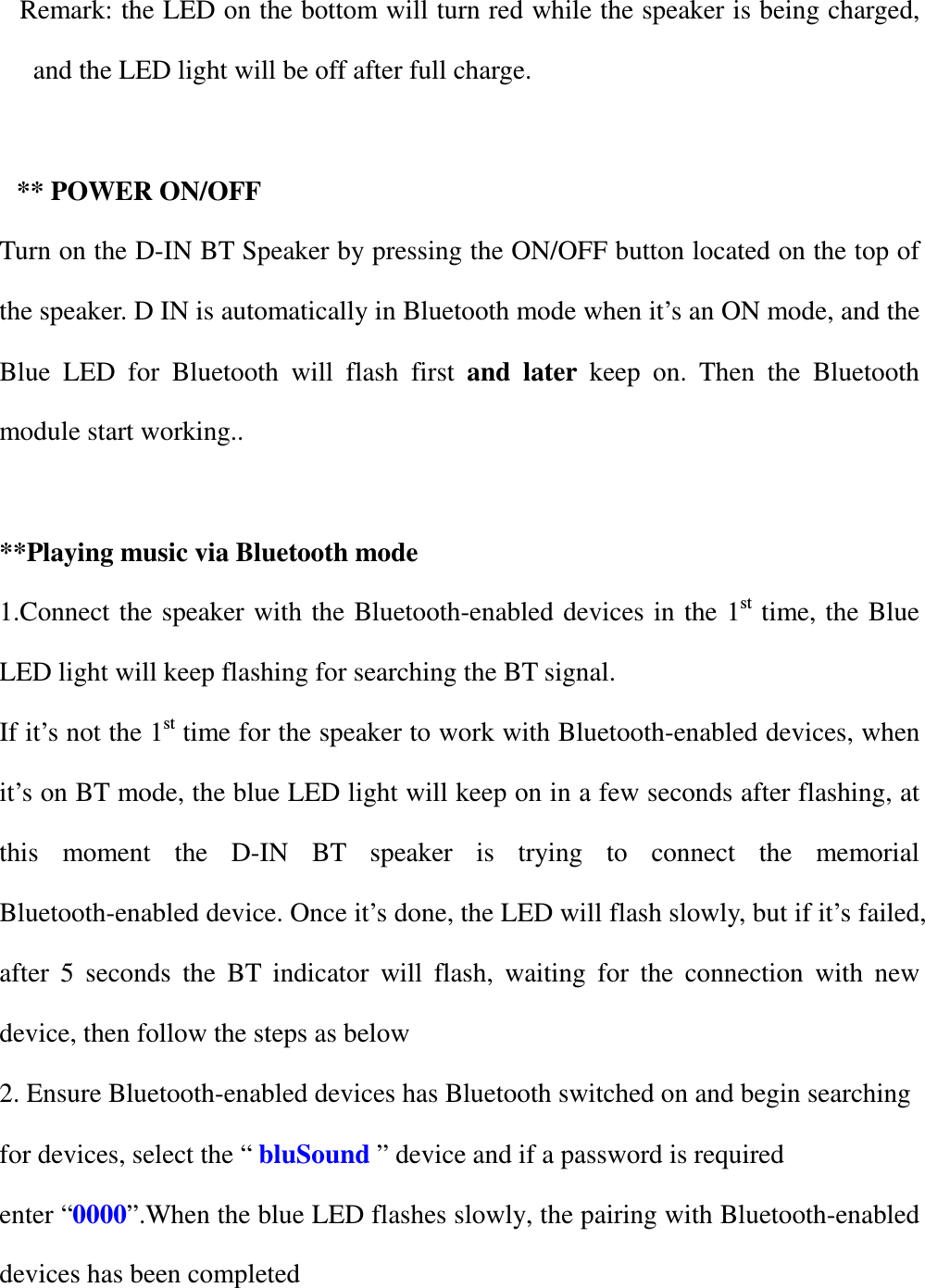
Remark: the LED on the bottom will turn red while the speaker is being charged, and the LED light will be off after full charge.  ** POWER ON/OFF Turn on the D-IN BT Speaker by pressing the ON/OFF button located on the top of the speaker. D IN is automatically in Bluetooth mode when it’s an ON mode, and the Blue  LED  for  Bluetooth  will  flash  first  and  later  keep  on.  Then  the  Bluetooth module start working..  **Playing music via Bluetooth mode 1.Connect the speaker with  the  Bluetooth-enabled devices in the 1st time, the Blue LED light will keep flashing for searching the BT signal. If it’s not the 1st time for the speaker to work with Bluetooth-enabled devices, when it’s on BT mode, the blue LED light will keep on in a few seconds after flashing, at this  moment  the  D-IN  BT  speaker  is  trying  to  connect  the  memorial Bluetooth-enabled device. Once it’s done, the LED will flash slowly, but if it’s failed, after  5  seconds  the  BT  indicator  will  flash,  waiting  for  the  connection  with  new device, then follow the steps as below 2. Ensure Bluetooth-enabled devices has Bluetooth switched on and begin searching for devices, select the “ bluSound ” device and if a password is required enter “0000”.When the blue LED flashes slowly, the pairing with Bluetooth-enabled devices has been completed
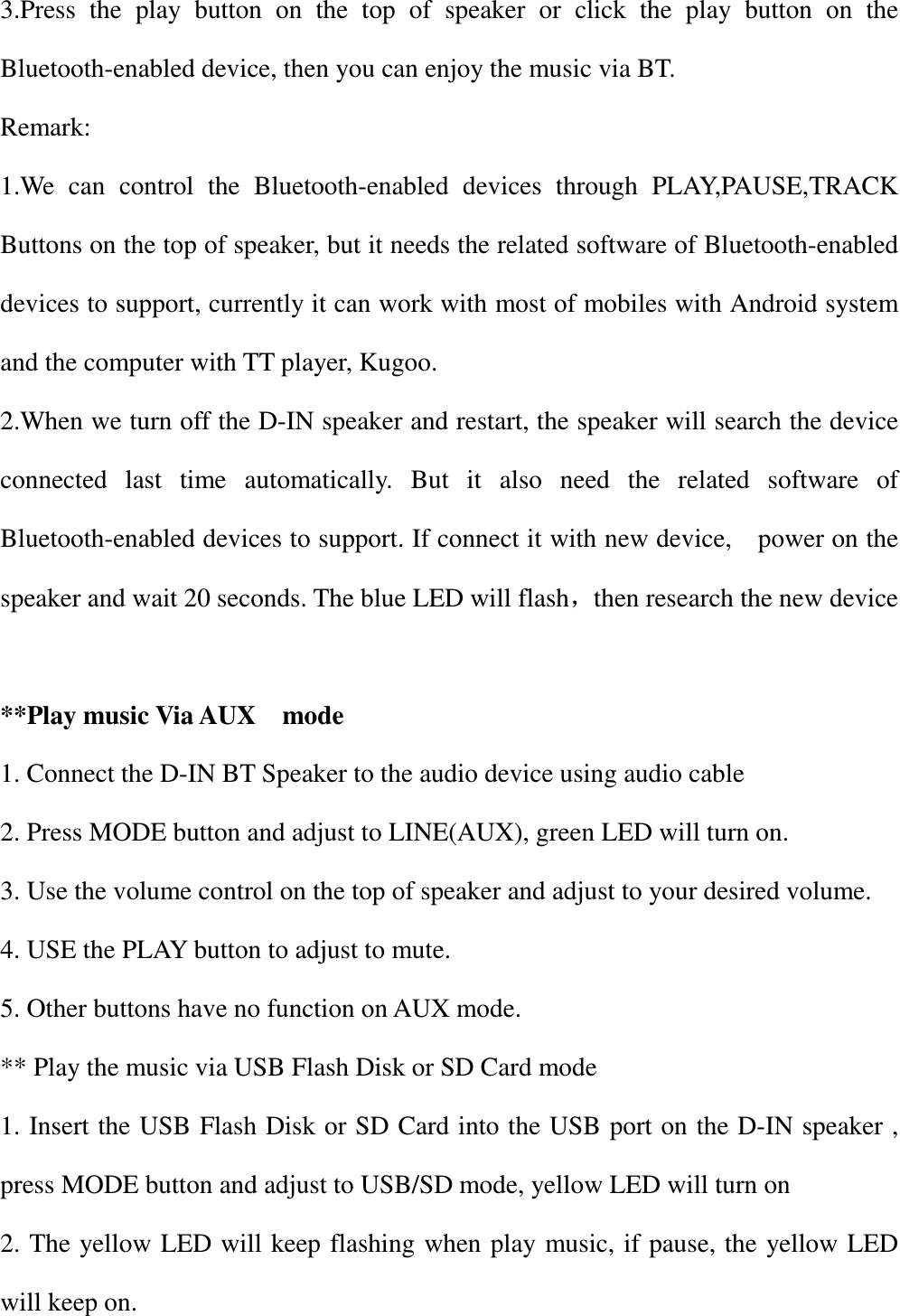
3.Press  the  play  button  on  the  top  of  speaker  or  click  the  play  button  on  the Bluetooth-enabled device, then you can enjoy the music via BT. Remark: 1.We  can  control  the  Bluetooth-enabled  devices  through  PLAY,PAUSE,TRACK Buttons on the top of speaker, but it needs the related software of Bluetooth-enabled devices to support, currently it can work with most of mobiles with Android system and the computer with TT player, Kugoo. 2.When we turn off the D-IN speaker and restart, the speaker will search the device connected  last  time  automatically.  But  it  also  need  the  related  software  of Bluetooth-enabled devices to support. If connect it with new device,    power on the speaker and wait 20 seconds. The blue LED will flash,then research the new device  **Play music Via AUX    mode 1. Connect the D-IN BT Speaker to the audio device using audio cable 2. Press MODE button and adjust to LINE(AUX), green LED will turn on. 3. Use the volume control on the top of speaker and adjust to your desired volume. 4. USE the PLAY button to adjust to mute. 5. Other buttons have no function on AUX mode. ** Play the music via USB Flash Disk or SD Card mode 1. Insert the USB Flash Disk or SD Card into the USB port on the D-IN speaker , press MODE button and adjust to USB/SD mode, yellow LED will turn on   2. The yellow LED will keep flashing when play music, if pause, the yellow LED will keep on.
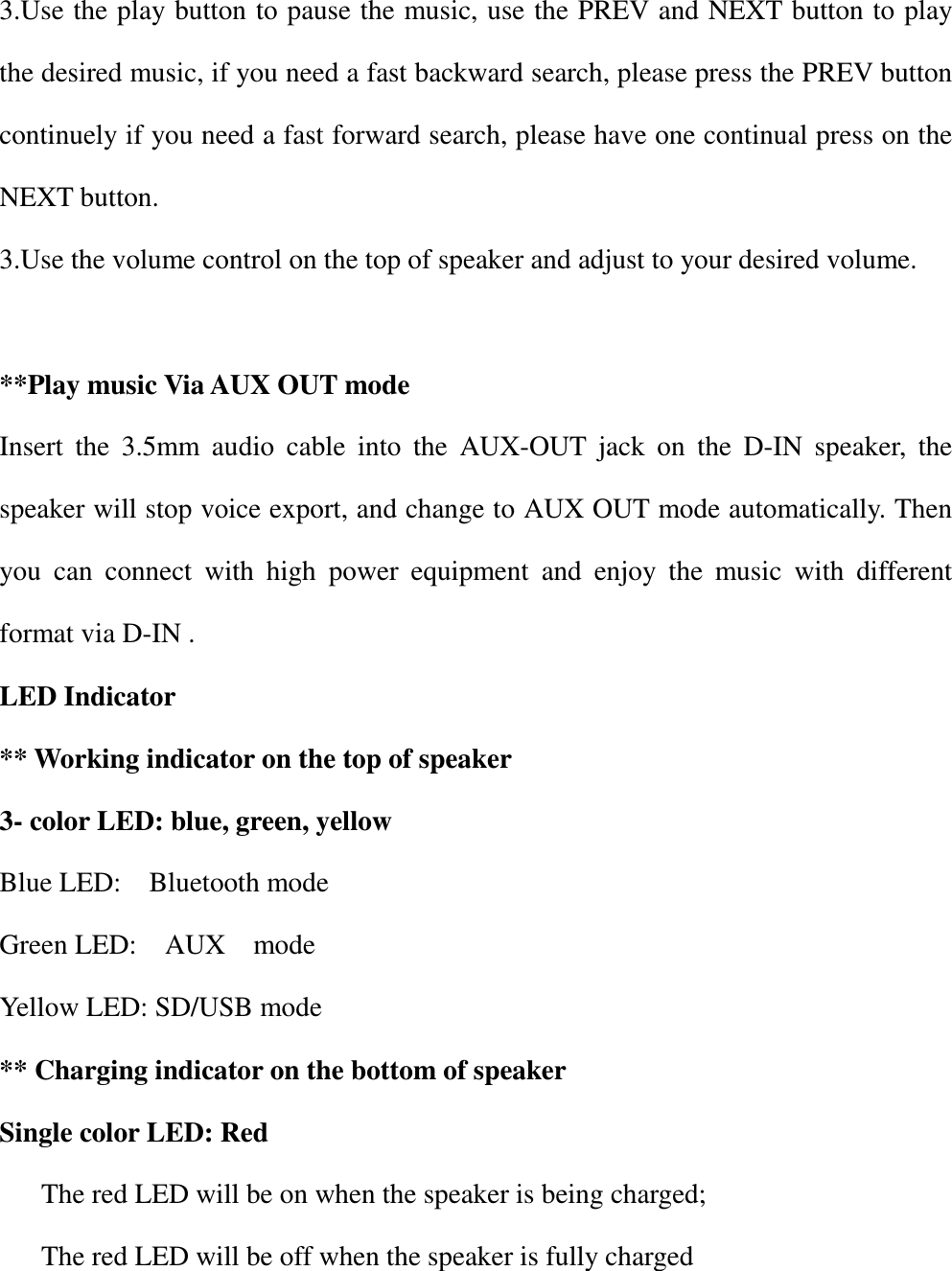
3.Use the play button to pause the music, use the PREV and NEXT button to play the desired music, if you need a fast backward search, please press the PREV button continuely if you need a fast forward search, please have one continual press on the NEXT button. 3.Use the volume control on the top of speaker and adjust to your desired volume.    **Play music Via AUX OUT mode Insert  the  3.5mm  audio  cable  into  the  AUX-OUT  jack  on  the  D-IN  speaker,  the speaker will stop voice export, and change to AUX OUT mode automatically. Then you  can  connect  with  high  power  equipment  and  enjoy  the  music  with  different format via D-IN . LED Indicator ** Working indicator on the top of speaker 3- color LED: blue, green, yellow Blue LED:    Bluetooth mode Green LED:    AUX    mode Yellow LED: SD/USB mode ** Charging indicator on the bottom of speaker   Single color LED: Red The red LED will be on when the speaker is being charged; The red LED will be off when the speaker is fully charged
FCC Conformity: This device complies with Part 15 of the FCC Rules. Operation is subject to the following two conditions: (1) this device may not cause harmful interference, and (2) this device must accept any interference received, including interference that may cause undesired operation.  changes  or  modifications  not  expressly  approved  by  the  party  responsible  for compliance could void the user’s authority to operate the equipment.  This equipment has been tested and found to comply with the limits for a Class B digital device, pursuant to Part 15 of the FCC Rules. These limits are designed to provide reasonable protection against harmful interference in a residential installation. This equipment generates, uses and can radiate radio frequency energy and, if not installed and used in accordance with the instructions, may cause harmful interference to radio communications. However, there is no guarantee that interference will not occur in a particular installation. If this equipment does cause harmful interference to radio or television reception, which can be determined by turning the equipment off and on, the user is encouraged to try to correct the interference by one or more of the following measures: -- Reorient or relocate the receiving antenna. -- Increase the separation between the equipment and receiver. -- Connect the equipment into an outlet on a circuit different from that to which the receiver is connected. -- Consult the dealer or an experienced radio/TV technician for help.

Navigation menu