Walnut Technology 10 SPECTRA User Manual

Walnut Technology (Dongguan) Limited SPECTRA

User Manual

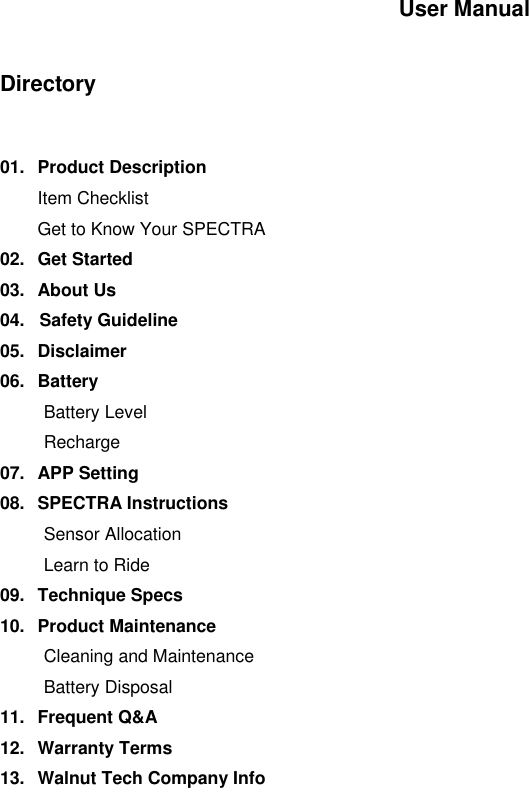
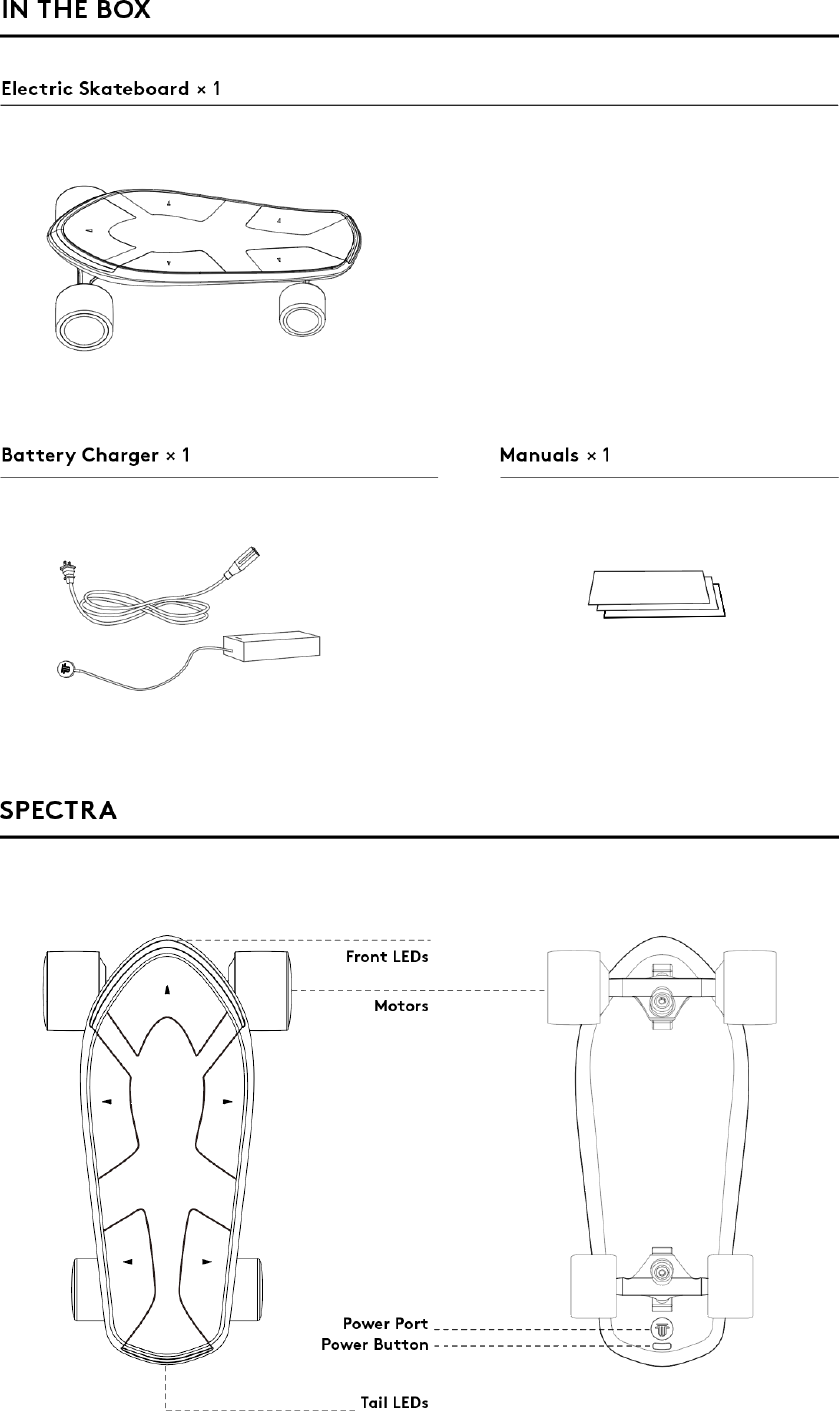
User Manual   Directory   01.  Product Description  Item Checklist  Get to Know Your SPECTRA 02.  Get Started 03.  About Us 04.   Safety Guideline 05.  Disclaimer 06.  Battery Battery Level Recharge  07.  APP Setting 08.  SPECTRA Instructions Sensor Allocation Learn to Ride 09.  Technique Specs 10.  Product Maintenance Cleaning and Maintenance Battery Disposal 11.  Frequent Q&A 12.  Warranty Terms 13.  Walnut Tech Company Info
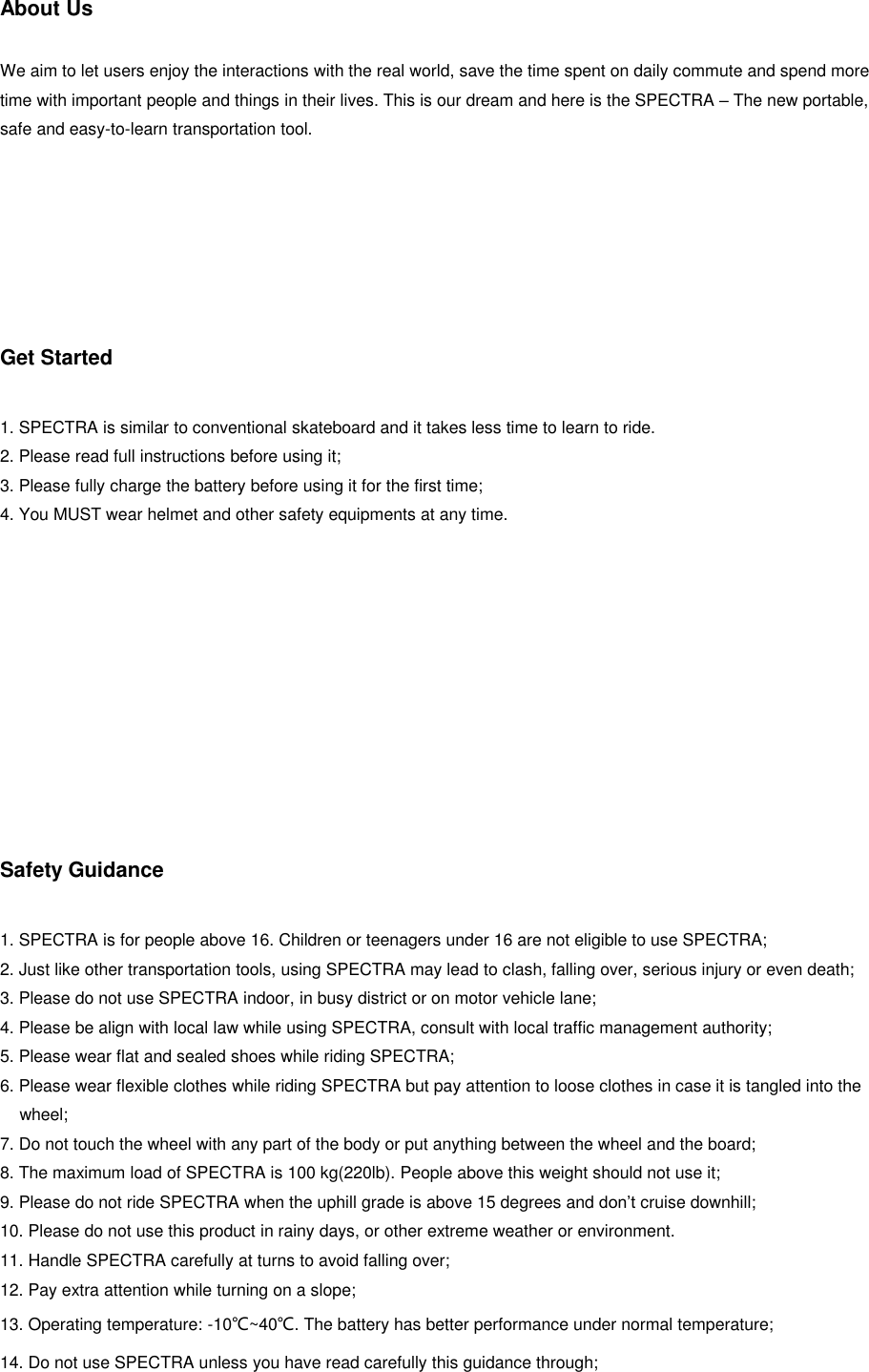
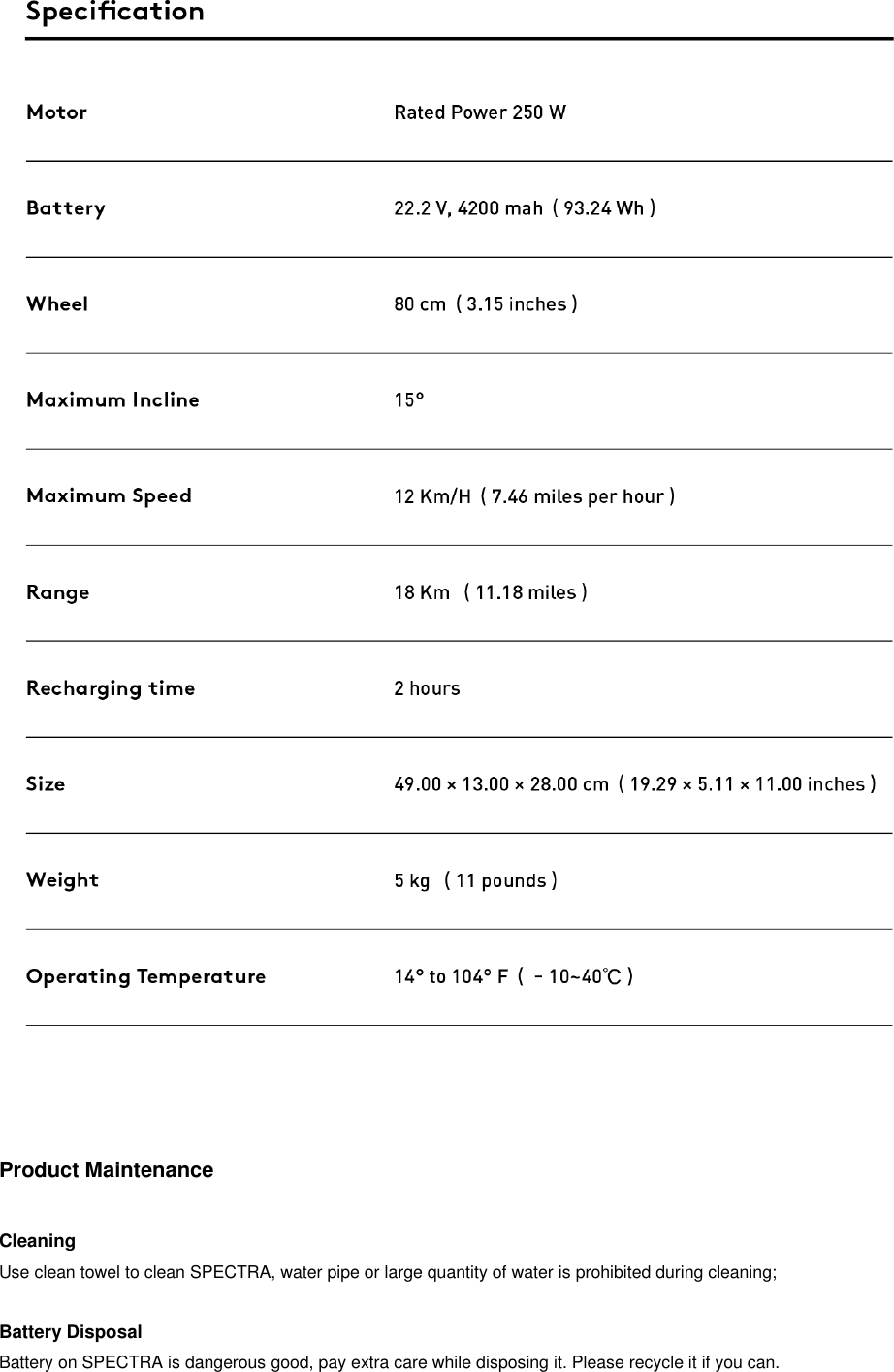
About Us   We aim to let users enjoy the interactions with the real world, save the time spent on daily commute and spend more time with important people and things in their lives. This is our dream and here is the SPECTRA – The new portable, safe and easy-to-learn transportation tool.       Get Started  1. SPECTRA is similar to conventional skateboard and it takes less time to learn to ride. 2. Please read full instructions before using it; 3. Please fully charge the battery before using it for the first time; 4. You MUST wear helmet and other safety equipments at any time.          Safety Guidance  1. SPECTRA is for people above 16. Children or teenagers under 16 are not eligible to use SPECTRA; 2. Just like other transportation tools, using SPECTRA may lead to clash, falling over, serious injury or even death; 3. Please do not use SPECTRA indoor, in busy district or on motor vehicle lane; 4. Please be align with local law while using SPECTRA, consult with local traffic management authority; 5. Please wear flat and sealed shoes while riding SPECTRA; 6. Please wear flexible clothes while riding SPECTRA but pay attention to loose clothes in case it is tangled into the wheel; 7. Do not touch the wheel with any part of the body or put anything between the wheel and the board; 8. The maximum load of SPECTRA is 100 kg(220lb). People above this weight should not use it; 9. Please do not ride SPECTRA when the uphill grade is above 15 degrees and don’t cruise downhill; 10. Please do not use this product in rainy days, or other extreme weather or environment. 11. Handle SPECTRA carefully at turns to avoid falling over; 12. Pay extra attention while turning on a slope; 13. Operating temperature: -10℃~40℃. The battery has better performance under normal temperature; 14. Do not use SPECTRA unless you have read carefully this guidance through;
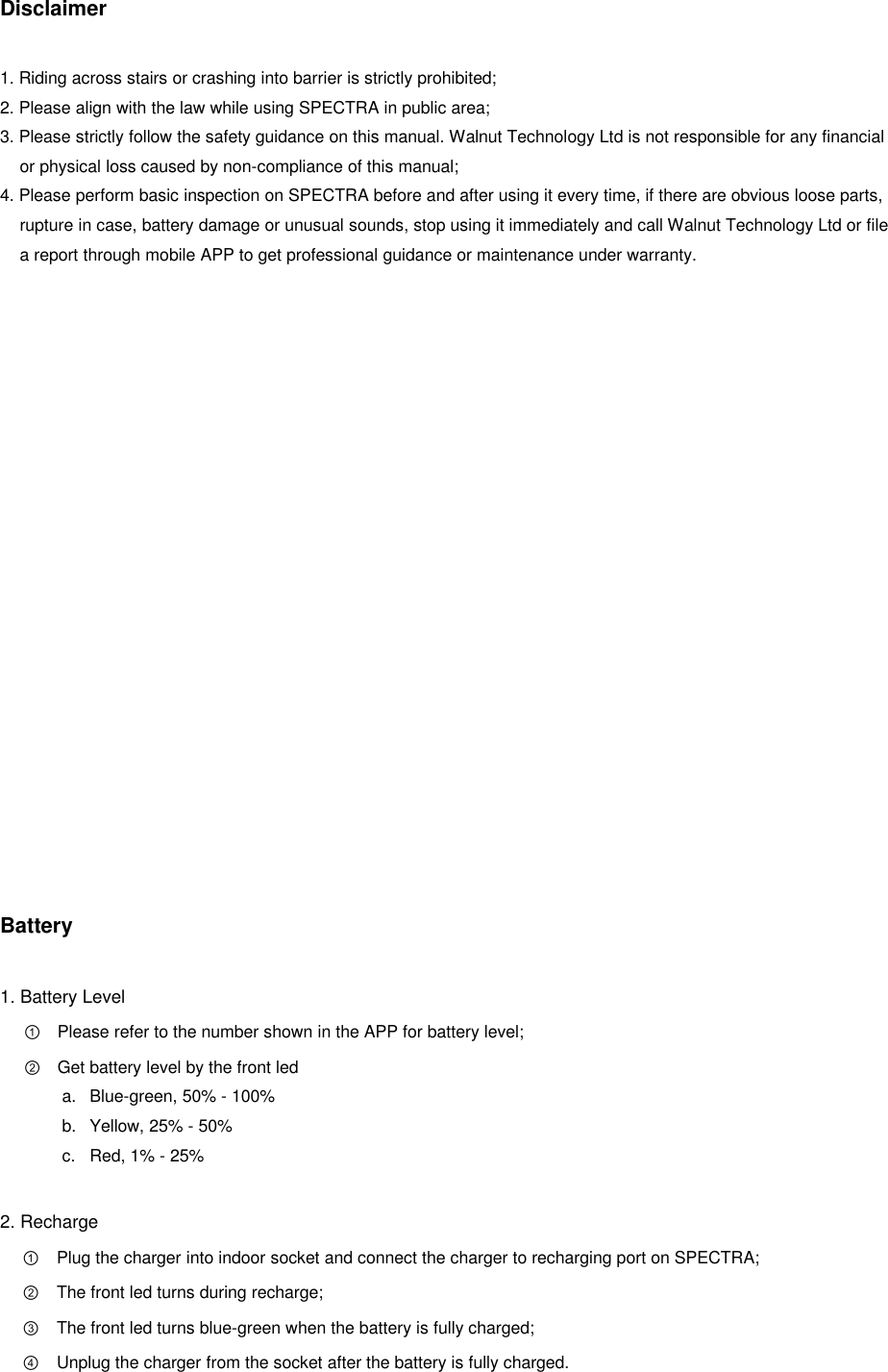
Disclaimer  1. Riding across stairs or crashing into barrier is strictly prohibited; 2. Please align with the law while using SPECTRA in public area; 3. Please strictly follow the safety guidance on this manual. Walnut Technology Ltd is not responsible for any financial or physical loss caused by non-compliance of this manual; 4. Please perform basic inspection on SPECTRA before and after using it every time, if there are obvious loose parts, rupture in case, battery damage or unusual sounds, stop using it immediately and call Walnut Technology Ltd or file a report through mobile APP to get professional guidance or maintenance under warranty.                   Battery  1. Battery Level ① Please refer to the number shown in the APP for battery level; ② Get battery level by the front led a.  Blue-green, 50% - 100% b.  Yellow, 25% - 50% c.  Red, 1% - 25%  2. Recharge ① Plug the charger into indoor socket and connect the charger to recharging port on SPECTRA; ② The front led turns during recharge; ③ The front led turns blue-green when the battery is fully charged; ④ Unplug the charger from the socket after the battery is fully charged.
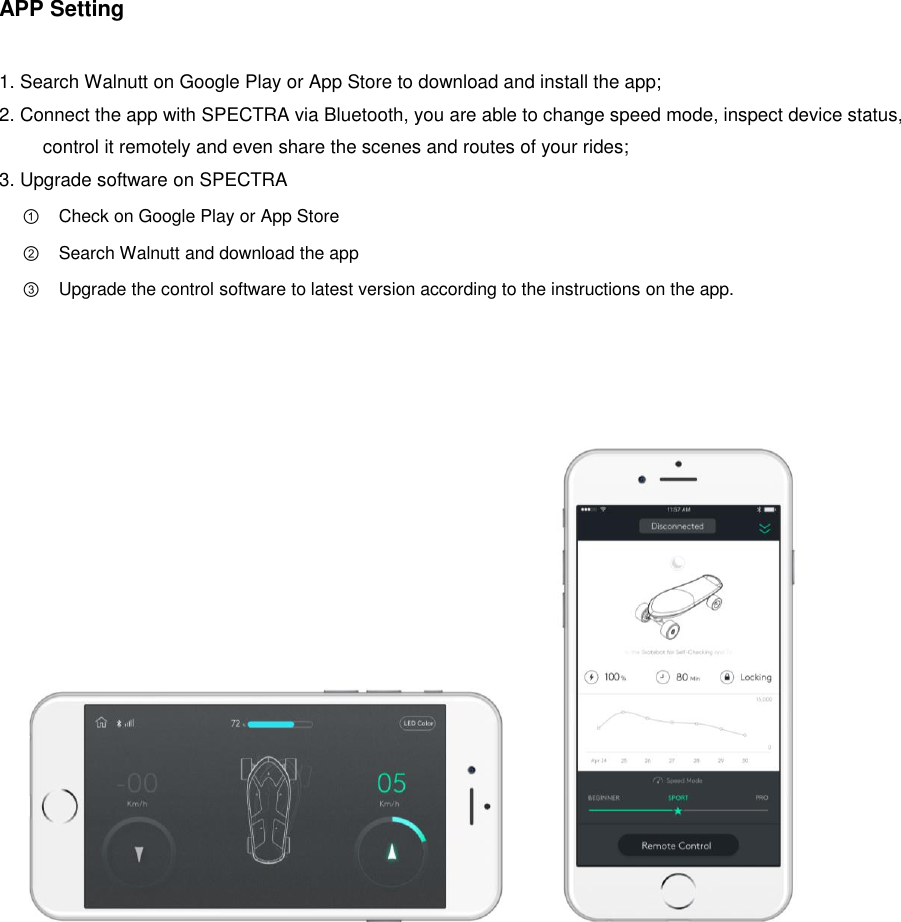
APP Setting  1. Search Walnutt on Google Play or App Store to download and install the app; 2. Connect the app with SPECTRA via Bluetooth, you are able to change speed mode, inspect device status, control it remotely and even share the scenes and routes of your rides; 3. Upgrade software on SPECTRA ① Check on Google Play or App Store ② Search Walnutt and download the app ③ Upgrade the control software to latest version according to the instructions on the app.
How to Use SPECTRA             Learn to Ride  1. Wear comfortable clothes and flat shoes before using SPETRA and try to wear safety gear e.g. helmet; 2. Choose the road with fine terrain, make sure there is no other vehicle before your first time using it; 3. Press the power button and hold for 1 second, the front light will be on after you hear the beep sound; 4. If you stand on the board with your left(right) foot in the front, then step on the board with your left(right) foot first for stableness, how you stand on the board is illustrated above; 5. Keep balanced, there will be 2 beep sounds after SPECTRA thinks you have yourself balanced; 6. Lean forward slowly, make sure there is extra weight on the front foot then the board will start accelerating, it controls the acceleration when you take off but depends on your posture after a while; 7. Lower the pressure on front foot to decelerate; 8. Turn the board just like how you do it on a conventional skateboard; 9. Decelerate the board to certain level of speed and jump off the board, SPECTRA will stop automatically.
   Product Maintenance  Cleaning Use clean towel to clean SPECTRA, water pipe or large quantity of water is prohibited during cleaning;  Battery Disposal Battery on SPECTRA is dangerous good, pay extra care while disposing it. Please recycle it if you can.
Frequent Q&A Q1: Where can I ride my SPECTRA  Wherever you can ride a segway or other hoverboards, you are eligible to ride SPECTRA. They are applied with the same law.  Q2: Is there weight limitation on the weight of rider?  Yes, SPECTRA sets weight limitation to reduce damage to the board from rider; The maximum load including the board itself is 100kg(200lb).                 Warranty Terms  1. SPECTRA one-year warranty we promise to provide one-year warranty for SPECTRA bought from legit seller and follows our warranty terms; 2. Not under warranty: ① Natural wearing out during usage; ② Accidents or misuse causing product damage (i.e. mechanical damage, falling off, clash or serious product oxidation); ③ Damage caused by overloading and stunt performance; ④ Damage caused by non-compliance with the guidance; ⑤ Battery damage caused by unreasonable recharging; ⑥ Replacing part(s) on SPECTRA.
Perform Warranty Responsibility SPECTRA’s warranty service is provided by the dealers. Users are able to get service by the series number of SPECTRA and warranty card; the expired date of warranty is calculated based on the shipment from Walnut Technology Ltd. Please contact local dealer if there is any issue about the product, the dealer will verify the product information and record the details. The dealers should guide the users to inspect the product via phone call or internet. If the product needs to be returned for repair, the dealer should have a phone call with the users. The users are responsible for shipping SPECTRA to walnut technology Ltd. Walnut Technology Ltd provides paid repair for products not under warranty.           Company Information Company name: Walnut Technology Limited Company address: RM 106B, UA Tower B, HKUST, Clear Water Bay, Kowloon, Hong Kong
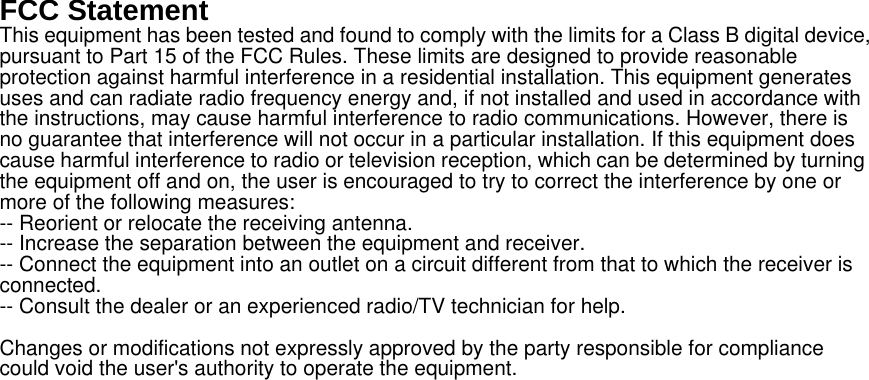
FCC Statement This equipment has been tested and found to comply with the limits for a Class B digital device, pursuant to Part 15 of the FCC Rules. These limits are designed to provide reasonable protection against harmful interference in a residential installation. This equipment generates uses and can radiate radio frequency energy and, if not installed and used in accordance with the instructions, may cause harmful interference to radio communications. However, there is no guarantee that interference will not occur in a particular installation. If this equipment does cause harmful interference to radio or television reception, which can be determined by turning the equipment off and on, the user is encouraged to try to correct the interference by one or more of the following measures: -- Reorient or relocate the receiving antenna.     -- Increase the separation between the equipment and receiver.       -- Connect the equipment into an outlet on a circuit different from that to which the receiver is connected.   -- Consult the dealer or an experienced radio/TV technician for help. Changes or modifications not expressly approved by the party responsible for compliance could void the user's authority to operate the equipment.

Navigation menu