XIAMEN SCALETECH SDC5LBSCALE Stamps.com Stainless Steel 5 lb.Digital Postal Scale User Manual
XIAMEN SCALETECH Co., LTD Stamps.com Stainless Steel 5 lb.Digital Postal Scale Users Manual
Users Manual
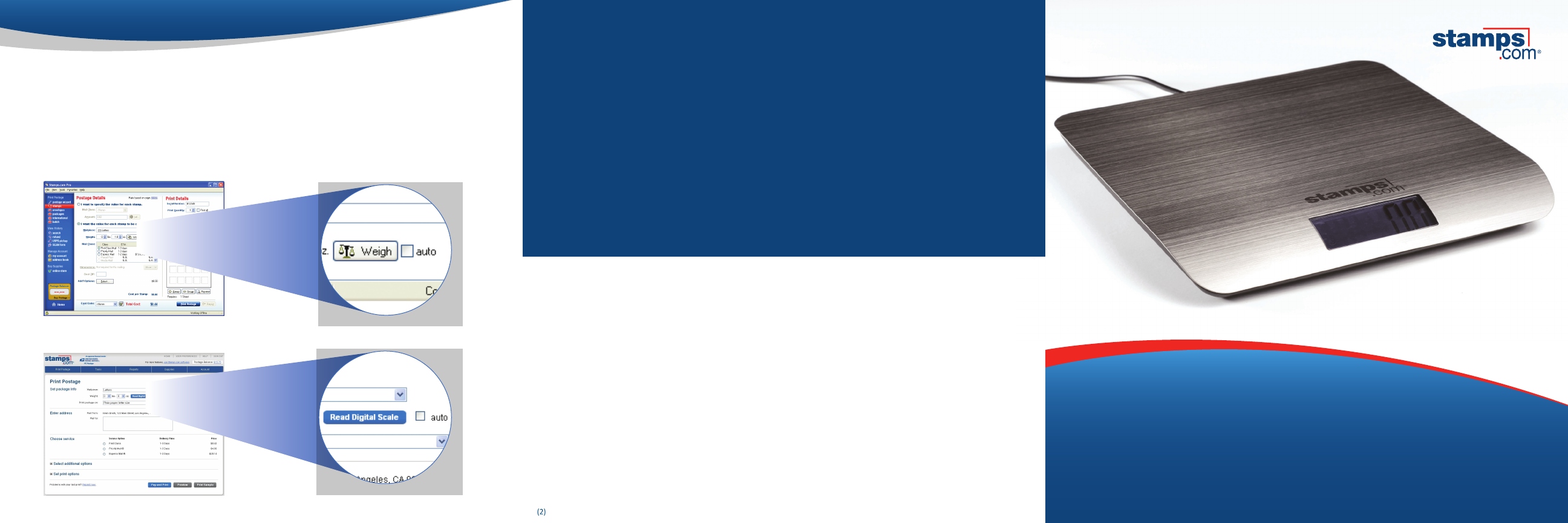
Your 5 lb. scale can be used with both the Stamps.com software and the Stamps.com website. Click
the “Weigh” or “Read Digital Scale” button to transfer the weight from the scale once, or select the “Auto”
checkbox to transfer the weight from the scale to Stamps.com whenever the weight on the scale changes.
Using your scale
software:
website:
My scale is not powering on.
Make sure the power switch is in the ON position and that the USB cable is properly plugged into your
scale and computer. If this doesn’t work, try using a dierent USB port on your computer.
The weight is not being transferred from the scale to Stamps.com.
Make sure the USB cable is properly plugged into your scale and computer, then move the ON/OFF
switch on the back of the scale to OFF and then to ON again. Click the “Weigh” or “Read Digital Scale”
button in the Stamps.com software or website. If prompted, download the required plug-in.
How do I tare or zero the scale?
Place the box, envelope, or any other object you want to tare on the scale, then simply move the ON/
OFF switch on the back of the scale to OFF and then to ON again.
How do I hold the weight on the display?
The 5 lb. scale does not have a hold feature, but you can hold the weight in the Stamps.com software
or website by clicking on the “Weigh” or “Read Digital Scale” button when printing postage.
Need Additional support?
Call 1-800-434-0055, M–F, 6 am–6 pm PT or visit www.stamps.com/support.
Warranty
Your Stamps.com Digital Scale has a one (1) year limited warranty against faulty workmanship and/or materials. Warranty period shall be dened as
the earlier of: one (1) year from the date listed on your proof of purchase or bill of sale (or) one (1) year from the date on which your trial period ends.
Should your product prove defective during the warranty period, please visit www.stamps.com/returns for more information and instructions
on how to return or exchange your scale. This warranty does not cover cosmetic damage or damage due to acts of God, accident, misuse, abuse,
negligence, or modication of, or to, any part of the product. This warranty does not cover damage due to improper operation or maintenance,
or attempted repair by anyone other than a facility authorized by Stamps.com to service the product. This warranty is valid only in the United
States. This warranty is invalid if the factory-applied serial number has been altered or removed from the product. Except for the express warranty
set forth above, Stamps.com disclaims all other warranties, express or implied, including any implied warranty of merchantability or tness for a
particular purpose. Repair or placement as provided under this warranty is the exclusive remedy of the consumer. Stamps.com shall not be liable for
any incidental, special, punitive, economic or consequential damages for breach of any express or implied warranty on this product. To the extent
exclusions of implied warranties are prohibited by applicable law, any implied warranty of merchantability or tness for a particular purpose on this
product is limited in duration to one (1) year. Some states do not allow the exclusion or imitation of incidental or consequential damages, or allow
limitations on how long an implied warranty lasts, so the above limitations or exclusions may not apply to you. This warranty gives you specic
legal rights, and you may have other rights that vary from state to state.
Stamps.com Stainless Steel
5 lb. Digital Postal Scale
This equipment has been tested and found to comply with the regulations for a Class B digital device, pursuant to Part 15 of the FCC Rules.
(1) This device may not cause harmful interference.
(1) This device must accept any interference received including interference that may cause undesired operation.
Operation is subject to the following two conditions:
FCC Statement
FCC Warning
This equipment has been tested and found to comply with the regulations for a Class B digital device, pursuant to Part 15 of the FCC Rules.
These limits are designed to provide reasonable protection against harmful interference when the equipment is operate din a commercial environment.
This equipment generates, uses, and can radiate radiofrequency energy and, if not installed and used in accordance with the instruction manual, may cause harmful
interference to radio communications. Operation of this equipment in a residential area is likely to cause harmful interference in which case the user will be required
to correct the interference at his own expense.
FCC Caution: Any changes or modifications not expressly approved by the party responsible for compliance could void the user’s authority to operate this equipment.
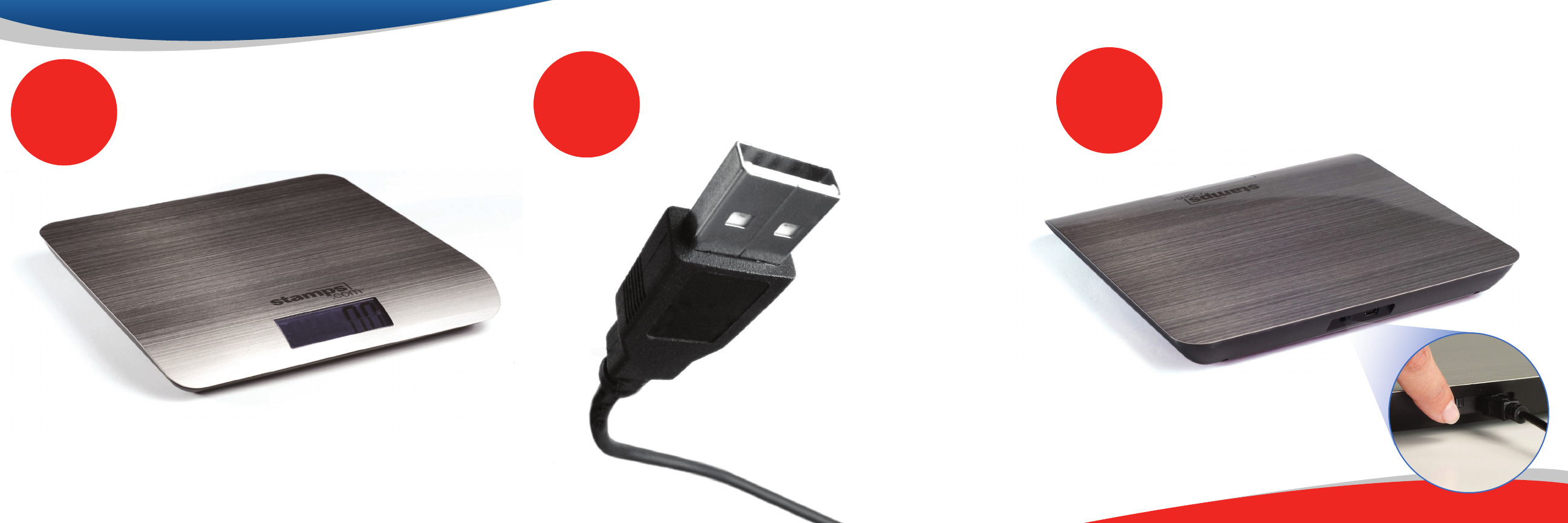
Plug one end of the USB cable
into your scale and the other into
your computer, which will provide
power for the scale and transfer
the weight to the Stamps.com
software or website automatically.
If you do not want to plug the
USB cable into your computer, you
may also use a USB power adapter
(sold separately).
The scale may display inaccurate weight if the surface is not at.
Move the switch on the back of the scale to the ON position.
The LCD display will illuminate if the scale is connected correctly.
Place on at surface. Connect to computer. Turn it on.
23
1