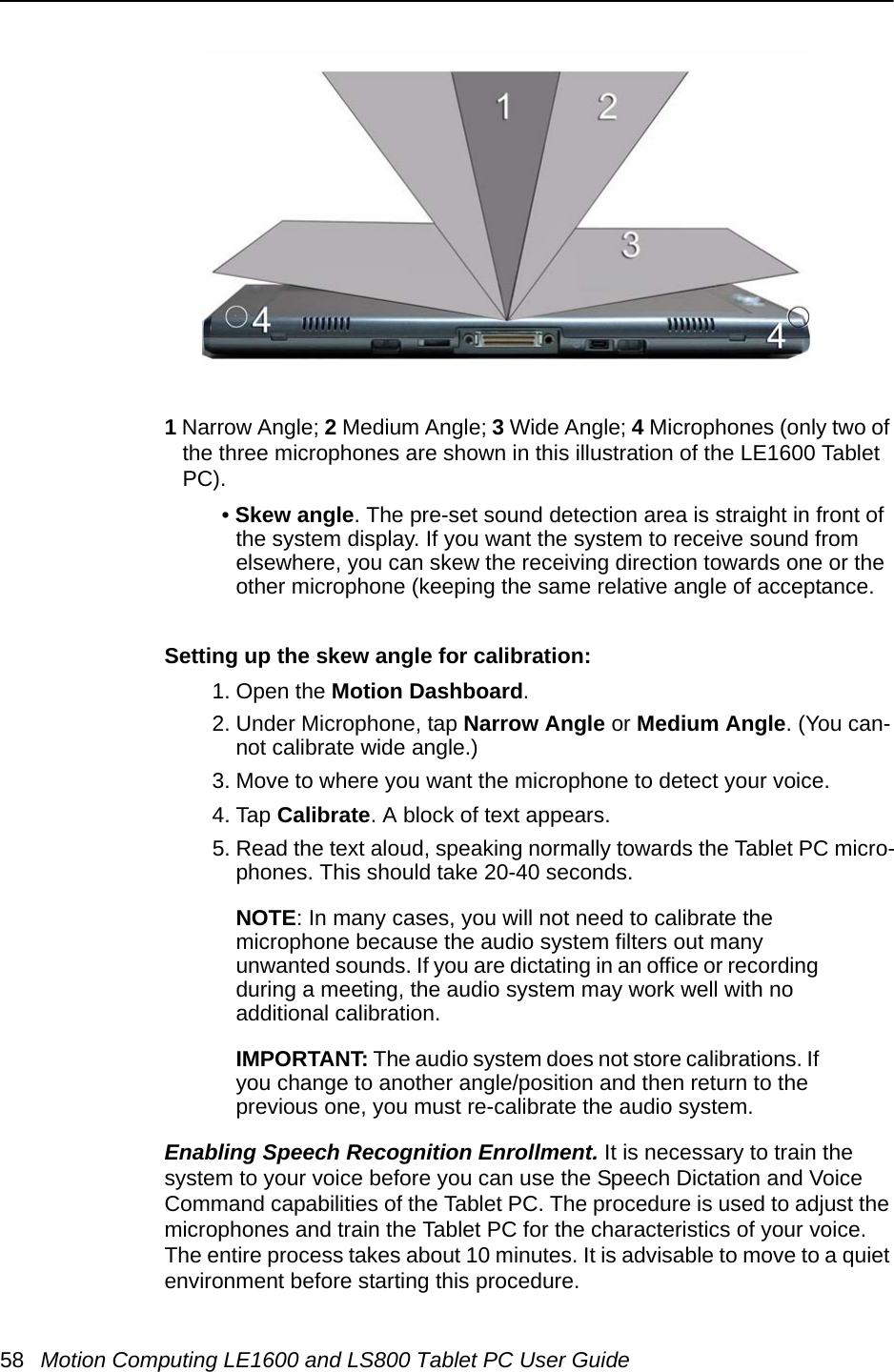
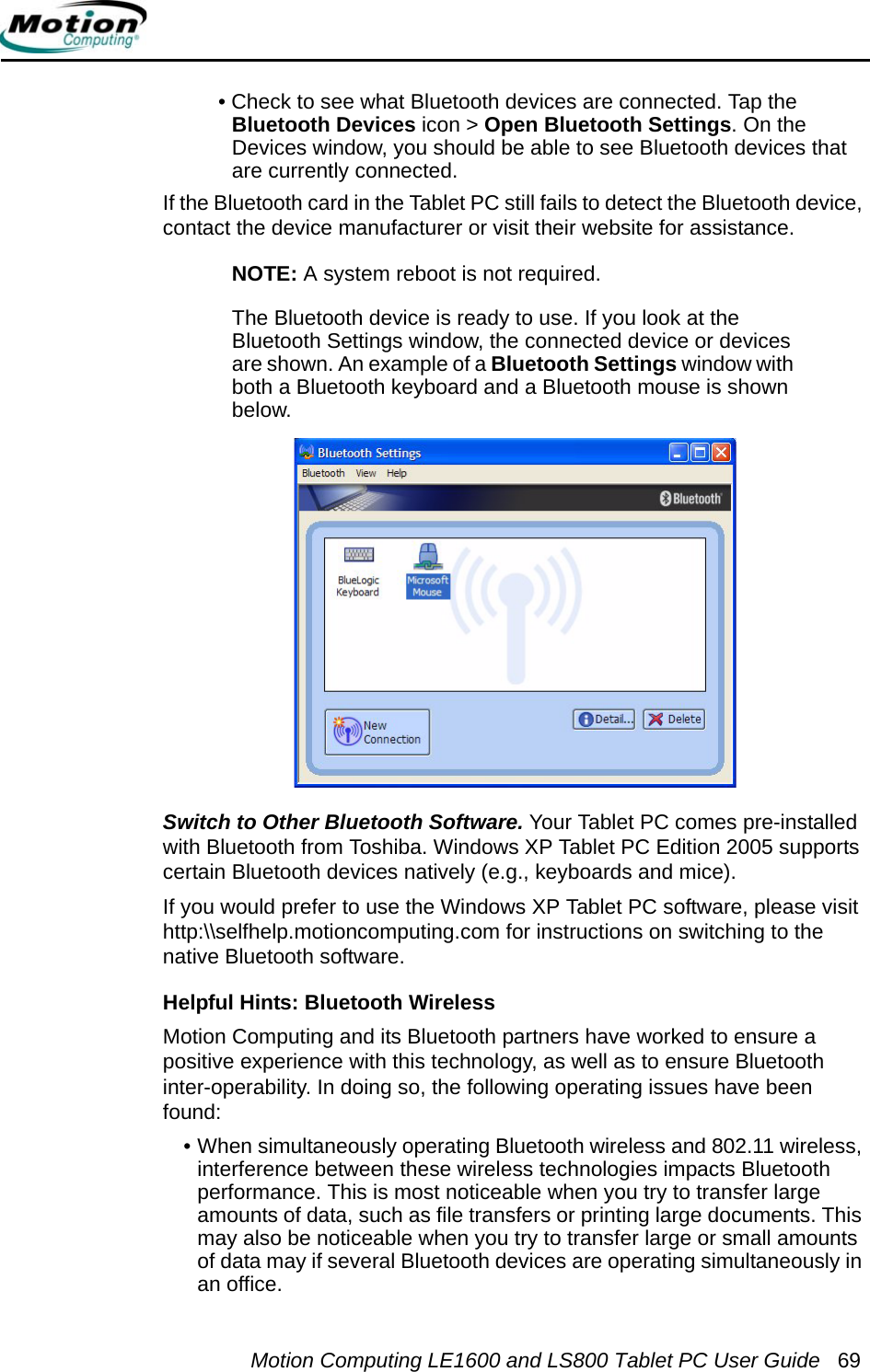
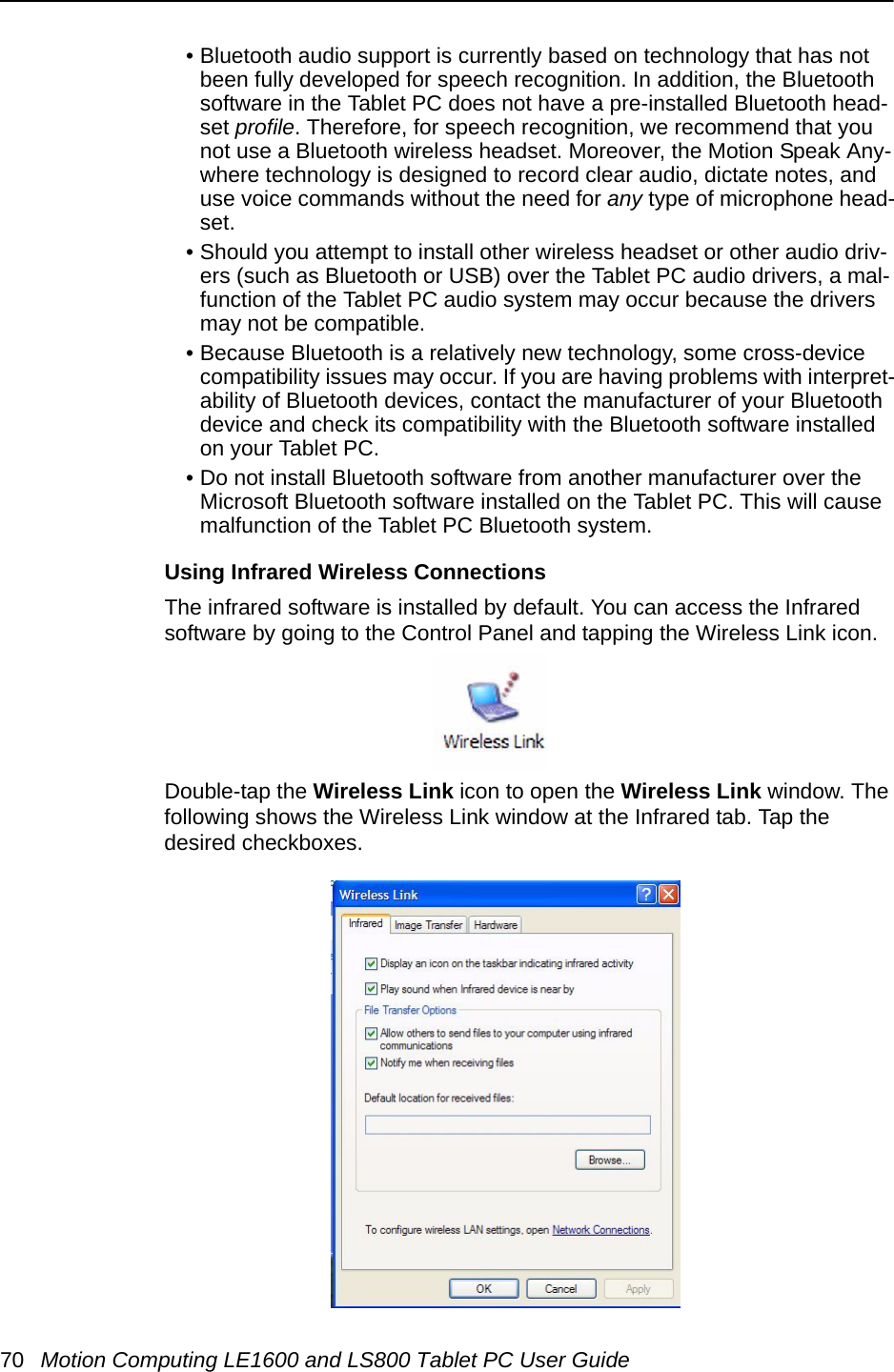
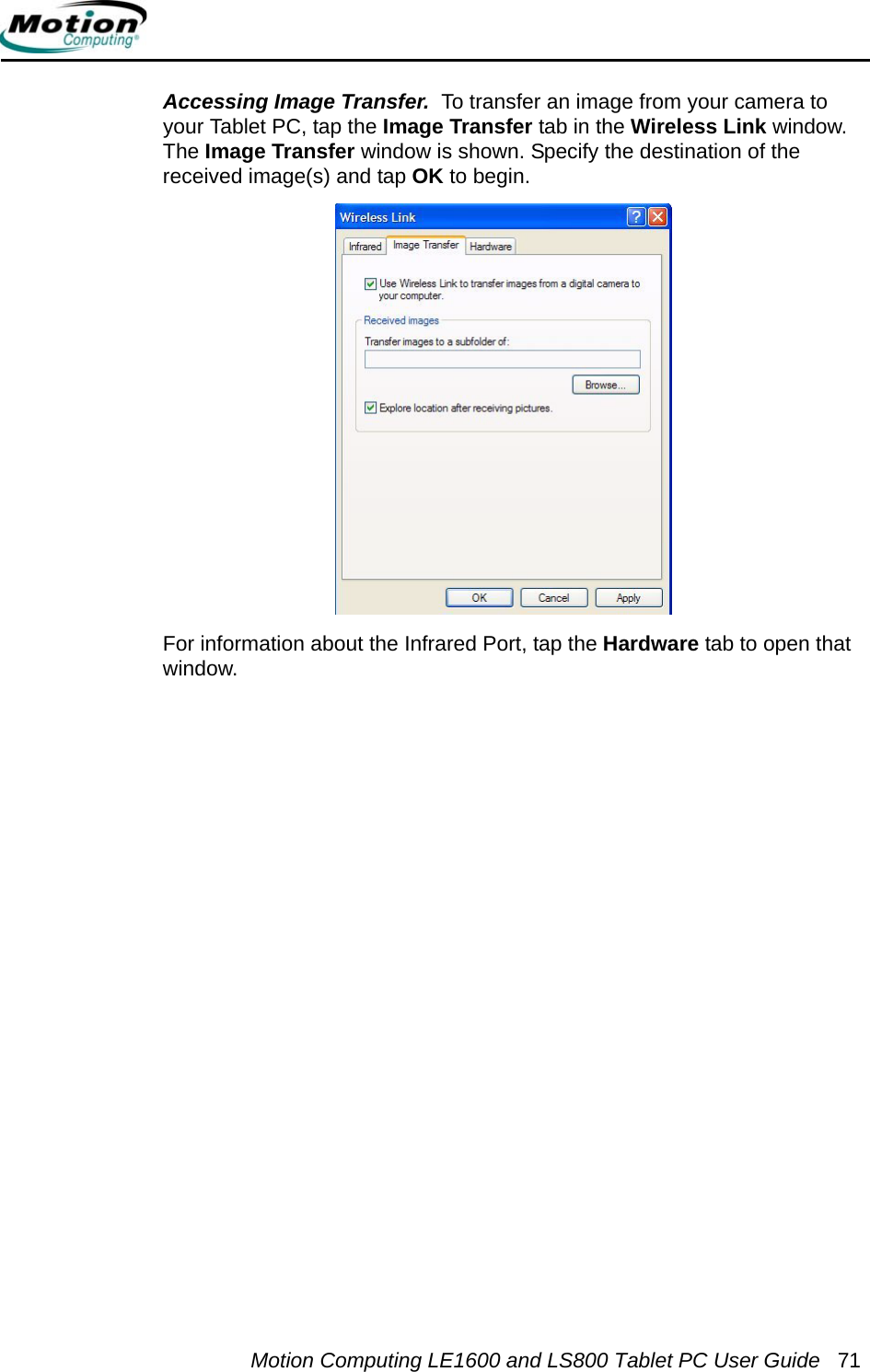
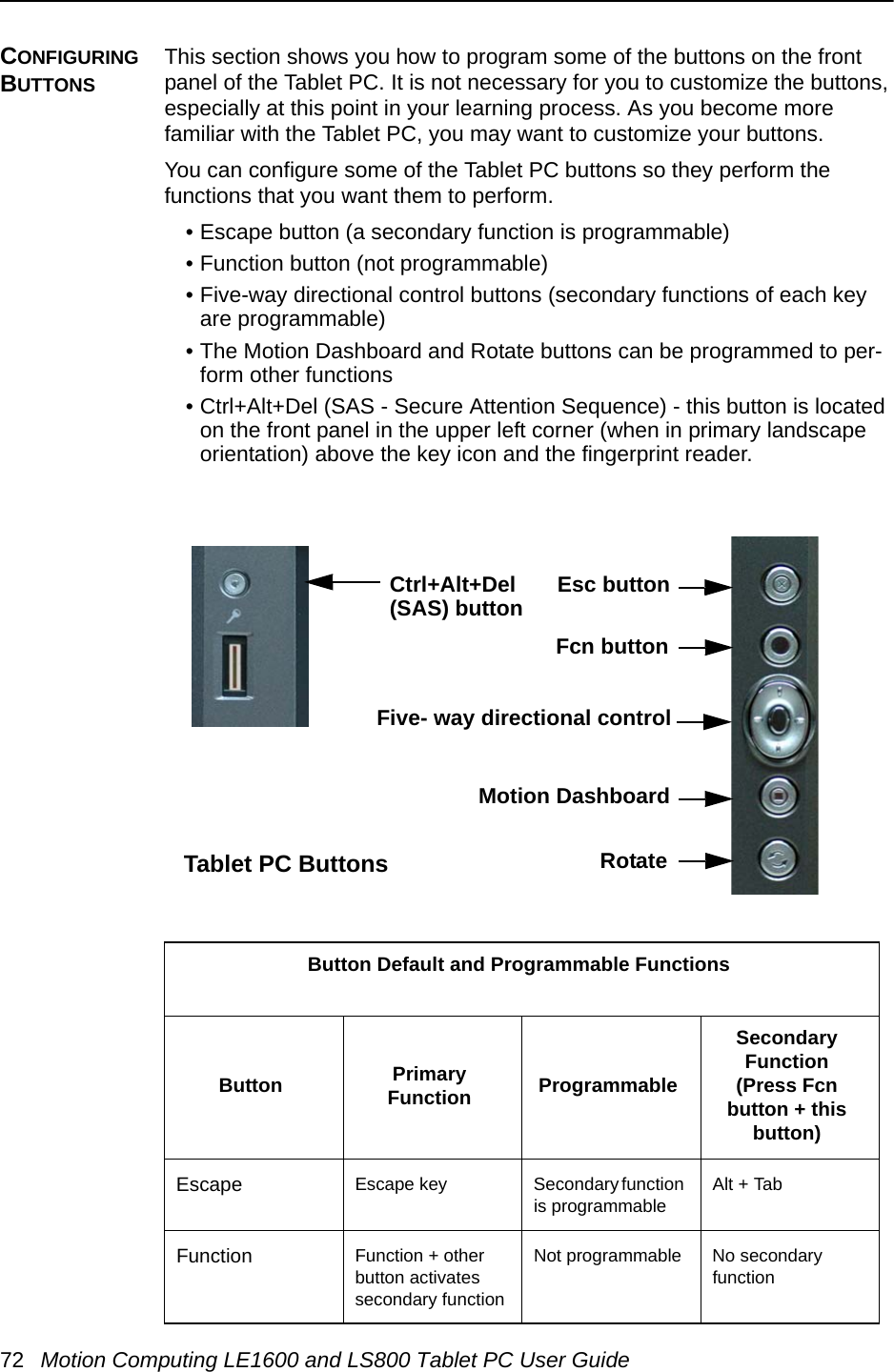
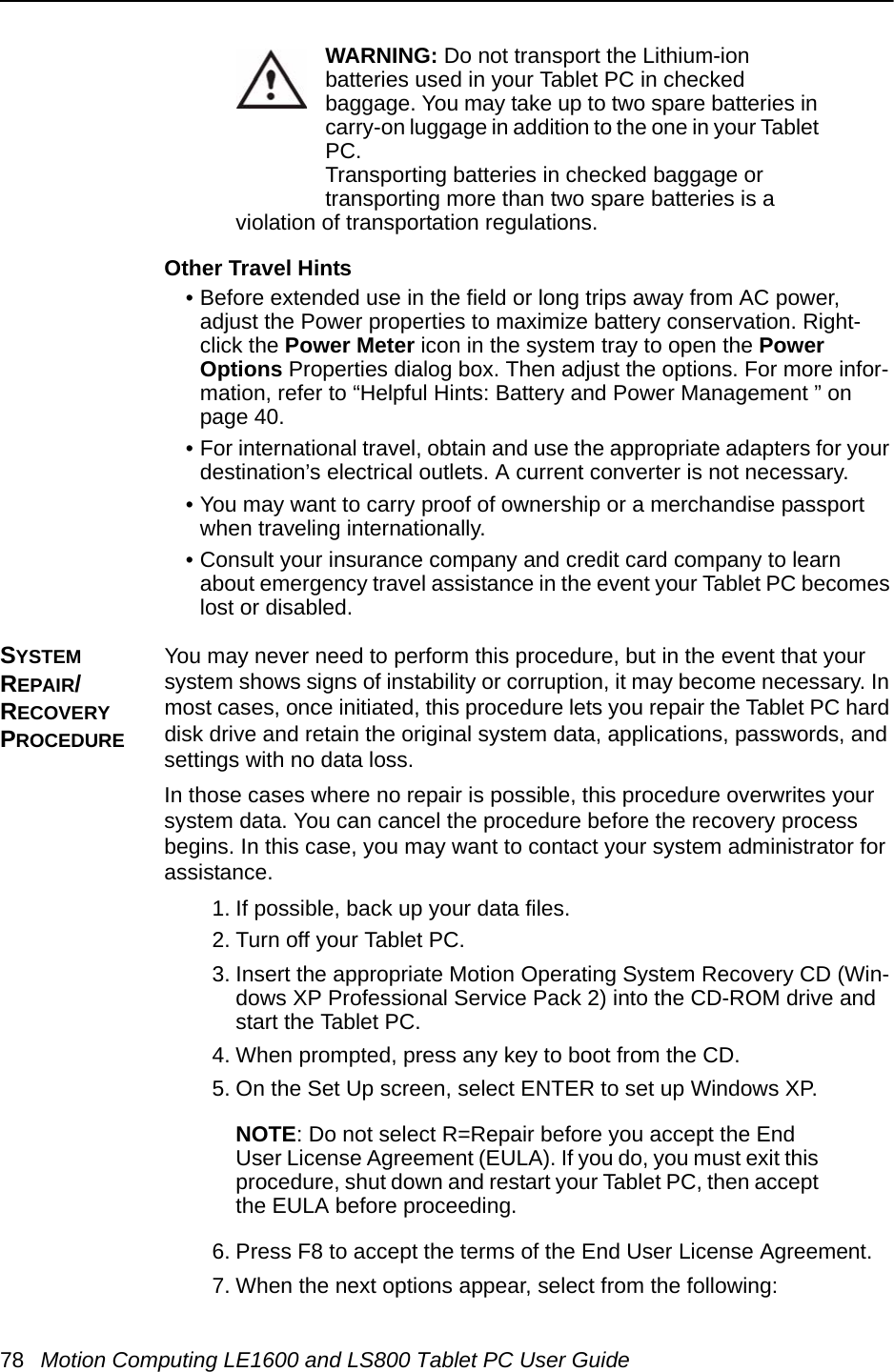
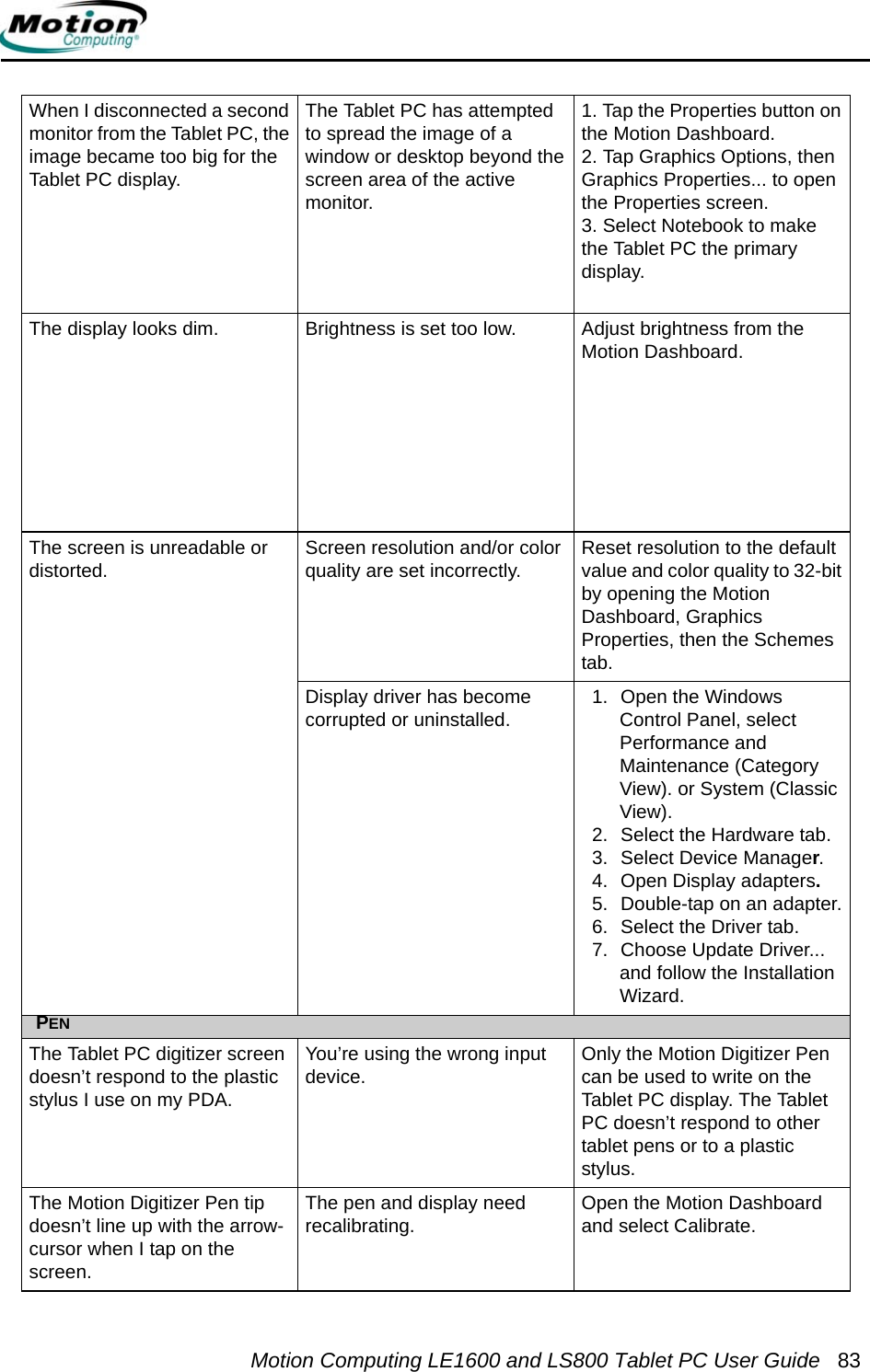
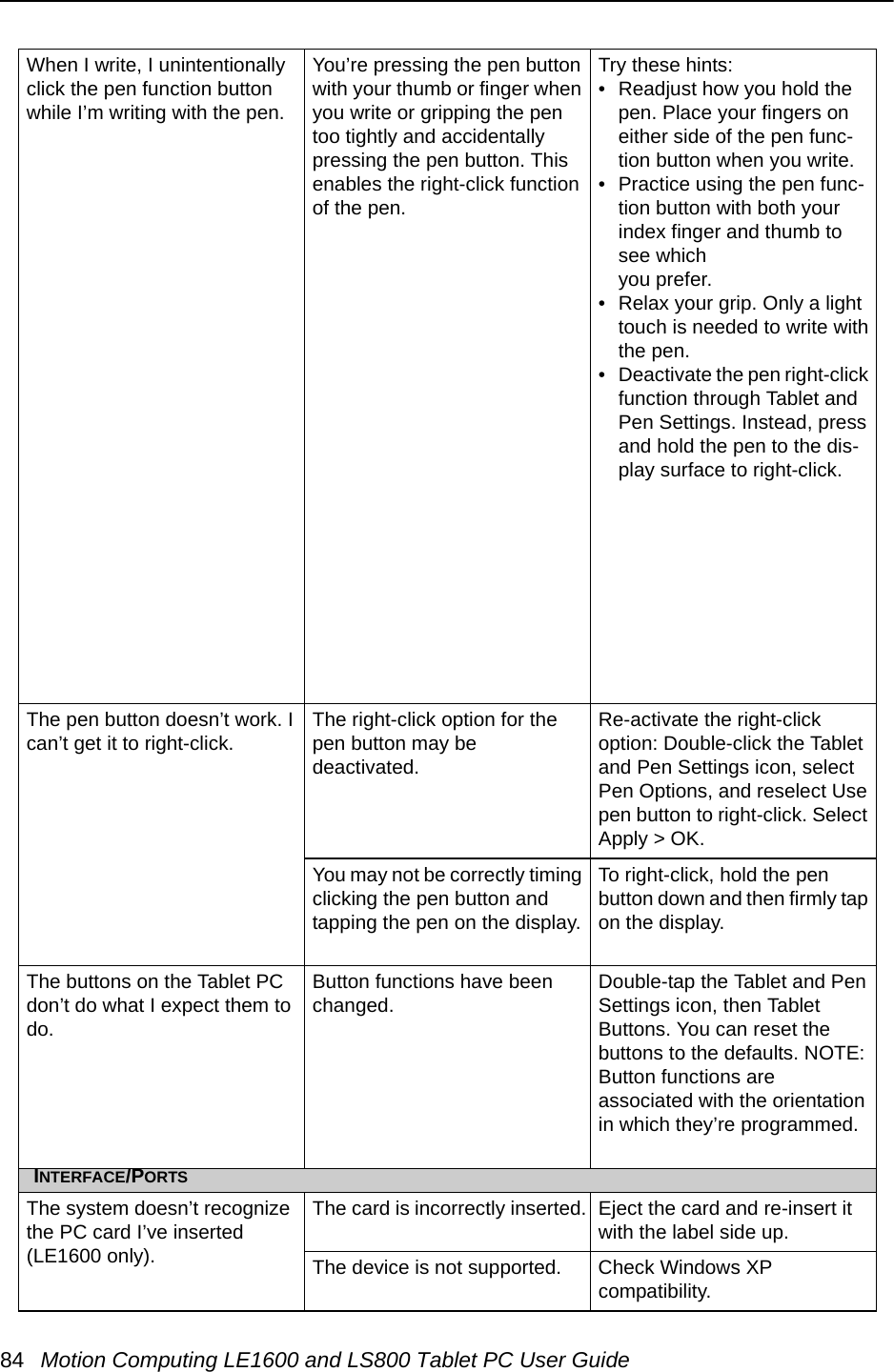
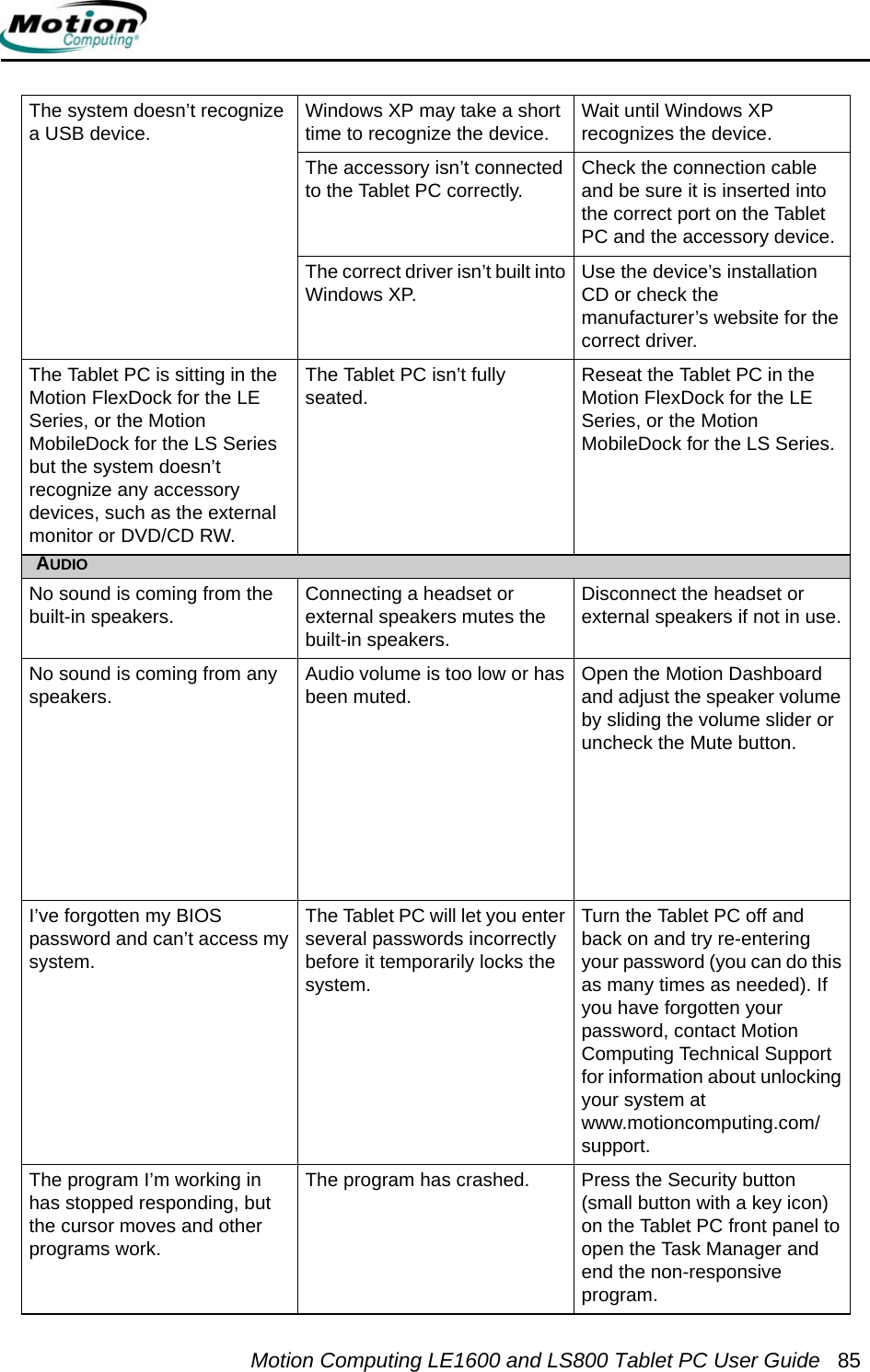
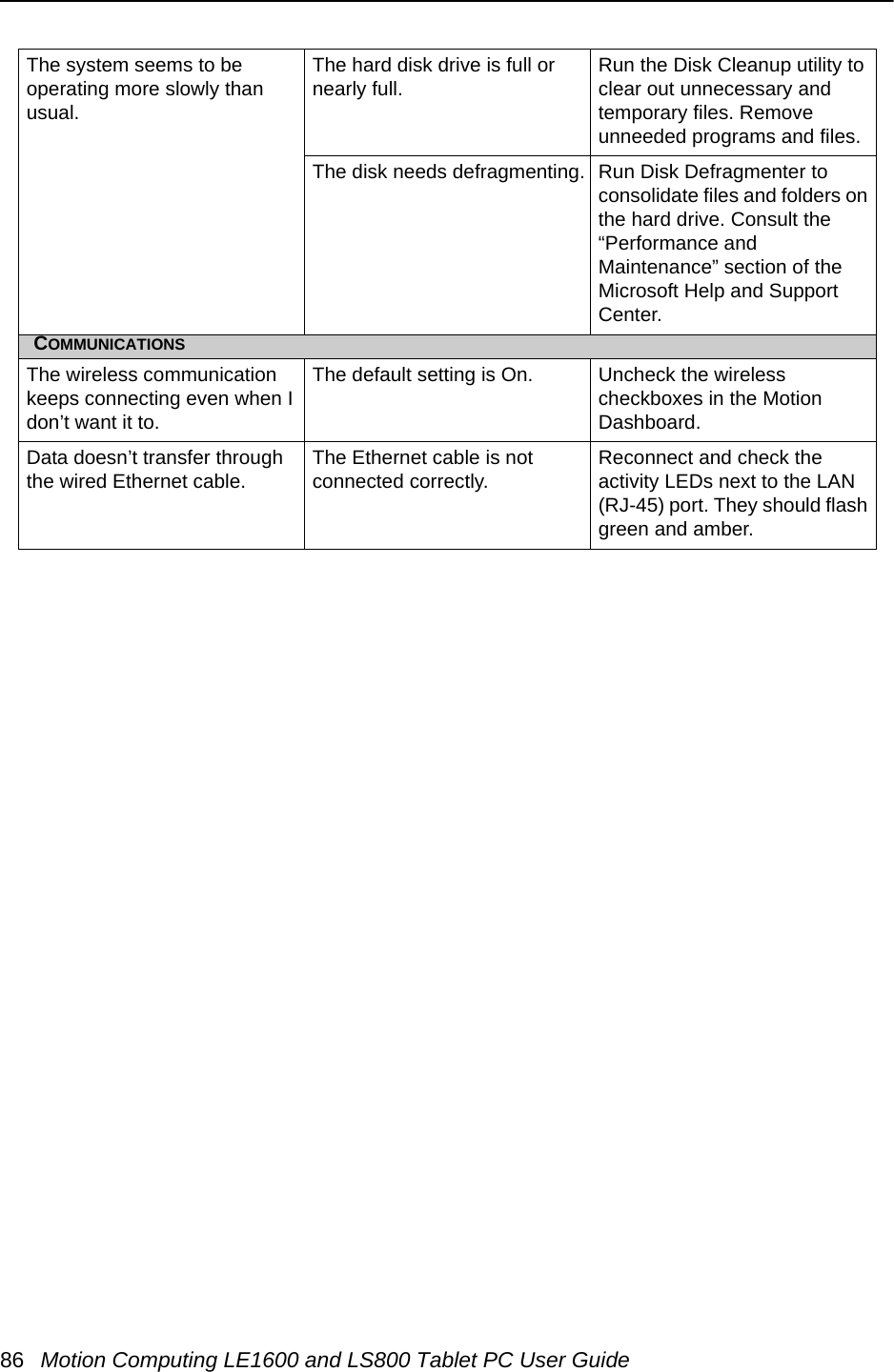
Xplore Technologies of America WM3B2915ABG Digital Transmission System Transceiver User Manual PecosBanderaOLUG
Xplore Technologies Corp of America Digital Transmission System Transceiver PecosBanderaOLUG
Contents
- 1. Users Manual
- 2. manual
Users Manual
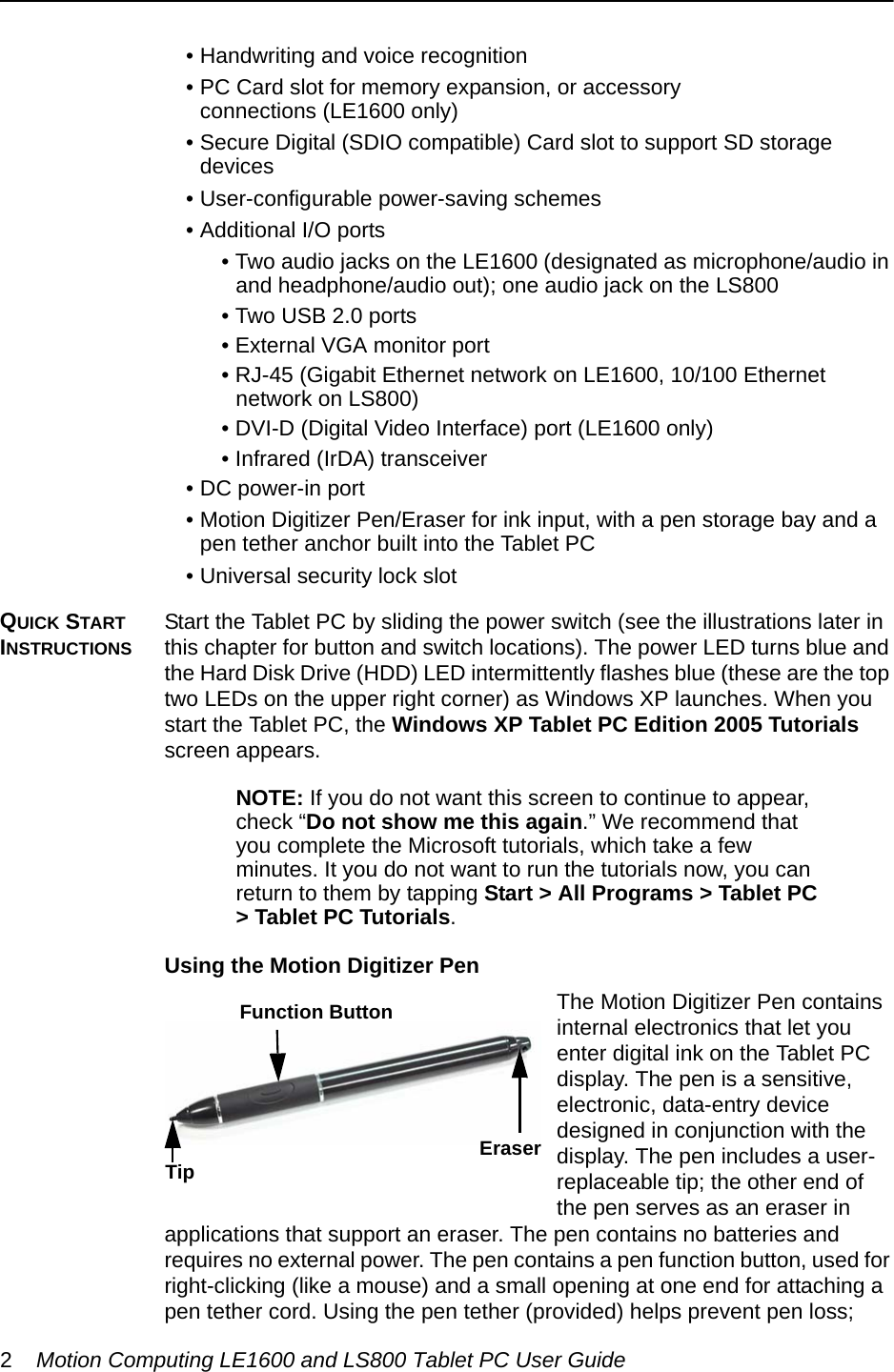
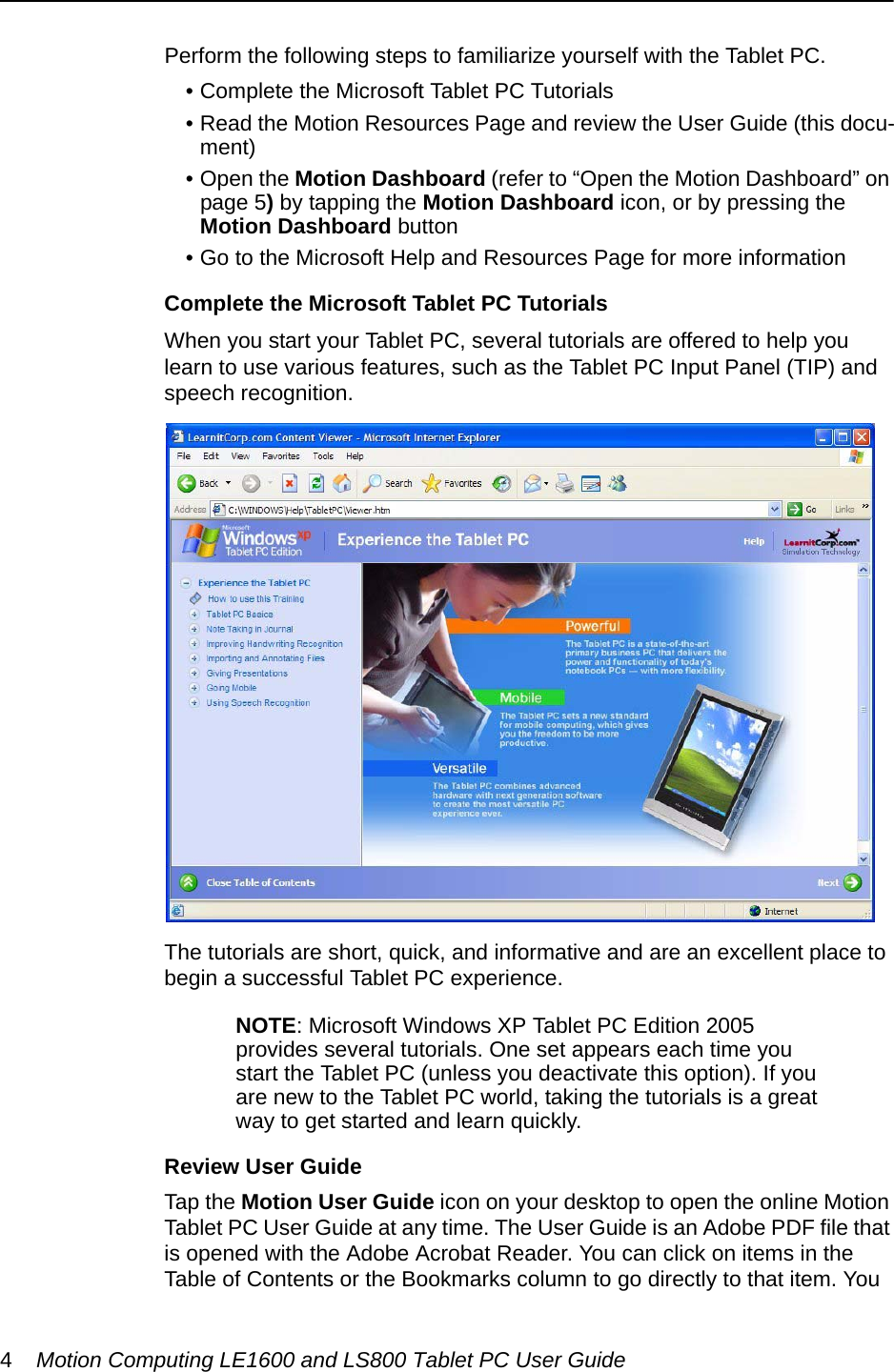
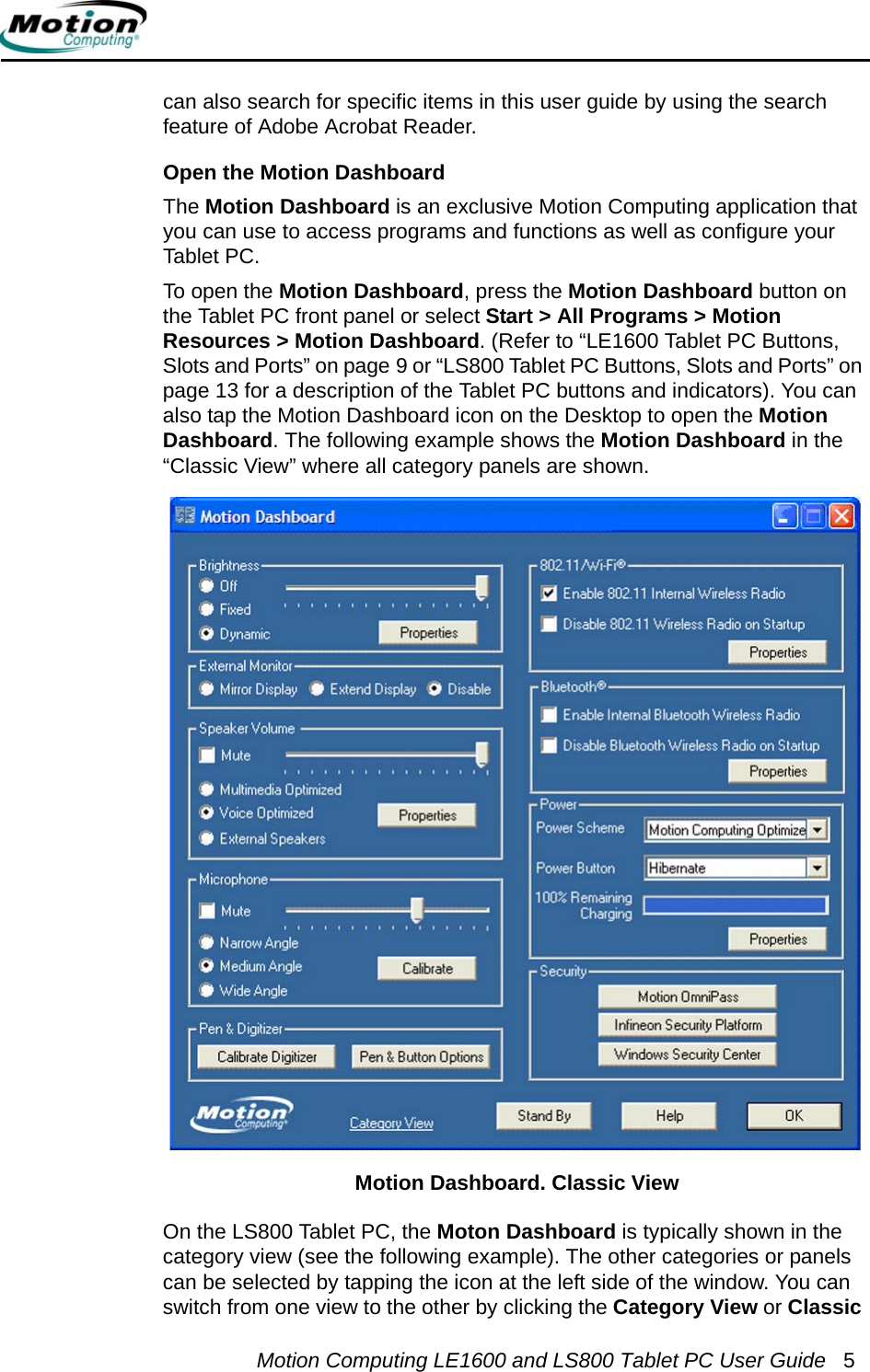
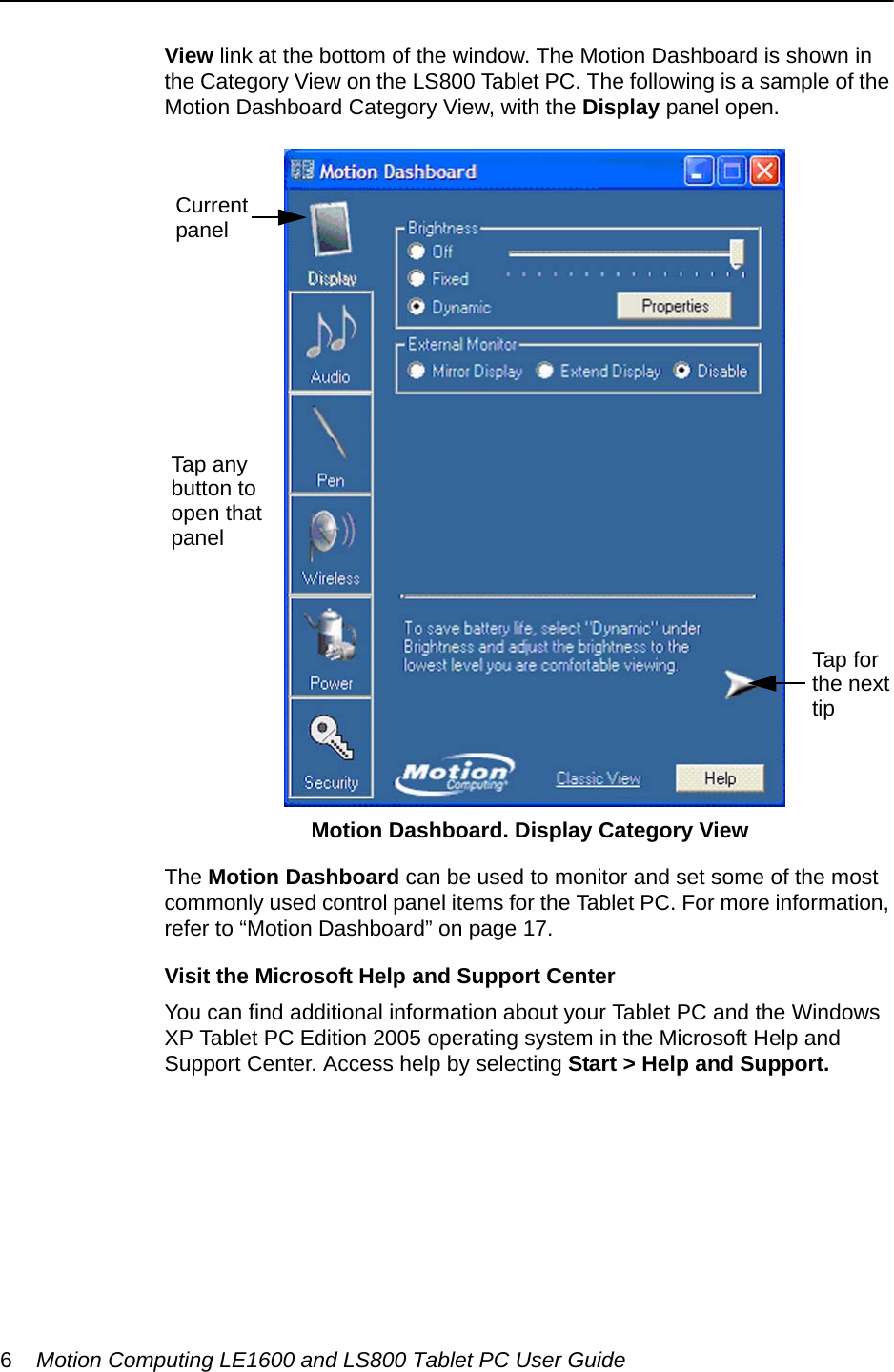
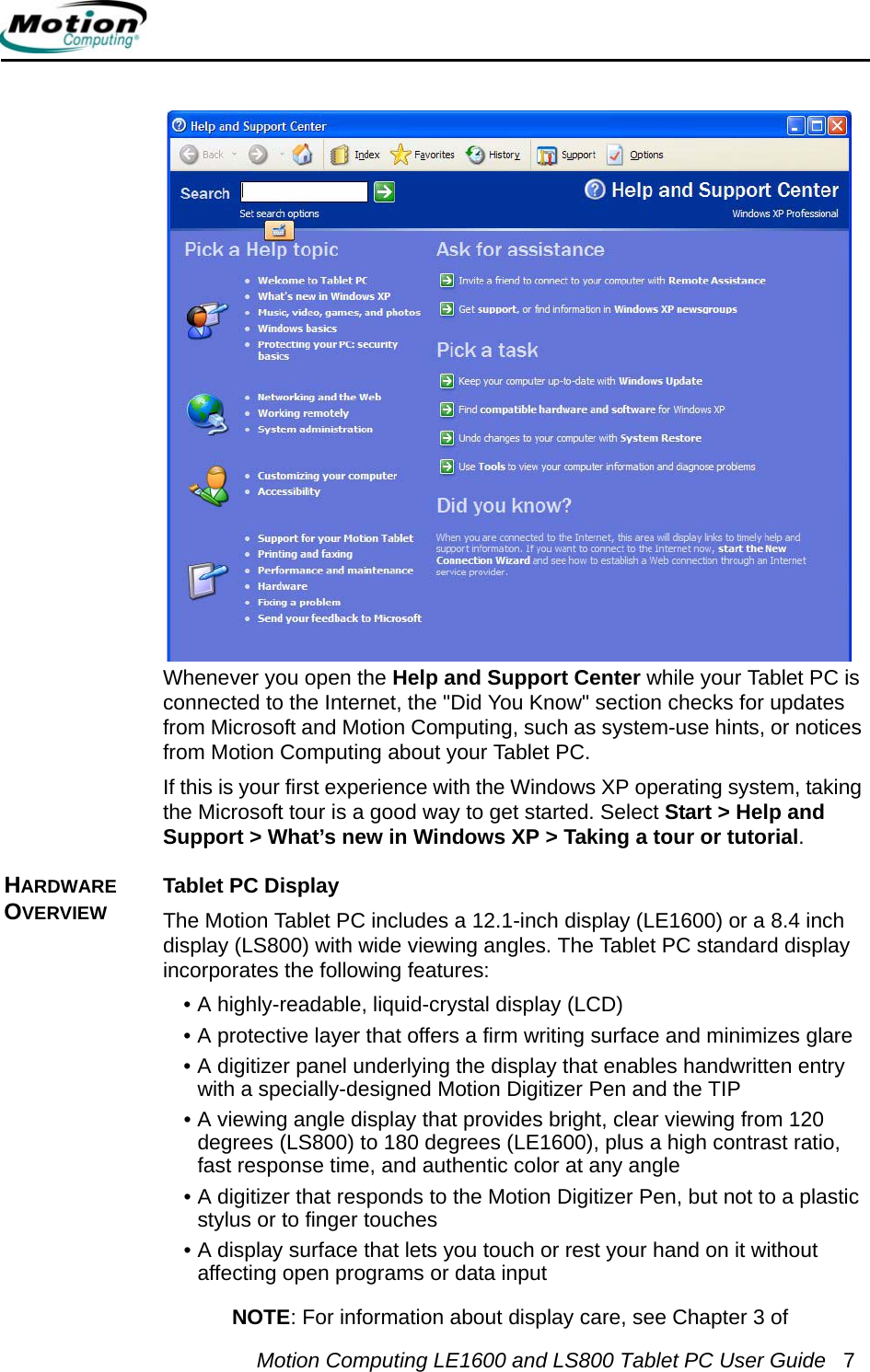
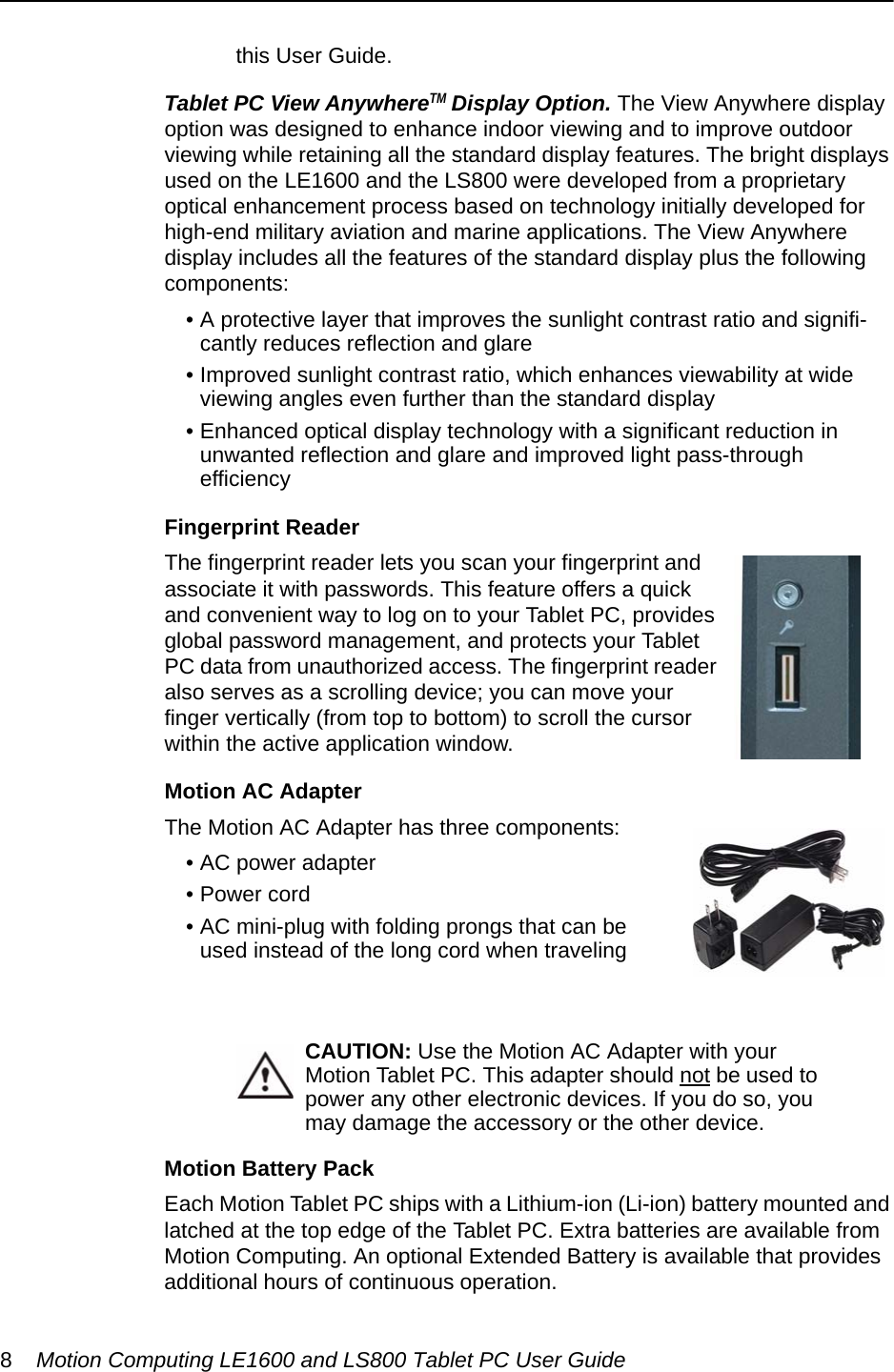
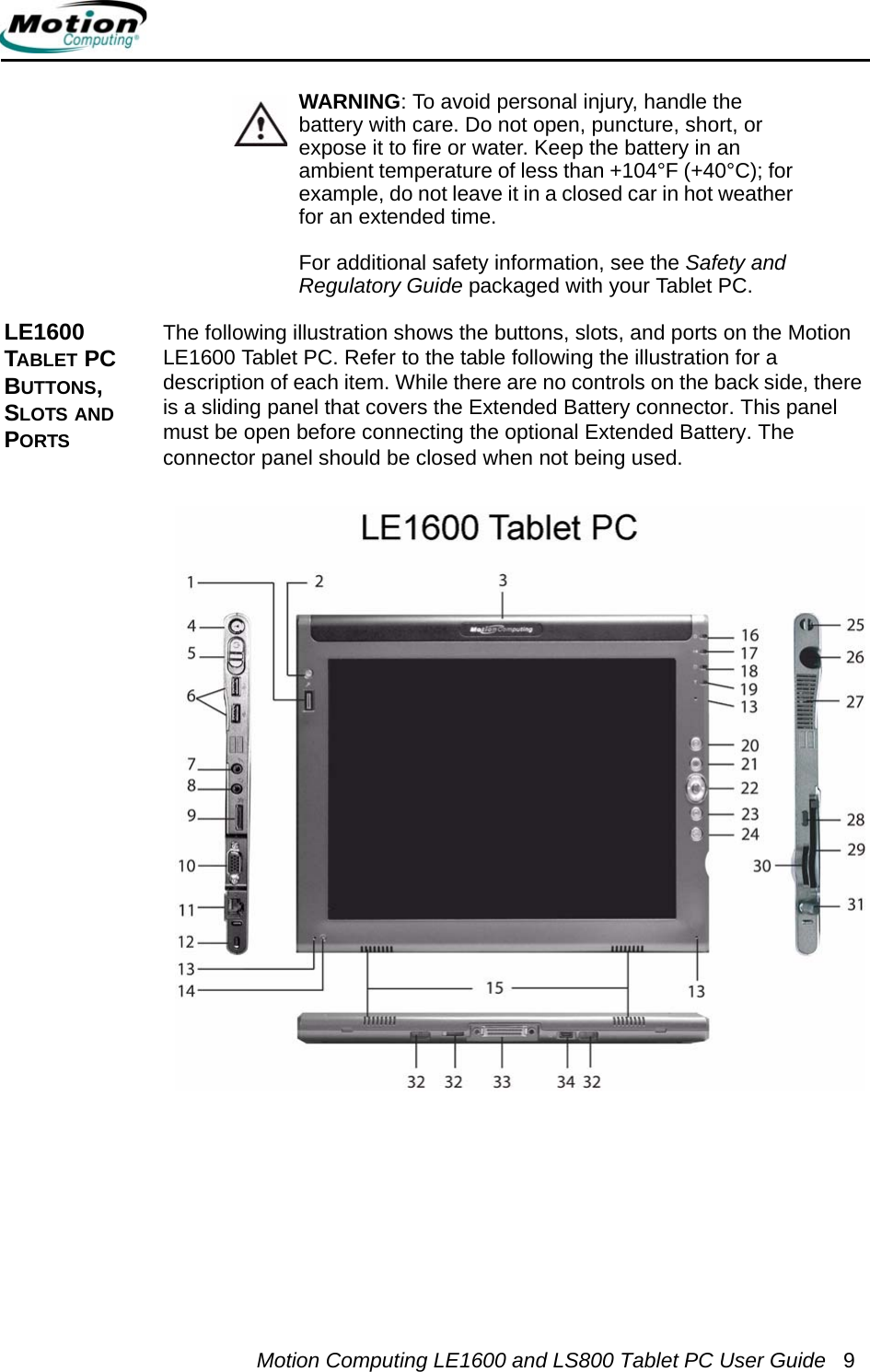
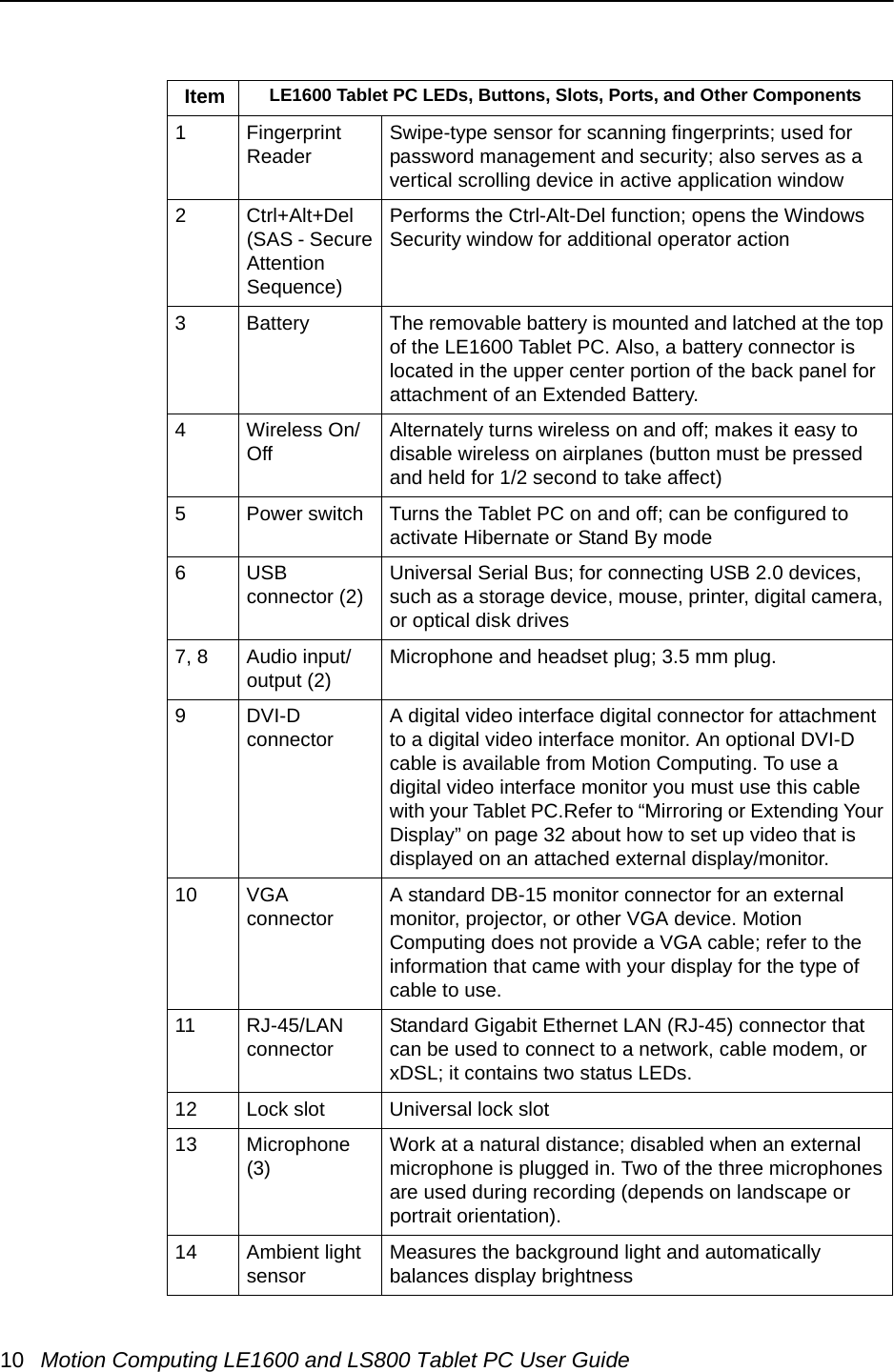
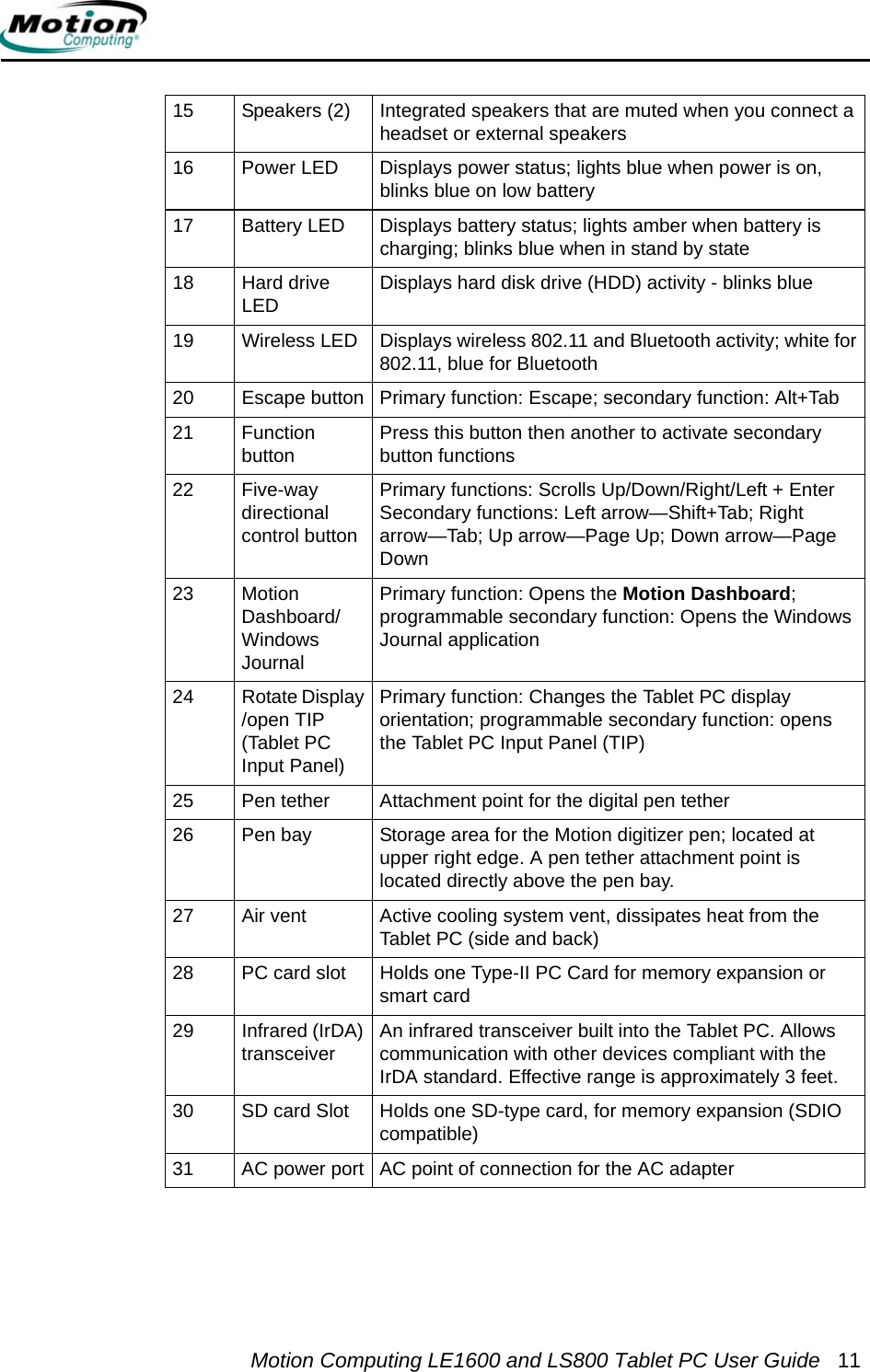
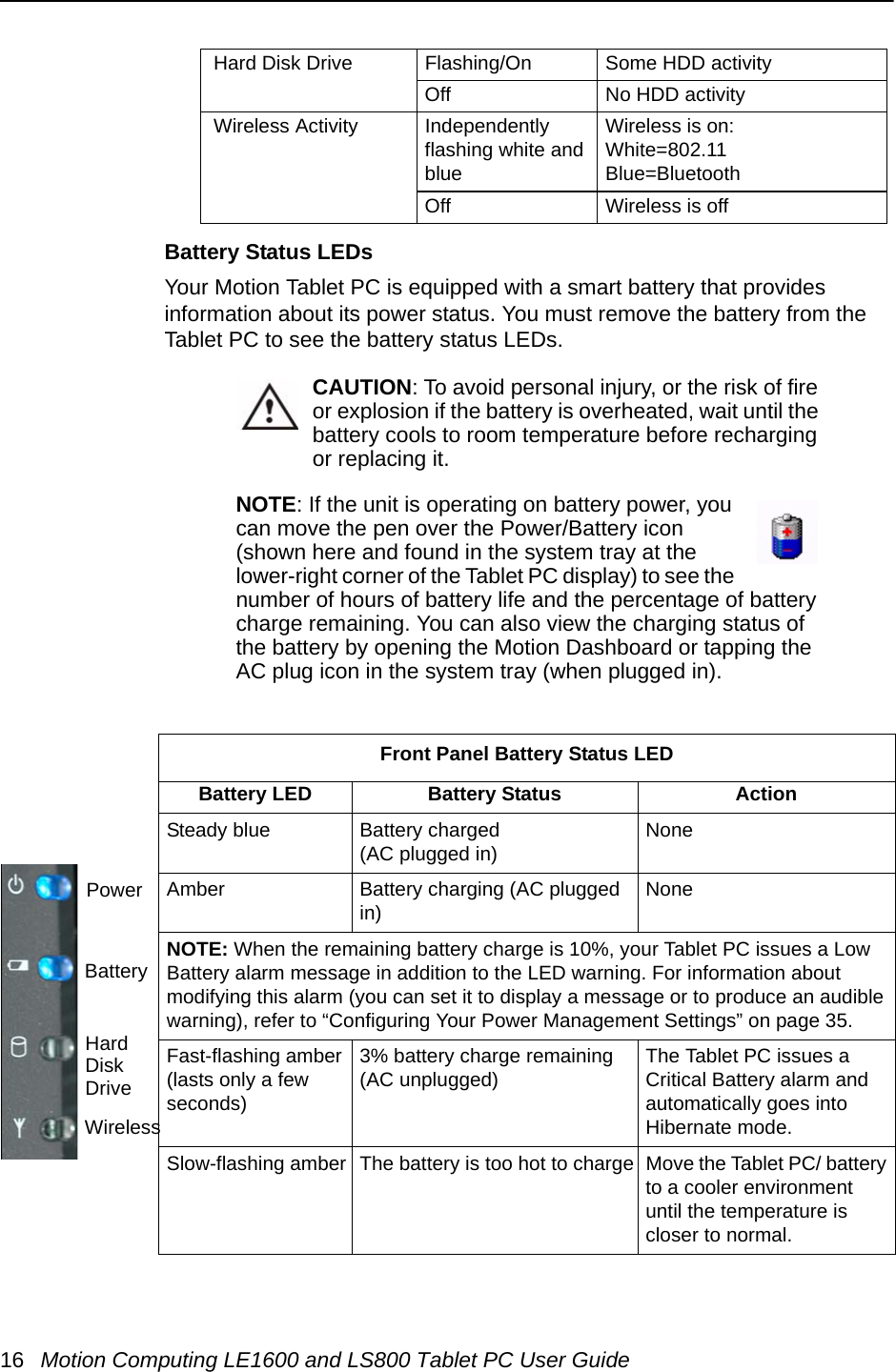
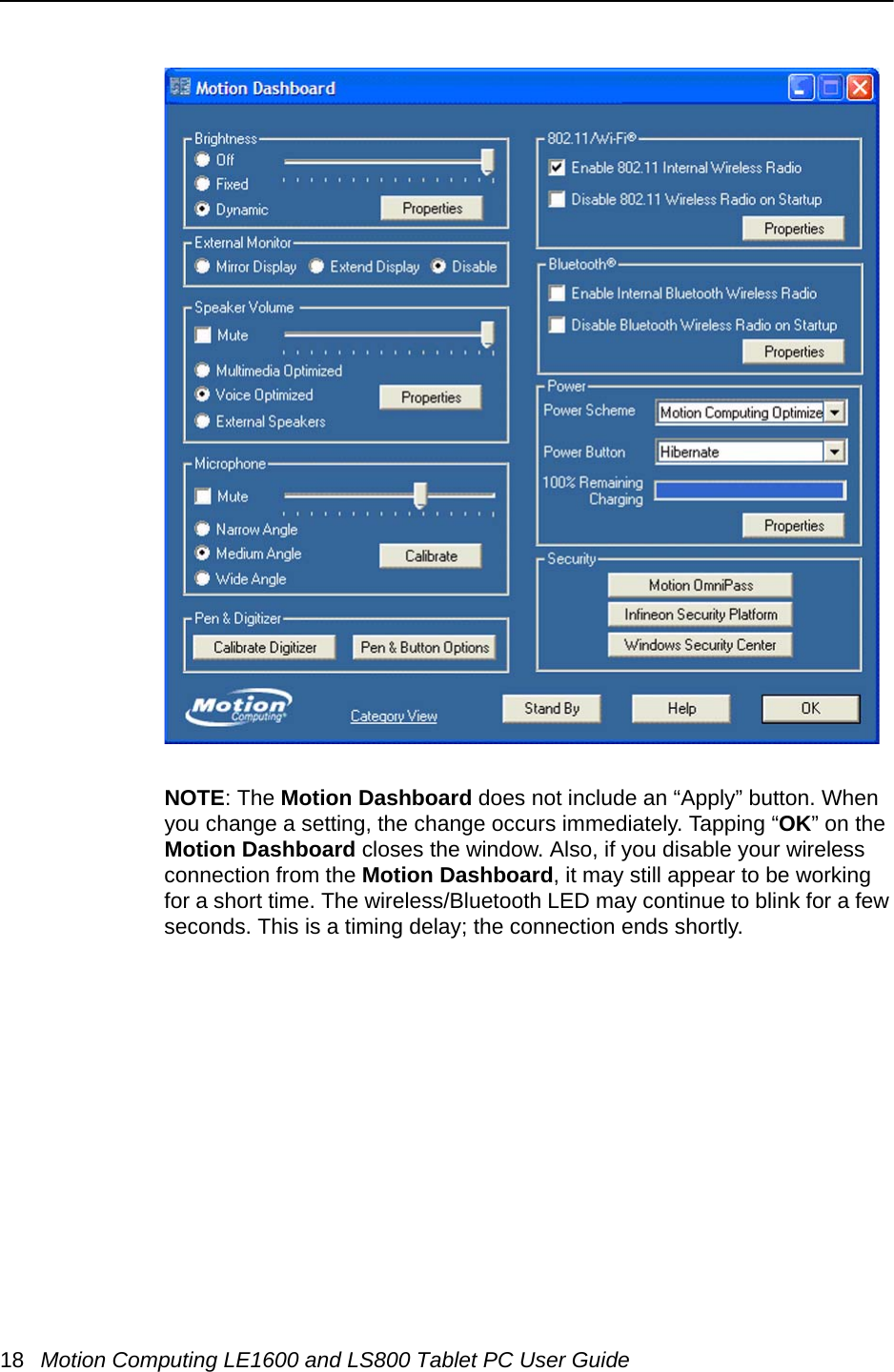
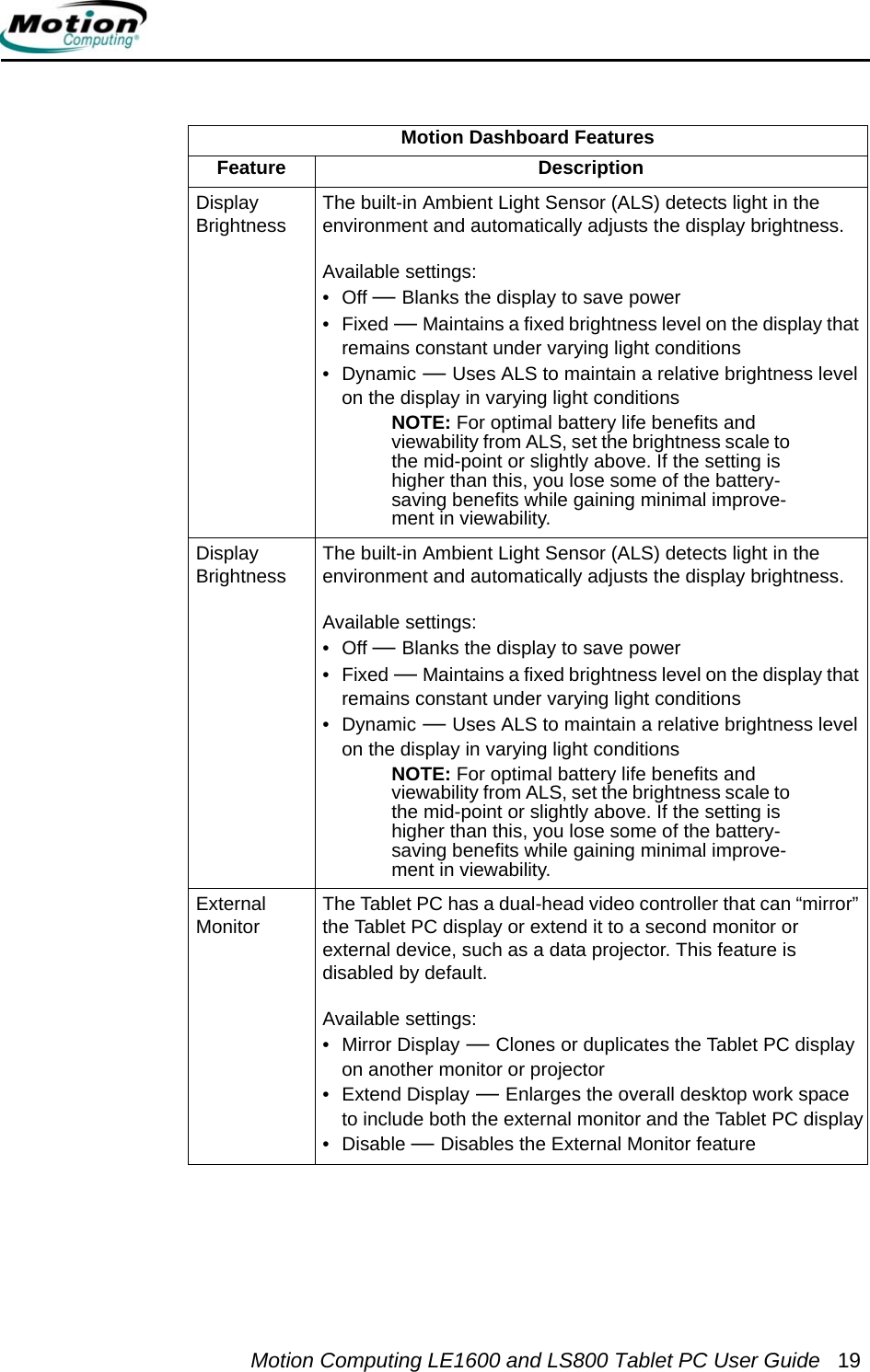

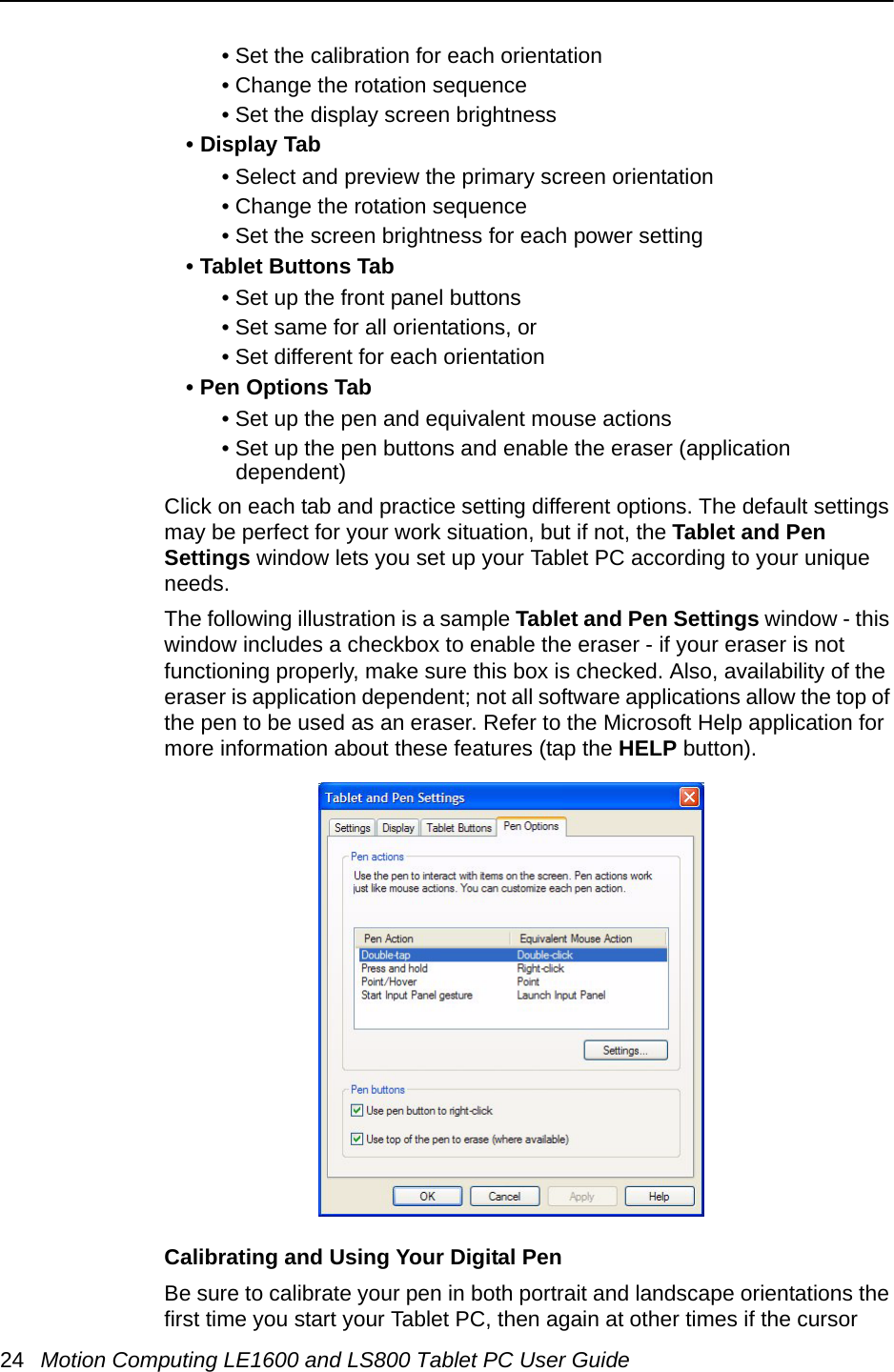
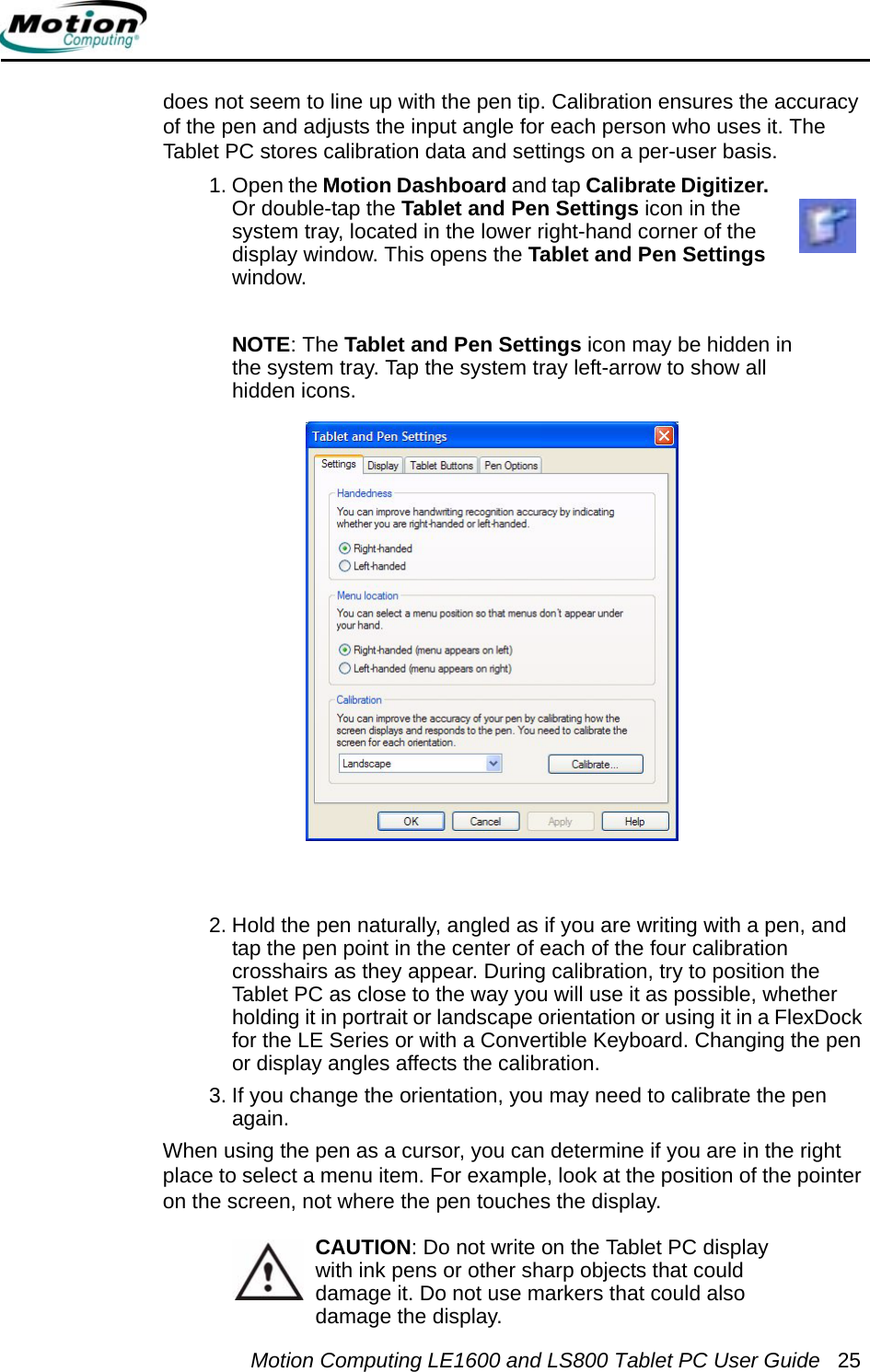
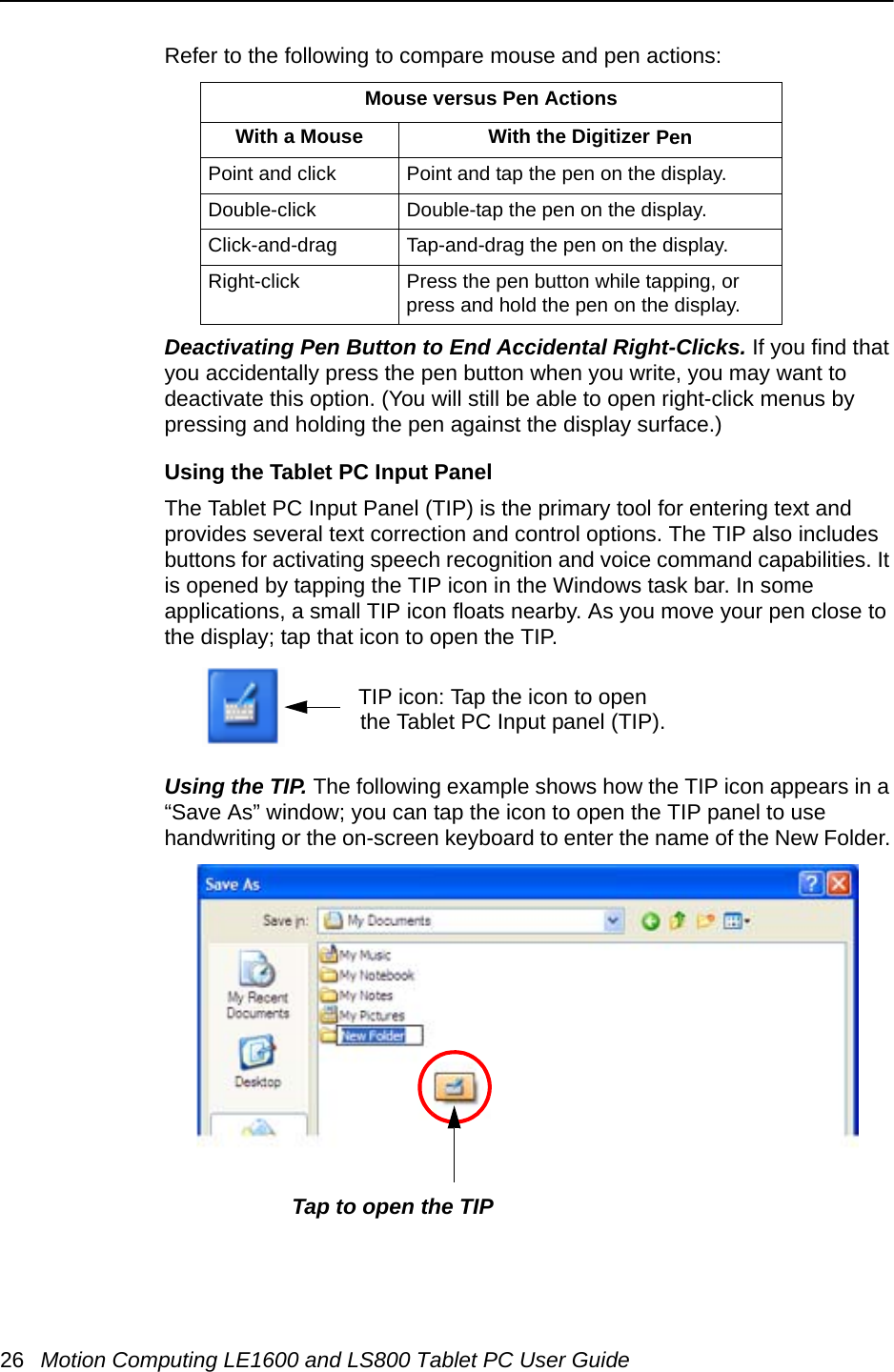
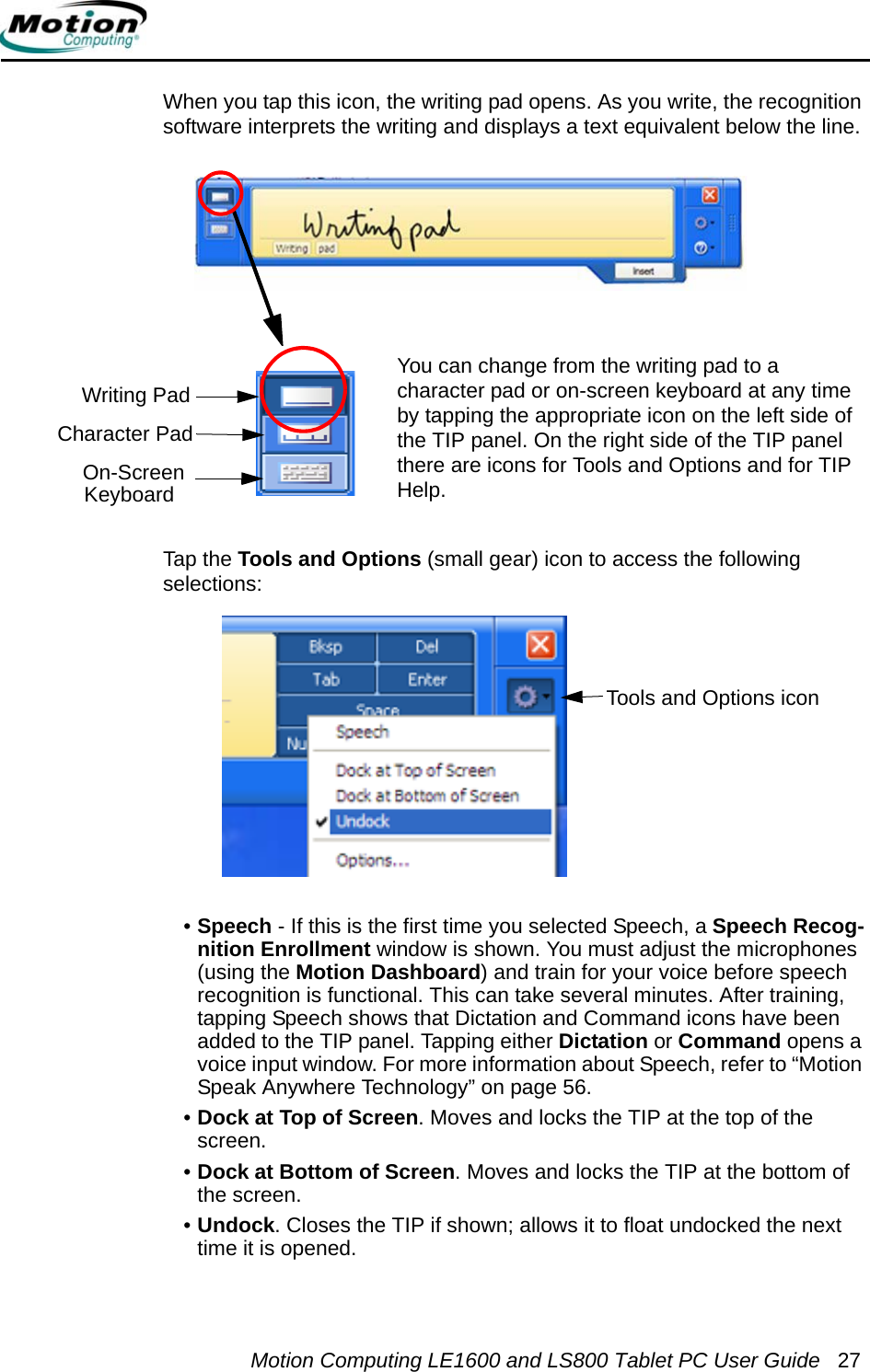
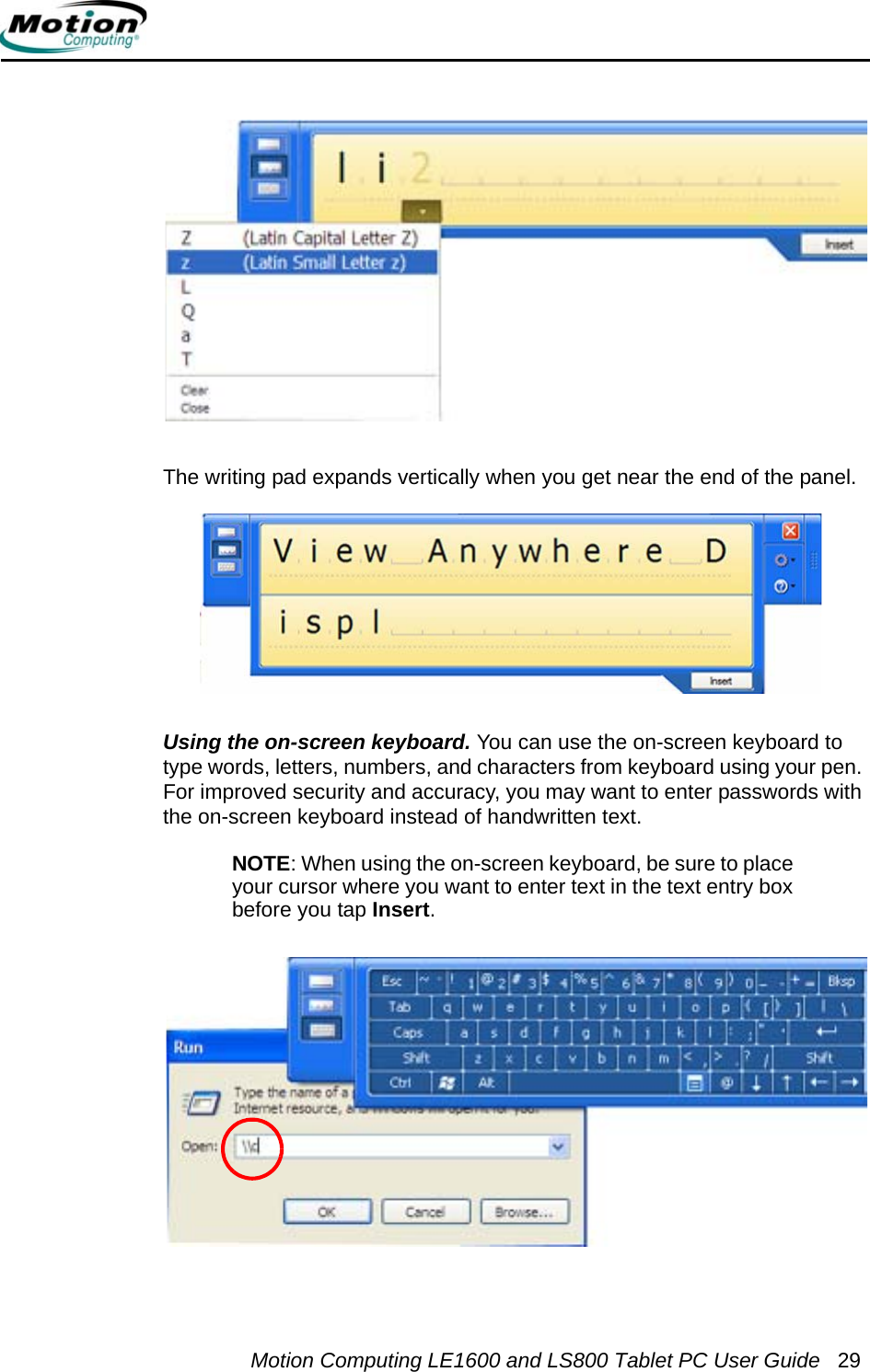
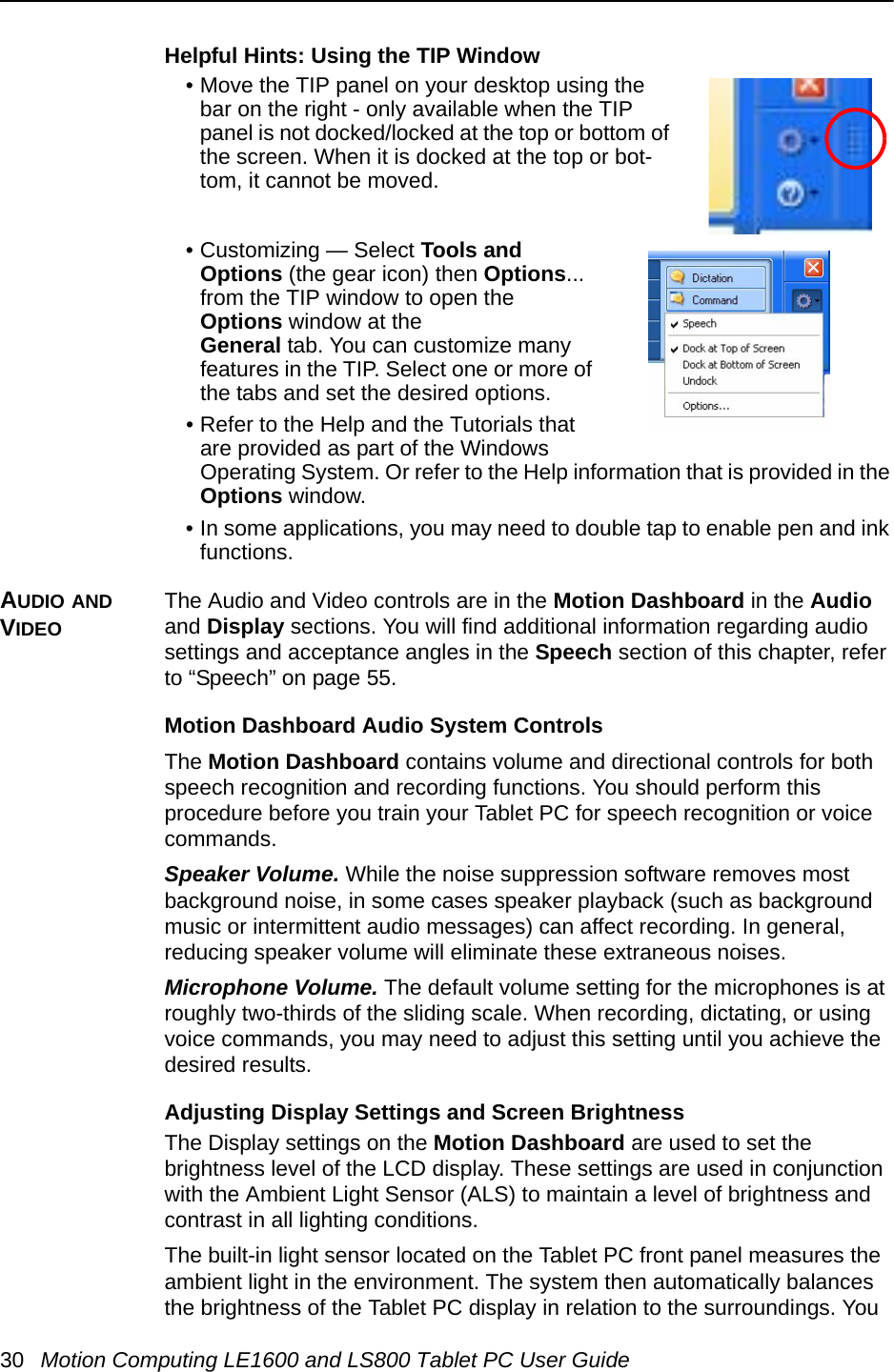
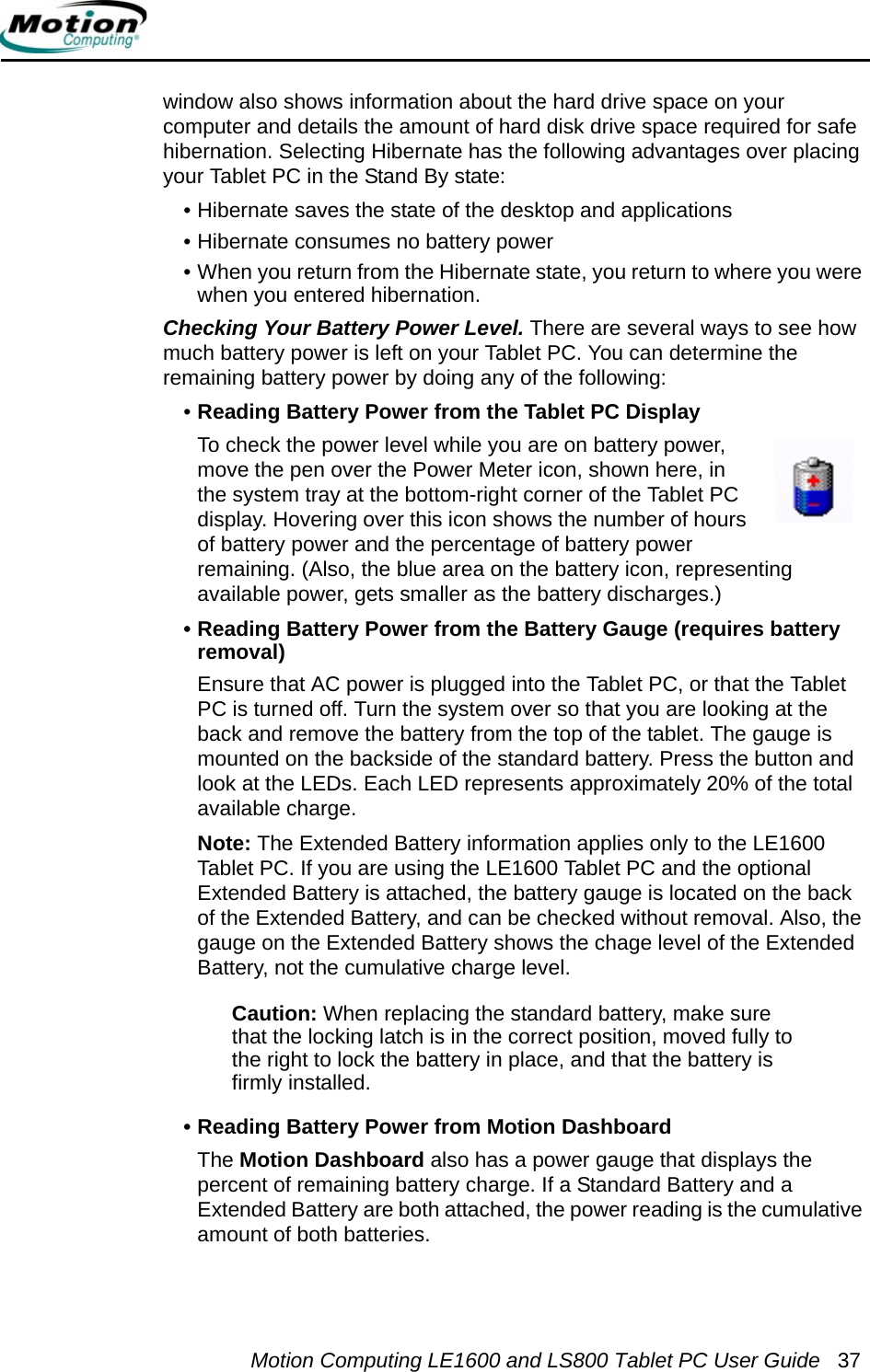
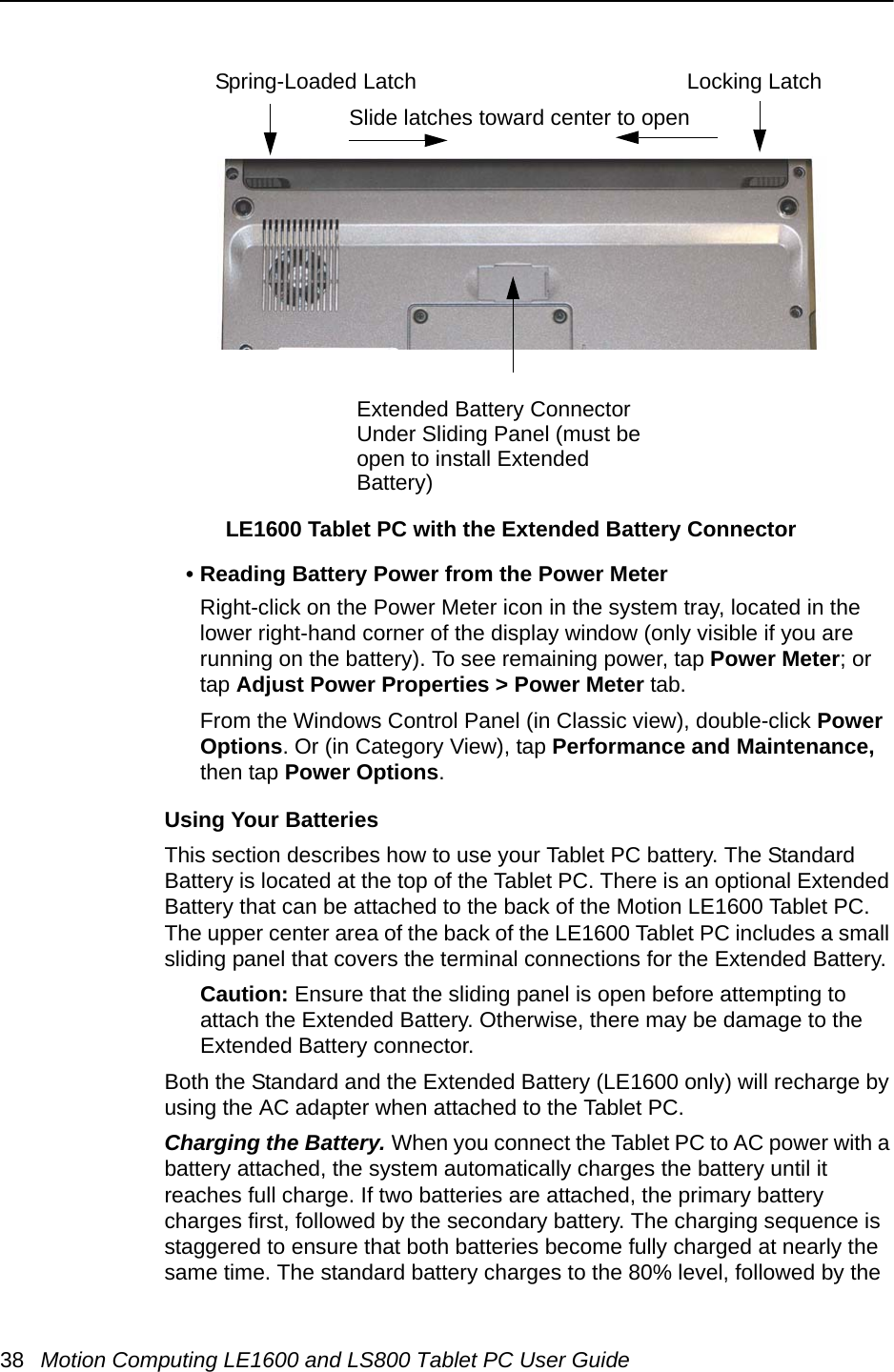
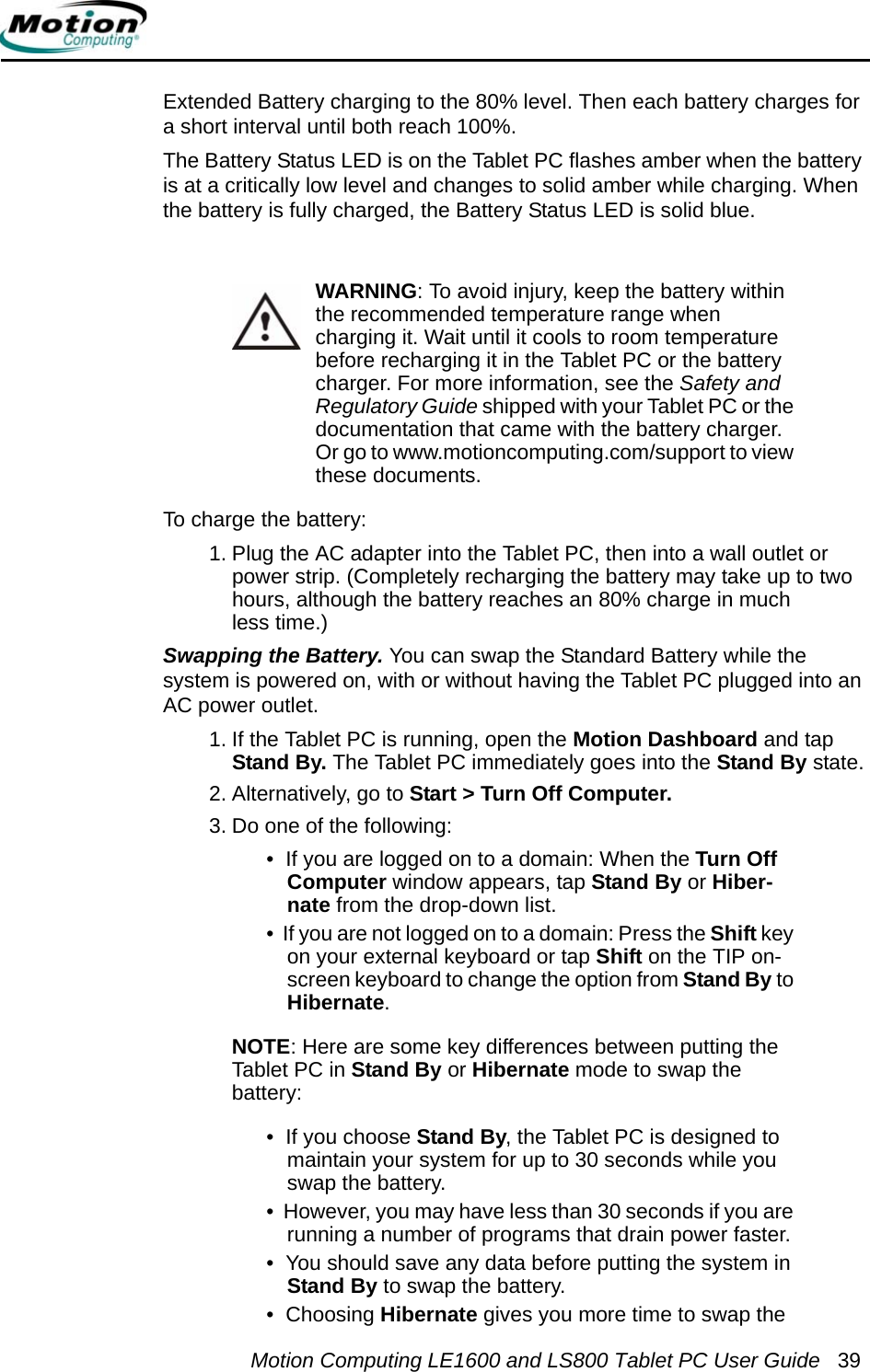
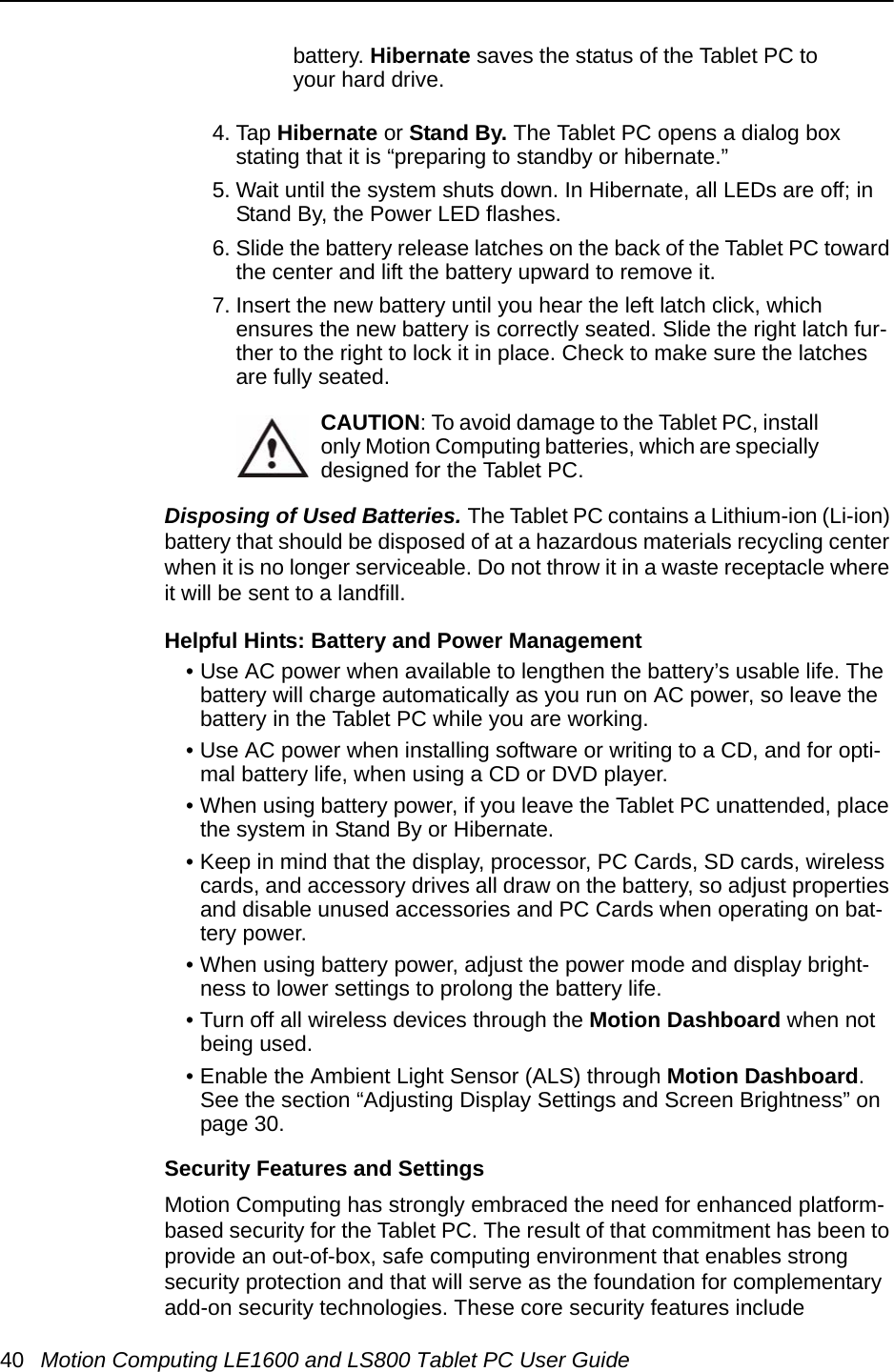
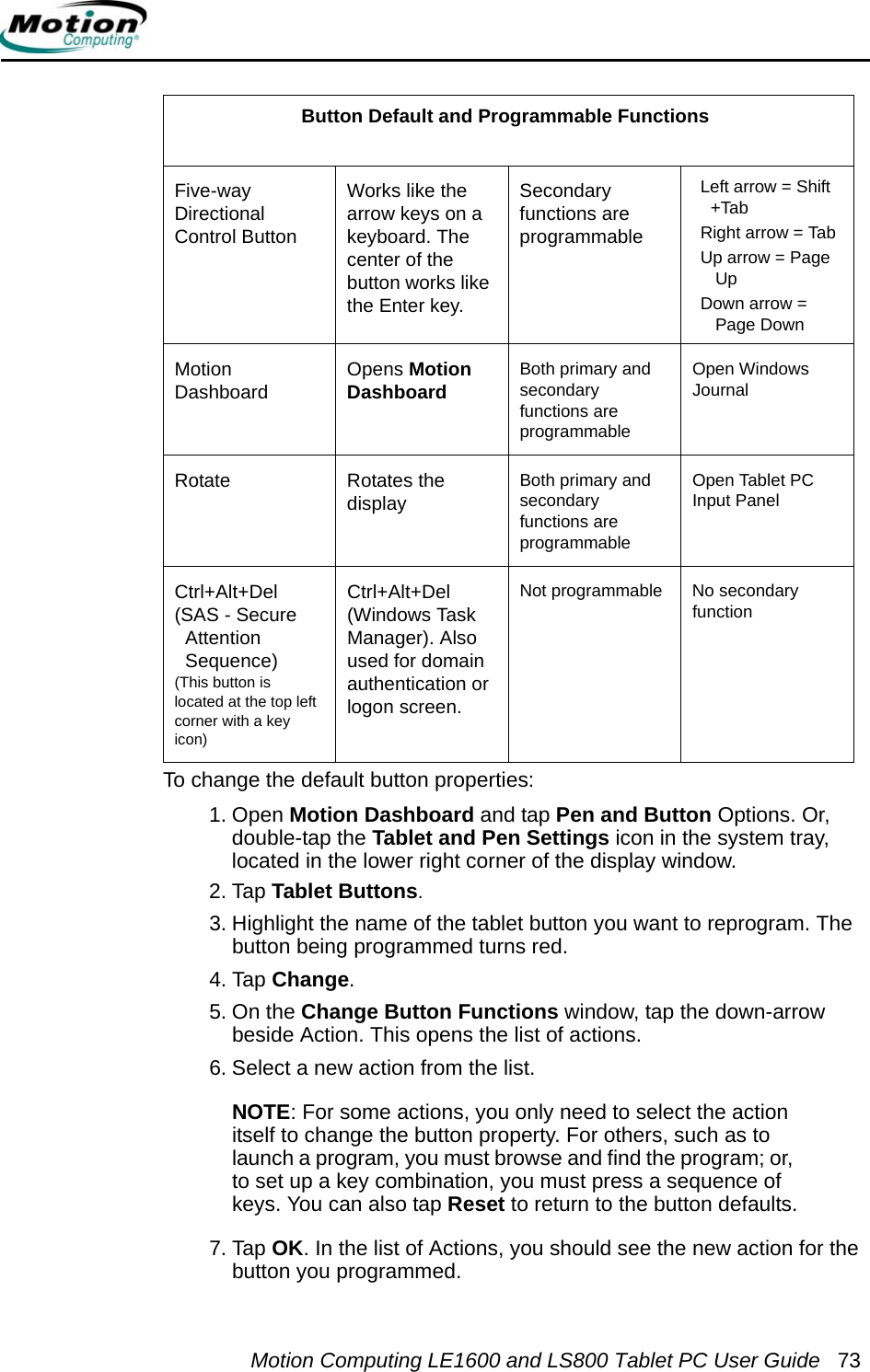
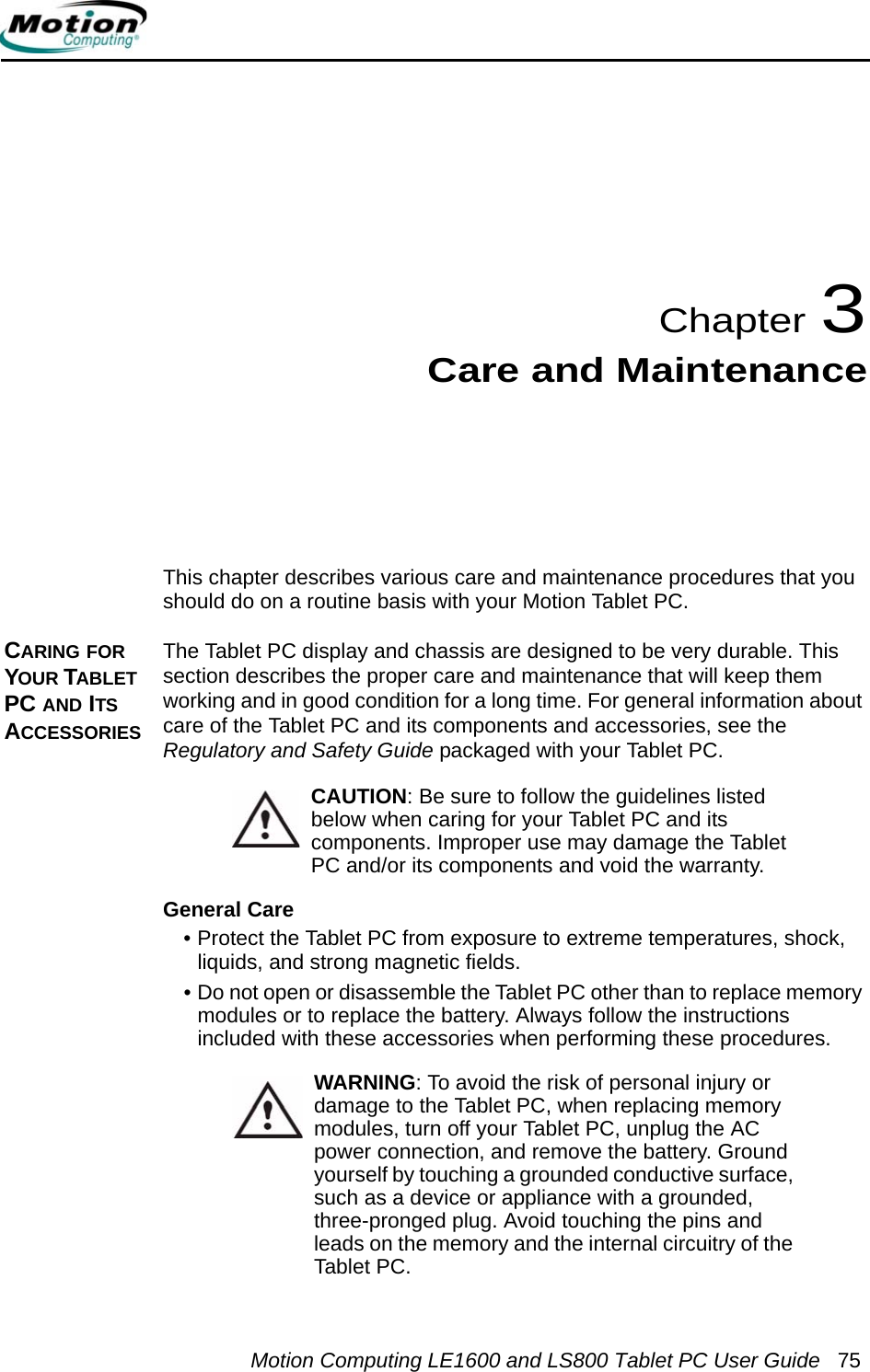
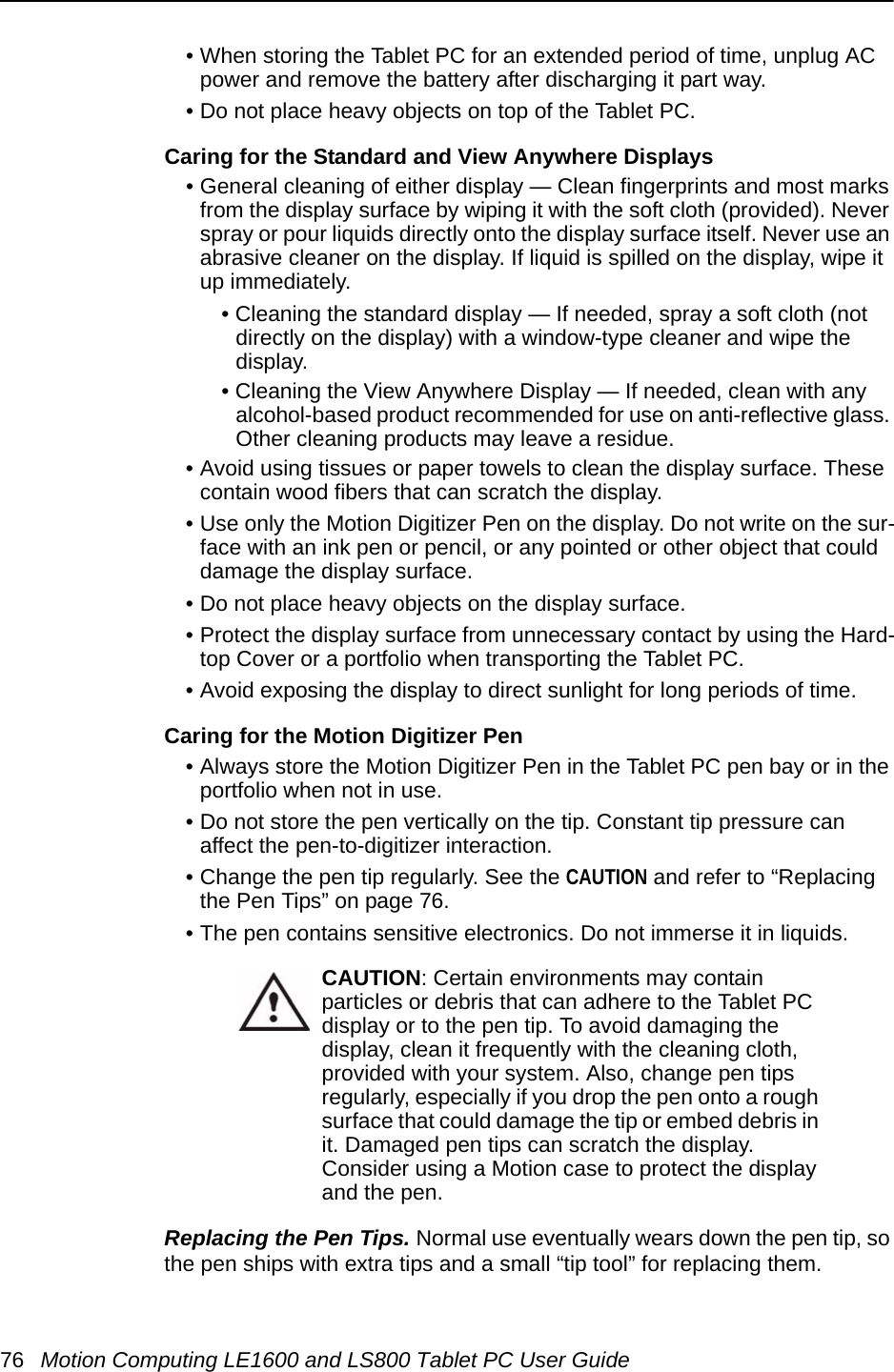
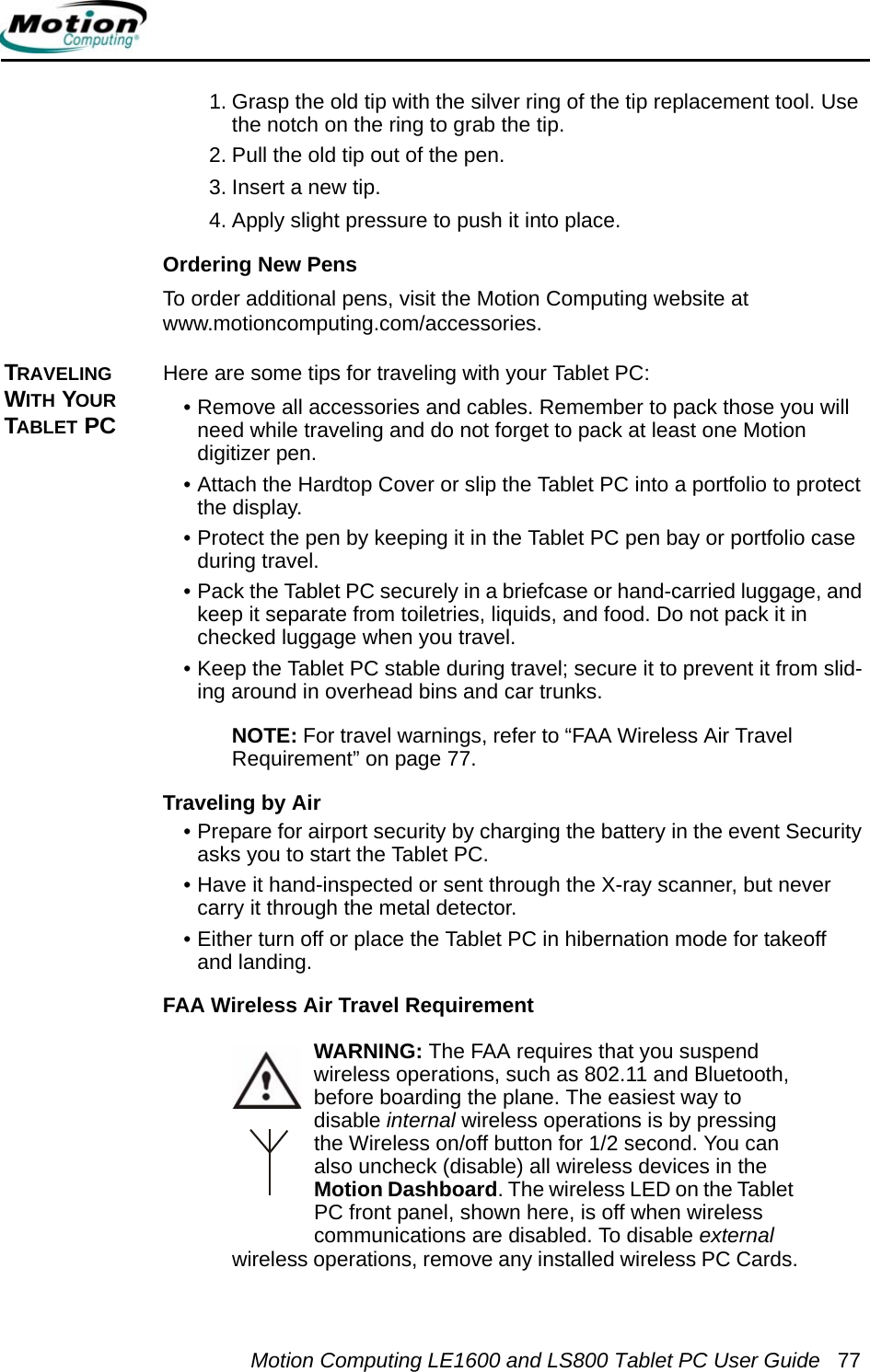
![28 Motion Computing LE1600 and LS800 Tablet PC User Guide•Options. Opens the Options window, where you can change many of the finer aspects of the pen and its usage in the TIP. There is also a link to Help that is specifically for the Tablet PC TIP.Using the writing pad. As you write, the software selects the best match for a word from its dictionary of words and displays it on screen. Tap on a word to select it.In the following example, either handwrite directly over the incorrect character or tap the character to open a list of alternatives (as shown here: O, 0, a, 6). You can erase a word you have just written, by rapidly scratching back and forth over it.The writing/character pad expands to show Numbers (Num) or Symbols (Sym) toolbars, whose symbols are inserted immediately in the text entry area as you select them. Then, when you begin to handwrite on the writing or character Pad, the Num or Sym toolbar closes.Using the character pad. Use the character pad for acronyms, equations, or other entries that require individual letters, numbers, or symbols that the writing pad may interpret incorrectly. Some examples include the following: ~<!<@<#<$<%<^ and*()_+<>{}[] \ /. Symbols/letters are displayed in a text equivalent that you can individually correct by:• Handwriting over the text equivalent in each character space• Clicking on the arrow under the letter and selecting an alternative from the drop-down menu](https://usermanual.wiki/Xplore-Technologies-of-America/WM3B2915ABG.Users-Manual/User-Guide-644802-Page-34.png)