ZALO Health Care ROSALIE handhold massager User Manual 15 Rosalie UserMan

ZALO Health Care Co., Ltd handhold massager 15 Rosalie UserMan

15_Rosalie UserMan

ROSALIEOperating Manual使用说明书Mode d'emploiGebrauchsanleitungManual de instruccionesIstruzioni d'uso取扱説明書사용 설명서ZALO InternationalWEB: www.zalocare.com SUPPORT: service@zalo.com.cnTEL: 400-828-7066ZALO USAWEB: www.zalousa.comSUPPORT: contact@zalousa.comTEL: 1-888-245-5282Model No.: Rosalie
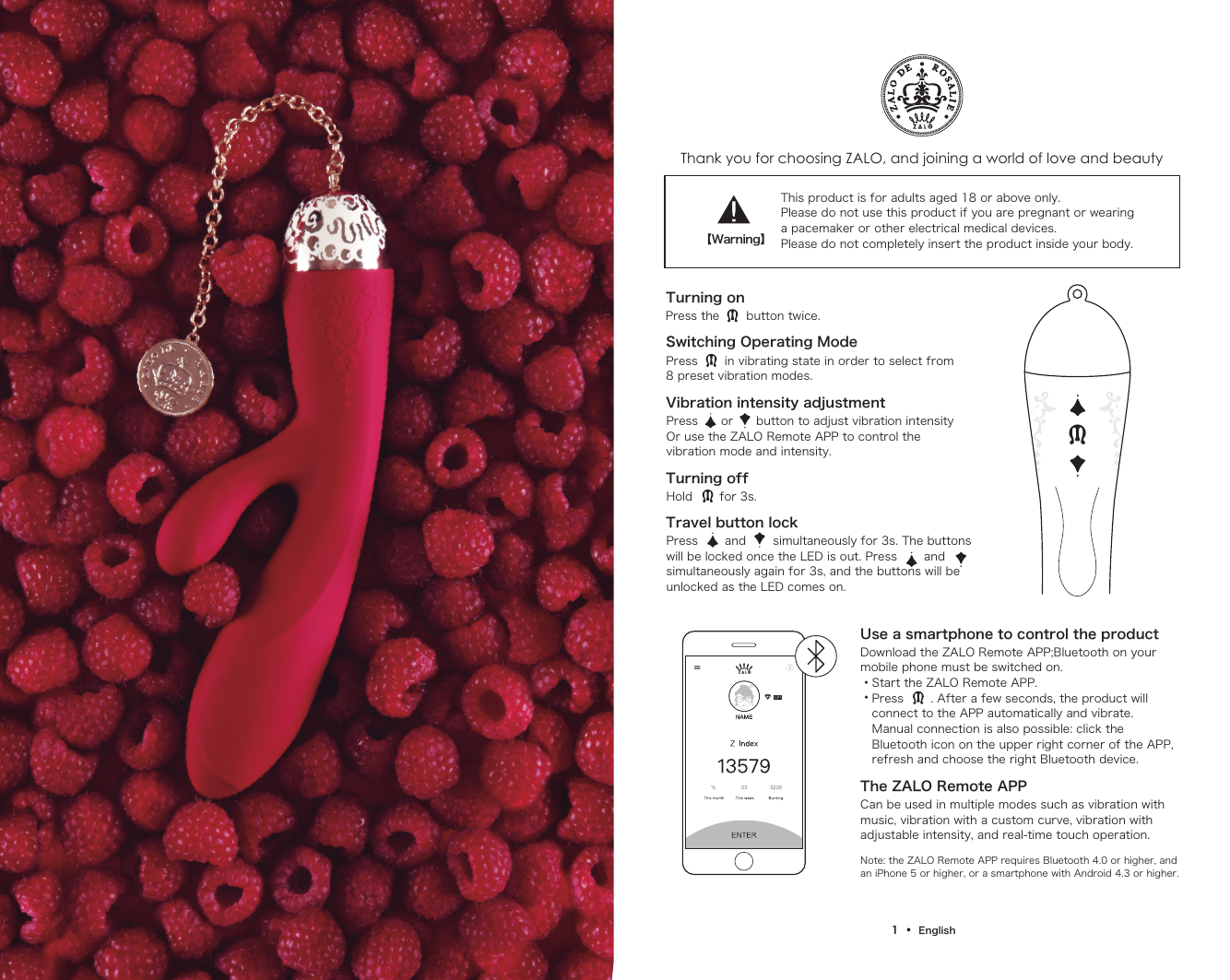
Thank you for choosing ZALO, and joining a world of love and beautyTurning onSwitching Operating ModePress the       button twice.Press       in vibrating state in order to select from8 preset vibration modes.Vibration intensity adjustmentPress      or      button to adjust vibration intensity Or use the ZALO Remote APP to control the vibration mode and intensity.Turning offHold       for 3s.Travel button lockPress       and       simultaneously for 3s. The buttons will be locked once the LED is out. Press       and  simultaneously again for 3s, and the buttons will be unlocked as the LED comes on.This product is for adults aged 18 or above only. Please do not use this product if you are pregnant or wearinga pacemaker or other electrical medical devices.Please do not completely insert the product inside your body.Use a smartphone to control the productThe ZALO Remote APP Download the ZALO Remote APP;Bluetooth on your mobile phone must be switched on.   Start the ZALO Remote APP.   Press       . After a few seconds, the product will    connect to the APP automatically and vibrate.    Manual connection is also possible: click the    Bluetooth icon on the upper right corner of the APP,    refresh and choose the right Bluetooth device.Can be used in multiple modes such as vibration with music, vibration with a custom curve, vibration with adjustable intensity, and real-time touch operation.Note: the ZALO Remote APP requires Bluetooth 4.0 or higher, and an iPhone 5 or higher, or a smartphone with Android 4.3 or higher.【Warning】1  •  English
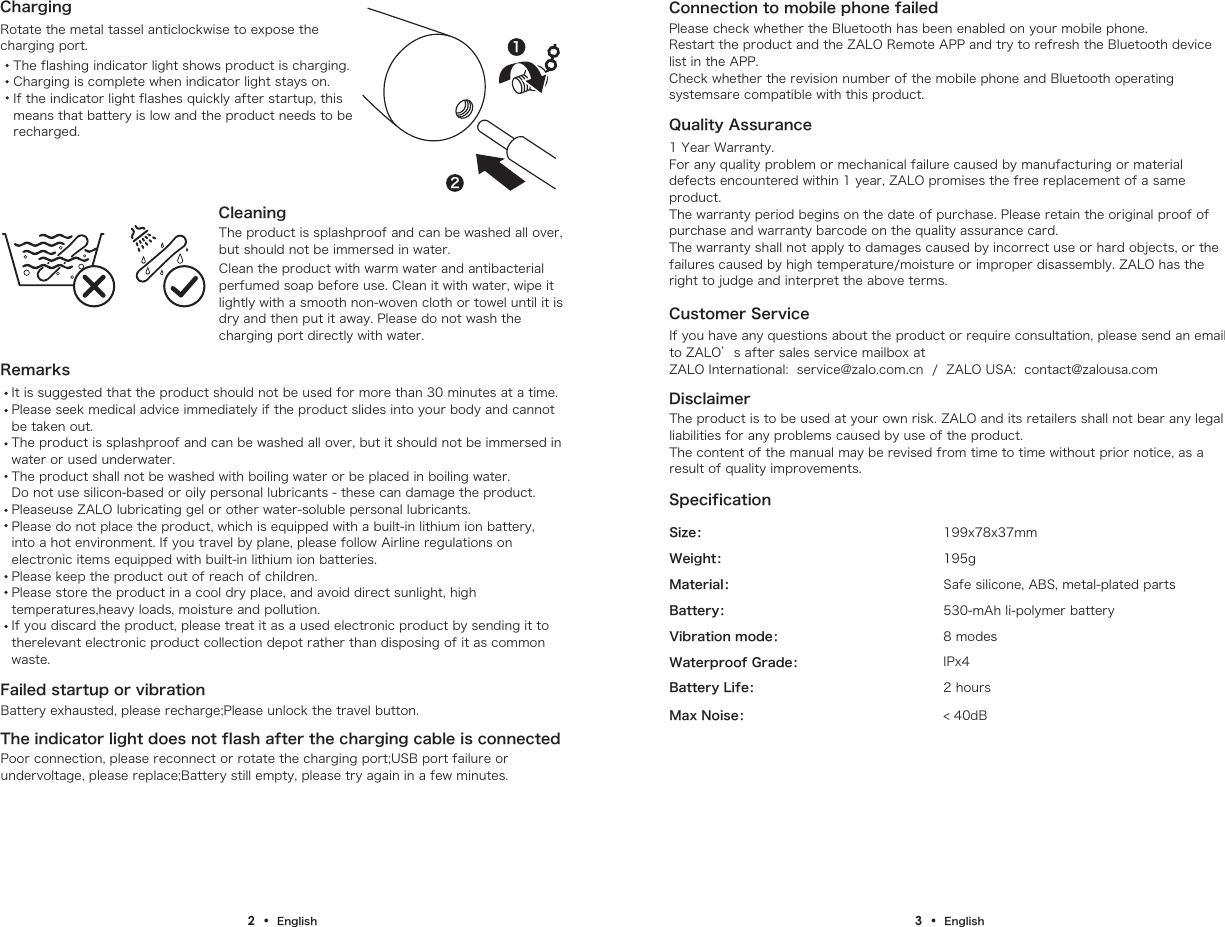
ChargingRotate the metal tassel anticlockwise to expose thecharging port.Customer ServiceIf you have any questions about the product or require consultation, please send an email to ZALO’s after sales service mailbox at ZALO International:  service@zalo.com.cn  /  ZALO USA:  contact@zalousa.comDisclaimerThe product is to be used at your own risk. ZALO and its retailers shall not bear any legal liabilities for any problems caused by use of the product.The content of the manual may be revised from time to time without prior notice, as a result of quality improvements.Size:Weight:Material: Safe silicone, ABS, metal-plated parts195g199x78x37mm530-mAh li-polymer battery8 modesIPx42 hours< 40dBBattery:Vibration mode:Waterproof Grade:Battery Life:Max Noise:      SpecificationRemarksIt is suggested that the product should not be used for more than 30 minutes at a time.Please seek medical advice immediately if the product slides into your body and cannot be taken out. The product is splashproof and can be washed all over, but it should not be immersed in water or used underwater.The product shall not be washed with boiling water or be placed in boiling water.Do not use silicon-based or oily personal lubricants - these can damage the product. Pleaseuse ZALO lubricating gel or other water-soluble personal lubricants.Please do not place the product, which is equipped with a built-in lithium ion battery, into a hot environment. If you travel by plane, please follow Airline regulations on electronic items equipped with built-in lithium ion batteries. Please keep the product out of reach of children.Please store the product in a cool dry place, and avoid direct sunlight, high temperatures,heavy loads, moisture and pollution.If you discard the product, please treat it as a used electronic product by sending it to therelevant electronic product collection depot rather than disposing of it as common waste.Quality Assurance1 Year Warranty.For any quality problem or mechanical failure caused by manufacturing or material defects encountered within 1 year, ZALO promises the free replacement of a same product.The warranty period begins on the date of purchase. Please retain the original proof of purchase and warranty barcode on the quality assurance card.The warranty shall not apply to damages caused by incorrect use or hard objects, or the failures caused by high temperature/moisture or improper disassembly. ZALO has the right to judge and interpret the above terms.Failed startup or vibrationThe indicator light does not flash after the charging cable is connectedConnection to mobile phone failedBattery exhausted, please recharge;Please unlock the travel button.Poor connection, please reconnect or rotate the charging port;USB port failure or undervoltage, please replace;Battery still empty, please try again in a few minutes.Please check whether the Bluetooth has been enabled on your mobile phone.Restart the product and the ZALO Remote APP and try to refresh the Bluetooth device list in the APP.Check whether the revision number of the mobile phone and Bluetooth operating systemsare compatible with this product.CleaningThe product is splashproof and can be washed all over, but should not be immersed in water.Clean the product with warm water and antibacterial perfumed soap before use. Clean it with water, wipe it lightly with a smooth non-woven cloth or towel until it is dry and then put it away. Please do not wash the charging port directly with water.The flashing indicator light shows product is charging.Charging is complete when indicator light stays on.If the indicator light flashes quickly after startup, this means that battery is low and the product needs to berecharged.122  •  English 3  •  English
FCC STATEMENT :This device complies with Part 15 of the FCC Rules. Operation is subject to the following two conditions:4  •  English(1)This device may not cause harmful interference, and(2)This device must accept any interference received, including interference that may cause undesired operation.Warning: Changes or modifications not expressly approved by the party responsible for compliance could void the user's authority to operate the equipment.NOTE: This equipment has been tested and found to comply with the limits for a Class B digital device, pursuant to Part 15 of the FCC Rules. These limits are designed to provide reasonable protection against harmful interference in a residential installation. This equipment generates uses and can radiate radio frequency energy and, if not installed and used in accordance with the instructions, may cause harmful interference to radio communications. However, there is no guarantee that interference will not occur in a particular installation. If this equipment does cause harmful interference to radio or television reception, which can be determined by turning the equipment off and on, the user is encouraged to try to correct the interference by one or more of the following measures:Reorient or relocate the receiving antenna.Increase the separation between the equipment and receiver. Connect the equipment into an outlet on a circuit different from that to which the receiver is connected.Consult the dealer or an experienced radio/TV technician for help.RF warning statement:The device has been evaluated to meet general RF exposure requirement. The device can be used in portable exposure condition without restriction.

Navigation menu