ZHONGSHAN OCIDA LIGHTING OCFS LED WIFI BULB User Manual user manual

ZHONGSHAN OCIDA LIGHTING CO., LTD. LED WIFI BULB user manual

user_manual

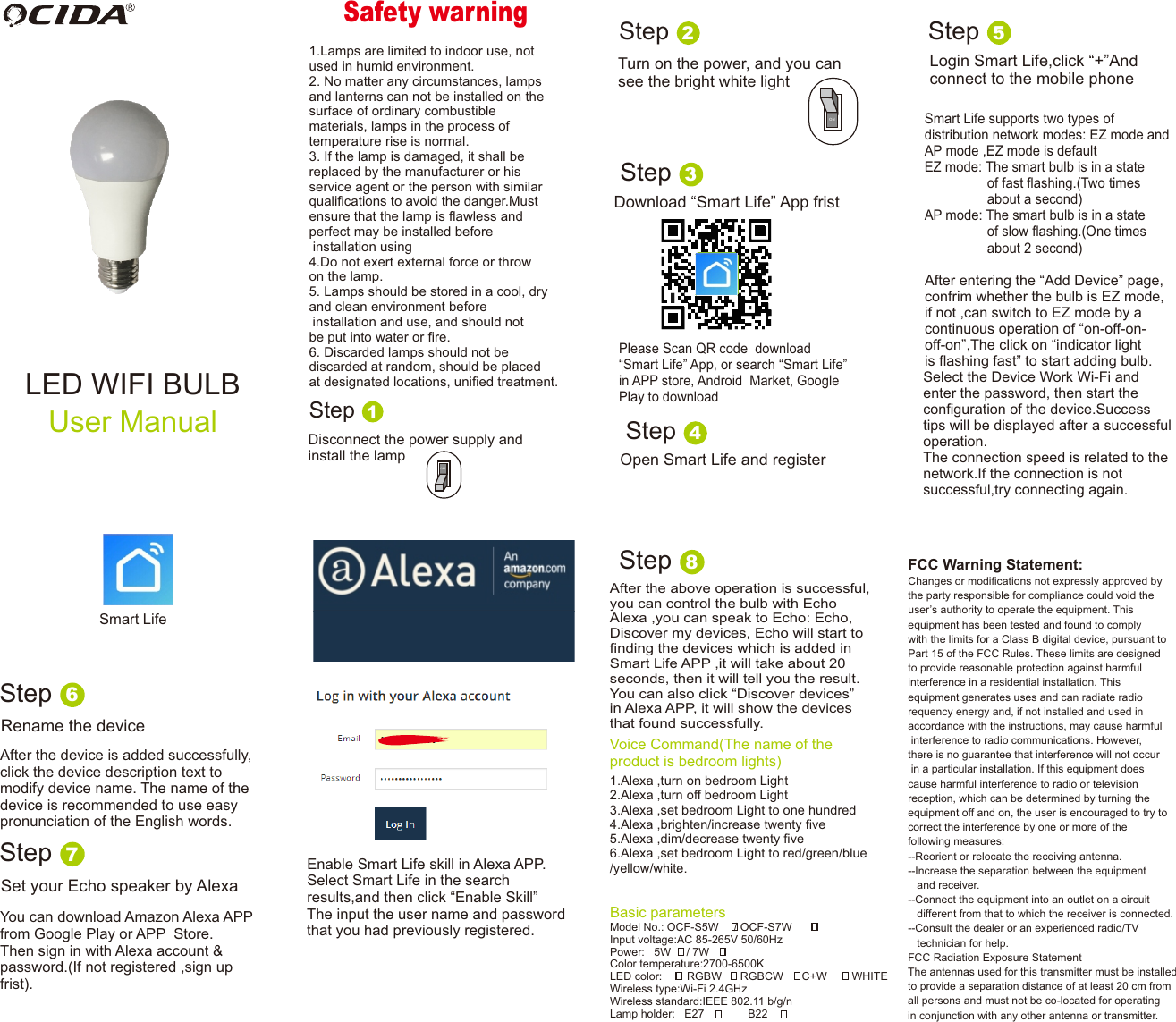
LED WIFI BULB User ManualSafety warning1.Lamps are limited to indoor use, notused in humid environment.2. No matter any circumstances, lampsand lanterns can not be installed on thesurface of ordinary combustiblematerials, lamps in the process oftemperature rise is normal.3. If the lamp is damaged, it shall bereplaced by the manufacturer or hisservice agent or the person with similarqualifications to avoid the danger.Mustensure that the lamp is flawless andperfect may be installed beforeinstallation using4.Do not exert external force or throwon the lamp.5. Lamps should be stored in a cool, dryand clean environment beforeinstallation and use, and should notbe put into water or fire.6. Discarded lamps should not bediscarded at random, should be placed at designated locations, unified treatment.Step 1Disconnect the power supply and install the lampOFFONStep 2Turn on the power, and you can see the bright white lightStep 3Download “Smart Life” App fristPlease Scan QR code  download “Smart Life” App, or search “Smart Life” in APP store, Android  Market, Google Play to download Step 4Open Smart Life and registerSmart LifeStep 5Login Smart Life,click “+”And connect to the mobile phoneSmart Life supports two types of distribution network modes: EZ mode andAP mode ,EZ mode is defaultEZ mode: The smart bulb is in a stateof fast flashing.(Two times about a second)AP mode: The smart bulb is in a stateof slow flashing.(One times about 2 second)After entering the “Add Device” page,confrim whether the bulb is EZ mode,if not ,can switch to EZ mode by a continuous operation of “on-off-on-off-on”,The click on “indicator lightis flashing fast” to start adding bulb.Select the Device Work Wi-Fi and enter the password, then start theconfiguration of the device.Successtips will be displayed after a successful operation.The connection speed is related to thenetwork.If the connection is not successful,try connecting again. Step 6Rename the deviceAfter the device is added successfully,click the device description text to modify device name. The name of thedevice is recommended to use easy pronunciation of the English words.Step 7Set your Echo speaker by Alexa You can download Amazon Alexa APPfrom Google Play or APP  Store.Then sign in with Alexa account & password.(If not registered ,sign up frist).Enable Smart Life skill in Alexa APP.Select Smart Life in the search results,and then click “Enable Skill”The input the user name and passwordthat you had previously registered.After the above operation is successful,you can control the bulb with Echo Alexa ,you can speak to Echo: Echo,Discover my devices, Echo will start to finding the devices which is added inSmart Life APP ,it will take about 20 seconds, then it will tell you the result.You can also click “Discover devices”in Alexa APP, it will show the devices that found successfully.    Voice Command(The name of the product is bedroom lights)Step 81.Alexa ,turn on bedroom Light2.Alexa ,turn off bedroom Light3.Alexa ,set bedroom Light to one hundred4.Alexa ,brighten/increase twenty five5.Alexa ,dim/decrease twenty five6.Alexa ,set bedroom Light to red/green/blue/yellow/white.Basic parametersModel No.: OCF-S5W     / OCF-S7WInput voltage:AC 85-265V 50/60HzPower:   5W     / 7WColor temperature:2700-6500KLED color:        RGBW      RGBCW      C+W        WHITEWireless type:Wi-Fi 2.4GHzWireless standard:IEEE 802.11 b/g/nLamp holder:   E27              B22FCC Warning Statement:Changes or modifications not expressly approved bythe party responsible for compliance could void the user’s authority to operate the equipment. This equipment has been tested and found to comply with the limits for a Class B digital device, pursuant toPart 15 of the FCC Rules. These limits are designed to provide reasonable protection against harmful interference in a residential installation. This equipment generates uses and can radiate radio requency energy and, if not installed and used in accordance with the instructions, may cause harmful interference to radio communications. However, there is no guarantee that interference will not occur in a particular installation. If this equipment does cause harmful interference to radio or television reception, which can be determined by turning the equipment off and on, the user is encouraged to try to correct the interference by one or more of the following measures:--Reorient or relocate the receiving antenna.--Increase the separation between the equipment    and receiver. --Connect the equipment into an outlet on a circuit    different from that to which the receiver is connected.--Consult the dealer or an experienced radio/TV    technician for help.FCC Radiation Exposure Statement The antennas used for this transmitter must be installed to provide a separation distance of at least 20 cm from all persons and must not be co-located for operating in conjunction with any other antenna or transmitter.

Navigation menu