ZMODO Technology H0017 Gas Detector User Manual 1

ZMODO Technology Shenzhen Corp. Ltd. Gas Detector 1

User Manual

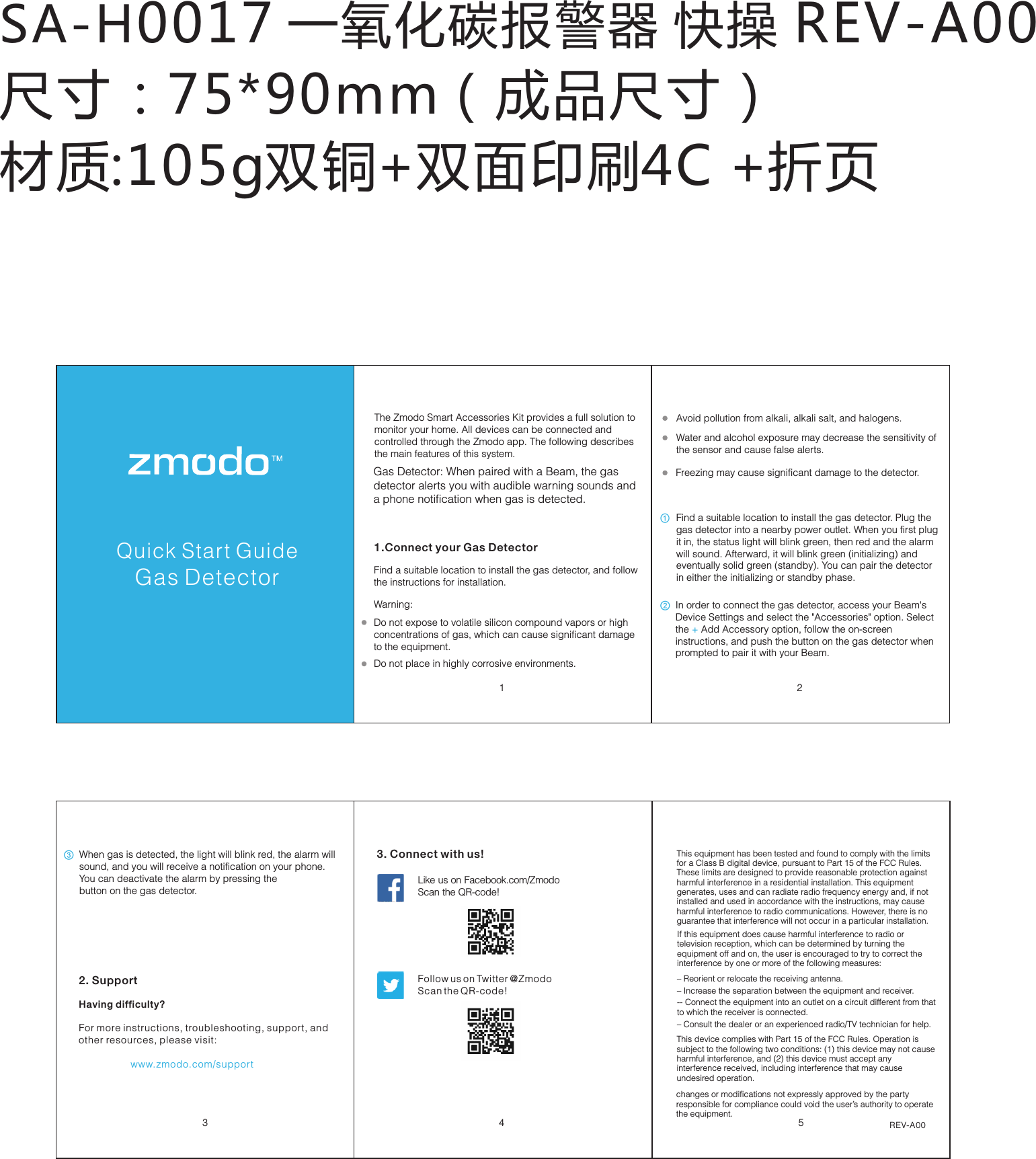
SA-H0017 一氧化碳报警器 快操 REV-A00尺寸:75*90mm(成品尺寸) 材质:105g双铜+双面印刷4C +折页Pivot Quick Start Guide3452. SupportHaving difficulty?For more instructions, troubleshooting, support, and other resources, please visit:                   www.zmodo.com/supportLike us on Facebook.com/Zmodo  Scan the QR-code!Follow us on Twitter @Zmodo Scan the QR-code! 3. Connect with us!REV-A001 2Quick Start GuideGas DetectorThe Zmodo Smart Accessories Kit provides a full solution to monitor your home. All devices can be connected and controlled through the Zmodo app. The following describes the main features of this system.1.Connect your Gas DetectorGas Detector: When paired with a Beam, the gas  detector alerts you with audible warning sounds and a phone notification when gas is detected.Find a suitable location to install the gas detector, and follow the instructions for installation. Water and alcohol exposure may decrease the sensitivity of the sensor and cause false alerts. Do not place in highly corrosive environments. Avoid pollution from alkali, alkali salt, and halogens.  Do not expose to volatile silicon compound vapors or high concentrations of gas, which can cause significant damage to the equipment. ① ② ③ Freezing may cause significant damage to the detector. Warning:Find a suitable location to install the gas detector. Plug the gas detector into a nearby power outlet. When you first plug it in, the status light will blink green, then red and the alarm will sound. Afterward, it will blink green (initializing) and eventually solid green (standby). You can pair the detector in either the initializing or standby phase. In order to connect the gas detector, access your Beam's Device Settings and select the "Accessories" option. Select the Add Accessory option, follow the on-screen  + instructions, and push the button on the gas detector when prompted to pair it with your Beam.When gas is detected, the light will blink red, the alarm will sound, and you will receive a notification on your phone. You can deactivate the alarm by pressing thebutton on the gas detector.This equipment has been tested and found to comply with the limits for a Class B digital device, pursuant to Part 15 of the FCC Rules. These limits are designed to provide reasonable protection against harmful interference in a residential installation. This equipment generates, uses and can radiate radio frequency energy and, if not installed and used in accordance with the instructions, may cause harmful interference to radio communications. However, there is no guarantee that interference will not occur in a particular installation. This device complies with Part 15 of the FCC Rules. Operation is subject to the following two conditions: (1) this device may not cause harmful interference, and (2) this device must accept any interference received, including interference that may cause undesired operation.changes or modifications not expressly approved by the party responsible for compliance could void the user’s authority to operate the equipment.If this equipment does cause harmful interference to radio or television reception, which can be determined by turning the equipment off and on, the user is encouraged to try to correct the interference by one or more of the following measures: – Reorient or relocate the receiving antenna.  – Increase the separation between the equipment and receiver.-- Connect the equipment into an outlet on a circuit different from that to which the receiver is connected. – Consult the dealer or an experienced radio/TV technician for help.

Navigation menu