boheng communication Technology WK100 Bluetooth Headset User Manual

Shenzhen boheng communication Technology CO.Ltd Bluetooth Headset

user manual

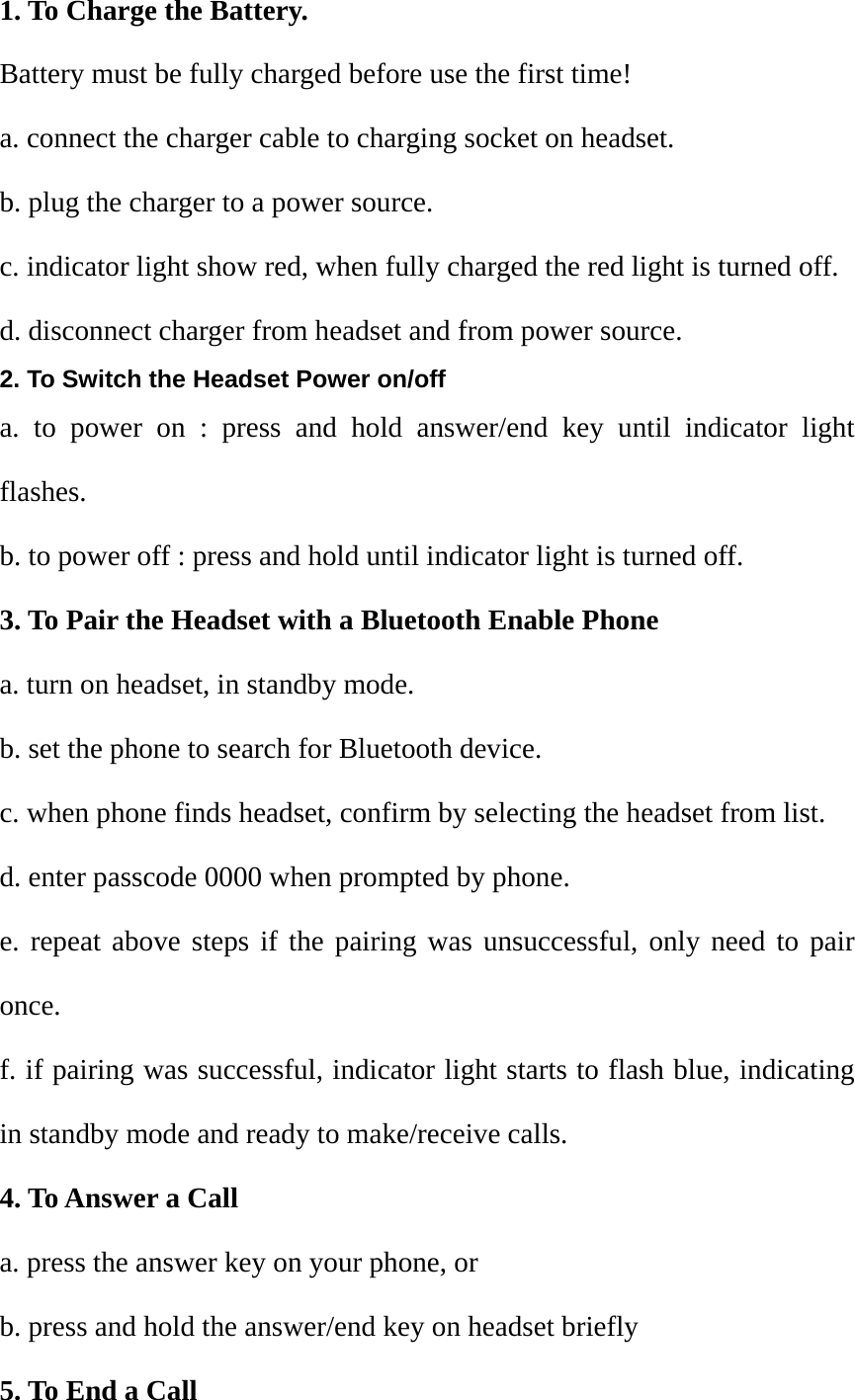
1. To Charge the Battery. Battery must be fully charged before use the first time! a. connect the charger cable to charging socket on headset. b. plug the charger to a power source. c. indicator light show red, when fully charged the red light is turned off. d. disconnect charger from headset and from power source. 2. To Switch the Headset Power on/off a. to power on : press and hold answer/end key until indicator light flashes. b. to power off : press and hold until indicator light is turned off. 3. To Pair the Headset with a Bluetooth Enable Phone a. turn on headset, in standby mode. b. set the phone to search for Bluetooth device. c. when phone finds headset, confirm by selecting the headset from list. d. enter passcode 0000 when prompted by phone. e. repeat above steps if the pairing was unsuccessful, only need to pair once. f. if pairing was successful, indicator light starts to flash blue, indicating in standby mode and ready to make/receive calls. 4. To Answer a Call a. press the answer key on your phone, or b. press and hold the answer/end key on headset briefly 5. To End a Call
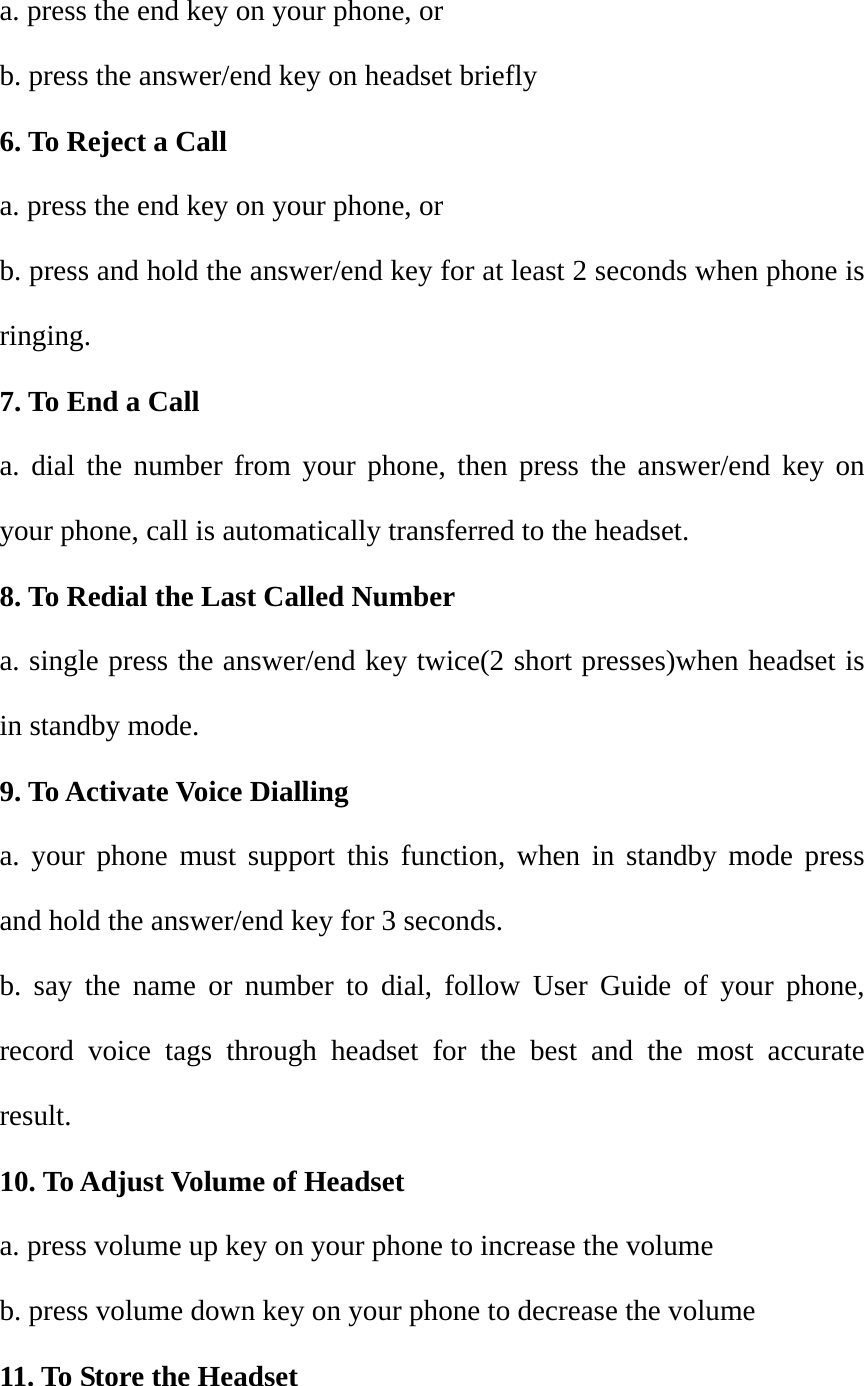
a. press the end key on your phone, or b. press the answer/end key on headset briefly 6. To Reject a Call a. press the end key on your phone, or b. press and hold the answer/end key for at least 2 seconds when phone is ringing. 7. To End a Call a. dial the number from your phone, then press the answer/end key on your phone, call is automatically transferred to the headset. 8. To Redial the Last Called Number a. single press the answer/end key twice(2 short presses)when headset is in standby mode. 9. To Activate Voice Dialling a. your phone must support this function, when in standby mode press and hold the answer/end key for 3 seconds. b. say the name or number to dial, follow User Guide of your phone, record voice tags through headset for the best and the most accurate result. 10. To Adjust Volume of Headset a. press volume up key on your phone to increase the volume b. press volume down key on your phone to decrease the volume 11. To Store the Headset
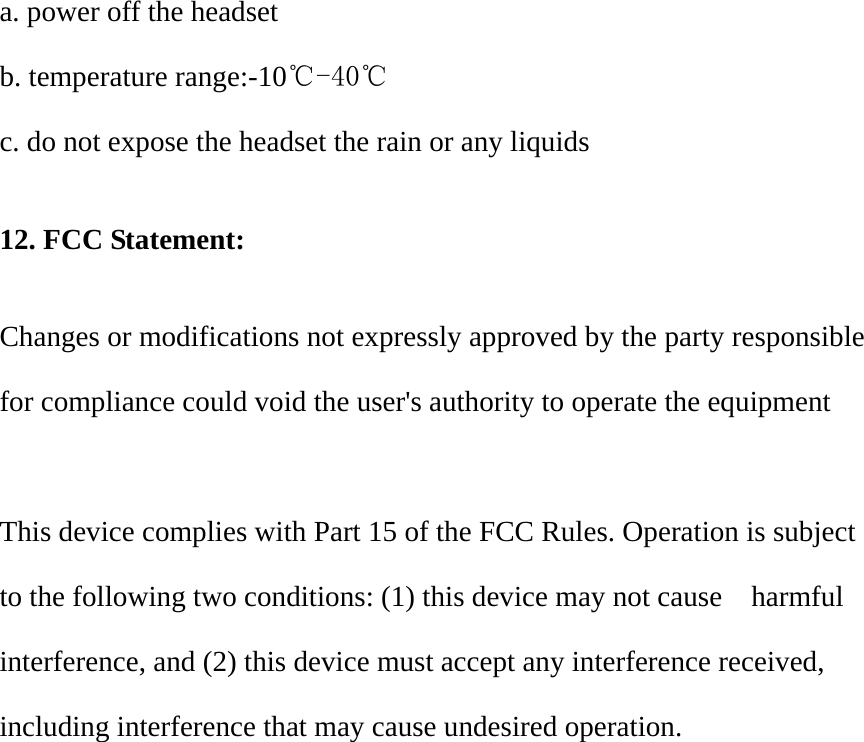
a. power off the headset b. temperature range:-10℃-40℃  c. do not expose the headset the rain or any liquids  12. FCC Statement:  Changes or modifications not expressly approved by the party responsible for compliance could void the user's authority to operate the equipment    This device complies with Part 15 of the FCC Rules. Operation is subject to the following two conditions: (1) this device may not cause    harmful interference, and (2) this device must accept any interference received, including interference that may cause undesired operation.

Navigation menu