iVue MAGBY01 Wireless Waterproof Speaker User Manual

iVue Pty Ltd Wireless Waterproof Speaker

User manual

byUSER MANUAL
Section 1 Box Content ......................................................................................................................................... 3Section 2Product Overview ......................................................................................................................... 4 - 10Section 3Instructions ................................................................................................................................. 11 - 15Section 4Features ......................................................................................................................................16 - 17Section 5Specications .................................................................................................................................... 18Section 6 Caring for Buoy  ................................................................................................................................ 19INDEX2
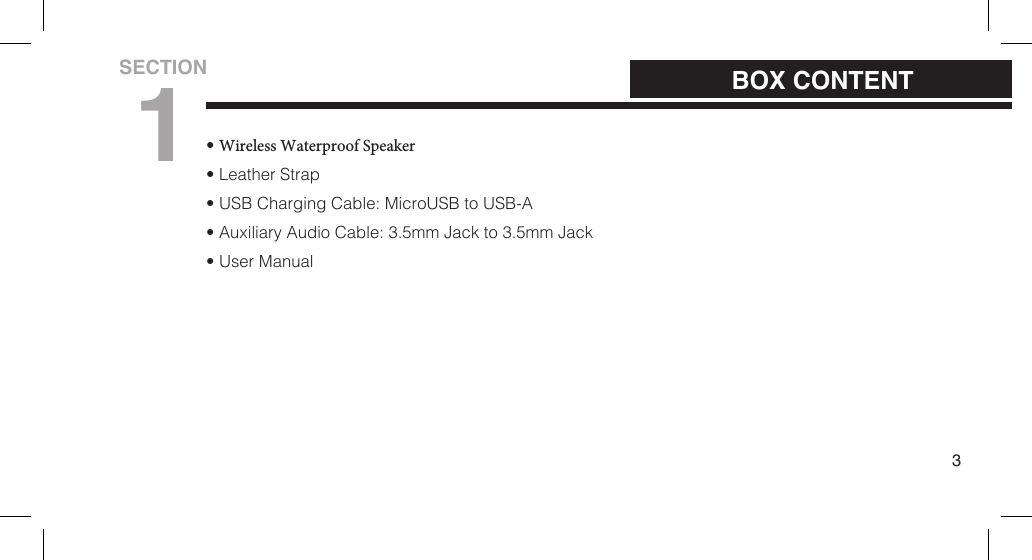
•Wireless Waterproof Speaker• Leather Strap• USB Charging Cable: MicroUSB to USB-A• Auxiliary Audio Cable: 3.5mm Jack to 3.5mm Jack• User Manual3BOX CONTENTSECTION1
4                         PRODUCT OVERVIEWSECTION2
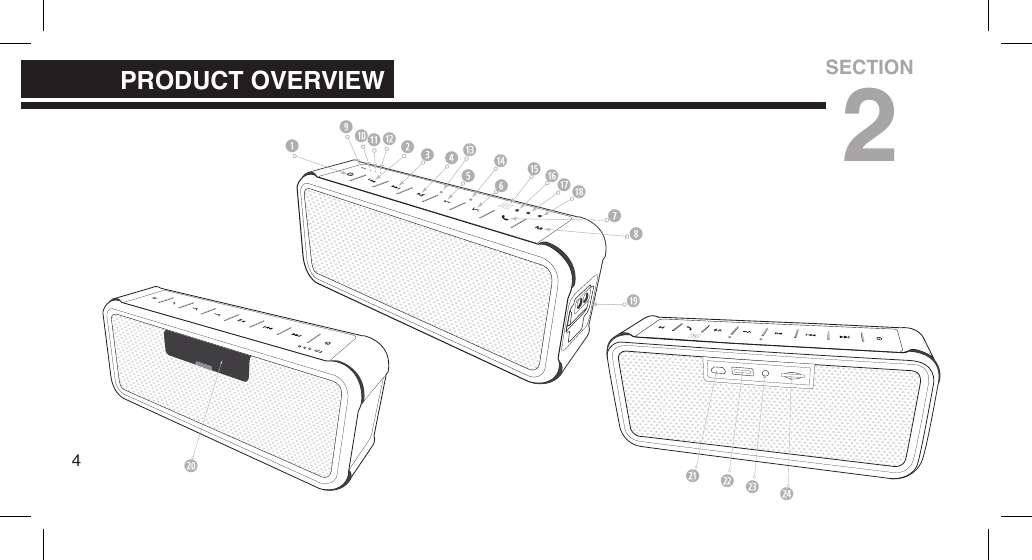
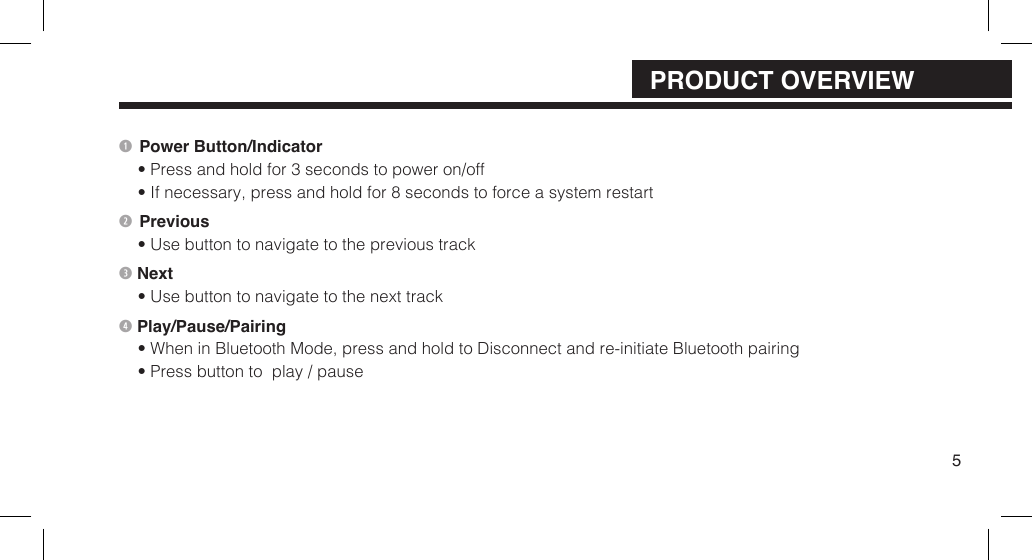
Power Button/Indicator• Press and hold for 3 seconds to power on/off• If necessary, press and hold for 8 seconds to force a system restart Previous• Use button to navigate to the previous track Next• Use button to navigate to the next track Play/Pause/Pairing• When in Bluetooth Mode, press and hold to Disconnect and re-initiate Bluetooth pairing• Press button to  play / pause5PRODUCT OVERVIEW
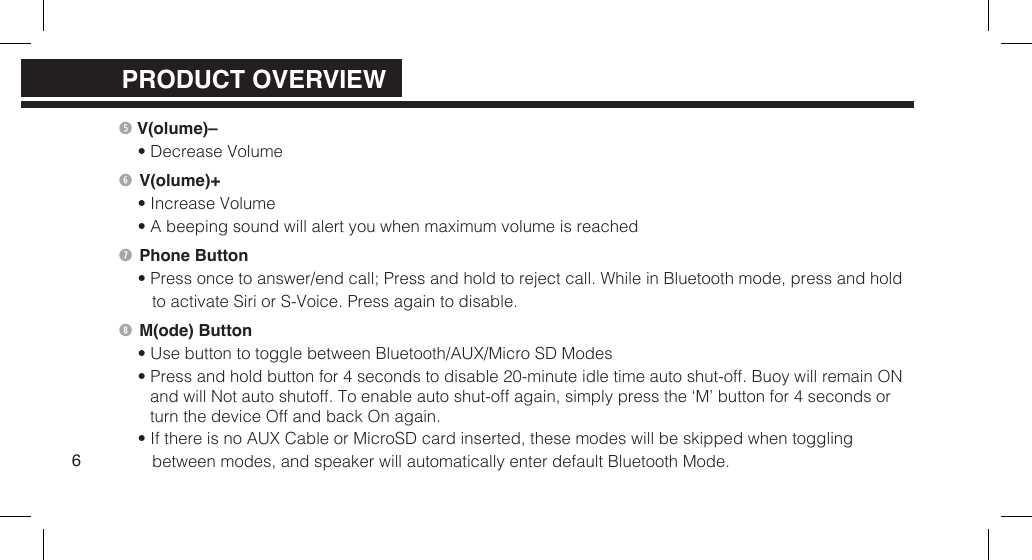
 V(olume)–• Decrease Volume V(olume)+• Increase Volume• A beeping sound will alert you when maximum volume is reached Phone Button• Press once to answer/end call; Press and hold to reject call. While in Bluetooth mode, press and hold to activate Siri or S-Voice. Press again to disable. M(ode) Button• Use button to toggle between Bluetooth/AUX/Micro SD Modes• Press and hold button for 4 seconds to disable 20-minute idle time auto shut-off. Buoy will remain ONand will Not auto shutoff. To enable auto shut-off again, simply press the ‘M’ button for 4 seconds or turn the device Off and back On again.• If there is no AUX Cable or MicroSD card inserted, these modes will be skipped when toggling between modes, and speaker will automatically enter default Bluetooth Mode.6PRODUCT OVERVIEWPRODUCT OVERVIEW
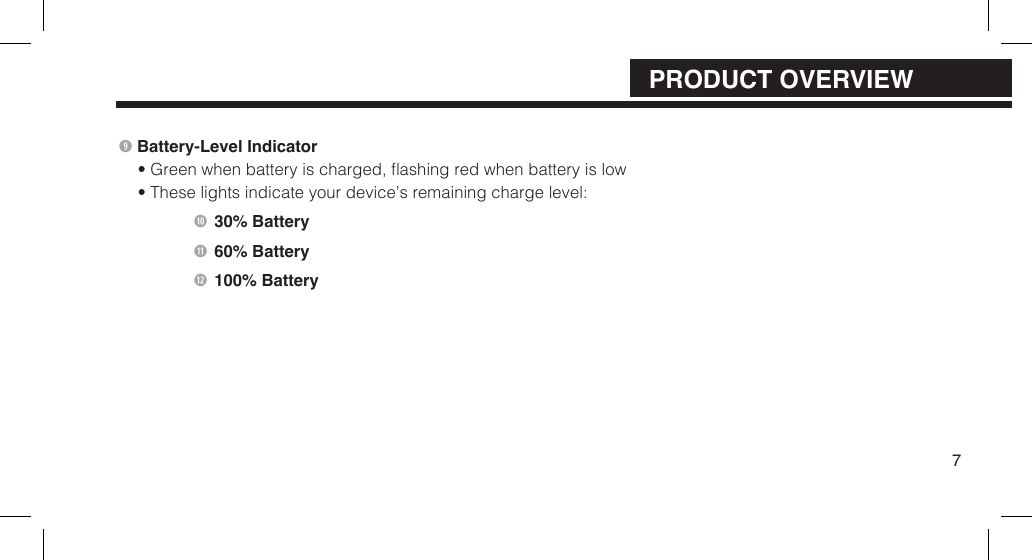
 Battery-Level Indicator • Green when battery is charged, ashing red when battery is low• These lights indicate your device’s remaining charge level:    30% Battery   60% Battery   100% Battery7PRODUCT OVERVIEW
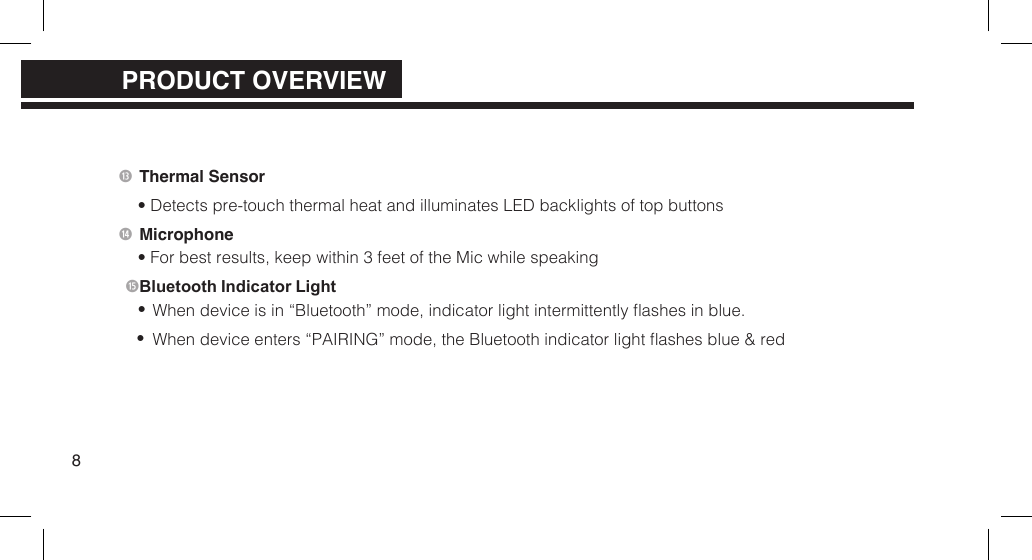
 Thermal Sensor• Detects pre-touch thermal heat and illuminates LED backlights of top buttons Microphone• For best results, keep within 3 feet of the Mic while speaking Bluetooth Indicator Light••When device is in “Bluetooth” mode, indicator light intermittently ashes in blue.When device enters “PAIRING” mode, the Bluetooth indicator light ashes blue & red8PRODUCT OVERVIEWPRODUCT OVERVIEW
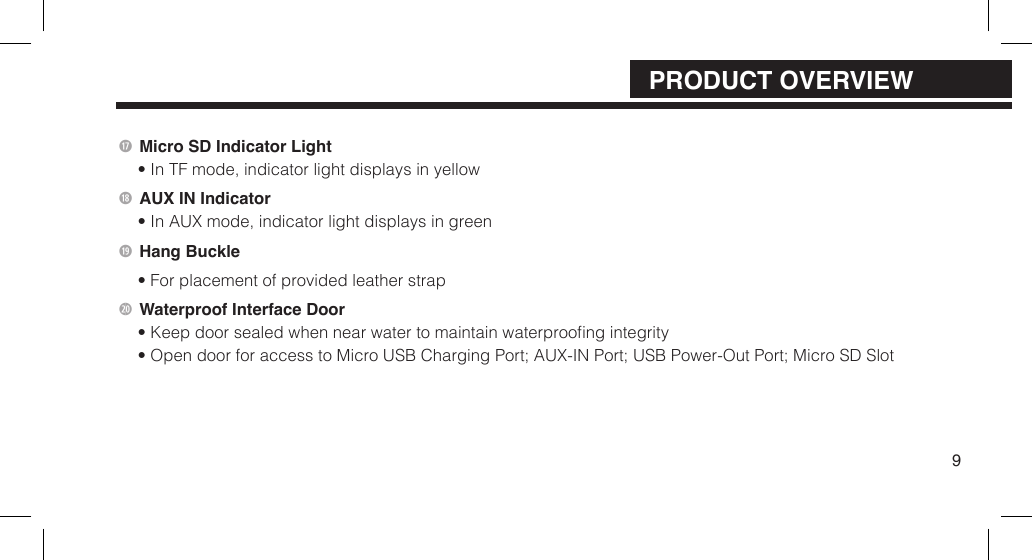
 Micro SD Indicator Light• In TF mode, indicator light displays in yellowAUX IN Indicator• In AUX mode, indicator light displays in green Hang Buckle• For placement of provided leather strap2) Waterproof Interface Door• Keep door sealed when near water to maintain waterproong integrity• Open door for access to Micro USB Charging Port; AUX-IN Port;  USB Power-Out Port; Micro SD Slot9PRODUCT OVERVIEW
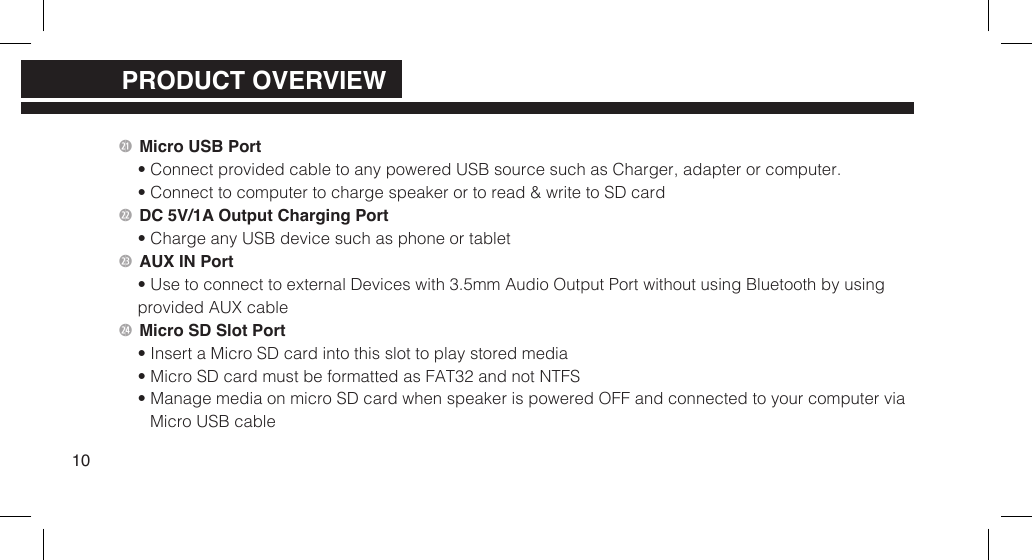
2 Micro USB Port• Connect provided cable to any powered USB source such as Charger, adapter or computer.• Connect to computer to charge speaker or to read & write to SD card2 DC 5V/1A Output Charging Port• Charge any USB device such as phone or tablet2 AUX IN Port• Use to connect to external Devices with 3.5mm Audio Output Port without using Bluetooth by usingprovided AUX cable2$ Micro SD Slot Port• Insert a Micro SD card into this slot to play stored media• Micro SD card must be formatted as FAT32 and not NTFS• Manage media on micro SD card when speaker is powered OFF and connected to your computer viaMicro USB cable10PRODUCT OVERVIEWPRODUCT OVERVIEWPRODUCT OVERVIEW
Power On/Off• Press & hold for 3 seconds to power ON/OFF speaker. A startup and shutdown tone willsoundReset• Should the speaker become unresponsive or you need to reset the speaker, press and holdthe power button for  8 seconds then release; the speaker will reset itself then shutdown.Press the power button again to turn speaker ON11INSTRUCTIONSSECTION3
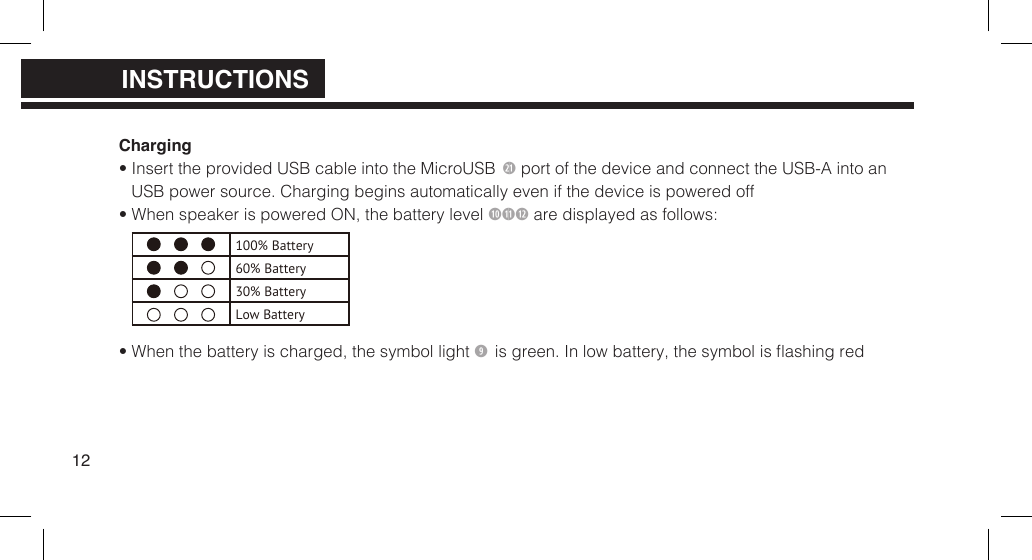
Charging• Insert the provided USB cable into the MicroUSB 2 port of the device and connect the USB-A into anUSB power source. Charging begins automatically even if the device is powered off• When speaker is powered ON, the battery level 1)11 are displayed as follows:• When the battery is charged, the symbol light  is green. In low battery, the symbol is ashing red12100% Battery60% Battery30% BatteryLow BatteryPRODUCT OVERVIEWPRODUCT OVERVIEWINSTRUCTIONS
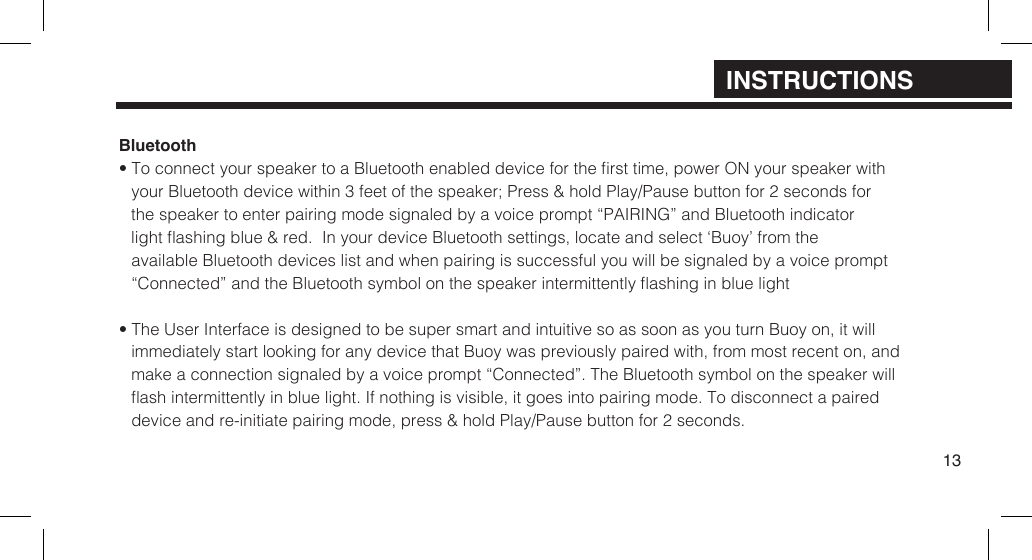
Bluetooth• To connect your speaker to a Bluetooth enabled device for the rst time, power ON your speaker withyour Bluetooth device within  3 feet of the speaker; Press & hold Play/Pause button for 2 seconds for the speaker to enter pairing mode signaled by a voice prompt “PAIRING” and Bluetooth indicator light ashing blue & red.  In your device Bluetooth  settings, locate and select ‘Buoy’ from the available Bluetooth devices list and when pairing is successful you will be signaled by a voice prompt  “Connected” and the Bluetooth symbol on the speaker intermittently ashing in blue light• The User Interface is designed to be super smart and intuitive so as soon as you turn Buoy on, it willimmediately start looking for any device that Buoy was previously paired with, from most recent on, andmake a connection signaled by a voice prompt “Connected”. The Bluetooth symbol on the speaker willash intermittently in blue light. If nothing is visible, it goes into pairing mode. To disconnect a paireddevice and re-initiate pairing mode, press & hold Play/Pause button for 2 seconds.13INSTRUCTIONS
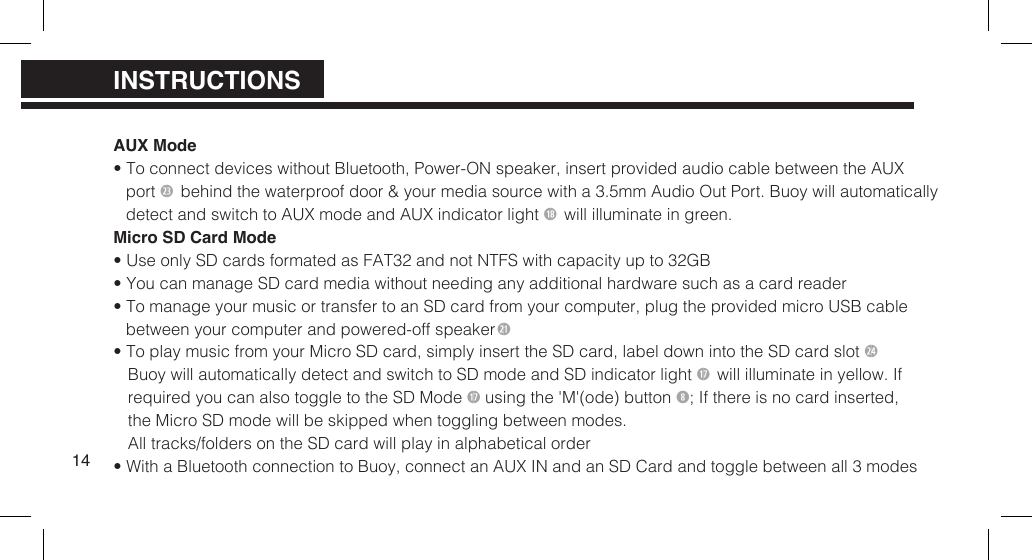
AUX Mode• To connect devices without Bluetooth, Power-ON speaker, insert provided audio cable between the AUXport 2 behind the waterproof door & your media source with a 3.5mm Audio Out Port. Buoy will automaticallydetect and switch to AUX mode and  AUX indicator light 1* will illuminate in green.Micro SD Card Mode• Use only SD cards formated as FAT32 and not NTFS with capacity up to 32GB• You can manage SD card media without needing any additional hardware such as a card reader• To manage your music or transfer to an SD card from your computer, plug the provided micro USB cablebetween your computer and  powered-off speaker2• To play music from your Micro SD card, simply insert the SD card, label down into the SD card slot 2$Buoy will automatically detect and switch to SD mode and  SD indicator light 1& will illuminate in yellow. Ifrequired you can also  toggle to the SD Mode 1& using the 'M'(ode) button ; If there is no card  inserted,the Micro SD mode will be skipped when toggling between modes.All tracks/folders on the SD card will play  in alphabetical order• With a Bluetooth connection to Buoy, connect an AUX IN and an SD Card and toggle between all 3 modes14PRODUCT OVERVIEWPRODUCT OVERVIEWINSTRUCTIONS
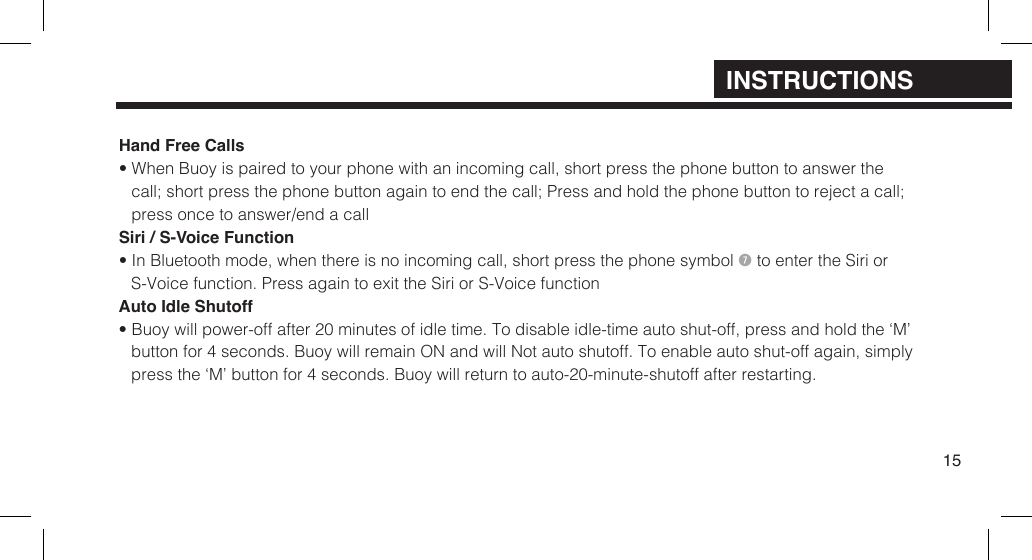
Hand Free Calls• When Buoy is paired to your phone with an incoming call, short press the phone button to answer thecall; short press the phone button again to end the call; Press and hold the phone button to reject a call;press once to answer/end a callSiri / S-Voice Function• In Bluetooth mode, when there is no incoming call, short press the phone symbol  to enter the Siri orS-Voice function.  Press again to exit the Siri or S-Voice functionAuto Idle Shutoff• Buoy will power-off after 20 minutes of idle time. To disable idle-time auto shut-off, press and hold the ‘M’button for 4 seconds. Buoy will remain ON and will Not auto shutoff. To enable auto shut-off again, simplypress the ‘M’ button for 4 seconds. Buoy will return to auto-20-minute-shutoff after restarting.15INSTRUCTIONS
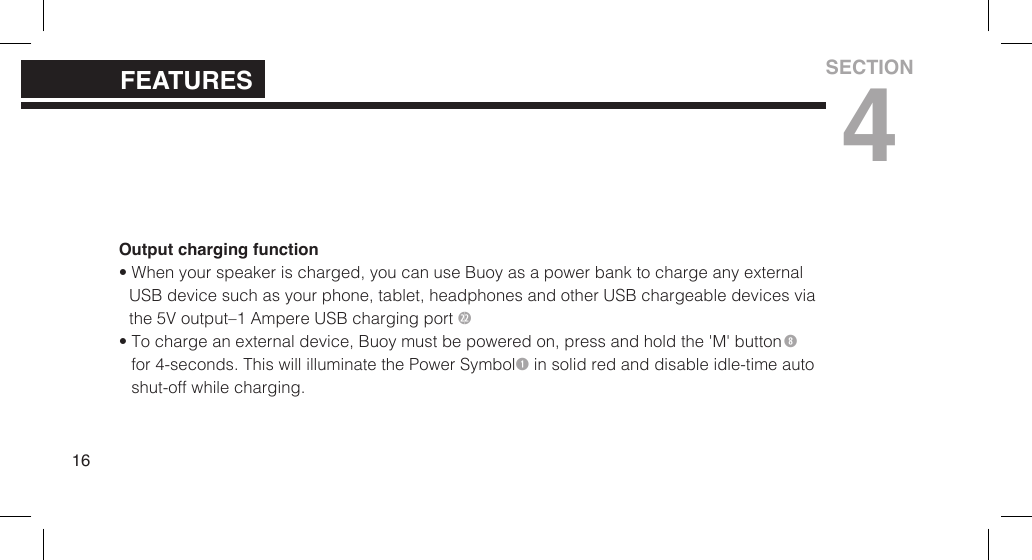
Output charging function• When your speaker is charged, you can use Buoy as a power bank to charge any externalUSB device such as your  phone, tablet, headphones and other USB  chargeable devices viathe 5V output–1 Ampere USB charging port 2• To charge an external device, Buoy must be powered on, press and hold the 'M' buttonfor 4-seconds. This will illuminate the Power Symbol in solid red and disable idle-time autoshut-off while charging.16FEATURESSECTION4
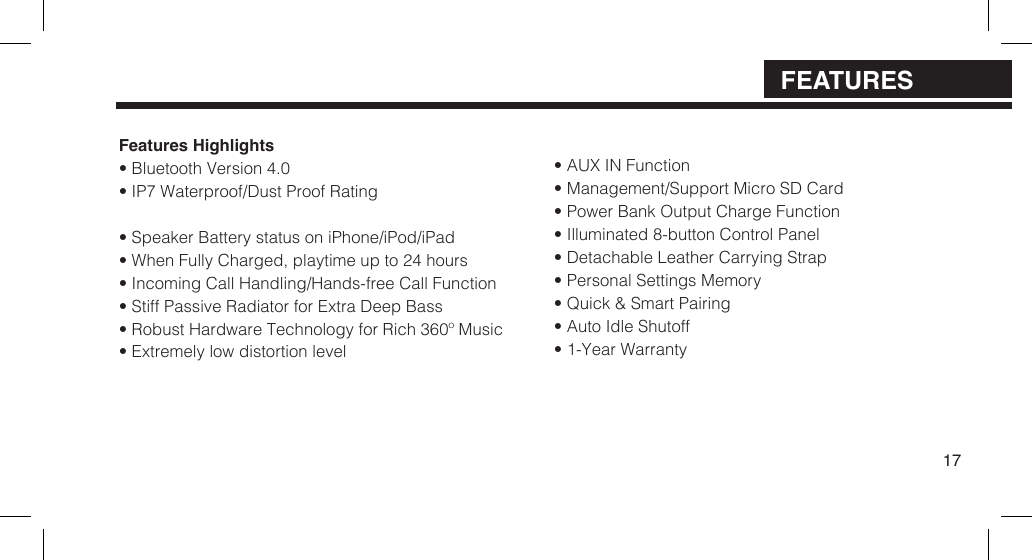
Features Highlights• Bluetooth Version 4.0• IP7 Waterproof/Dust Proof Rating• Speaker Battery status on iPhone/iPod/iPad• When Fully Charged, playtime up to 24 hours• Incoming Call Handling/Hands-free Call Function• Stiff Passive Radiator for Extra Deep Bass• Robust Hardware Technology for Rich 360º Music• Extremely low distortion level• AUX IN Function• Management/Support Micro SD Card• Power Bank Output Charge Function• Illuminated 8-button Control Panel• Detachable Leather Carrying Strap• Personal Settings Memory• Quick & Smart Pairing• Auto Idle Shutoff• 1-Year Warranty17FEATURES
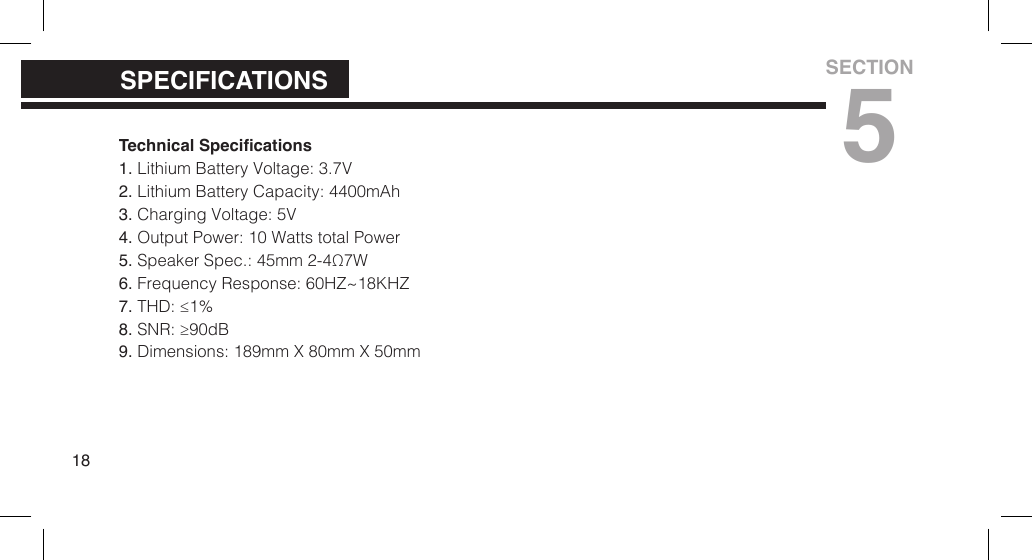
Technical Specications1. Lithium Battery Voltage: 3.7V2. Lithium Battery Capacity: 4400mAh3. Charging Voltage: 5V4. Output Power: 10 Watts total Power5. Speaker Spec.: 45mm 2-4Ω7W6. Frequency Response: 60HZ~18KHZ7. THD: ≤1%8. SNR: ≥90dB9. Dimensions: 189mm X 80mm X 50mm18SPECIFICATIONSSECTION5
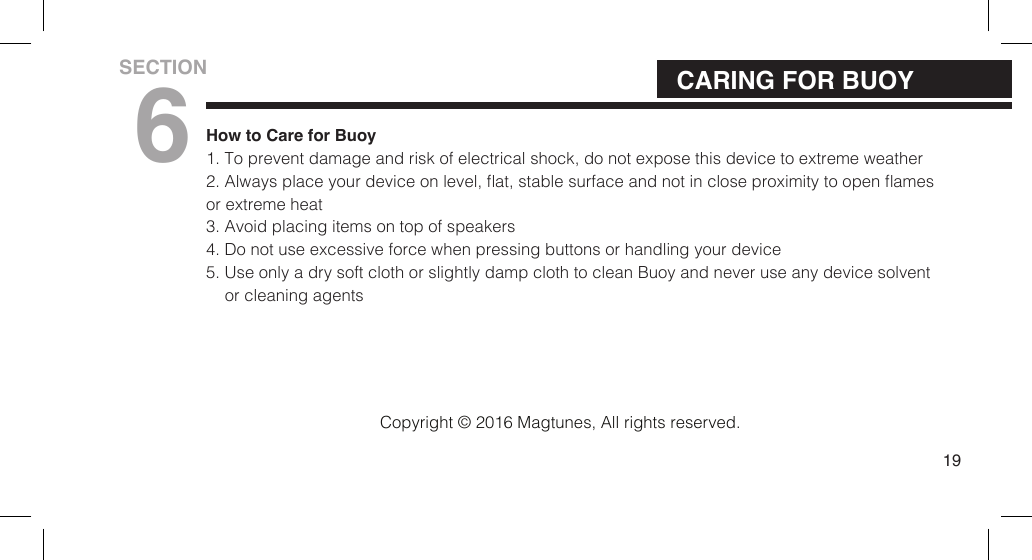
How to Care for Buoy1. To prevent damage and risk of electrical shock, do not expose this device to extreme weather2. Always place your device on level, at, stable surface and not in close proximity to open amesor extreme heat 3. Avoid placing items on top of speakers4. Do not use excessive force when pressing buttons or handling your device5. Use only a dry soft cloth or slightly damp cloth to clean Buoy and never use any device solventor cleaning agents19CARING FOR BUOYSECTION6Copyright © 2016 Magtunes, All rights reserved.
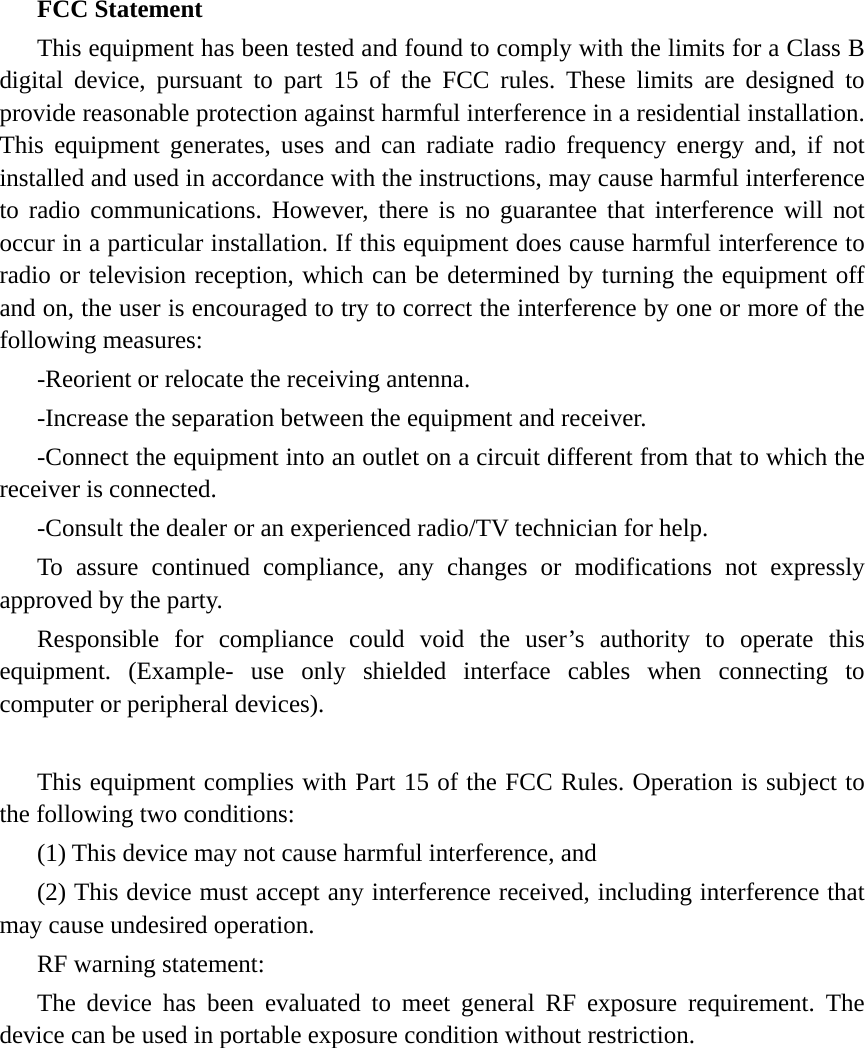
FCC Statement This equipment has been tested and found to comply with the limits for a Class B digital device, pursuant to part 15 of the FCC rules. These limits are designed to provide reasonable protection against harmful interference in a residential installation. This equipment generates, uses and can radiate radio frequency energy and, if not installed and used in accordance with the instructions, may cause harmful interference to radio communications. However, there is no guarantee that interference will not occur in a particular installation. If this equipment does cause harmful interference to radio or television reception, which can be determined by turning the equipment off and on, the user is encouraged to try to correct the interference by one or more of the following measures: -Reorient or relocate the receiving antenna. -Increase the separation between the equipment and receiver. -Connect the equipment into an outlet on a circuit different from that to which the receiver is connected. -Consult the dealer or an experienced radio/TV technician for help. To assure continued compliance, any changes or modifications not expressly approved by the party. Responsible for compliance could void the user’s authority to operate this equipment. (Example- use only shielded interface cables when connecting to computer or peripheral devices).  This equipment complies with Part 15 of the FCC Rules. Operation is subject to the following two conditions:     (1) This device may not cause harmful interference, and     (2) This device must accept any interference received, including interference that may cause undesired operation.     RF warning statement: The device has been evaluated to meet general RF exposure requirement. The device can be used in portable exposure condition without restriction.  
byCopyright © 2016 MagTunes.com.au. All rights reserved.www.MagTunes.com.au

Navigation menu