

MicroTouch IC-215P-AA2 Interactive Computer User Manual
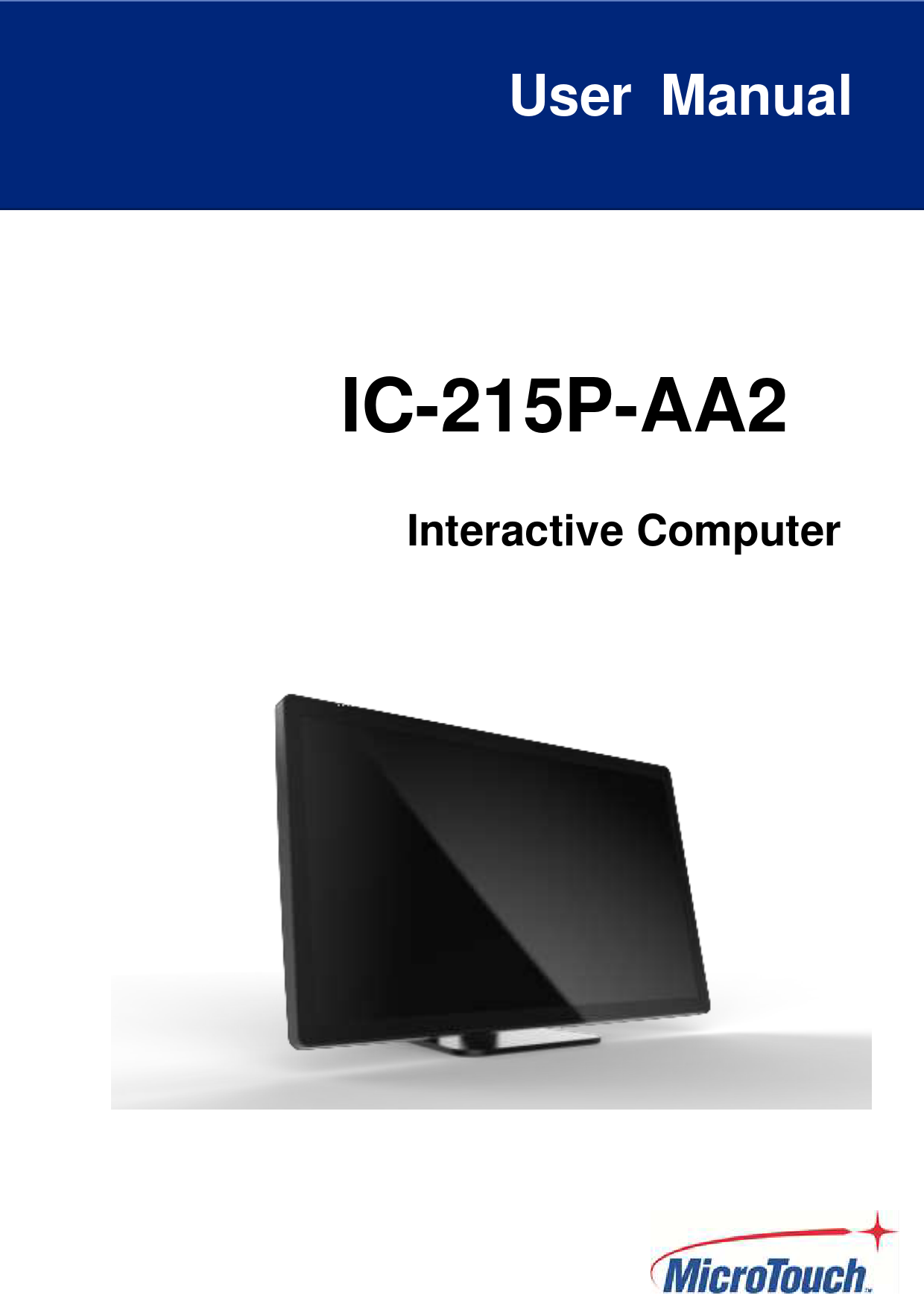
File info: application/pdf · 32 pages · 1.38MB
IC-215P-AA2 - MicroTouch
The information in this document is subject to change without notice. MicroTouchTM a. TES Company makes no representations or warranties with respect to the ...
IC-215P-AA2
Full PDF Document

If the inline viewer fails, it will open the original document in compatibility mode automatically. You can also open the file directly.
Extracted Text
User Manual
IC-215P-AA2
Interactive Computer

About This Document No part of this publication may be reproduced, transmitted, transcribed, stored in a retrieval system, or translated into any language or computer language, in any form or by any means, including, but not limited to, electronic, magnetic, optical, chemical, manual, or otherwise without prior written permission of MicroTouchTM a TES Company. The information in this document is subject to change without notice. MicroTouchTM a TES Company makes no representations or warranties with respect to the contents herein, and specifically disclaims any implied warranties of merchantability or fitness for a particular purpose. MicroTouchTM a TES Company reserves the right to revise this publication and to make changes from time to time in the content hereof without obligation of MicroTouchTM a TES Company to notify any person of such revisions or changes. Windows is a registered trademark of Microsoft, Inc. Other brand or product names are trademarks of their respective holders.
1

Compliance Information For FCC (USA) This equipment has been tested and fund to comply with the limits for a Class A digital device, pursuant to part 15 of the FCC Rules. There limits are designed to provide reasonable protection against harmful interference when the equipment is operated in a commercial environment. This equipment generates, uses, and can radiate radio frequency energy and, if not installed and used in accordance with the instruction manual, may cause harmful interference to radio communications. Operation of this equipment in a residential area is likely to cause harmful interference in which case the user will be required to correct the interference at his own expense. This device complies with part 15 of the FCC Rules. Operation is subject to the following two conditions: (1) this device may not cause harmful interference, and (2) this device must accept any interference received, including interference that may cause undesired operation. For IC (Canada) CAN ICES-3(A)/NMB-3(A) For CE (EU) The device complies with the EMC Directive 2014/30/EU and Low Voltage Directive 2014/35/EU
2 |

Renseignements relatifs � la conformit� Pour la FCC (�tats-Unis). Ce mat�riel a fait l'objet d'essais qui ont d�termin� qu'il respectait les limites d'un appareil de classe A selon la partie 15 des r�glements de la FCC. Ces limites sont �tablies pour assurer une protection raisonnable contre les parasites nuisant � un fonctionnement dans un environnement commercial. Ce mat�riel g�n�re, utilise et peut �mettre des ondes radio �lectriques, et lorsqu'il n'est pas install� et utilis� selon le manuel d'instructions, peut causer des parasites nuisant aux communications radio. L'utilisation de ce mat�riel dans une zone r�sidentielle est susceptible de causer des parasites auquel cas l'utilisateur est tenu de corriger le probl�me des parasites � ses propres frais. L'appareil respecte la partie 15 des r�glements de la FCC. Le fonctionnement doit respecter les deux conditions suivantes : 1) cet appareil ne doit pas causer de parasites et (2) cet appareil doit accepter tous les parasites re�us, notamment ceux pouvant causer un fonctionnement non voulu. Pour Industrie Canada Norme canadienne NMB-3(A) Pour la CE (UE) L'appareil respecte la directive 2014/30/UE relative � la compatibilit� �lectromagn�tique et la directive 2014/35/EU sur les limites de basse tension
3 |

Usage Notice
! Warning - To prevent the risk of fire or shock hazards, and do not expose the product to moisture.
! Warning - Please do not open or disassemble the product as this may cause electric shock.
! Warning - Power cord shall be connected to a socket-outlet with earthing connection.
! Warning - The cable cover cannot be removed under normal use conditions.
! Warning - Stability Hazard. The touch monitor may fall, causing serious personal injury or death. To prevent injury, this touch monitor must be securely attached to the wall in accordance with the installation instructions.
Precautions
Please follow all warnings, precautions and maintenance as recommended in this user's manual to maximize the life of your unit.
Do
 Turn off the product before cleaning.  Use a soft cloth moistened with mild detergent to clean the product housing.  Use only the qualified power adapter that comes with your device.  Disconnect the power plug from AC outlet if the product is not going to be used for an
extended period of time.
Don't  Do not use abrasive cleaners, waxes or solvents for your cleaning.  Do not operate the product under the following conditions:
- Extremely hot, cold or humid environment. - Areas susceptible to excessive dust and dirt. - Near any appliance generating a strong magnetic field.
Caution
Risk of explosion if battery is replaced by an incorrect type. Dispose of used batteries according to the instructions.
4 |

Avis d'utilisation
! Mise en garde -- Pour pr�venir les risques d'incendie ou d'�lectrocution, ne pas exposer le produit � l'humidit�.
! Mise en garde -- Pri�re de ne pas ouvrir ou d�monter le produit, car cela pourrait entra�ner l'�lectrocution.
! Mise en garde � Le cordon d'alimentation doit �tre branch� � une prise pourvue d'une mise � la terre.
! Mise en garde � La gaine du c�ble ne doit pas �tre retir�e en conditions normales d'utilisation.
! Mise en garde -- Risque de renversement. Le moniteur tactile peut se renverser et causer de graves blessures corporelles, voire la mort. Pour pr�venir les blessures, ce moniteur tactile doit �tre solidement fix� au mur selon les instructions d'installation.
Pr�cautions
Veuillez suivre toutes les mises en garde, pr�cautions et entretiens recommand�s dans ce manuel d'utilisation pour maximiser la dur�e de vie de votre unit�.
� faire :  �teindre l'appareil avant de le nettoyer.  Utiliser un chiffon humidifi� par une solution savonneuse pour nettoyer le bo�tier du produit.  Utiliser uniquement l'adaptateur d'alimentation prescrit pour votre appareil.  D�brancher l'appareil lorsqu'il n'est pas utilis� pendant une p�riode prolong�e.
� �viter :  Ne pas utiliser de nettoyants abrasifs, de cires ou de solvants pour le nettoyage  Ne jamais utiliser l'appareil dans les conditions suivantes :
� des conditions environnementales extr�mes (chaud, froid ou humidit�) � des endroits remplis de poussi�res et de salet�s. � � proximit� d'appareils produisant un fort champ magn�tique.
Mise en garde
Risque d'explosion si la batterie est remplac�e par un type incorrect. Jetez les piles usag�es conform�ment aux instructions.
5 |

Table of Contents
Chapter 1 ........................................................................................................................ 7 1.1 Overview .................................................................................................................... 8 1.2 Feature....................................................................................................................... 8 1.3 Specifications ............................................................................................................. 9 1.4 Block Diagram.......................................................................................................... 11
1.4.2 IC-215P-AA2 .................................................................................................... 11 1.5 Interface Connectors................................................................................................ 12
1.5.2 IC-215P-AA2 .................................................................................................... 12 1.6 Package Overview ................................................................................................... 15 Chapter 2 ...................................................................................................................... 16 2.1 About VESA Mount .................................................................................................. 18 2.2 Power On / Off Switch.............................................................................................. 20 2.3 Dimension ................................................................................................................ 21
2.3.1 IC-215P-AA2 (System Only) ............................................................................ 21 2.3.2 IC-215P-AA2 (System with Stand Module) ...................................................... 22 2.4 Optional Accessory Installation ................................................................................ 23 2.4.1 Install the Stand Module................................................................................... 23 2.4.2 Dismantle the Stand Module ............................................................................ 23 2.4.3 Install the Cables.............................................................................................. 24
2.4.3.1 Cable Organizer ........................................................................................ 24 2.4.3.2 Stand Module ............................................................................................ 25 2.4.4 Install the Camera Module ............................................................................... 25 2.4.5 Dismantle the Camera Module......................................................................... 26 2.4.6 Install the MSR Module .................................................................................... 26 2.4.7 Dismantle the MSR Module ............................................................................. 28 Appendix .................................................................................................................... 306 Declaration of the Presence Condition of the Restricted Substances Marking .............. 37
6 |

Chapter 1
Product Introduction
7 |

1.1 Overview
The IC-215P-AA2 series is a thinner 21.5" touch computer that offers a unique screw less design with expandability and flexibility, making expansion and accessory installation much easier. The versatility of IC-215P-AA2 Series is an exceptional choice for applications in all business sectors, especially in the retail market.
1.2 Feature
 RK3399 processor for A2 version  Unique screw less design for better user experience.  Patented I/O design for better wiring management while implementation.
8 |

1.3 Specifications

System (IC-215P-AA2) CPU GPU Memory Storage Input Power Display Touch Audio
Network
External IO Ports
Internal IO Ports (inside plastic cover) OS Version Operation Temp. Storage Temp. Operation Humidity Storage Humidity LCD Touch Panel Size Brightness

Rock chip RK3399, Dual-core Cortex-A72 up to 1.8GHz, Quad-core Cortex-A53 up to 1.4GHz Mail-T860 MP4
4GB dual channel LPDDR4
32GB eMMC
DC in 12V/4A 2PIN
Dual channel LVDS, resolution up to 1920x1080P60 TPK/ZCC 21.5-inch P-Cap touch sensor (EETI 80H84 controller), supports 10 fingers touch function. 2 x speaker (2W x 2) Gigabit Ethernet Wi-Fi 802.11a/b/g/n/ac, 1T1R Bluetooth 4.0 (Support BLE) 1 x LAN (Support 10/100/1000Mbps) 1 x TF slot(Support SDHC 2.0) 1 x HDMI (Support 4K@60Hz) 1 x USB3.0 Type-A 1 x USB3.0 Type-C OTG (Support DP1.2 4-lane, 5V/0.5A) 1 x 12V DC In 1 x Power button 1 x connector (5V/0.5A)
Android 9.0 or later
0�C~40�C
-20C to 60C
20~80%, Non-Condensing
10~90%, Non-Condensing
21.5" TFT LCD
Typical 225 cd/m2; min. 200 cd/m2

9 |

Number of Pixels Tilt Angle Environment Certificate Mounting

1920 (H) � 1080 (V)/ 60Hz 10~70
CEFCCLVD VESA 100 mm x 100 mm

Dimension (W x H x D)

System Only � IC-215P-AA2: 510.96 mm x 308.01 mm x 37.9 mm
System with Stand Module � IC-215P-AA2: 510.96 mm x 322.28 mm x 172.98 mm �

Net Weight Gross Weight

System Only � IC-215P-AA2: 4.0 Kg System with Stand Module � IC-215P-AA2: 6.52 Kg
System Only � IC-215P-AA2: 6.2 Kg System with Stand Module � IC-215P-AA2: 9.07 Kg

10 |

1.4 Block Diagram
1.4.1 IC-215P-AA2
11 |

1.5 Interface Connectors
1.5 IC-215P-AA2

12V DC in RJ45 for LAN
12 |

Pin # 1

Signal Name 12V

Pin # Signal Name

2

GND

Pin # 1 3 5 7 LED Left Right

Signal Name TP1+ TP2+ TP3+ TP4+ Function Active 10M/100M/1000M

Pin # Signal Name

2

TP1-

4

TP3-

6

TP2-

8

TP4-

Color

Yellow (Blink) Green

USB3.0 USB-C
13 |

Pin #
1 3 5 7

Signal Name
USB5V D+ SSRXGND_DRAIN

Pin #
A1 A2 A3 A4 A5 A6 A7 A8 A9 A10 A11 A12 9

Signal Name
GND SSTXp1 SSTXn1 VBUS CC1 Dp1 Dn1 SBU1 VBUS SSRXn2 SSRXp2 GND SSTX+

Pin #
2 4 6 8

Signal Name
DGND SSRX+ SSTX-

Pin #
B12 B11 B10 B9 B8 B7 B6 B5 B4 B3 B2 B1

Signal Name
GND SSRXp1 SSRXn1 VBUS SBU2 Dn2 Dp2 CC2 VBUS SSTXn2 SSTXp2 GND

Pin # 1 3 5
7 9 11
13 15 17

Signal Name

Pin #

TMDS Data2+

2

TMDS Data2-

4

TMDS Data1 Shield

6

TMDS Data0+

8

TMDS Data0-

10

TMDS Clock Shield

12

CEC (N.C on device)

14

SCL

16

DDC/CEC Ground 18

Signal Name TMDS Data2 Shield TMDS Data1+
TMDS Data1-
TMDS Data0 Shield TMDS Clock+
TMDS Clock-
Reserved (N.C. on device) SDA +5V Power

HDMI

19

Hot Plug Detect

TF card

Pin #
1 3 5 7 9

Signal Name
DAT2 CMD CLK DAT0 CD

Pin #
2 4 6 8

Signal Name
DAT3 VCC GND DAT1

14 |

1.6 Package Overview

Touch Computer

Power Cord

DC Power Supply

Screw 15 |

Stand Module (Optional)

! Warning!
This product is intended to be supplied by a UL Listed Power Adapter, rated 12Vdc, 5A minimum. (complied with LPS or PS2) Tma = 40 degree C minimum, and the altitude of operation = 3048m minimum. If it needs further assistance with purchasing the power source, please contact to MicroTouch for further information.
! Mise en garde!
Cet appareil est con�u avec une alimentation de courant CA, d'une tension nominale de 12Vdc, 5A minimum. (conforme au LPS ou PS2) Tma = 40 degr�s C minimum et l'altitude de l'utilisation = 3048m minimum. Pour d'autres conseils pour l'installation de la source d'alimentation, communiquer avec MicroTouch pour de plus amples renseignements.
Chapter 2
Product Installation
16 |

17 |

2.1 About VESA Mount
The IC-215P-AA2 series conform to the "VESA Flat Display Mounting Interface Standard" which defines a physical mounting interface for touch computer, and corresponding with the standards of touch computer mounting devices, such as wall-mounted. The VESA mount is located on the back of this unit. The equipment is only for wall mounting for horizontal (output connector facing down) and vertical mounting orientations (output connector facing left or right) when EUT without base. The equipment with base used for horizontal (output connector facing down) and panel facing up position.
VESA Mount
! Warning!
Please select the MicroTouch original screws! The distance between the back cover surface and the bottom of the screw hole is 8 mm. Please use four M4 / 8 mm screws diameter with proper length to mount your monitor. Note: The mounting stand must be able to support at least 7.67 lbs (3.48 Kg).
18 |

! Mise en garde!
S�lectionner les vis d'origine de MicroTouch! La distance entre la surface du couvercle arri�re et le bas de l'orifice de la vis est de 8 mm. Utiliser quatre vis M4 de 8 mm de diam�tre pour le montage de votre moniteur. Remarque : Le support de montage doit pouvoir supporter un poids d'au moins 7,67 lb (3,48 kg).
19 |

2.2 Power On / Off Switch

Power On/Off Switch

IC-215P-AA2 Function Description

Power on Sleep Power off

Press the power button 2 sec Press the power button to enter sleep mode, and press again to resume from sleep Press the power button 2 sec and click power off.

20 |

2.3 Dimension
2.3.1 IC-215P-AA2 (System Only) Front View
Side View
Rear View

Bottom View 21 |

IC-215P-AA2

2.3.2 IC-215P-AA2 (System with Stand Module) Front View
Side View
Rear View
Bottom View 22 |

2.4 Optional Accessory Installation
Note: Please install/ dismantle the product when the computer system is in the shutdown state.
2.4.1 Install the Stand Module Place stand module on back of touch computer and align the screw holes. Install the four M4 screws to fasten the stand.

2.4.2 Dismantle the Stand Module
Step 1: Loosen the screws Step 2: Pull it to out from touch computer and remove stand module.

Step 2

Step 1

23 |

2.4.3 Install the Cables 2.4.3.1 Cable Organizer Step 1: Pull down the cable cover for cables installation. Step 2: To fit the plugs
Step 2
Step 1
Step 3: To assemble the cable cover. Step 4: Driving a screw to fix cable cover
(The cable can be fixed above or below the cable cover) Step 4
Step 3
24 |

2.4.3.2 Stand Module
2.4.4 Install the Camera Module Camera Module max. 19g Step 1: Remove the side cover. Step 2: Connect the camera module cable to the touch computer. Step 3: Install the two M3 screws to fasten the camera module.
25 |

Step 1 Step 2

Step 3

2.4.5 Dismantle the Camera Module Step 1: Loosen the screws. Step 2: Remove the camera module cable from the touch computer. Step 3: To assemble the side cover.
Step 3

Step 2

Step 1

2.4.6 Install the MSR Module MSR Module max. 62g. Step 1: Remove the side cover. Step 2: Connect the MSR module cable to the touch computer.
26 |

Step 1 Step 2 Step 3: The metal bracket hook into the gap between cover glass and bezel.
Step 4: Install the two M3 screws to fasten the MSR module. 27 |

Step 4
2.4.7 Dismantle the MSR Module Step 1: Loosen the screws. Step 1 28 |

Step 2: Remove the MSR module cable from the touch computer. Step 3: To assemble the side cover.
Step 3 Step 2
29 |

Appendix
30 |

Declaration of the Presence Condition of the Restricted Substances Marking

 Equipment name: Touch Computer

IC-215P-AA2 Type designation (Type): IC-215P-AA2

 Restricted substances and its chemical symbols

 Unit


Lead (Pb)

 Plastic Parts


Metal Parts


Cable


component


LCD Panel

  Touch Panel


PCBA

() Software


 Mercury (Hg)


 Cadmium Hexavalent

(Cd)

chromium

(Cr+6)


Polybrominated biphenyls (PBB)


Polybrominated diphenyl ethers (PBDE)


Note 1Exceeding 0.1 wt %andexceeding 0.01 wt %indicate that the percentage content of the restricted substance exceeds the reference percentage value of presence condition.

Note 2indicates that the percentage content of the restricted substance does not exceed the percentage of reference value of presence.

Note 3The-indicates that the restricted substance corresponds to the exemption.

31 |