

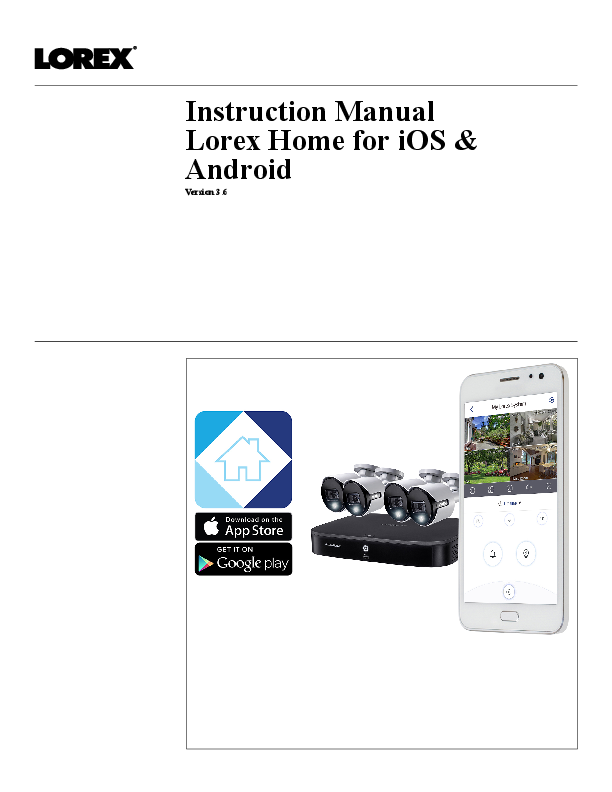
Discover the capabilities of the Lorex Home app, a free mobile application designed to provide seamless remote access to your Lorex security devices. This manual guides users through the setup process for both iOS and Android platforms, enabling live viewing of security cameras and management of system settings from anywhere.
The Lorex Home app allows for easy connection to DVR/NVR systems and Wi-Fi cameras. Users can configure device settings, view live and recorded video feeds, and manage their security system efficiently. For detailed compatibility information and the latest updates, please visit lorex.com/compatibility.
Key Features
- Remote live viewing of security cameras.
- Access to recorded video footage.
- Configuration of system and device settings.
- Support for both iOS and Android devices.
- Hassle-free remote access without monthly fees.
Getting Started
This instruction manual provides step-by-step guidance for connecting your Lorex devices. It covers the initial setup of DVR/NVR recorders and Wi-Fi cameras, ensuring a smooth integration with the Lorex Home app. Essential prerequisites, such as app installation and network connectivity, are detailed to facilitate a quick and effective setup.
