

ℹ️ Document Conversion Notice:
This page was converted from the original file for easier reading. Diagrams/images may appear only in the original PDF below.
File info: application/pdf · 384 pages · 16.05MB
OPPO Smartphone ColorOS 5.2 User Guide
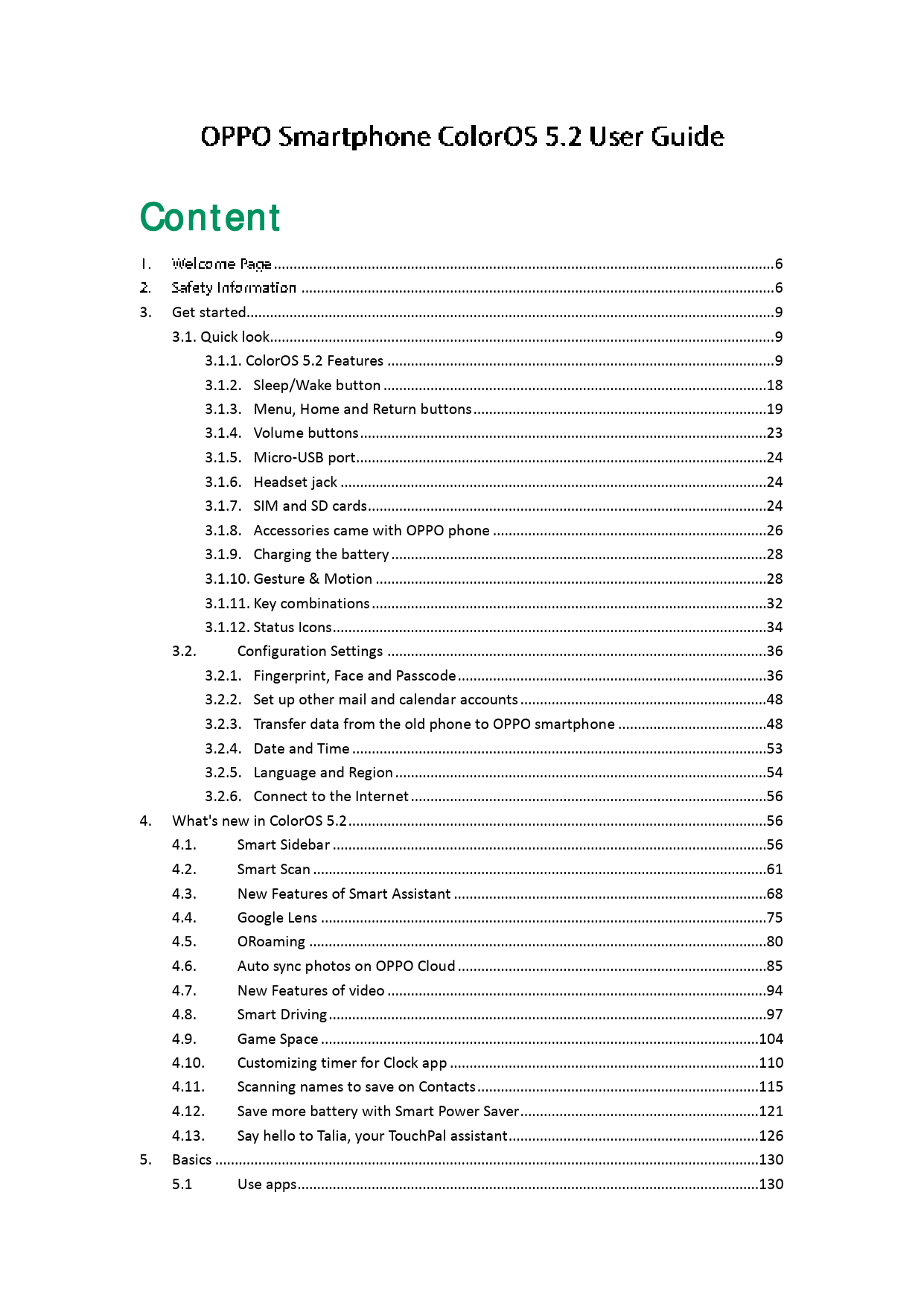
Discover the capabilities of your OPPO smartphone with the ColorOS 5.2 User Guide. This comprehensive manual provides detailed information on setting up your device, navigating its features, and optimizing your user experience.
Key Features and Functions
- Getting Started: Learn about your device's hardware, basic operations, and initial setup, including connecting to the internet and configuring settings like fingerprints and passcodes.
- ColorOS 5.2 Innovations: Explore new features such as Smart Sidebar for multitasking, Smart Scan for quick translations and contact saving, Smart Driving for safer commutes, and Talia, your TouchPal assistant.
- App Usage: Detailed guides on using essential apps like Phone, Messages, Contacts, Camera, Photos, Music, and Files, along with explanations for Phone Manager functions.
- Personalization: Customize your OPPO experience by changing wallpapers, adjusting display settings, personalizing the home screen, and managing app preferences.
- Safety and Privacy: Understand important safety information, device security measures, privacy settings, and how to protect your personal data.
- Connectivity and Sharing: Learn how to share your internet connection via tethering and transfer files wirelessly or wired.
- Maintenance and Support: Find information on restarting, updating, backing up, and restoring your phone, as well as essential safety, handling, and maintenance tips.
This guide is designed to help users of all levels get the most out of their OPPO smartphone.
Models: Smartphone ColorOS 5.2
Full PDF Document

If the inline viewer fails, it will open the original document in compatibility mode automatically. You can also open the file directly.
 cloud.oppo.com
  i.clonephone.coloros.com/download
  device.report