

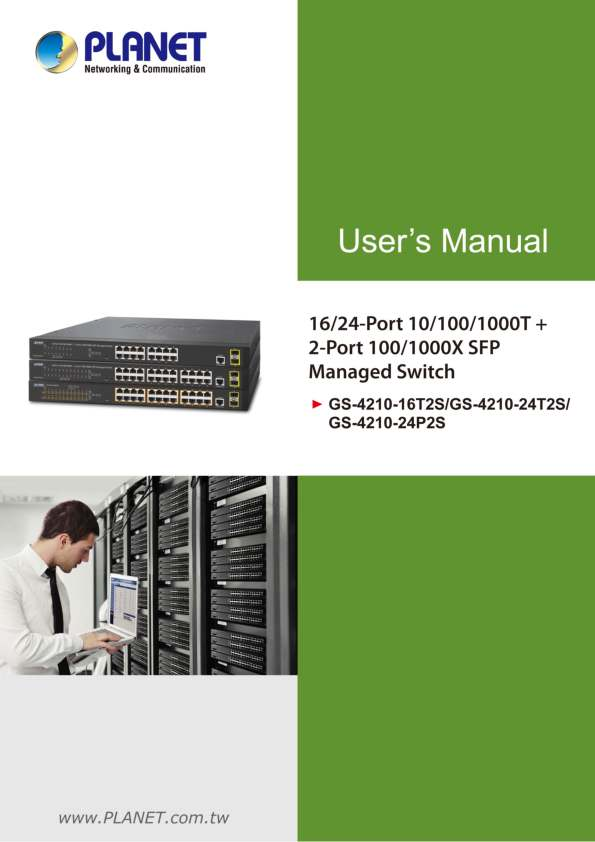
Introduction to the GS-4210 Series
The PLANET GS-4210 series offers high-performance 16/24-port 10/100/1000T + 2-Port 100/1000X SFP Managed Switches. These switches are designed for robust network infrastructure, offering advanced features for efficient network management and control.
For detailed specifications and features, please refer to the official PLANET website: www.PLANET.com.tw
Key Features and Contents
This manual covers essential aspects including:
- Product Description and Features
- Installation Procedures (Desktop and Rack Mounting)
- Switch Management (Console, Web, SNMP)
- Web Configuration Options
- Advanced Features like VLAN, QoS, Security, and PoE
- Command Line Interface (CLI) usage
- Troubleshooting and Appendix information
The package typically includes the Managed Switch, Quick Installation Guide, power cord, console cable, and mounting accessories.

 Category 3 cable - Wikipedia
  Welcome to PLANET Technology