shengyuan tech NC32 Bluetooth Headset User Manual

Shenzhen shengyuan tech co.ltd Bluetooth Headset

user manual

NC32 User ManualThank you for purchasing the Linner Active Noise-Cancelling Earbuds. Please read this user manual carefully and keep itfor future reference. If you need any assistance, please contact our support team with your product model number.Copyright©Shenzhen ShengyuanTech Co., LtdBluetooth®is a trademark of Bluetooth SIG, Inc. registered globally.Package ContentsA Bluetooth headsetThree Pairs of Ear Buds (S/M/L)Hop-pocketUser manual
1. Fitting SelectionTry all sizes of eartips for better listening experience.2. Power on or offTurn on/off the headset by Pressing and holding the ON/OFF button for 2.5seconds.3. Connecting devices via Bluetooth(1) The device enter pairing mode with red and green light flashing alternately when you hold down the multifunctionbutton for several seconds.(2) keep the Bluetooth available,Click on the Linner in the bluetooth list ,enter the PIN code "0000" ,then the headset canbe connected with the phone.4. Connect multiple devicesThe headset can connect up to two Bluetooth enabled devices at most.
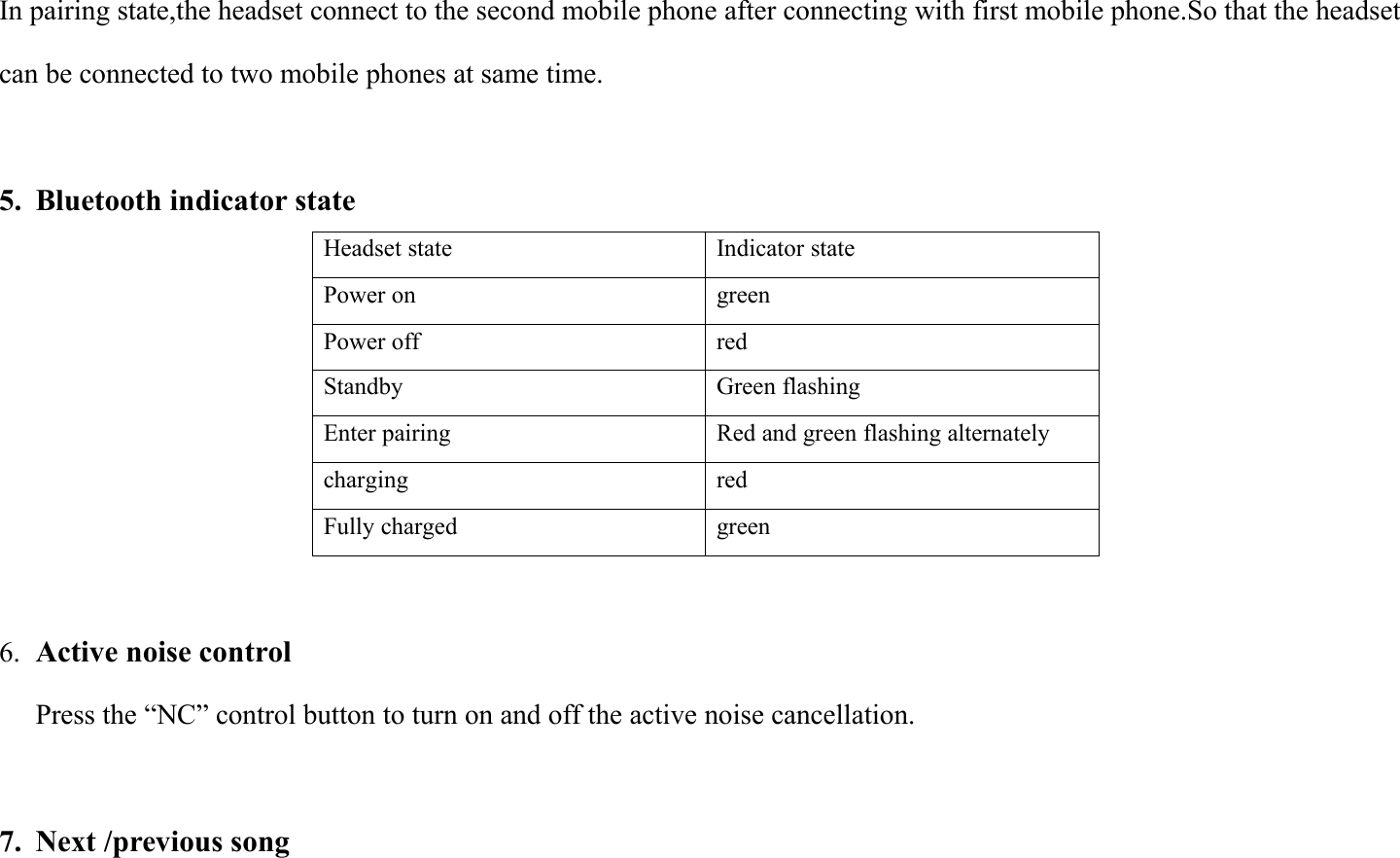
In pairing state,the headset connect to the second mobile phone after connecting with first mobile phone.So that the headsetcan be connected to two mobile phones at same time.5. Bluetooth indicator stateHeadset stateIndicator statePower ongreenPower offredStandbyGreen flashingEnter pairingRed and green flashing alternatelychargingredFully chargedgreen6. Active noise controlPress the “NC” control button to turn on and off the active noise cancellation.7. Next /previous song
When listening music, long press "VOL+" button to enter the next song, press the "VOL-" button to enter the previousone.Product Care & Use1.Please keep away from liquids and extreme heat.2. Do not use headphones at high volume for extended periods, as this may cause permanent hearing damage or loss.Warranty &Customer Support.For after-sales service and warranty issue,inform us of the order number and product number.More information about Linner,please feel free to contact us at the address belowEmail :support@linner.com.cnEnglish Web :www.Linner.ioChinese Web :www.linner.com.cnTwitter :@linnerofficialFacebook :facebook.com/linnerofficial
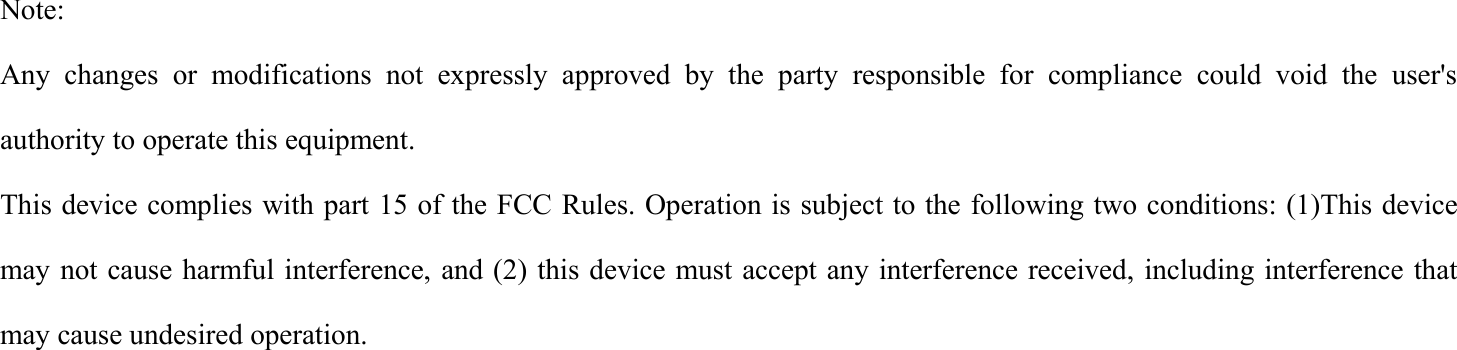
Note:Any changes or modifications not expressly approved by the party responsible for compliance could void the user'sauthority to operate this equipment.This device complies with part 15 of the FCC Rules. Operation is subject to the following two conditions: (1)This devicemay not cause harmful interference, and (2) this device must accept any interference received, including interference thatmay cause undesired operation.

Navigation menu