Actiontec Hpe400Avp Quick Start Guide MP 4PH&EA Kit QS2
2014-08-26
: Actiontec Actiontec-Hpe400Avp-Quick-Start-Guide actiontec-hpe400avp-quick-start-guide actiontec pdf
Open the PDF directly: View PDF  .
.
Page Count: 2
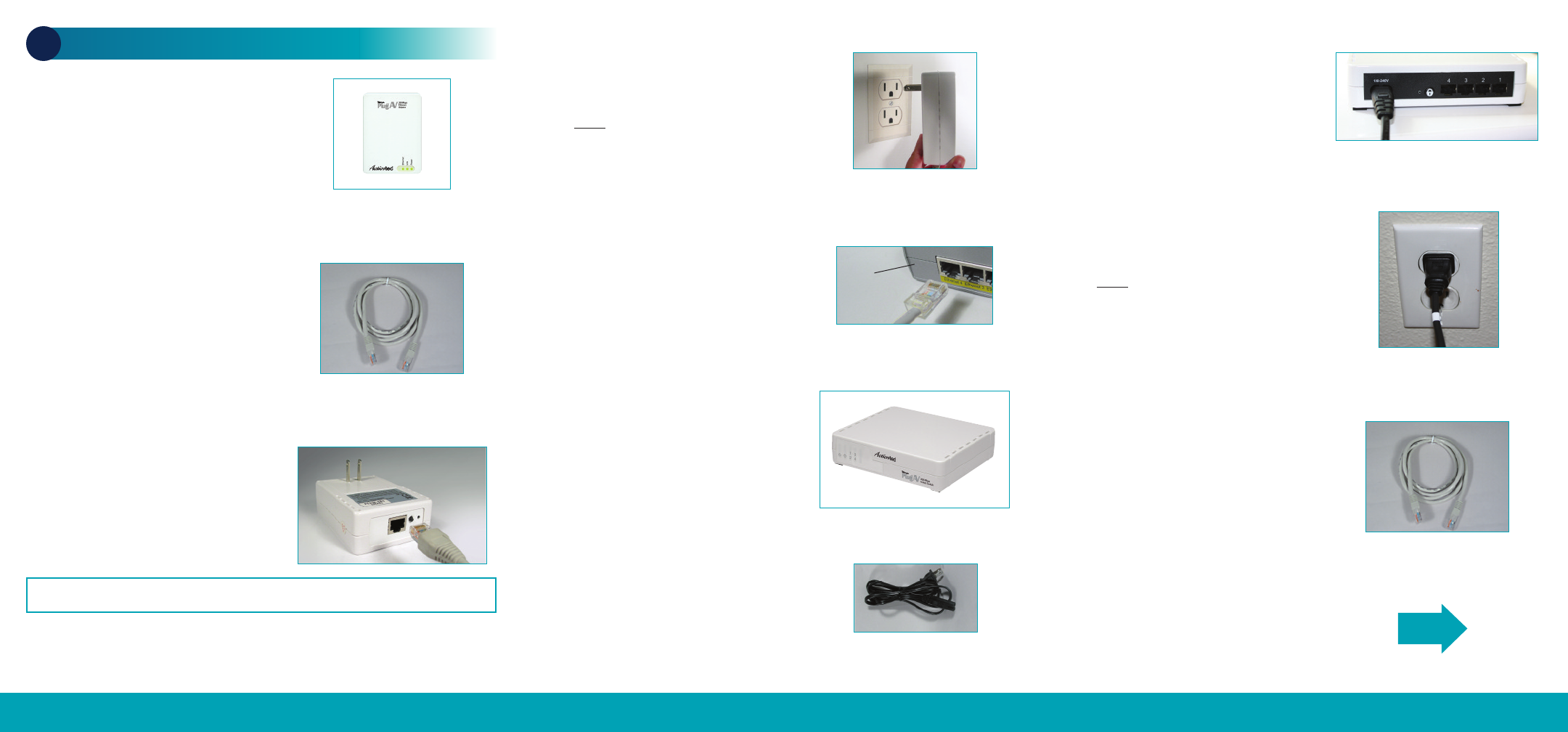
Note: An Ethernet port looks similar to a phone port but is slightly larger.
Step1Get the MegaPlug AV
200 Mbps Powerline Ethernet
Network Adapter from the box.
Step5Plug the other end of the
Ethernet Cable into an OPEN
Ethernet Port on your Broadband
Modem or Router.
Step4Plug the MegaPlug
Adapter into a Power Outlet.
Do NOT plug the Adapter into a
power strip or wall outlet that uses
surge protection as the Adapter
may not work.
Flip this Quick Start Guide over to continue NEXT
Step2Get one Ethernet Cable.
Step3Plug one end of the
Ethernet Cable into the Ethernet
Port on the bottom of the
MegaPlug Adapter.
Step6Get the MegaPlug AV
200 Mbps 4-Port Switch from the
box. You will connect the 4 Port
Switch to the device(s) that you
want to have Internet access.
Questions? Call 1-888-436-0657 (USA) Questions? Call 1-888-436-0657 (USA) Questions? Call 1-888-436-0657 (USA)
Step7Get the Black Power
Cord.
Step10 Get the other
Ethernet Cable.
Step8Plug one end of the
Power Cord into the back of the
MegaPlug 4-Port Switch.
Step9Plug the other end into a
Power Outlet.
Do NOT plug the Switch into a
power strip or wall outlet that uses
surge protection as the Switch
may not work.
Part No: 0530-0602-000 QS1024/0309
Broadband
Router
Quick Start Guide
This Quick Start Guide will walk you through the easy
steps to install your MegaPlug™ AV Powerline Ethernet Kit.
You will need the following items:
•One MegaPlug™ AV 200 Mbps
Powerline Ethernet Network Adapter
•One MegaPlug™ AV 200 Mbps
4-Port Switch
•Two Ethernet Cables
•One Black Power Cord
NEXT
Questions? Call 1-888-436-0657 (USA)Questions? Call 1-888-436-0657 (USA)
Step13 Check the LEDs and
make sure both Link Lights turn
SOLID GREEN.
Congratulations!
You have successfully installed the MegaPlug AV Powerline Ethernet
Network Adapter and 4-Port Switch.
These adapters ship with a generic encryption key. If you would
like to change the key, go to www.actiontec.com/howto for
further instructions.If you require additional adapters for additonal
computers/devices, they may be added by following the same
steps in this guide.
Step11 Plug one end of the
Ethernet Cable into an Ethernet
Port on the back of the
MegaPlug 4-Port Switch.
Step12 Plug the other end of
the Ethernet Cable into the
device that you want to connect
to the Internet.
Model# HPE200AVP,
HPE400AVP
Note: You can repeat Steps 10 thru 12 for each device that needs to be connected
to the Internet.
Note: This Quick Start Guide shows you how to install the 4-Port Switch in a
location apart from your router/gateway (another room for example). If you need
additional Ethernet ports near the router/gateway, you can reverse the installation
order of the Powerline units (i.e., install the 4-Port Switch first, then install the
MegaPlug Adapter in another room).
