Audioengine B8 Audioengine 512 Portable Wireless Speaker User Manual

Audioengine LLC Audioengine 512 Portable Wireless Speaker

User Manual

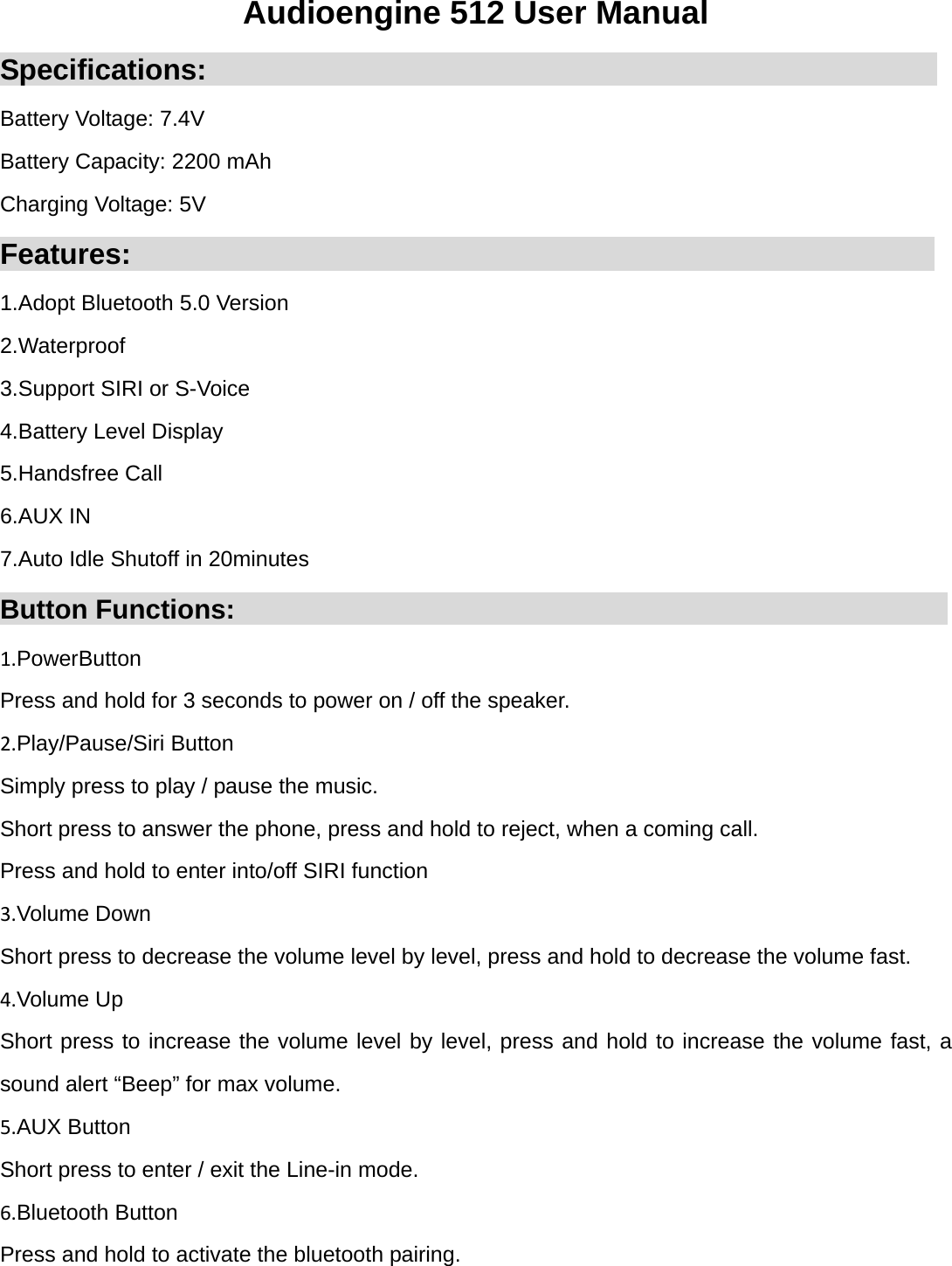
Audioengine 512 User Manual Specifications:                                                   Battery Voltage: 7.4V Battery Capacity: 2200 mAh Charging Voltage: 5V Features:                                                        1.Adopt Bluetooth 5.0 Version 2.Waterproof 3.Support SIRI or S-Voice 4.Battery Level Display 5.Handsfree Call 6.AUX IN 7.Auto Idle Shutoff in 20minutes Button Functions:                                                     1.PowerButton Press and hold for 3 seconds to power on / off the speaker. 2.Play/Pause/Siri Button Simply press to play / pause the music. Short press to answer the phone, press and hold to reject, when a coming call. Press and hold to enter into/off SIRI function 3.Volume Down Short press to decrease the volume level by level, press and hold to decrease the volume fast. 4.Volume Up Short press to increase the volume level by level, press and hold to increase the volume fast, a sound alert “Beep” for max volume. 5.AUX Button Short press to enter / exit the Line-in mode. 6.Bluetooth Button Press and hold to activate the bluetooth pairing.
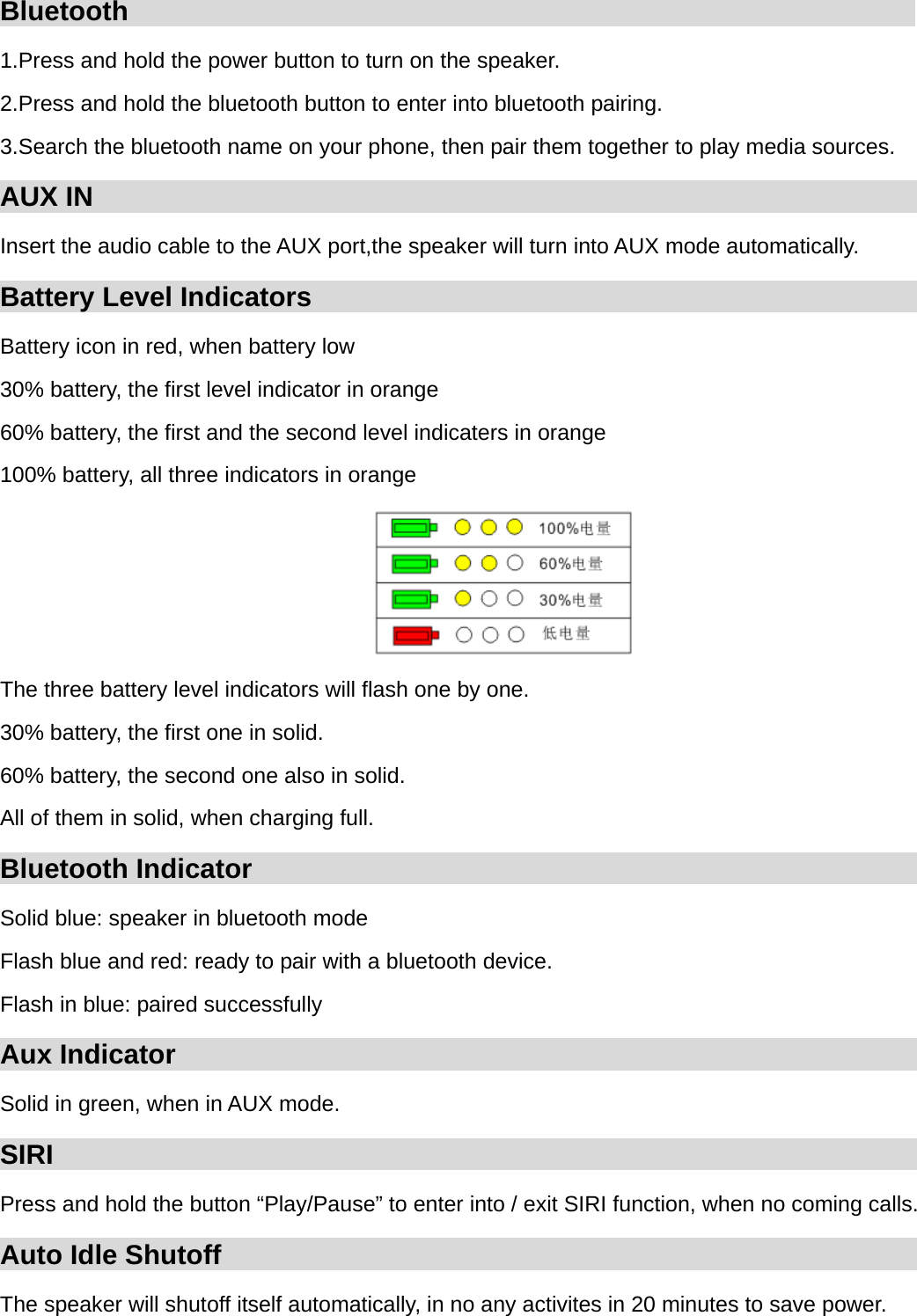
Bluetooth                                                          1.Press and hold the power button to turn on the speaker. 2.Press and hold the bluetooth button to enter into bluetooth pairing. 3.Search the bluetooth name on your phone, then pair them together to play media sources. AUX IN                                                             Insert the audio cable to the AUX port,the speaker will turn into AUX mode automatically. Battery Level Indicators                                                         Battery icon in red, when battery low 30% battery, the first level indicator in orange 60% battery, the first and the second level indicaters in orange 100% battery, all three indicators in orange  The three battery level indicators will flash one by one. 30% battery, the first one in solid. 60% battery, the second one also in solid. All of them in solid, when charging full. Bluetooth Indicator                                                    Solid blue: speaker in bluetooth mode Flash blue and red: ready to pair with a bluetooth device. Flash in blue: paired successfully Aux Indicator                                                         Solid in green, when in AUX mode. SIRI                                                                                  Press and hold the button “Play/Pause” to enter into / exit SIRI function, when no coming calls. Auto Idle Shutoff                                                         The speaker will shutoff itself automatically, in no any activites in 20 minutes to save power.
FCC Statement This equipment has been tested and found to comply with the limits for a Class B digital device, pursuant to part 15 of the FCC rules. These limits are designed to provide reasonable protection against harmful interference in a residential installation. This equipment generates, uses and can radiate radio frequency energy and, if not installed and used in accordance with the instructions, may cause harmful interference to radio communications. However, there is no guarantee that interference will not occur in a particular installation. If this equipment does cause harmful interference to radio or television reception, which can be determined by turning the equipment off and on, the user is encouraged to try to correct the interference by one or more of the following measures: -Reorient or relocate the receiving antenna. -Increase the separation between the equipment and receiver. -Connect the equipment into an outlet on a circuit different from that to which the receiver is connected. -Consult the dealer or an experienced radio/TV technician for help. To assure continued compliance, any changes or modifications not expressly approved by the party. Responsible for compliance could void the user’s authority to operate this equipment. (Example- use only shielded interface cables when connecting to computer or peripheral devices). This equipment complies with Part 15 of the FCC Rules. Operation is subject to the following two conditions:     (1) This device may not cause harmful interference, and (2) This device must accept any interference received, including interference that may cause undesired operation.     RF warning statement: The device has been evaluated to meet general RF exposure requirement. The device can be used in portable exposure condition without restriction.

Navigation menu